CO2 tank

$10

Standard License | Upgrade License
Formats (3)
Native | 3ds Max 2014 | V-Ray 3.6
3ds Max 2014 | mental ray
FBX
Specifications
Publish Date August 26, 2019
Product ID 1440725
Polygons 1
Vertices 1
Polygonal
Textures
Materials
UV Mapped
Mixed Unwrapped UVs
member avatar
Vasil Popov
34 Products | Contributor Since 2018
Have questions? Chat with us now.

Description

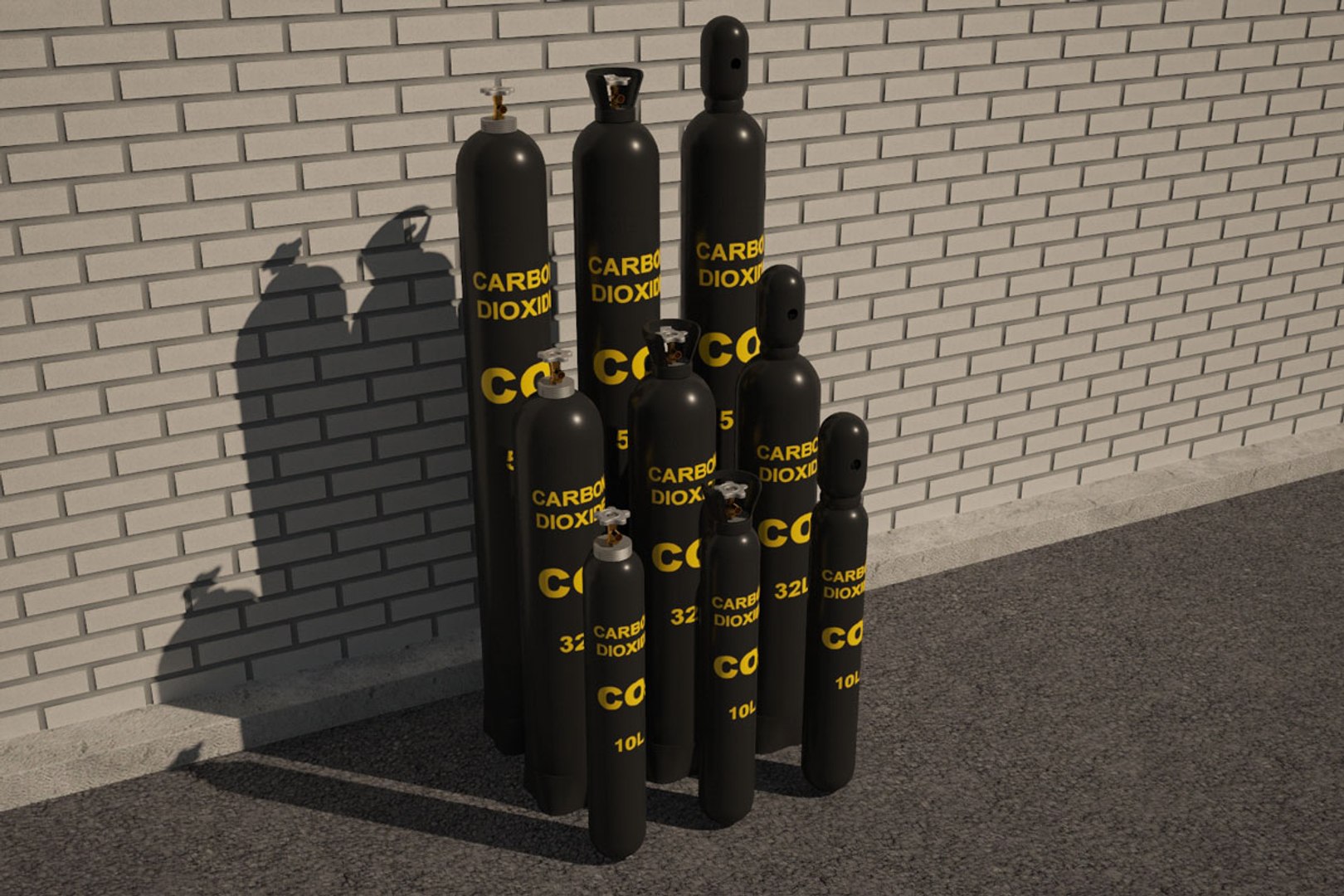
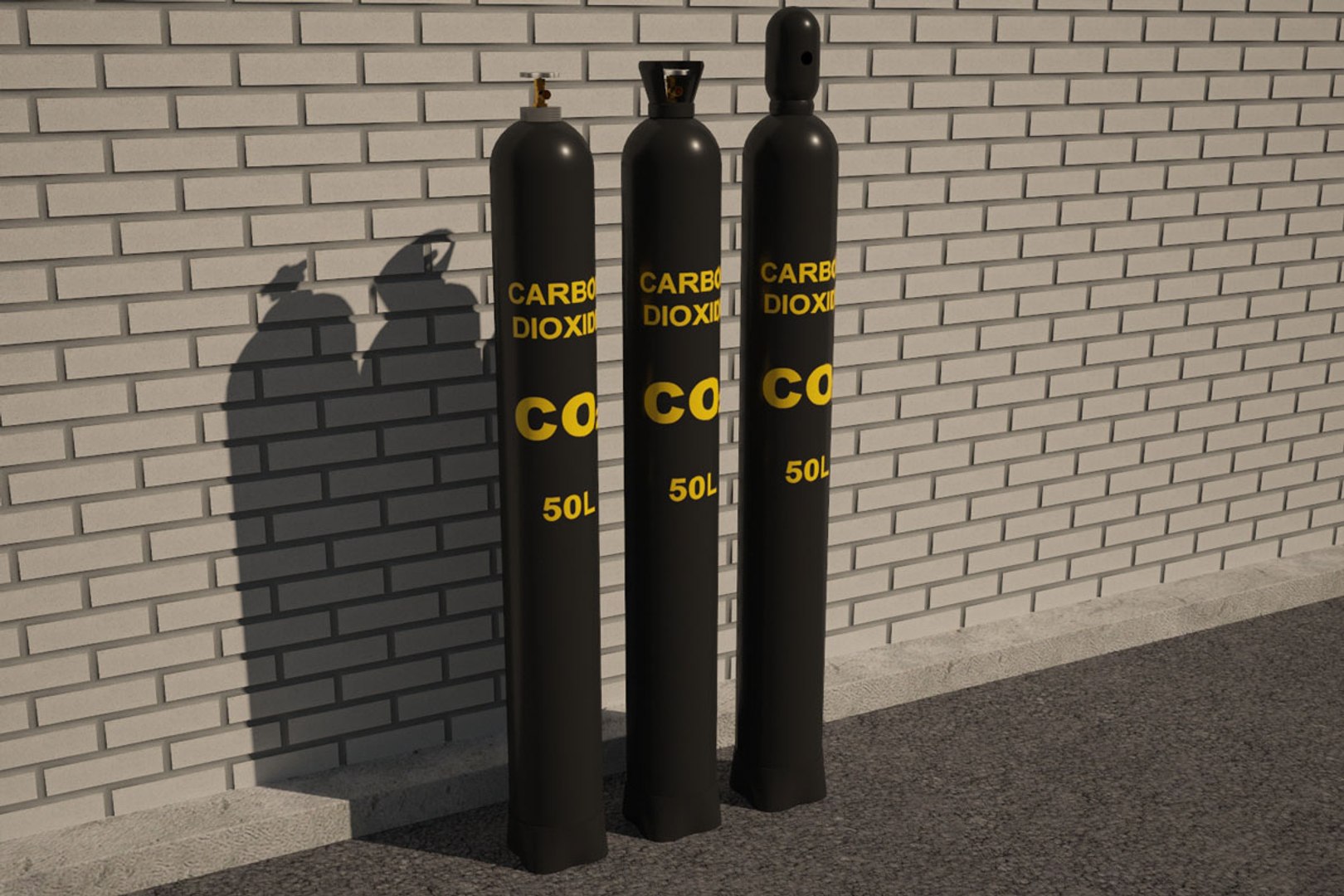
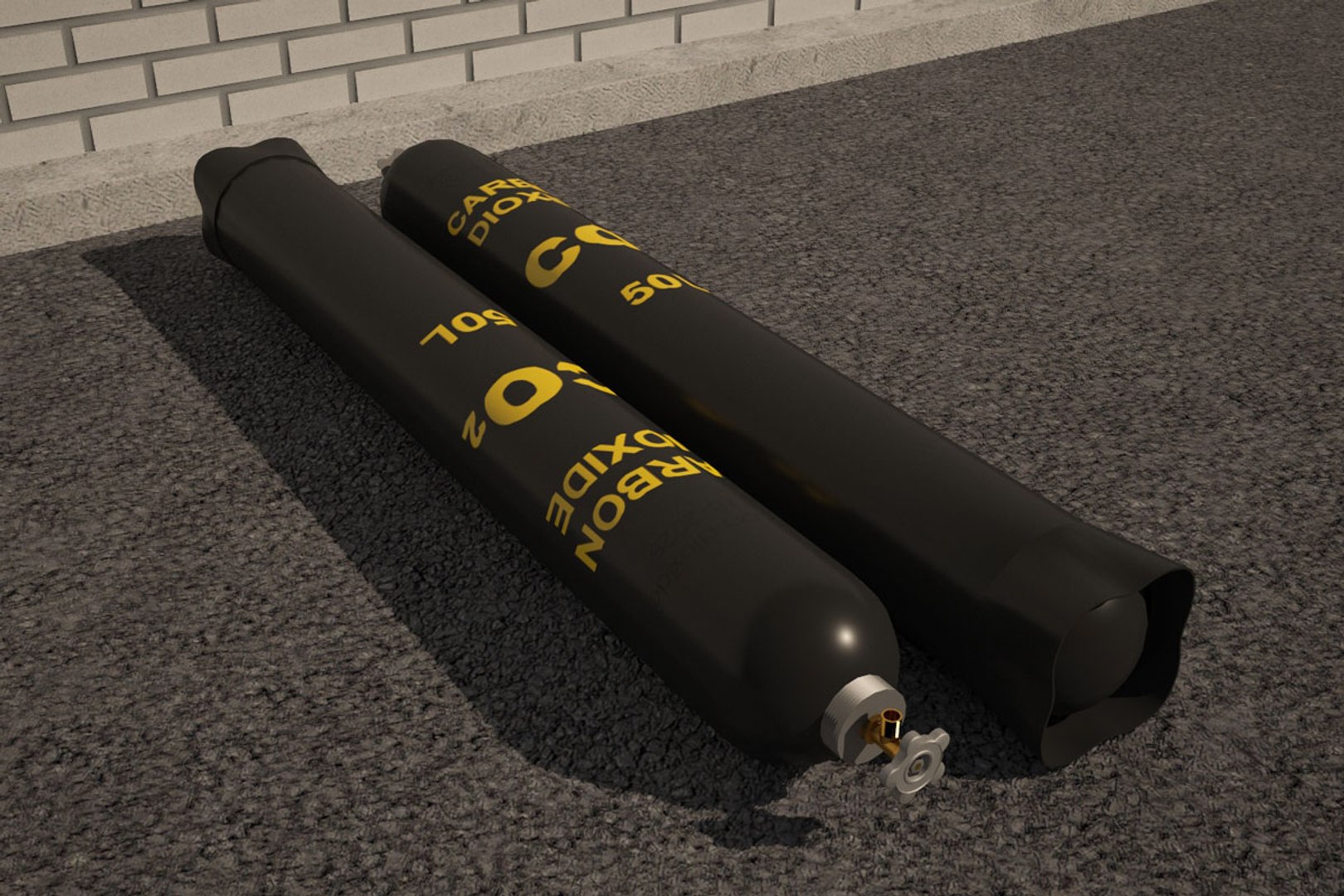
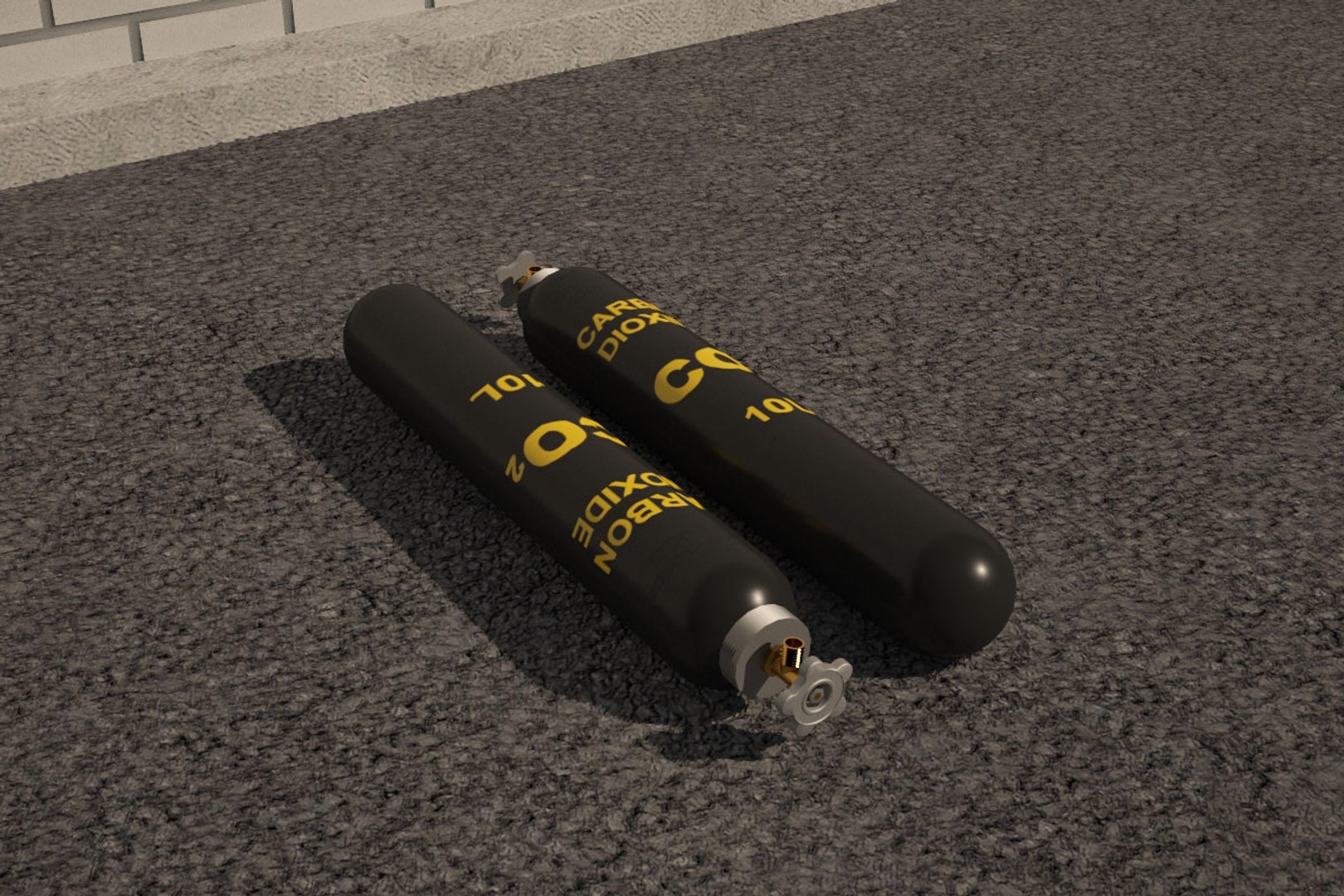
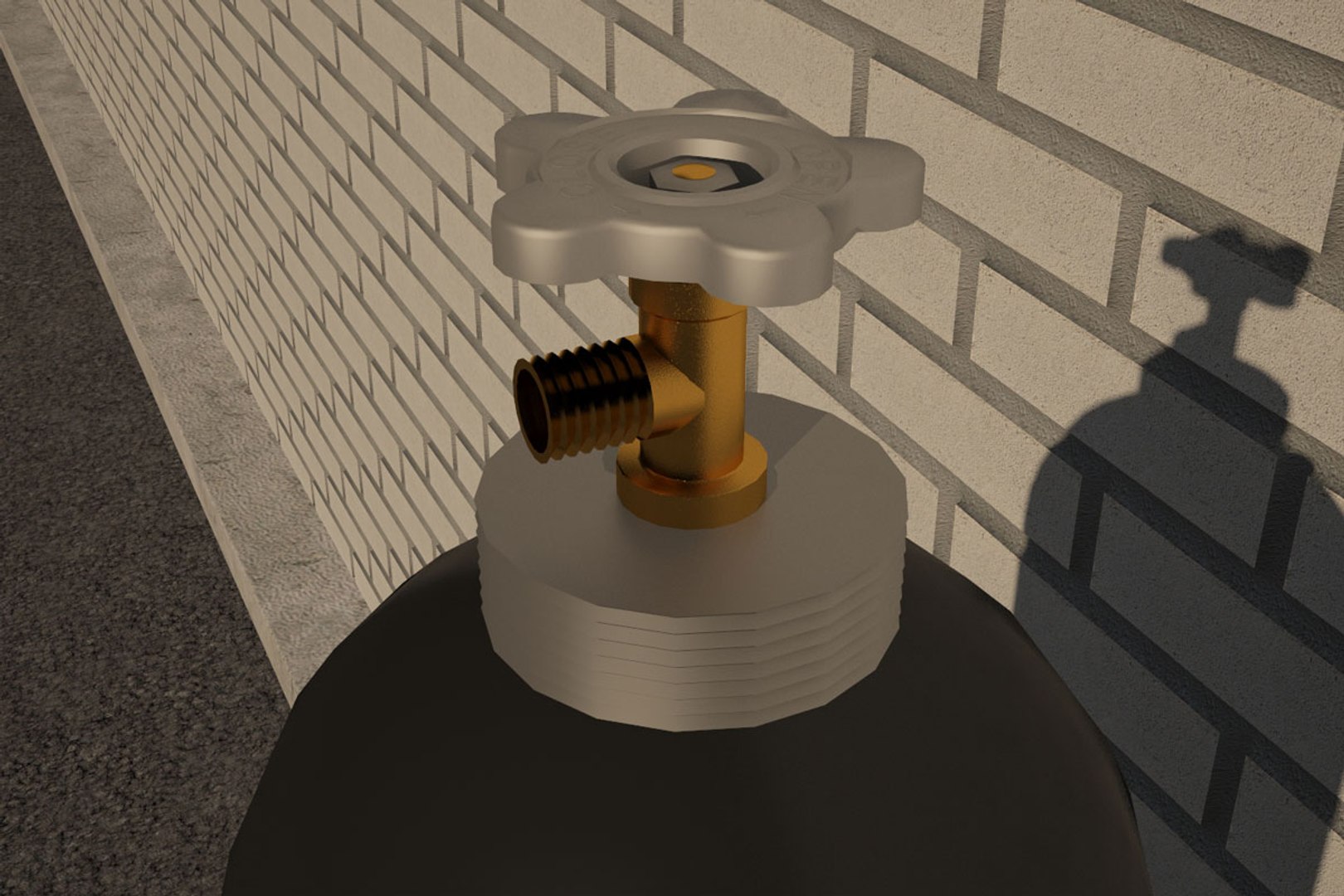
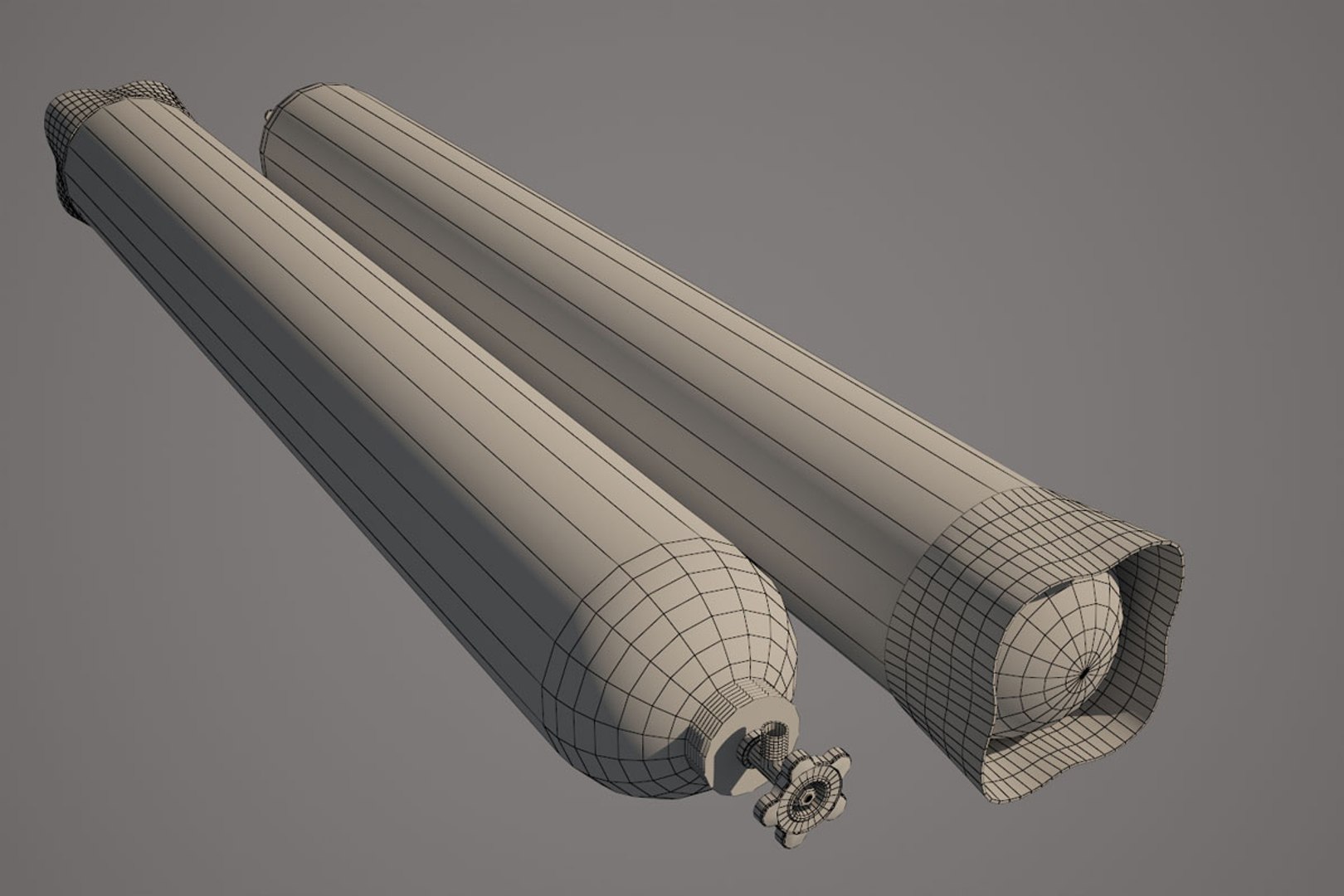
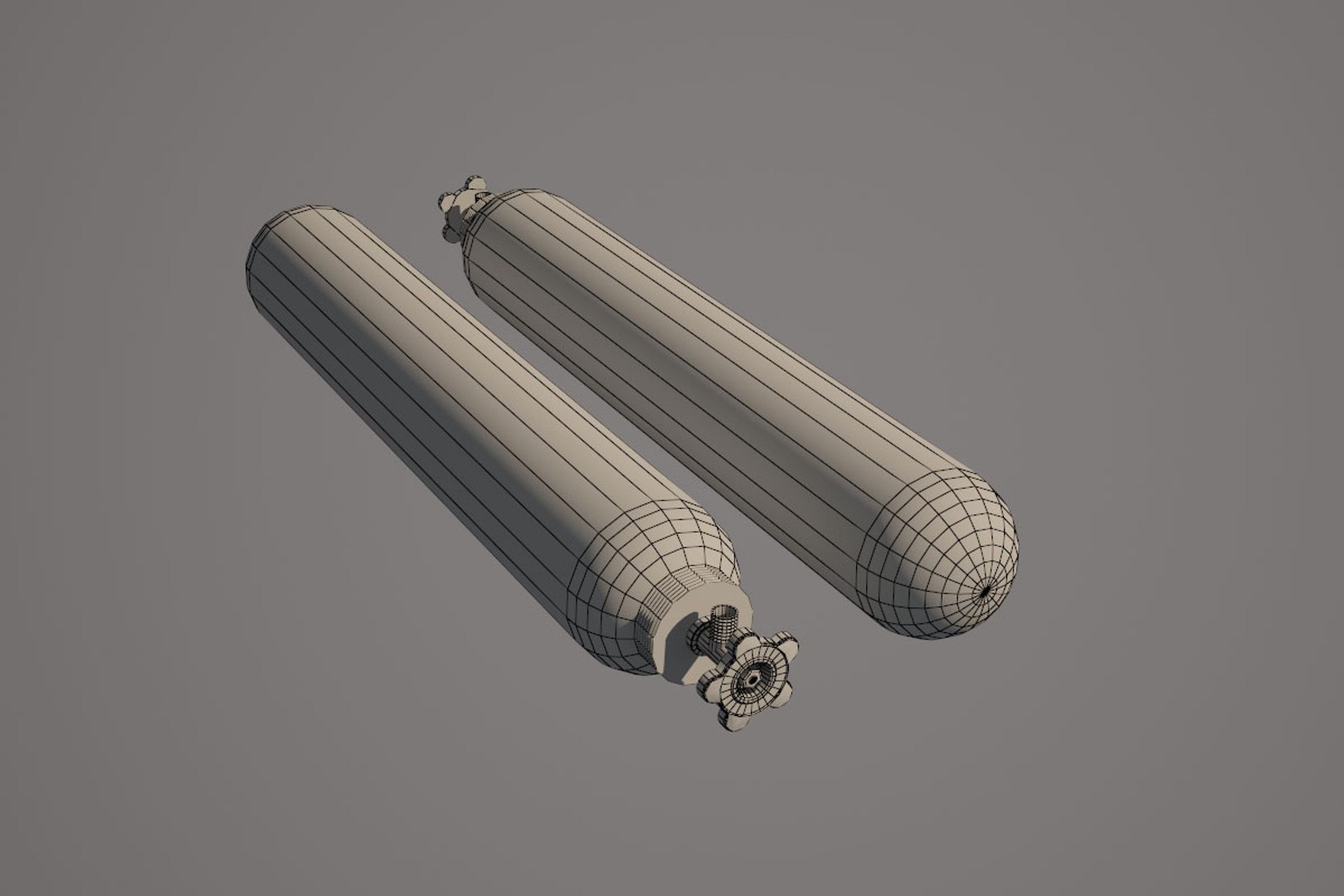
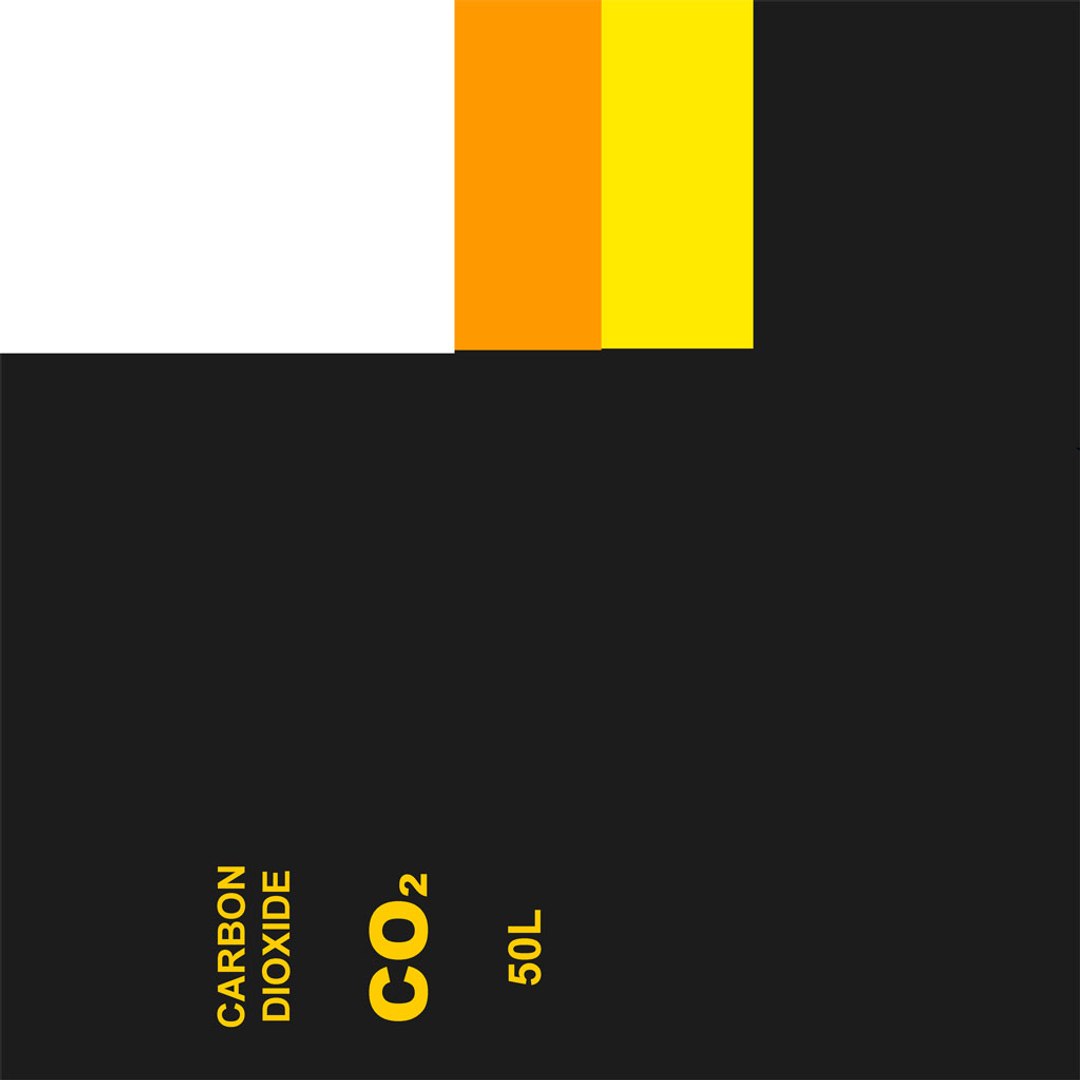
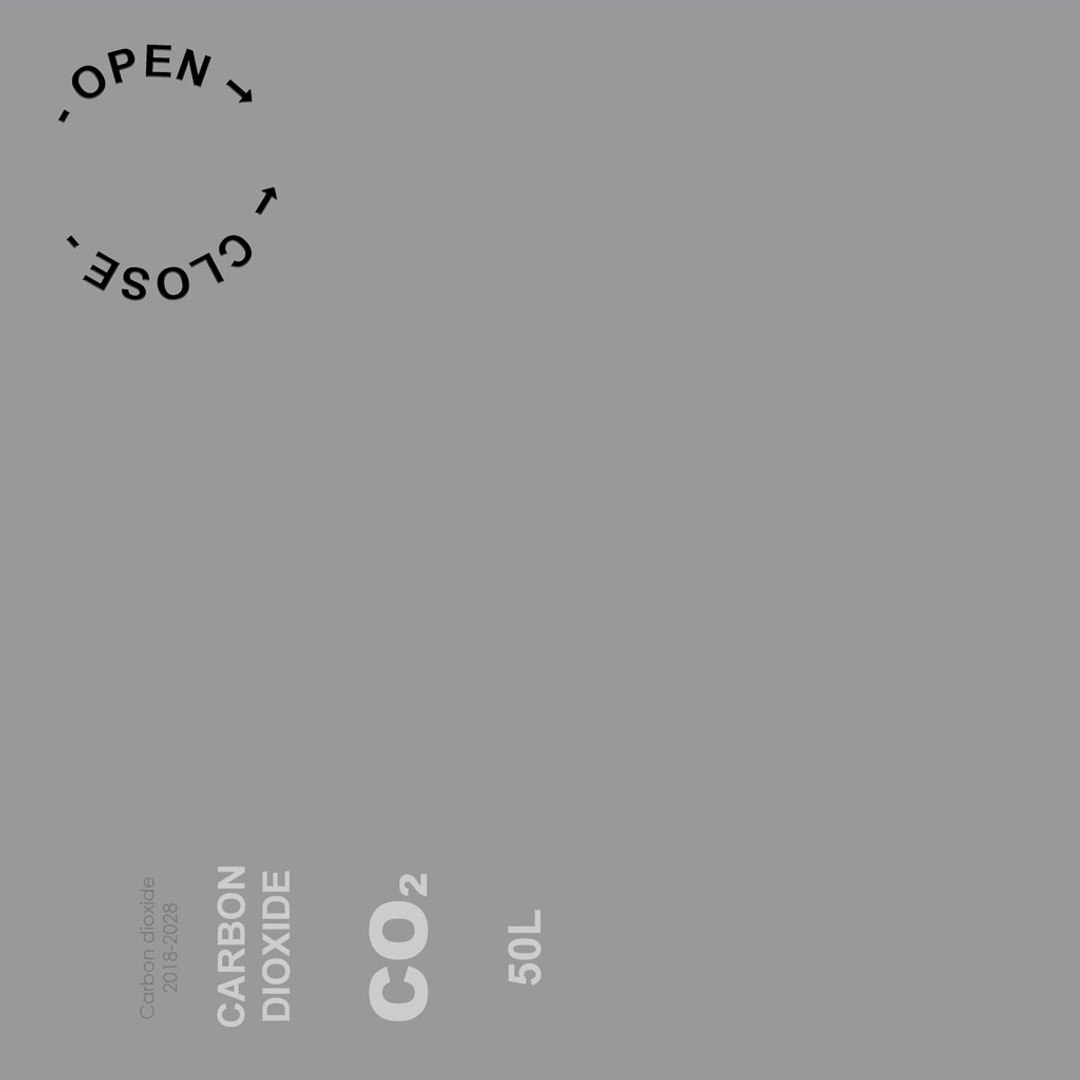
CO2 tank 50 l - 4544 polygons, 2322 vertices
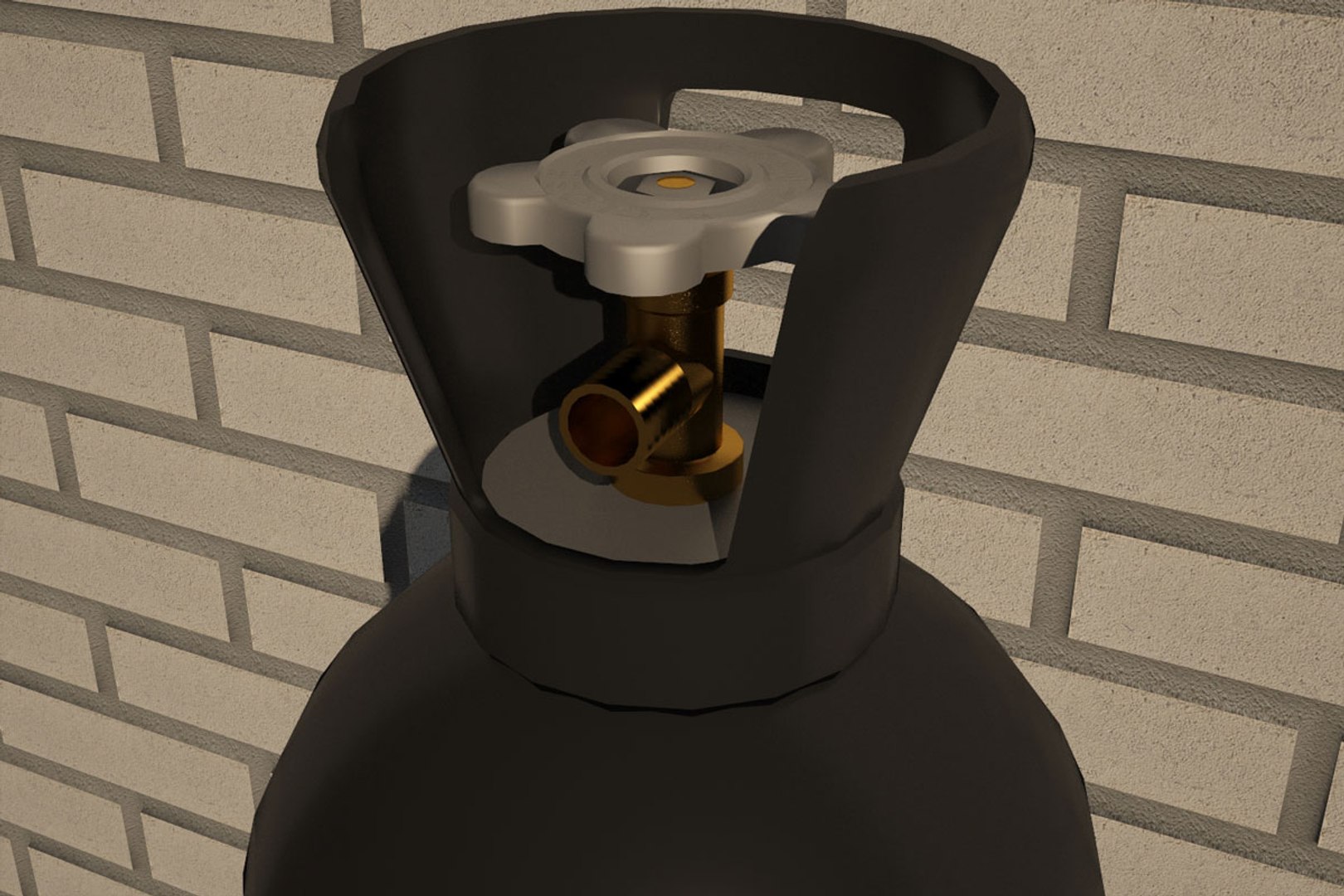
CO2 tank with protective tip 50 l - 4608 polygons, 2388 vertices
CO2 tank with transport tip 50 l - 3862 polygons, 1973 vertices
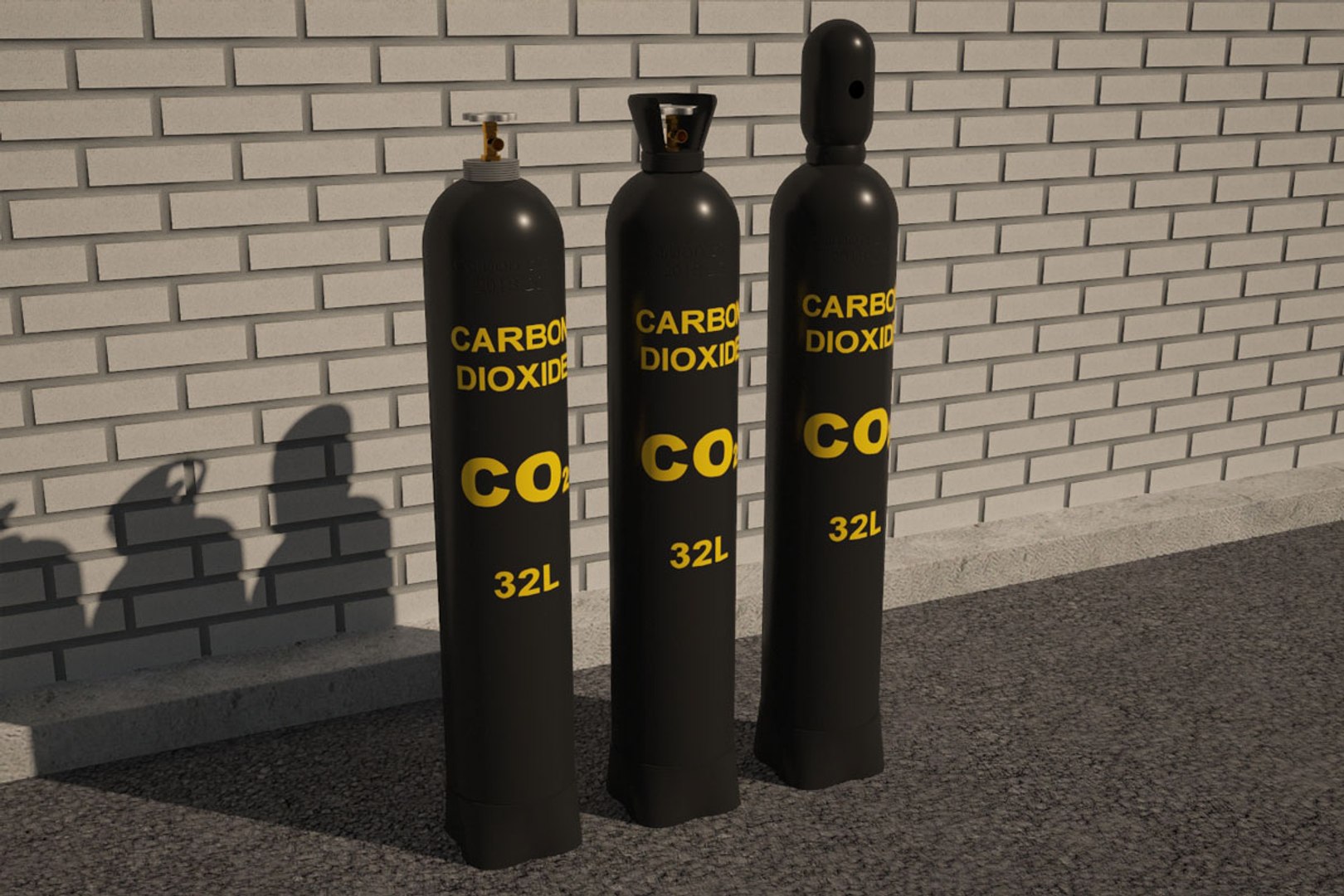
CO2 tank 32 l - 4544 polygons, 2322 vertices
CO2 tank with protective tip 32 l - 4608 polygons, 2388 vertices
CO2 tank with transport tip 32 l - 3862 polygons, 1973 vertices
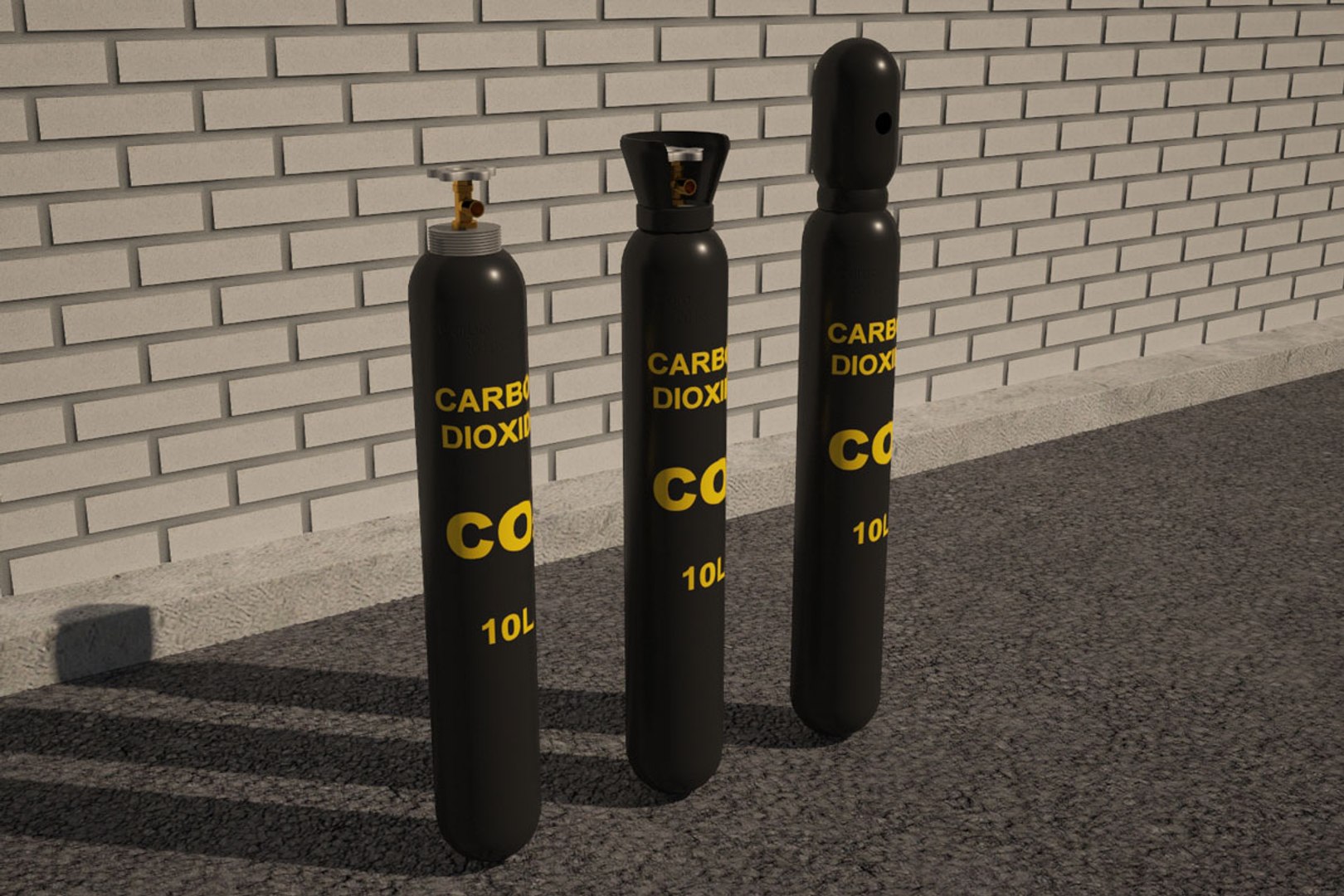
CO2 tank 10 l - 2936 polygons, 1518 vertices
CO2 tank with protective tip 10 l - 3000 polygons, 1584 vertices
CO2 tank with transport tip 10 l - 2254 polygons, 1169 vertices

- Originally modelled in 3ds max 2014.
- Real-world size
- Model position (0,0,0)
- Rendered with V-Ray / Mental ray
- All colors can be easily modified.
- Model is fully textured with all materials applied.
- V-Ray materials/Standard materials
- All textures and materials are included
- No cleaning up necessary, just drop model into your scene and start rendering
- Model does not include any backgrounds or scenes used in preview images.

File formats:
-3ds max 2014 + V-Ray mtl
-3ds max 2014 + Standard mtl
-fbx

Textures Formats:
-PNG 4096*4096

Select Enhanced License

  • $10,000 in Legal Protection (Indemnification)
  • Uncapped Legal Protection (Indemnification)
  • Waiver from injunctive relief
  • Assignable model rights
  • $1,000,000 in Legal Protection (Indemnification)
  • Waiver from injunctive relief
  • Assignable model rights
  • $250,000 in Legal Protection (Indemnification)
  • Assignable model rights
Read more about enhanced license tiers, or contact us at enterprise@turbosquid.com. Already a Shutterstock Enterprise Customer? Contact your Shutterstock Sales Support Agent to talk about adding 3D.

About Conversion Requests

To submit a conversion request for a purchased asset, please complete our Conversion Request Form.

If you have not yet purchased a model, please review our Documentation about Conversions to learn about what limitations you may encounter with a conversion.

For any additional questions about a model’s suitability for conversion, please contact TurboSquid Support.

Loading...