
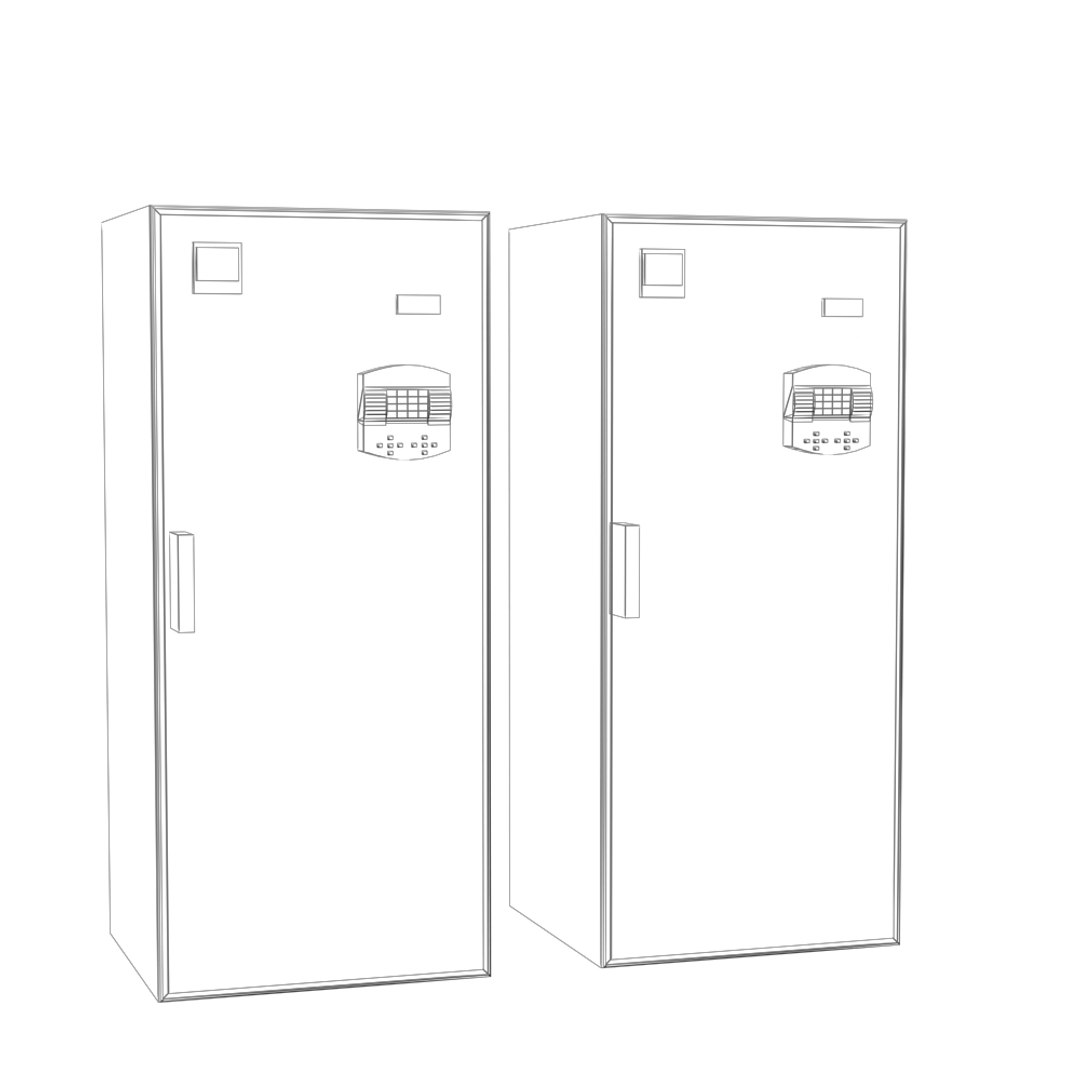
CCU

$20

Standard License | Upgrade License
Formats (1)
3ds Max 2009 | V-Ray 1.5
Specifications
Publish Date March 26, 2018
Product ID 1270109
Polygons 1,236
Vertices 906
Polygonal
Materials
Animated
TurboSquid Exclusive
member avatar
CloudGrafix
108 Products | Contributor Since 2012
Have questions? Chat with us now.

Description

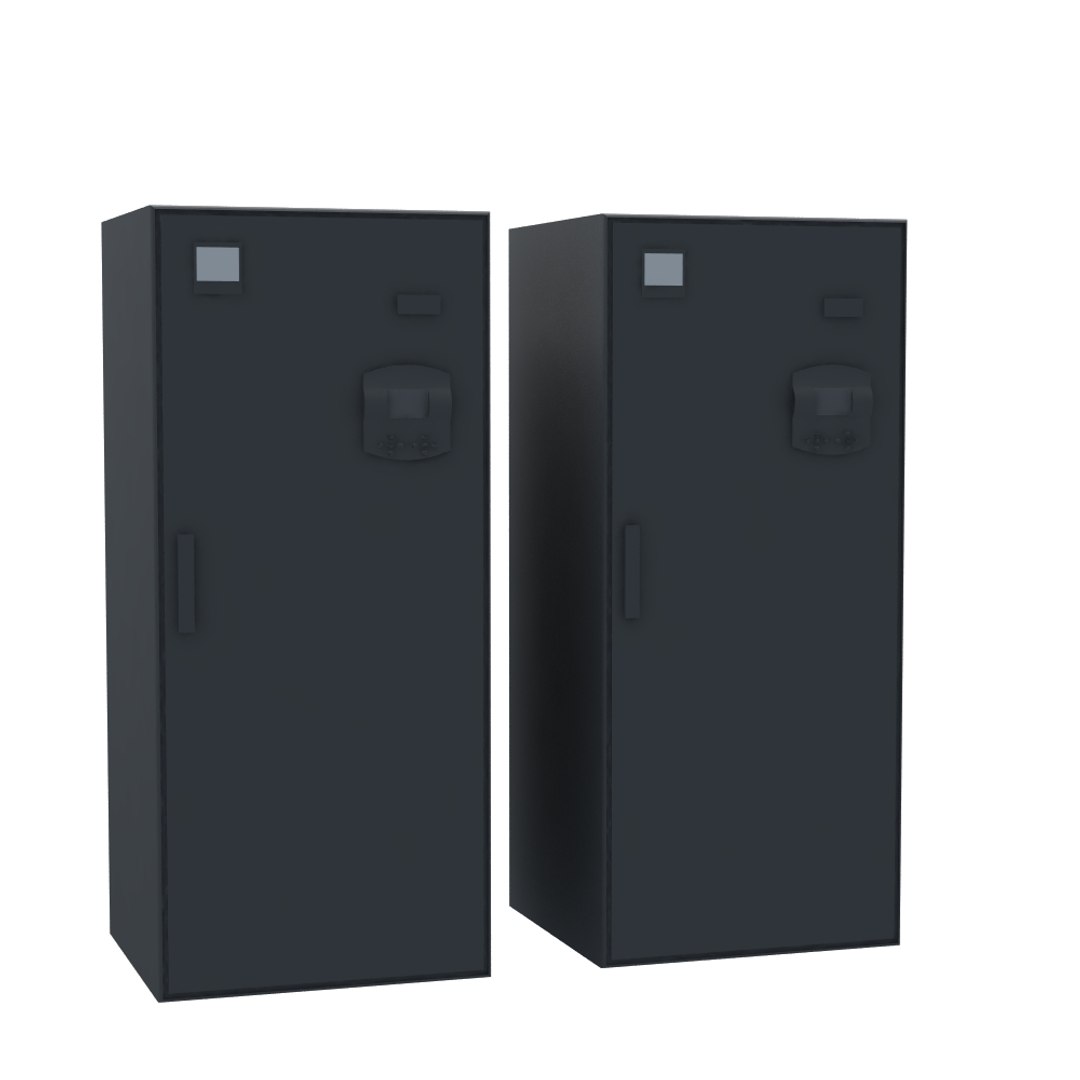
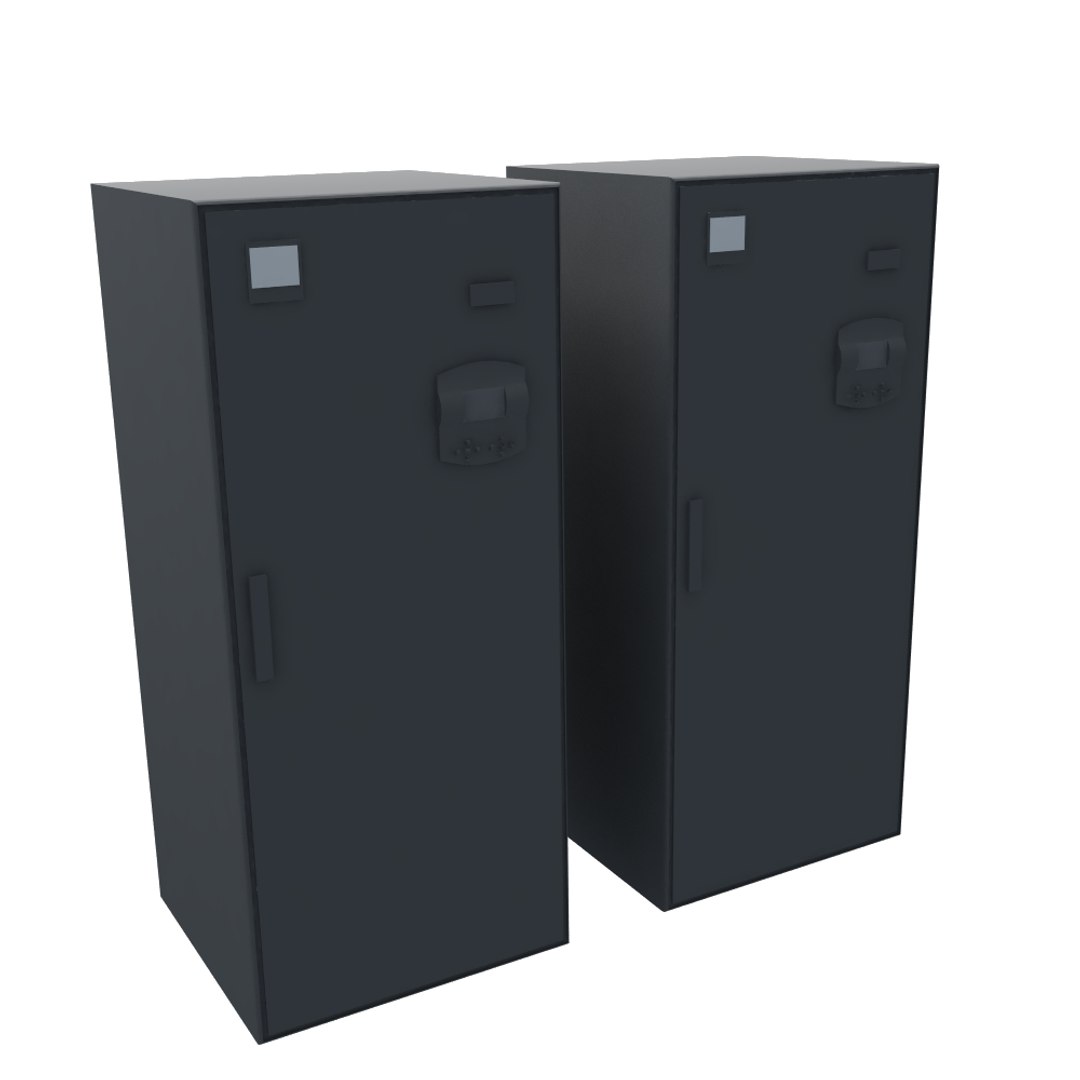
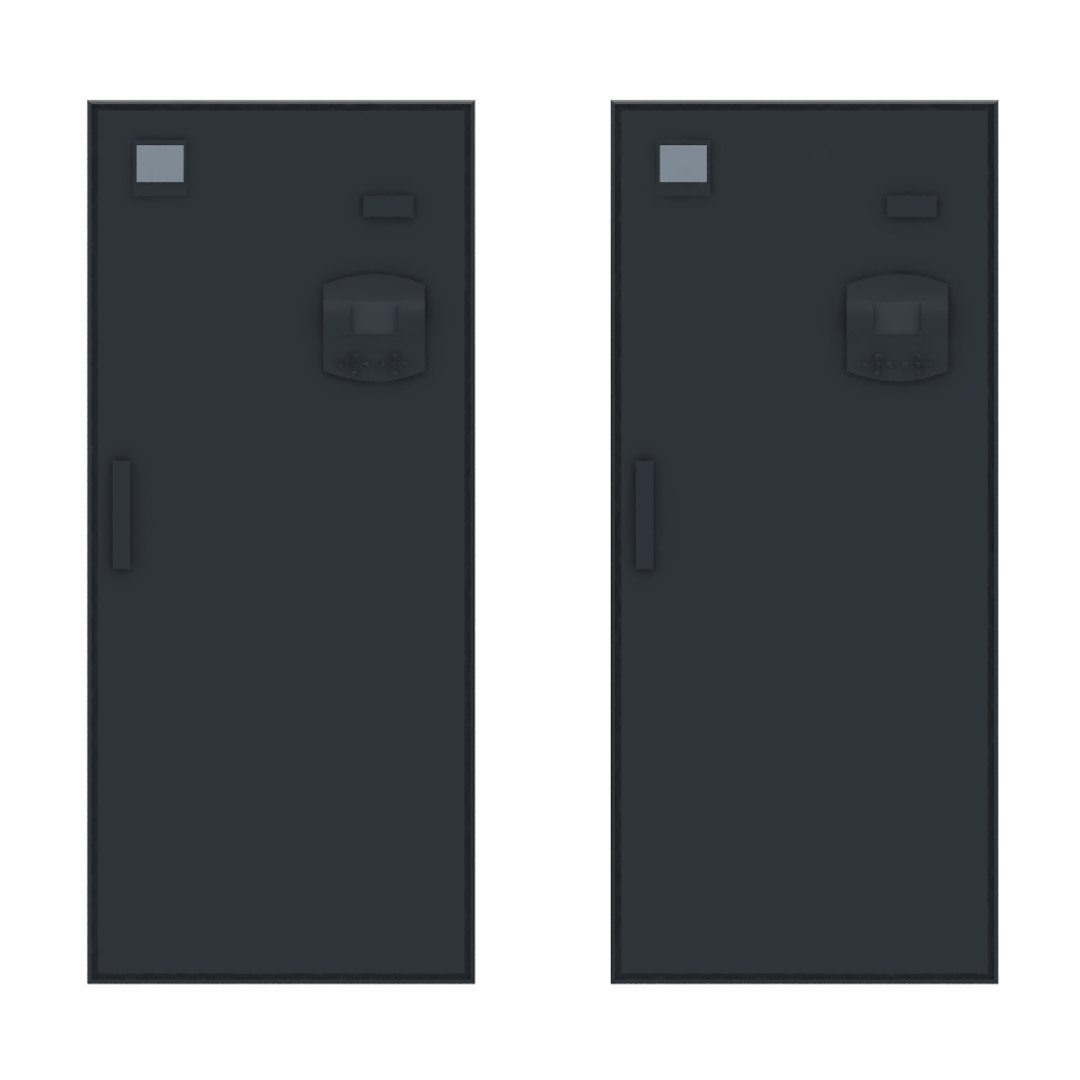
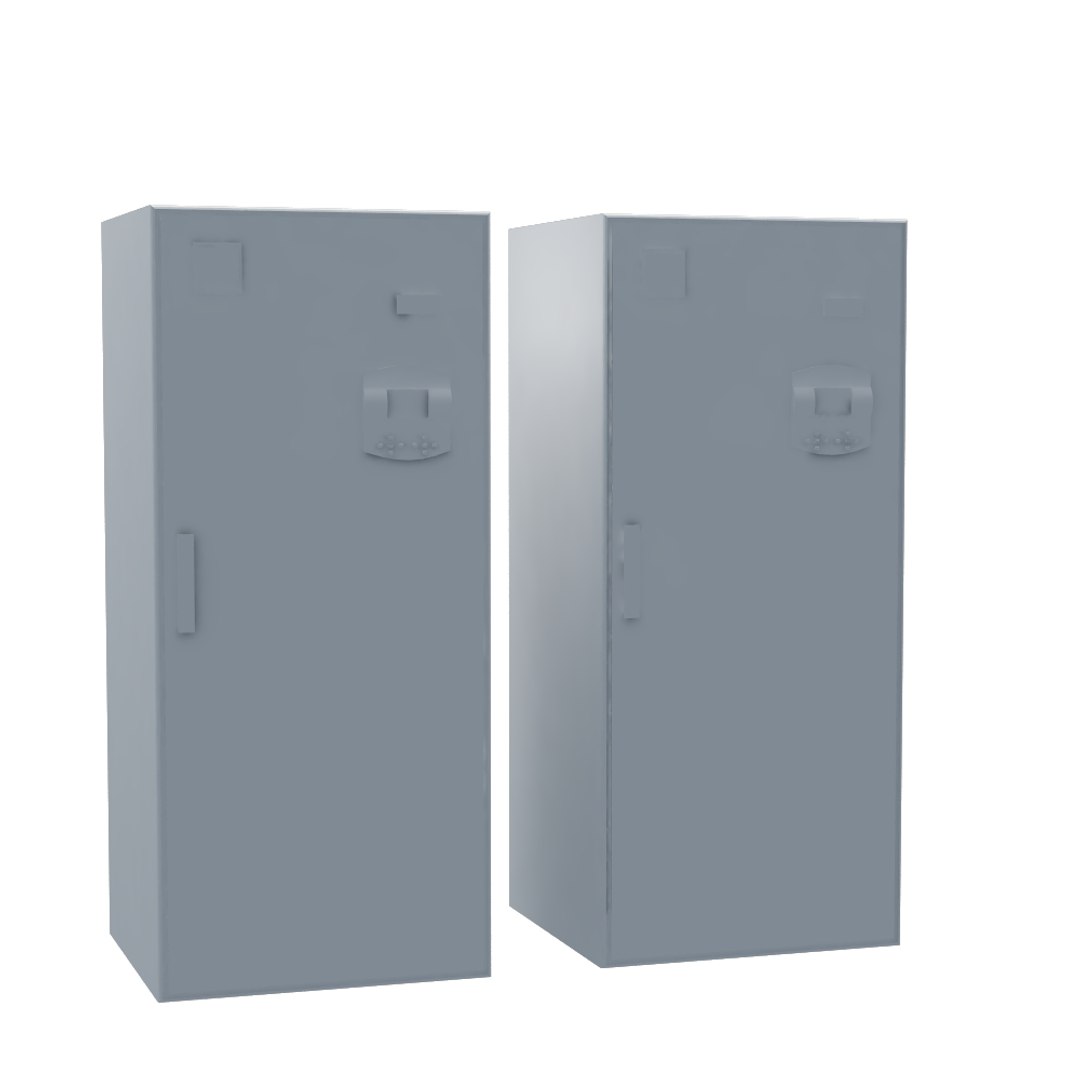
CCU

The camera control unit (CCU) is typically part of a live television broadcast "chain". It is responsible for powering the professional video camera, handling signals sent over the camera cable (multicore cable, triax or fiber) to and from the camera, and can be used to control various camera parameters such as iris remotely.

3D DESCRIPTION

-Model is created in 3dsmax2009
Rendered with Vray
- Materials included
-Polygonal geometry (quad/tris)
-All vray material are included

Model is highly detailed and is suitable for close-up

You can create a larger composition

Fully detailed, textured model. Detailed enough for close-up renders. Comes with detailed normal materials,

This set will allow you to collect the ventilation system of any complexity in a few minutes.

Originally modeled in 3ds Max 2009. Final images rendered with V-Ray.

The 3ds Max zip file contains also V-Ray and standard materials scenes.

- Easy to convert model in other formats.
- No need for any special plug-in to open the model.
- Useful for BMS, BAS, high resolution renders, magazines and production.

- No multi/Sub-Objects materials.
- Materials, textures and objects are clearly named.
- Export formats works correctly.

Select Enhanced License

  • $10,000 in Legal Protection (Indemnification)
  • Uncapped Legal Protection (Indemnification)
  • Waiver from injunctive relief
  • Assignable model rights
  • $1,000,000 in Legal Protection (Indemnification)
  • Waiver from injunctive relief
  • Assignable model rights
  • $250,000 in Legal Protection (Indemnification)
  • Assignable model rights
Read more about enhanced license tiers, or contact us at enterprise@turbosquid.com. Already a Shutterstock Enterprise Customer? Contact your Shutterstock Sales Support Agent to talk about adding 3D.

About Conversion Requests

To submit a conversion request for a purchased asset, please complete our Conversion Request Form.

If you have not yet purchased a model, please review our Documentation about Conversions to learn about what limitations you may encounter with a conversion.

For any additional questions about a model’s suitability for conversion, please contact TurboSquid Support.

Loading...