Hoarding Section Angle Module 2

$39

Standard License | Upgrade License
Formats (5)
Free file format Conversions available
Native | 3ds Max 2013 | mental ray
3D Studio
Collada
FBX
OBJ
Specifications
Publish Date March 31, 2015
Product ID 911660
Polygons 187
Vertices 296
Polygonal Quads/Tris Geometry
Textures
Materials
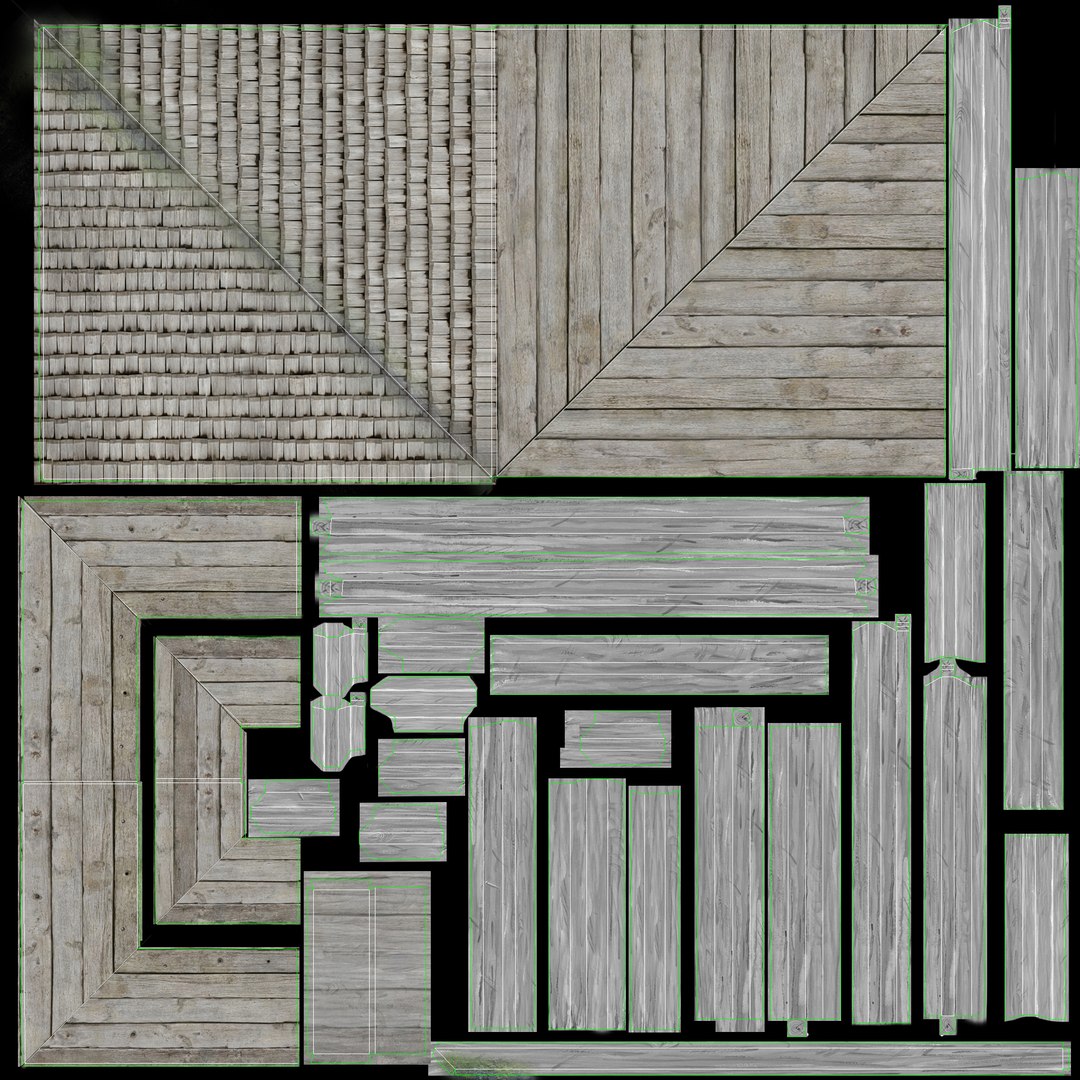
UV Mapped
Overlapping Unwrapped UVs
TurboSquid Exclusive

member avatar
Jimpa1
282 Products | Contributor Since 2012
Have questions? Chat with us now.

Description

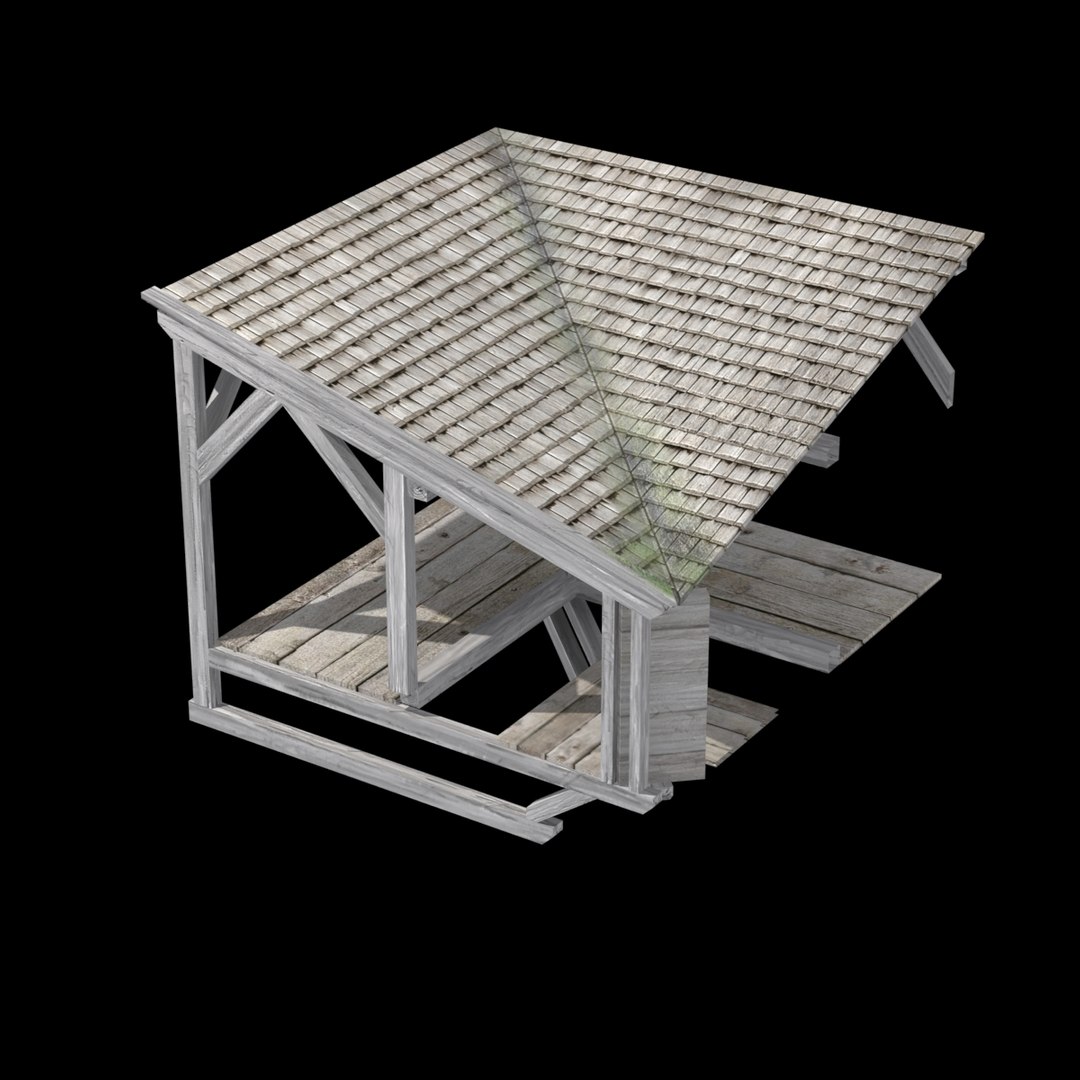
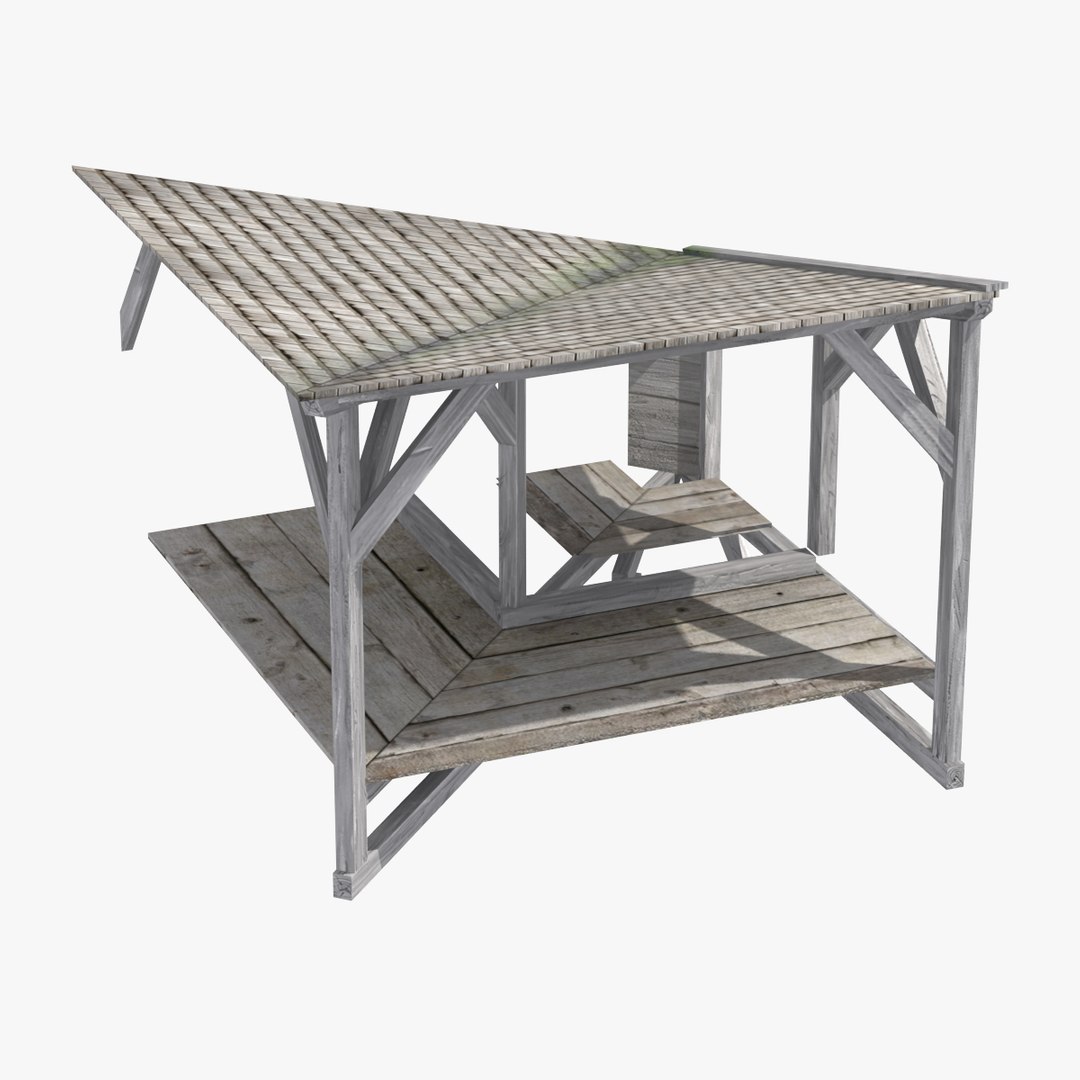
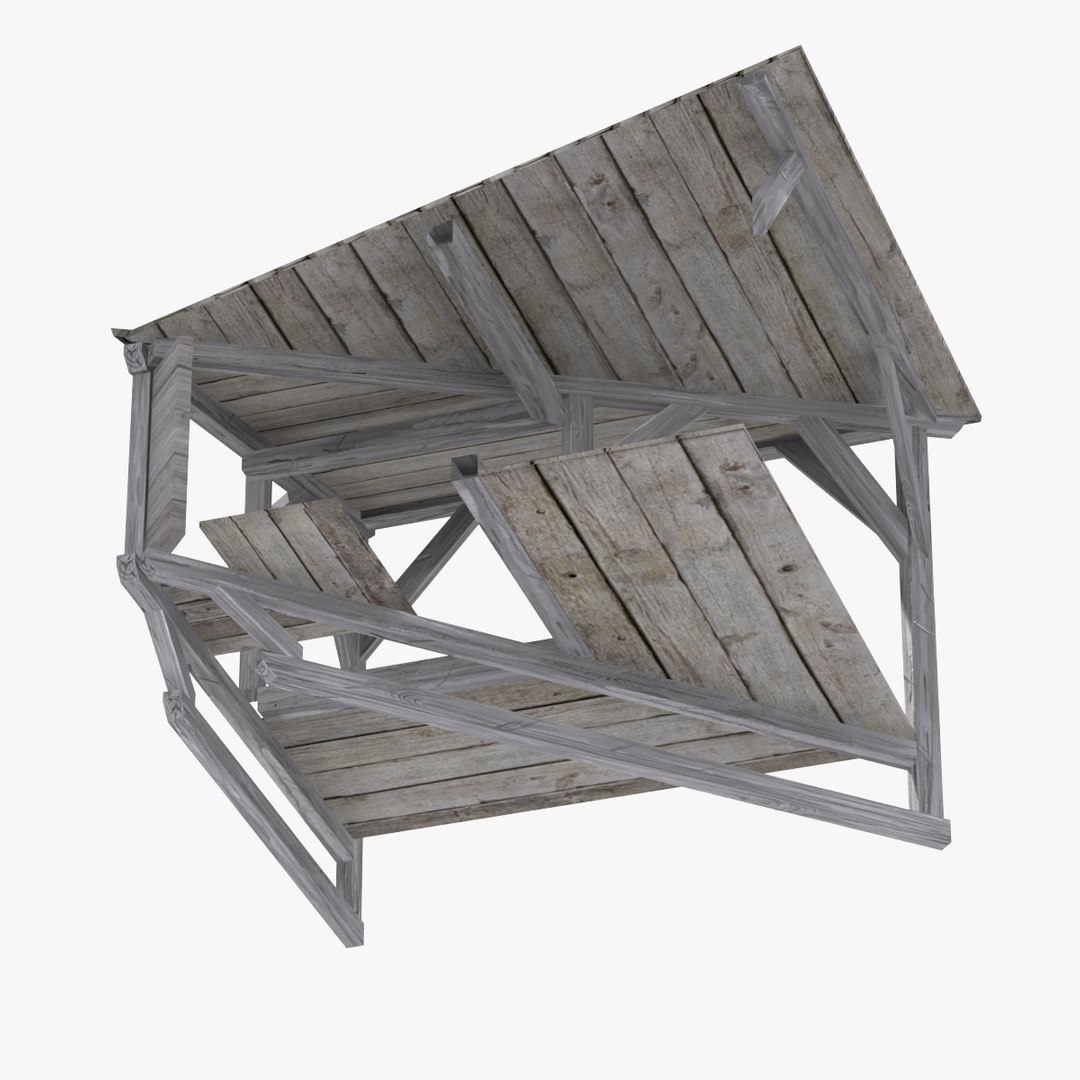
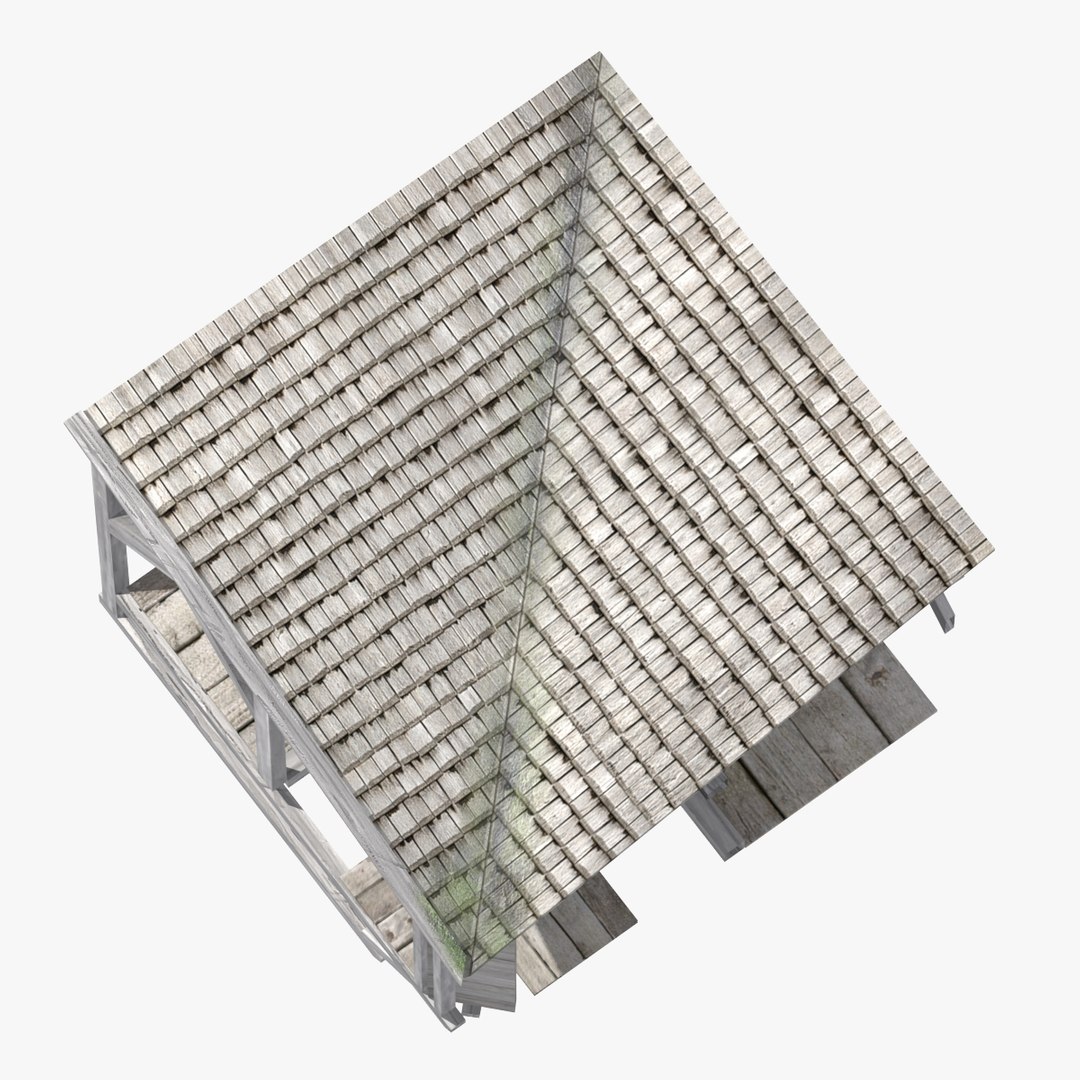
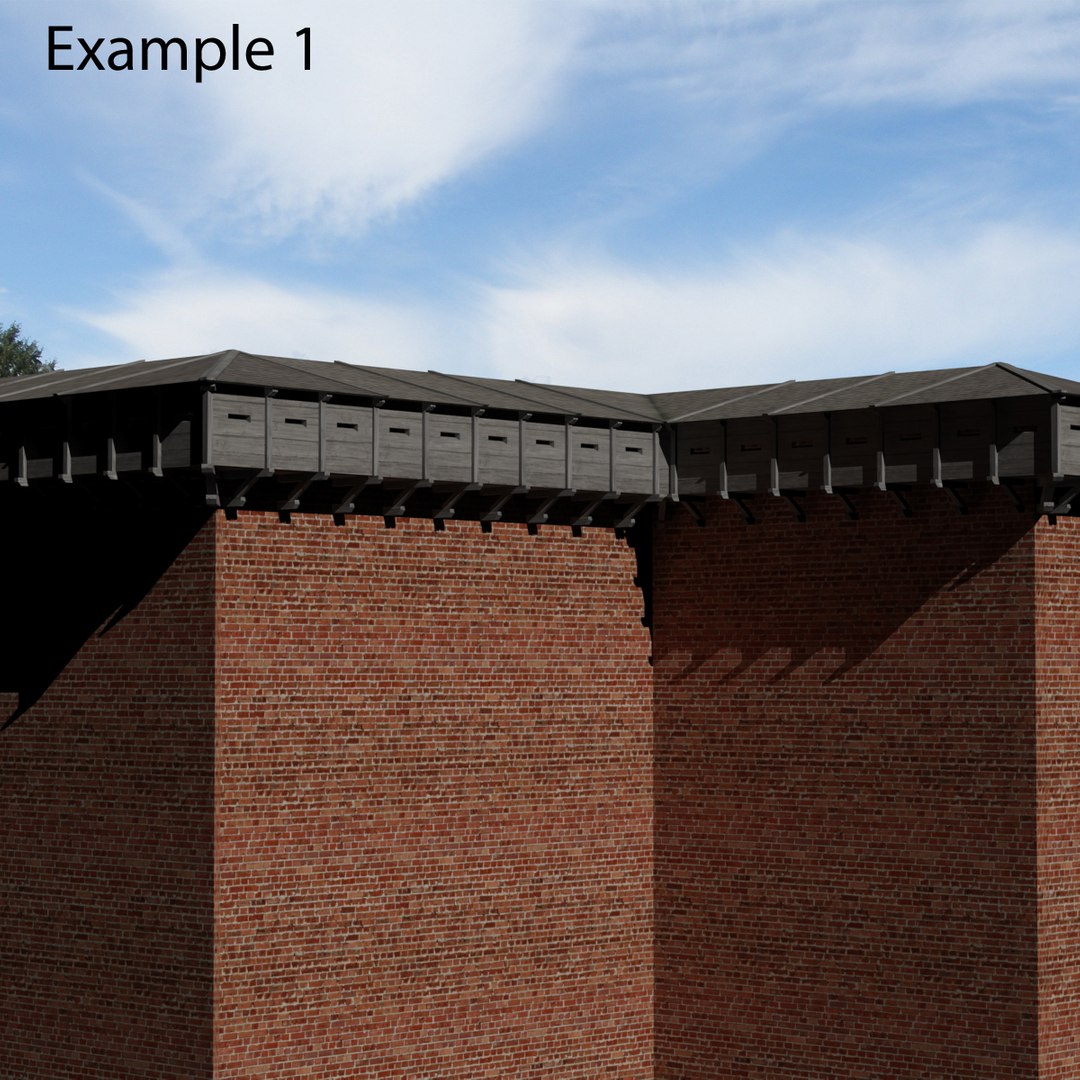
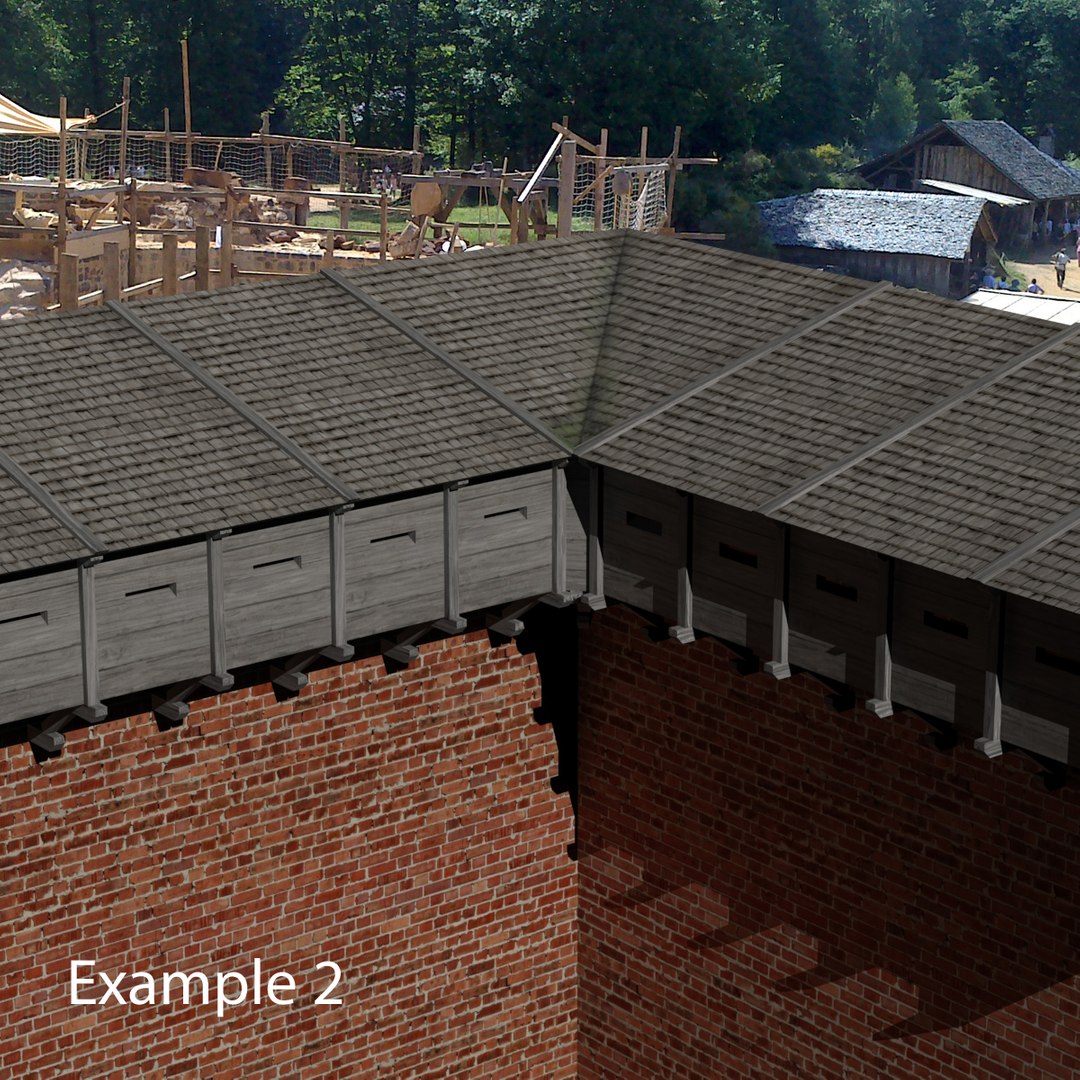
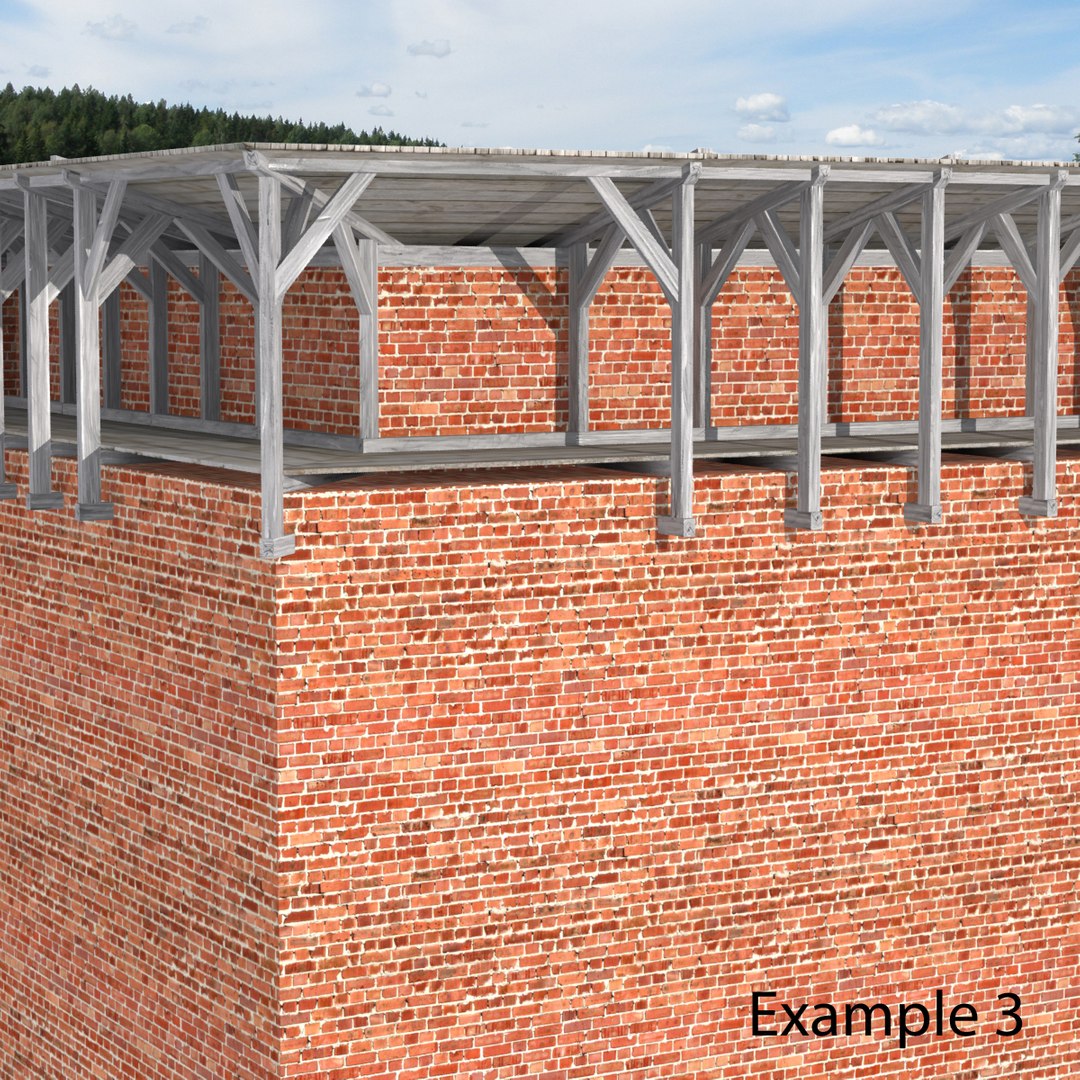
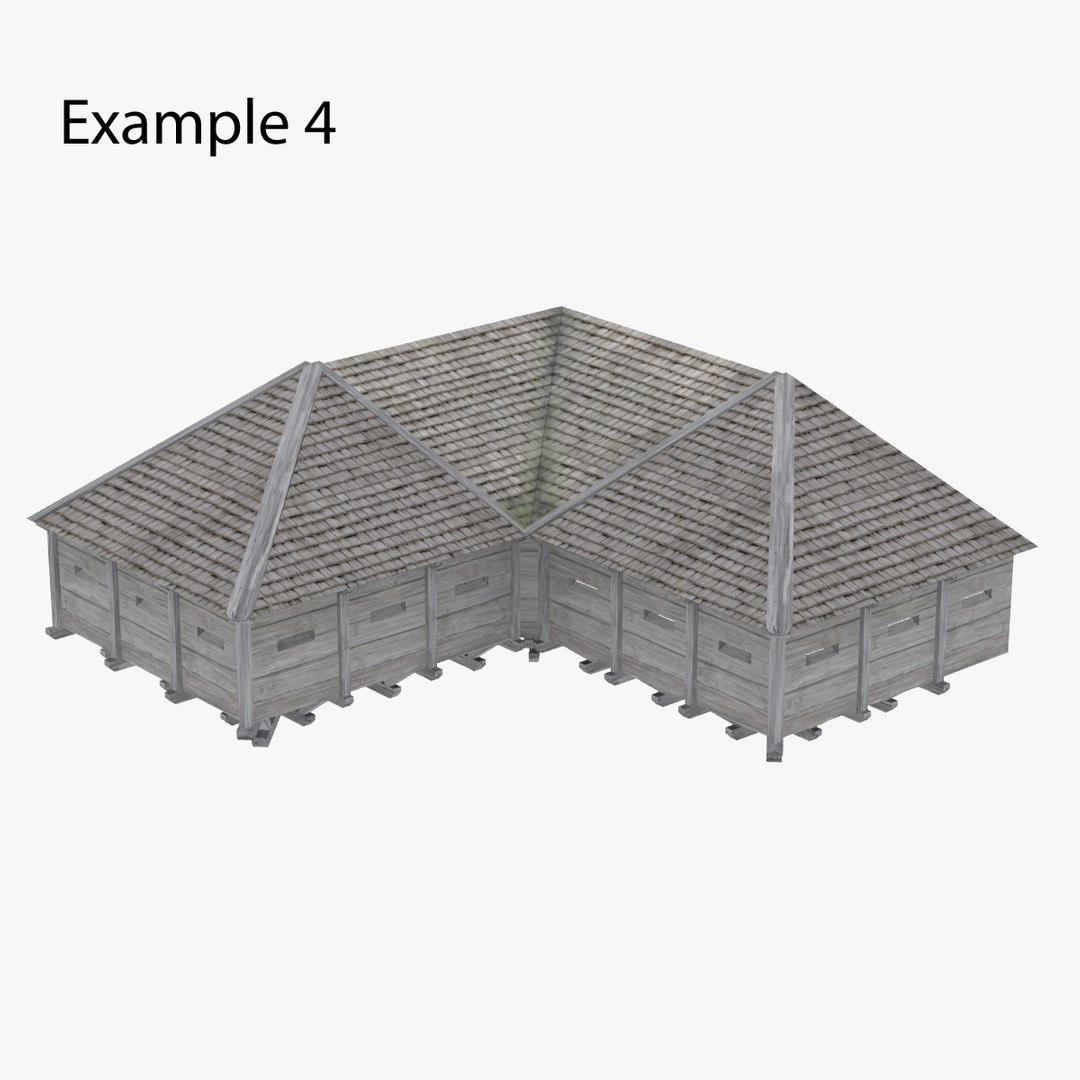
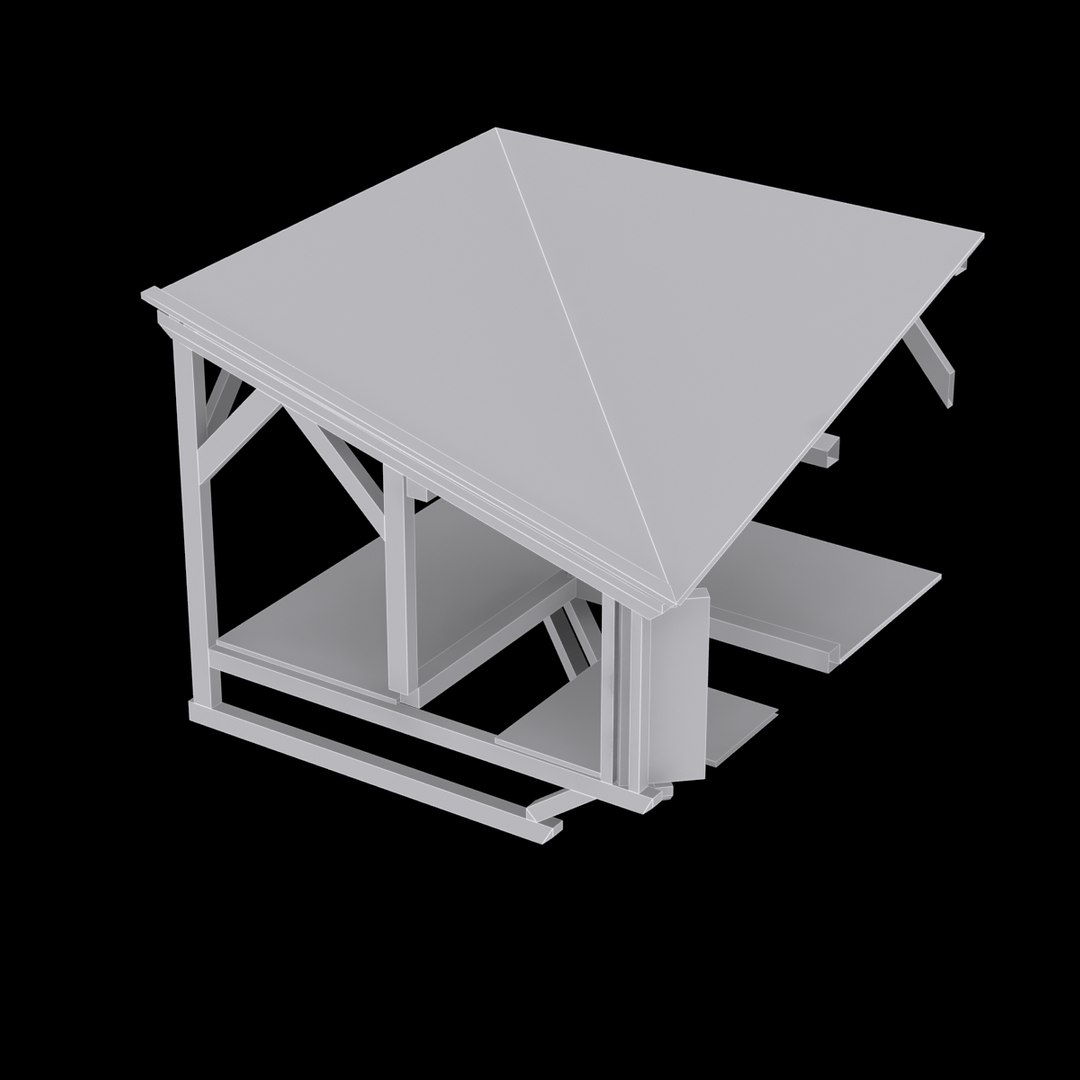
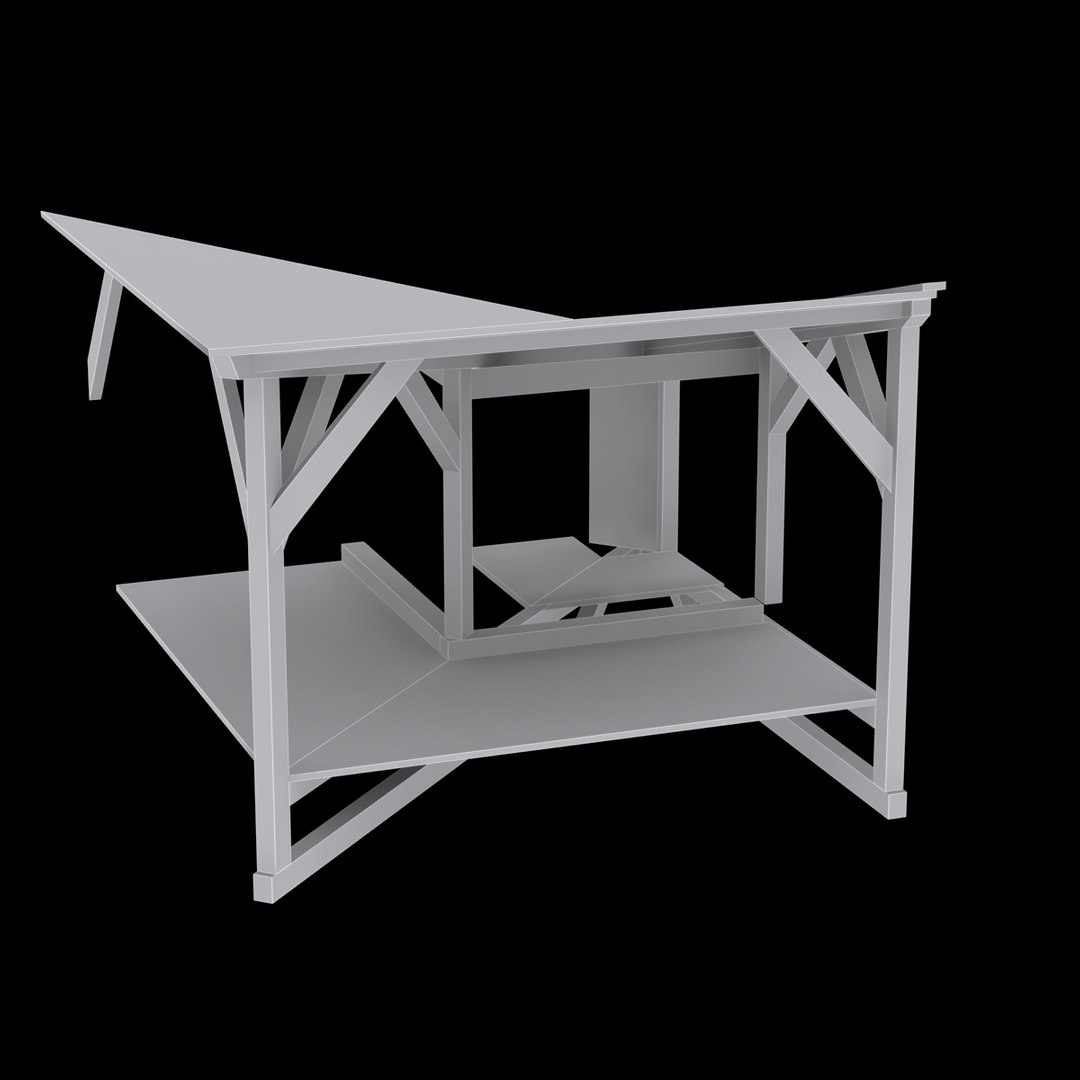
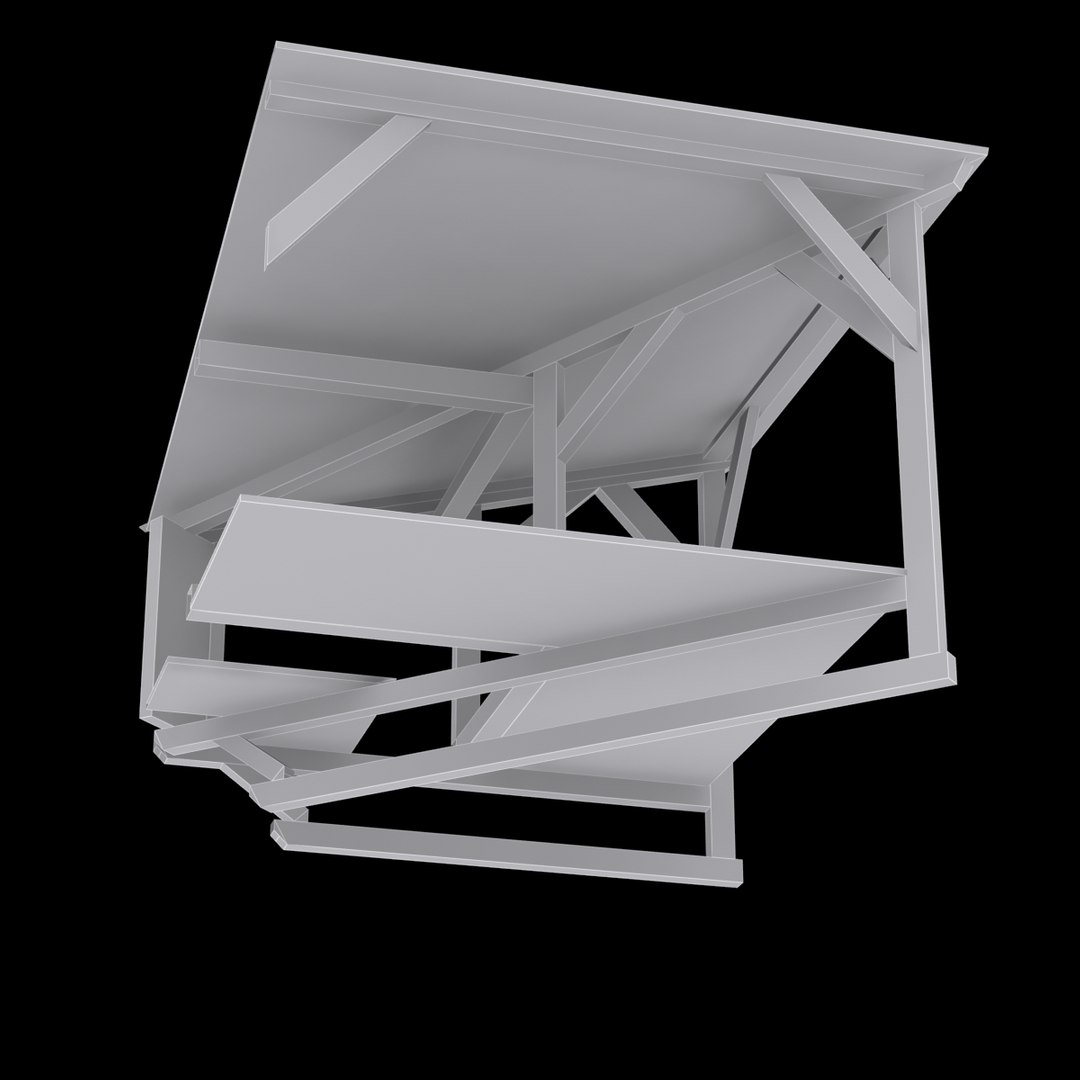
An authentic castle hoarding inner angle section, completely made of timber. The angle section fits to the hoarding section module at ID 906160 and the outer angle section at ID 908635. A nice construction in a historical context. Can easy be sized to fit almost anywhere - see thumbnails examples for fitting against a wall etc. To end one section: copy and move timber parts.

Just put the model in your scene and render.

The native file is 3ds Max 2013 and the rendering is made in mental ray, with 1 mr Area Omni and 1 Skylight.

The hoarding section has real-world scale and is centered at 0, 0, 0, (the model is 2,9 meters high).

Model info:
-Polys: 187
-Verts: 296
-Tris: 4 (2,1 %)
-Quads: 183 (97,9 %)
-Objects: 4 (properly named)
-Scene helpers: 1
-Scene lights: 2
-Cameras: 1

Maps:
-Diffuse 2048x2048 .jpg
-Bump 2048x2048 .jpg
-Spec 2048x2048 .jpg
-Glare streaks, 500x500 .tiff

The .dae, .3ds, .obj and .fbx is exported from 3ds Max 2013.

Select Enhanced License

  • $10,000 in Legal Protection (Indemnification)
  • Uncapped Legal Protection (Indemnification)
  • Waiver from injunctive relief
  • Assignable model rights
  • $1,000,000 in Legal Protection (Indemnification)
  • Waiver from injunctive relief
  • Assignable model rights
  • $250,000 in Legal Protection (Indemnification)
  • Assignable model rights
Read more about enhanced license tiers, or contact us at enterprise@turbosquid.com. Already a Shutterstock Enterprise Customer? Contact your Shutterstock Sales Support Agent to talk about adding 3D.

About Conversion Requests

To submit a conversion request for a purchased asset, please complete our Conversion Request Form.

If you have not yet purchased a model, please review our Documentation about Conversions to learn about what limitations you may encounter with a conversion.

For any additional questions about a model’s suitability for conversion, please contact TurboSquid Support.

Loading...