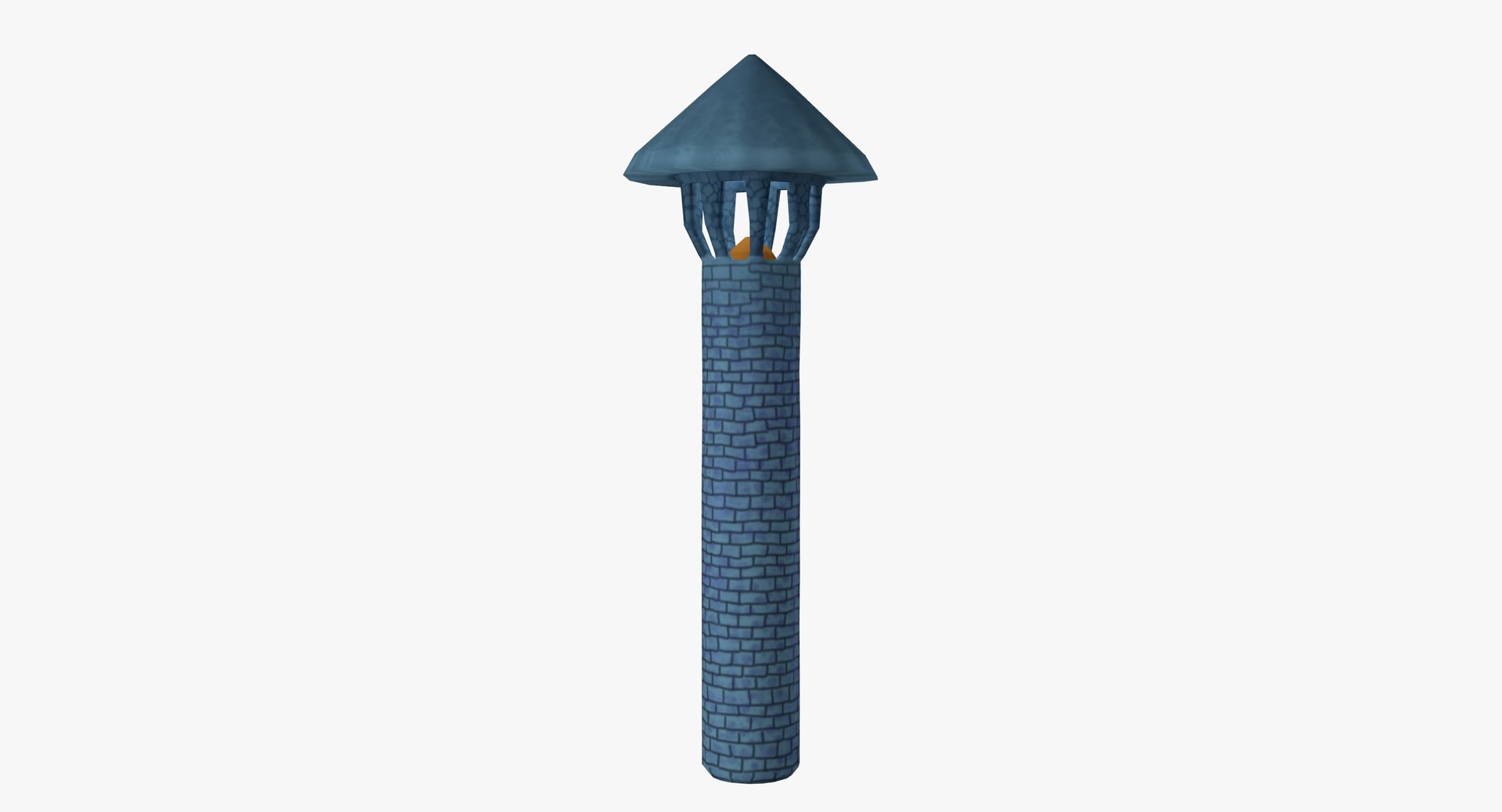
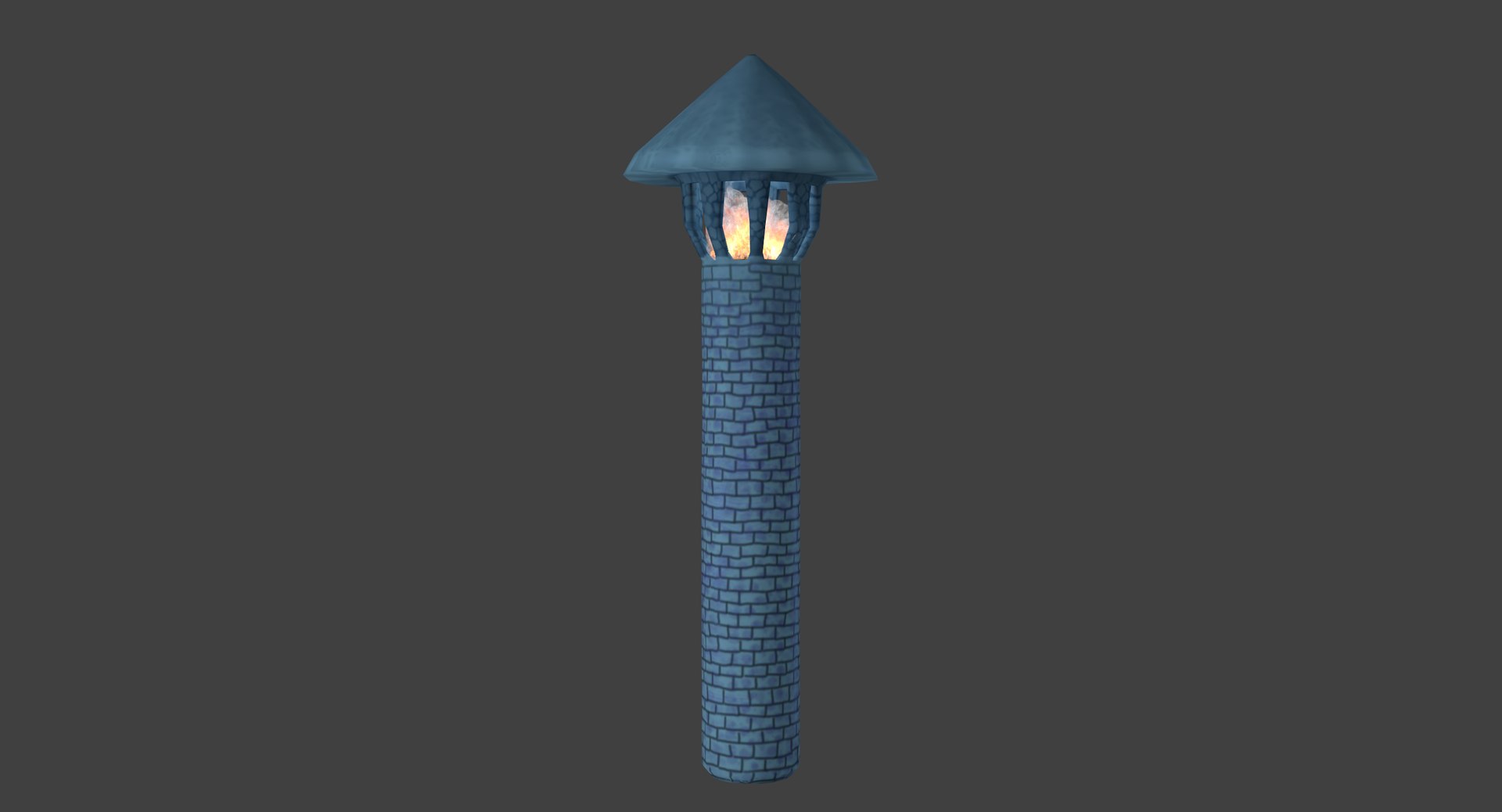
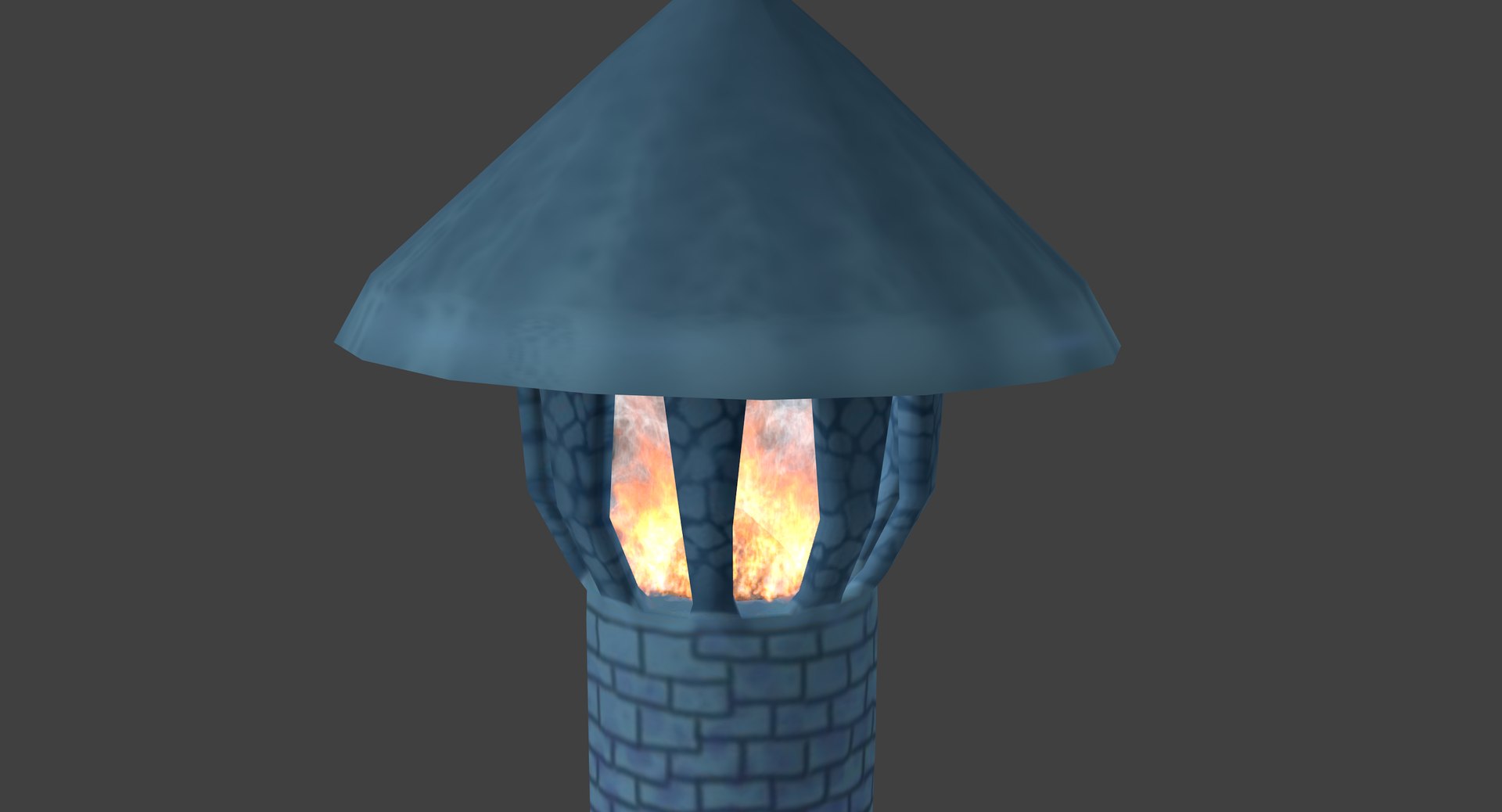
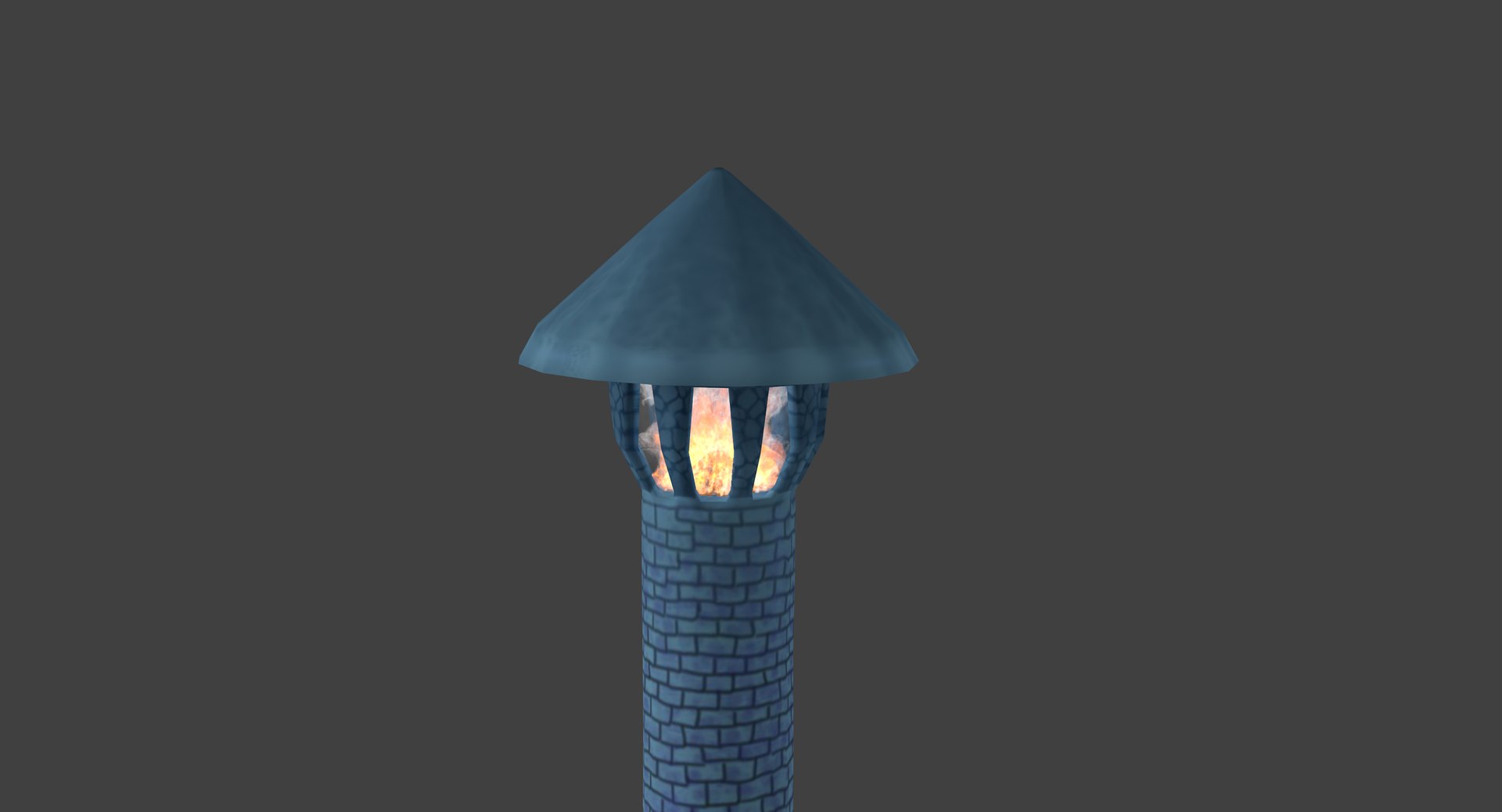
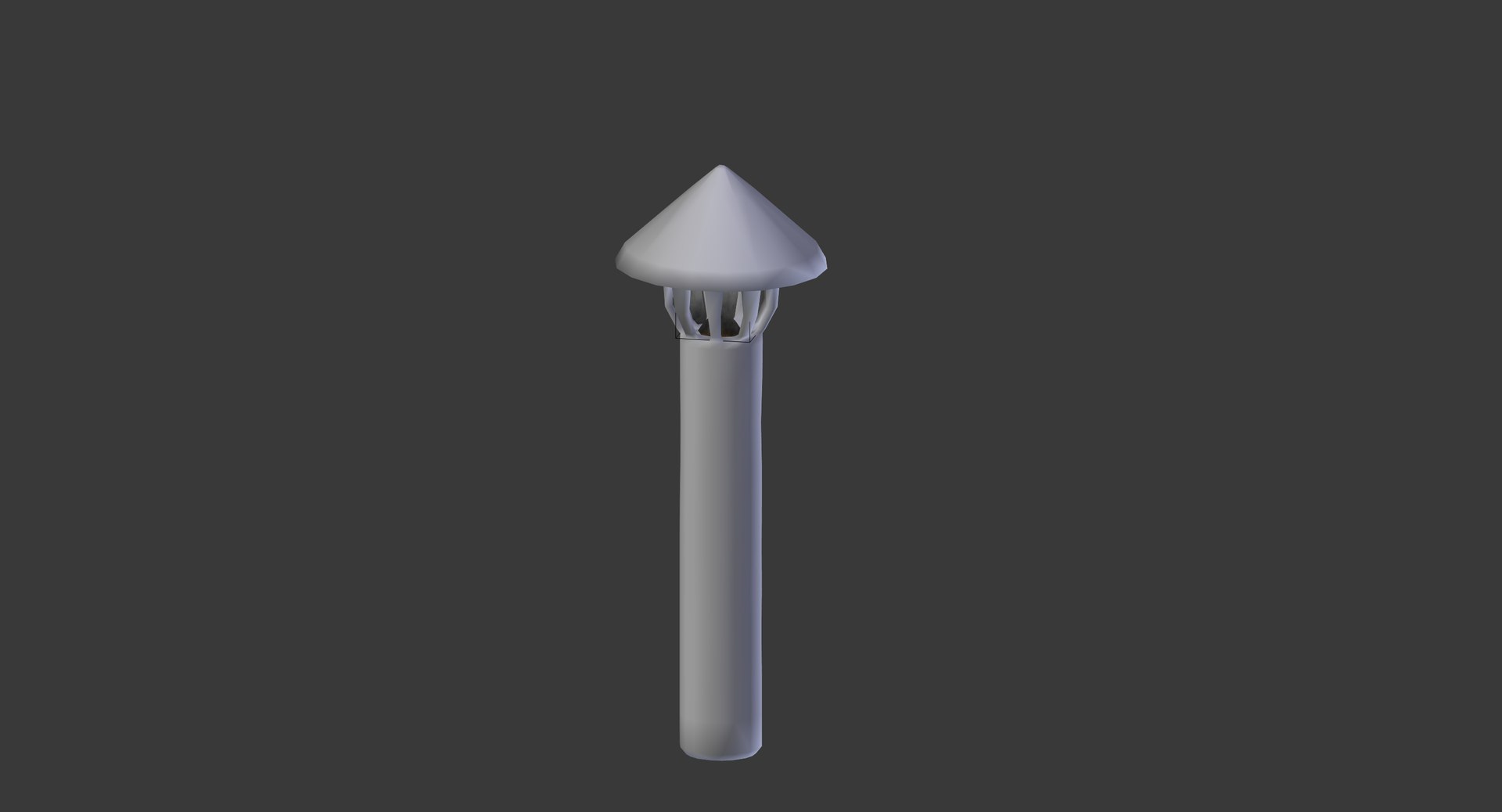
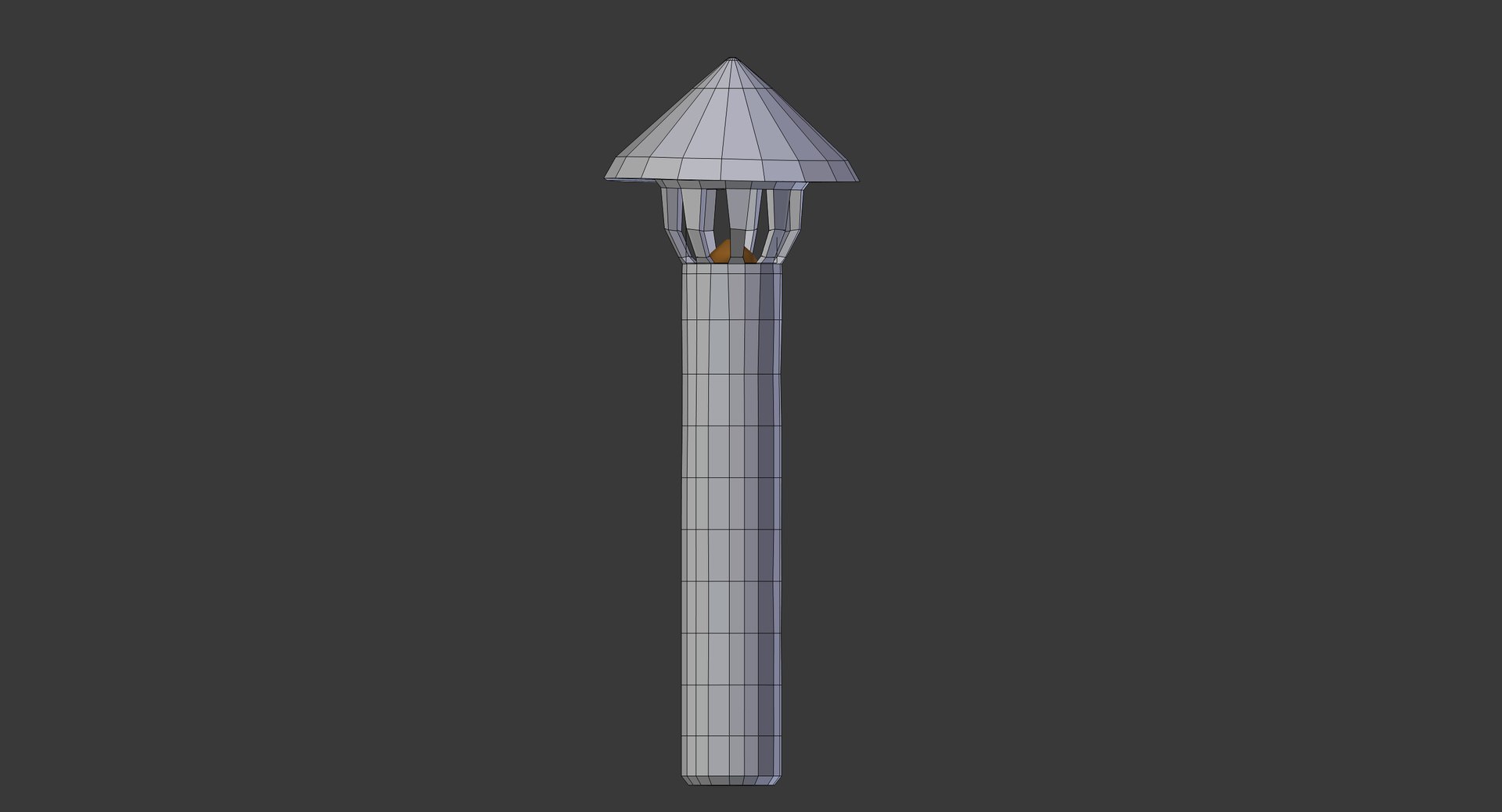
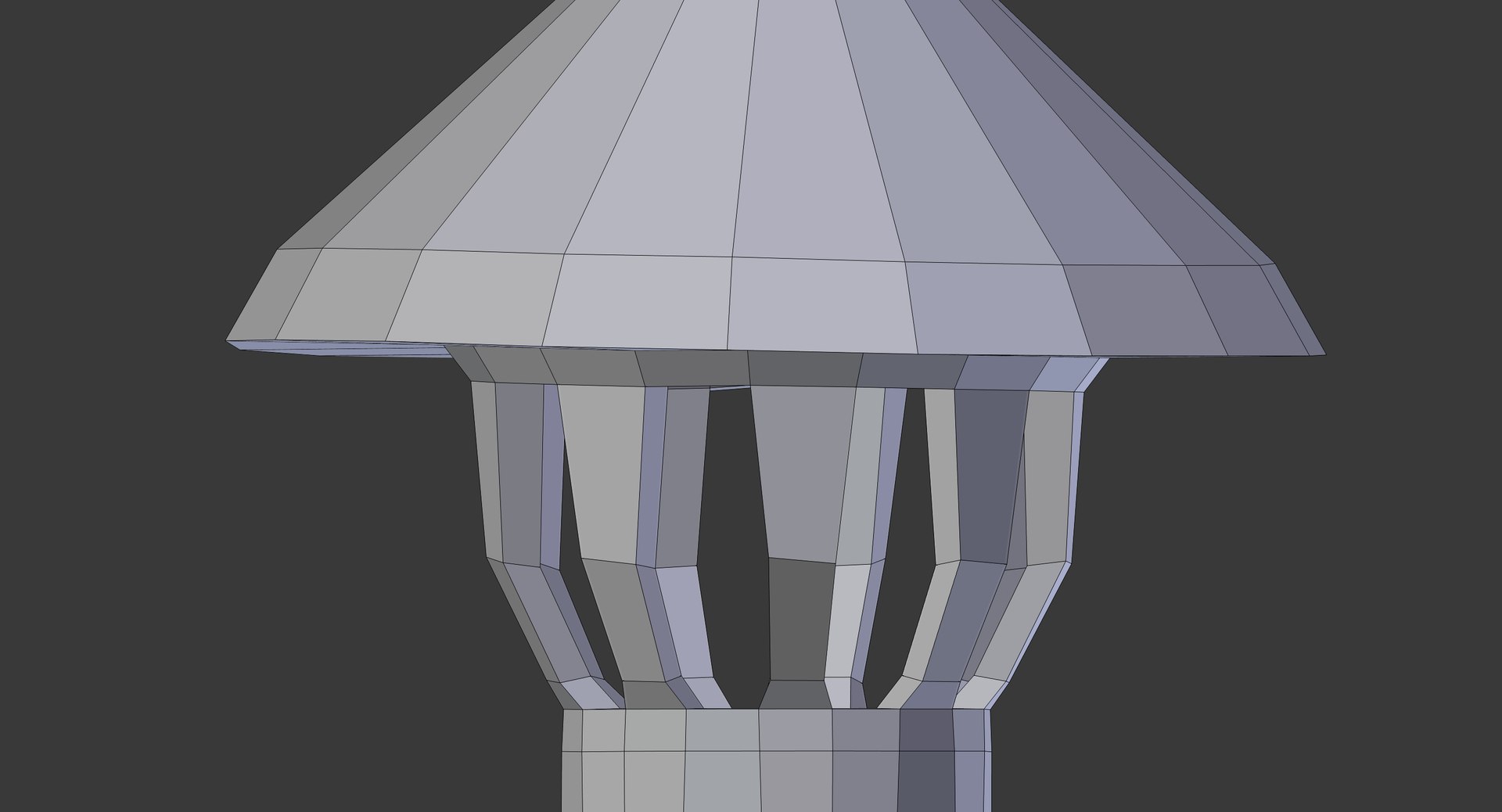
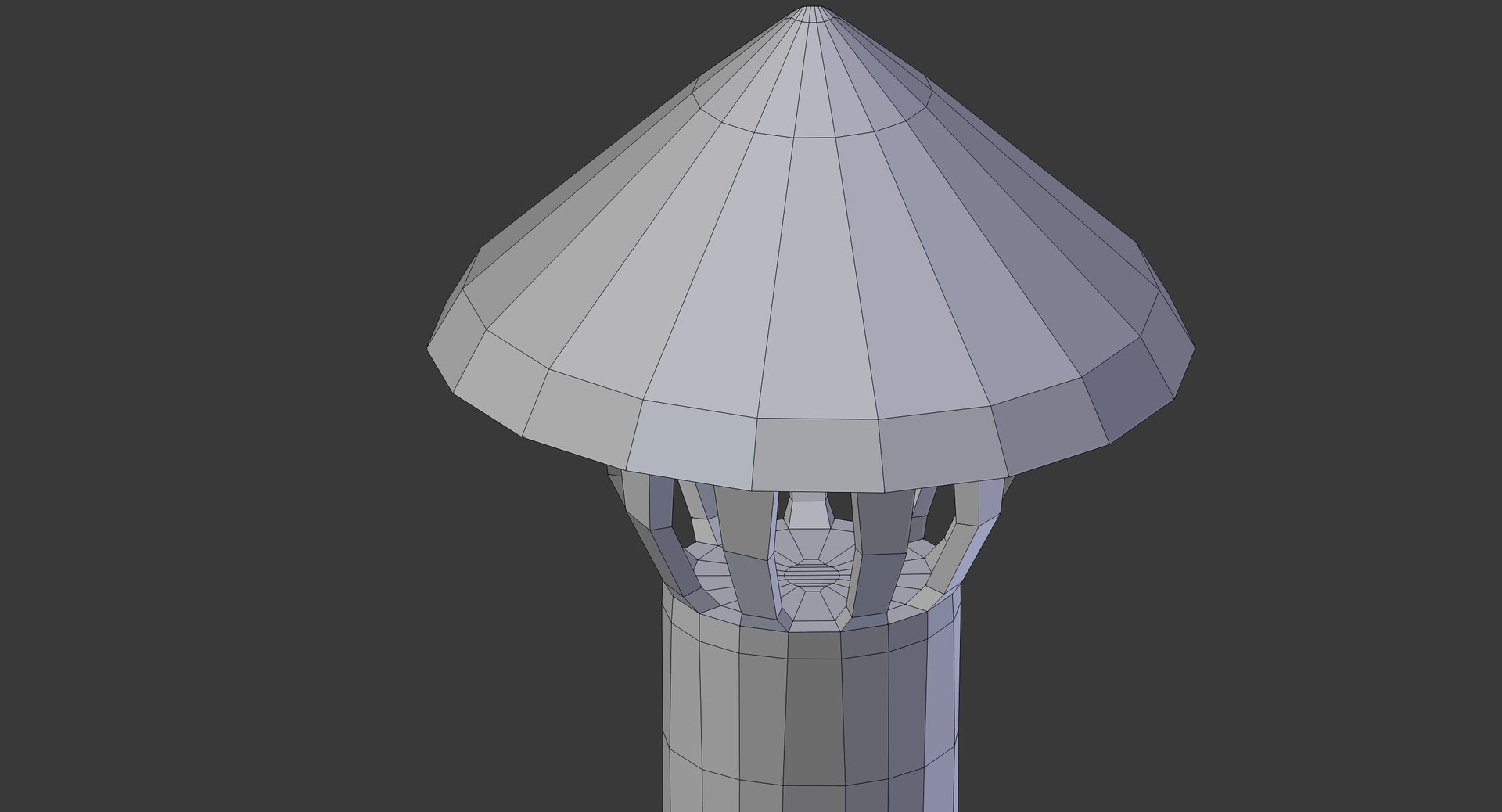
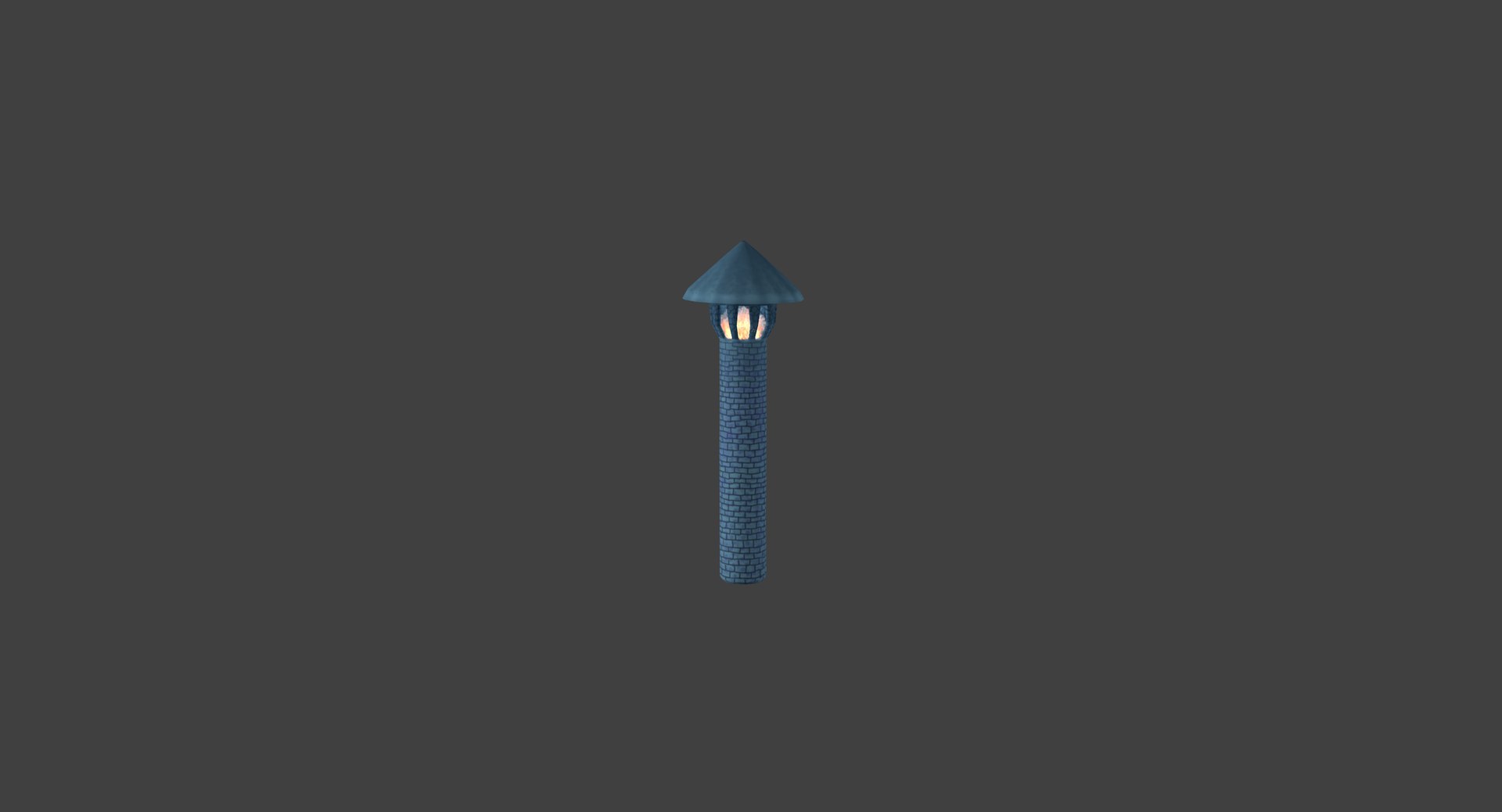
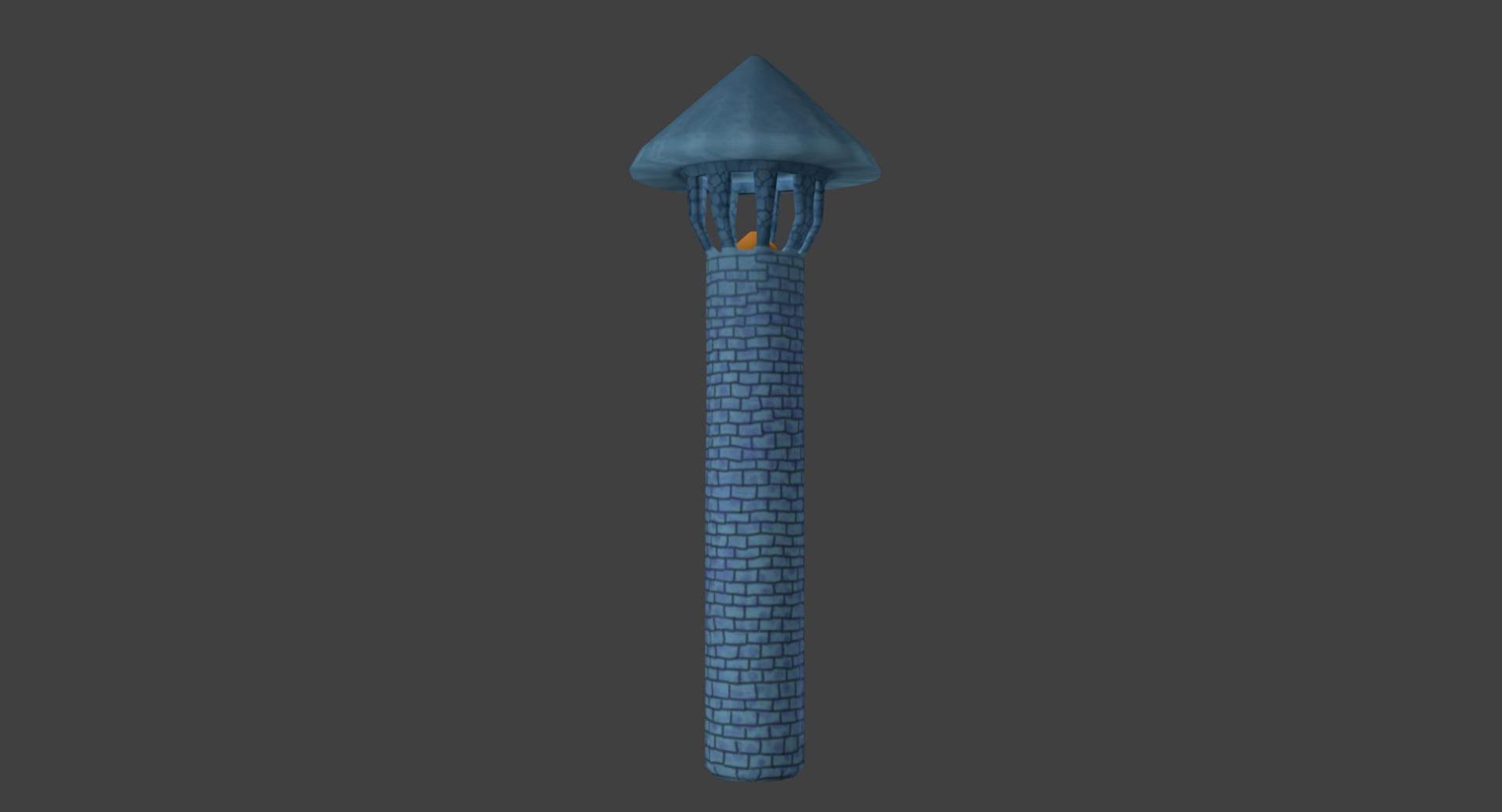
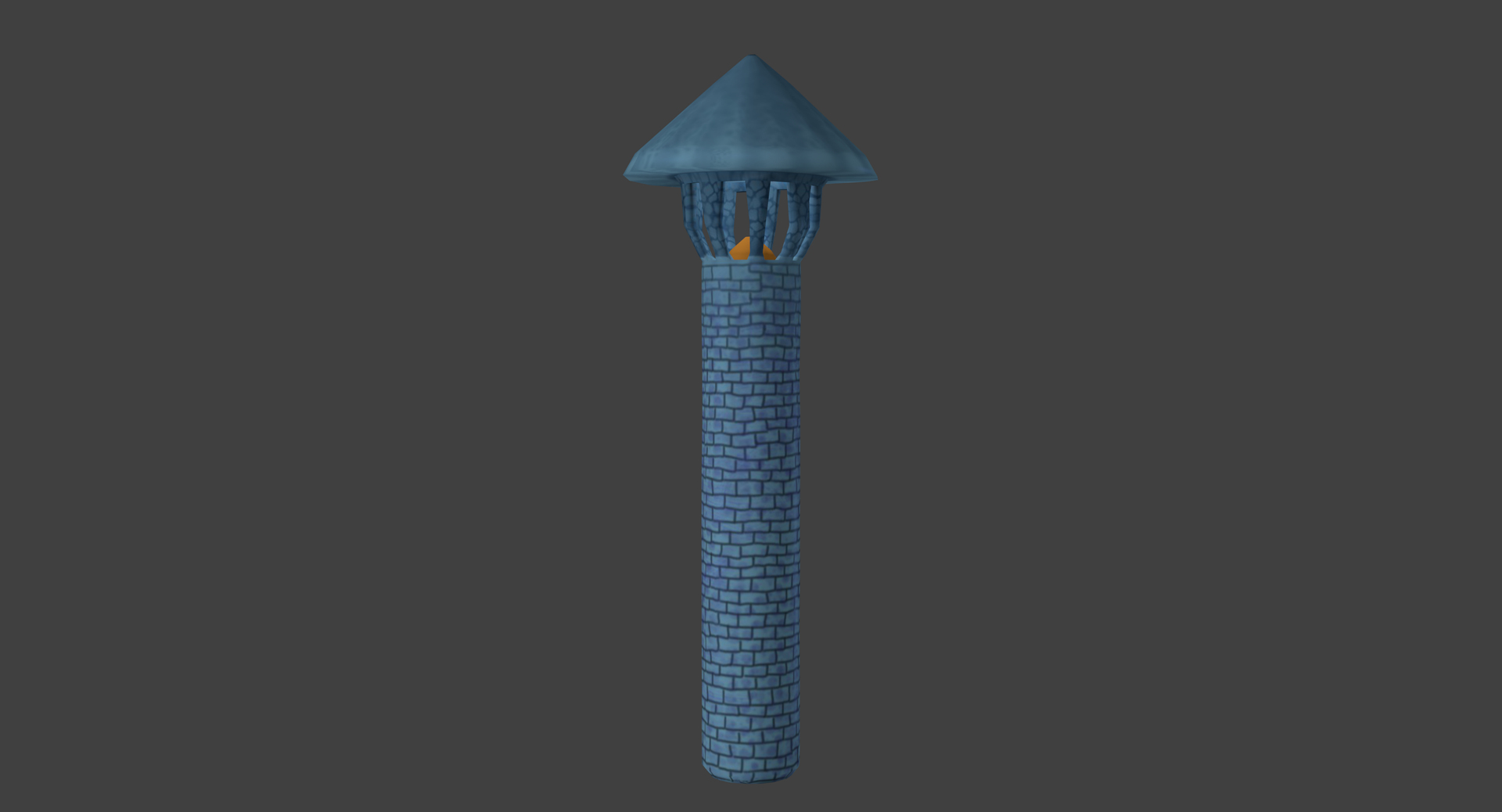
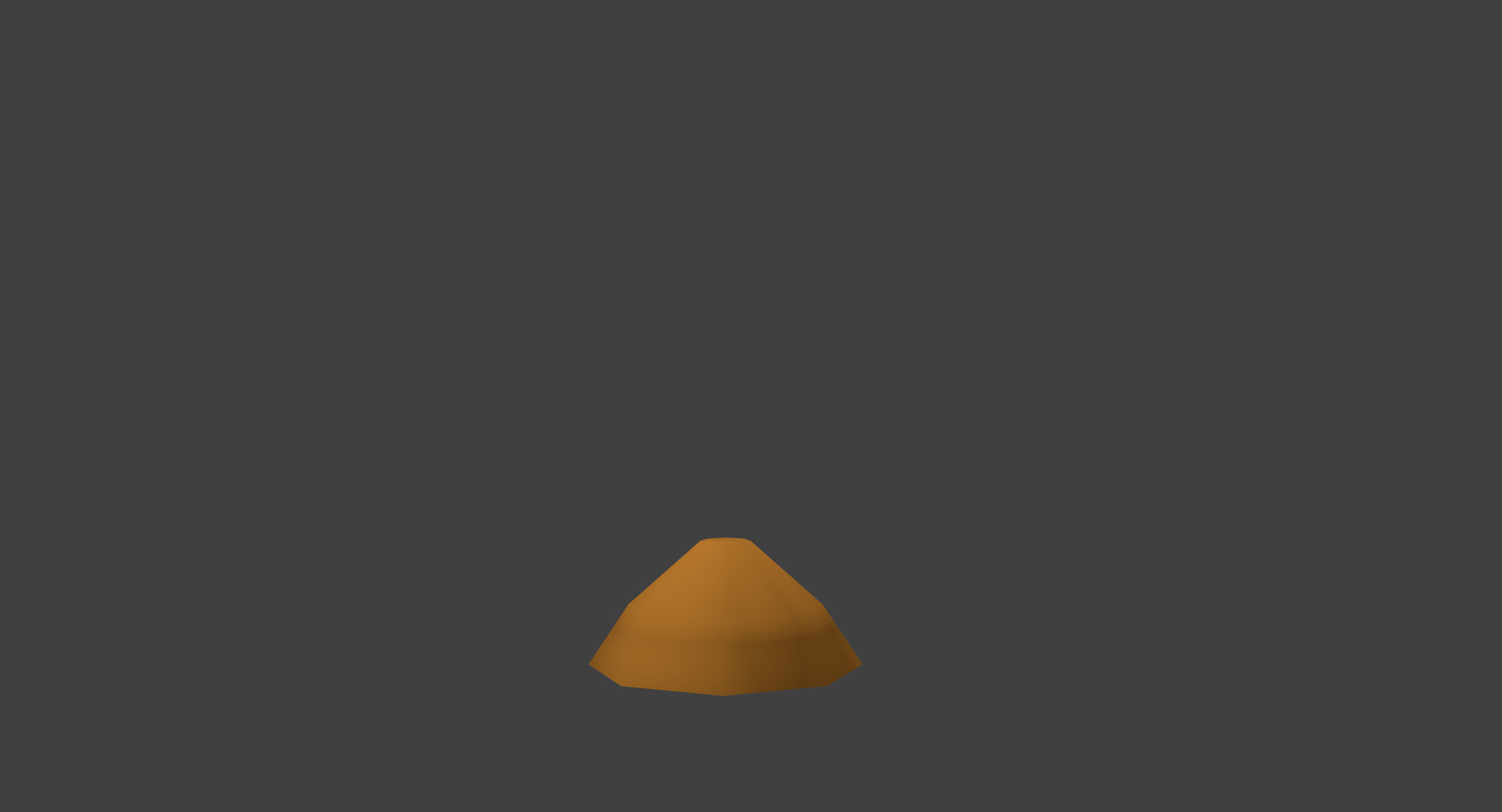
Cartoon signal tower

$10

Standard License | Upgrade License
Formats (3)
Native | Blender 2.74 | Blender Render
FBX
OBJ
Specifications
Publish Date April 19, 2017
Product ID 1149039
Polygons 580
Vertices 552
Polygonal Quads Only
Textures
Materials
UV Mapped
Non-overlapping Unwrapped UVs
Animated
member avatar
Lunacy22813
71 Products | Contributor Since 2016
Have questions? Chat with us now.

Description

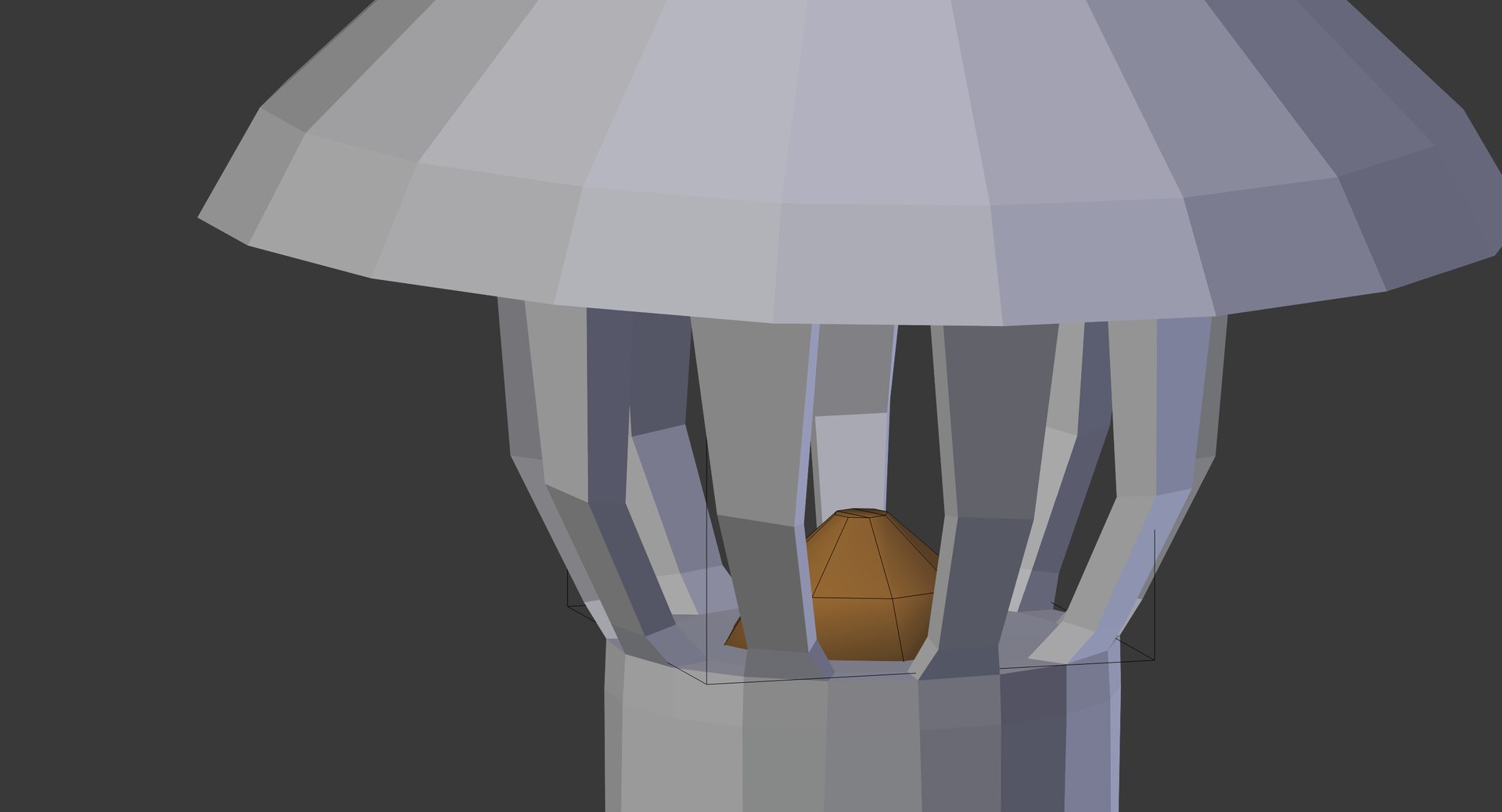
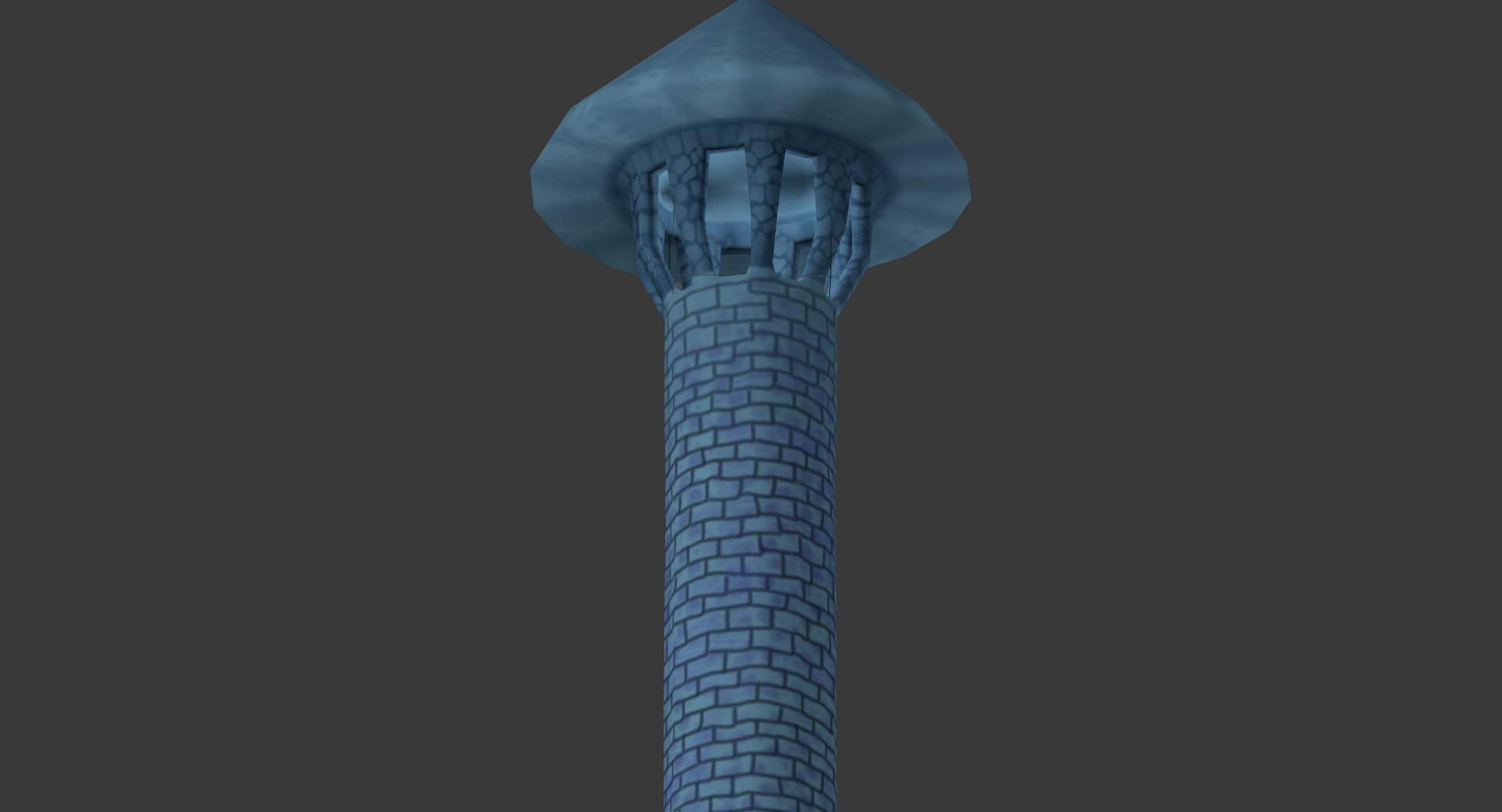
Cartoon signal tower, rendered by standart Blender render in Blender 2.74.

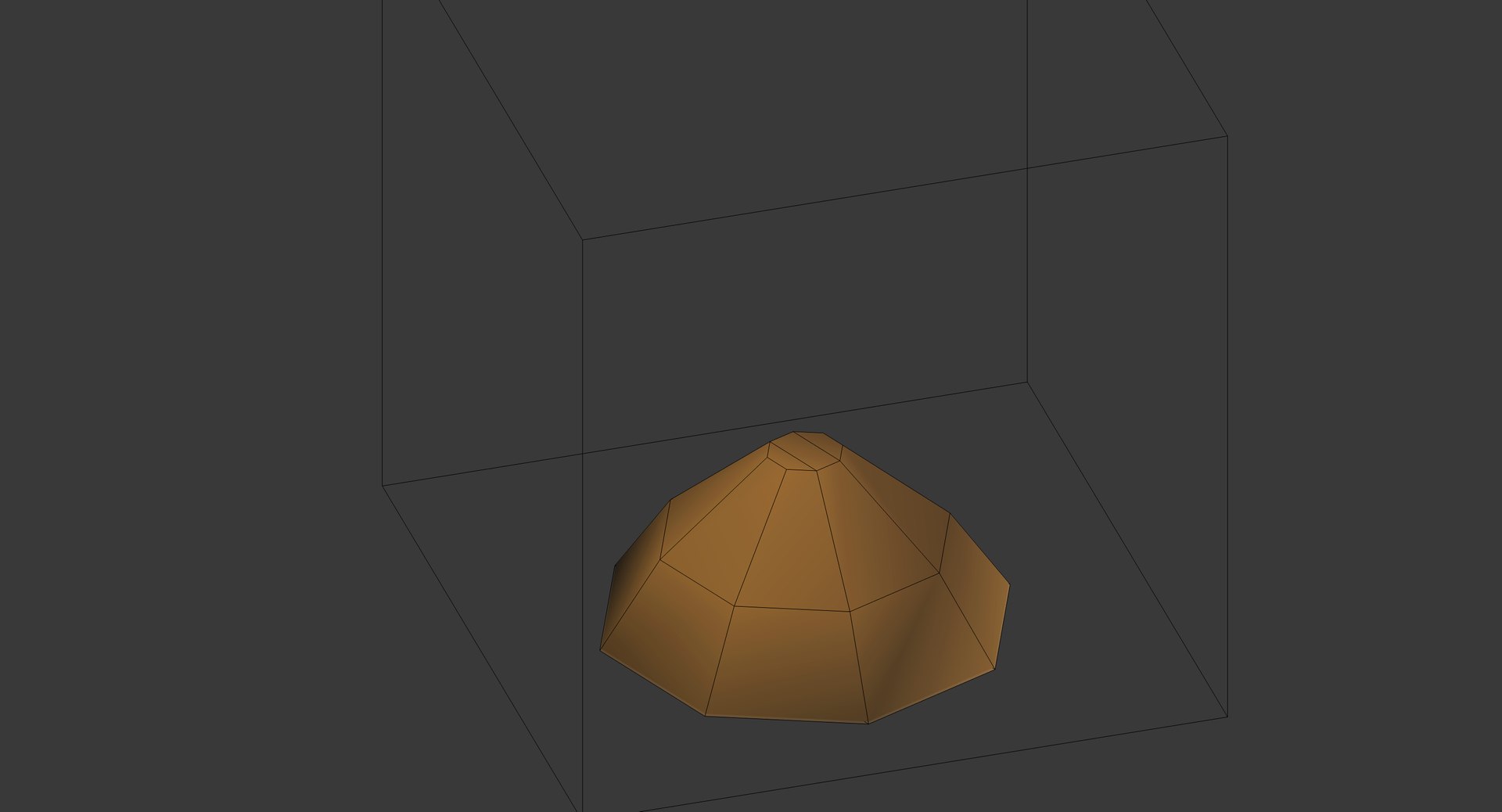
Model consist from 3 parts: Cartoon_tower (552 faces), Fire_Part1 ( 22 faces), Fire_Part2 (6 faces). Also included: Camera, 4 lights.

The model is asymmetric.
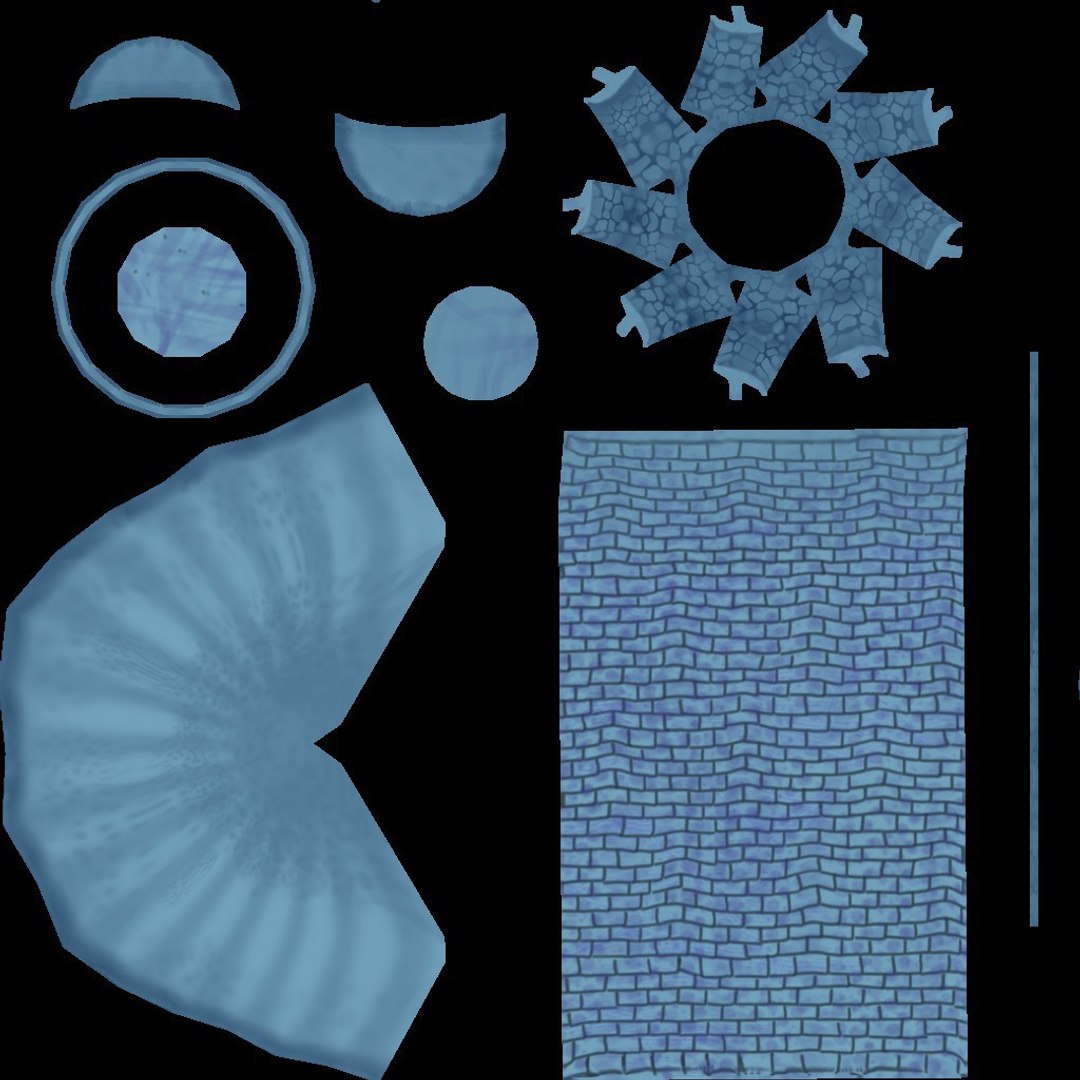
Texture (included) - one colored image 1024x1024 in JPG format.

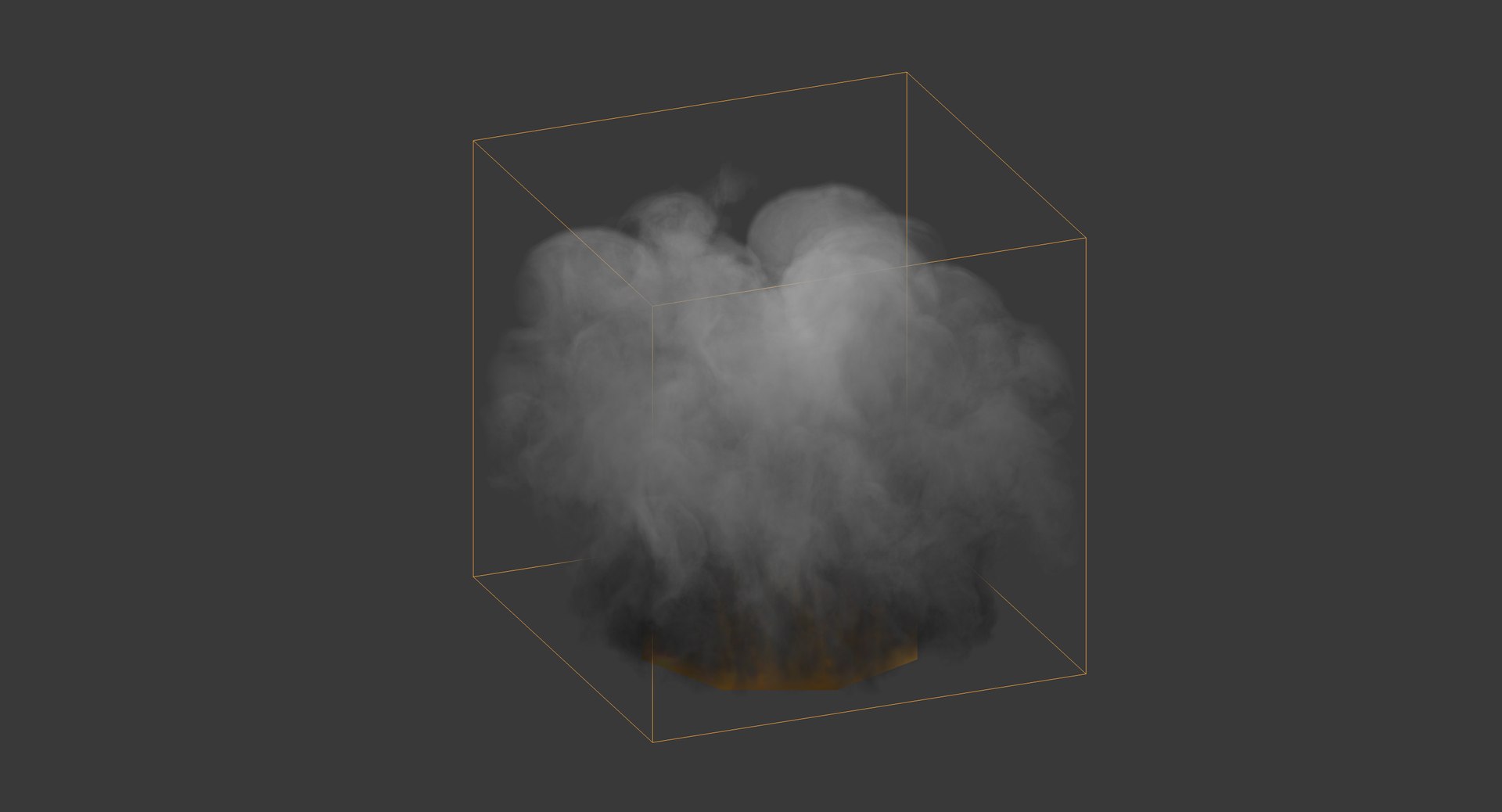
Please note: Fire consists from particles that can be visible only in Blender, if you'll upload model in FBX or OBJ format, you'll see only white cube on fire place, so you can delete it or change to particle system in depending of your application.

If you use Blender, to get animated fire please follow next steps:
1. Choose element named "Fire_Part1";
2. In its preferences choose "particles" (4 stars on icon);
3. In Cache option press "Free Bake", then "Bake" button in same place.
When baking will ended, you'll get animated fire like on screenshots - 72 frames (with little random changes), Blender will create cache folder about ~2Gb.

You can find this instruction and image to it in archive with blender file.

Select Enhanced License

  • $10,000 in Legal Protection (Indemnification)
  • Uncapped Legal Protection (Indemnification)
  • Waiver from injunctive relief
  • Assignable model rights
  • $1,000,000 in Legal Protection (Indemnification)
  • Waiver from injunctive relief
  • Assignable model rights
  • $250,000 in Legal Protection (Indemnification)
  • Assignable model rights
Read more about enhanced license tiers, or contact us at enterprise@turbosquid.com. Already a Shutterstock Enterprise Customer? Contact your Shutterstock Sales Support Agent to talk about adding 3D.

About Conversion Requests

To submit a conversion request for a purchased asset, please complete our Conversion Request Form.

If you have not yet purchased a model, please review our Documentation about Conversions to learn about what limitations you may encounter with a conversion.

For any additional questions about a model’s suitability for conversion, please contact TurboSquid Support.

Loading...