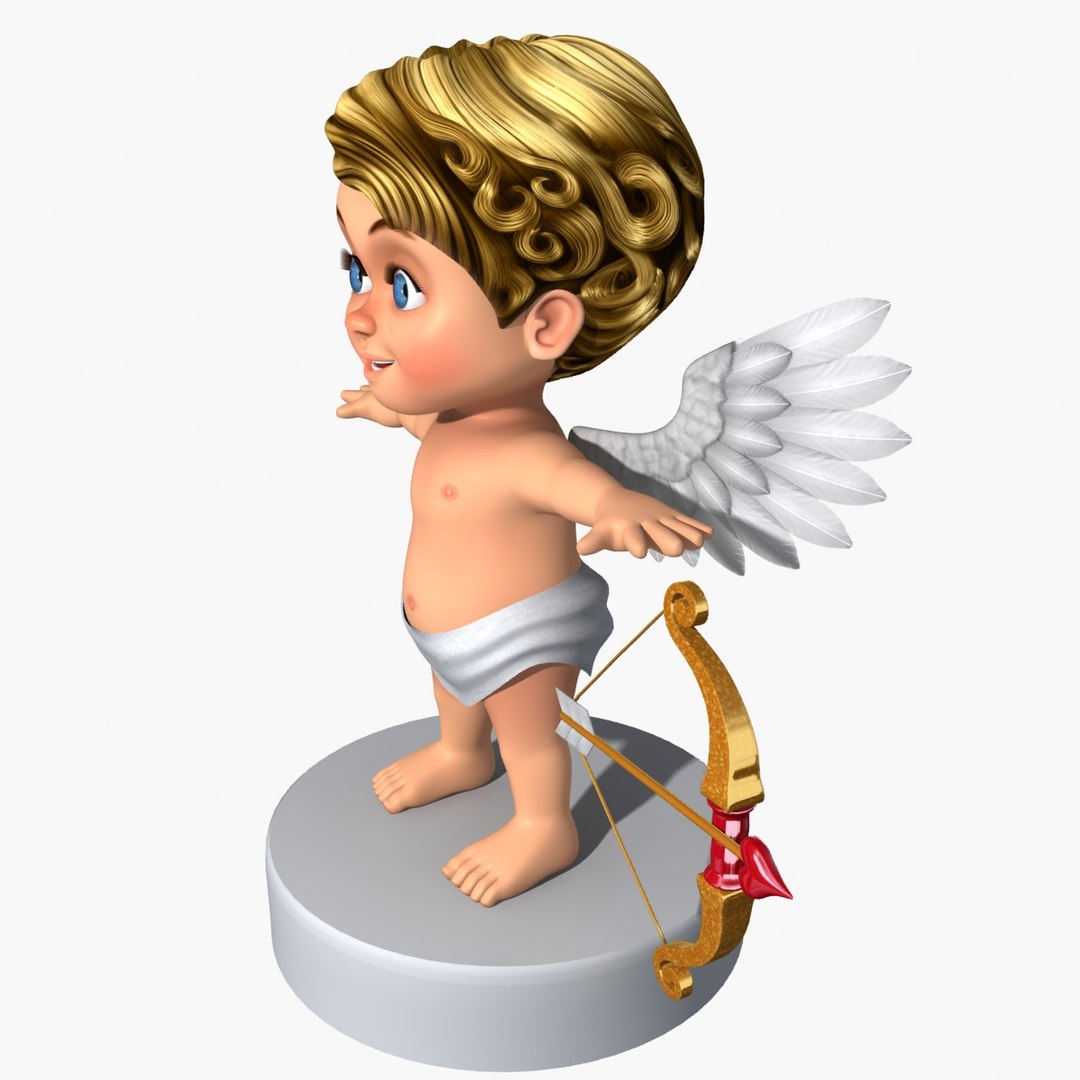
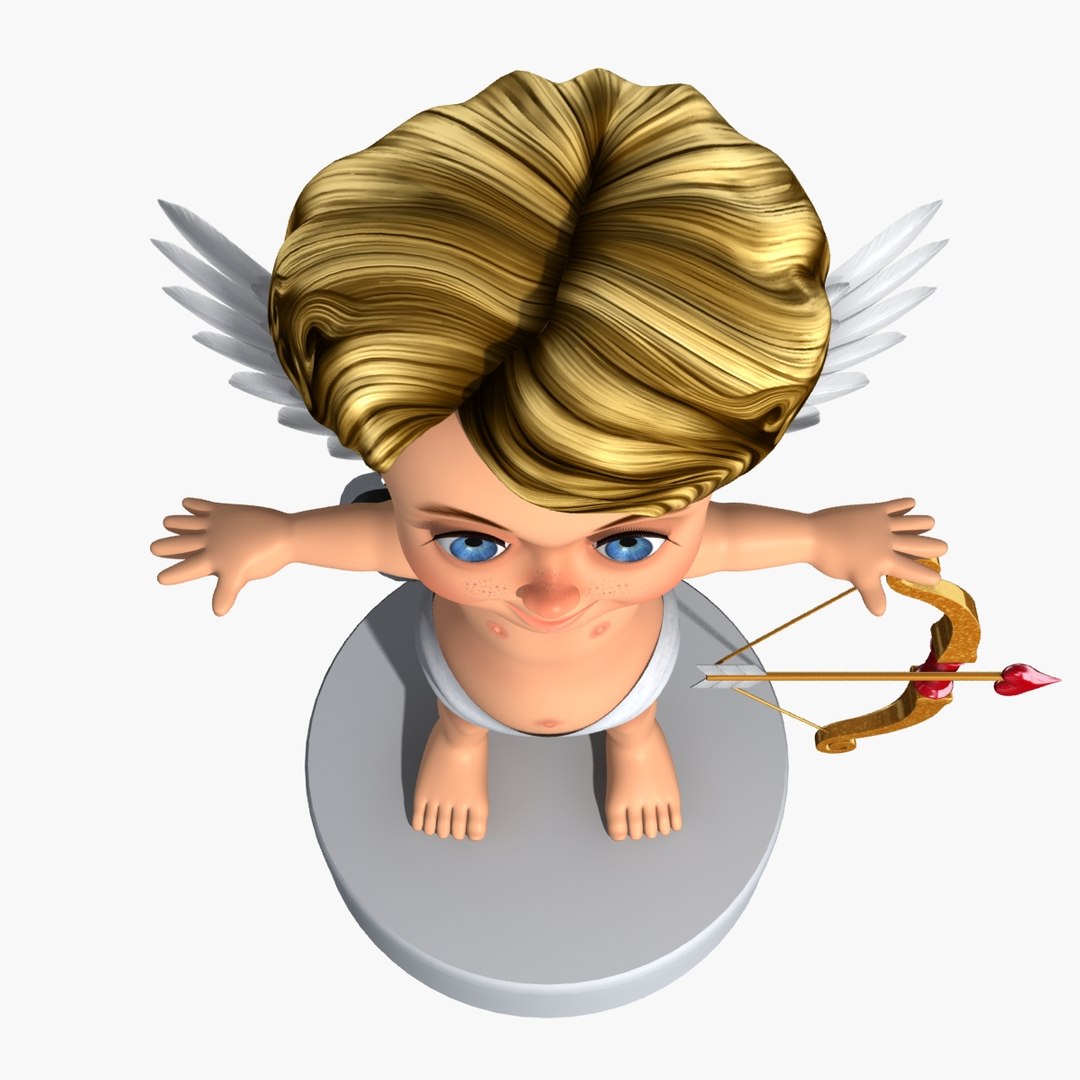
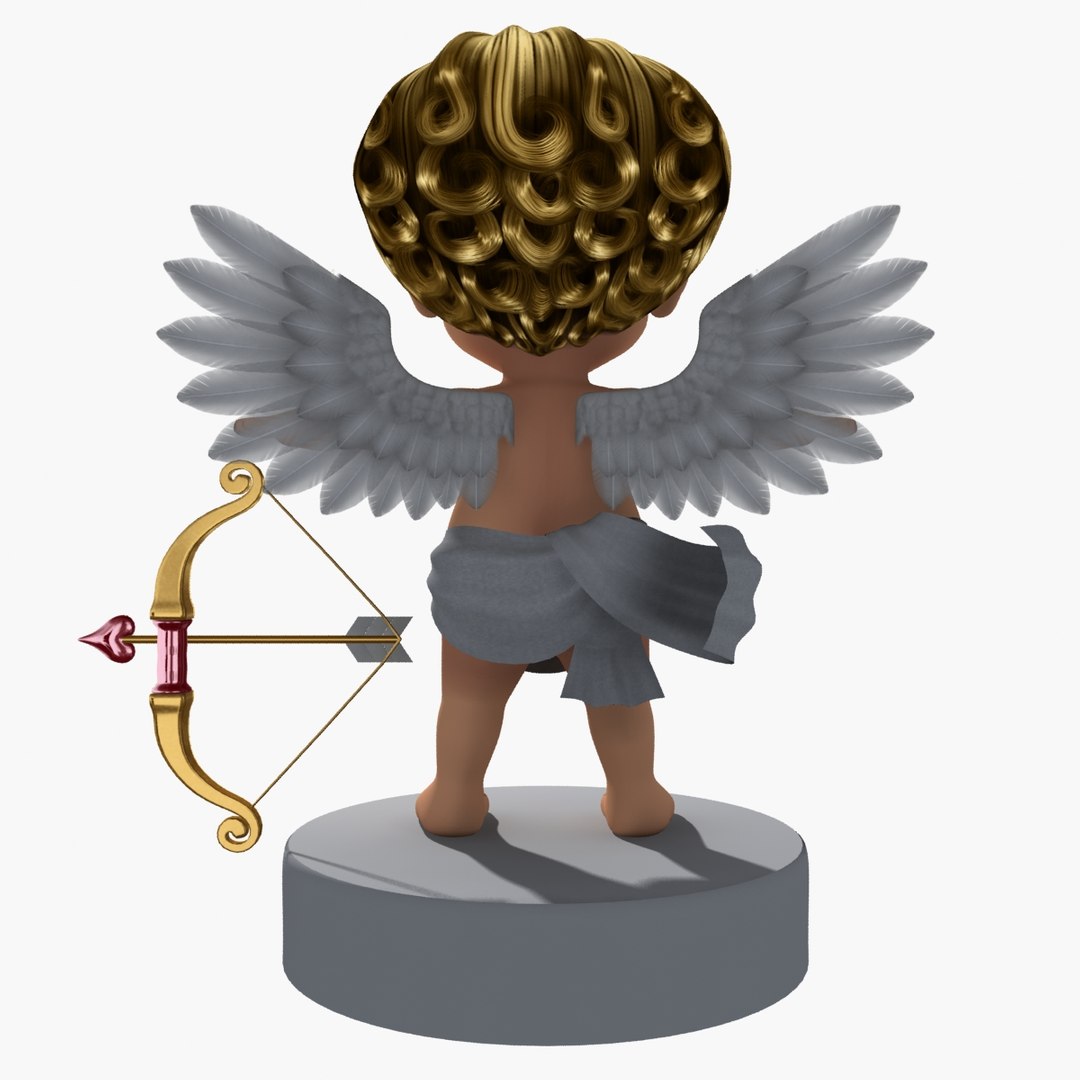
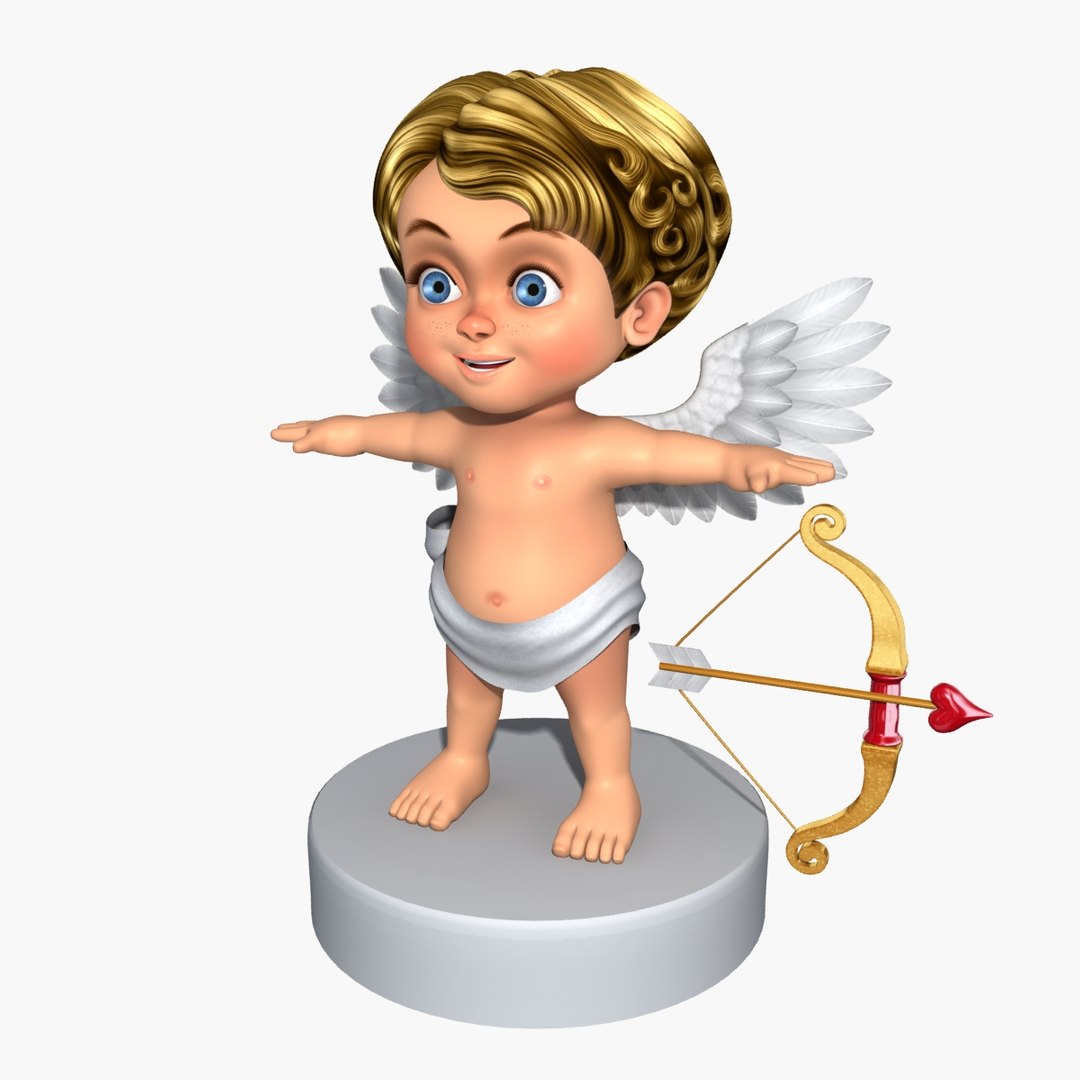
Cartoon Cupid

$149

Standard License | Upgrade License
Formats (3)
Free file format Conversions available
Native | 3ds Max 2010 | Default Scanline
3ds Max 2010 | mental ray
OBJ
Specifications
Publish Date September 15, 2013
Product ID 767517
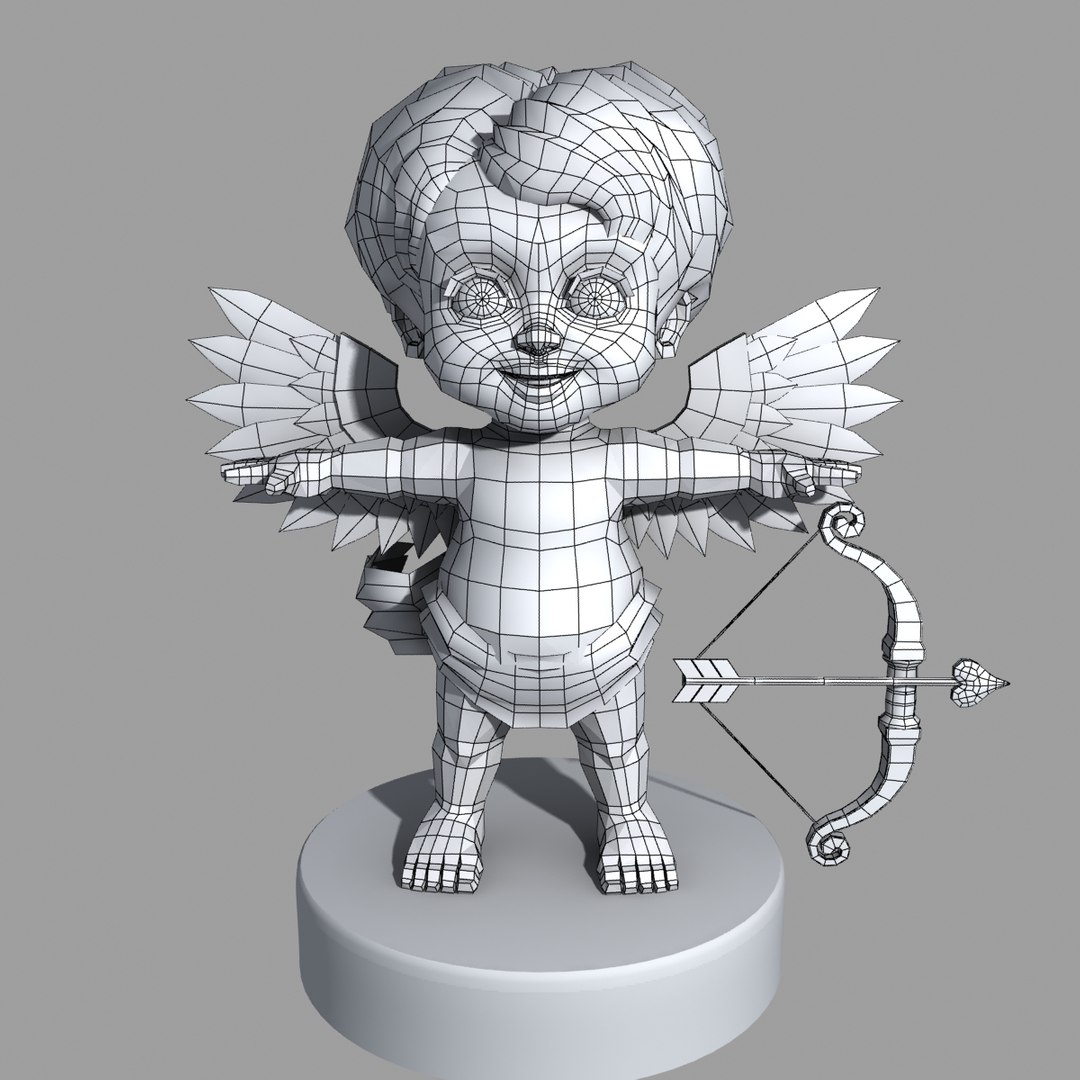
Polygons 6,007
Vertices 5,756
Polygonal Quads Only
Textures
Materials
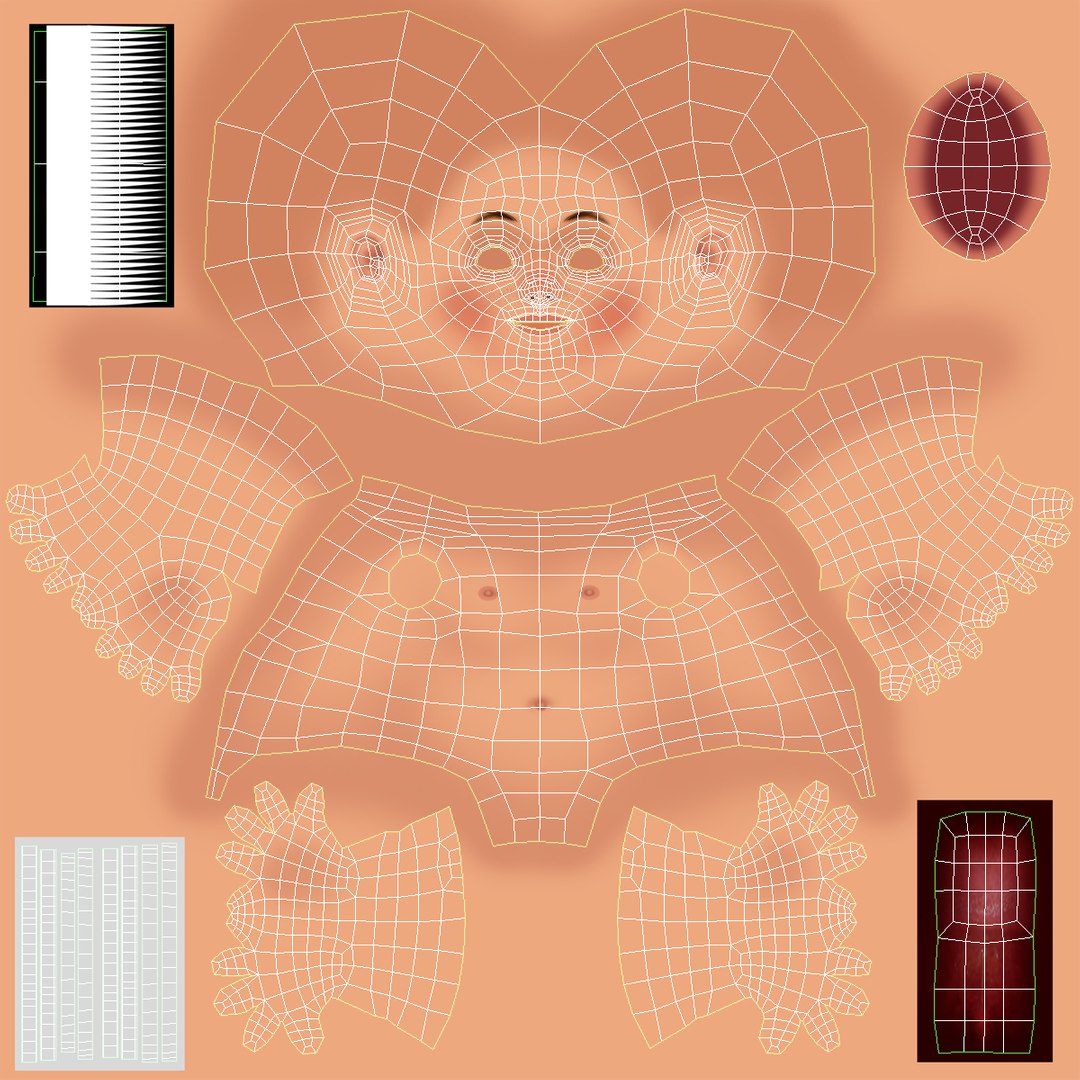
UV Mapped
Non-overlapping Unwrapped UVs
TurboSquid Exclusive
member avatar
Johan Syah
4 Products | Contributor Since 2013
Have questions? Chat with us now.

Description

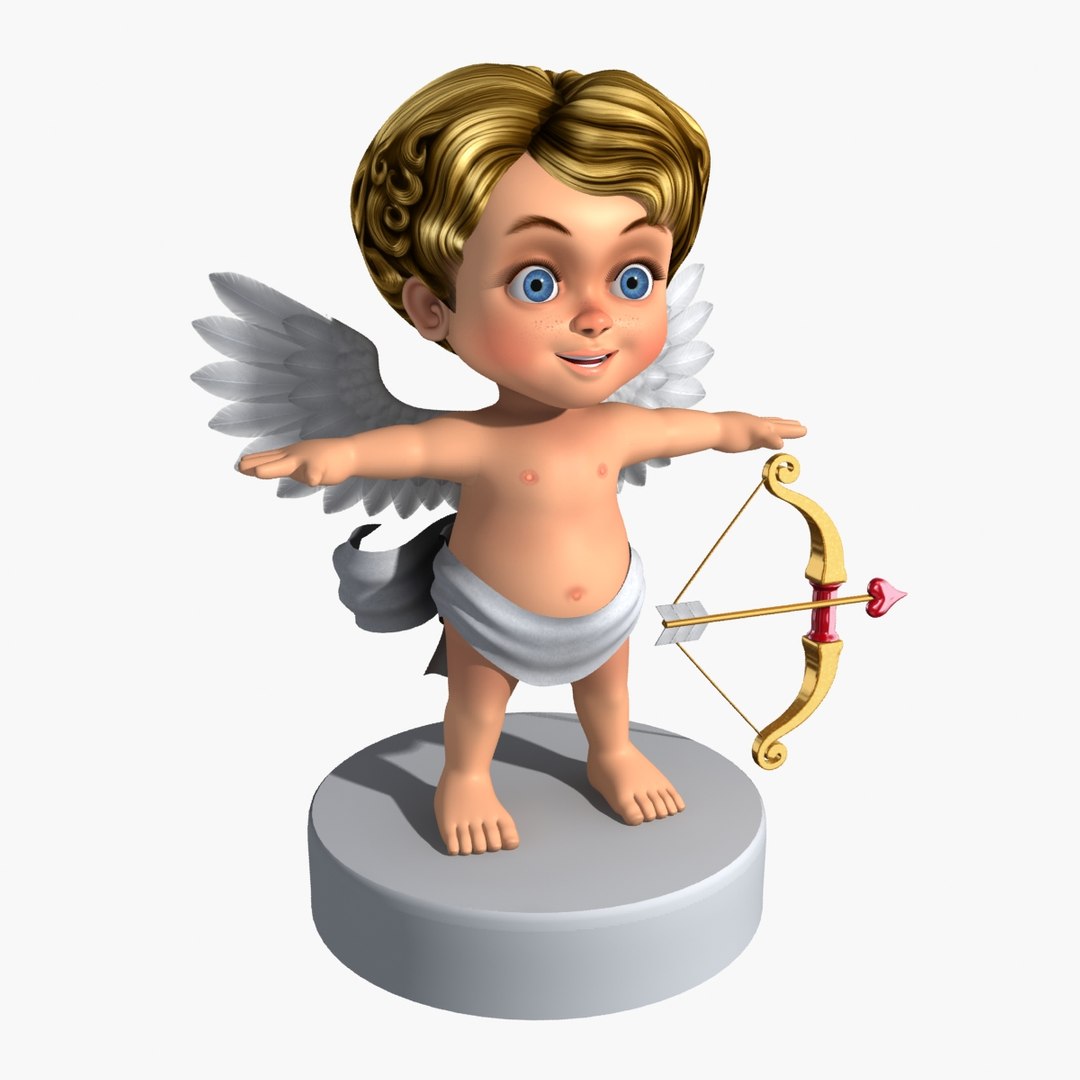
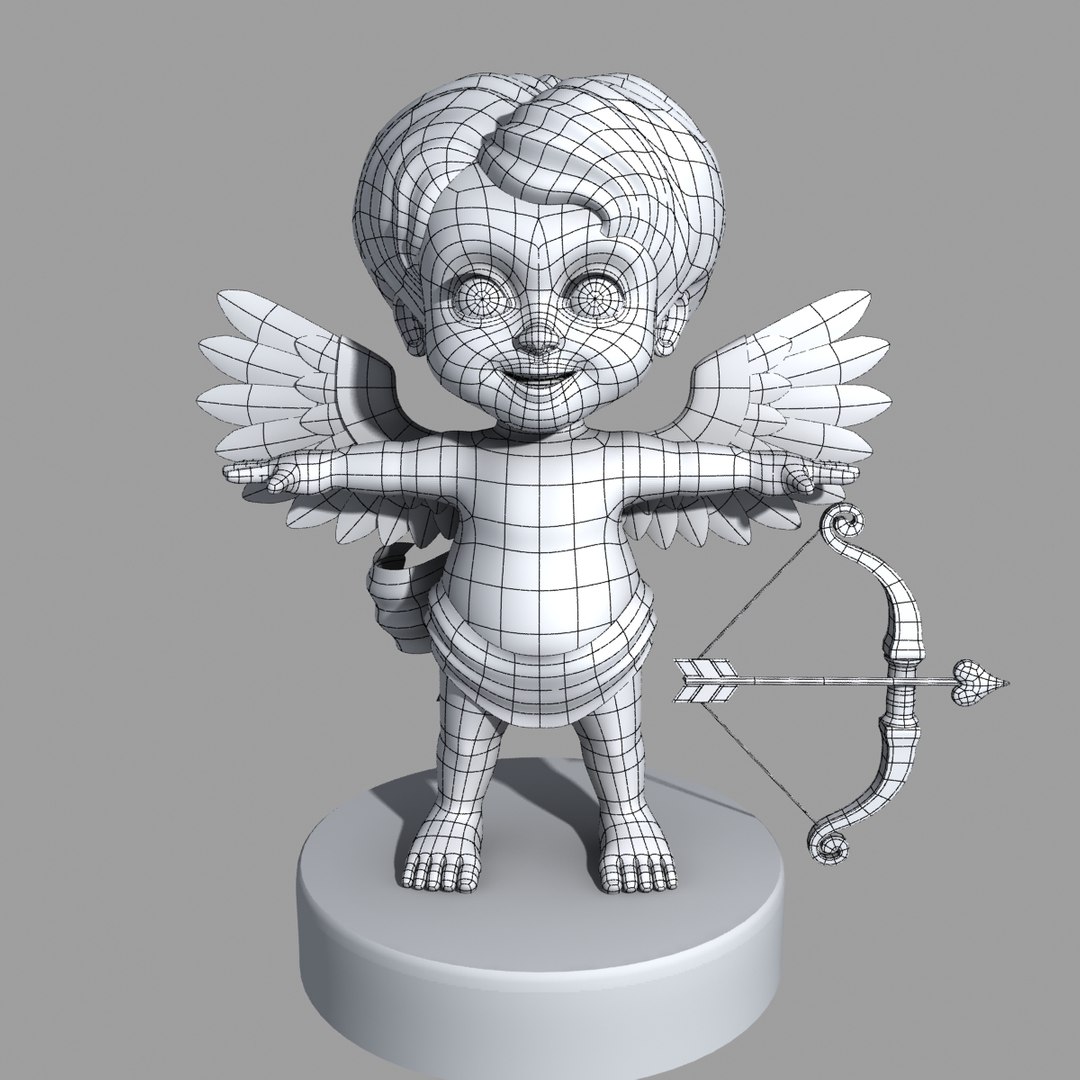
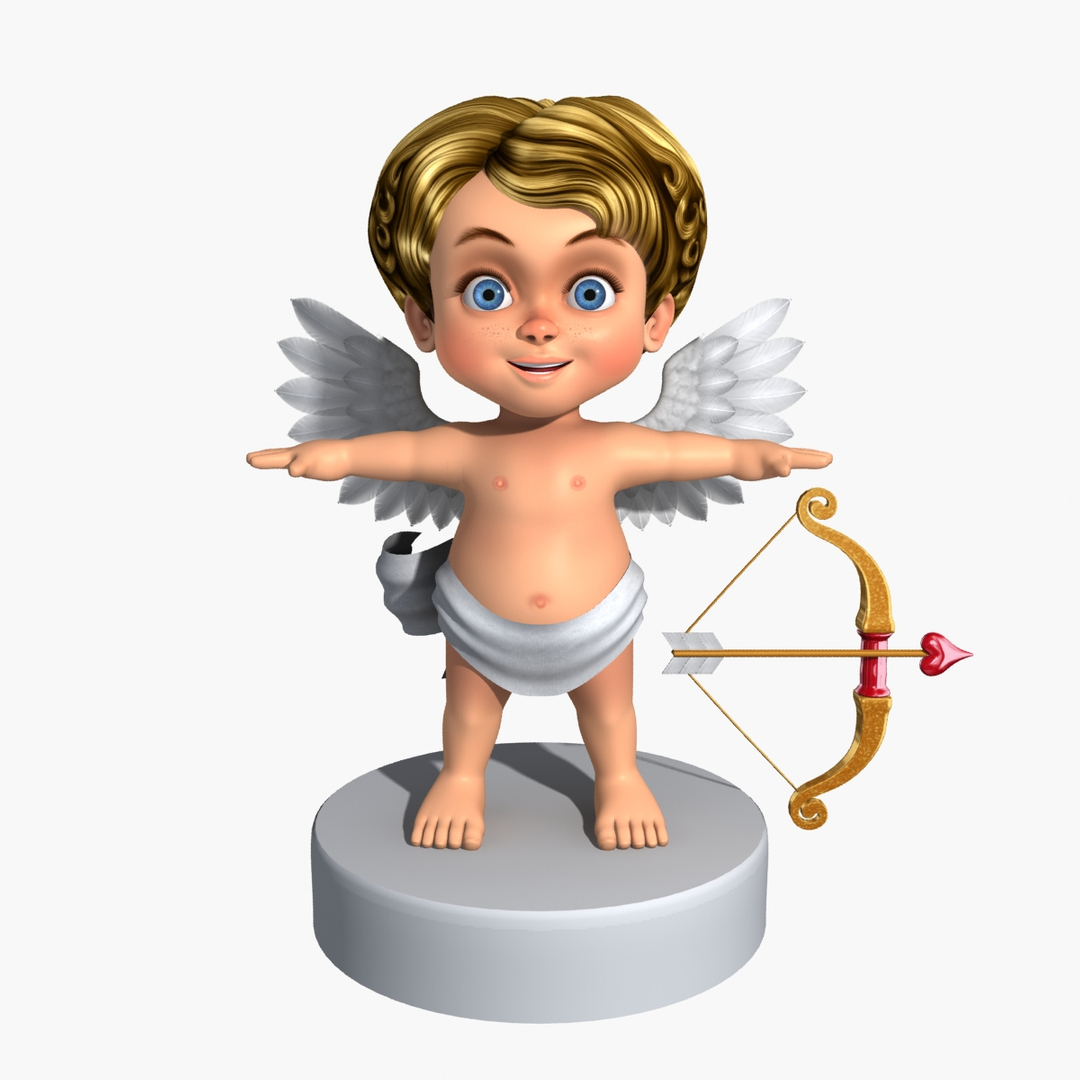
Cartoon character Cupid with his bow and arrows.
-- Originally created with 3DSMax 2010 --


|| SPECS ||
- Low poly (with turboSmooth Of): Polys 6007, Verts 5758
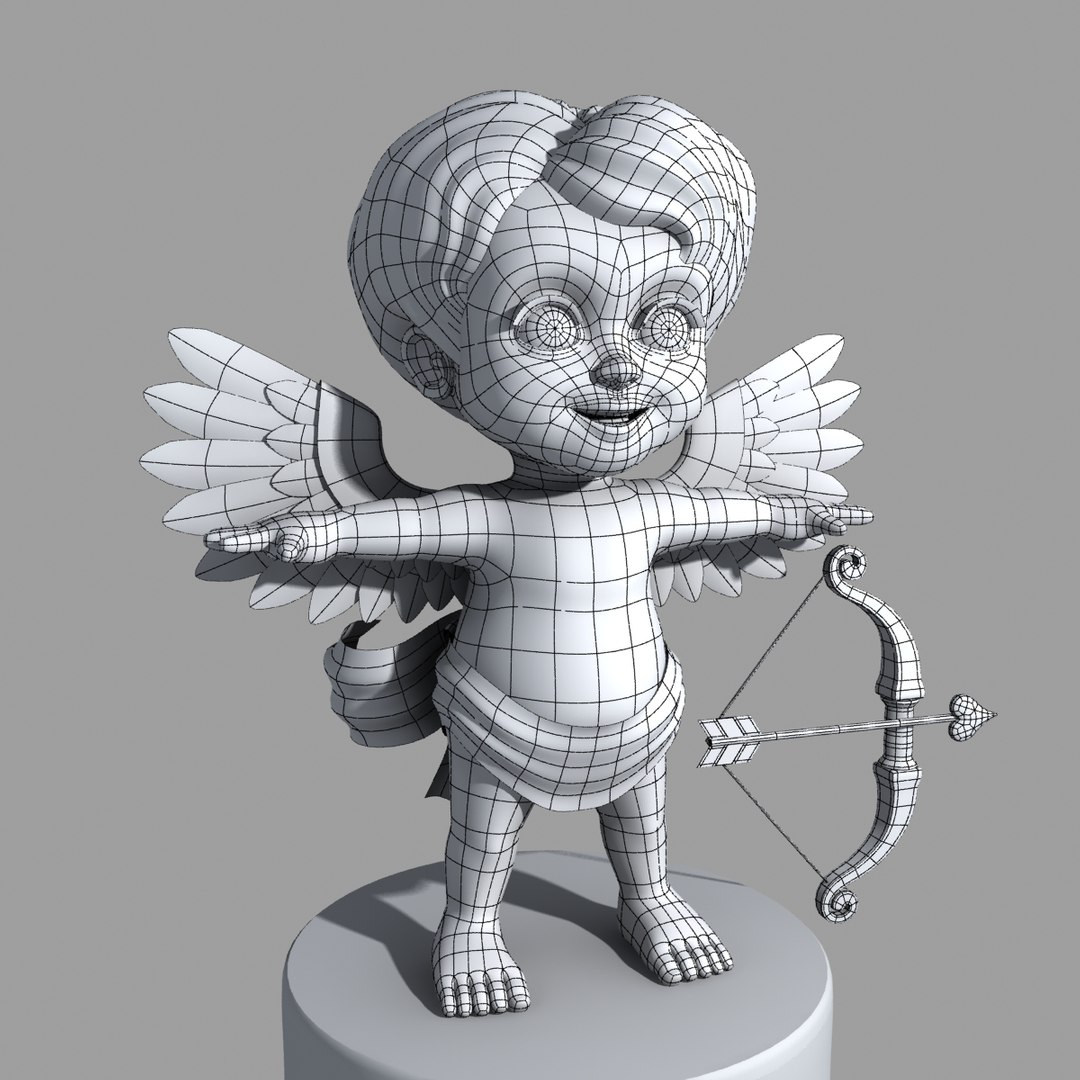
- Hight poly (with turboSmooth ON, but displaying only isolines): Polys 117104, Verts 59625
- Preview images rendered with mental ray.


|| TEXTURES ||
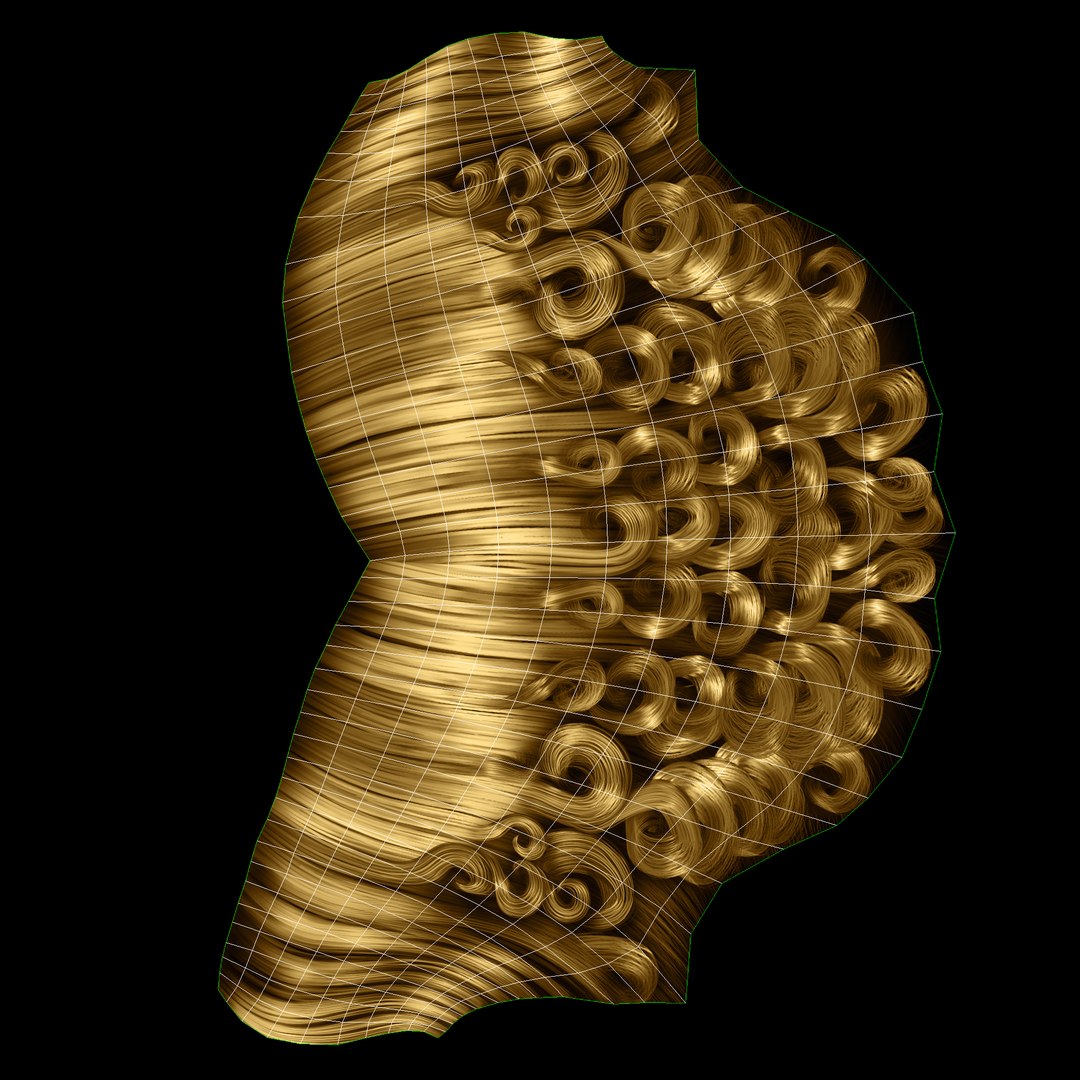
- 2048x2048 JPG (5) Body_Diffuse, Body_specular, Hair_Diffuse, Hair_Opacity, Hair_S-I
- 2048x1500 JPG (2) Stalk Wings_Diffuse, Stalk Wings_Opacity
- 1024x1024 JPG (1) Eye Diffuse
- 1024x871 JPG (1) Pants_Diffuse
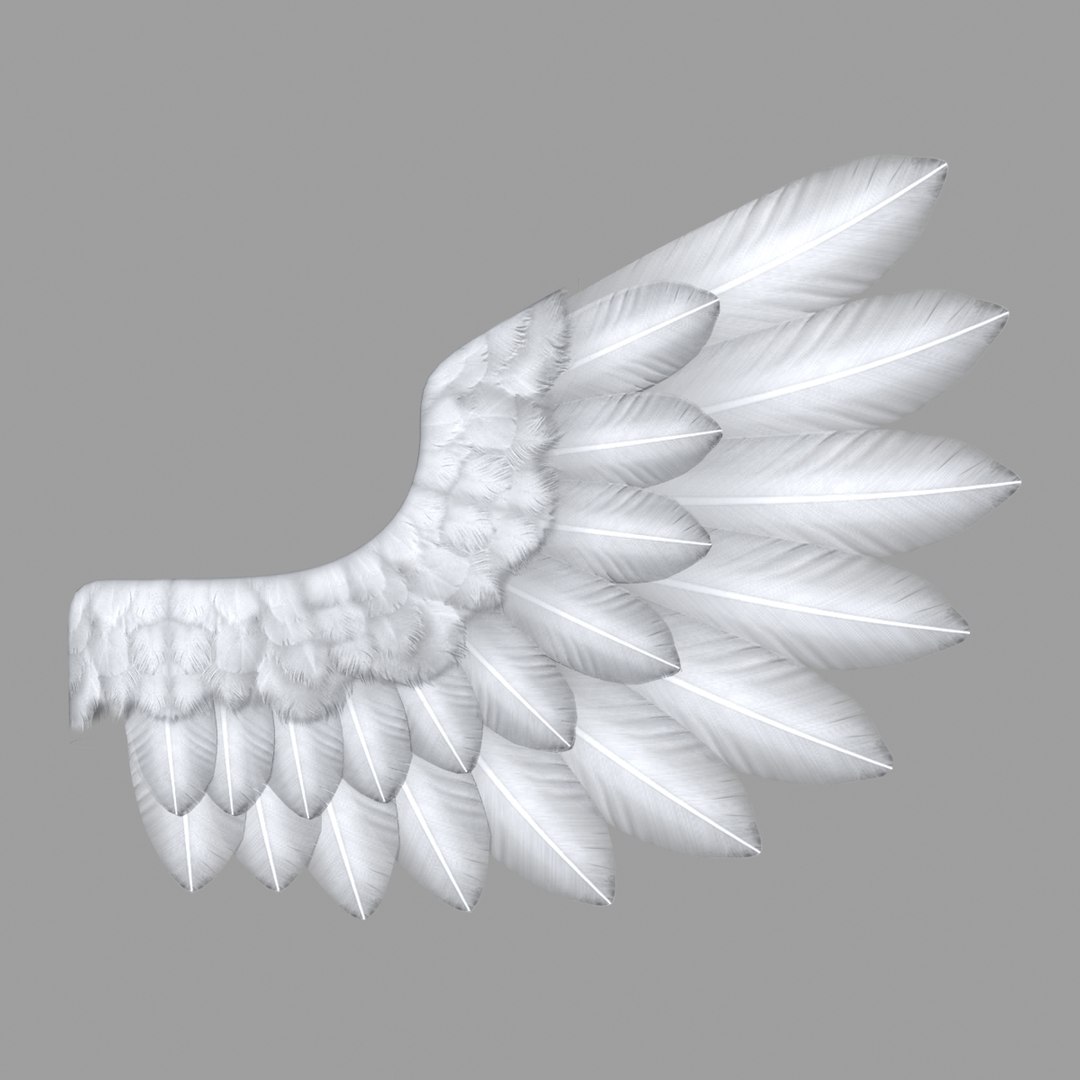
- 1024x456 JPG (2) Feather_Diffuse, Feather_opacity
- 800x400 JPG (1) Reflection_Chrome


|| GENERAL ||
- Clean mesh edge loops, Quads Only.
- Units used: Centimeters. Model is 73,5cm centimeters tall.
- Objects, Materials, Textures use meaningful names. (striped texture path names)
- No Third-party renderer or plug-ins needed.


|| ADDITIONAL NOTES ||
- Model is not rigged.
- MAX file is the original version; the use of this is recommended.
- Additional file formats exported without Smooth modifier applied.
- OBJ file format exported as base mesh (not smoothed).

Select Enhanced License

  • $10,000 in Legal Protection (Indemnification)
  • Uncapped Legal Protection (Indemnification)
  • Waiver from injunctive relief
  • Assignable model rights
  • $1,000,000 in Legal Protection (Indemnification)
  • Waiver from injunctive relief
  • Assignable model rights
  • $250,000 in Legal Protection (Indemnification)
  • Assignable model rights
Read more about enhanced license tiers, or contact us at enterprise@turbosquid.com. Already a Shutterstock Enterprise Customer? Contact your Shutterstock Sales Support Agent to talk about adding 3D.

About Conversion Requests

To submit a conversion request for a purchased asset, please complete our Conversion Request Form.

If you have not yet purchased a model, please review our Documentation about Conversions to learn about what limitations you may encounter with a conversion.

For any additional questions about a model’s suitability for conversion, please contact TurboSquid Support.

Loading...