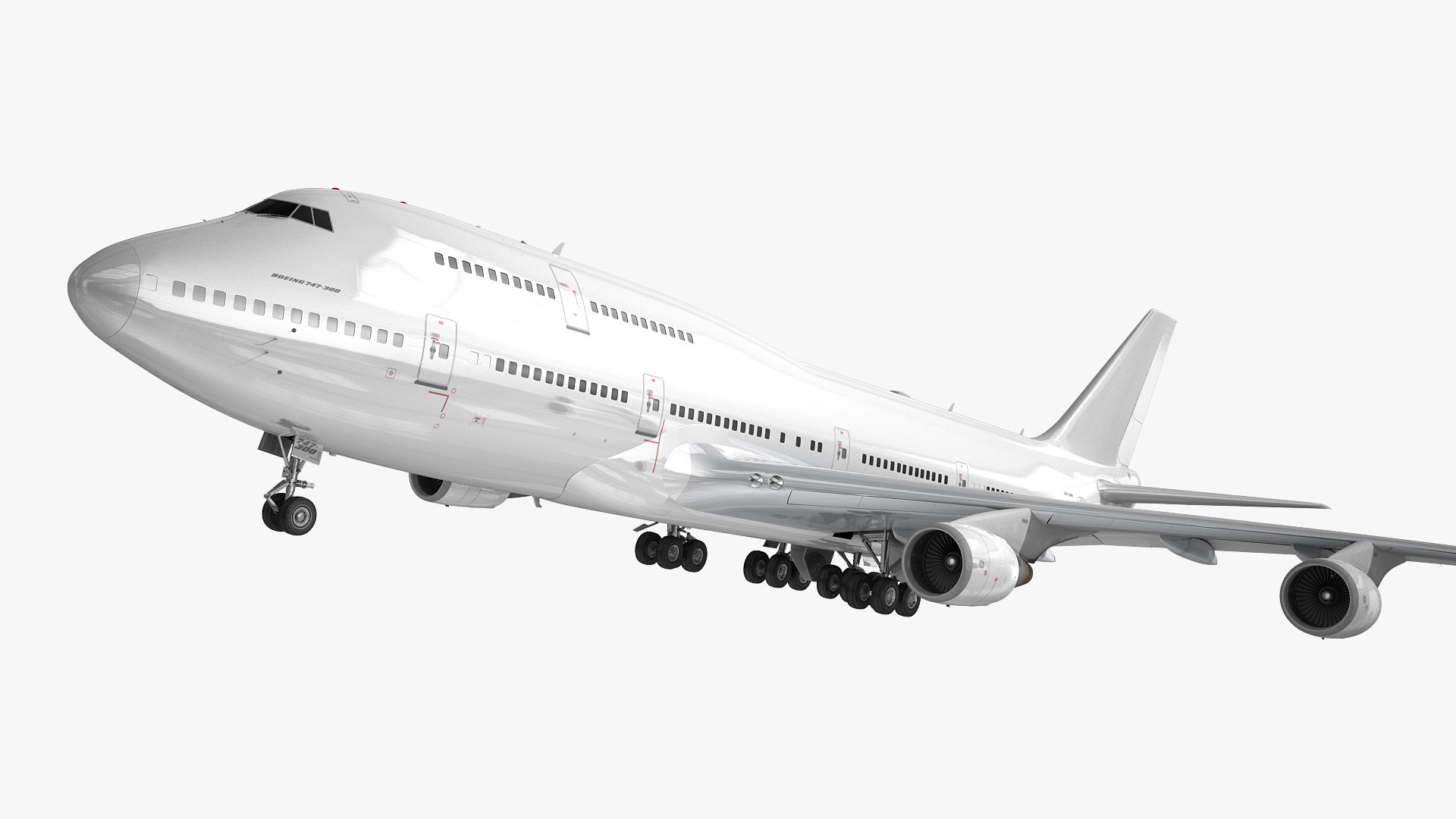
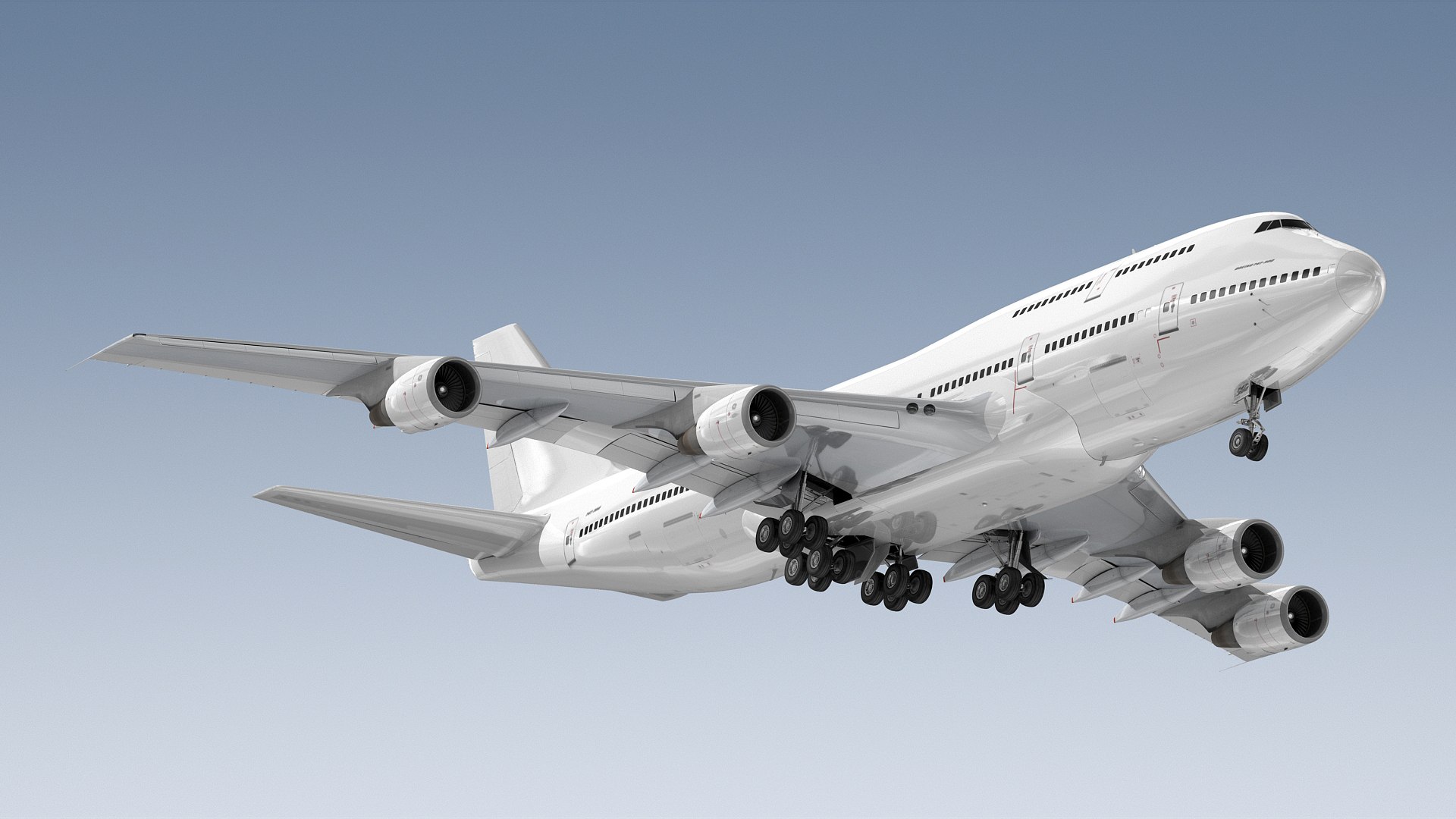
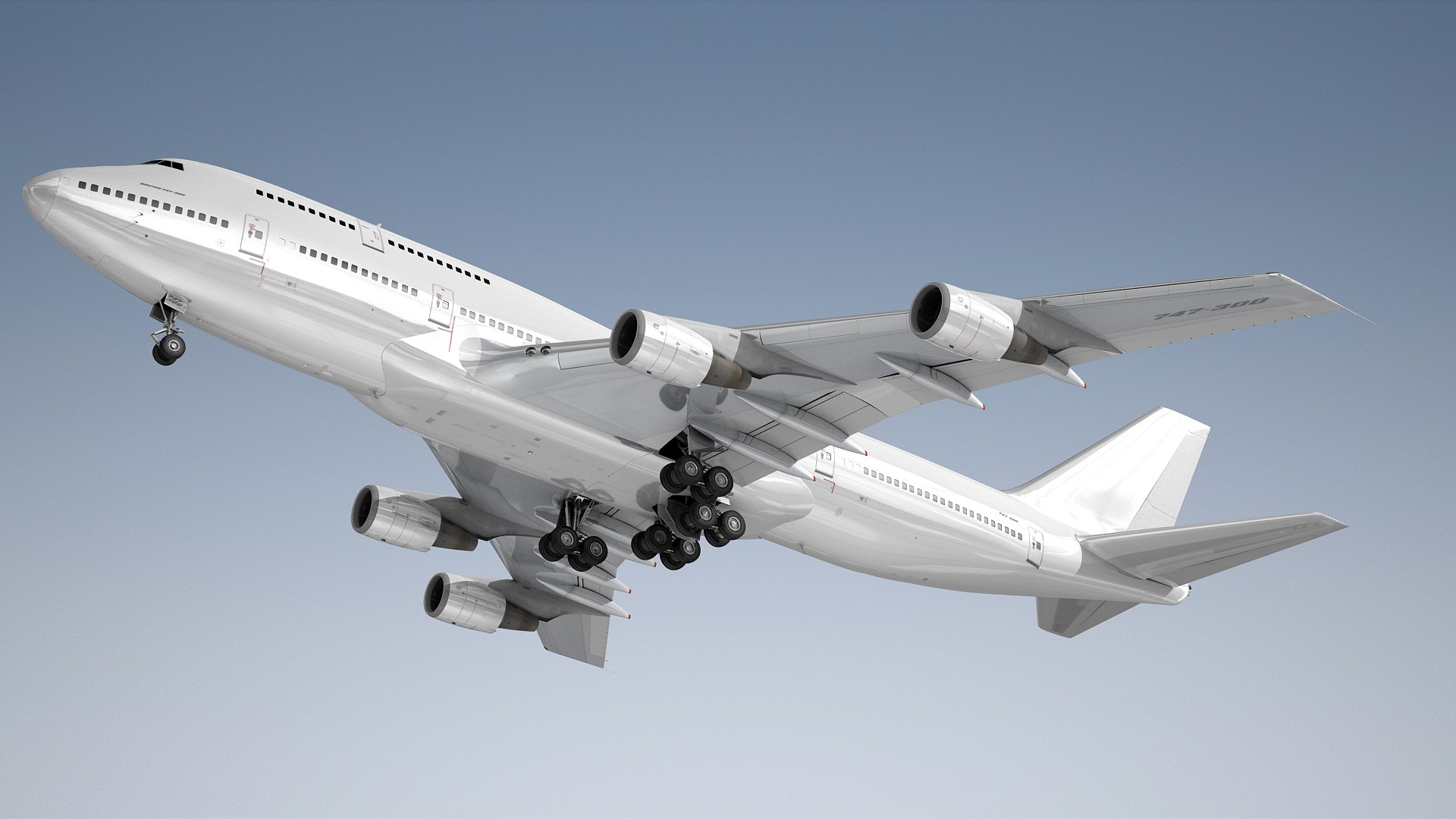
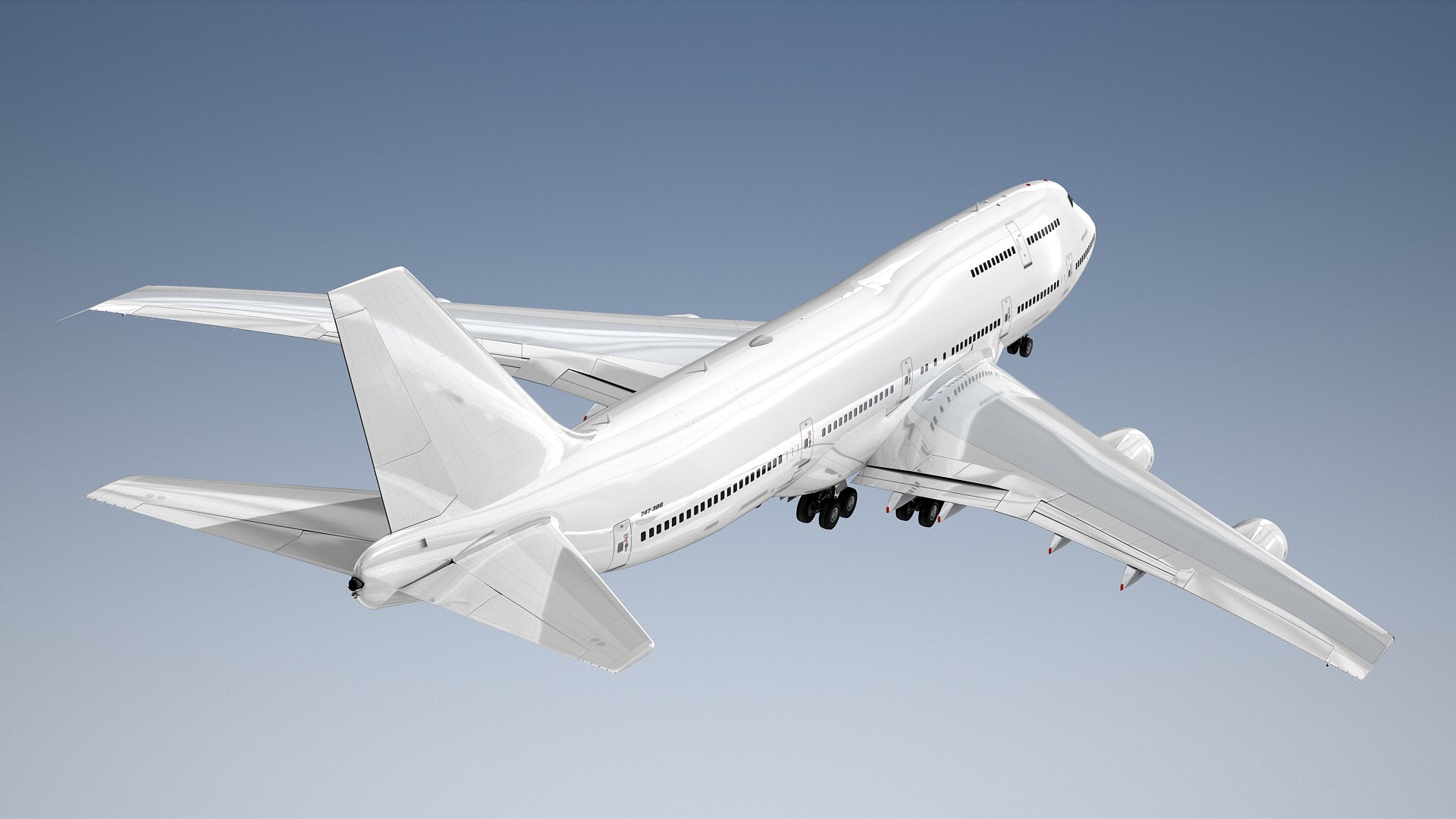
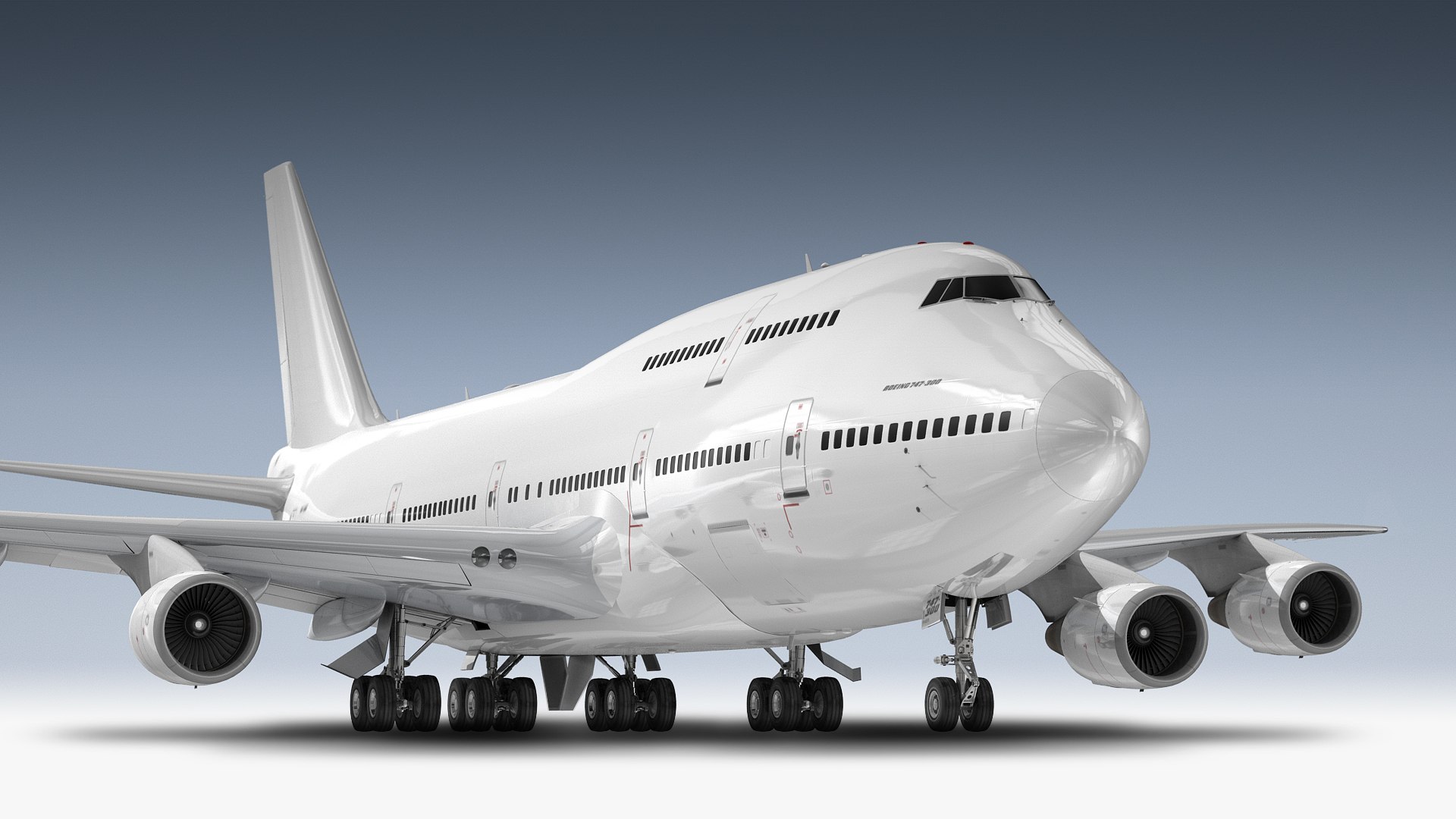
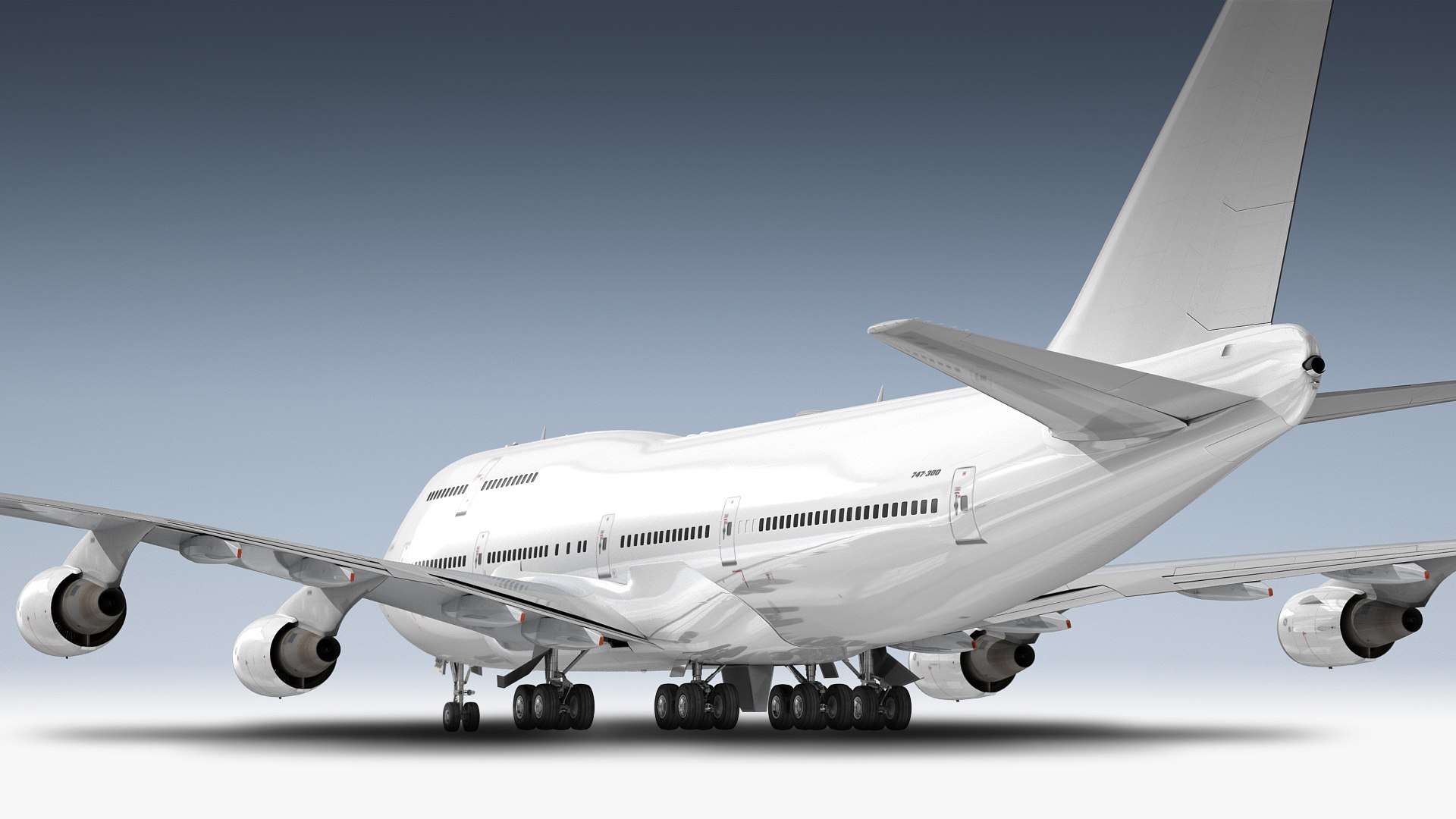
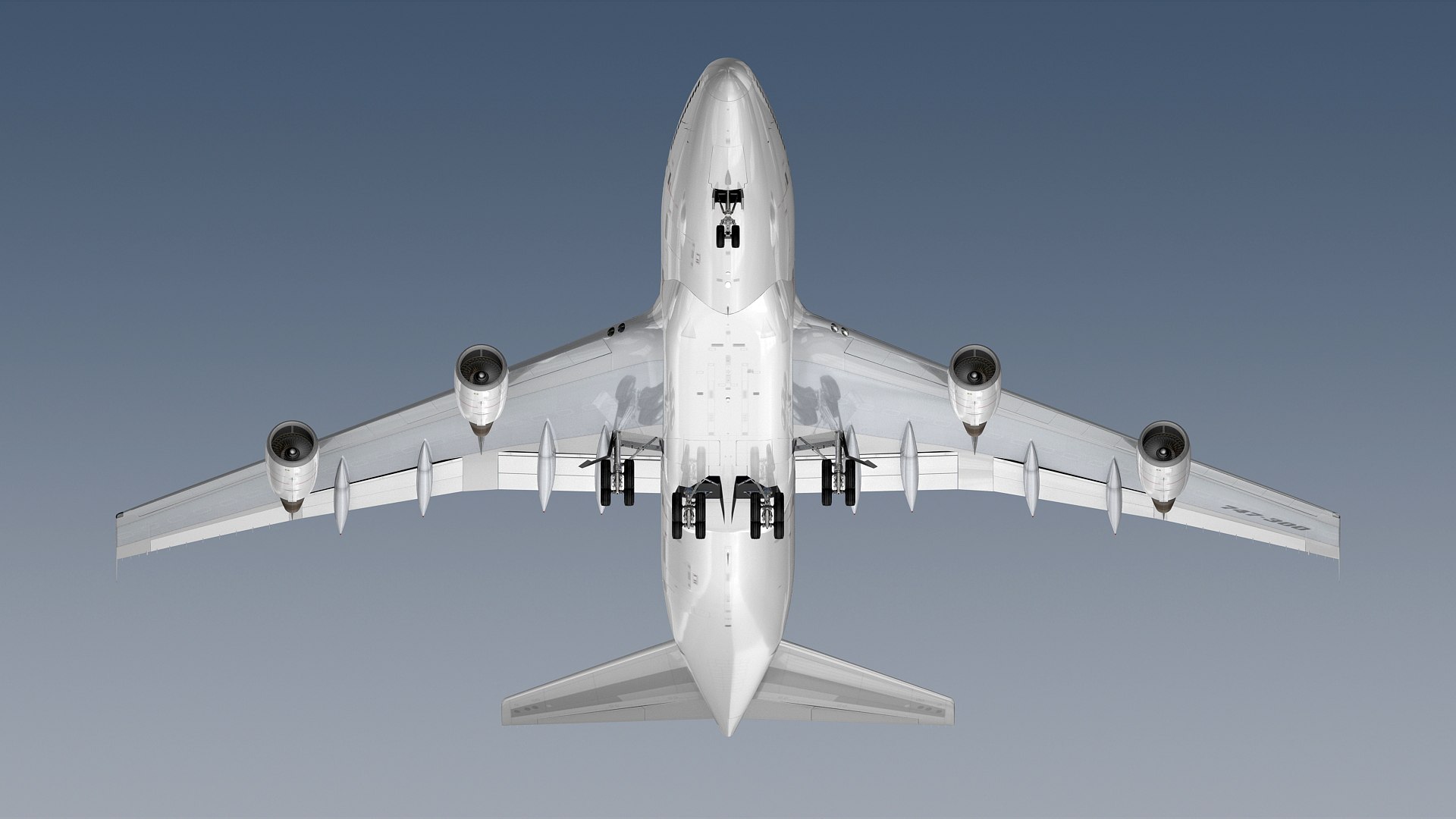
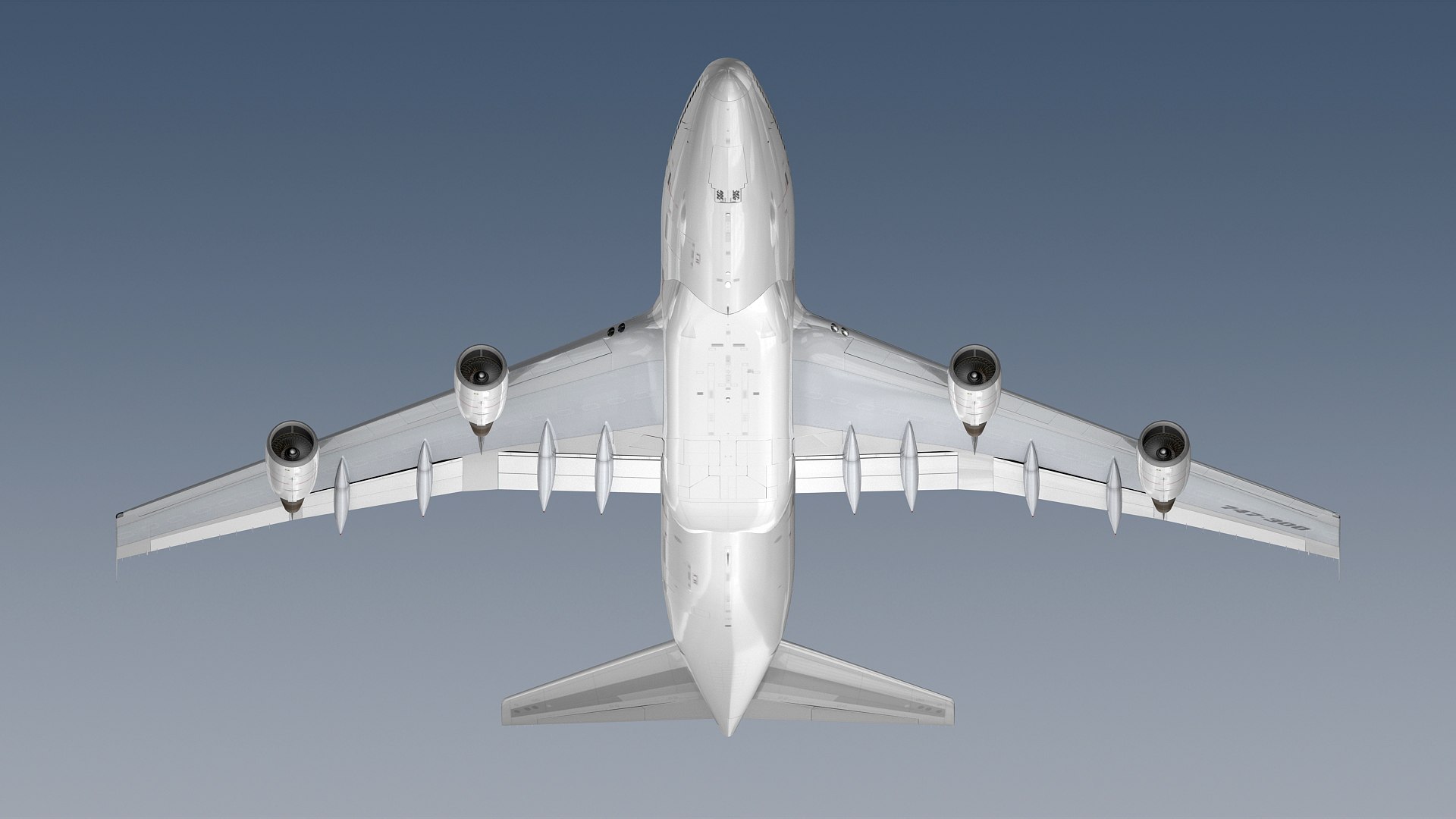
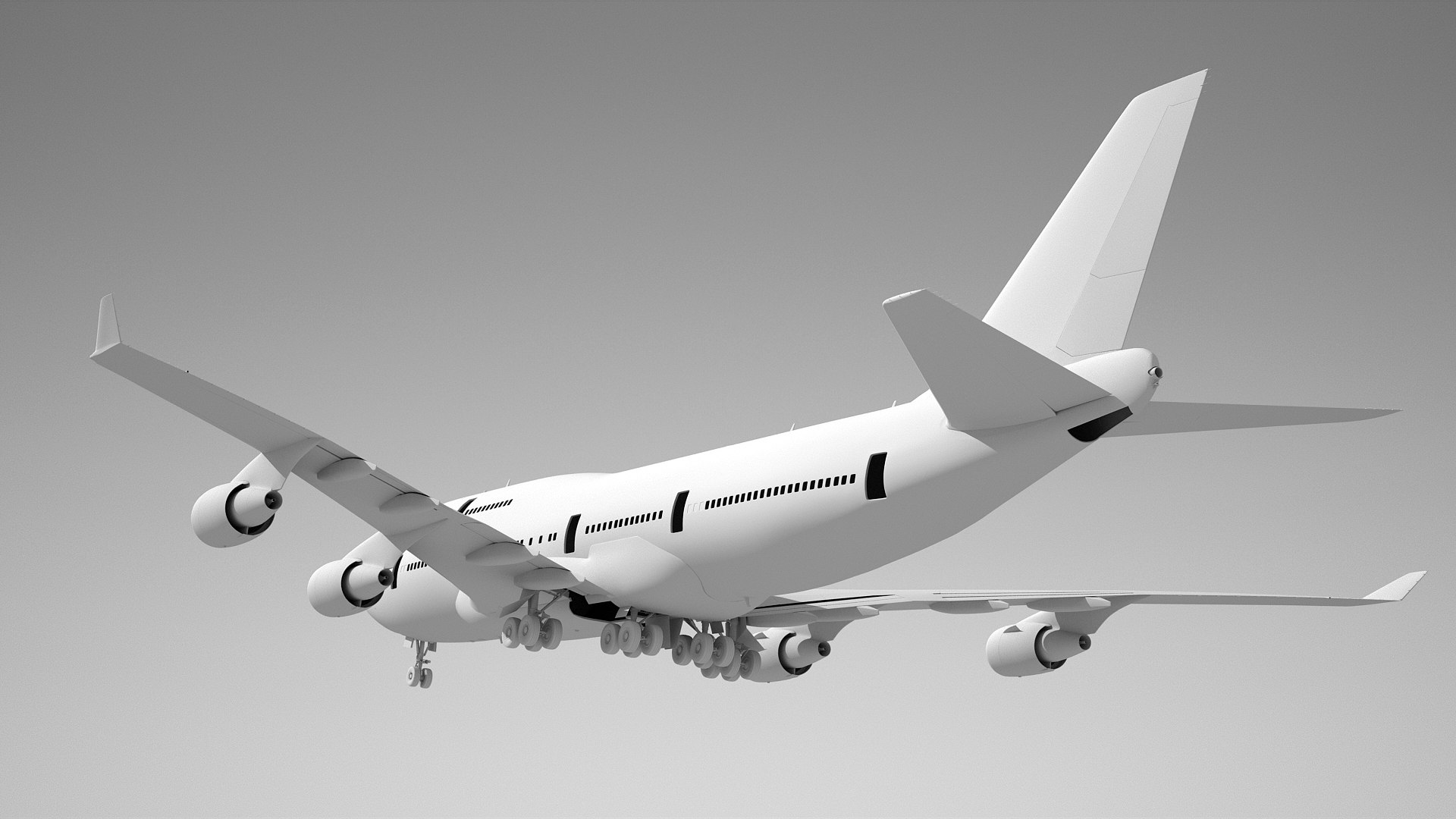
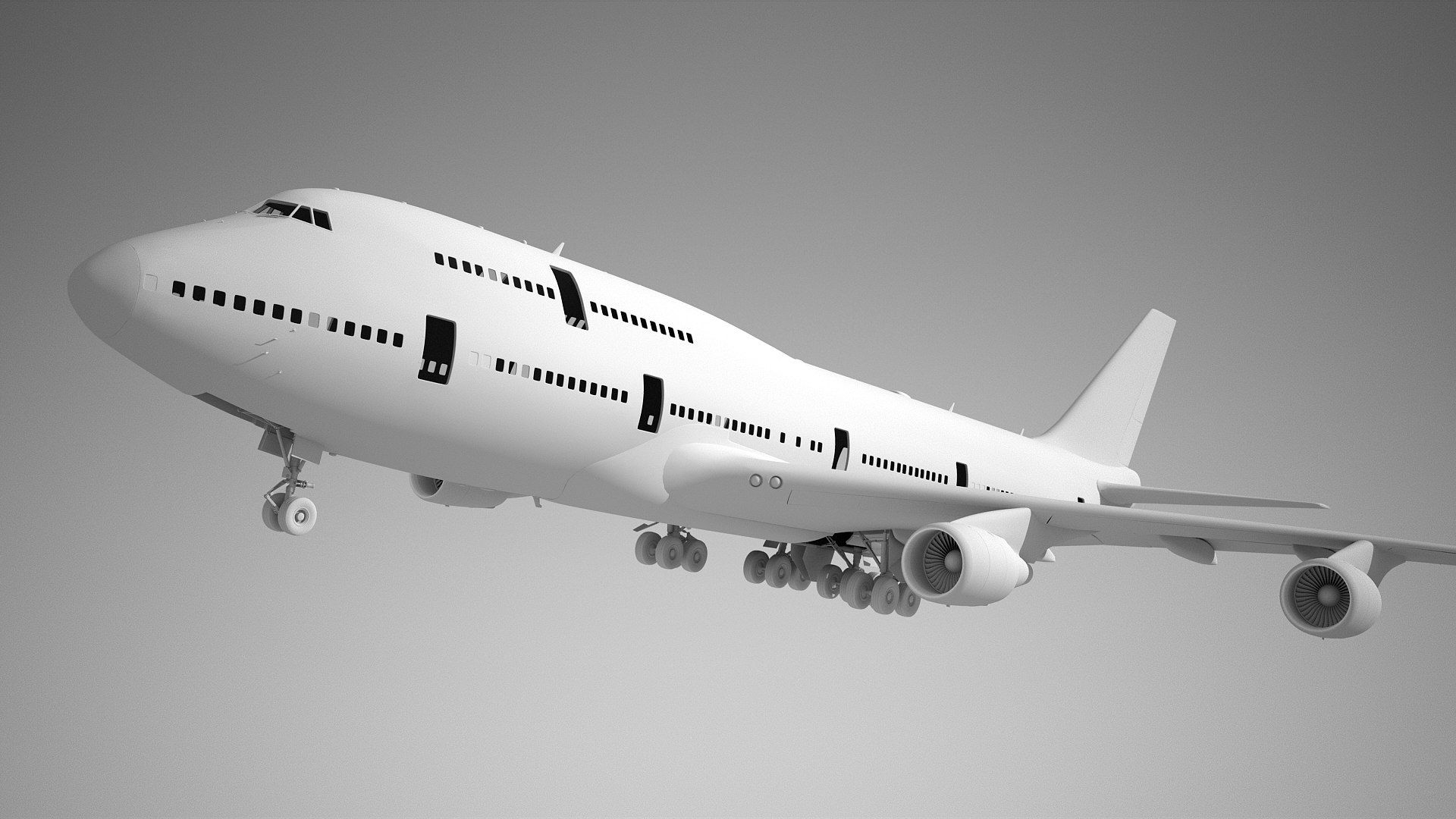
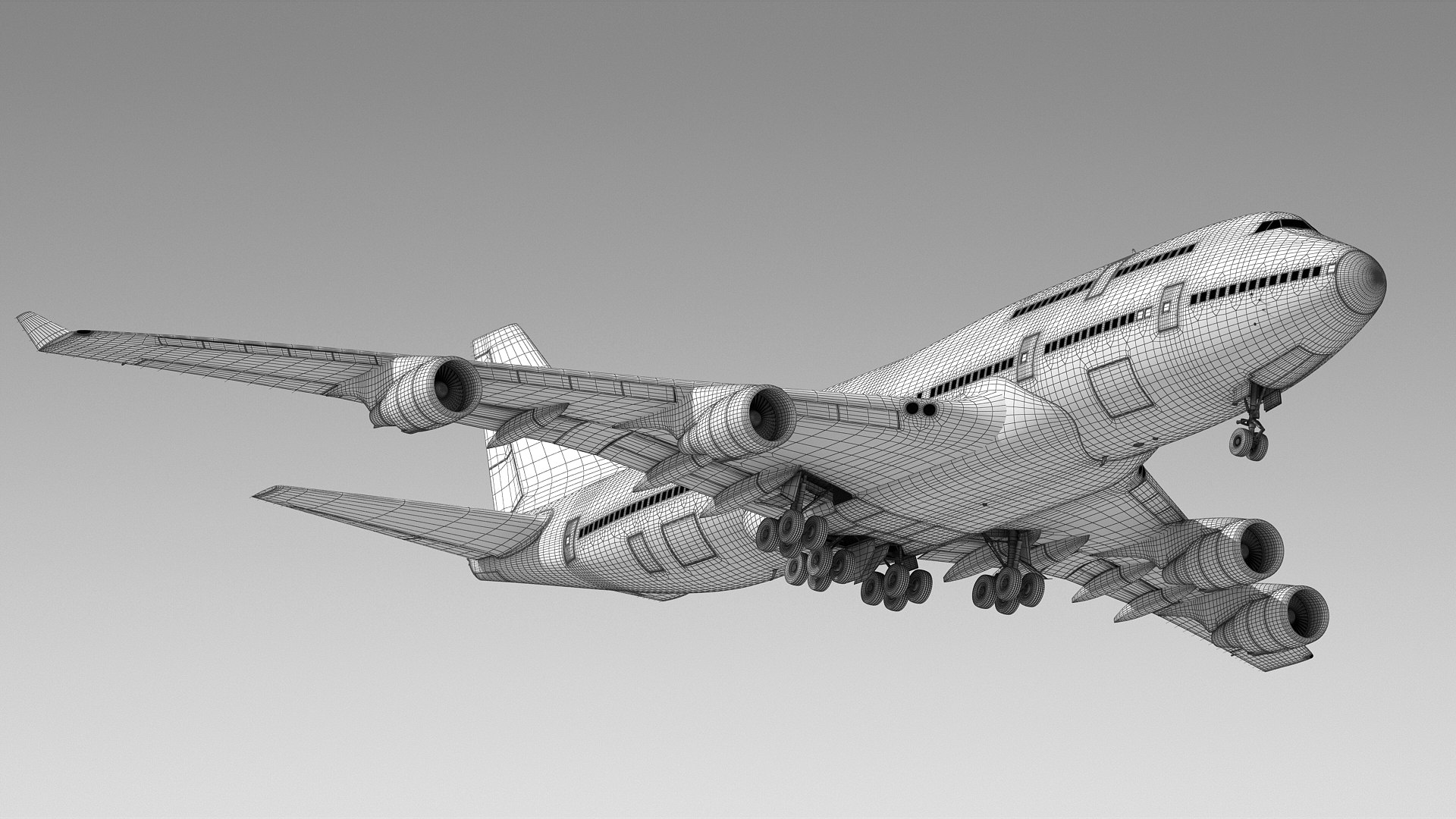
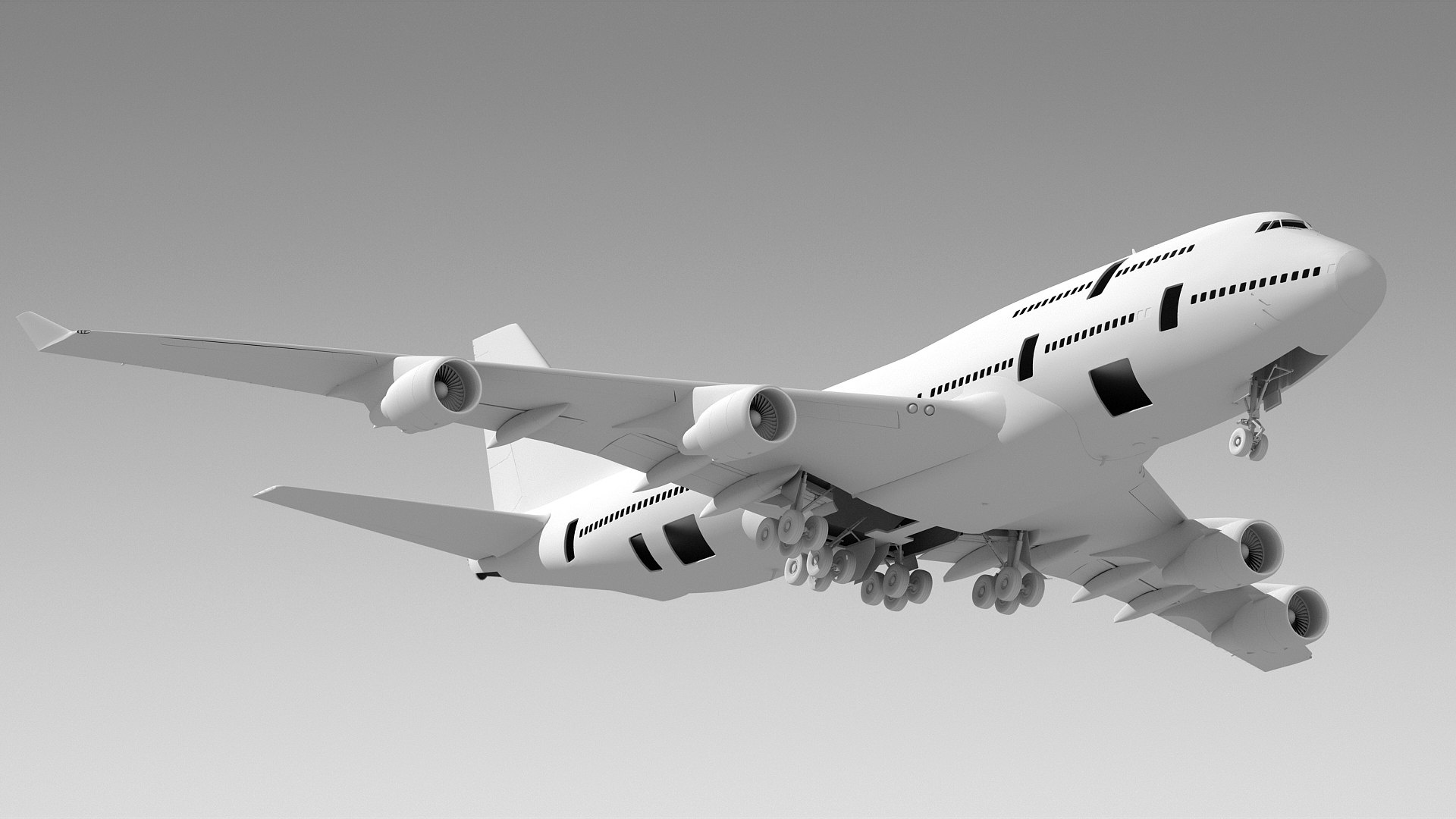
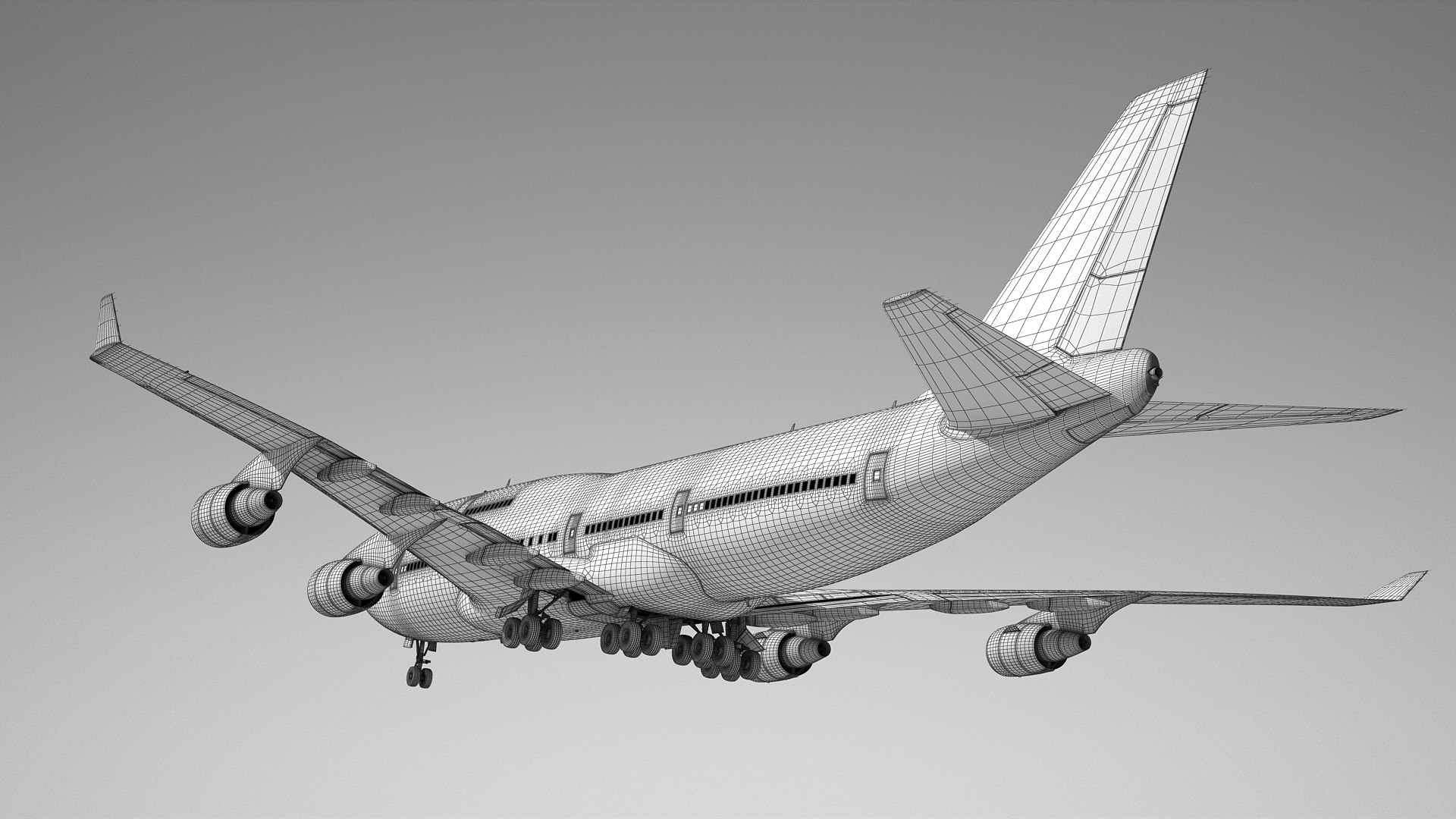
Boeing 747-300 Generic White

$199

Standard License | Upgrade License
Editorial Uses Only
Formats (6)
Free file format Conversions available
Native | 3ds Max 2016 | V-Ray 3.60
Cinema 4D R14 | Other
3ds Max 2013 | Default Scanline
3D Studio
FBX
OBJ
Specifications
Publish Date June 20, 2014
Product ID 829602
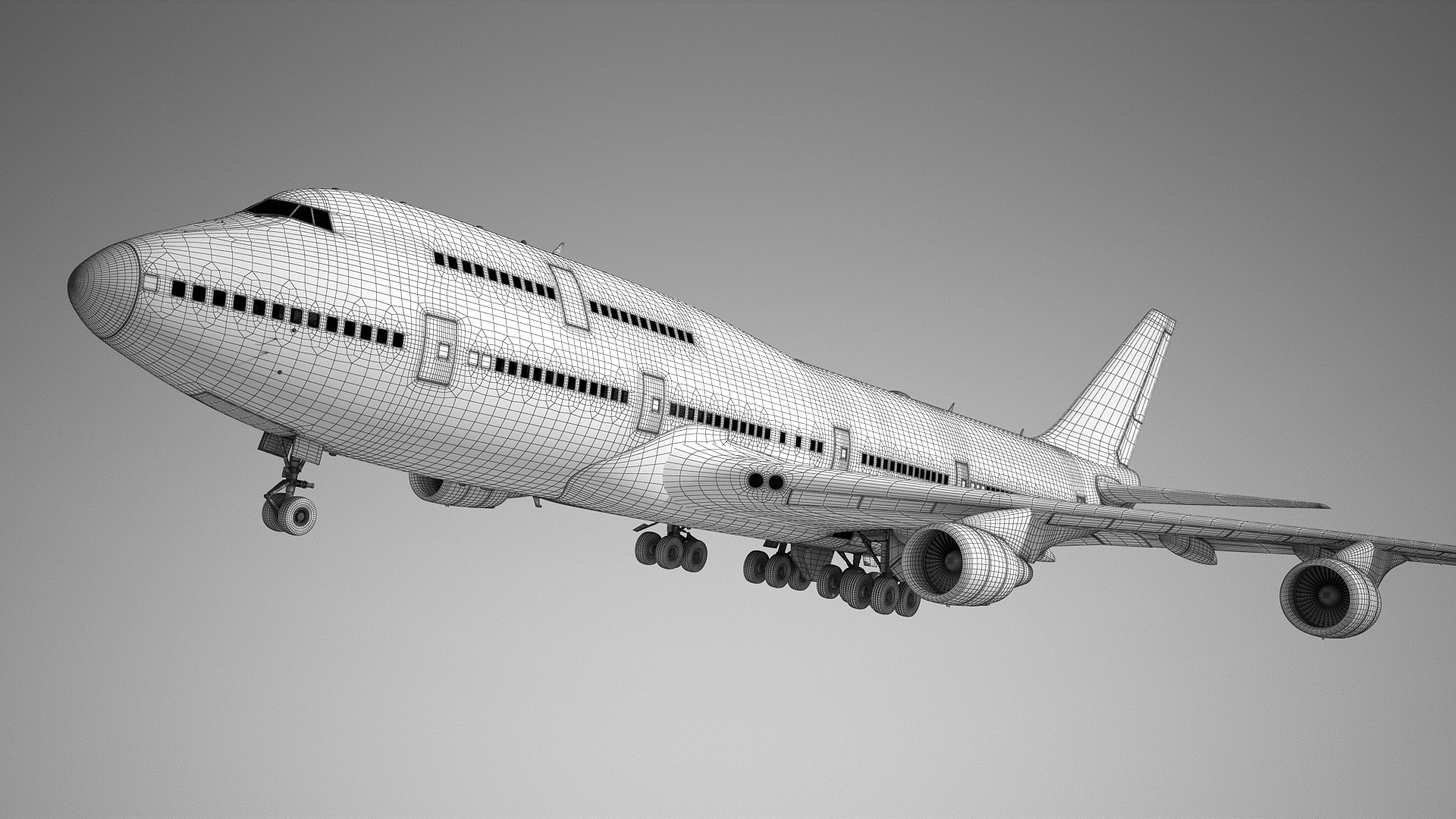
Polygons 703,999
Vertices 729,849
Polygonal
Textures
Materials
UV Mapped
Non-overlapping Unwrapped UVs
TurboSquid Exclusive
Get More Value with a Bundle
member avatar
BlueGreen
1193 Products | Contributor Since 2003
Have questions? Chat with us now.

Description

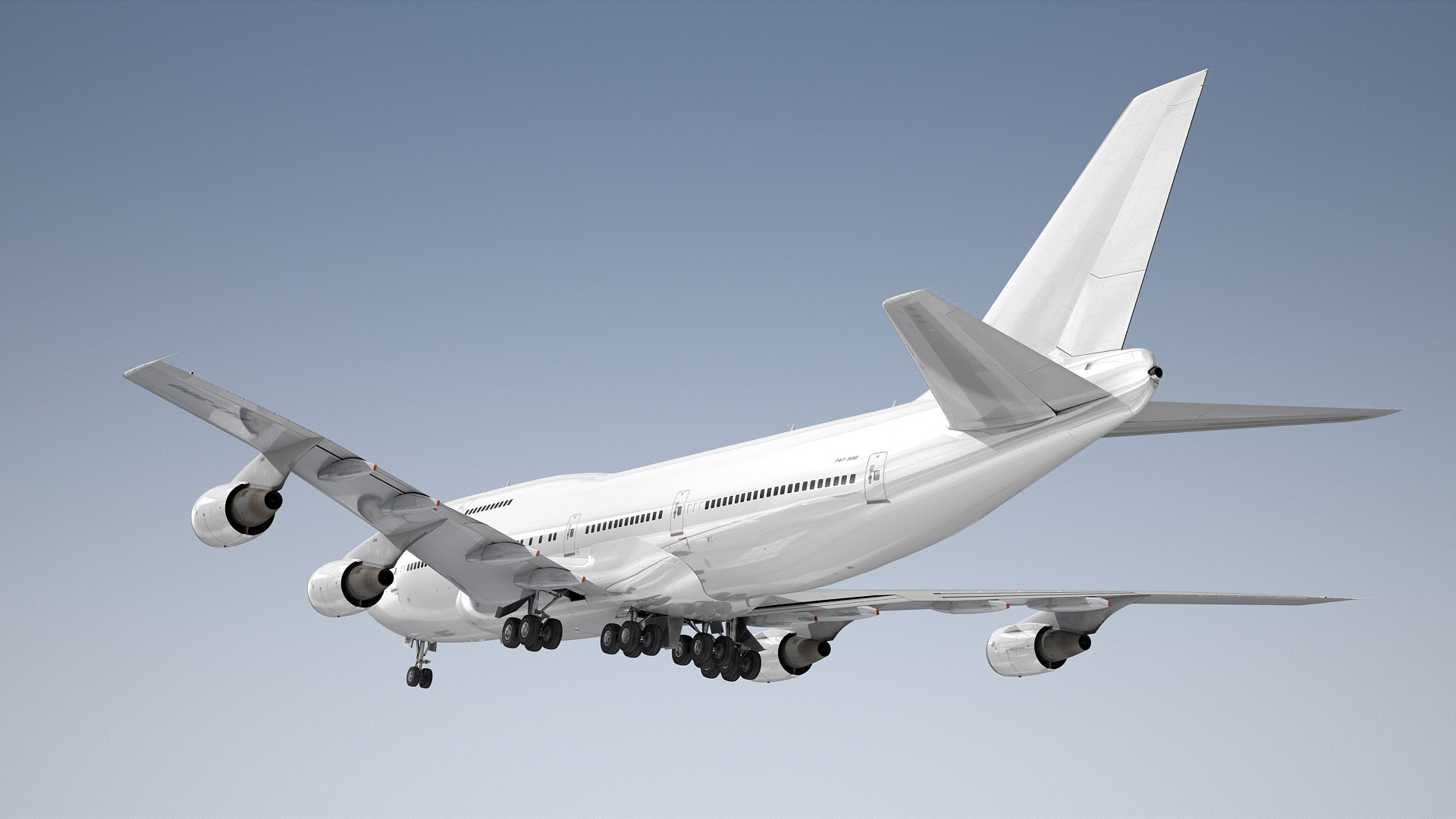
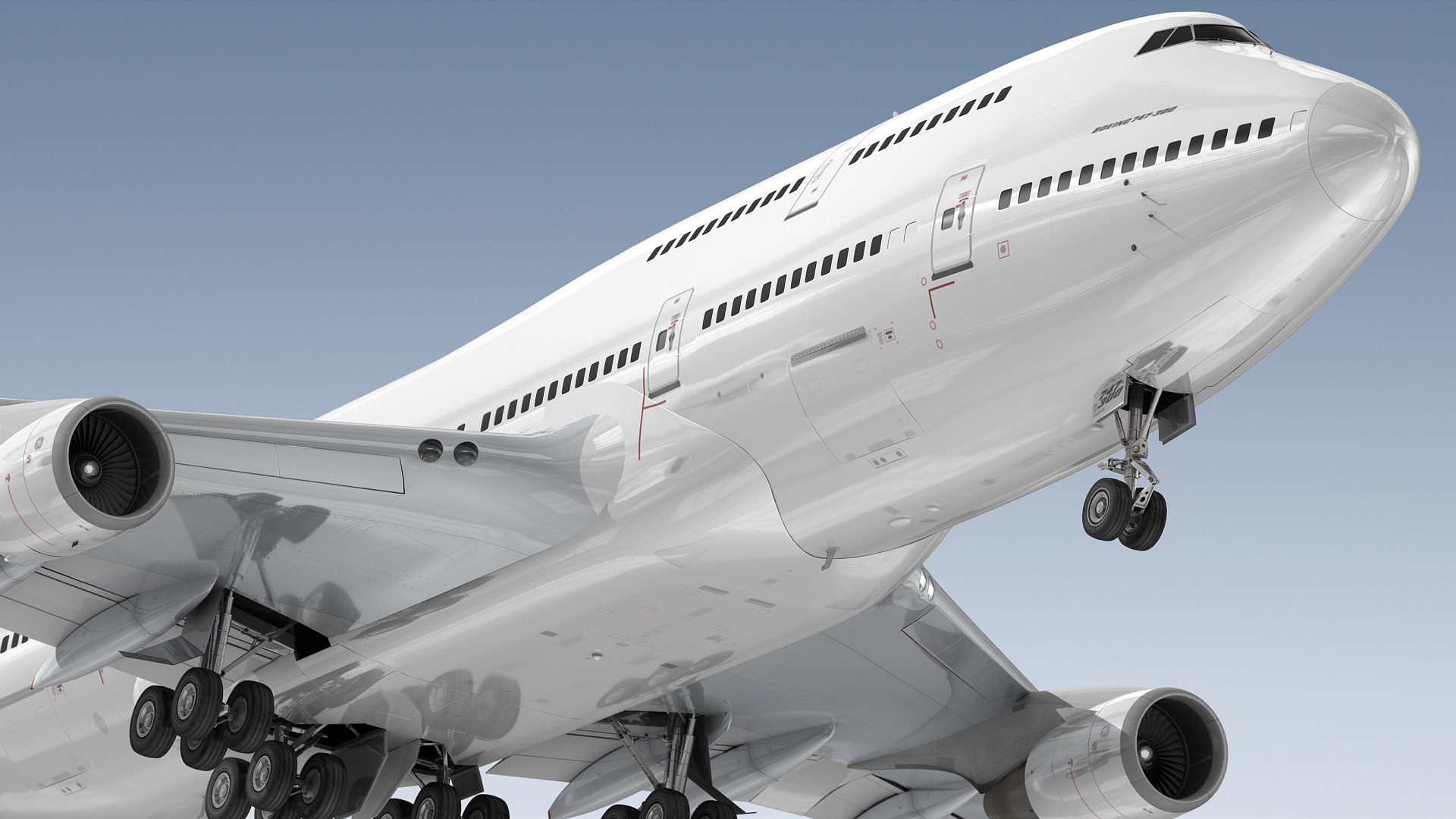
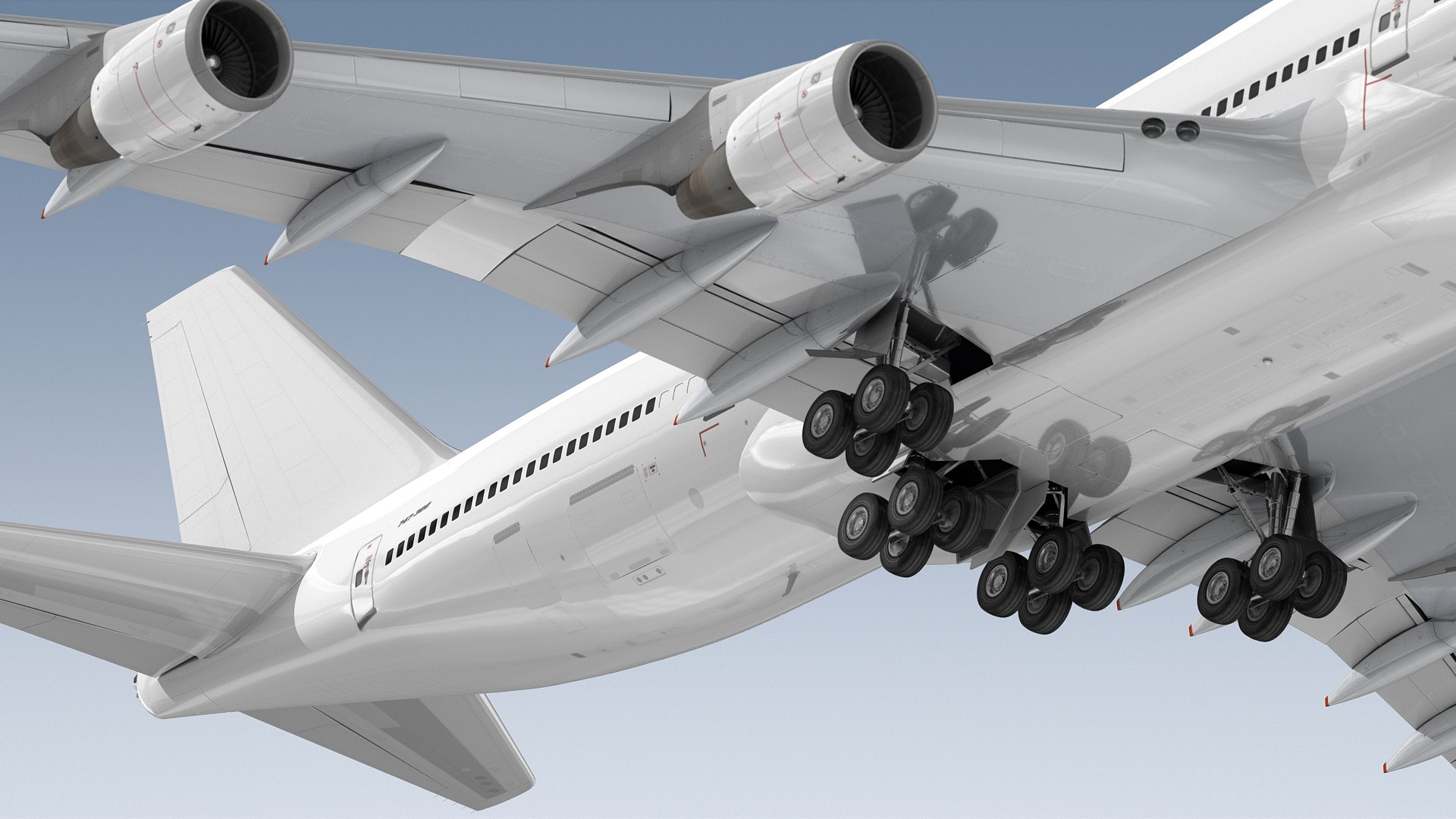
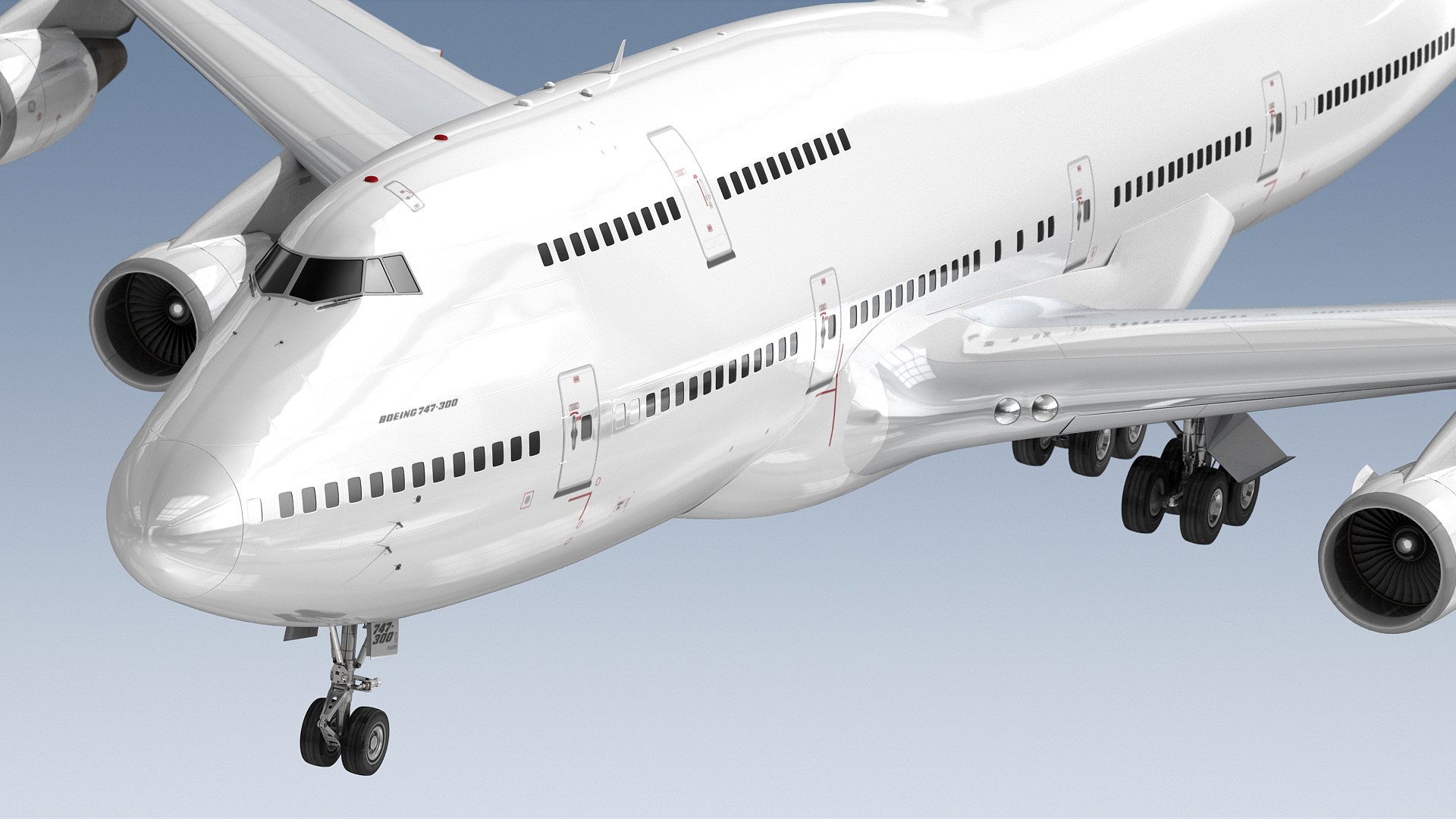
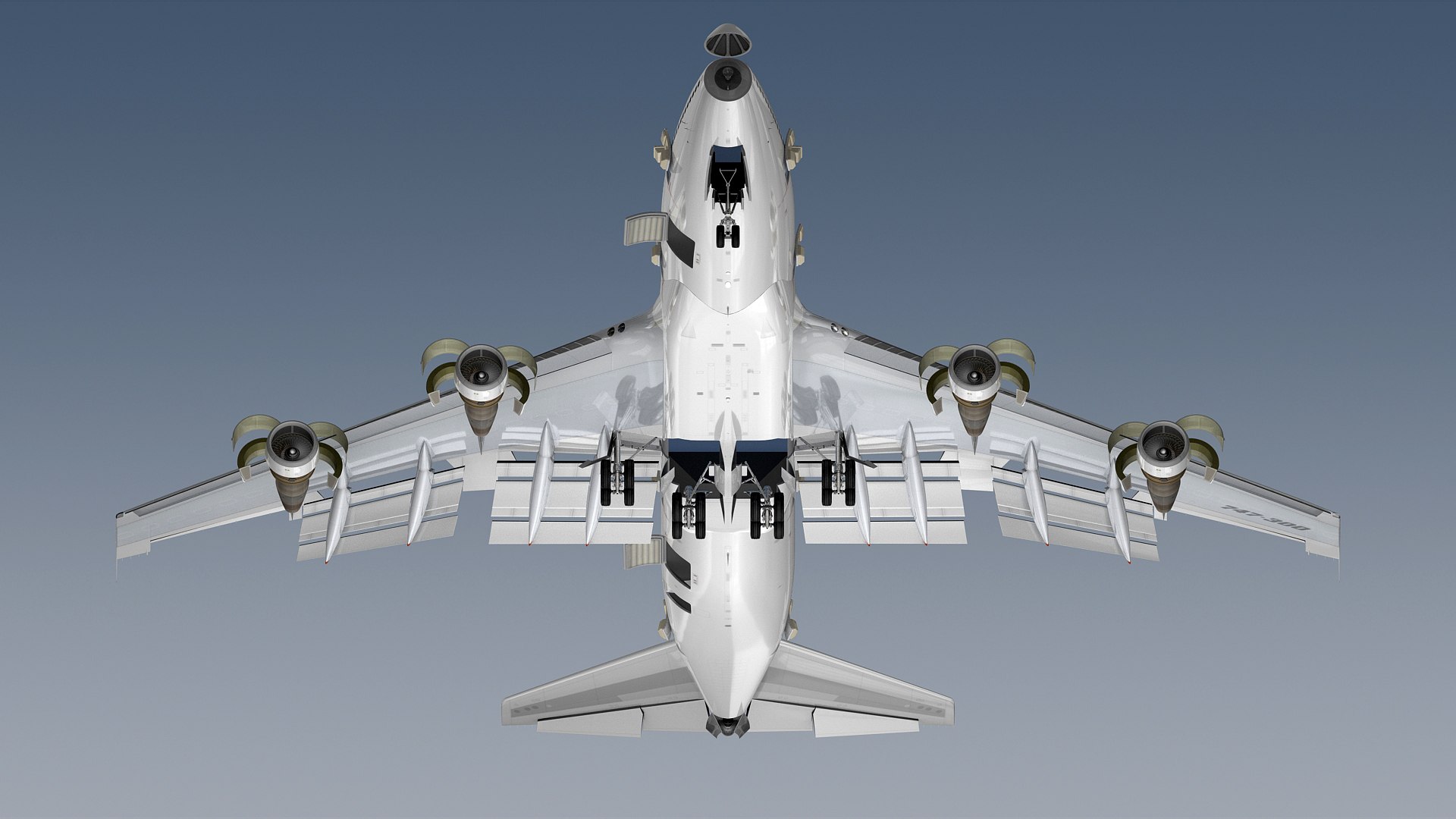
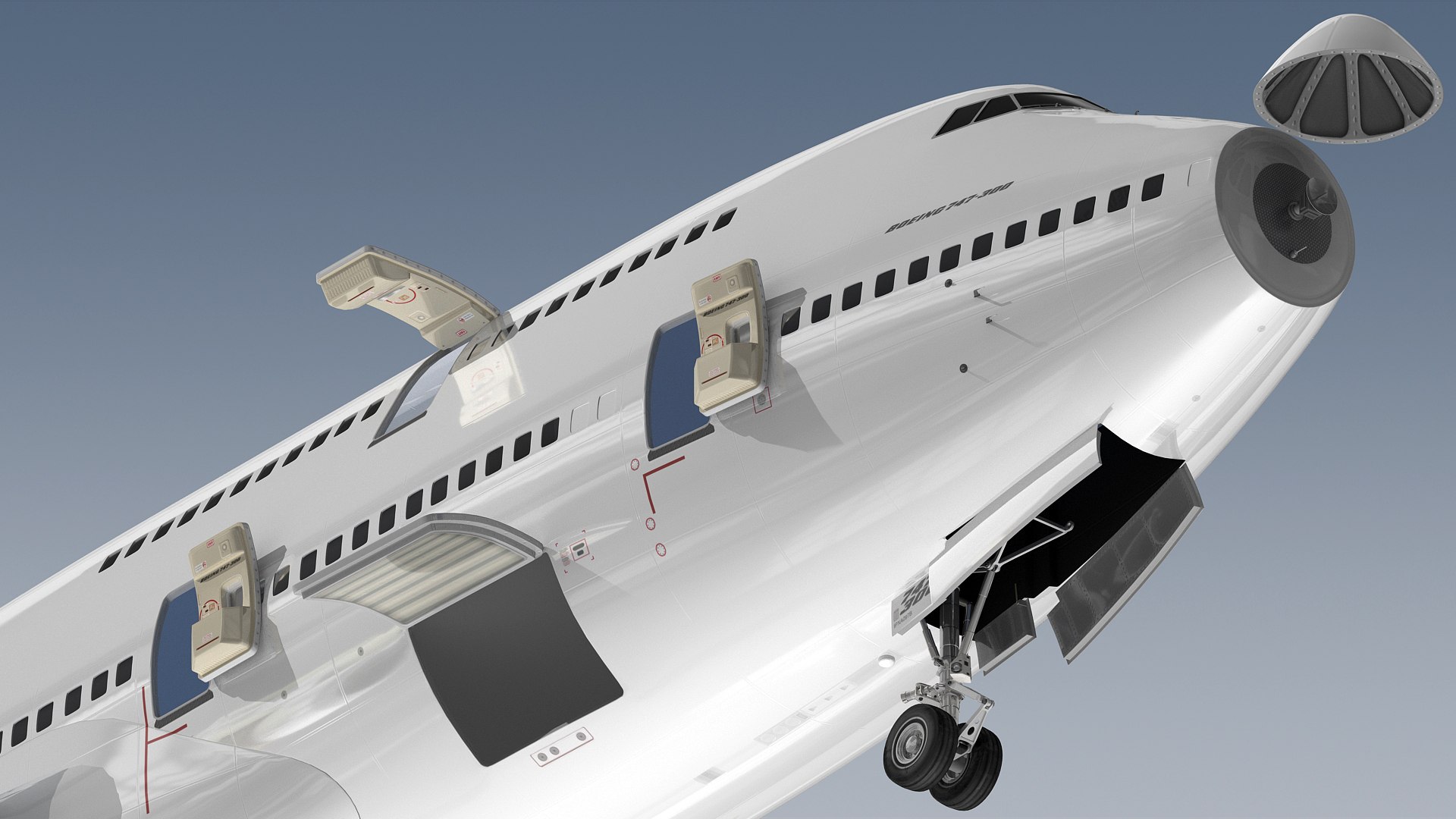
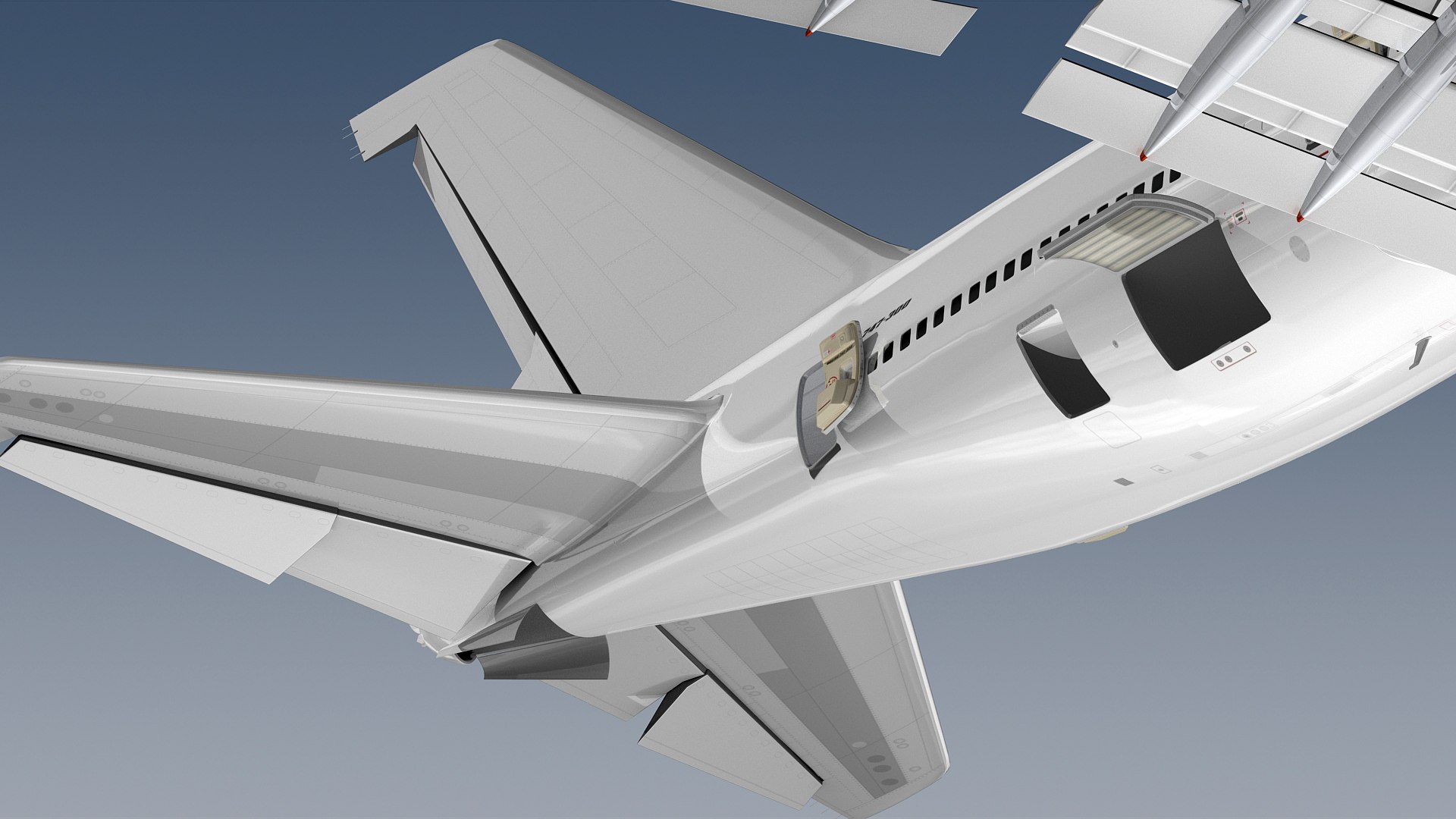
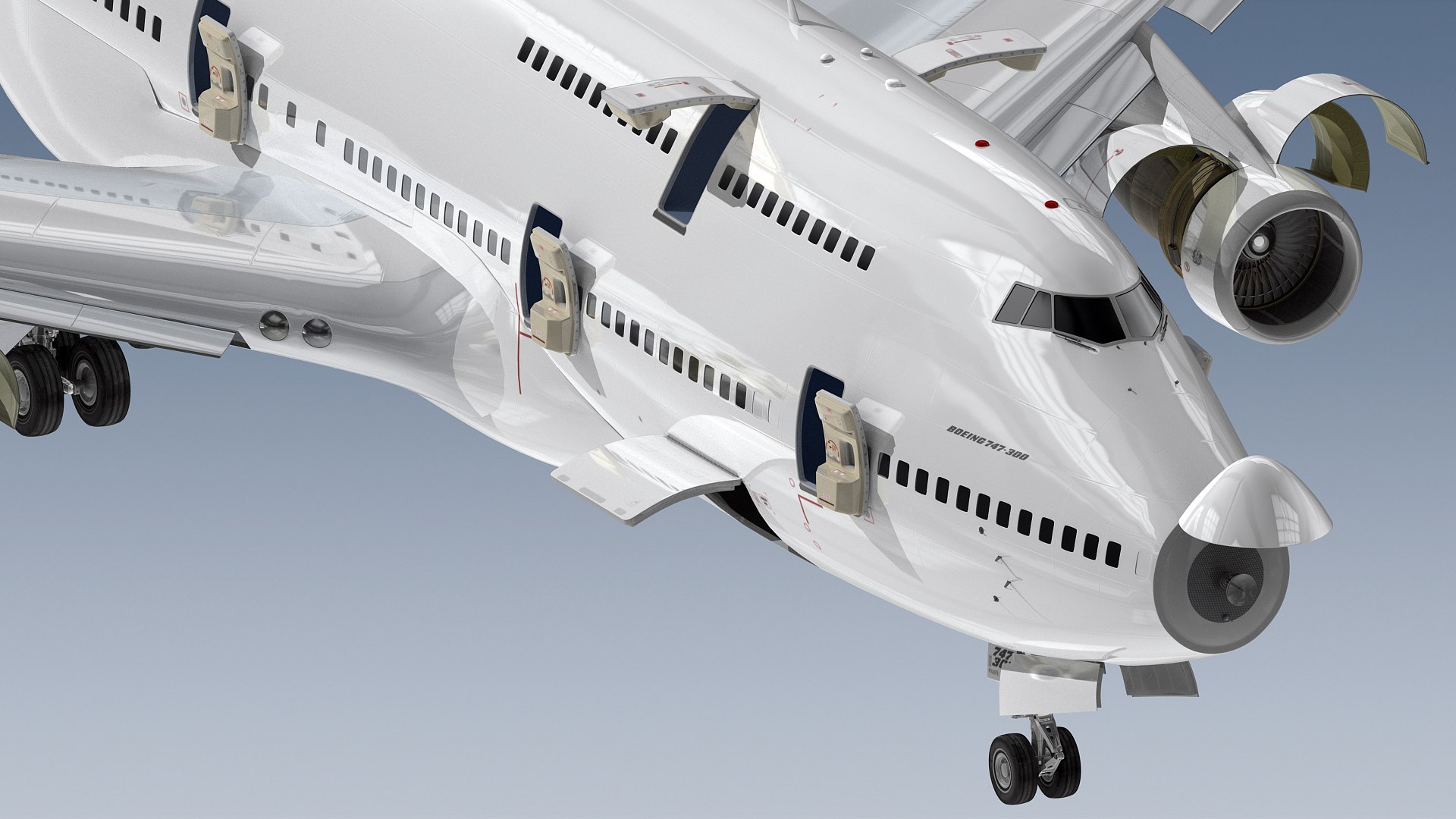
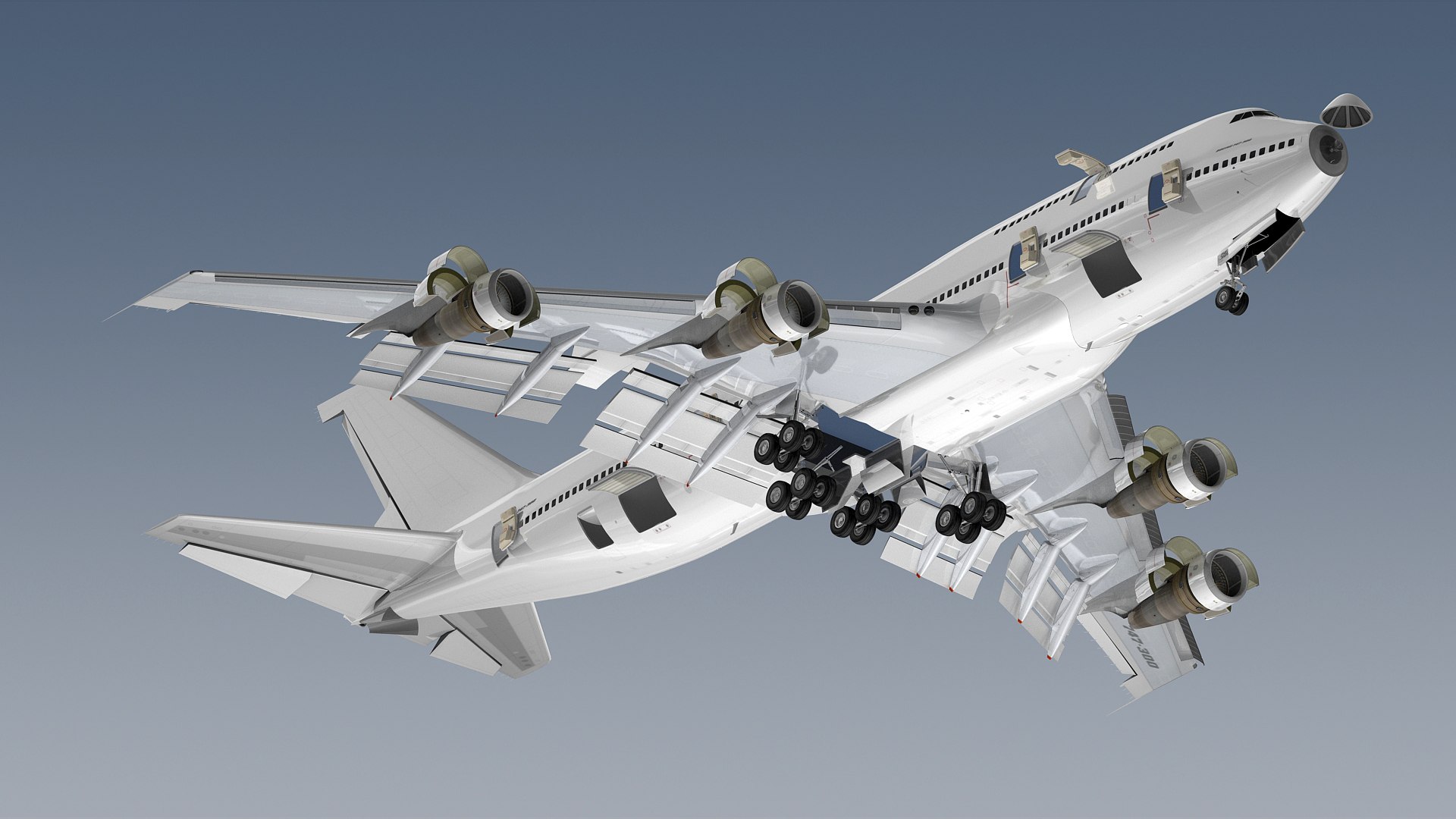
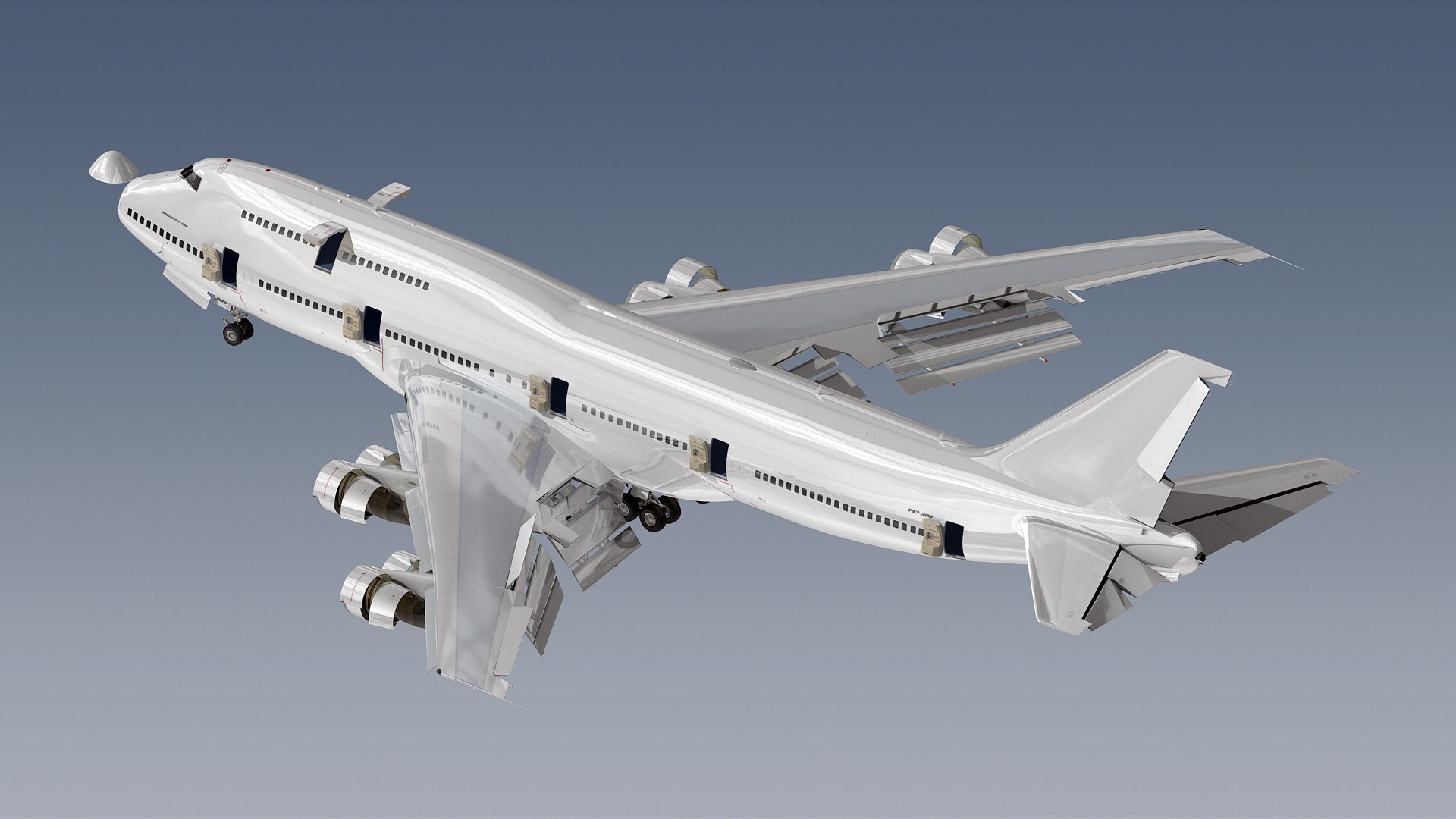
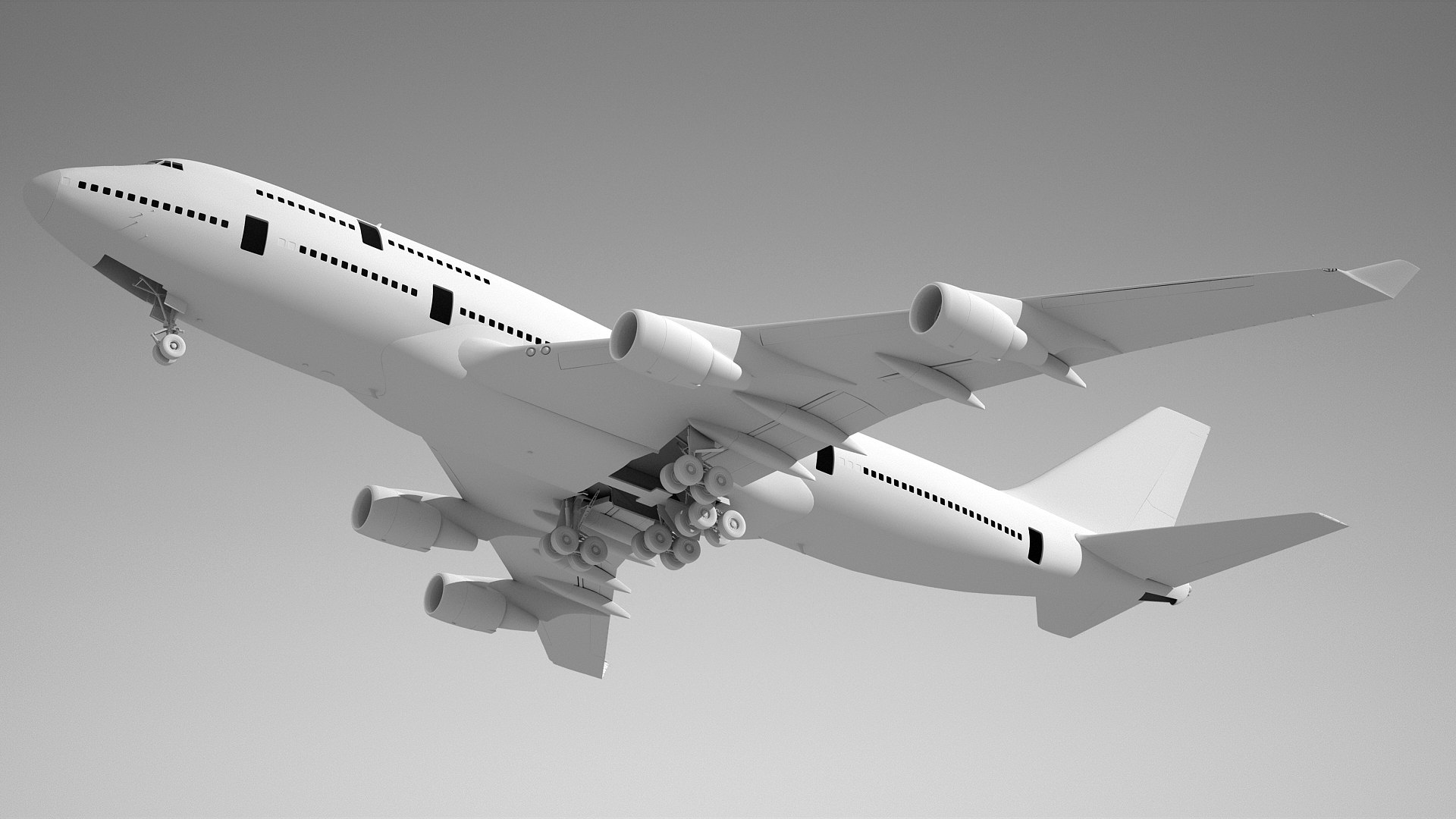
High detailed and accurated Boeing 747-300 commercial aircraft 3d model.
Textured as generic white.
Previews were rendered with v-ray 3.6
Both of vray and scanline versions are available in separate files for customers.
The scene is ready for rendering as seen in the preview files.
Main format is 3ds Max.
Plane is modeled in actual dimensions.
Model is in real world scale.
Diffuse textures are 4096X4096 pixel resolutions. (6 maps)
Bump textures are 4096X4096 pixel resolutions. (6 maps)
Specular texture is 1024X1024 pixel resolution. (6 maps)
Texture formats are png.
This product is NOT animated.
The moving parts in the previews are meant for illustration purposes.
All animatable parts (incoming flaps, outgoing flaps, ailerons, spoilers, nose landing gears, main landing gears, gear hatches, passenger doors, cargo doors, engine cowls, fan discs, elevators, rudder, nose radome and etc.) are named as separately.
All parts are named and separated.
Total object count is 288.

Updated in October 2023.

Select Enhanced License

  • $10,000 in Legal Protection (Indemnification)
  • Uncapped Legal Protection (Indemnification)
  • Waiver from injunctive relief
  • Assignable model rights
  • $1,000,000 in Legal Protection (Indemnification)
  • Waiver from injunctive relief
  • Assignable model rights
  • $250,000 in Legal Protection (Indemnification)
  • Assignable model rights
Read more about enhanced license tiers, or contact us at enterprise@turbosquid.com. Already a Shutterstock Enterprise Customer? Contact your Shutterstock Sales Support Agent to talk about adding 3D.

About Conversion Requests

To submit a conversion request for a purchased asset, please complete our Conversion Request Form.

If you have not yet purchased a model, please review our Documentation about Conversions to learn about what limitations you may encounter with a conversion.

For any additional questions about a model’s suitability for conversion, please contact TurboSquid Support.

Loading...