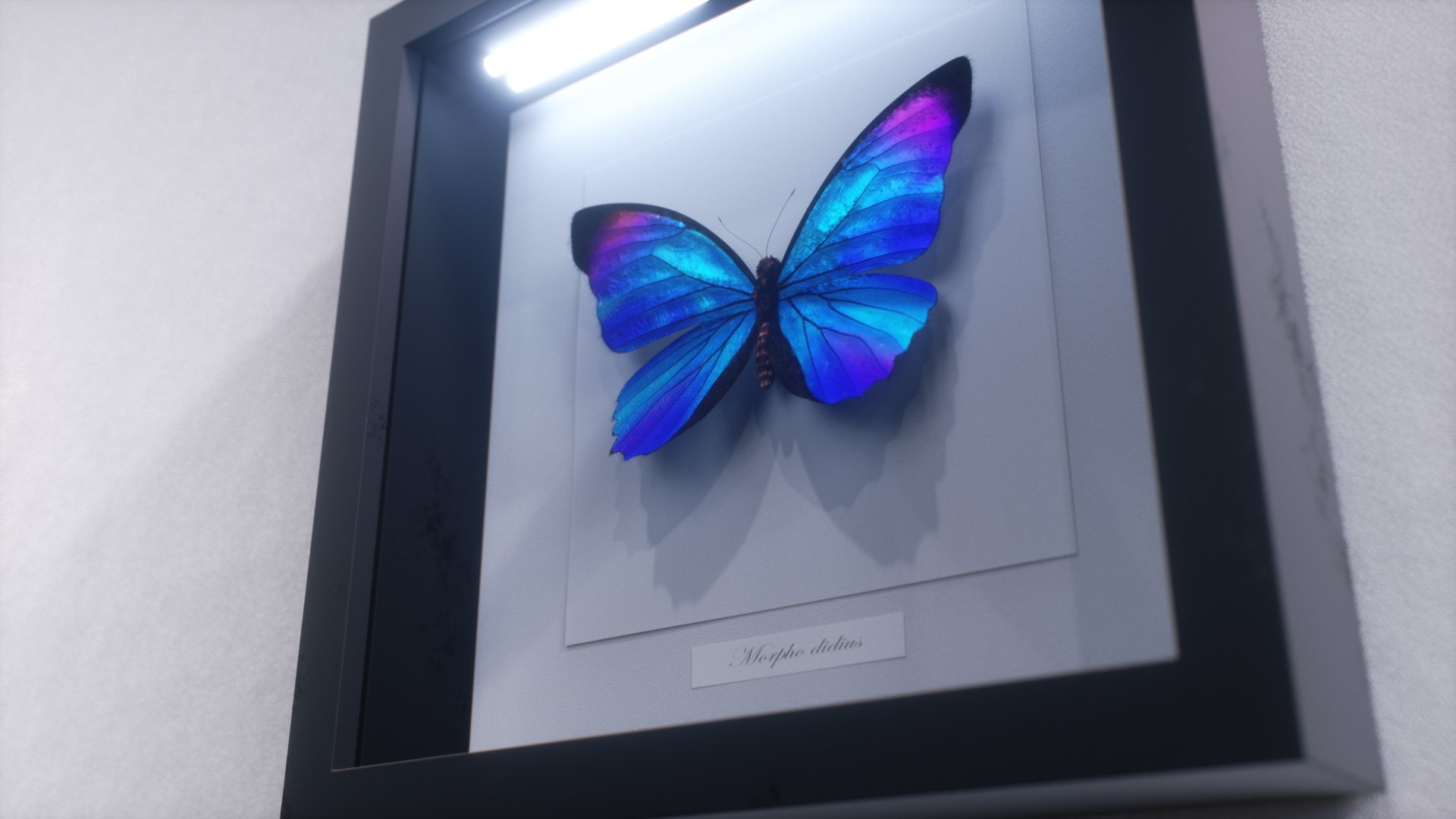
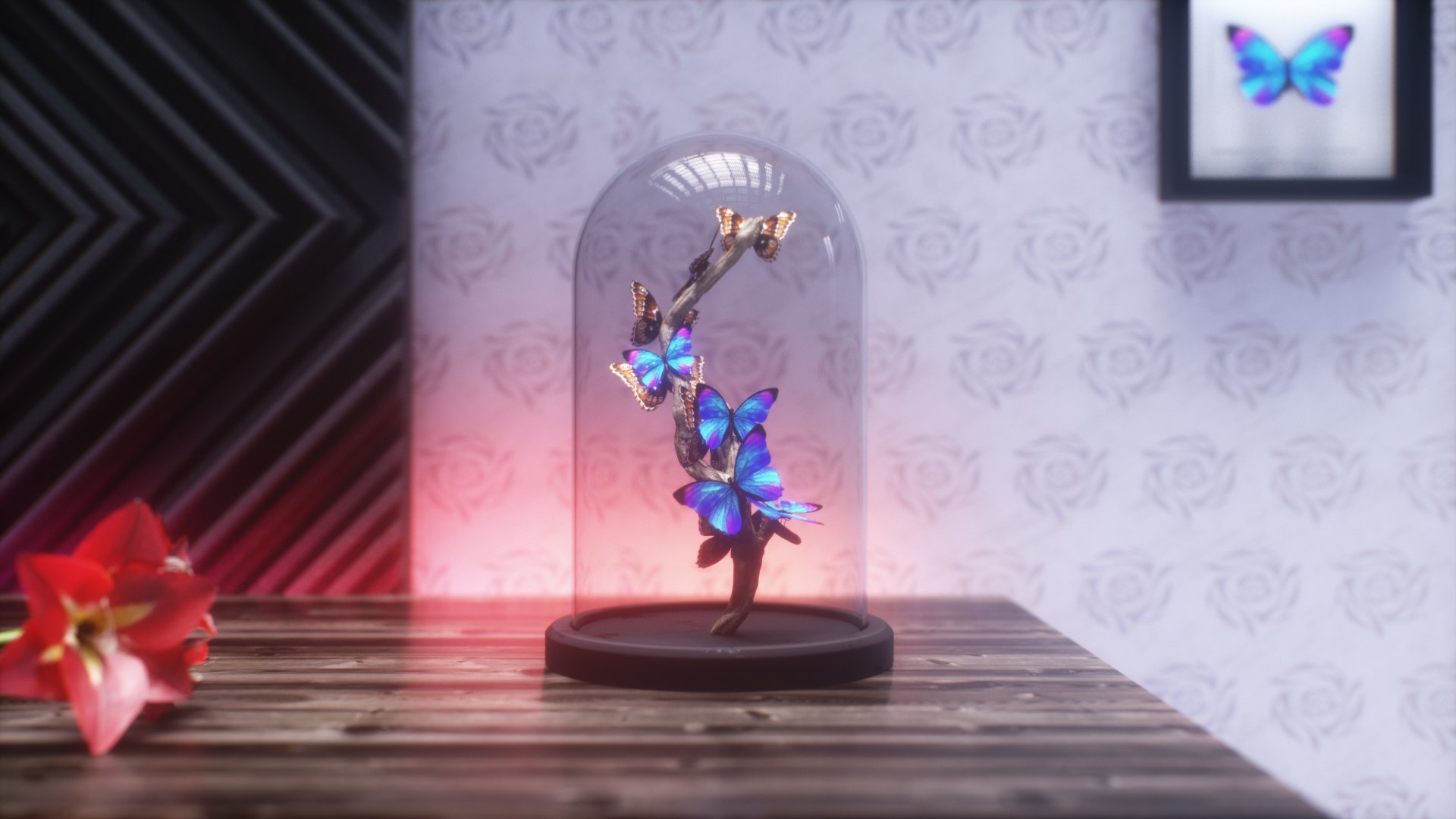
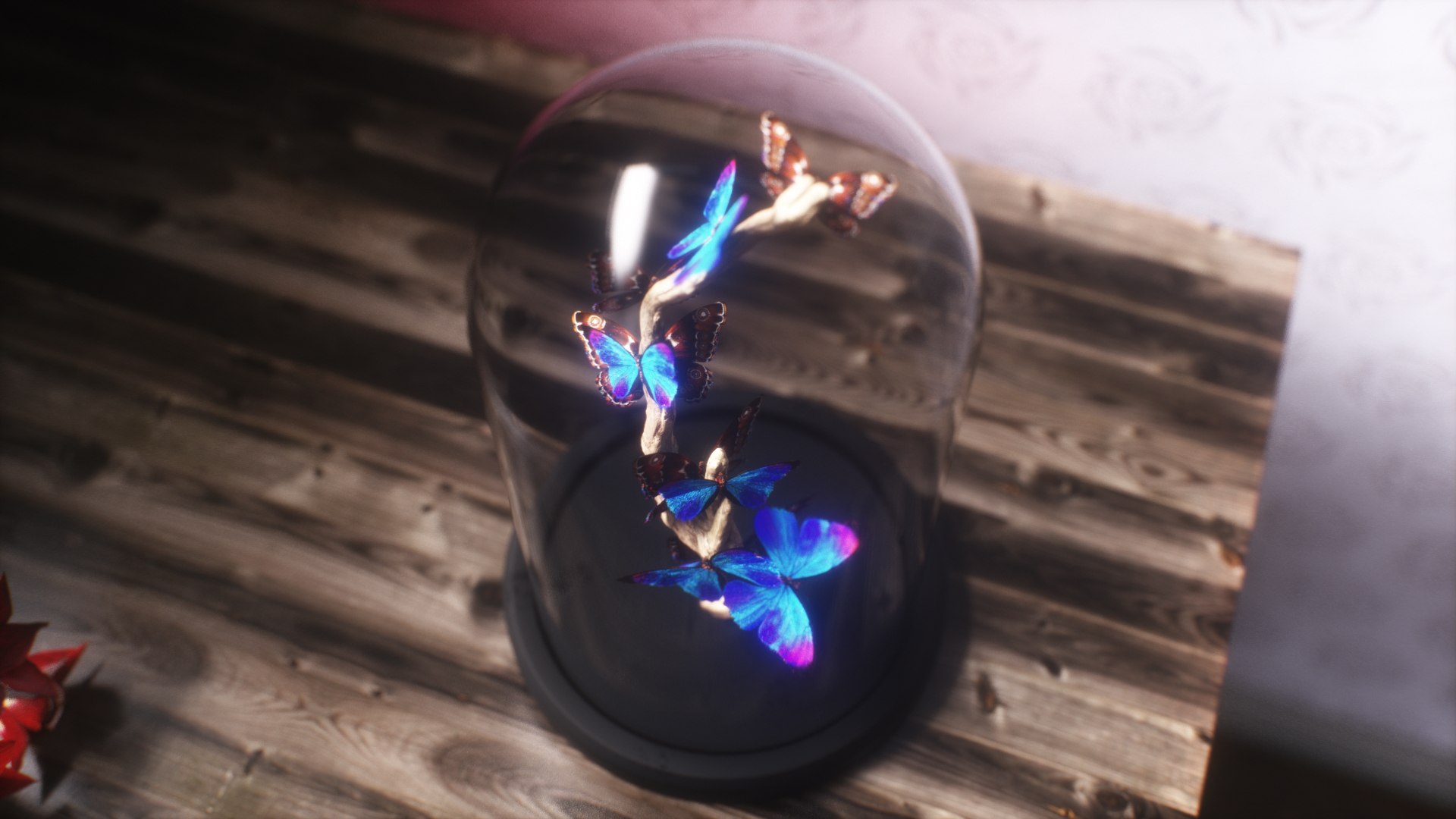
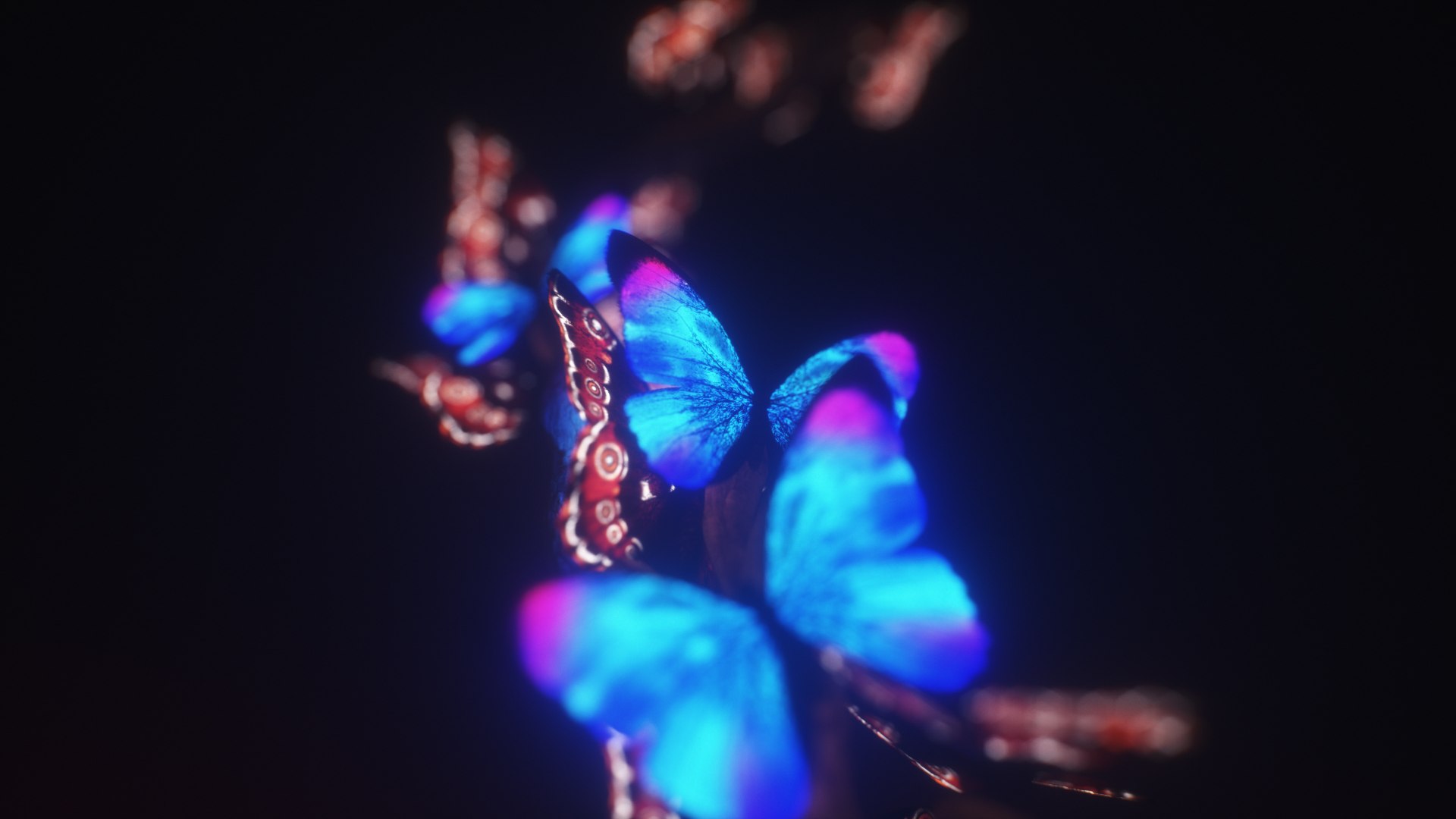
Blue Morpho Butterfly

$44

Standard License | Upgrade License
Formats (17)
Free file format Conversions available
Native | Cinema 4D R19 | Other Octane 4
3ds Max 2017 | Other
FBX
glTF
Other Textures
Collada
OBJ
STL
Unreal
3D Studio
Cinema 4D
Specifications
Publish Date February 20, 2021
Product ID 1694491
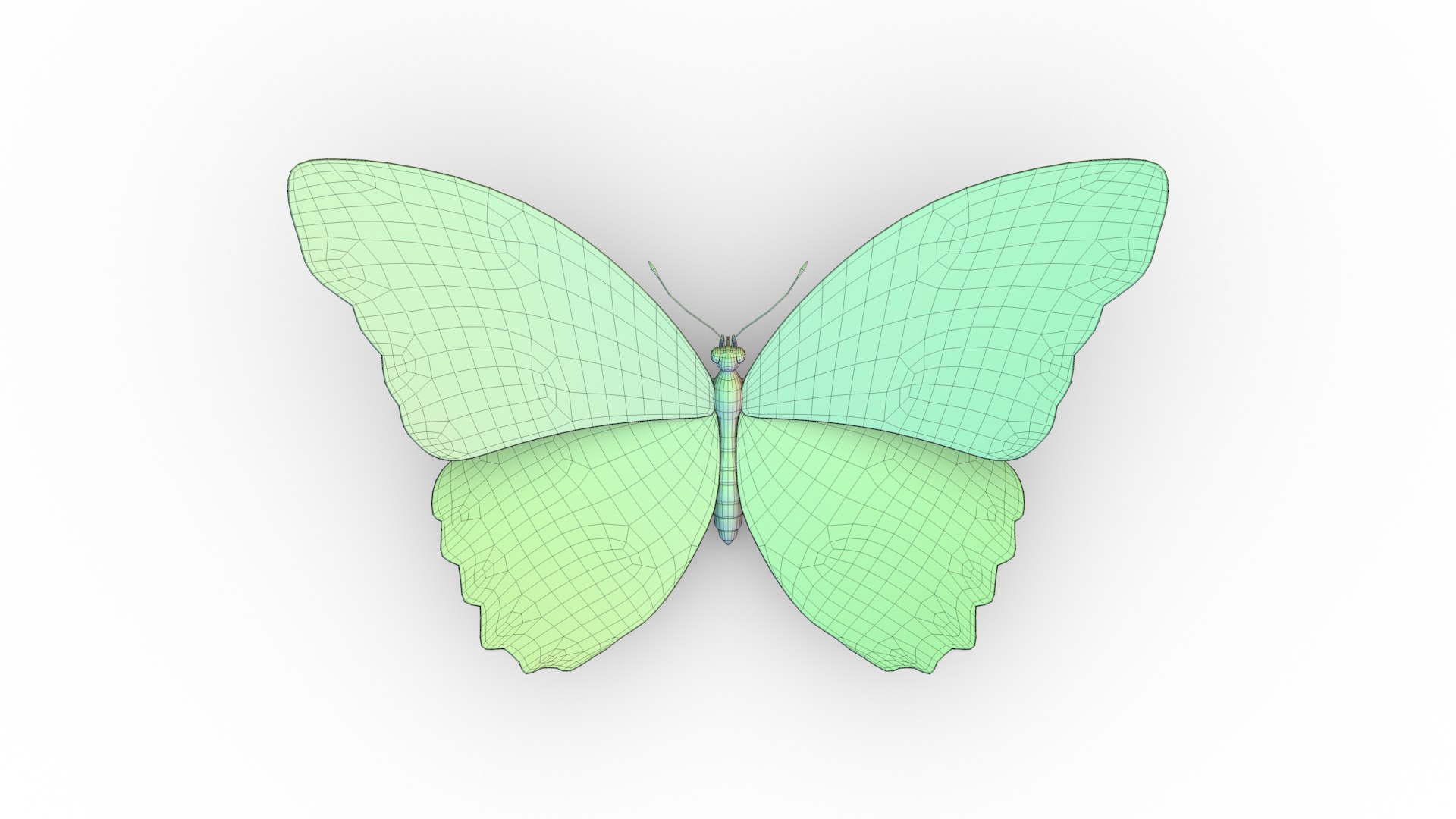
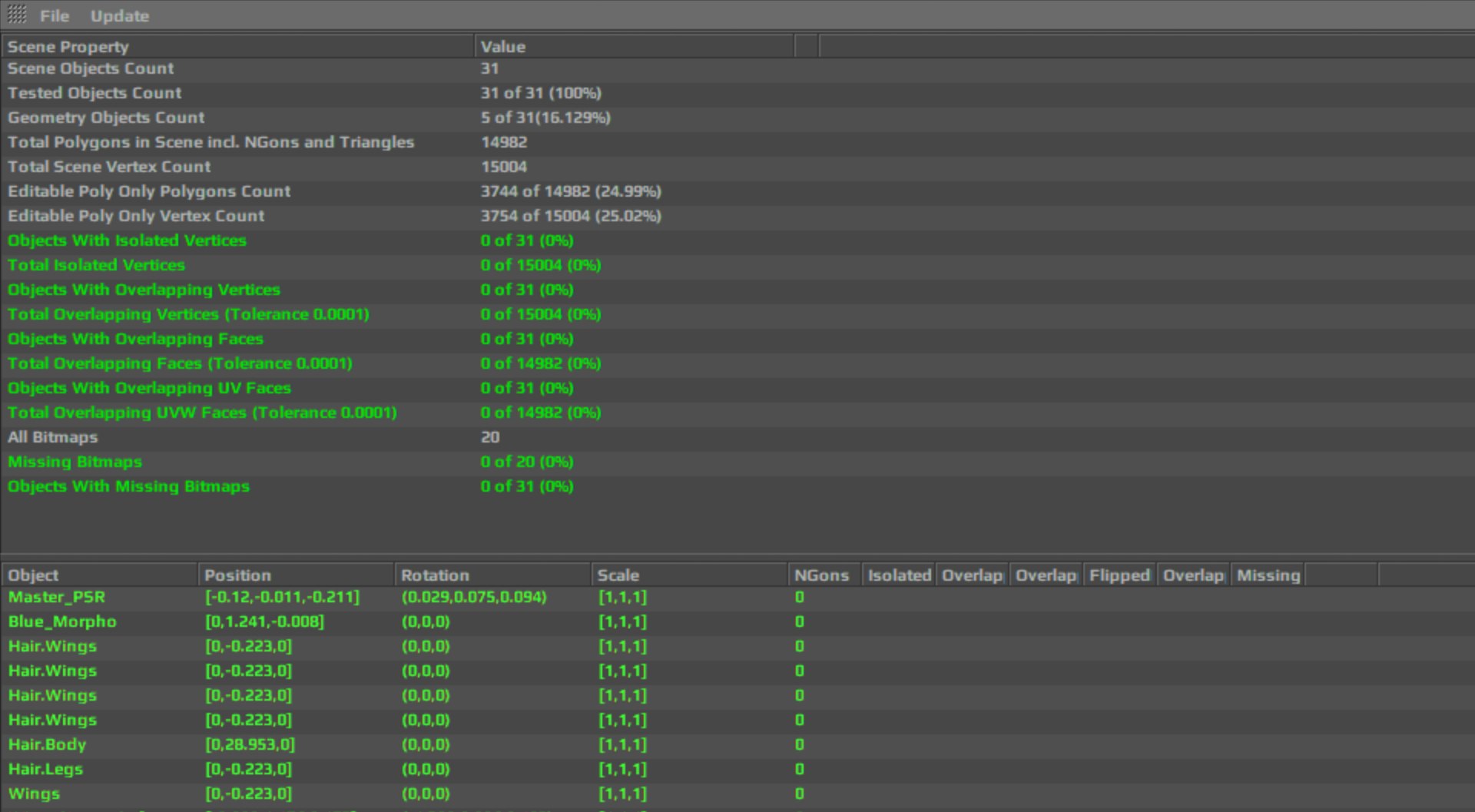
Polygons 3,744
Vertices 3,755
Subdivision
Textures
Materials
UV Mapped
Non-overlapping Unwrapped UVs
Animated
PBR
Real-Time

member avatar
outofourlives
37 Products | Contributor Since 2018
Have questions? Chat with us now.

Description

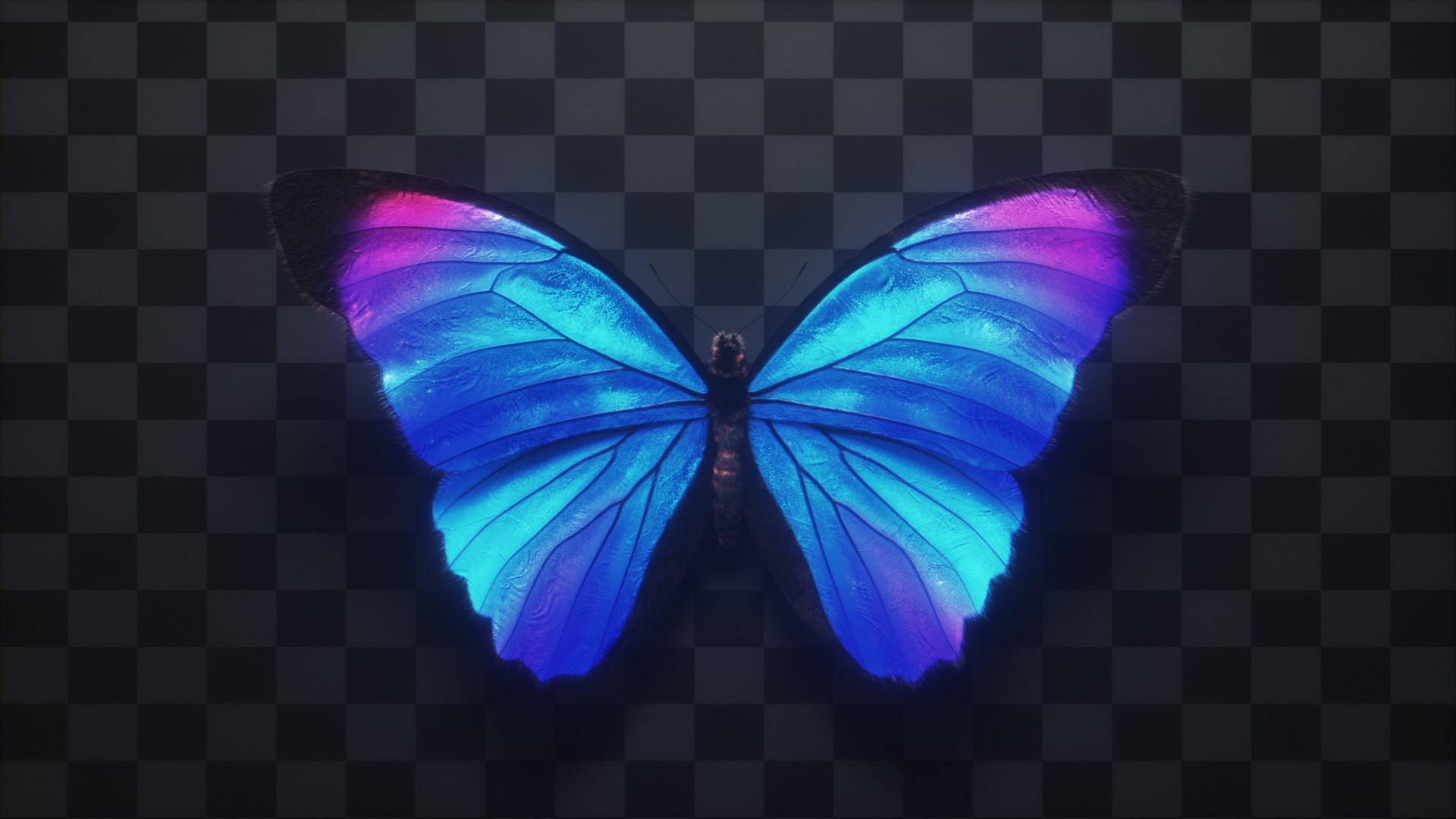
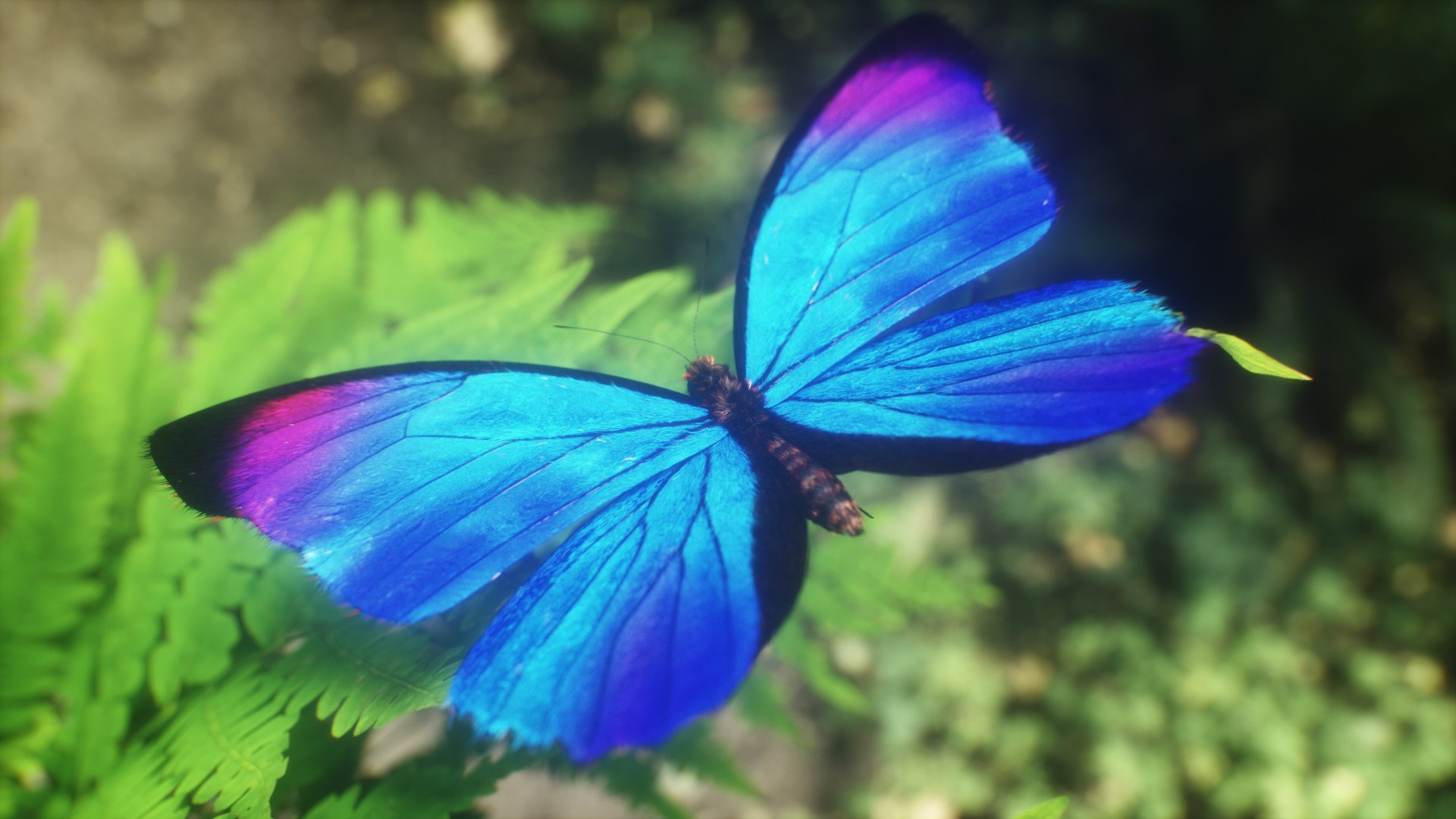
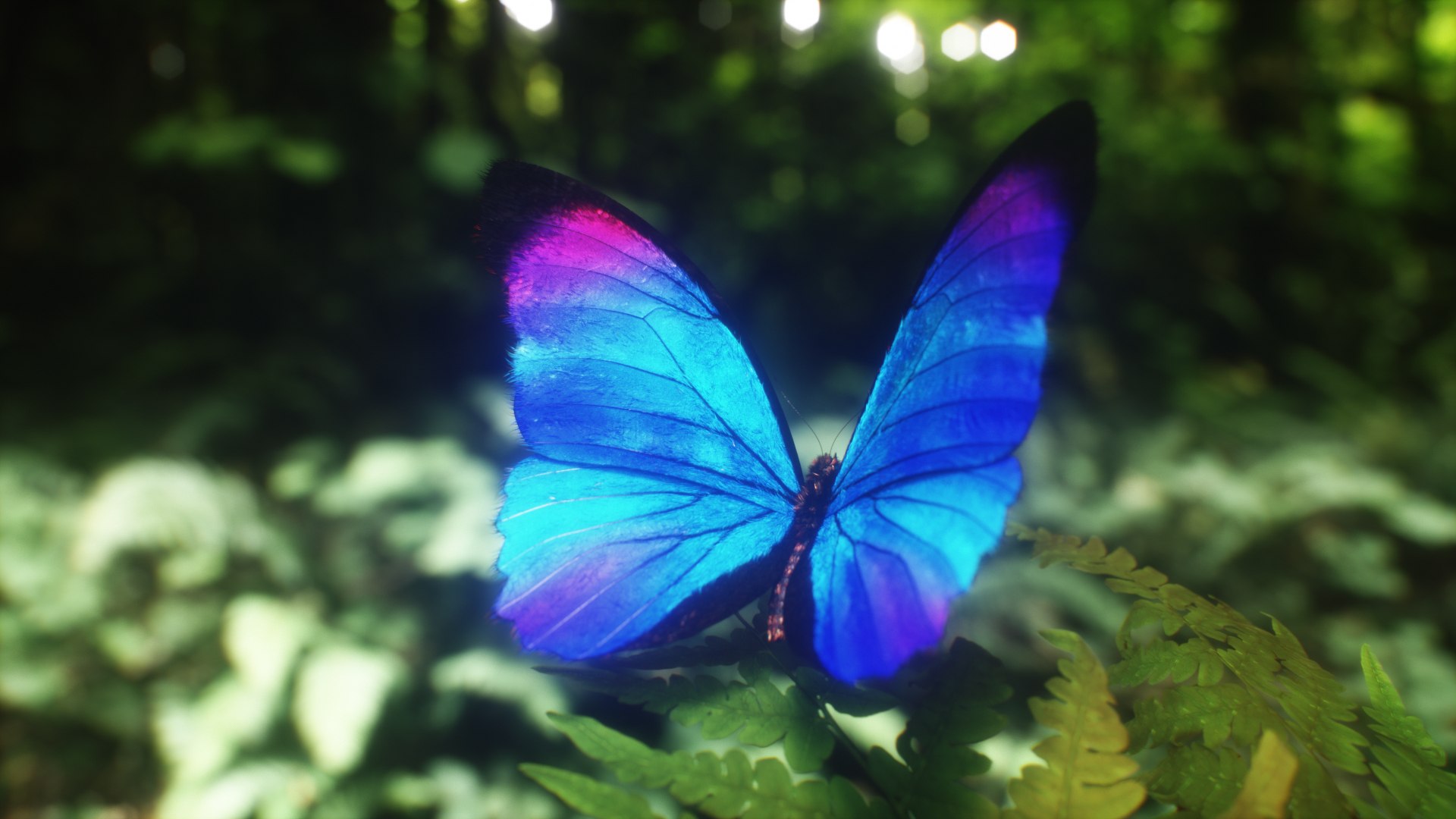
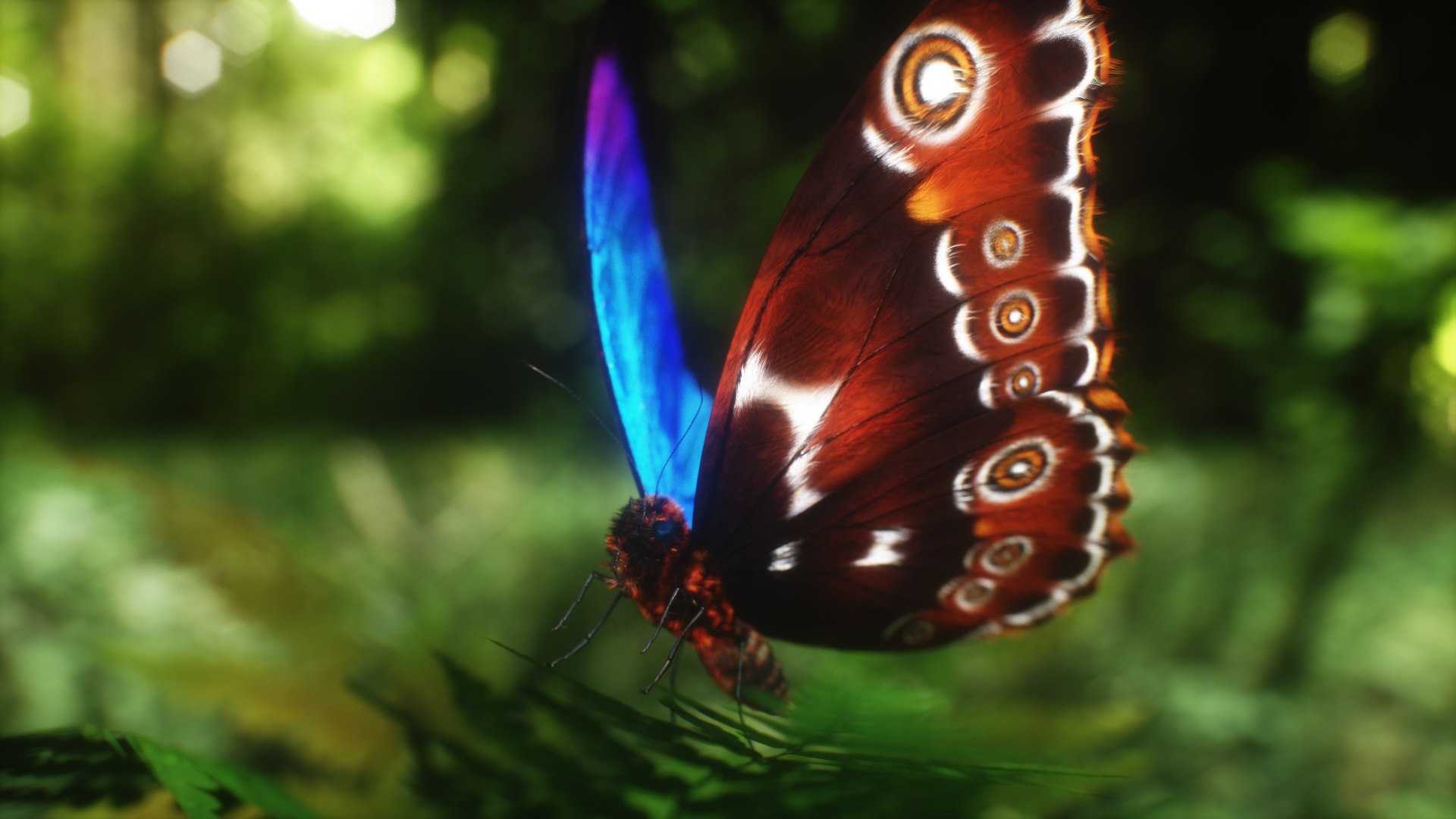
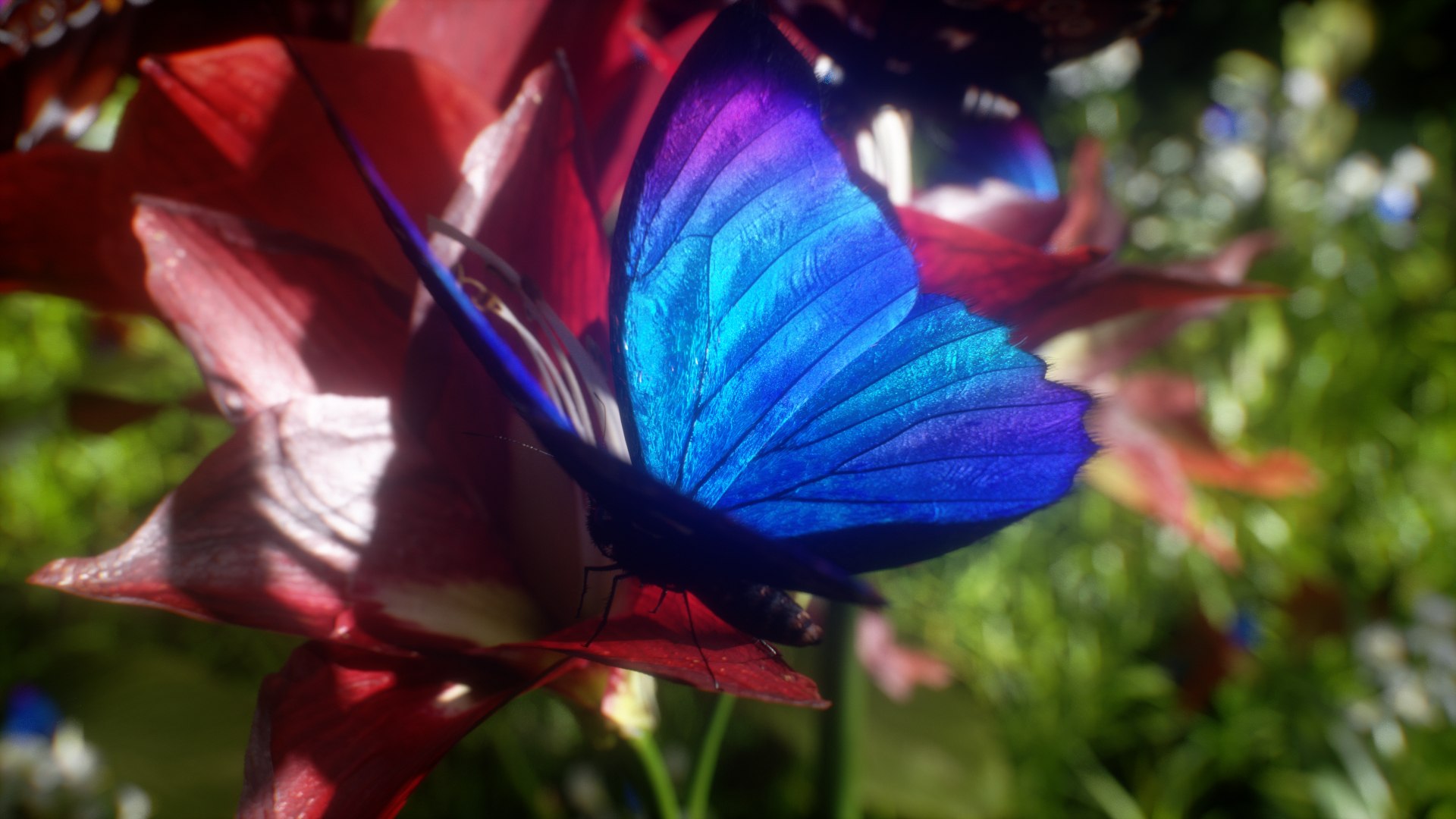
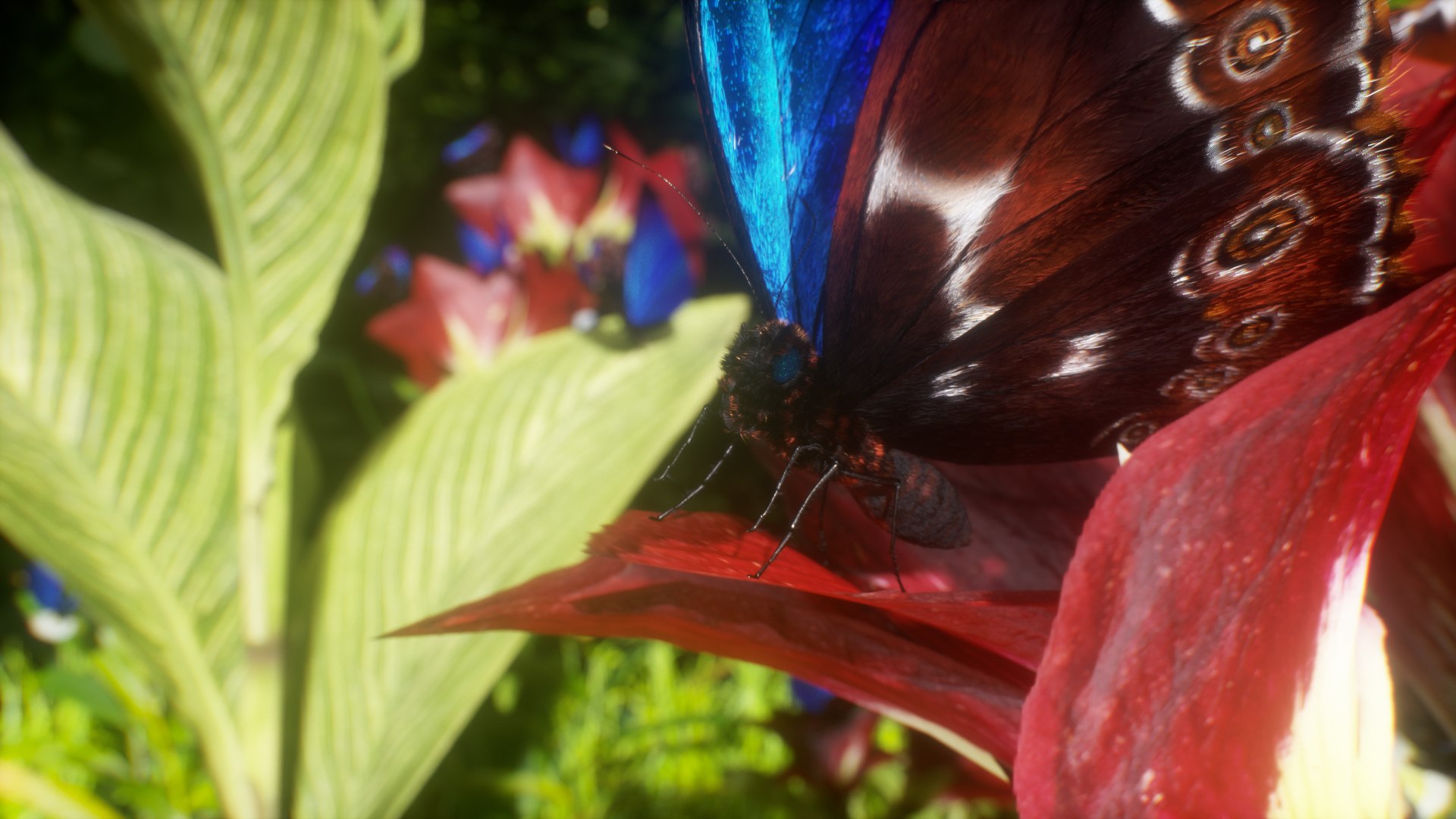
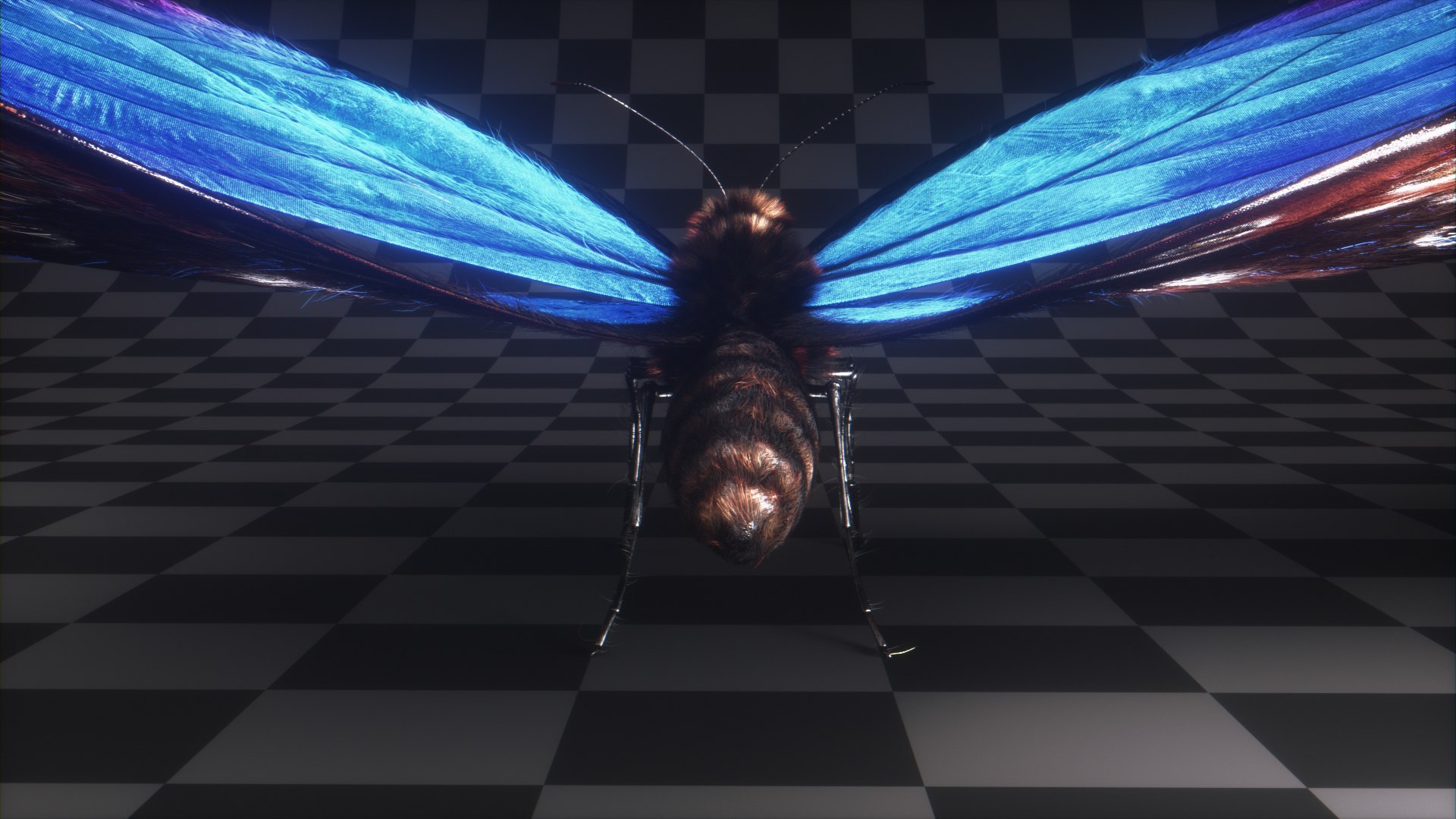
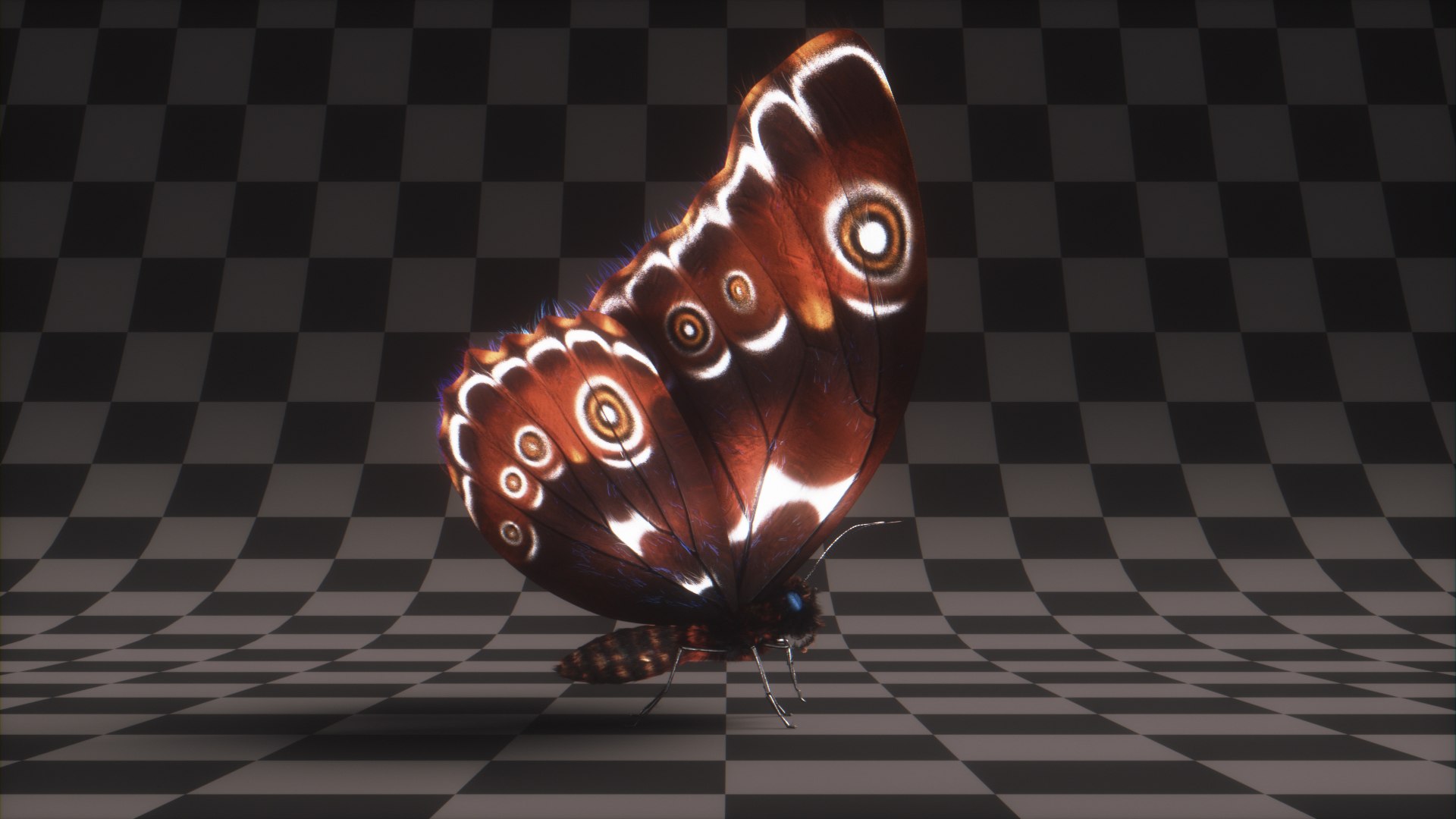
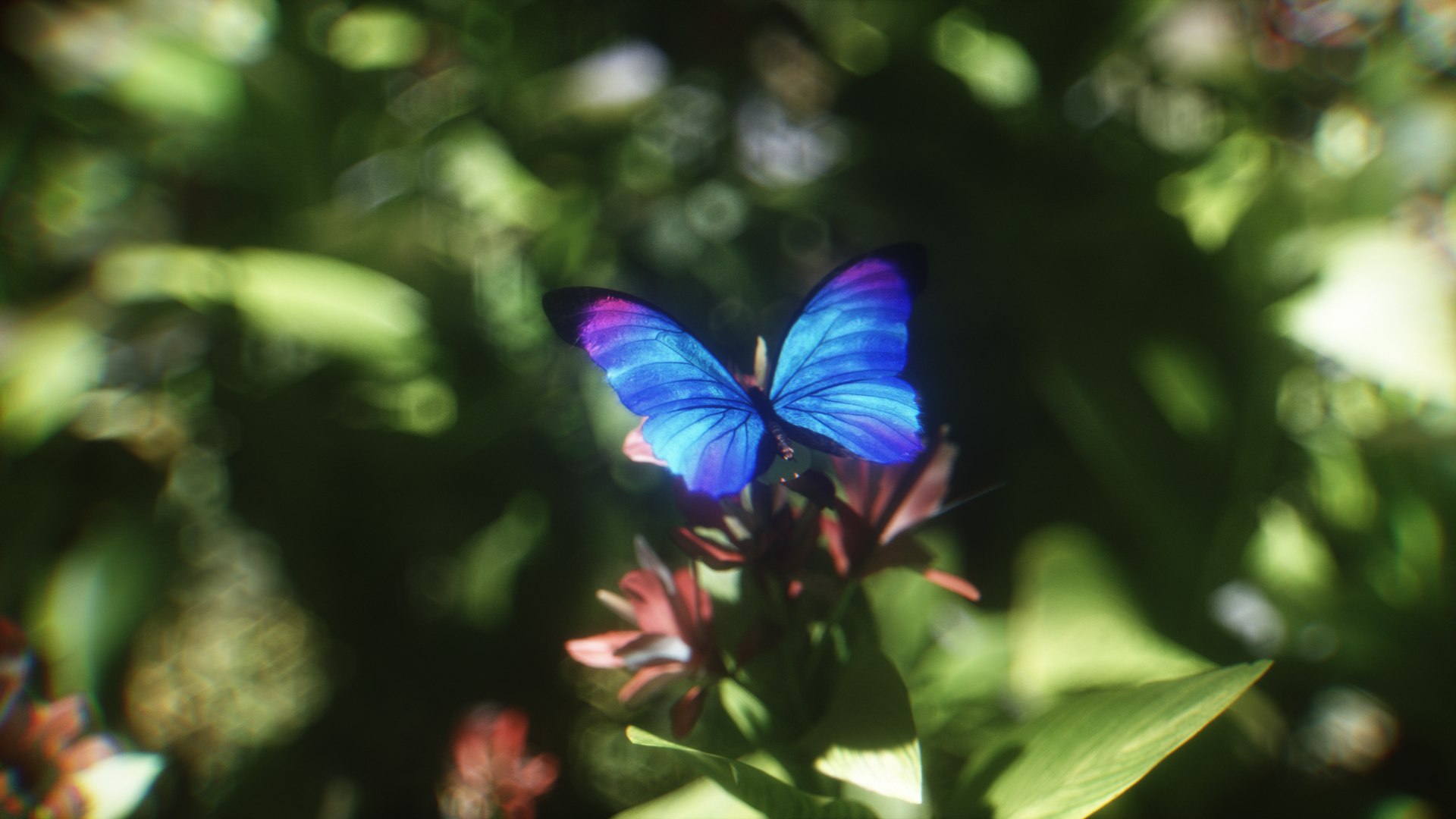
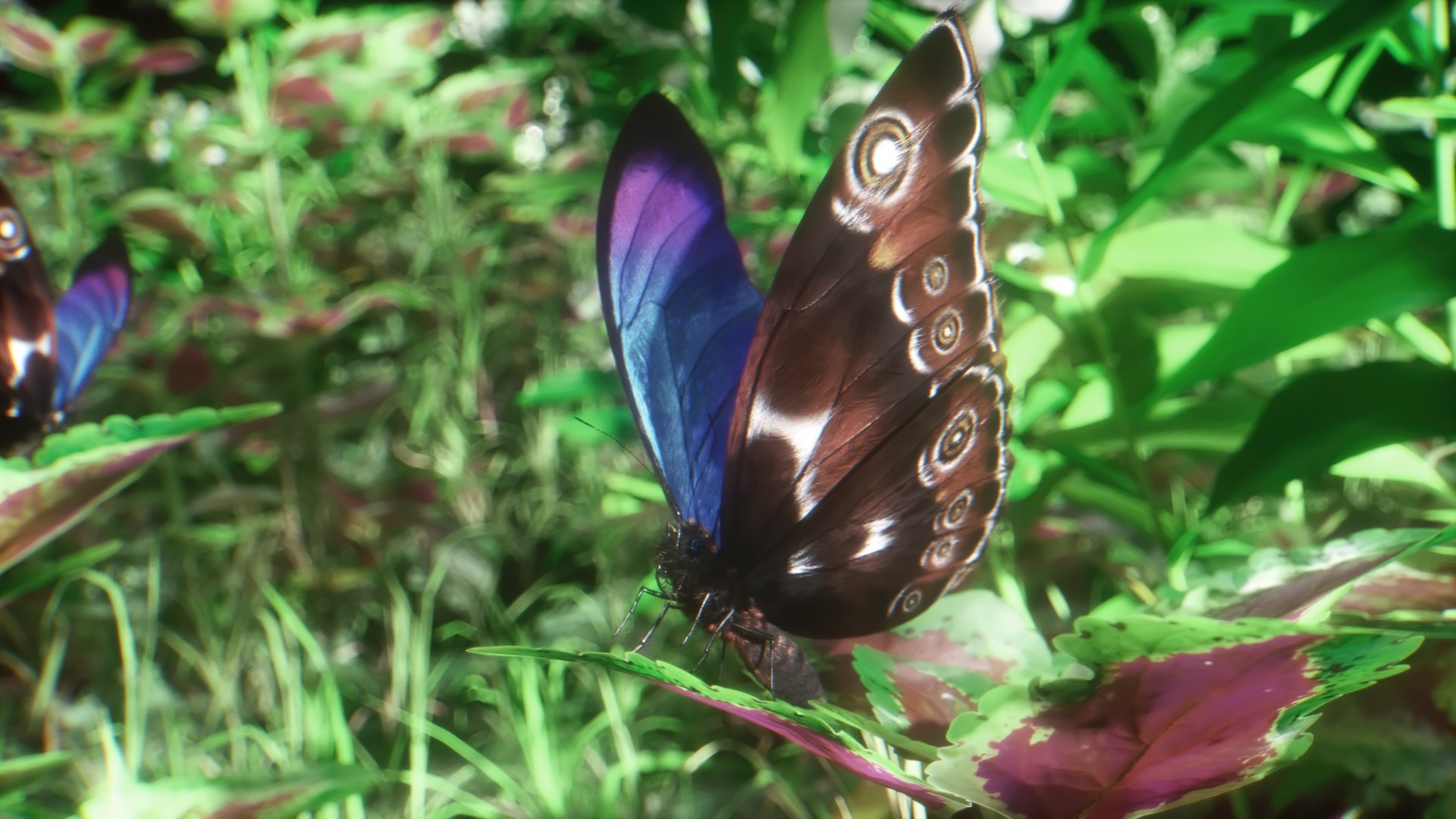
Blue Morpho Butterfly

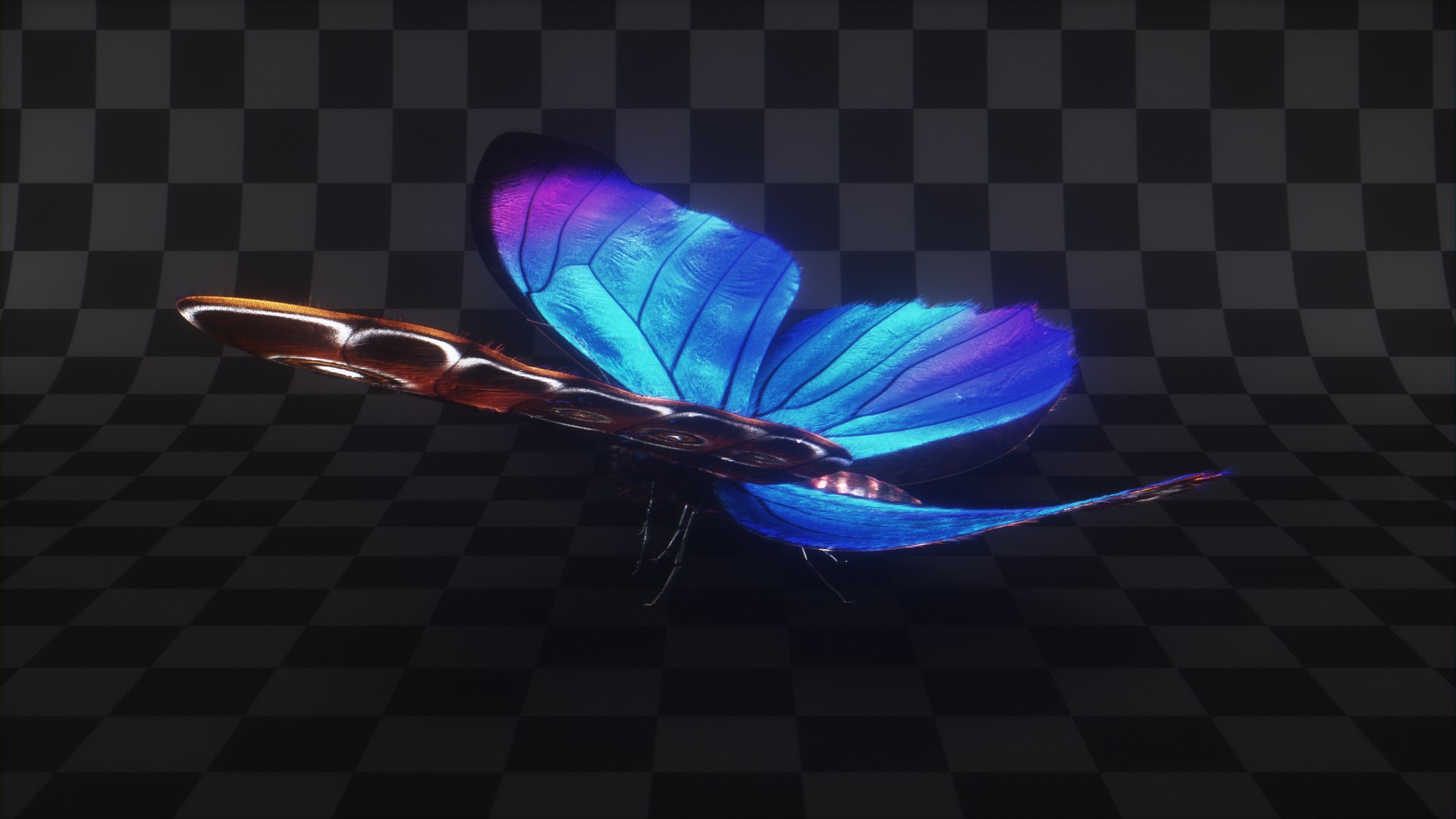
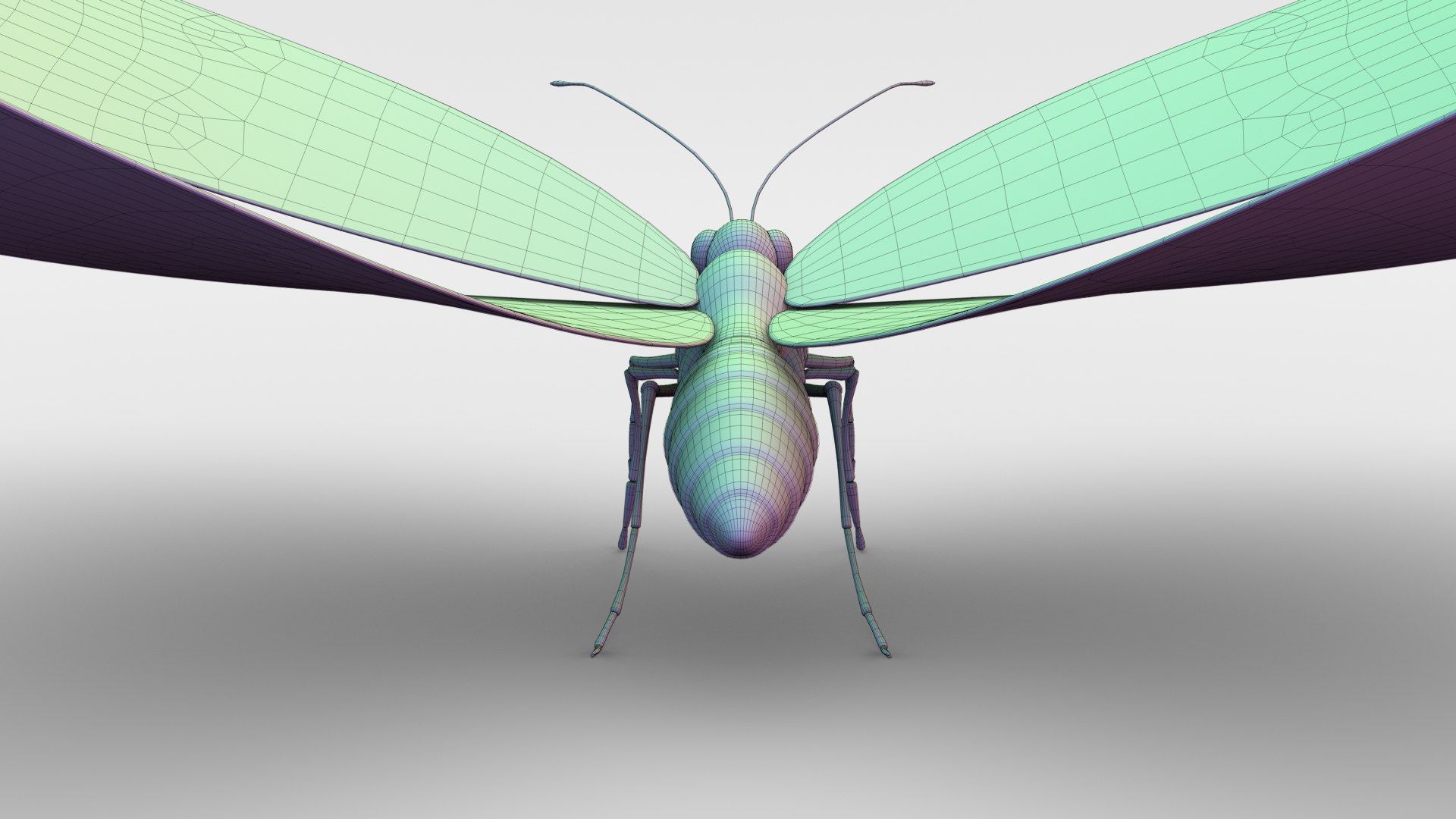
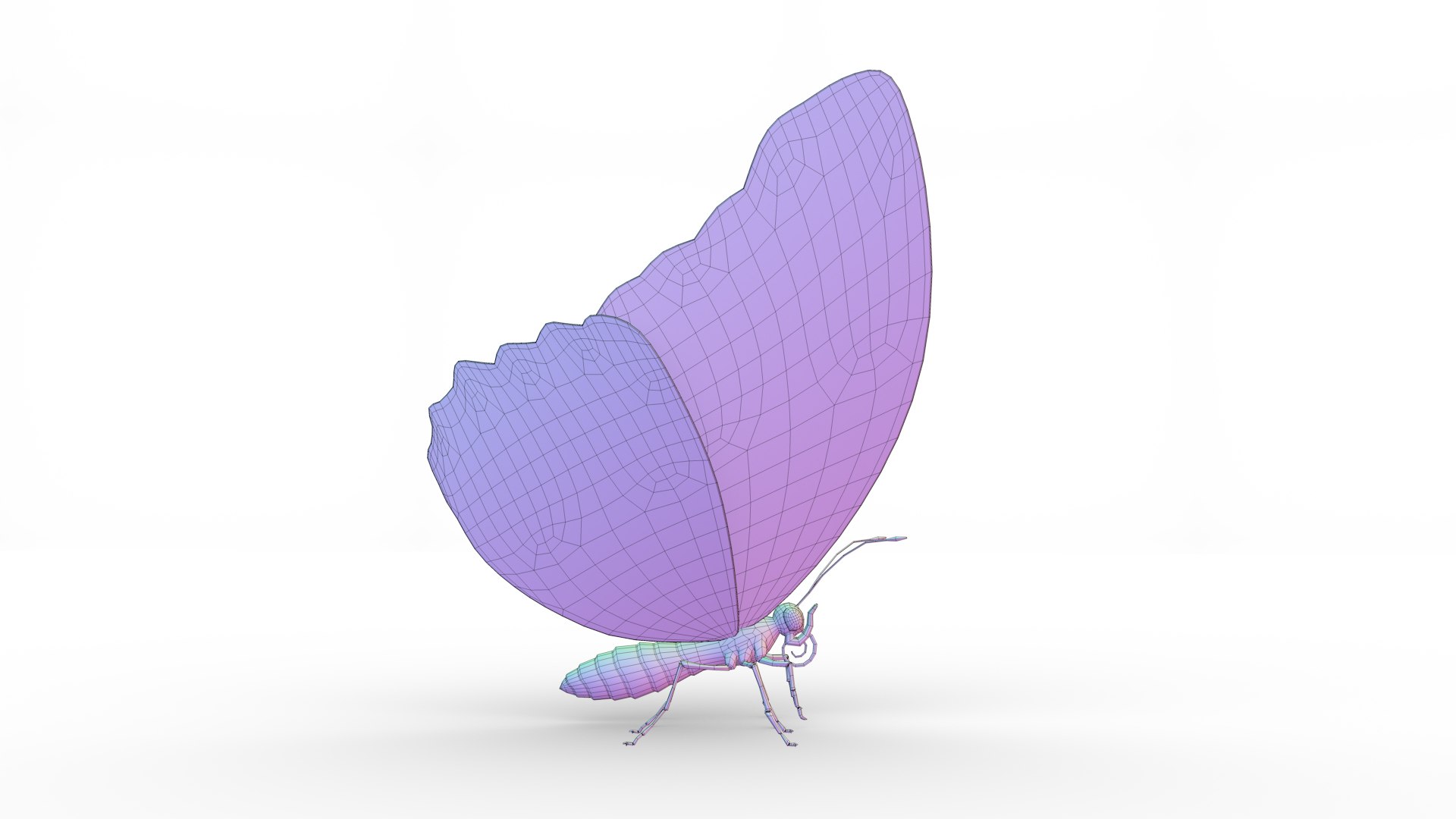
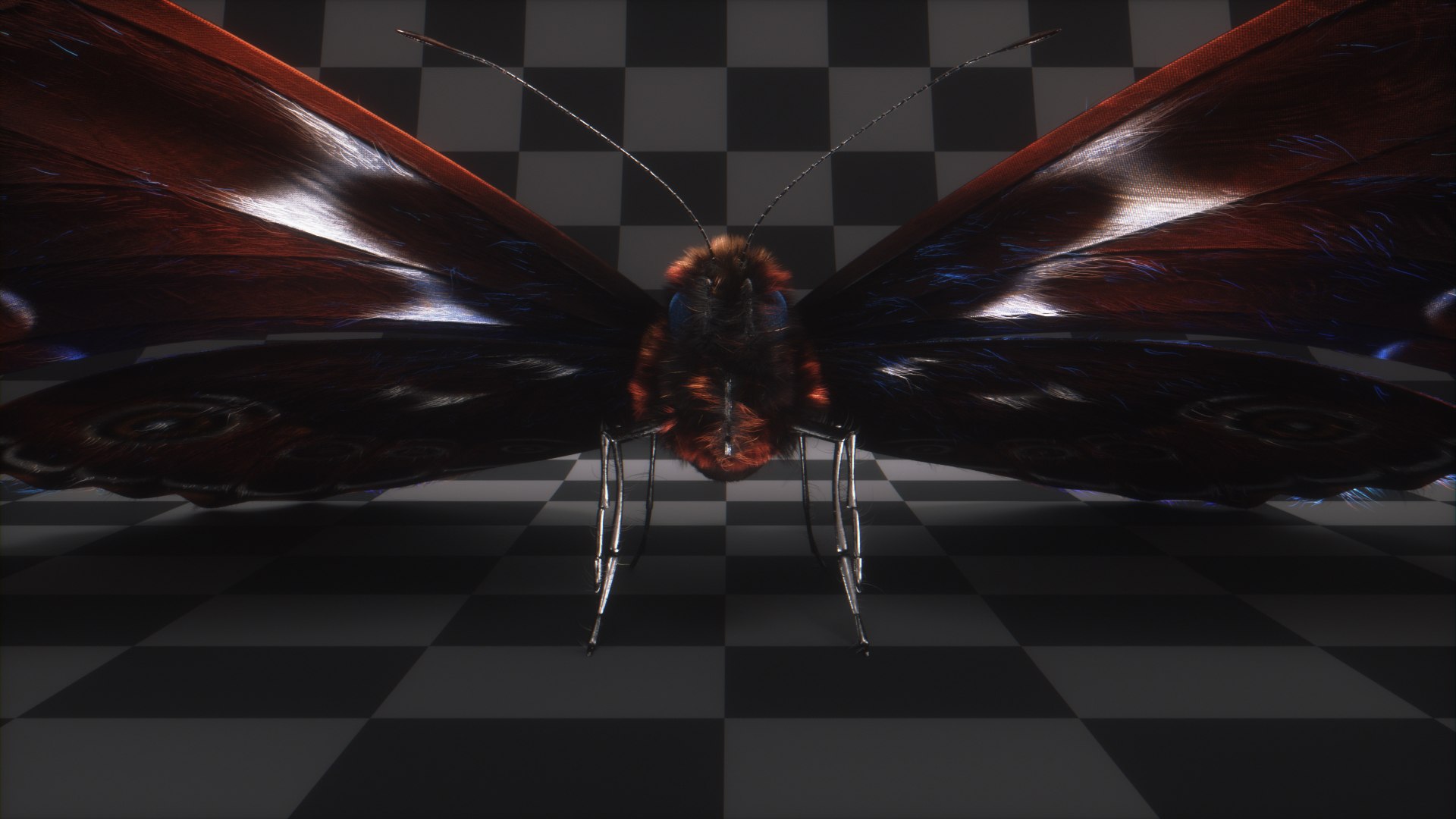
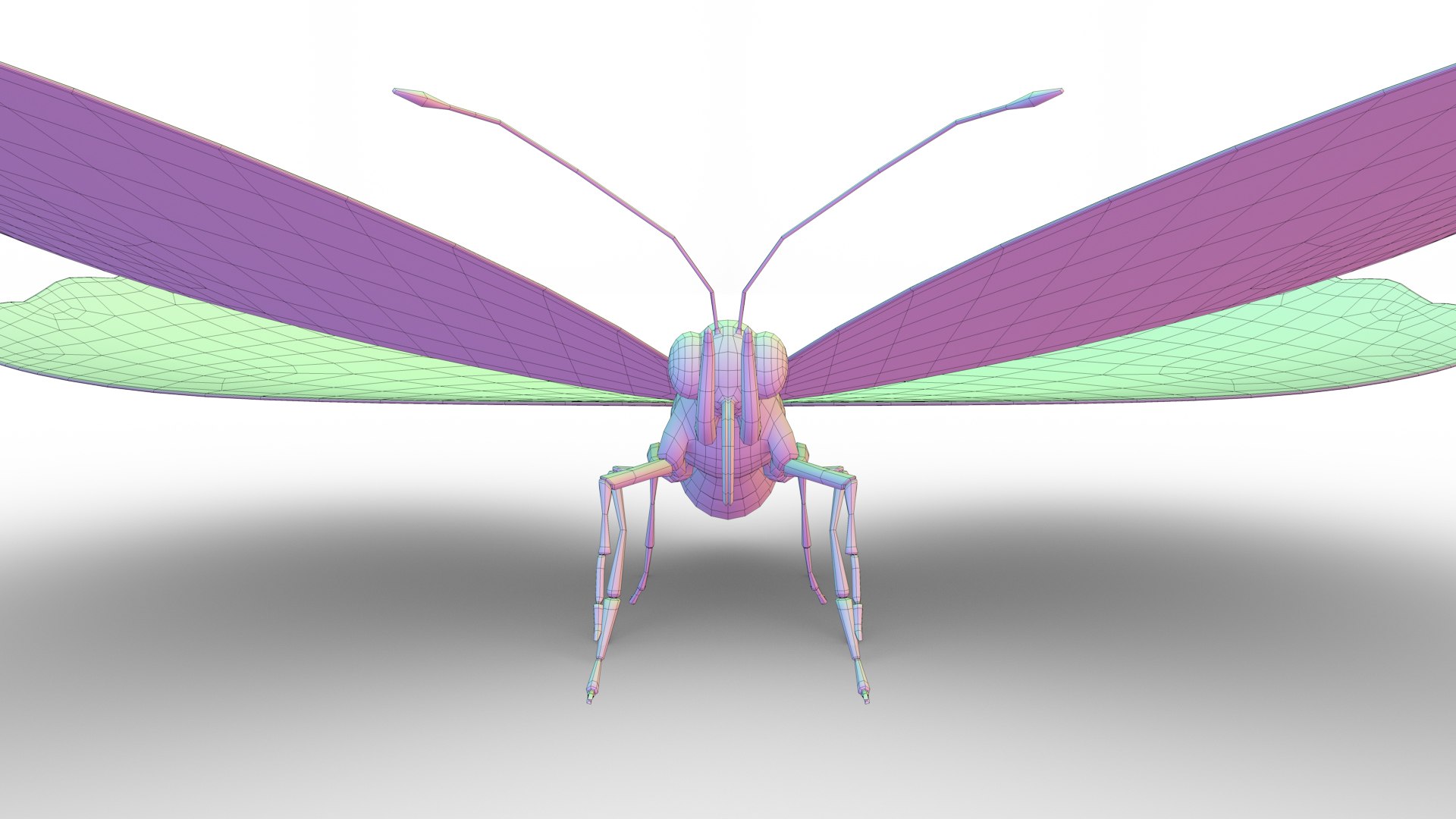
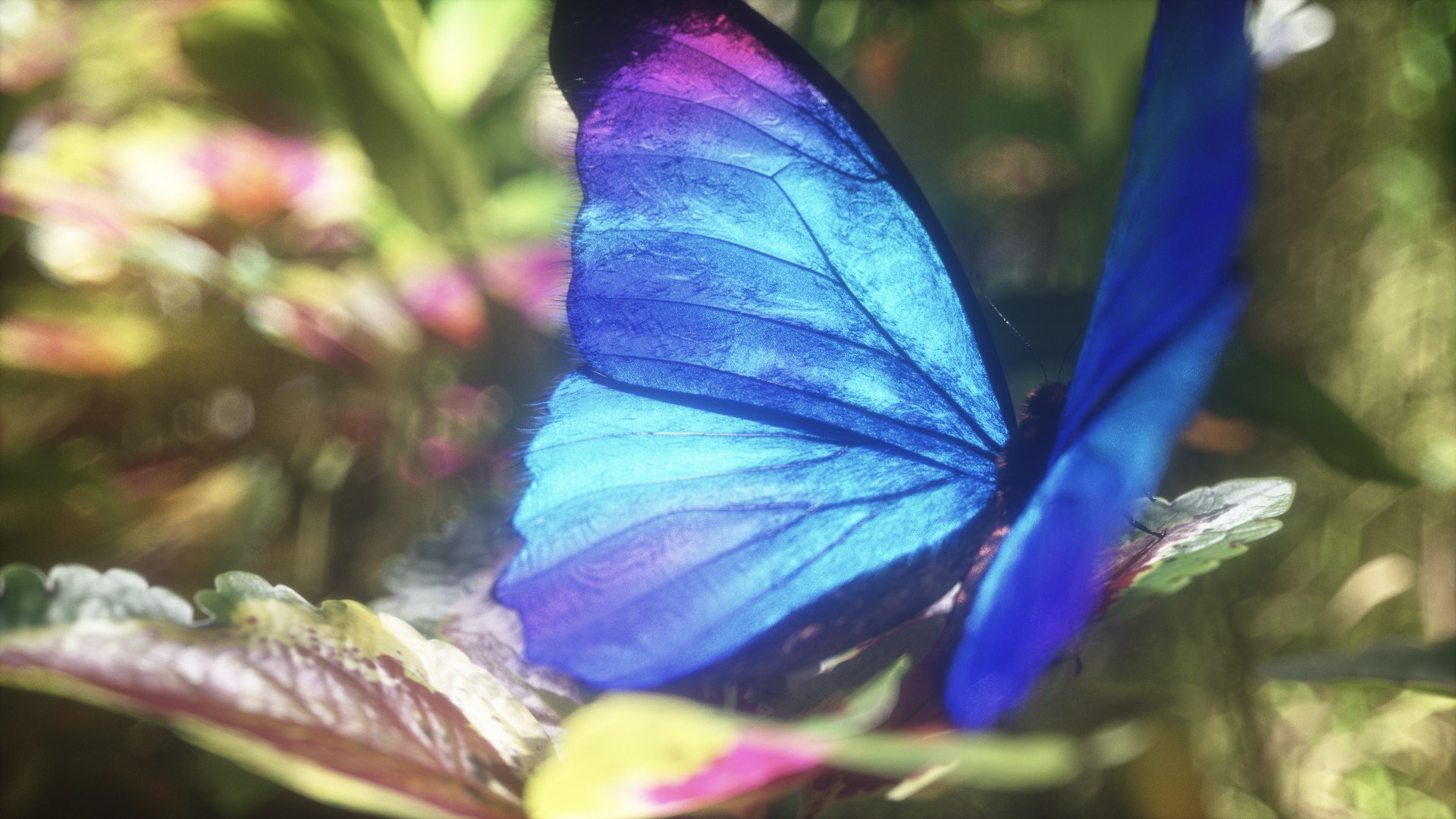
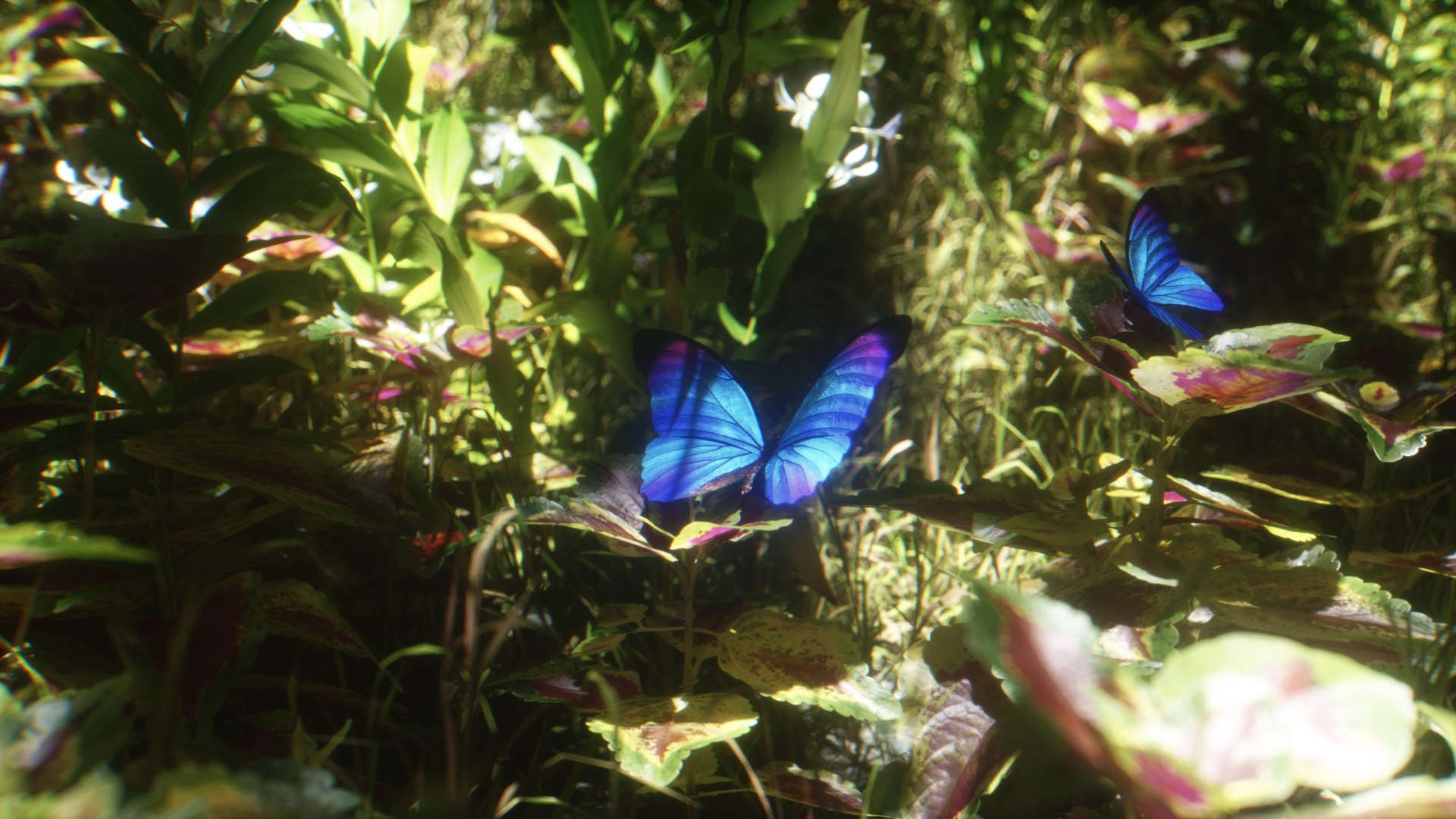
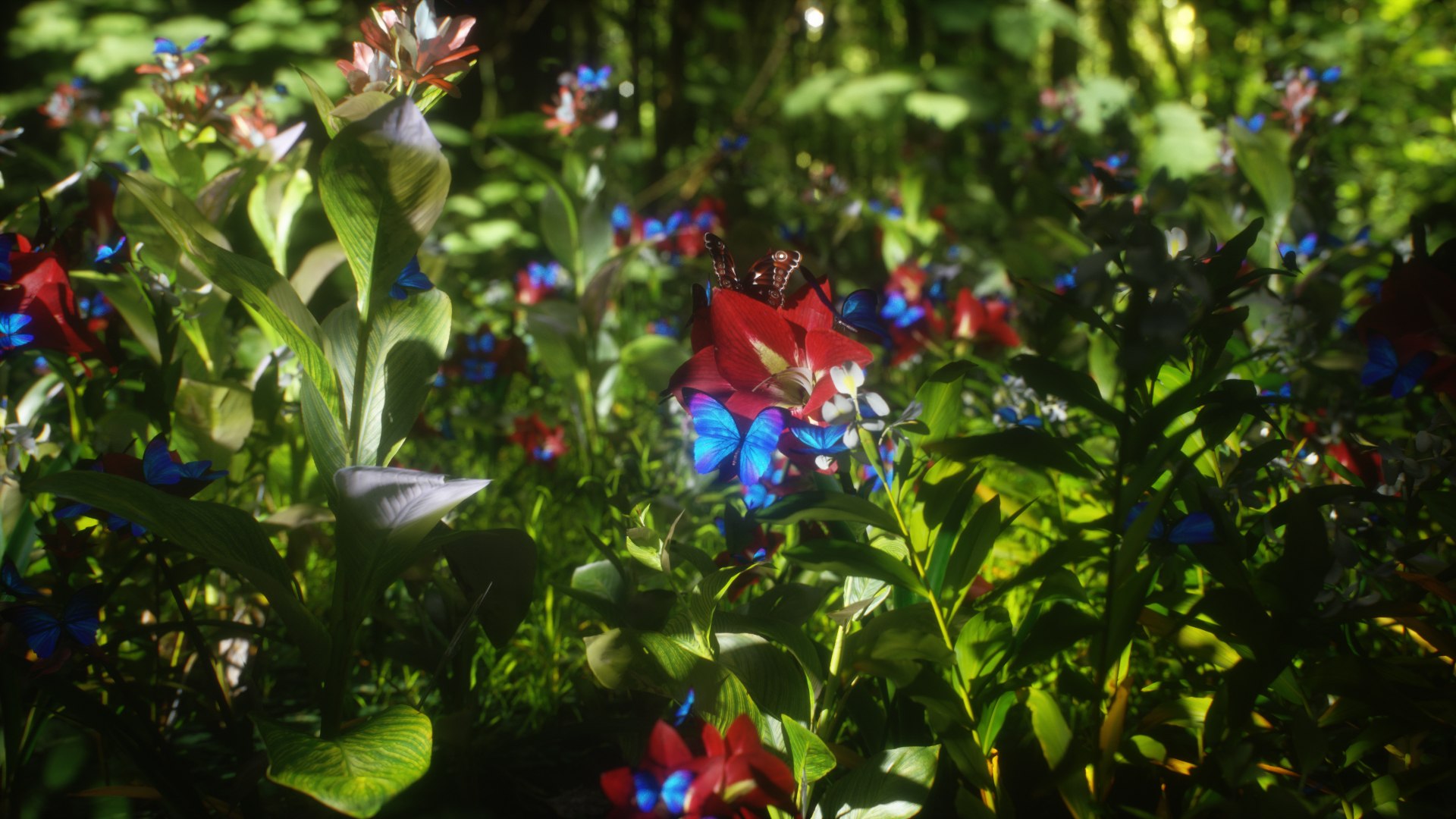
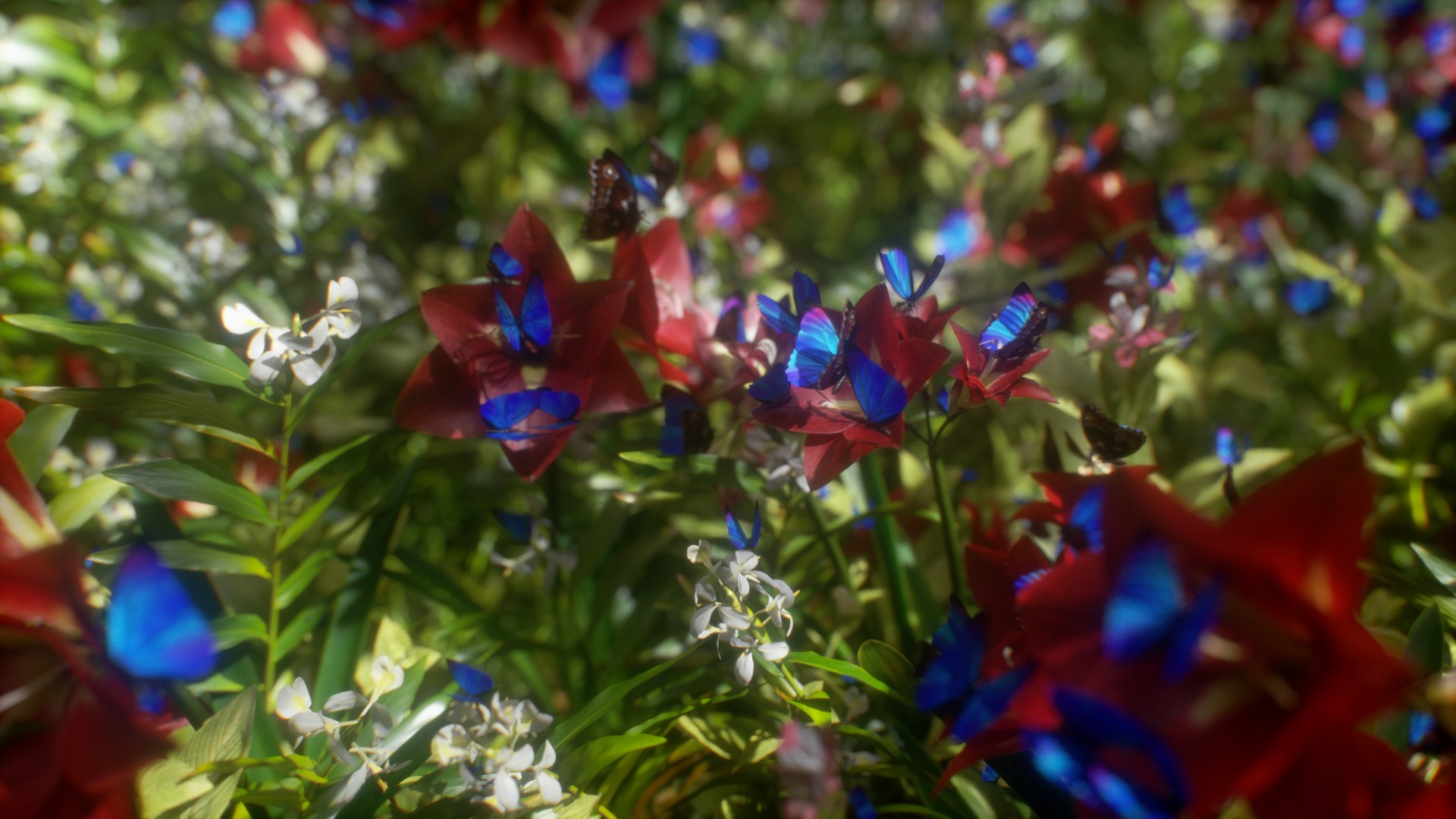
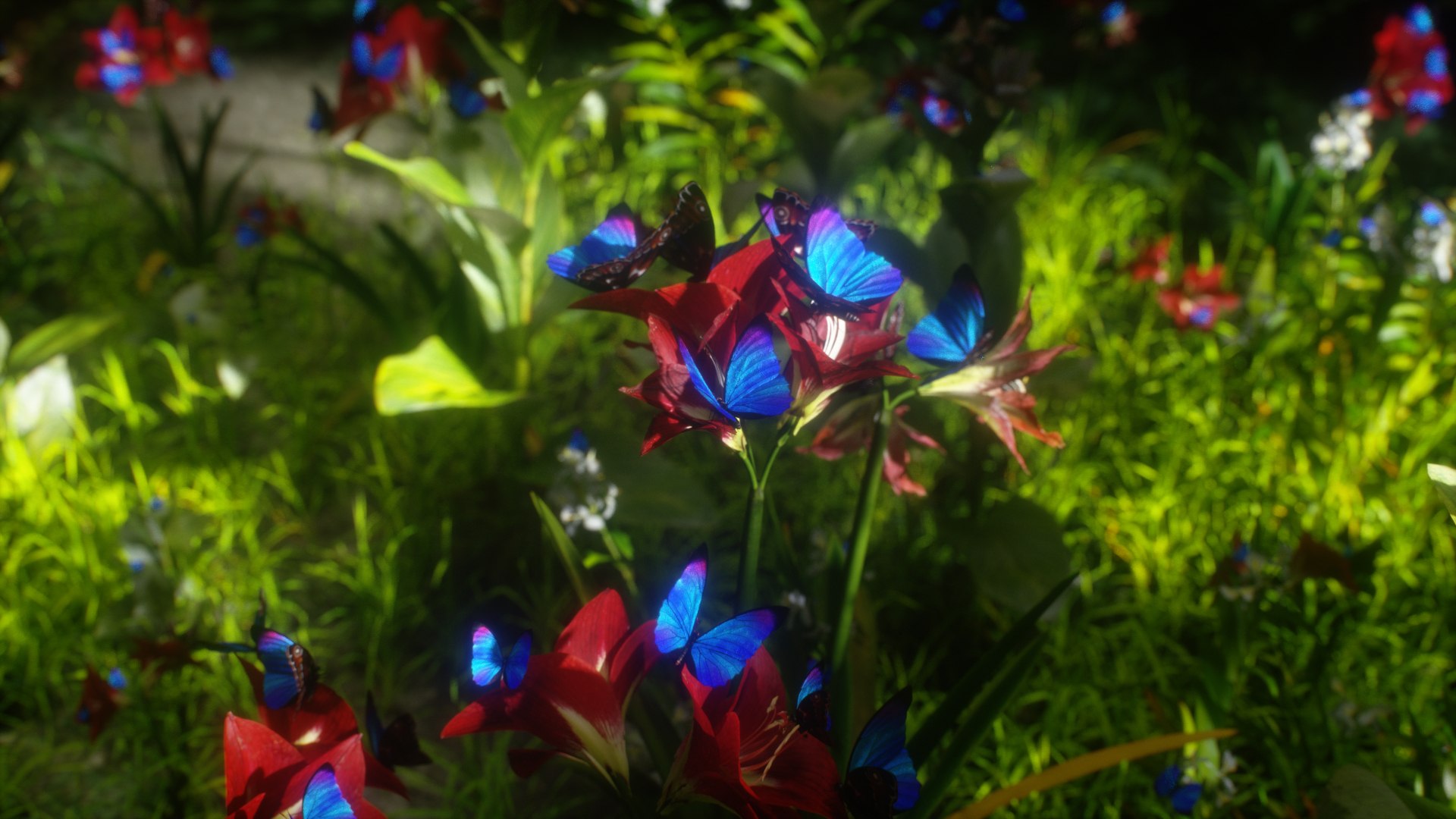
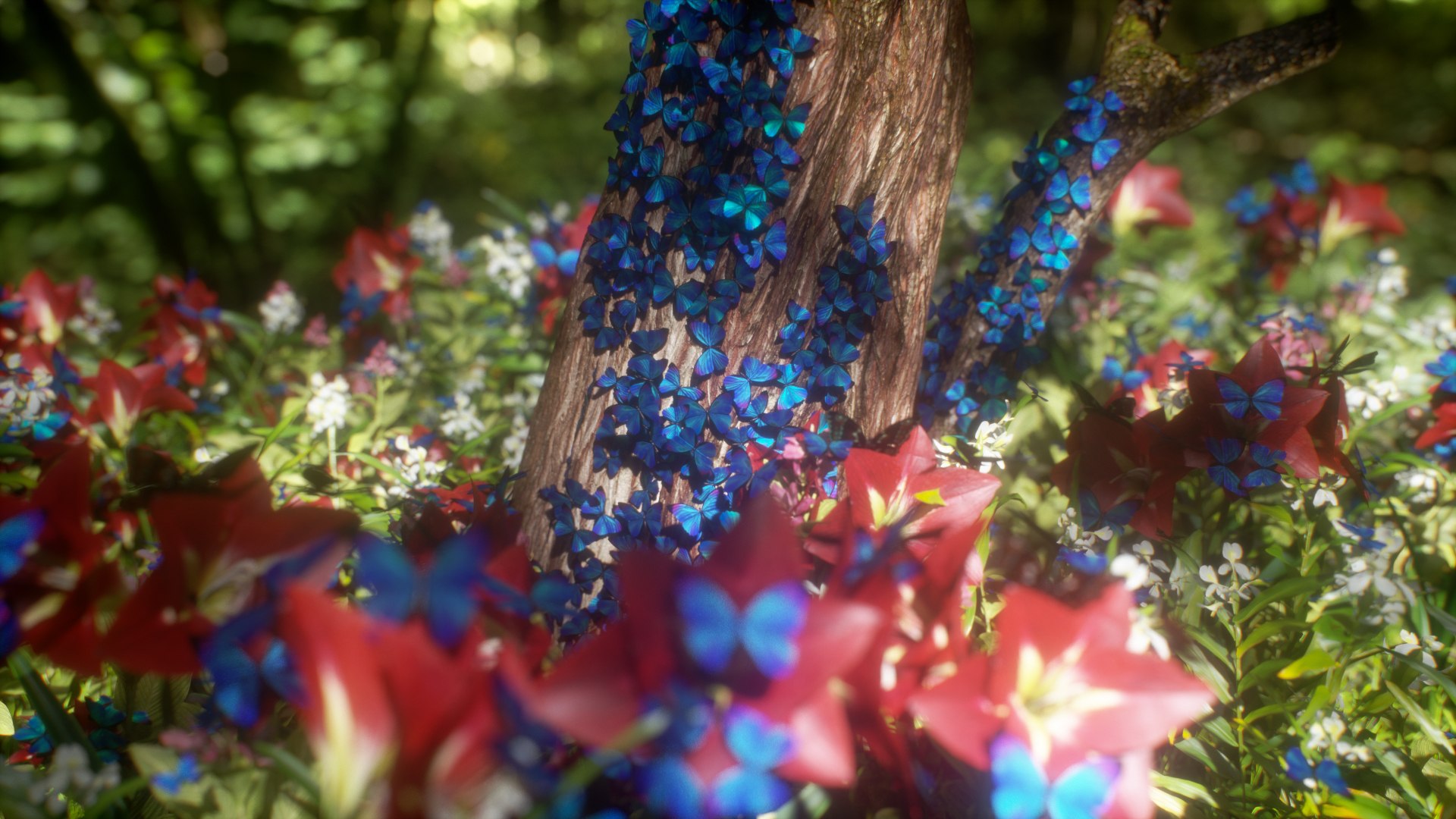
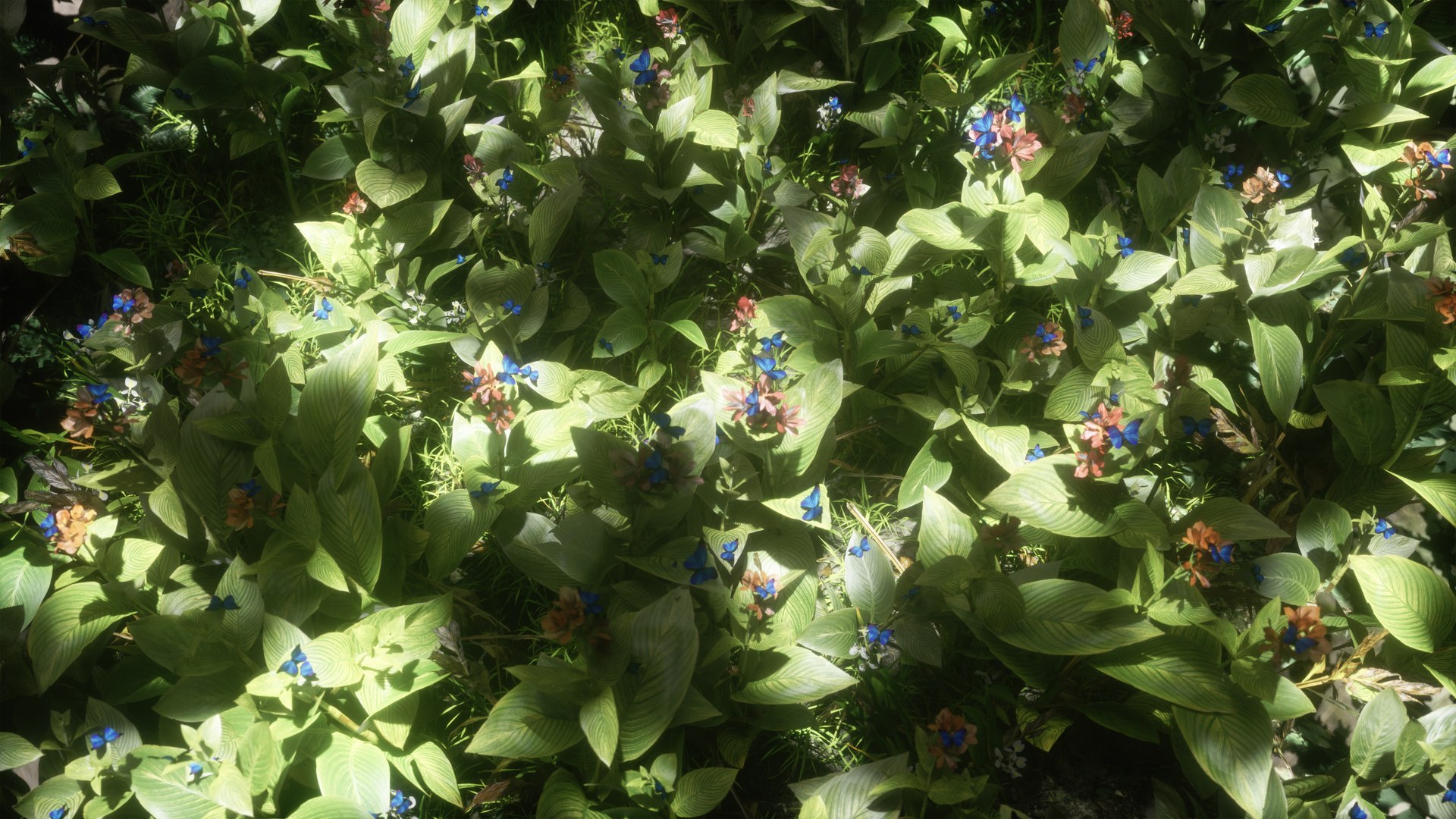
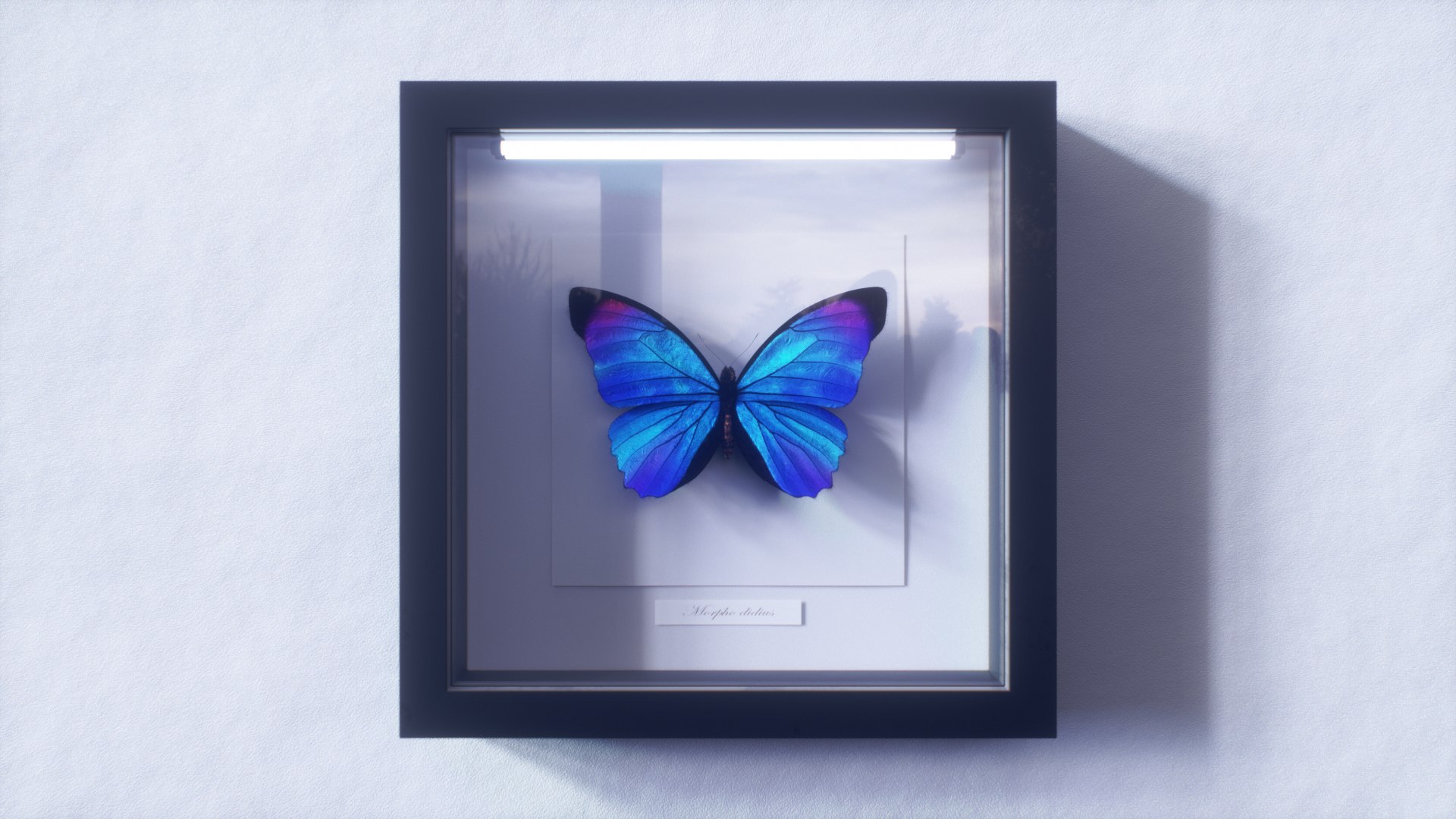
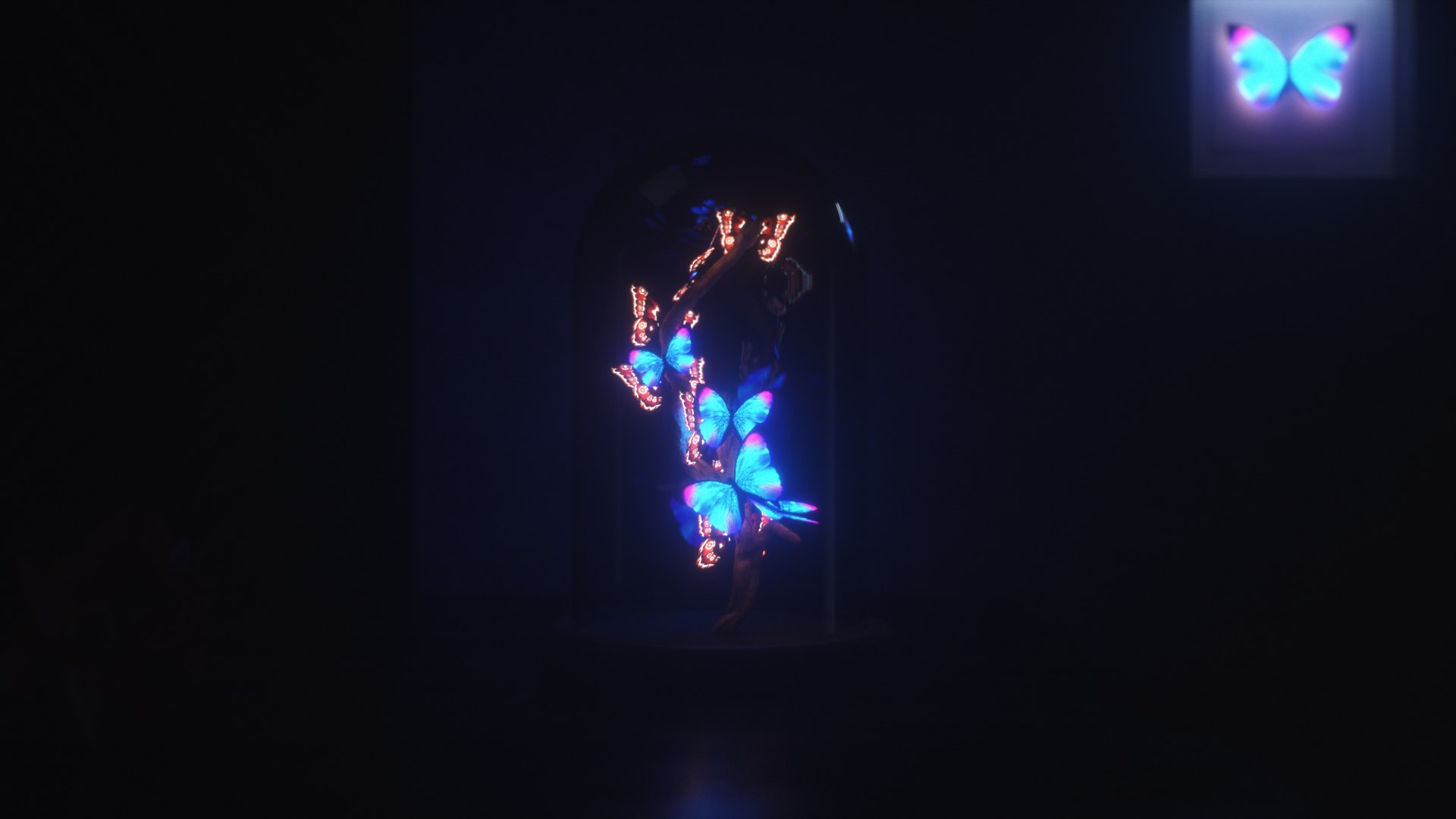
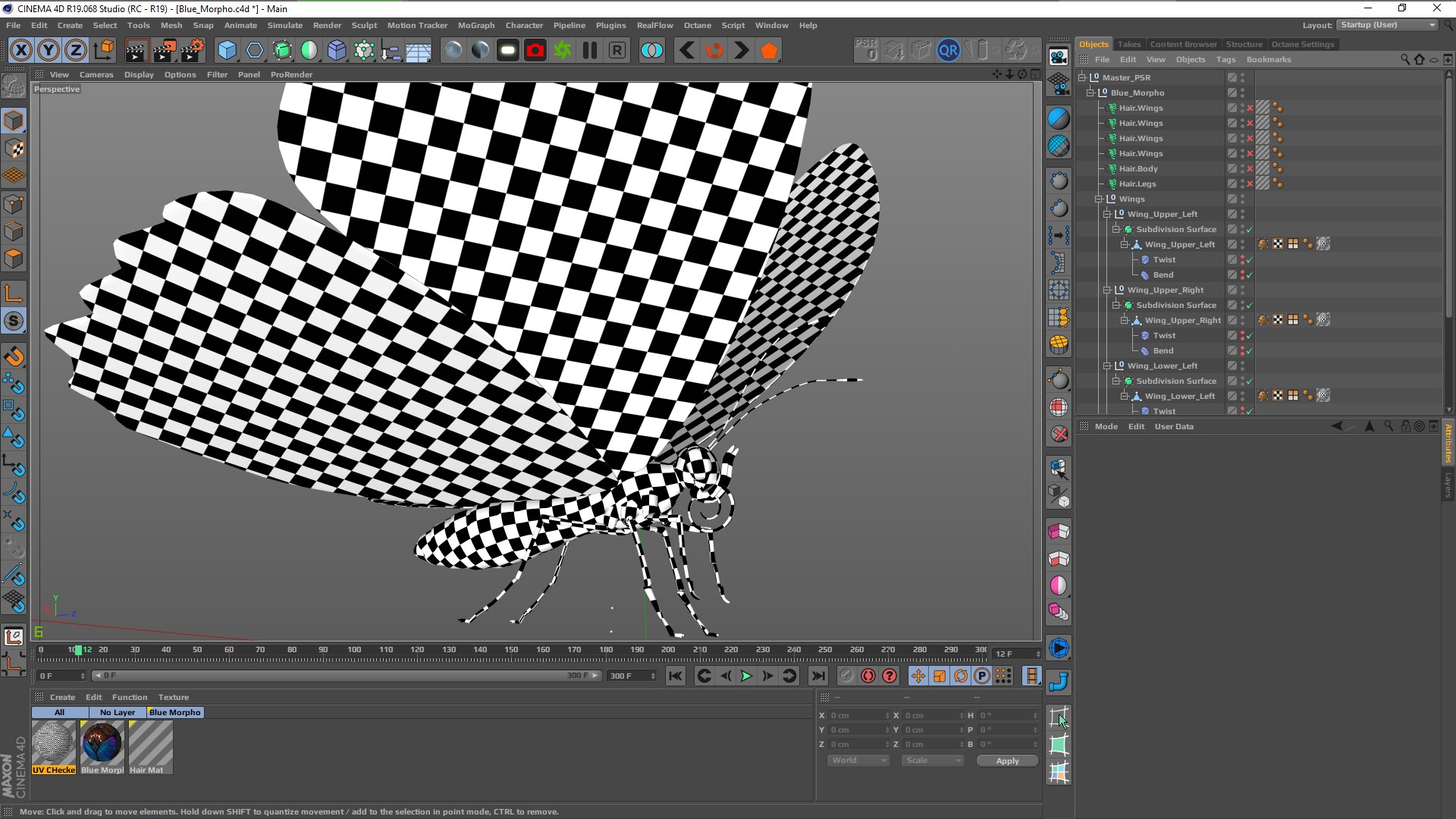
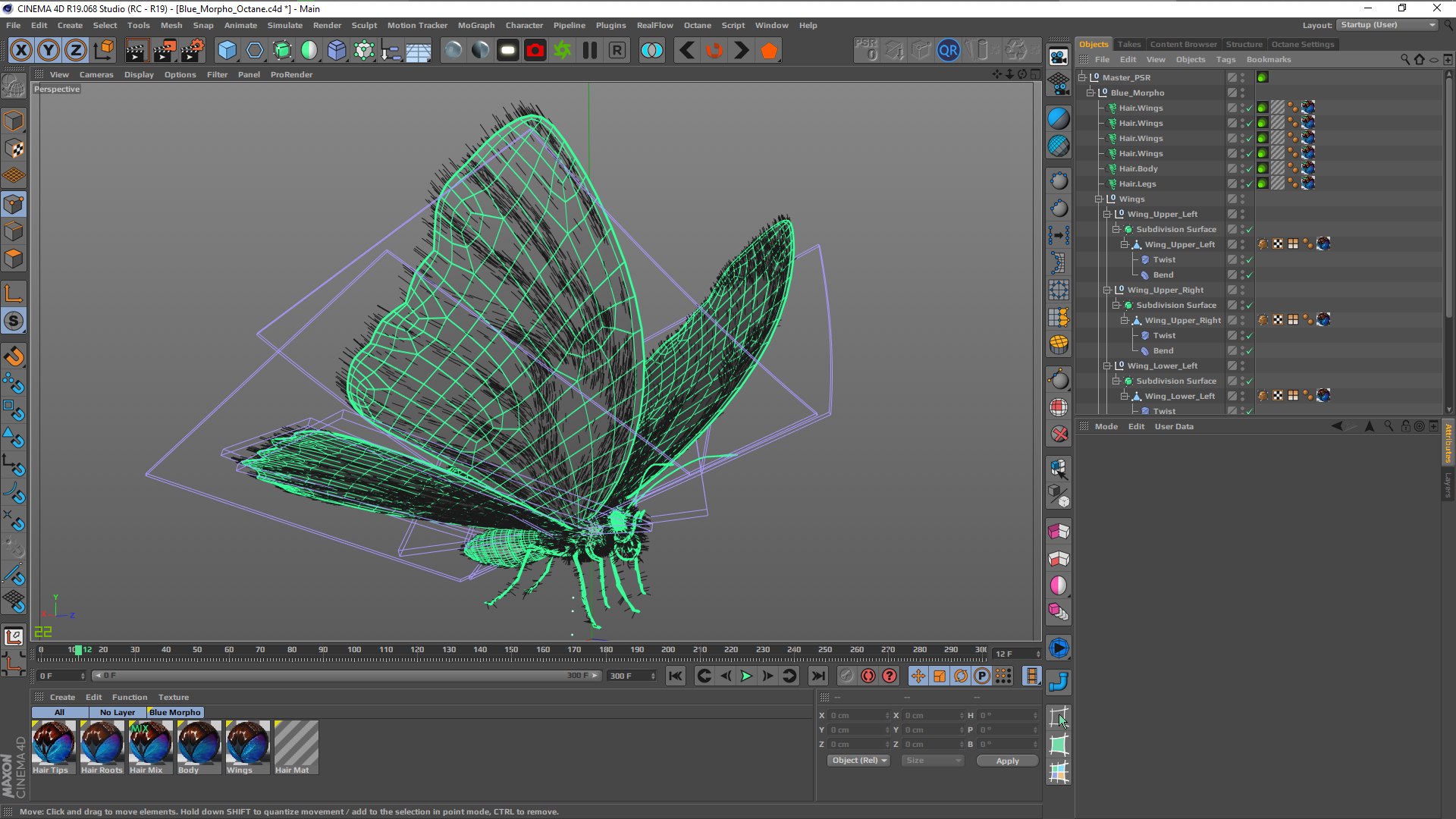
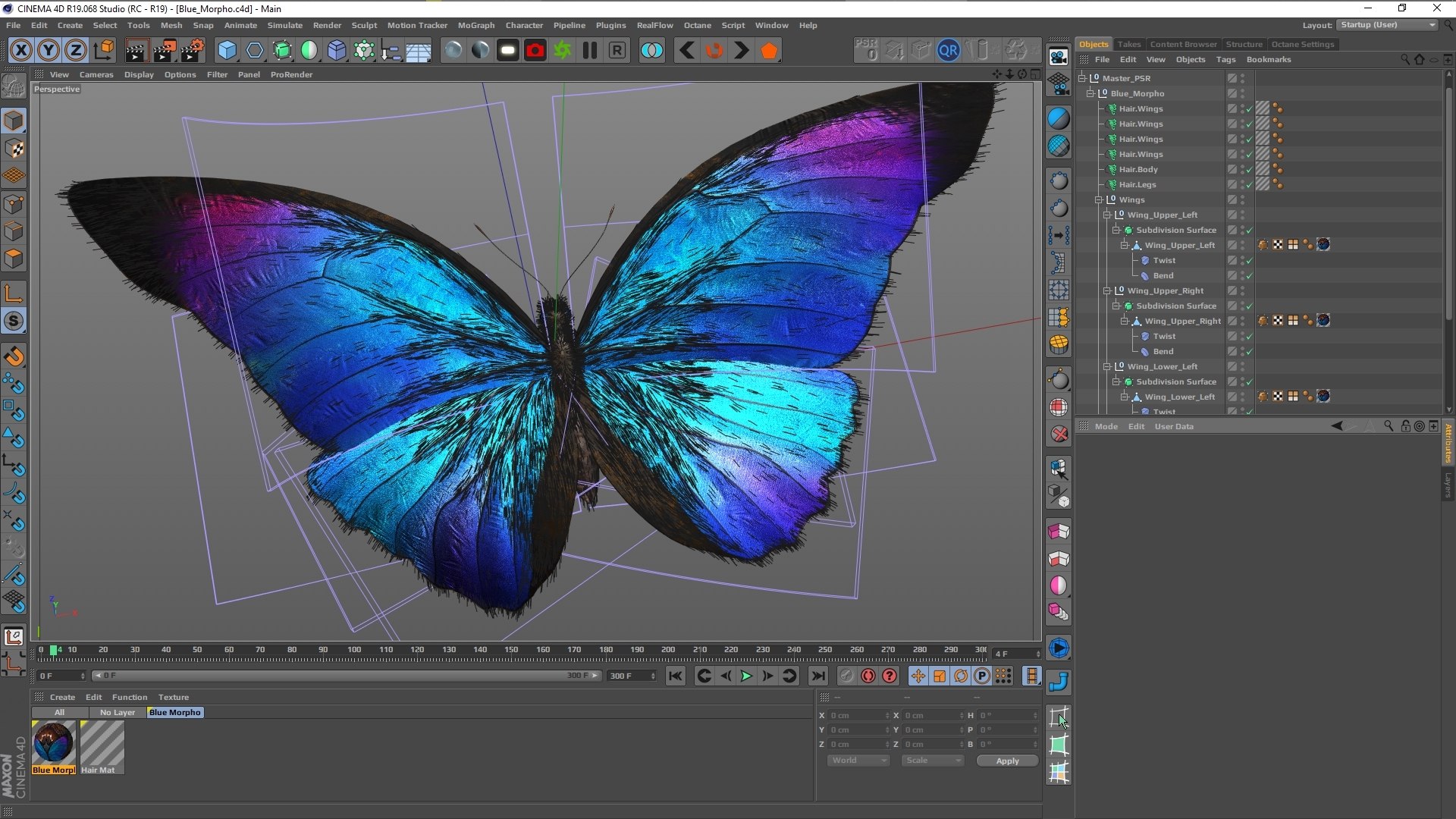
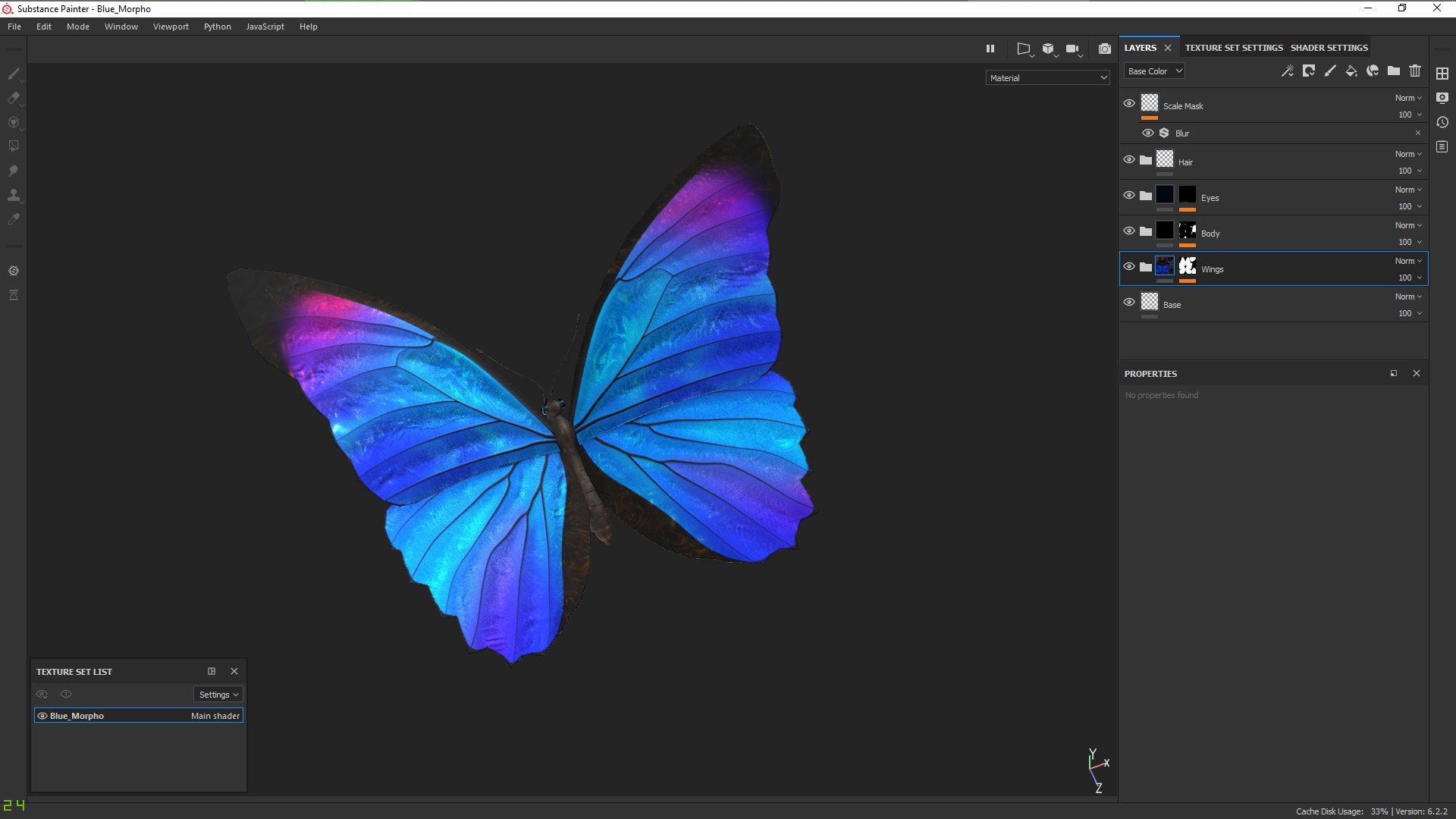
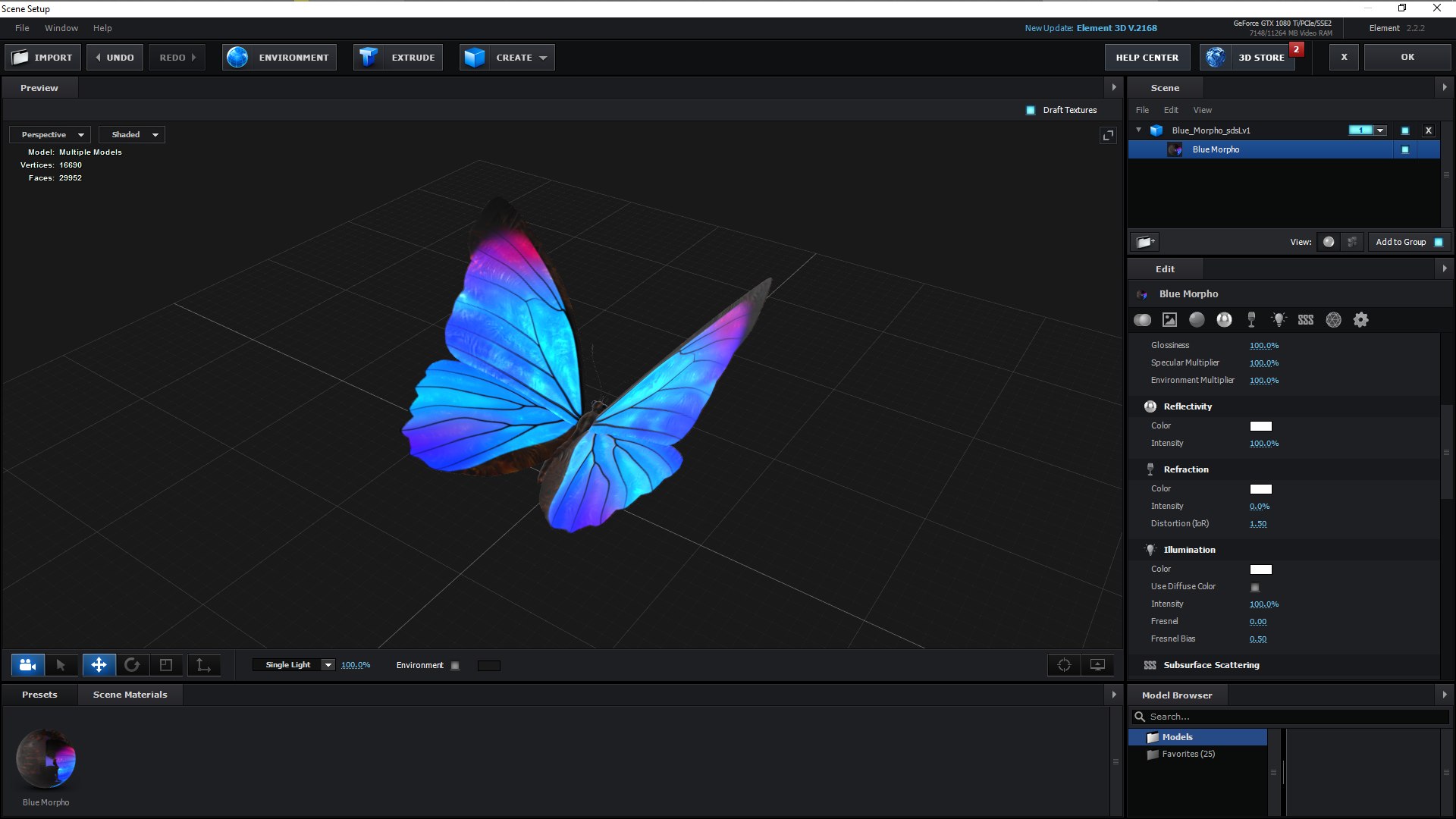
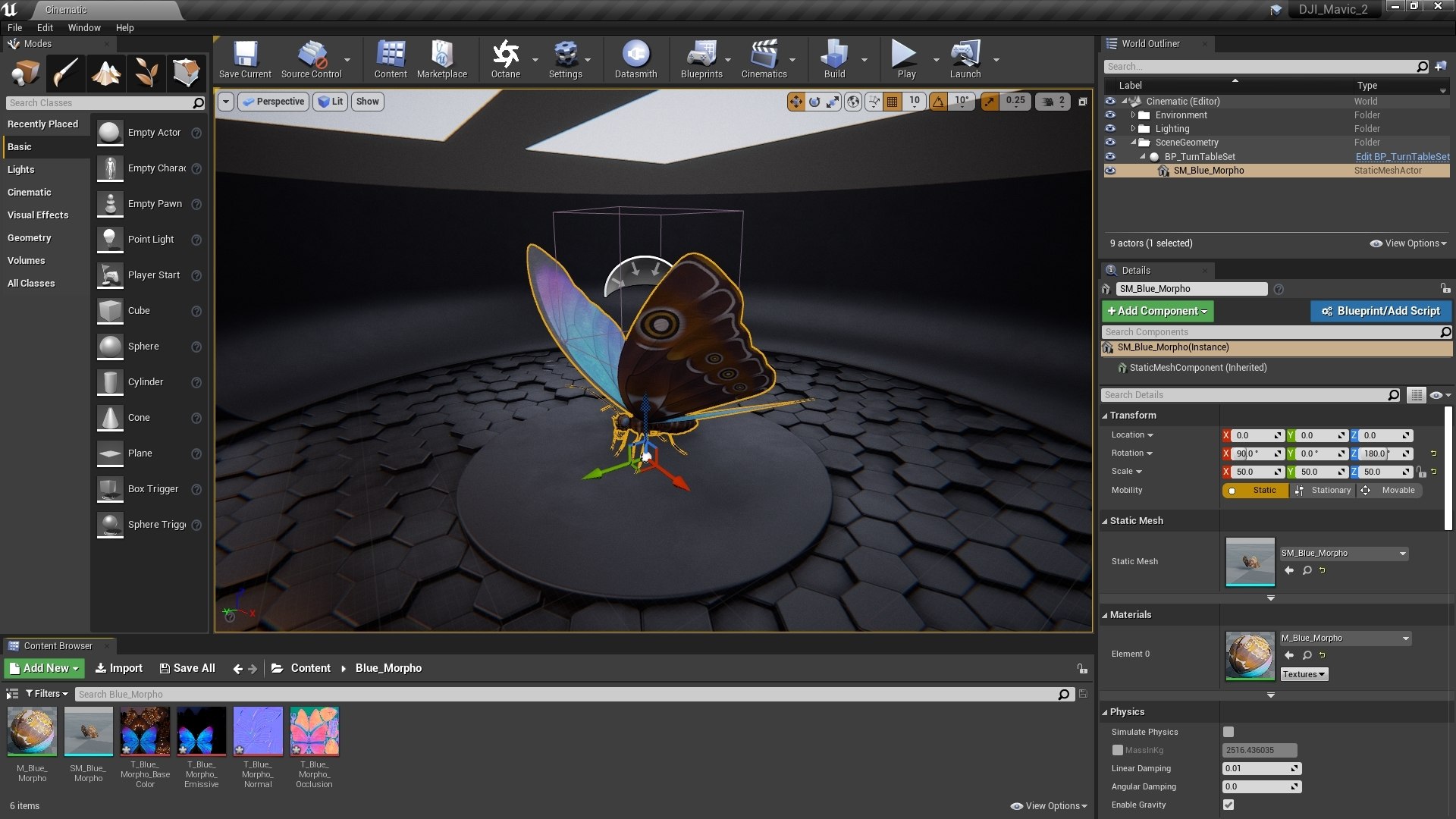
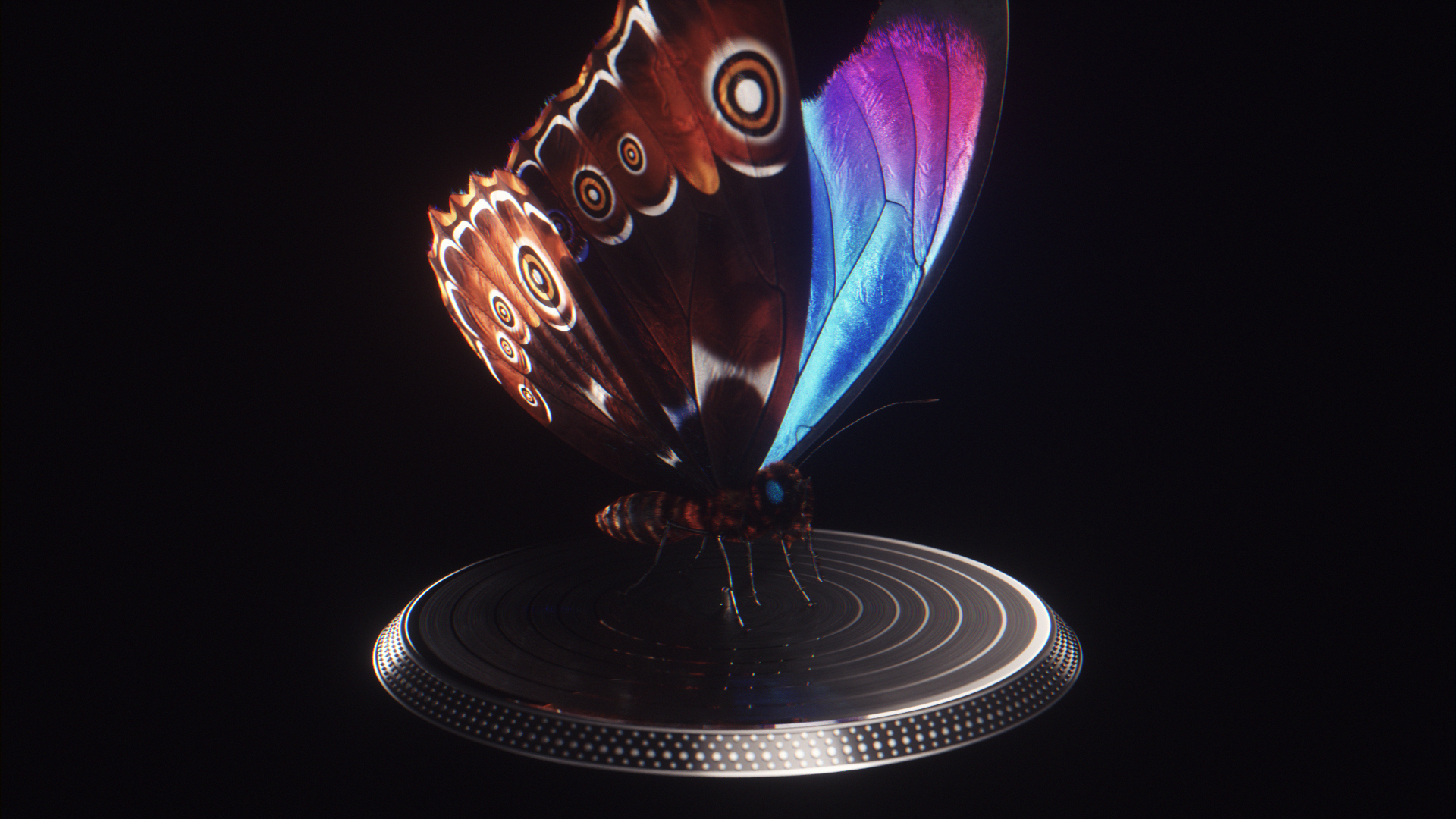
All preview images rendered with Octane Render. Plus a few screenshots of the model in the viewports of Cinema 4D, Substance Painter, Unreal Engine, and Element 3D. Enviroments and lighting setups are not included.

[Technical Information]
  • Real world scale.
  • All geometry is subdivision ready.
  • The wings have thickness, and are separate from the body.
  • The butterfly is animated in a 10 second seamless loop flying semi-randomly in-place (Cinema 4D only, but can be exported as an alembic).
  • The hair system is only present in the Cinema 4D files.
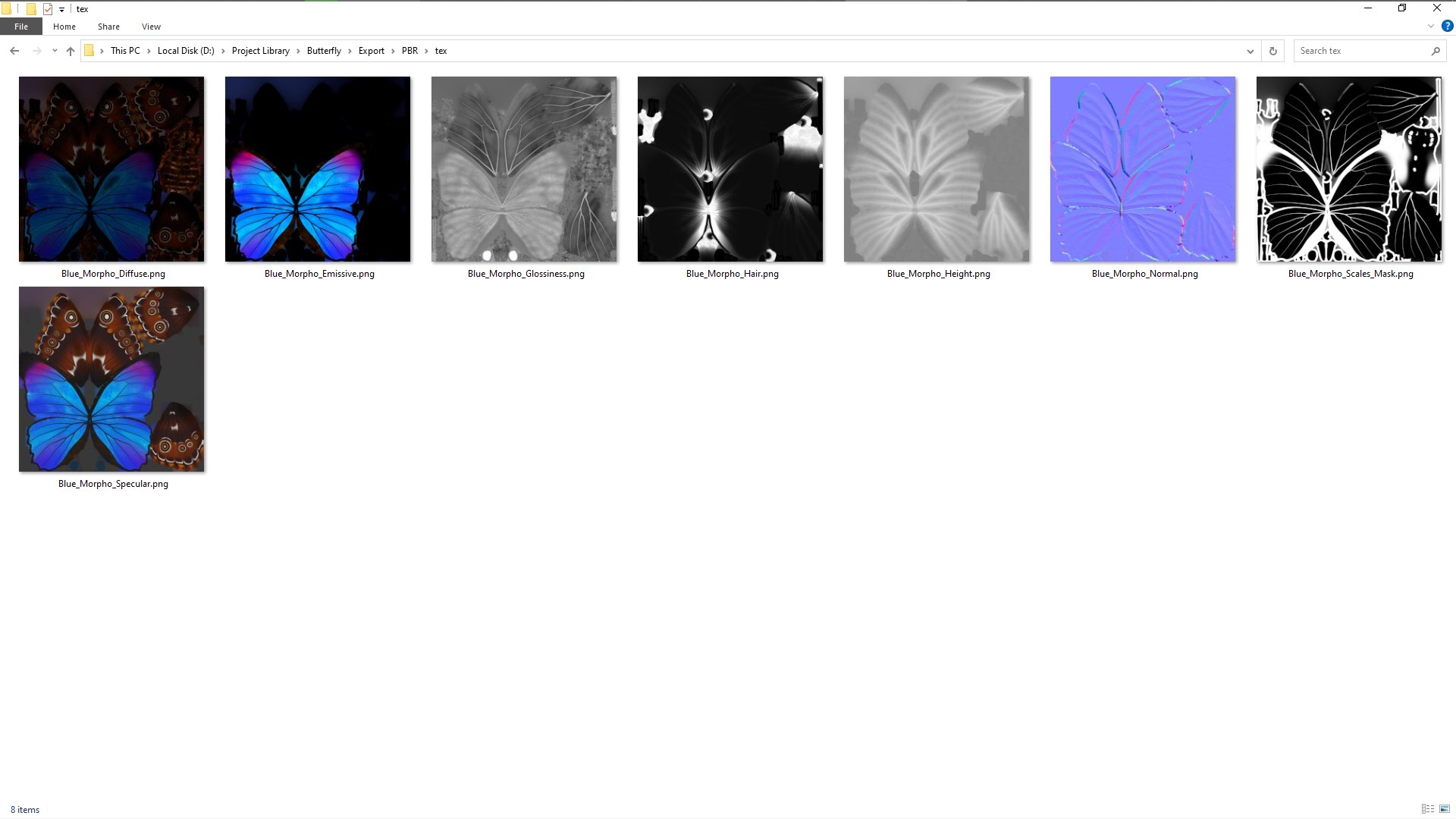
  • Includes a Hair Map, which can help you setup hair in your software of choise (for Density/Length).
  • Includes Emission Map for the dorsal (top/blue) part of the wings.
  • Fully unwrapped, non-overlapping UV's.
  • Polygon selections and Vertex Color tags for all sub-parts, so you can easily separate or re-shade specific parts.
  • 8K PBR Textures.
  • Normal maps are OpenGL, invert the green channel to convert to DirectX.
  • No N-gons, Isolated Vertices, or Complex Poles.

[Files Included]

_SPP- Substance Painter project files. You can edit the PBR textures for all file formats bellow, and re-export render engine specific versions (Vray, Unreal Engine, Unity, Redshift, Corona, Arnold, and more).

_TEX- Textures exported from Substance Painter and used for all the files bellow. Textures are 4K 16bit png files (Spec/Gloss PBR). Unpack in the root folder. All files point to these textures by default.

_TEX_8K- Textures exported from Substance Painter and used for all the files bellow. Textures are 8K 16bit png files (Spec/Gloss PBR).

_C4D_Octane- Cinema 4D project file with Octane shaders, using the PBR Textures. This is where all the renders come from.

_ORBX- Octane Standalone Package with embeded textures (4K). Can be unpacked as an OCS, or imported into any host program running Octane (or Standalone), using the orbx importer.

_C4D- Cinema 4D project file with Physical/Standard shaders using the PBR textures exported from Substance Painter.

_FBX- Autodesk FBX exported from C4D. You may need to re-tweak the shaders abit, depending on the program you open it in, but all PBR textures should maintain link.

_OBJ- OBJ/MTL exported from Cinema 4D. Three versions: subdiv Lv. 0 / 1 / 2. All PBR textures still applicable.

_E3D- Ready to use in Video Copilot's Element 3D, plus an After Effects project file with the model already loaded. Using the OBJ and PBR textures. You may need to re-link the model/textures upon opening it for the first time, so just point to the root folder, where you extracted the OBJ/Texture pack.

_MAX- 3ds Max project file with default shaders, using the PBR textures. May need adjustments.

Extra formats with embeded textures at 2K resolution (Metal/Rough PBR):.dae(Collada), .usdz(AR),.gltf/.glb(Khronos Group), .uasset(Unreal Engine).

Select Enhanced License

  • $10,000 in Legal Protection (Indemnification)
  • Uncapped Legal Protection (Indemnification)
  • Waiver from injunctive relief
  • Assignable model rights
  • $1,000,000 in Legal Protection (Indemnification)
  • Waiver from injunctive relief
  • Assignable model rights
  • $250,000 in Legal Protection (Indemnification)
  • Assignable model rights
Read more about enhanced license tiers, or contact us at enterprise@turbosquid.com. Already a Shutterstock Enterprise Customer? Contact your Shutterstock Sales Support Agent to talk about adding 3D.

About Conversion Requests

To submit a conversion request for a purchased asset, please complete our Conversion Request Form.

If you have not yet purchased a model, please review our Documentation about Conversions to learn about what limitations you may encounter with a conversion.

For any additional questions about a model’s suitability for conversion, please contact TurboSquid Support.

Loading...