
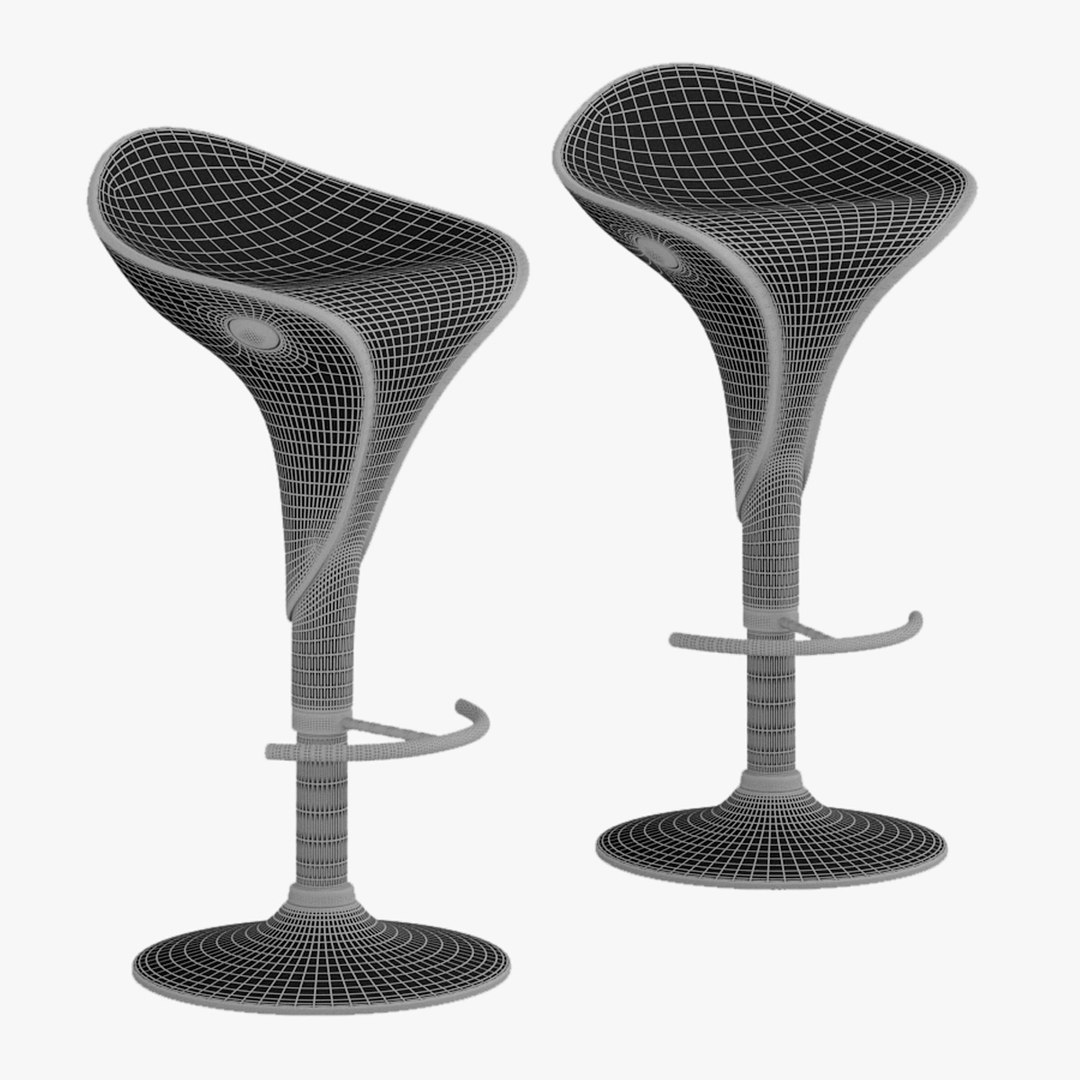
Bar stool

$8

Standard License | Upgrade License
Formats (7)
Native | 3ds Max 2014 | V-Ray 3.6
3ds Max 2009 | V-Ray 1.5
3ds Max 2009 | Default Scanline
FBX
3D Studio
OBJ
Other Textures
Specifications
Publish Date January 17, 2020
Product ID 1496191
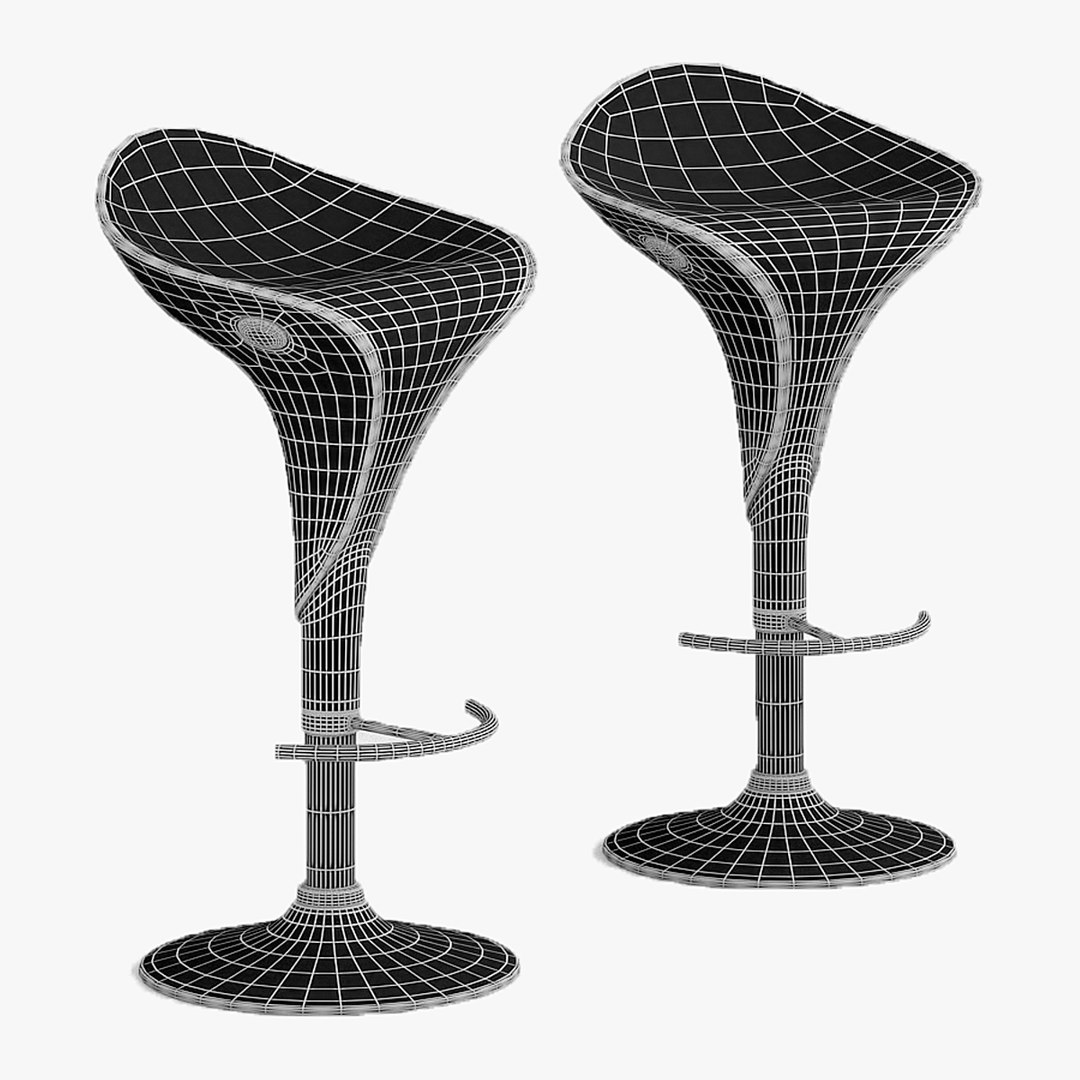
Polygons 68,784
Vertices 68,790
Polygonal
Textures
Materials
UV Mapped
Non-overlapping Unwrapped UVs
member avatar
ivan_ov
17 Products | Contributor Since 2015
Have questions? Chat with us now.

Description

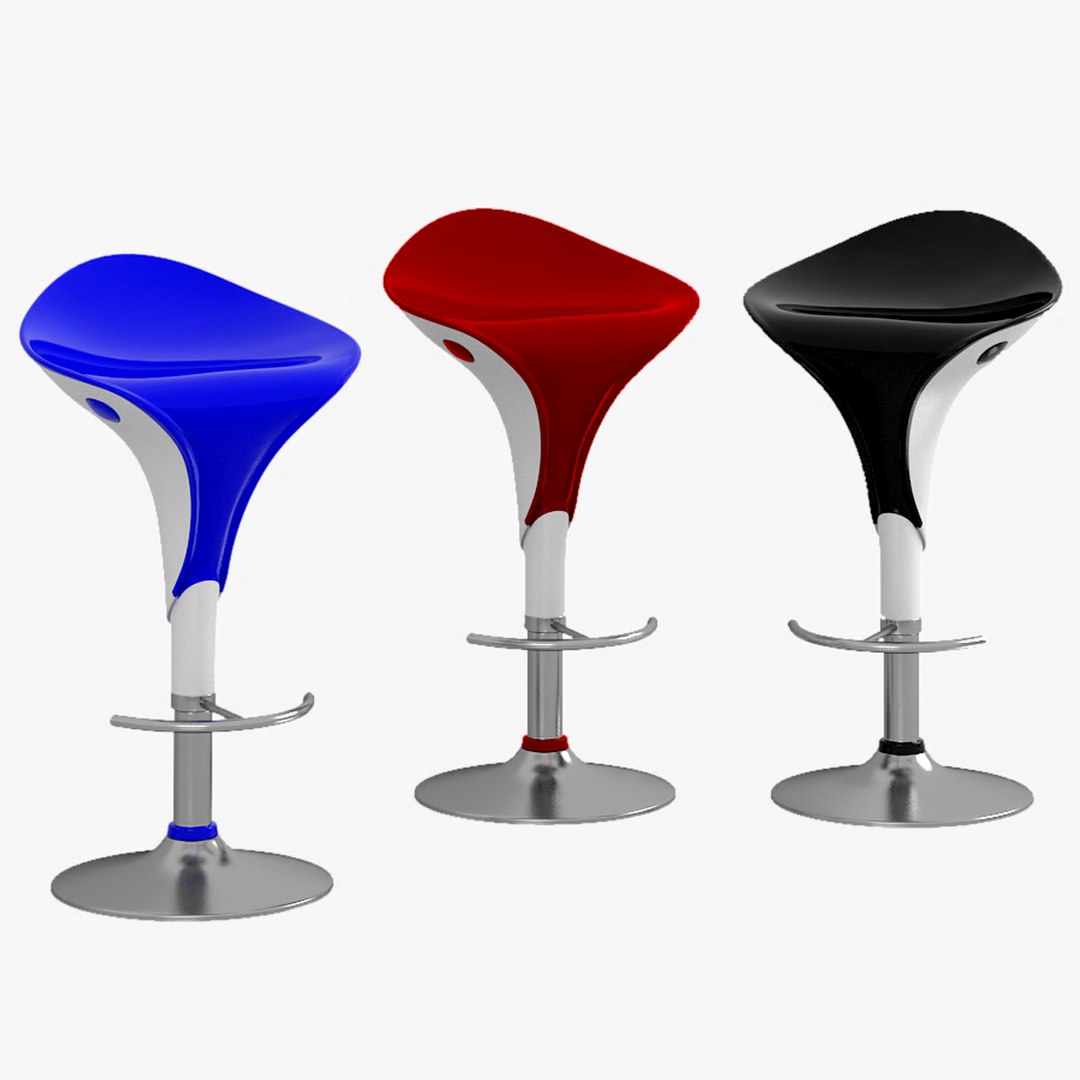
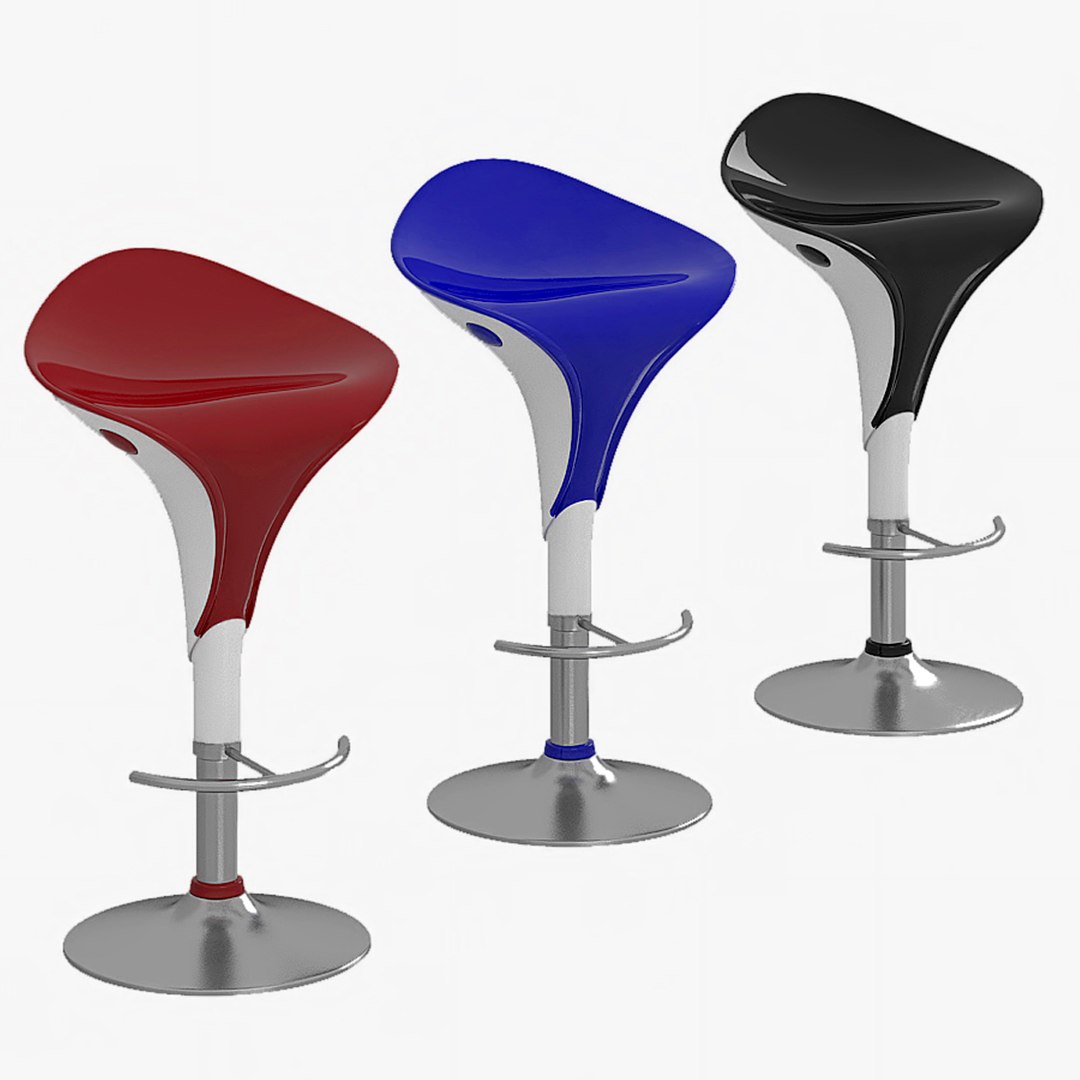
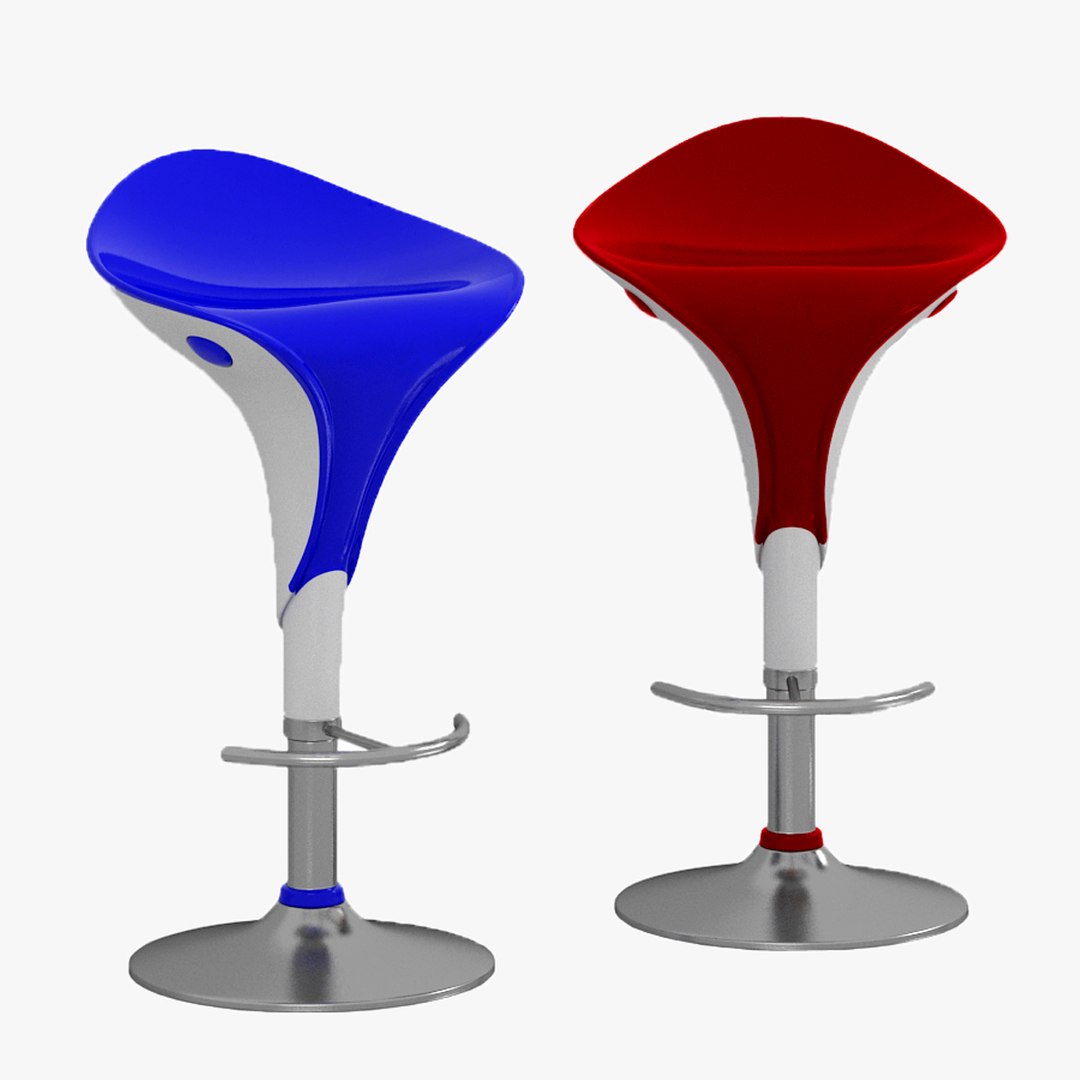
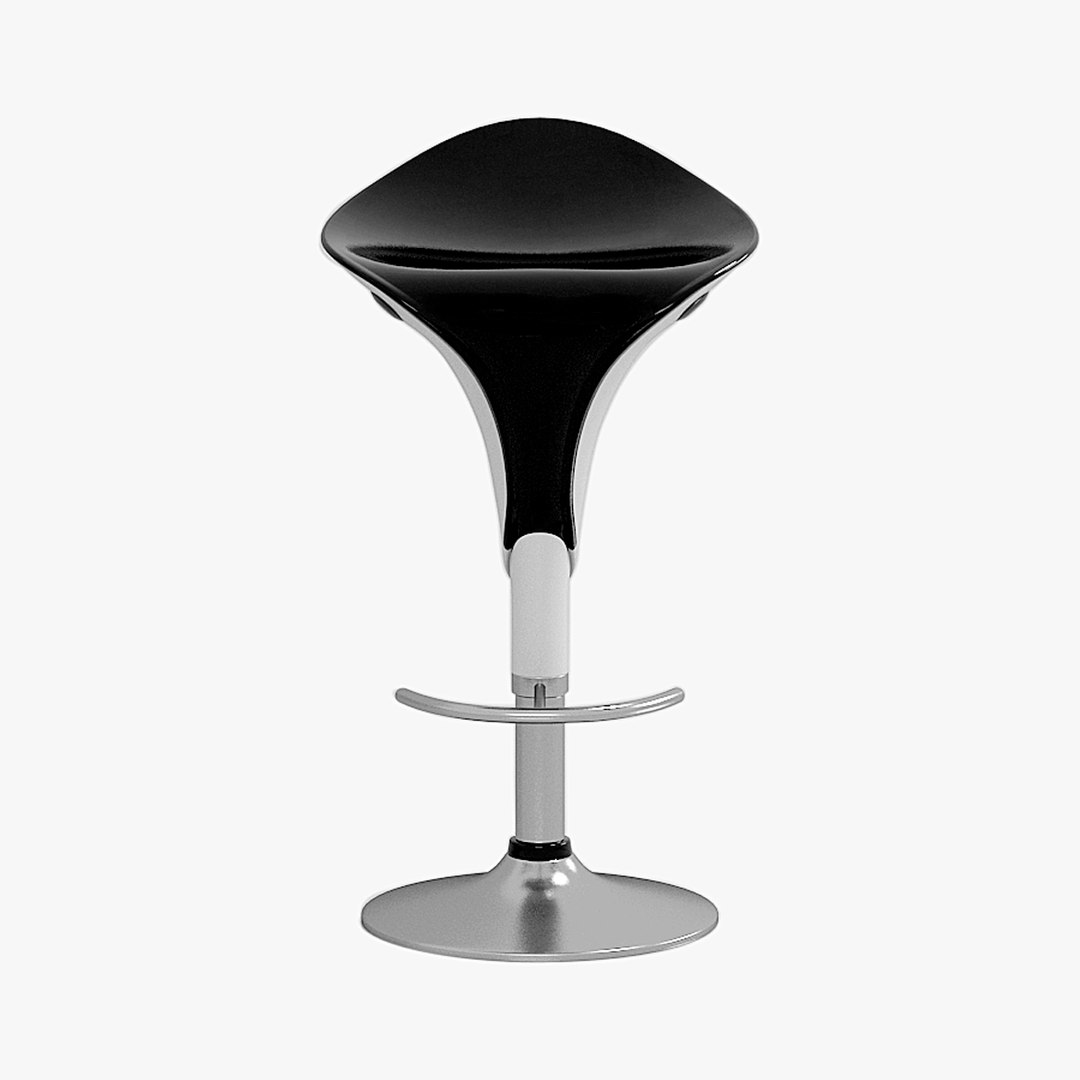
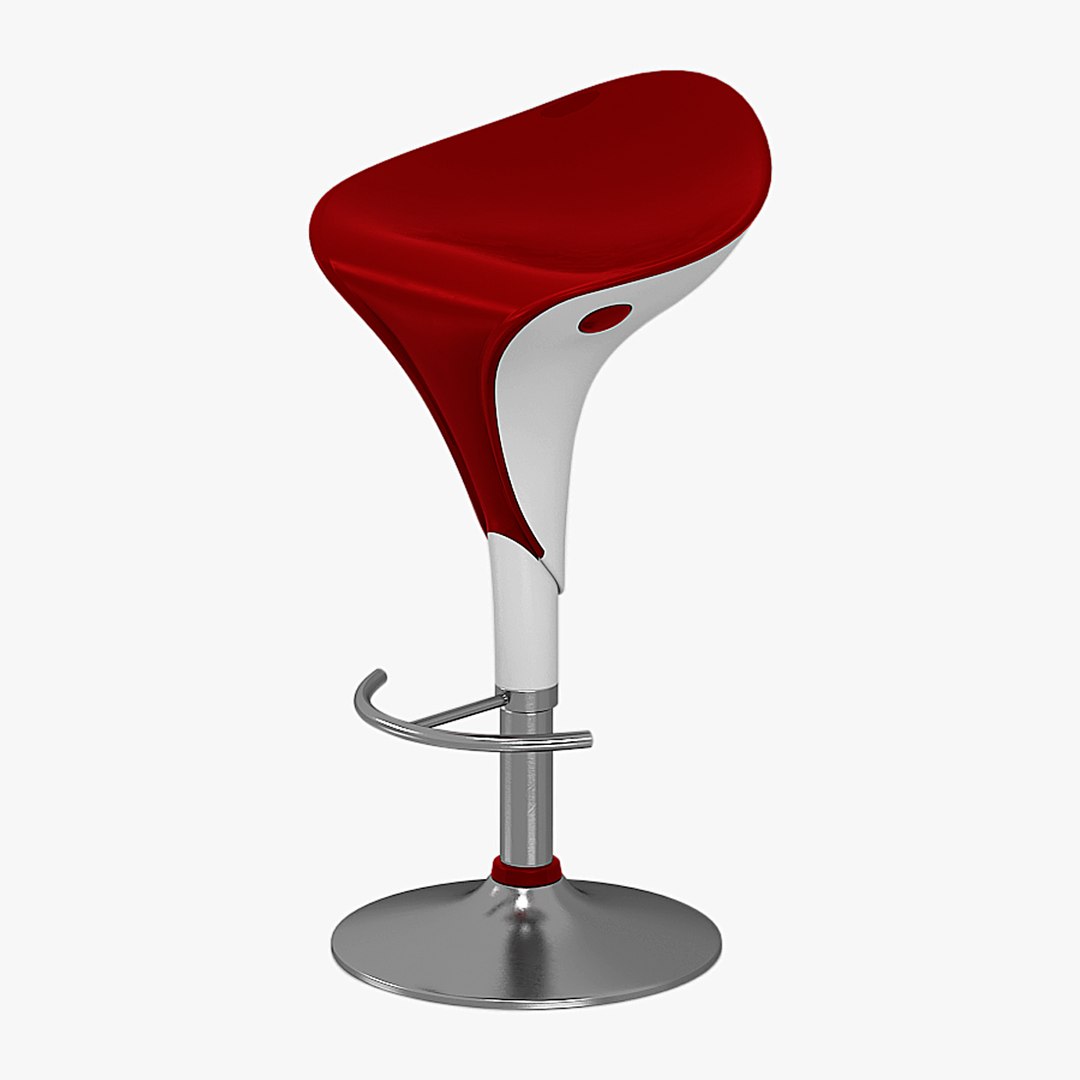
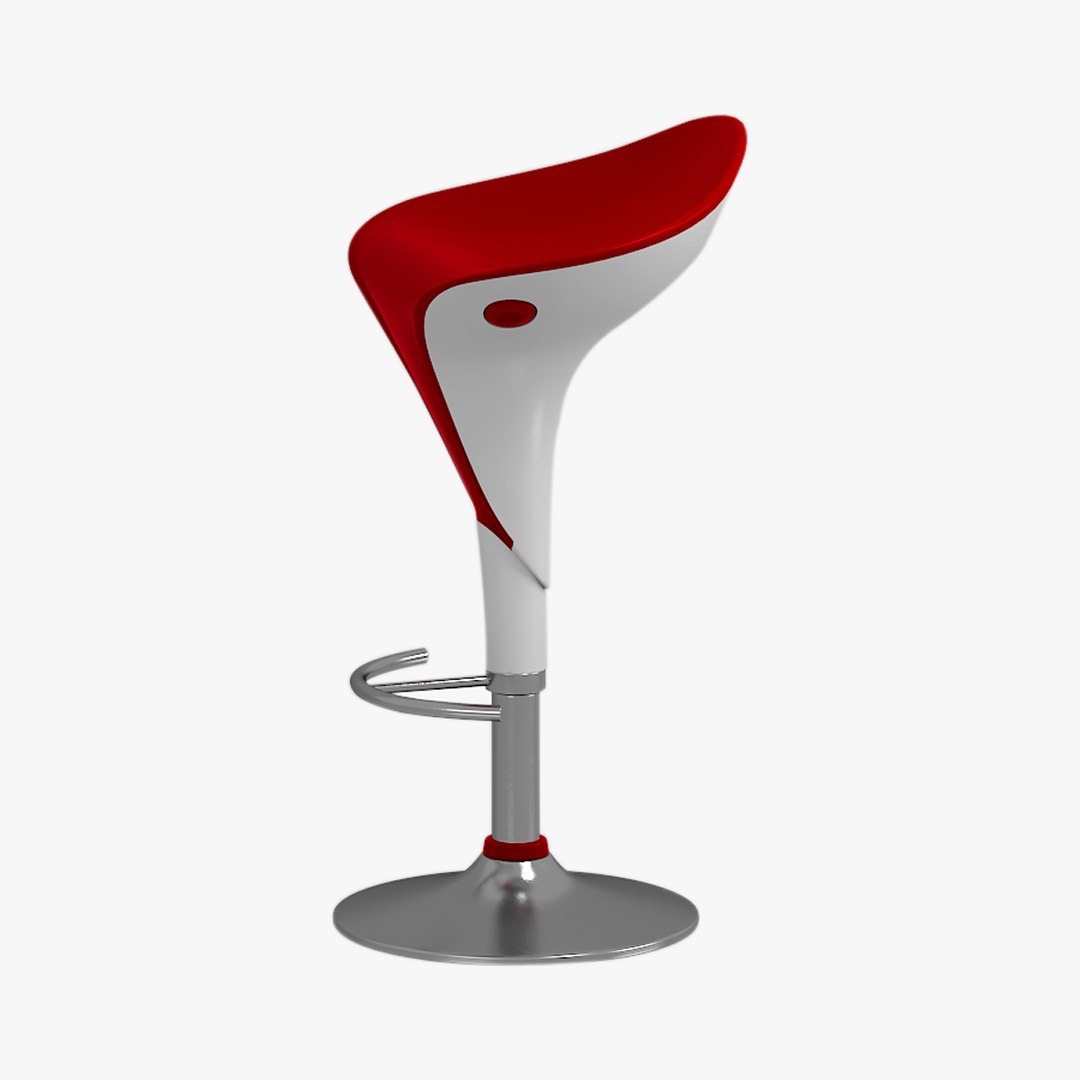
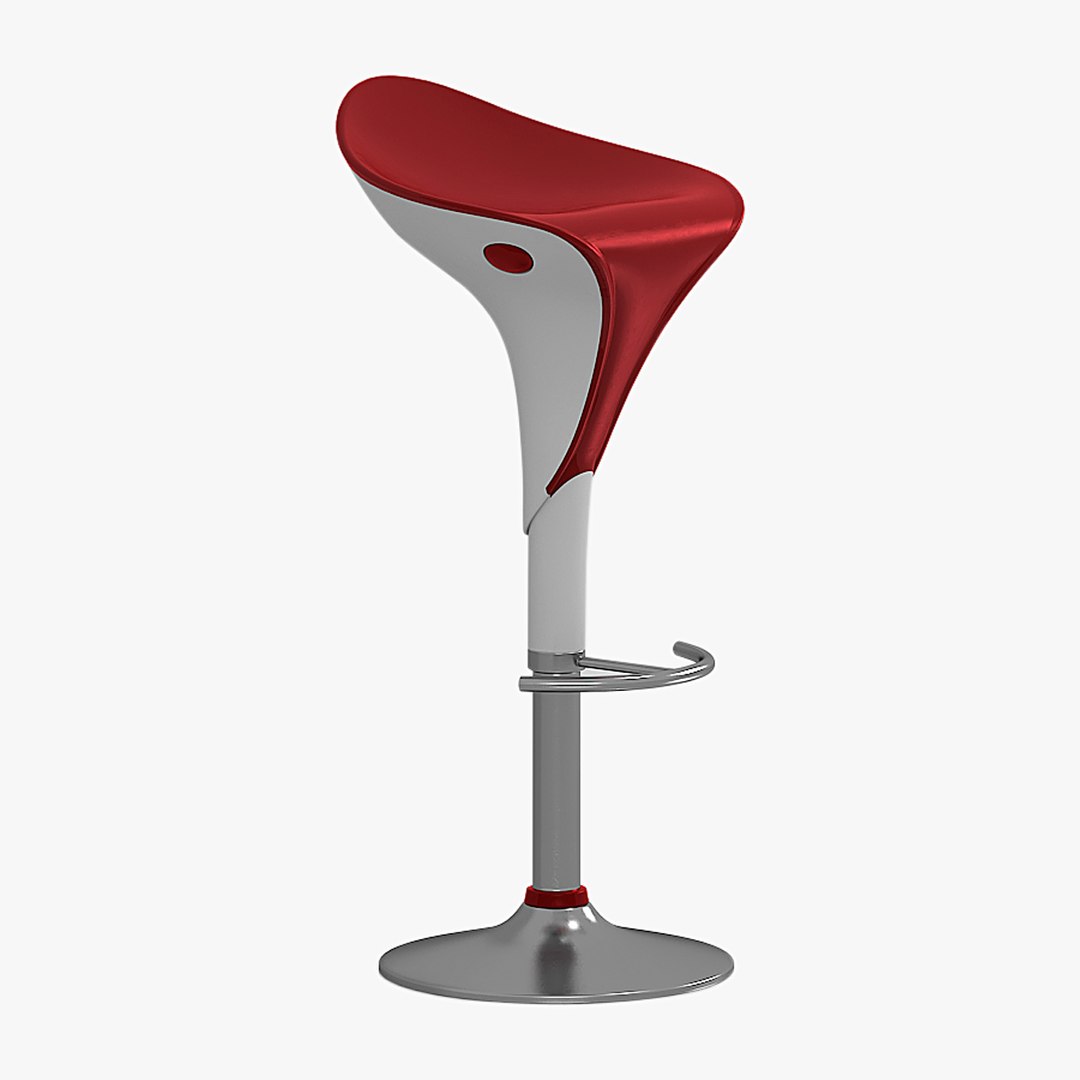
Bar stool

Dimensions:
seat height 600-800 mm
seat width 420 mm
Polys 68784
Verts 68790
Ready for closeup shots.
Model comes with materials library and ready to use.
Model is built to real-world scale. System unit setup used- millimetrs.
Model has proper unwrapped UVs.
Different parts of the model are named properly.
No additional plugin is needed to open the model.
No cleaning up necessary. Just drop this models into the your scene and start rendering.

The model includes files:
3DS Max 2014 and Vray renderer 3.6
3DS Max 2009 and Vray renderer 1.5
3DS Max 2009 Default Scanline renderer
Autodesk FBX (fbx) without materials, works with almost all Autodesk 3D applications, if you are not using Native application,
OBJ (obj) without materials, works with most 3D applications, if you are not using Native application ,
3D Studio (3ds) without materials, works with most 3D applications, if you are not using Native application
Material Libraries Vray(mat).
Textures (JPEG).

Who works in the V-Ray version lower than 3.1, be careful, in some materials in the BRDF section there is Microfaset GTR (GGX), if your version is older than 3.1, then the BRDF field will be empty. Choose Blinn, Phong or Ward - which is preferable for you.

Select Enhanced License

  • $10,000 in Legal Protection (Indemnification)
  • Uncapped Legal Protection (Indemnification)
  • Waiver from injunctive relief
  • Assignable model rights
  • $1,000,000 in Legal Protection (Indemnification)
  • Waiver from injunctive relief
  • Assignable model rights
  • $250,000 in Legal Protection (Indemnification)
  • Assignable model rights
Read more about enhanced license tiers, or contact us at enterprise@turbosquid.com. Already a Shutterstock Enterprise Customer? Contact your Shutterstock Sales Support Agent to talk about adding 3D.

About Conversion Requests

To submit a conversion request for a purchased asset, please complete our Conversion Request Form.

If you have not yet purchased a model, please review our Documentation about Conversions to learn about what limitations you may encounter with a conversion.

For any additional questions about a model’s suitability for conversion, please contact TurboSquid Support.

Loading...