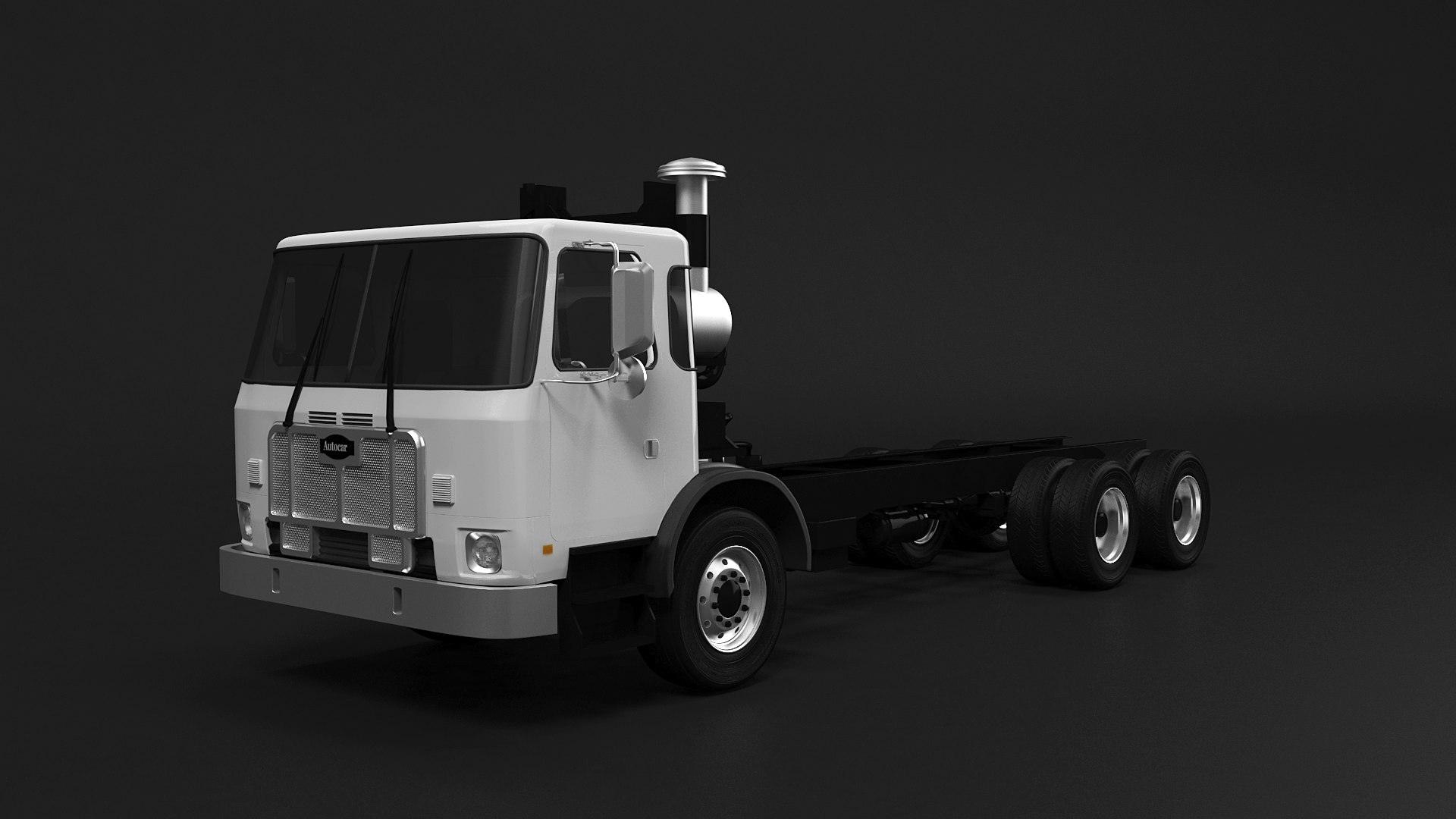
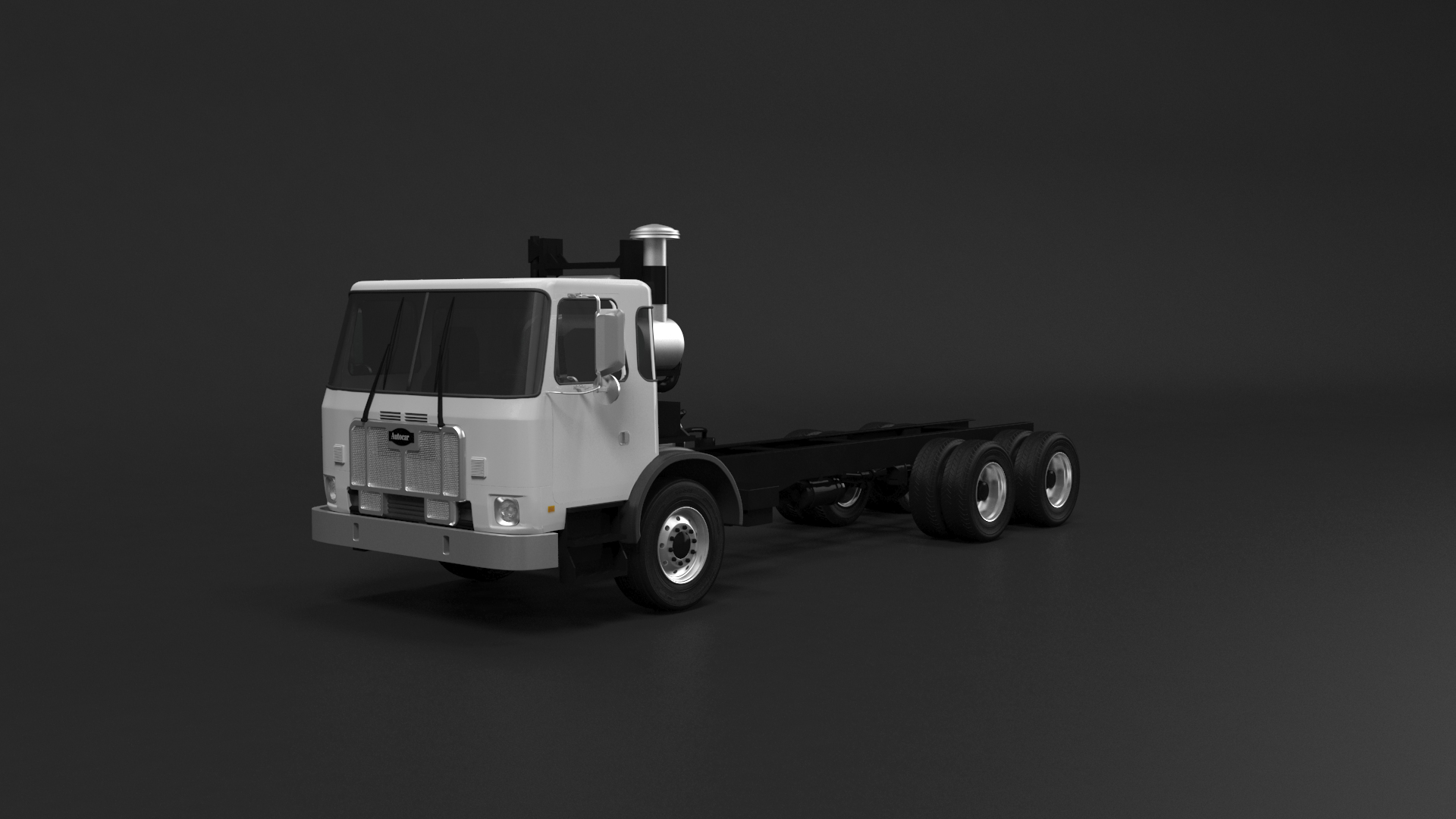
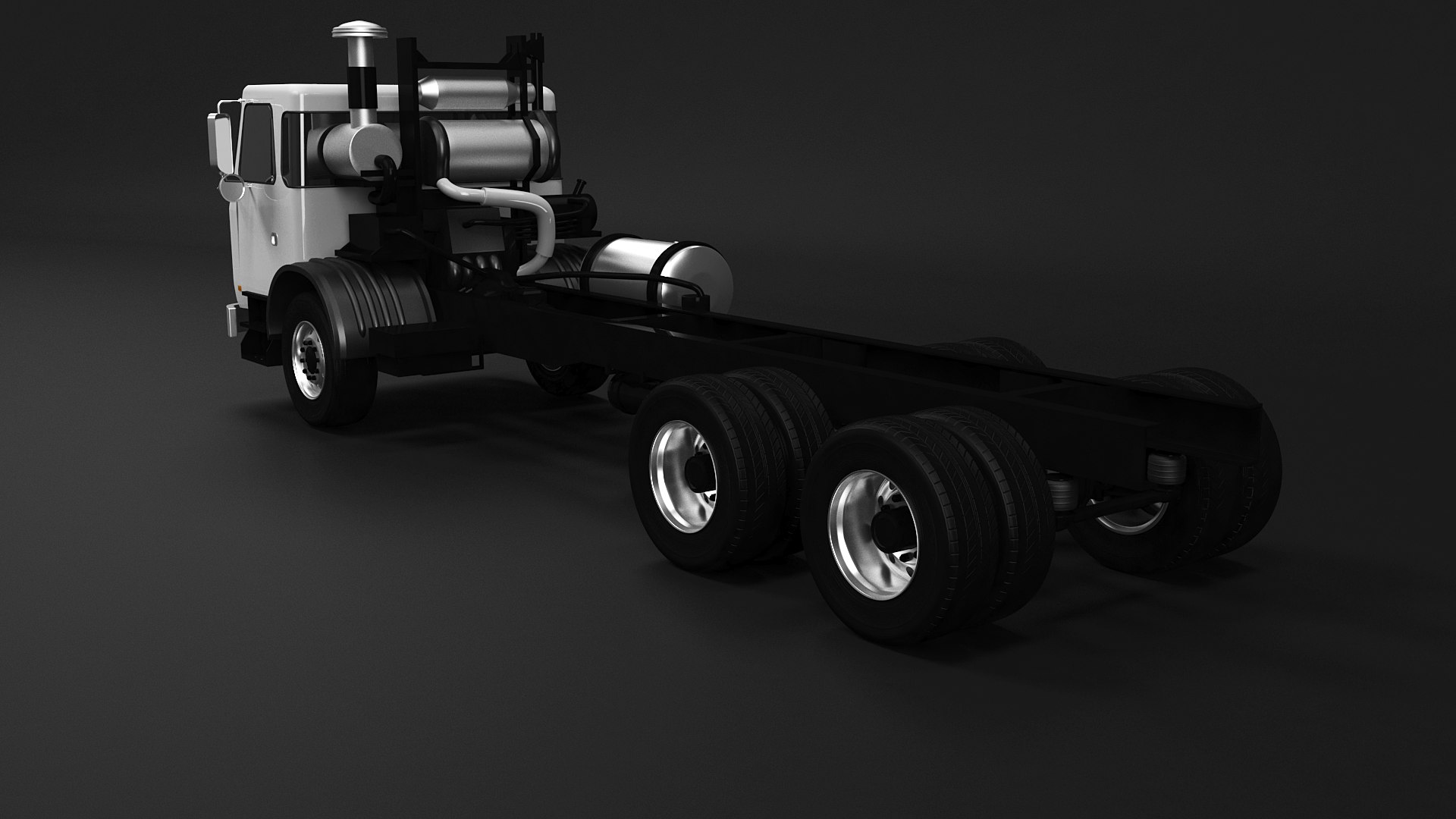
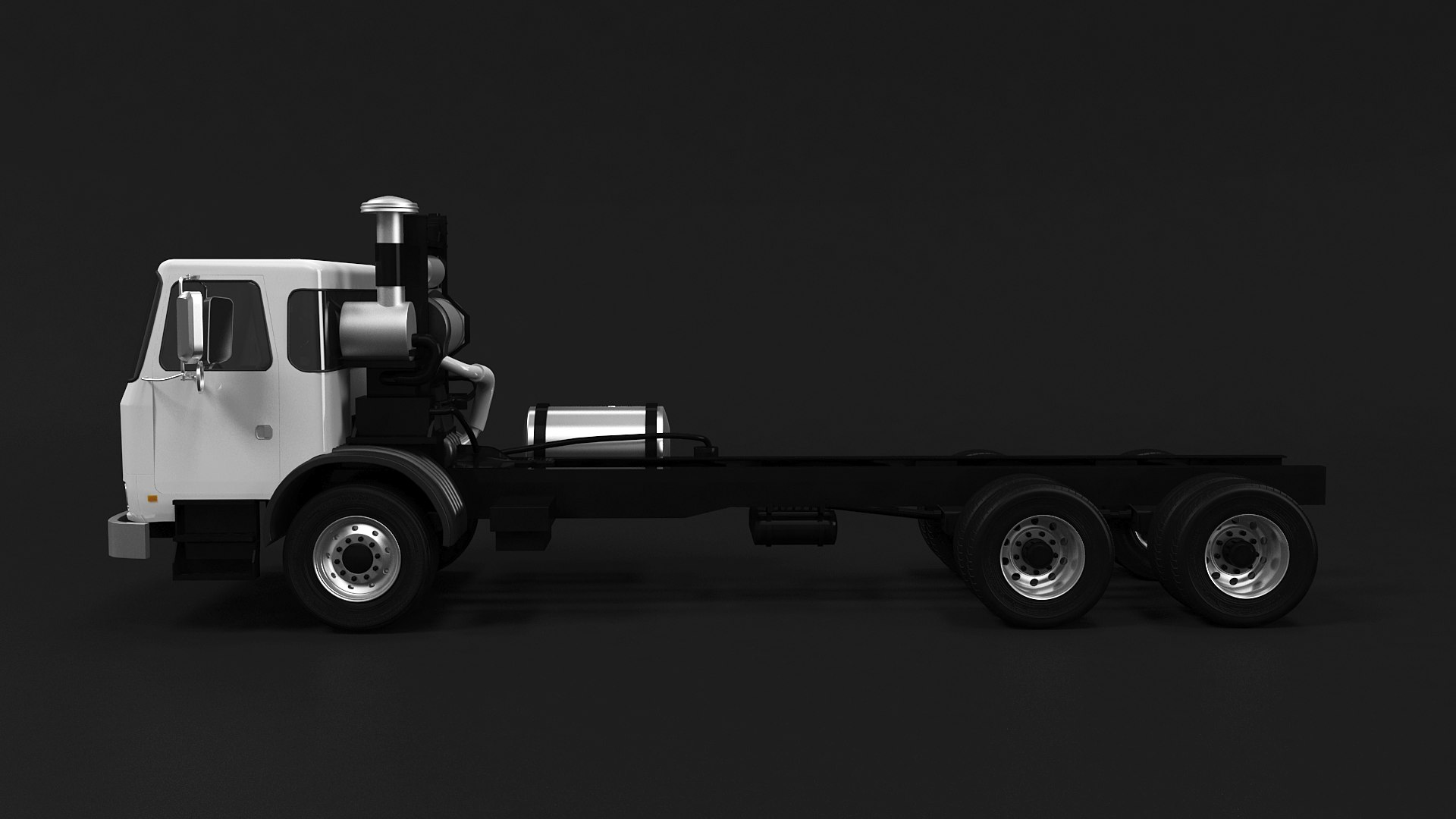
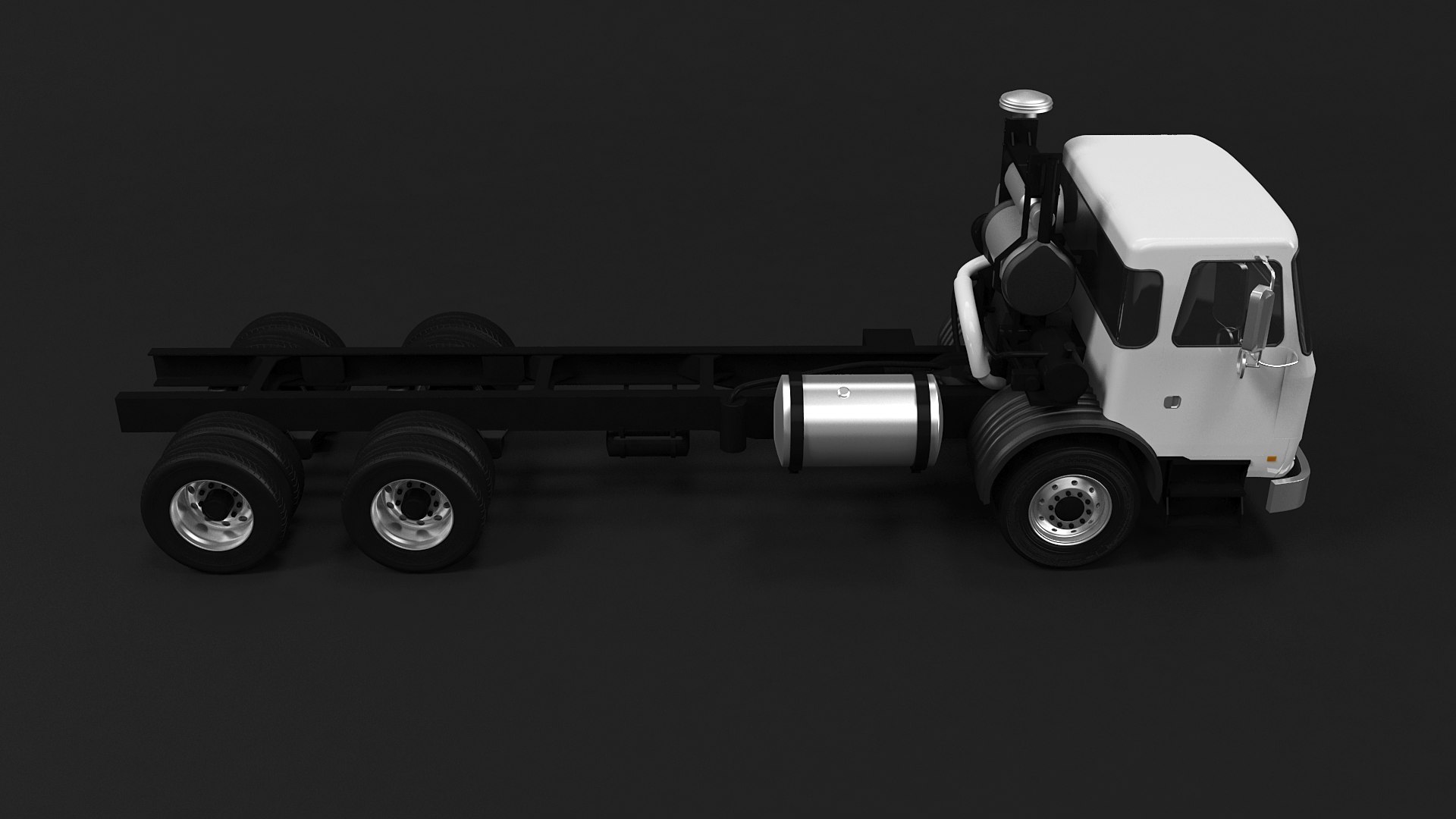
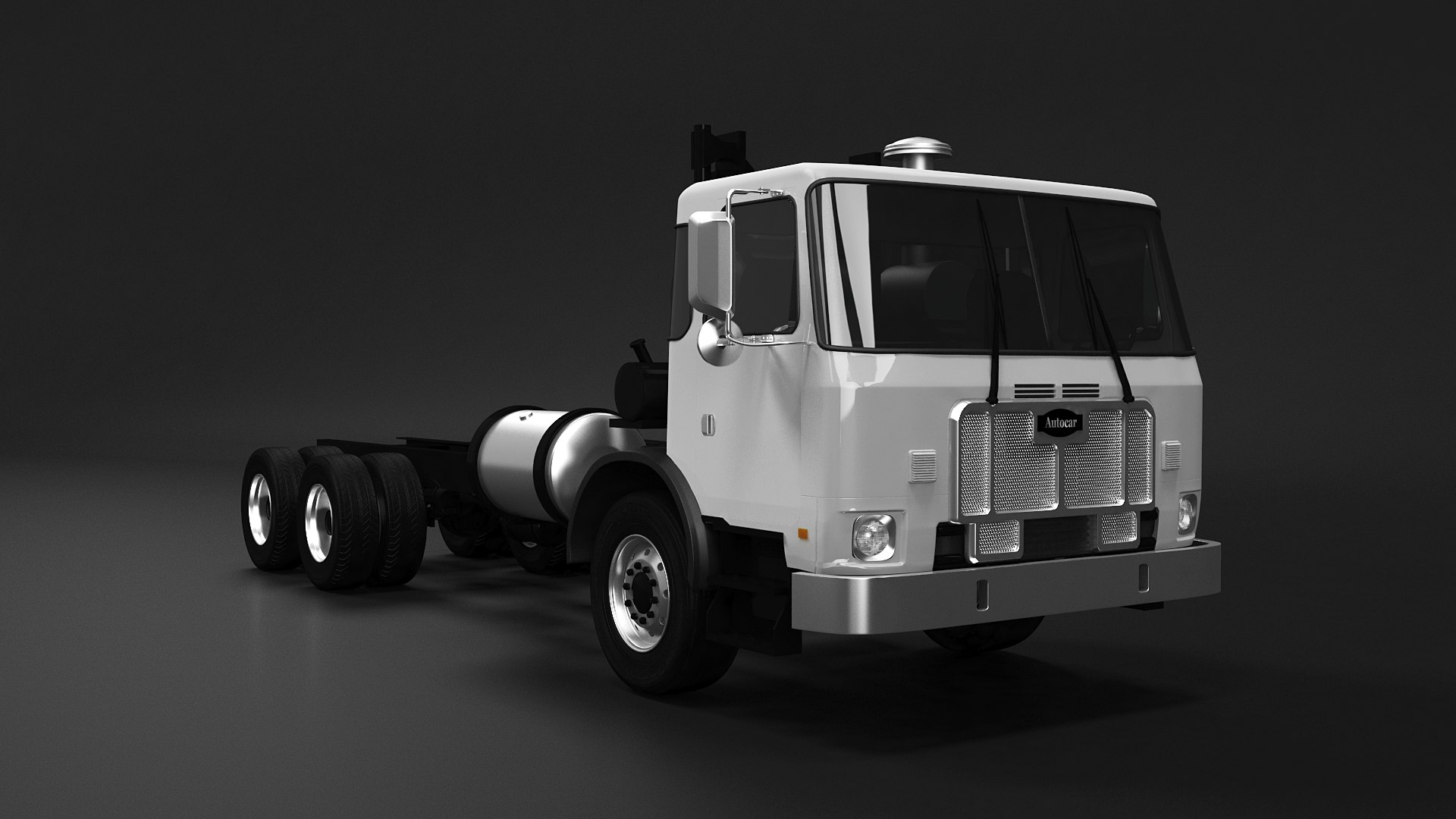
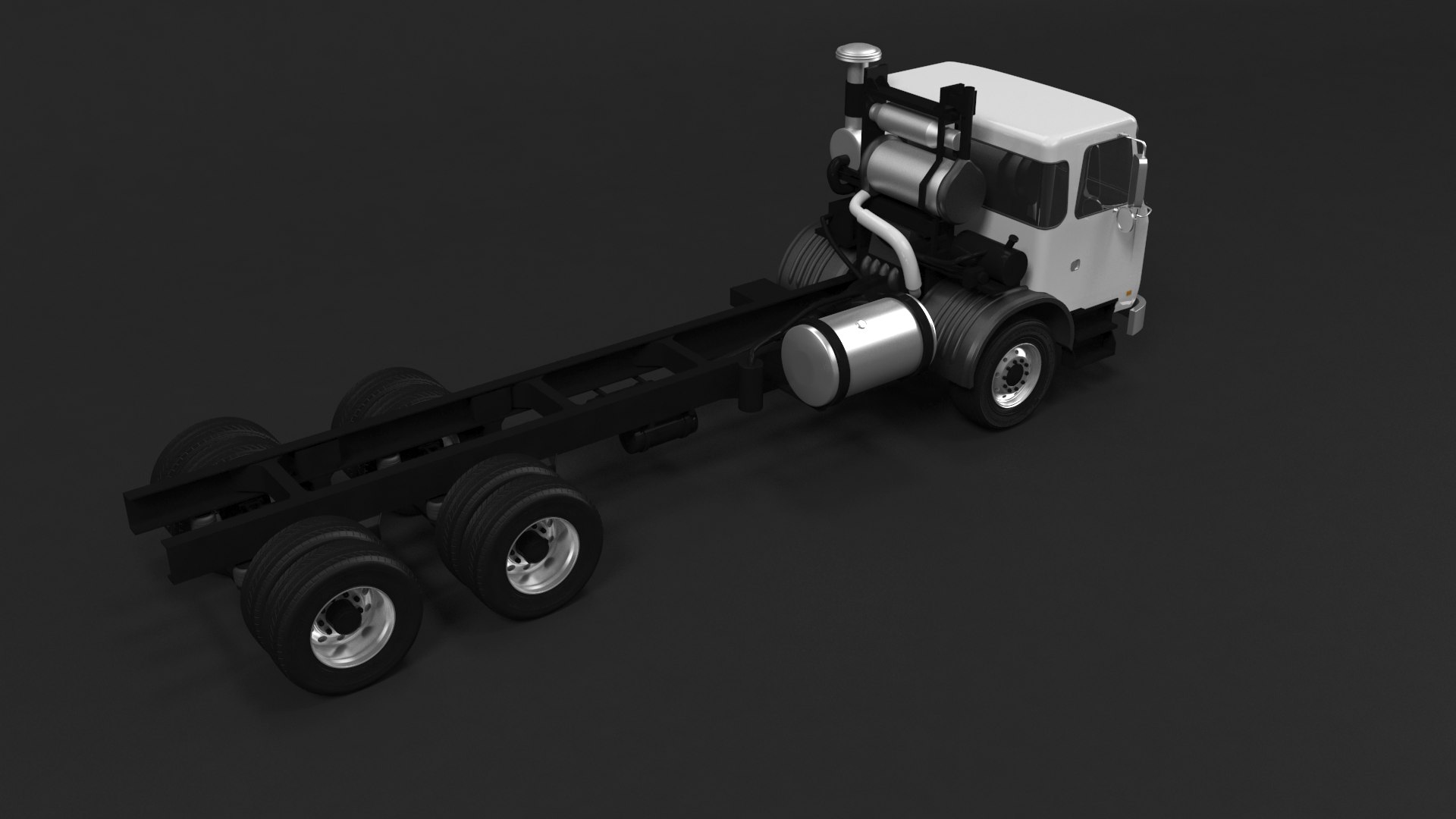
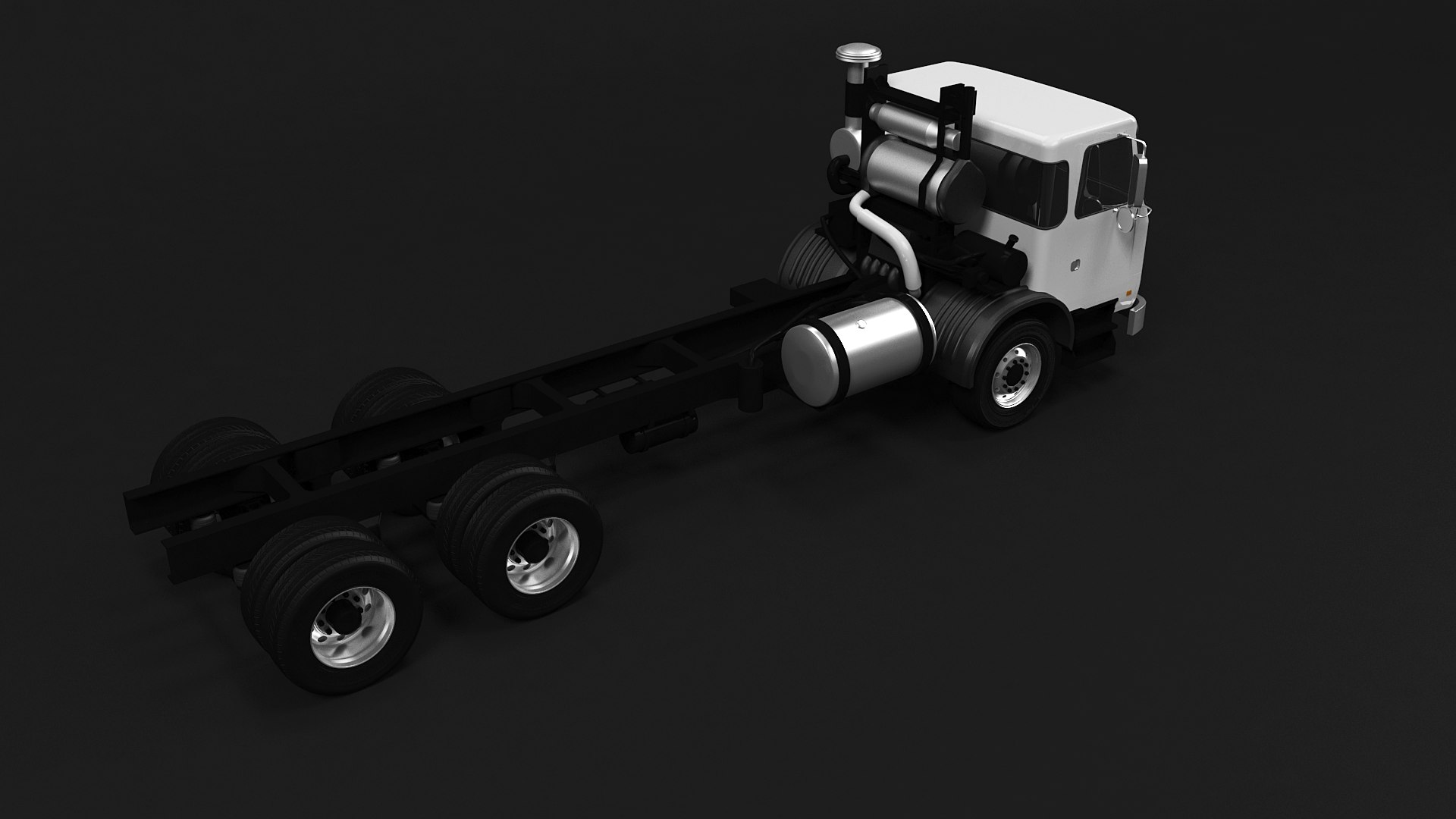
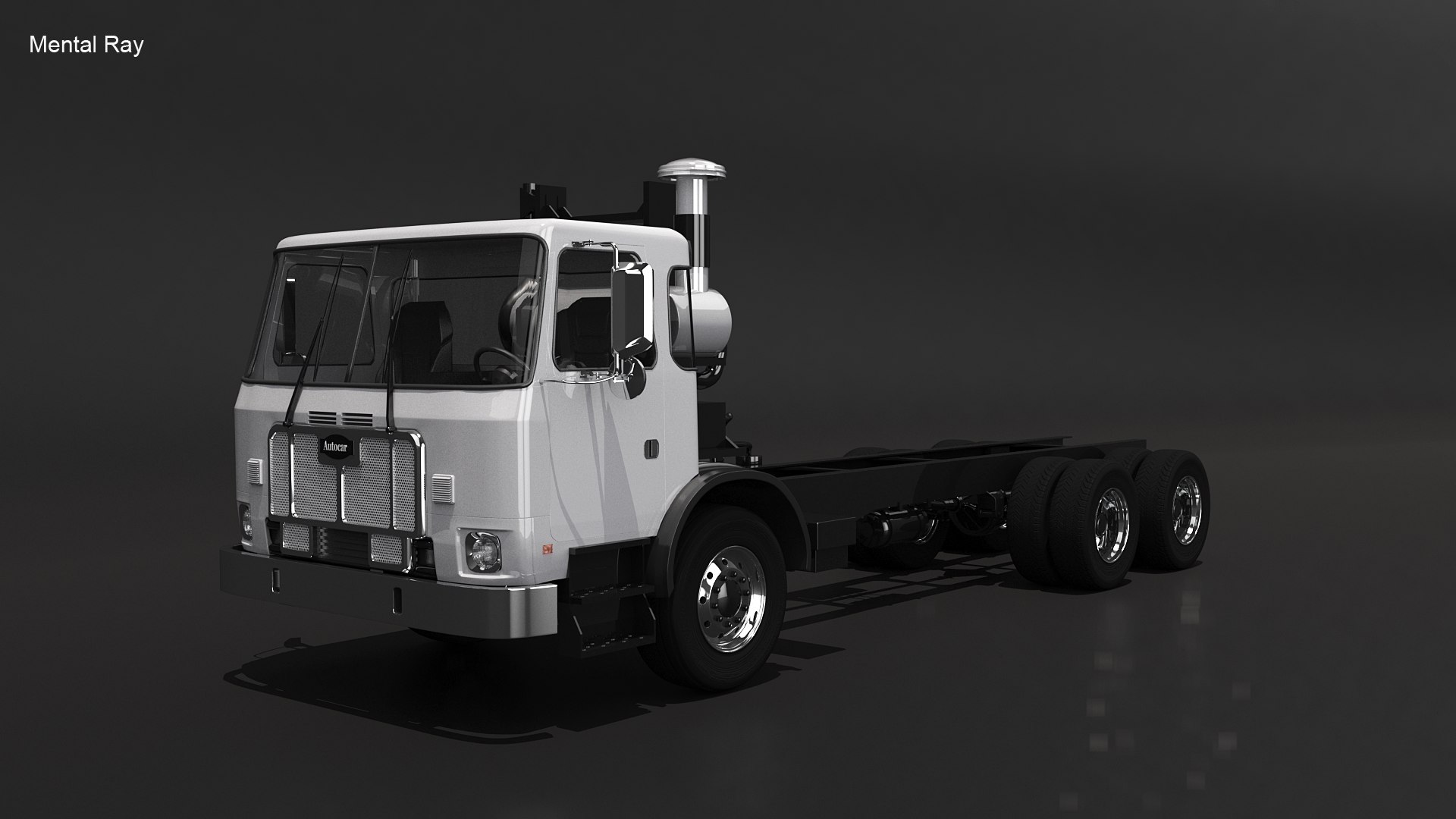
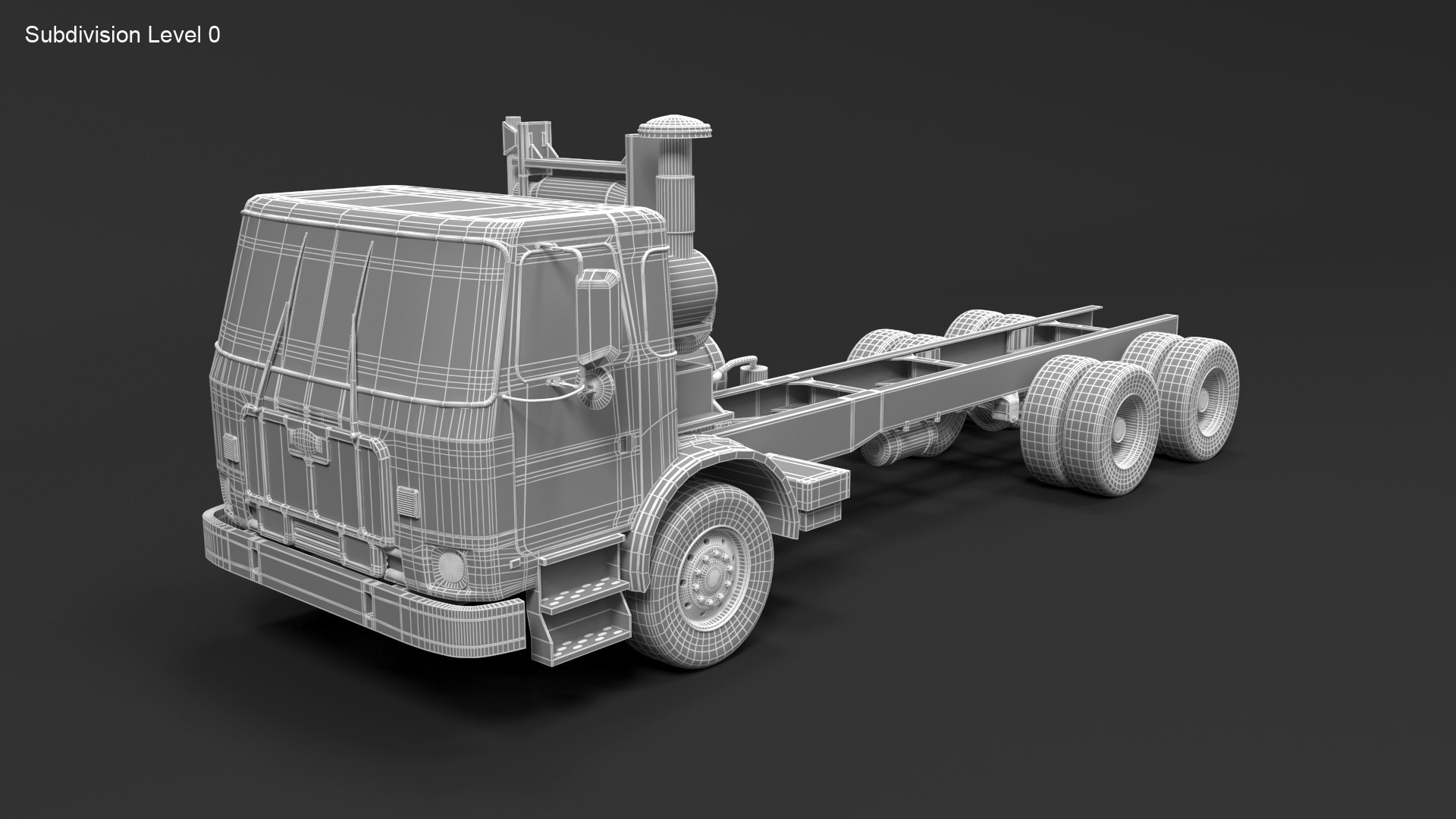
Autocar ACX

$99

Standard License | Upgrade License
Editorial Uses Only
Formats (5)
Free file format Conversions available
Native | 3ds Max 2013 | V-Ray 3,40
3ds Max 2013 | mental ray
OBJ
3D Studio
FBX
Specifications
Publish Date June 11, 2022
Product ID 1910513
Polygons 209,361
Vertices 215,464
Polygonal Quads/Tris Geometry
Textures
Materials
UV Mapped
TurboSquid Exclusive

member avatar
QLEE
3605 Products | Contributor Since 2004
Have questions? Chat with us now.

Description

||SPECS ||

* This model contains 285 separate objects

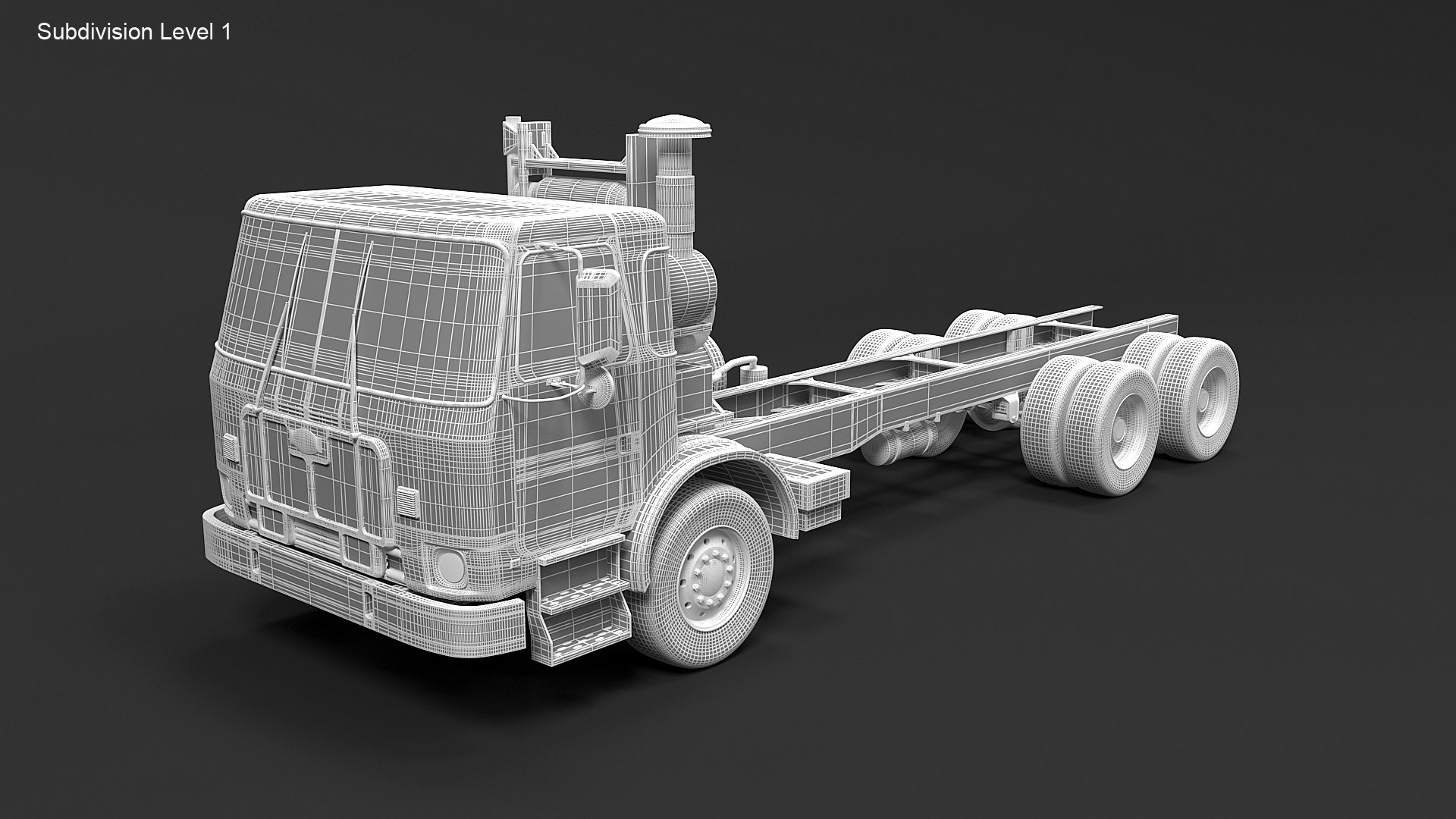
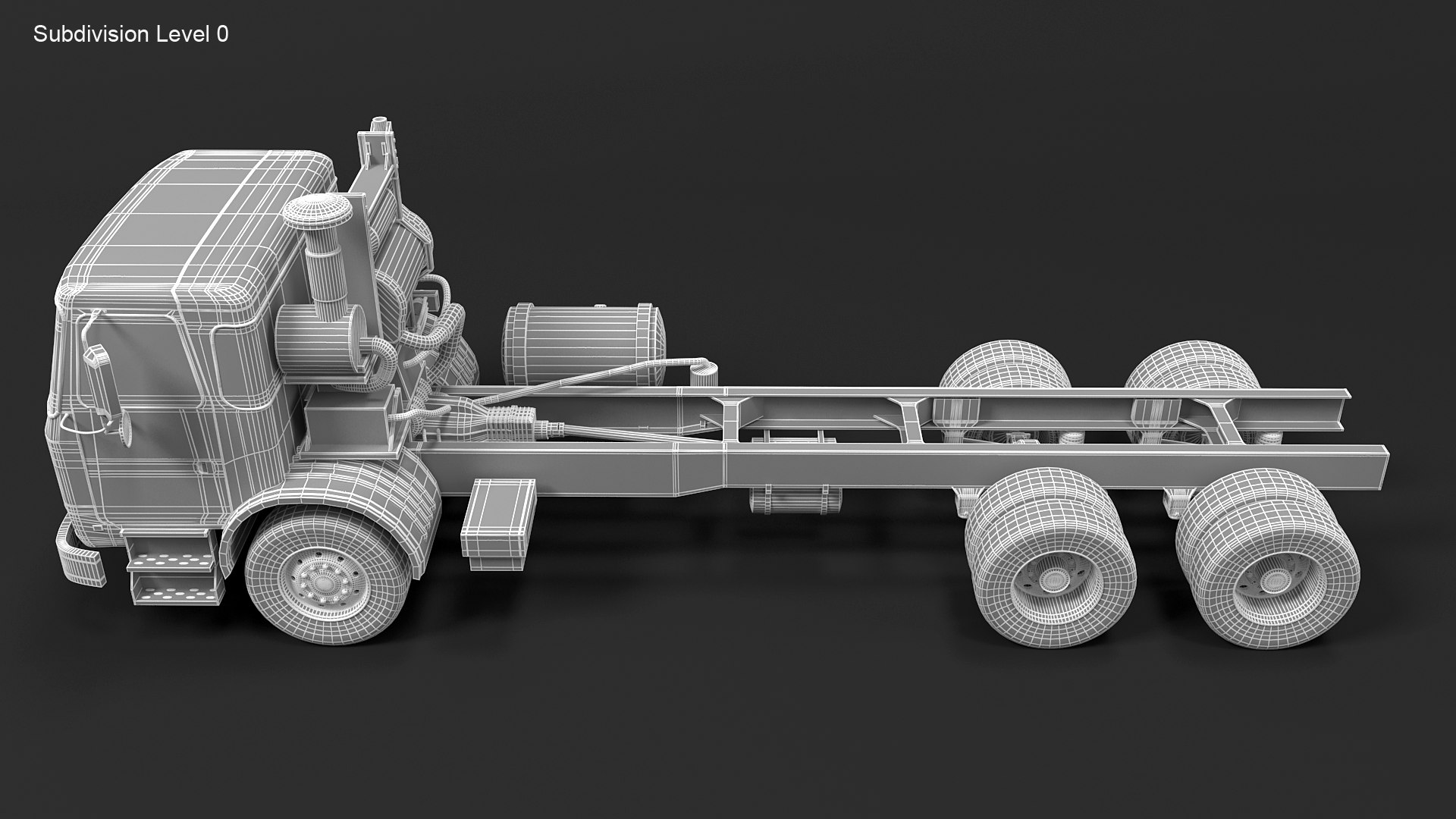
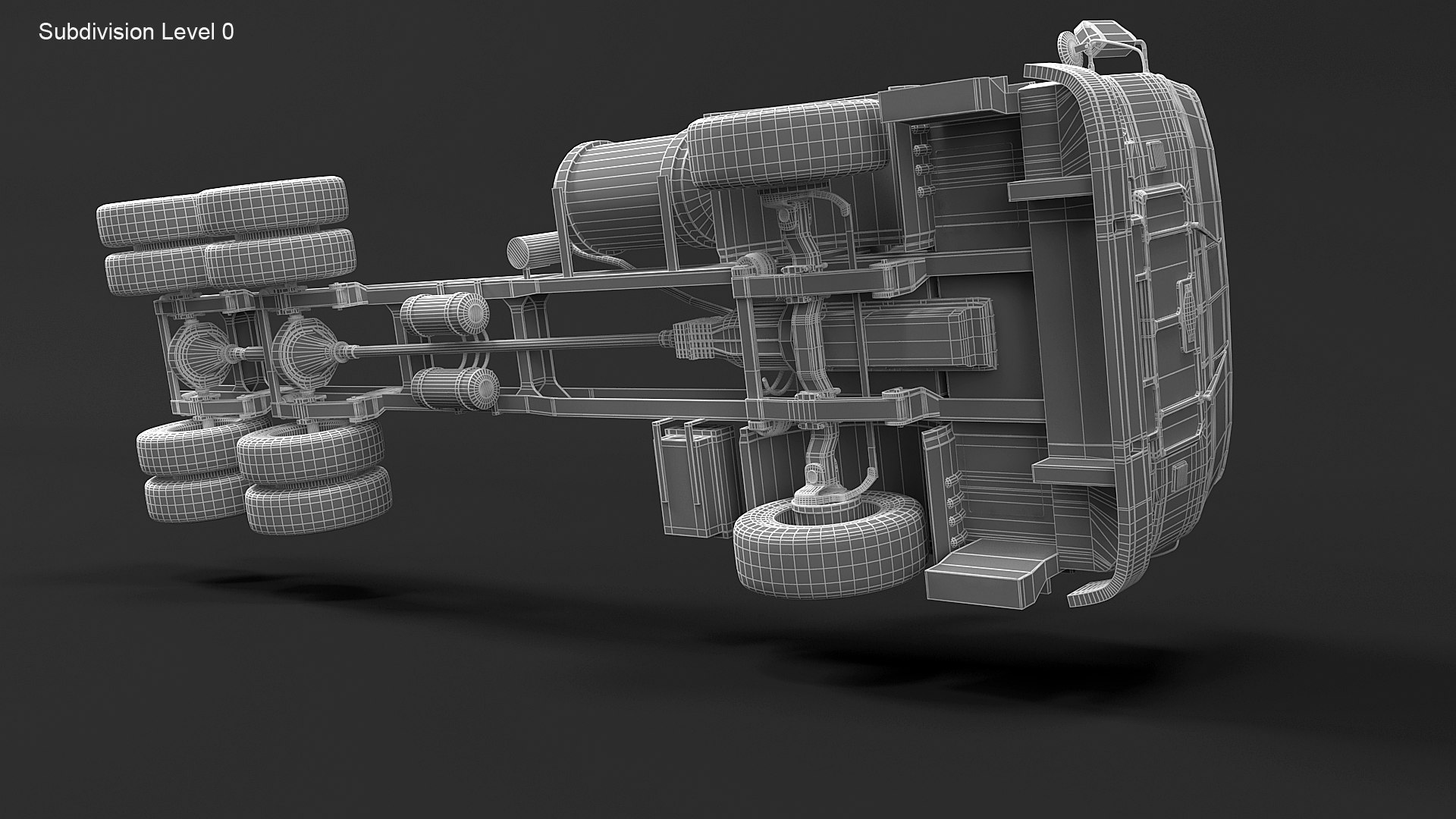
* Object contains 209361 polygons with MeshSmooth OFF

* This asset contains 834 384 polygons with MeshSmooth 1 iteration
( applied on all objects, each object ready to subdivision).

* This product includes 3ds Max 2012 versions for V-Ray (separate downloads) and mental ray (no additional plug in needed, separate download)

* Mesh contains 99% 4 sided polygons and no Ngons and poles.

Thumbnails Scene Totals:

Scene Totals:
Objects: 287
Shapes: 0
Cameras: 1
Lights: 5
Helpers: 2
Space Warps: 0
Total: 295

Mesh Totals:

Verts: 466653
Faces: 456972

IITEXTURESII

2048 x 2048 x2

1024 x 1024 x 3

1024 x 454 x 1
512 x 512 x 3

|| GENERAL ||

* Model is built to real-world scale

* Units used Centimeters. The model is 872 cm long.

* Scene objects are organized by layers and groups.

|| ADDITIONAL NOTES ||

* Obj, 3DS and FBX file format do not have textures/materials applied and will not render like the preview images.

* File formats other than 3ds Max exported as base mesh (not smoothed)'

Select Enhanced License

  • $10,000 in Legal Protection (Indemnification)
  • Uncapped Legal Protection (Indemnification)
  • Waiver from injunctive relief
  • Assignable model rights
  • $1,000,000 in Legal Protection (Indemnification)
  • Waiver from injunctive relief
  • Assignable model rights
  • $250,000 in Legal Protection (Indemnification)
  • Assignable model rights
Read more about enhanced license tiers, or contact us at enterprise@turbosquid.com. Already a Shutterstock Enterprise Customer? Contact your Shutterstock Sales Support Agent to talk about adding 3D.

About Conversion Requests

To submit a conversion request for a purchased asset, please complete our Conversion Request Form.

If you have not yet purchased a model, please review our Documentation about Conversions to learn about what limitations you may encounter with a conversion.

For any additional questions about a model’s suitability for conversion, please contact TurboSquid Support.

Loading...