
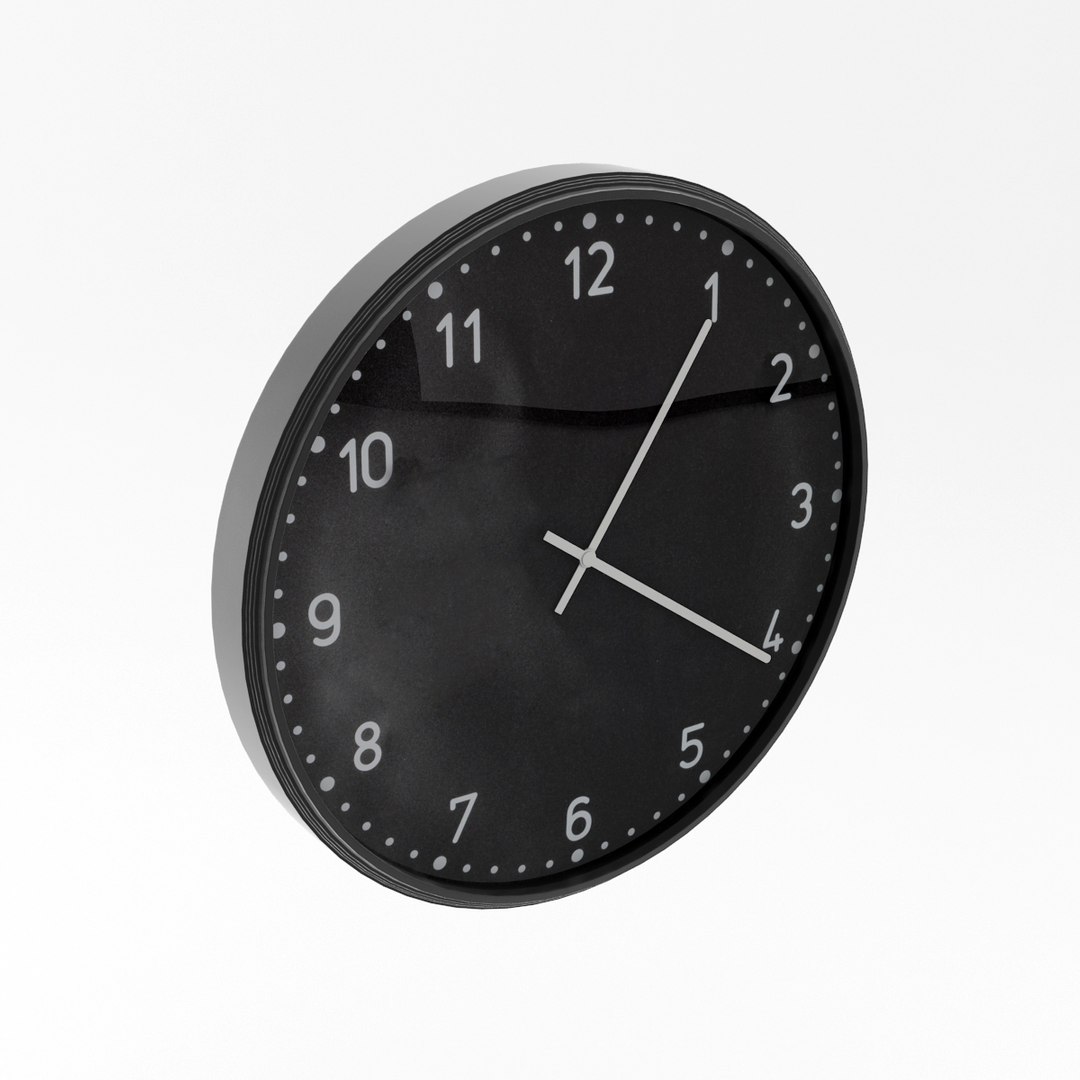
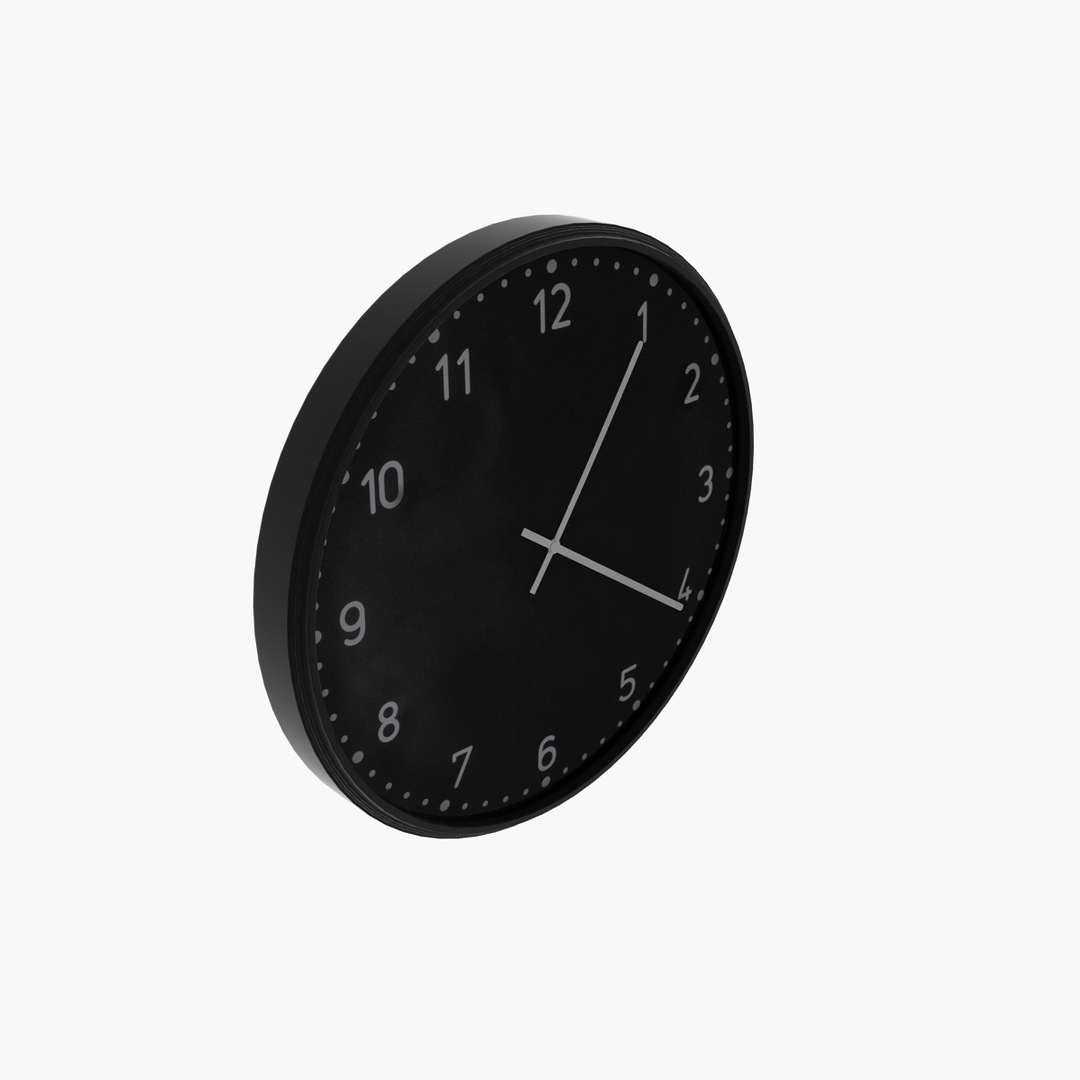
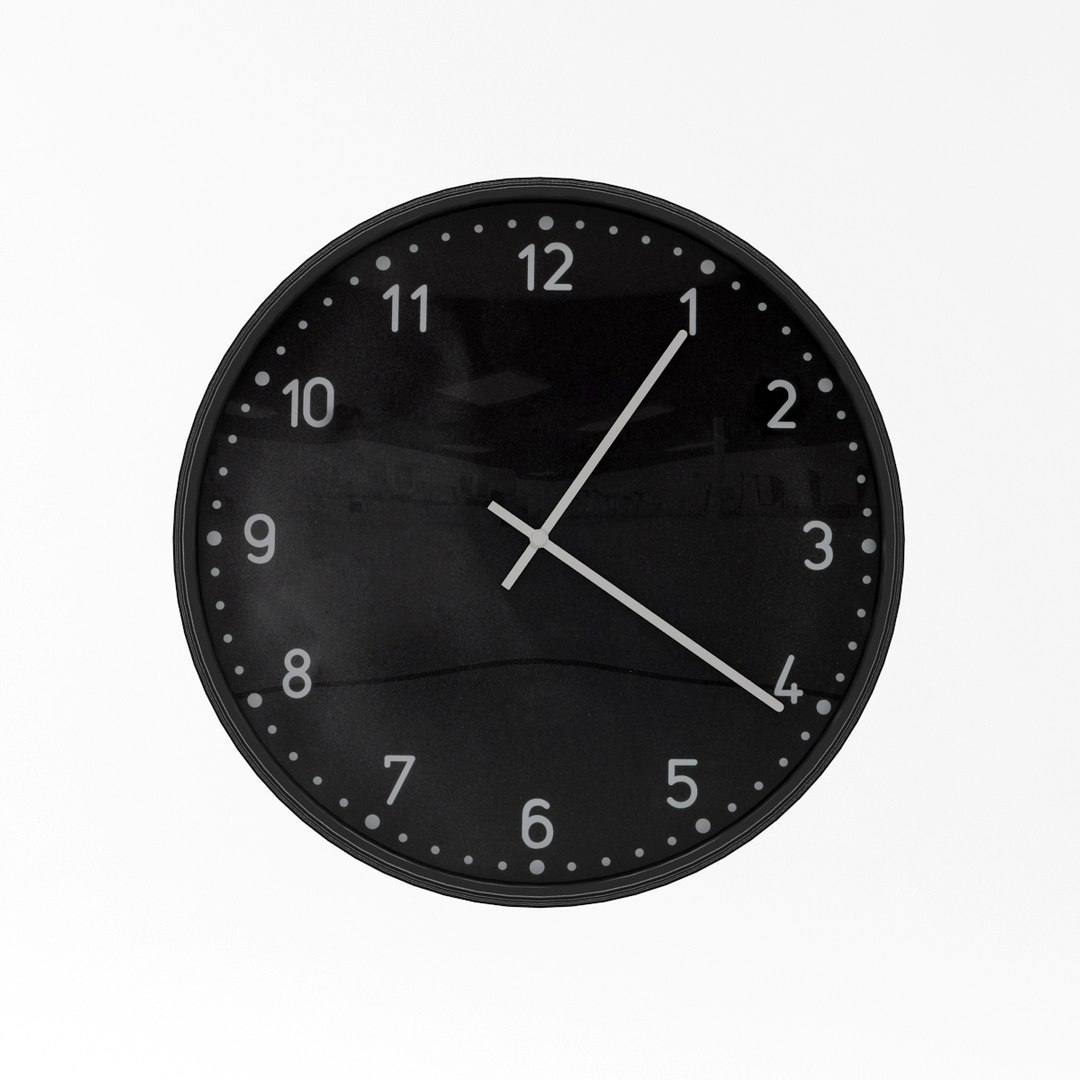
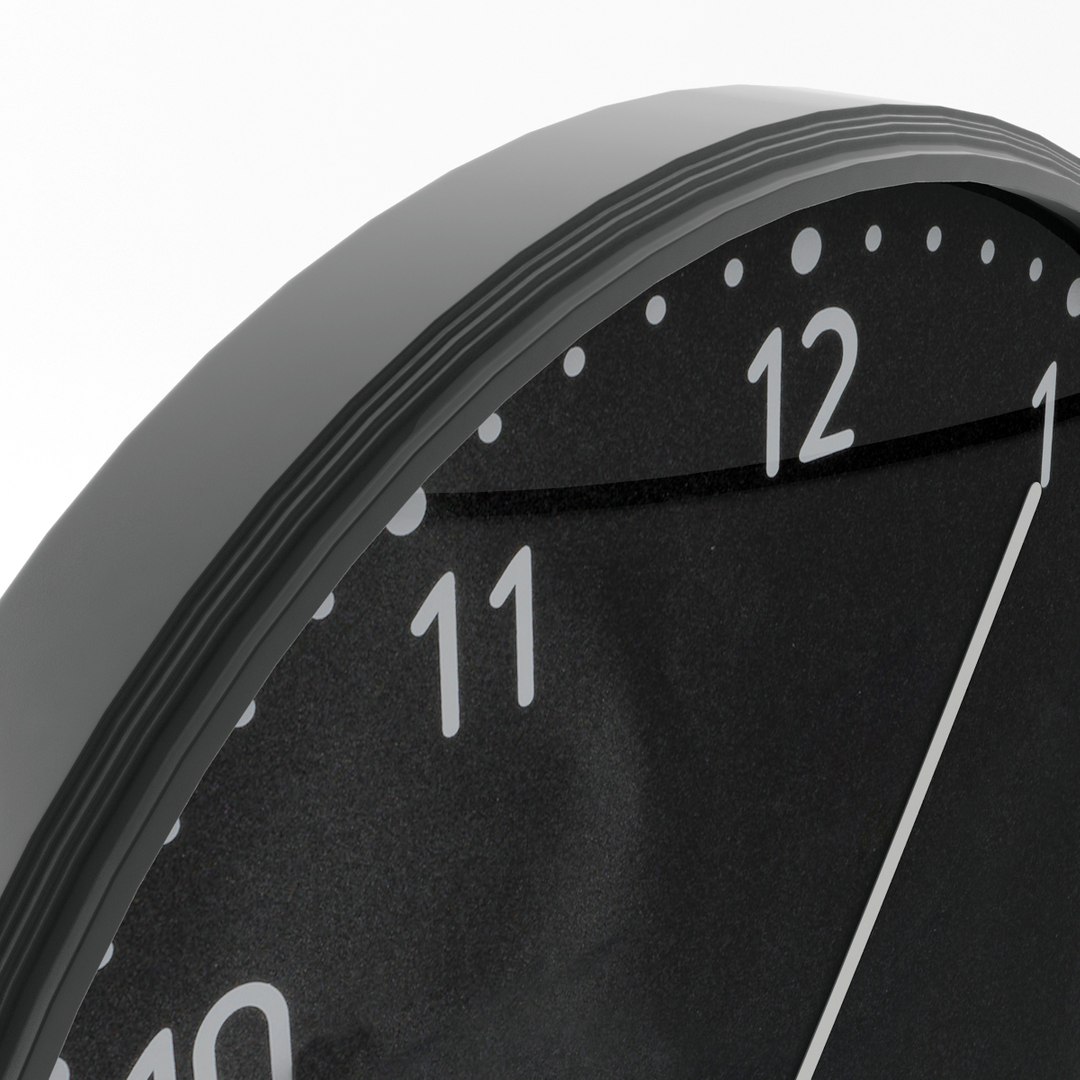
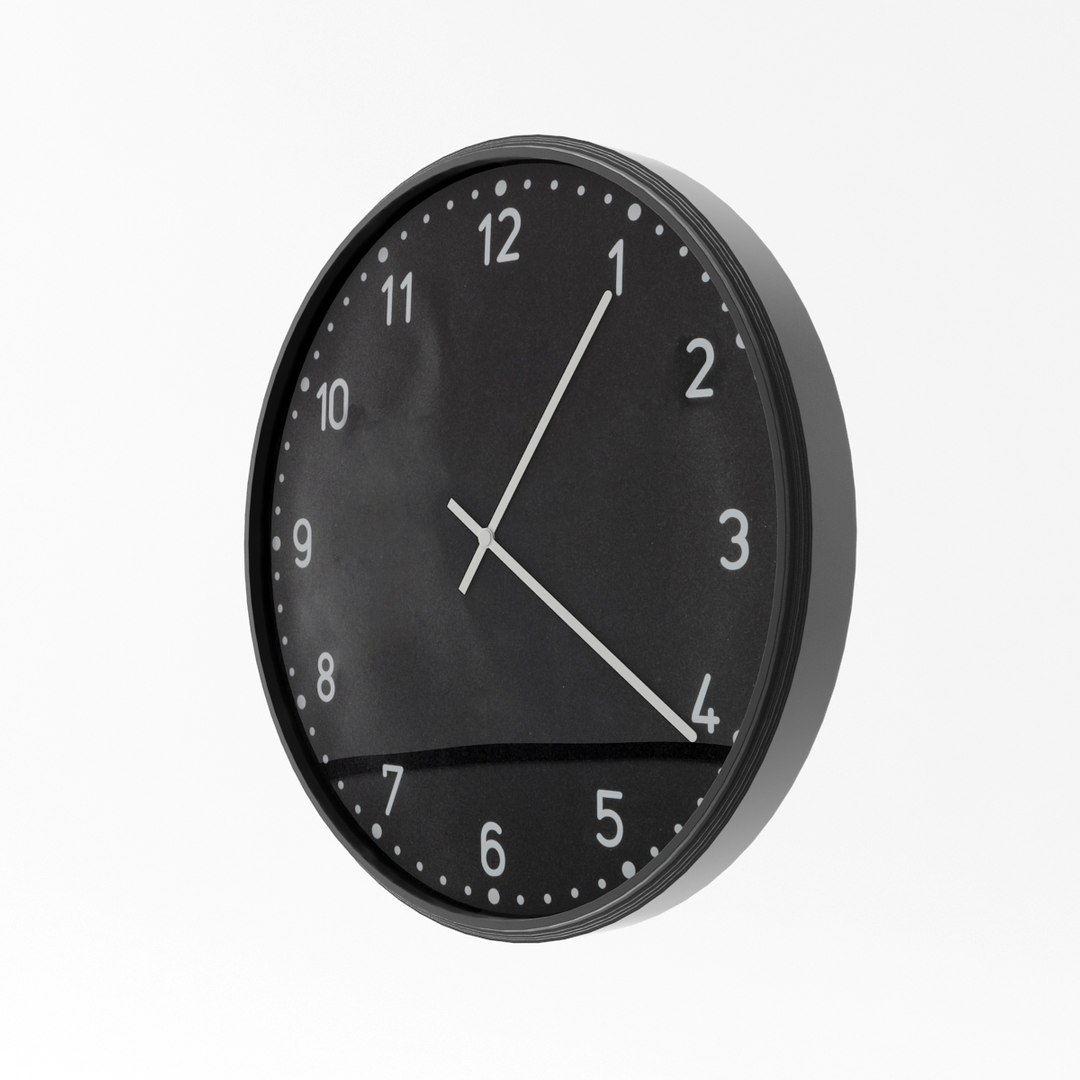
Bondis Wall Clock

$5

Standard License | Upgrade License
Editorial Uses Only
Formats (5)
Native | 3ds Max 9 | V-Ray 1.5 RC3
3ds Max 9 | Default Scanline
3D Studio
FBX
OBJ
Specifications
Publish Date October 03, 2013
Product ID 771840
Polygons 2,602
Vertices 2,577
Polygonal Quads/Tris Geometry
Textures
Materials
UV Mapped
TurboSquid Exclusive

member avatar
Pixel Bandit
534 Products | Contributor Since 2009
Have questions? Chat with us now.

Description

FOR FILE CONVERSION ASK SUPPORT

************************************************************************************************************************

~ Modeled and rendered with 3ds Max 9 / V-Ray, V-Ray scene requires V-Ray plugin, the Scanline scene requires no plugins.
~ 3ds Max 9 is the native file
~ High quality modeling that is detailed, excellent for closeups, and architectural visualization.
~ Model is scaled to real world.
~ Added 3ds Max 9 format with V-Ray materials, and with standard materials for Default Scanline Renderer.
~ There is no scene included, just the object only.
~ Materials are named logically.
~ Objects in the files are named logically.
~ Textures are named logically.
~ Texture size is 2000*2000pixel / 72 dpi.
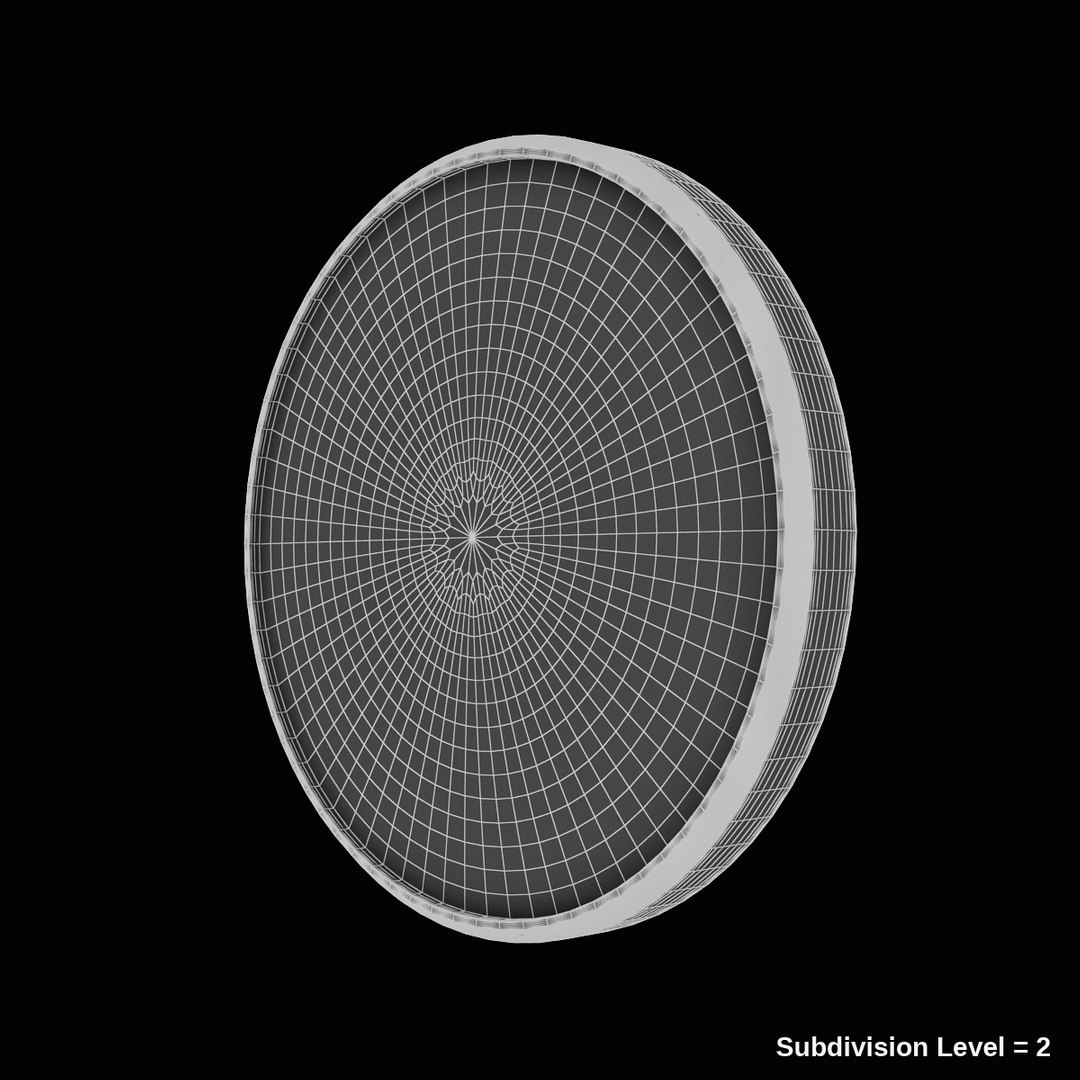
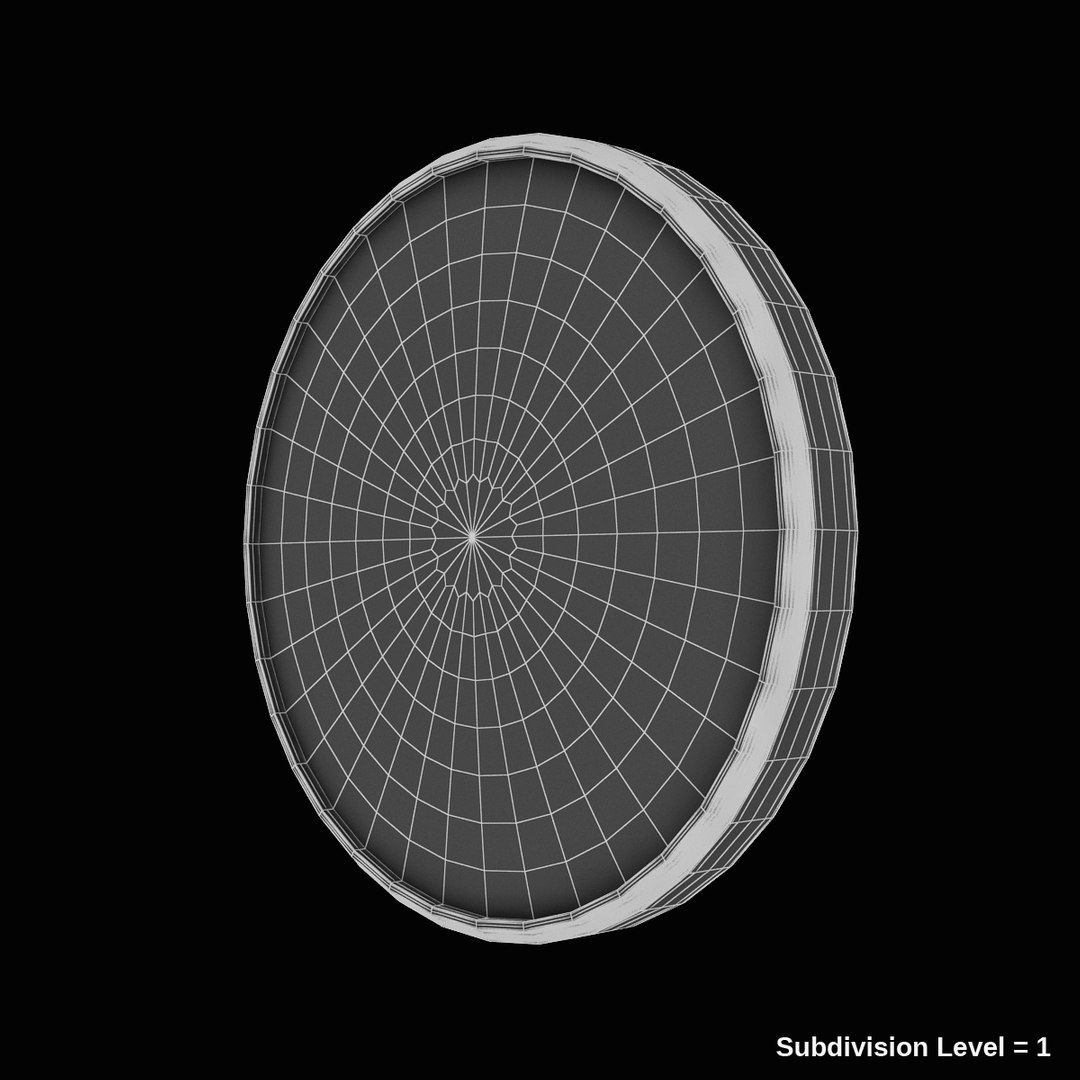
~ 3ds Max files are with smooth (subdivision) level 2.
~ All other files where saved at 3 smooth levels.
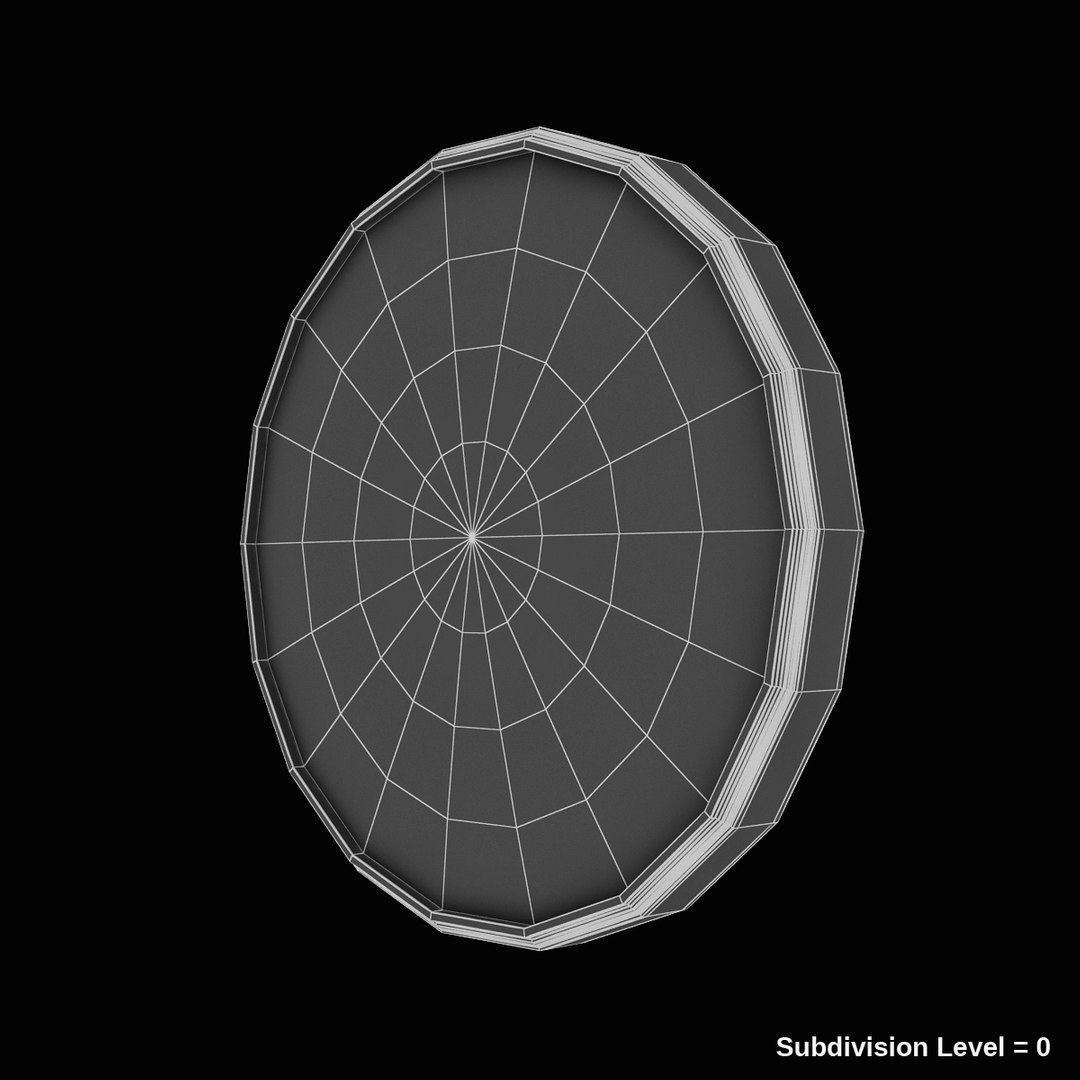
~ The model has Quads and Tris only.
~ On smooth level 1&2 has Quads only.

~ Smooth Level 0: Polys: 2602 (122 Tris), Verts: 2577
~ Smooth Level 1: Polys: 10286, Verts: 10349
~ Smooth Level 2: Polys: 41144, Verts: 41261


************************************************************************************************************************
Please submit a rating :)
(+) feedback helps me to improve my library
Thank you!

Select Enhanced License

  • $10,000 in Legal Protection (Indemnification)
  • Uncapped Legal Protection (Indemnification)
  • Waiver from injunctive relief
  • Assignable model rights
  • $1,000,000 in Legal Protection (Indemnification)
  • Waiver from injunctive relief
  • Assignable model rights
  • $250,000 in Legal Protection (Indemnification)
  • Assignable model rights
Read more about enhanced license tiers, or contact us at enterprise@turbosquid.com. Already a Shutterstock Enterprise Customer? Contact your Shutterstock Sales Support Agent to talk about adding 3D.

About Conversion Requests

To submit a conversion request for a purchased asset, please complete our Conversion Request Form.

If you have not yet purchased a model, please review our Documentation about Conversions to learn about what limitations you may encounter with a conversion.

For any additional questions about a model’s suitability for conversion, please contact TurboSquid Support.

Loading...