
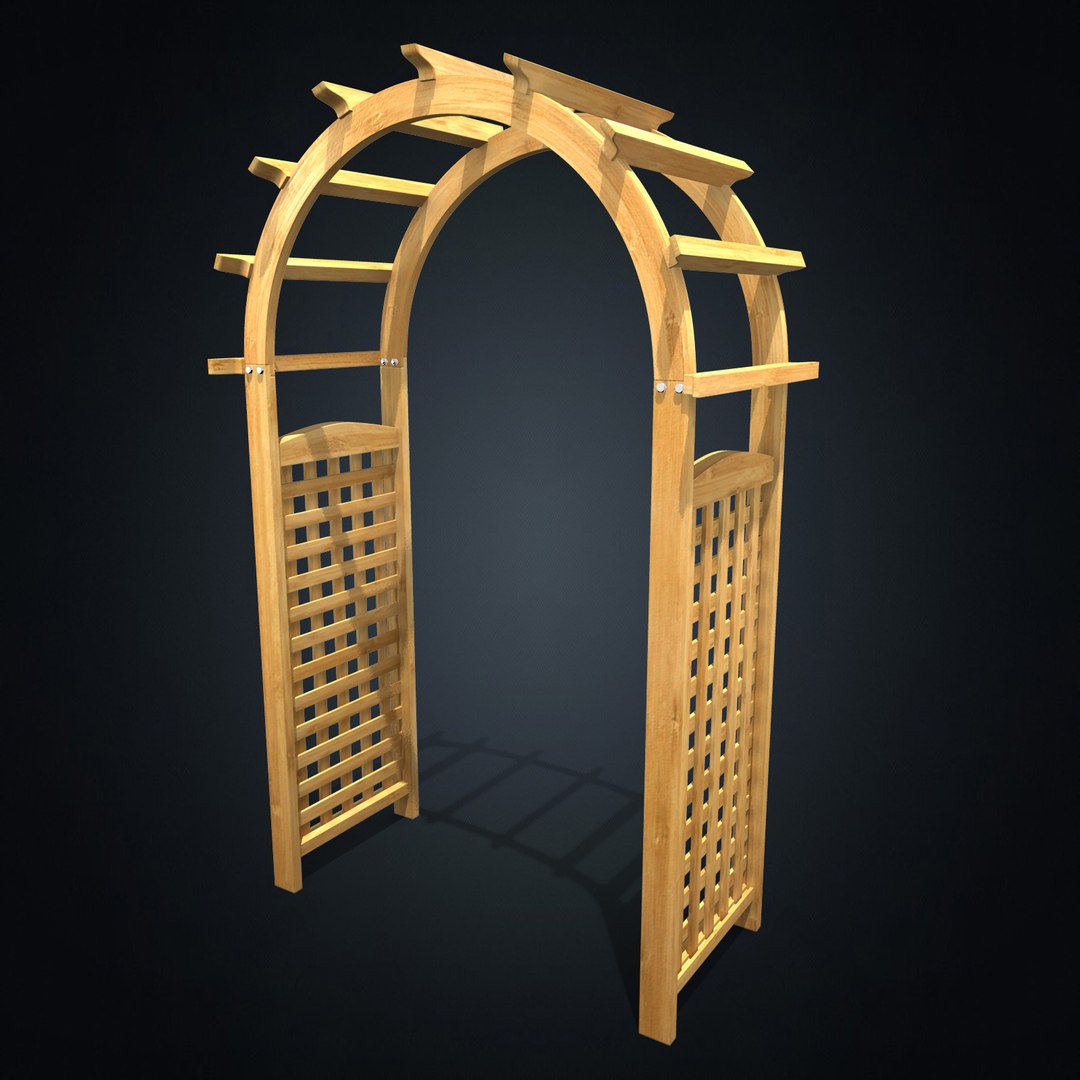
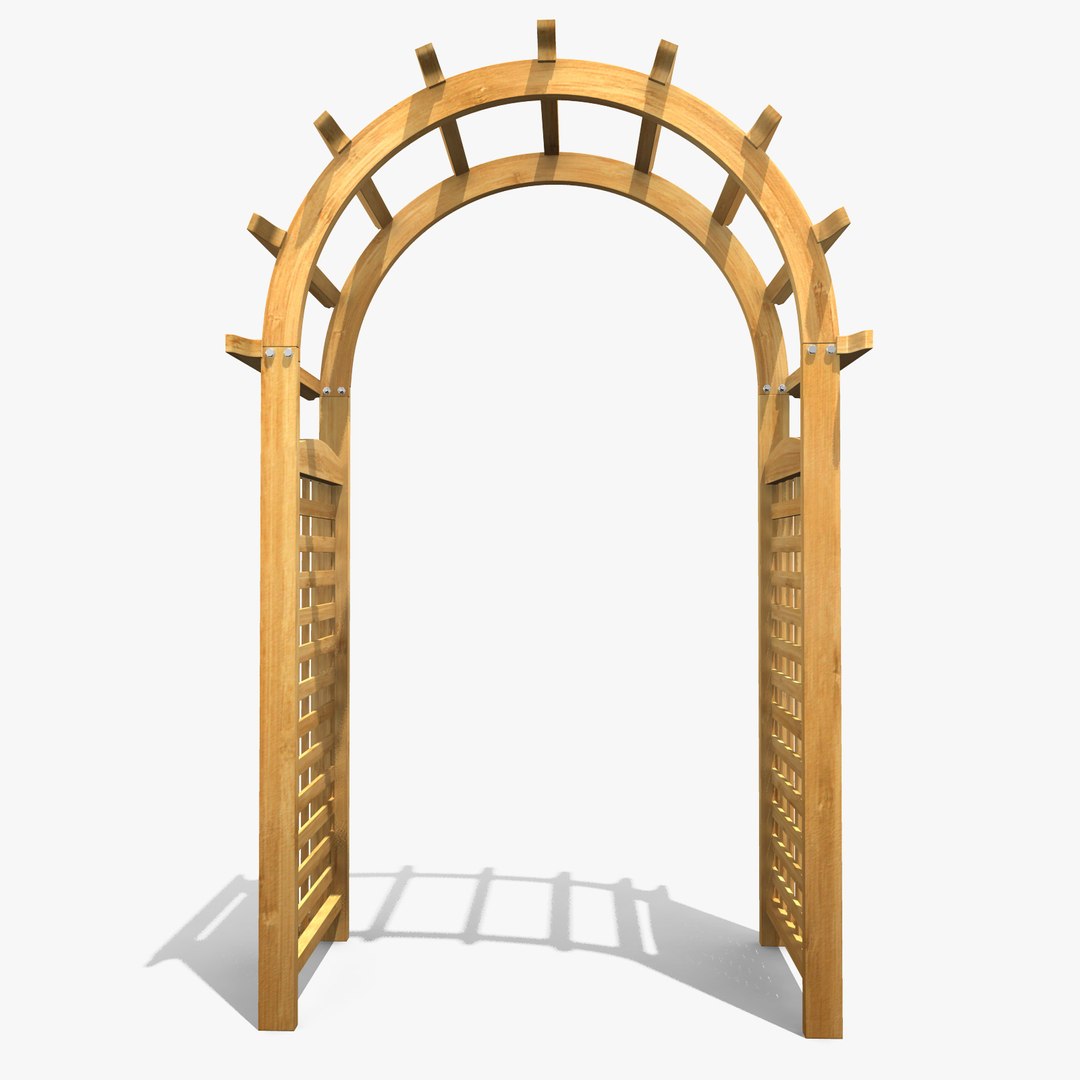
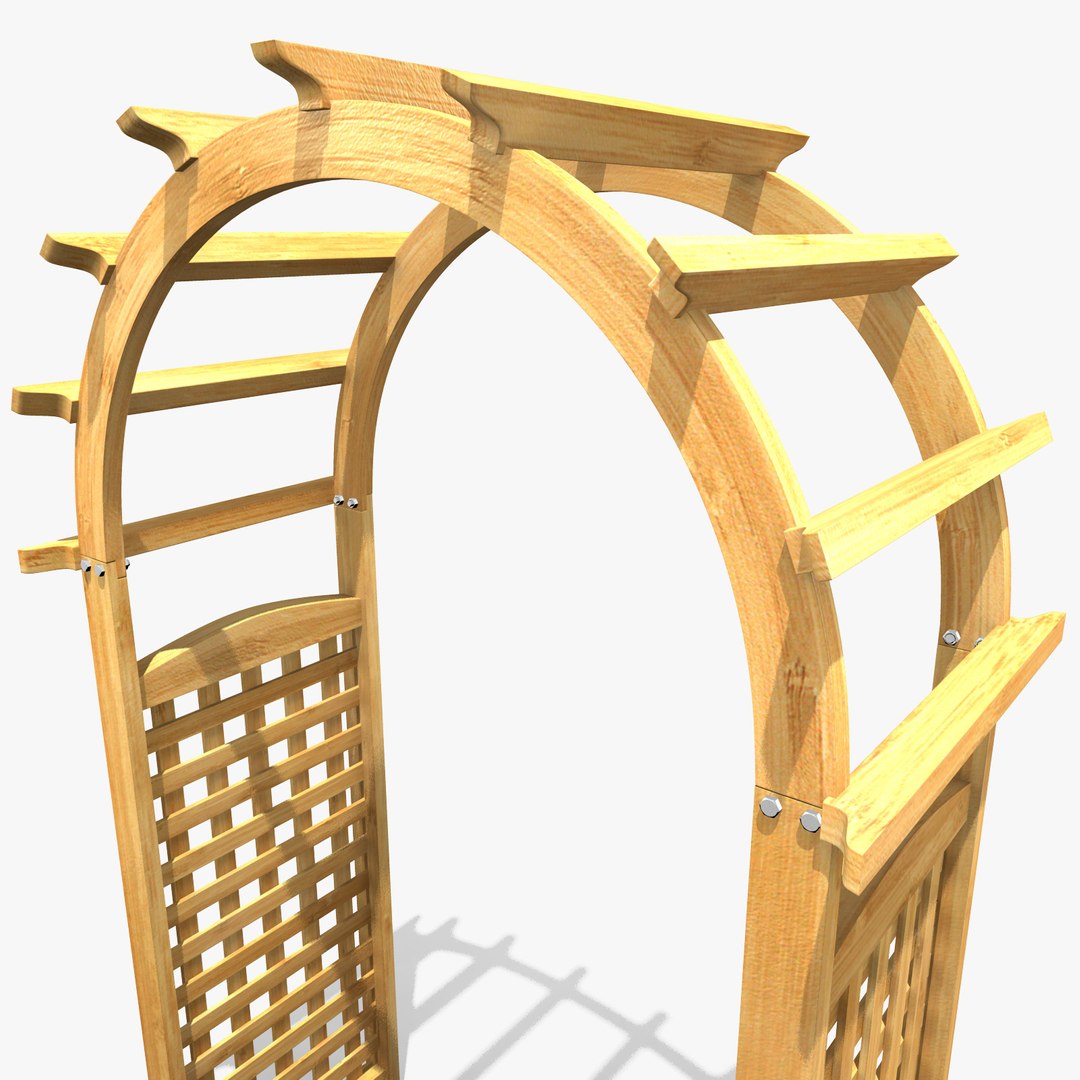
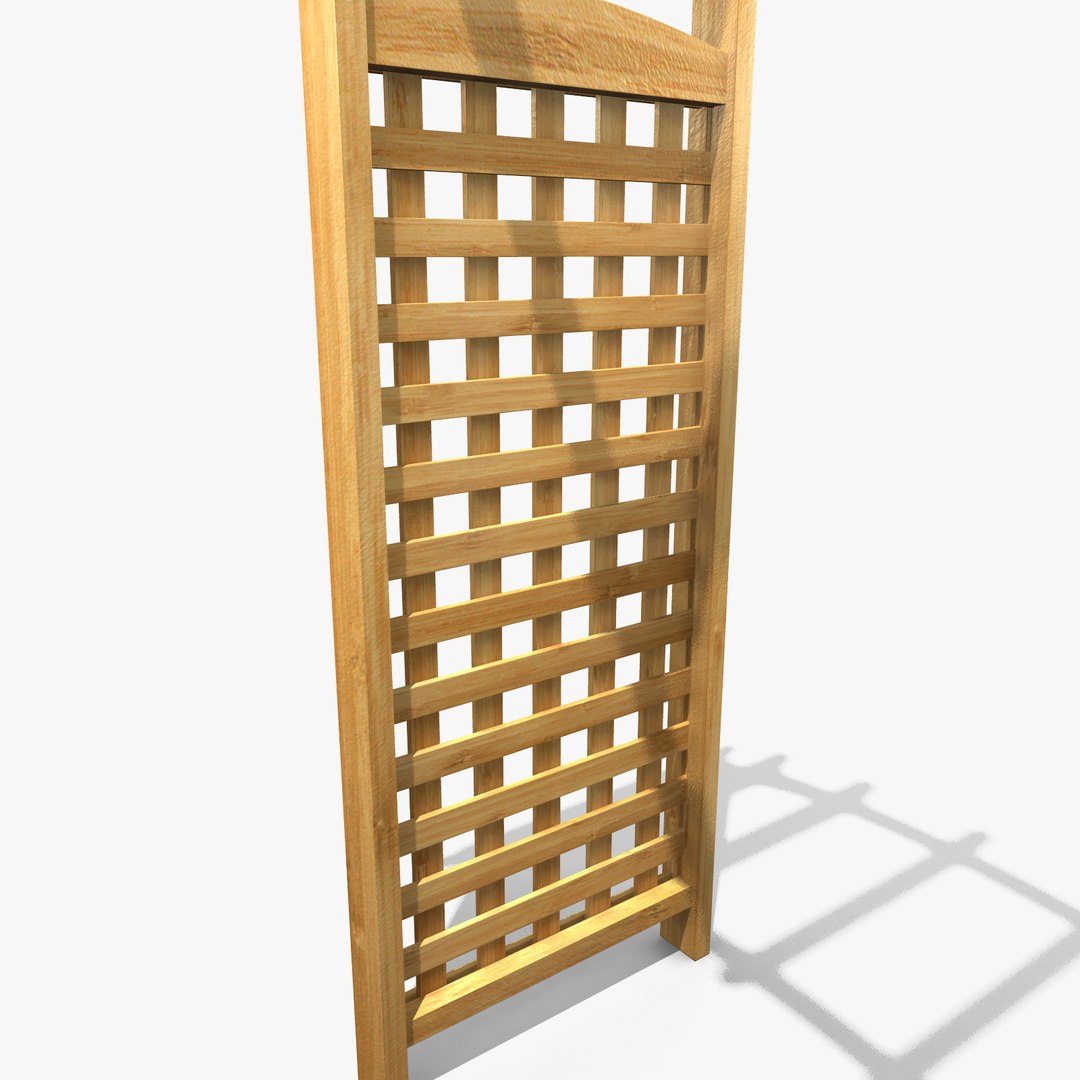
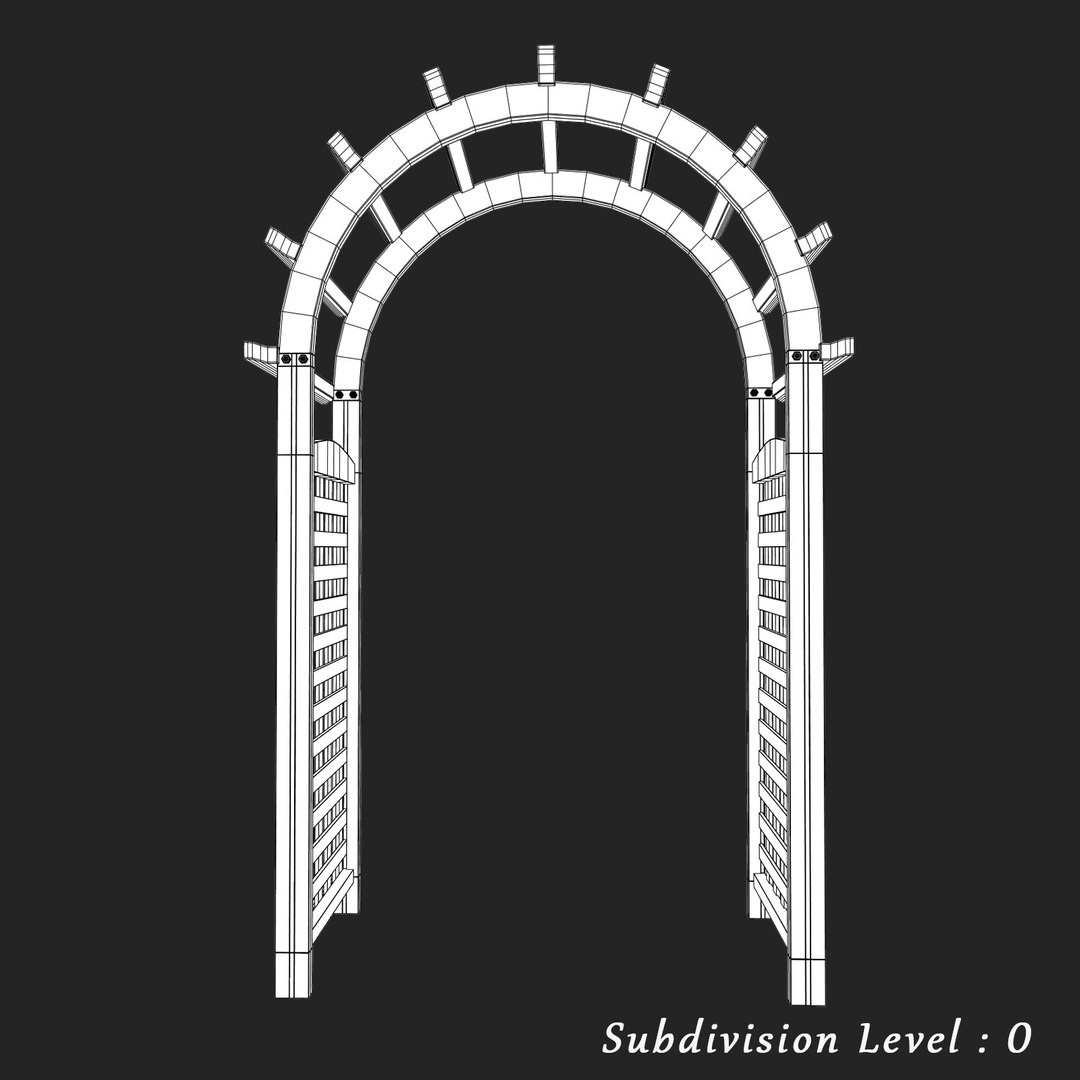
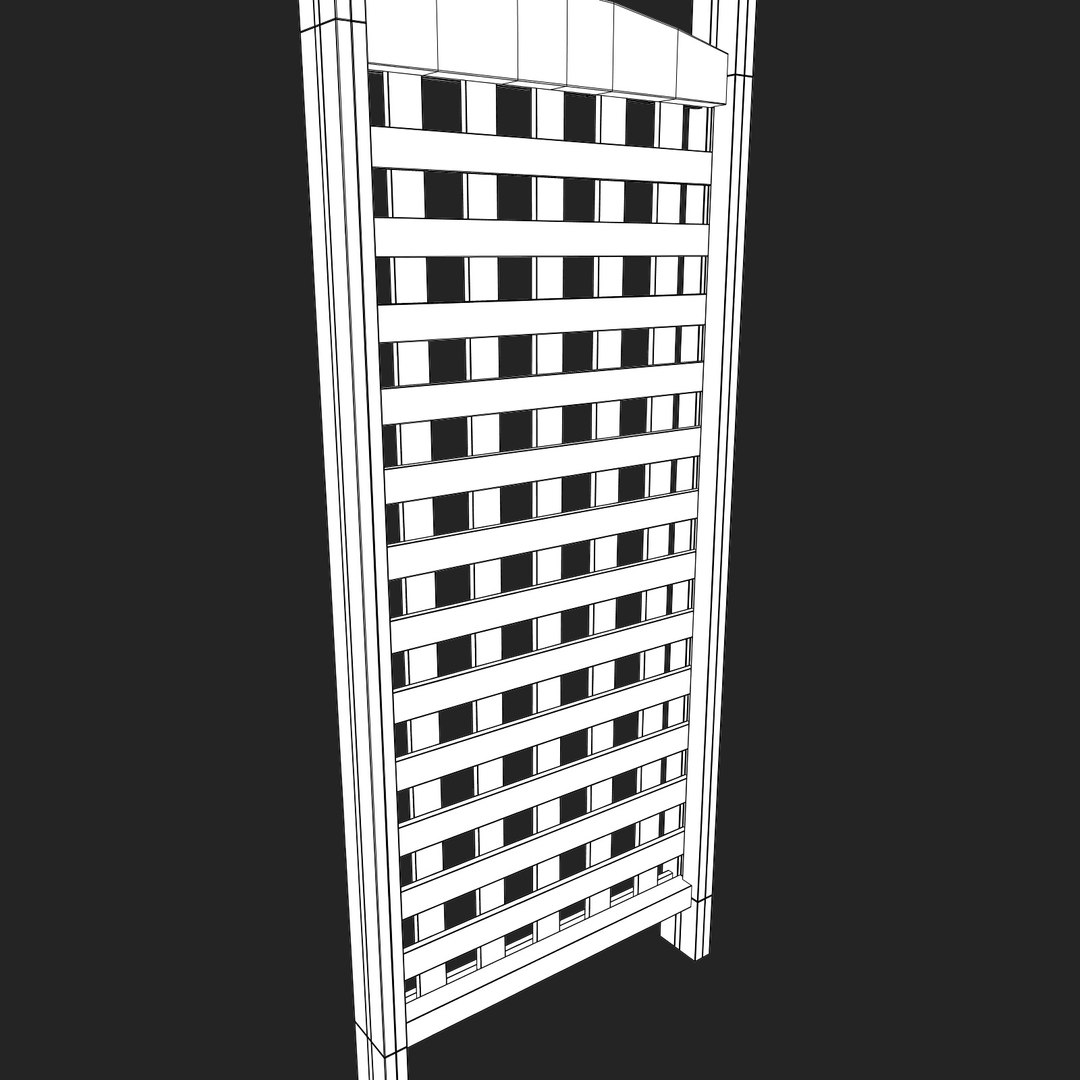
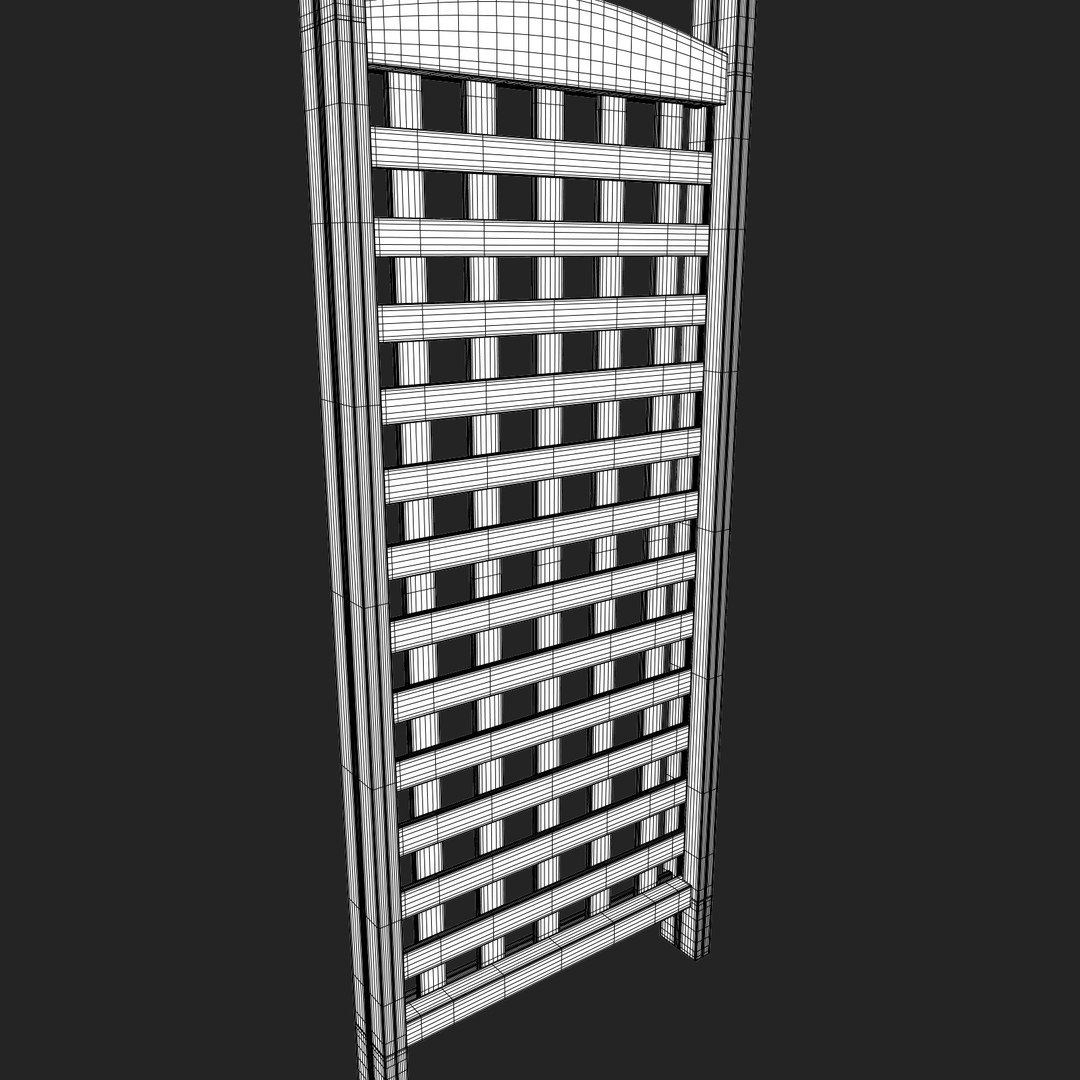
Arbor

$49

Standard License | Upgrade License
Formats (4)
Free file format Conversions available
Native | Maya 2011 | mental ray 3.8.1.26
3ds Max 2011 | mental ray 3.8
OBJ
FBX
Specifications
Publish Date January 11, 2015
Product ID 885727
Polygons 30,966
Vertices 31,088
Polygonal Quads Only
Textures
Materials
UV Mapped
Non-overlapping Unwrapped UVs
TurboSquid Exclusive

member avatar
3dsblak
63 Products | Contributor Since 2013
Have questions? Chat with us now.

Description

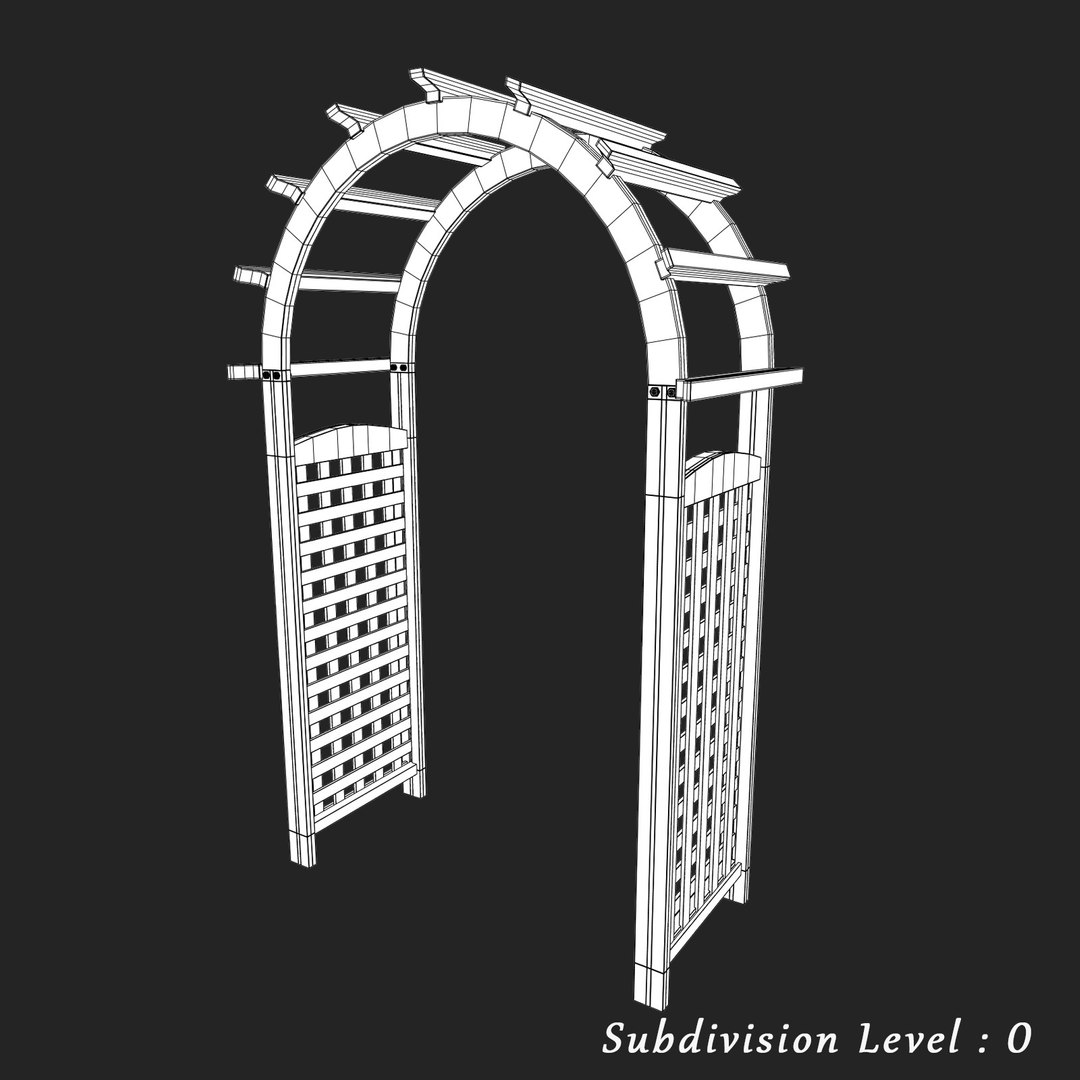
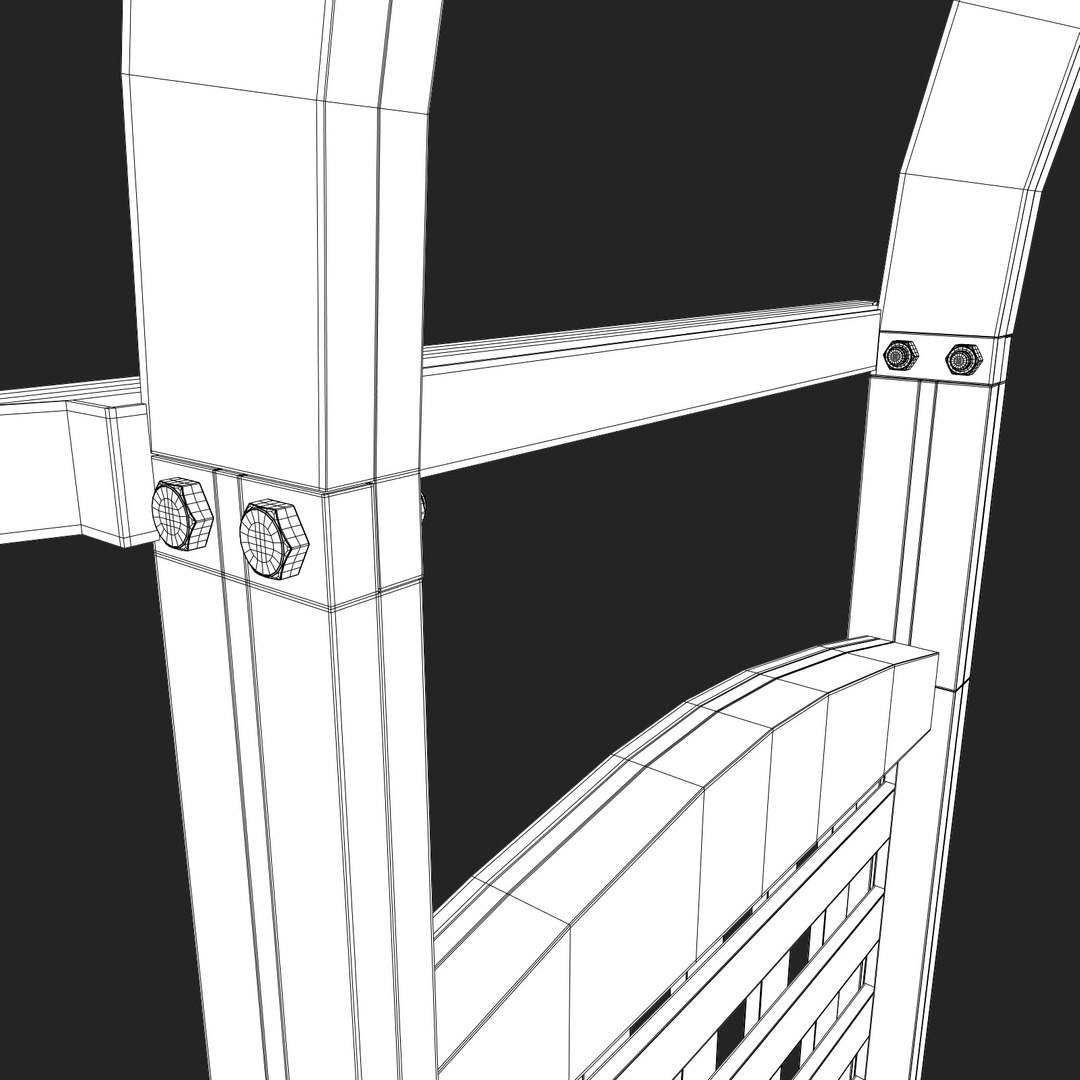
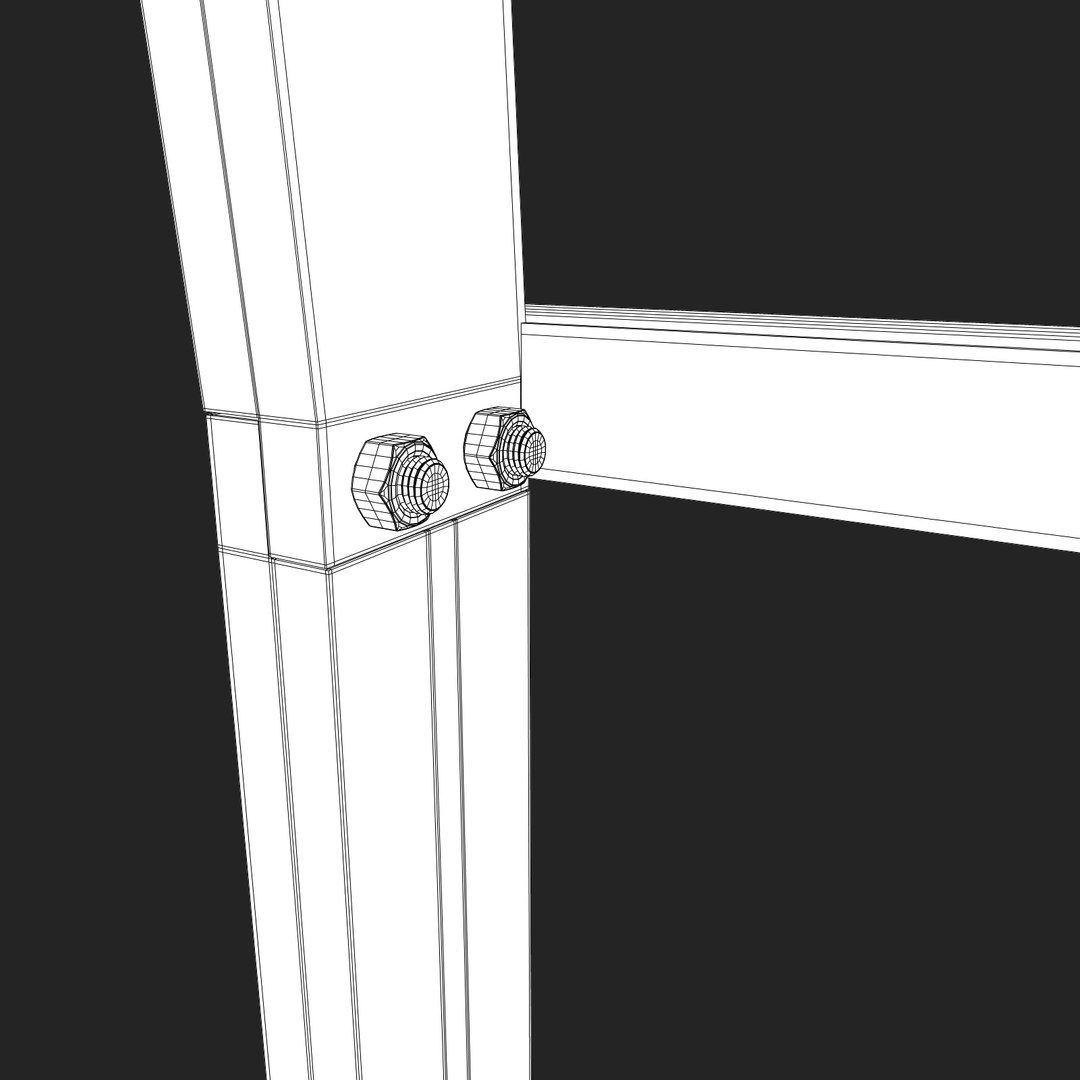
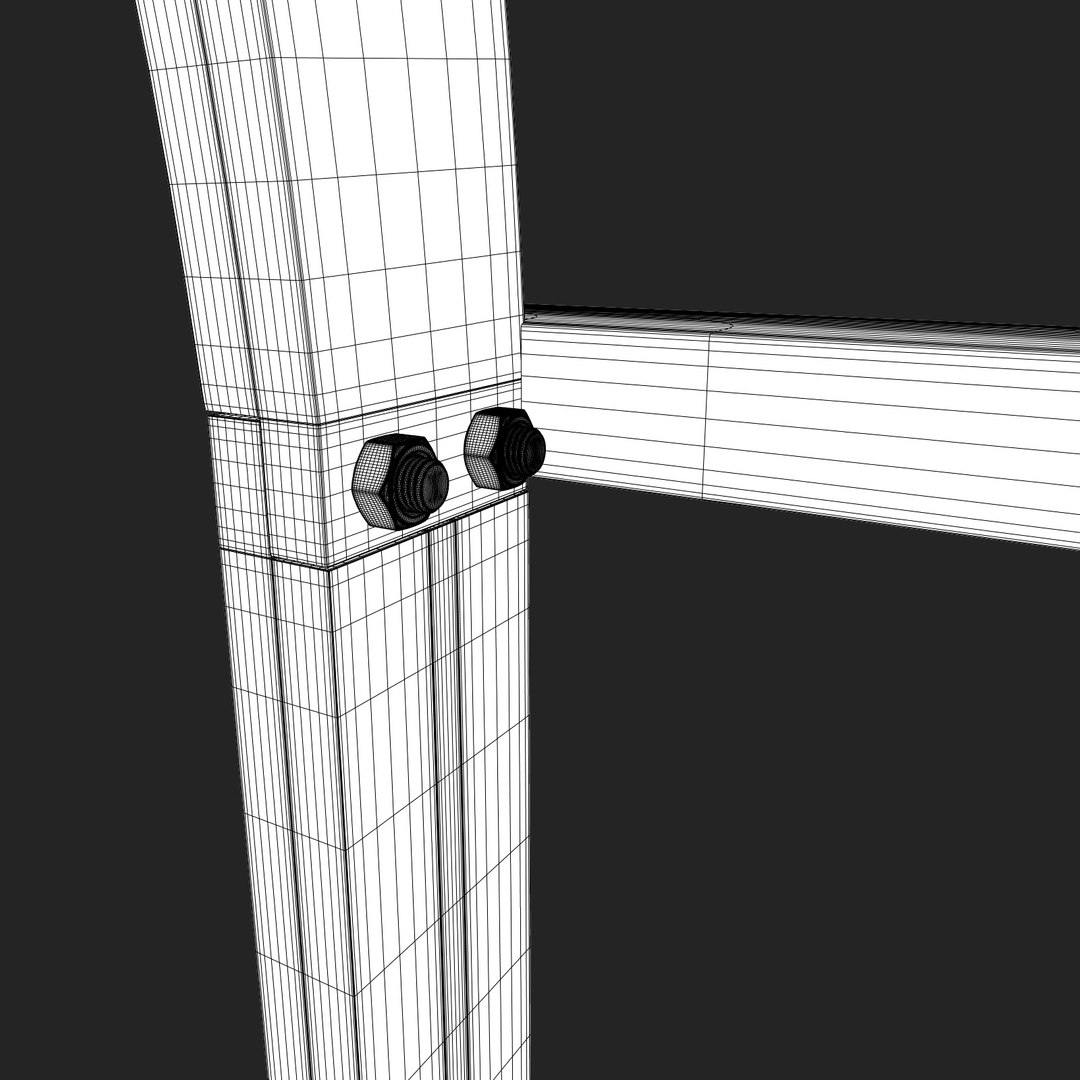
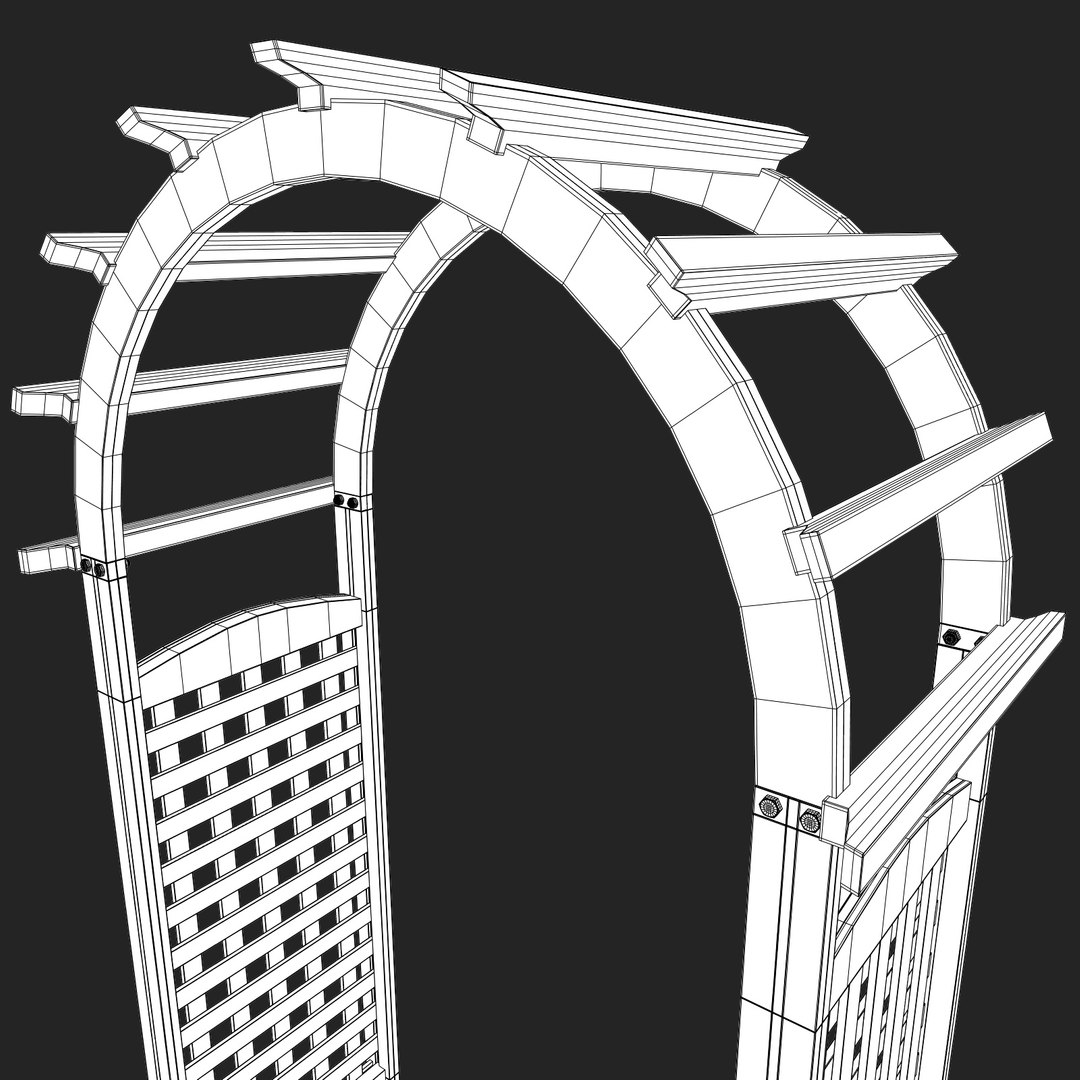
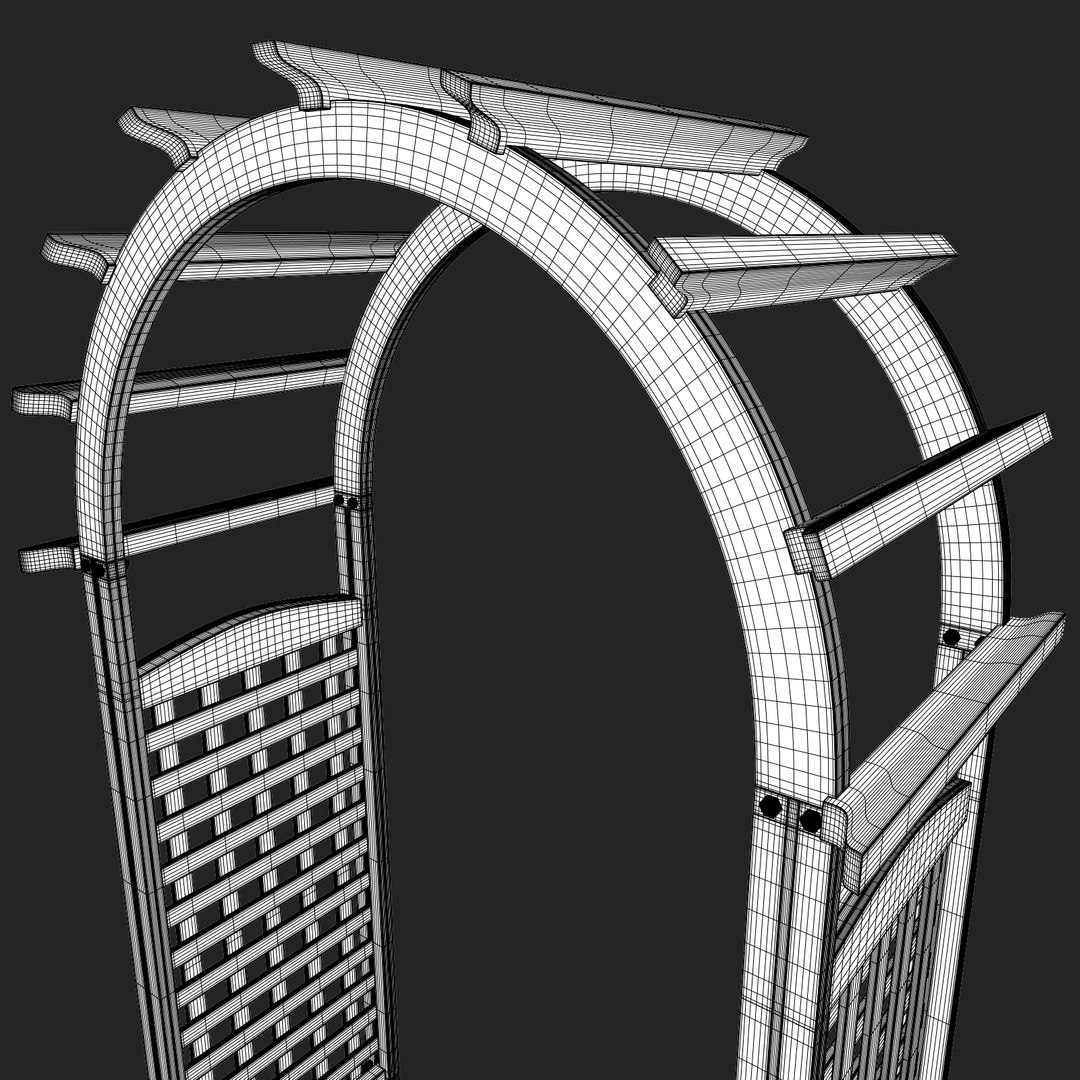
This model was created carefully to avoid triangles and Ngons.
This model is originally created in Autodesk Maya 2011 using Mentalray renderer.

USAGE:
This model is suitable for use in advertising, design visualisation, film, etc.

ABOUT MODEL:
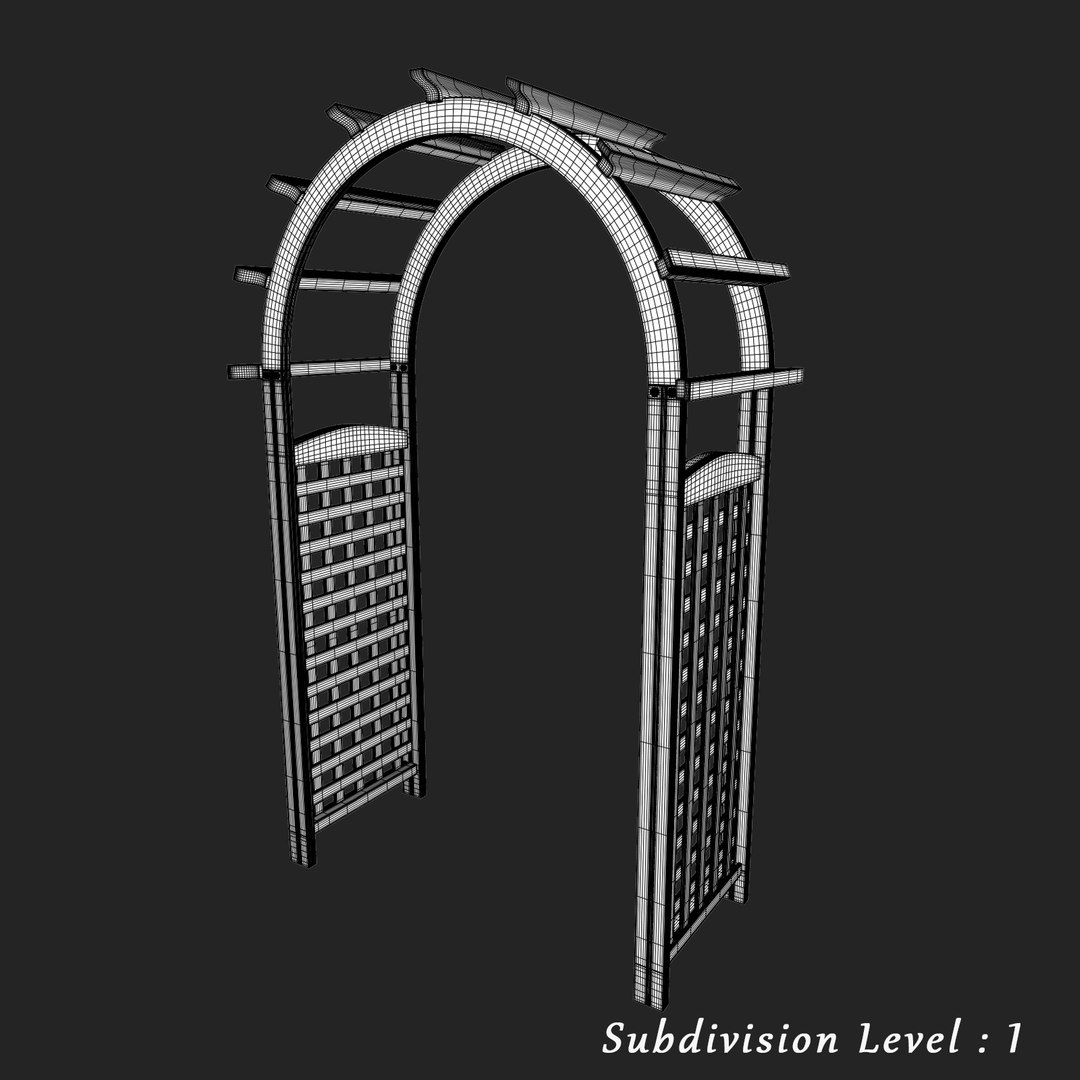
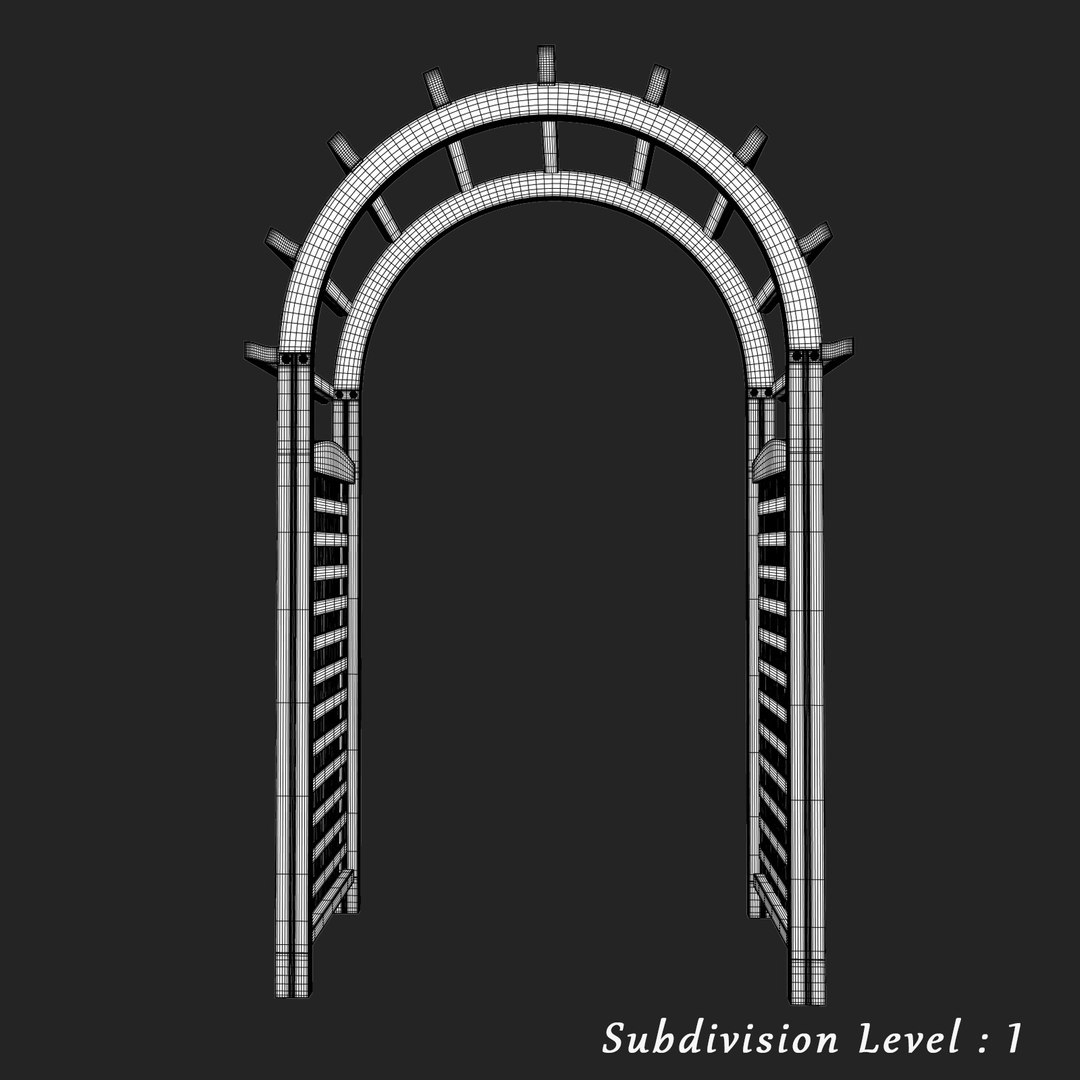
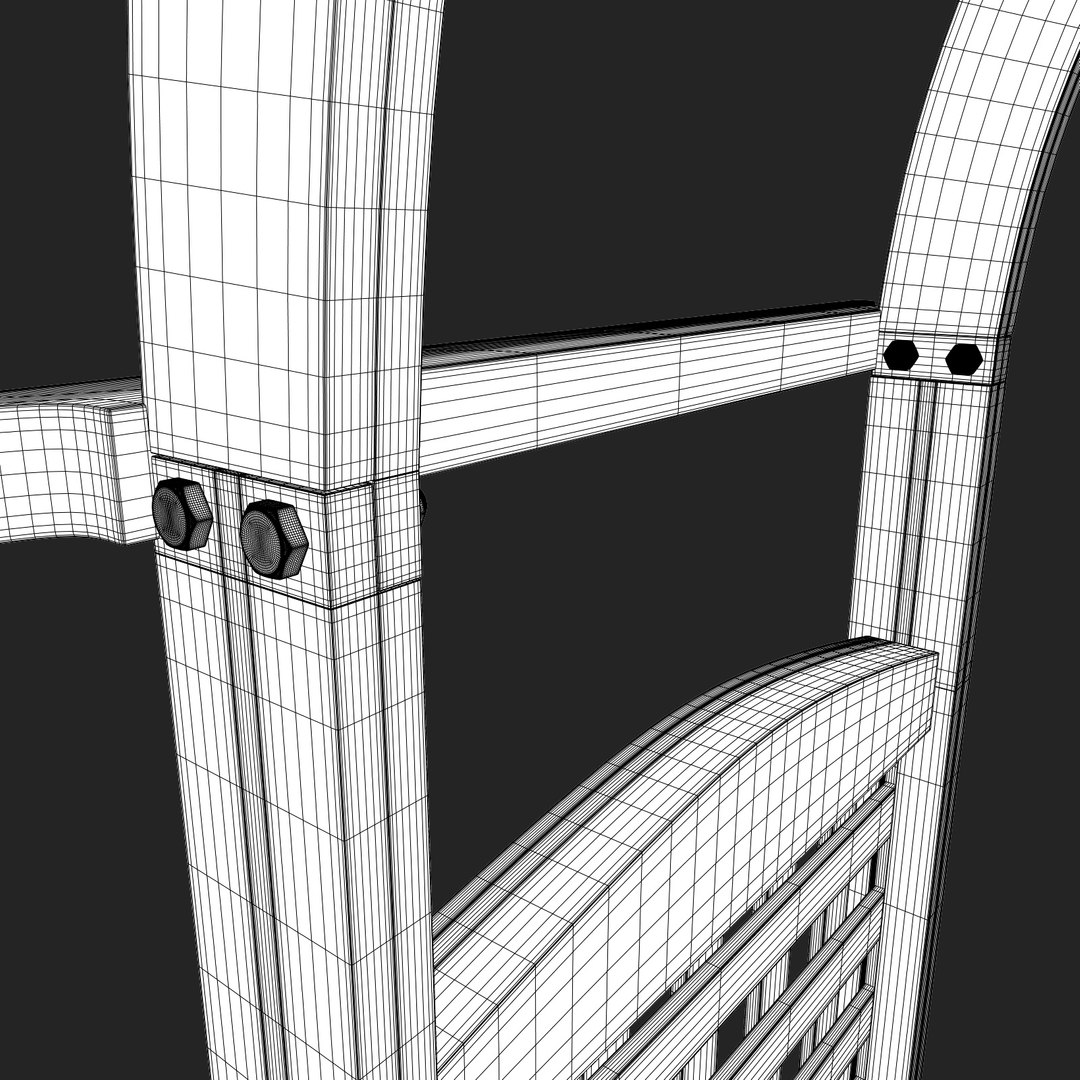
- 31088 vertices (495602 vertices with subdivision).
- 30966 polygons (495456 polygons with subdivision).
- Preview images rendered with Maya 2011 (mental ray render engine).
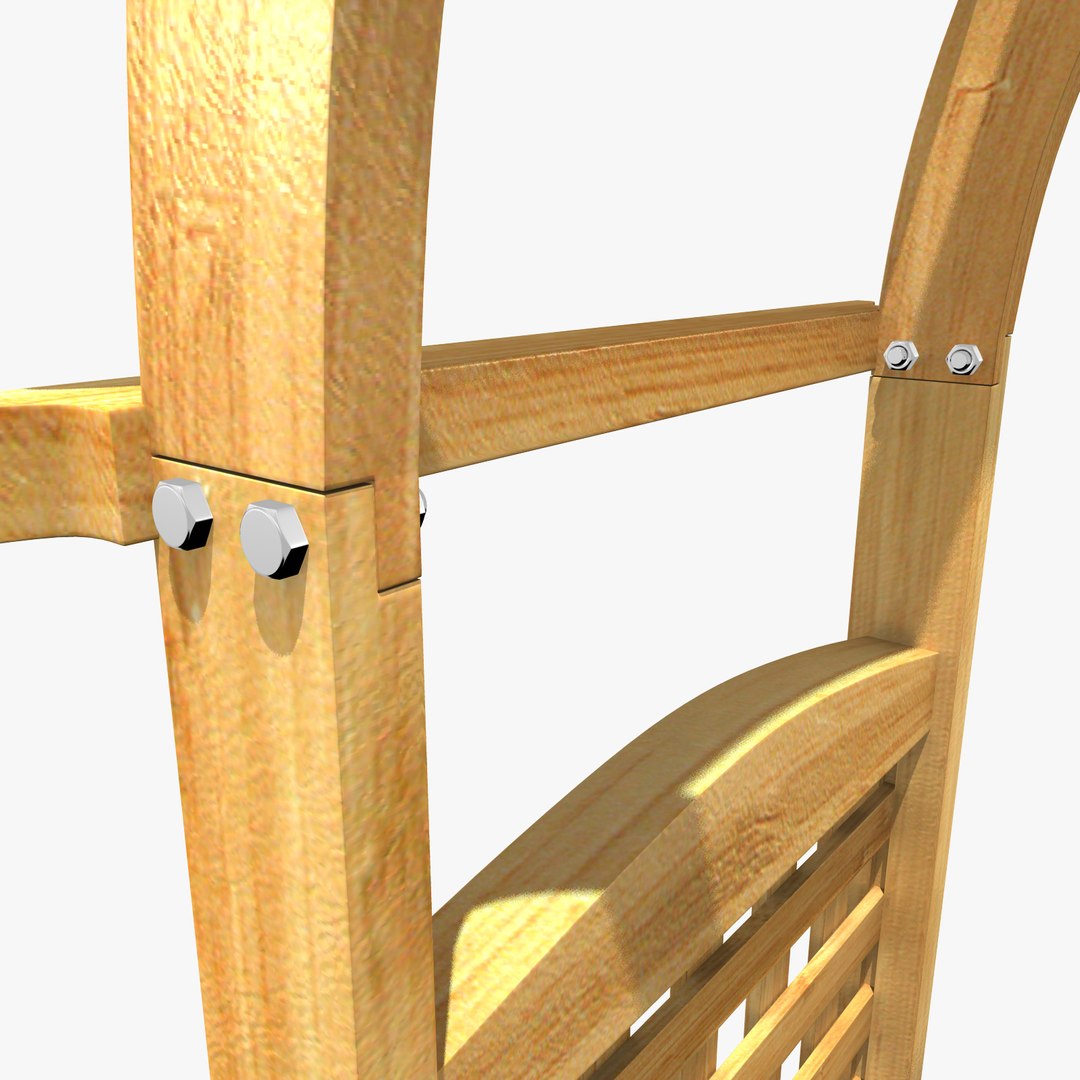
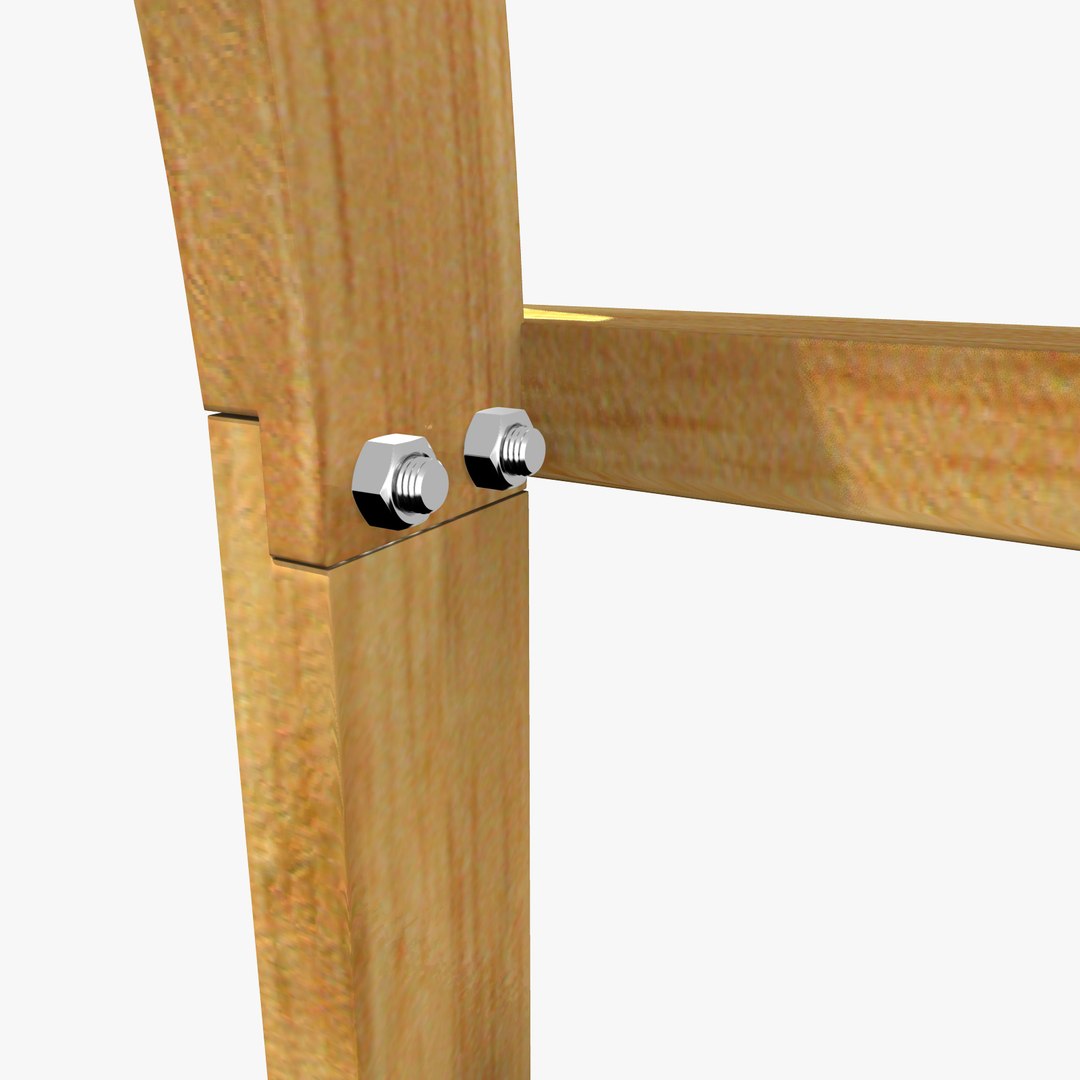
- Clean mesh edge loops, Quads Only.
- Objects and Materials use meaningful names. (striped texture path names).
- Scene objects organized by layers.
- No Third-party render or plug-ins needed.

Table dimensions:
height - 10 foot
width - 6 foot
length - 2.5 foot

Textures dimensions : 2048x2048
arch_color.JPG
arch_bump.JPG
planks_color.JPG
planks_bump.JPG
pole_and_plank_holder_color.JPG
pole_and_plank_holder_bump.JPG

Autodesk Maya 2011 polycounts
- vertices 31088
- polygons 30966

Autodesk Max2011 polycounts
- vertices 31088
- polygons 30966

Also check out my other models, just click on my user name to see other models as well.

Hope you like it and please rate...

Select Enhanced License

  • $10,000 in Legal Protection (Indemnification)
  • Uncapped Legal Protection (Indemnification)
  • Waiver from injunctive relief
  • Assignable model rights
  • $1,000,000 in Legal Protection (Indemnification)
  • Waiver from injunctive relief
  • Assignable model rights
  • $250,000 in Legal Protection (Indemnification)
  • Assignable model rights
Read more about enhanced license tiers, or contact us at enterprise@turbosquid.com. Already a Shutterstock Enterprise Customer? Contact your Shutterstock Sales Support Agent to talk about adding 3D.

About Conversion Requests

To submit a conversion request for a purchased asset, please complete our Conversion Request Form.

If you have not yet purchased a model, please review our Documentation about Conversions to learn about what limitations you may encounter with a conversion.

For any additional questions about a model’s suitability for conversion, please contact TurboSquid Support.

Loading...