
 Apple Quick Look
 Meta Spark
 Omniverse
 Snap Studio
 TikTok
 Unity
Unity
 Unreal
 3ds Max
 Blender
 Cinema 4D
 Maya
Maya

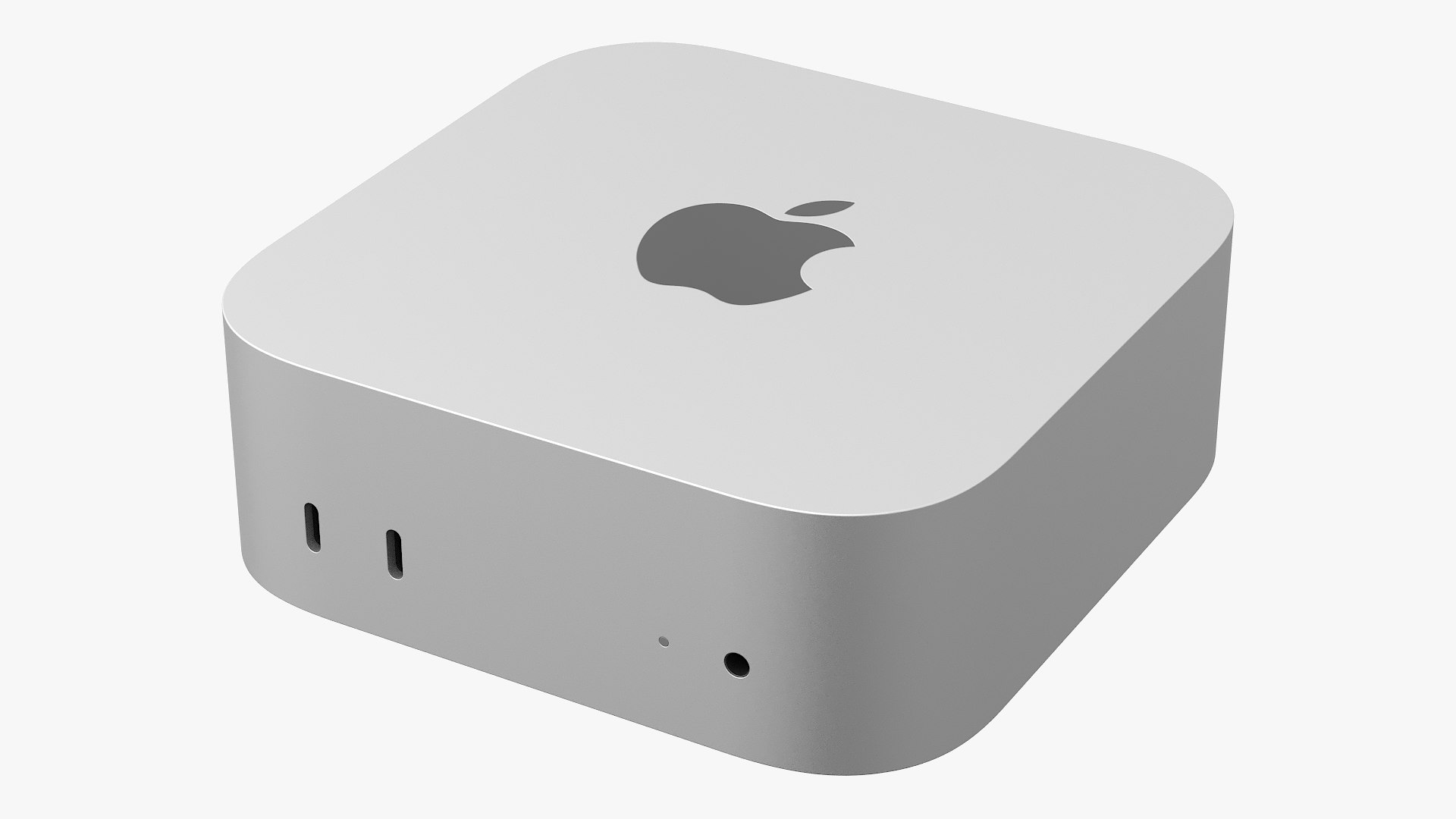
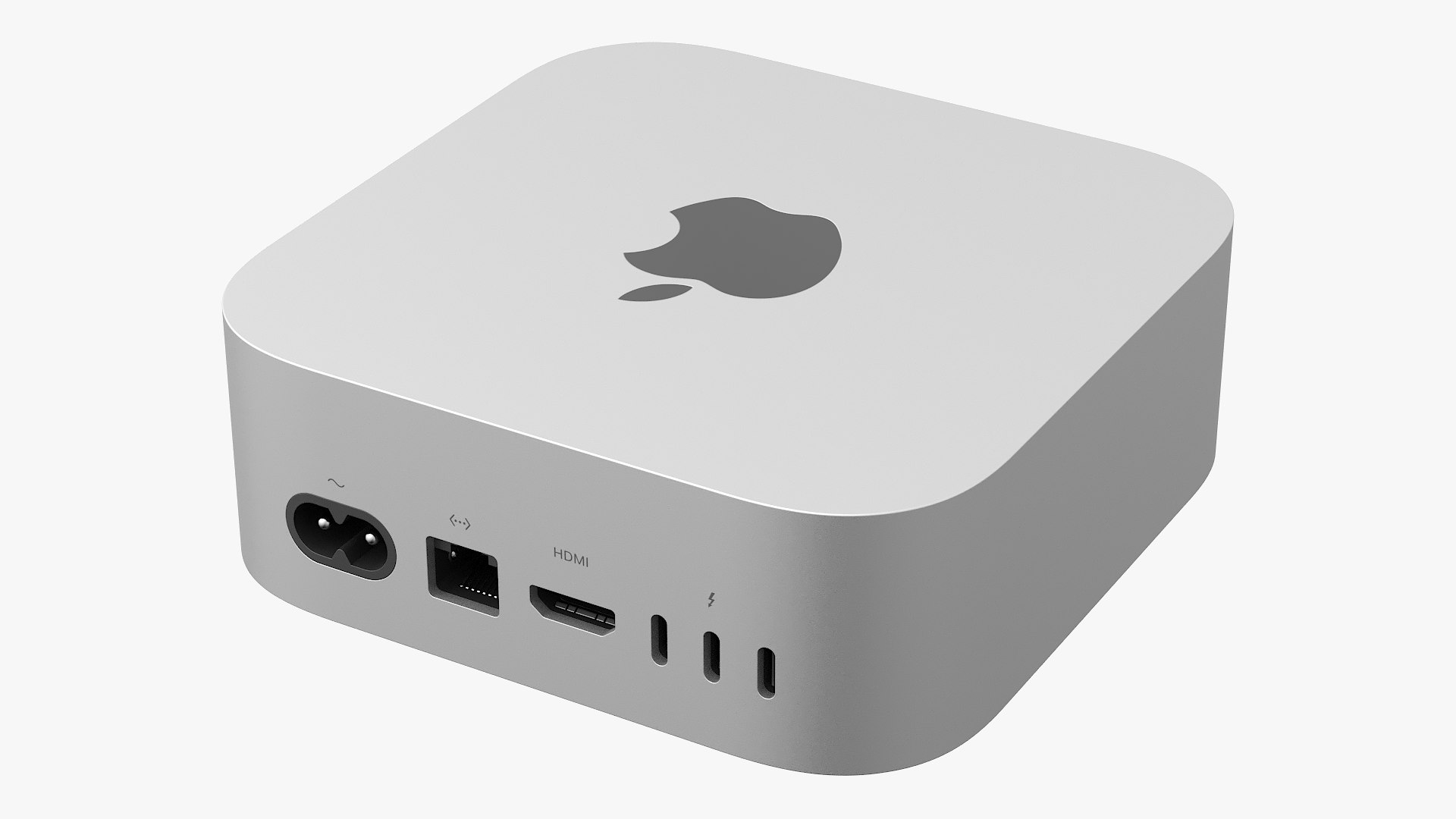
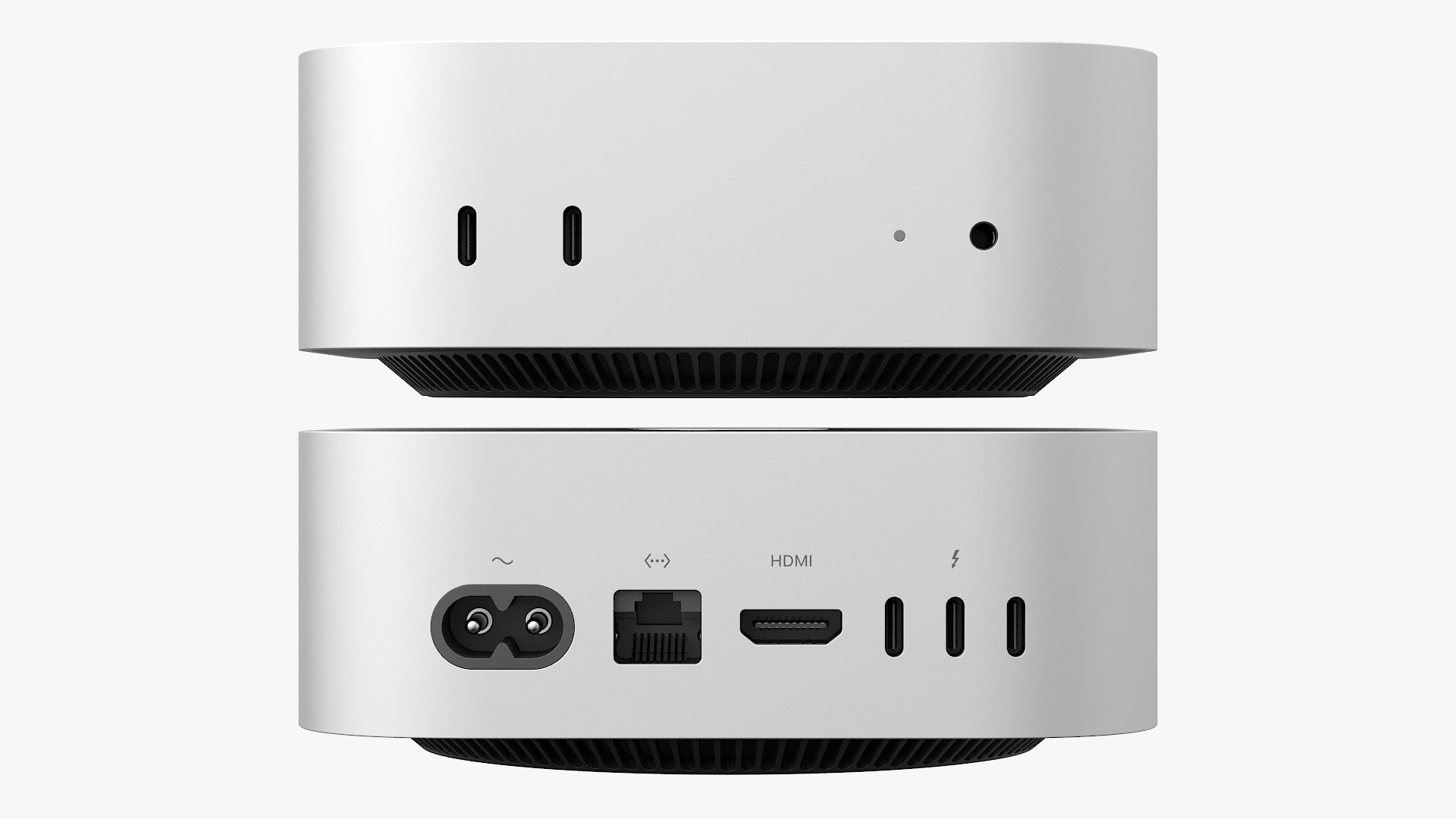
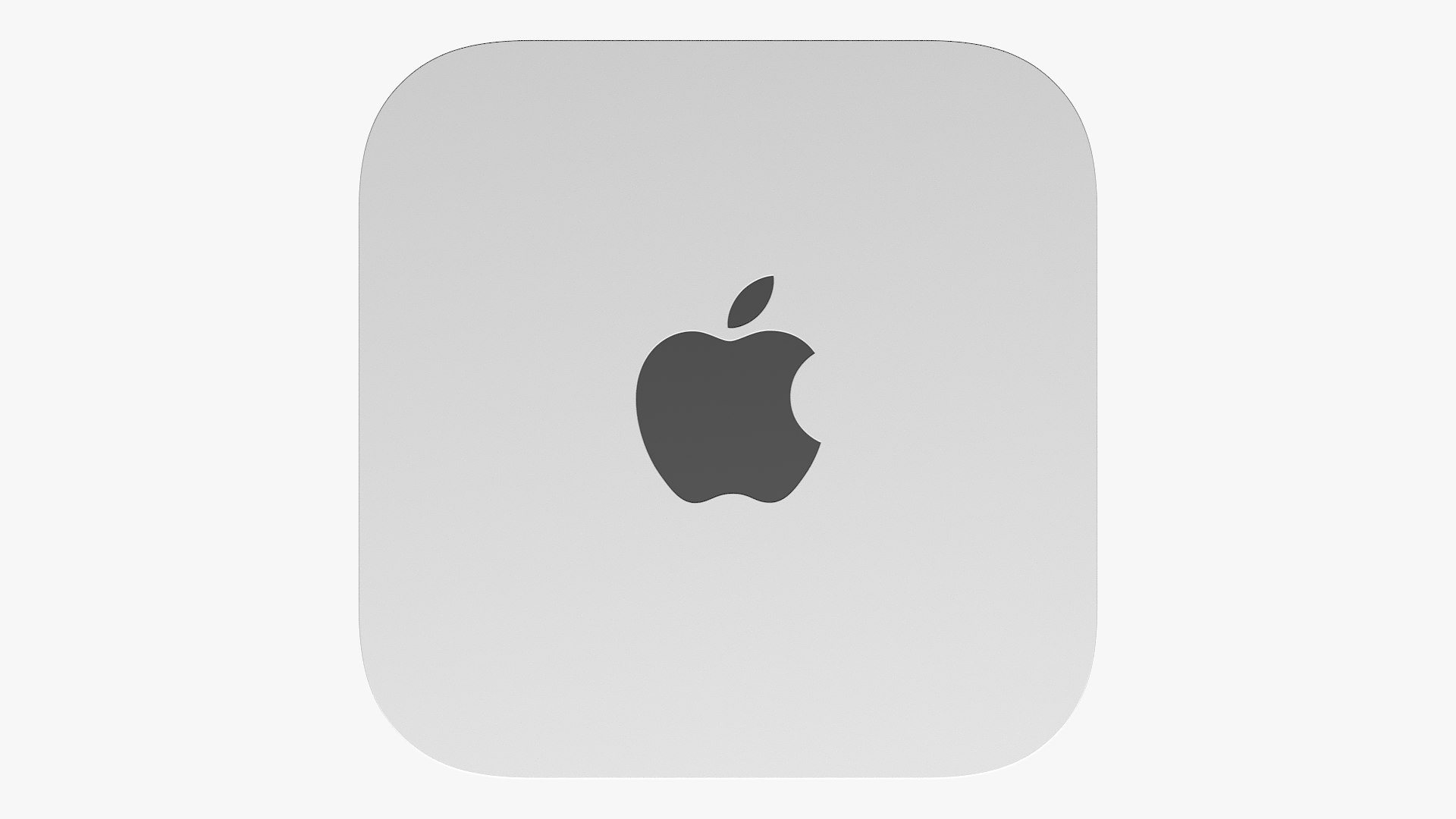
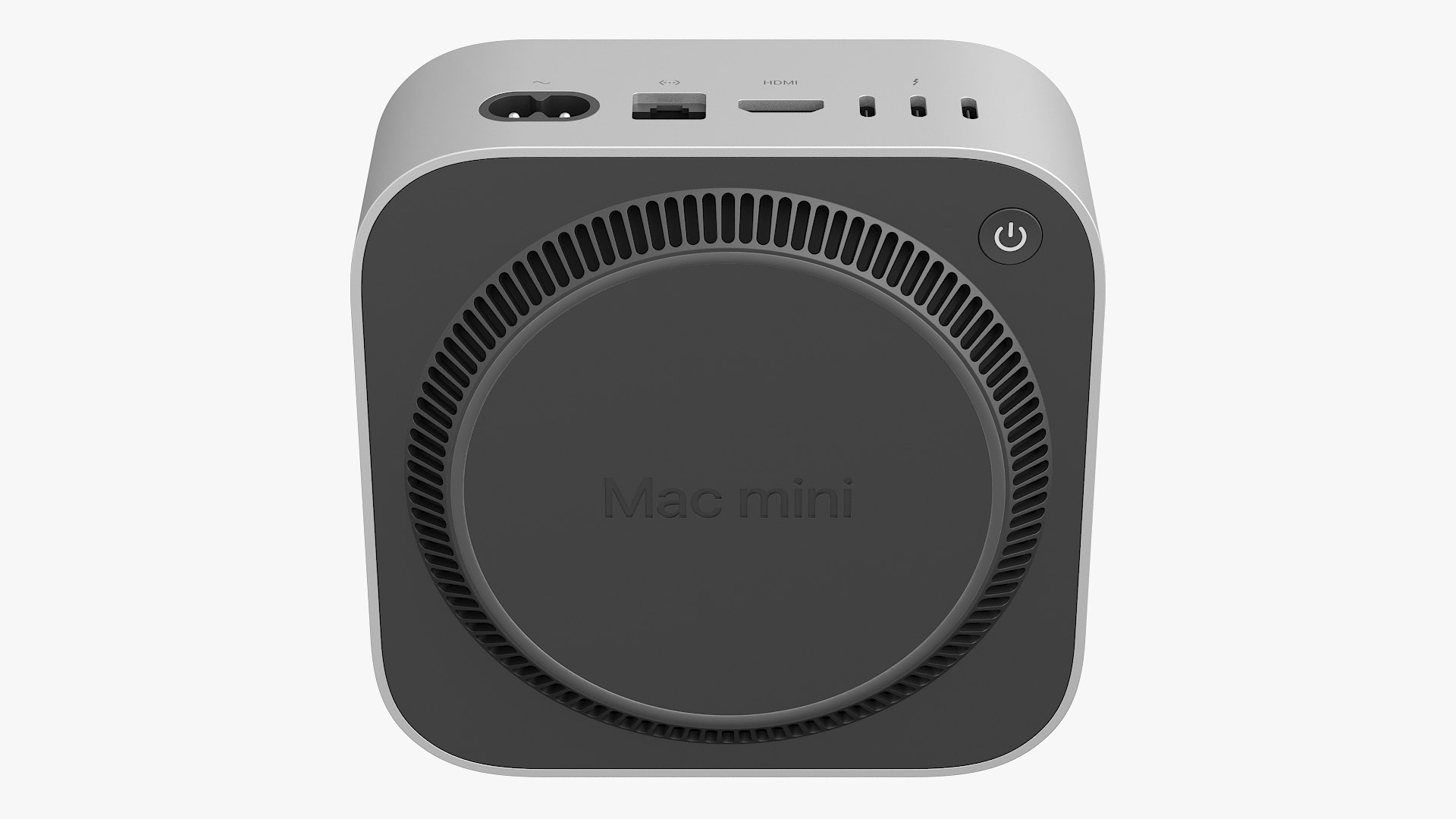
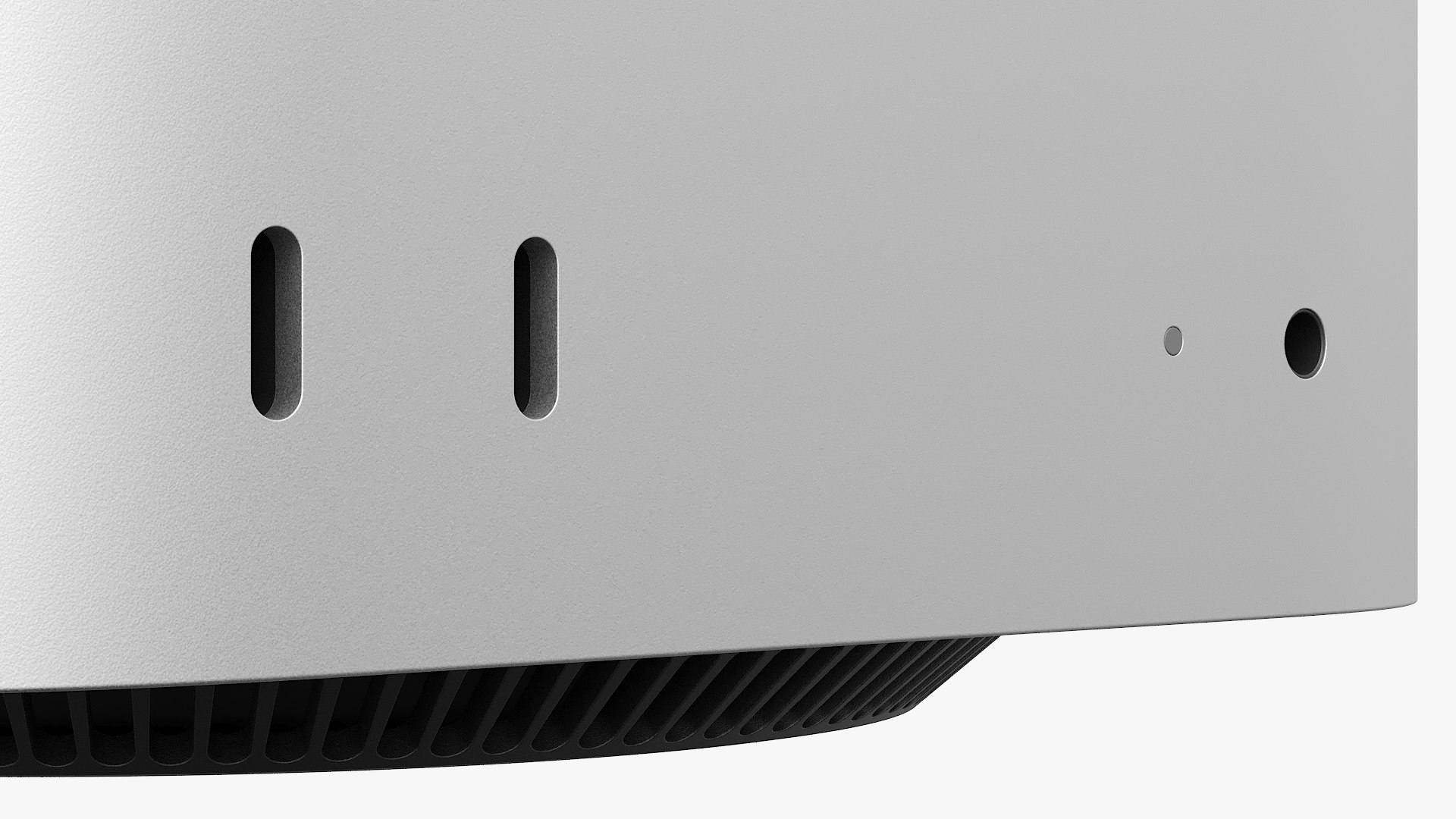
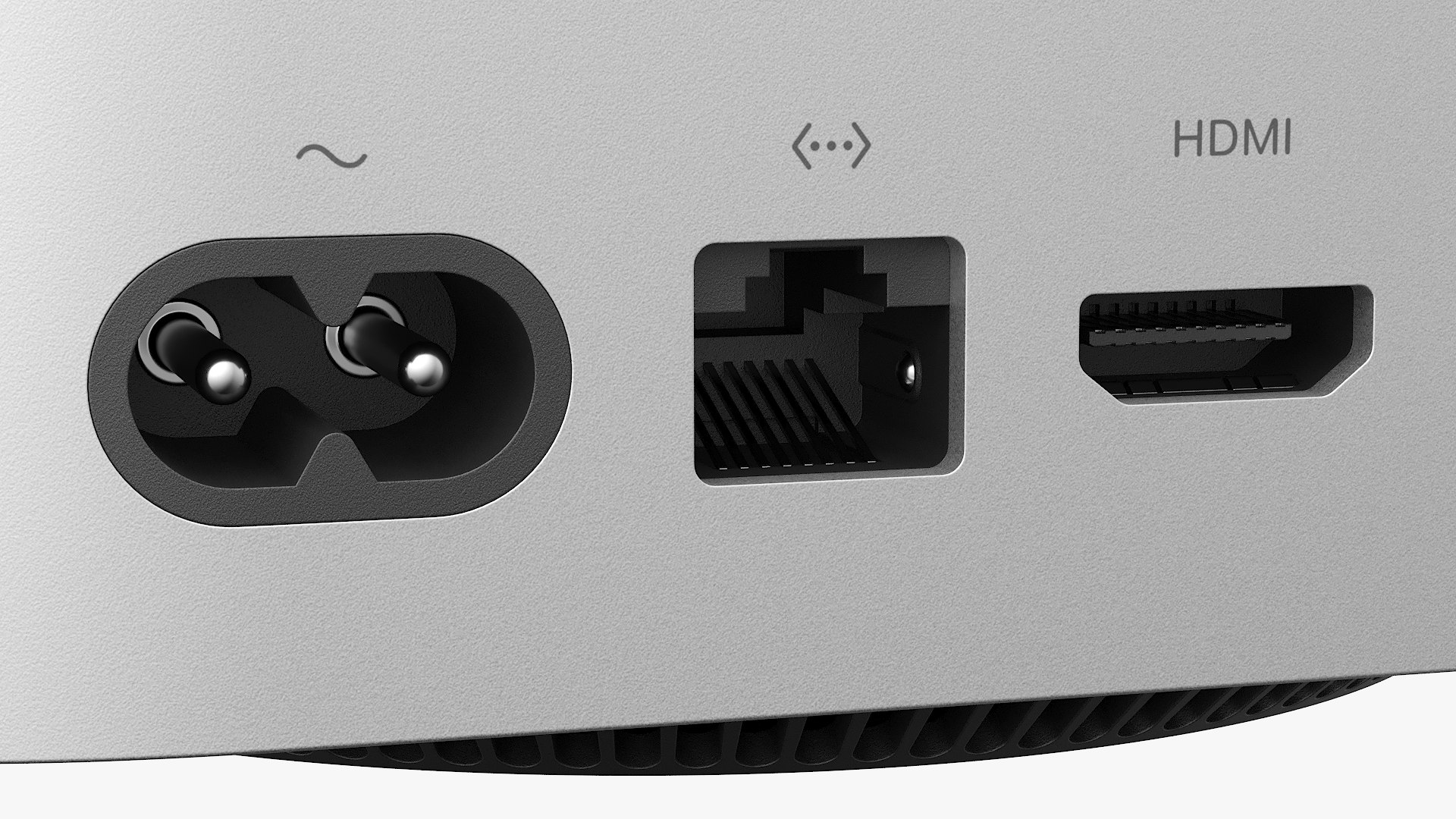
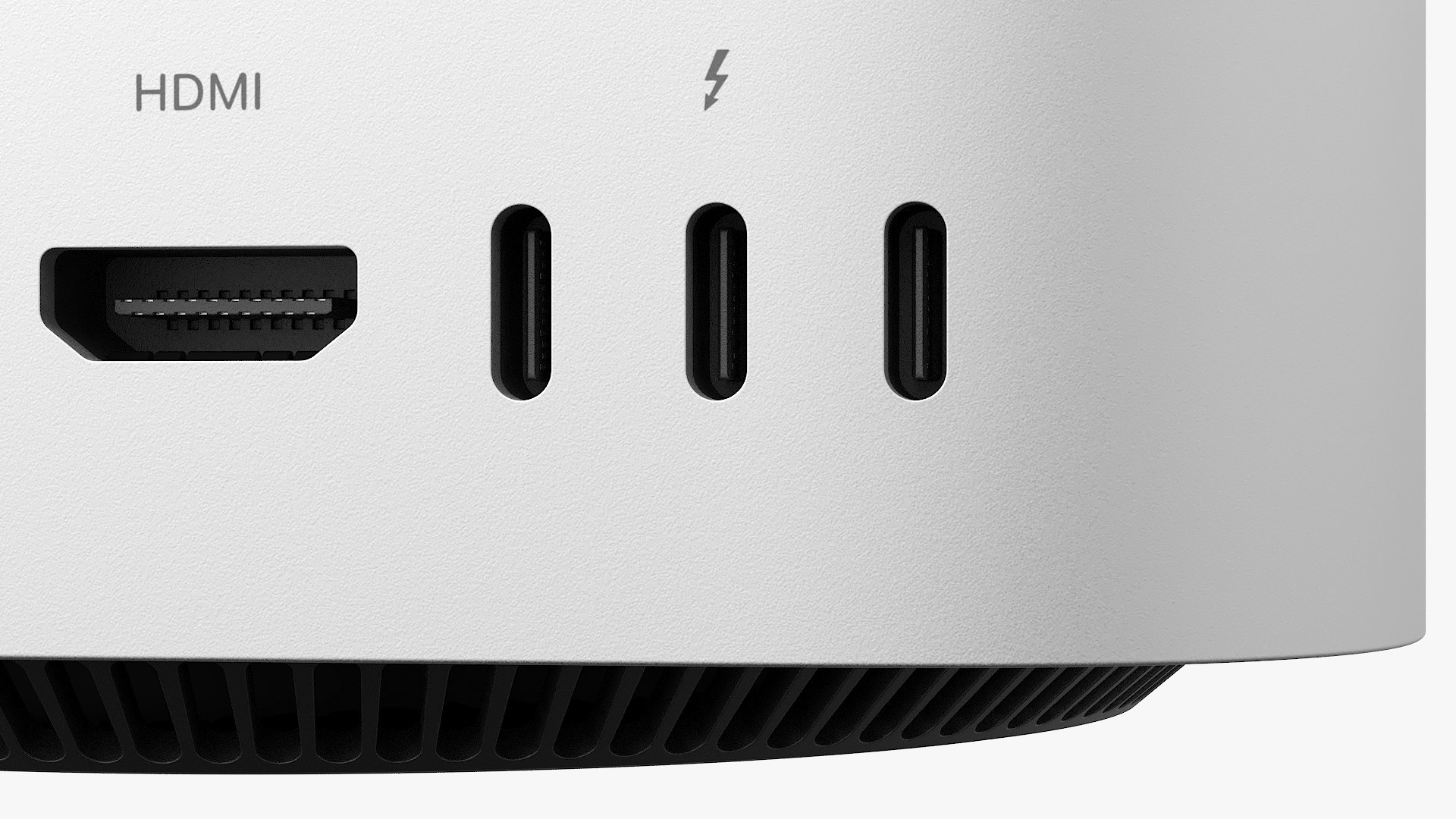
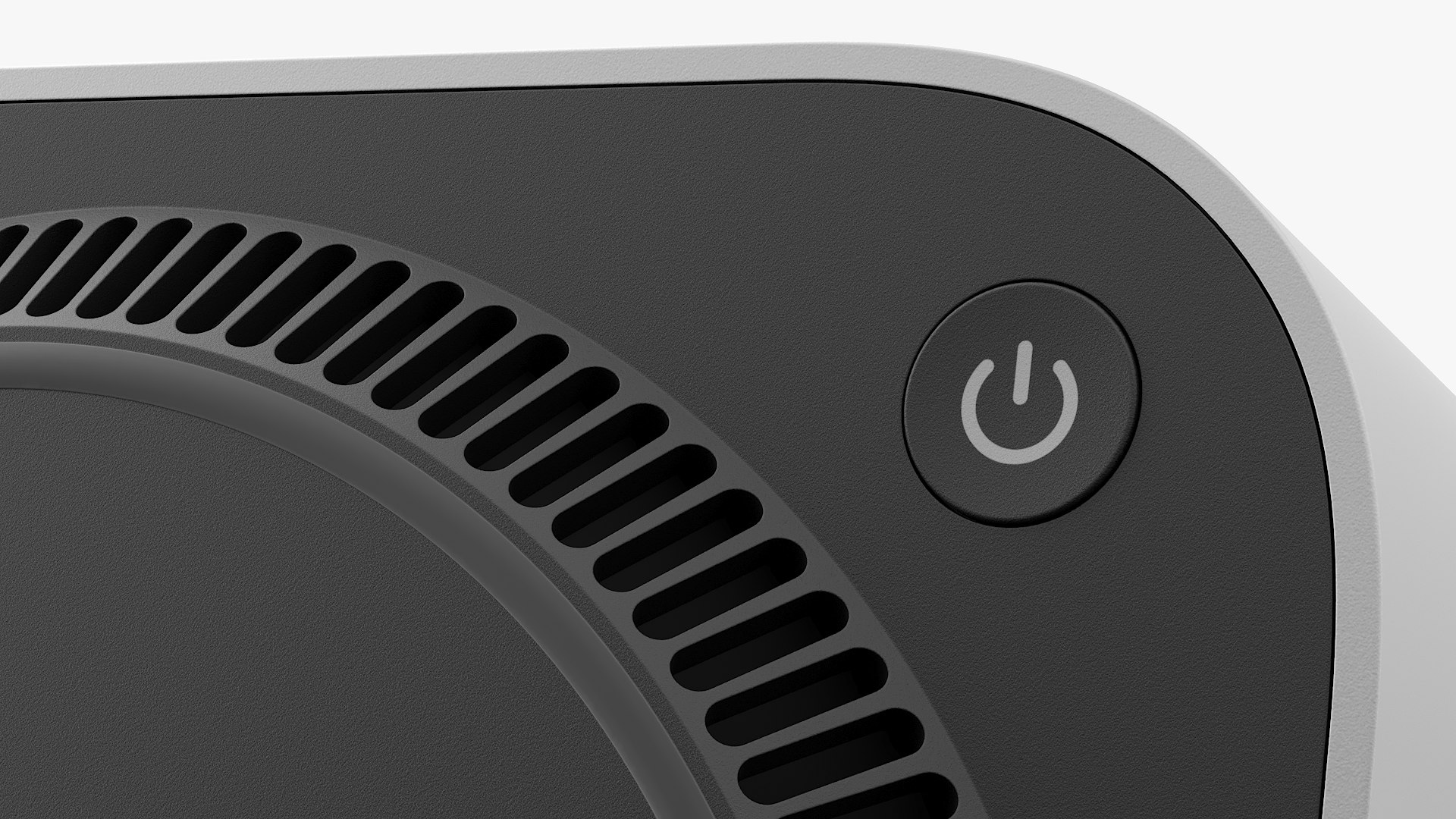
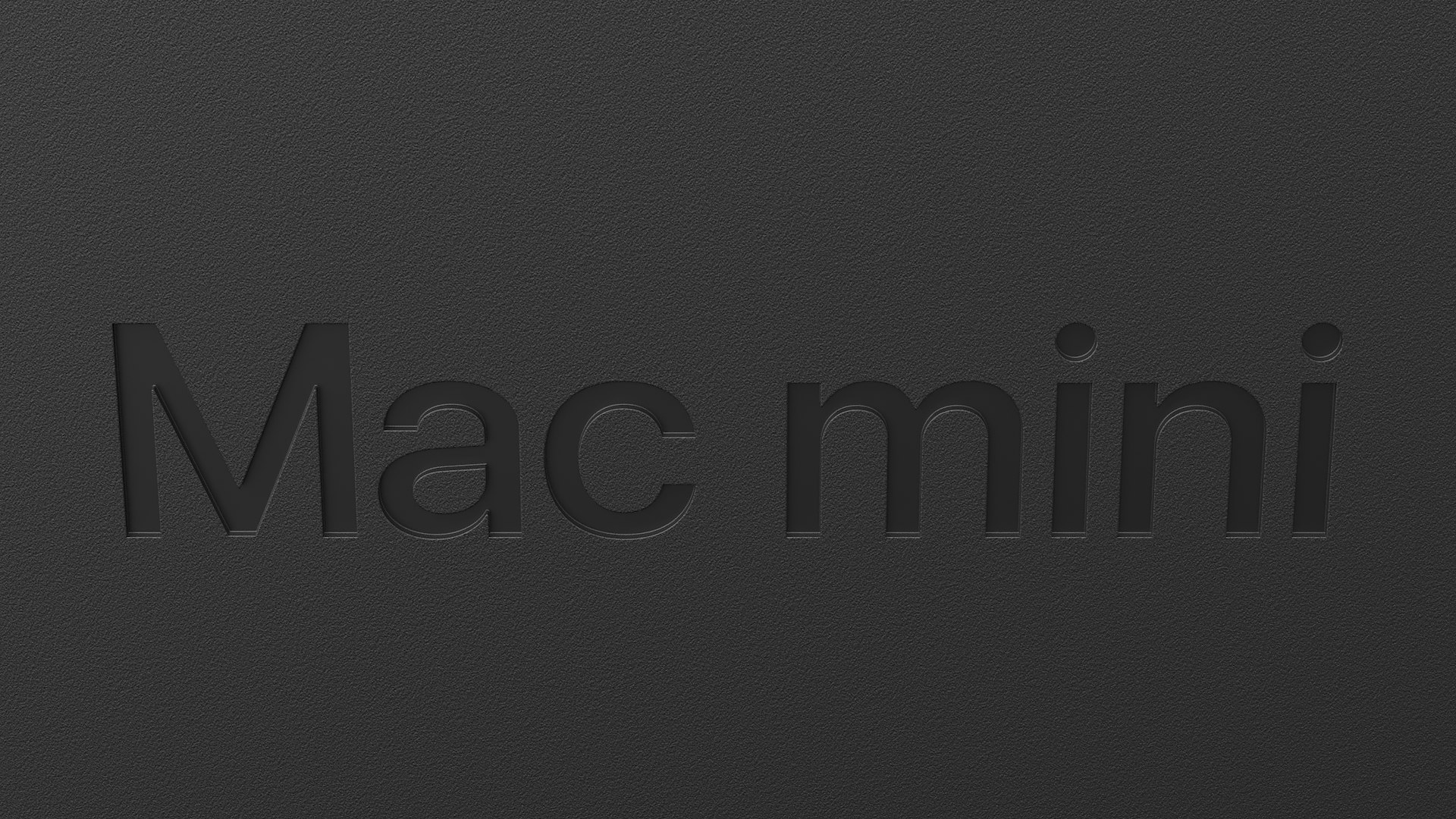
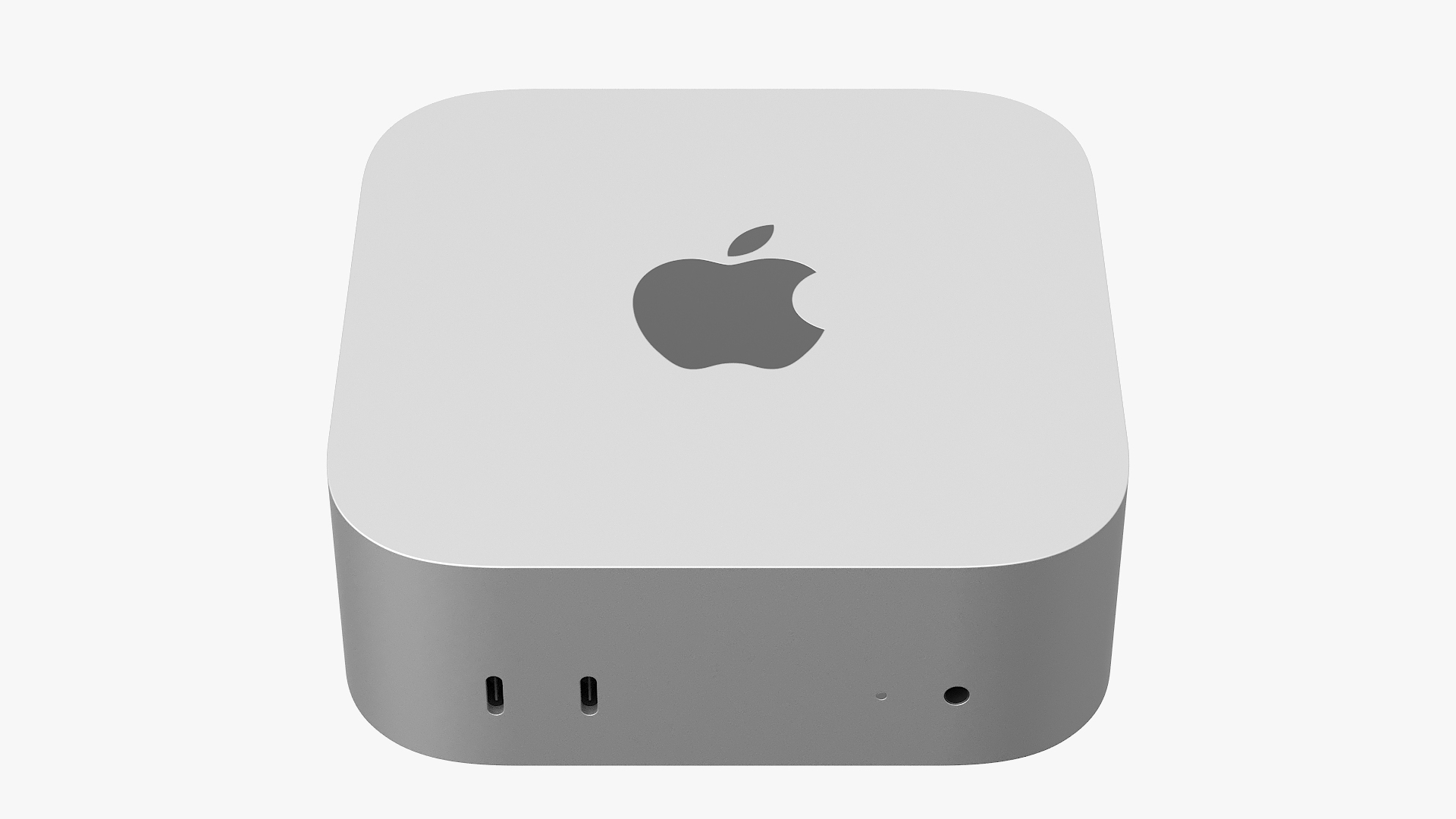
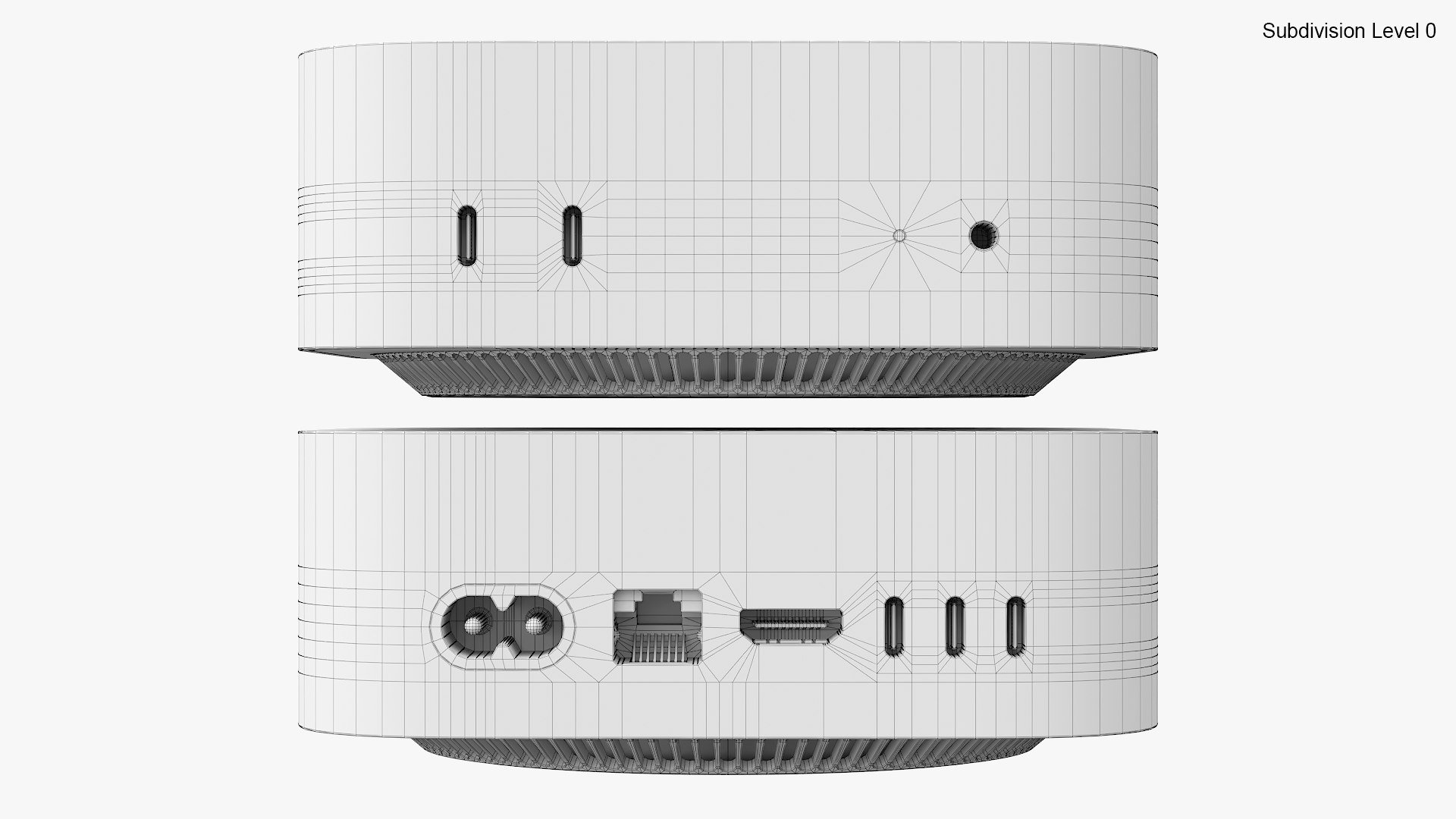
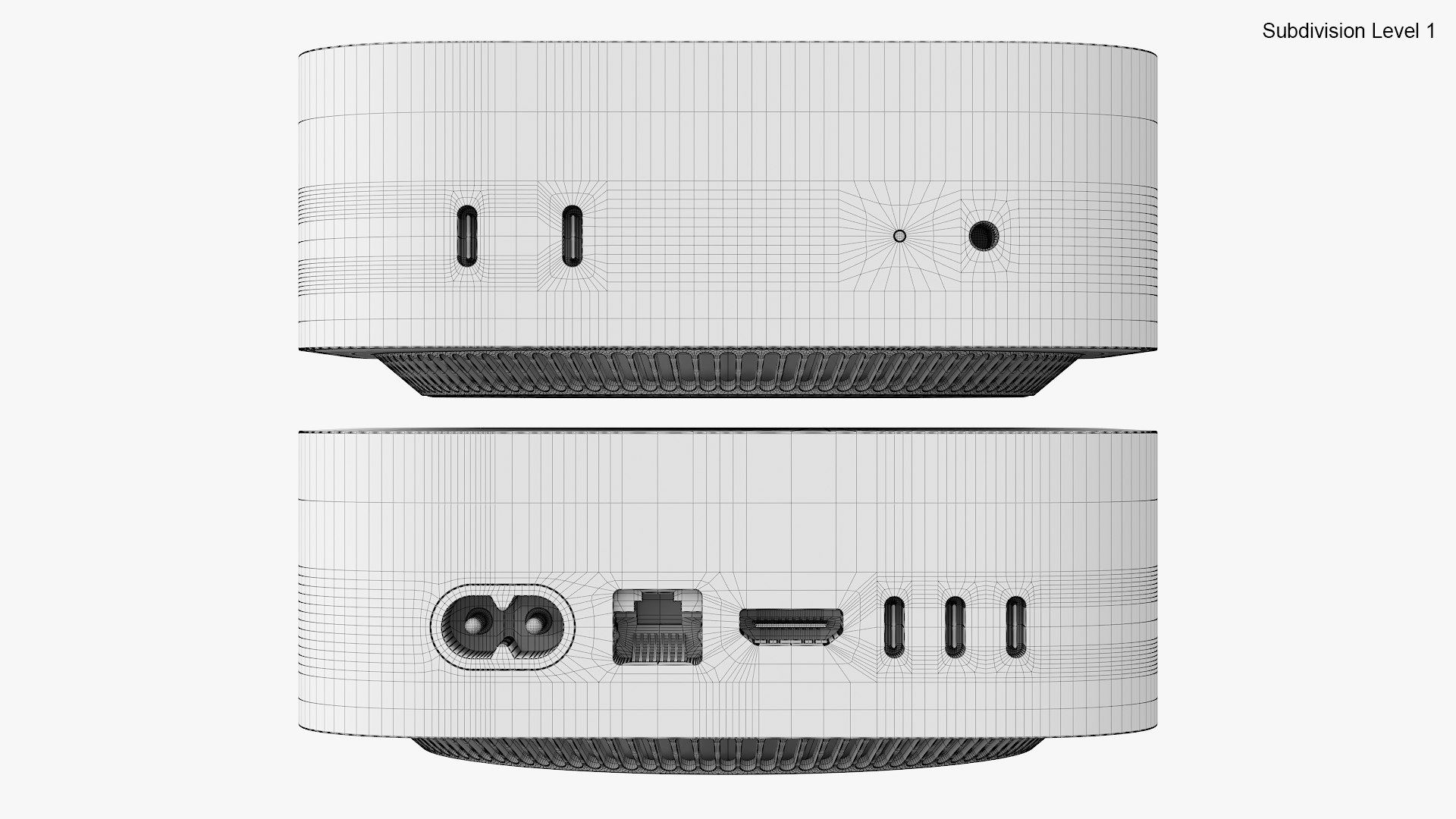
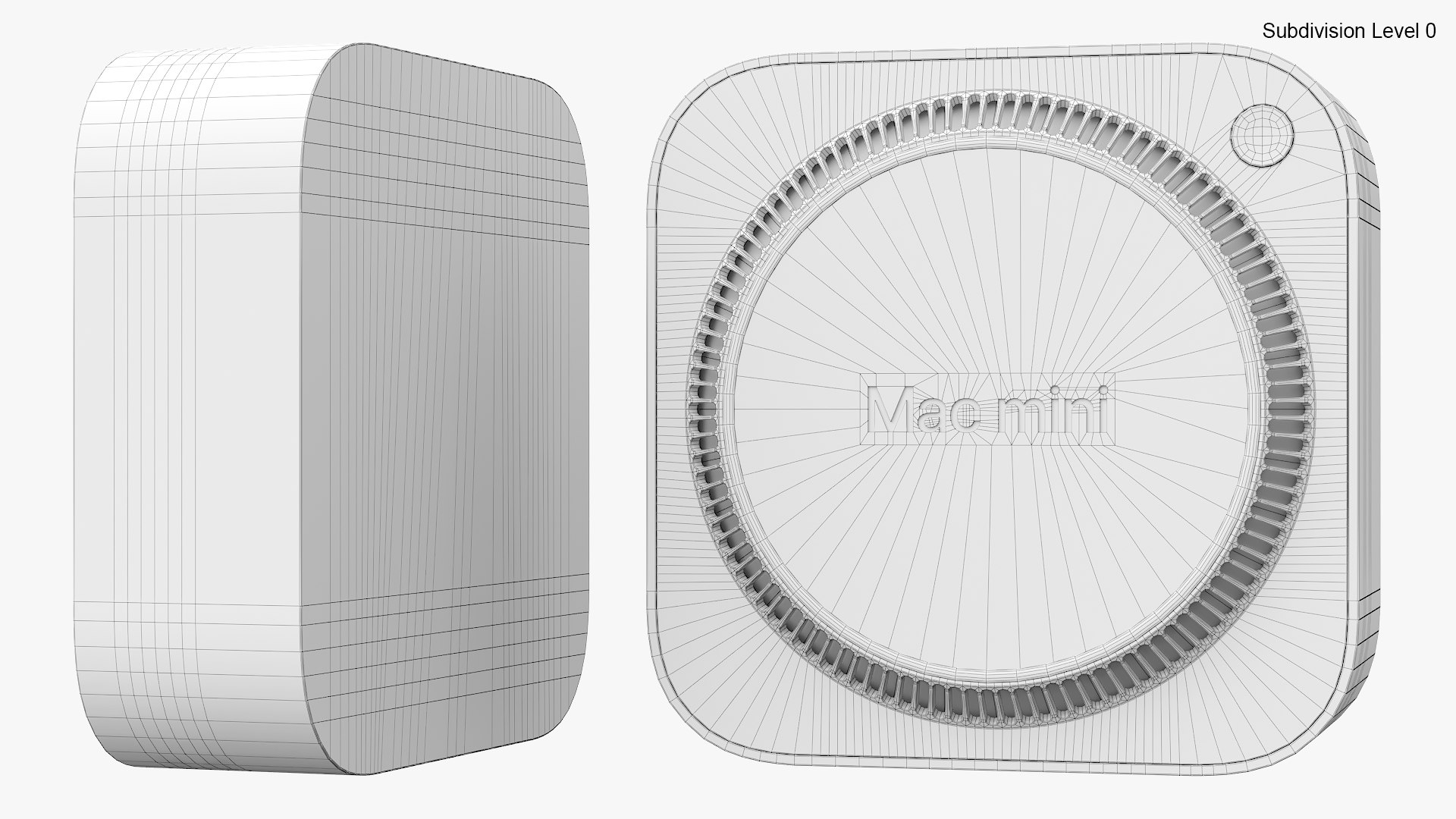
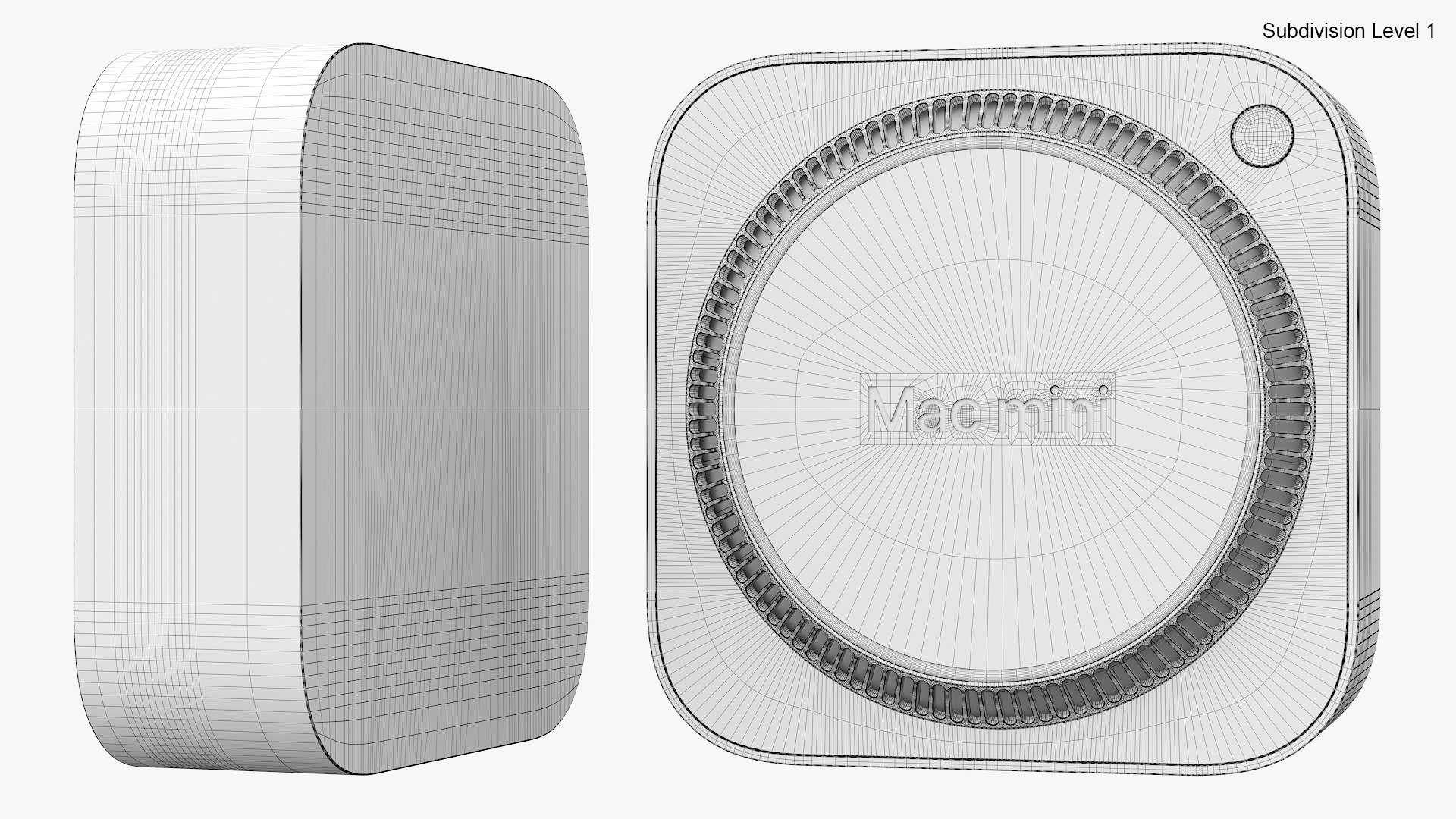
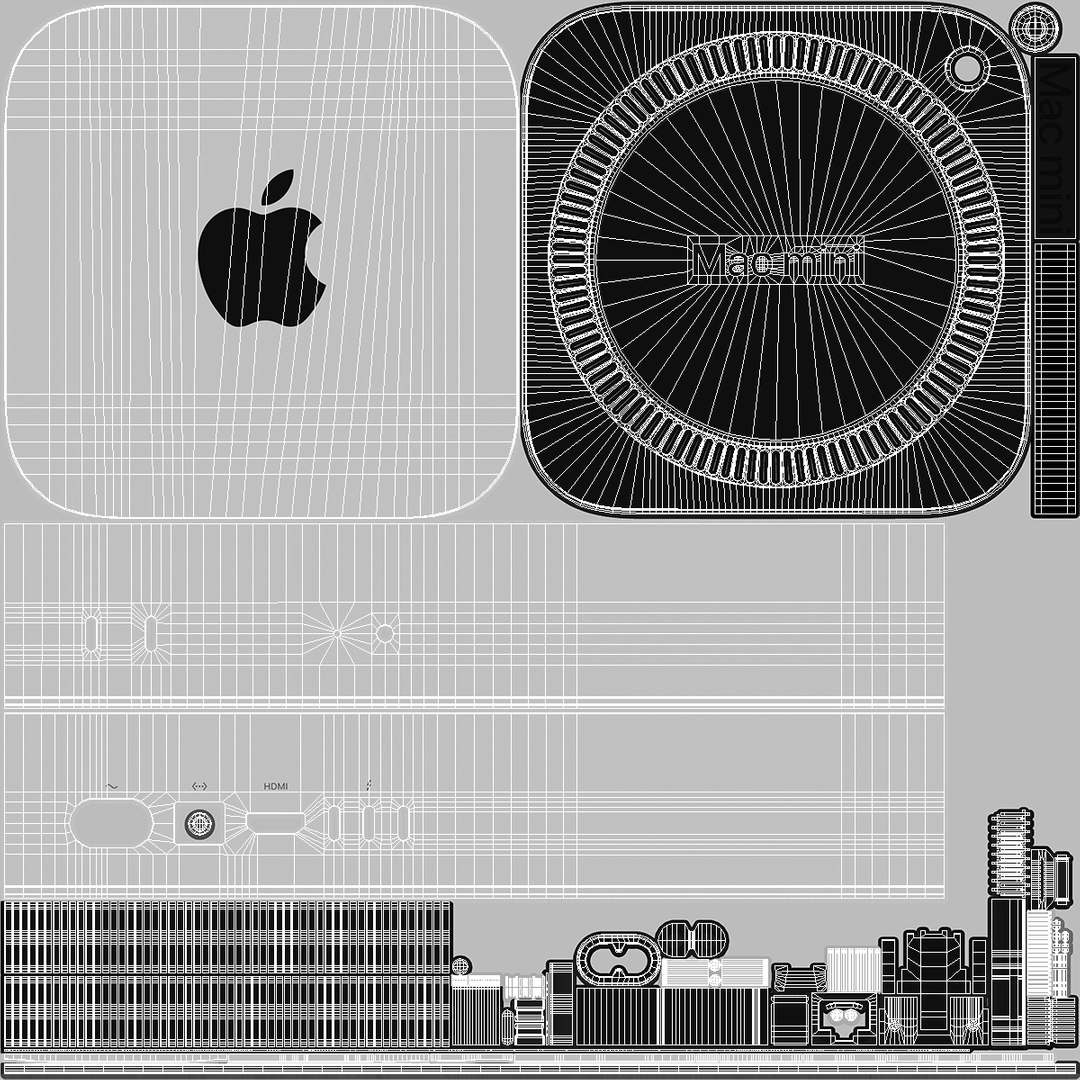
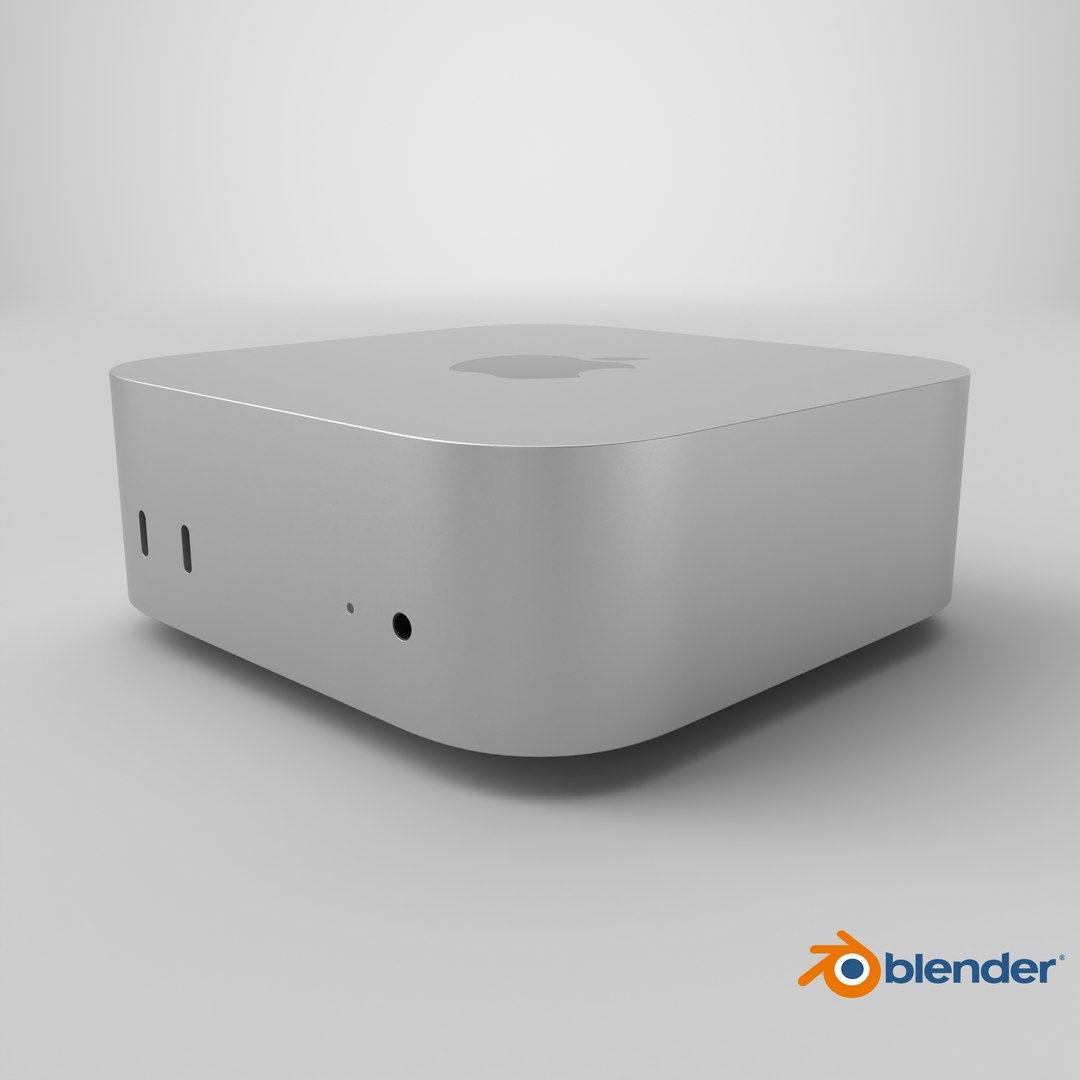
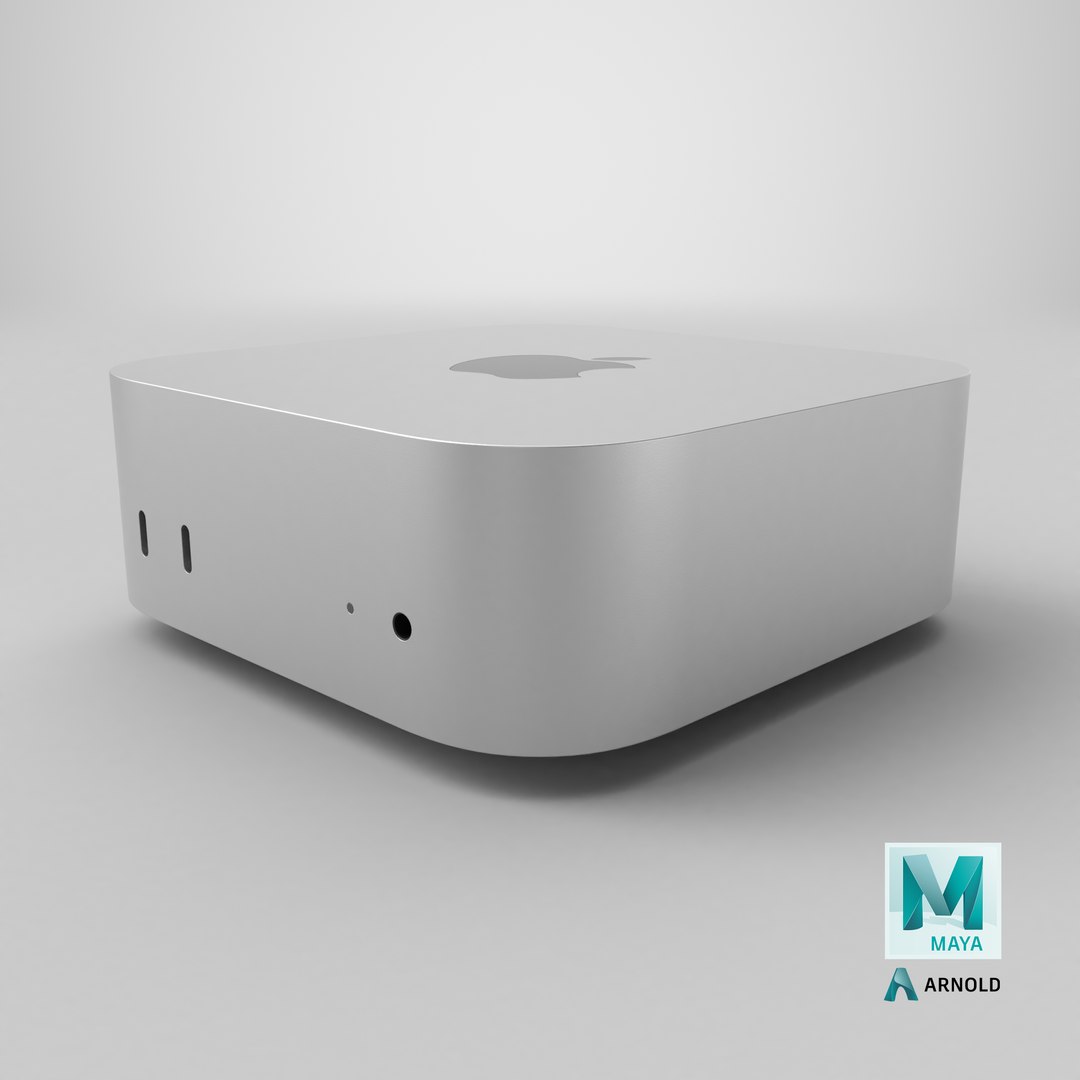
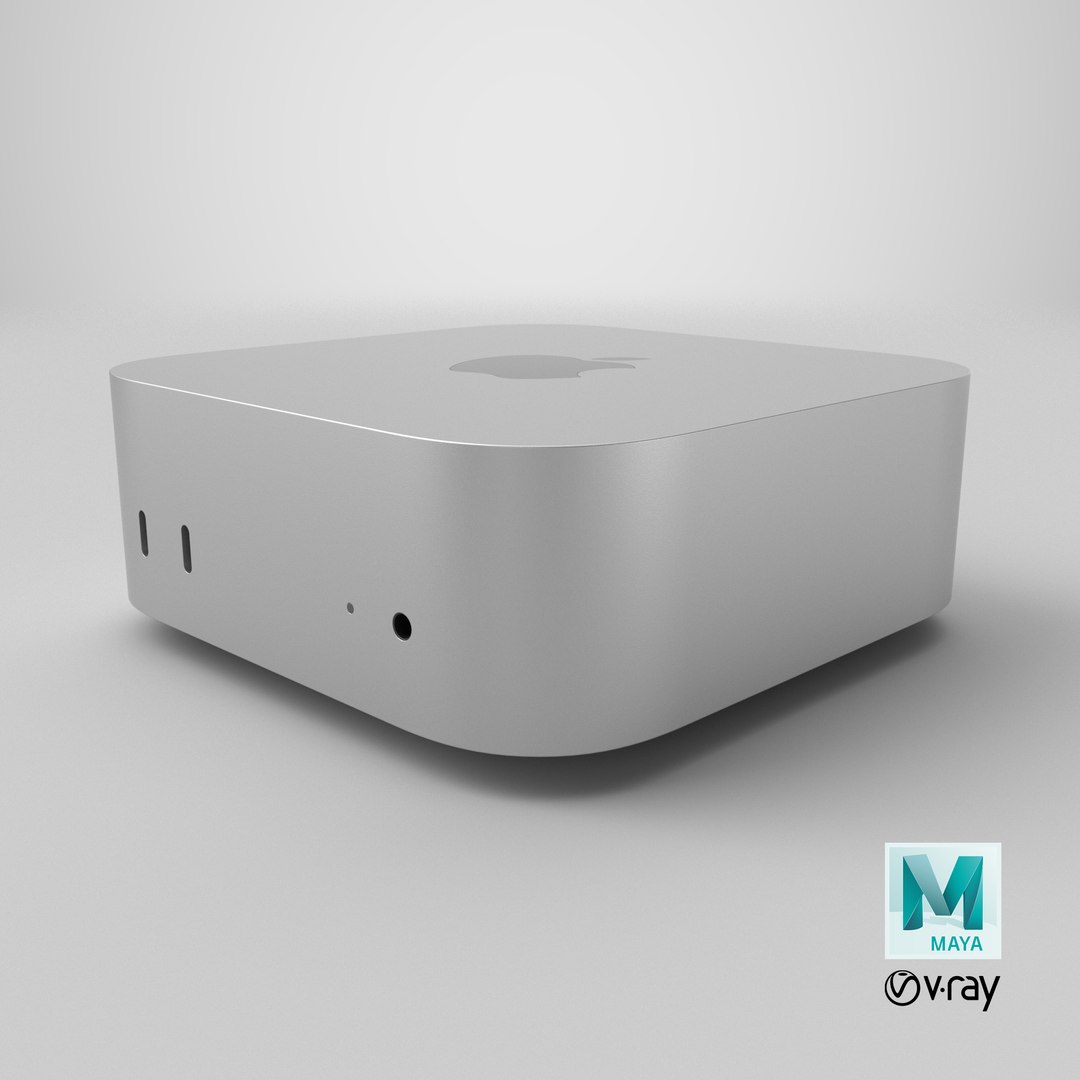
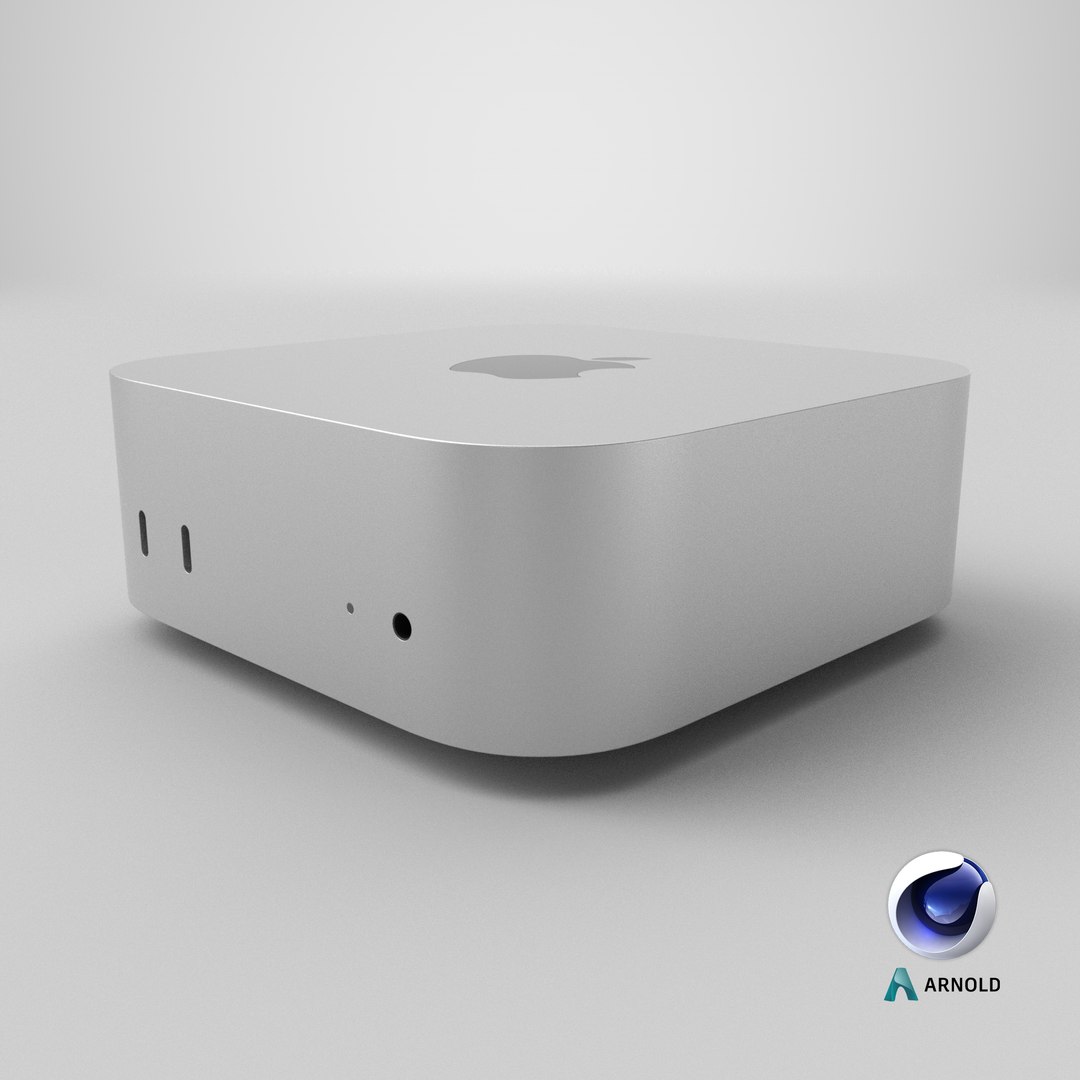
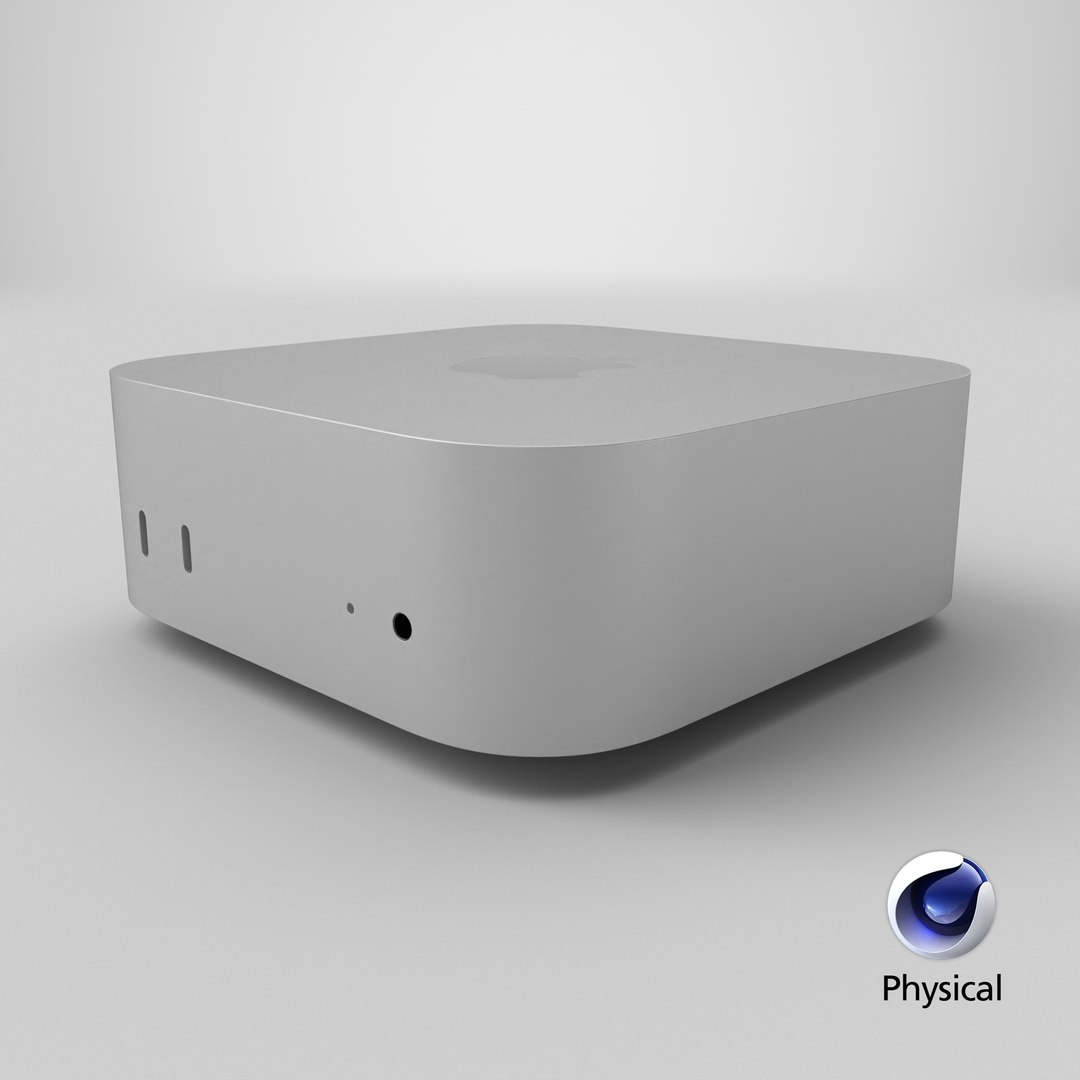
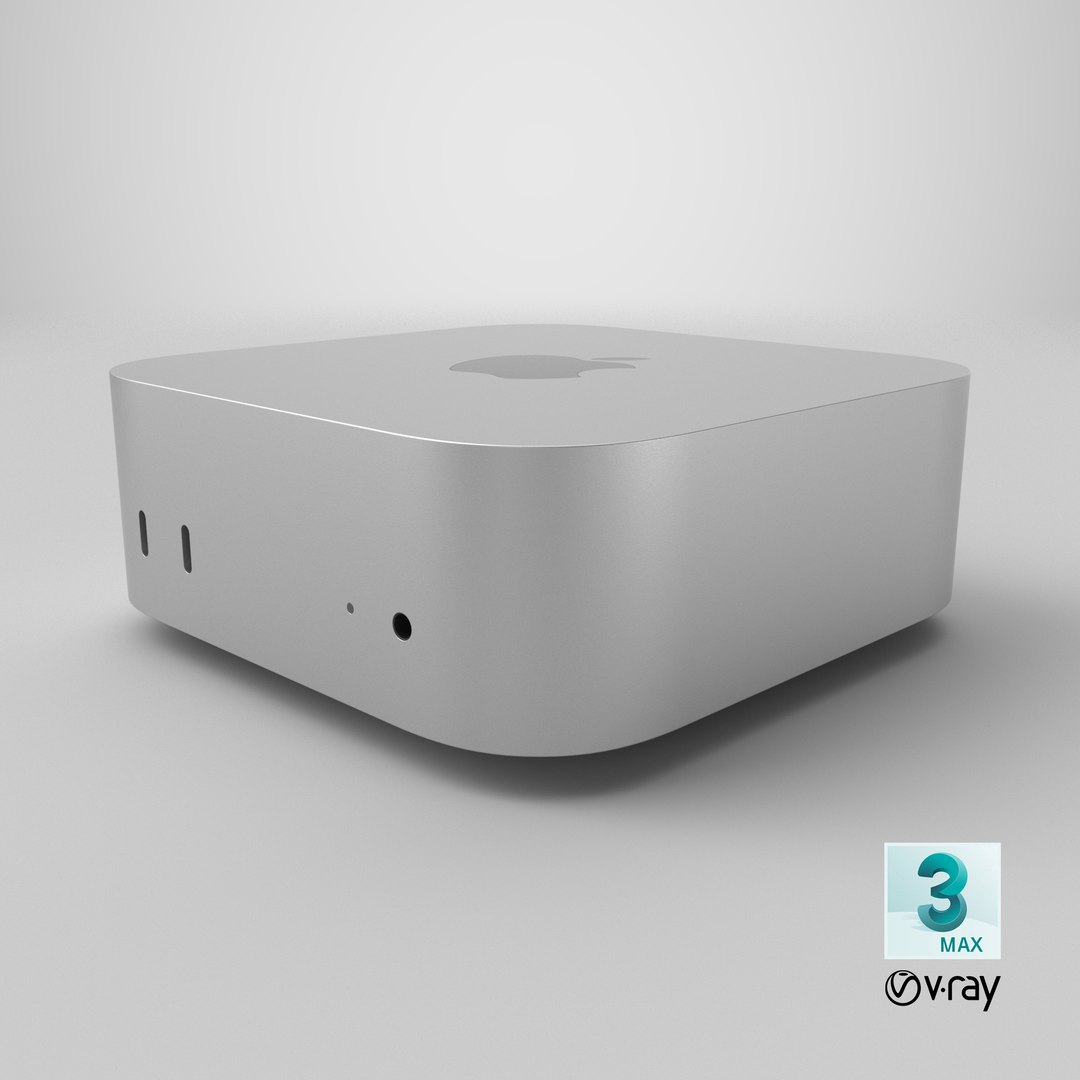

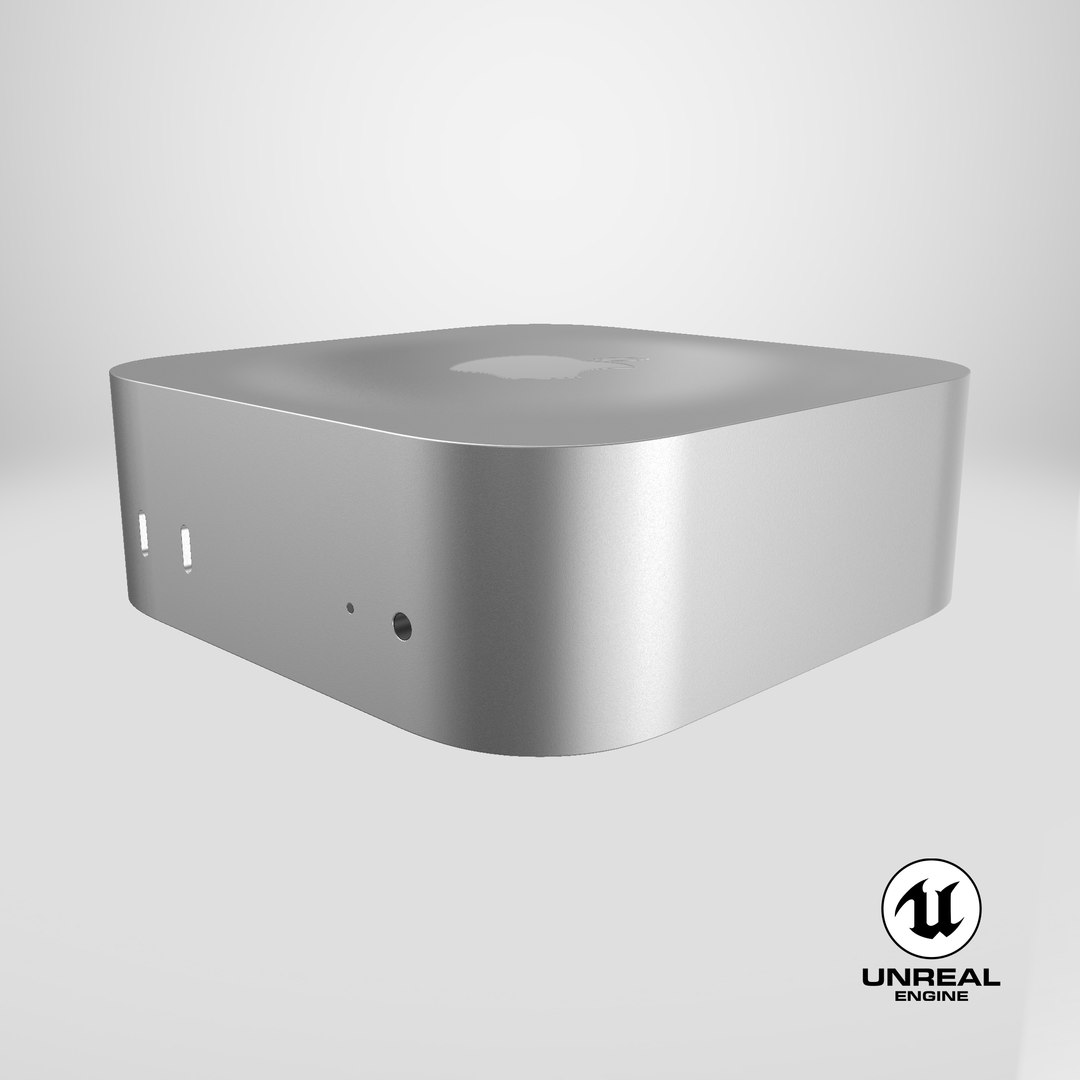


Apple Mac Mini M4 Pro
$39
Editorial Uses Only
The intellectual property depicted in this model, including brands Apple computer, is not affiliated with or endorsed by the original rights holders and must be used under editorial use restrictions.
Formats (16)
Free file format Conversions available
Native
|
3ds Max
2021
|
Arnold
3ds Max
2017
|
Corona
3
Blender
|
Blender Render
3.4
Maya
2017
|
Arnold
5.3.1.1
Maya
2015
|
V-Ray
3.2
Cinema 4D
R18
|
Arnold
3.2
Cinema 4D
R18
|
Advanced Render
3.2
3ds Max
2015
|
V-Ray
5.20.23
3ds Max
2018
|
Arnold
7.0
FBX
glTF
Unreal
Unity
USDz
OBJ
FBX
Specifications
Publish Date
November 03, 2024
Product ID
2301137
Polygons
16,755
Vertices
19,014
Polygonal Quads Only
Textures
Materials
UV Mapped
Mixed Unwrapped UVs
PBR
Real-Time
StemCell Certified
StemCell ensures 3D models have clean UV-unwrapped geometry, follow PBR standards, and work seamlessly across major software and engines with multiple formats for easy integration.
Learn More
TurboSquid Exclusive

715 Products
|
Contributor Since 2003
Have questions? Chat with us now.