Animated White Tiger

$79

Standard License | Upgrade License
Formats (9)
Free file format Conversions available
Native | 3ds Max 2016 | mental ray
3ds Max 2016 | V-Ray 3.2
3ds Max 2018 | Arnold 5.0.2.1
3ds Max 2016 | Default Scanline
3D Studio
Other Textures
Collada
FBX
OBJ
Other Files
Textures.zip
Specifications
Publish Date September 04, 2019
Product ID 1444091
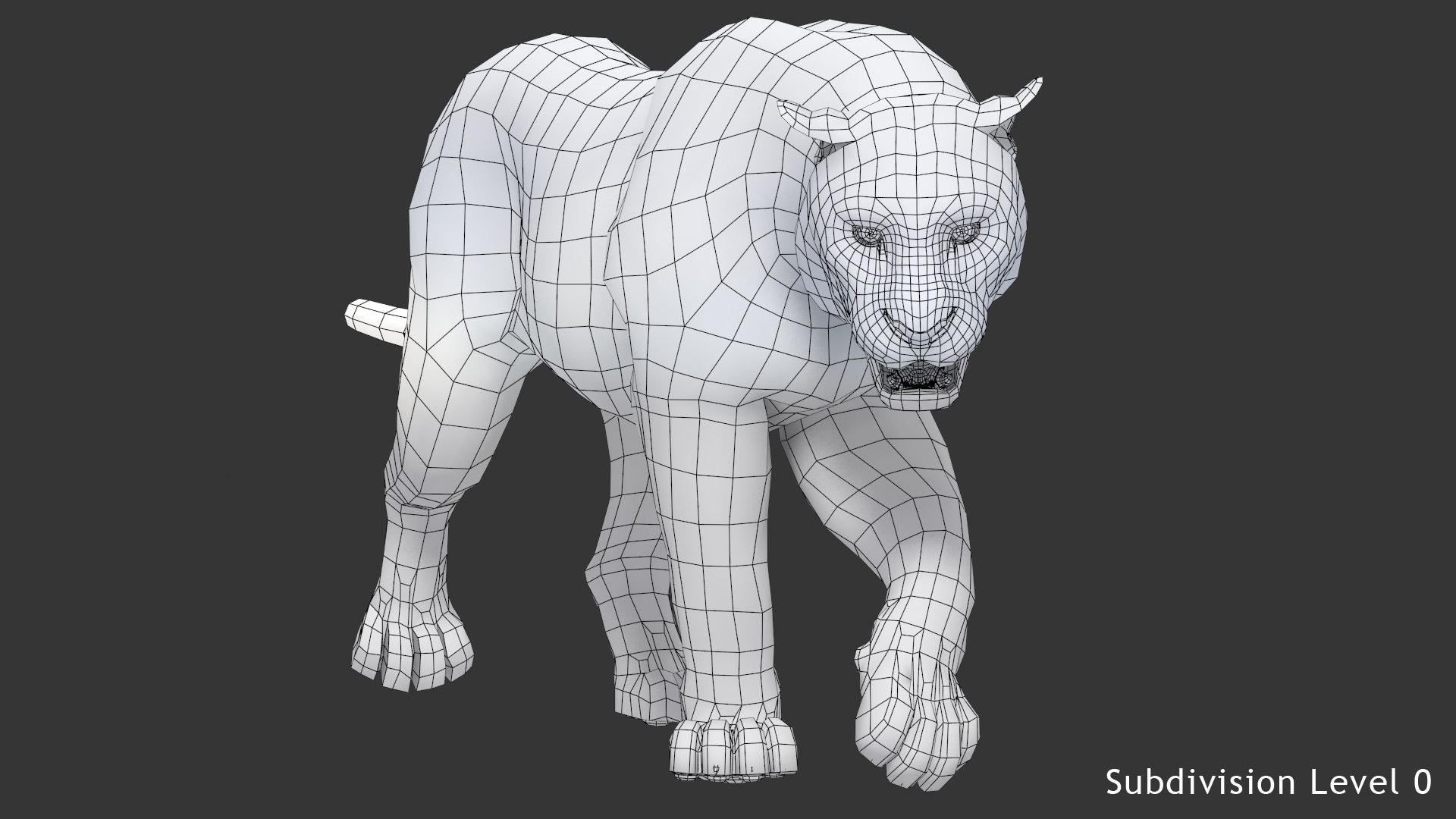
Polygons 8,428
Vertices 8,641
Polygonal Quads Only
Textures
Materials
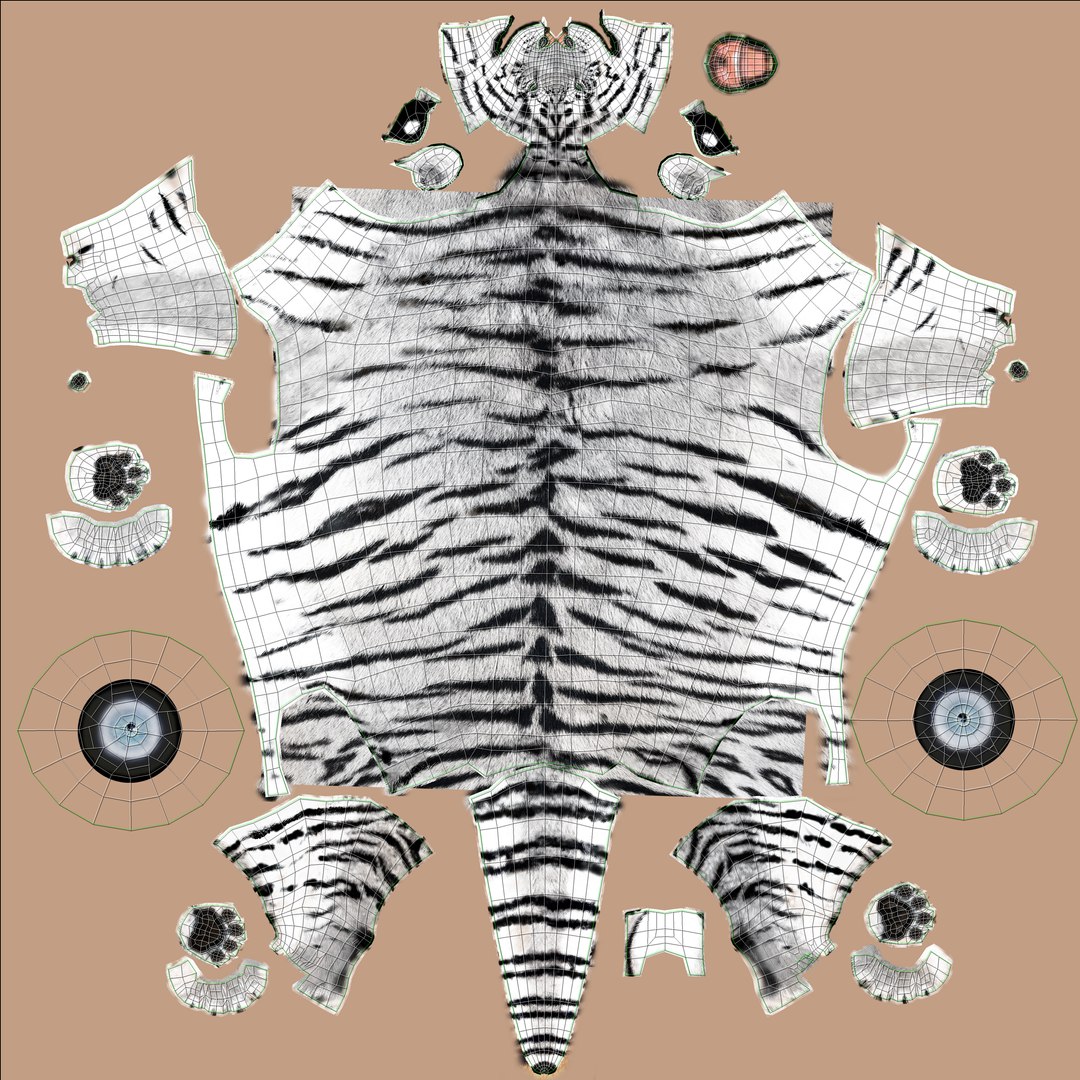
UV Mapped
Non-overlapping Unwrapped UVs
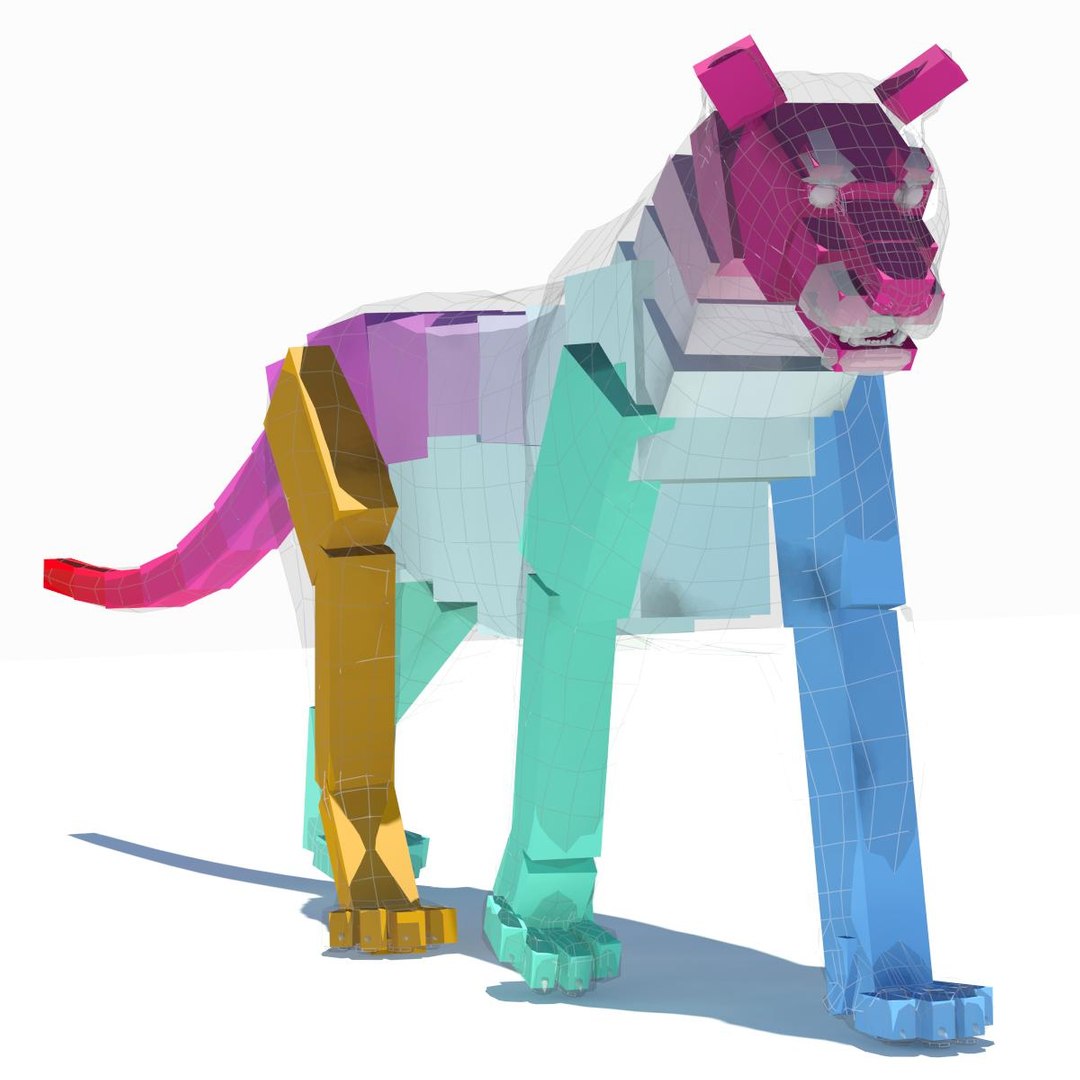
Rigged
Animated

member avatar
PROmax3D
340 Products | Contributor Since 2008
Have questions? Chat with us now.

Description

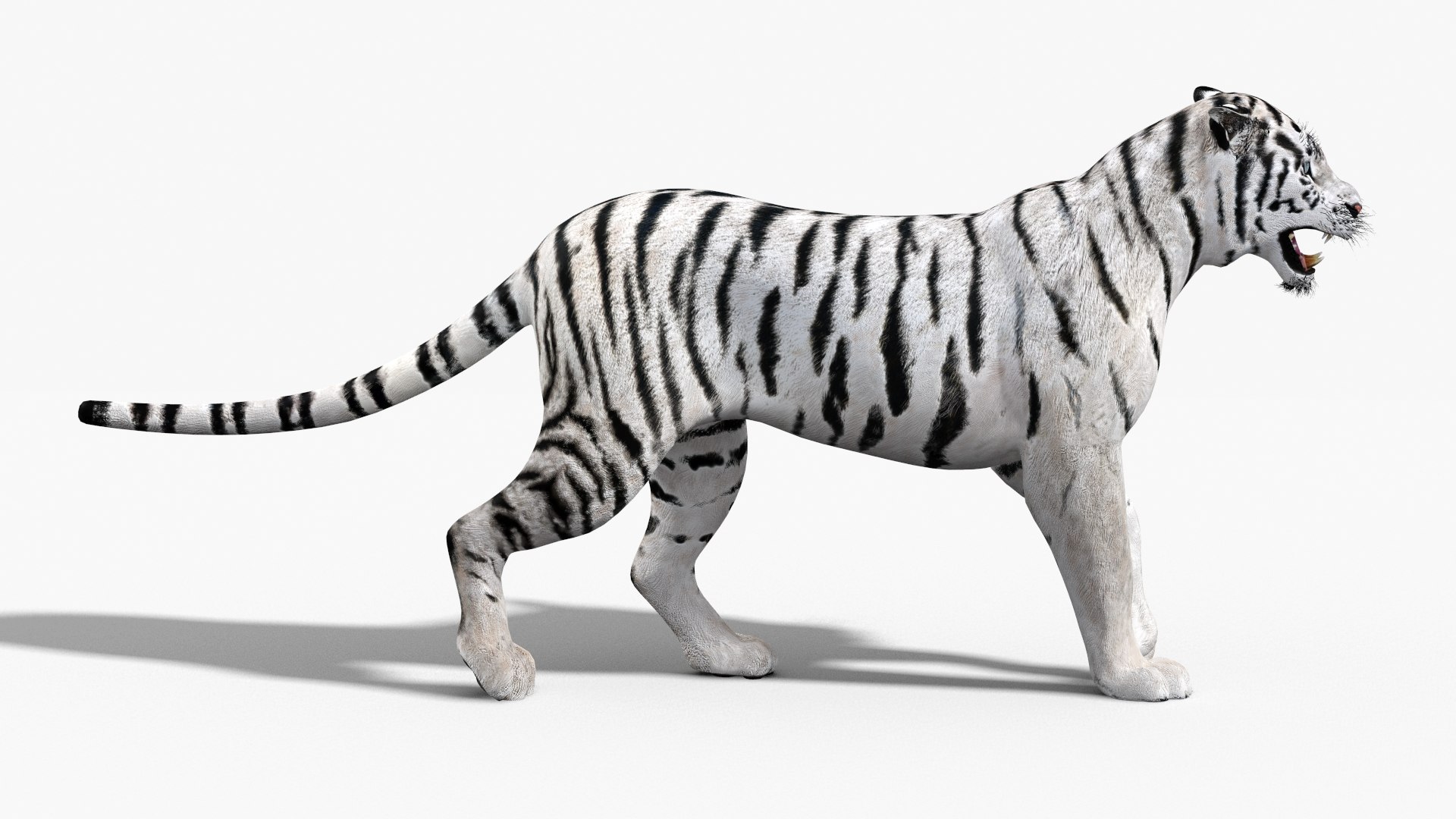
Animated White Tiger 3D Model

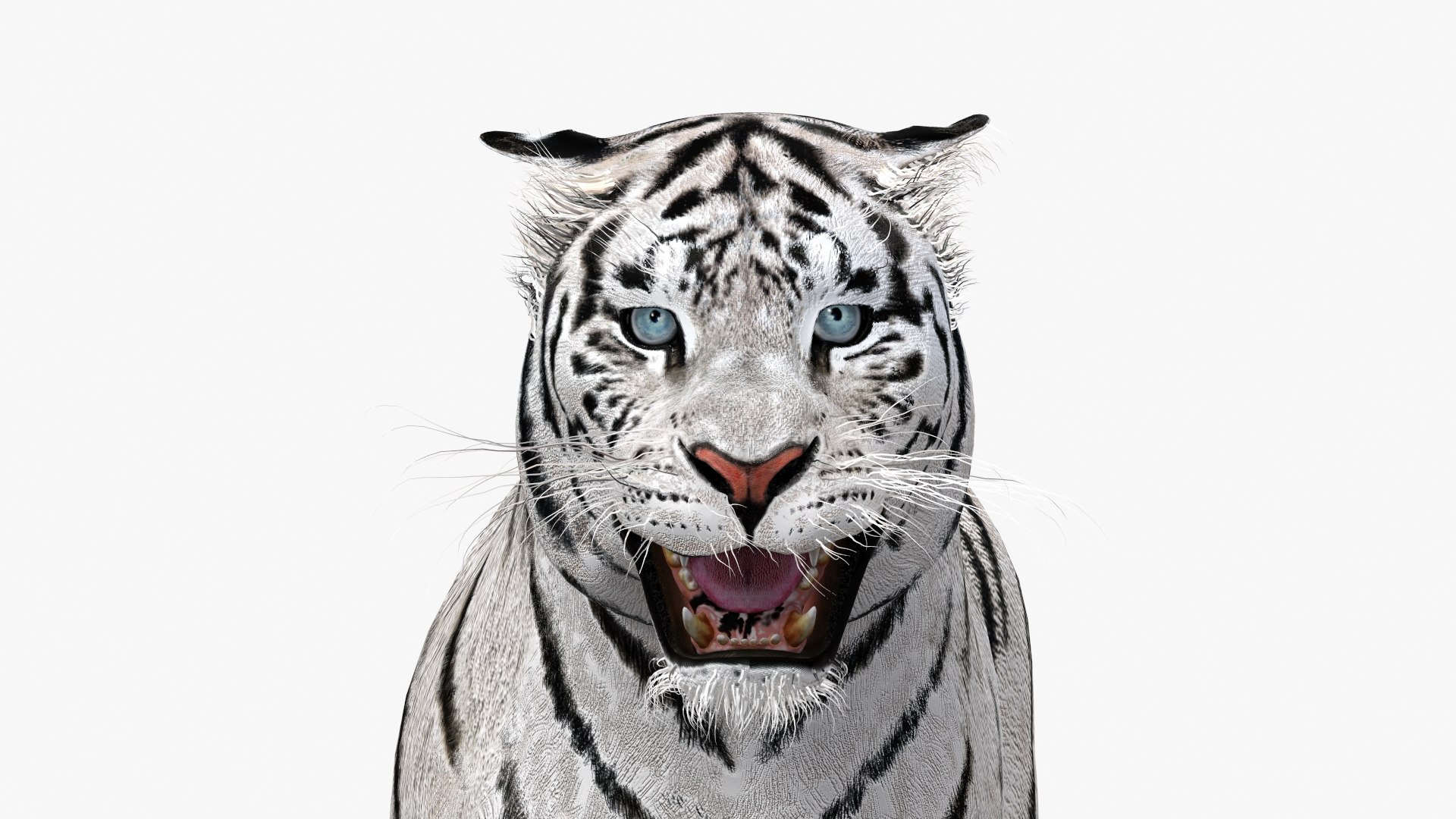
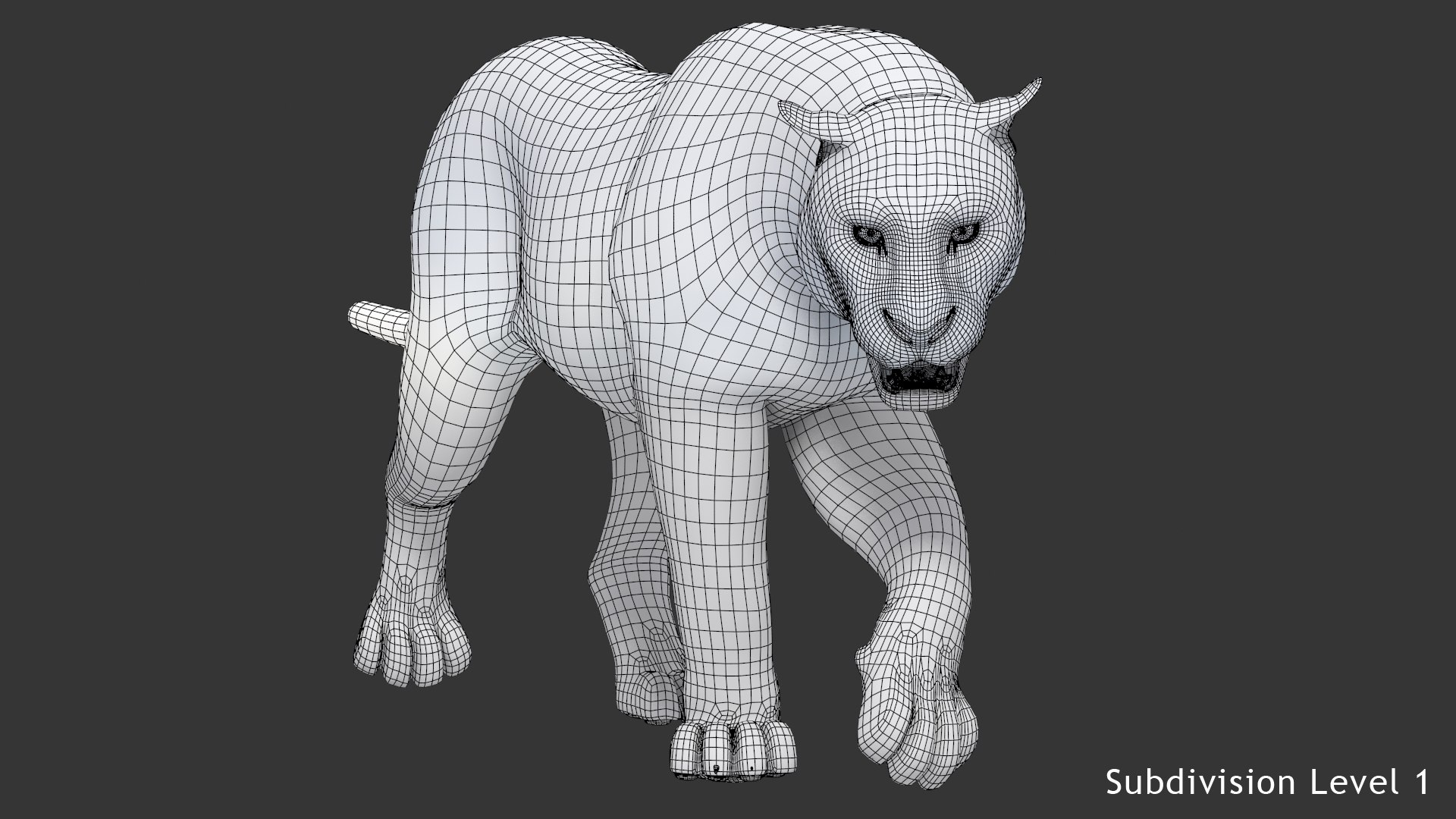
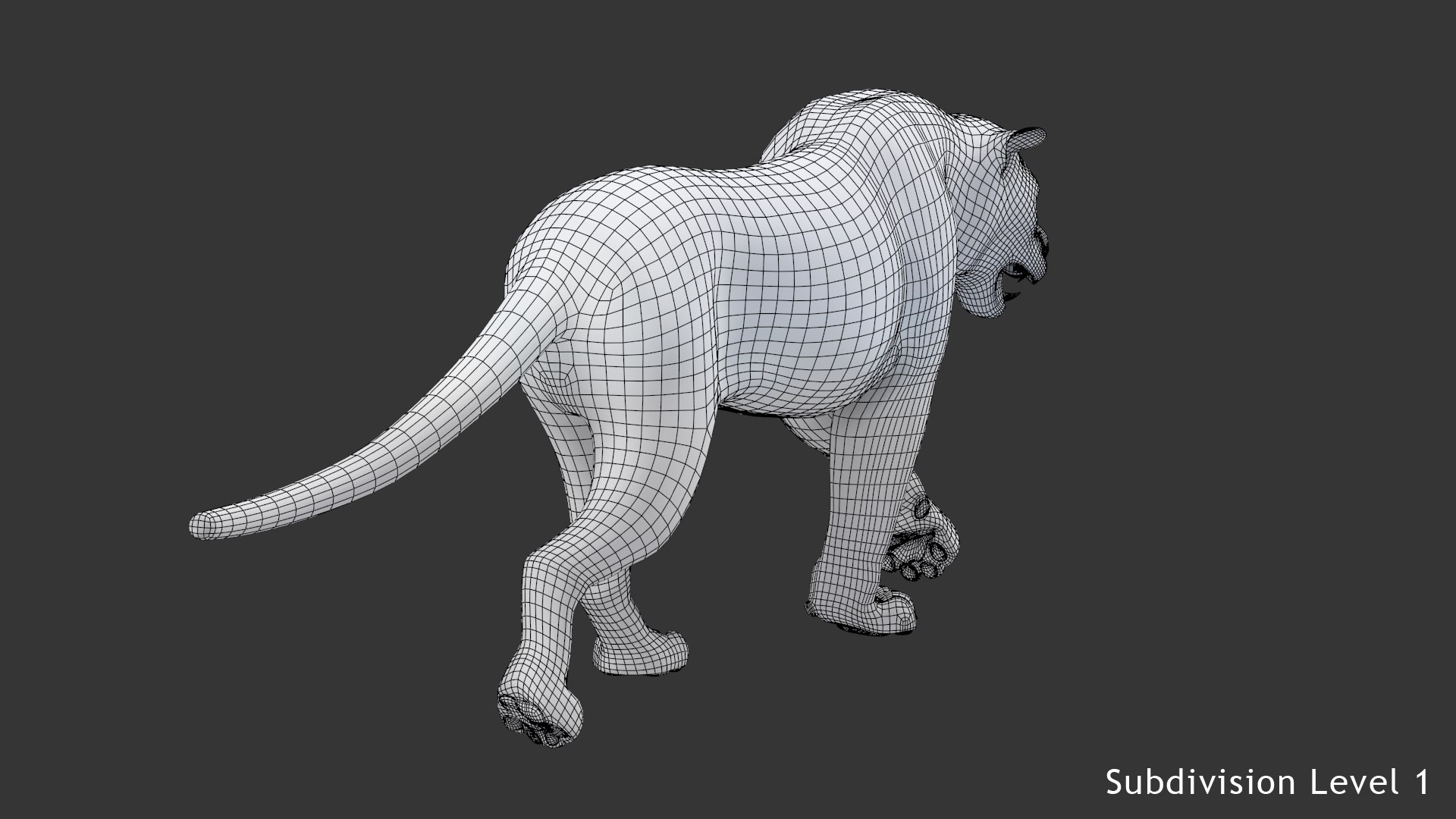
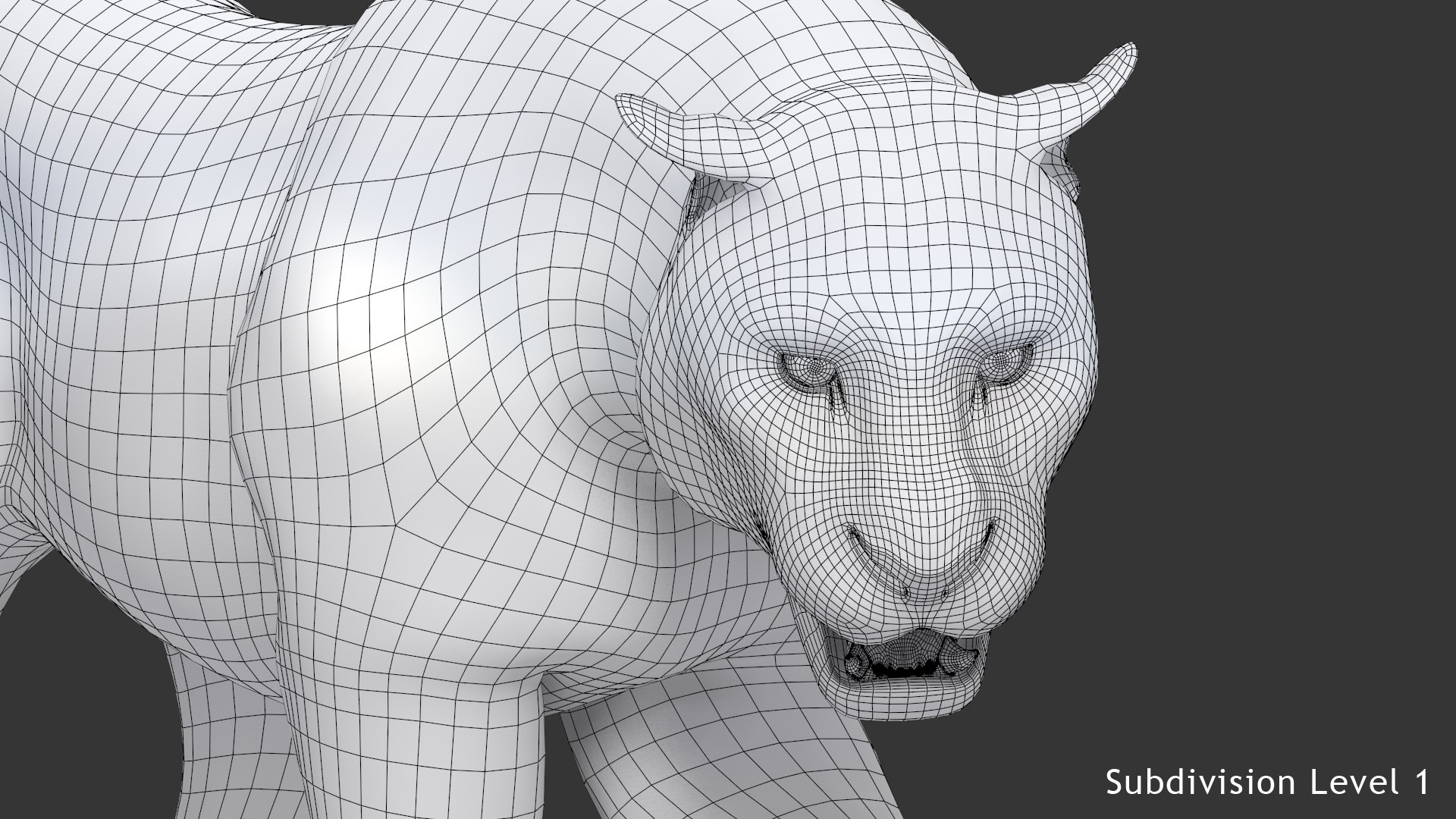
Animated White Tiger - is a high-quality 3d model to add more details and realism to your rendering projects. Fully rigged and animated 3d model of tiger. Fully detailed, and textured 3d model. Detailed enough for close-up renders.

High Detailed Photo Realistic Tiger - Fully rigged and animated, completely UV mappe, and smoothable, made with 3ds Max.

Features:

  • Body, teeth, eyes and claws are modeled separately.
  • High-quality polygonal model - correctly scaled accurate representation of the original objects.
  • Display Unit Scale is set to Metric - Meters.
  • Objects are contained in a layer structure, with the layer having the same name as the product.
  • Model resolutions are optimized for polygon efficiency (in 3ds Max the Mesh Smooth function can be used to increase mesh resolution if necessary).
  • All colors can be easily modified.
  • Model is fully textured with all materials applied.
  • All textures and materials are included and mapped in every format.
  • Max models grouped for easy selection & objects are logically named for ease of scene management.
  • No part-name confusion when importing several models into a scene.
  • No cleaning up necessary, just drop model into your scene and start rendering.
  • No special plug-in needed to open scene.

Textures formats and resolution:

The model is provided with high-resolution texture (color maps are .JPG, and PNG formats):

  • Tiger_Diffuse_White(4096x4096)
  • Hair_Cut (2048x2048)
  • Hair_Clumped (4096x4096)
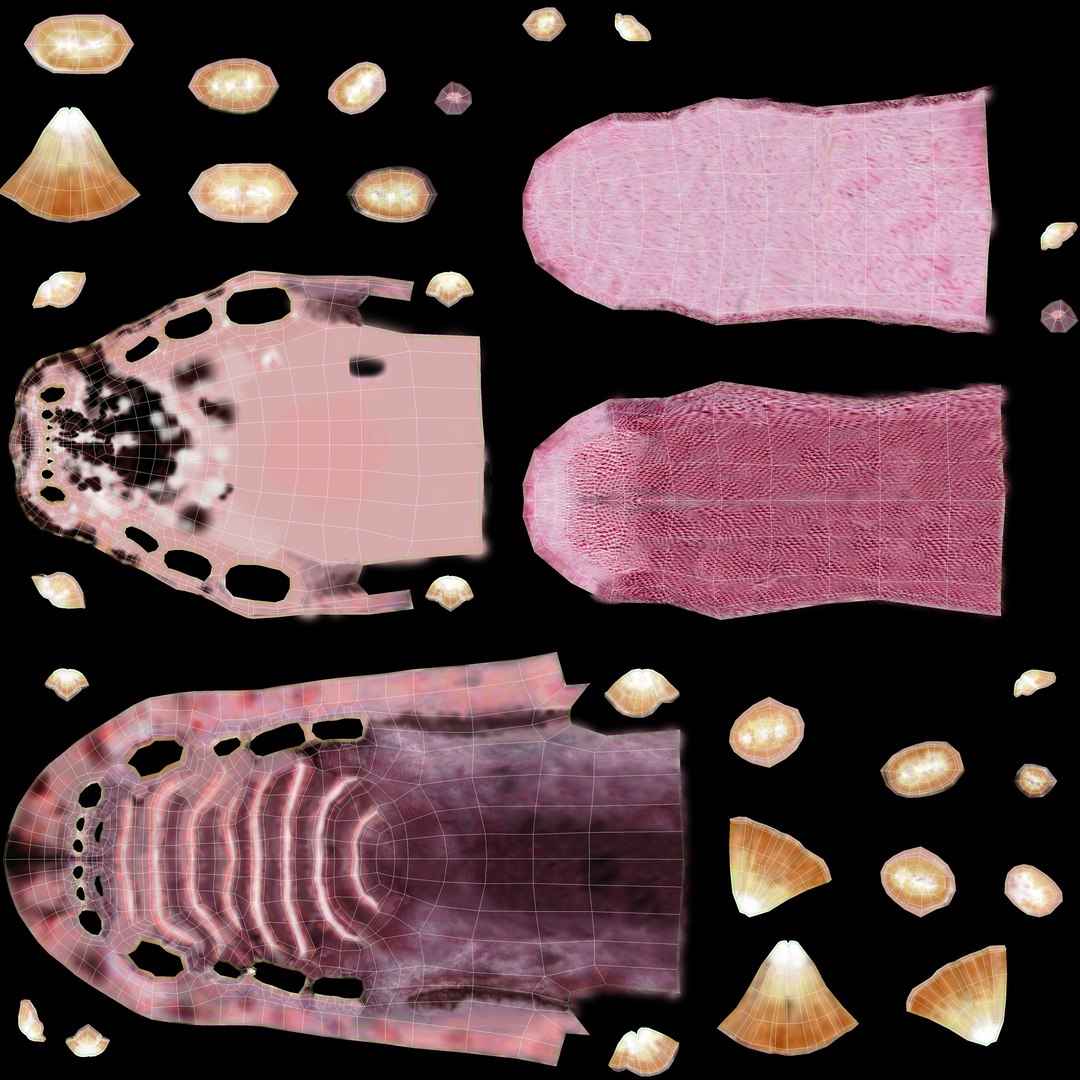
  • Mouth-Diffuse (4096x4096)
  • Mouth-Bump (4096x4096)
  • Mouth-Normal-Map (1024x1024)
  • Nails_UVs (4096x4096)

Rigging and Animation:

To activate the animation you have to select any bone first, then to select "Motion" -> "Layer Manager", after you can select WalkAndRun appropriate motion layer...

Rigging was done via CAT object.
Animation did via CAT Motion and Animation Layers...
Frame Rate is NTSC (FPS:30)


1) WalkAndRun (In CatMotion Editor (the paw icon) you will find tmain tow layers)
- Walk (01-48)
- Run (01-48)
2) +W Walk (Adjustment World - Adjustment for walk cycle)
3) +L Walk (Local Adjustment Layer - Adjustment for walk cycle)
4) +W Run (Adjustment World - Adjustment for turn cycle, that should be enabled only if you are using Run cycle.)
5) +W Ear Motion (Adjustment World - Ear motion)
6) +W Mouth Closed (Adjustment World - Mouth Closed)
7) +W Eyes Closed (Adjustment World - Eyes Closed)
8) Abs Standard Pose (Absolute layer - Standard Pose if needed)
9) Abs Hunting Pose (Absolute layer - Hunting Pose if needed)
10) Abs Attack Pose (Absolute layer - Attack Pose if needed)

Note: Walk and run have their own separate adjustment layers that should be activated depending animals running or walking. Simply turn on or off them.

File formats:

  • 3ds Max 2016 (Mental ray)
  • 3ds Max 2018 (Arnold)
  • 3ds Max 2016 (Default Scanline)
  • 3ds Max 2016 (V-Ray 3.20)
  • OBJ (Multi Format) T-Pose
  • 3DS (Multi Format) T-Pose
  • ABC (Multi Format) T-Pose
  • ABC (Multi Format) Walk Cycle Animation 48 frames
  • ABC (Multi Format) Run Cycle Animation 48 frames
  • FBX (Multi Format) T-Pose
  • FBX (Multi Format) Walk Cycle Animation 48 frames
  • FBX (Multi For

Select Enhanced License

  • $10,000 in Legal Protection (Indemnification)
  • Uncapped Legal Protection (Indemnification)
  • Waiver from injunctive relief
  • Assignable model rights
  • $1,000,000 in Legal Protection (Indemnification)
  • Waiver from injunctive relief
  • Assignable model rights
  • $250,000 in Legal Protection (Indemnification)
  • Assignable model rights
Read more about enhanced license tiers, or contact us at enterprise@turbosquid.com. Already a Shutterstock Enterprise Customer? Contact your Shutterstock Sales Support Agent to talk about adding 3D.

About Conversion Requests

To submit a conversion request for a purchased asset, please complete our Conversion Request Form.

If you have not yet purchased a model, please review our Documentation about Conversions to learn about what limitations you may encounter with a conversion.

For any additional questions about a model’s suitability for conversion, please contact TurboSquid Support.

Loading...