
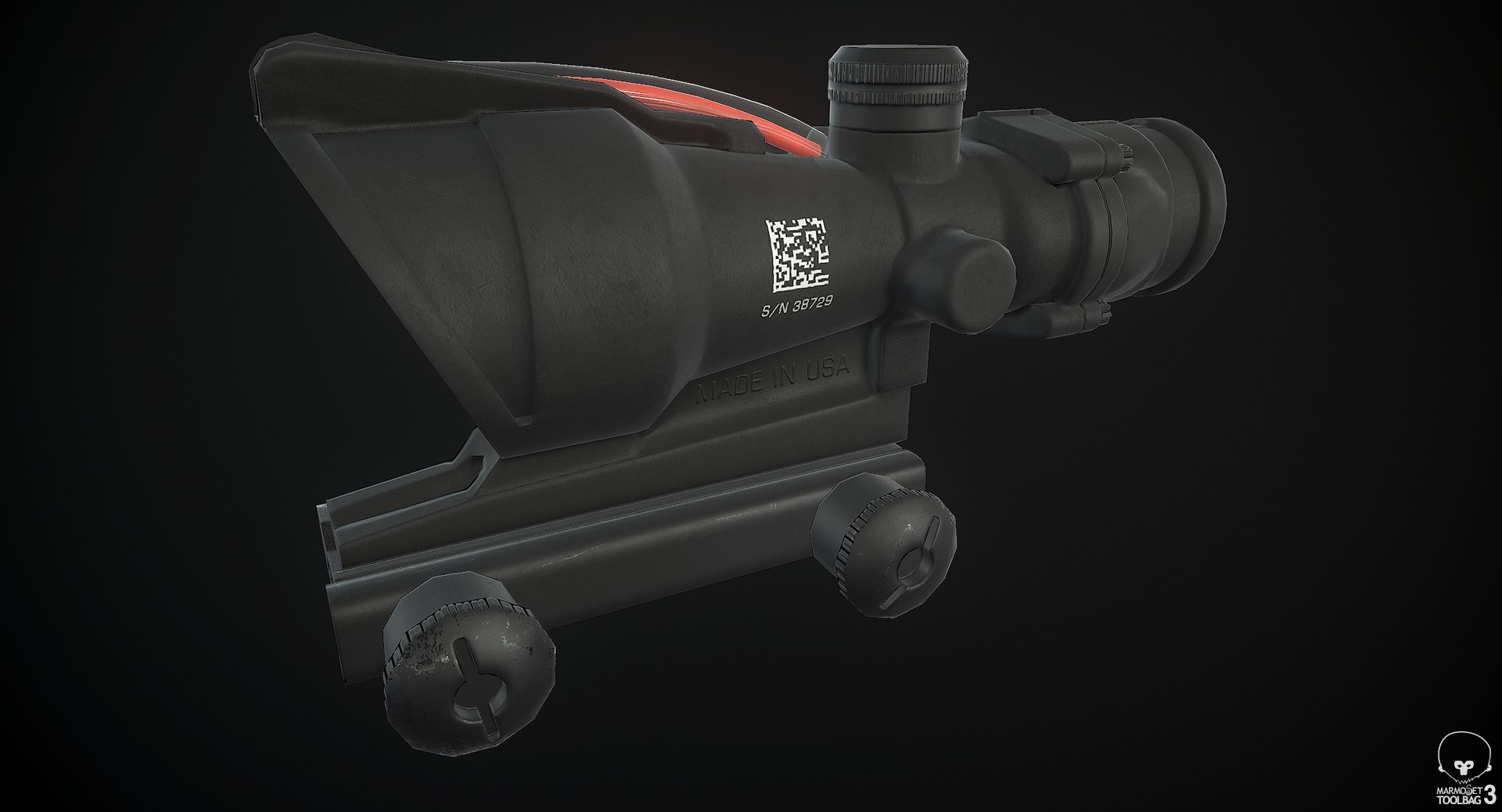
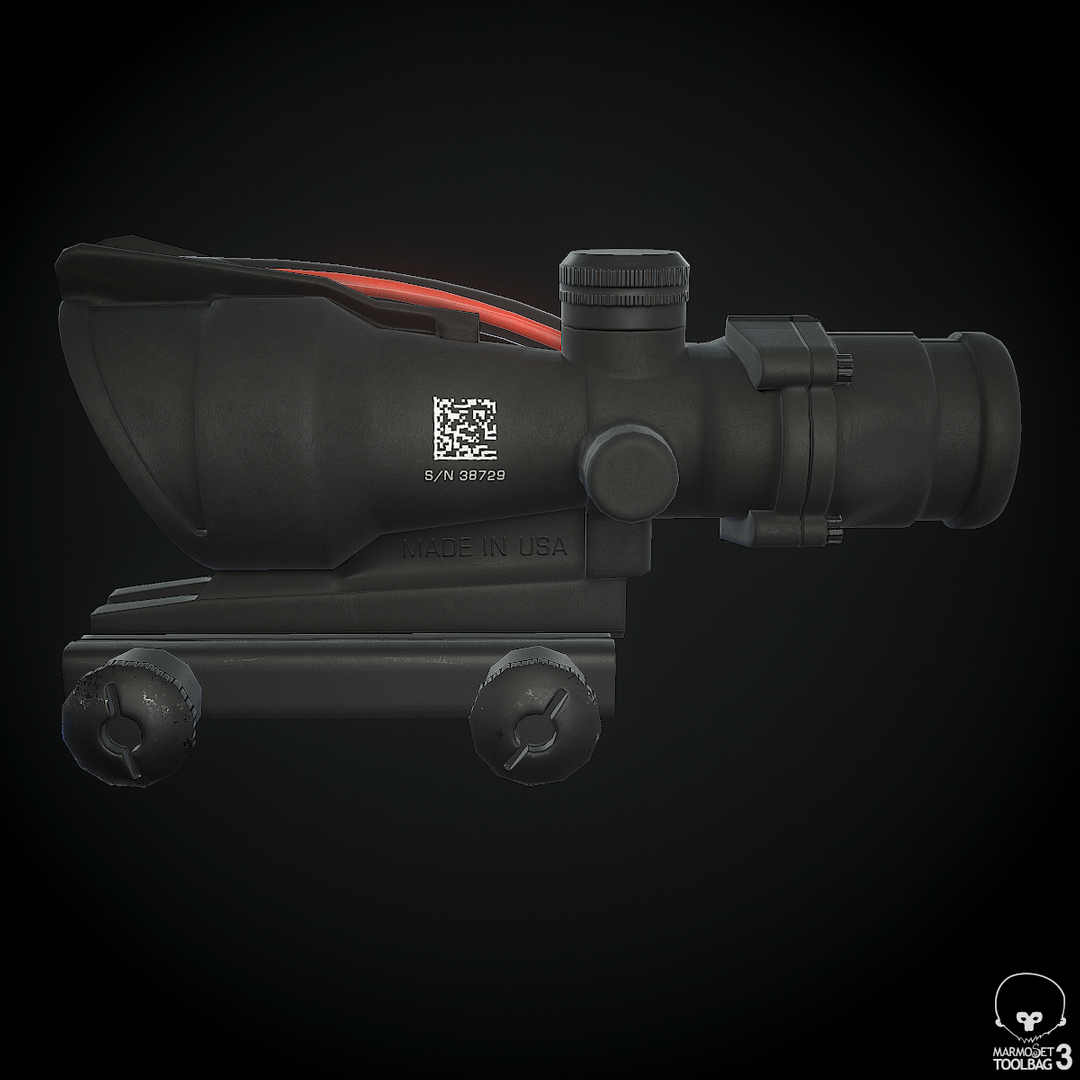
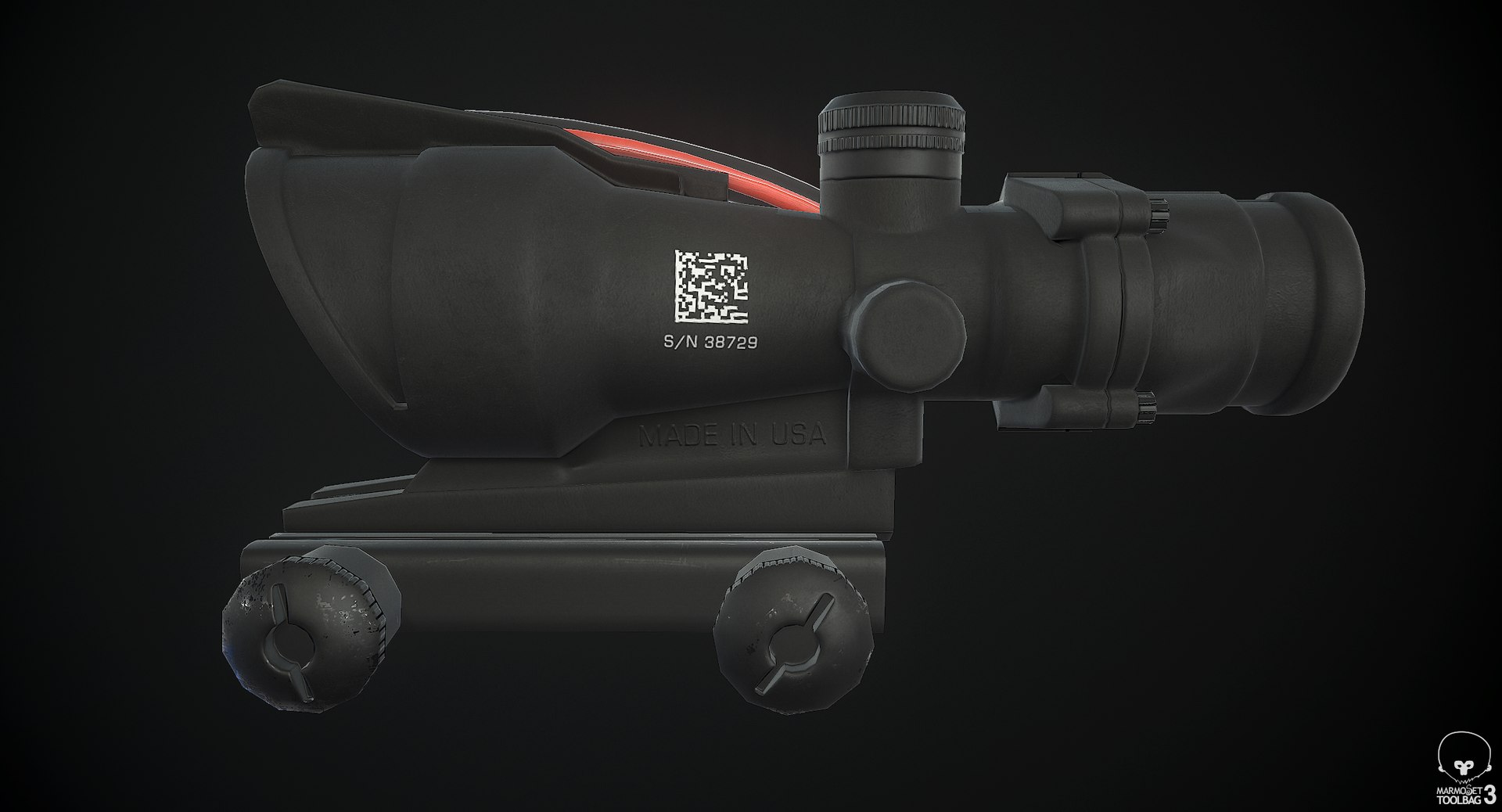
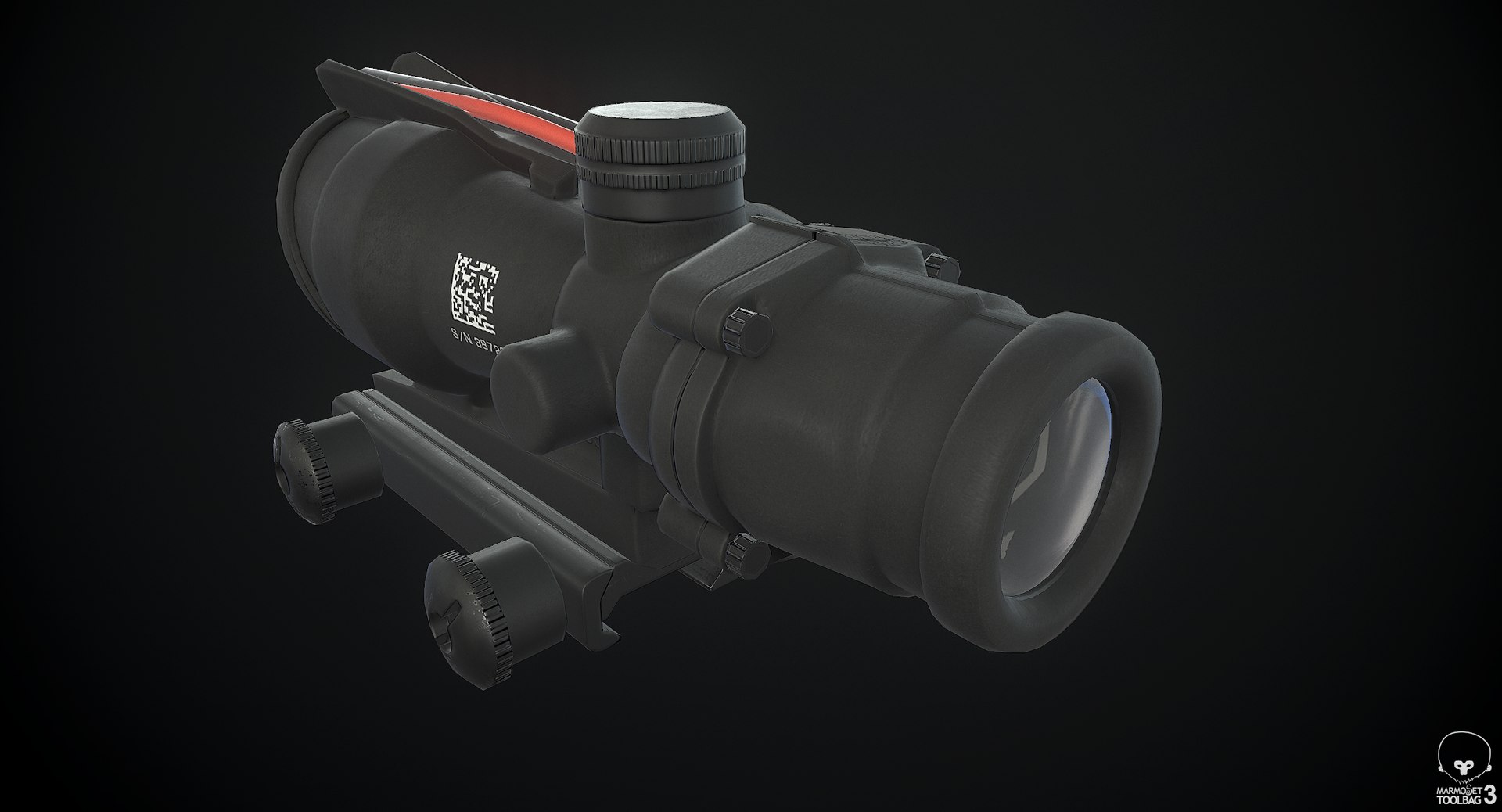
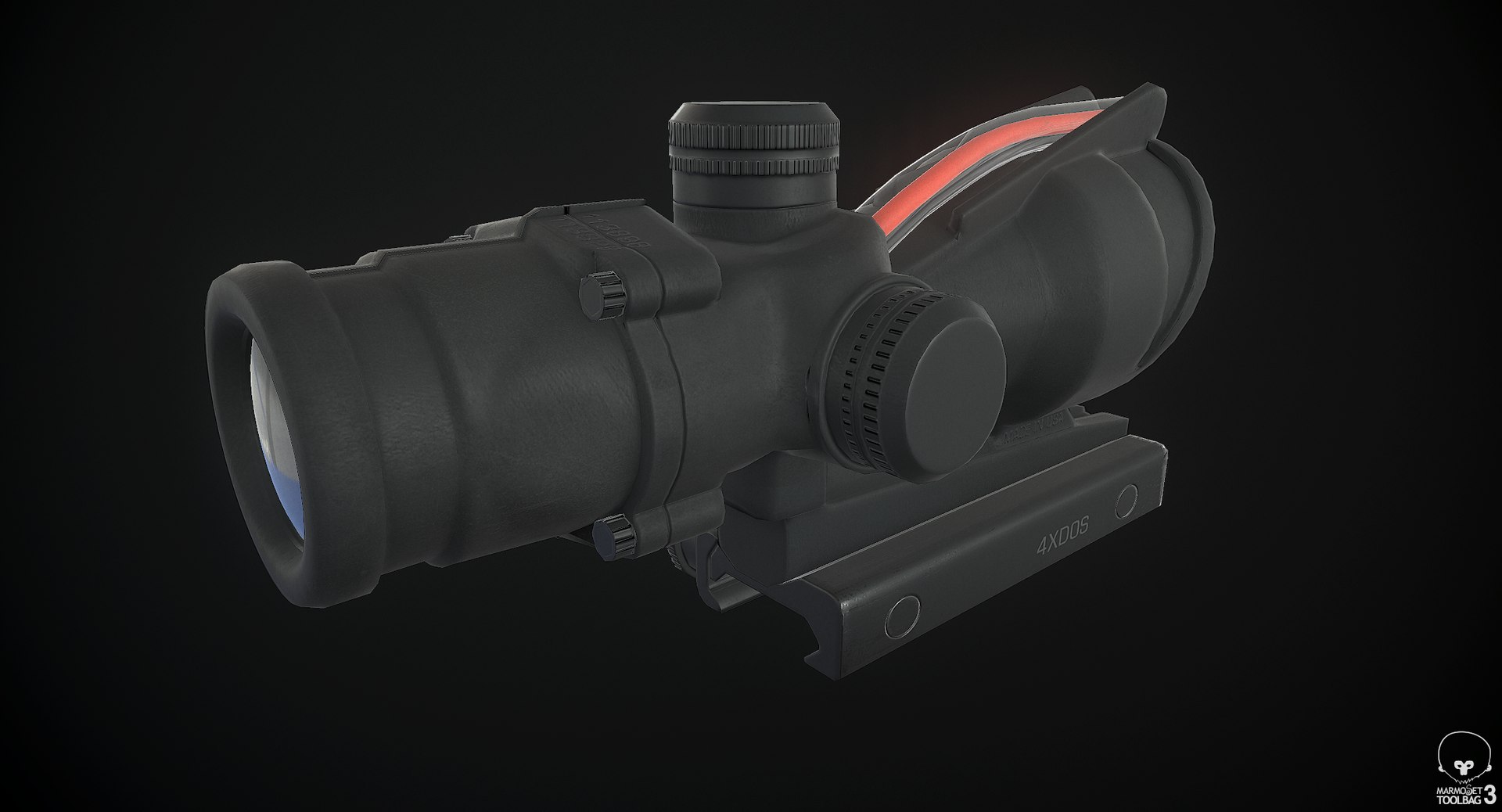
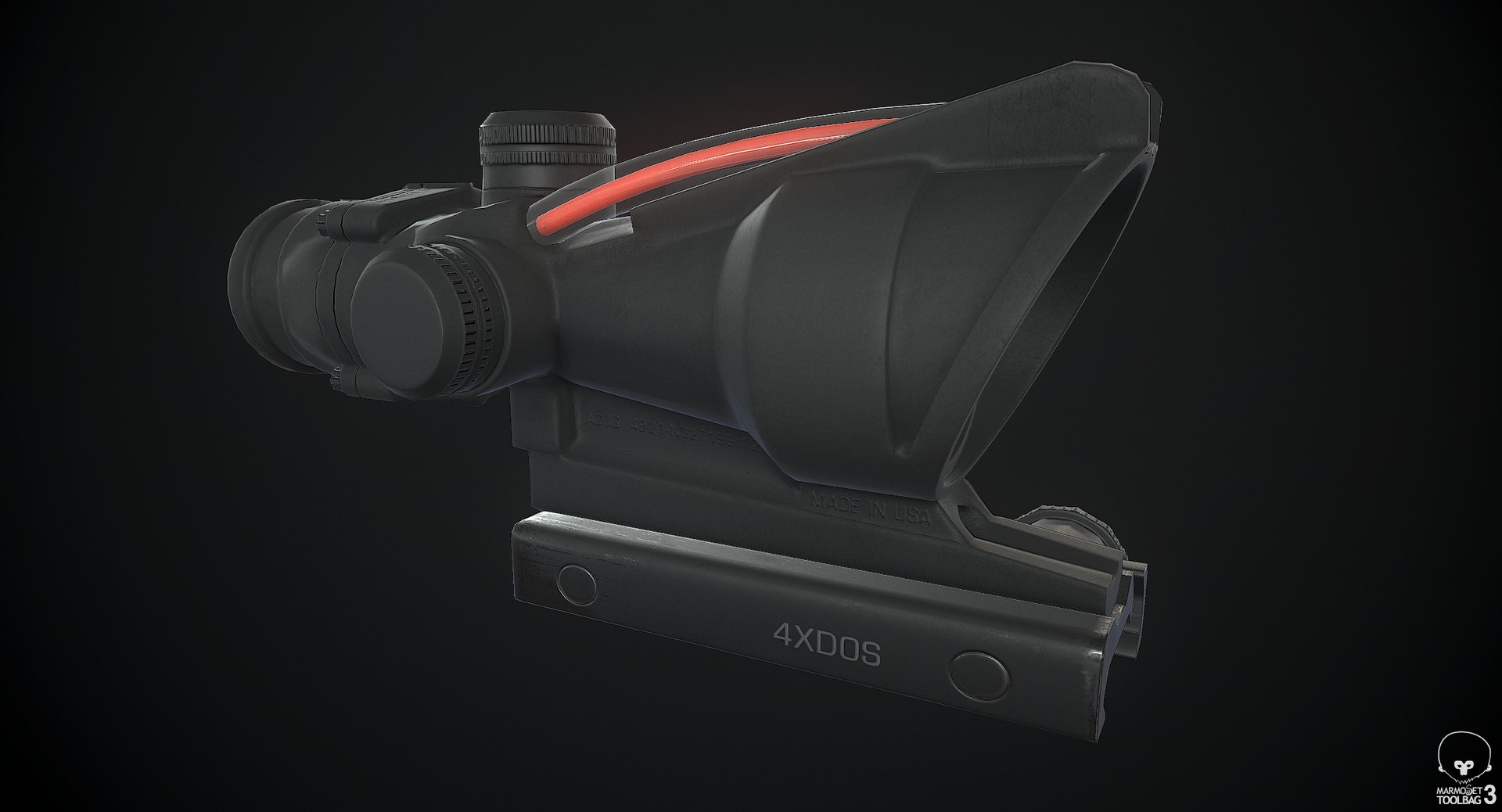
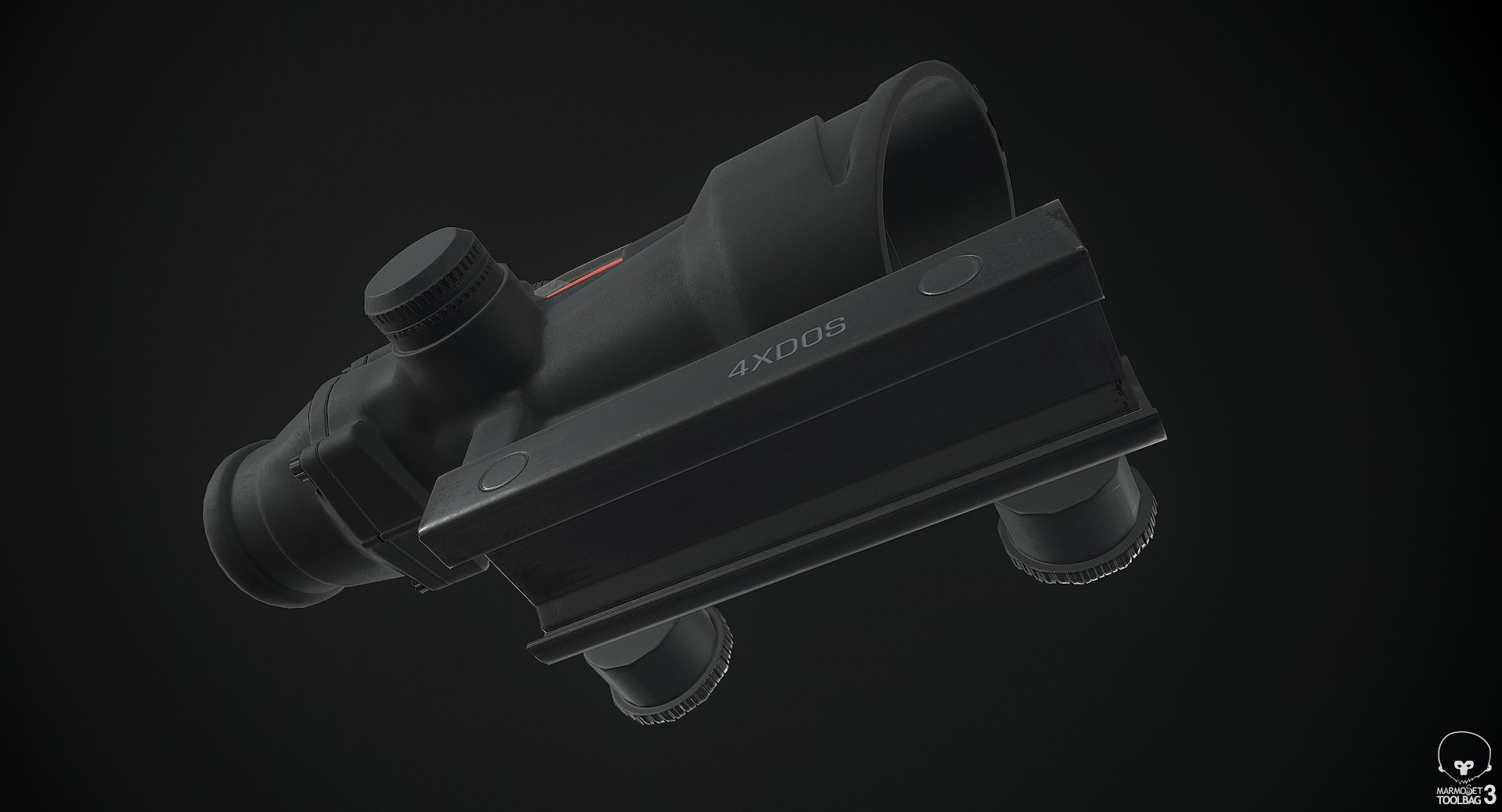
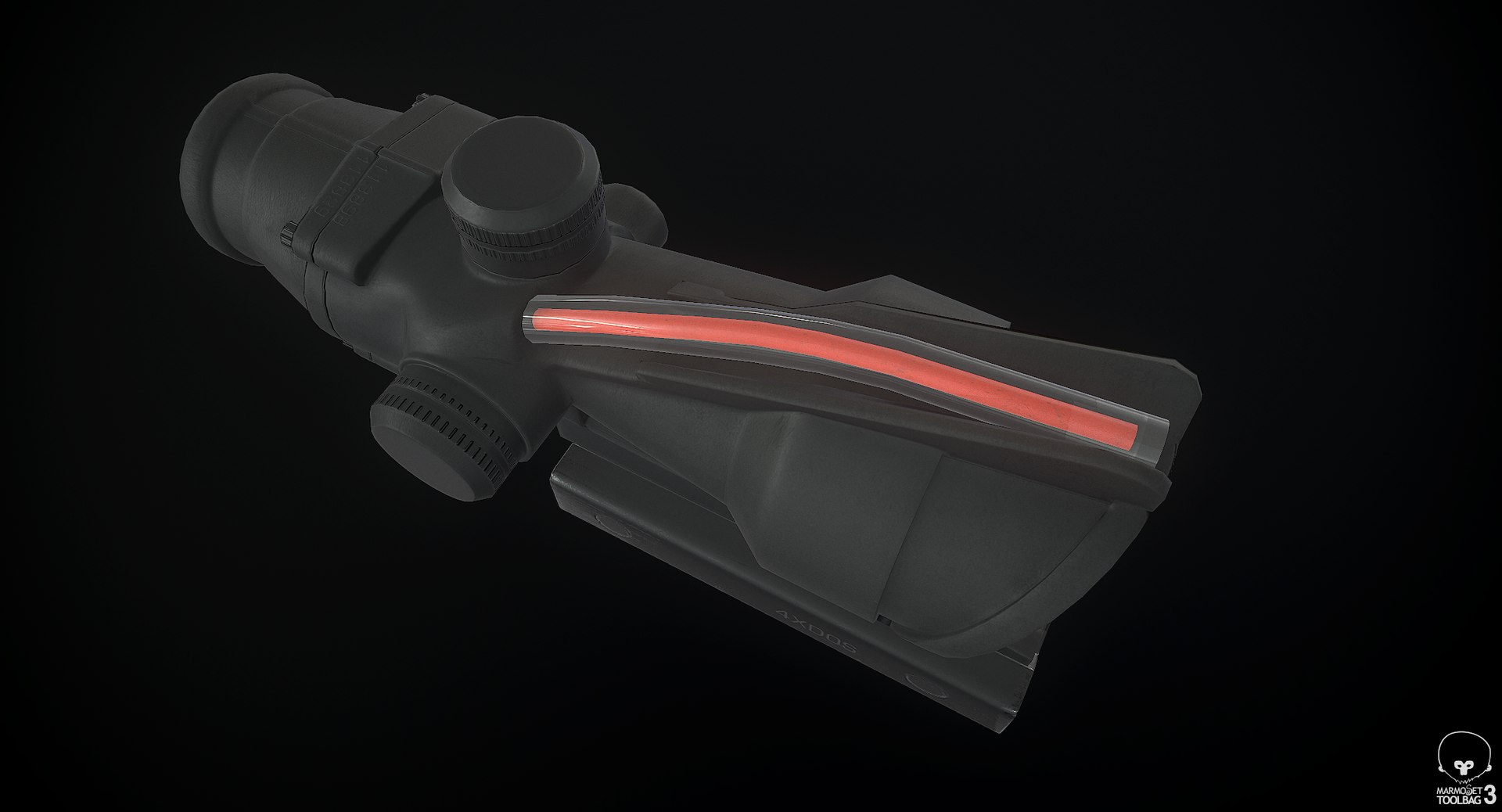
ACOG Scope

$24

Standard License | Upgrade License
Editorial Uses Only
Formats (3)
Free file format Conversions available
Native | 3ds Max 2016 | Default Scanline
FBX
OBJ
Specifications
Publish Date March 19, 2015
Product ID 907667
Polygons 2,263
Vertices 1,980
Polygonal Quads/Tris Geometry
Textures
Materials
UV Mapped
Overlapping Unwrapped UVs
PBR

member avatar
Luchador
279 Products | Contributor Since 2009
Have questions? Chat with us now.

Description

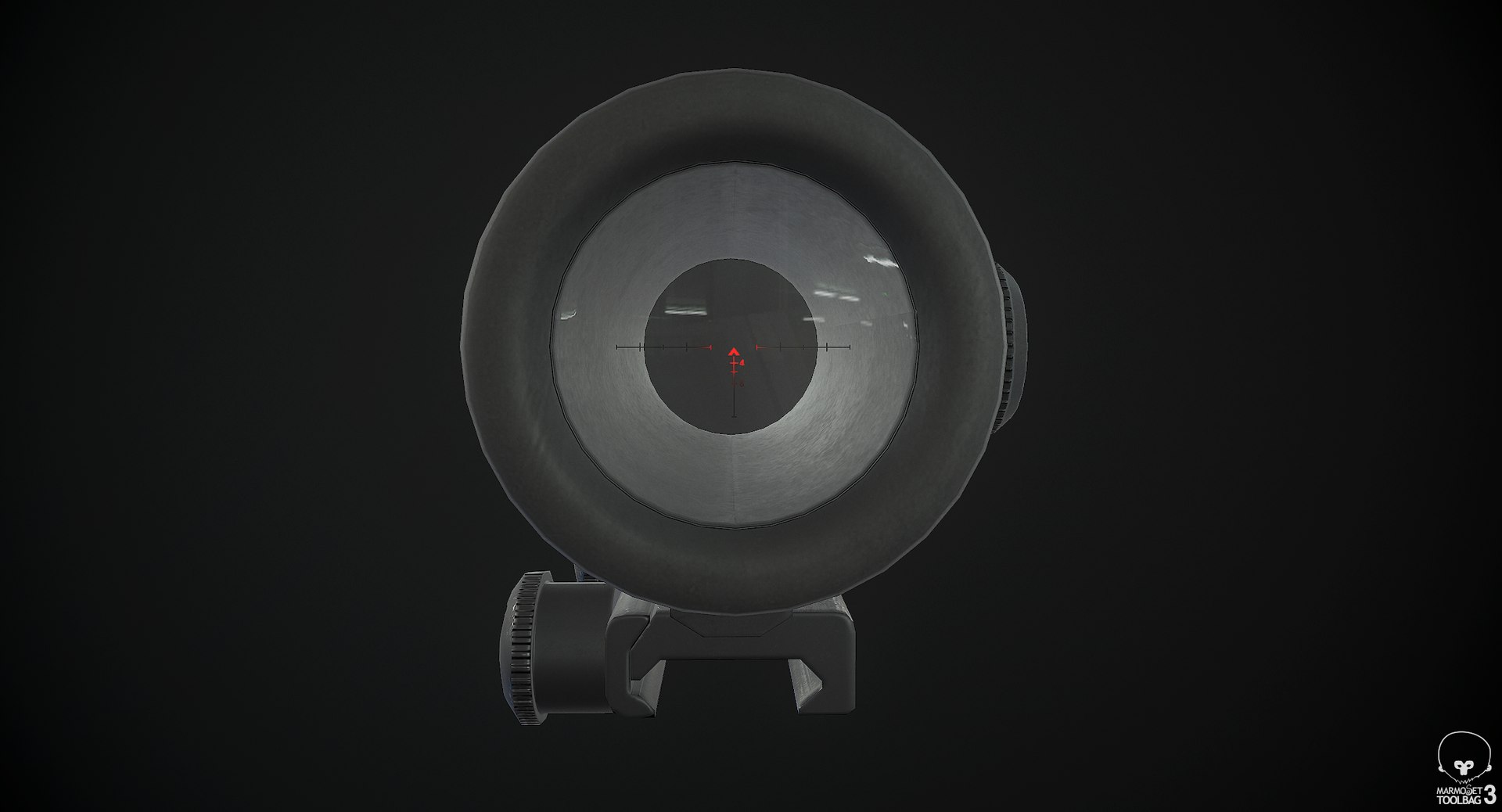
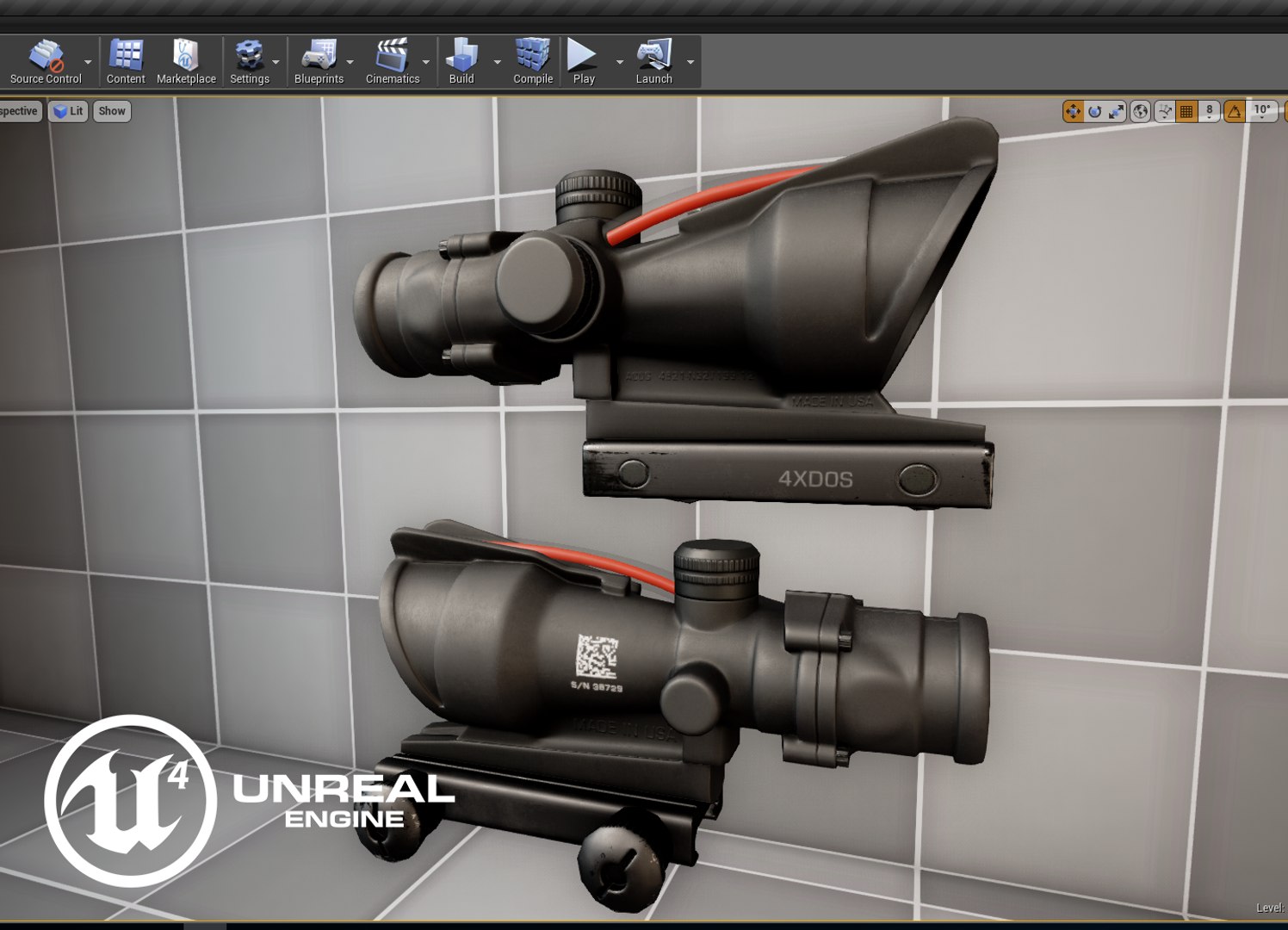
ACOG Scope is a high quality, low poly asset originally modeled in 3DS Max 2016. The normal map was baked from a high poly model, making this product look very detailed without using many polygons. This product is intended for game/real time/background use. This model is not intended for subdivision.

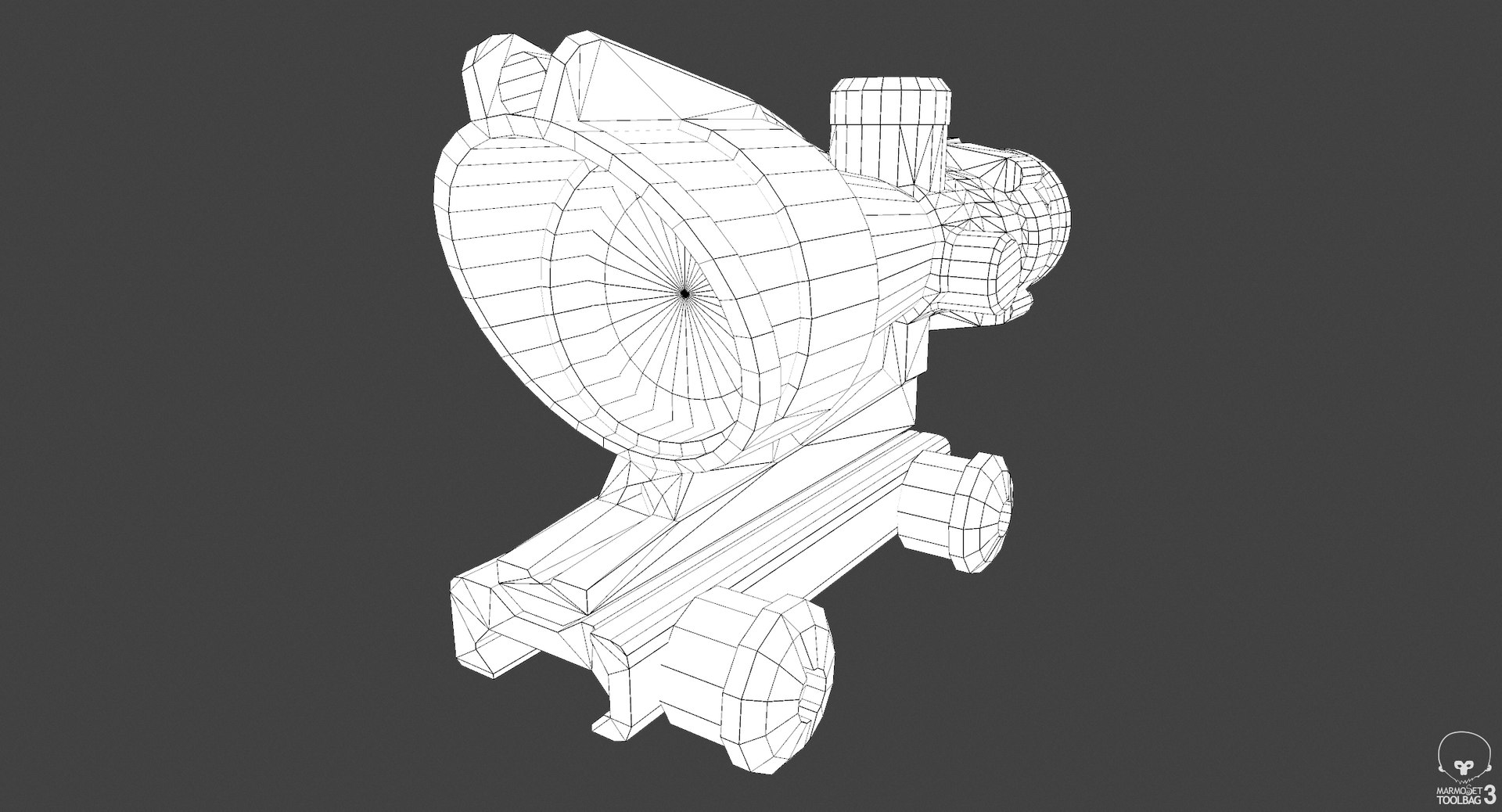
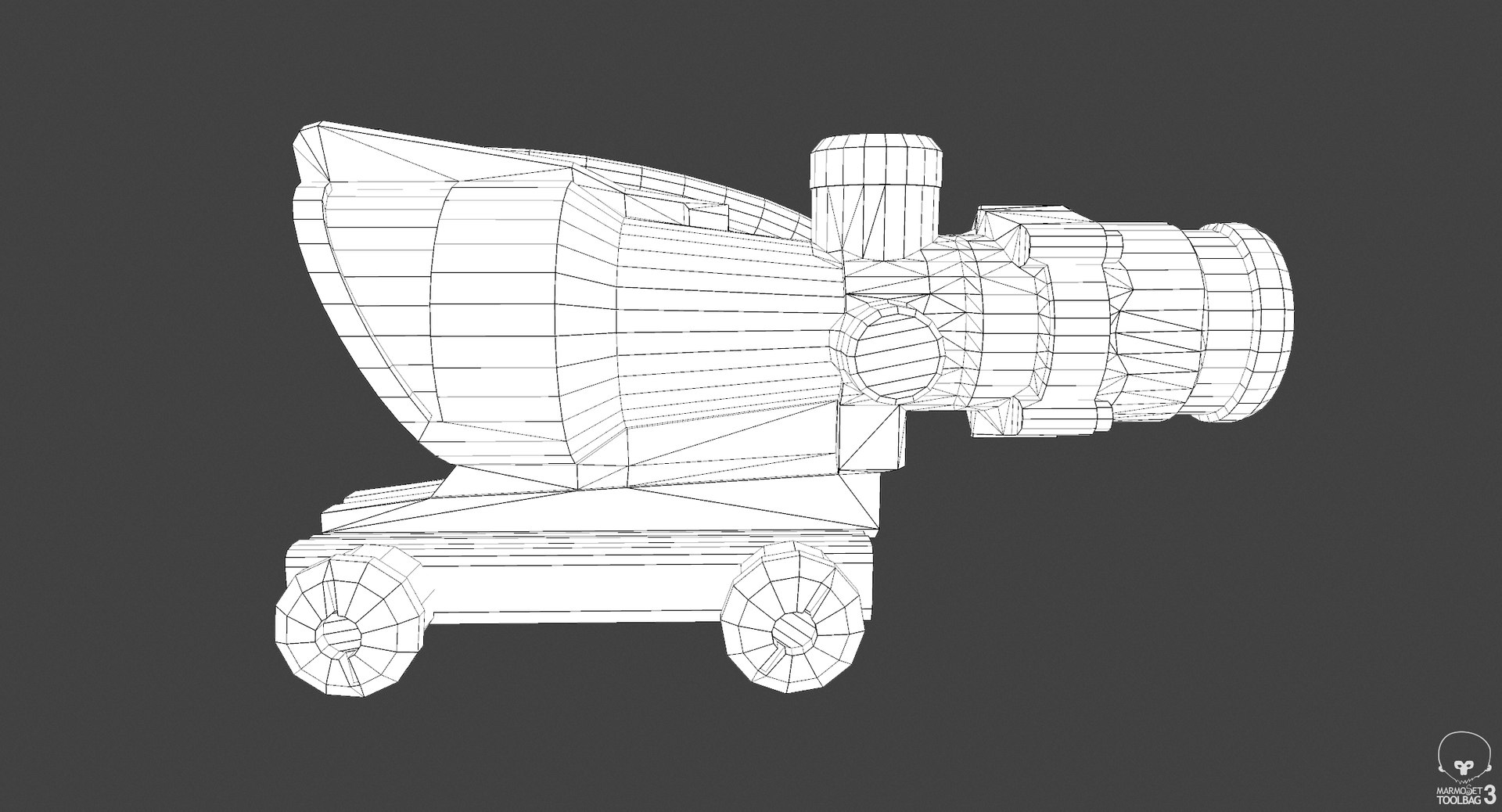
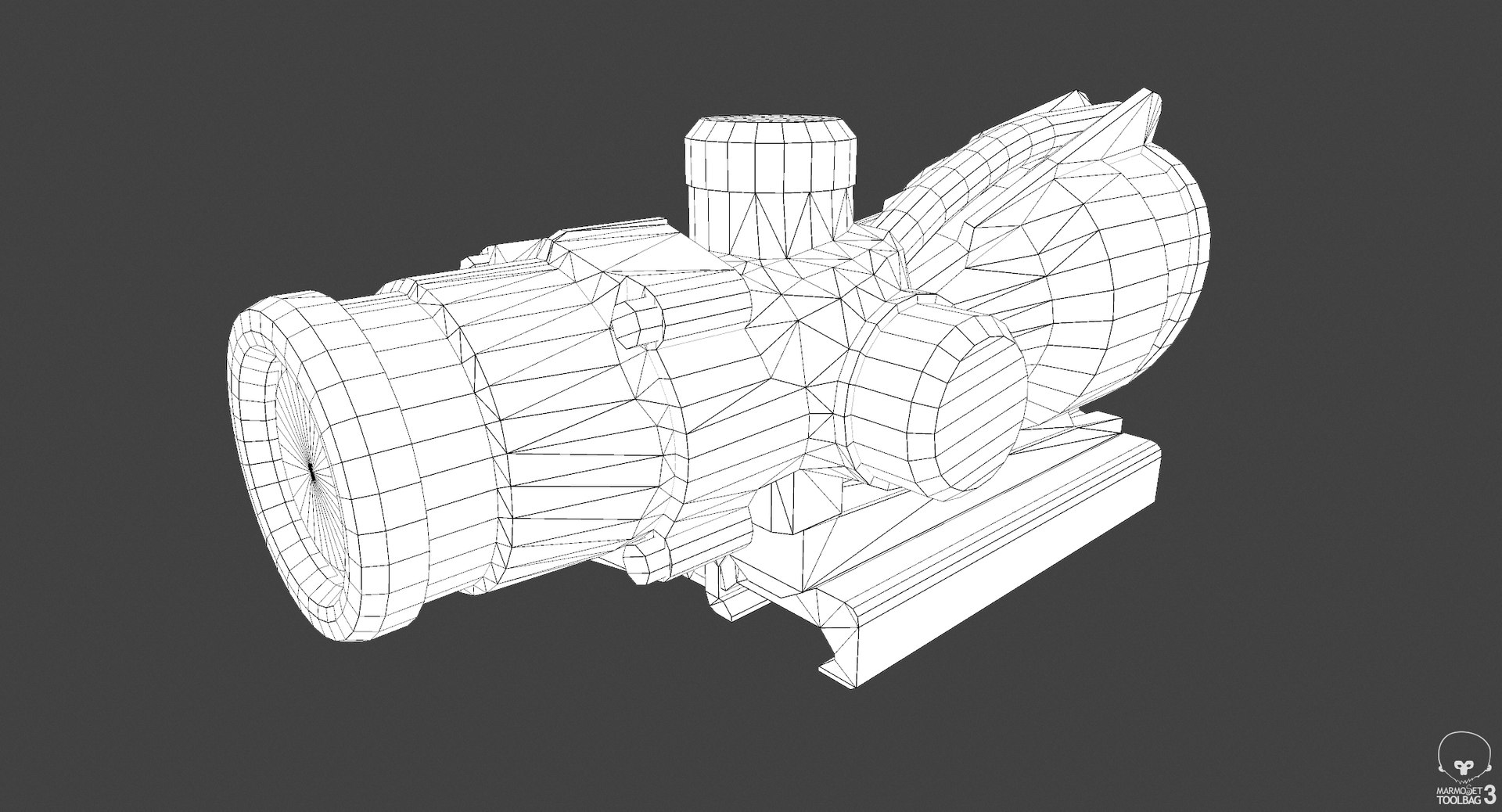
The main renders and wireframes were done in Marmoset Toolbag 3. Default renders in 3ds Max will NOT look like the preview images. The Marmoset scenes for the renders and wireframes ARE included with the model.


||SPECS||

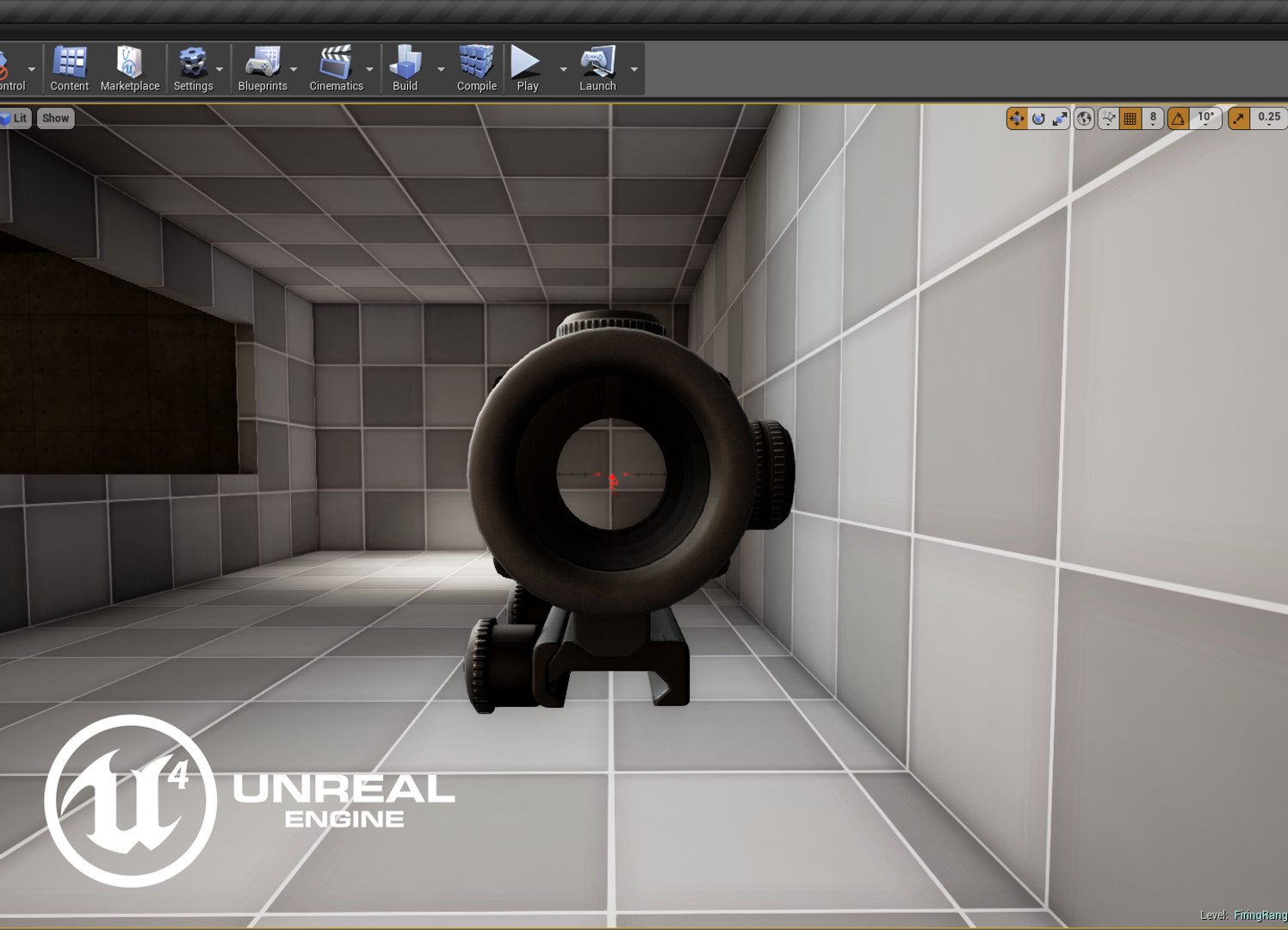
This model uses three different materials. One main material, one for the glass, and one for the reticle. The exact implementation of this will change between game engines, but the main material and glass material use the same textures. The reticle has its own textures.

|| Geometry ||

ACOG:
-3772 tris
-2263 polys
-1980 verts

Polygons are all quads or tris, no n-gons
Model unwrapped manually to make most efficient use of the UV space.
All materials and objects named appropriately
Scaled to approximate real world size (inches)
Dimensions: 3'' x 5.8'' x 2.3''
Tested in Marmoset Toolbag 2 (see renders)
Tested in Unreal Engine 4
No special plug-ins needed to use this product
.obj and .fbx versions exported from 3ds Max 2016

|| Textures ||

ACOG: 2048x2048 diffuse, roughness, metalness, normal and AO (ambient occlusion) maps

Reticle: 512x512 emissive and opacity maps

There is a separate download of the textures in specular/gloss PBR format for those who prefer that setup.

Textures designed for physically based rendering (PBR)
Textures in .tga format
Model texture paths are stripped

I have exported specialized texture maps for Unreal Engine 4. See the extra downloads section for those textures and instructions on using them.


* Unfortunately there is no universal standard for normal map orientation between game engines. If the normals don't look correct try inverting the green channel of the normal map in an image editor.

Select Enhanced License

  • $10,000 in Legal Protection (Indemnification)
  • Uncapped Legal Protection (Indemnification)
  • Waiver from injunctive relief
  • Assignable model rights
  • $1,000,000 in Legal Protection (Indemnification)
  • Waiver from injunctive relief
  • Assignable model rights
  • $250,000 in Legal Protection (Indemnification)
  • Assignable model rights
Read more about enhanced license tiers, or contact us at enterprise@turbosquid.com. Already a Shutterstock Enterprise Customer? Contact your Shutterstock Sales Support Agent to talk about adding 3D.

About Conversion Requests

To submit a conversion request for a purchased asset, please complete our Conversion Request Form.

If you have not yet purchased a model, please review our Documentation about Conversions to learn about what limitations you may encounter with a conversion.

For any additional questions about a model’s suitability for conversion, please contact TurboSquid Support.

Loading...