•••••••••••••••••••••••••••••••••••••••••••••••••••••••••••••••••••••••••••••••••••••••••••••••••••••••••••••••••••
To use our product you need 3ds Max 2010 or higher, and V-Ray 2.0 or higher.
An archive of an album, interior, model or set is organized in similar way. It includes:
- scene file containing XRef objects;
- scene file containing all the uploaded models;
- folder containing all textures used in the projects;
- folder containing original models for XRed objects in the scene and corresponding branding text files;
- folder containing pre-calculated solutions of LC/IM for interior scenes;
- folder containing pre-sets of render settings for interior scenes;
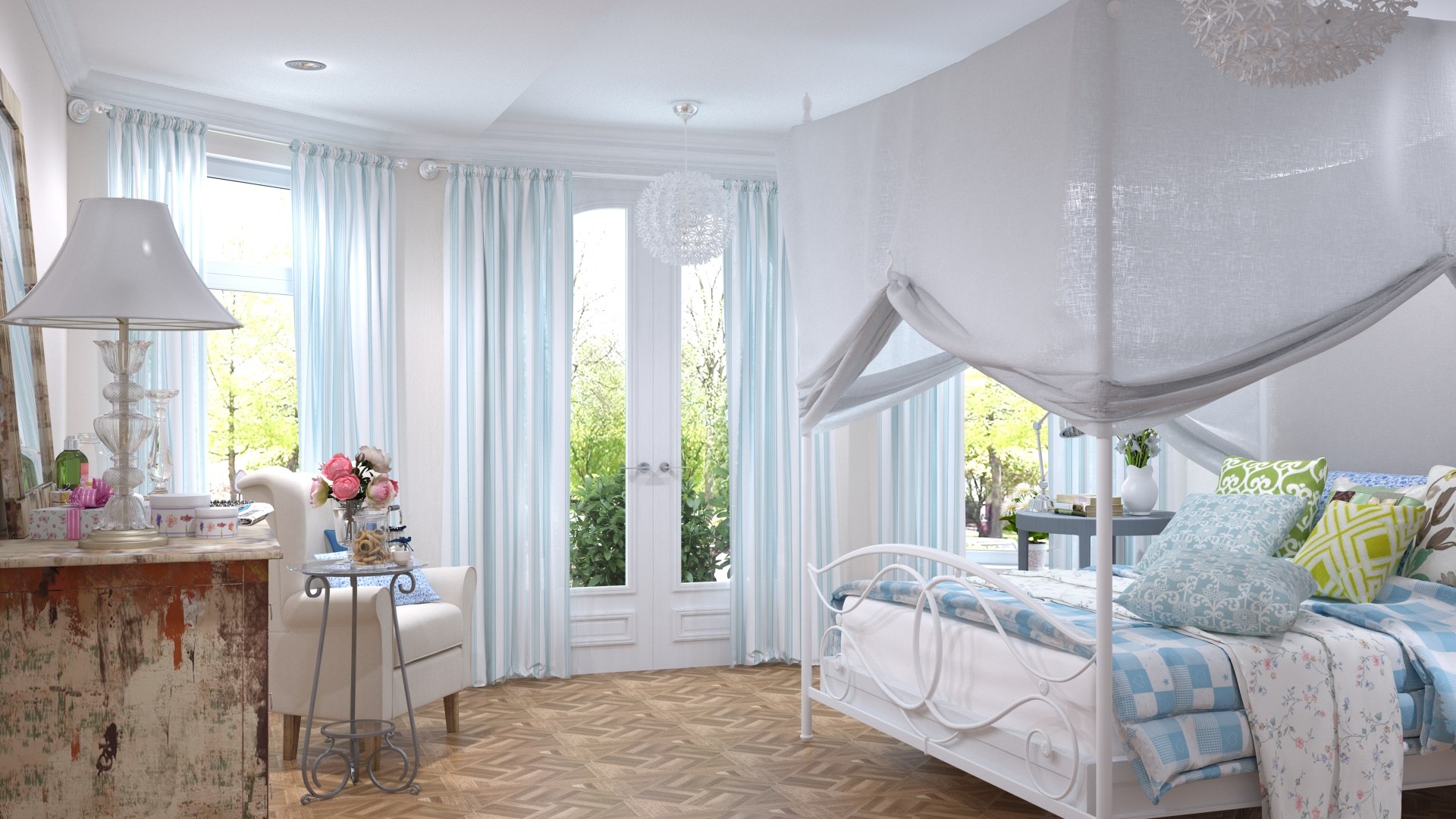
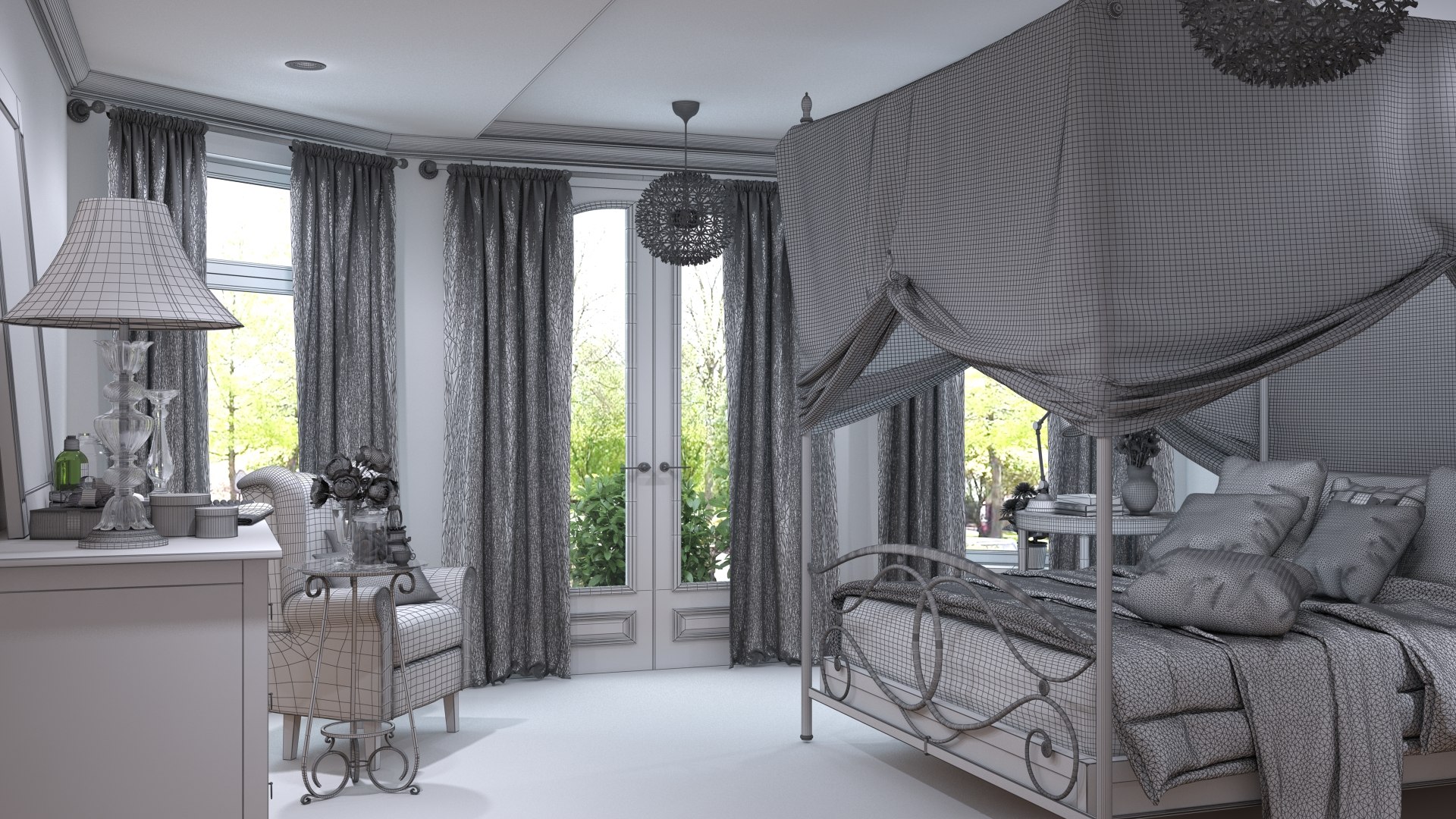
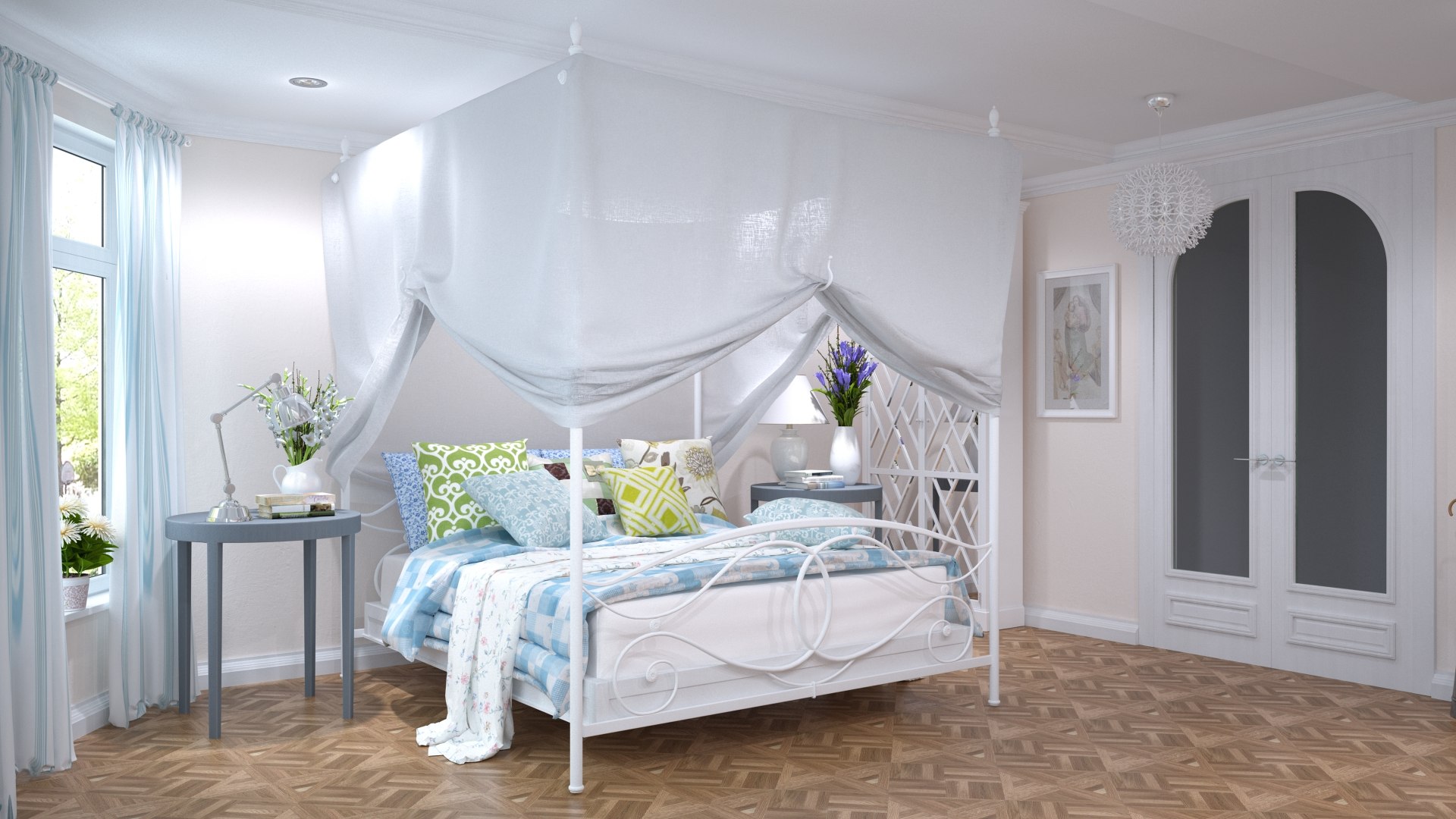
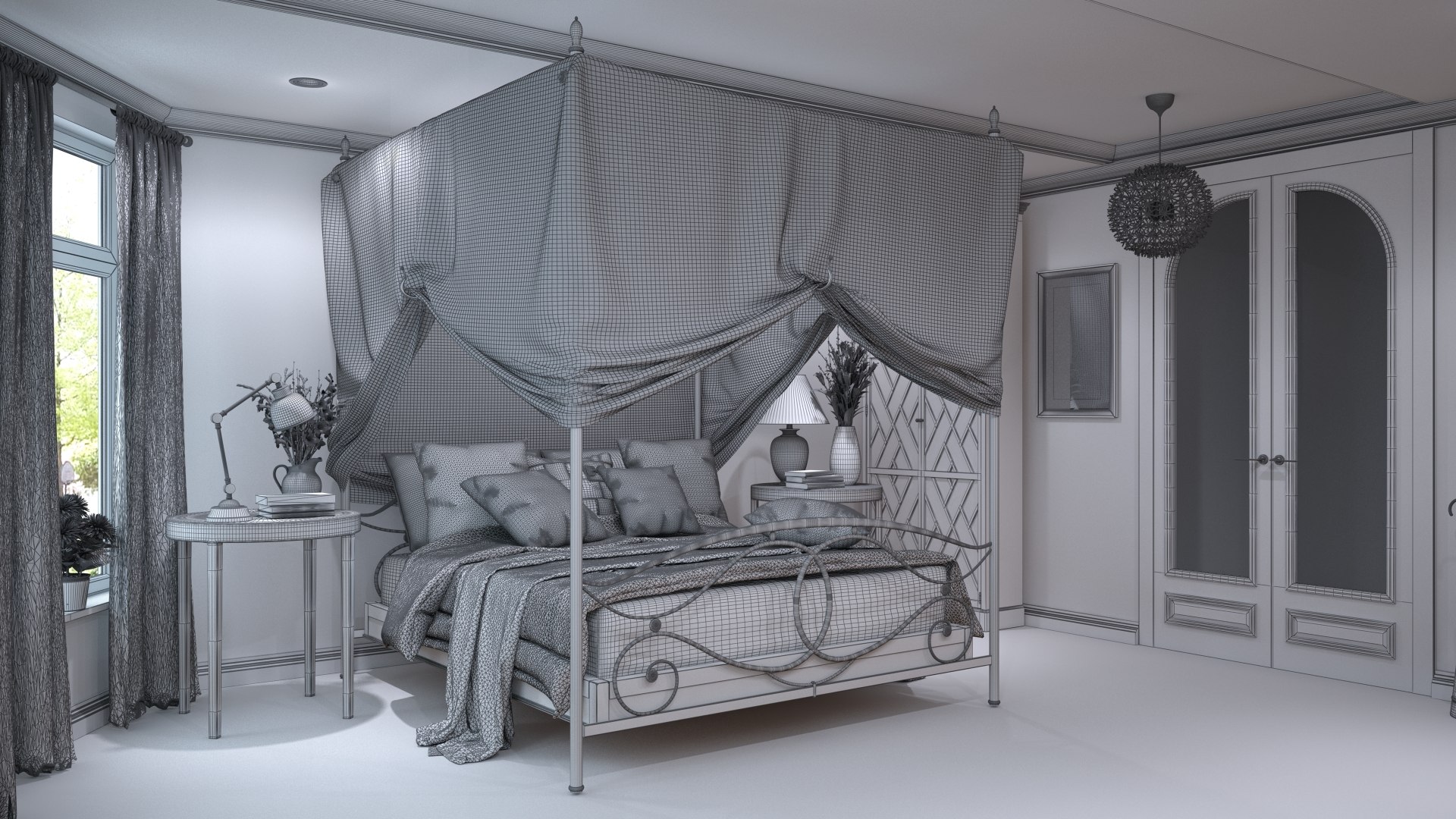
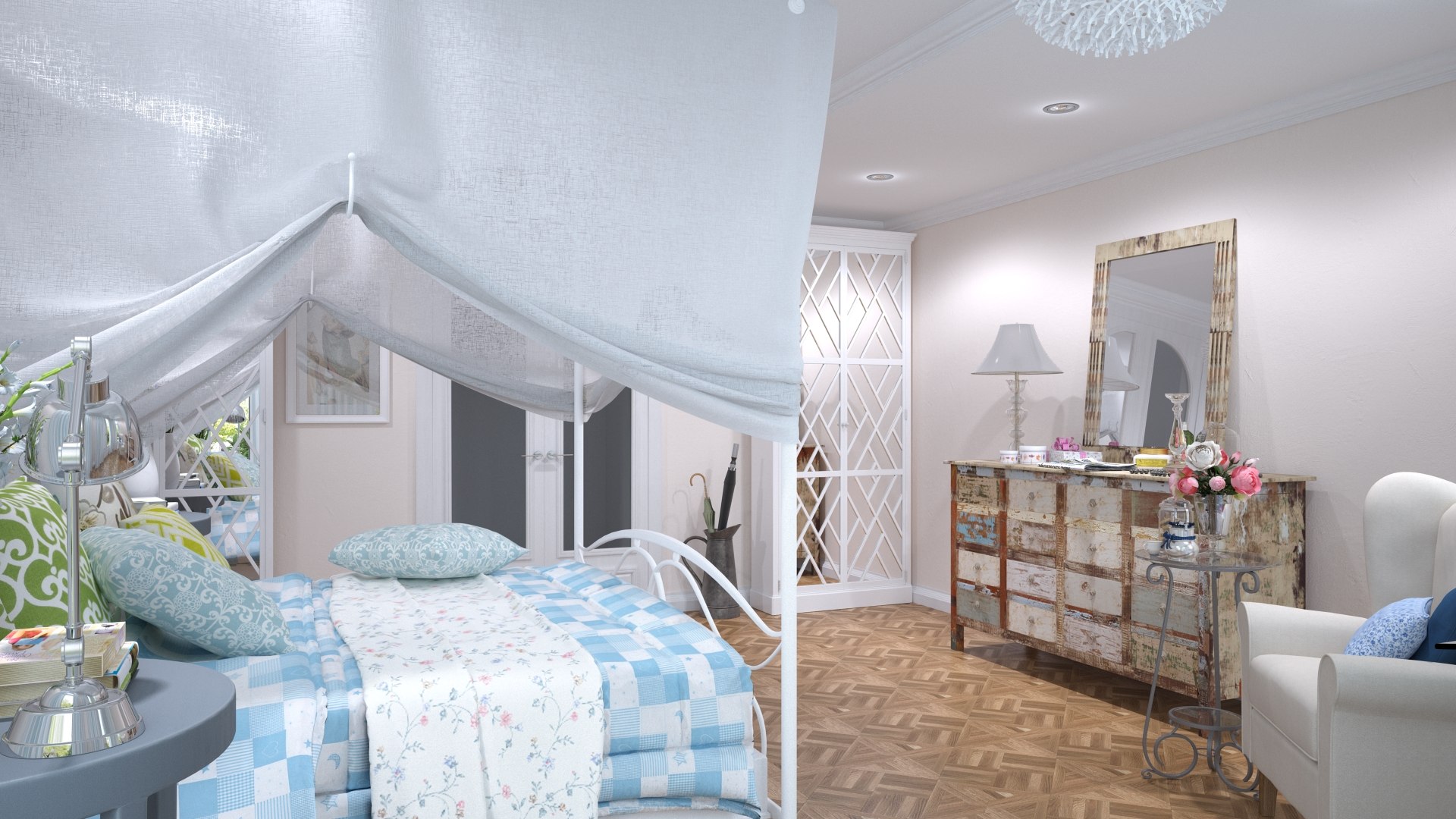
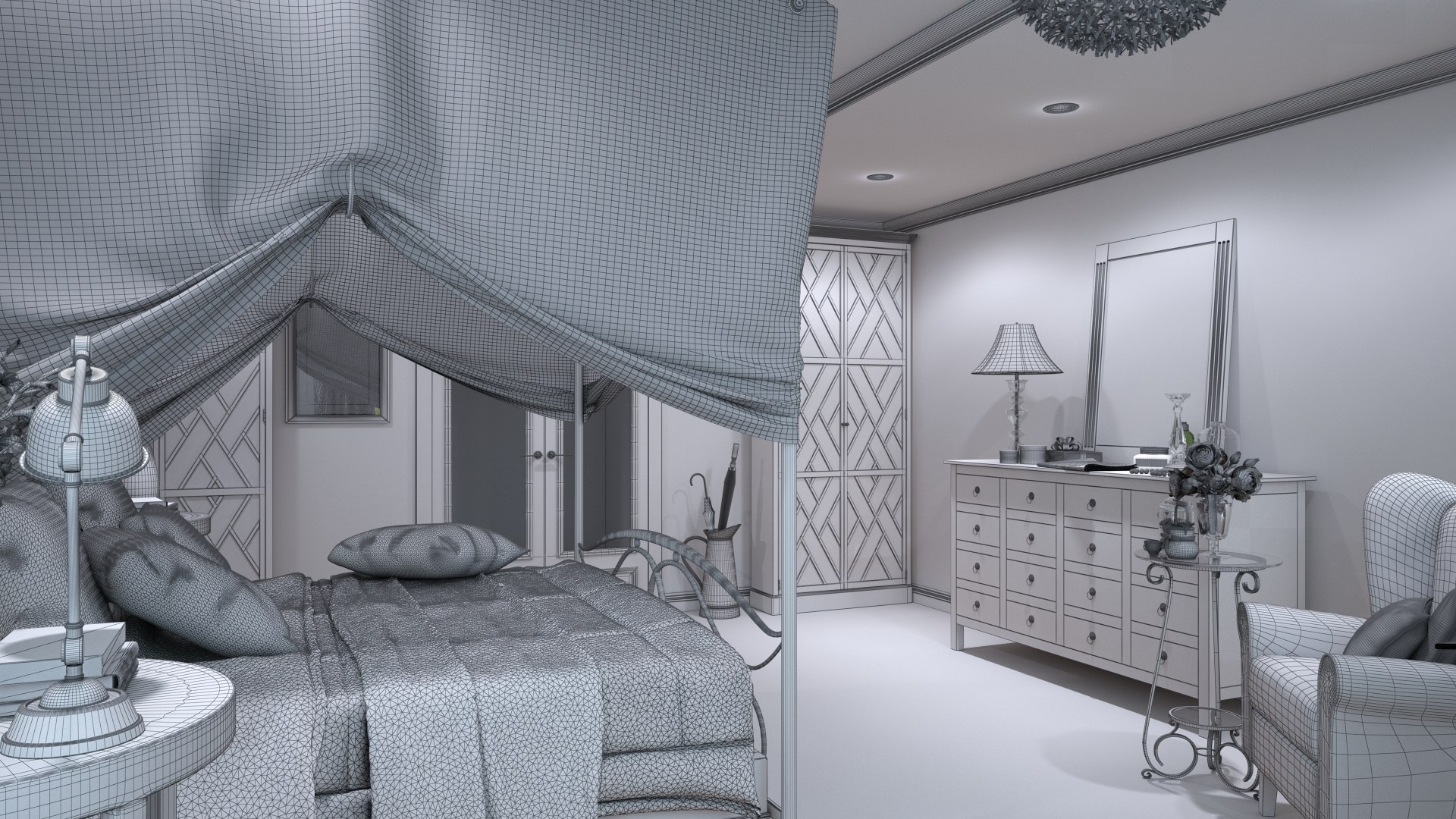
- colorful images of render preview (as well as grid images for interior scenes)
•••••••••••••••••••••••••••••••••••••••••••••••••••••••••••••••••••••••••••••••••••••••••••••••••••••••••••••••••••
When using our product, you will be impressed by preparation of our 3d-scenes for customization:
- Named objects and material;
- Easy-to-use system of layers; logical linking of the objects in the scene;
- Xref-link system for models of furniture and equipment.
Everything here is intended to minimize your work time being lost in the process of design’s visualization.
Standardization of the entire content of the website allows to combine items (3d scenes) easily among
themselves and complete customer’s own project with the details from our catalog.
If working with our product when visualizing an interior design in 3d Max, you get wide selection of styles,
color solutions, and fashion trends of interior design. This will let you implement all your ideas on improvement for your accommodation.
•••••••••••••••••••••••••••••••••••••••••••••••••••••••••••••••••••••••••••••••••••••••••••••••••••••••••••••••••••
Either way, after you download the 3d scene from external source - all the local paths in files will not be
valid, and they need to be updated. We used relative paths in our scenes. This allows you to work with the scene more
correctly, on conditions that the work file will be in the folder extracted from the archive.
1) In this case you need to place folders of your project into the network storage and specify the path to
them like to external resources in the settings ‘3D Max. -> Customize -> Configure User Paths -> tab XRefs -> Add ->
specify the path to the folder ‘Use Paths’, as well as ‘Add Subpath’.
2) Or, having placed the folder into the catalog you need, you may open the scene and udate the links in
asset tracker for new file location. To do this, you can use Shift+t, -> Refresh -> select files File Missing ->
Paths -> Set Paths -> specify the path to the Max file adding _m ending (it’s located in the folder ‘models’). And
then, you should do the same with bitmaps.
We would really appreciate if you rate our model after download or leave a comment on how you find our XRef solution.