
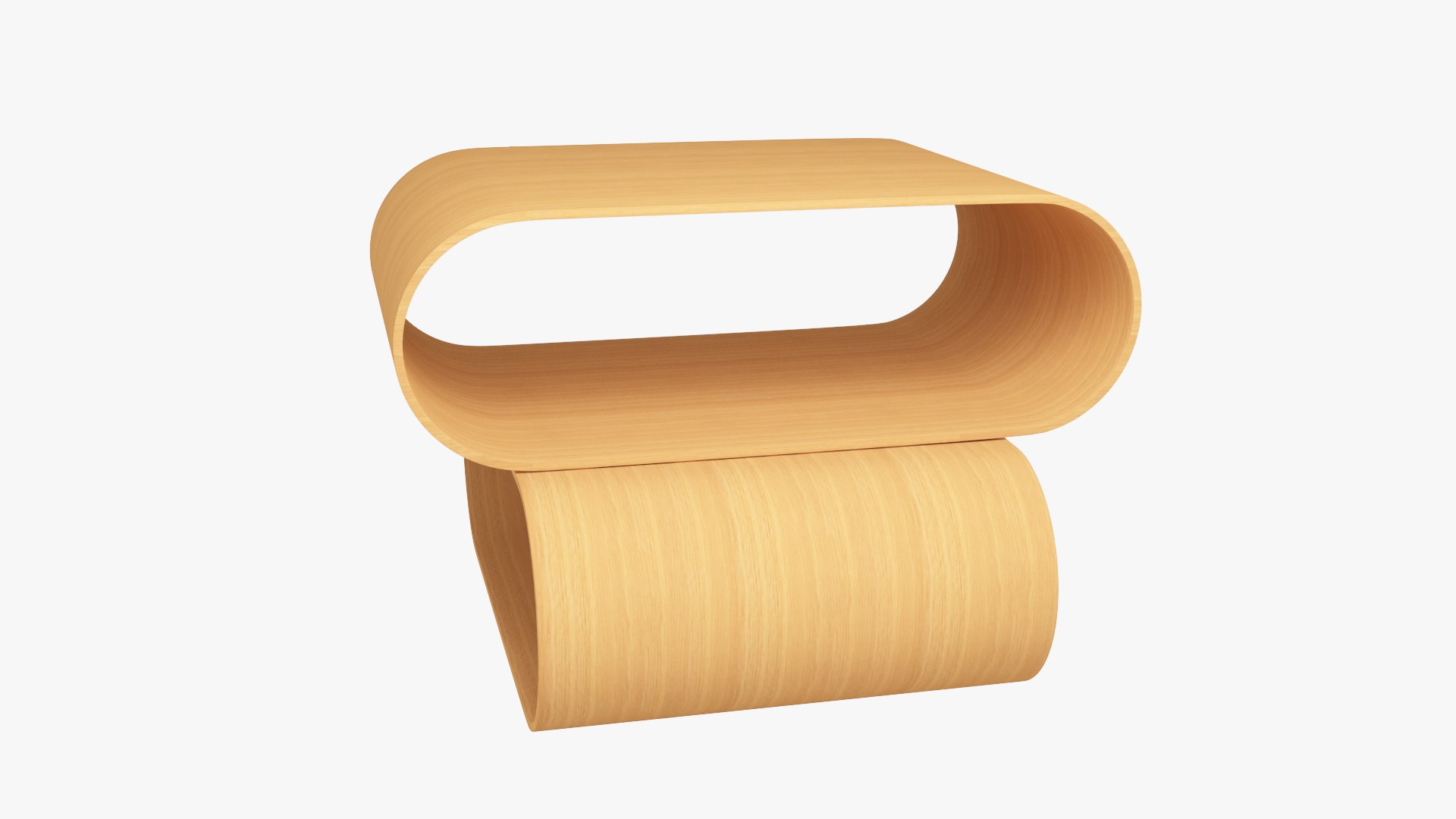
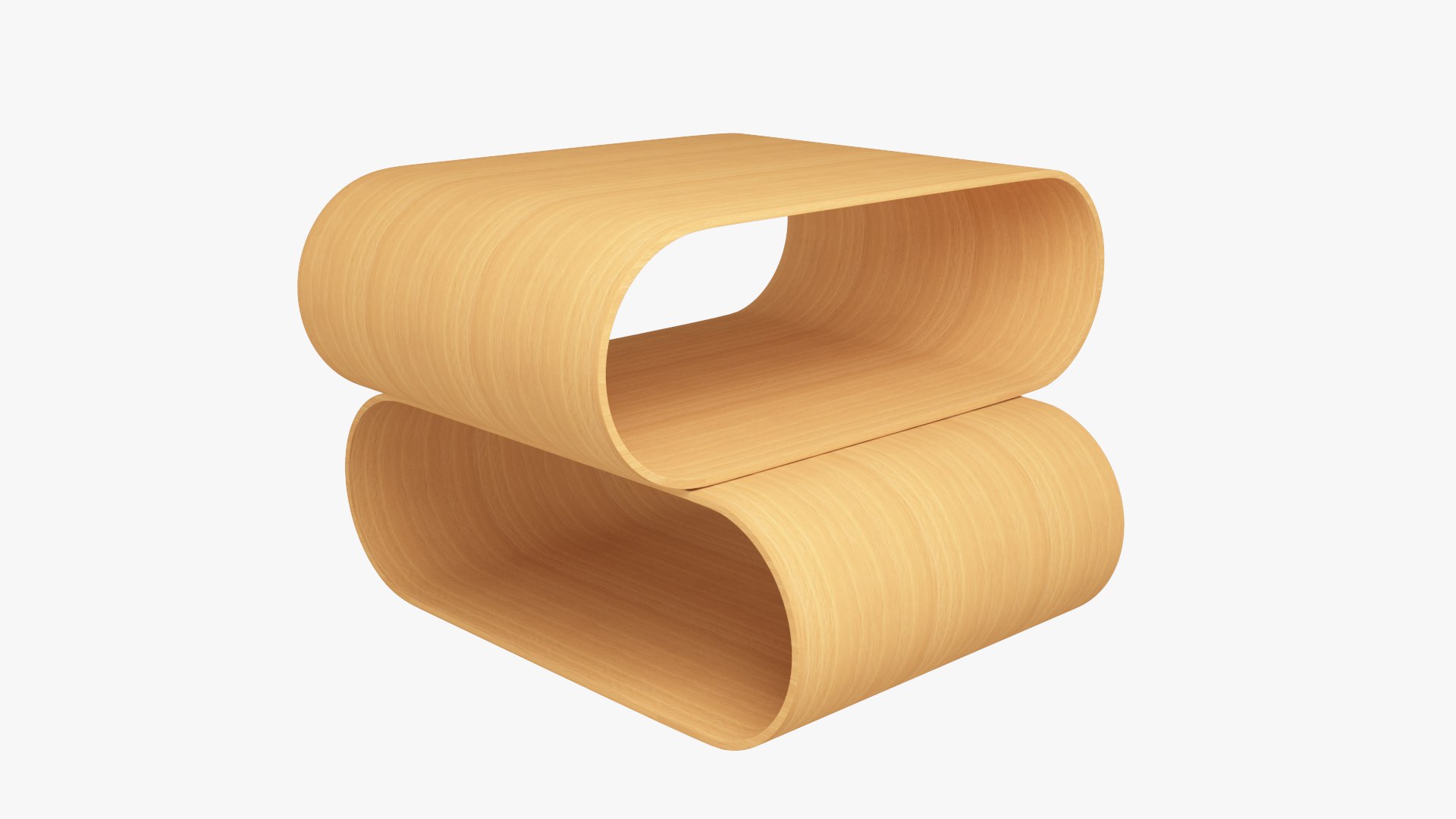
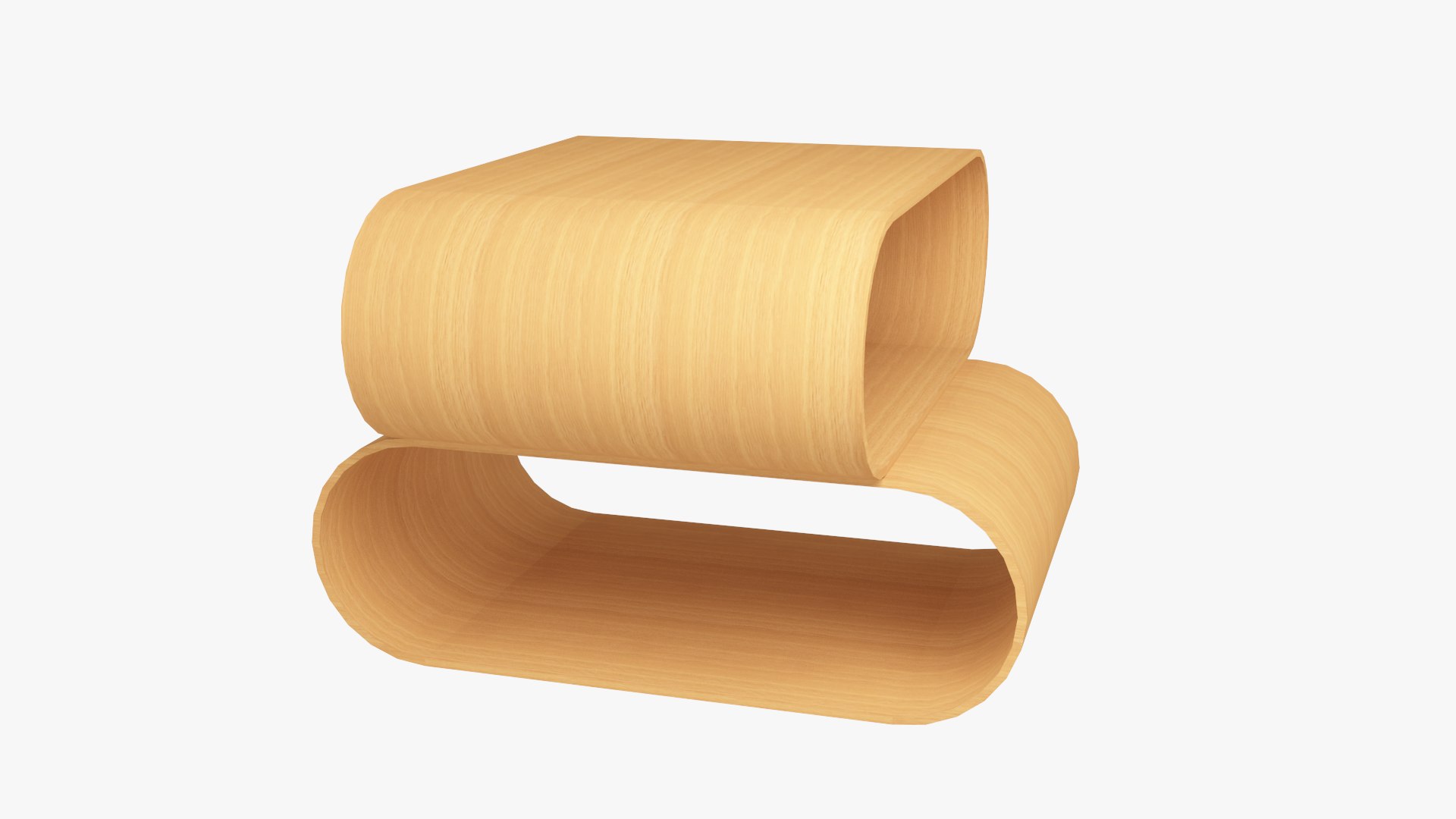
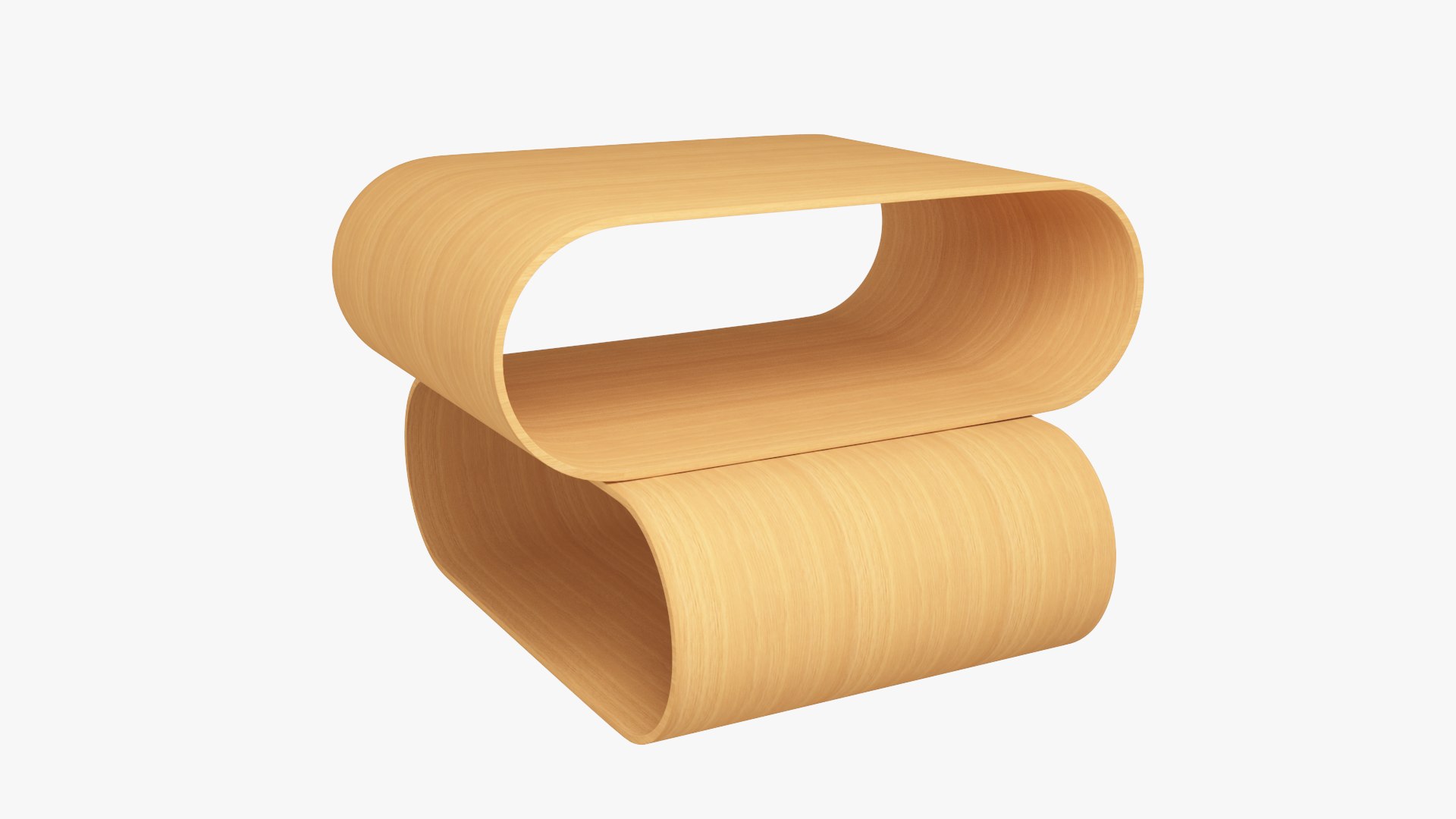
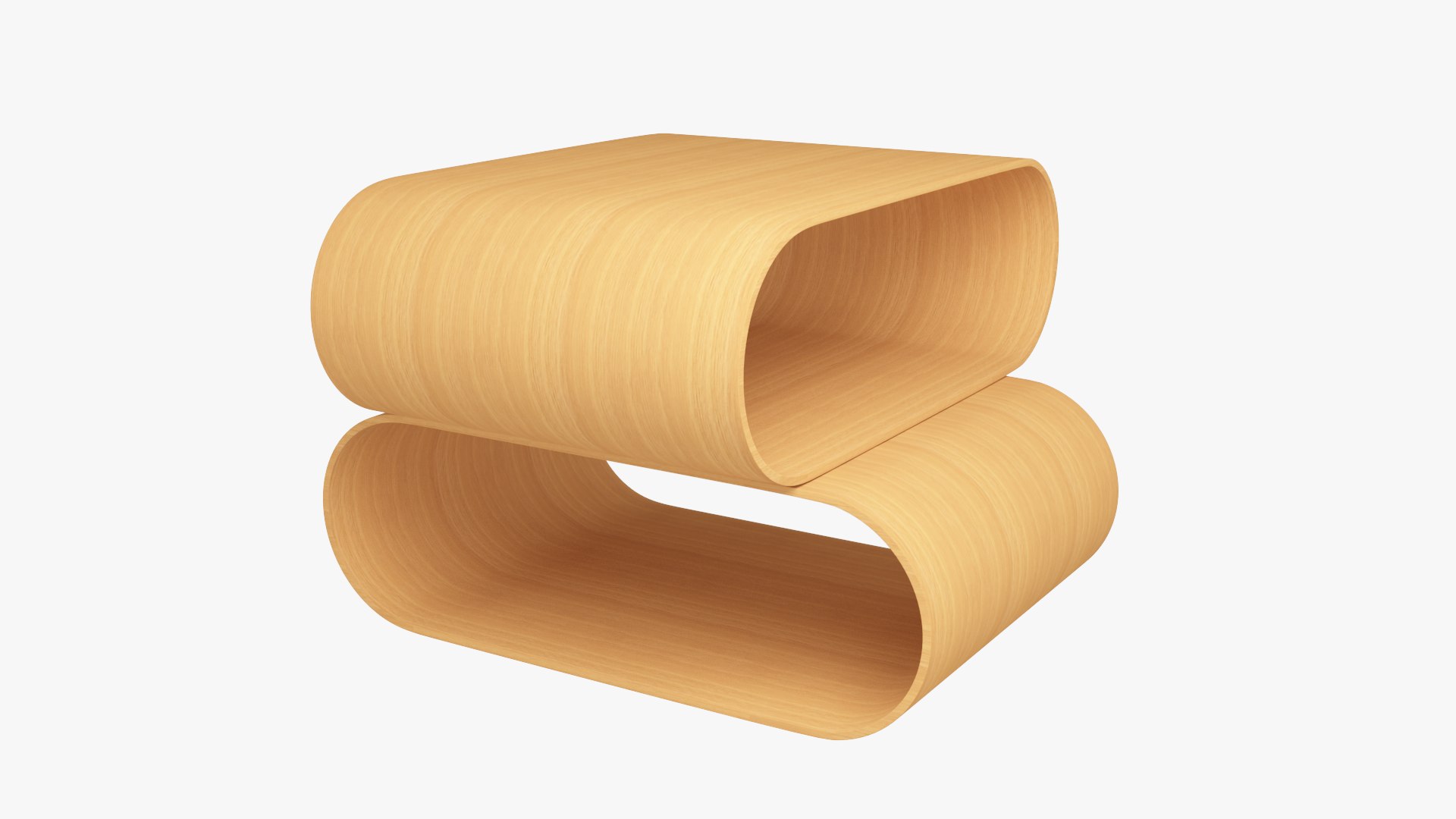
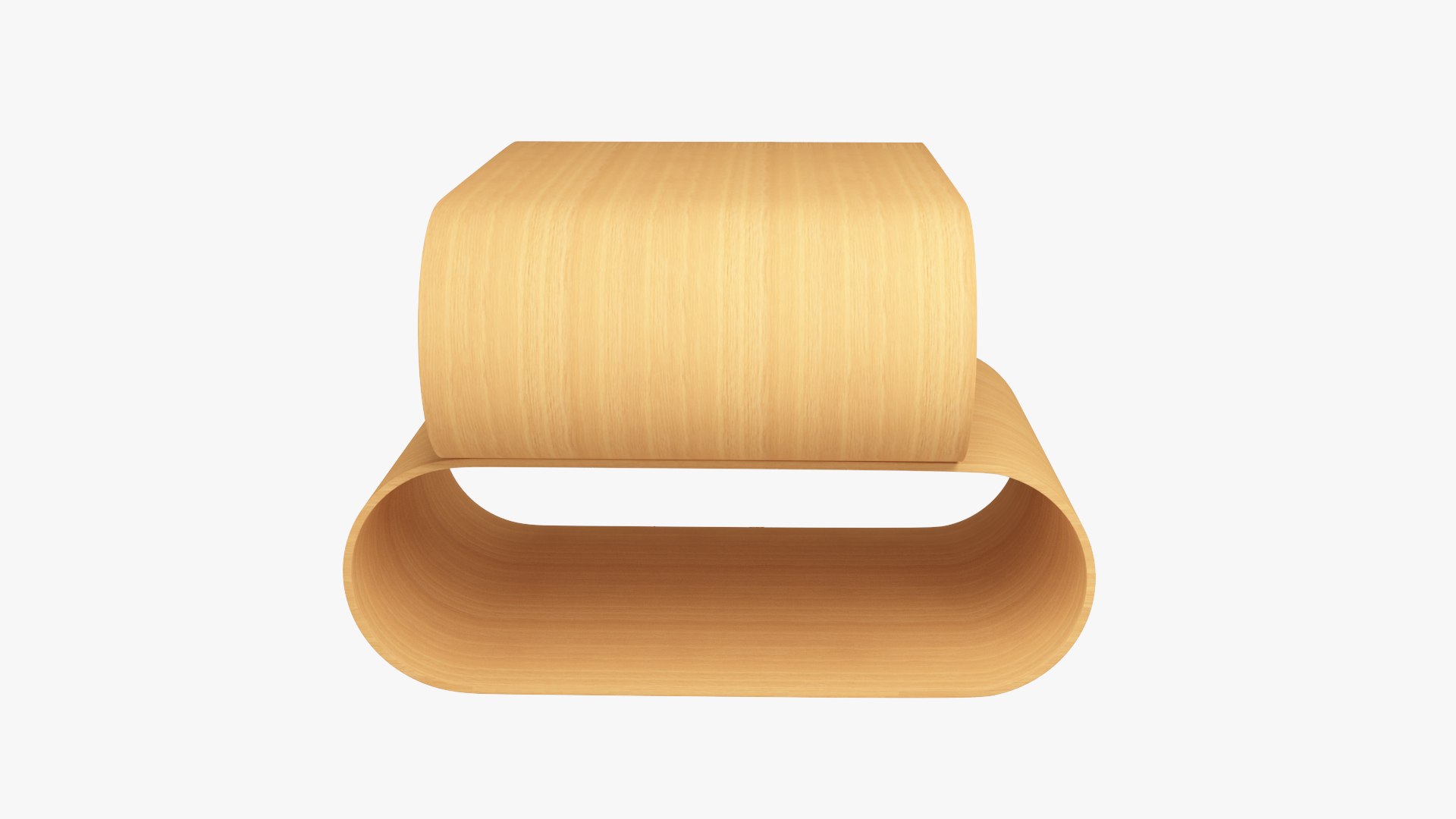
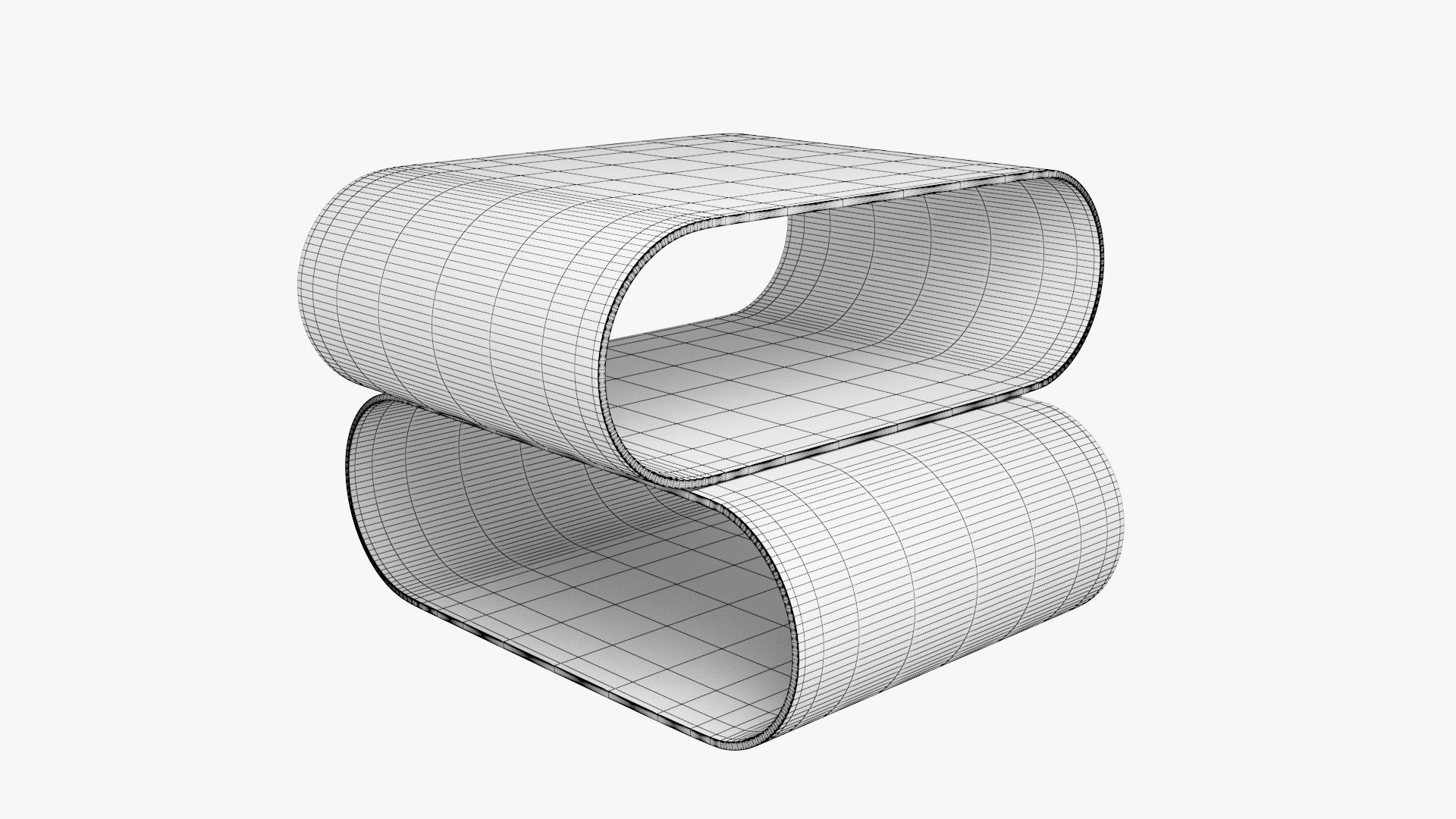
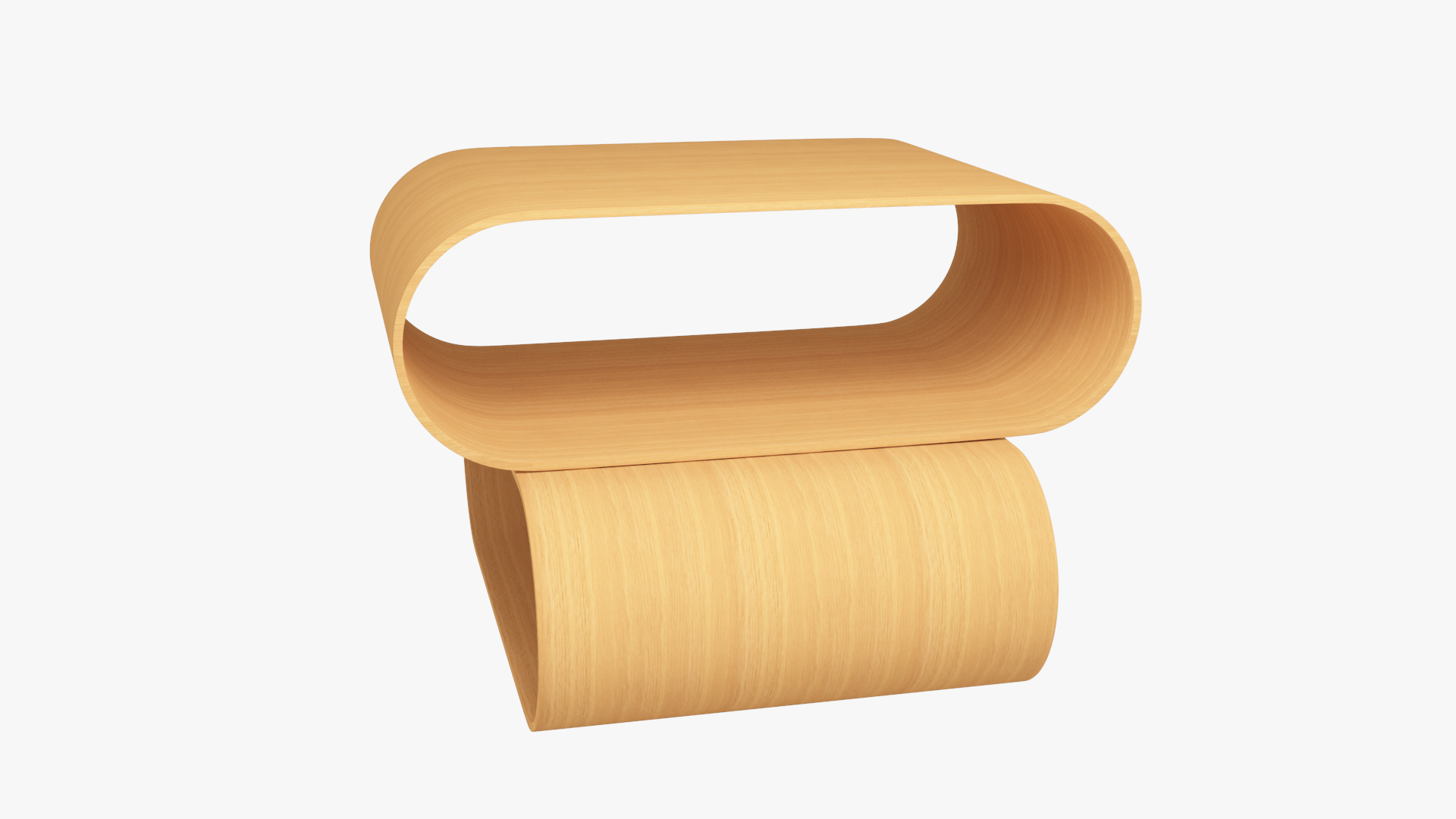
Escher Coffee Table

$2

Standard License | Upgrade License
Editorial Uses Only
Formats (8)
Native | 3ds Max 2016 | V-Ray 3.30.05
3ds Max 2016 | V-Ray 3.30.05
3ds Max 2016 | Default Scanline
3D Studio
FBX
OBJ
Other Textures
Other Files
textures.zip
Specifications
Publish Date July 12, 2018
Product ID 1305845
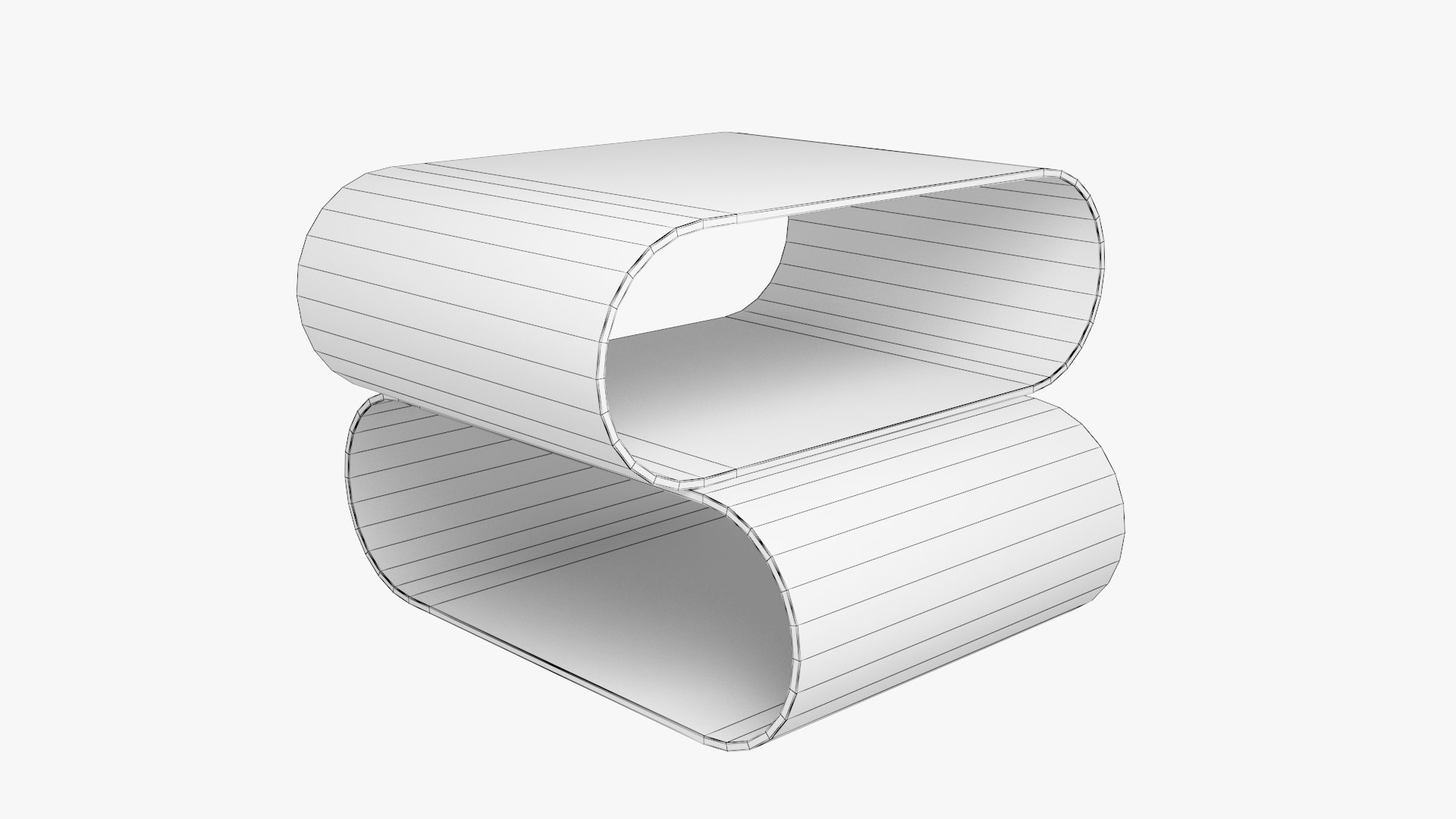
Polygons 672
Vertices 672
Polygonal Quads Only
Textures
Materials
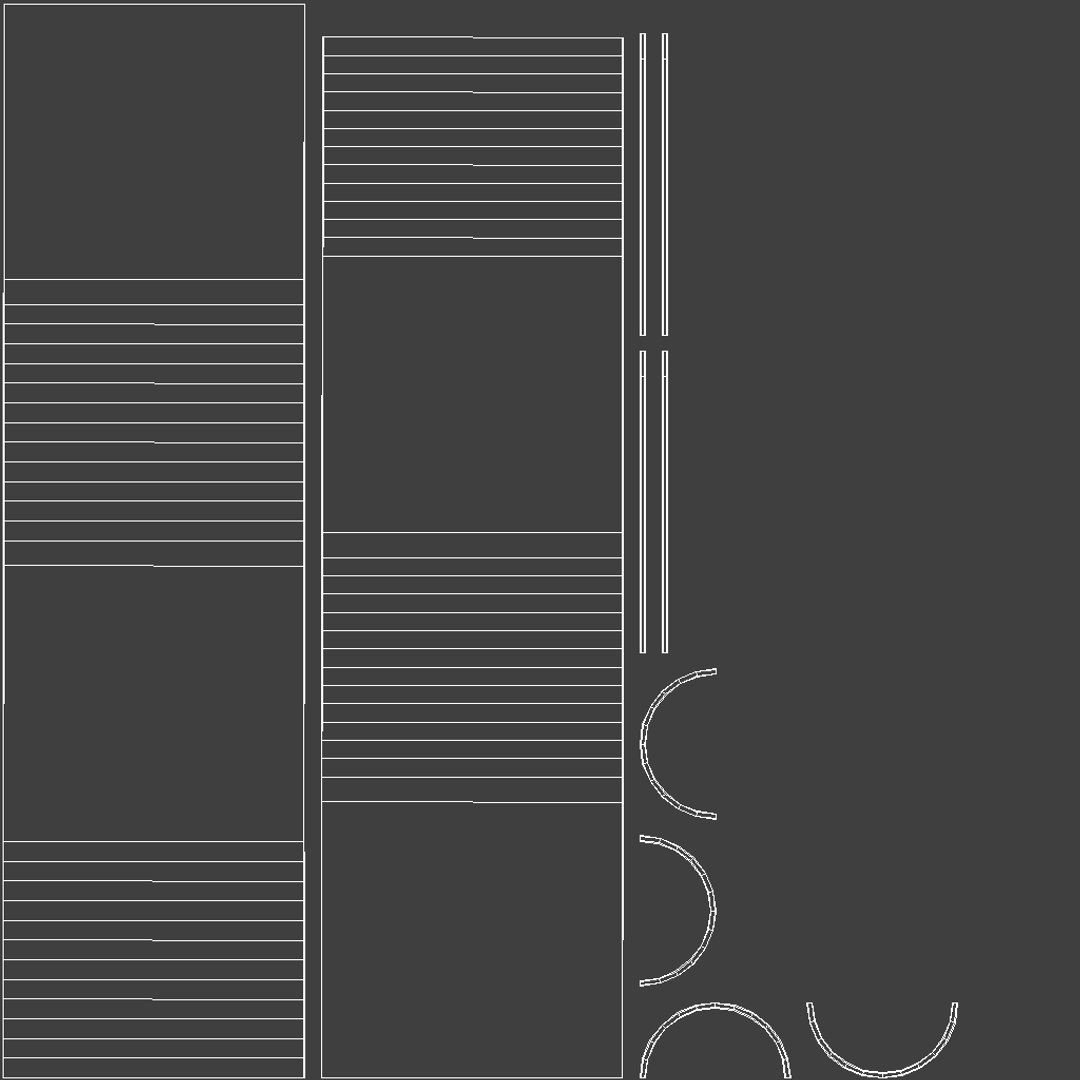
UV Mapped
Non-overlapping Unwrapped UVs
member avatar
EfeitosPro
34 Products | Contributor Since 2016
Have questions? Chat with us now.

Description

[===== General description =====]
Geometry: Polygonal Quads/Tris
Polygons: 672
Vertices: 672
Textures: Yes
Materials: Yes
Rigged: No
Animated: No
UV Mapped:Yes
Unwrapped UVs: Yes
Low-poly: Yes

Real life scale: Yes
Layer structure: Yes
Hierarchy structure: Yes
Groups structure: No

Tolerance: 0.00001cm
Overlapping faces: 0
Open edges:0
Overlapping edges: 0
Isolated vertices: 0
Overlapping vertices: 0
T-vertices: 0

[===== Details description =====]
All objects polygons and vertex count are less or equal to the specified value.
All models are built in real life scale set to 100%, System Unit Scale is set to inches and Display Unit Scale is set to cm, pivots are centered on 0,0,0.
All materials were created using V-Ray 3.30.05, a material library are prsent to make easiest to apply materials to imported objects.
The OBJ, FBX and 3DS contains a default gray material, due to the nature of those formats, is possible that the mesh does not correspond to the expected, in some cases it can contain only triangles or without some hierarchy.

[===== Material =====]
escher_coffee_table (V-Ray)
wireframe (V-Ray)
background (V-Ray)

Select Enhanced License

  • $10,000 in Legal Protection (Indemnification)
  • Uncapped Legal Protection (Indemnification)
  • Waiver from injunctive relief
  • Assignable model rights
  • $1,000,000 in Legal Protection (Indemnification)
  • Waiver from injunctive relief
  • Assignable model rights
  • $250,000 in Legal Protection (Indemnification)
  • Assignable model rights
Read more about enhanced license tiers, or contact us at enterprise@turbosquid.com. Already a Shutterstock Enterprise Customer? Contact your Shutterstock Sales Support Agent to talk about adding 3D.

About Conversion Requests

To submit a conversion request for a purchased asset, please complete our Conversion Request Form.

If you have not yet purchased a model, please review our Documentation about Conversions to learn about what limitations you may encounter with a conversion.

For any additional questions about a model’s suitability for conversion, please contact TurboSquid Support.

Loading...