
Viking Sword

Free

Formats (10)
Native | 3ds Max 2018 | V-Ray 3.0
3ds Max 2018 | Default Scanline
FBX
OBJ
glTF
3ds Max
OpenUSD
Previews

Download a preview

Sign in or create a TurboSquid account to download preview files.

Selected file:

Specifications
Publish Date May 01, 2020
Product ID 1551337
Polygons 954
Vertices 997
Polygonal Quads/Tris Geometry
Textures
Materials
UV Mapped
Non-overlapping Unwrapped UVs
PBR
Real-Time
member avatar
Dendrobyte
193 Products | Contributor Since 2012
Have questions? Chat with us now.

Description

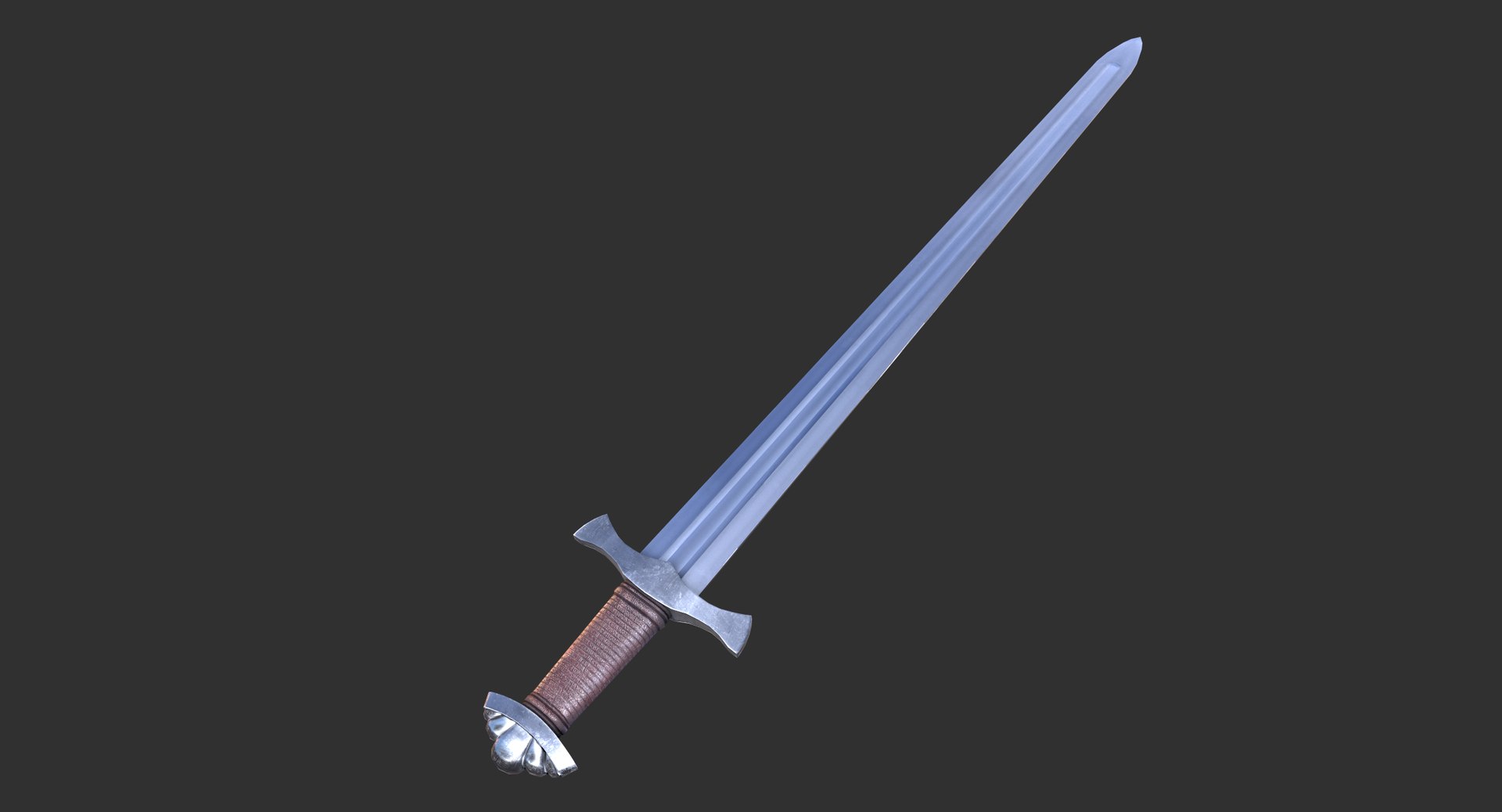
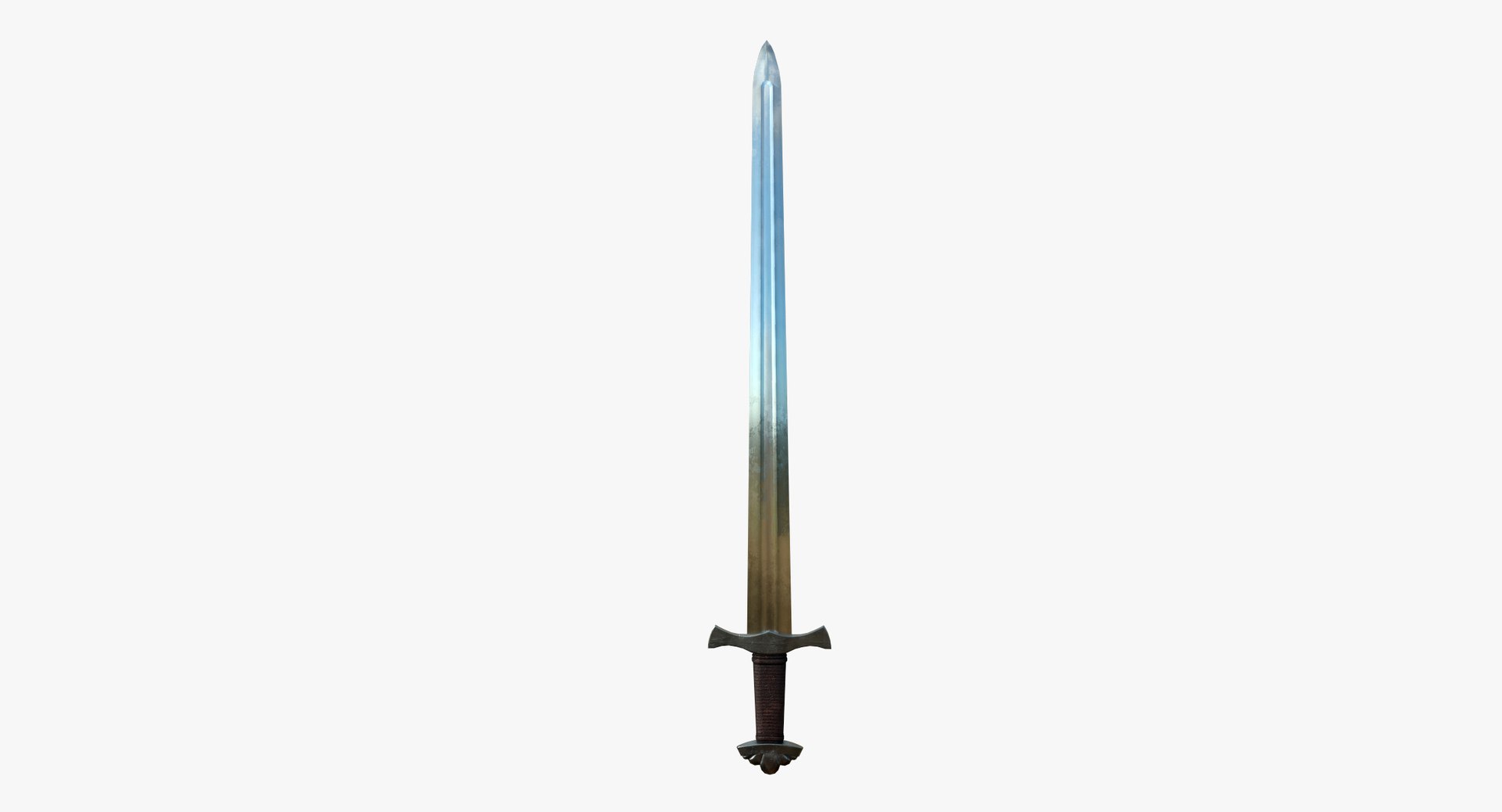
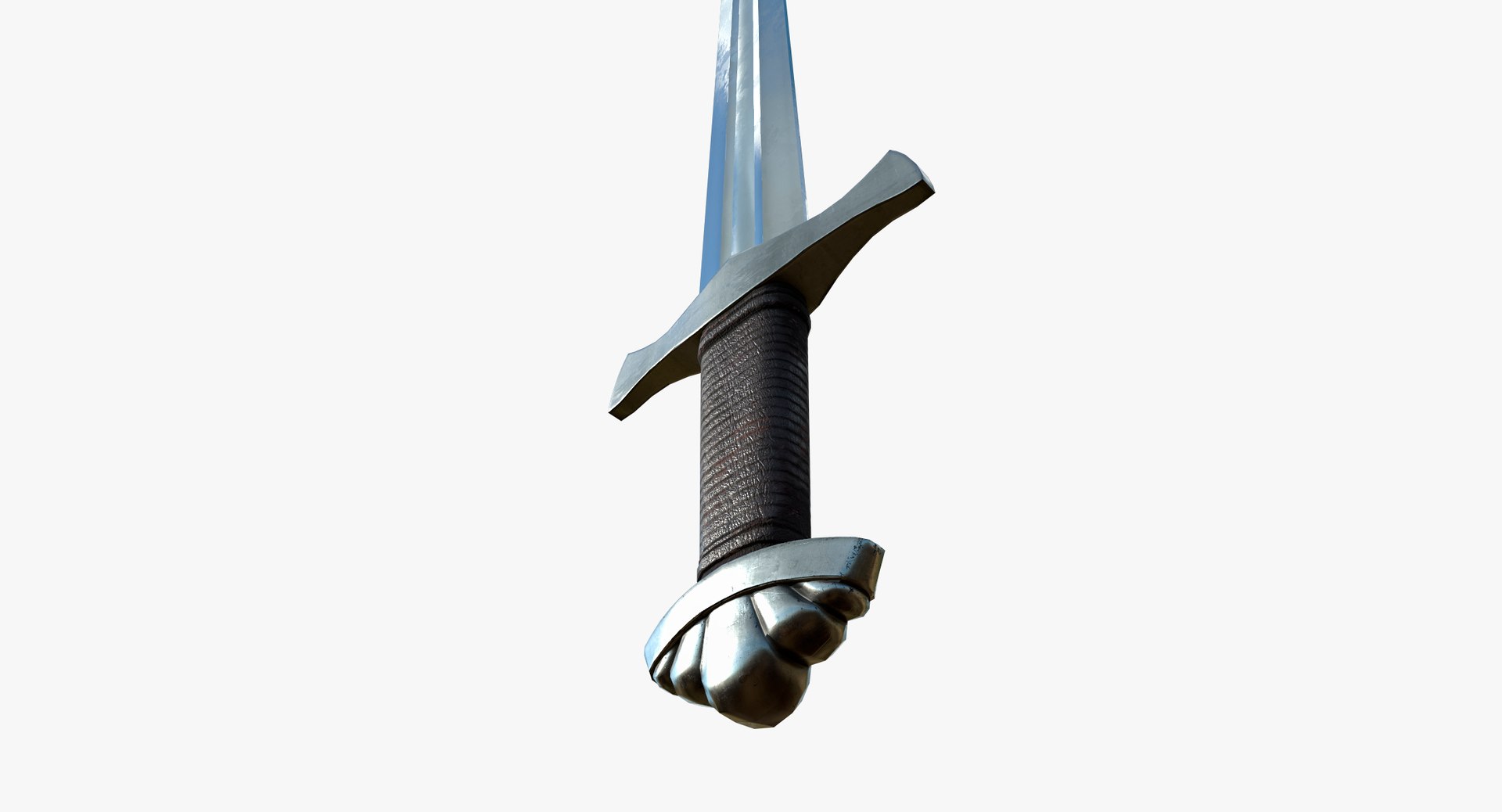
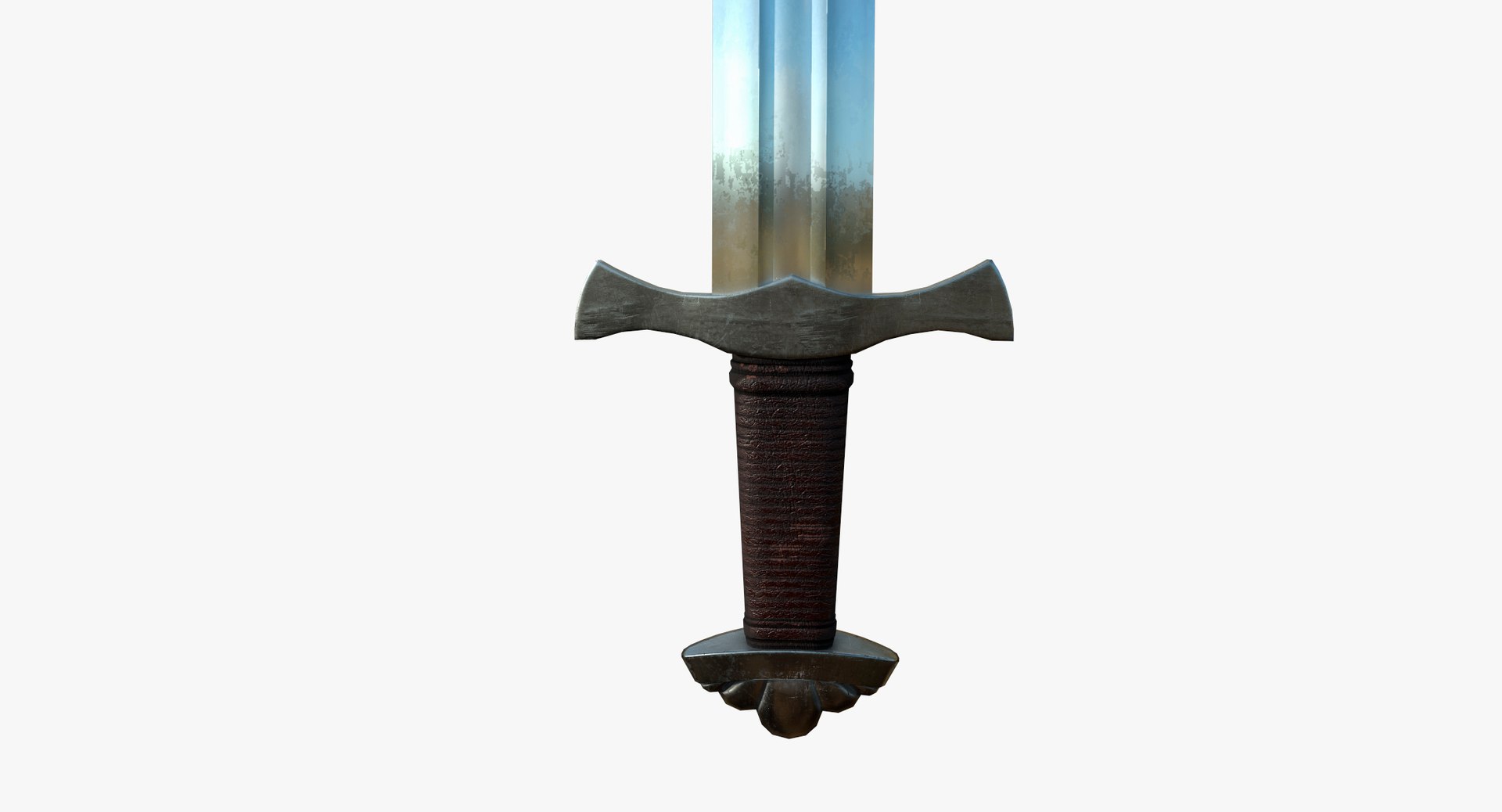
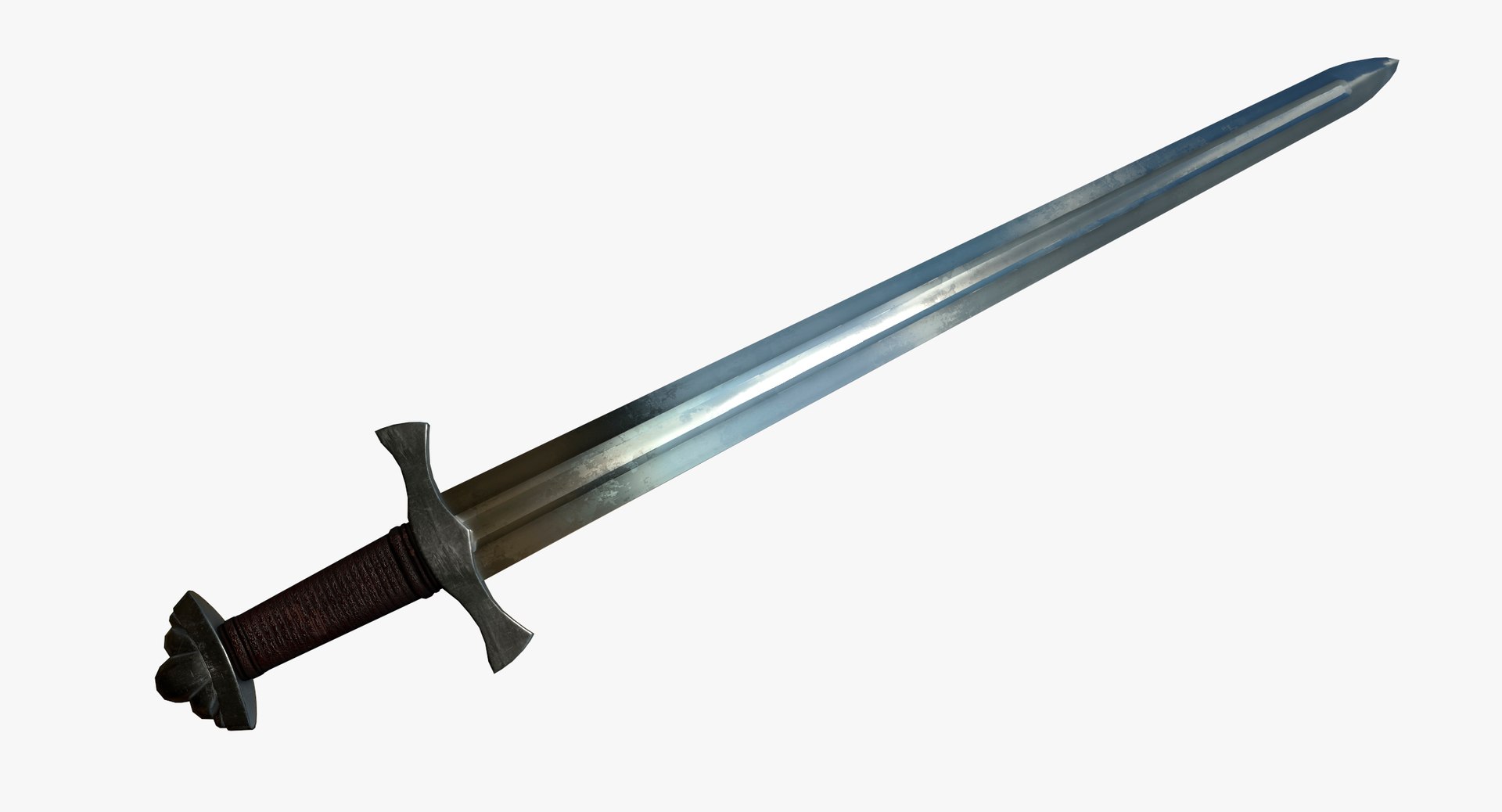
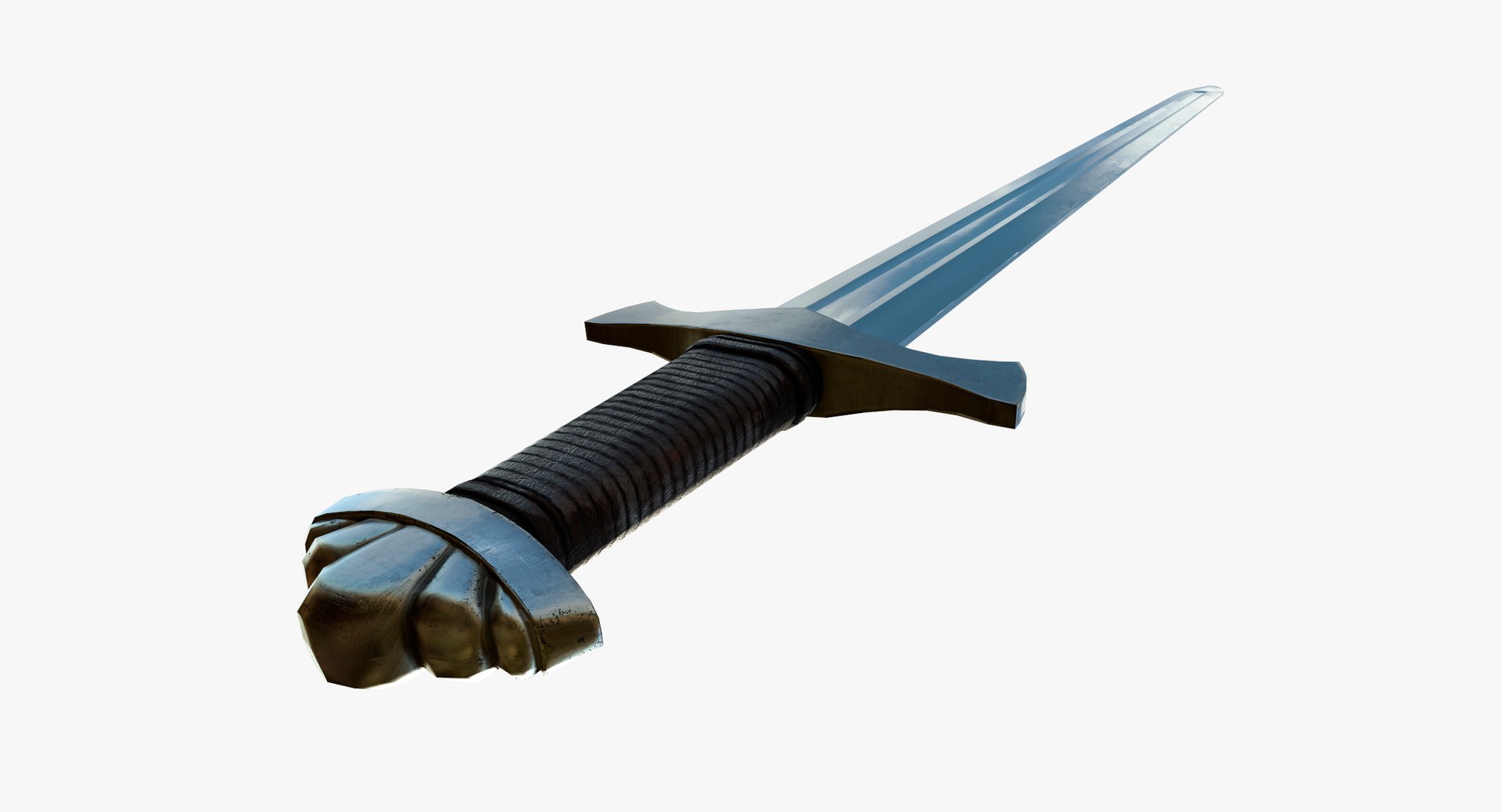
___ VIKING SWORD 3D MODEL ___


Polygonal model of a Viking Sword. Ready for standard rendering or real time. Contains universal formats FBX and OBJ for an easy import. A pack of different textures is included to maximize compatibility with your render engine.

DOWNLOAD PDF MODEL PRESENTATION FOR MORE DETAILS


****************************
> GEOMETRY:

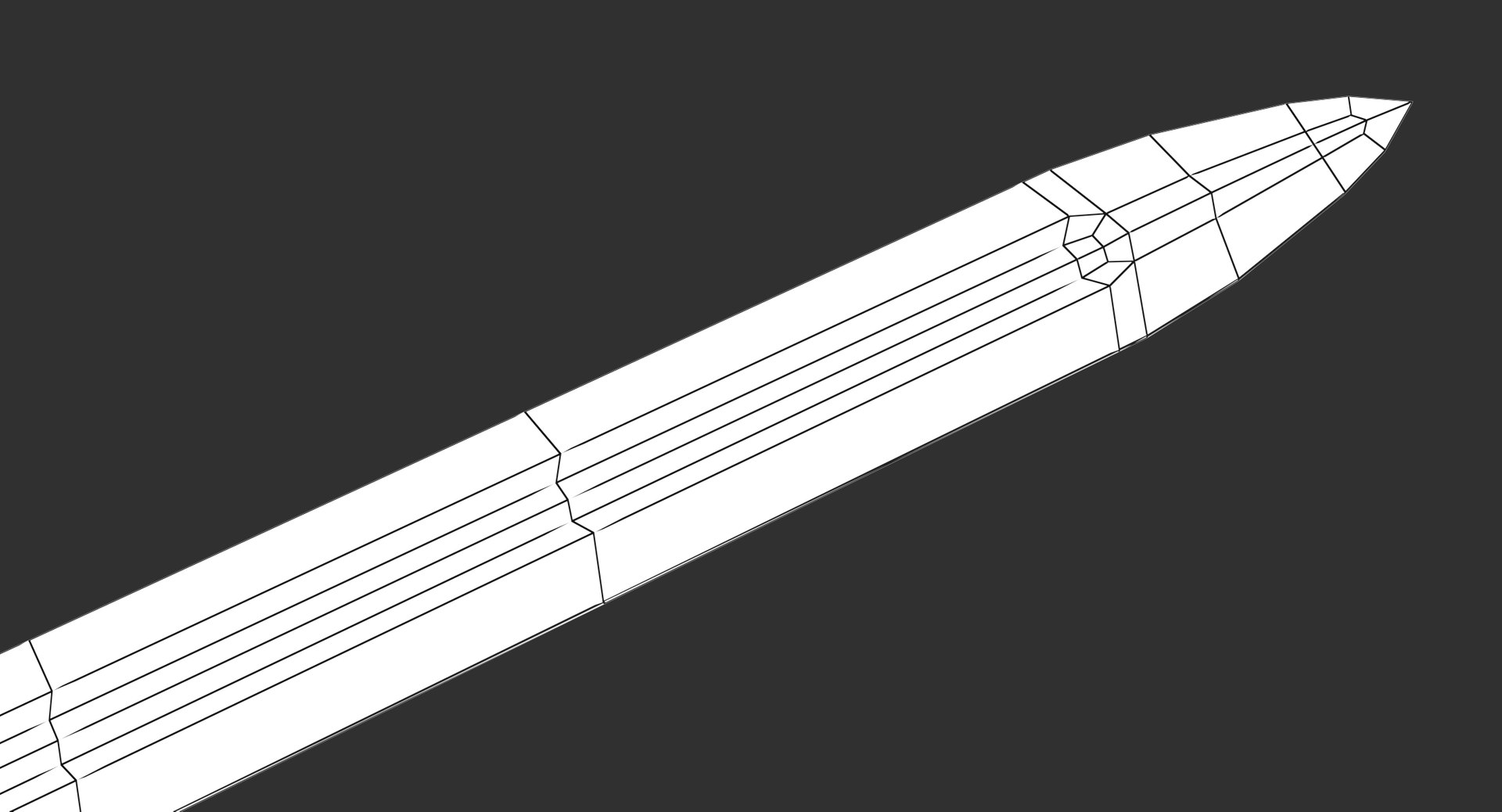
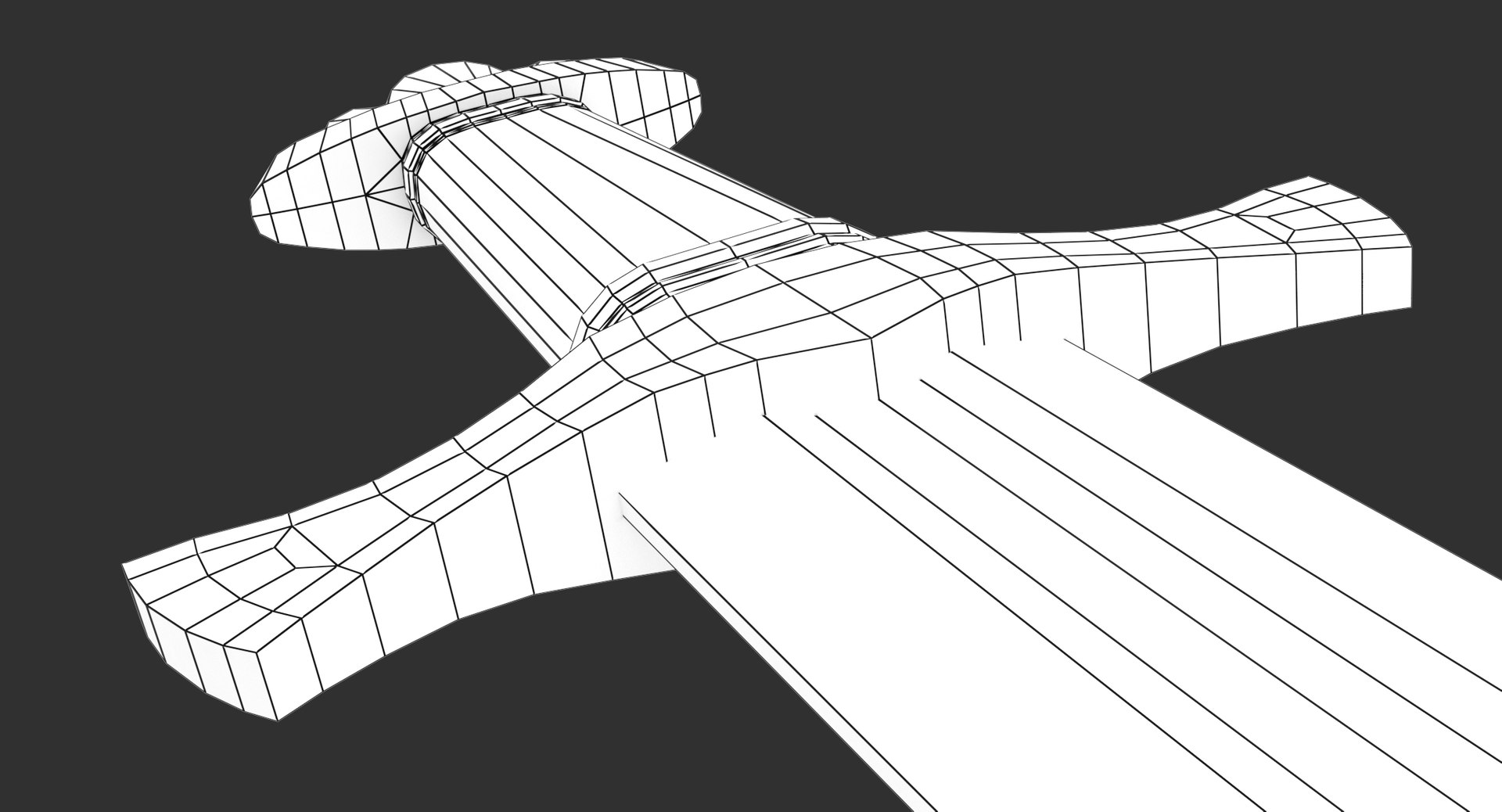
POLYGONS: 954
TRIANGLES: 1894
VERTEX: 997


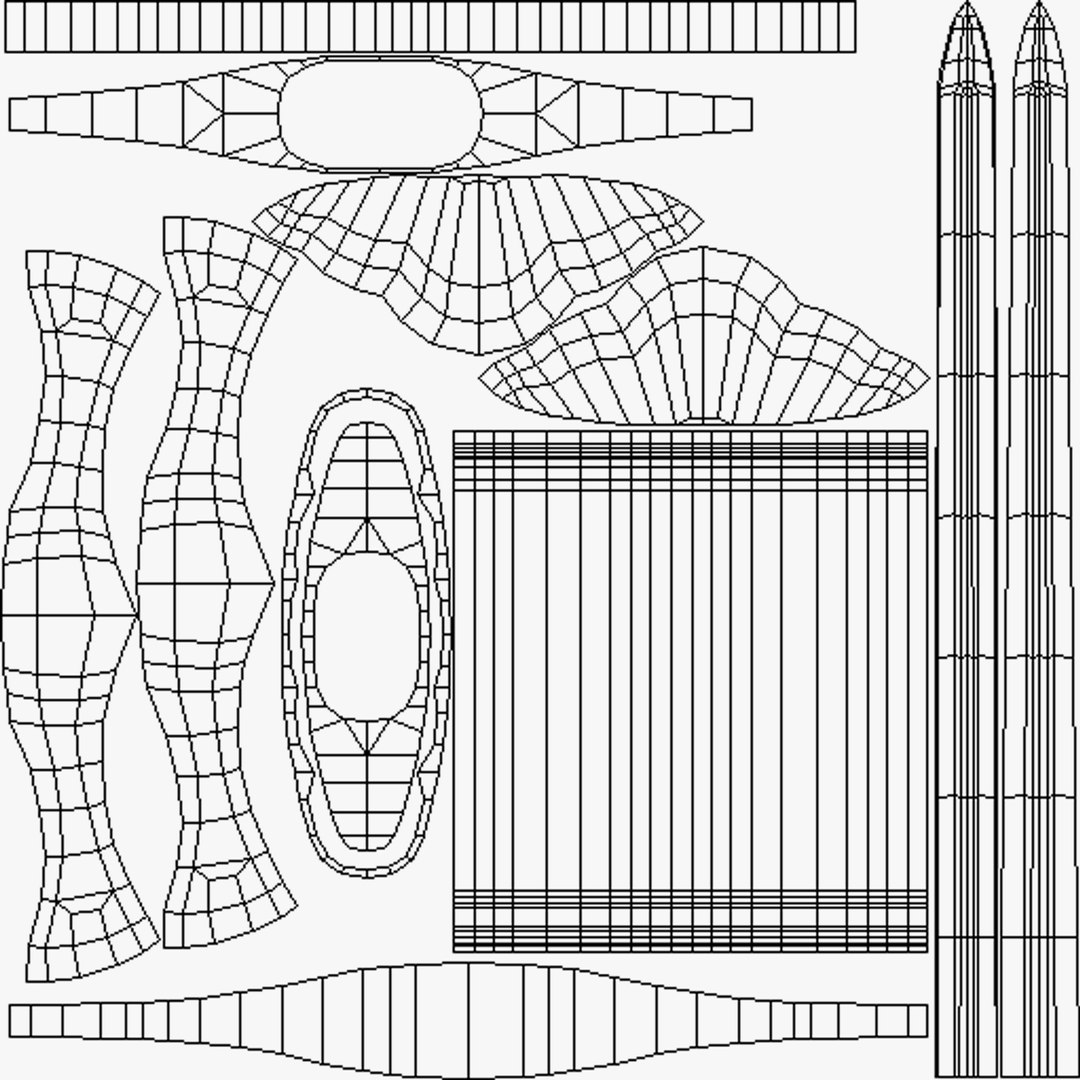
Geometry is modeled following industry standards applying a low poly criteria for mesh construction.
Textures paths are Flat. Unwrap Non-Overlapping. Real world scale. Clean geometry. No n-gons. Real world scale. Positioned at origin. No isoleted/coincident vertices. No coincident Faces.


****************************
> APPEREANCE:

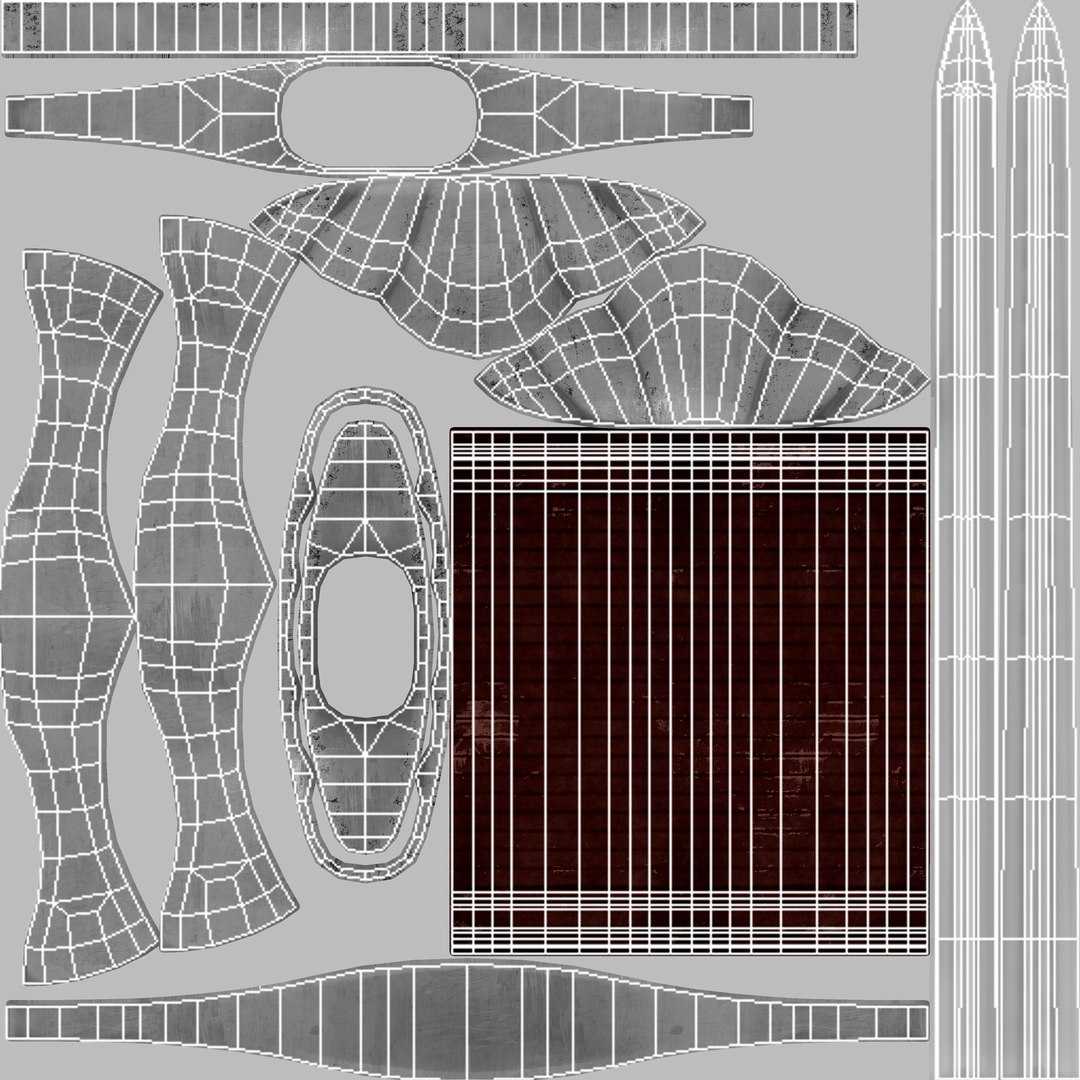
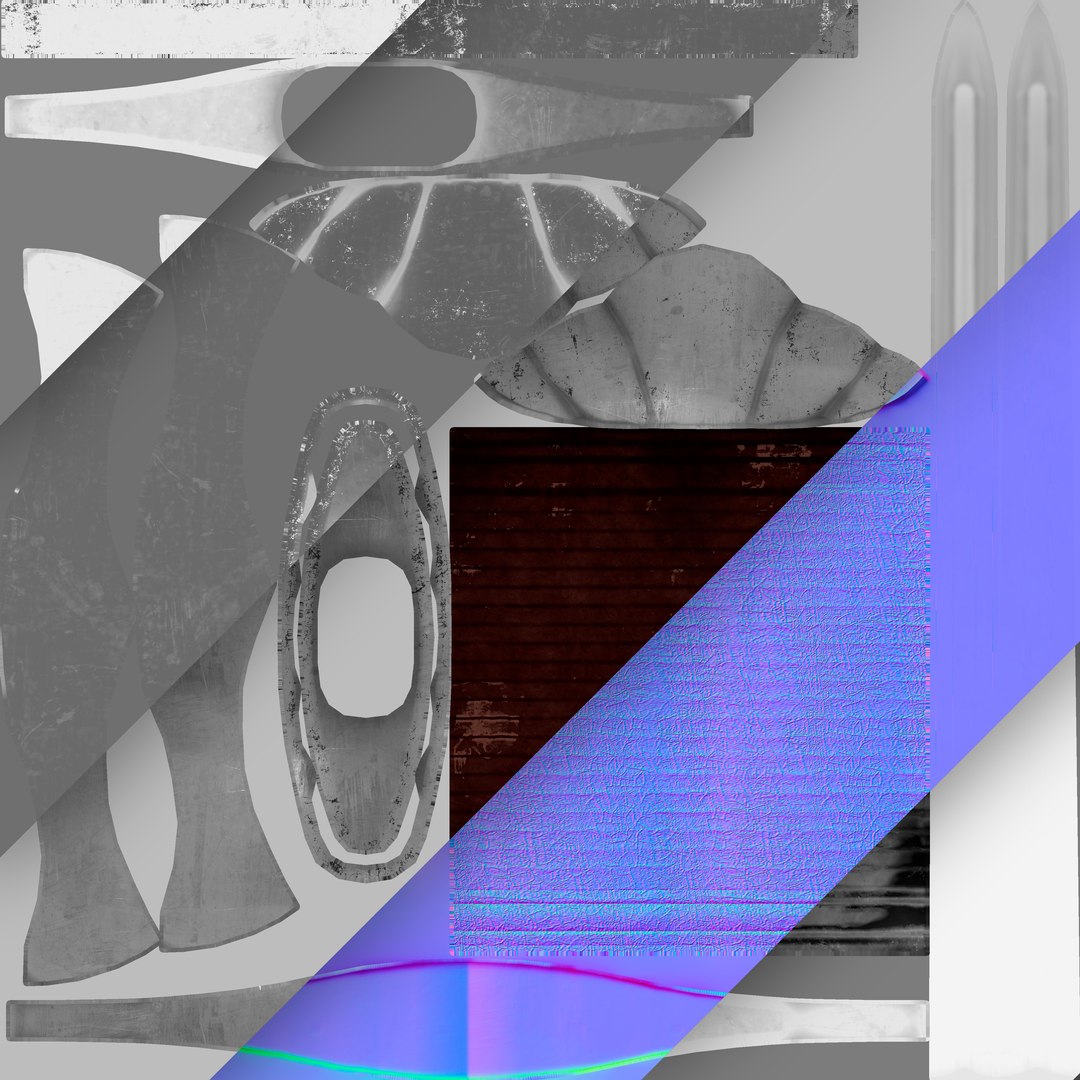
Contains different textures (4096x4096) to maximize compatibility with different render engines.

Diffuse
Base Color
Albedo
Normal (DirectX and OpenGL)
Height
Curve
AO
Position
Alpha
ID
Glossiness
Metallic
Reflection
IOR
Roughness


****************************

- Send us an e-mail if you have any question or suggestion to make, your feedback help us improve our models.

-MUNIFEX-

Select Enhanced License

  • $10,000 in Legal Protection (Indemnification)
  • Uncapped Legal Protection (Indemnification)
  • Waiver from injunctive relief
  • Assignable model rights
  • $1,000,000 in Legal Protection (Indemnification)
  • Waiver from injunctive relief
  • Assignable model rights
  • $250,000 in Legal Protection (Indemnification)
  • Assignable model rights
Read more about enhanced license tiers, or contact us at enterprise@turbosquid.com. Already a Shutterstock Enterprise Customer? Contact your Shutterstock Sales Support Agent to talk about adding 3D.

About Conversion Requests

To submit a conversion request for a purchased asset, please complete our Conversion Request Form.

If you have not yet purchased a model, please review our Documentation about Conversions to learn about what limitations you may encounter with a conversion.

For any additional questions about a model’s suitability for conversion, please contact TurboSquid Support.

Loading...