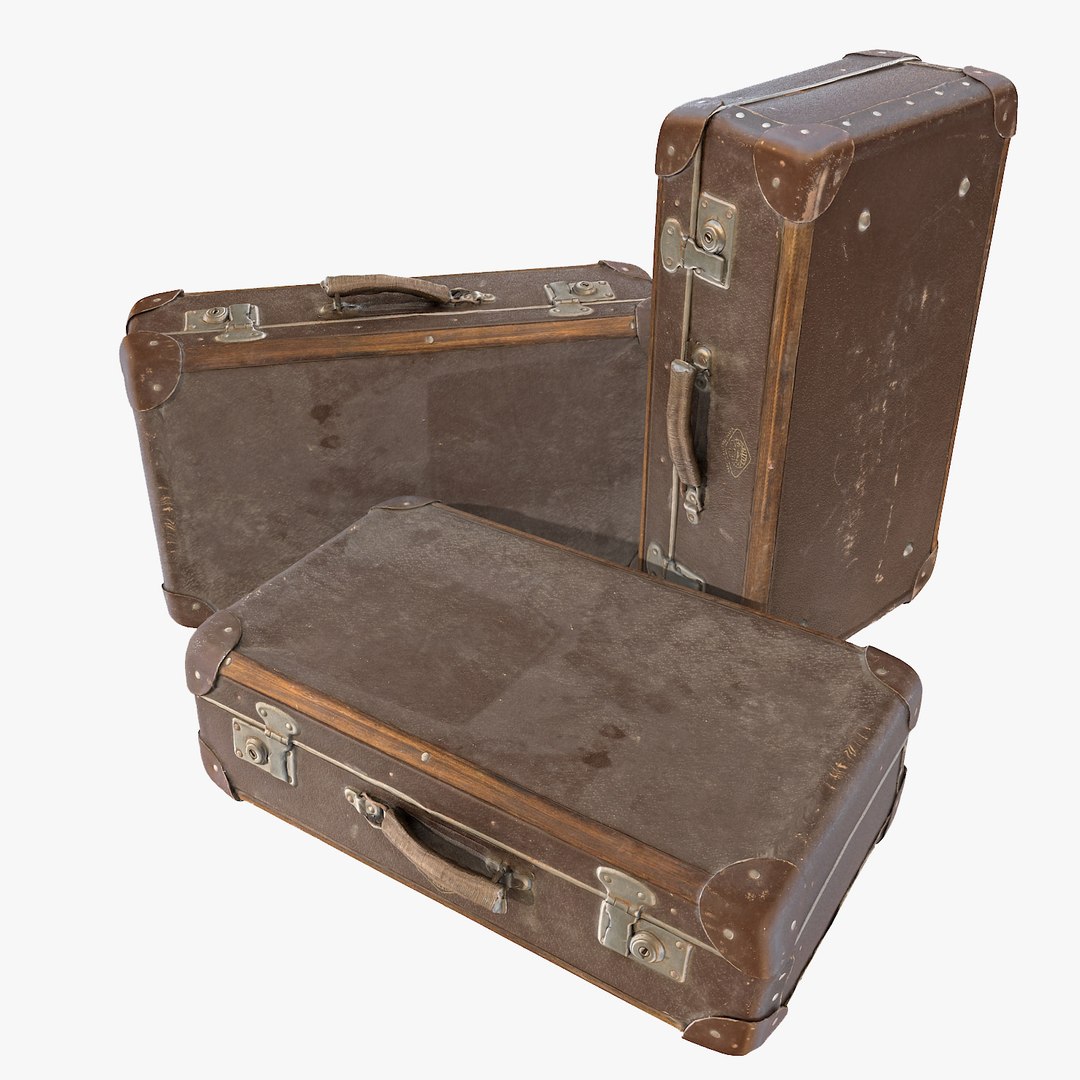
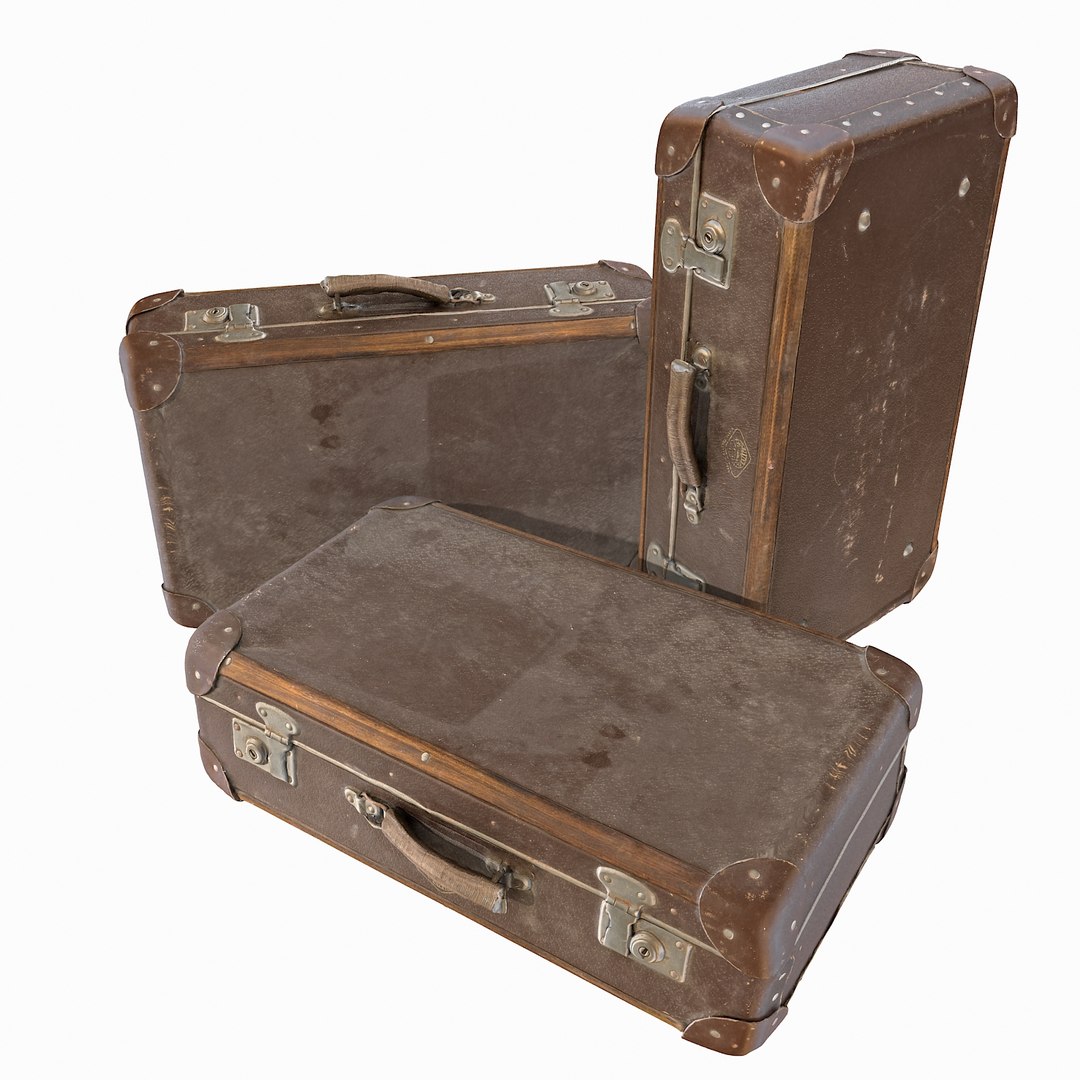
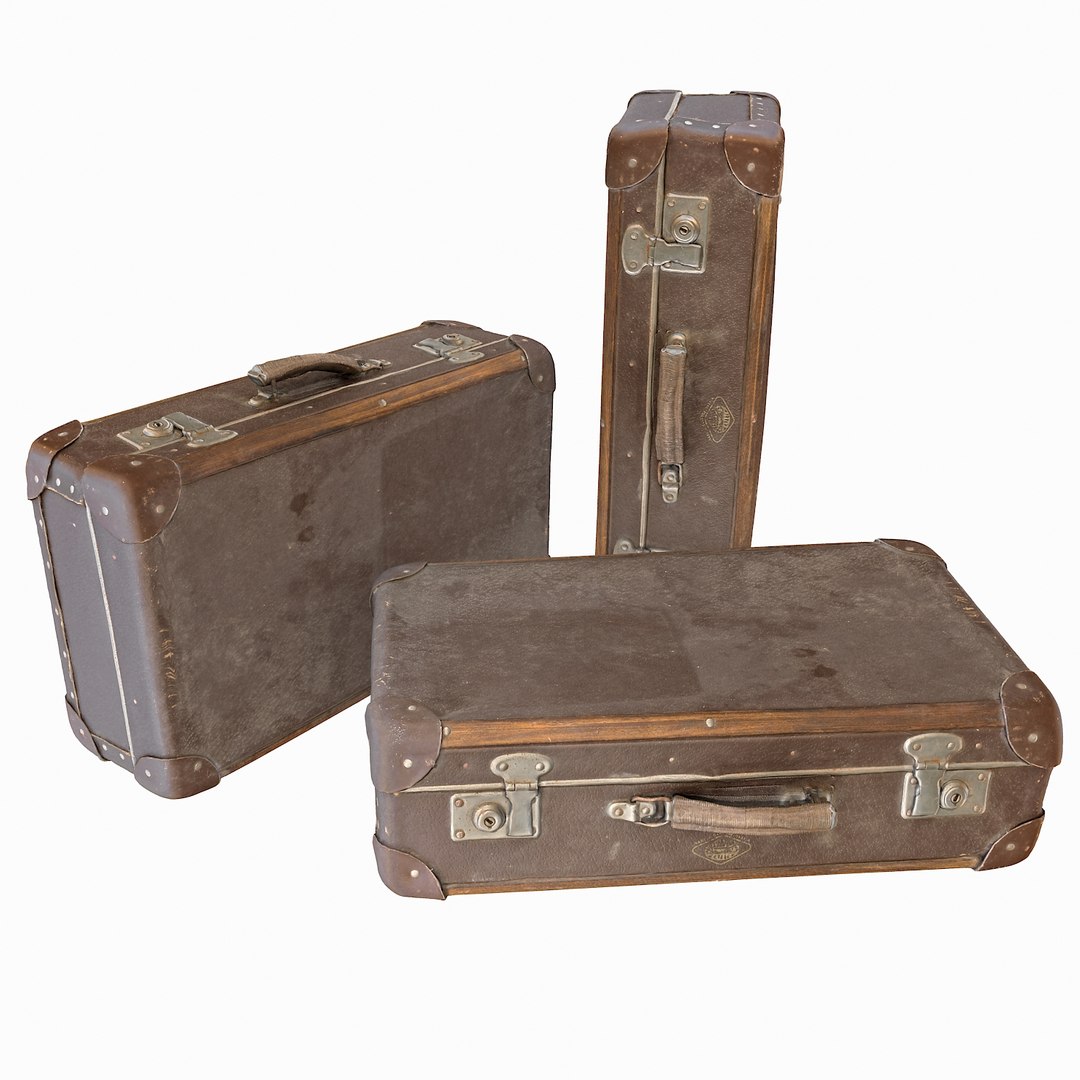
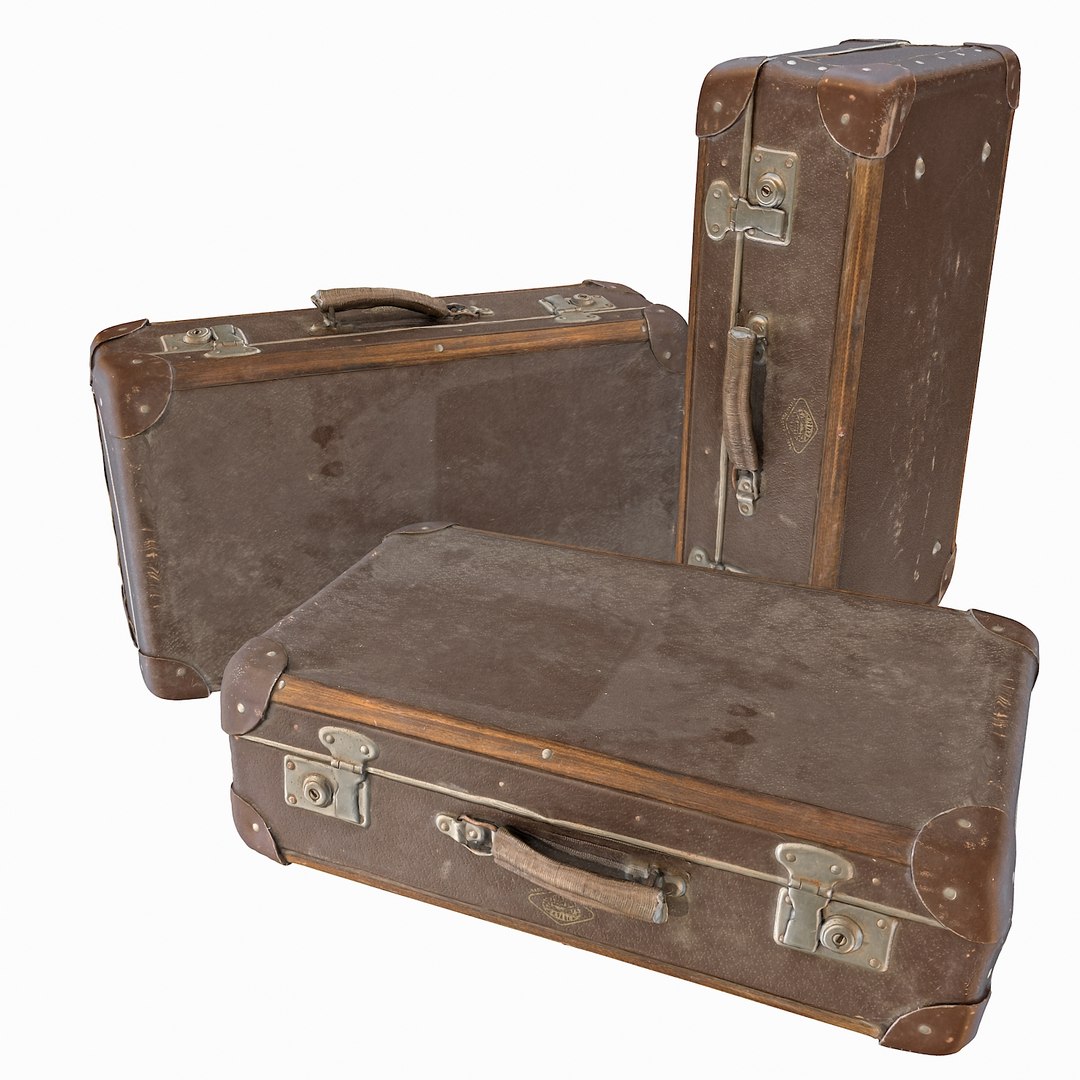
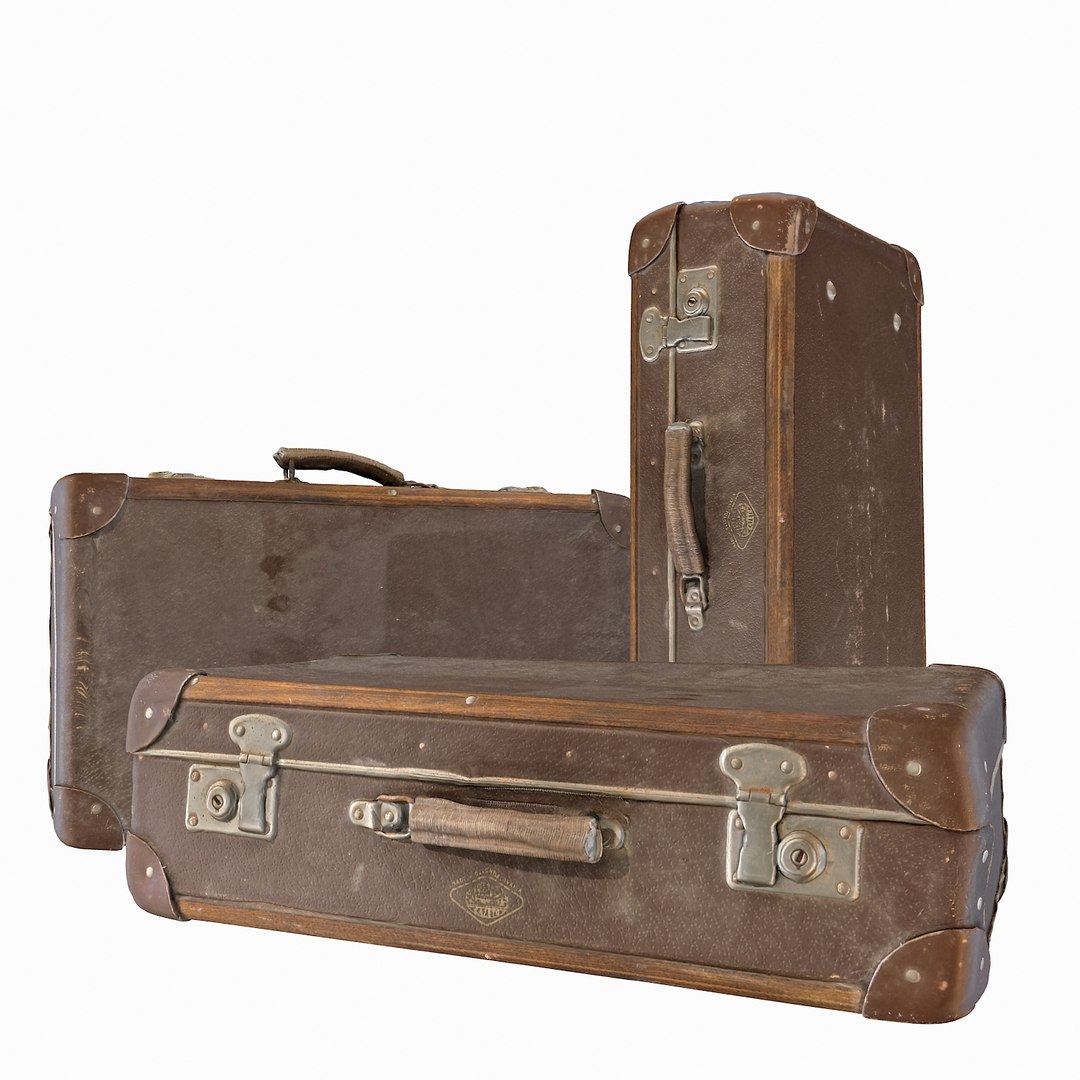
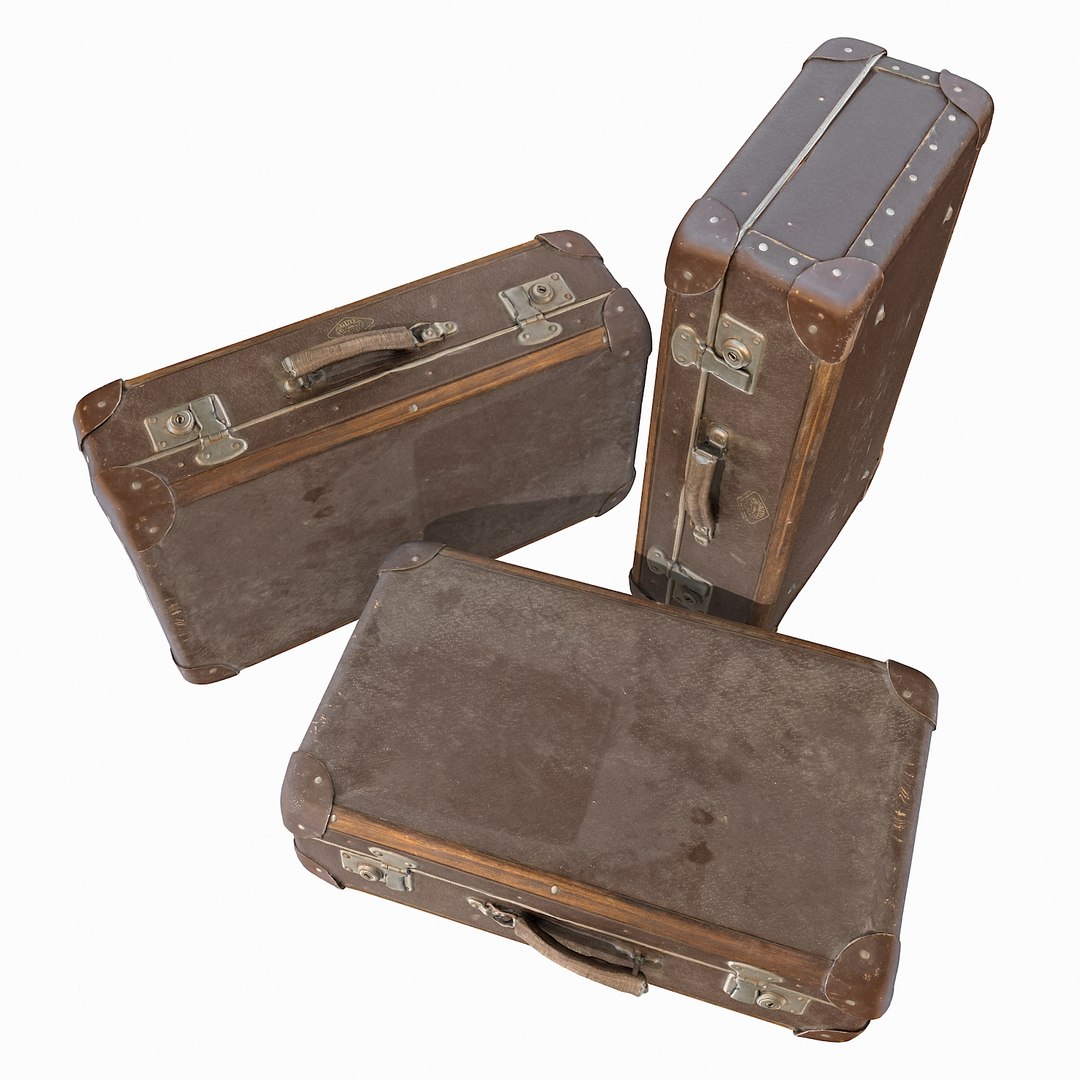
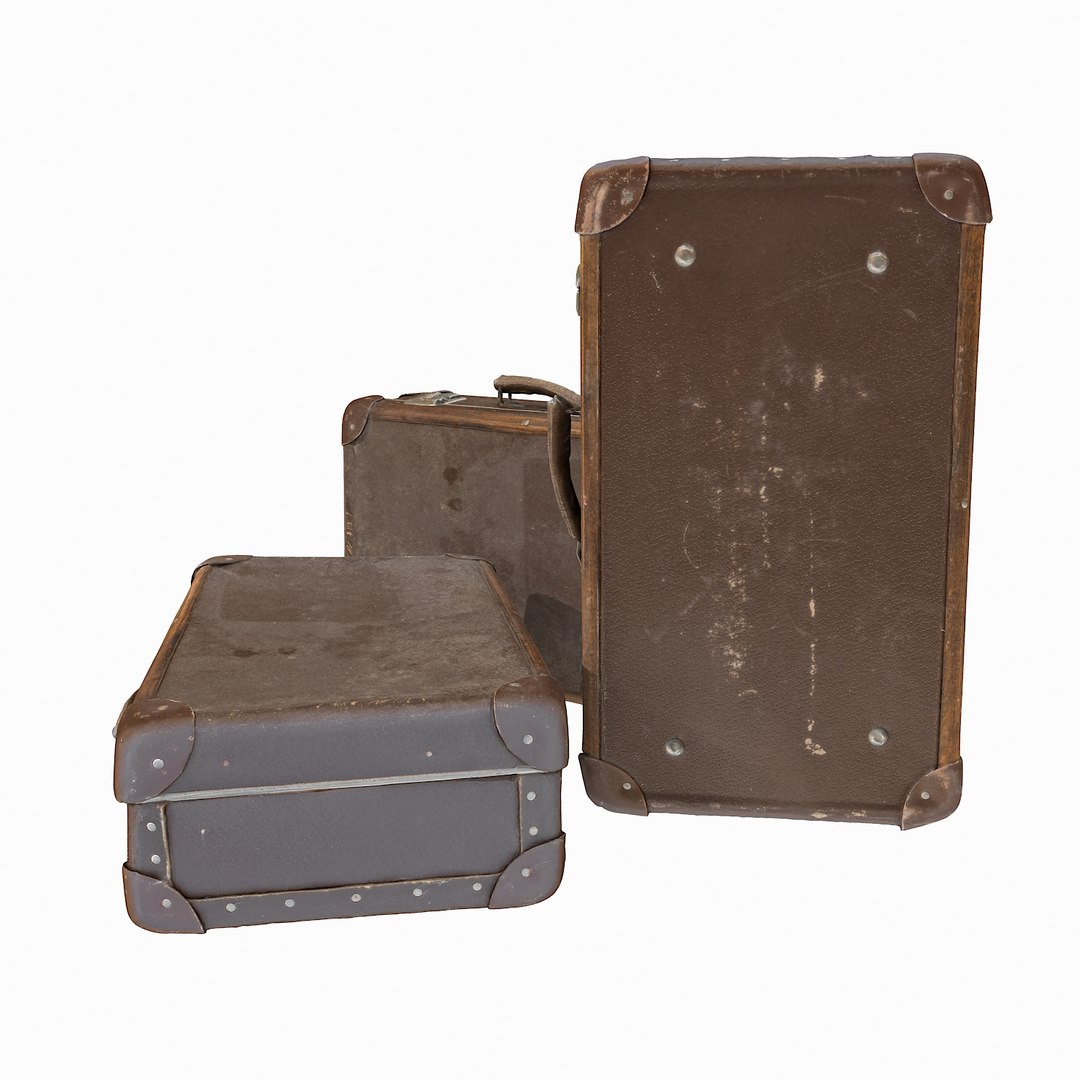
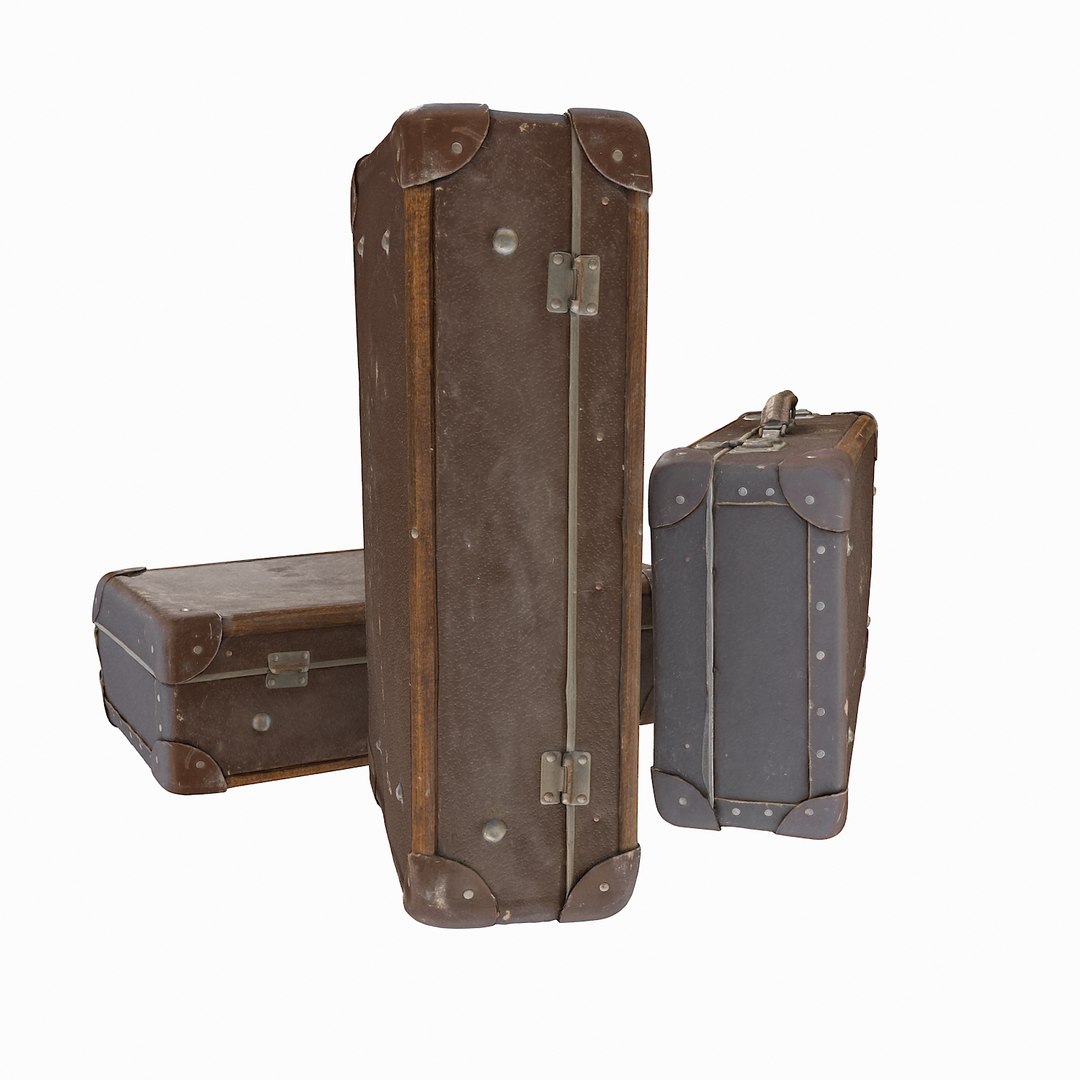
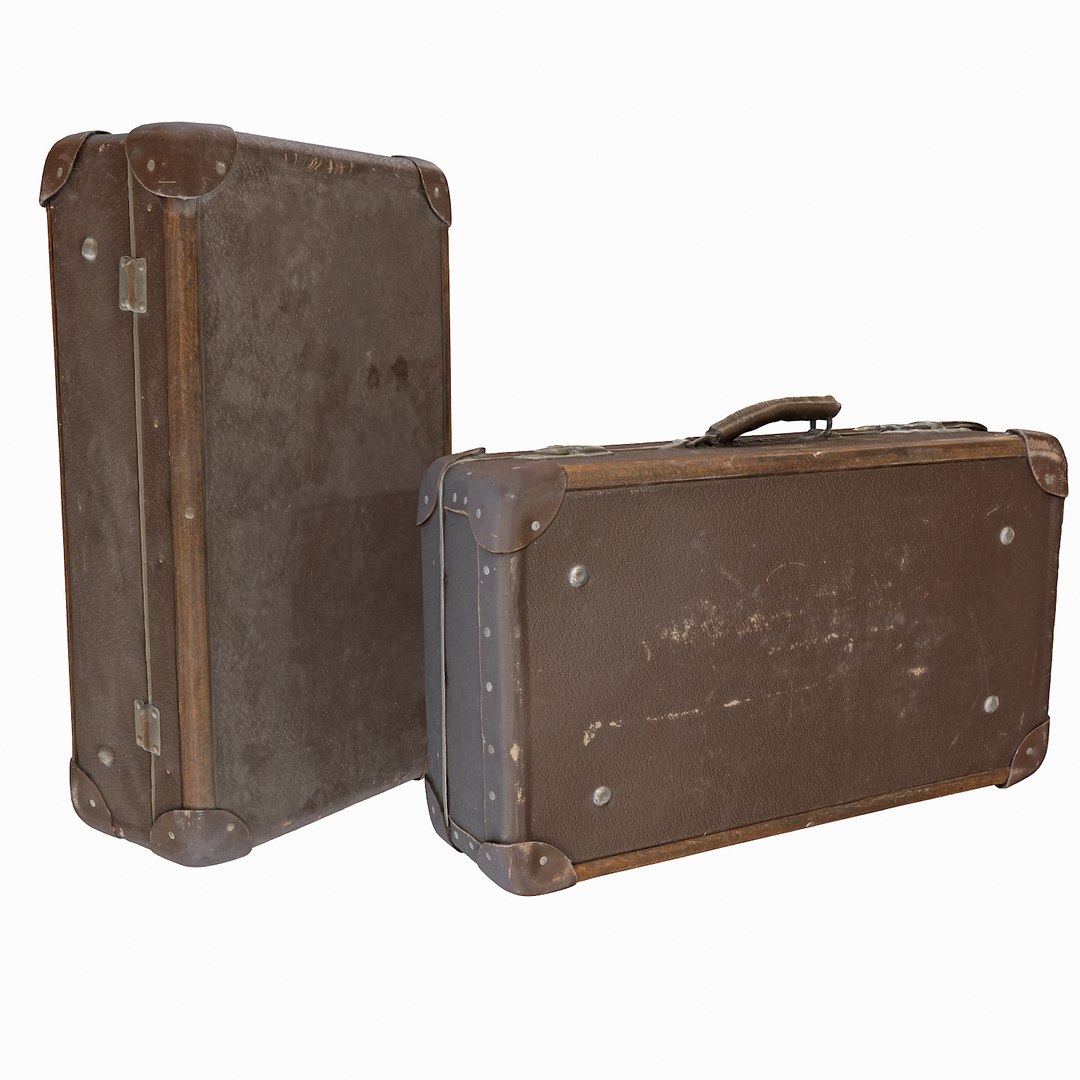
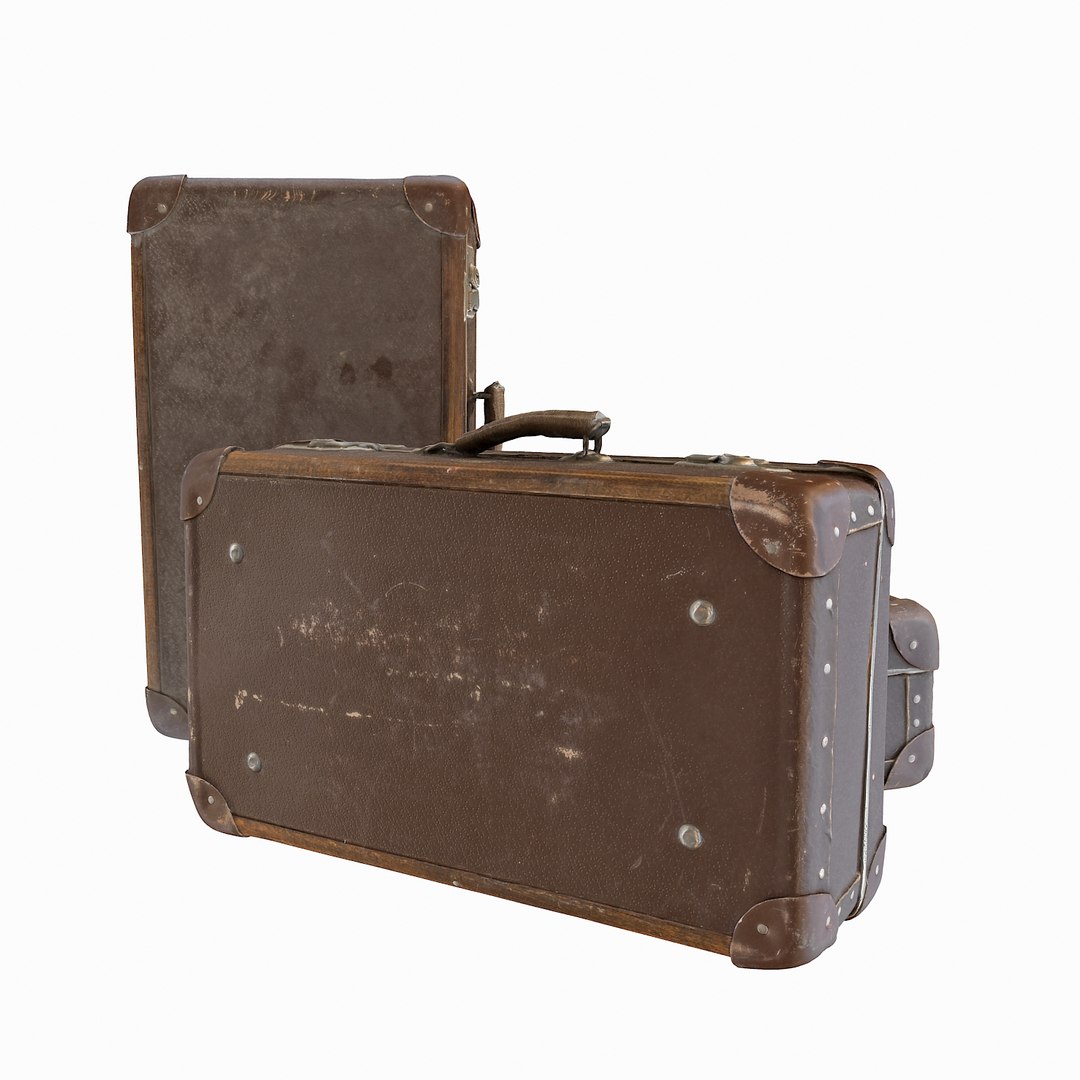
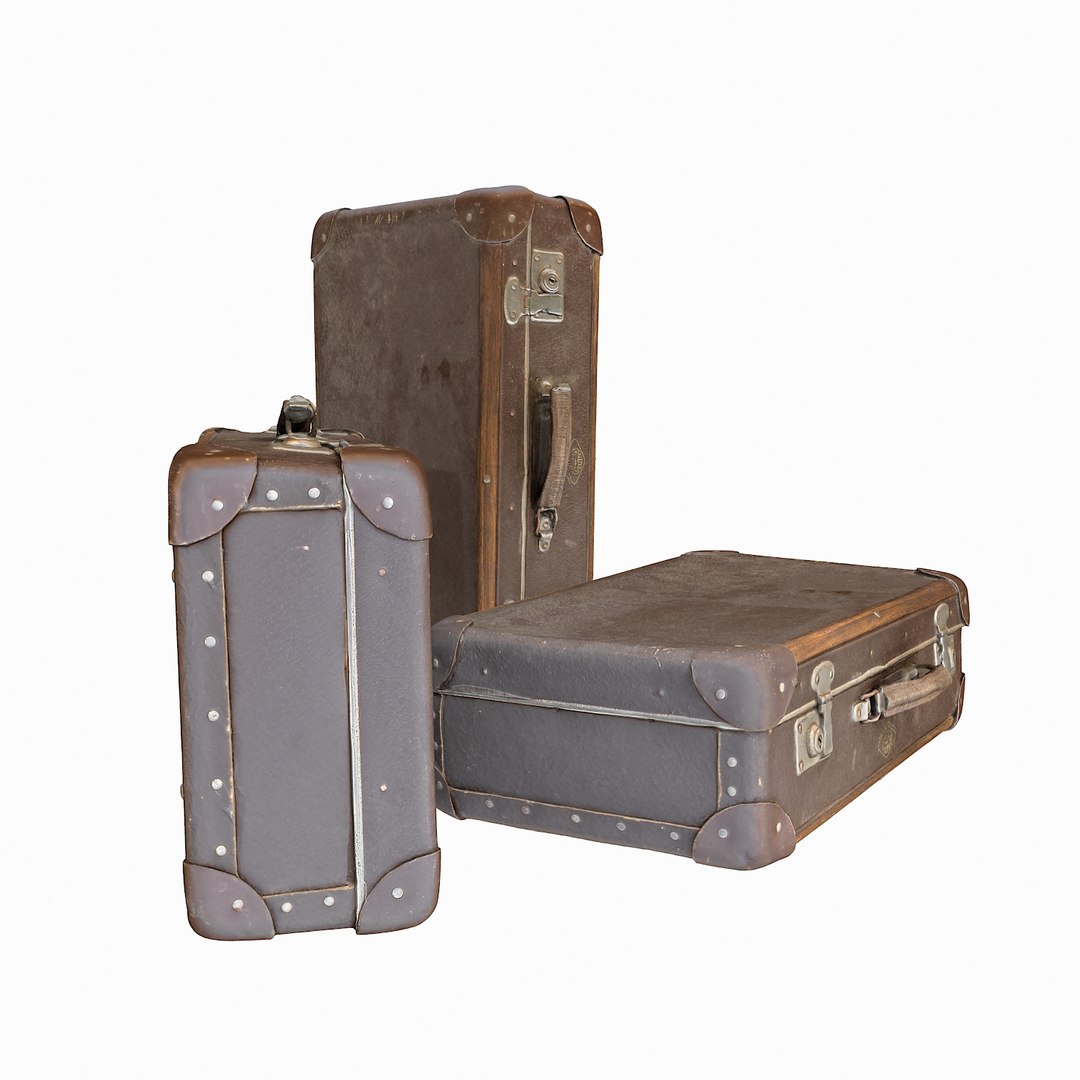
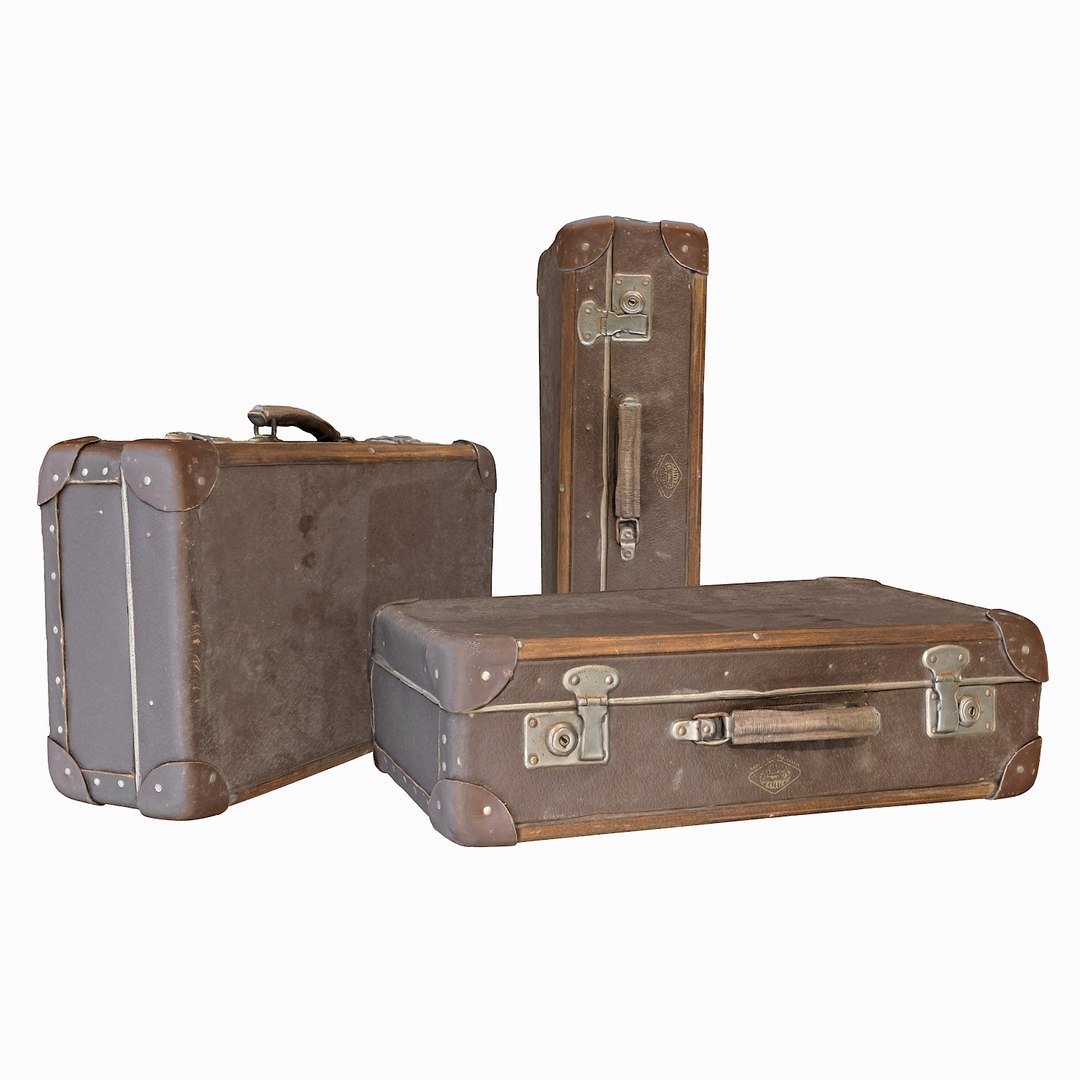
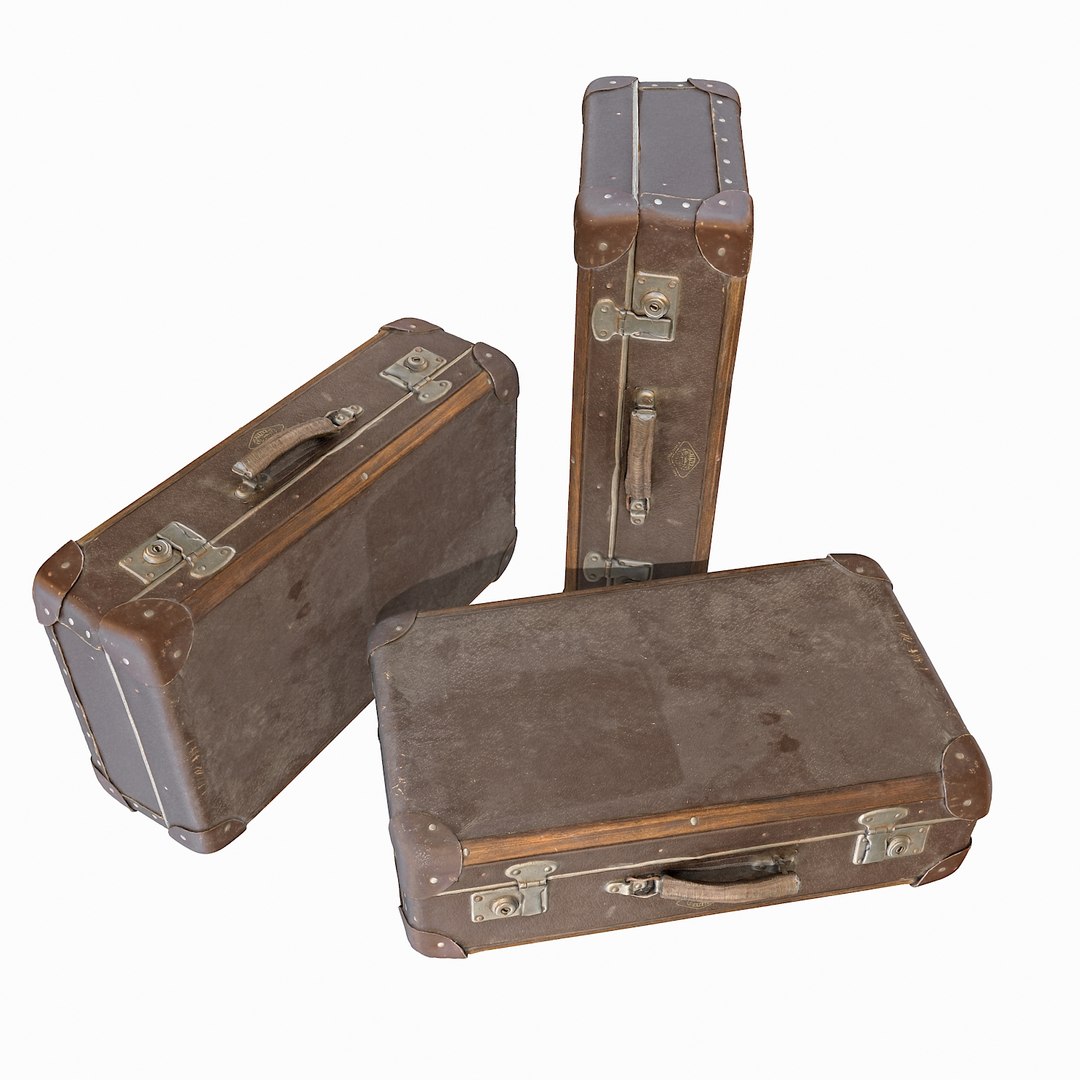
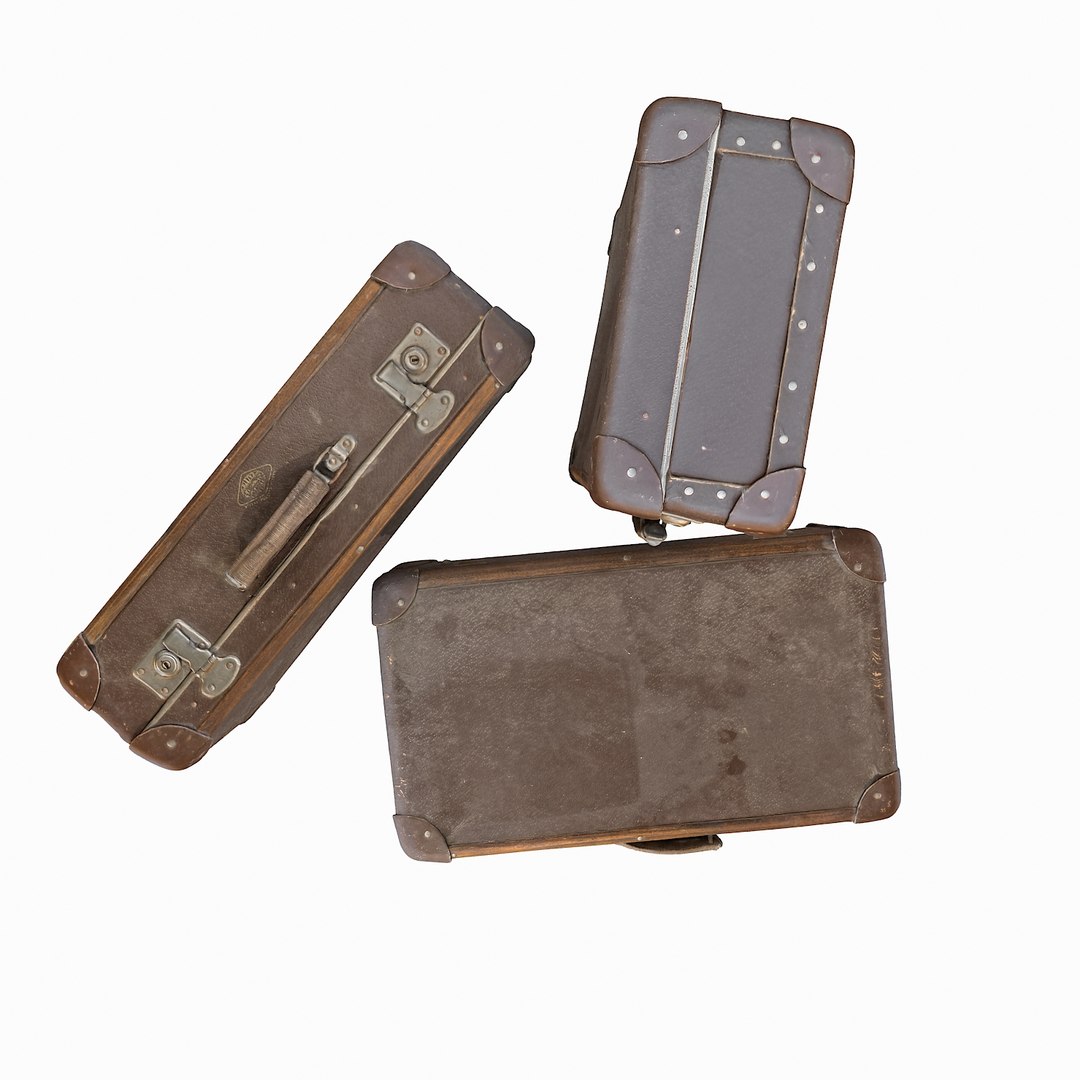
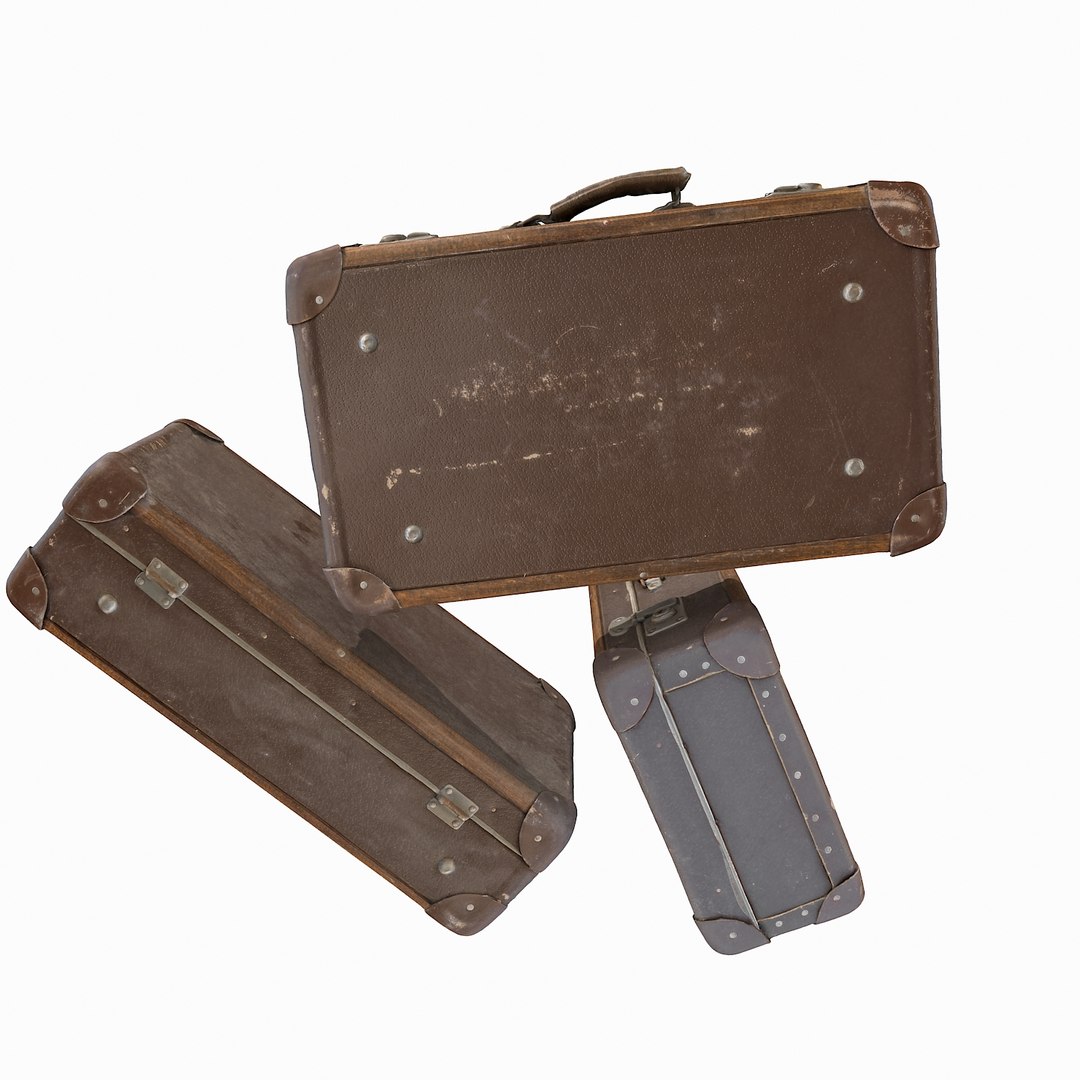
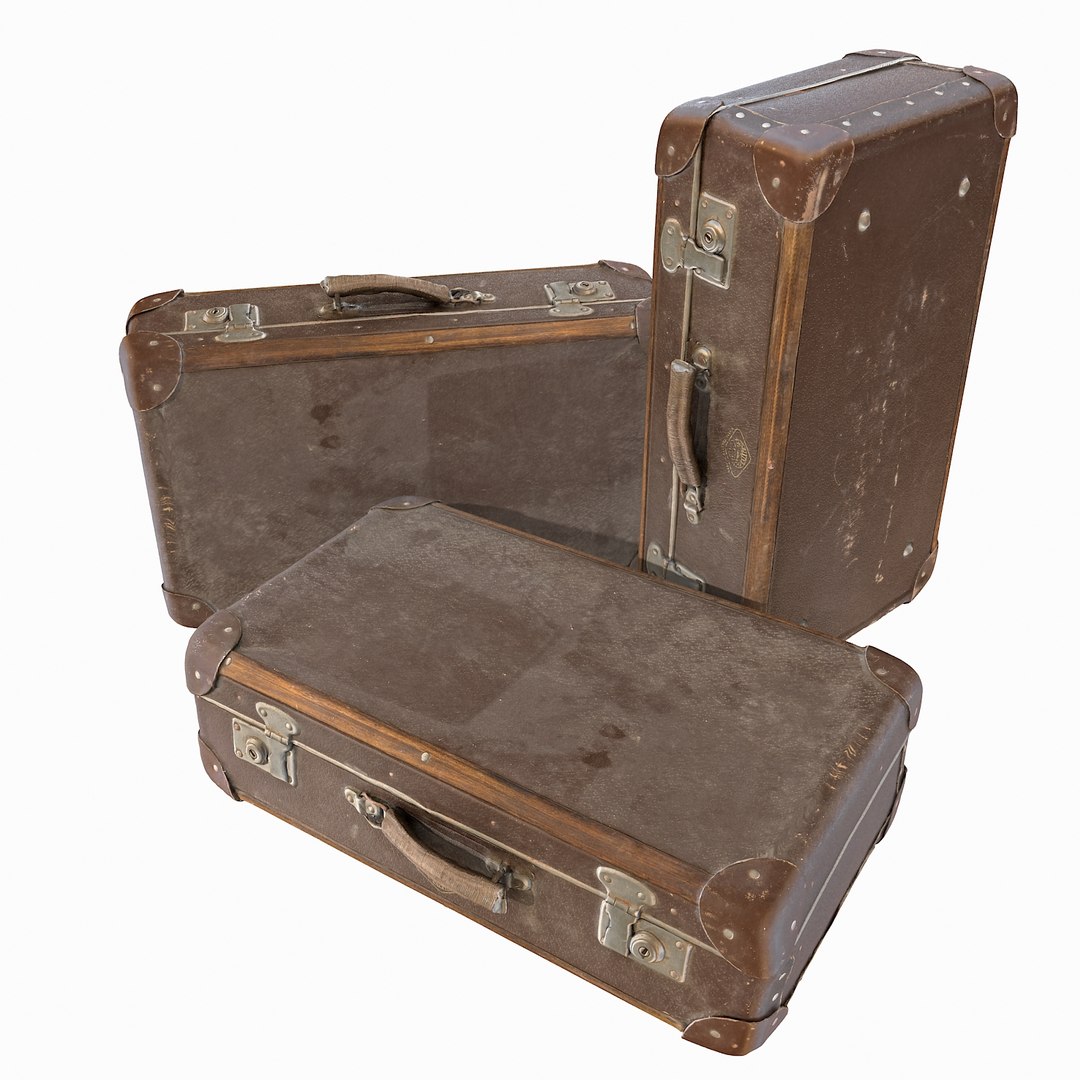
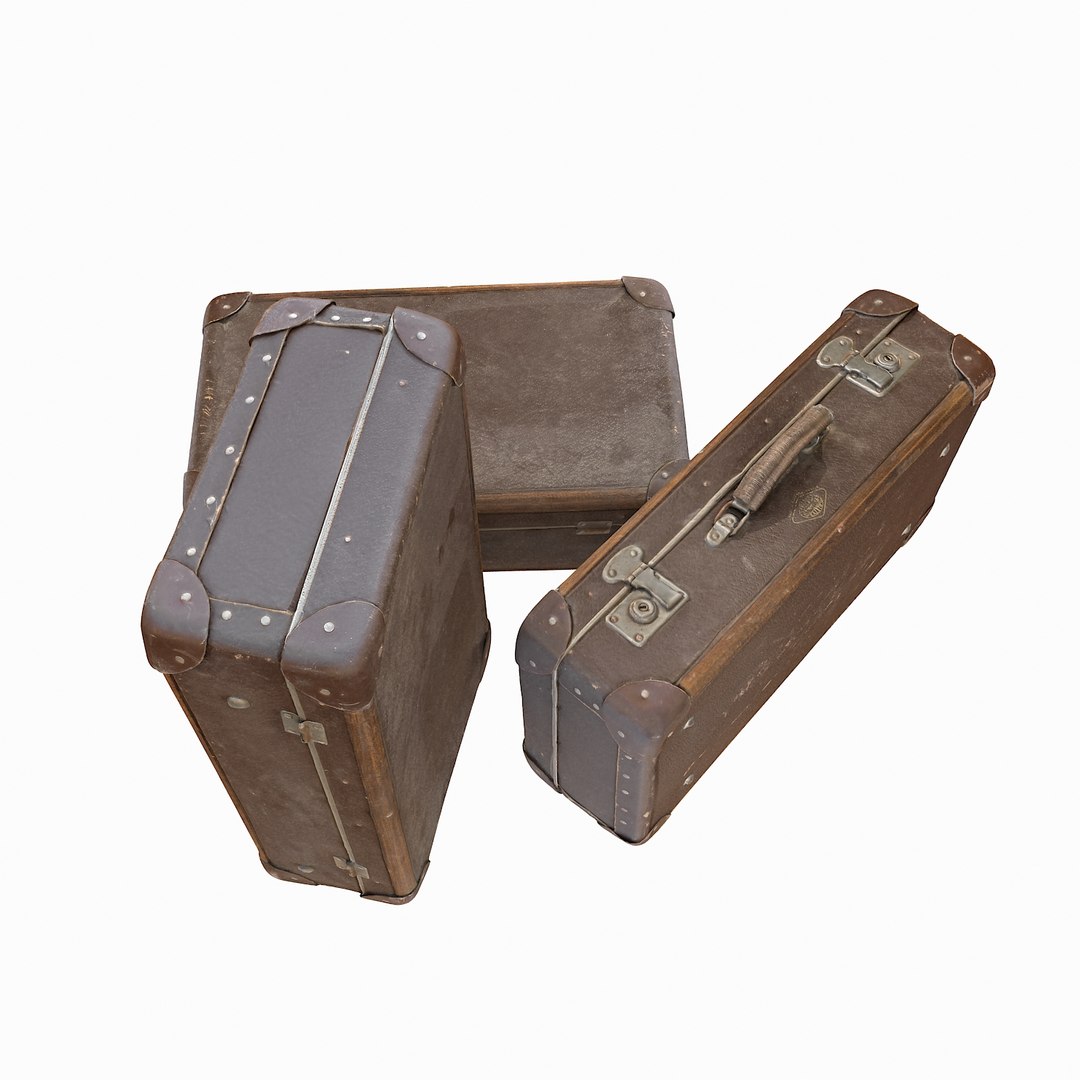
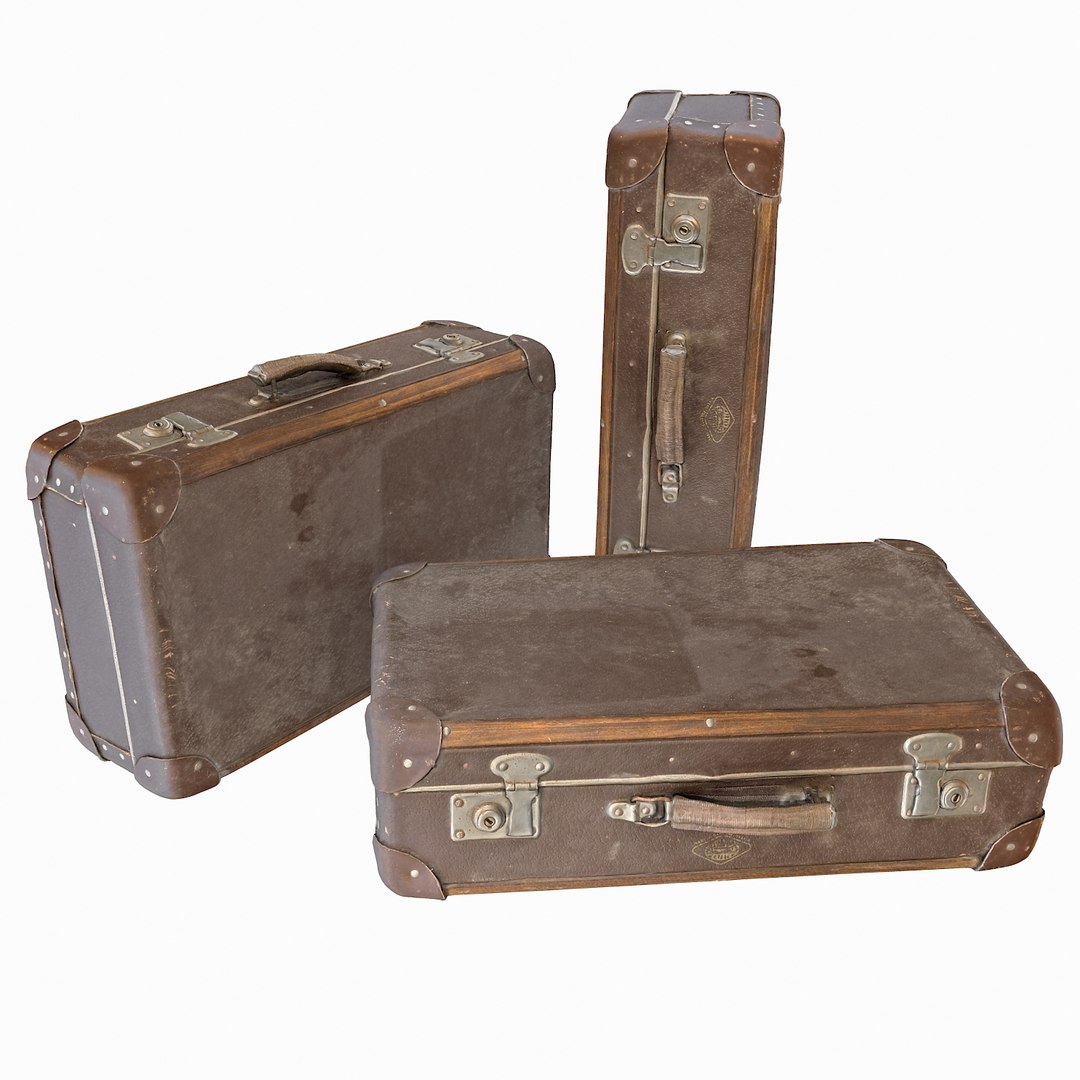
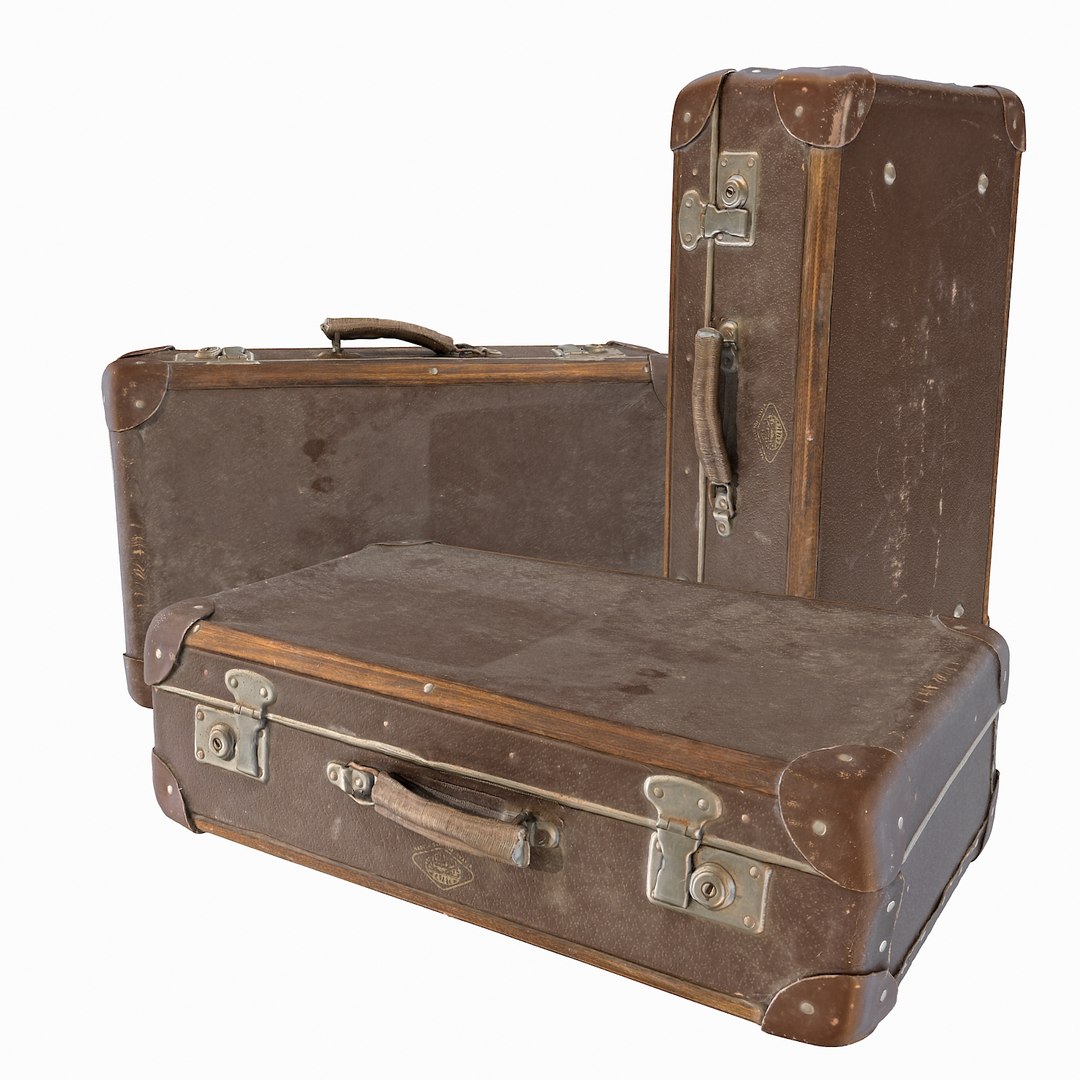
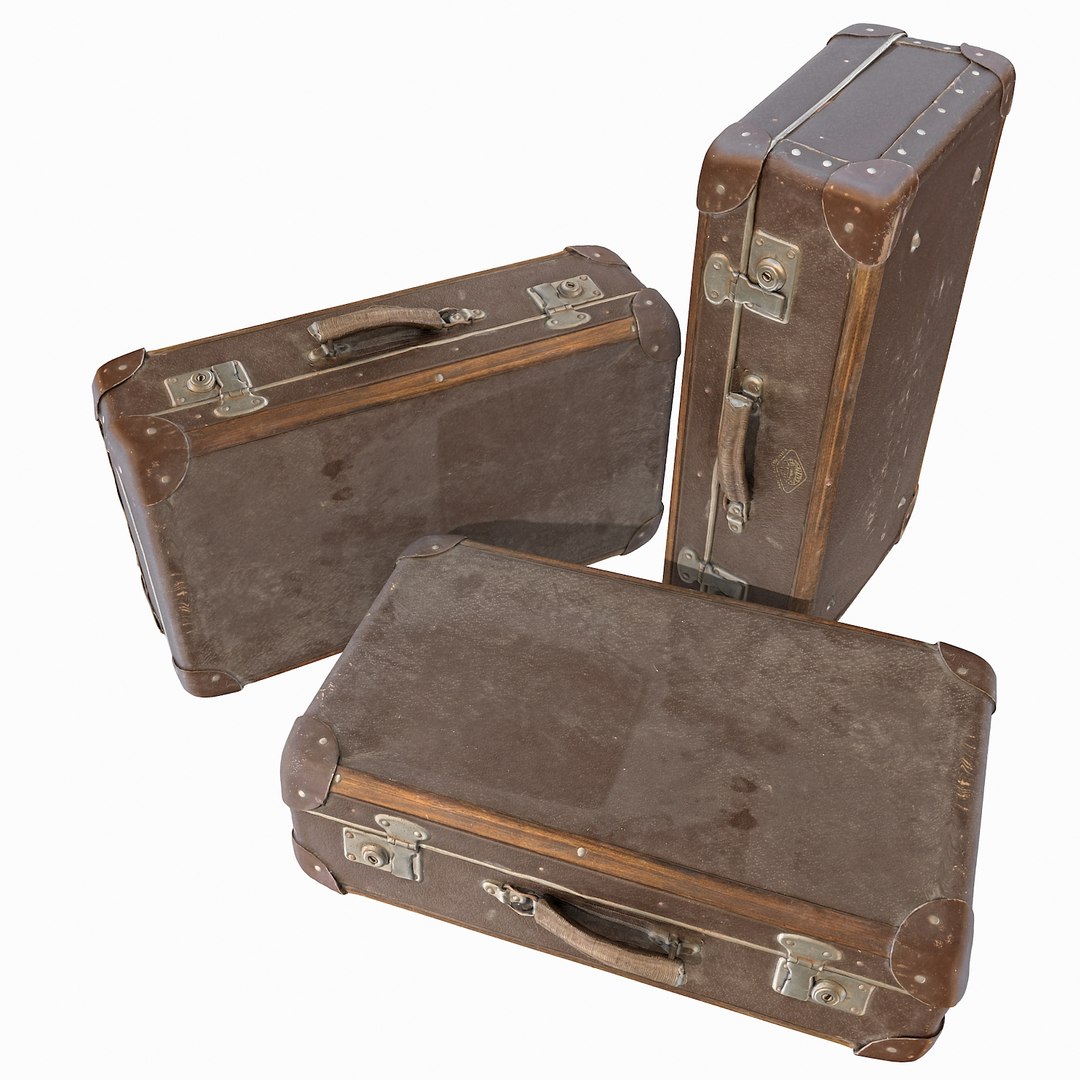
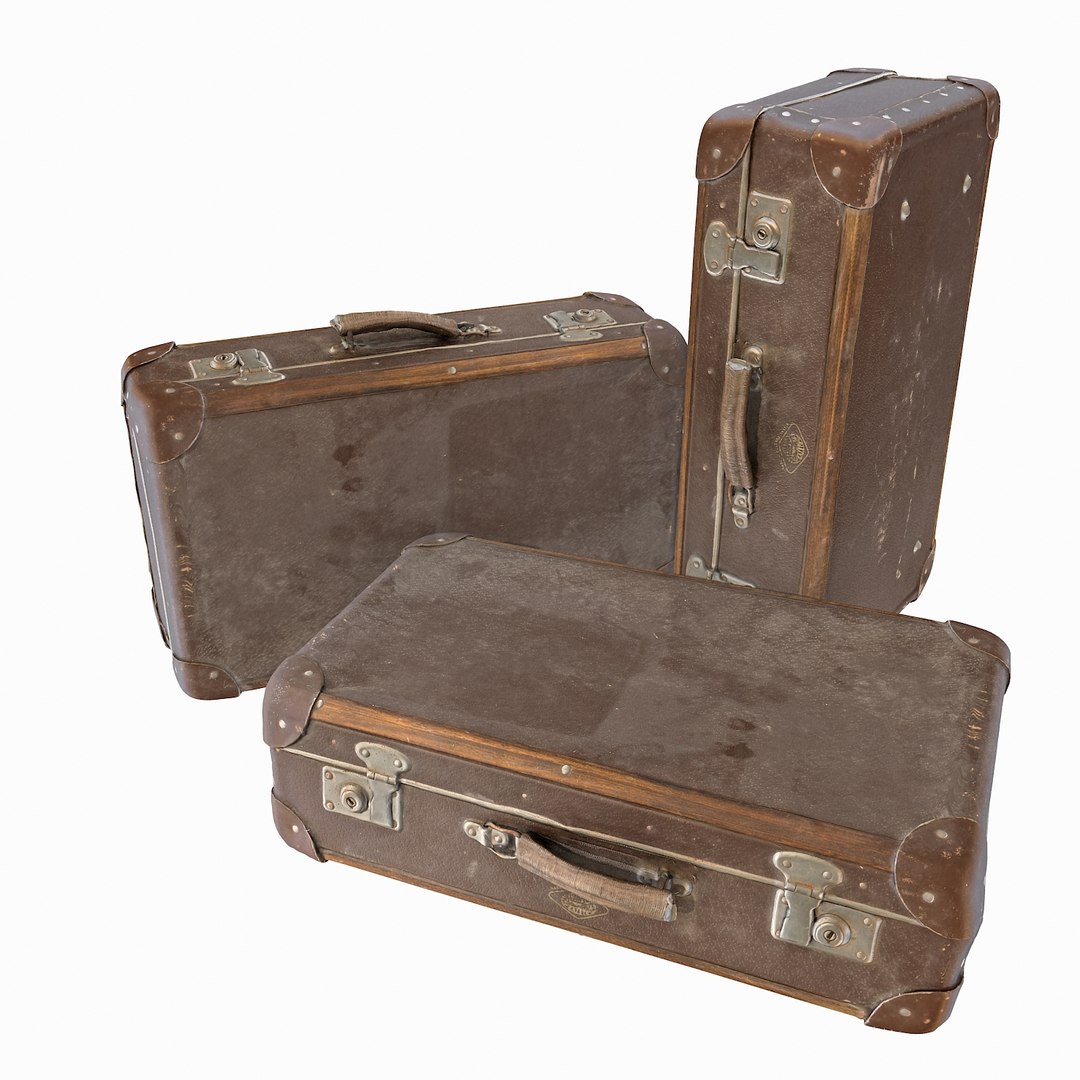
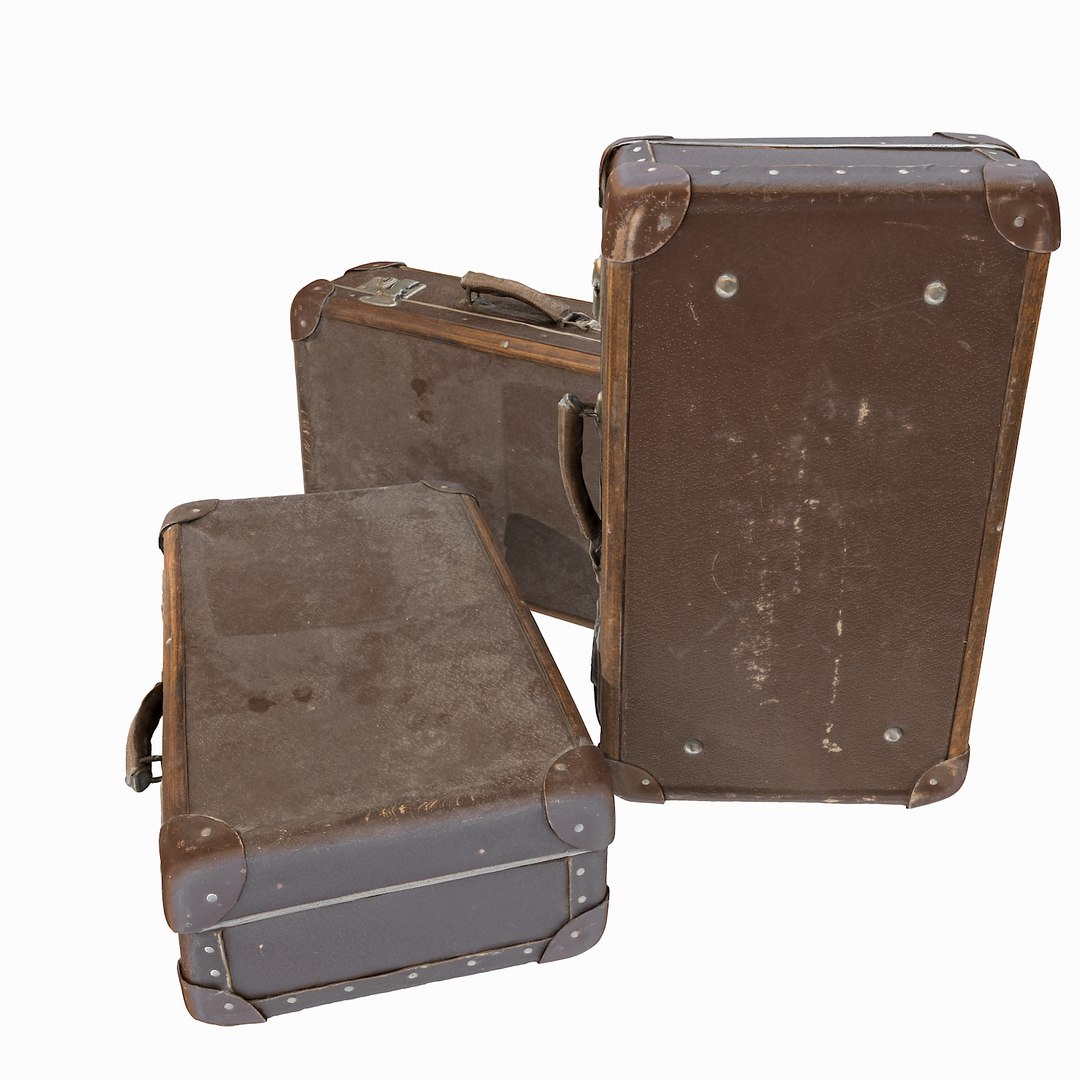
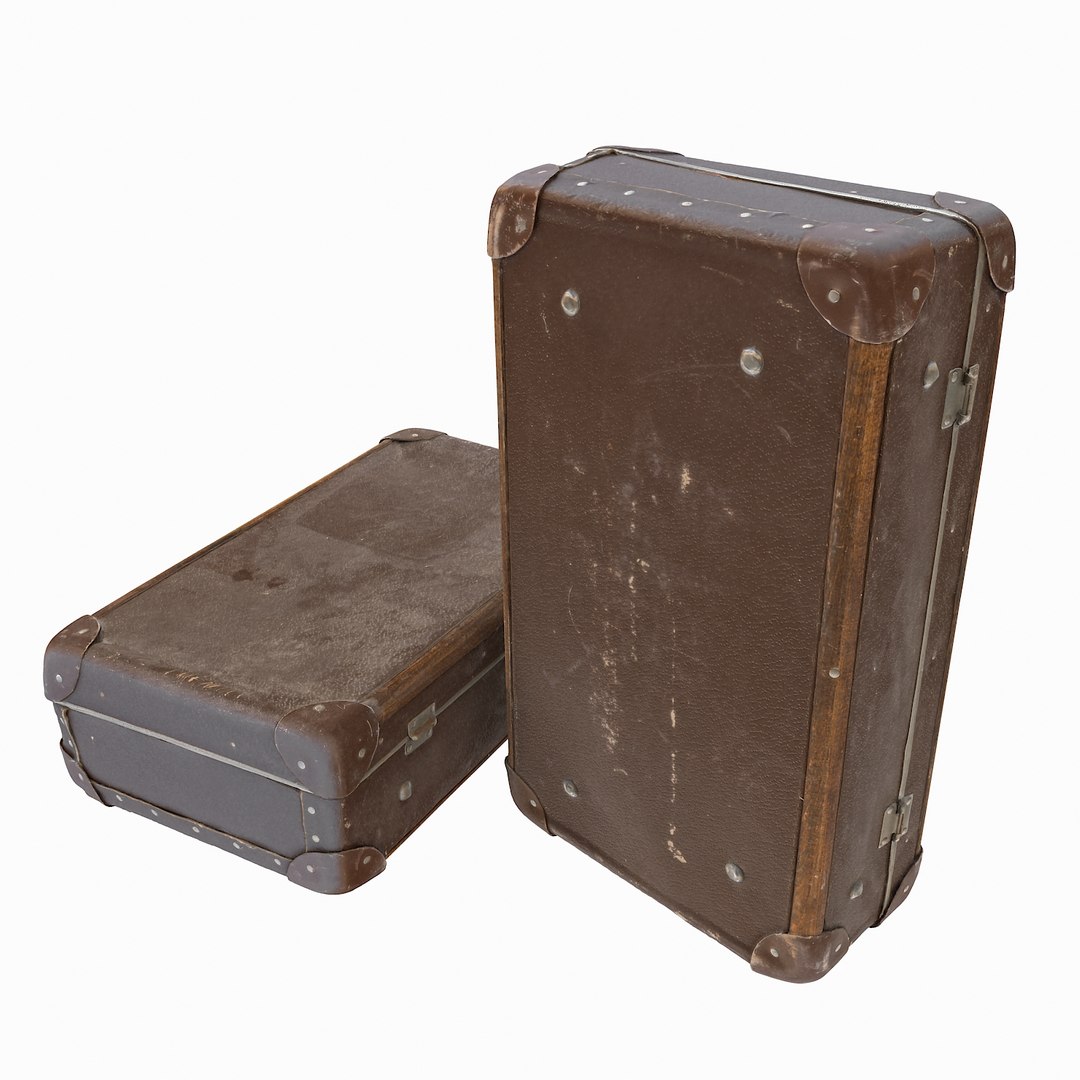
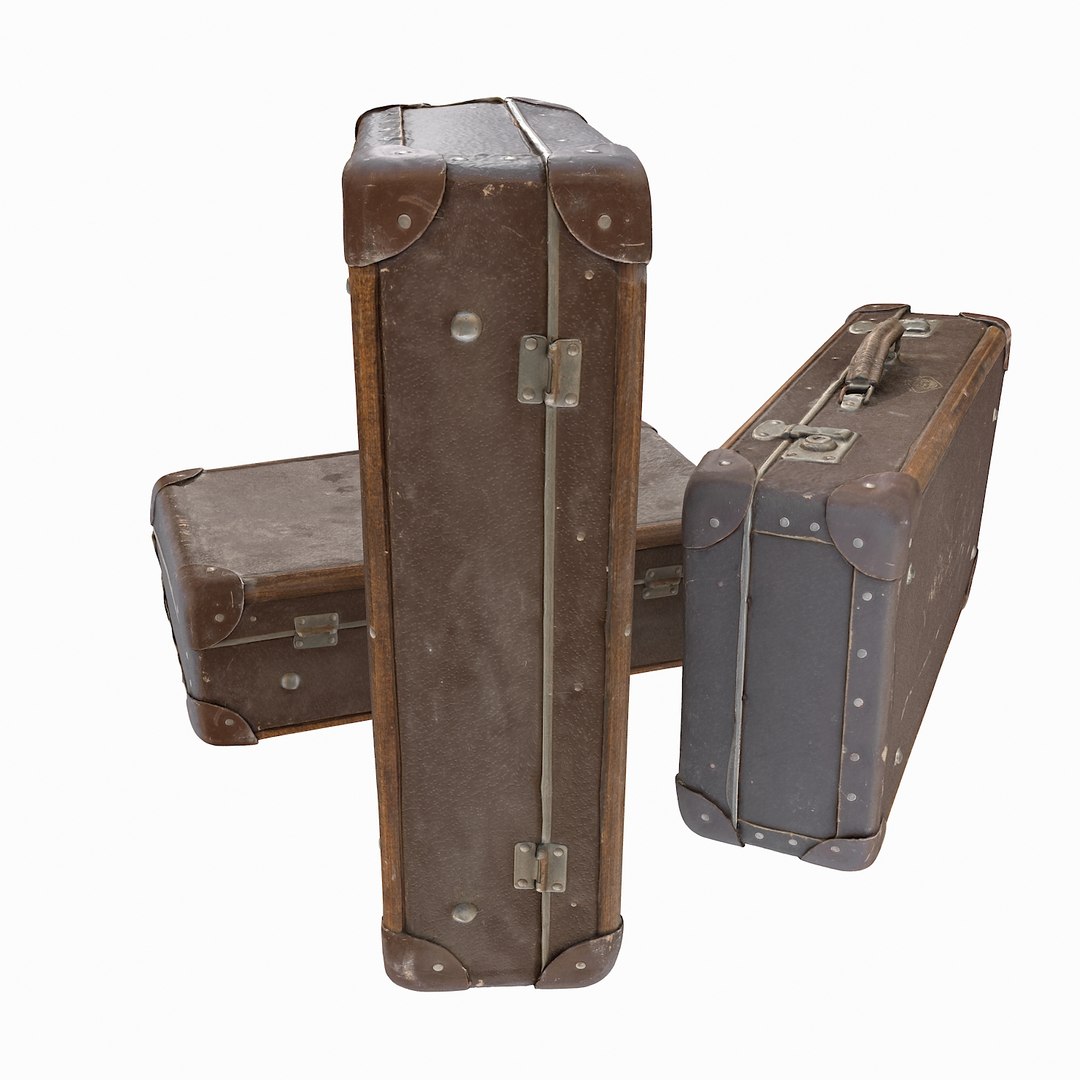
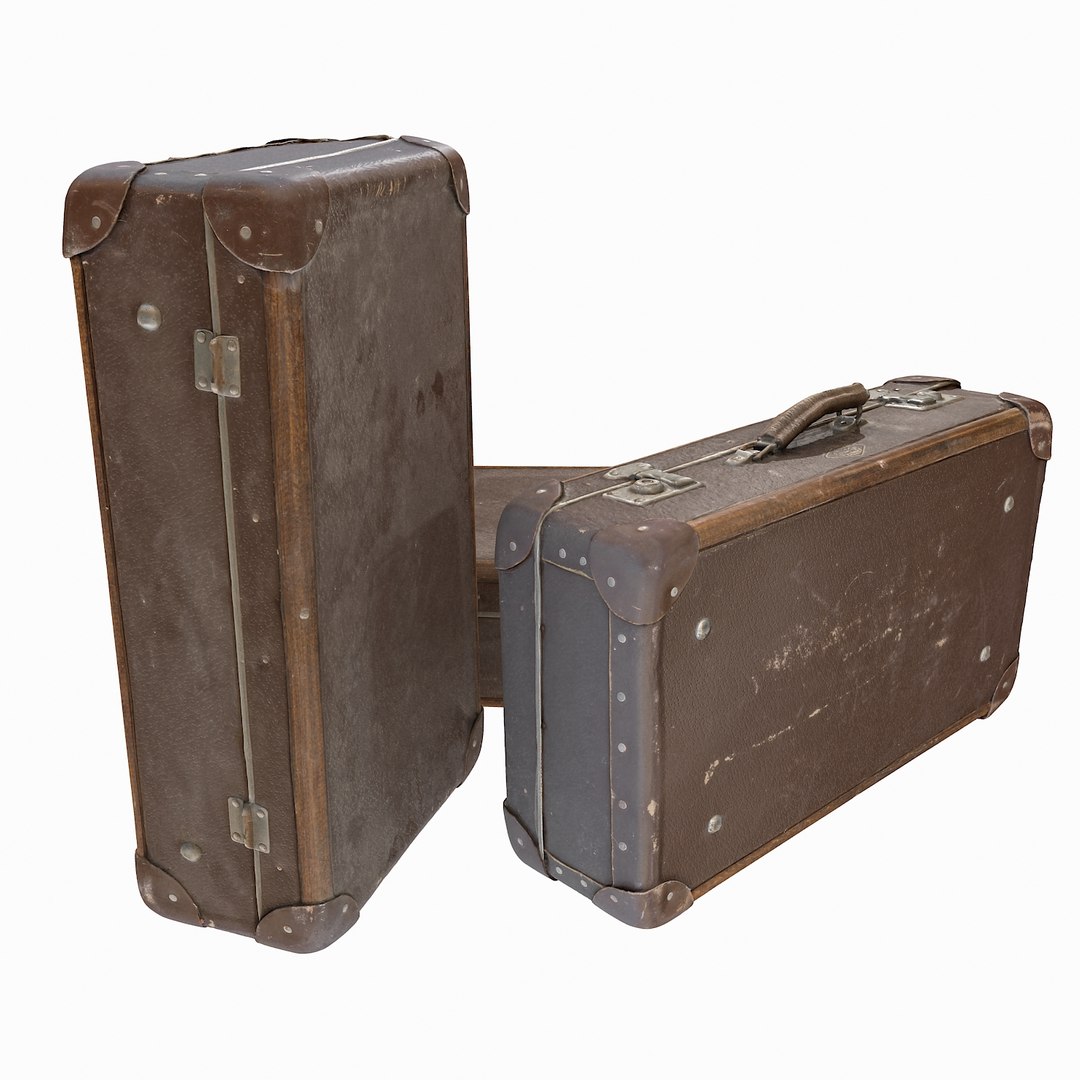
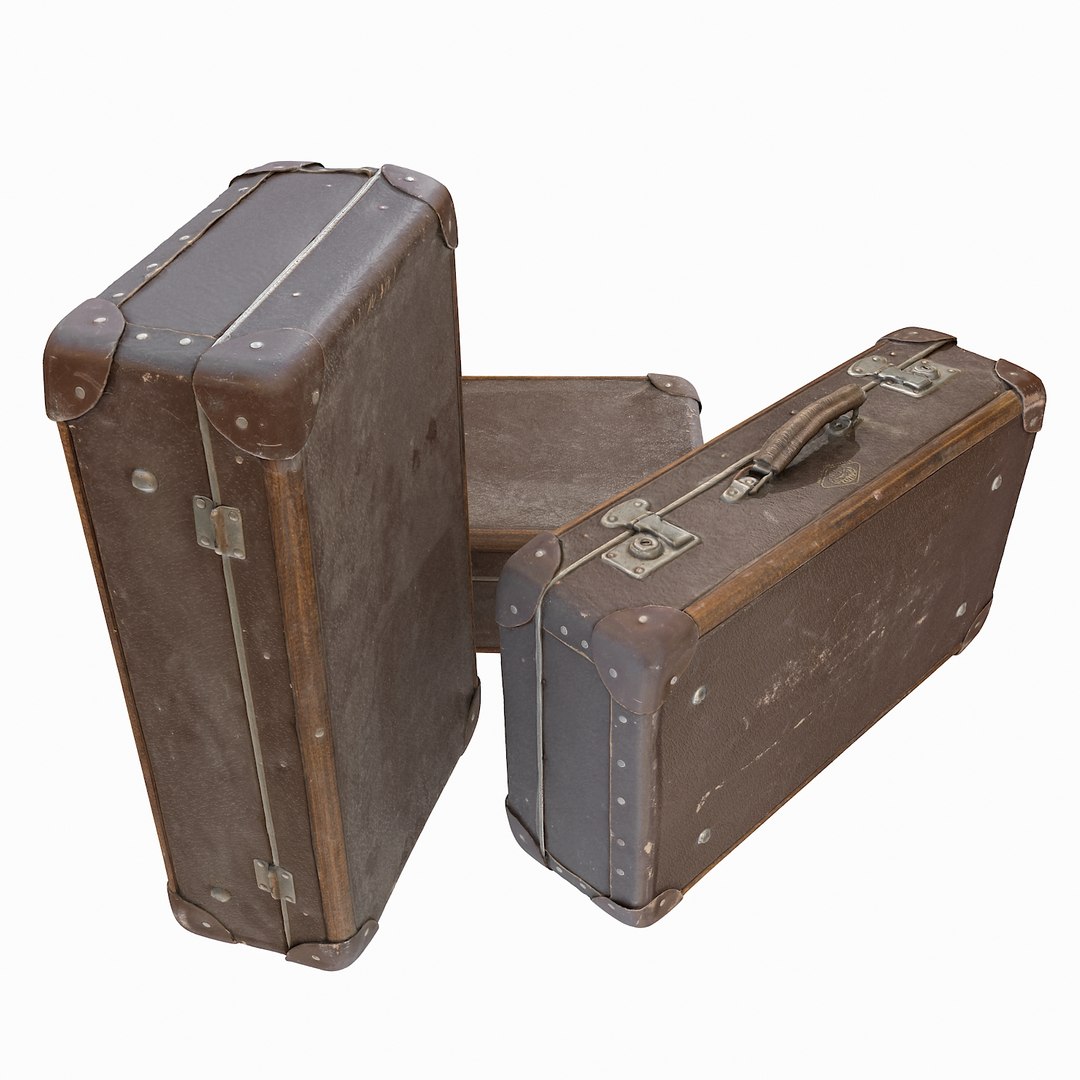
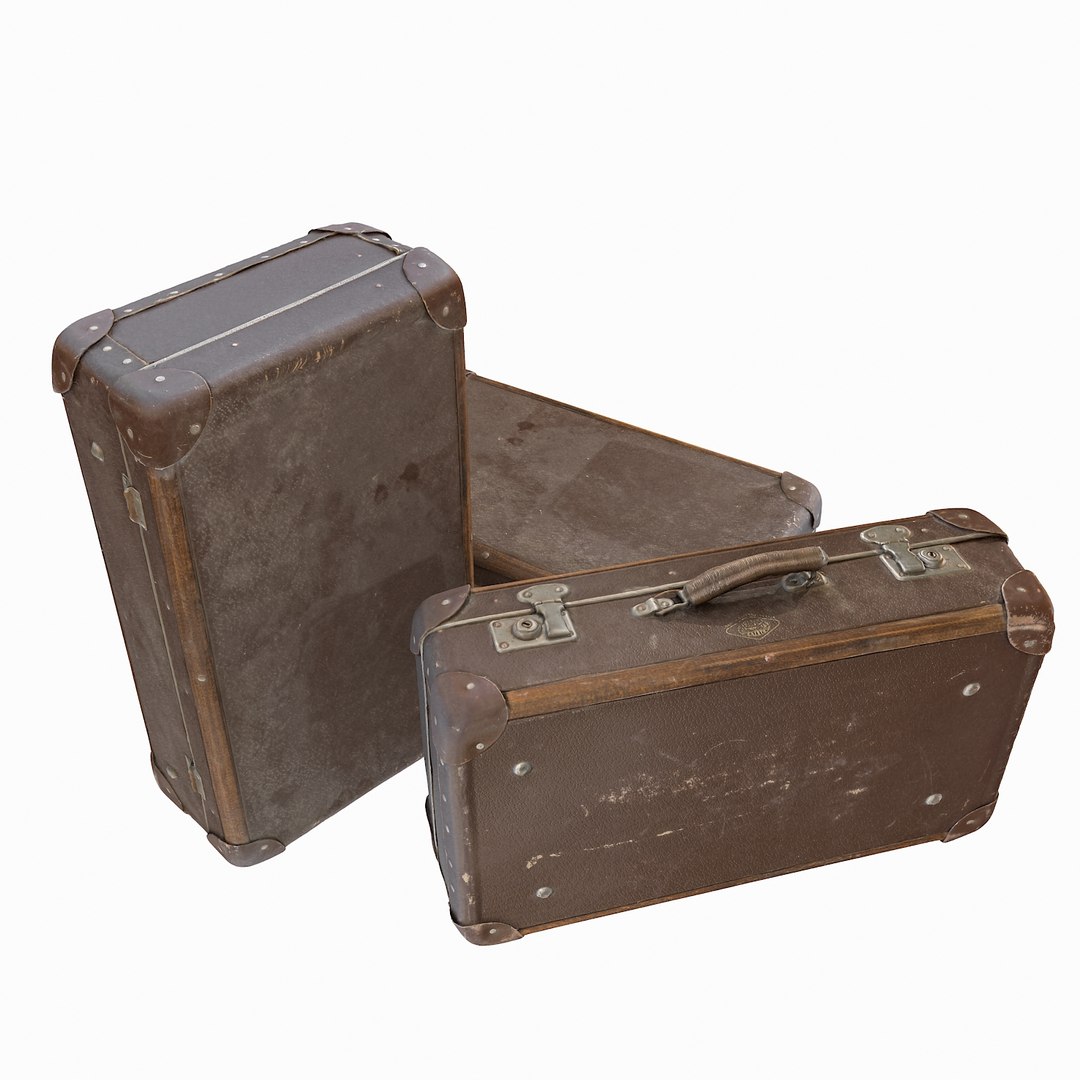
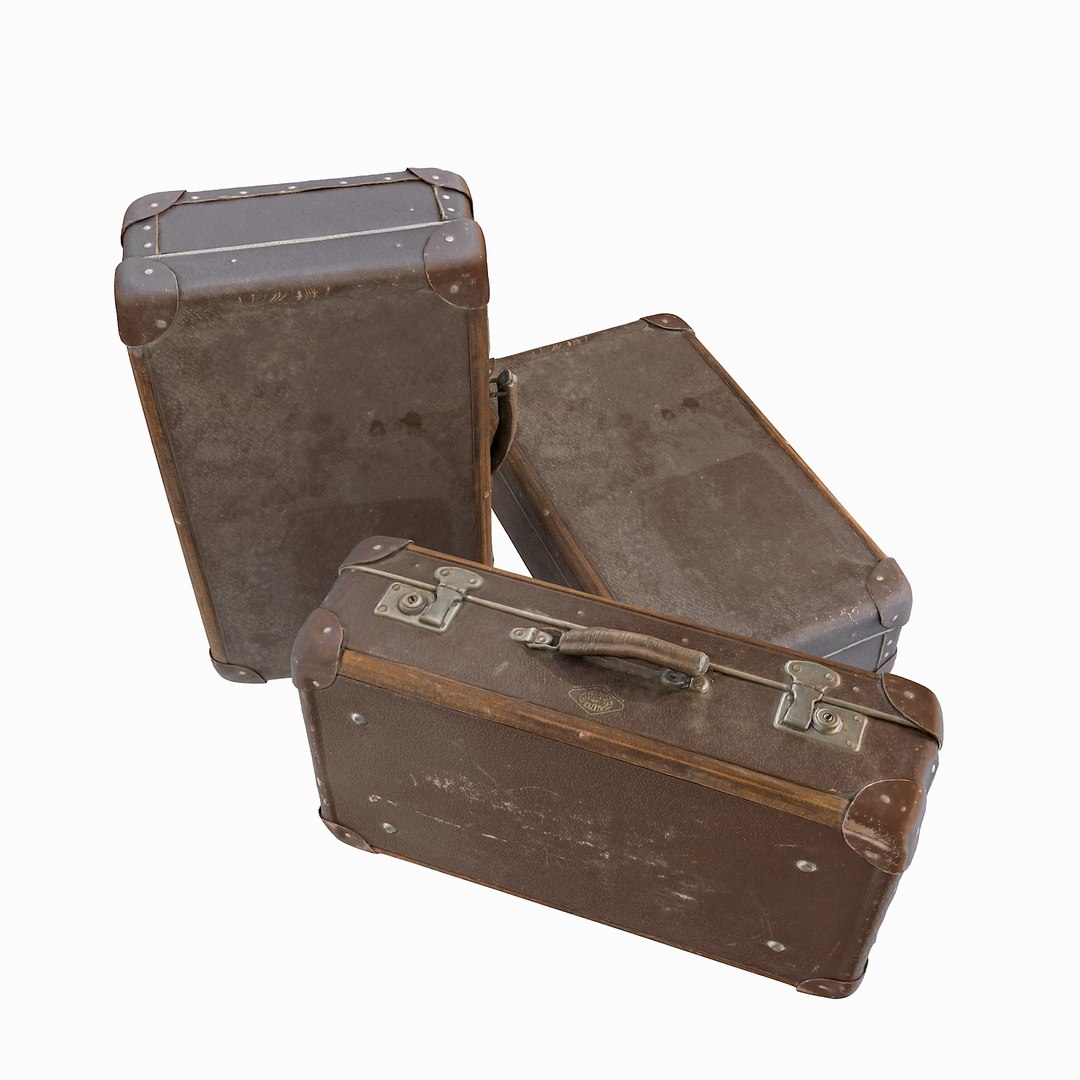
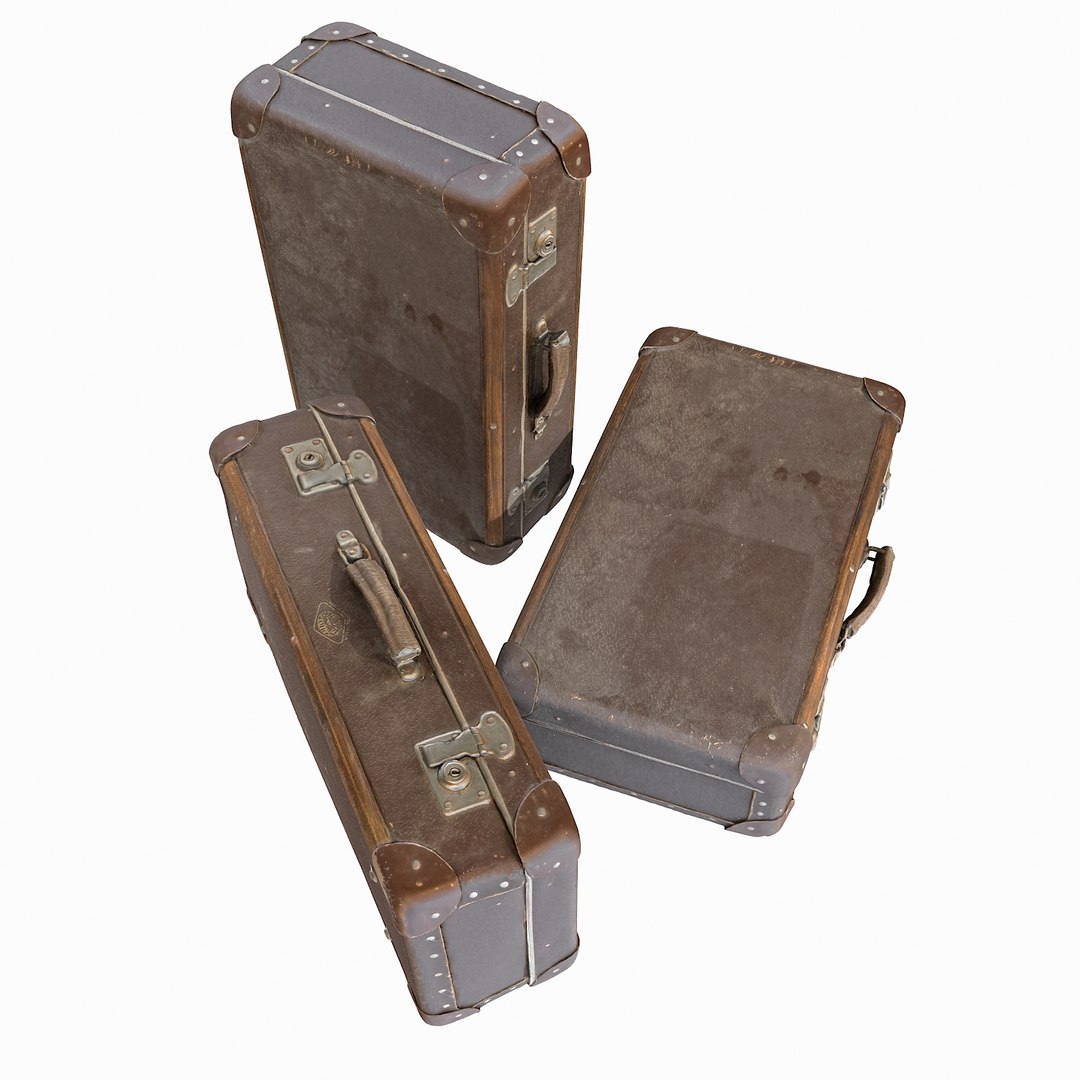
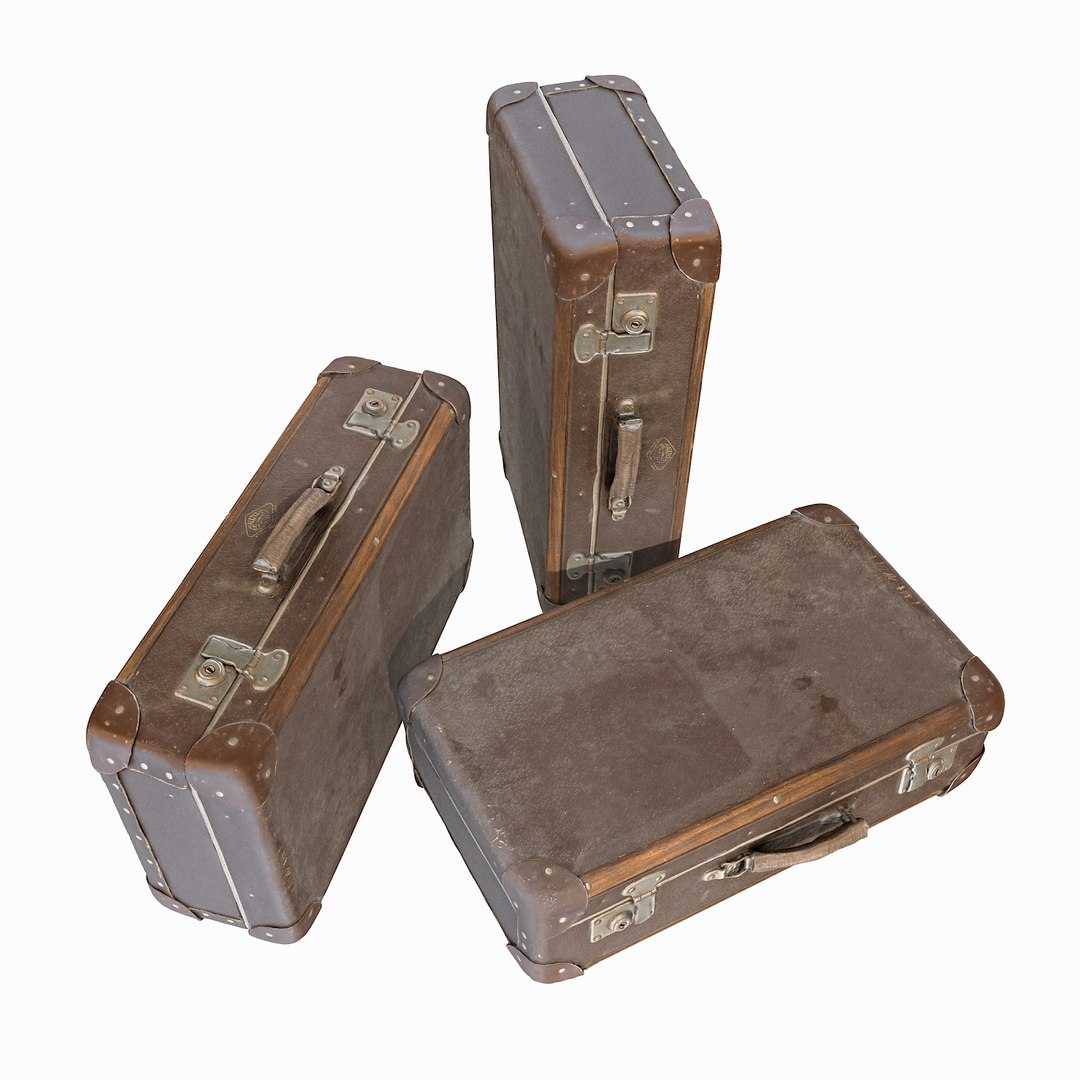
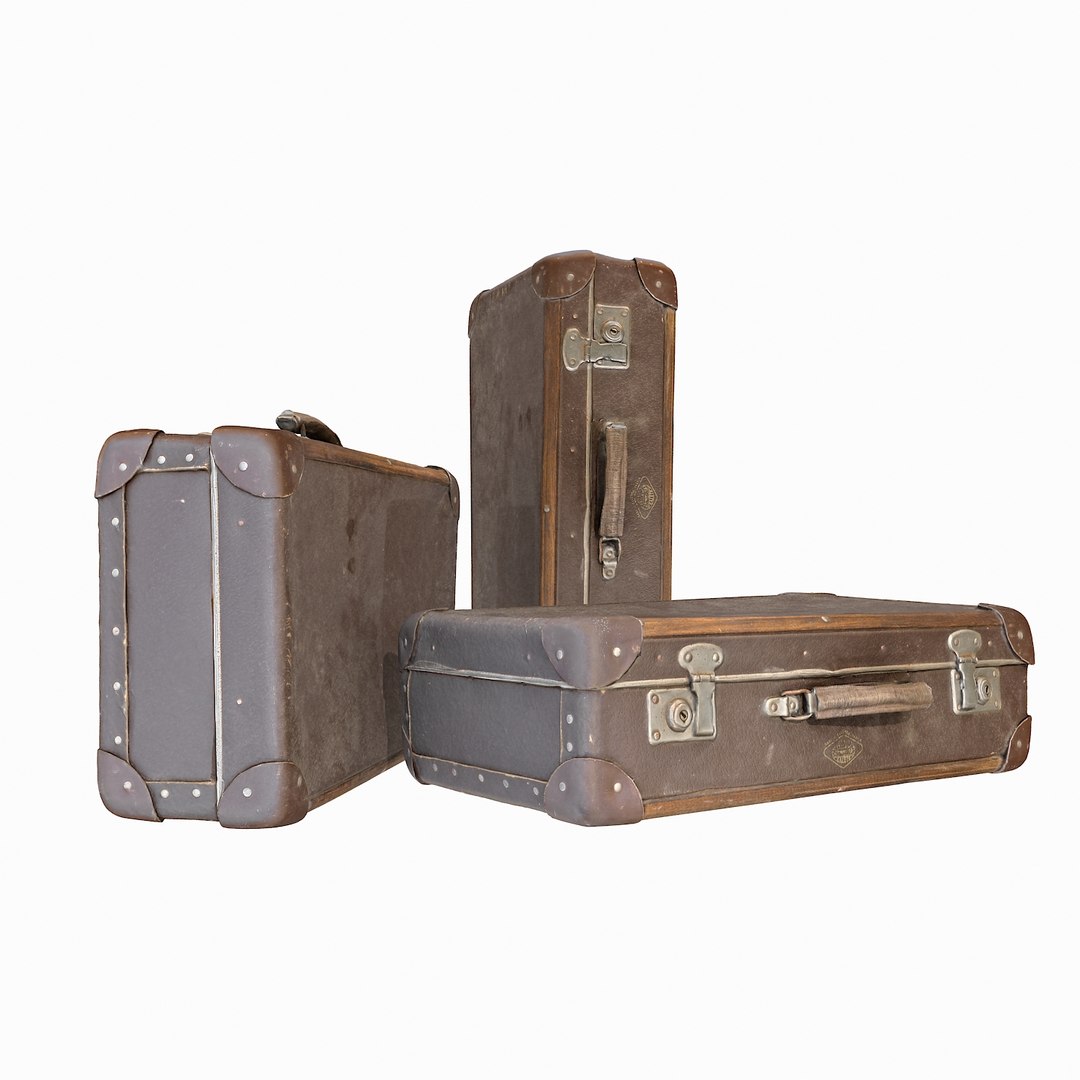
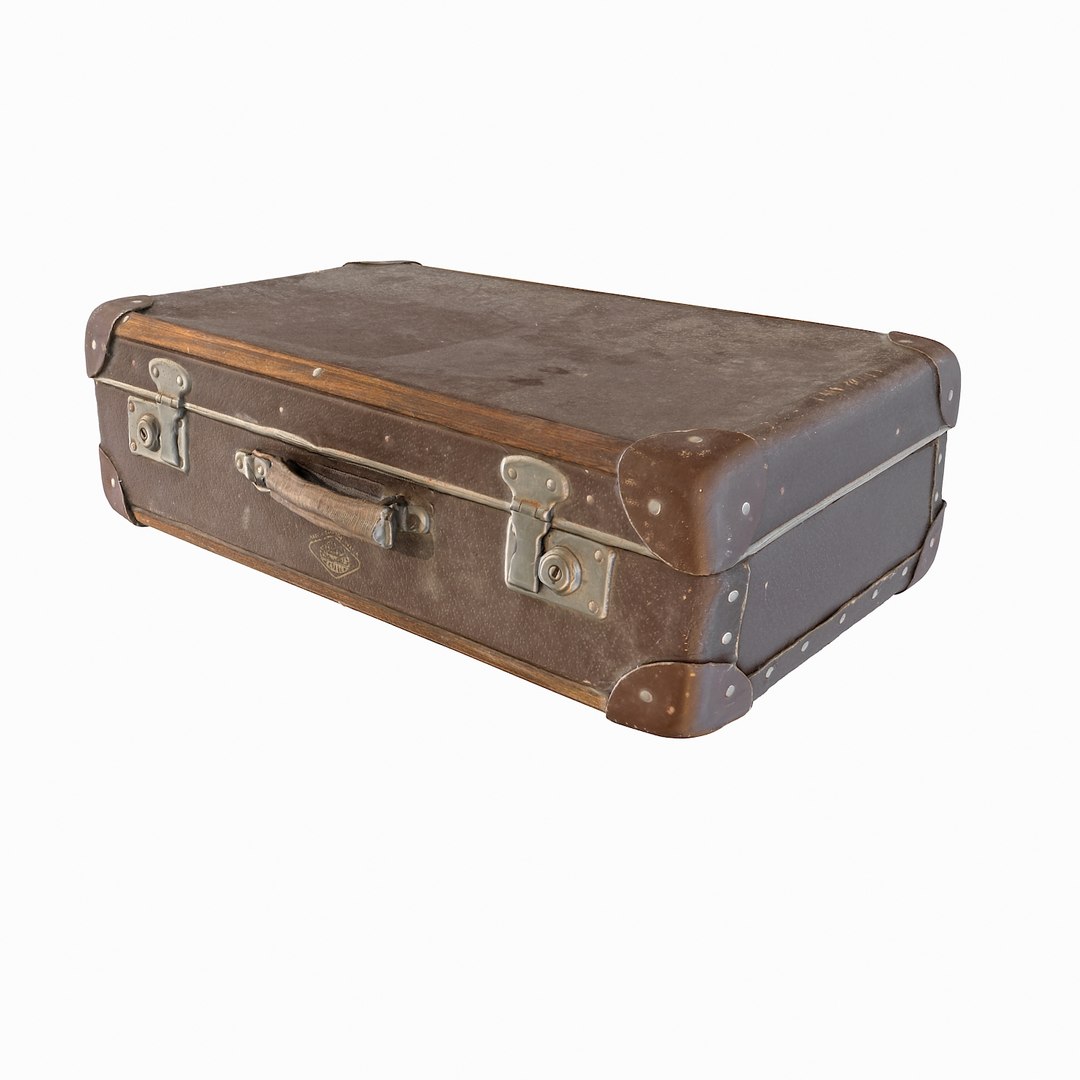
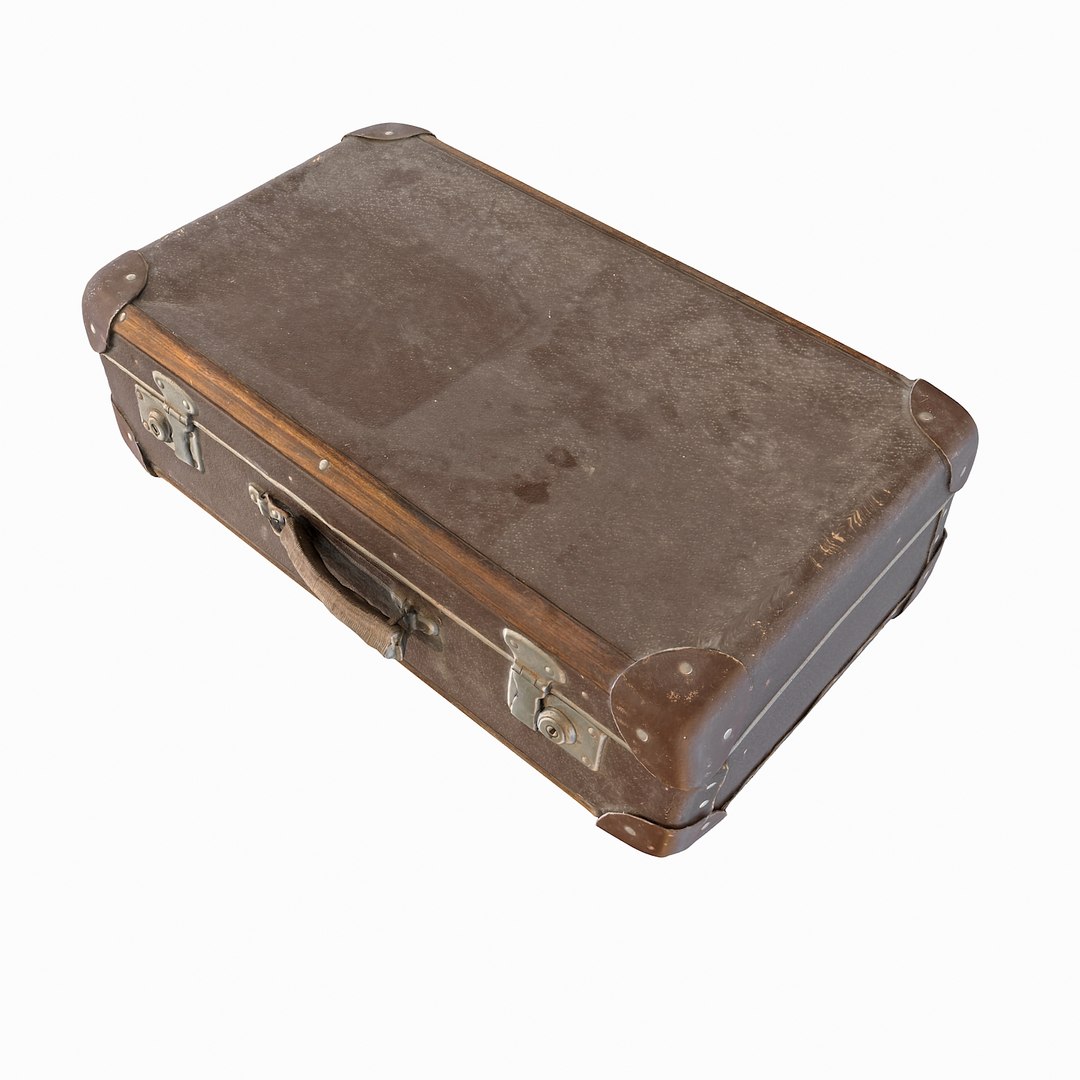
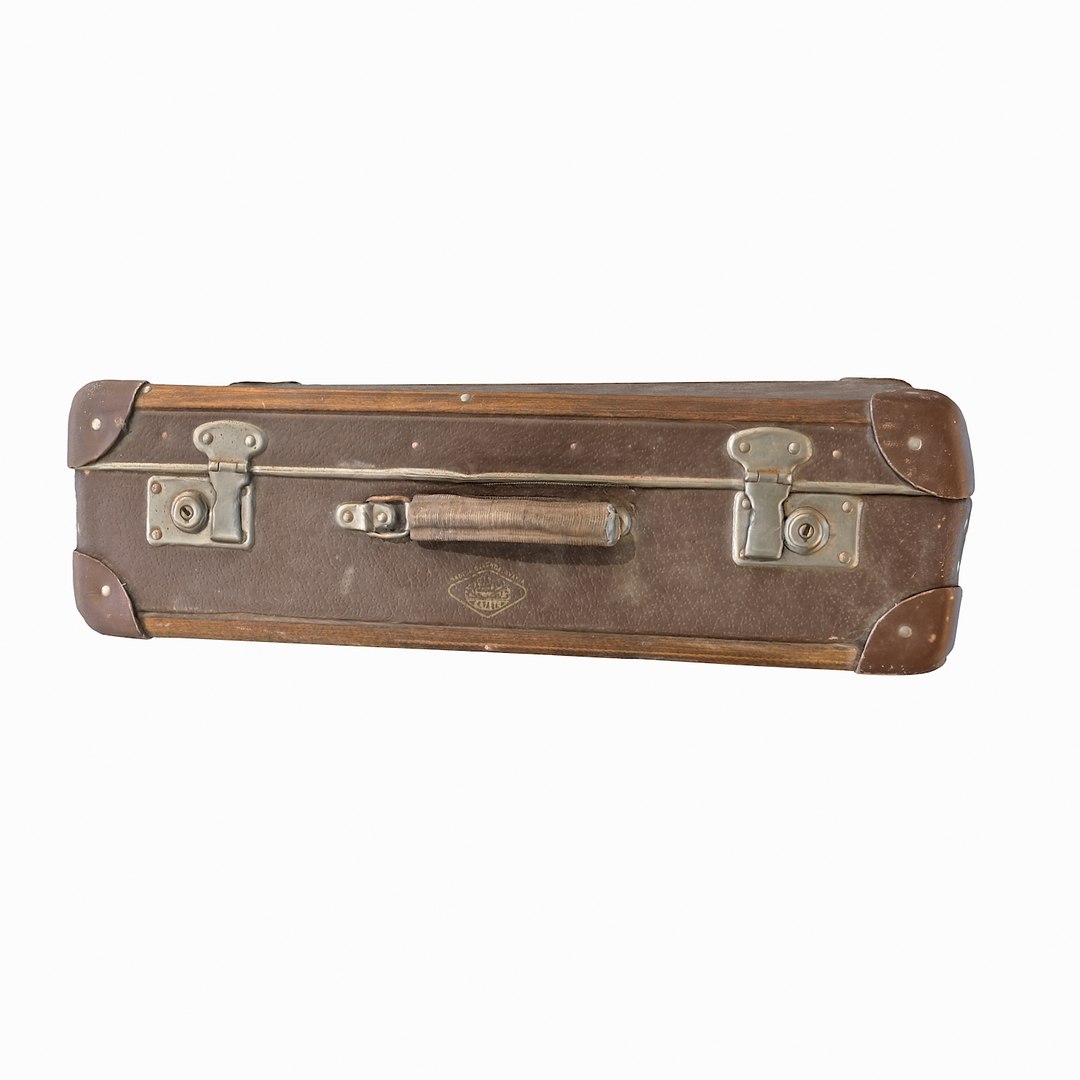
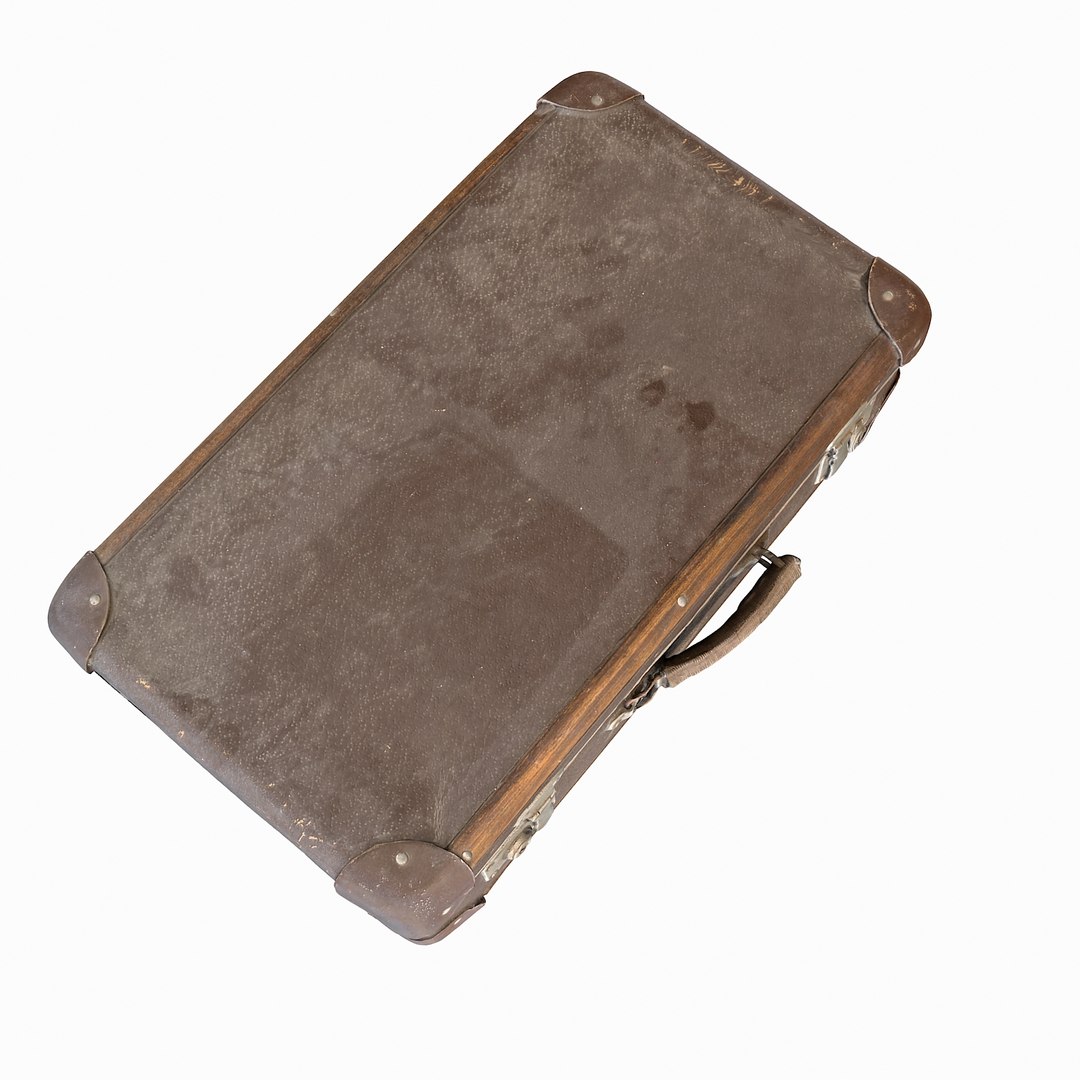
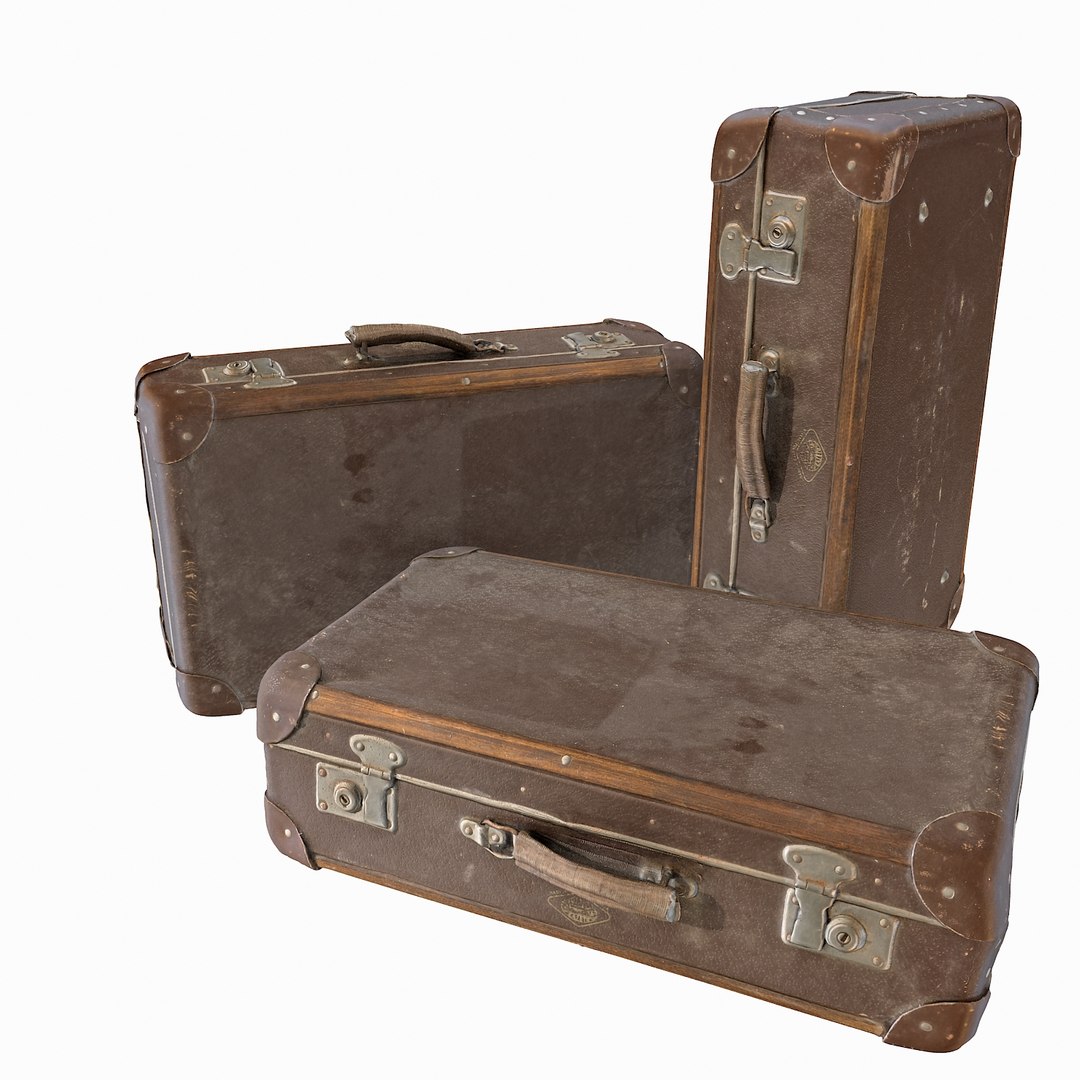
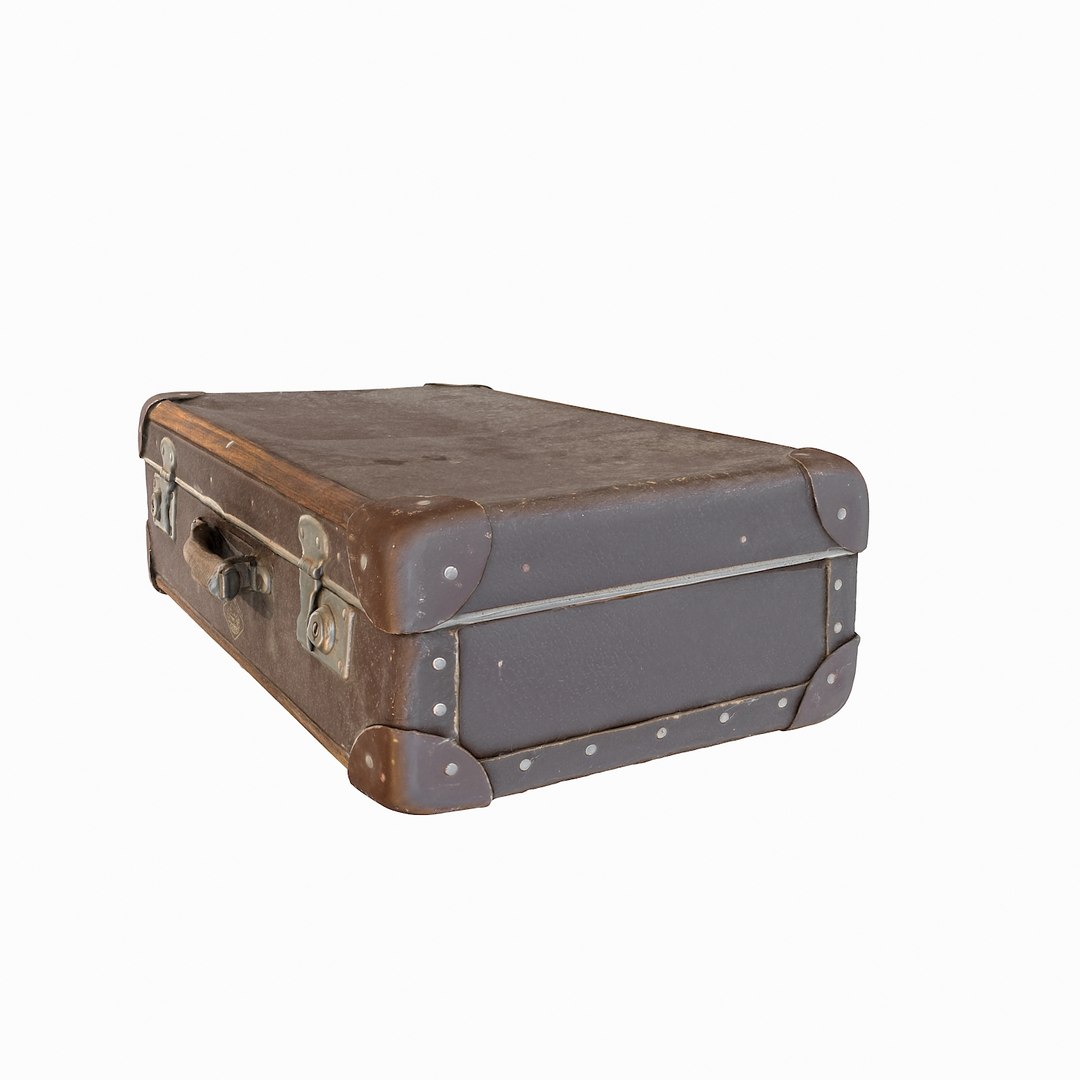
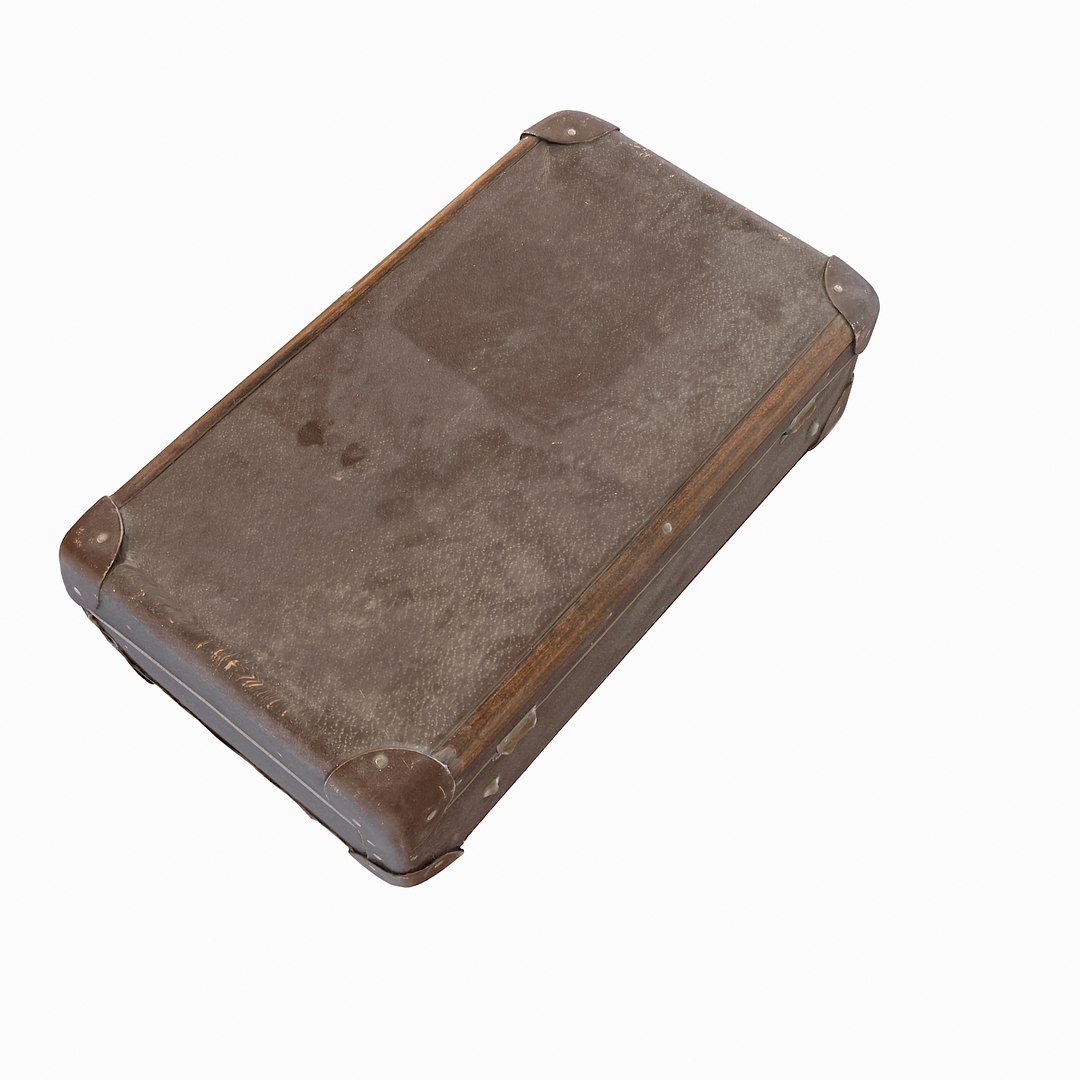
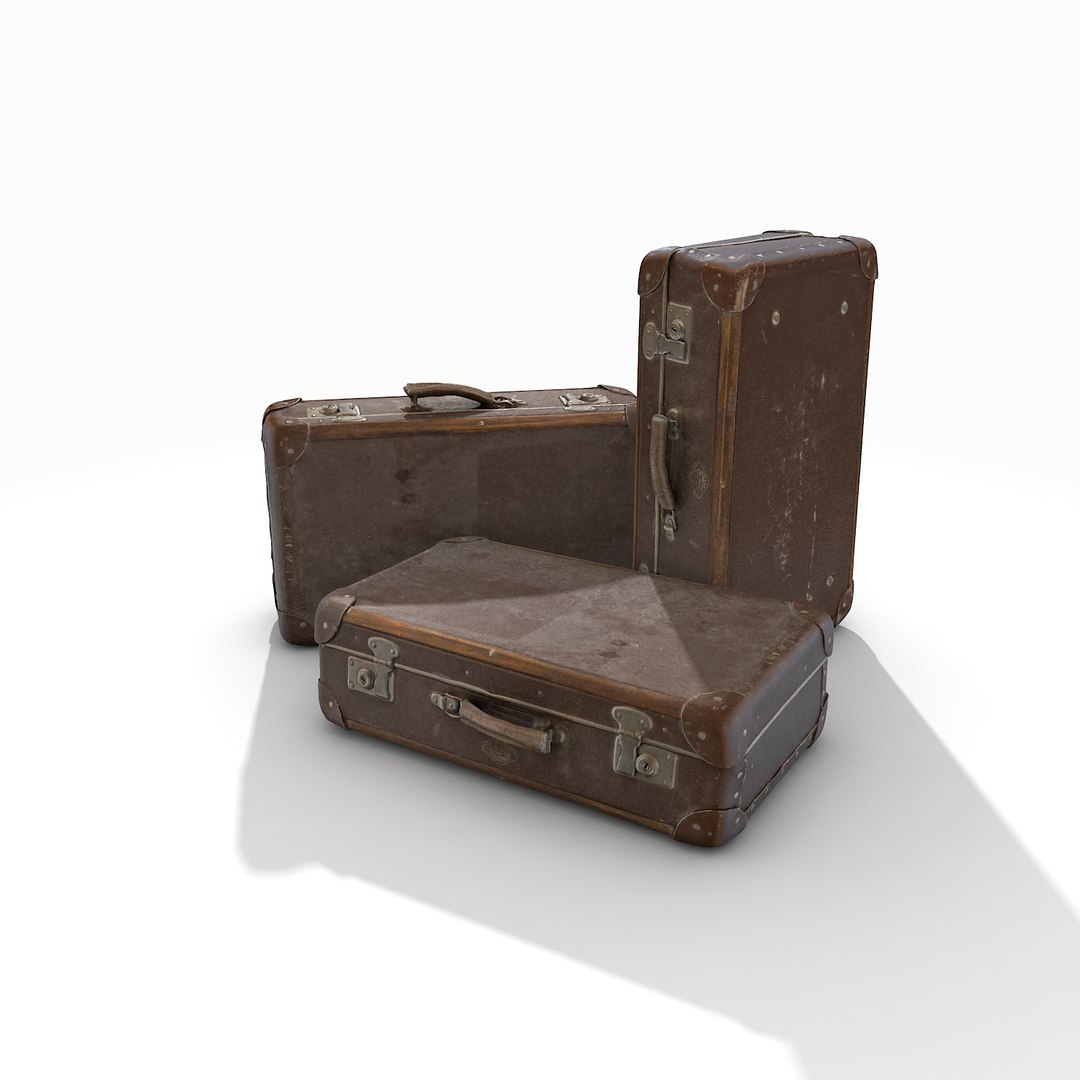
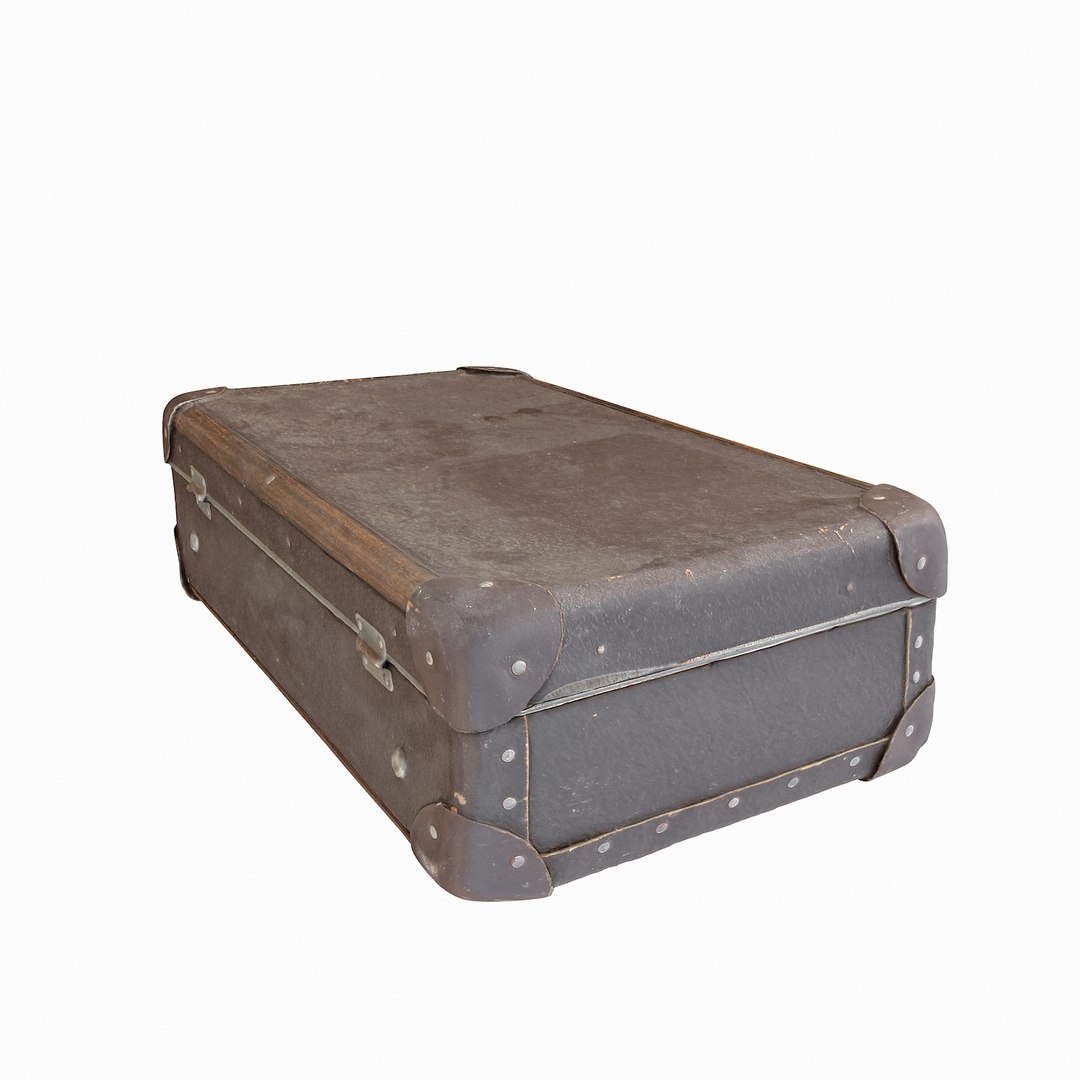
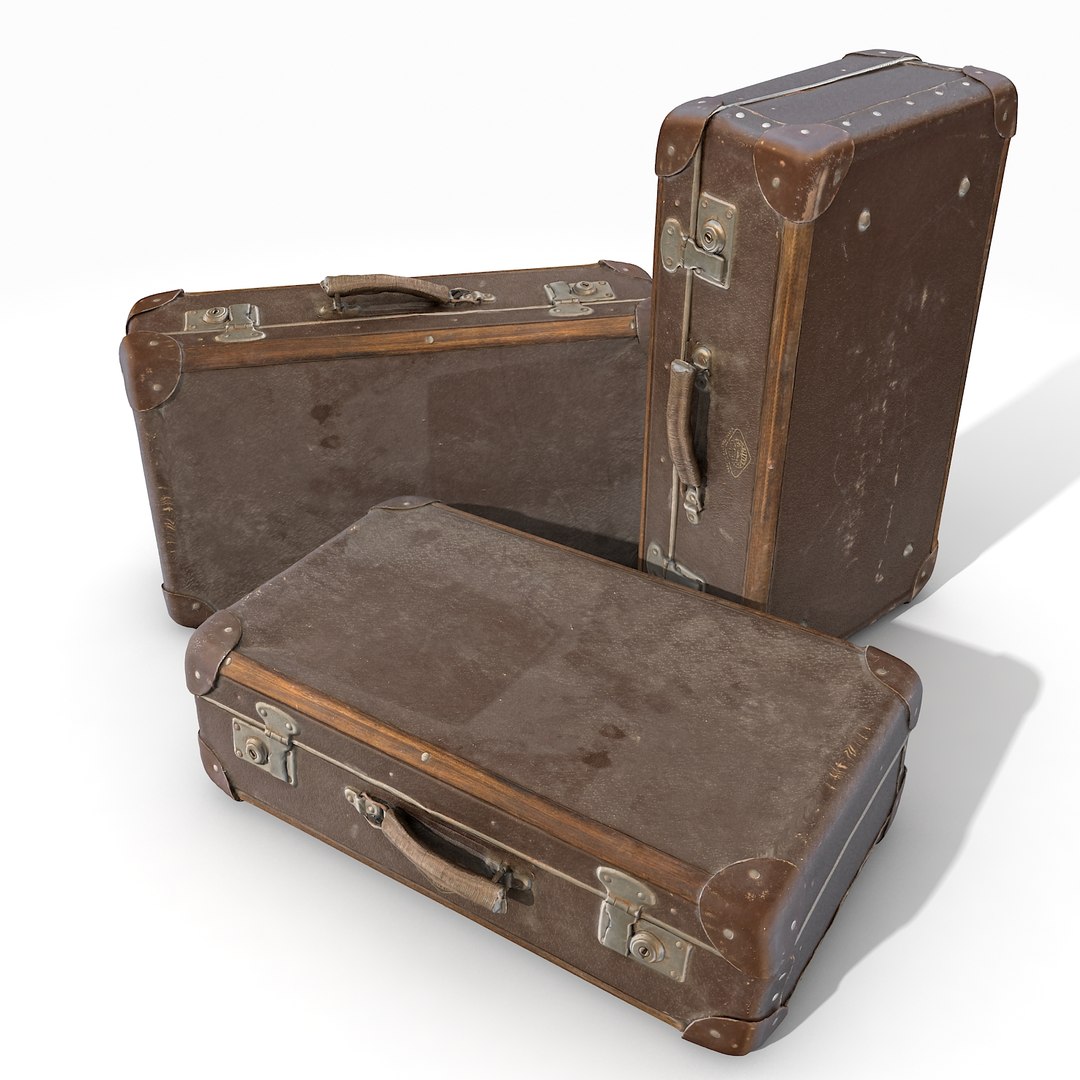
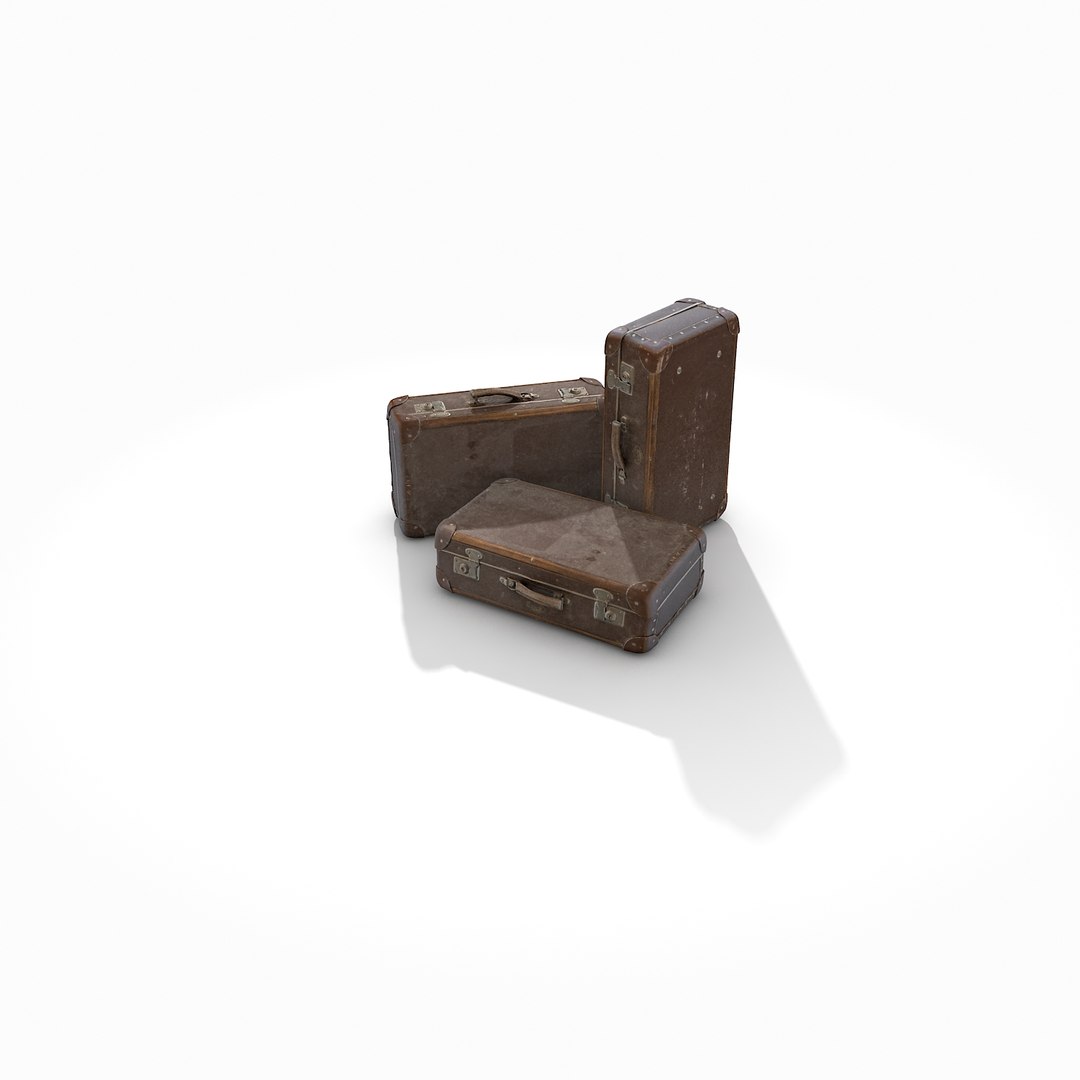
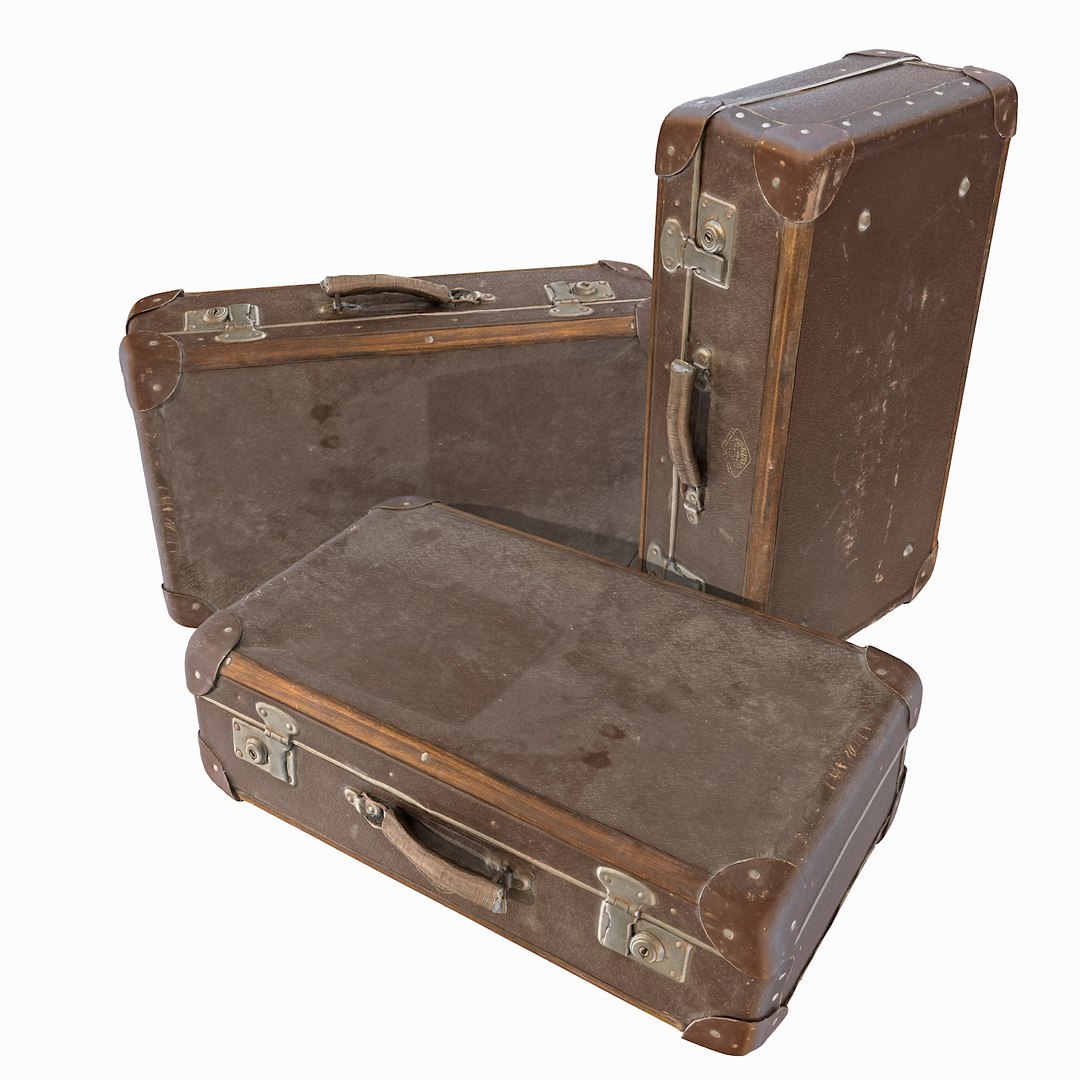
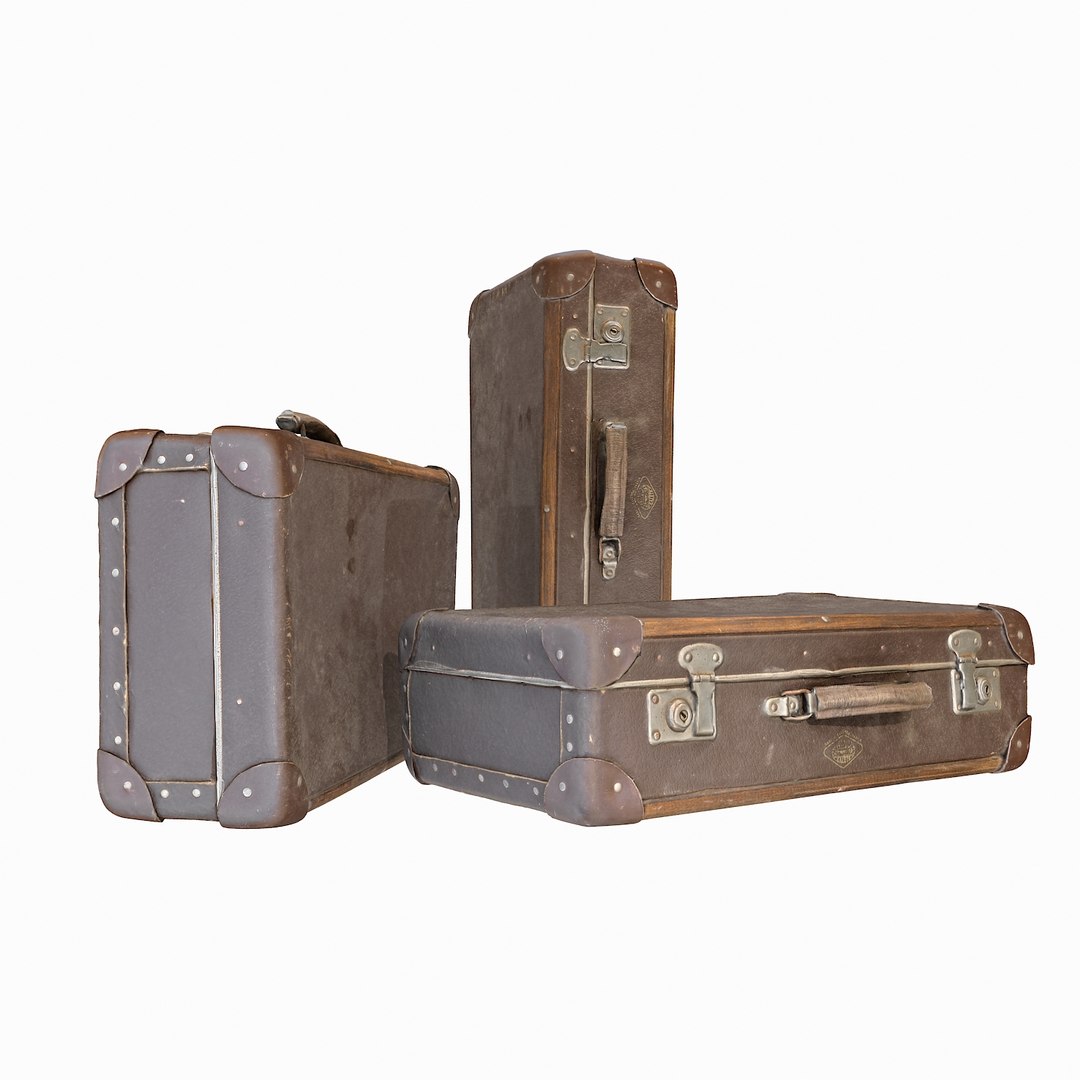
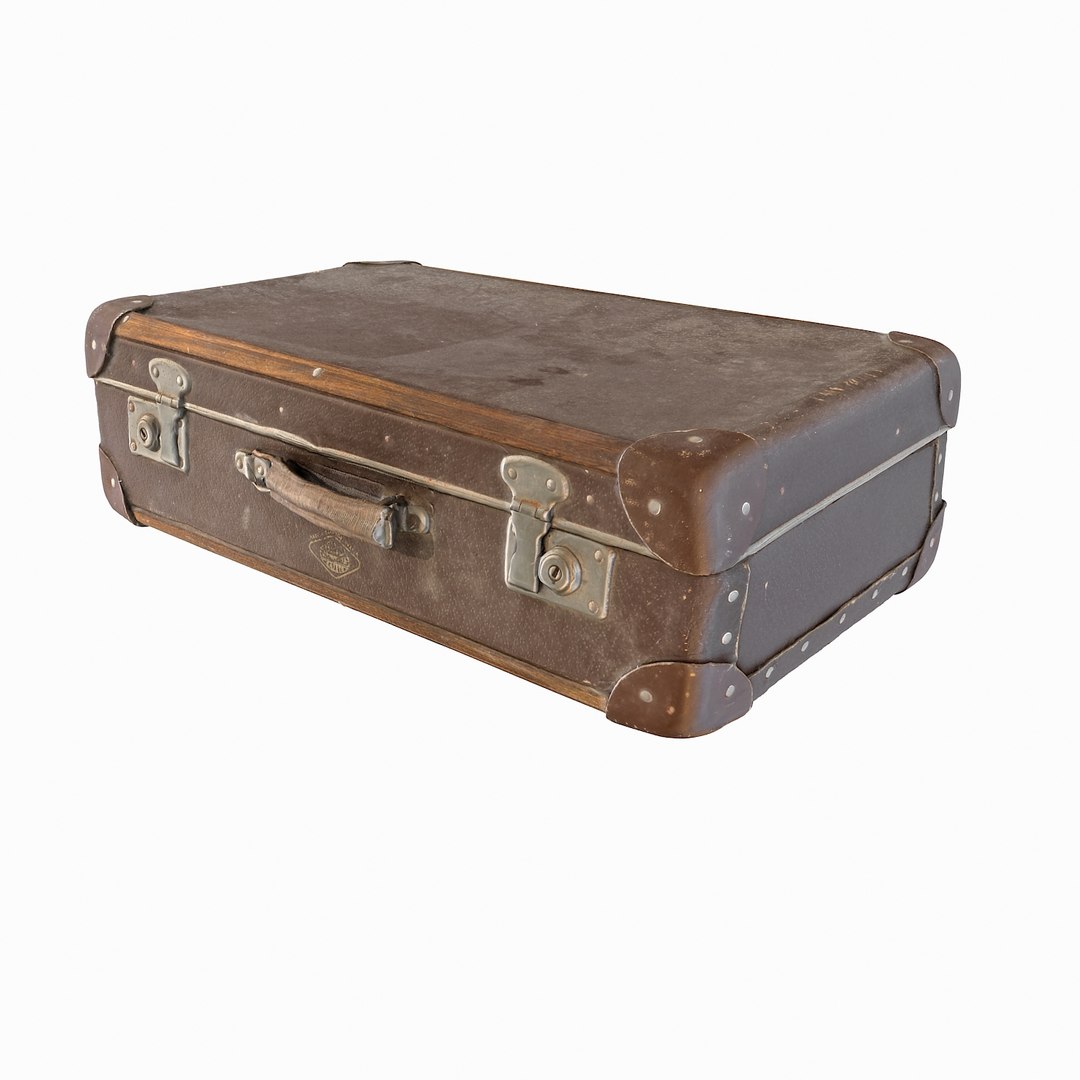
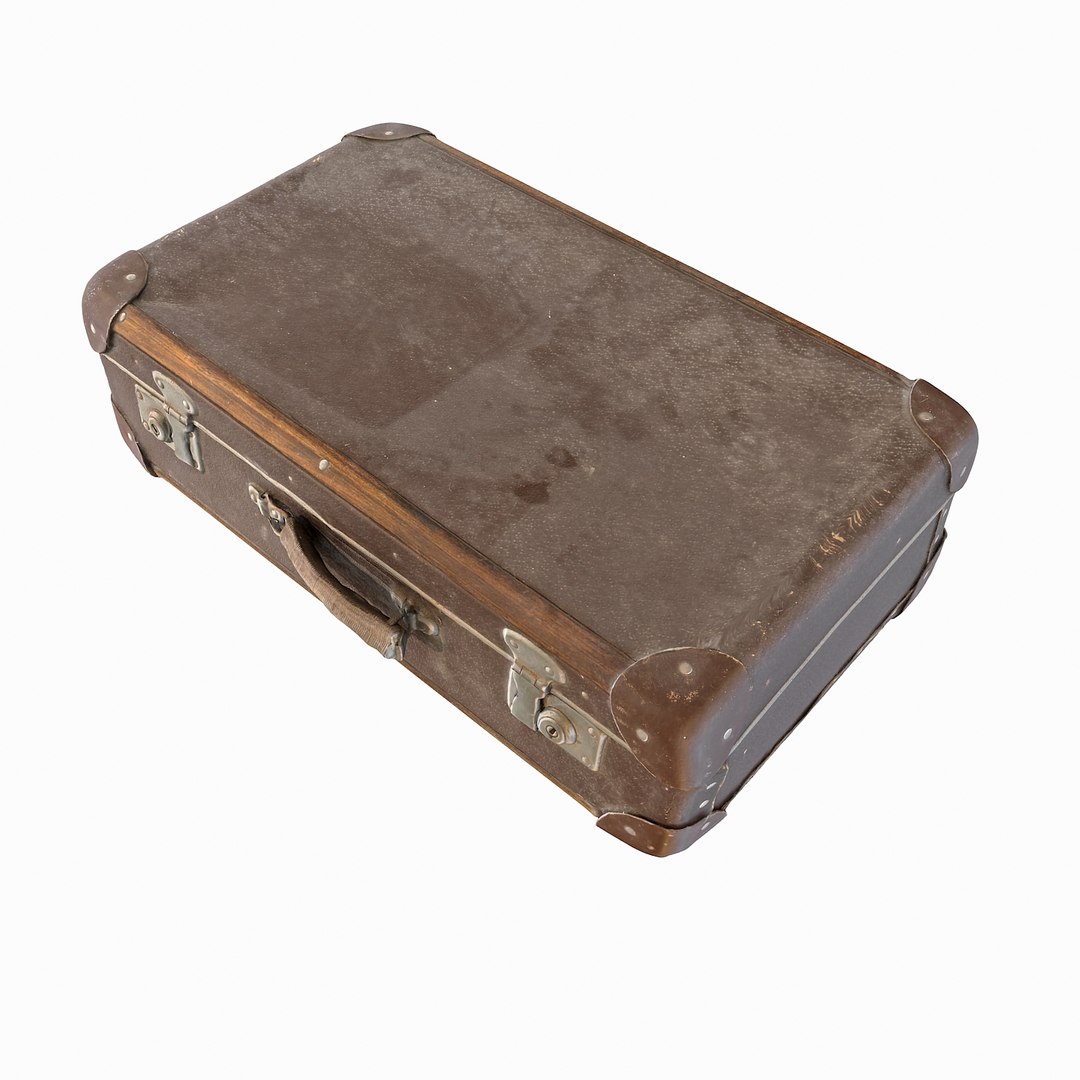
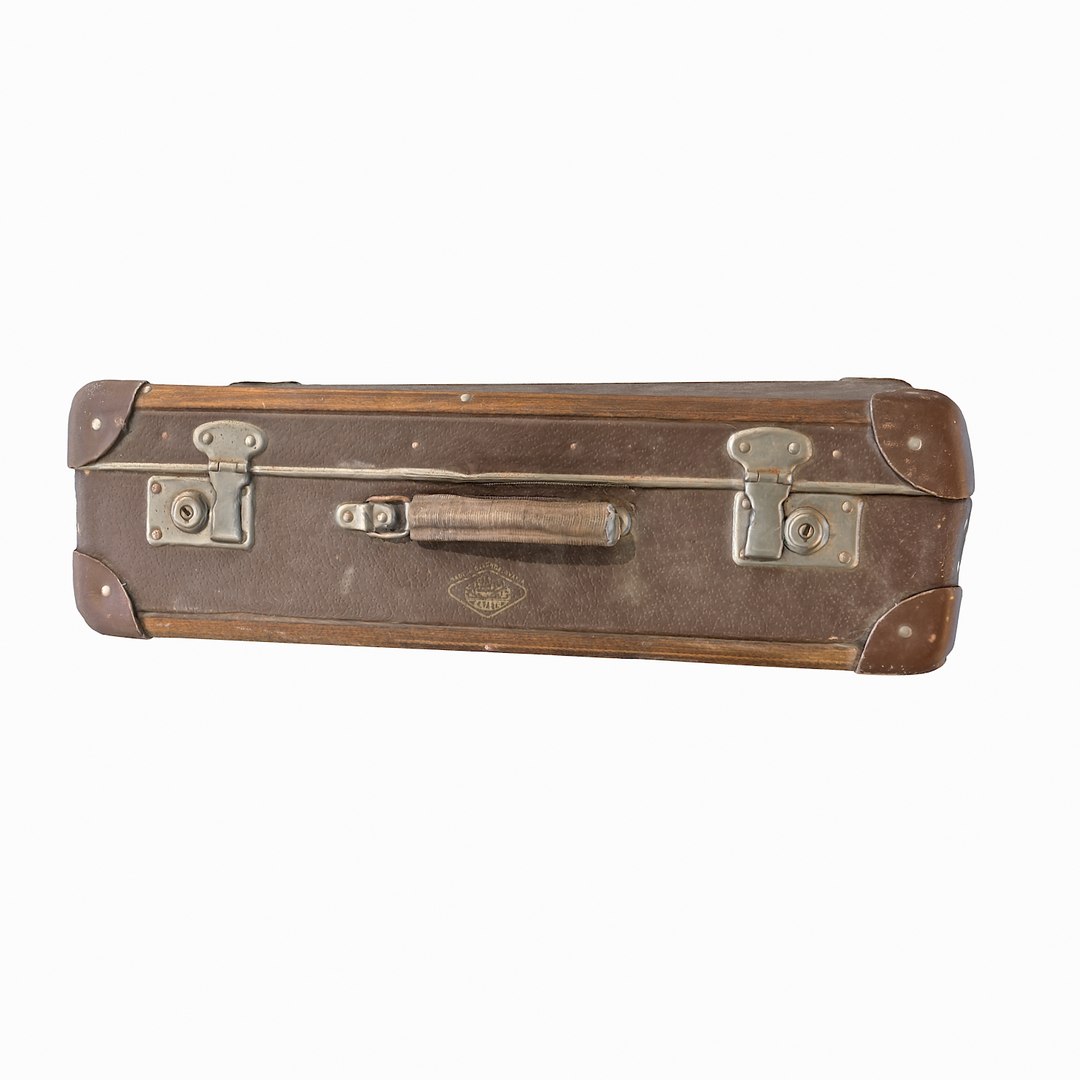
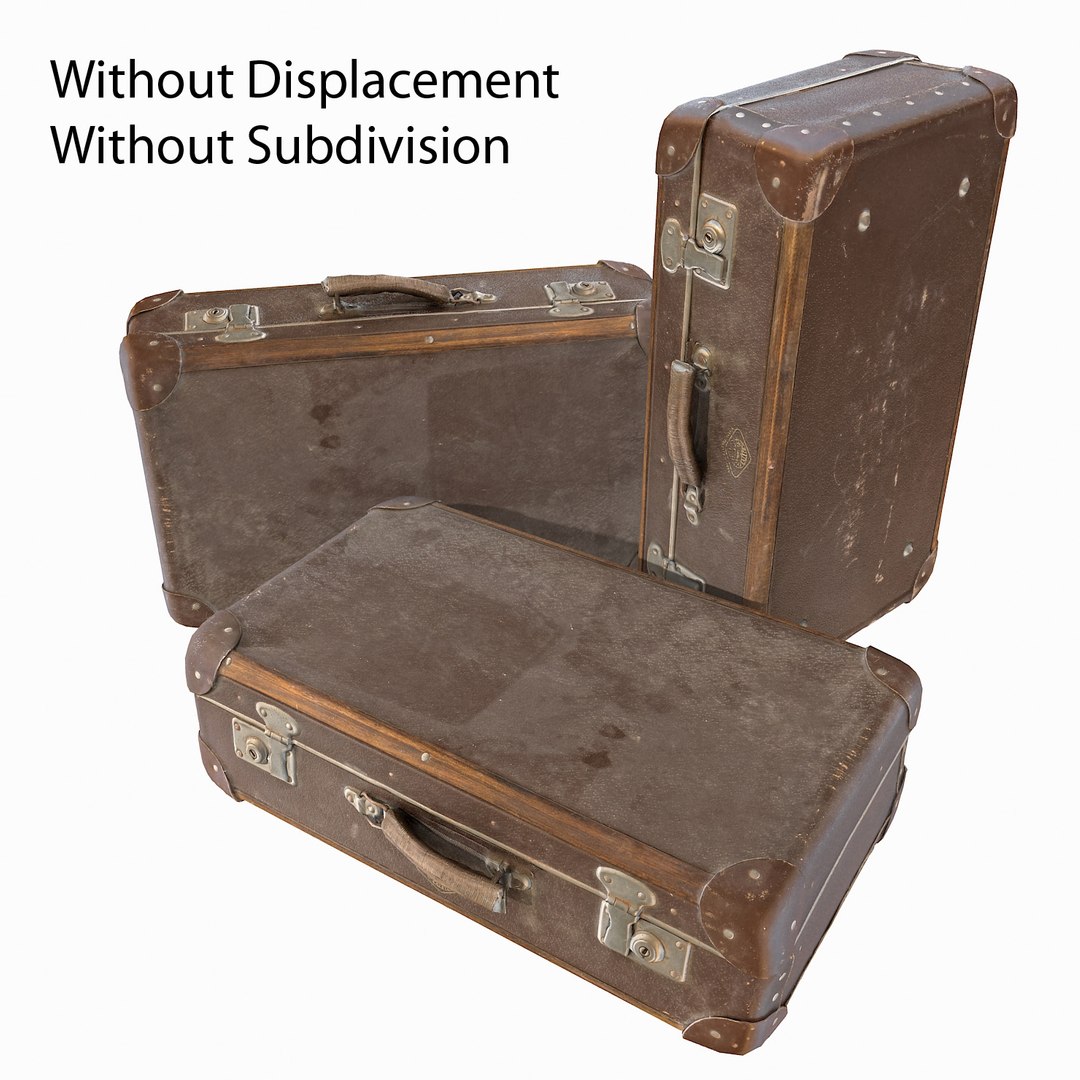
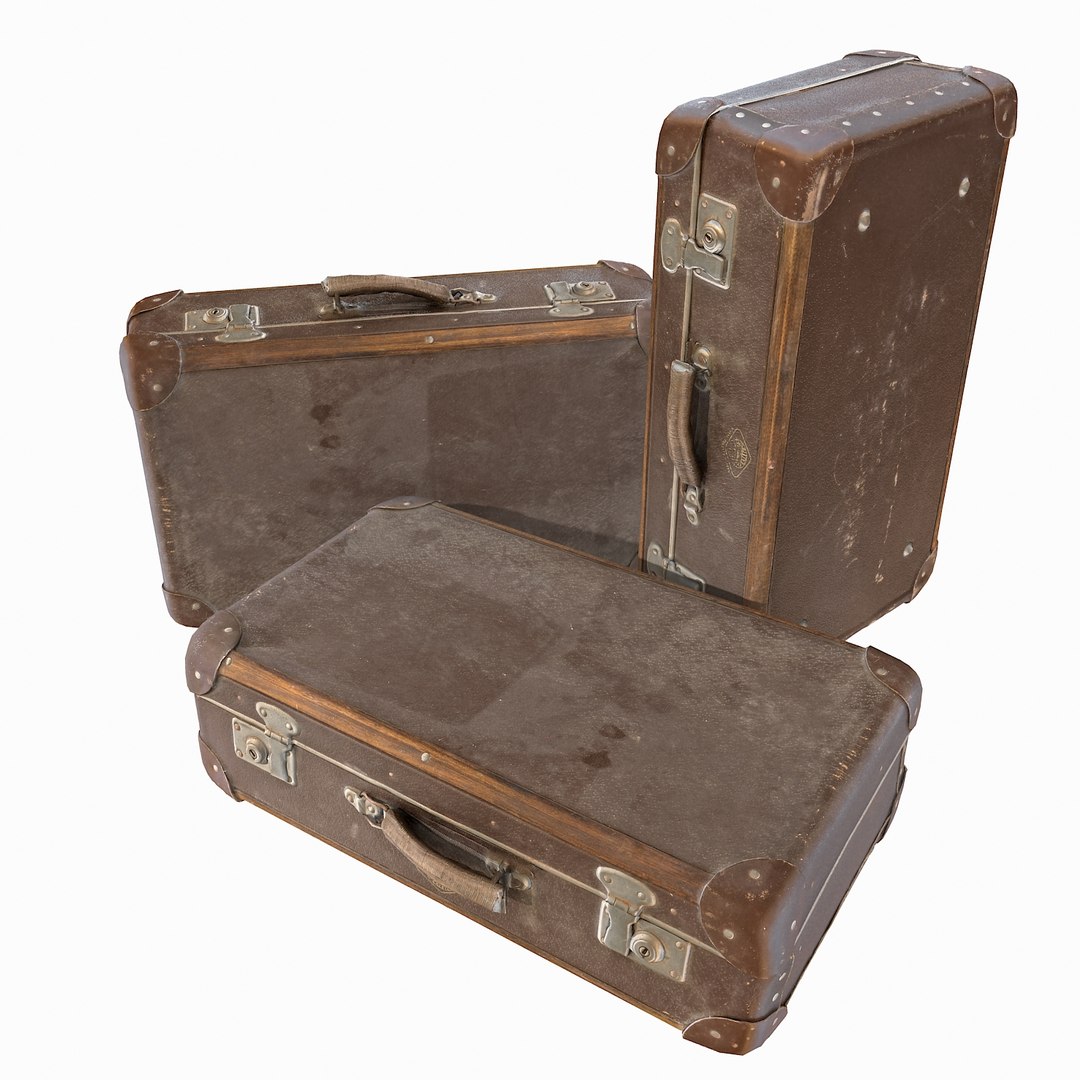
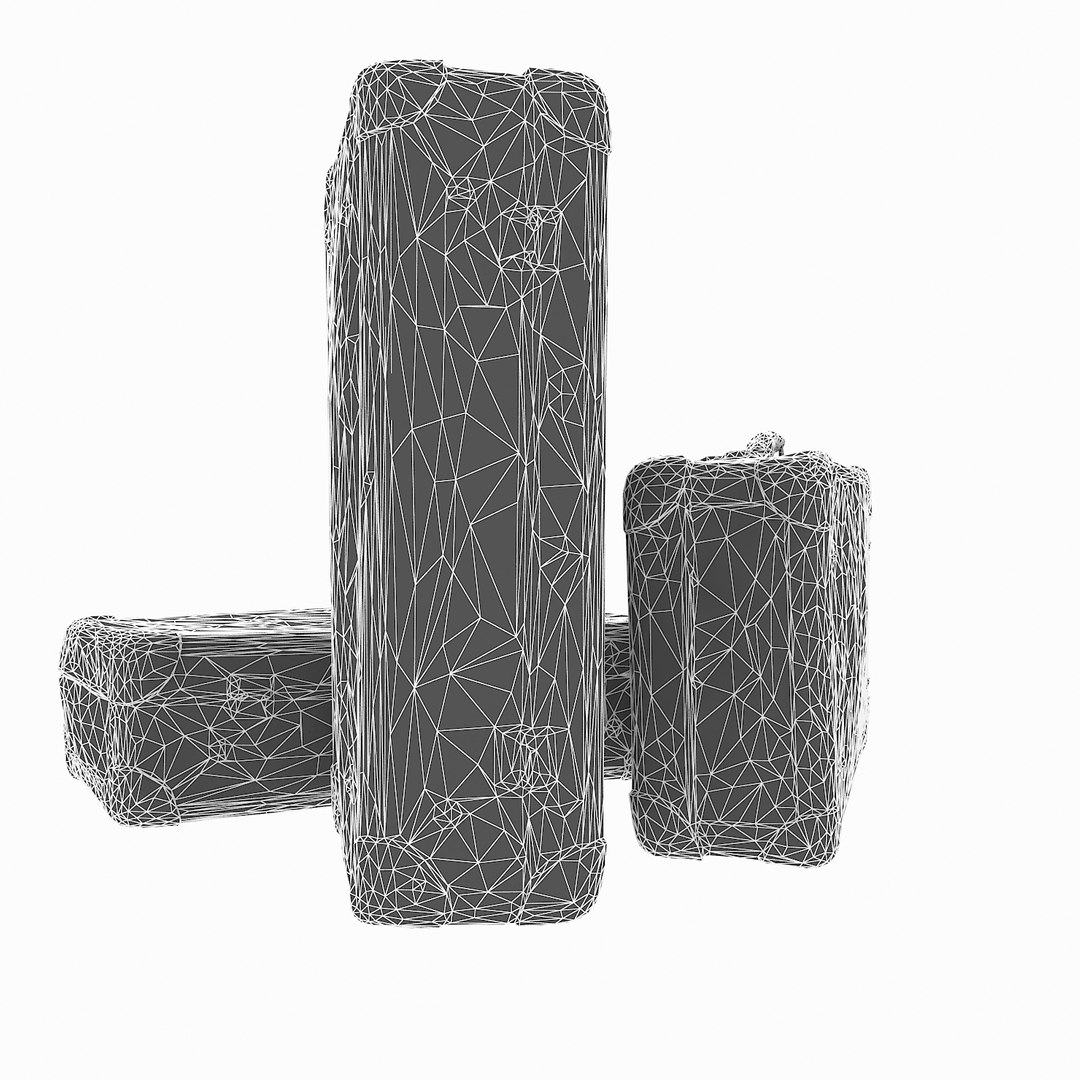
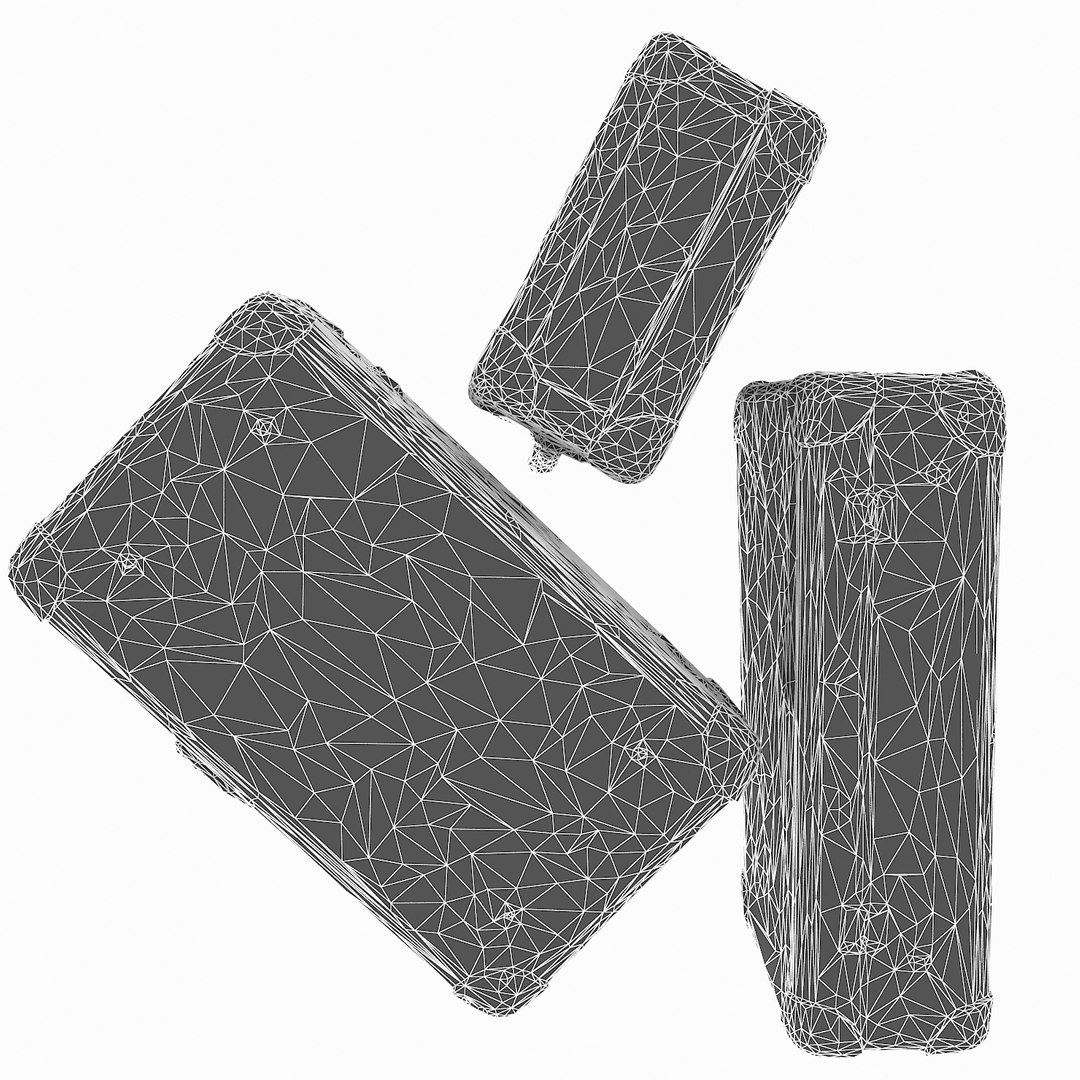
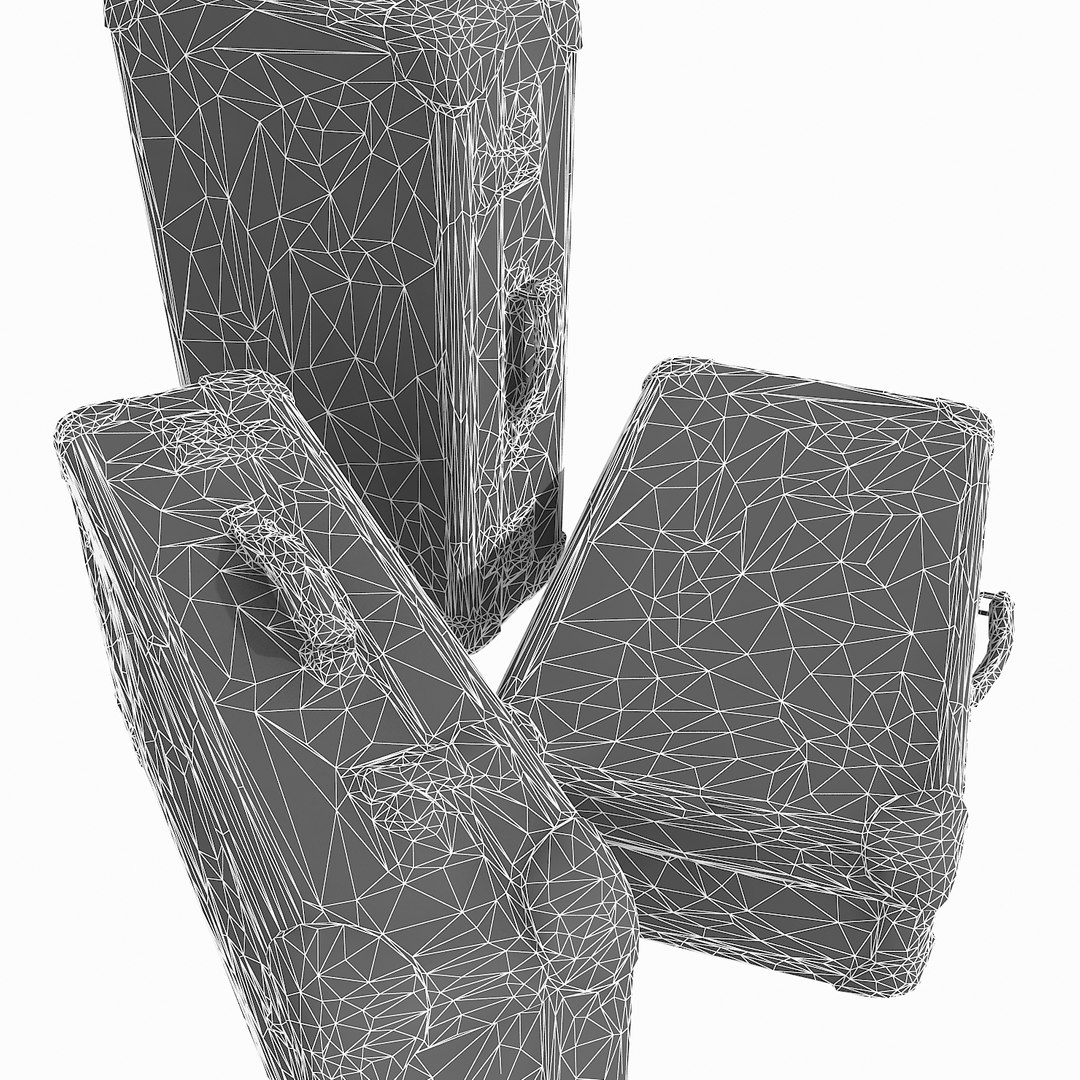
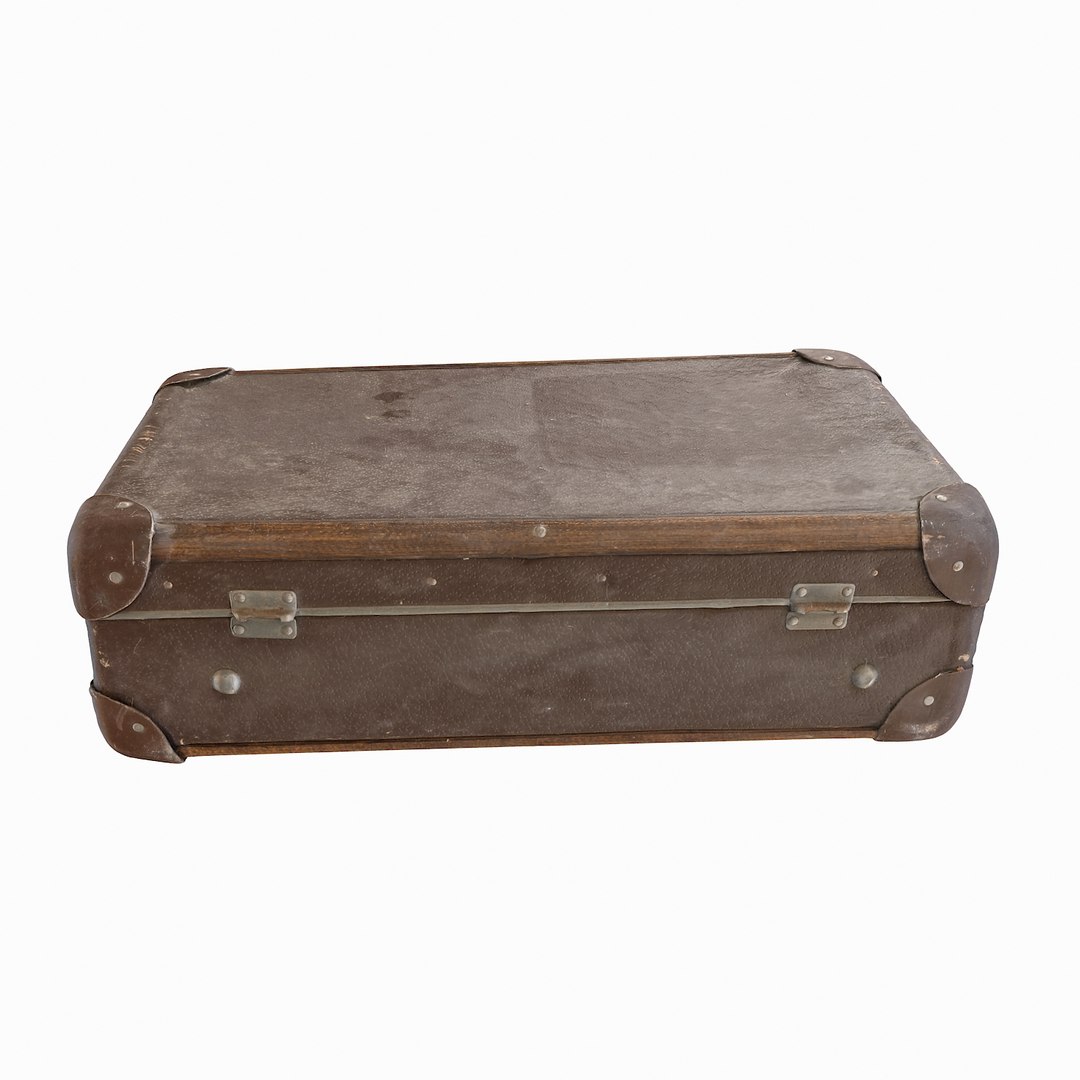
Old Suitcase

$49

Standard License | Upgrade License
Formats (5)
Native | 3ds Max 2009 | Default Scanline
3ds Max 2012 | V-Ray 2
3D Studio
FBX
OBJ
Specifications
Publish Date April 17, 2017
Product ID 1148430
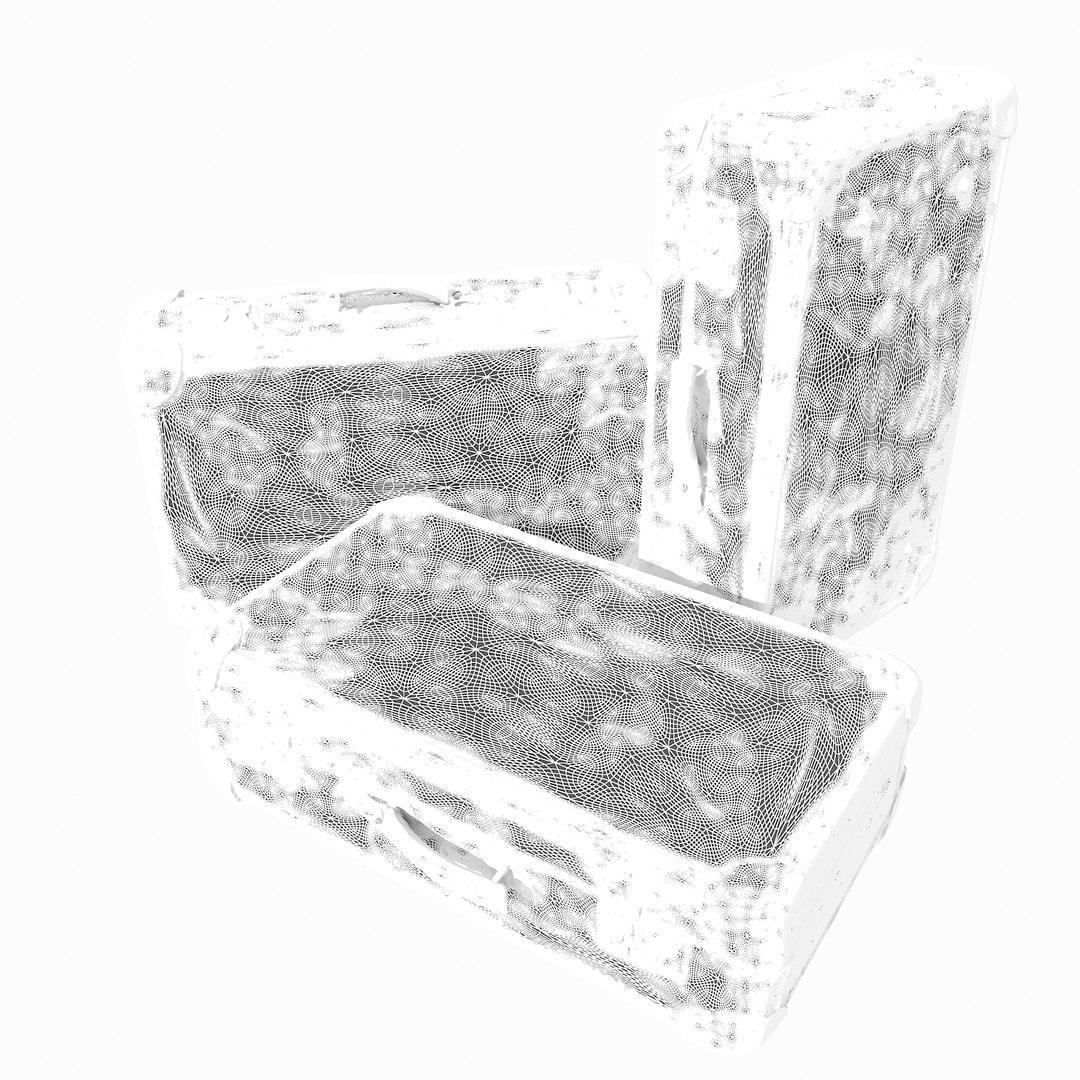
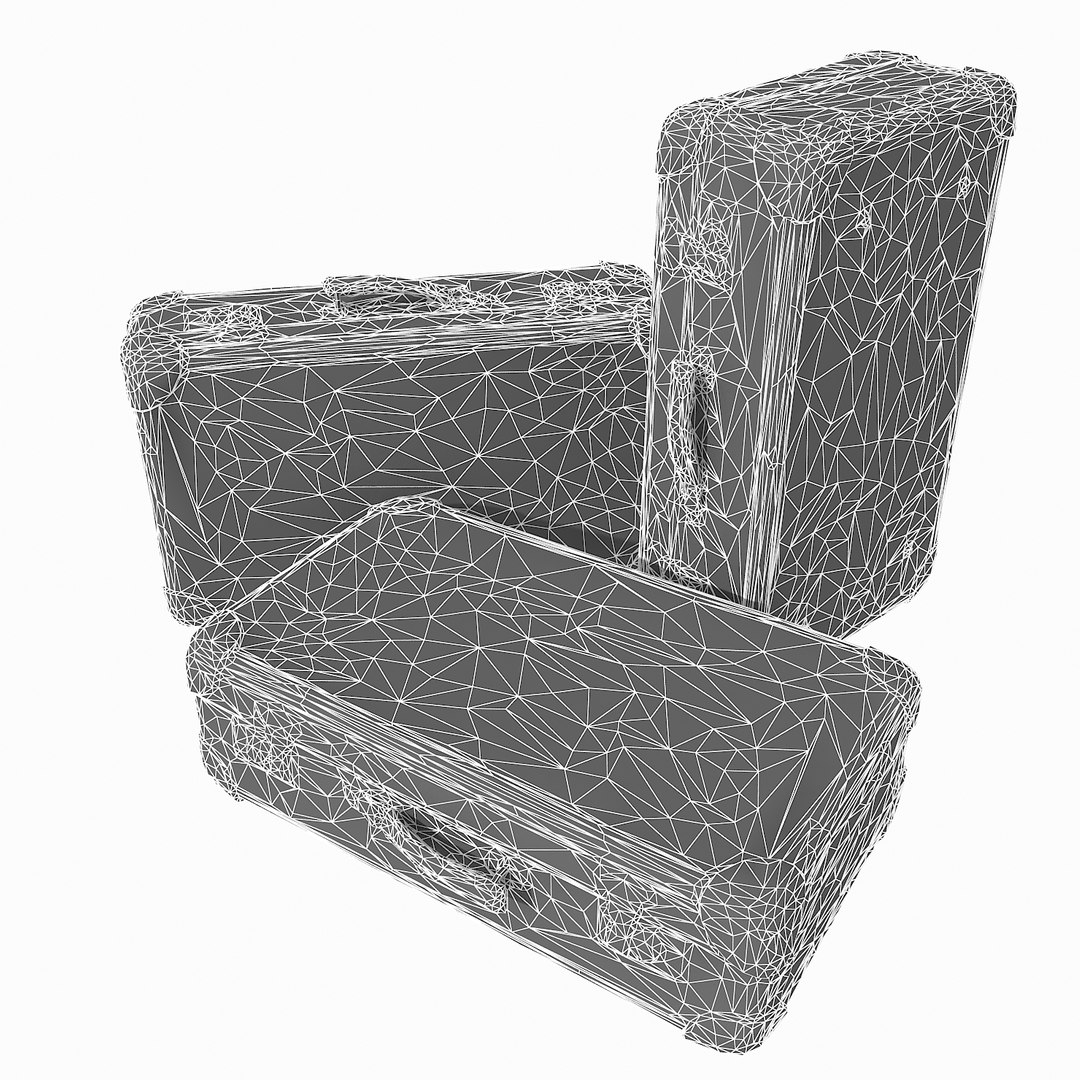
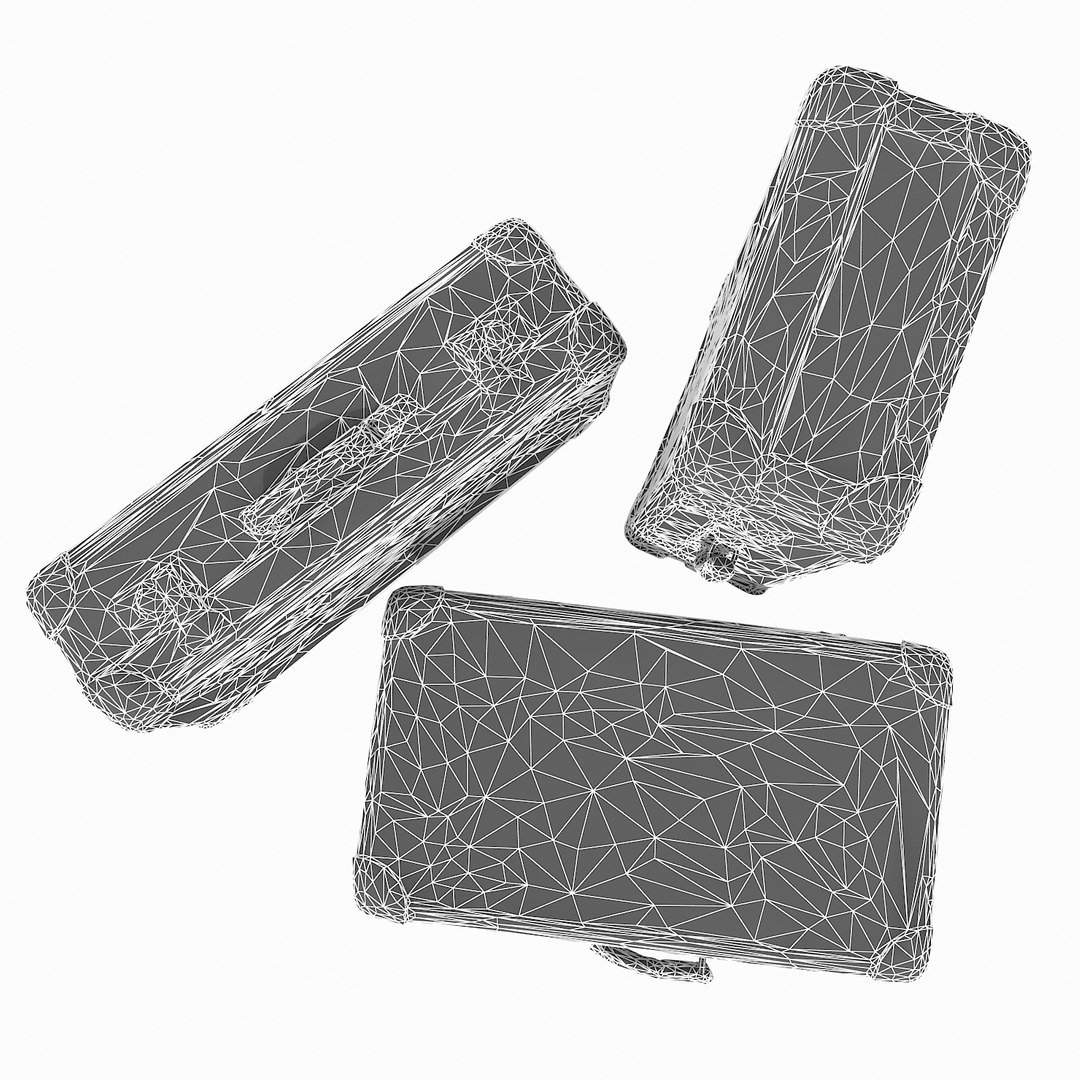
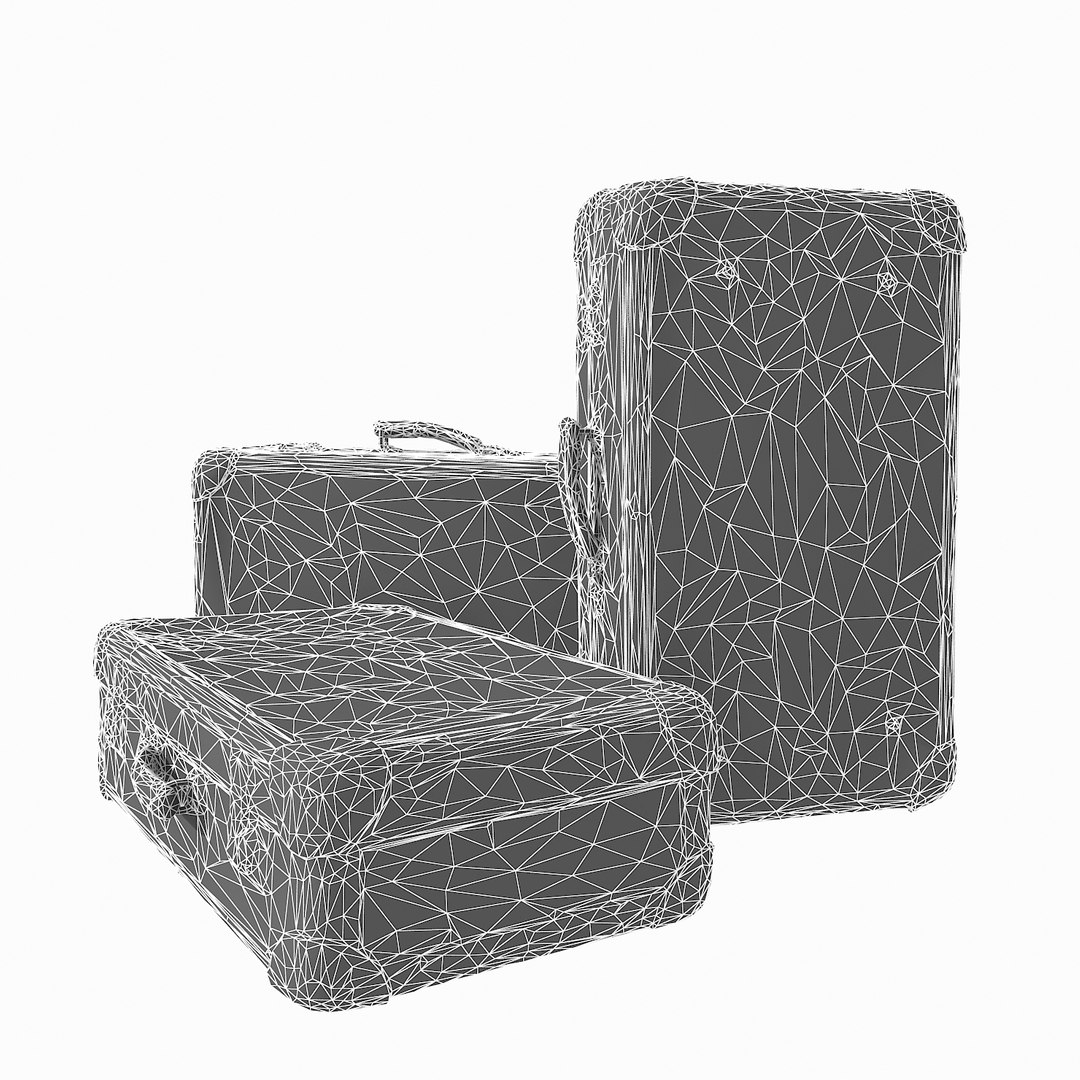
Polygons 14,556
Vertices 7,365
Polygonal Tris Only
Textures
Materials
UV Mapped
Non-overlapping Unwrapped UVs
TurboSquid Exclusive
member avatar
Litarvan
1028 Products | Contributor Since 2005
Have questions? Chat with us now.

Description

- V-Ray and standard materials
- Hi-Res Realistic product
- Correct scale
- Object(s) in their own layer (name via product name)
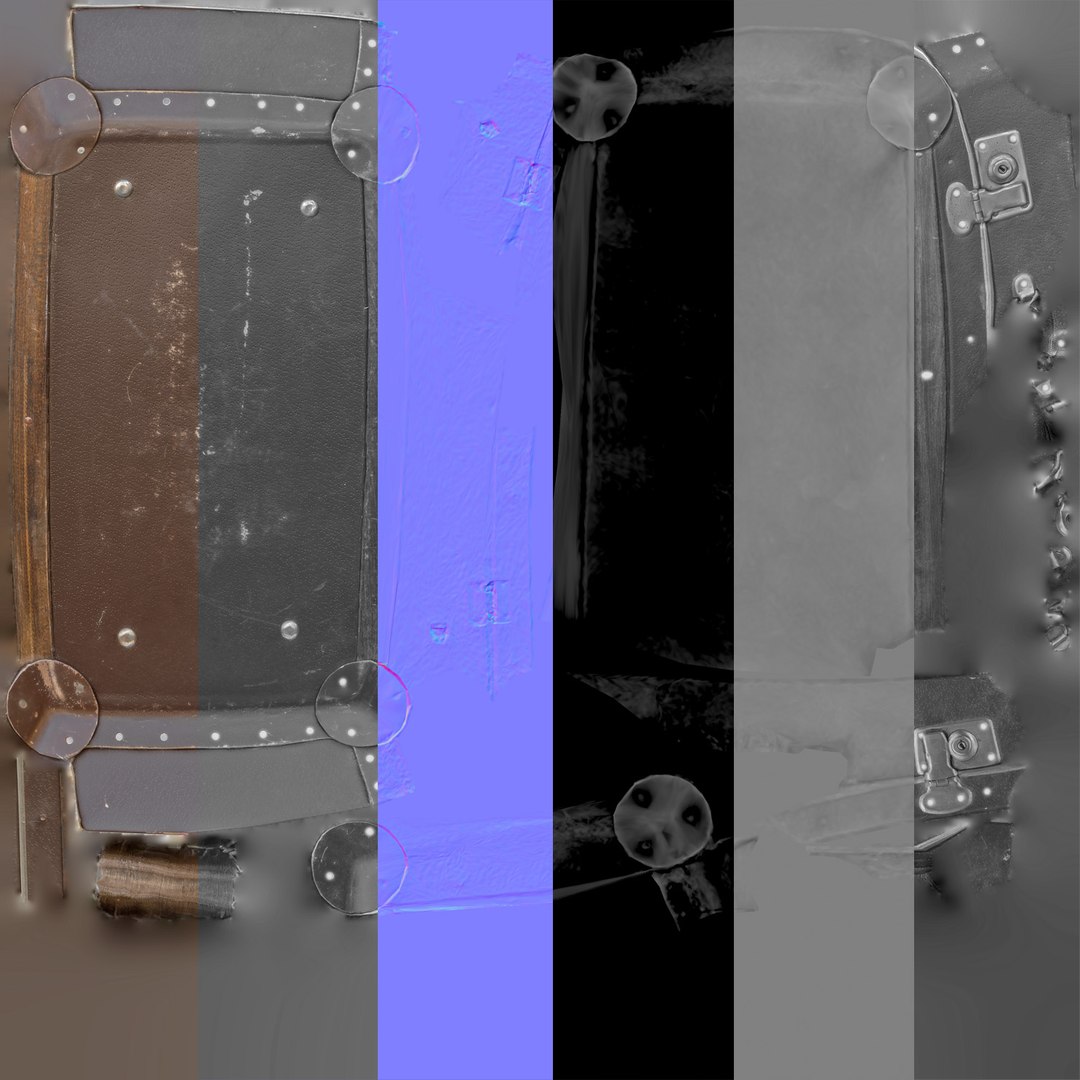
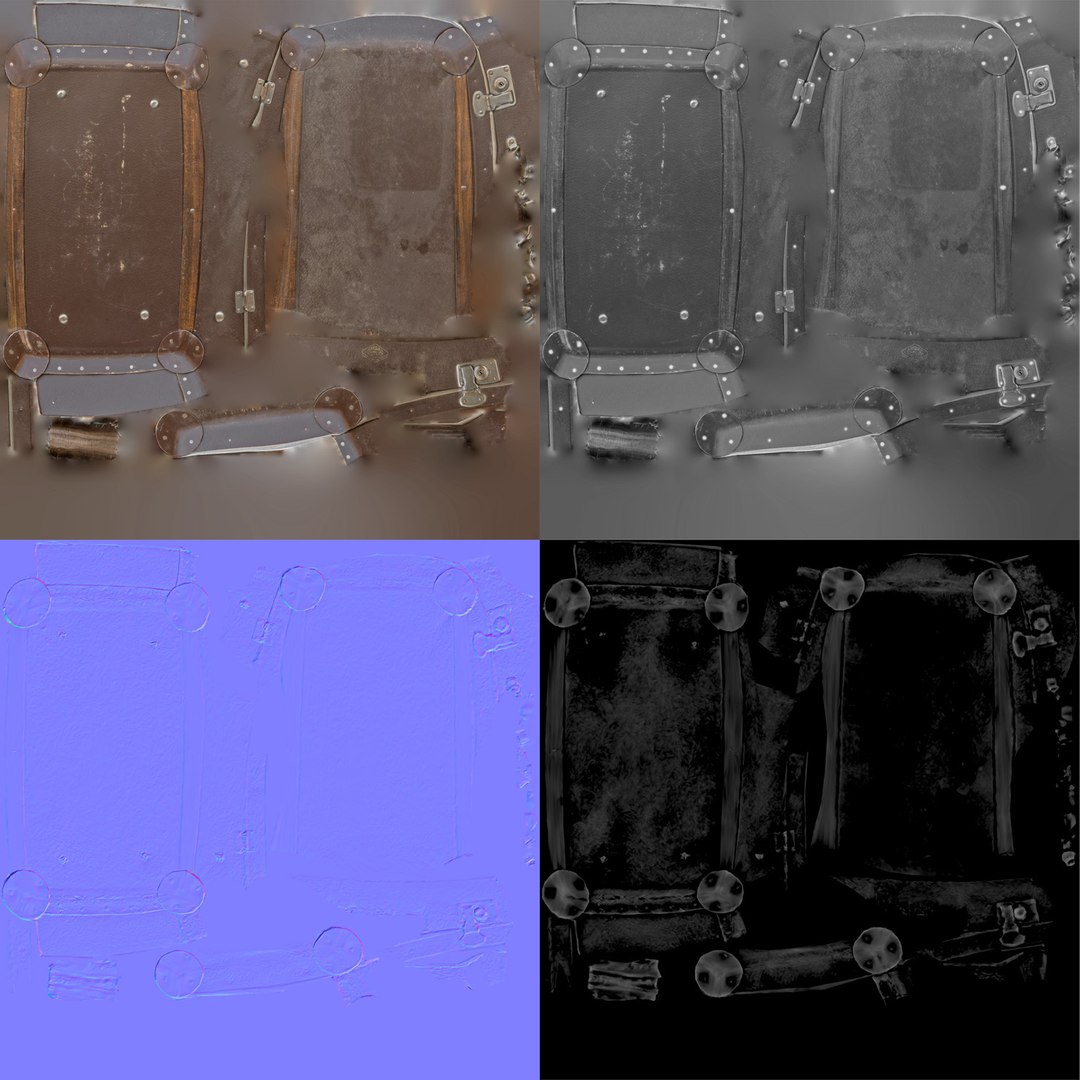
Maps in max archives (5K (5000 Polygons) version):
Diffuse 4096*4096px JPG
Normals 2048*2048px JPG
32 bit Displacement 2048*2048px exr
16 bit Displacement 2048*2048px jpg
+BUMP and REFLECTION maps

These are optimized and are indistinguishable from 8192*8192px TIFFs (which take more RAM during rendering etc.)

Nevertheless if you want 105% quality, you can download the separate hires TIFF textures archive (around 250MB), which contains:

Diffuse 8192*8192px TIF
Normal 4096*4096px TIF
Displacement 16bit 4096*4096px TIF
Displacement 32bit 4096*4096px EXR

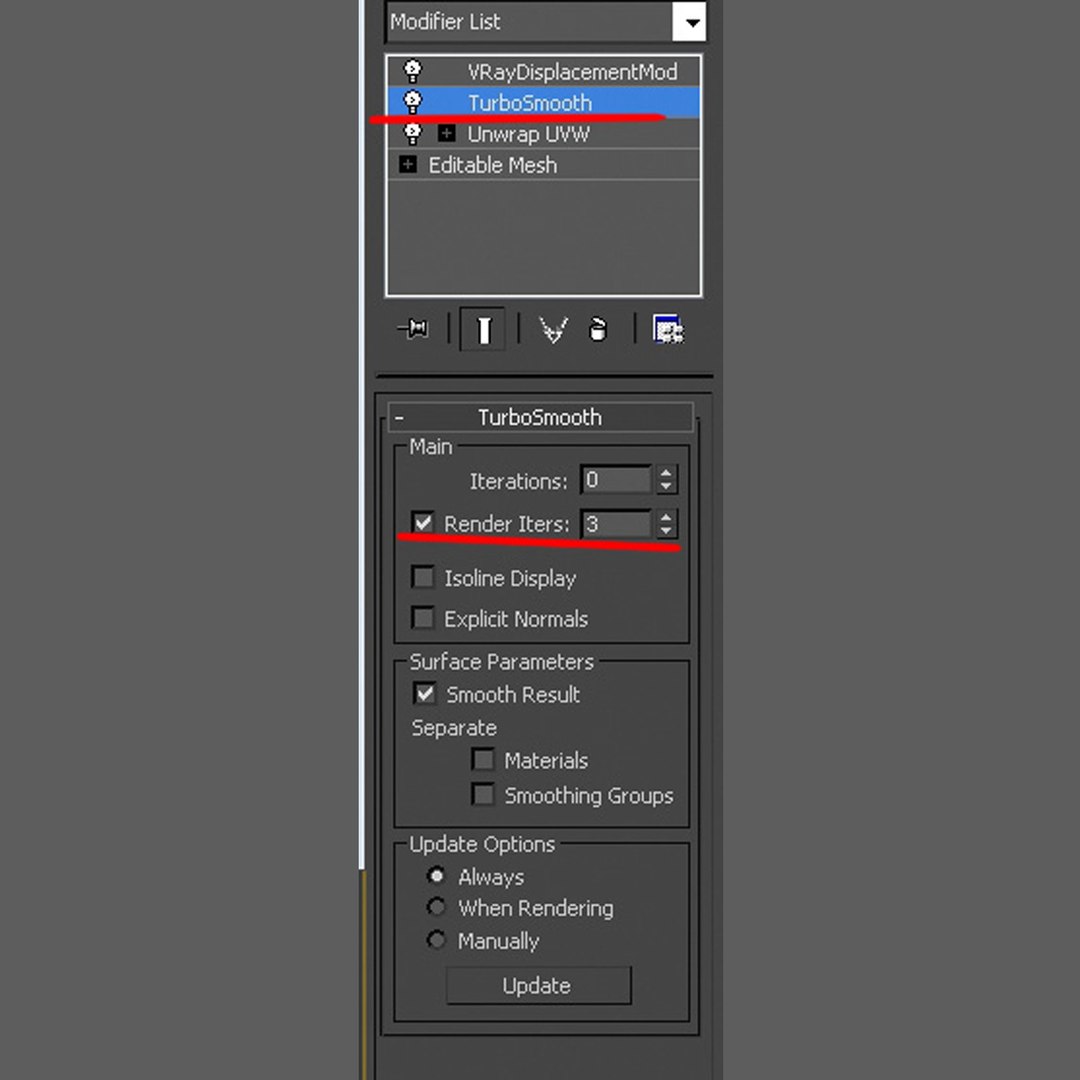
If you need just the original mesh without using displacement map during rendering, take the low poly version, subdivide it a couple of times and use the displacement map in 'displace' modifier (in 3ds max) or similiar in other applications, which will deform your mesh in viewport realtime, so you get the original hipoly mesh. You can use it, or use it as proxy or decimated it etc.

Objects are in their own layer called '_Merged_Buyed'. No part-name confusion when importing. Centered on 0,0,0.

Select Enhanced License

  • $10,000 in Legal Protection (Indemnification)
  • Uncapped Legal Protection (Indemnification)
  • Waiver from injunctive relief
  • Assignable model rights
  • $1,000,000 in Legal Protection (Indemnification)
  • Waiver from injunctive relief
  • Assignable model rights
  • $250,000 in Legal Protection (Indemnification)
  • Assignable model rights
Read more about enhanced license tiers, or contact us at enterprise@turbosquid.com. Already a Shutterstock Enterprise Customer? Contact your Shutterstock Sales Support Agent to talk about adding 3D.

About Conversion Requests

To submit a conversion request for a purchased asset, please complete our Conversion Request Form.

If you have not yet purchased a model, please review our Documentation about Conversions to learn about what limitations you may encounter with a conversion.

For any additional questions about a model’s suitability for conversion, please contact TurboSquid Support.

Loading...