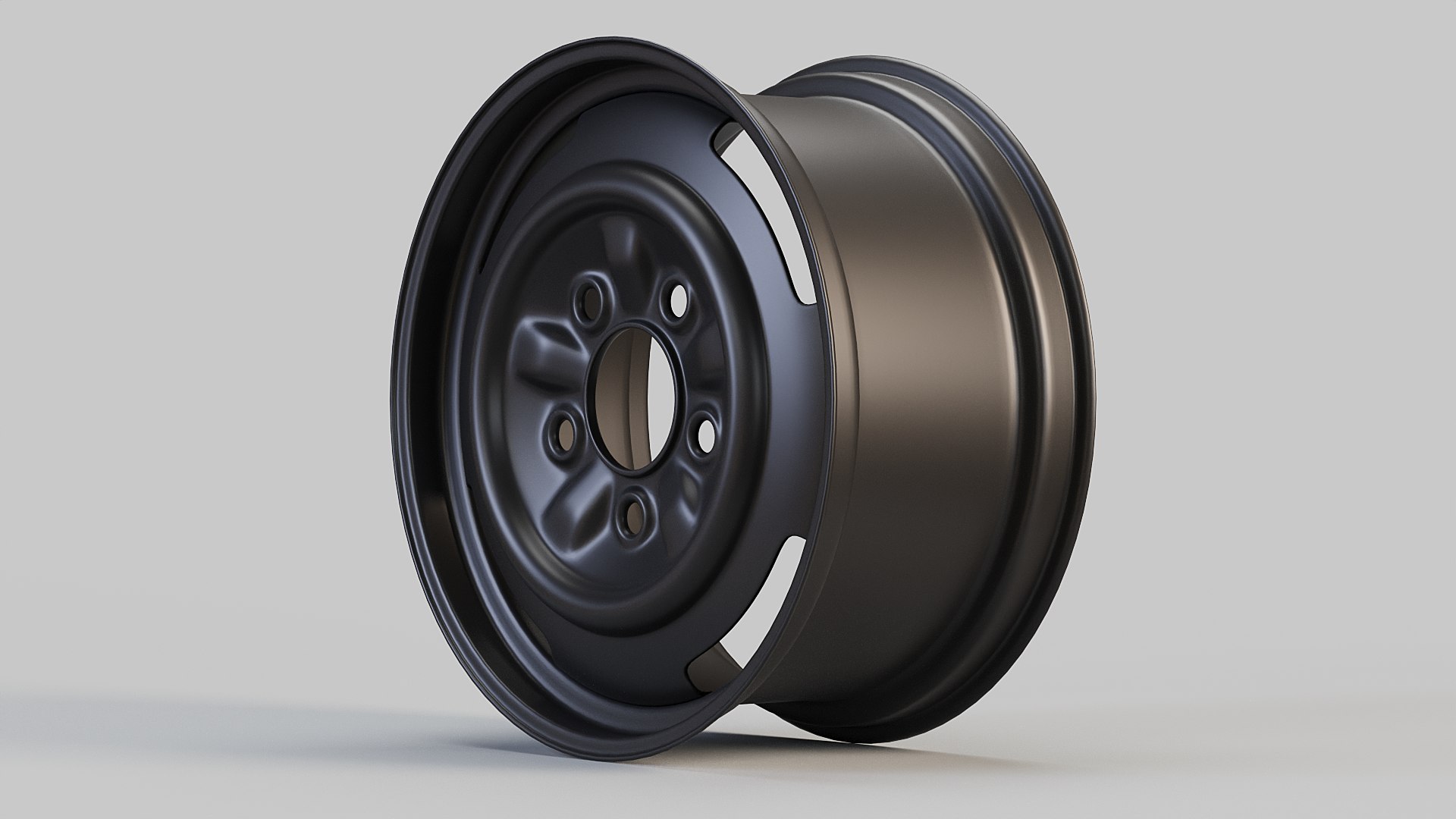
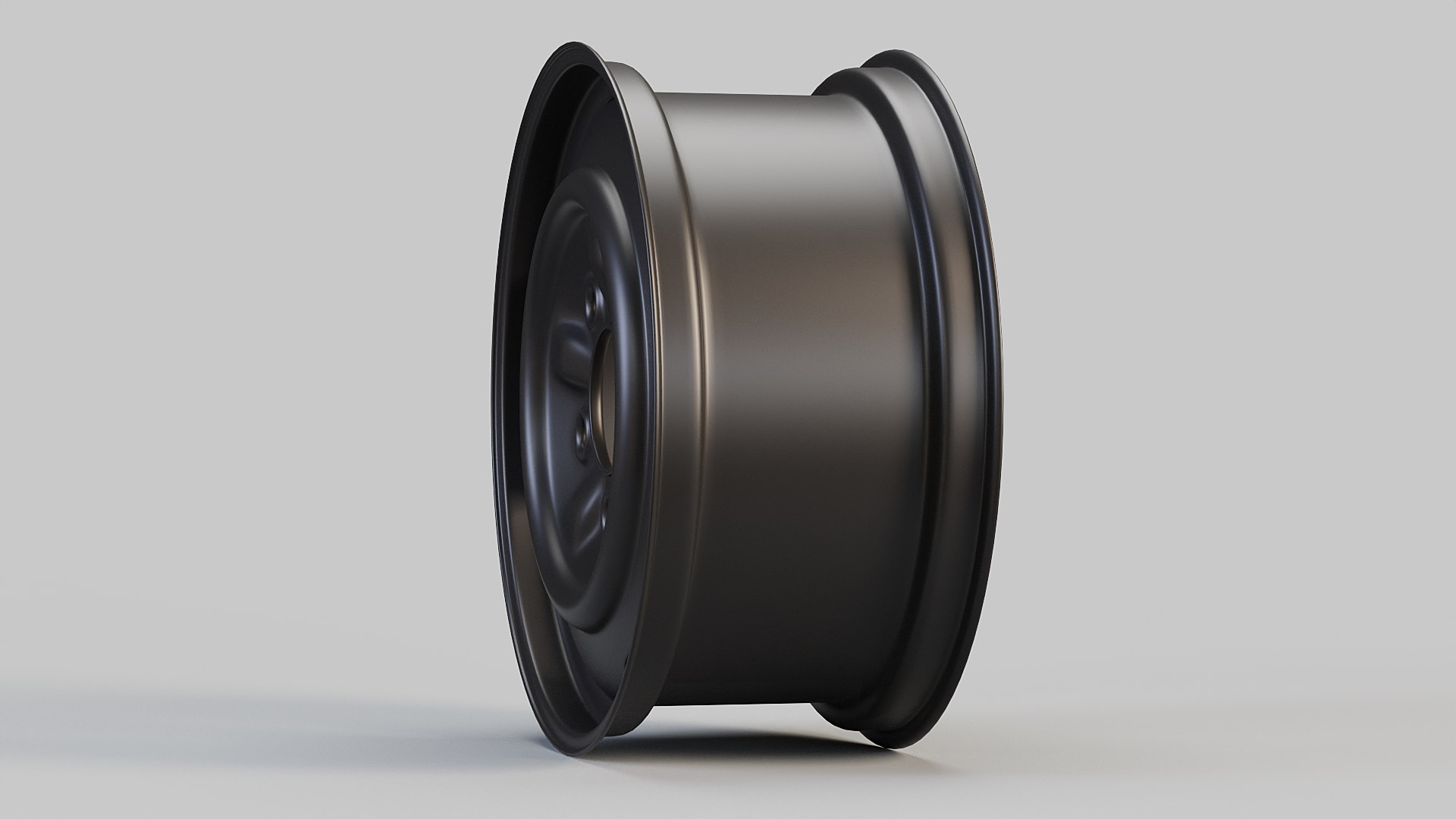
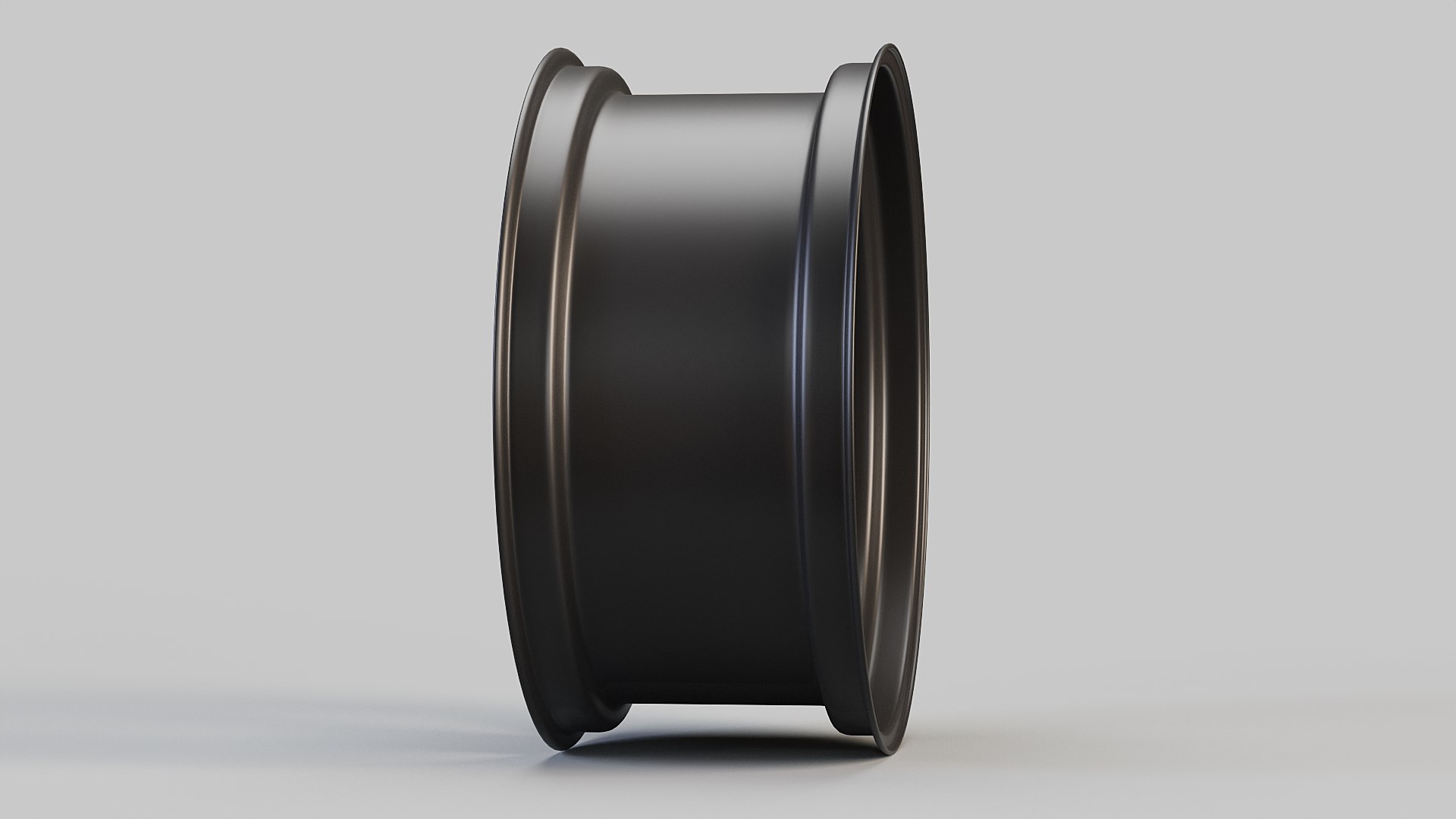
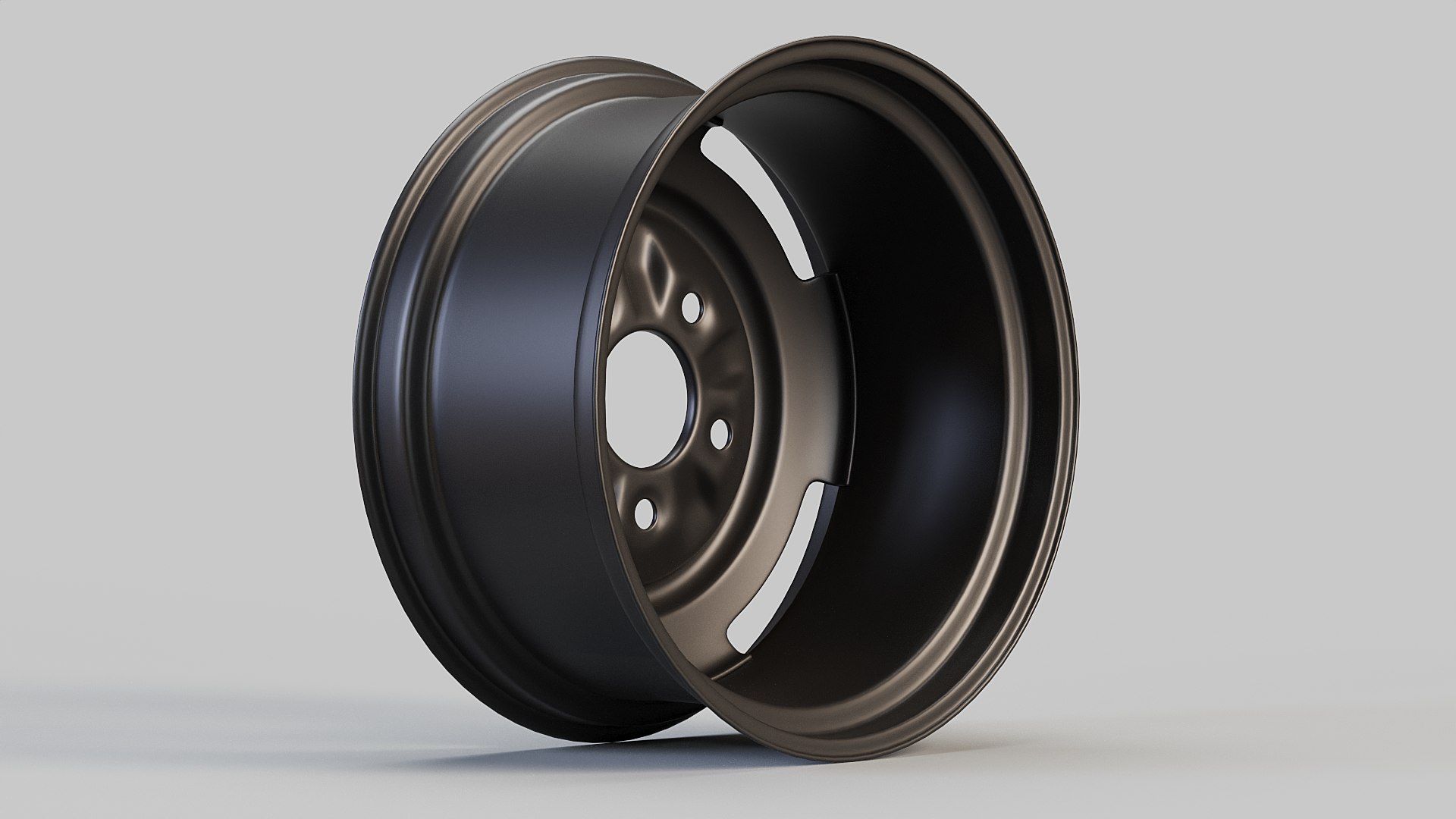
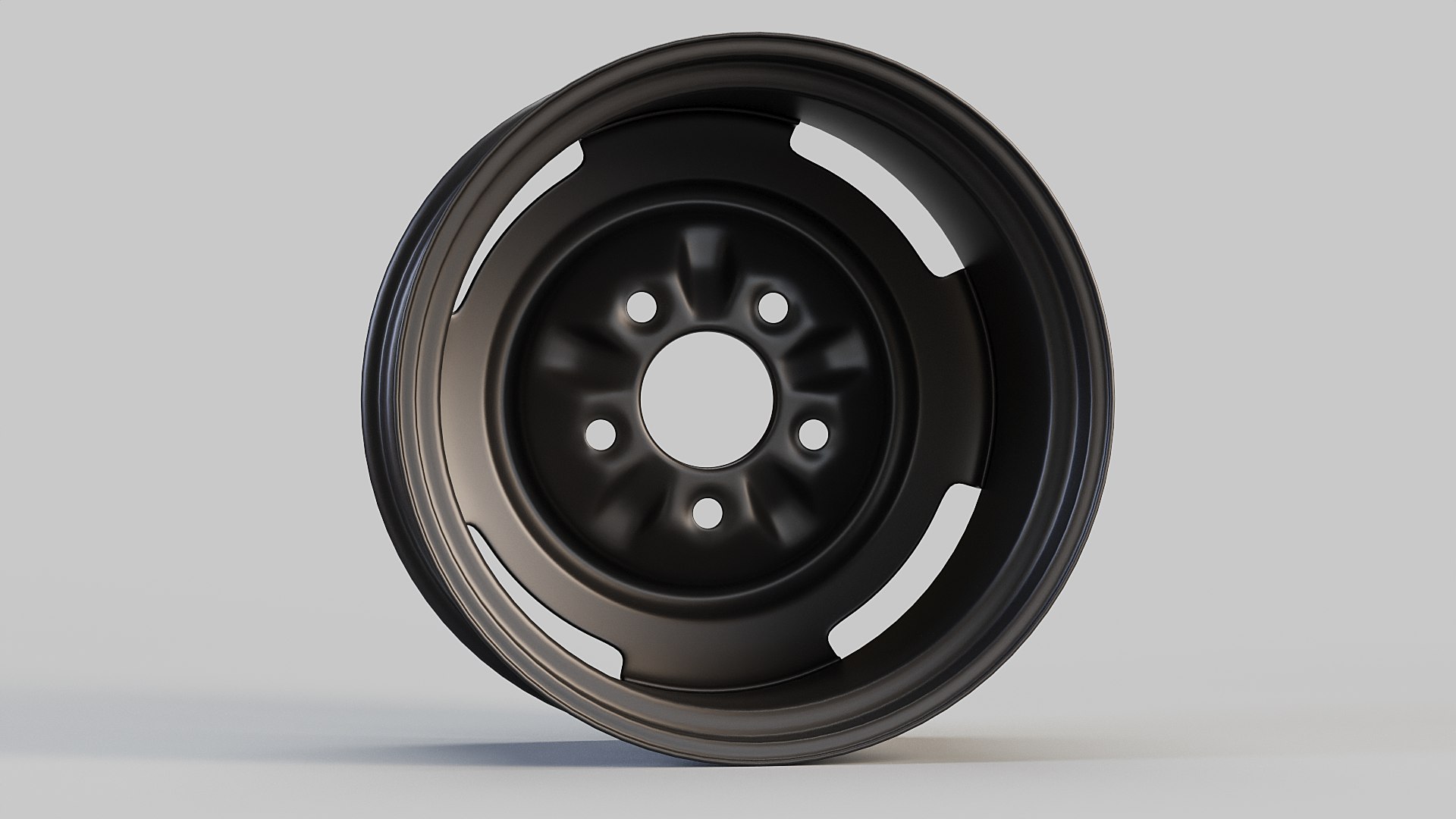
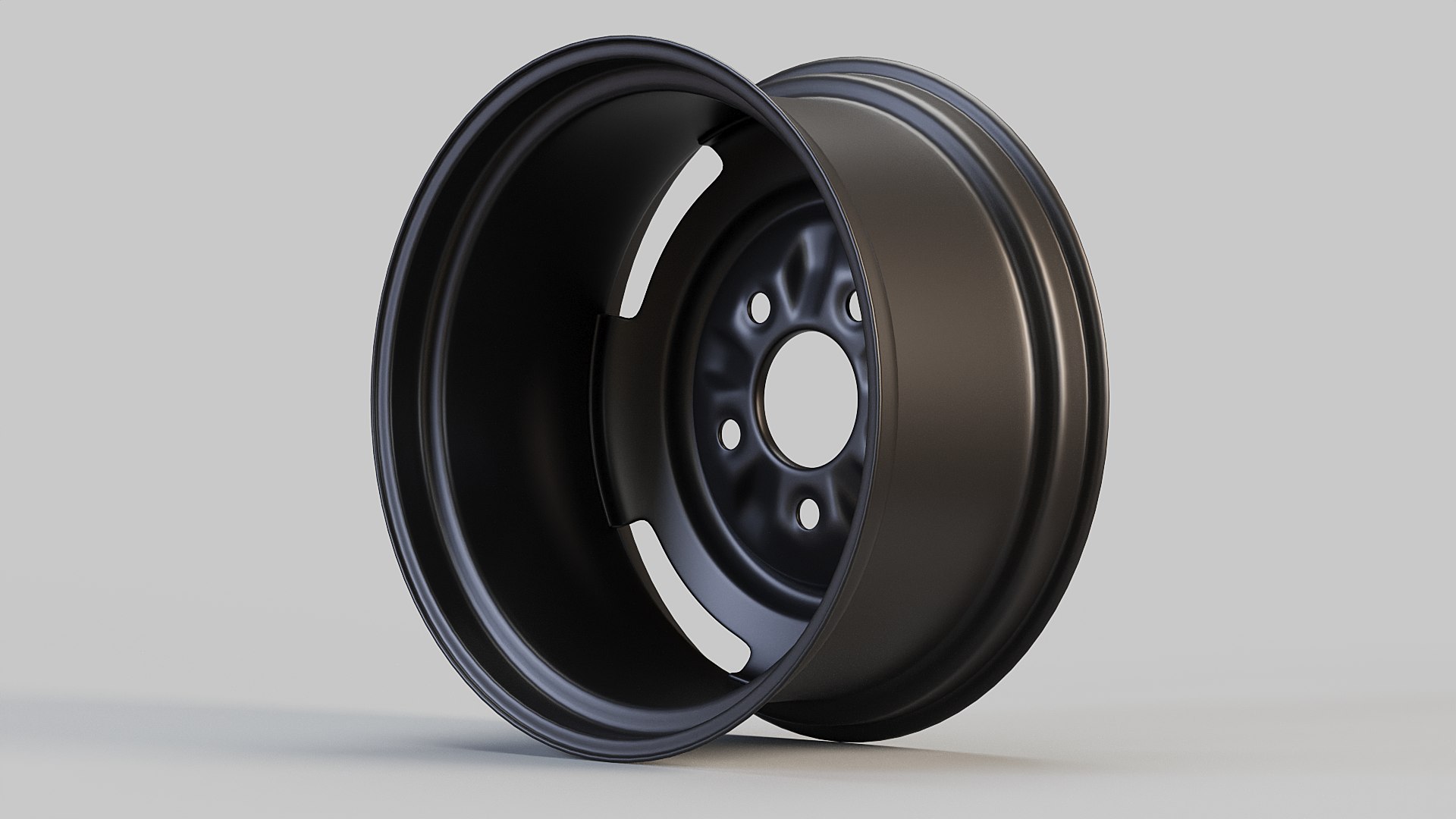
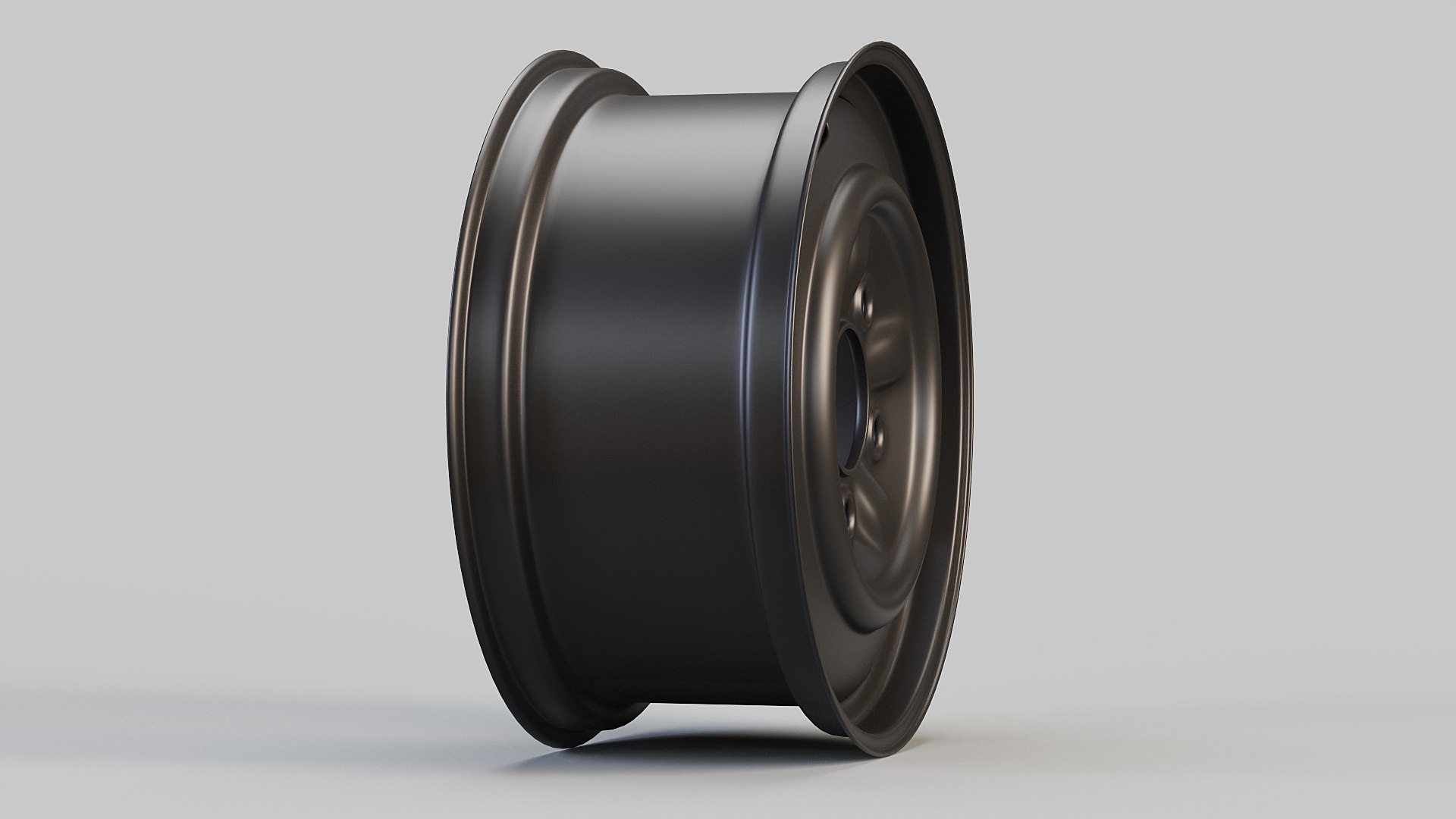
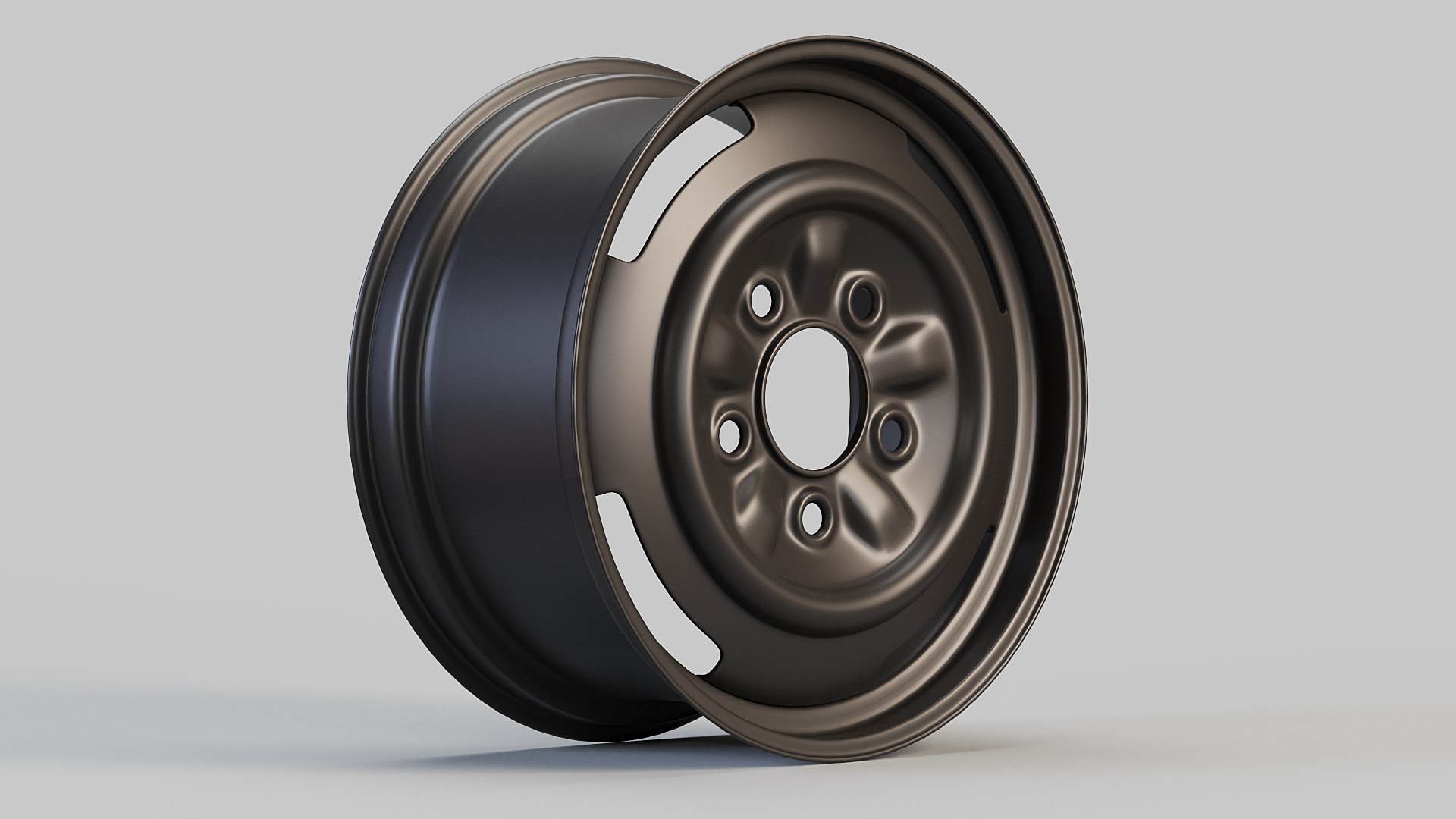
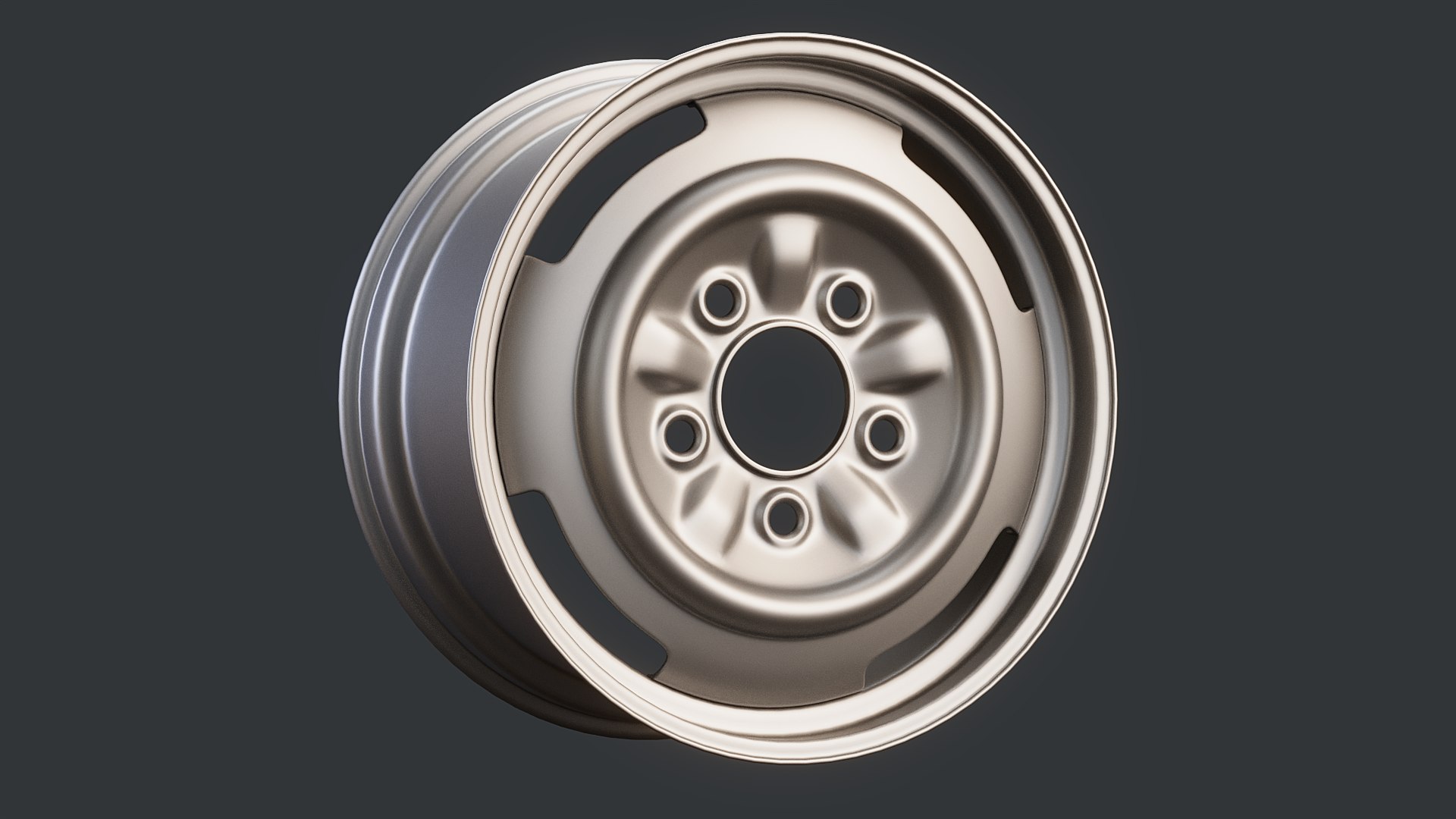
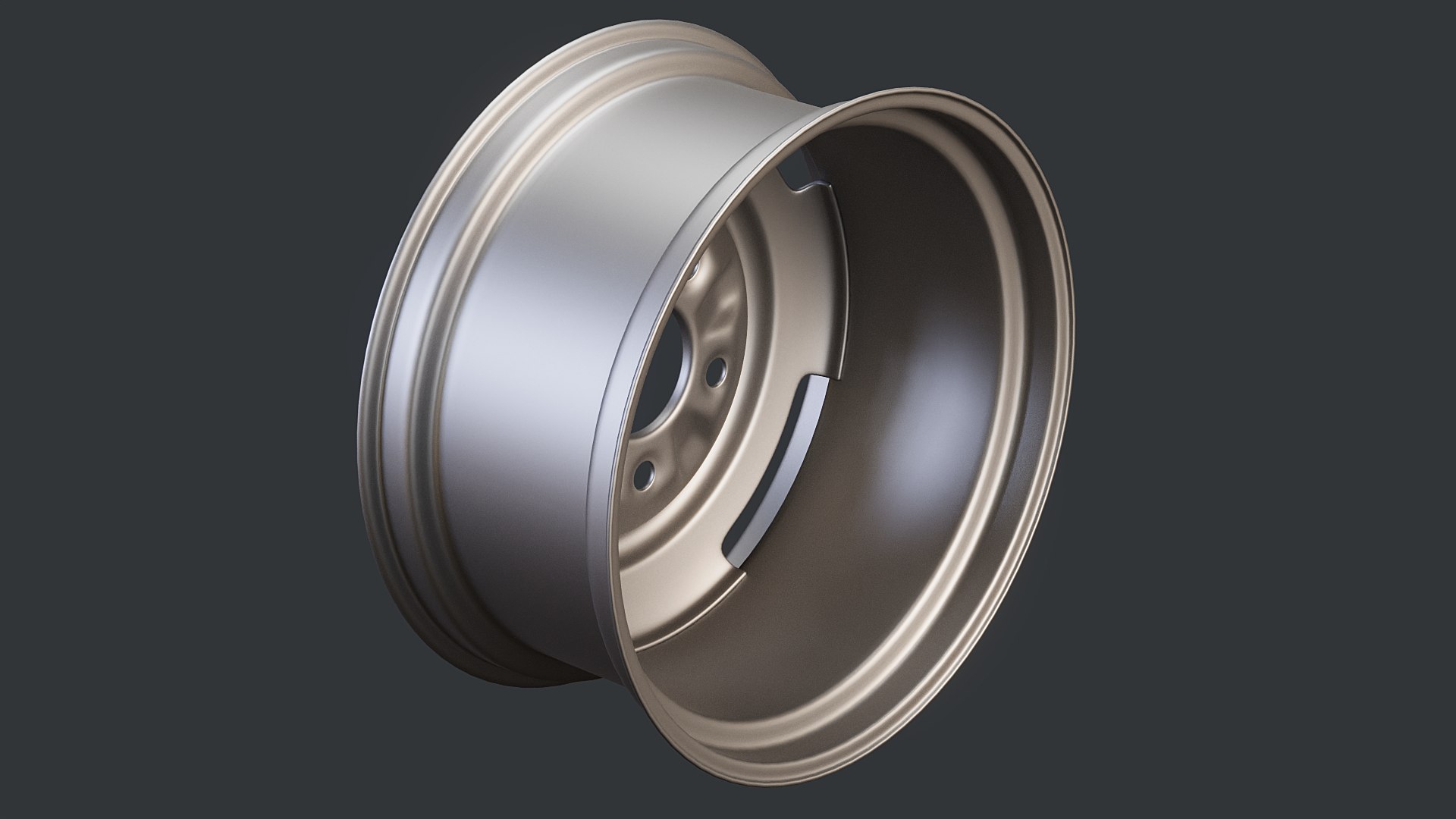
Steel car Wheel

$12

Standard License | Upgrade License
Formats (3)
Native | 3ds Max 2020 | Corona 9
OBJ
FBX 2016
Specifications
Publish Date January 13, 2023
Product ID 2013699
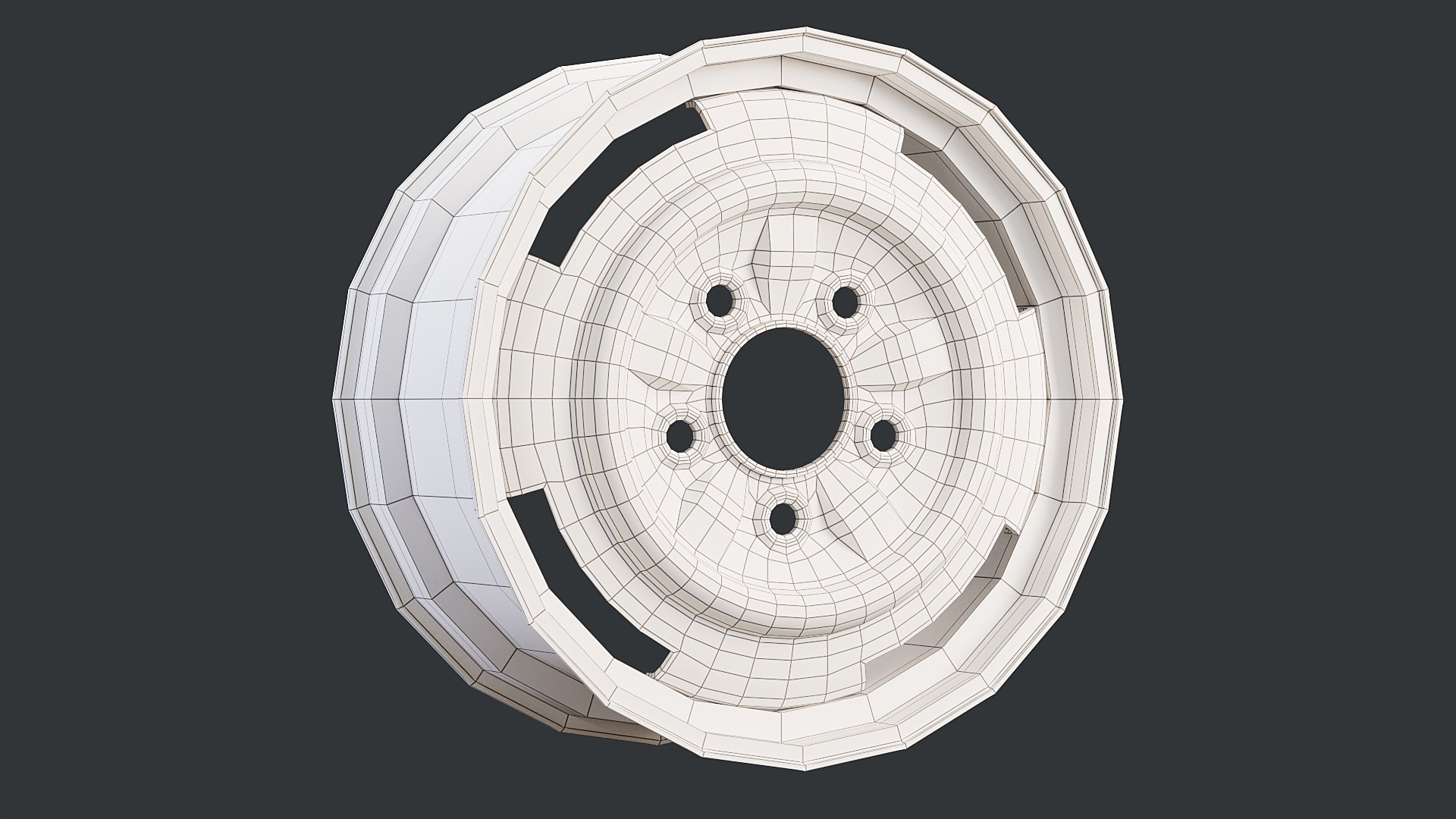
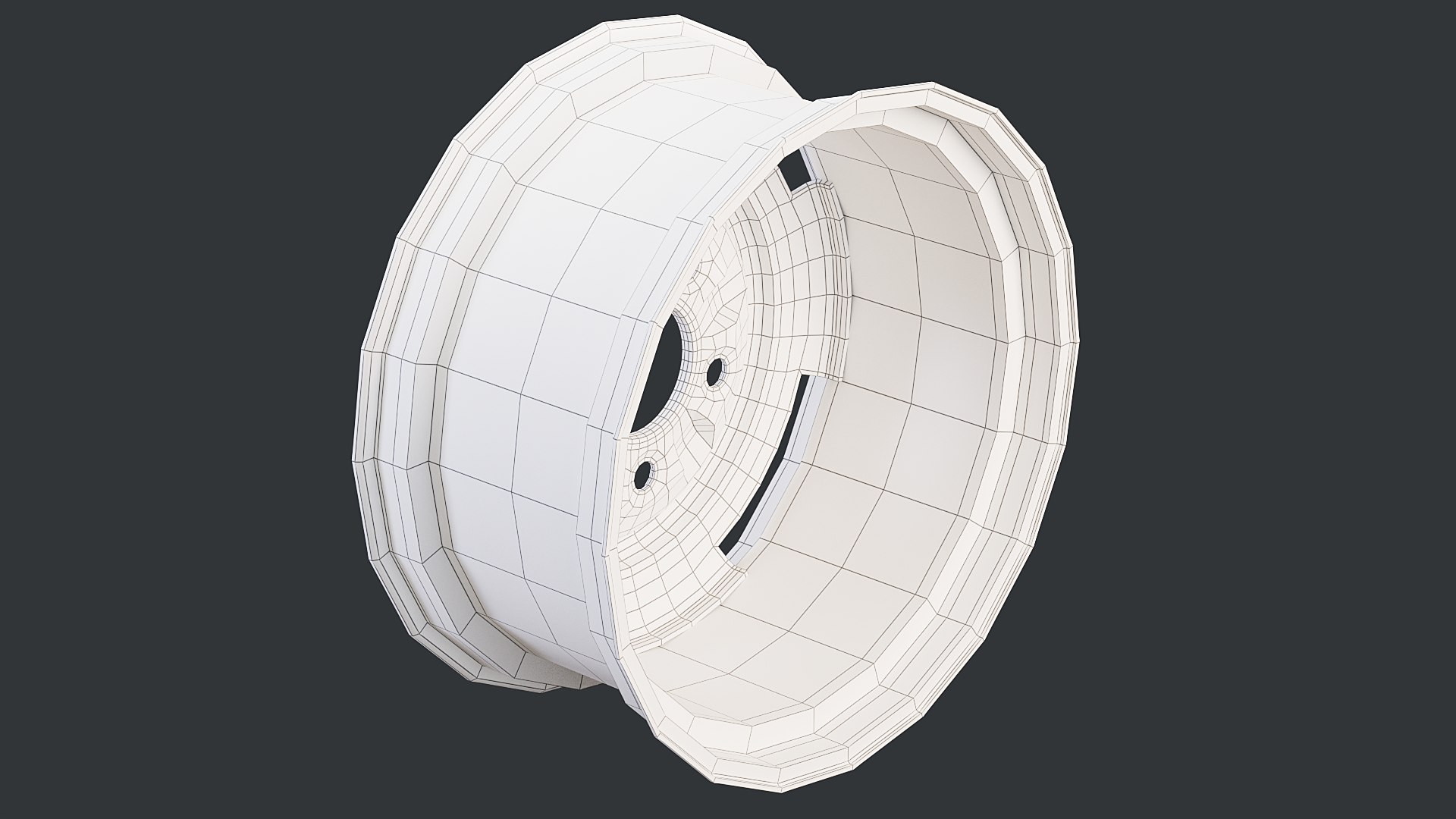
Polygons 3,188
Vertices 3,168
Subdivision
Materials
UV Mapped

member avatar
LemonadeCG
210 Products | Contributor Since 2007
Have questions? Chat with us now.

Description

Digital 3D model of classic steel car wheel rim.

MODEL

  • Model dimensions: LWH 19,2 x 40,3 x 40,3 cm (7.5 x 15.9 x 15.9 in).
  • Objects count - single polygonal object.
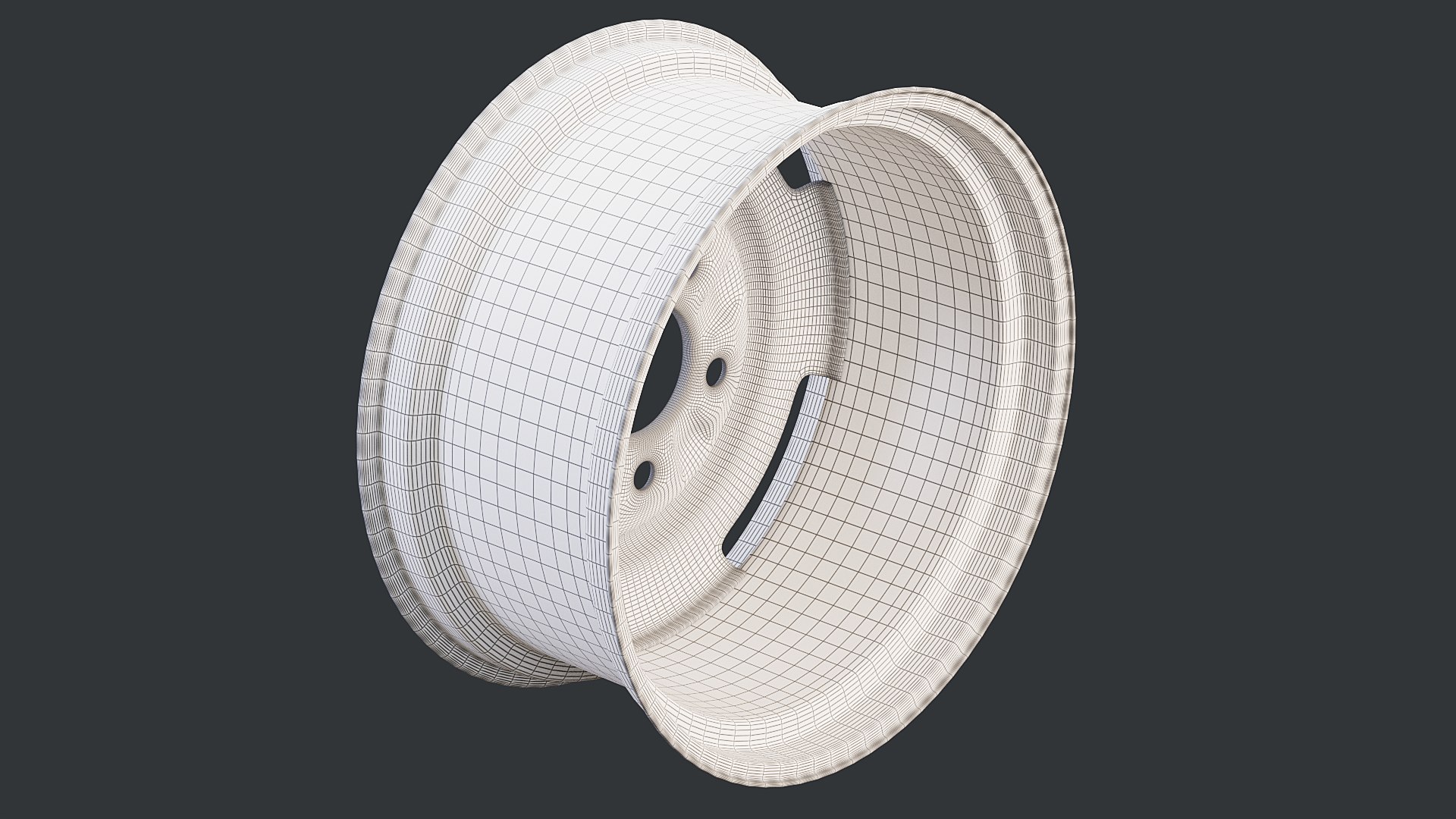
  • Model is subdivision ready.
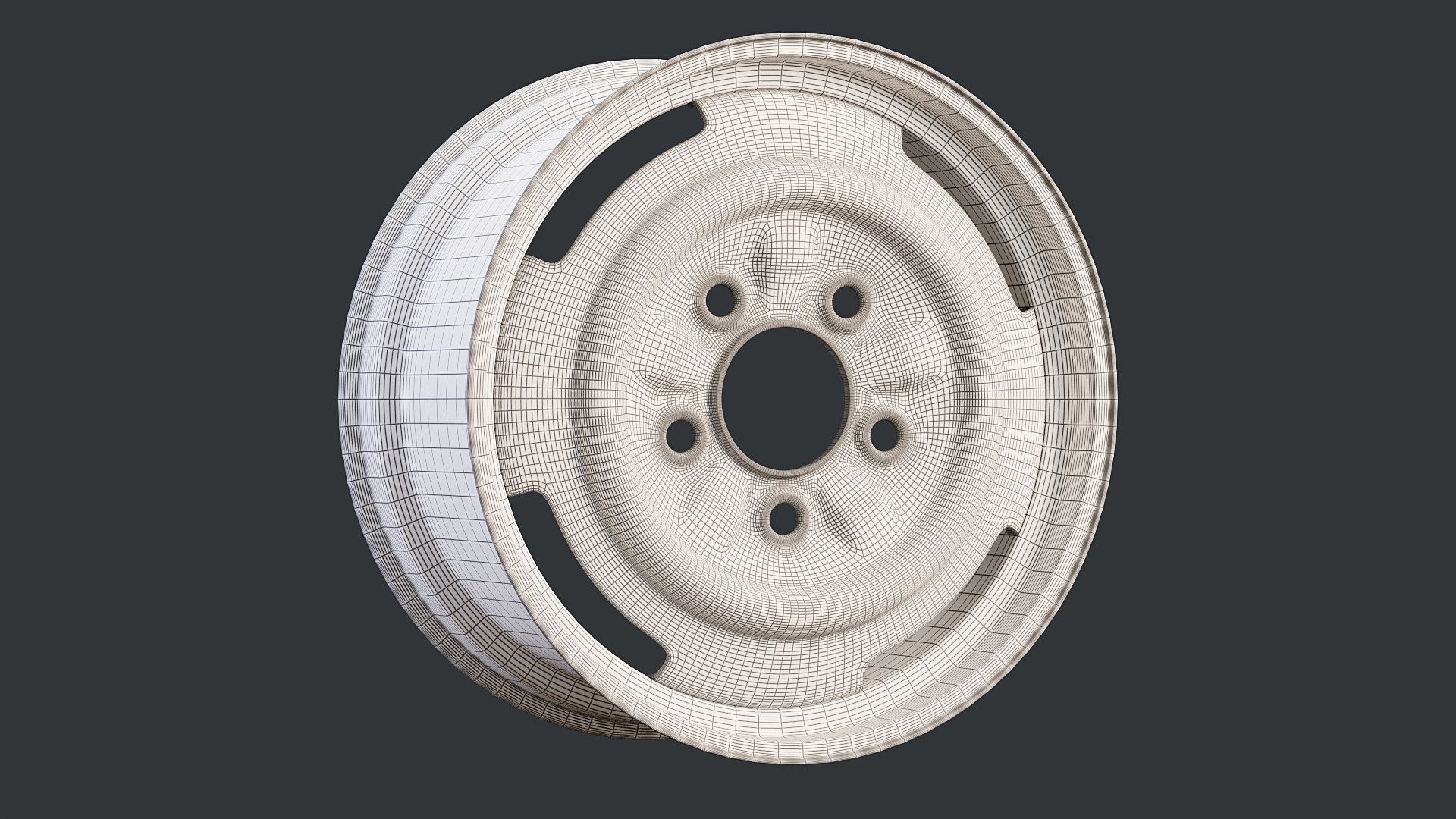
  • Model is made mostly of quads and small amount of triangles. No n-gons were used.
  • Polycount without subdivision:
  • Polys - 3 188
  • Verts - 3 168
  • Polycount with level 2 subdivision:
  • Polys - 101 856
  • Verts - 50 918

MATERIALS

  • Materials are prepared for Corona renderer.
  • Materials are very basic with no textures.

UV COORDINATES

  • The model has only basic UV mapping

SCENE

  • Model is scaled to accurate real world dimensions.
  • Objects, materials and textures have meaningful and matching names.
  • Transformations has been reset and the model is placed at scene origin [0, 0, 0 XYZ].
  • All texture paths are set to relative.

FILE FORMATS

  • 3ds Max - Corona
  • 3ds Max - Default (Physical)
  • FBX
  • OBJ

GENERAL

  • Modeled in 3ds Max 2023 and saved to 3ds Max 2020 version for backward compatibility.
  • Preview images are rendered with Corona renderer.
  • Images are straight from rendering app. No post processing was applied.
  • Render scenes are not included.

Select Enhanced License

  • $10,000 in Legal Protection (Indemnification)
  • Uncapped Legal Protection (Indemnification)
  • Waiver from injunctive relief
  • Assignable model rights
  • $1,000,000 in Legal Protection (Indemnification)
  • Waiver from injunctive relief
  • Assignable model rights
  • $250,000 in Legal Protection (Indemnification)
  • Assignable model rights
Read more about enhanced license tiers, or contact us at enterprise@turbosquid.com. Already a Shutterstock Enterprise Customer? Contact your Shutterstock Sales Support Agent to talk about adding 3D.

About Conversion Requests

To submit a conversion request for a purchased asset, please complete our Conversion Request Form.

If you have not yet purchased a model, please review our Documentation about Conversions to learn about what limitations you may encounter with a conversion.

For any additional questions about a model’s suitability for conversion, please contact TurboSquid Support.

Loading...