=======================================================================
SNOW MOUNTAIN RANGE - COMPLETE SCENE, 9 TERRAIN MODELS
=======================================================================
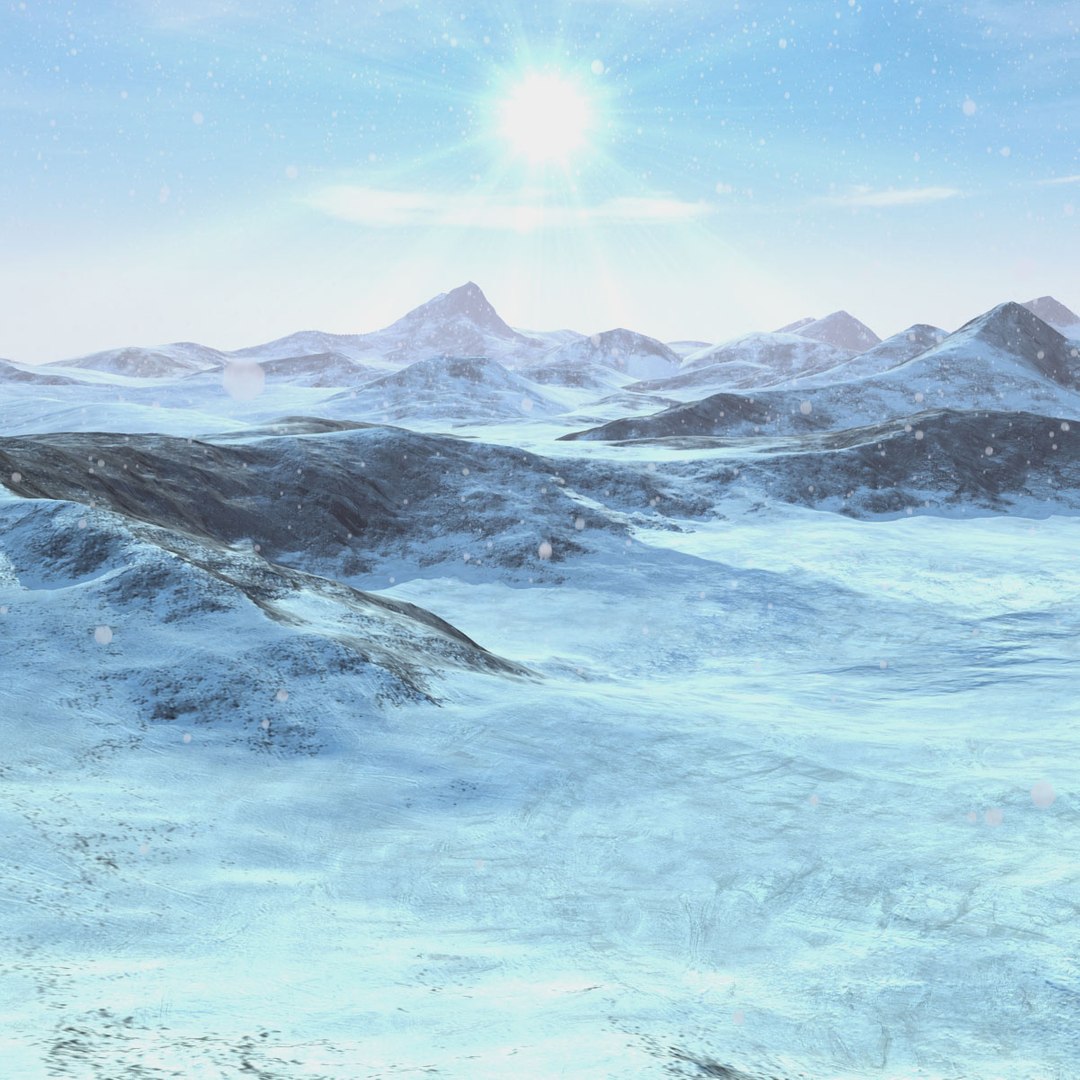
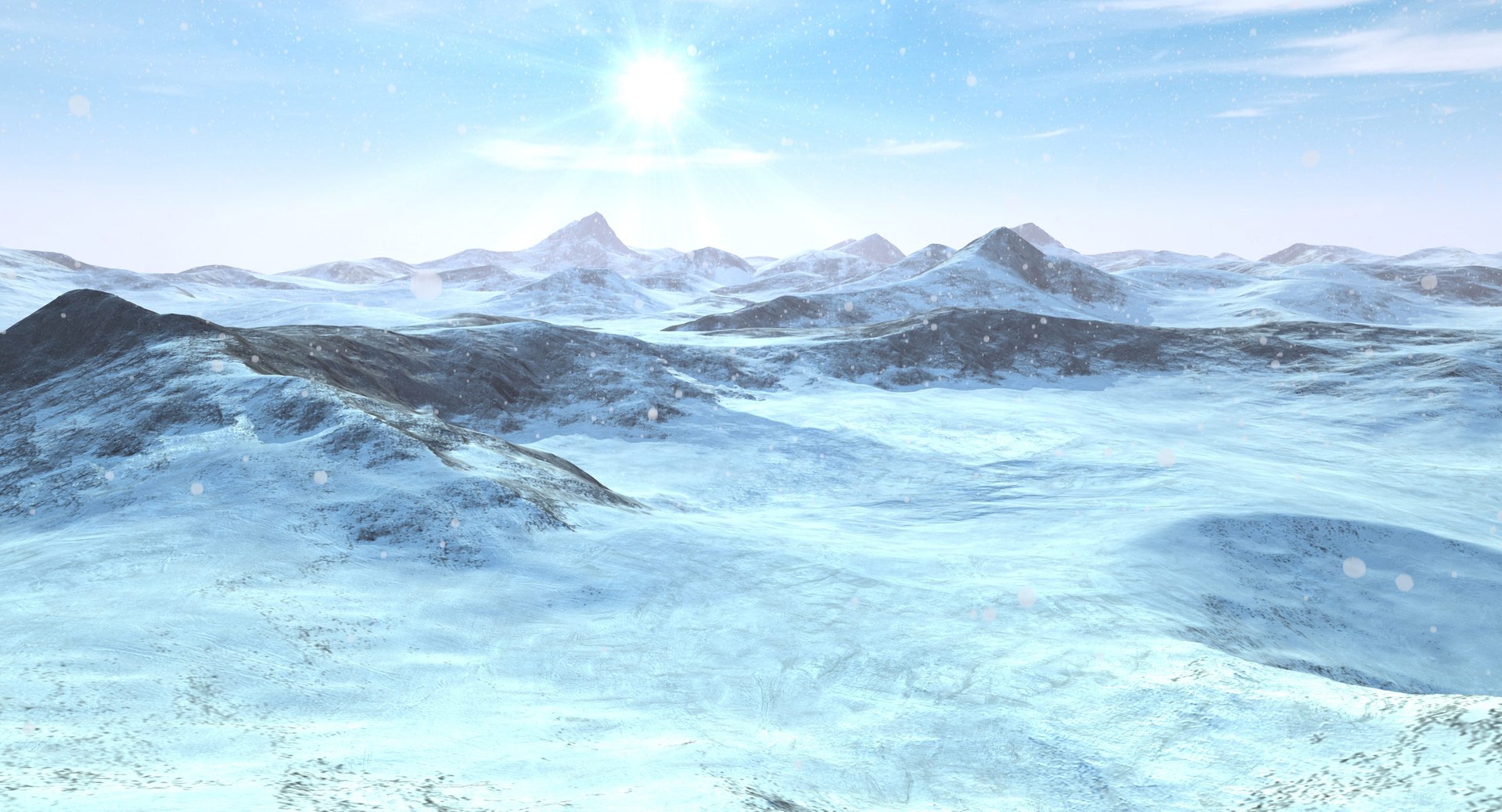
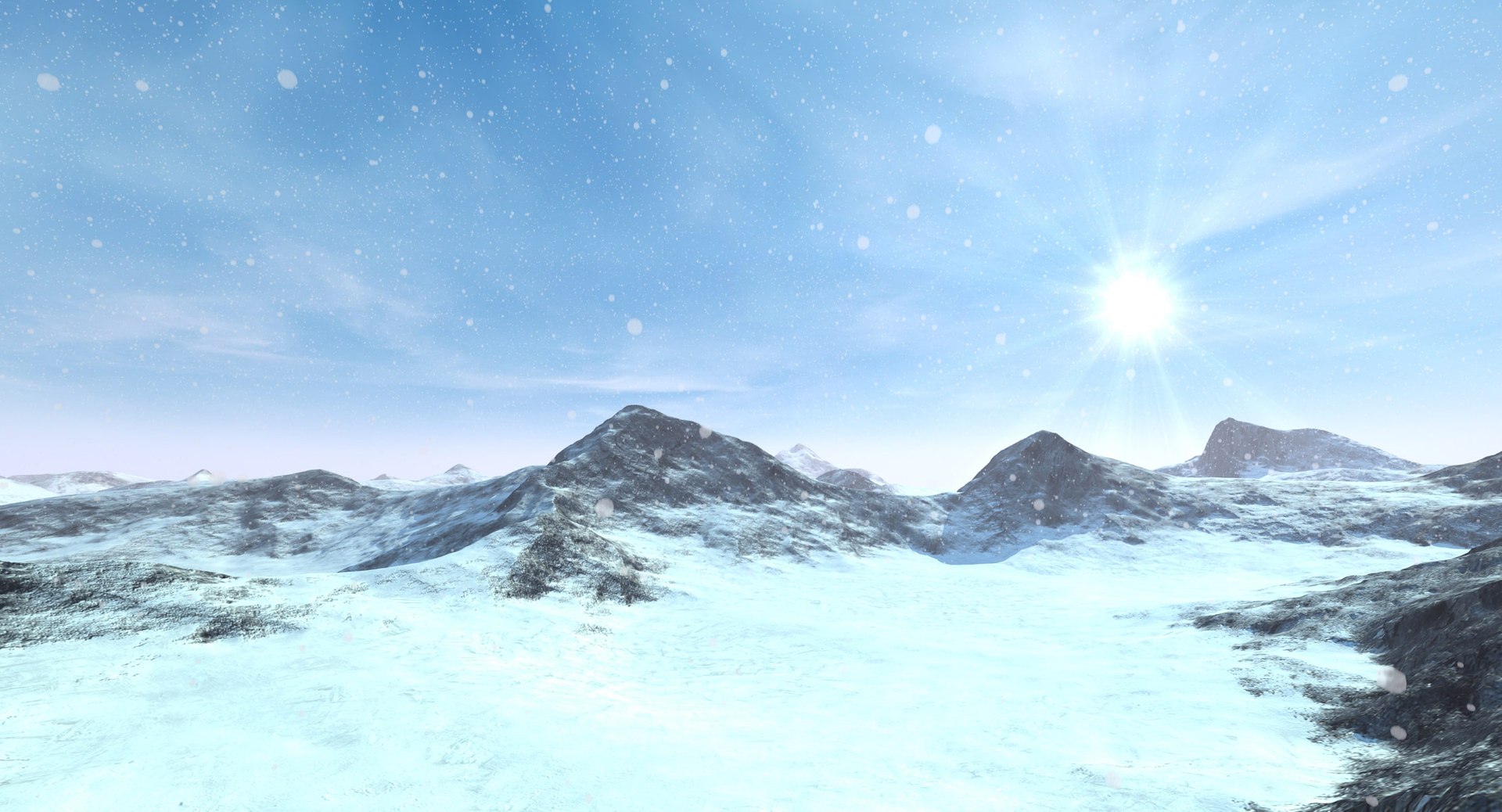
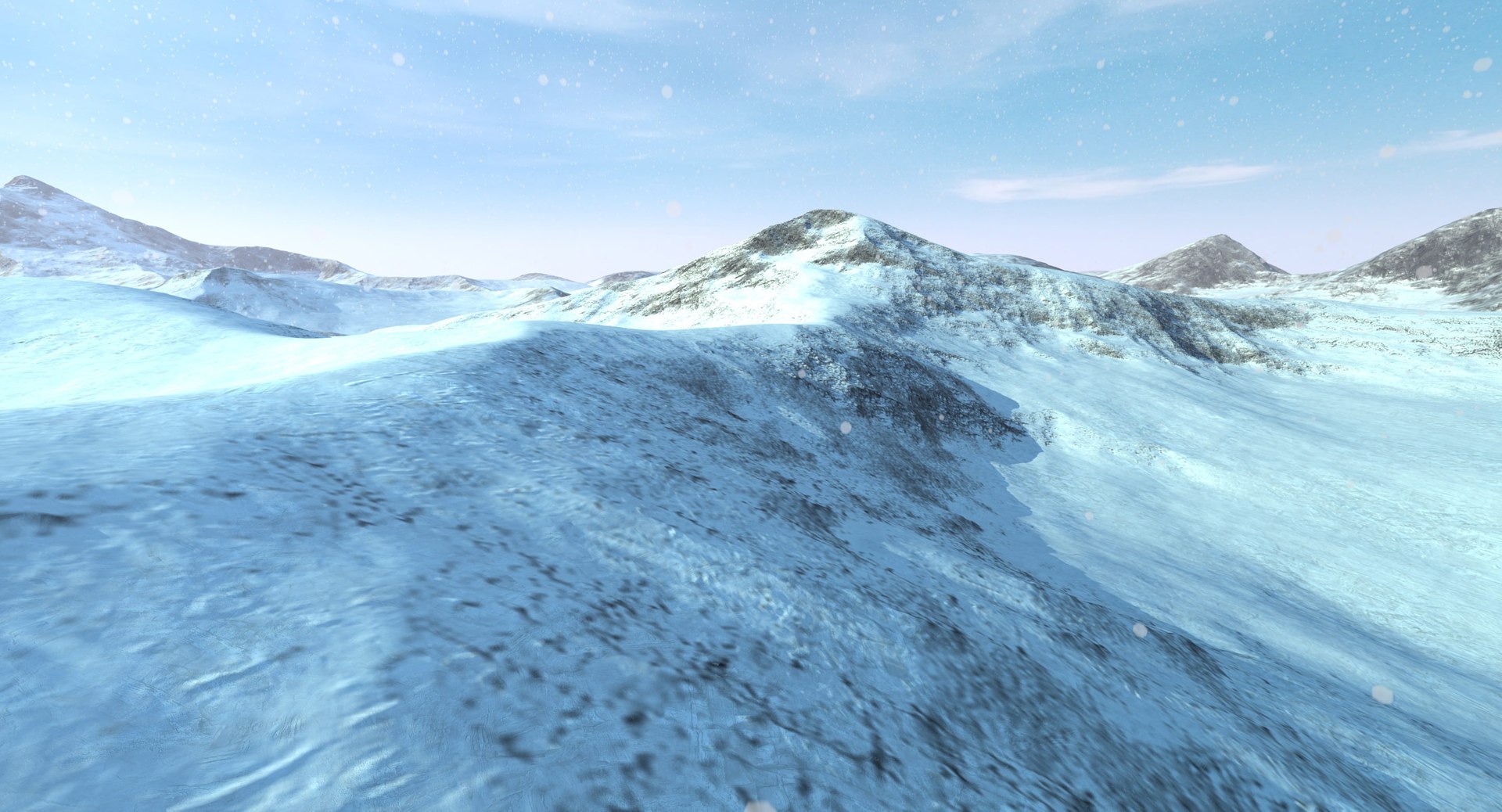
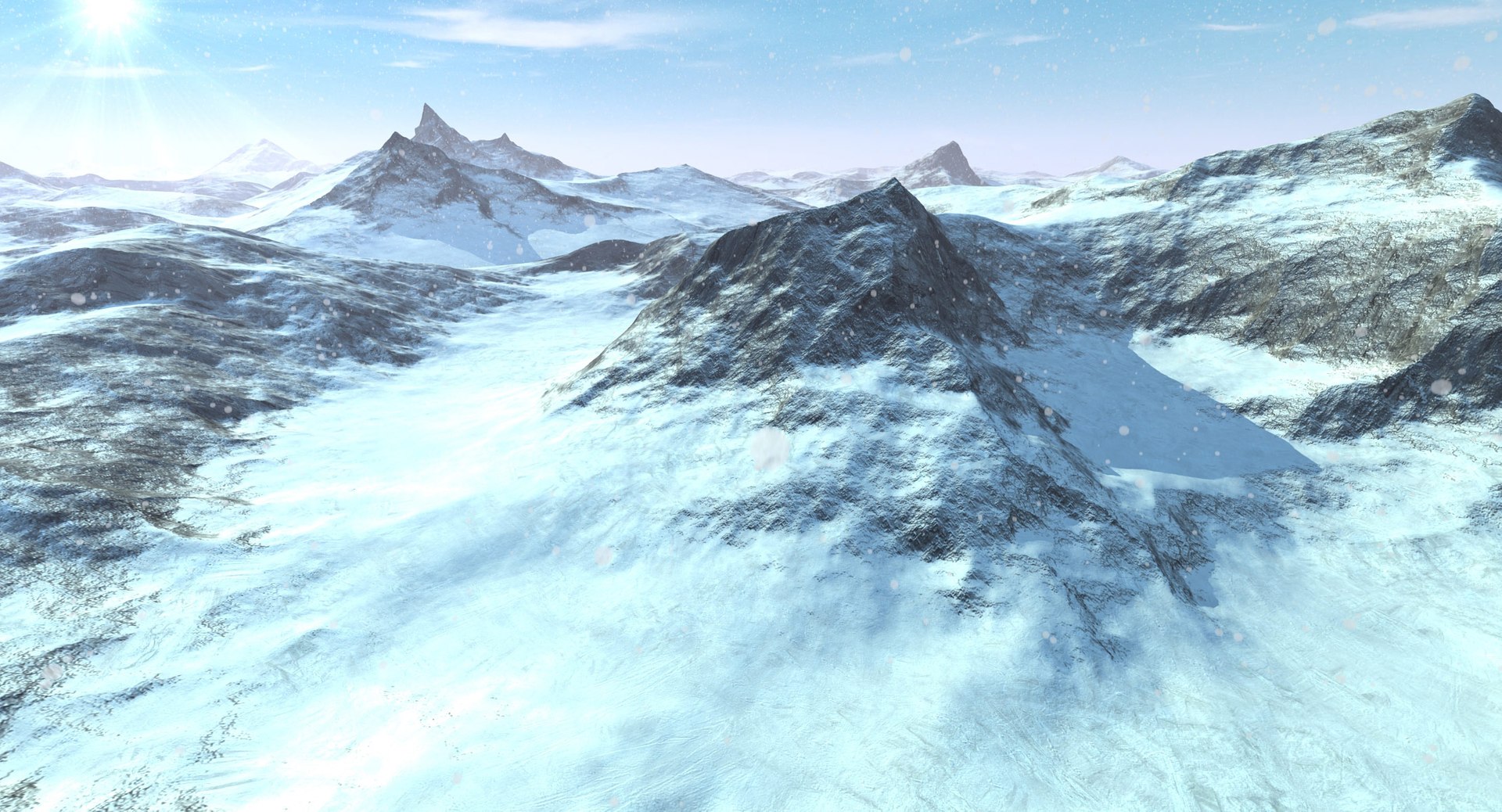
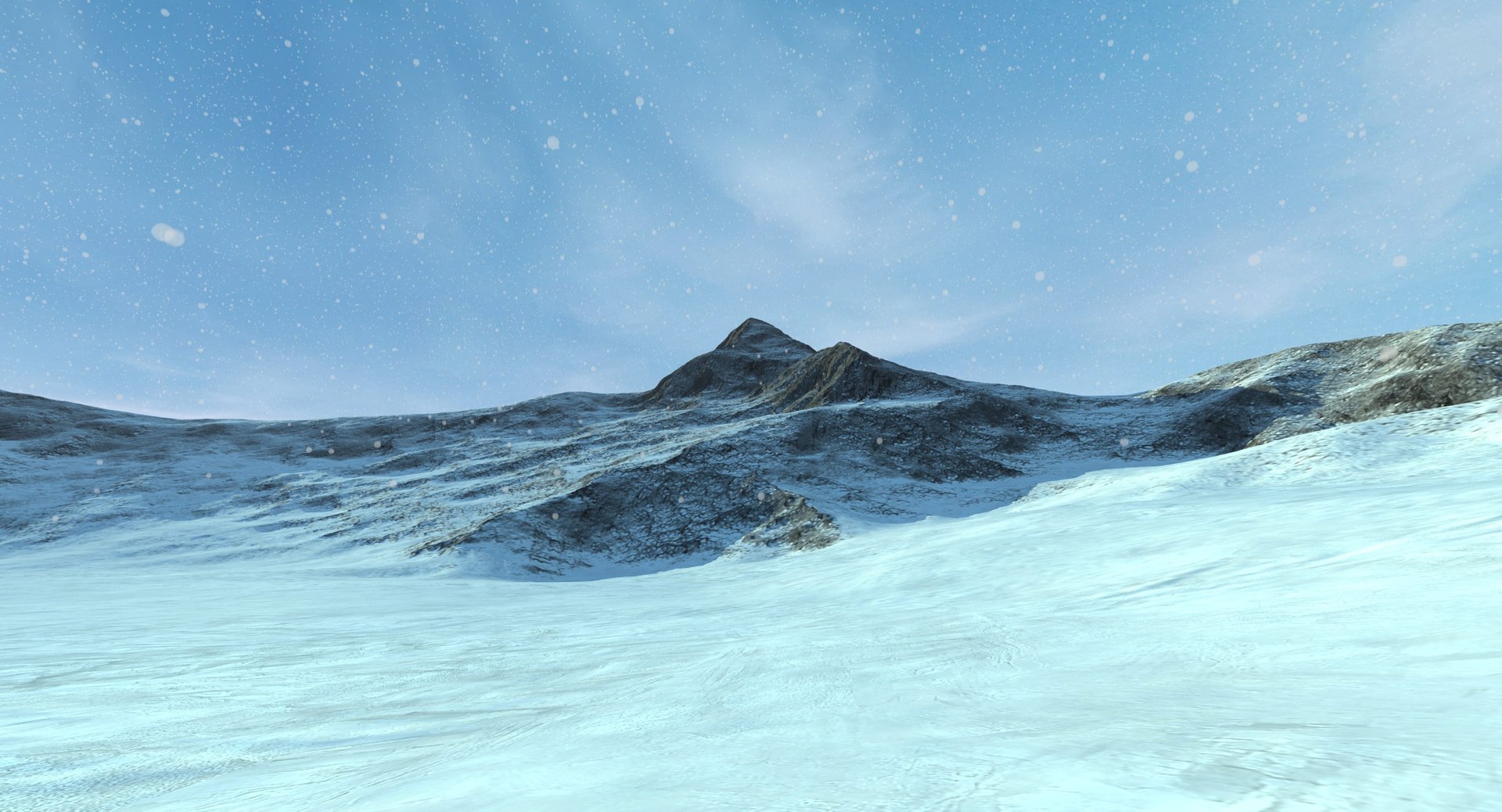
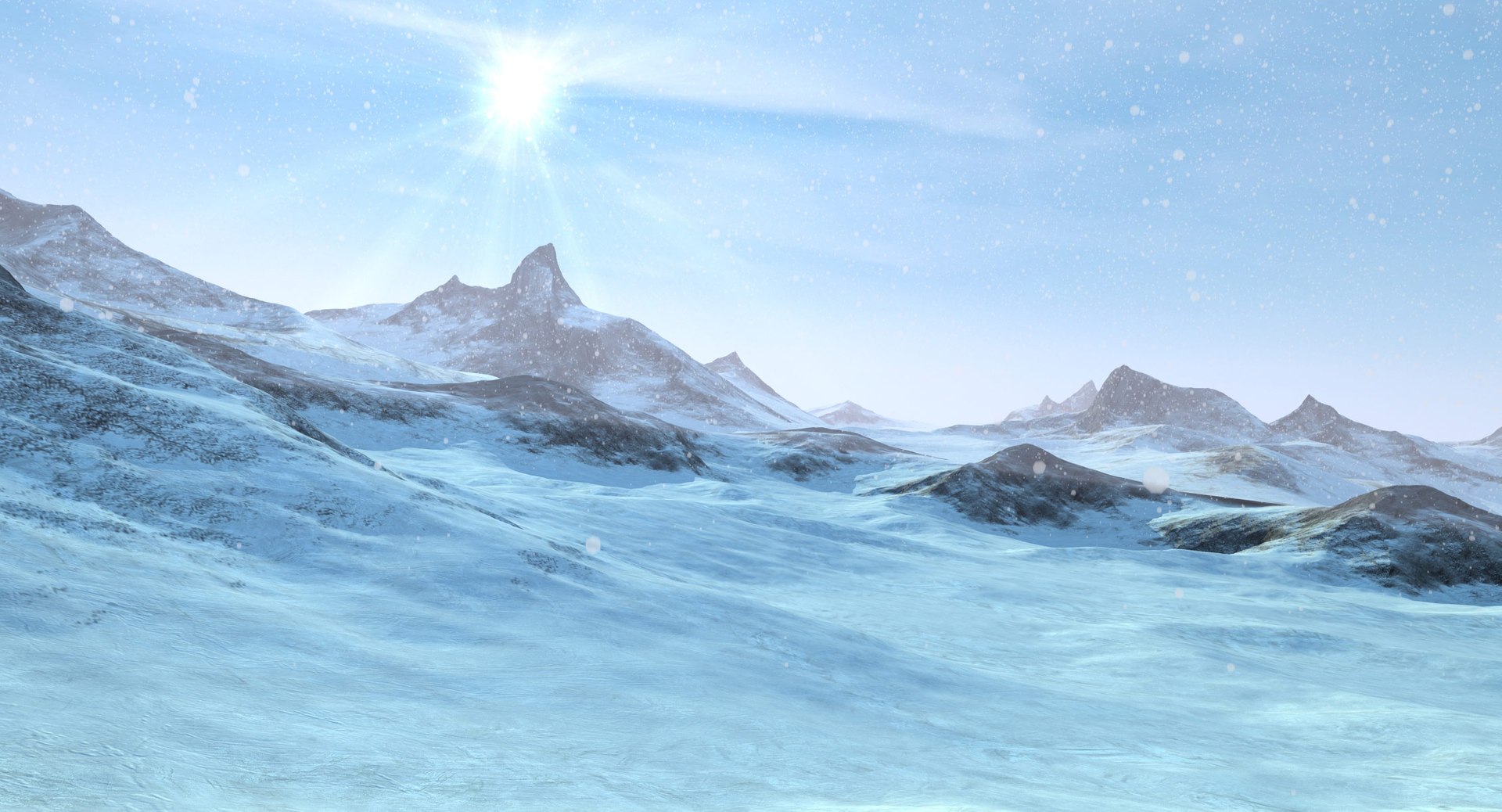
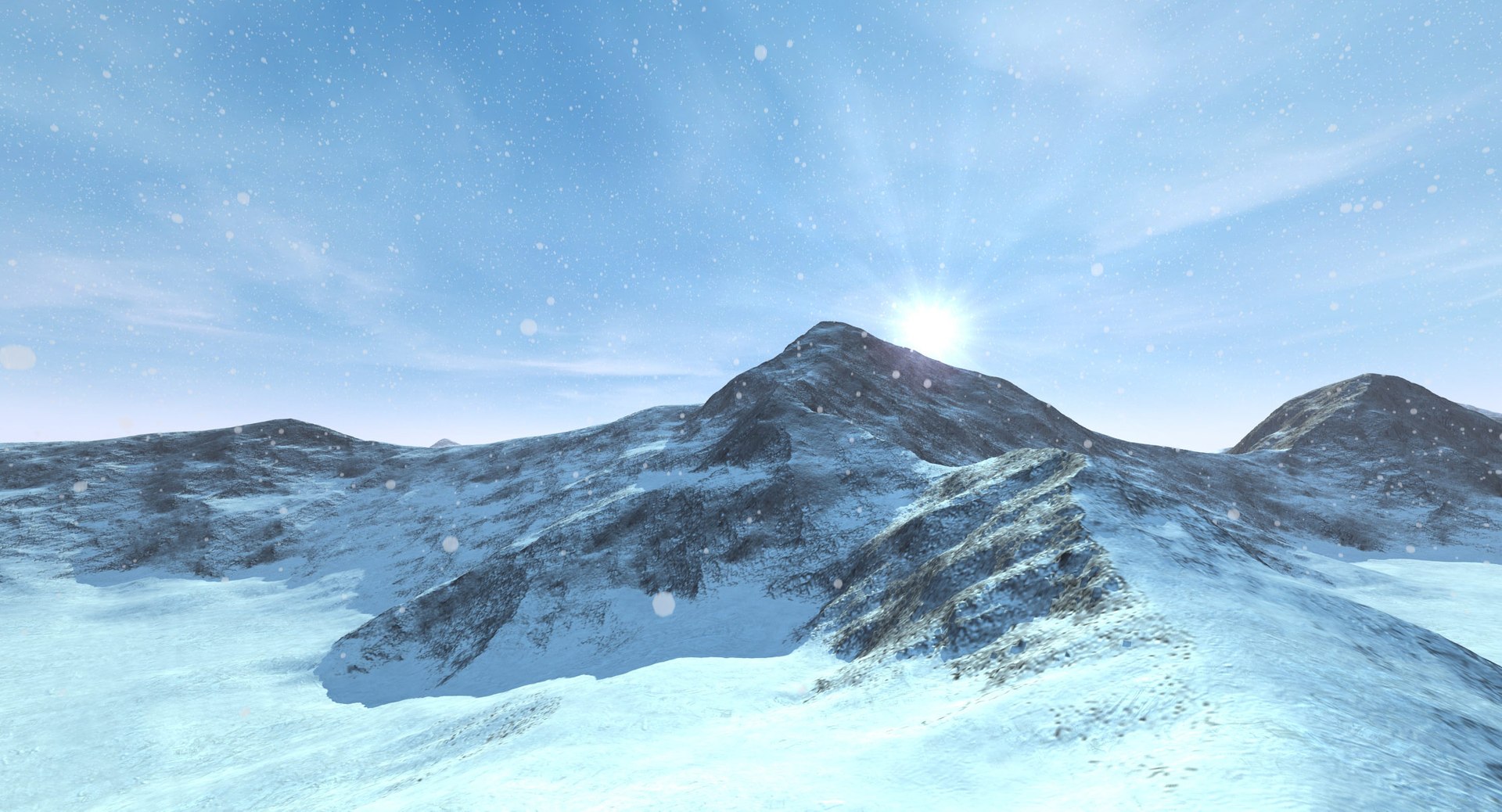
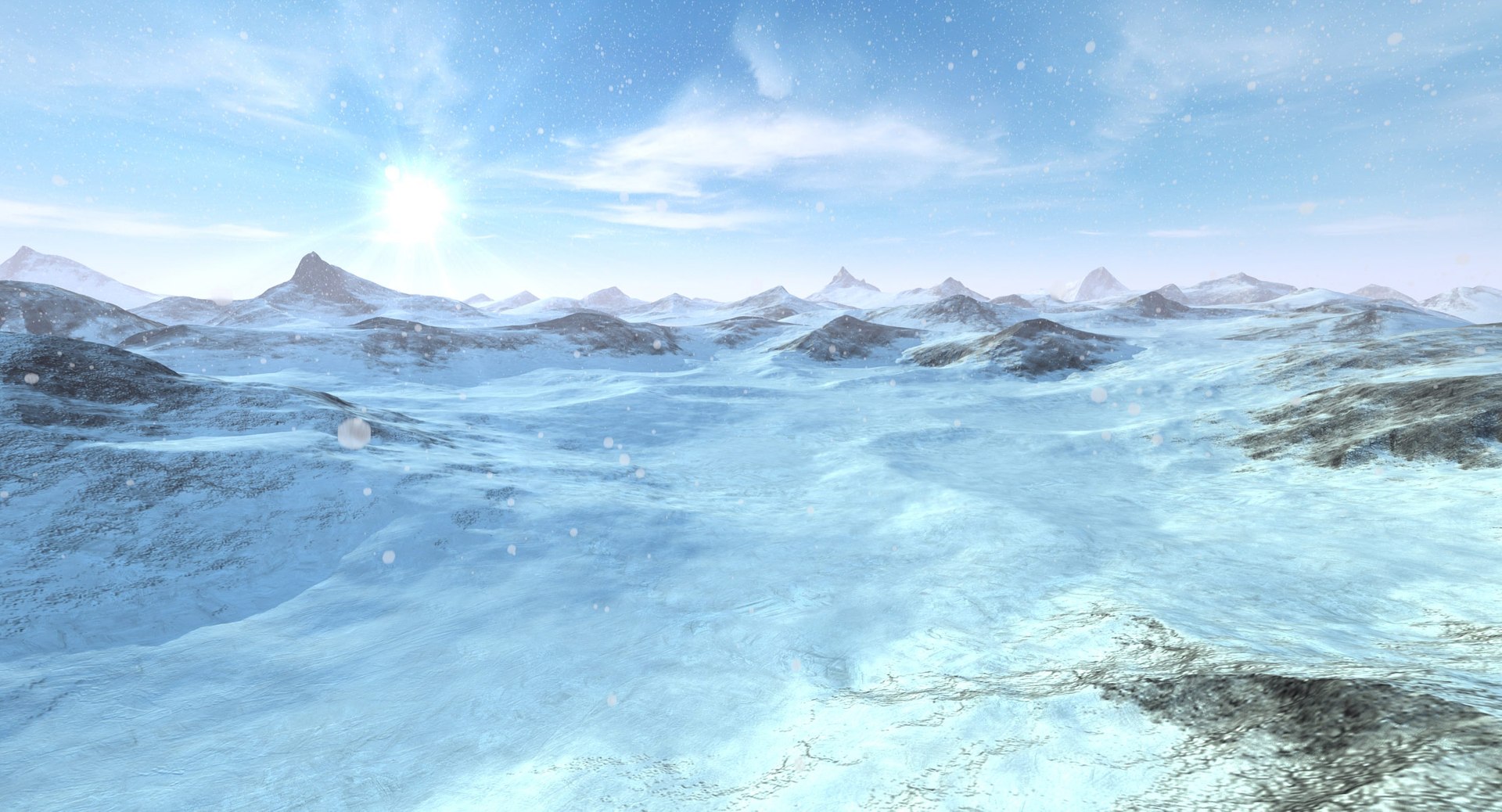
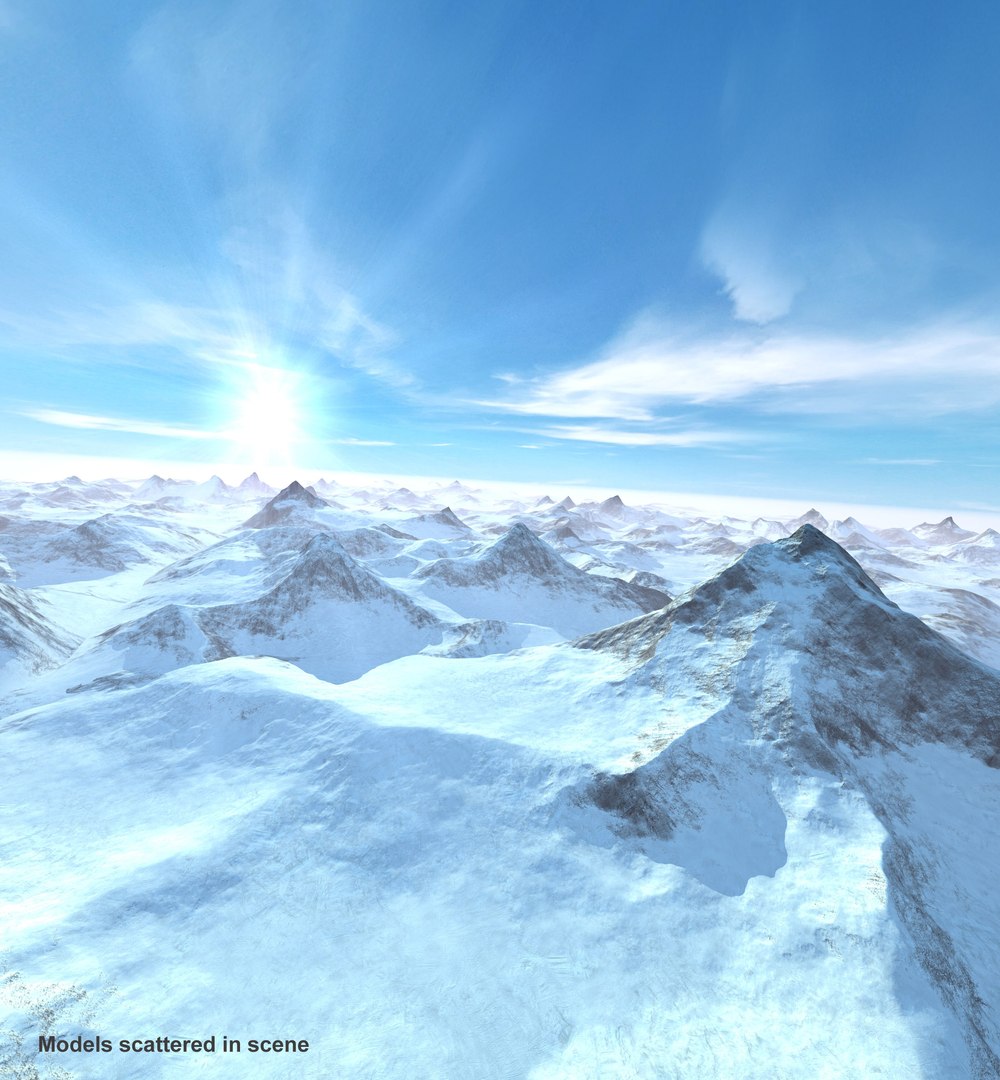
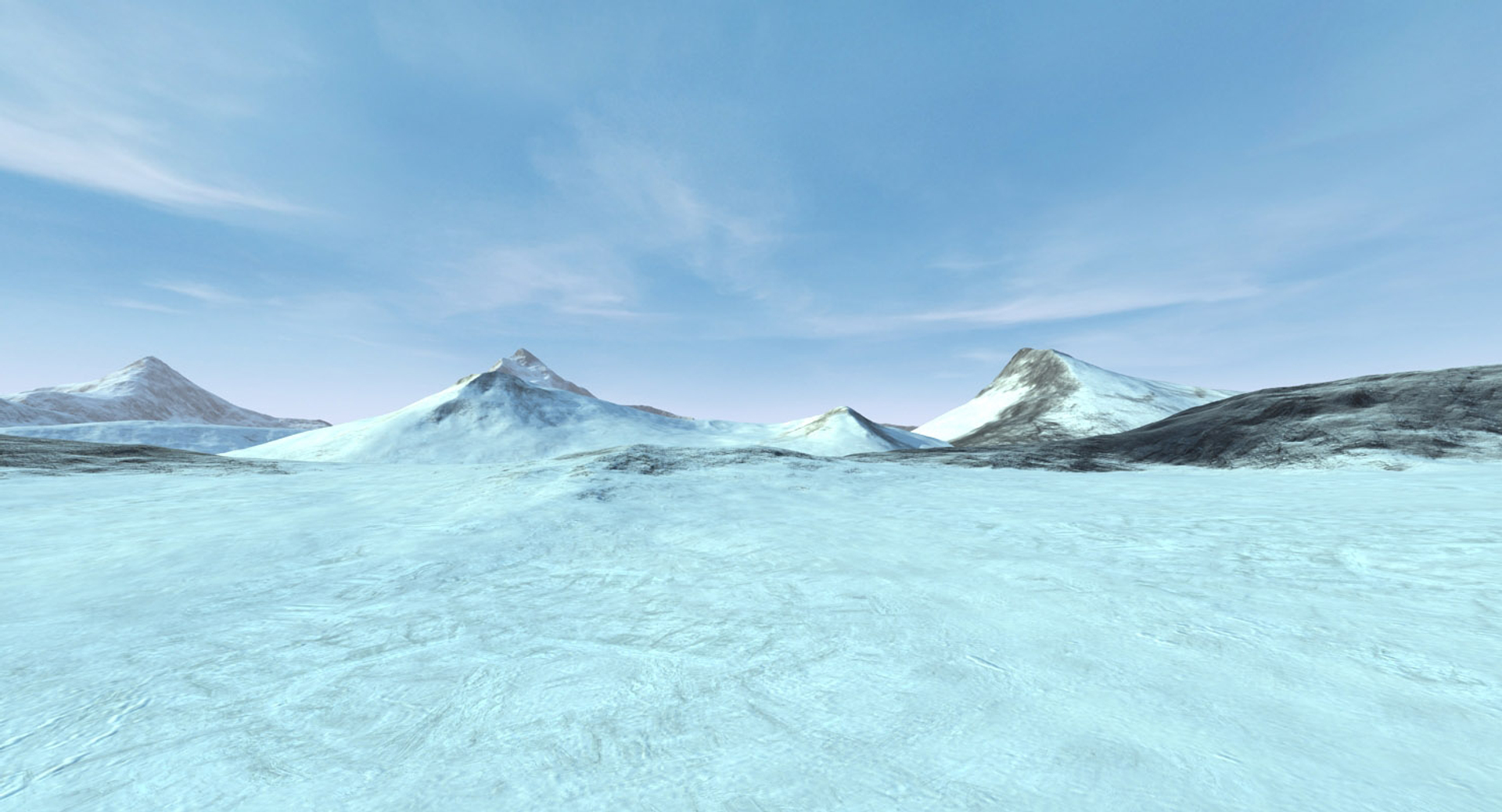
This is complete scene of snowy mountain with animated, falling snow(check preview video) Prepared for hi-res renders and games.
Atmosphere and sun effects are set, no plugin need.
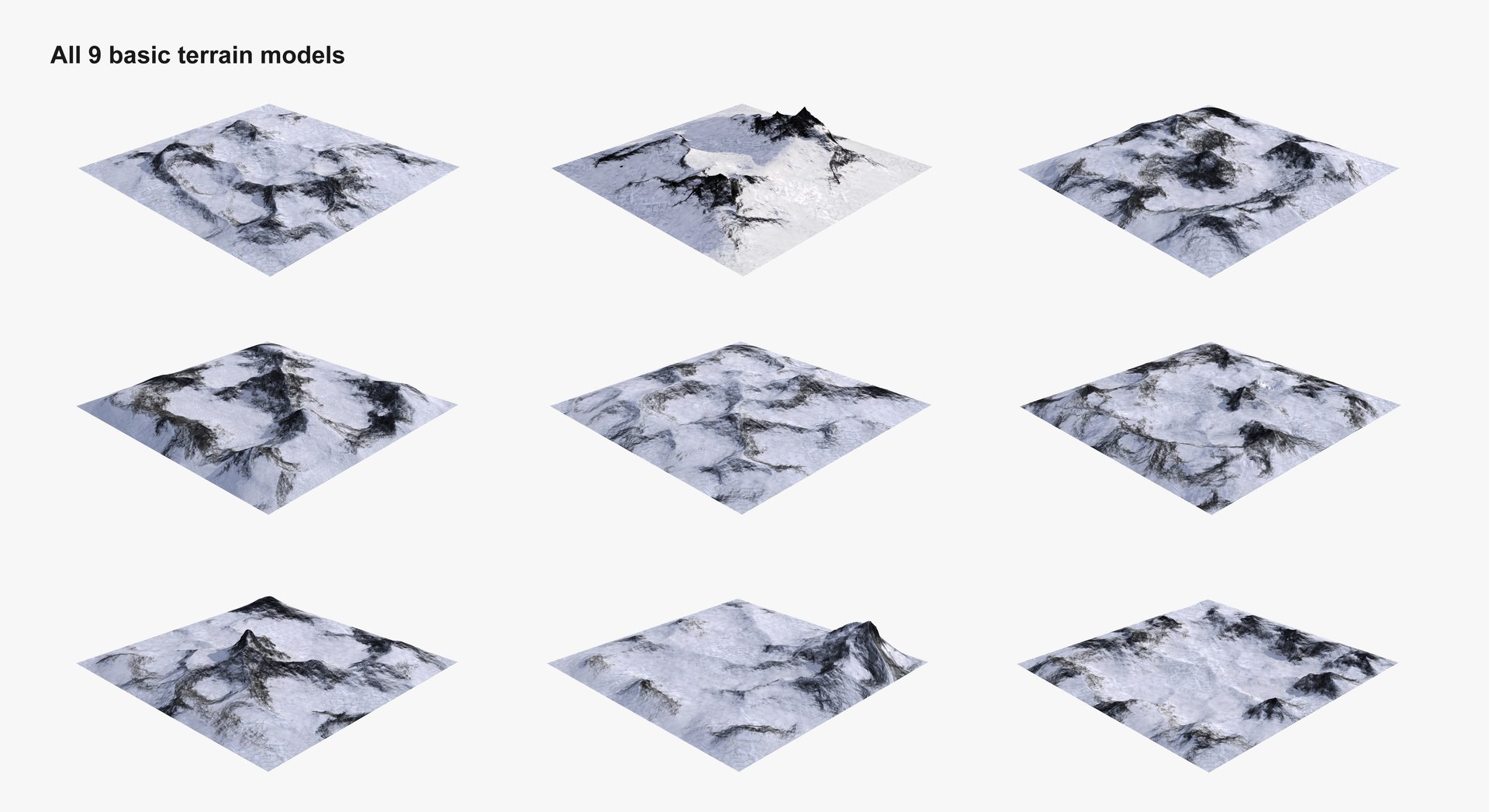
Created with 9 terrain models, dimension of each - 6km x 6km. You can freely rearrange models in scene to build various, big landscapes.
-- Textures are repeatable, masked with maps, so ground look good in close up. --
EDITABLE SURFACE and POLYCOUNT
------------------------------------------------------
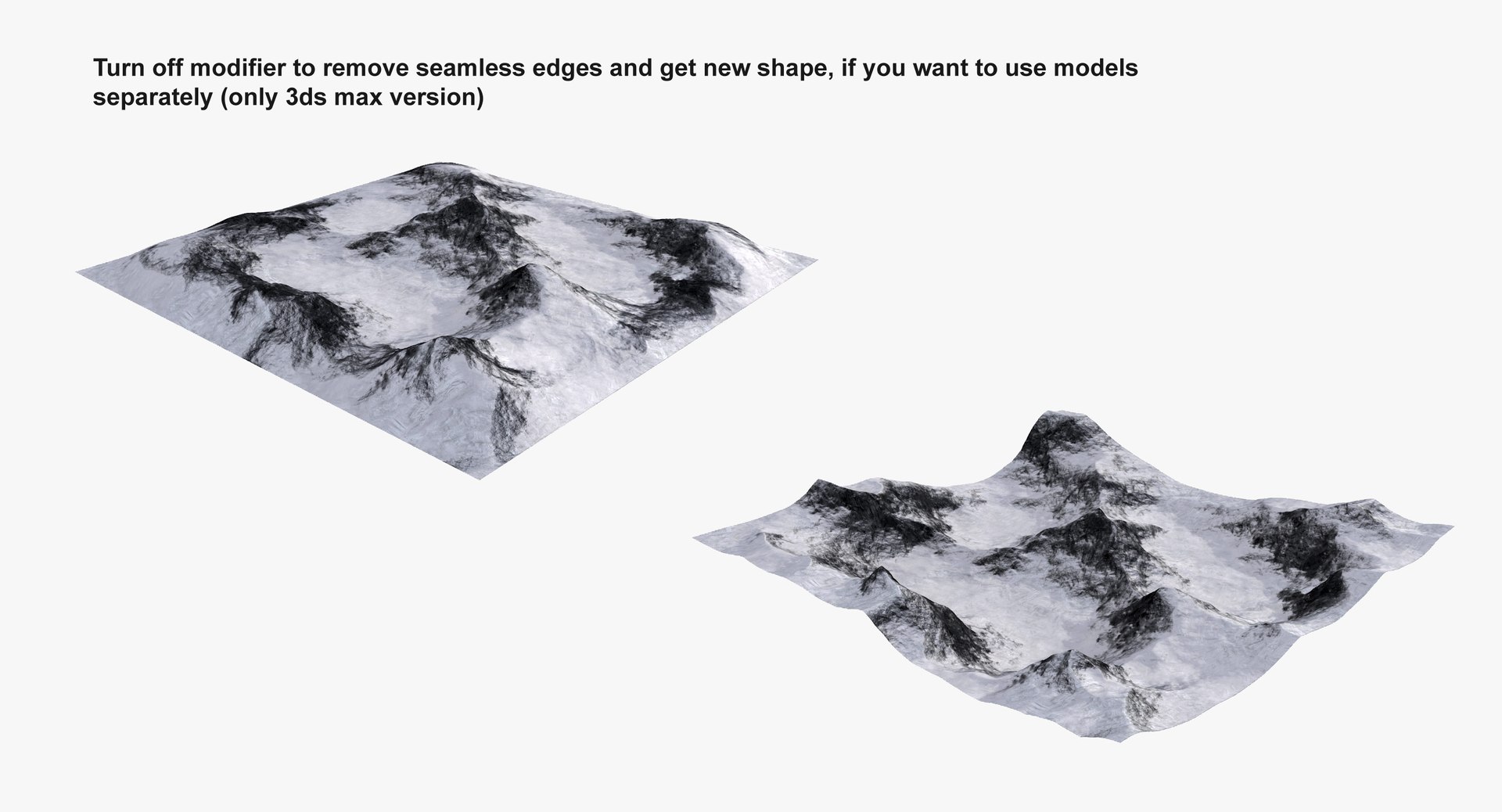
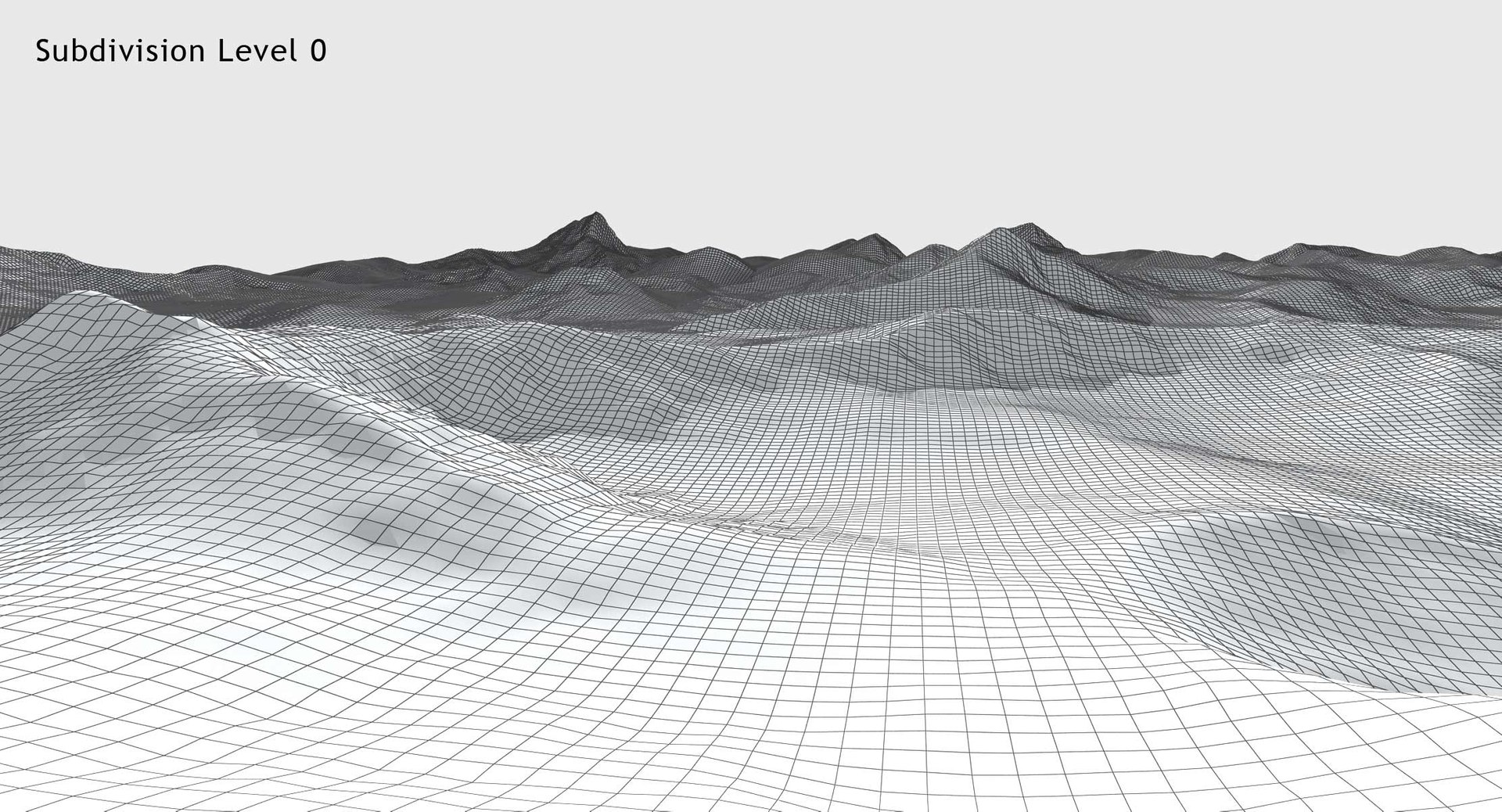
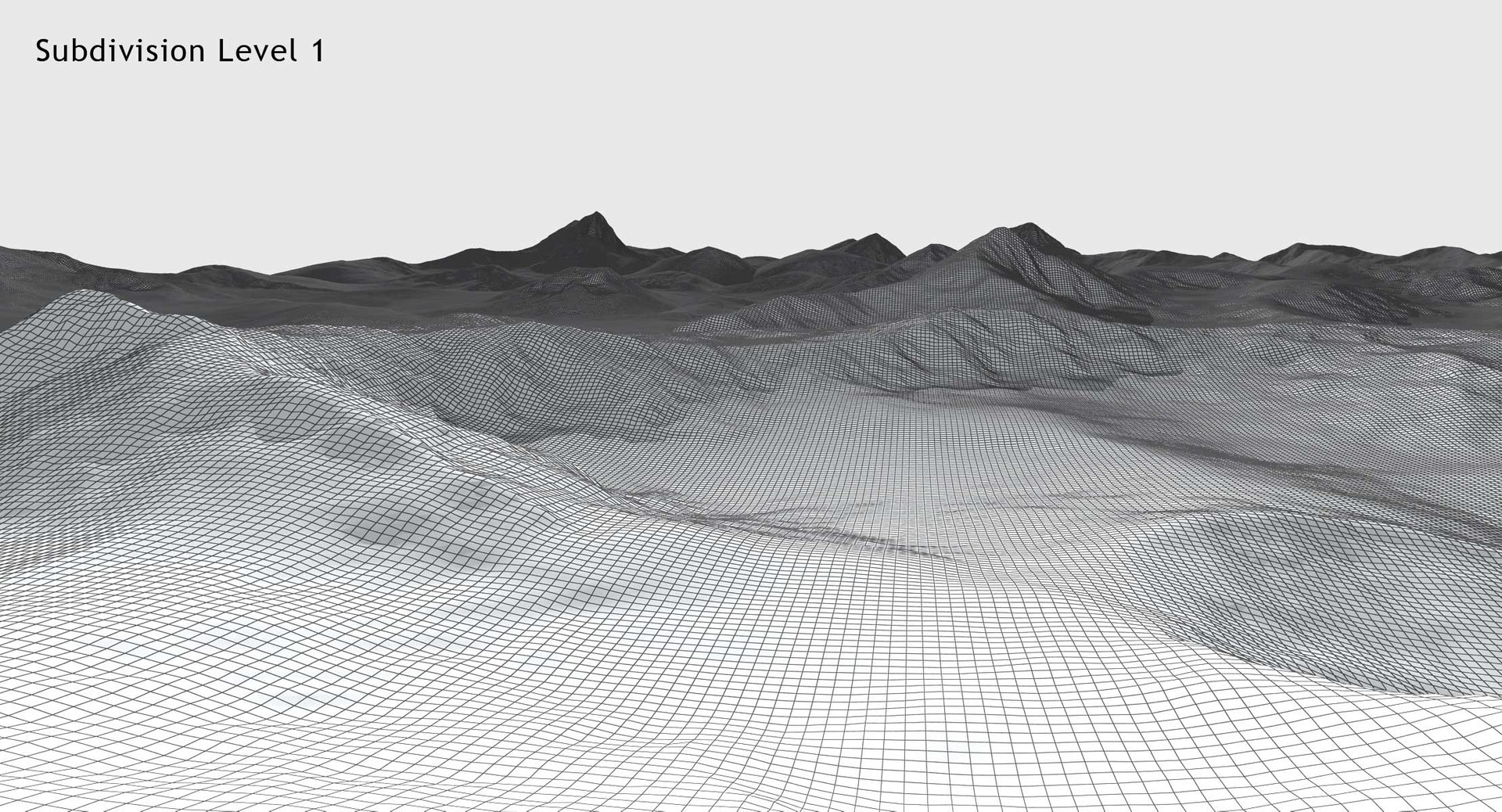
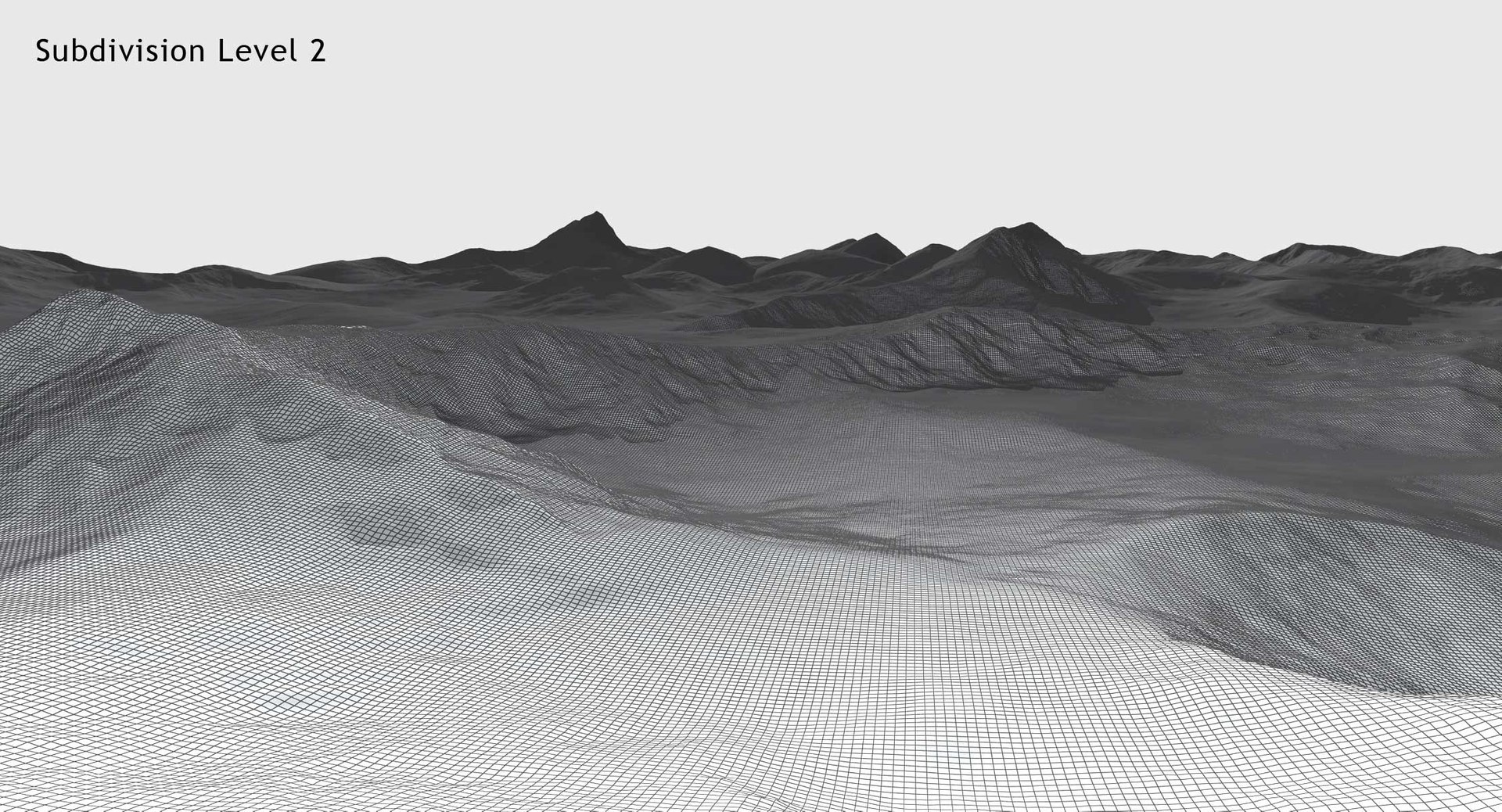
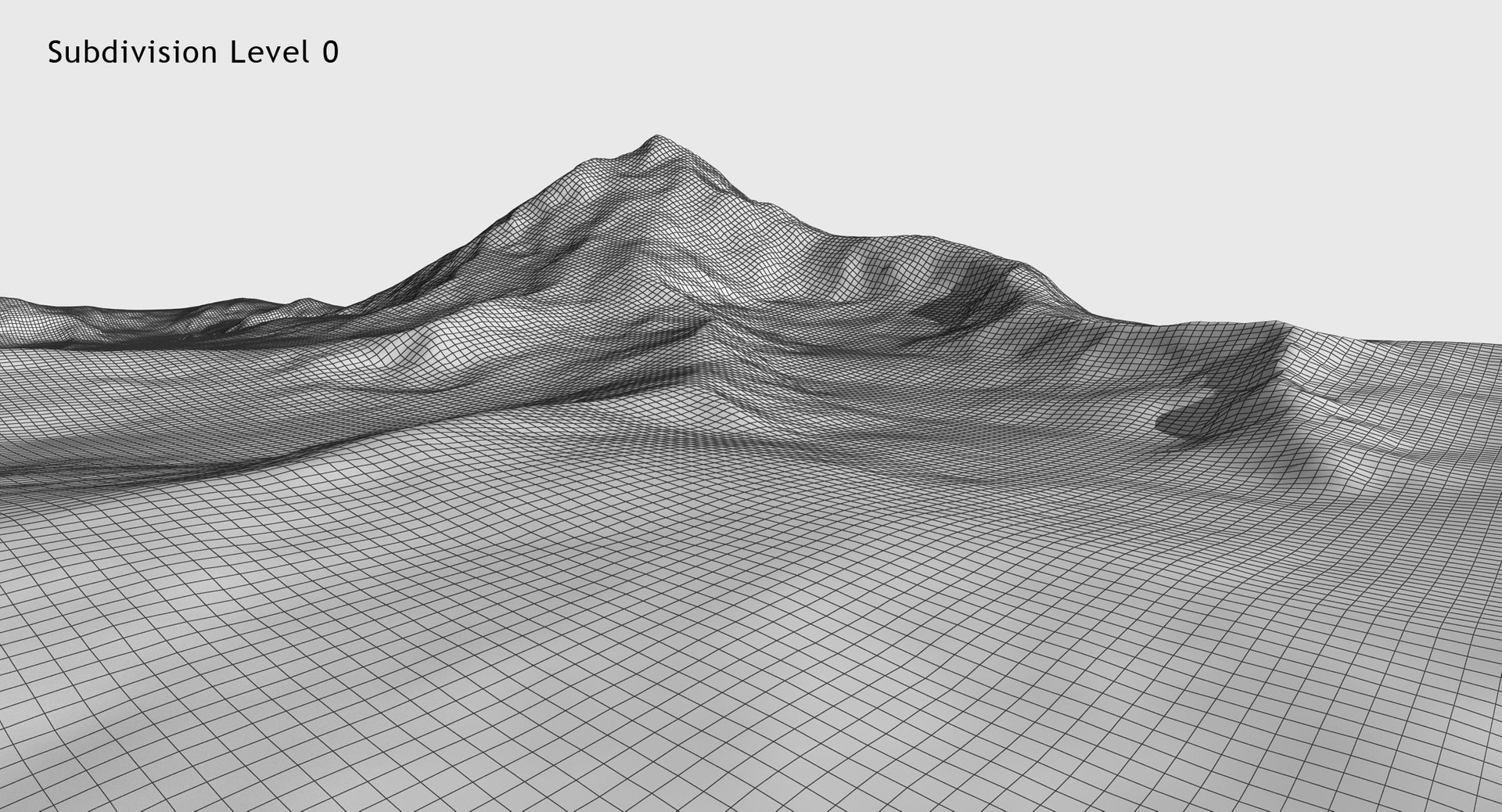
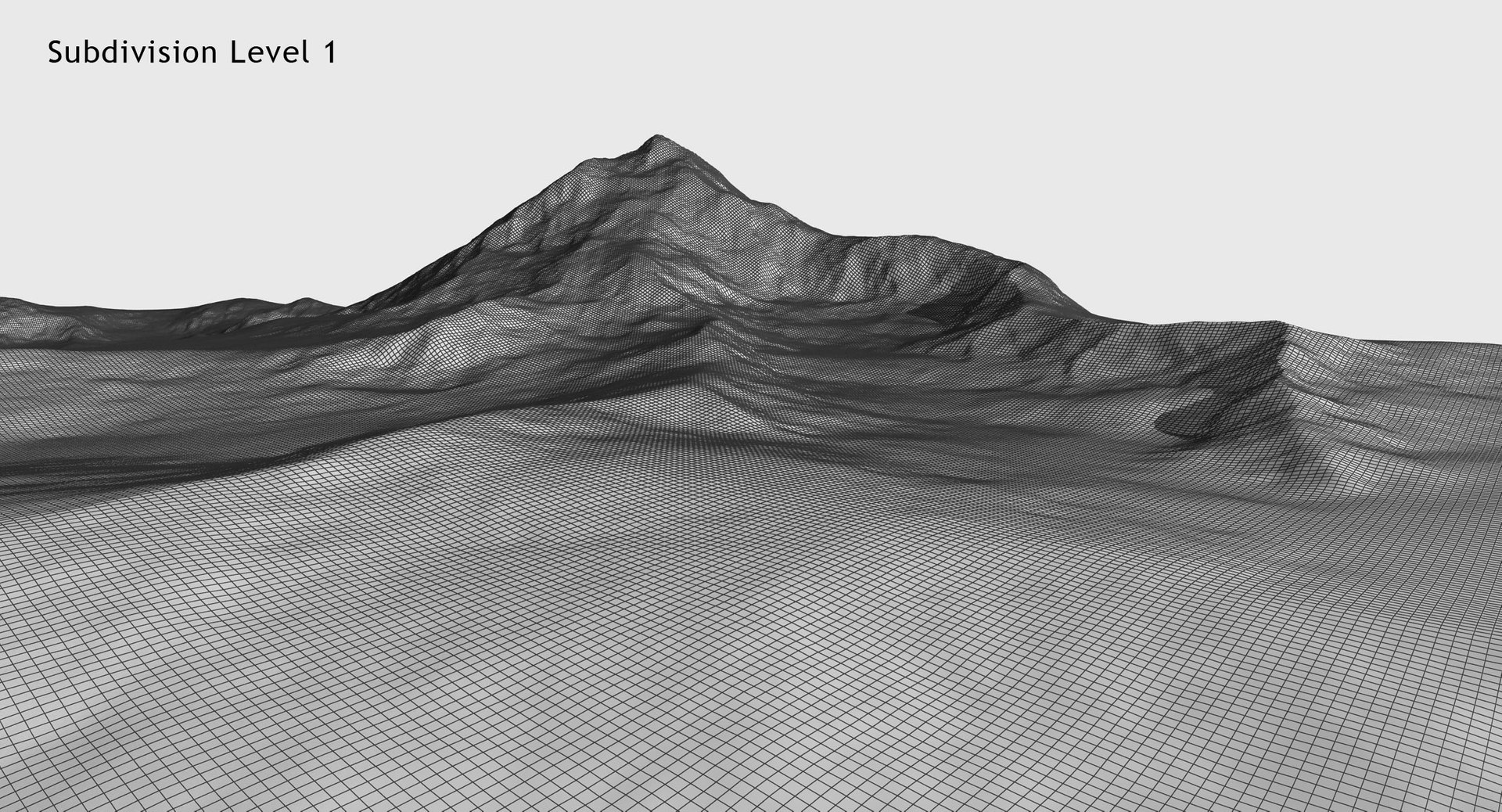
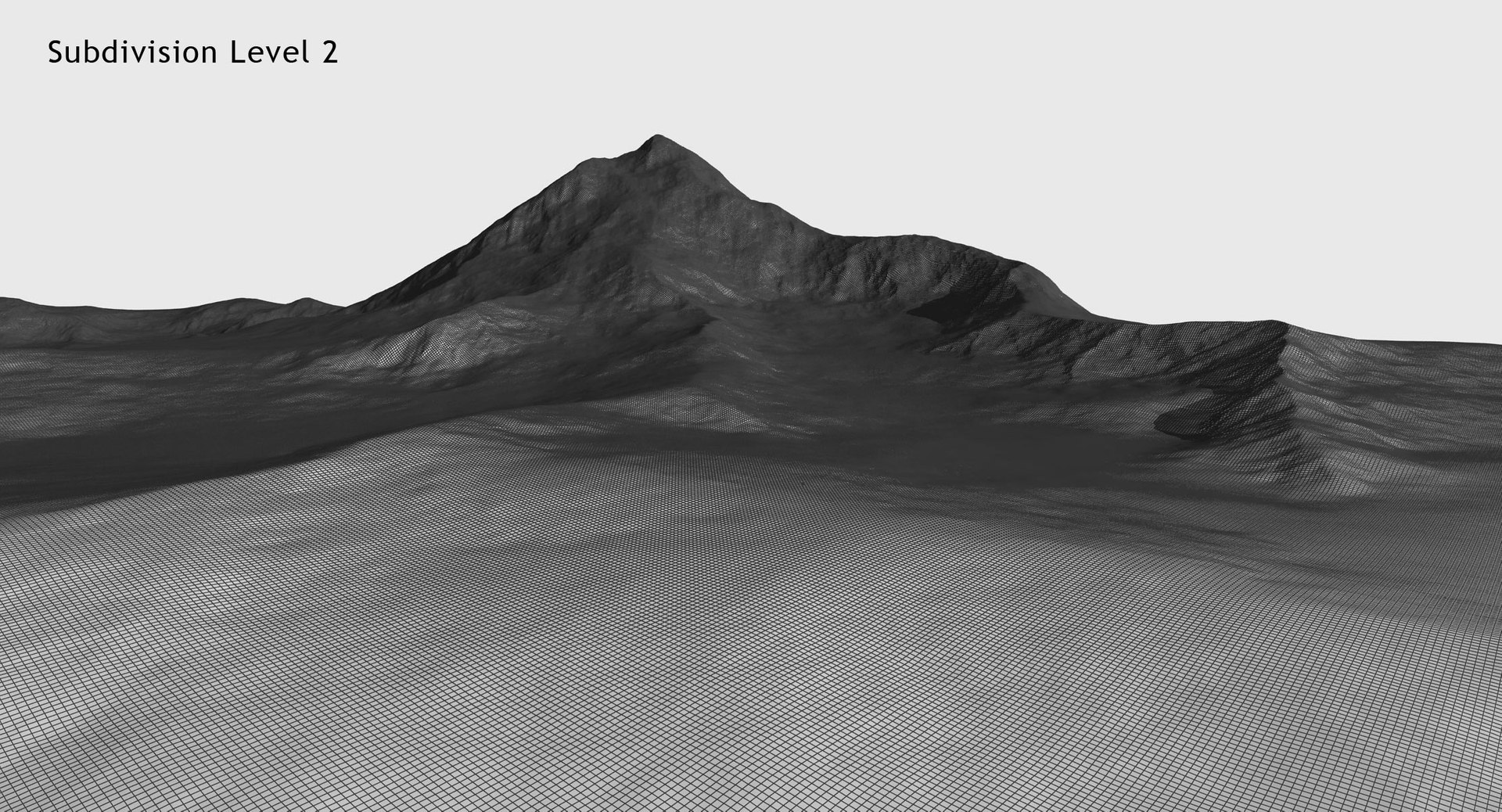
Models use displace maps so mesh is subdividable, you can adjust amount of details and polycount, from Low Poly up to high detailed surface.
'TurboSmooth' placed below 'Displace' modifier so subdivision visibly add details.
Polycount of each terrain after merge modifiers:
- subdivision 0: 62.500 polygons,
- subdivision 1: 250.000 polygons,
- subdivision 2: 1.000.000 polygons,
- whole scene: 562.900 polygons,
Two versions included:
- 3ds max - standard version with standard materials, no light, default renderer, sun effect, atmosphere,
- V-Ray version with V-Ray materials, light and render setups (ready to render like images above), sun effect, atmosphere,
Preview renders are raw renders from V-Ray file, no post production. Sun effect made with 3ds max, all is set .
Exported formats has no bugs, Uv works correctly. Obviously there is no light in exported formats.
Each format have three versions exported - low poly (so you can subdivide it as well), mid poly and
high poly with polycount as noted above. You can also use attached displace maps to build terrains from plane and control polycount as well (like 3ds max version). Skydome object included.
Model checked also with Unreal Engine. For real time engines you can import FBX model or build
landscape inside engine editor from included displacement maps.
============================================
TEXTURES
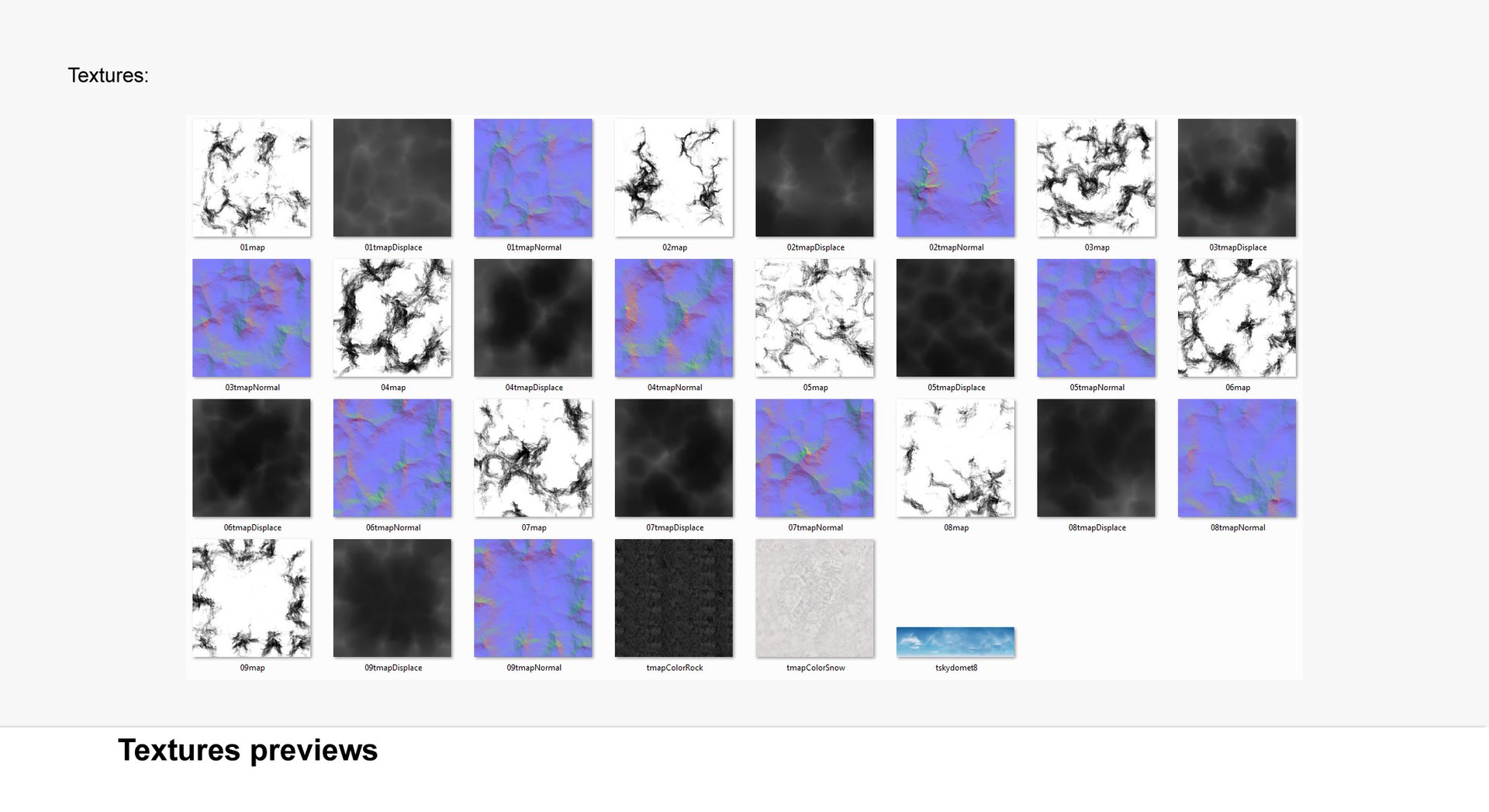
There are 30 textures (3 for each terrain):
- color 1- 8192 x 8192 px,
- color 2 - 8192 x 8192 px,
- normal maps - 4096 x 4096 px,
- skydomes - 6400 x 1600 px,
- displace map mountain shape - 4096 x 4096 px,
============================================
PROFESSIONALLY MODELLED
Scene made without ngons and to keep polycount as low as possible.
CHECK MATE PRO standard:
- no isolated or overlapped vertices,
- no overlapped faces,
- no ngons, 100% quads (even skydome),
- unwrapped Uvs, no overlapping,
- real world scale, objects at 100% scale at object level,
- grouped, ready to merge into the scene,
============================================
WELL ORDERED
Like all our products this scene is handy and easy to modify.
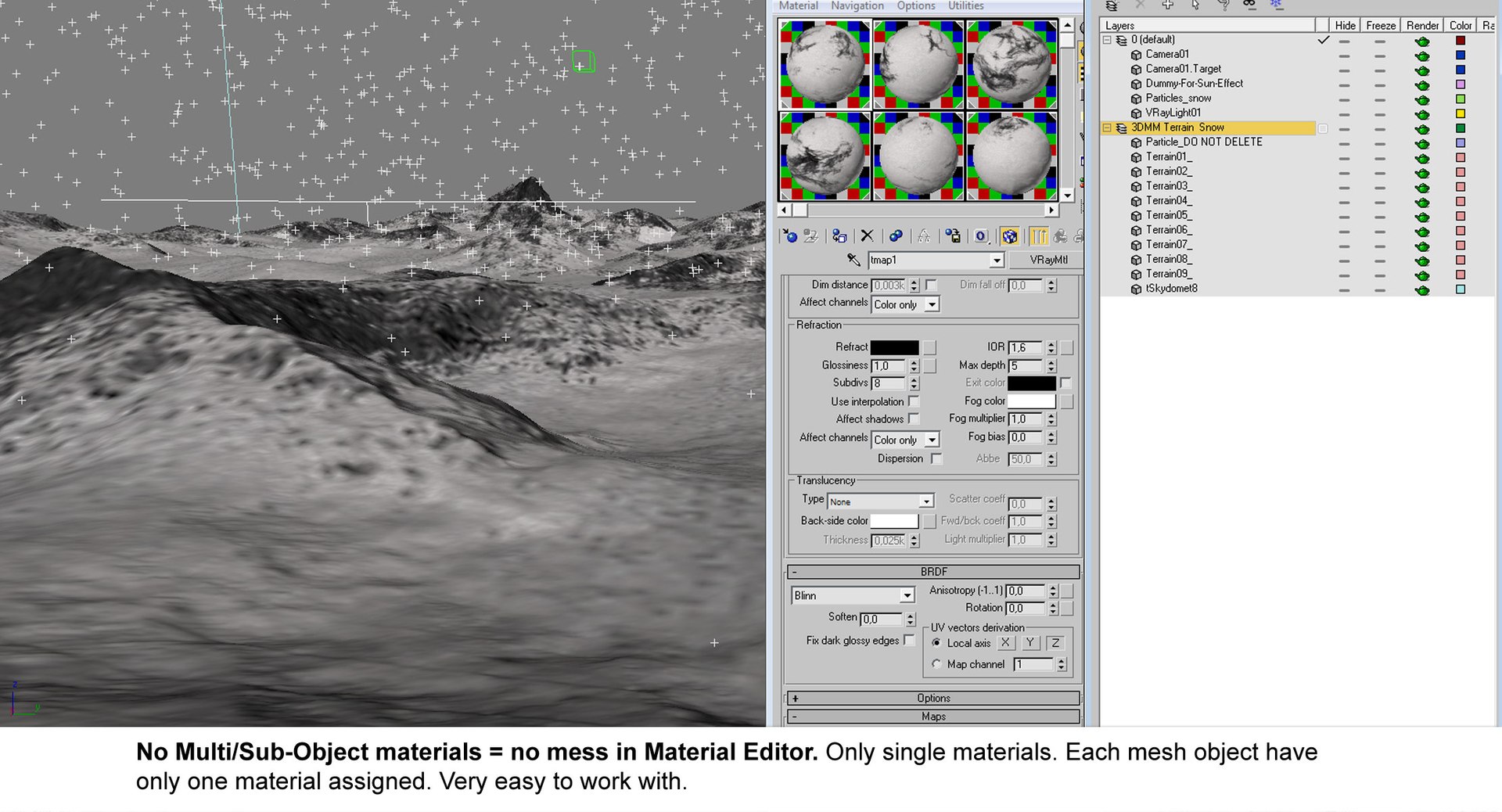
In this product there is no problem with multiplied materials and textures. Each object has assigned only one material so there is no annoying Multi/Sub-Object materials. Materials, maps and objects are clearly named in English. Objects placed on layer, very easy to work with.
====

 Apple Quick Look
 Meta Spark
 Omniverse
 Snap Studio
 TikTok
 Unity
Unity
 Unreal
 3ds Max
 Blender
 Cinema 4D
 Maya
Maya