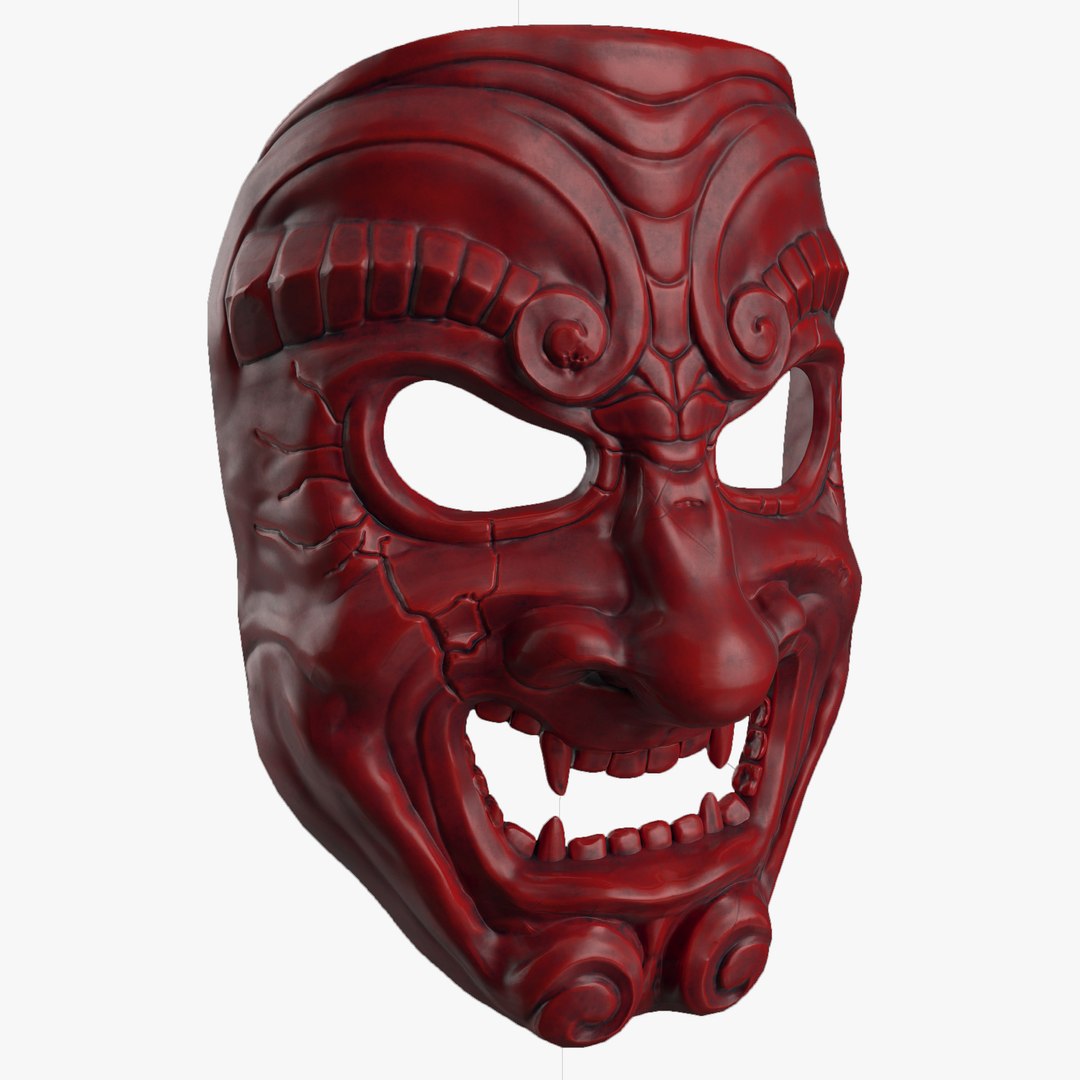
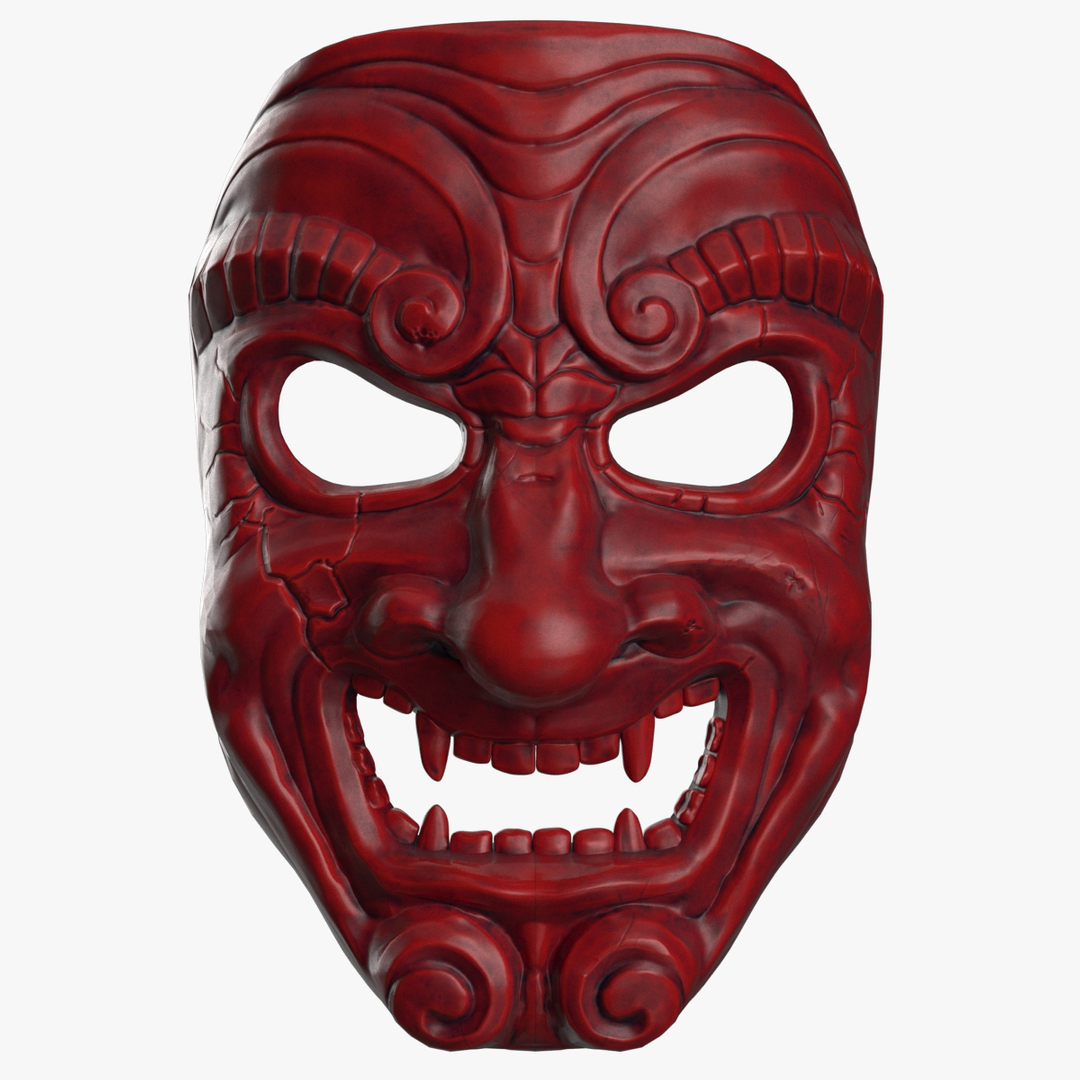
Samurai mask

$19.95

Standard License | Upgrade License
Formats (7)
Native | 3ds Max 2011 | Corona
3ds Max 2011 | V-Ray
3ds Max 2011 | Default Scanline
3ds Max 2011 | Other
FBX
OBJ
ZBrush
Specifications
Publish Date July 07, 2017
Product ID 1177431
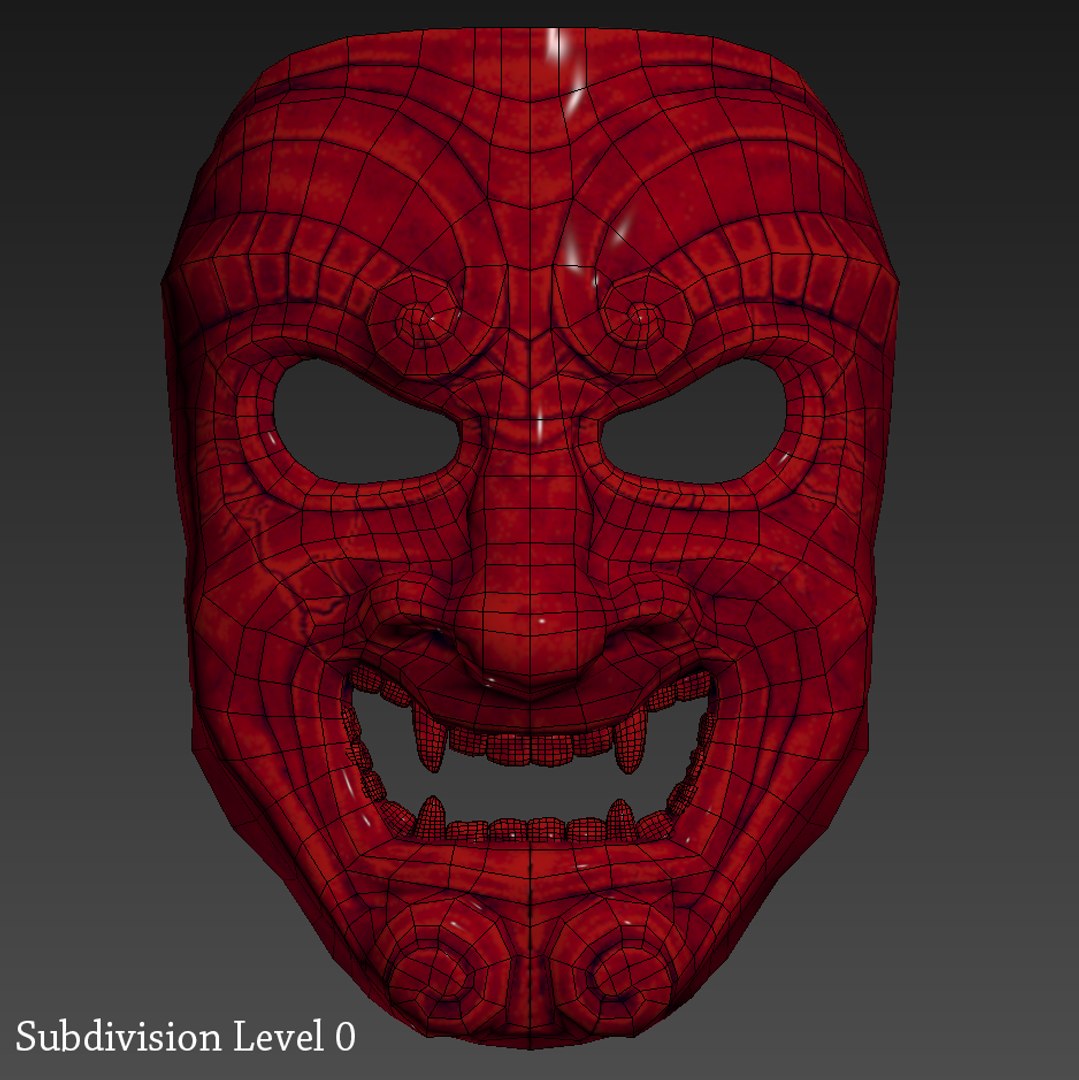
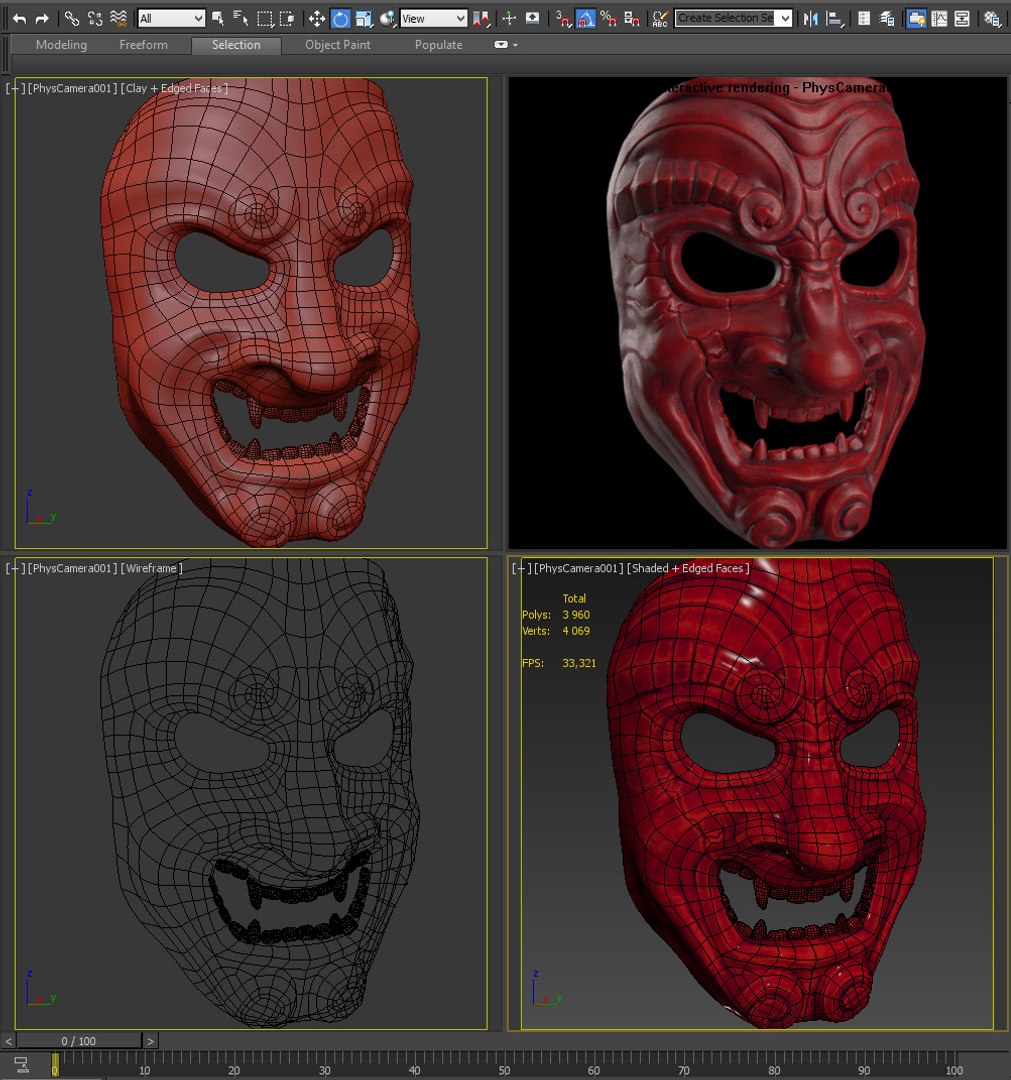
Polygons 3,960
Vertices 4,069
Polygonal
Textures
Materials
UV Mapped
Non-overlapping Unwrapped UVs

member avatar
arsfx
6 Products | Contributor Since 2016
Have questions? Chat with us now.

Description

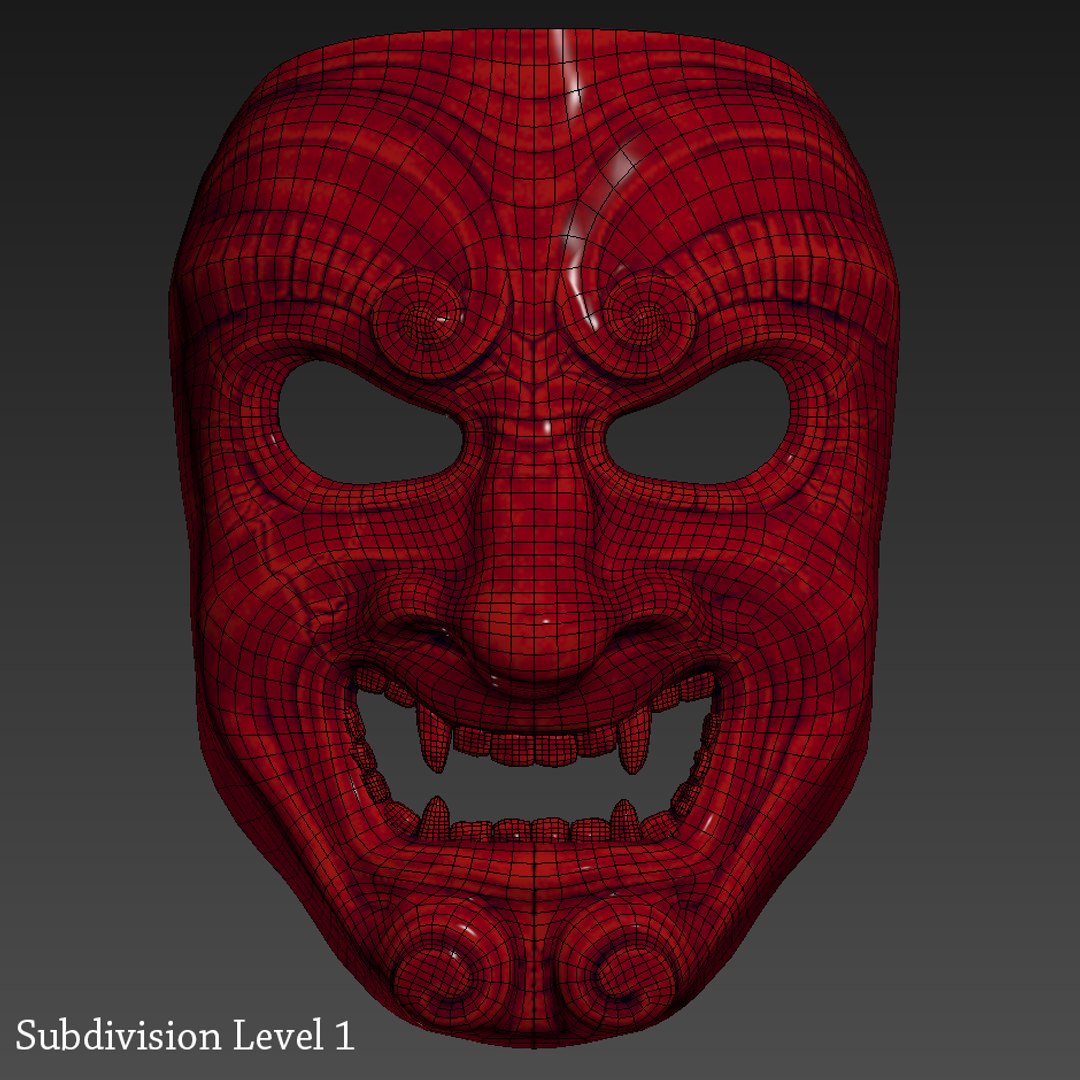
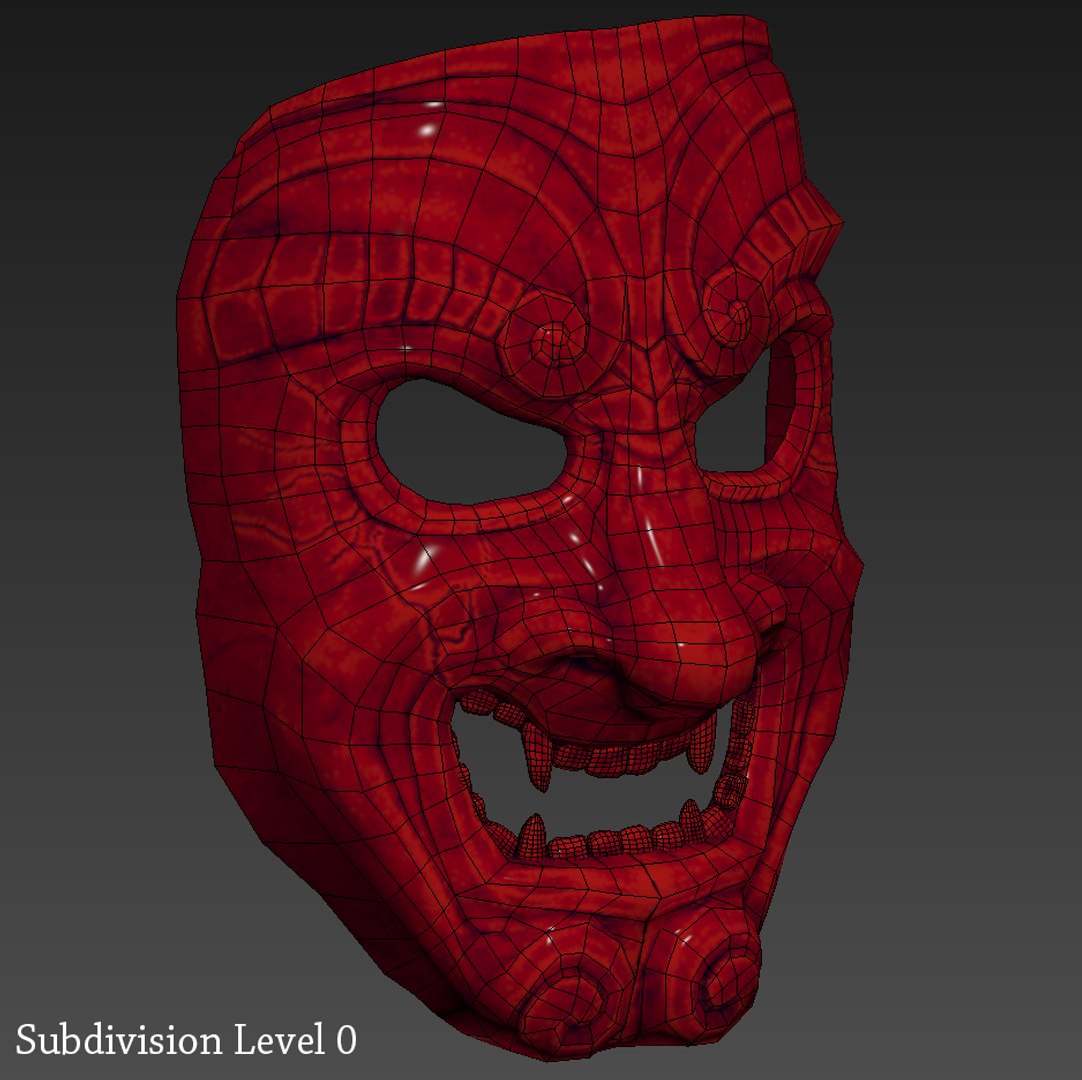
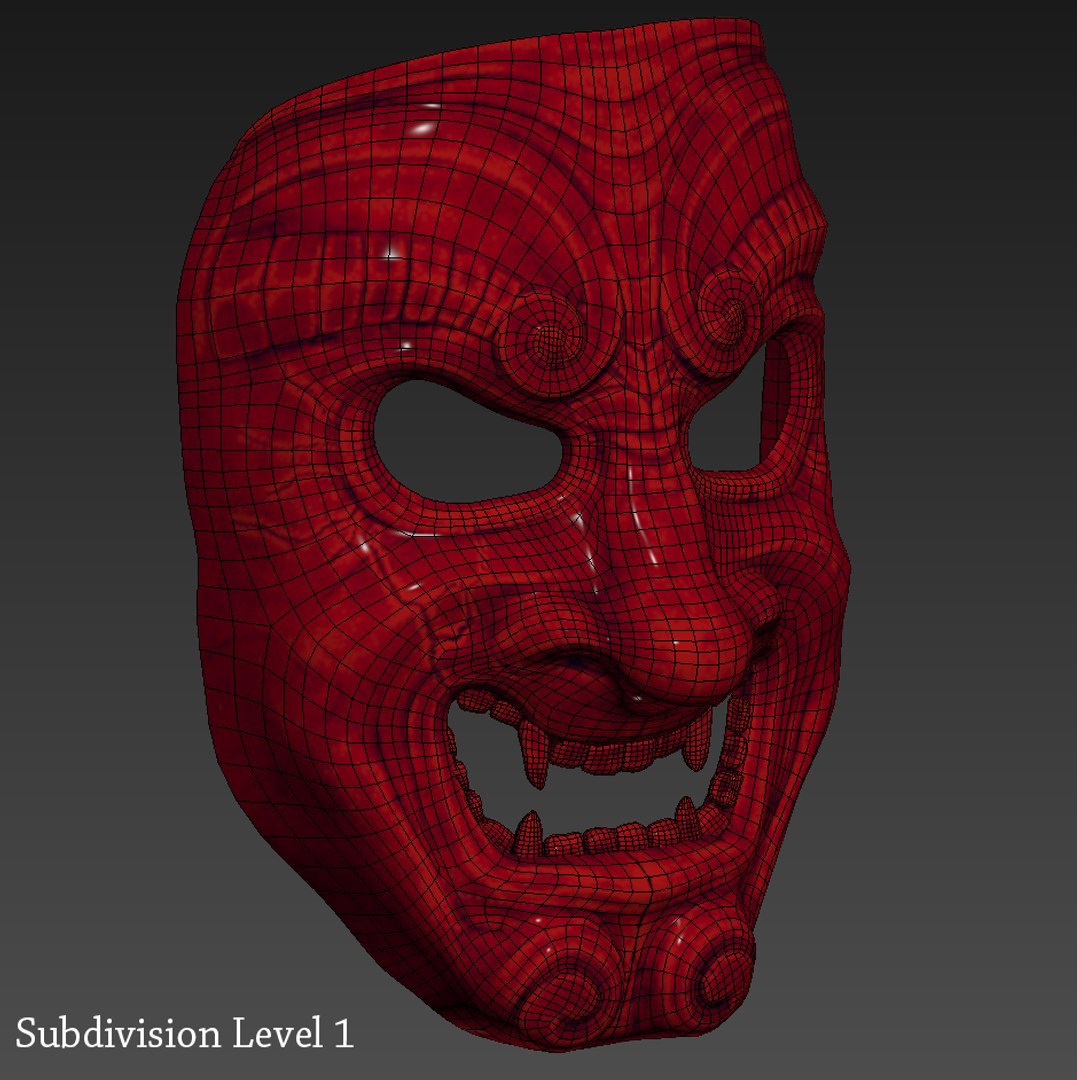
This Samurai Mask (Somen) is a high quality and photo real model. It will enhance detail and realism to your projects.It is a low poly (game ready) model and ideal for games and real-time applications. The model has a fully textured, detailed design that allows for close-up renders.

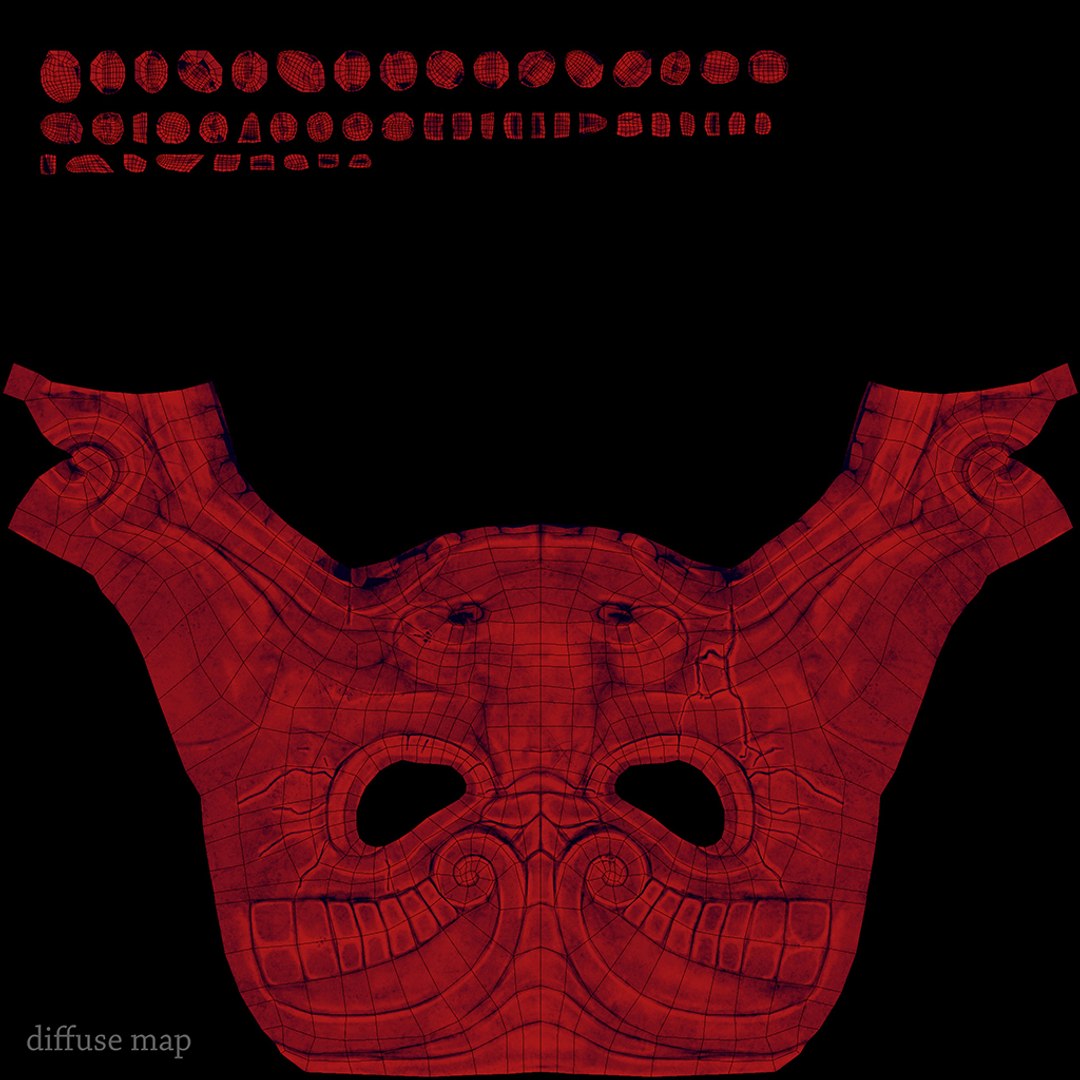
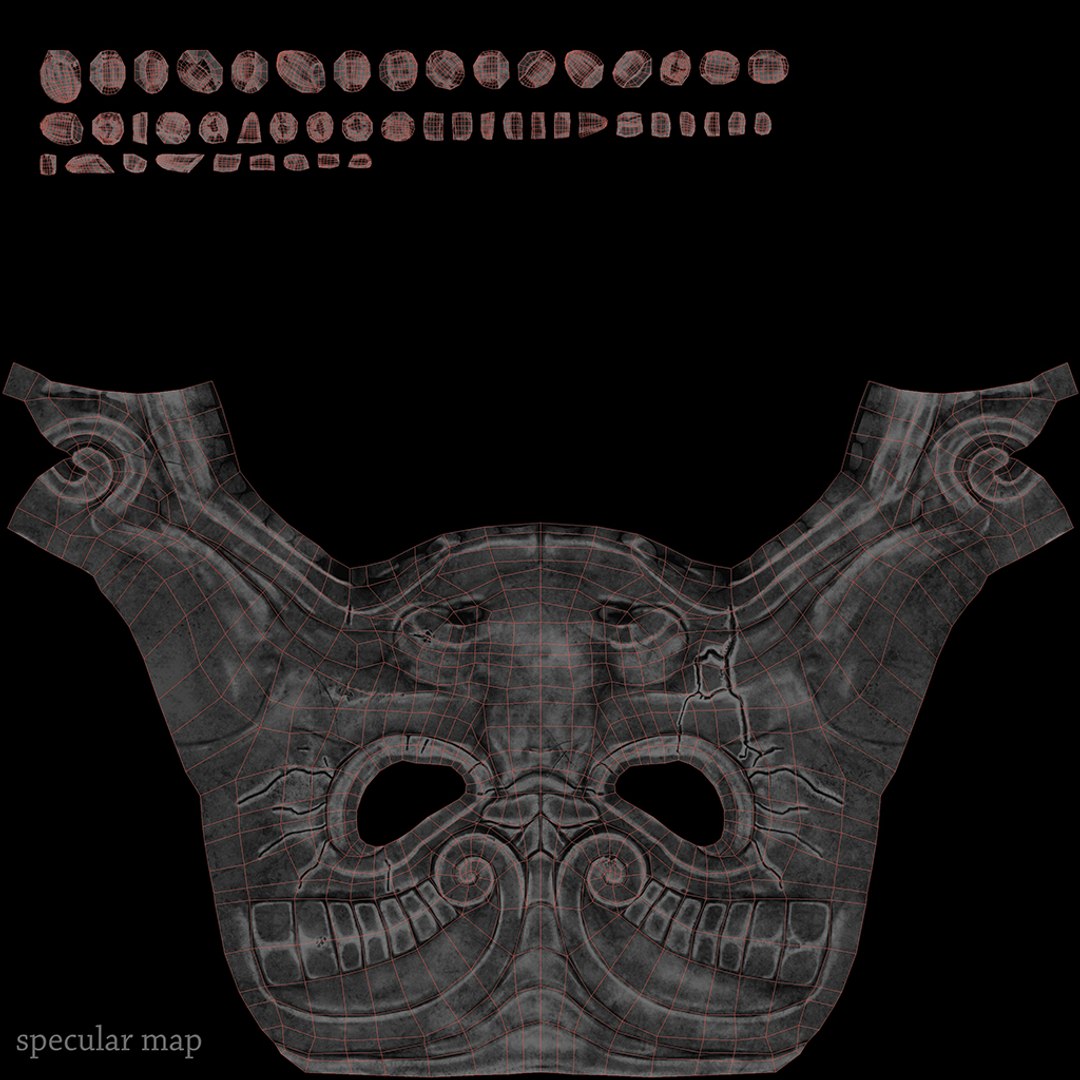
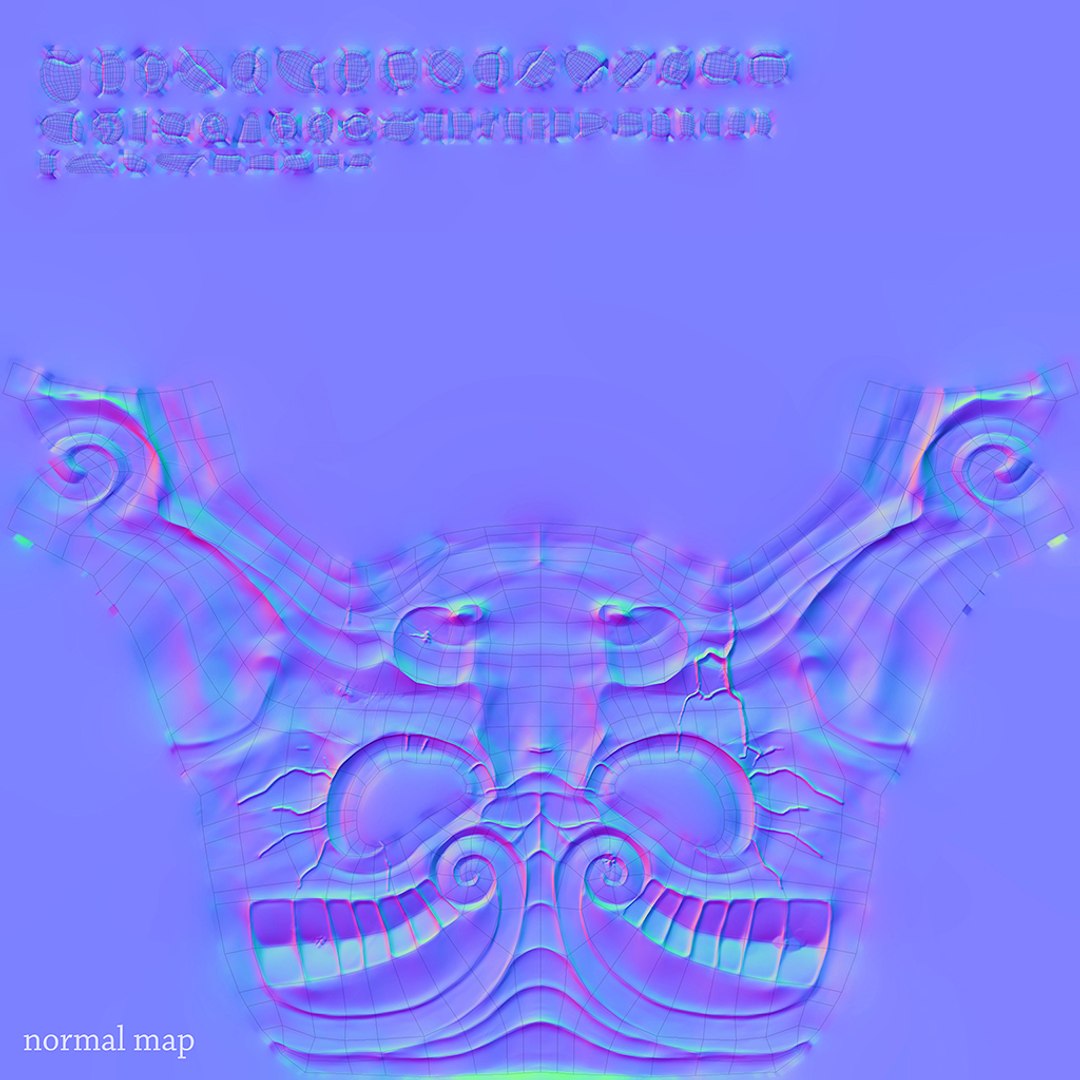
It has UV texture coordinates and UV maps: diffuse, glossy and normal bump (4096x4096 px).

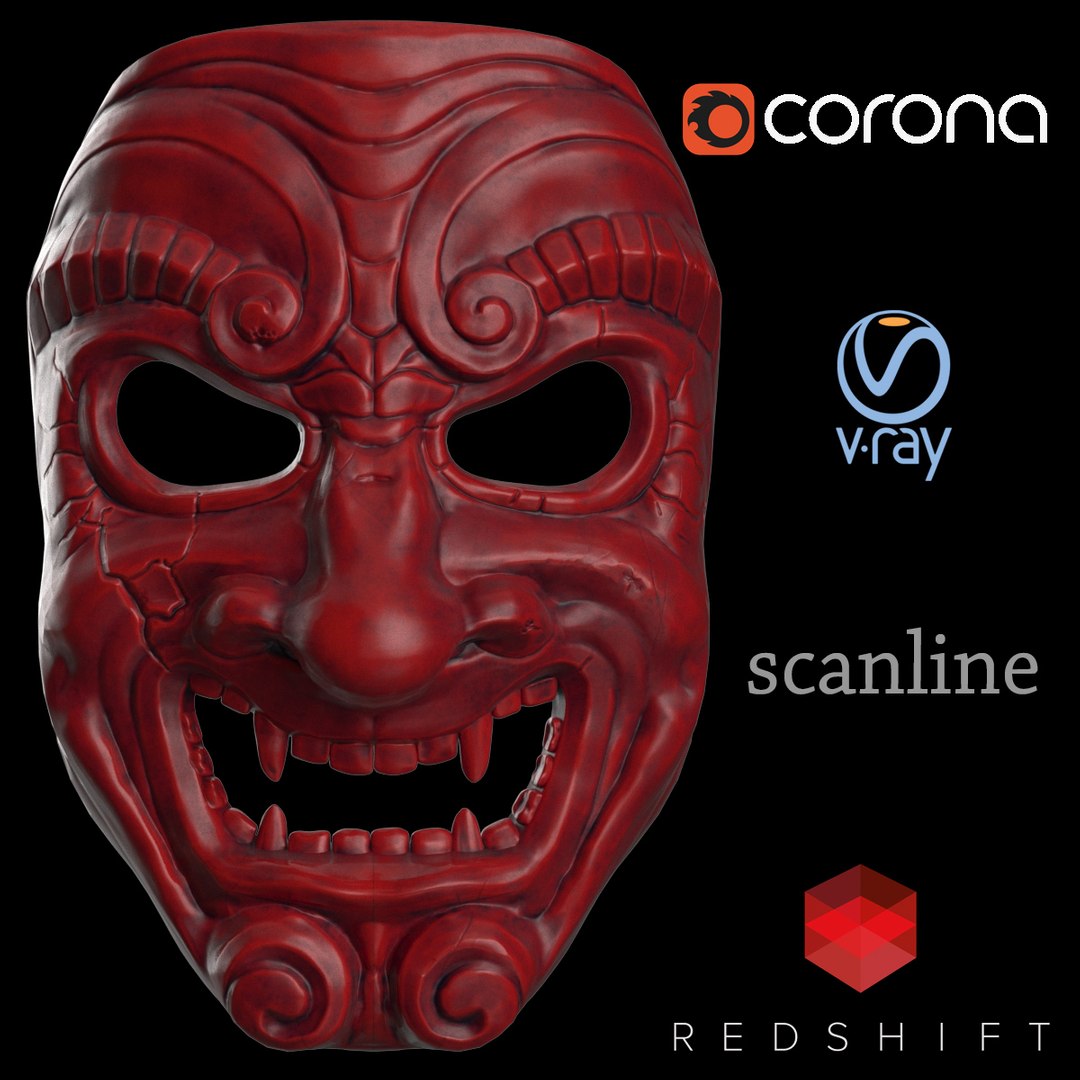
It has exported versions for 3ds Max 2011 and above,.obj and .fbx with shaders for V-ray, Corona, Scanline, Redshift.


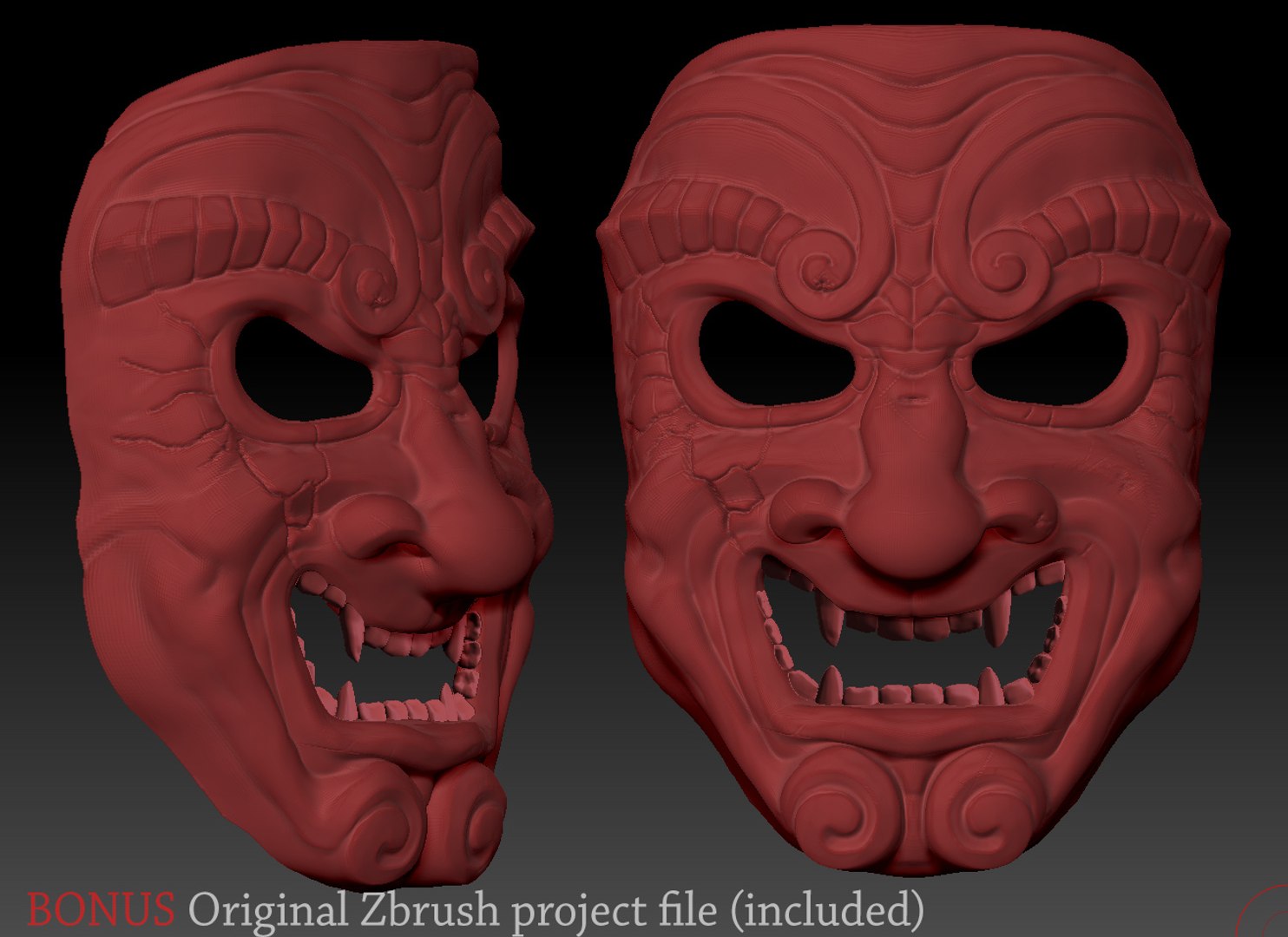
***BONUS***: Original Zbrush project file is included, so you can add your extra details and make your own 3d sculpture.


File Formats:
- 3ds Max 2011 and above for V-Ray
- 3ds Max 2011 and above for Corona
- 3ds Max 2011 and above for Scanline
- 3ds Max 2011 and above for Redshift
- OBJ (works with most 3D applications)
- FBX (works with almost all Autodesk 3D applications)
- Zbrush Original project file
****************************************************
TOTAL
Polygons: 3,960
Vertices: 4,069
****************************************************
All previews are rendered in 3ds Max using Corona and Subdivision Level 1.

Select Enhanced License

  • $10,000 in Legal Protection (Indemnification)
  • Uncapped Legal Protection (Indemnification)
  • Waiver from injunctive relief
  • Assignable model rights
  • $1,000,000 in Legal Protection (Indemnification)
  • Waiver from injunctive relief
  • Assignable model rights
  • $250,000 in Legal Protection (Indemnification)
  • Assignable model rights
Read more about enhanced license tiers, or contact us at enterprise@turbosquid.com. Already a Shutterstock Enterprise Customer? Contact your Shutterstock Sales Support Agent to talk about adding 3D.

About Conversion Requests

To submit a conversion request for a purchased asset, please complete our Conversion Request Form.

If you have not yet purchased a model, please review our Documentation about Conversions to learn about what limitations you may encounter with a conversion.

For any additional questions about a model’s suitability for conversion, please contact TurboSquid Support.

Loading...