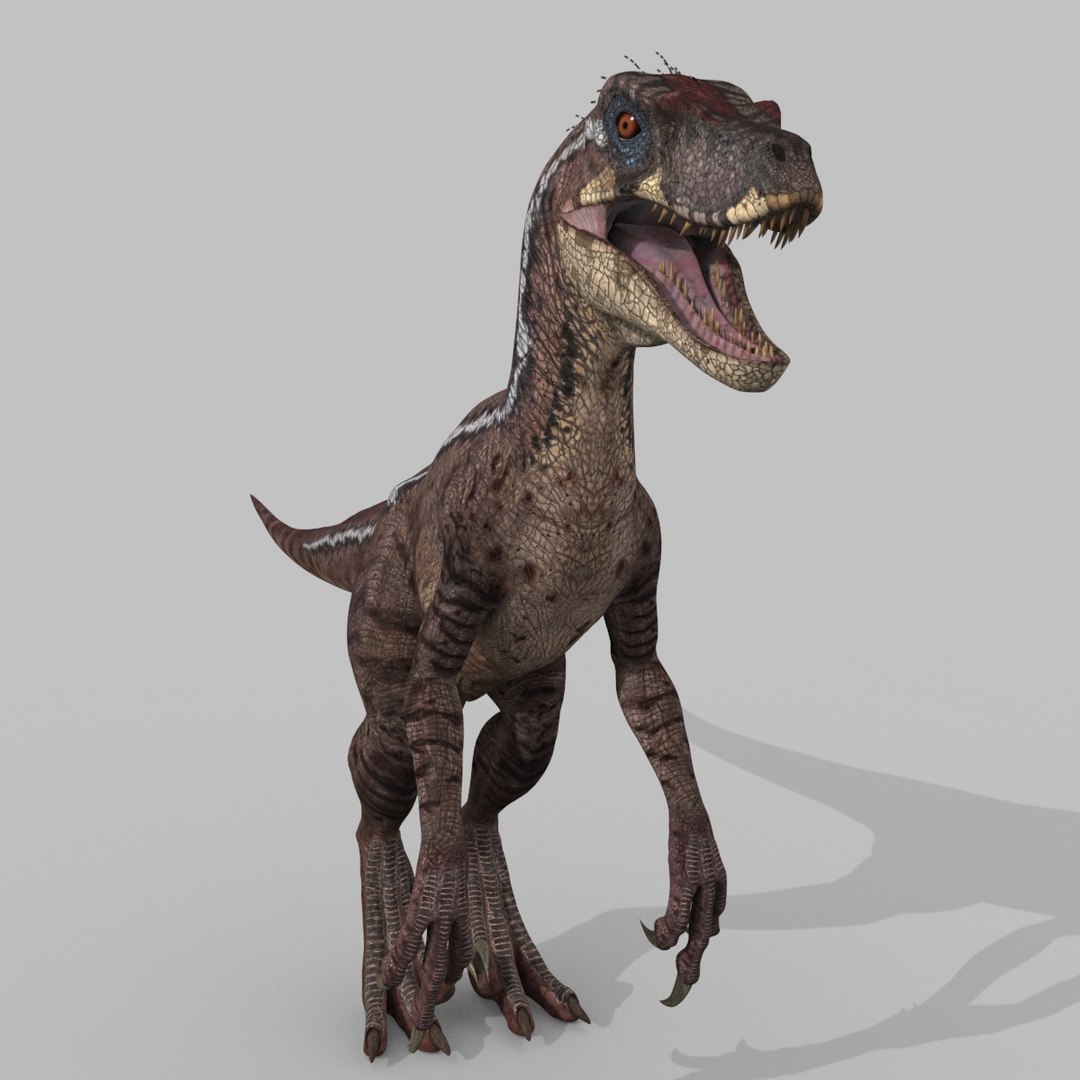
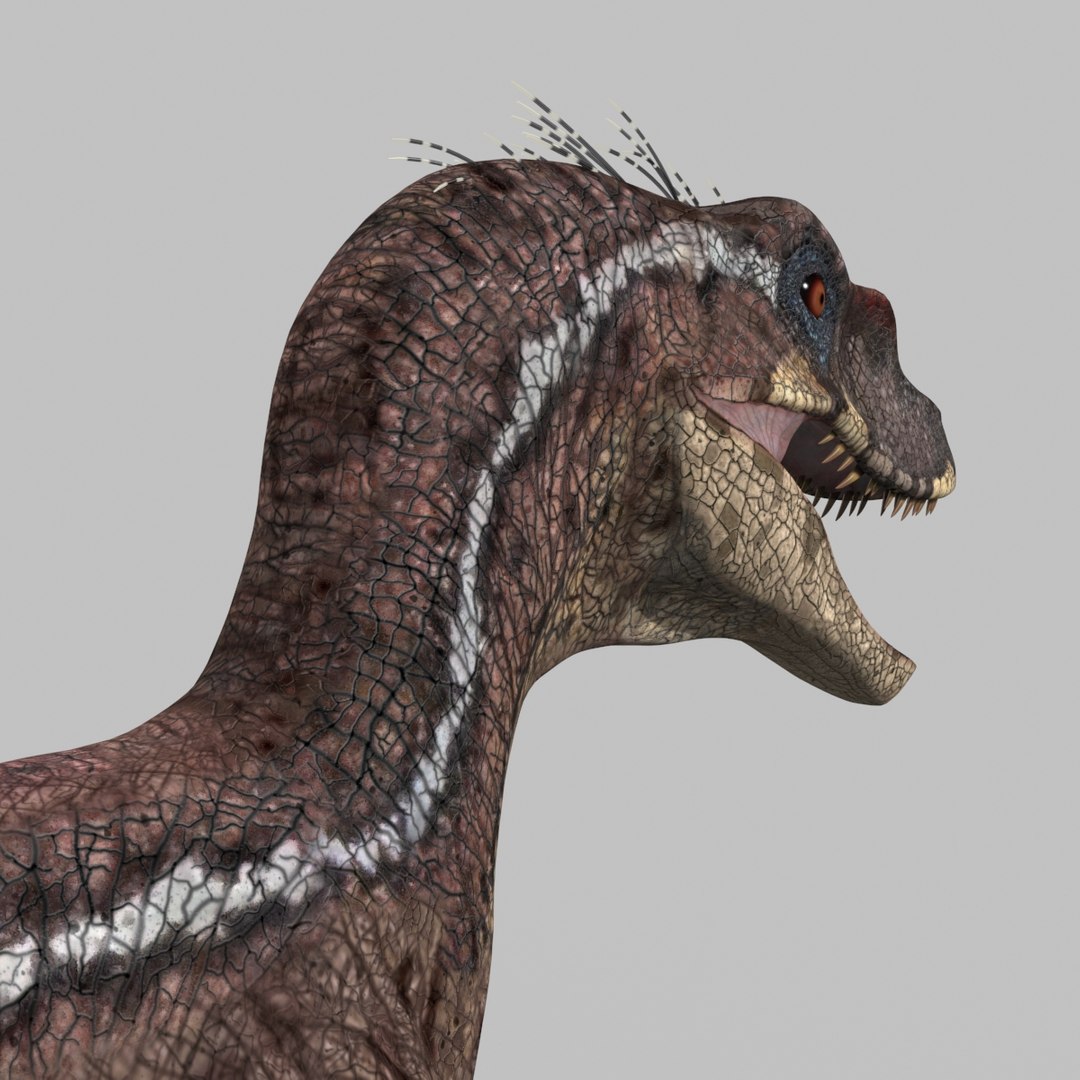
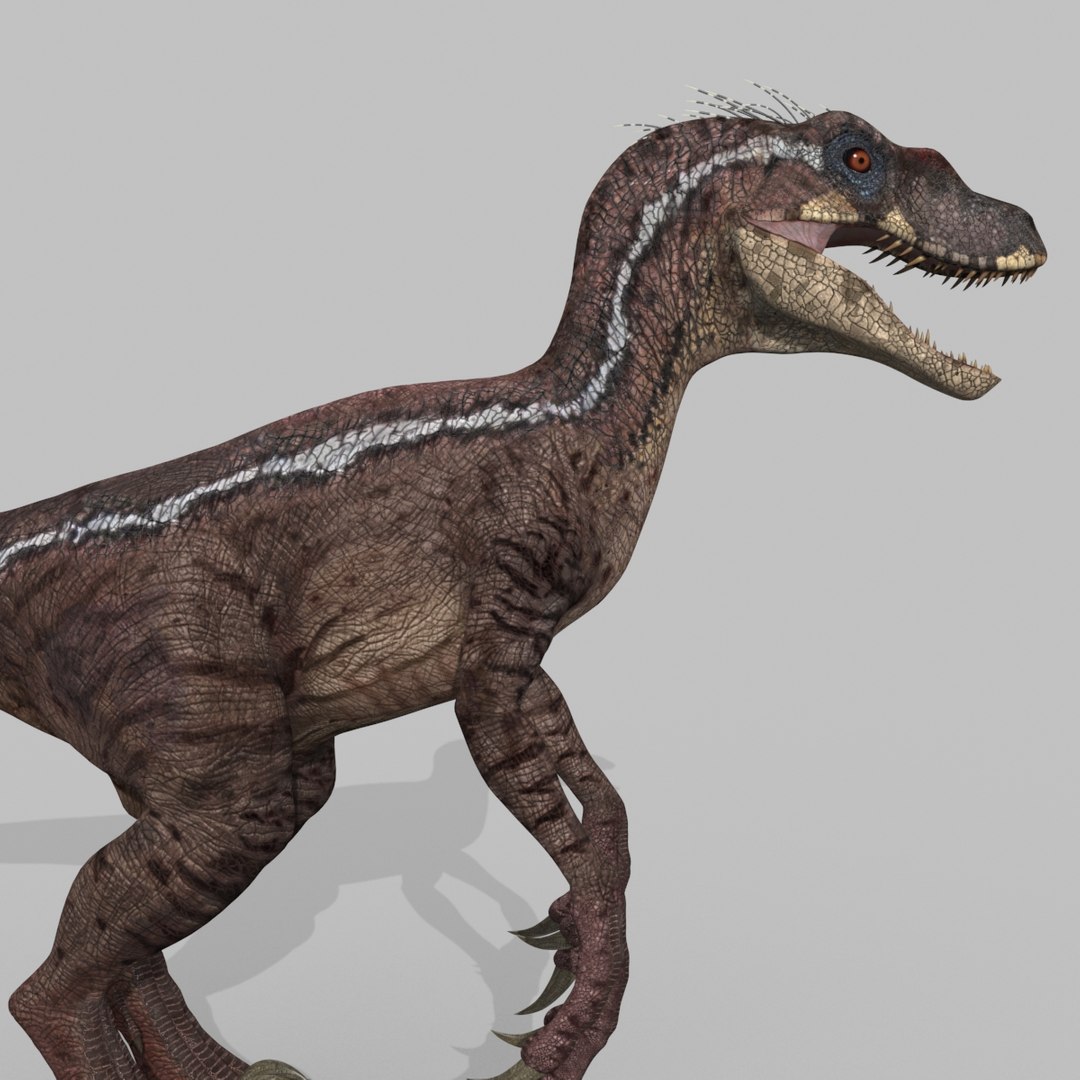
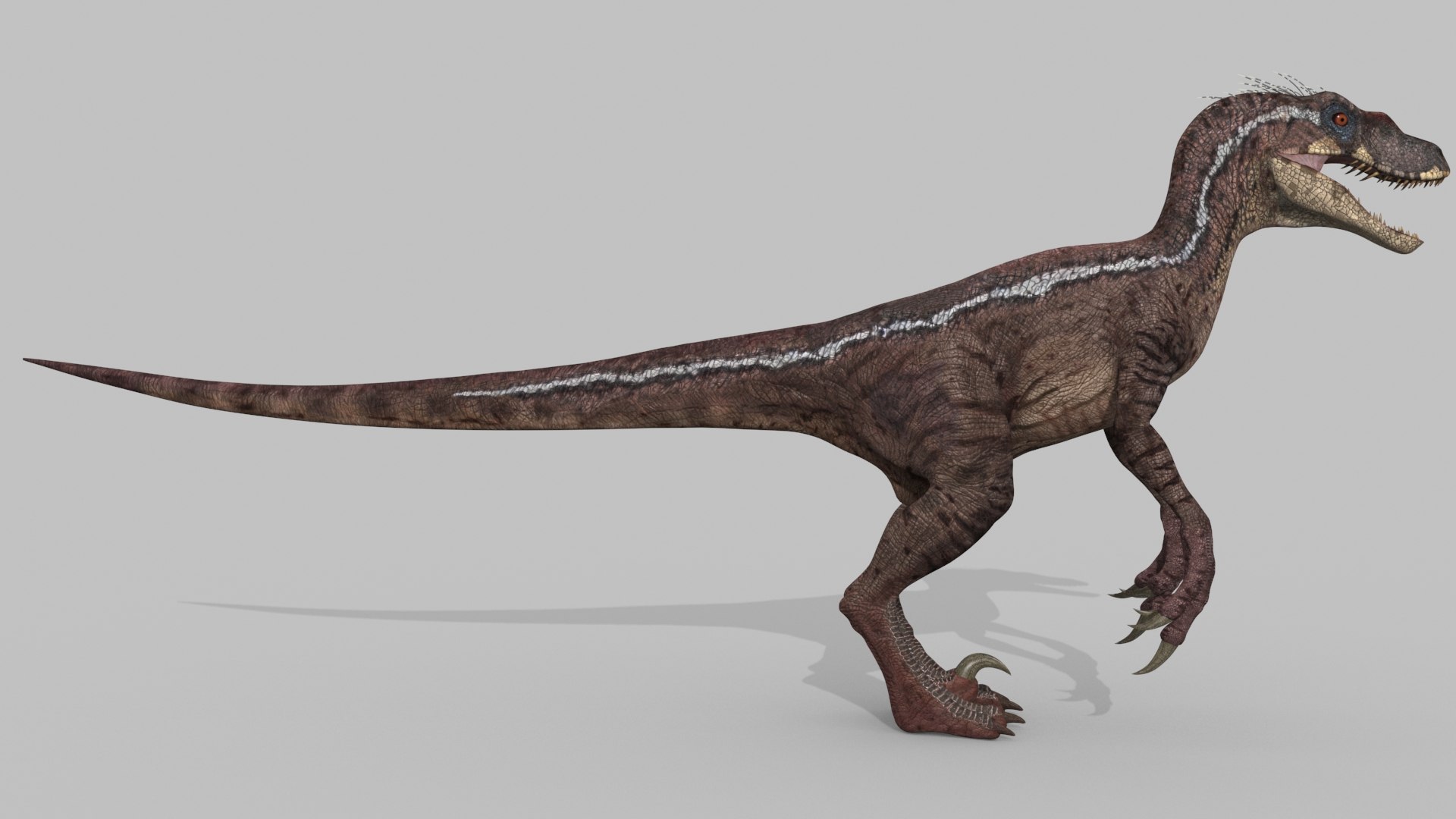
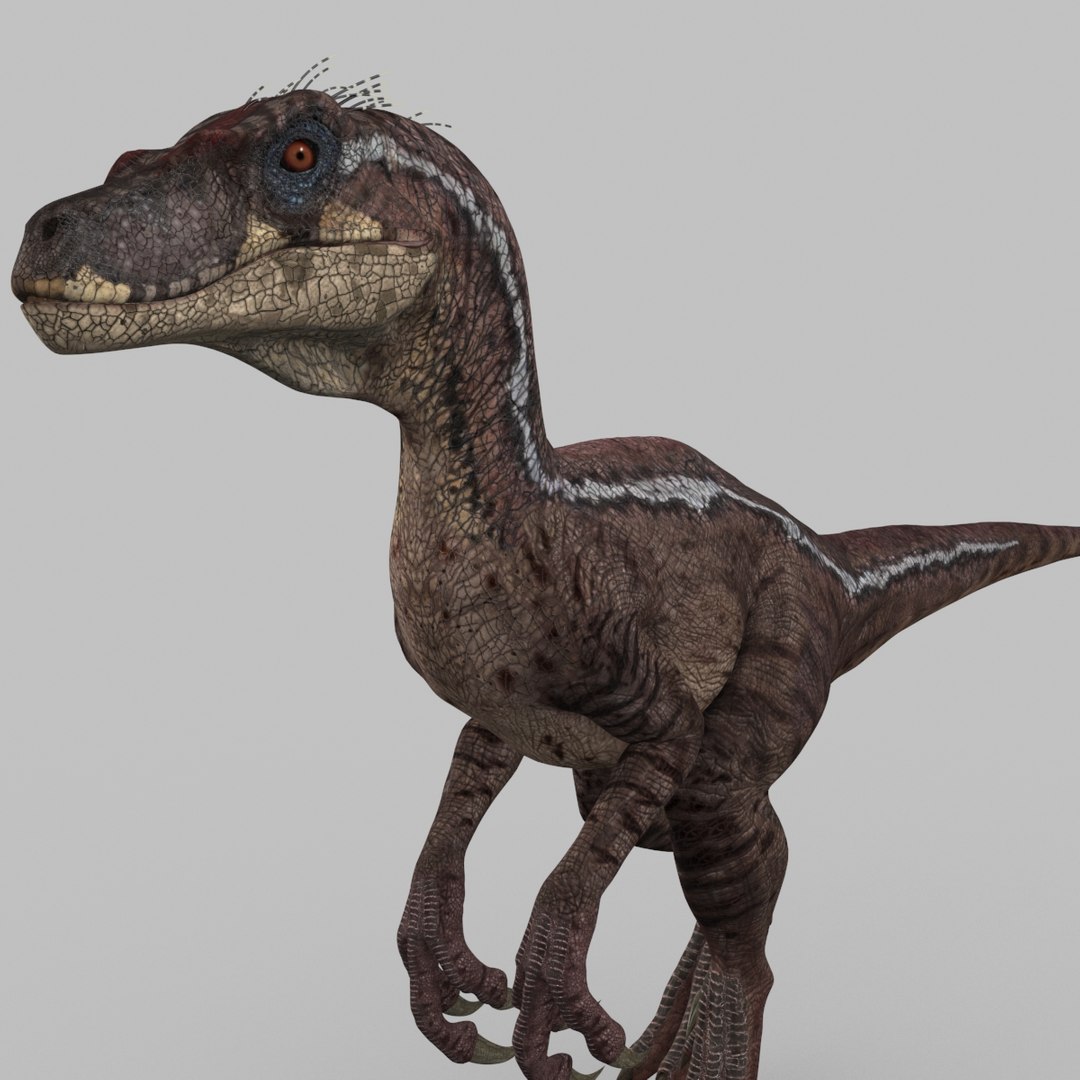
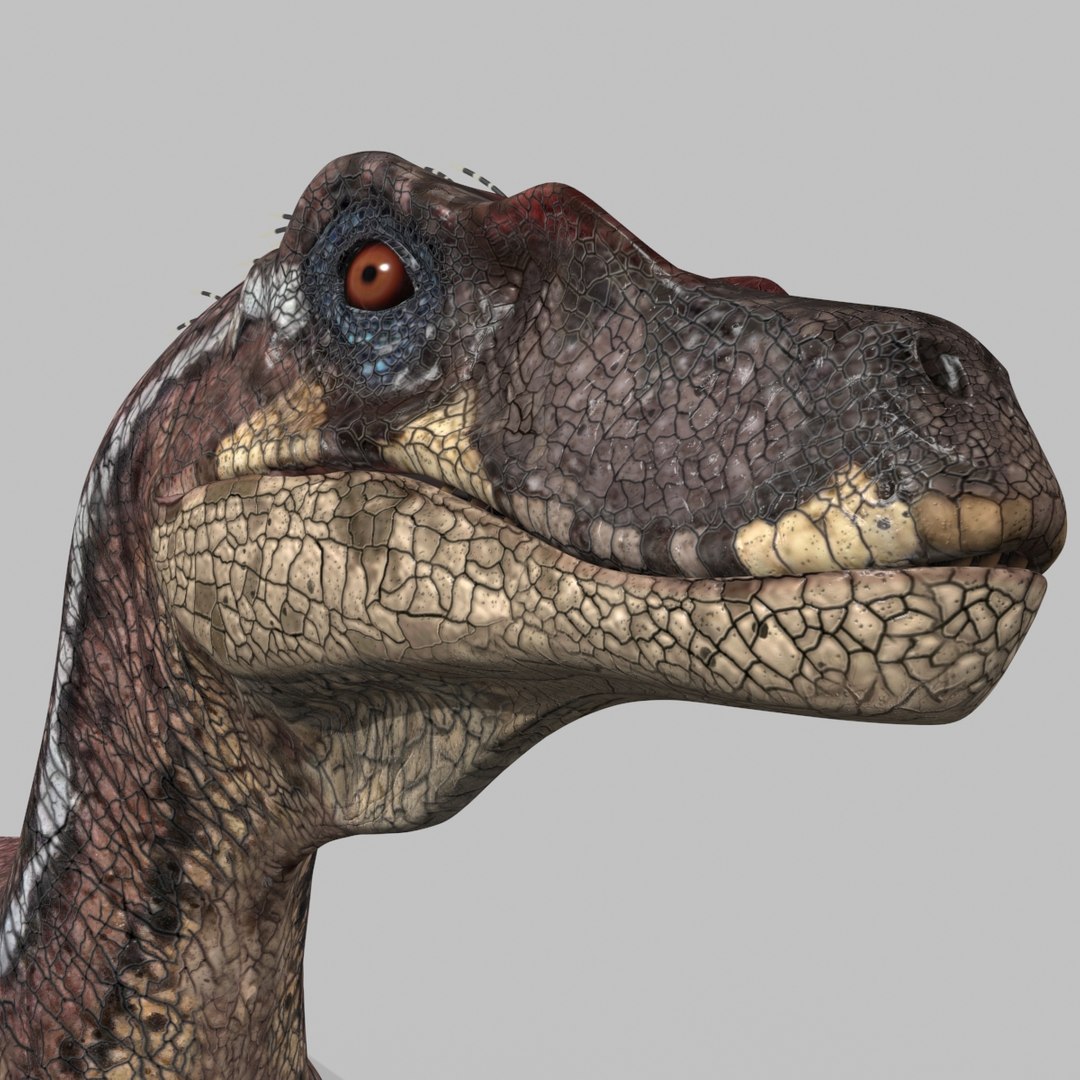
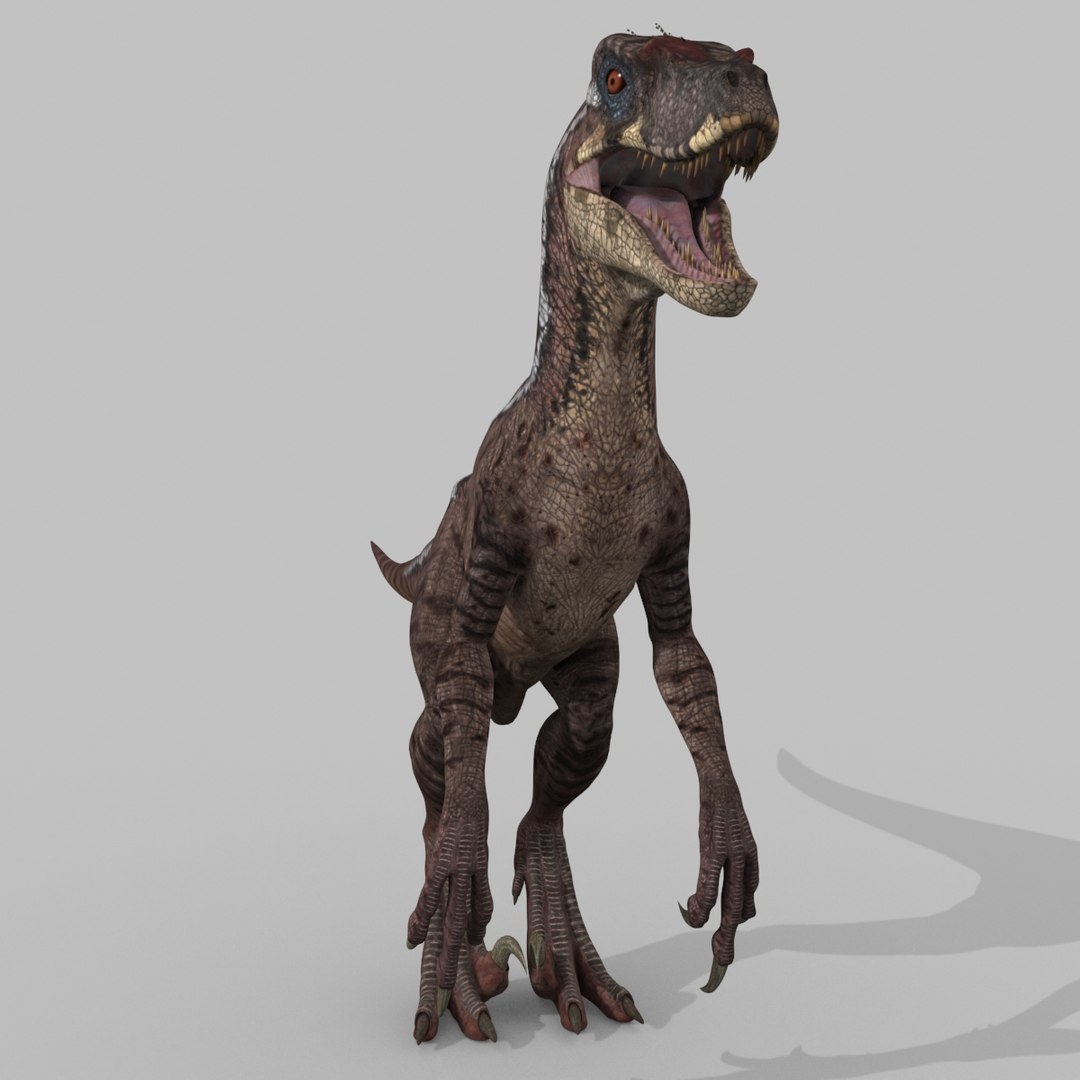
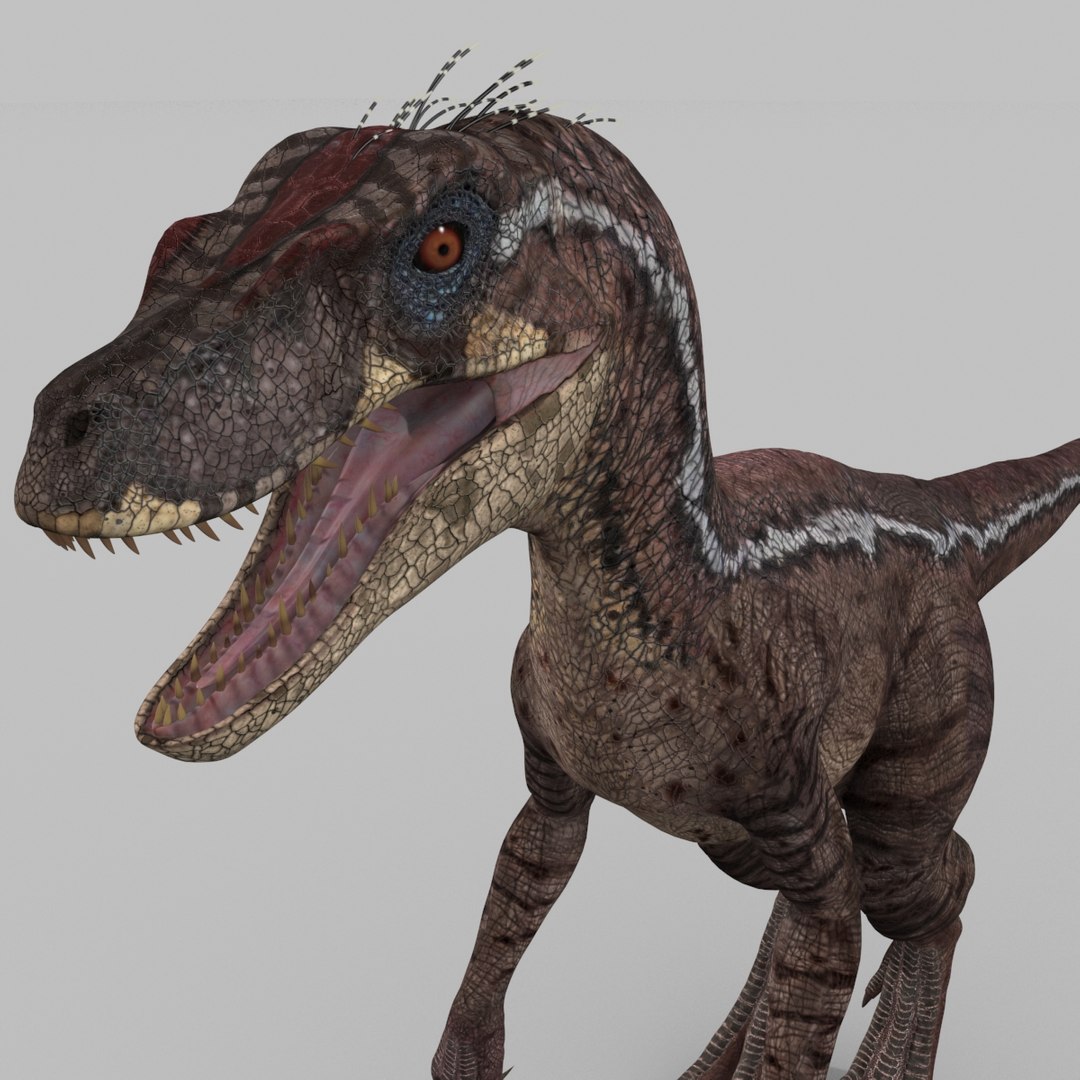
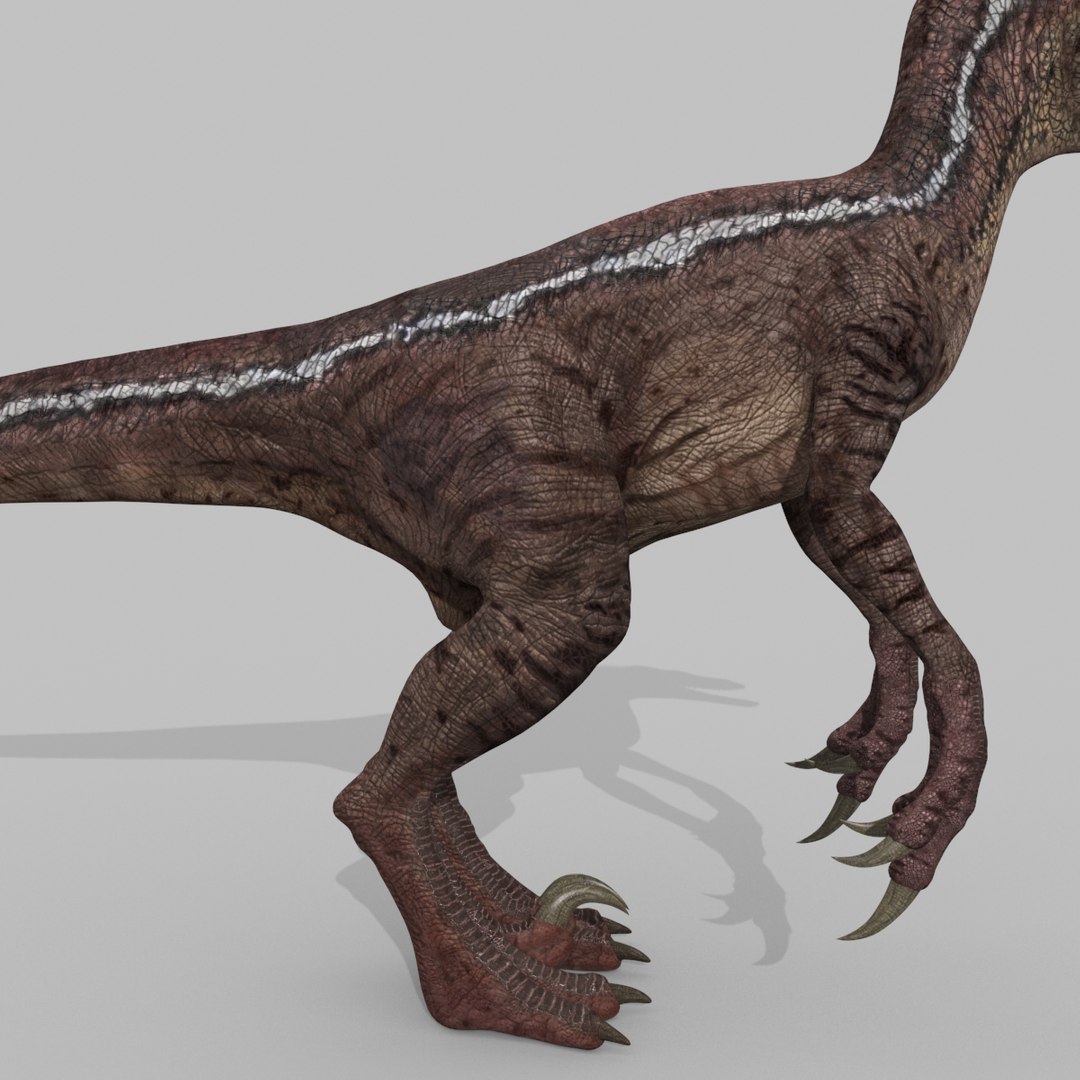
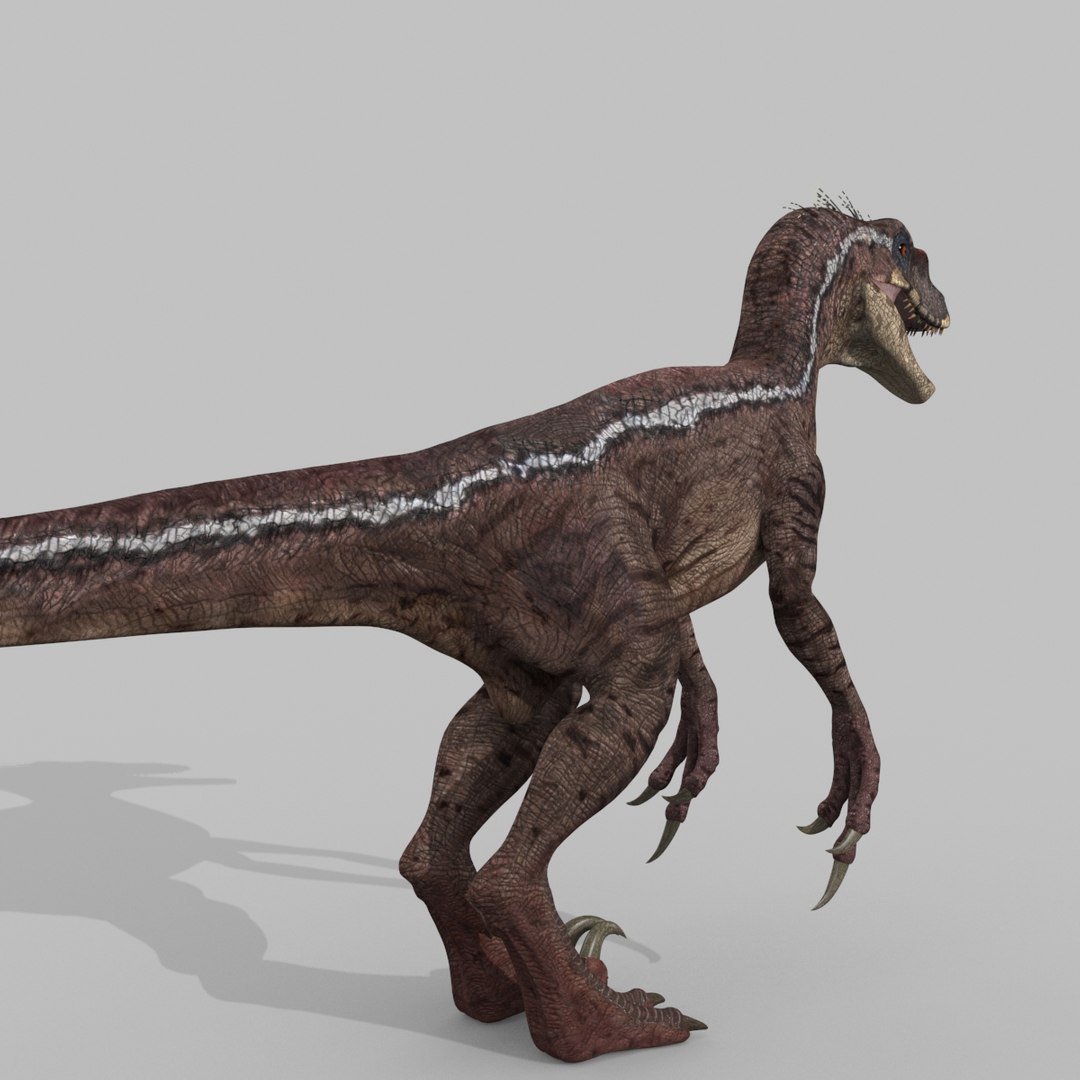
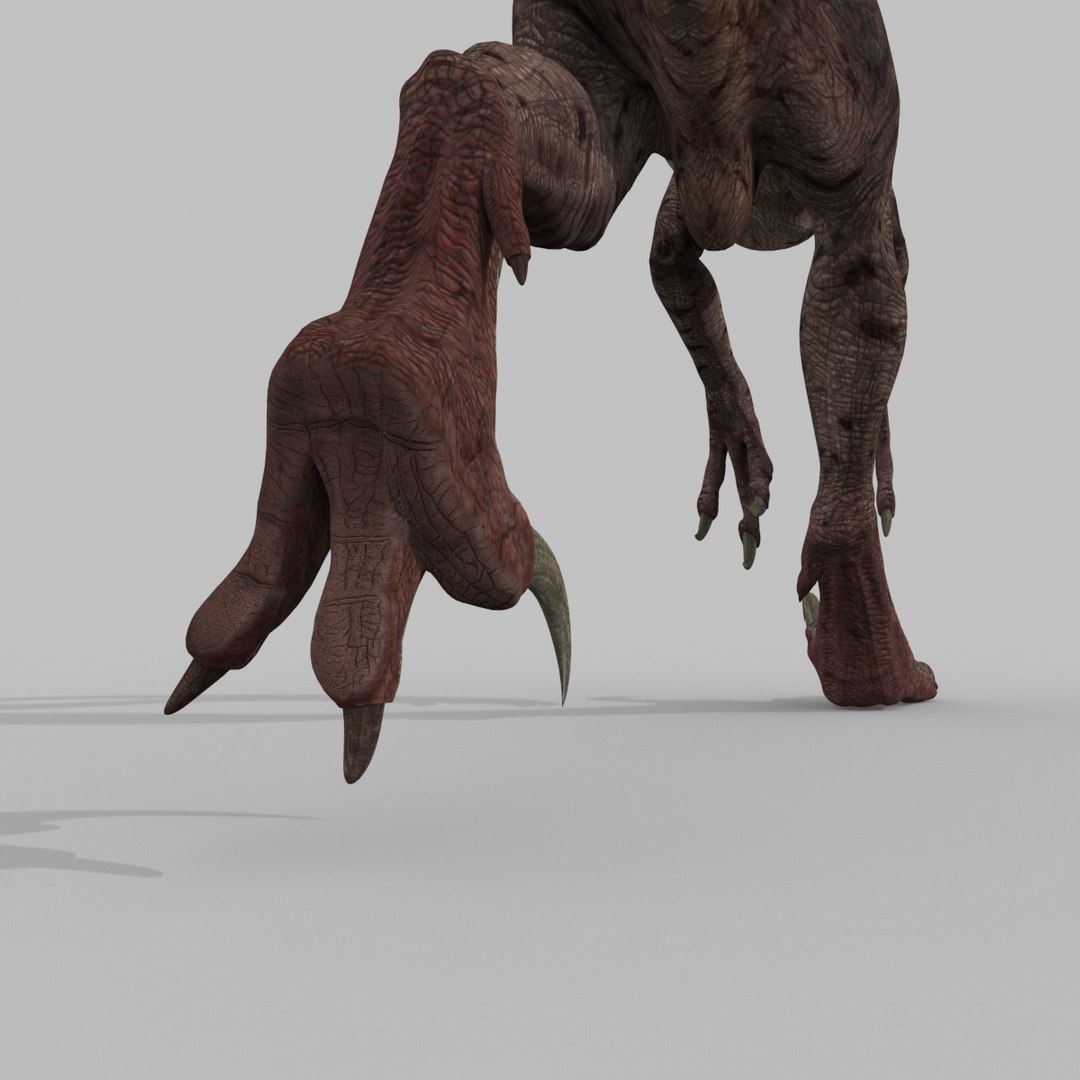
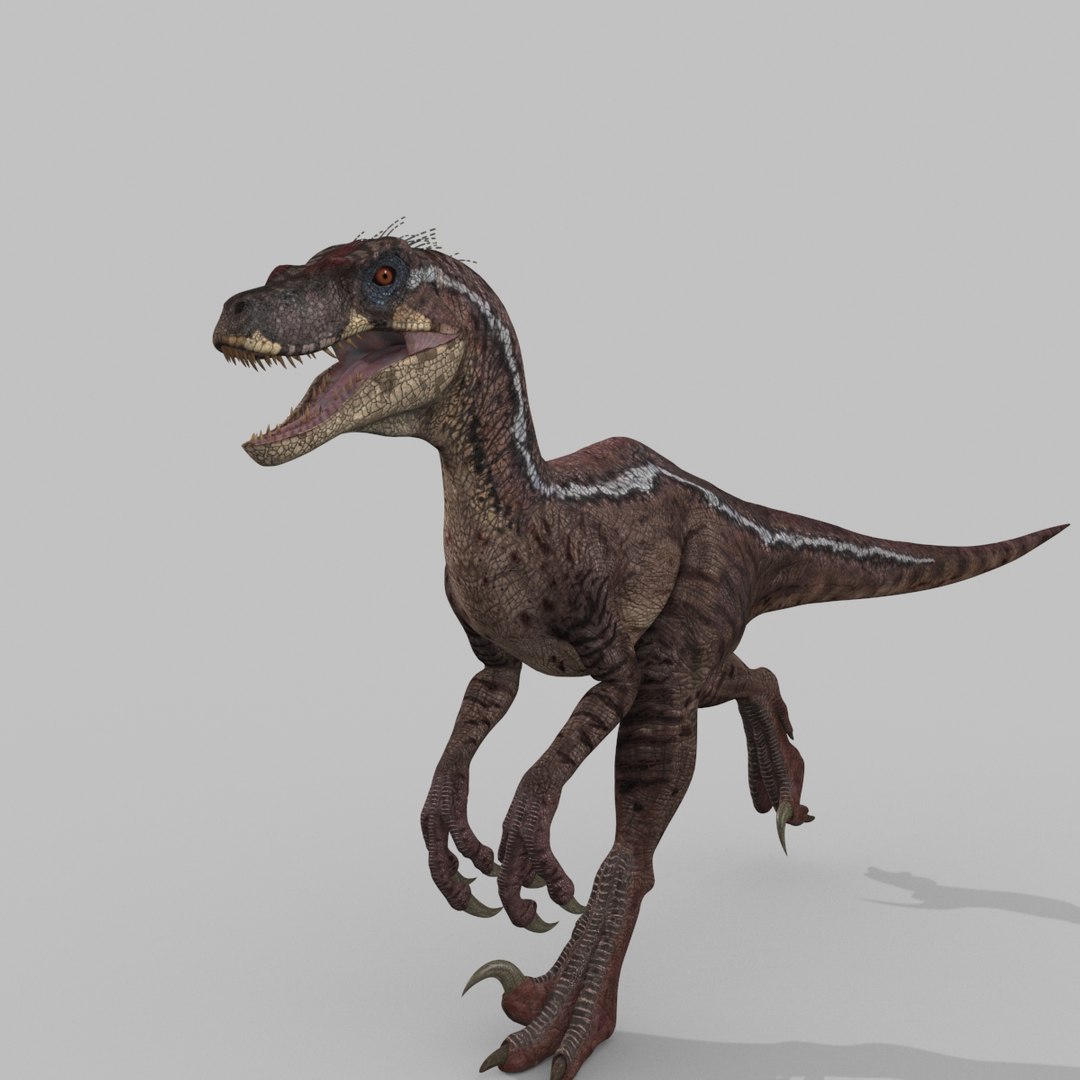
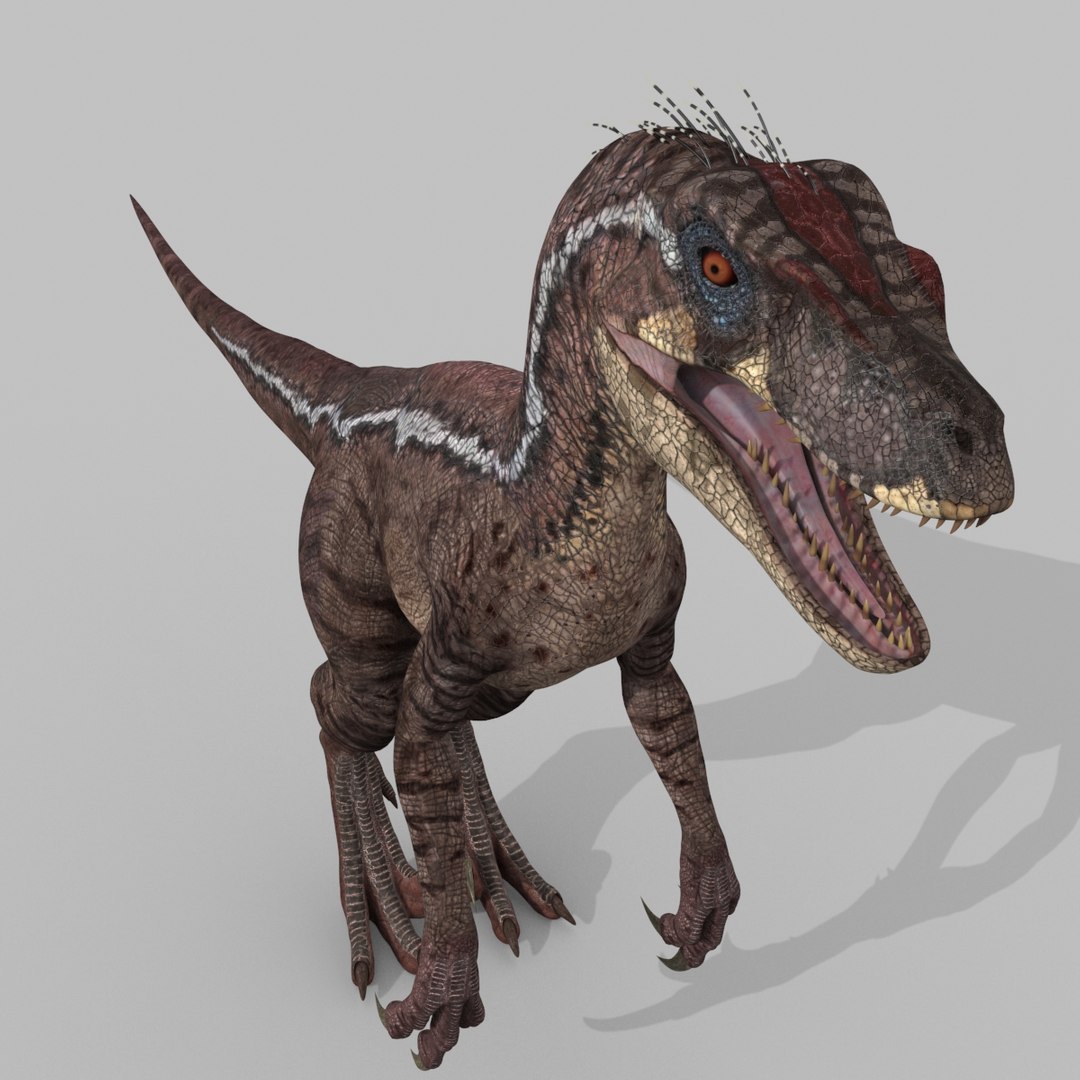
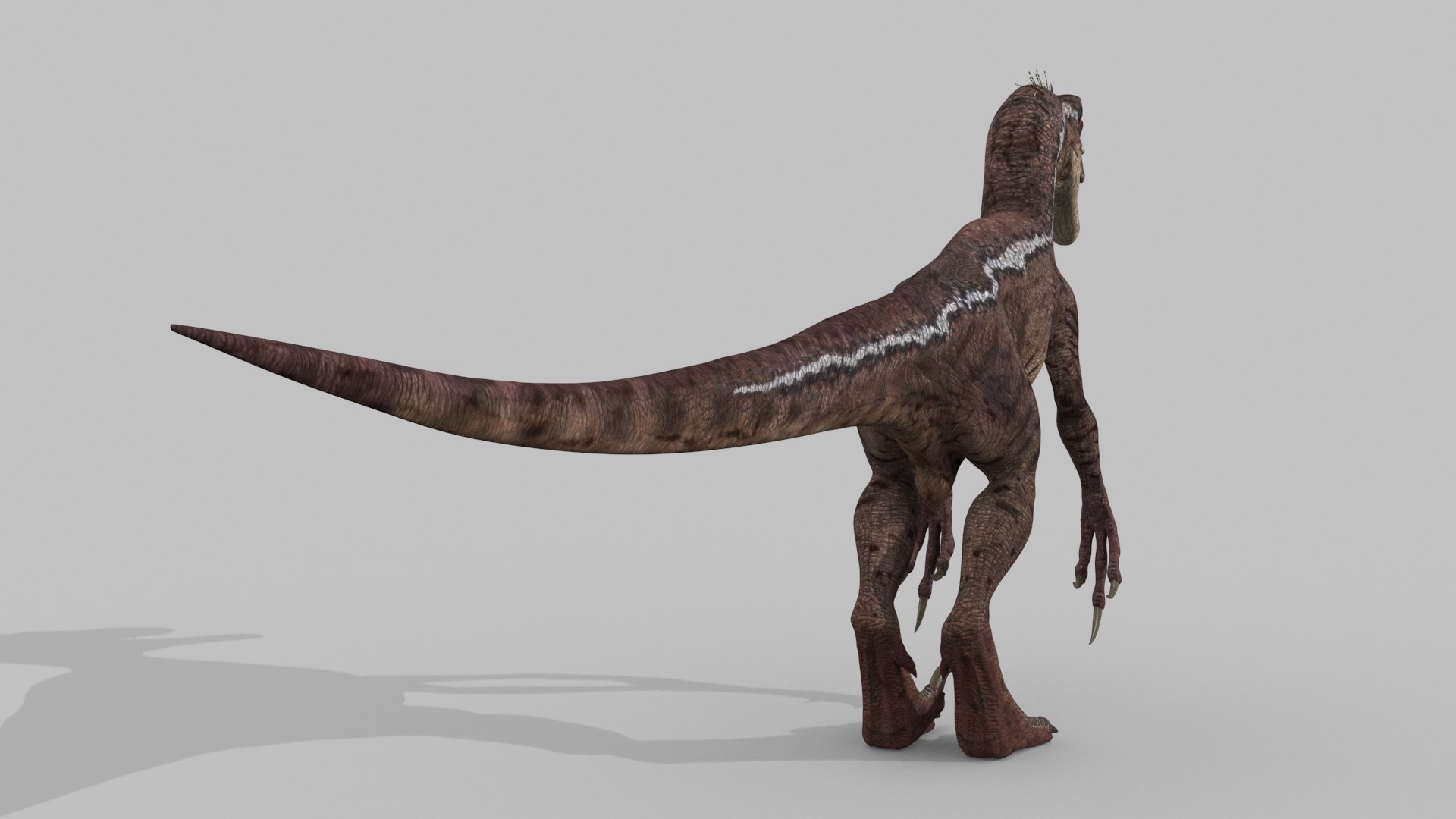
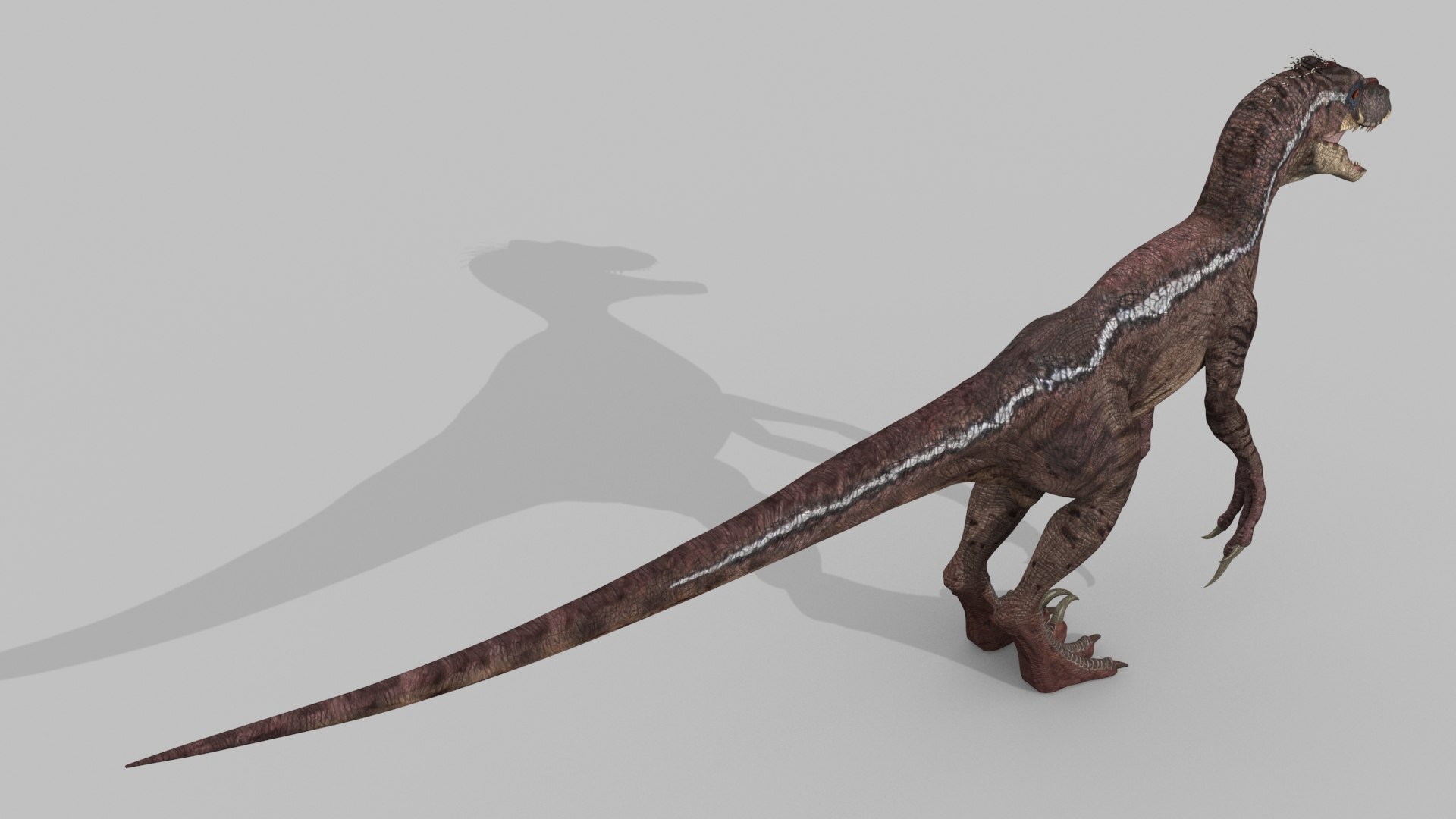
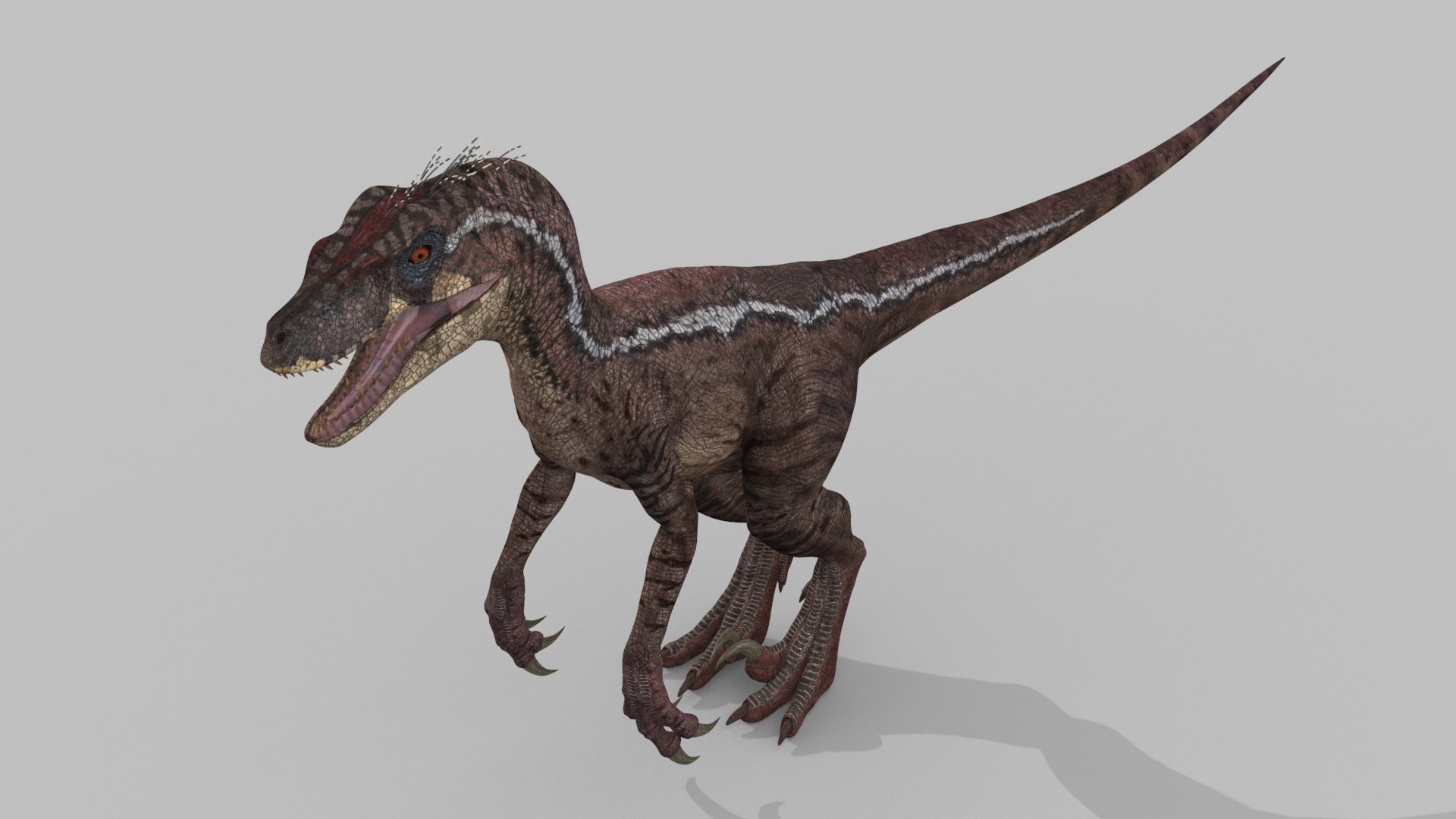
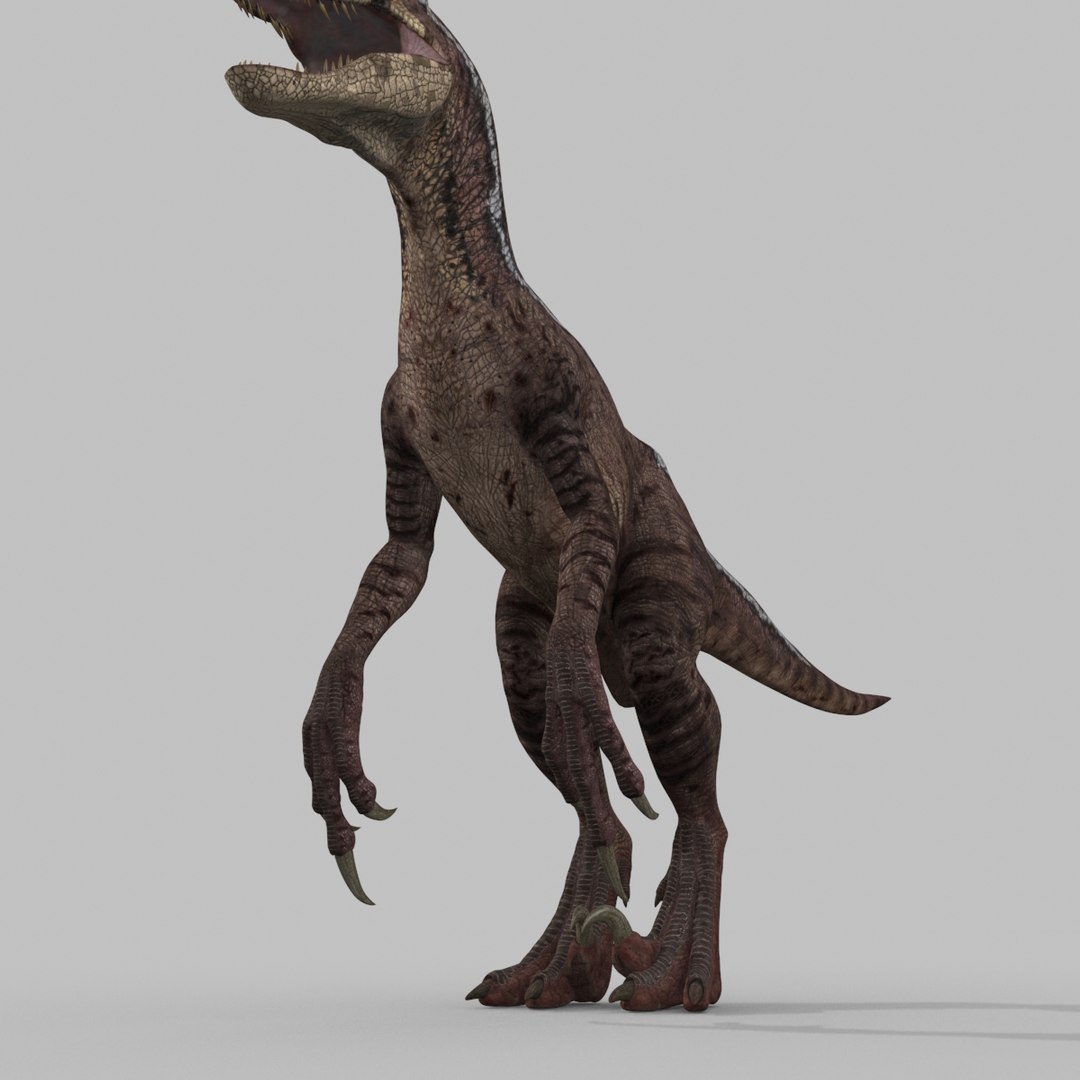
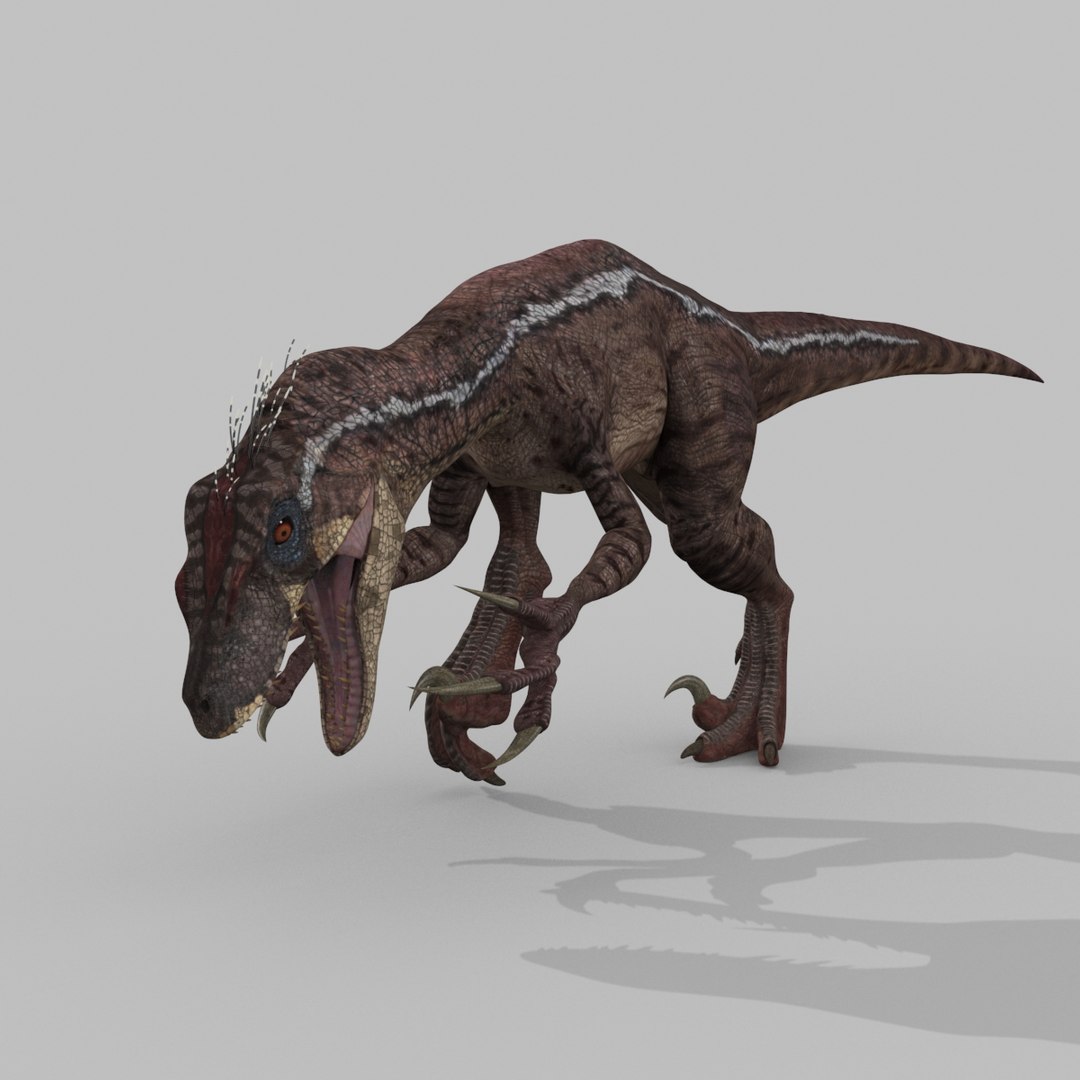
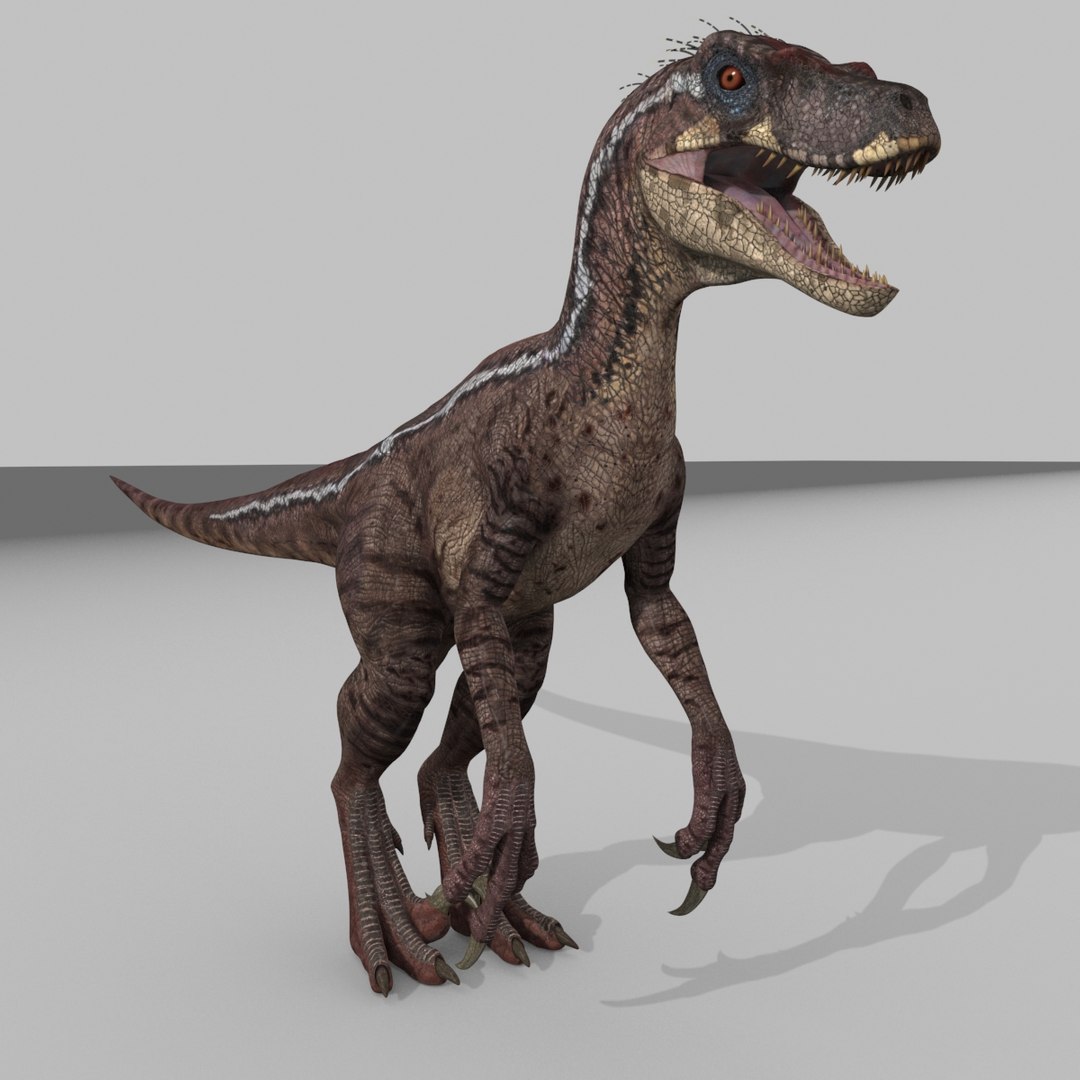
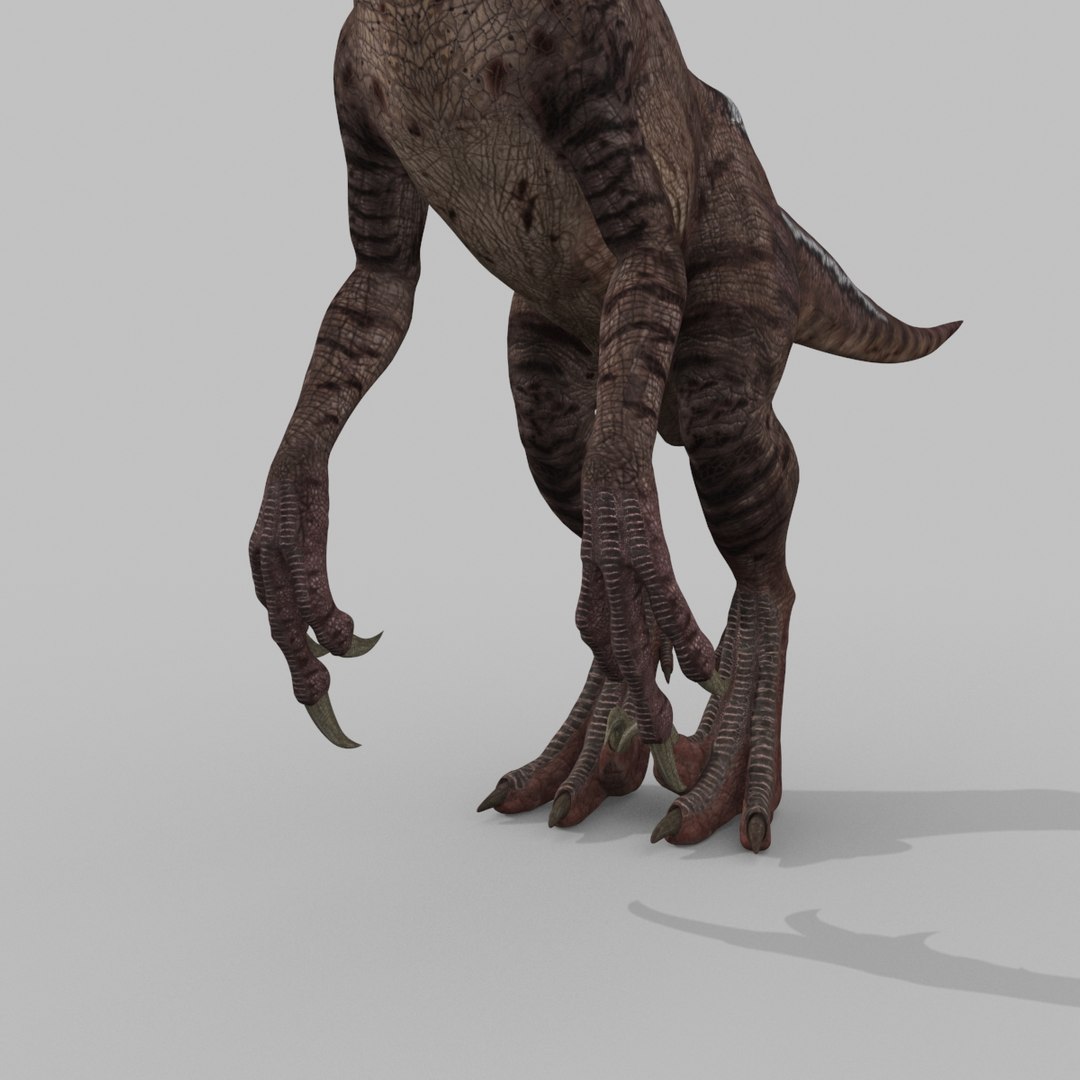
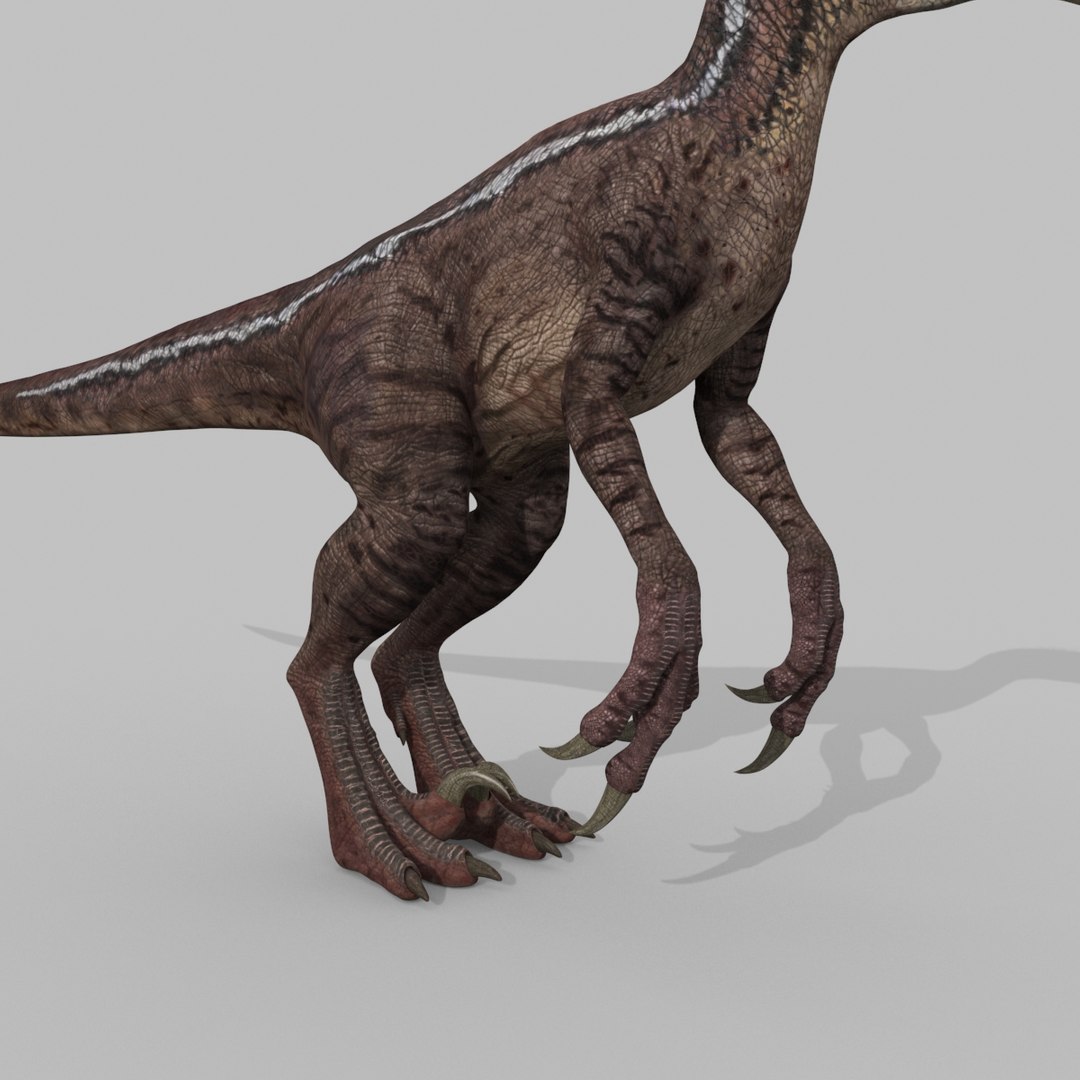
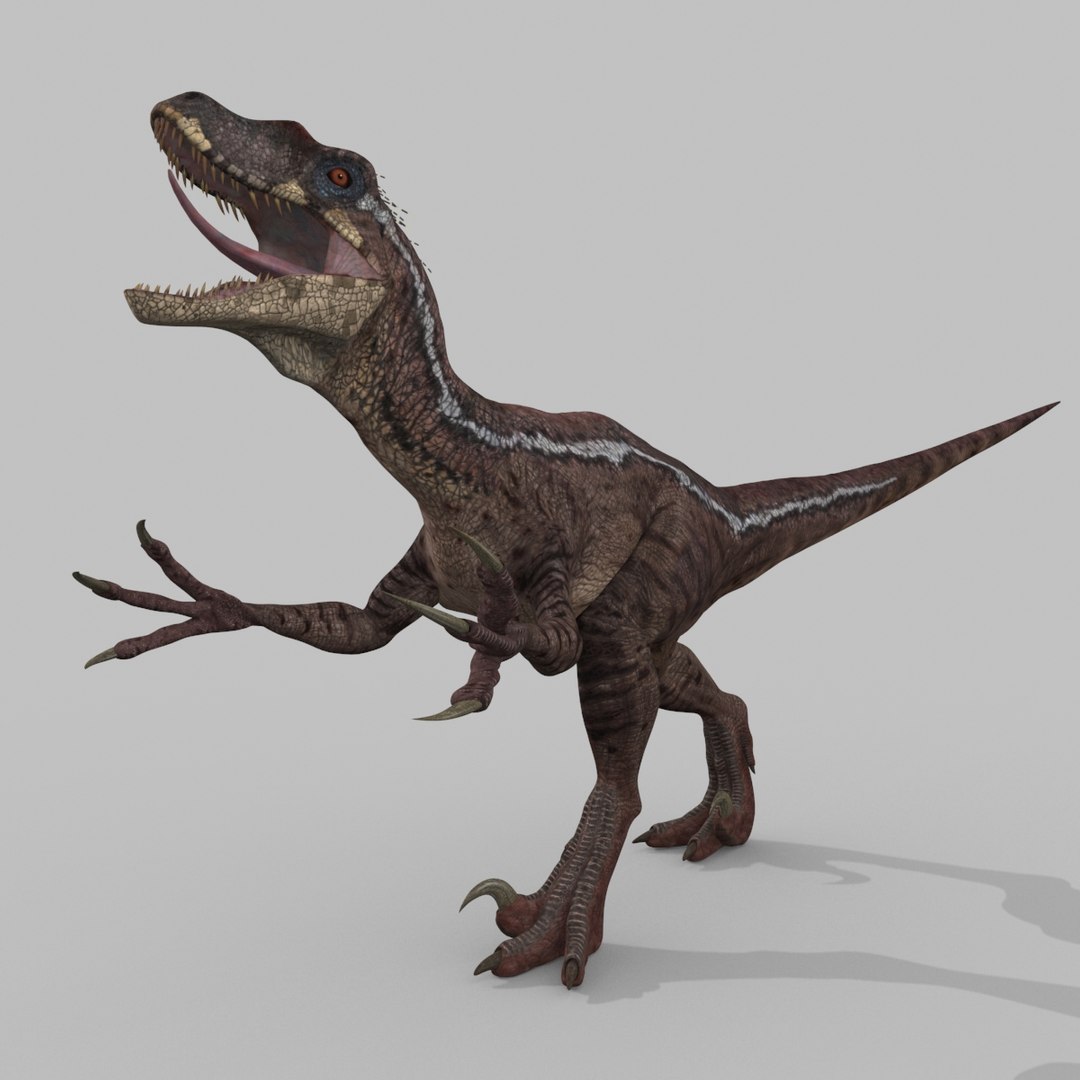
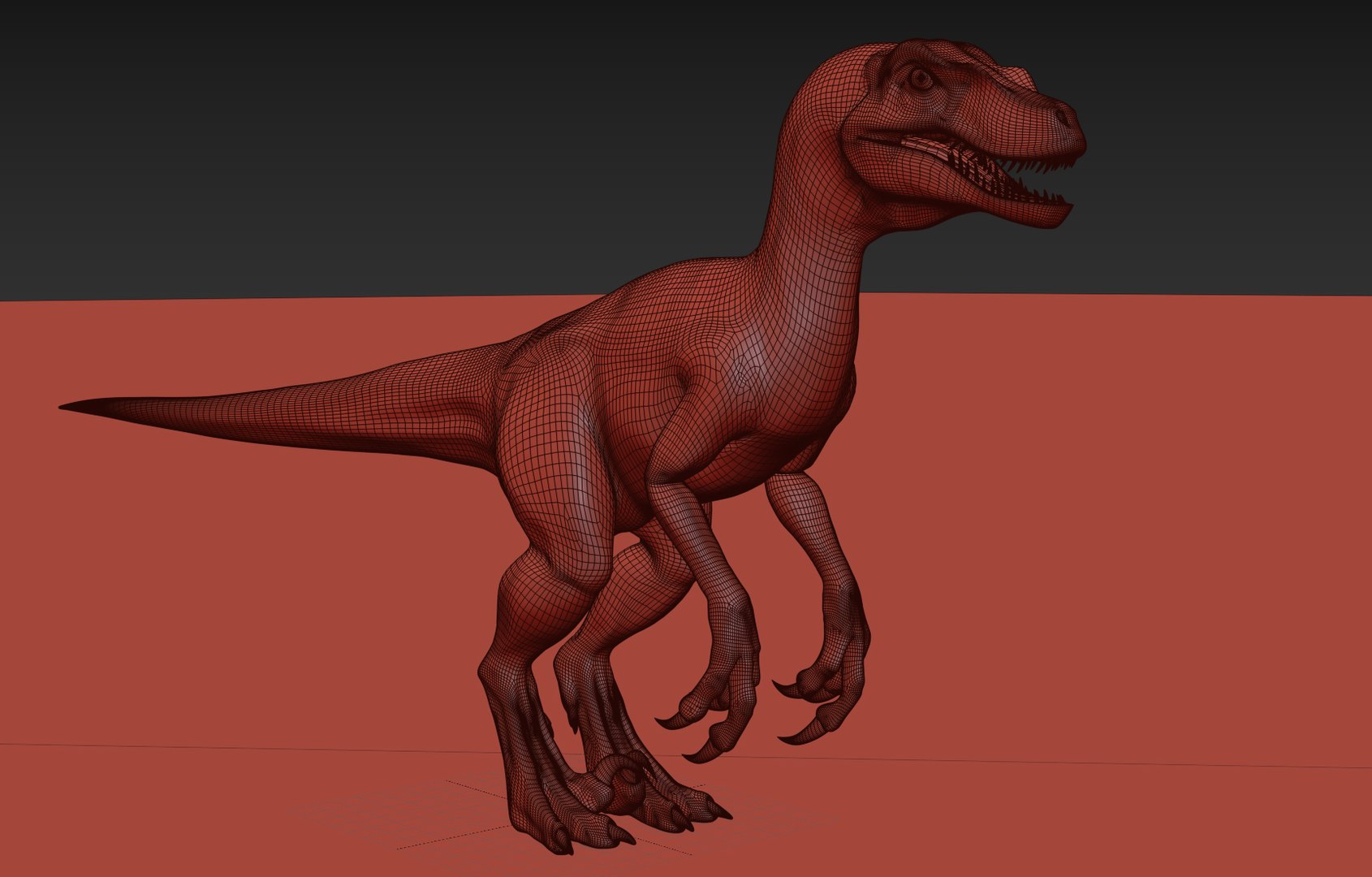
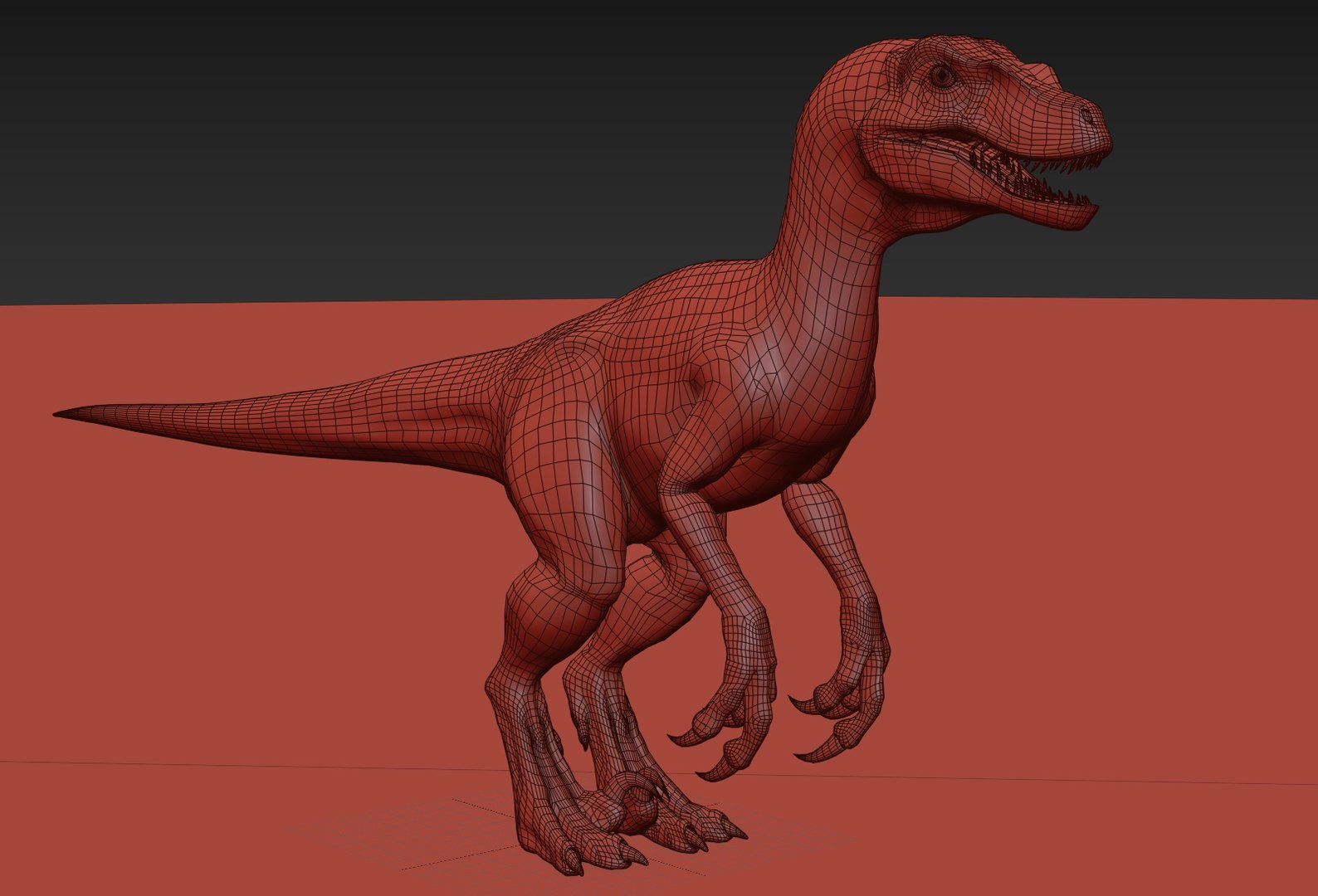
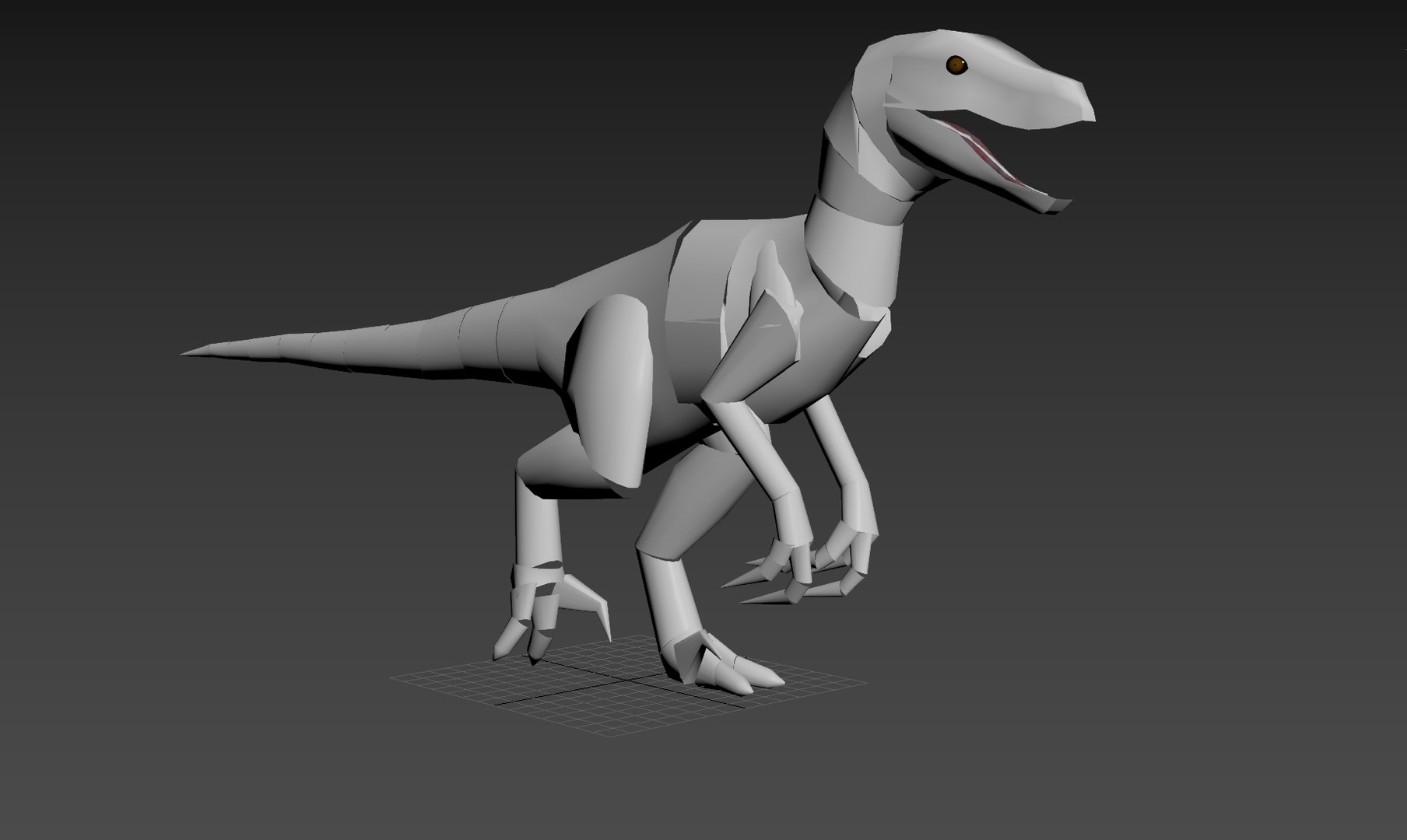
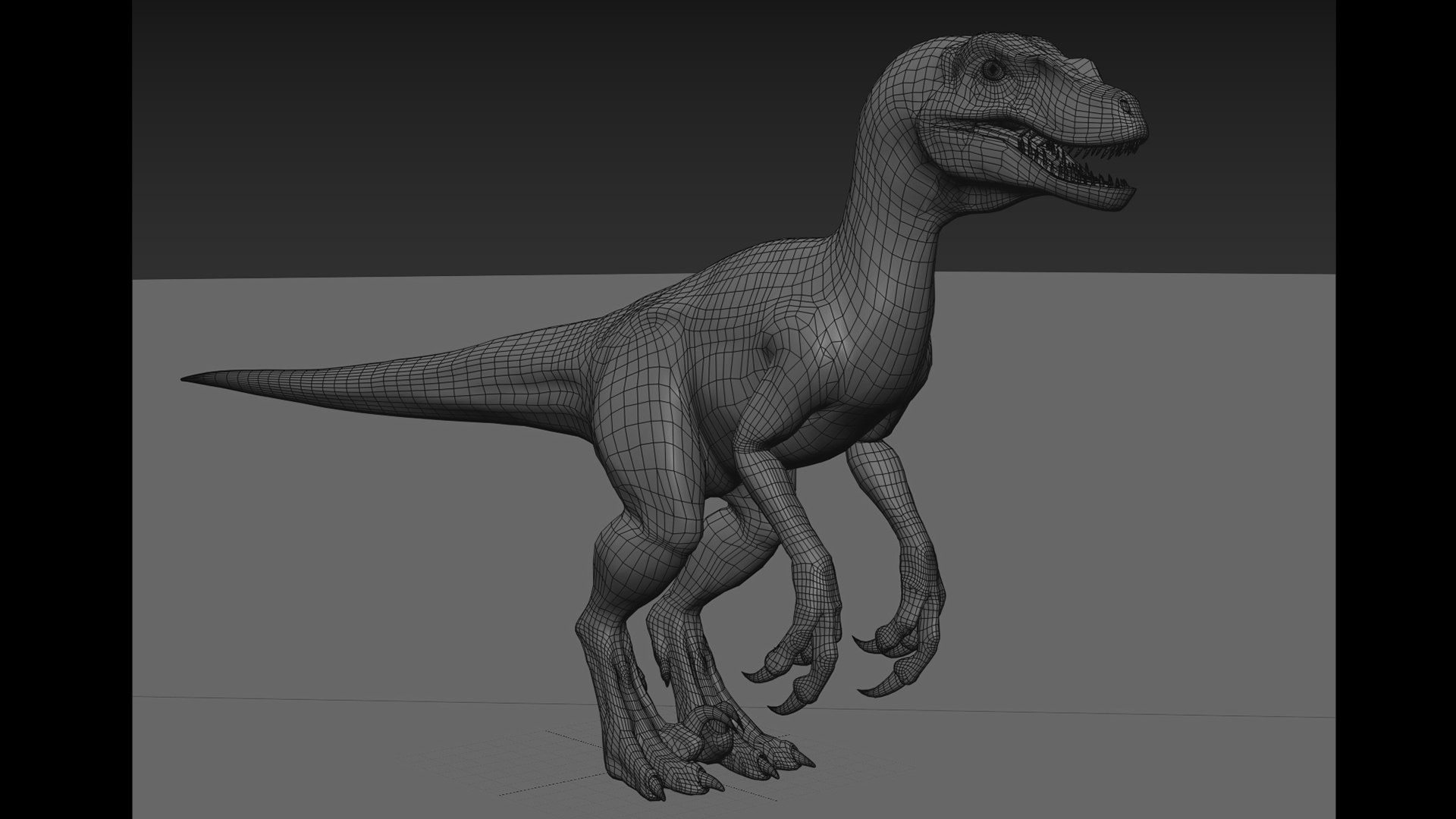
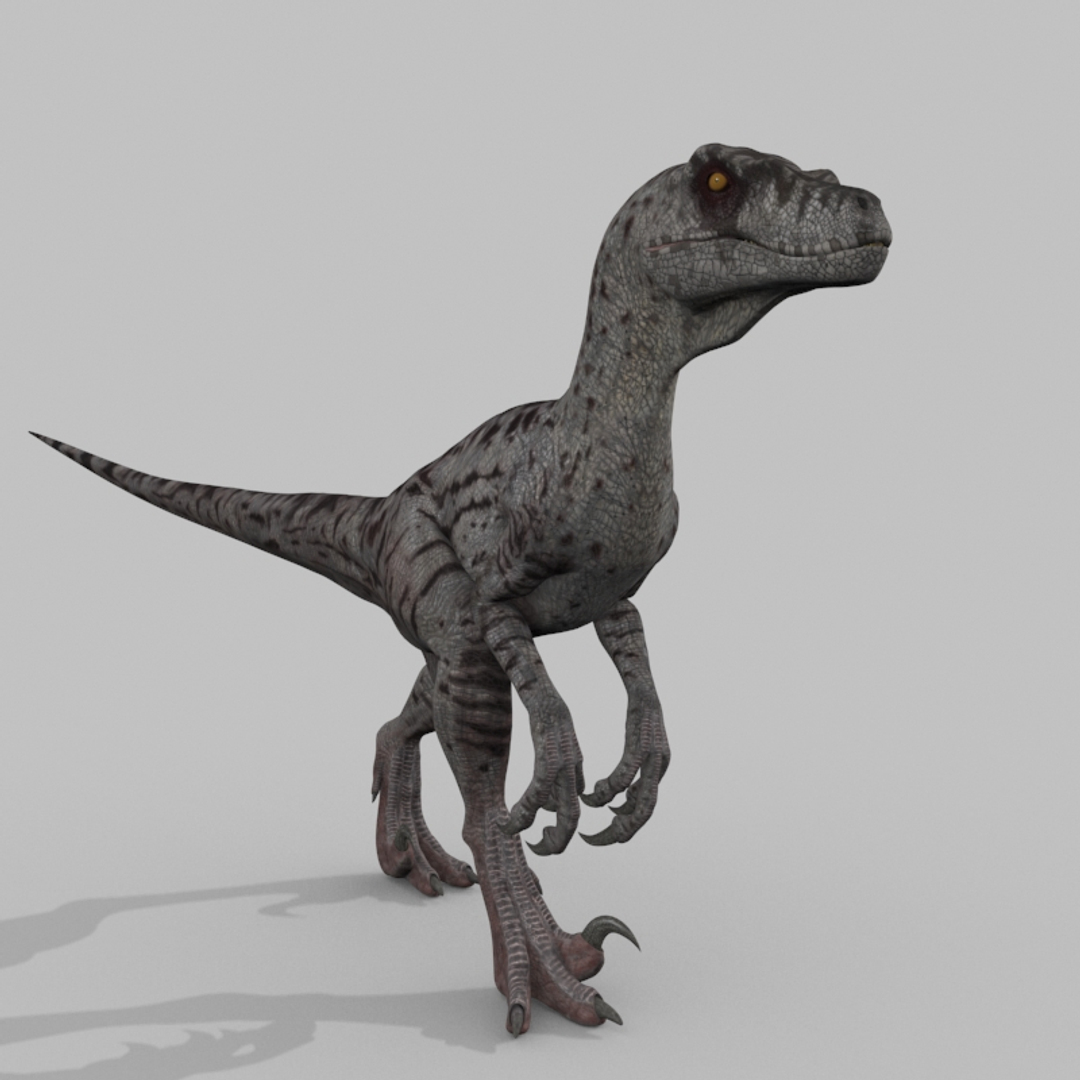
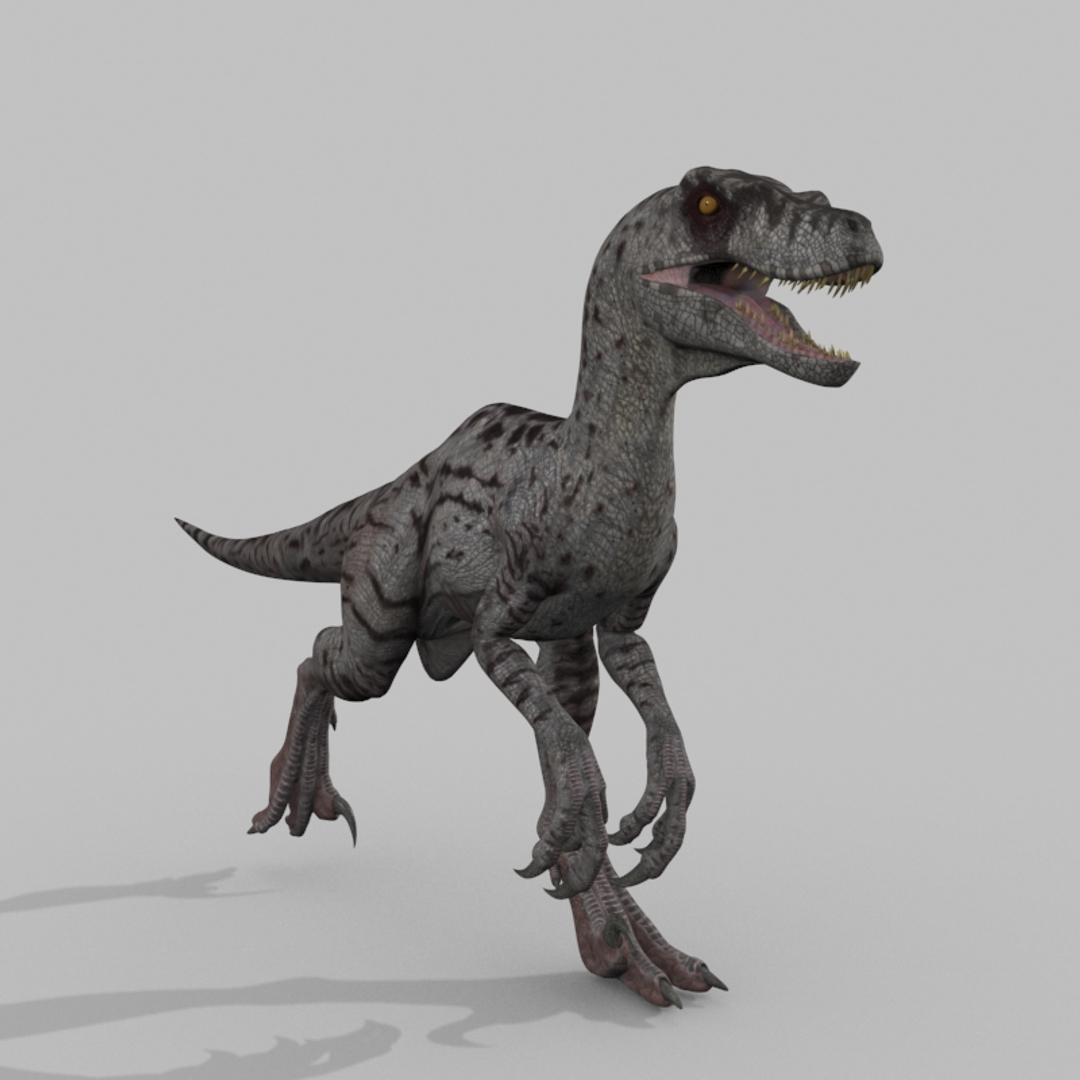
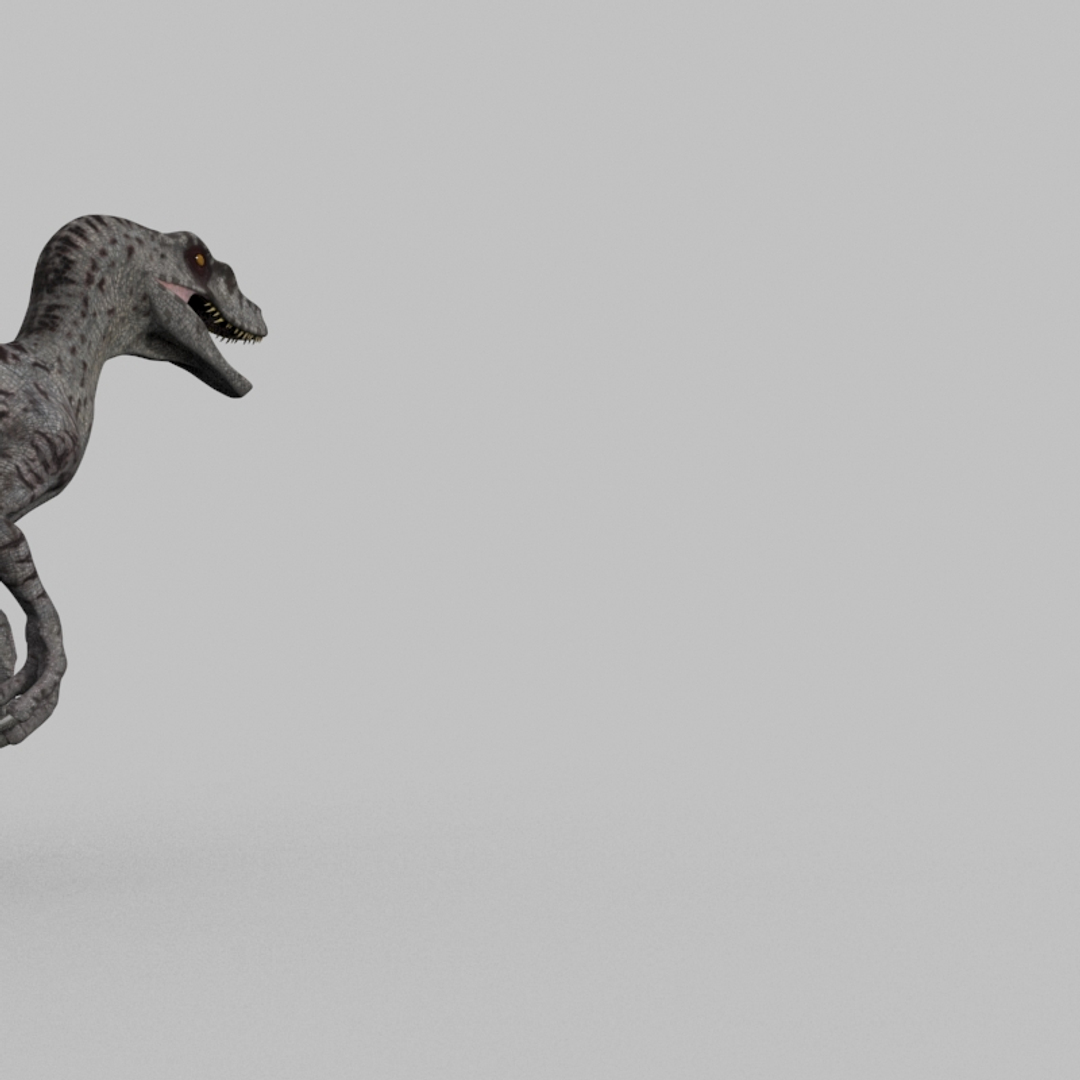
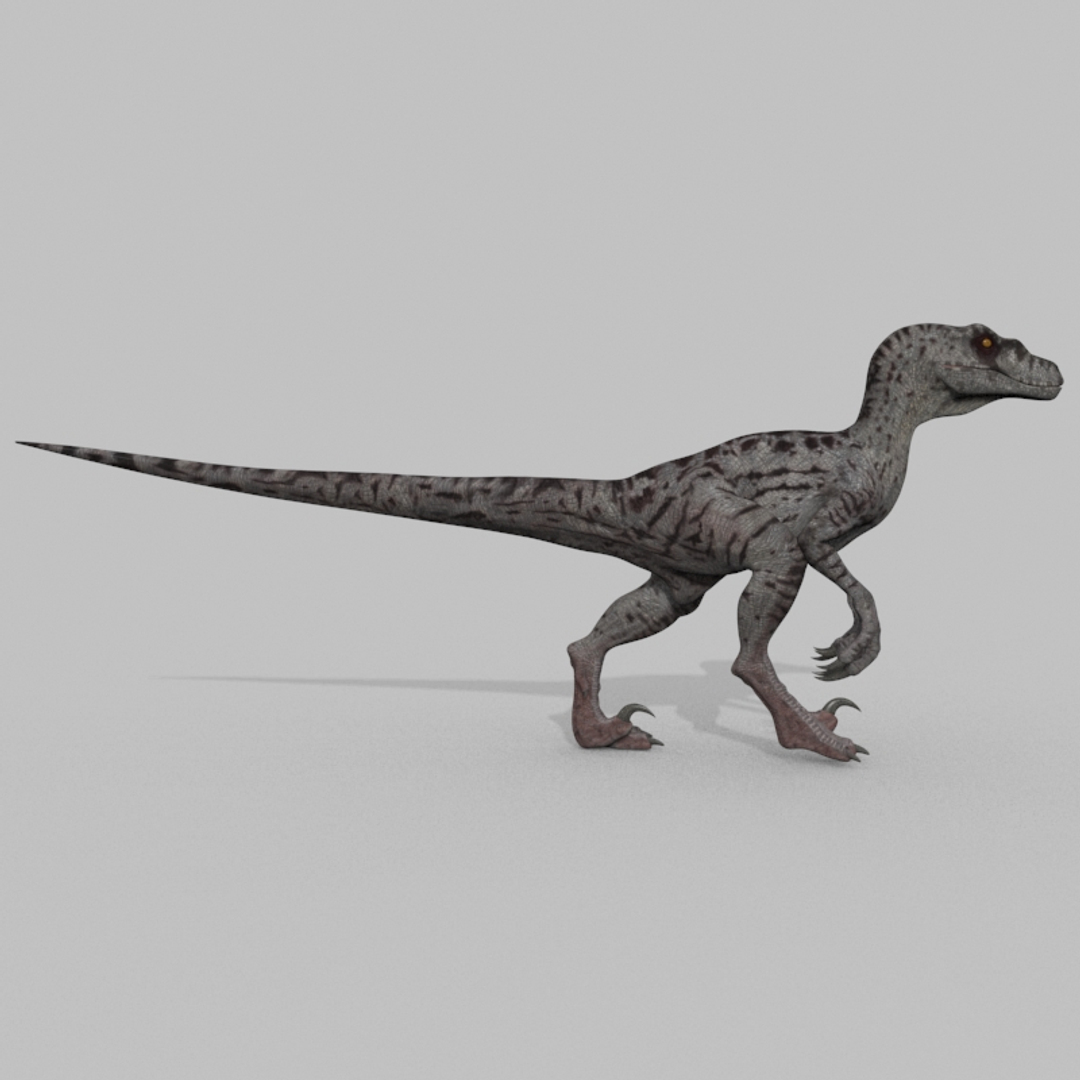
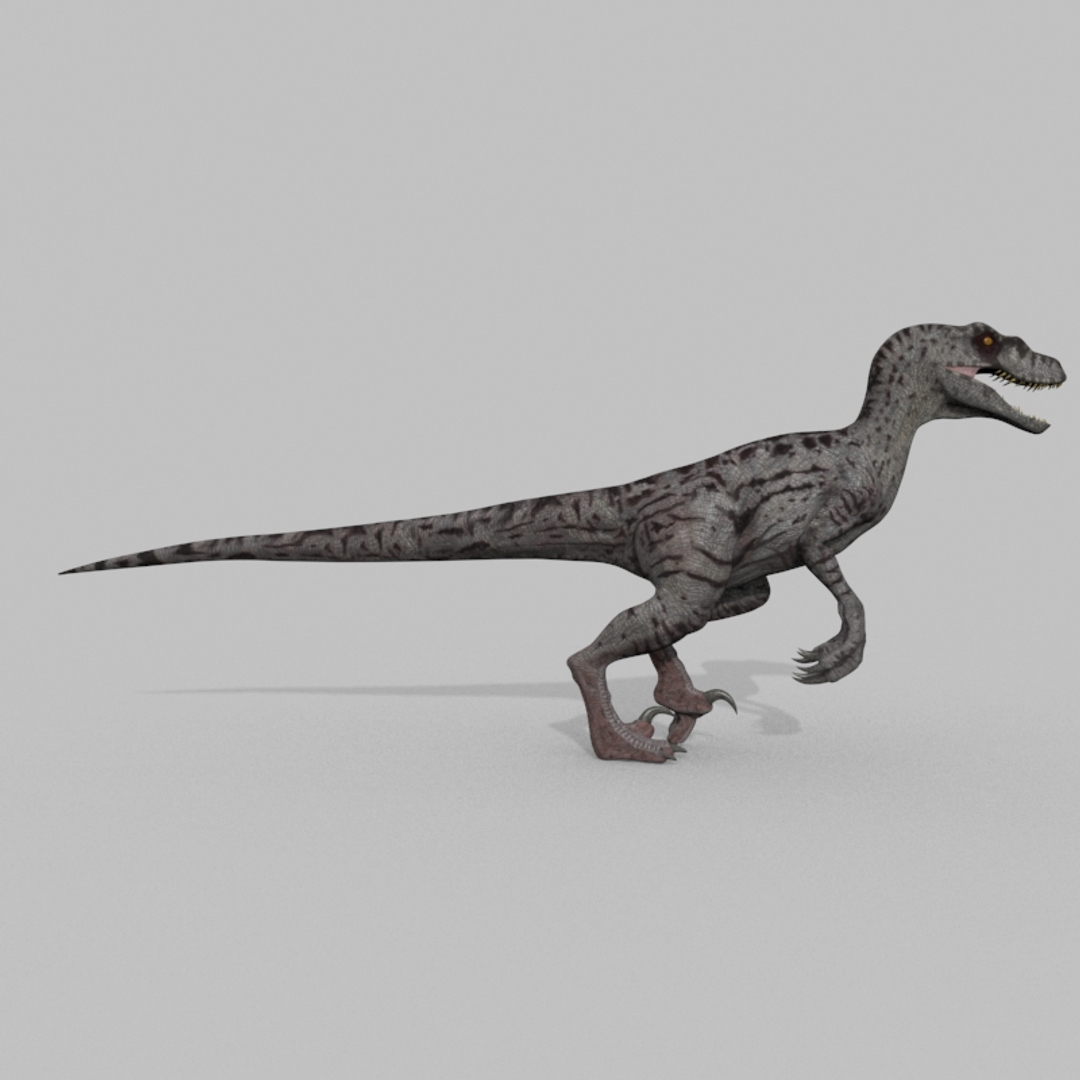
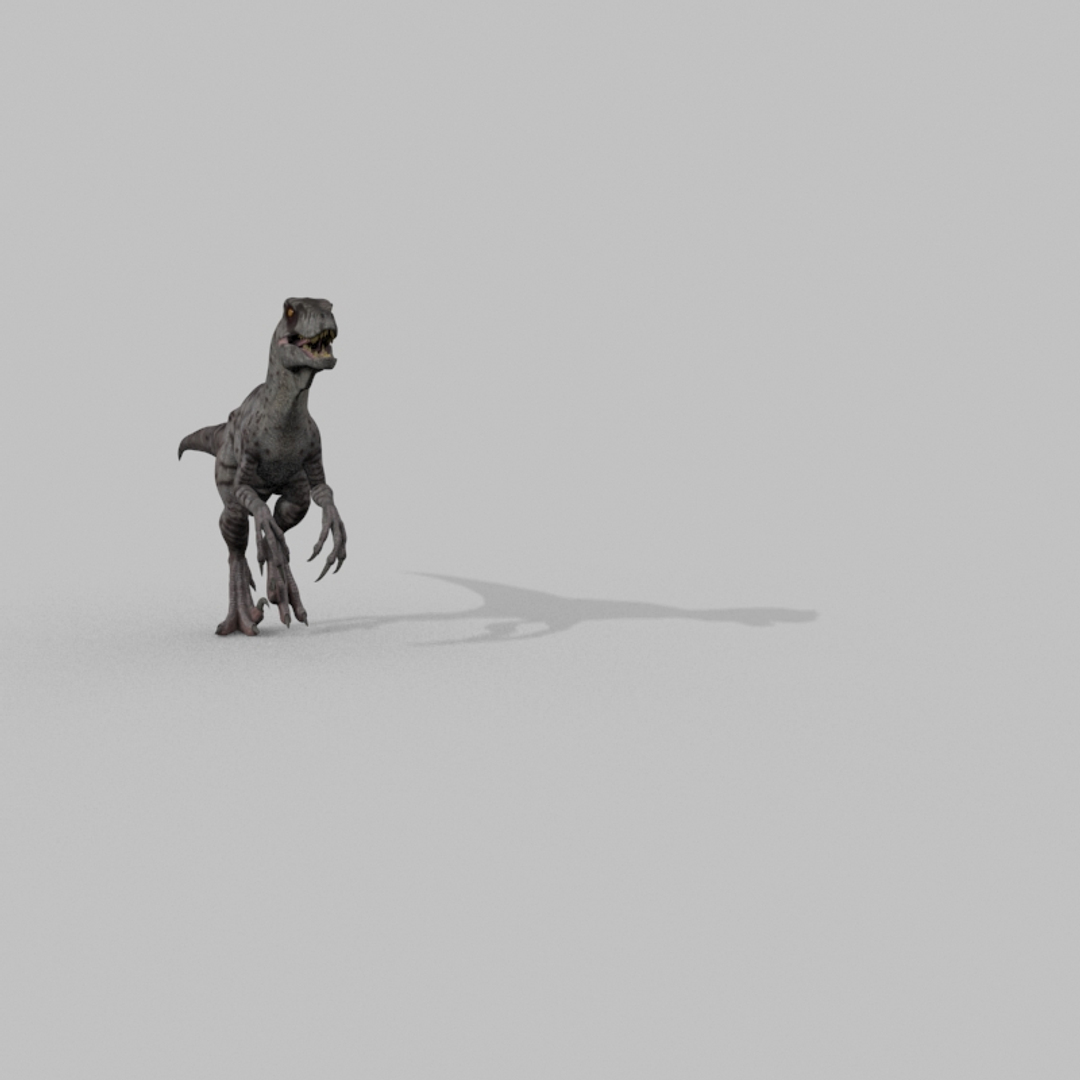
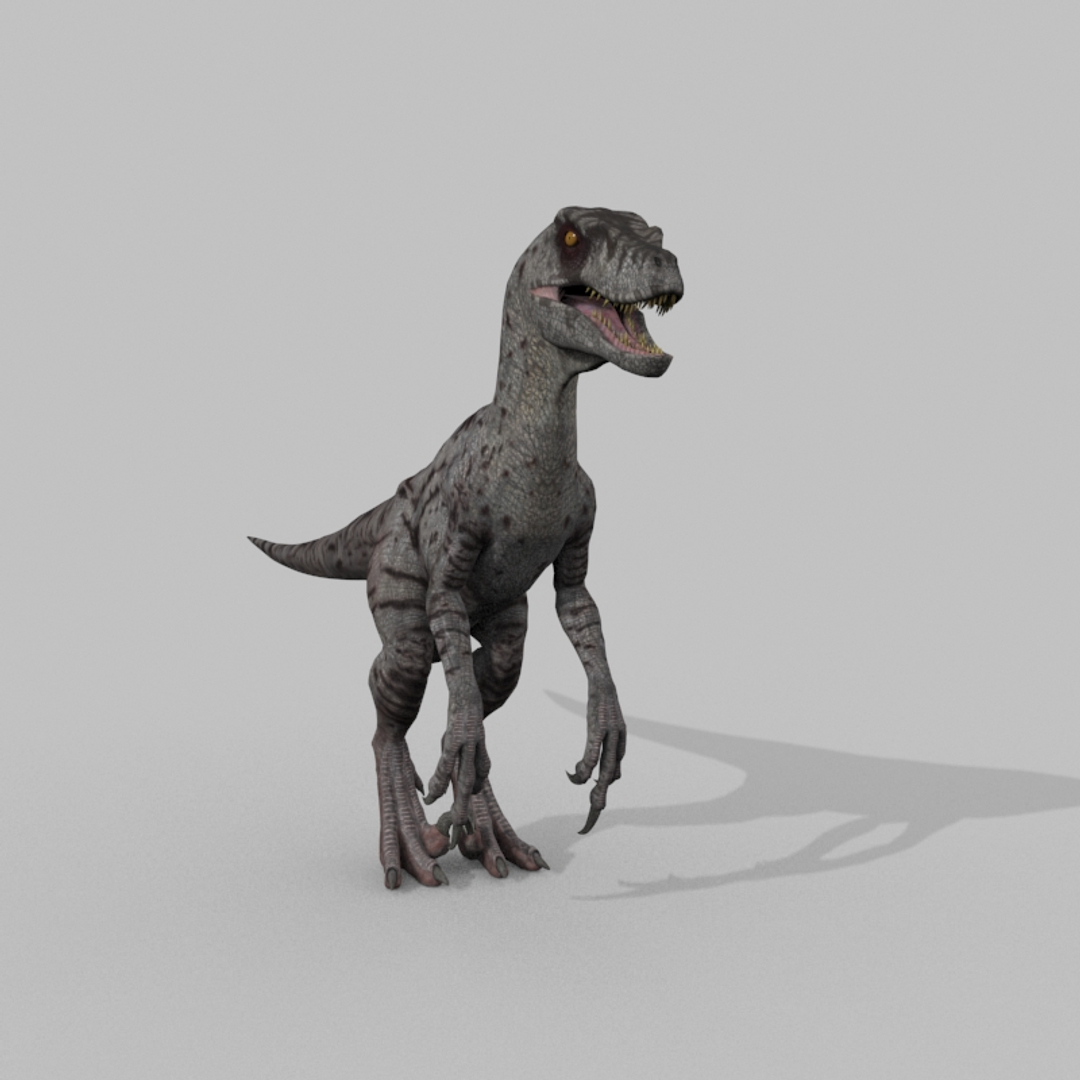
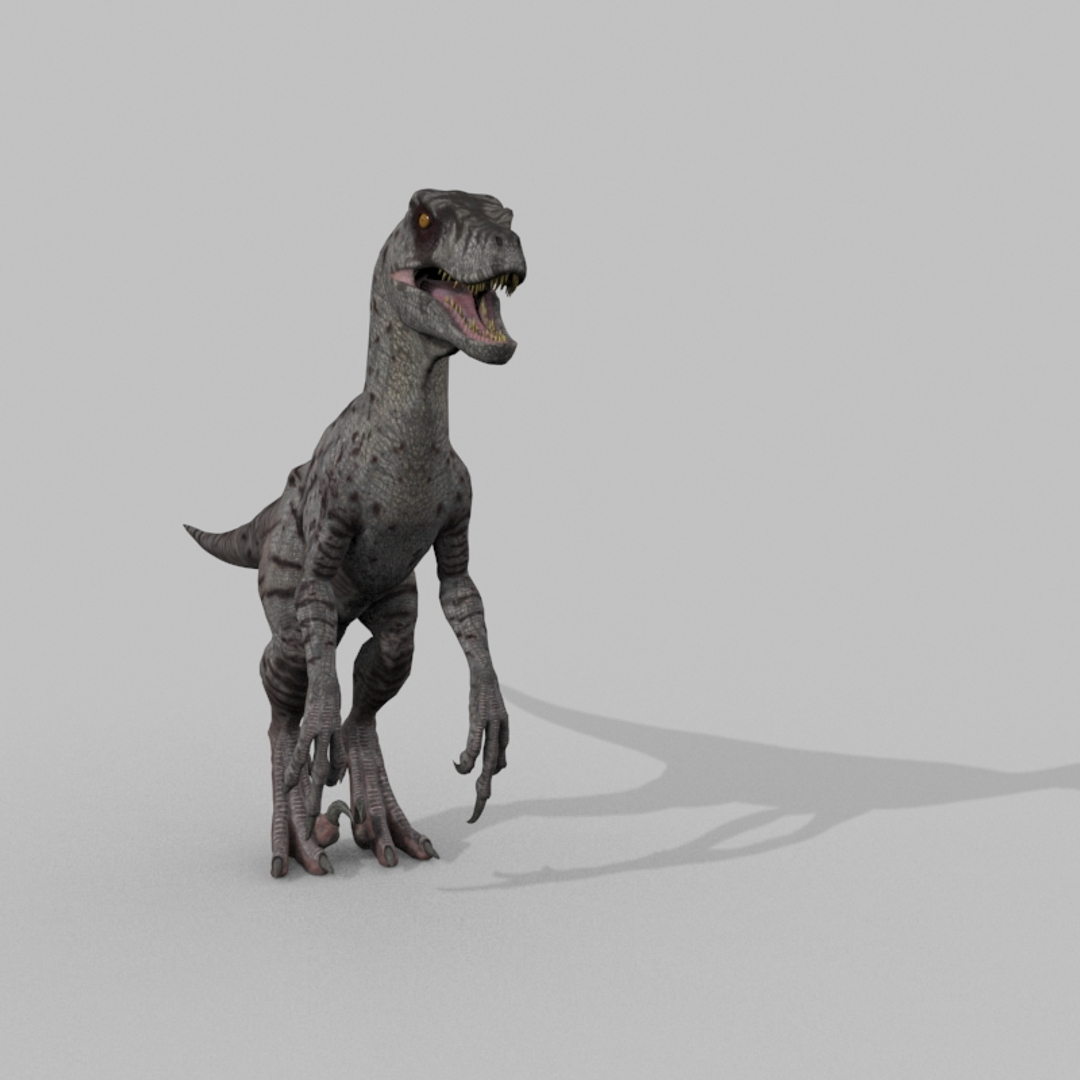
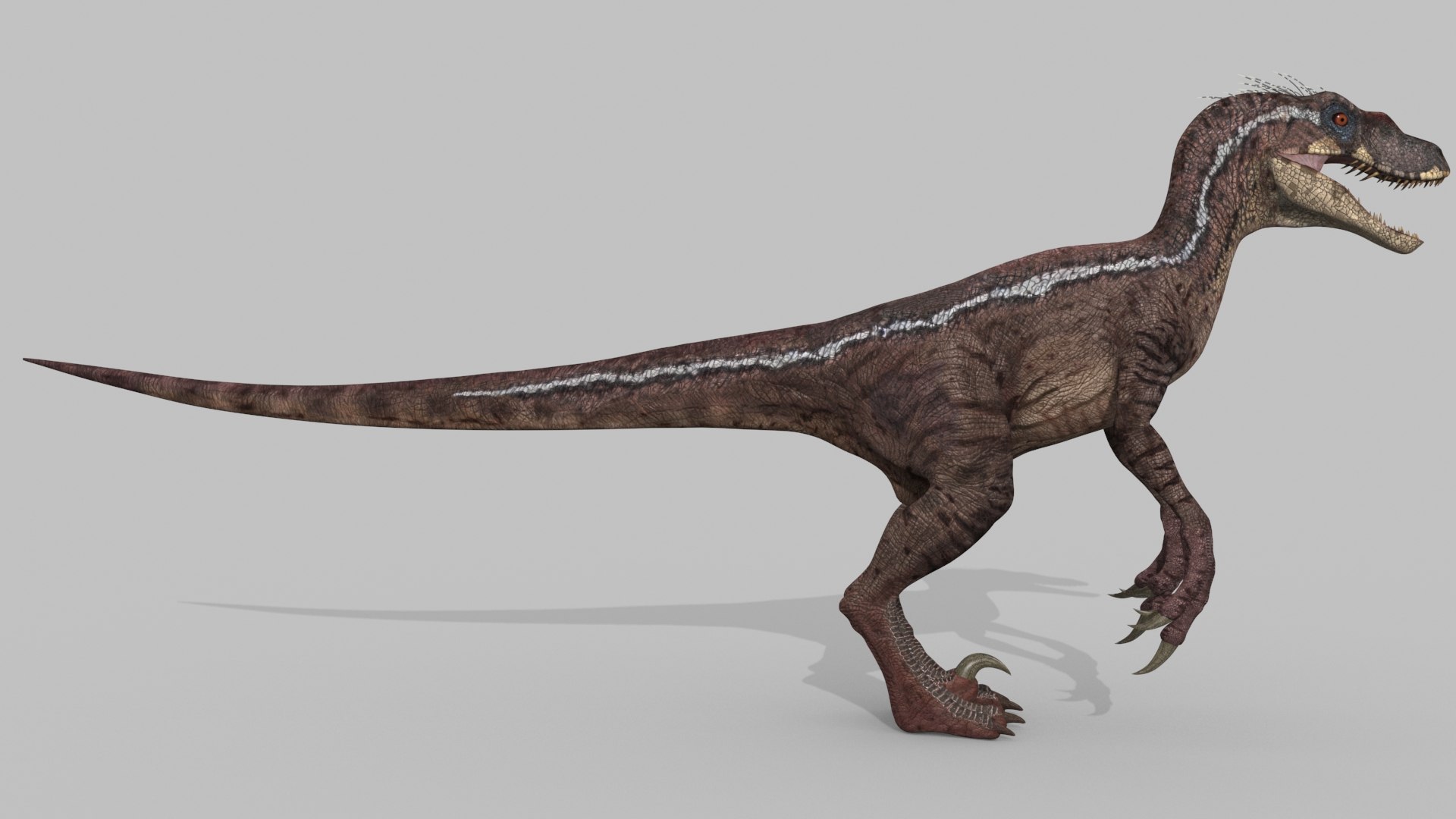
This may be the best crest raptor model besides the ones in the cinema.
""""""""""""""""""""""""""""""""""""""""
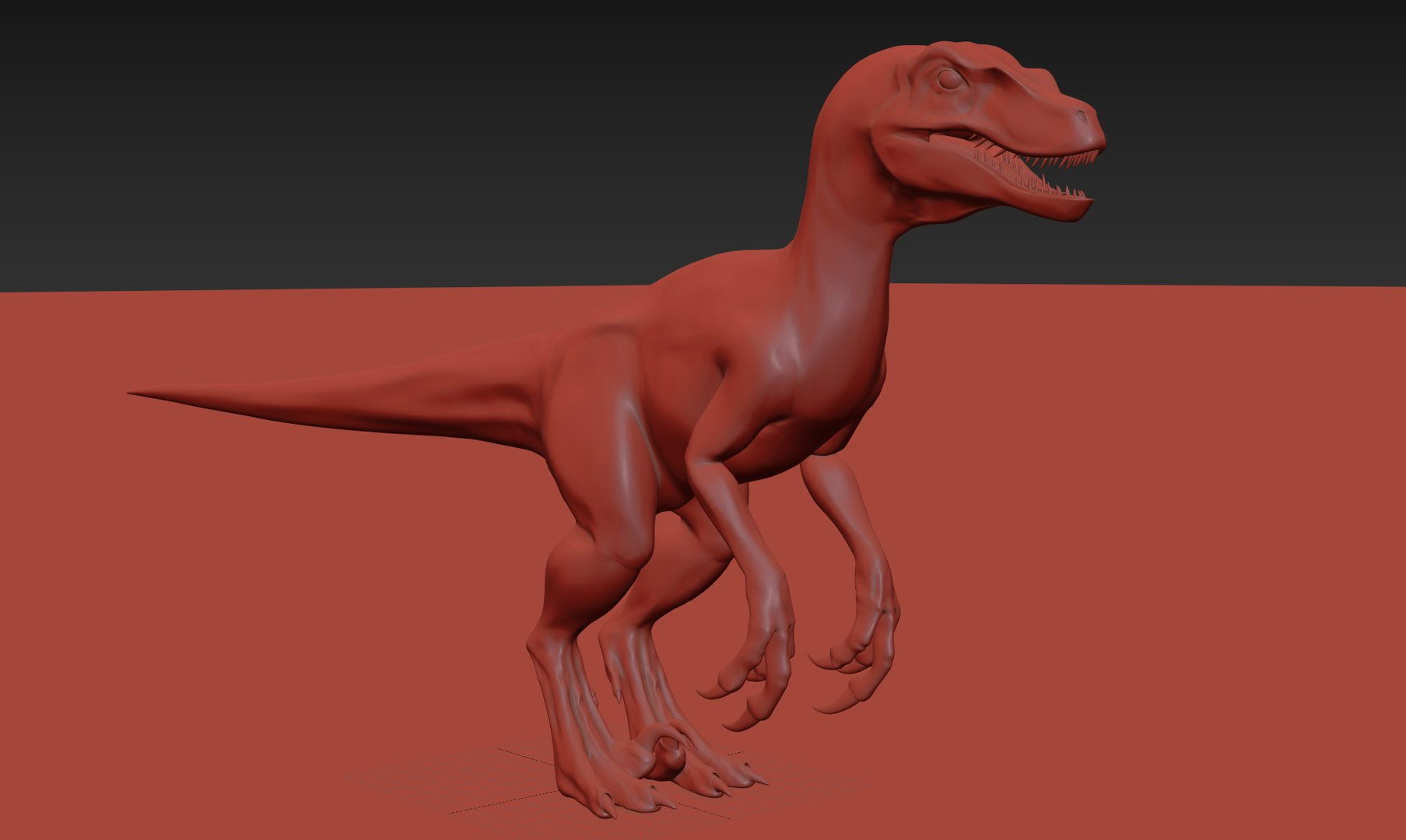
Clean topology;
Mesh subdivision;
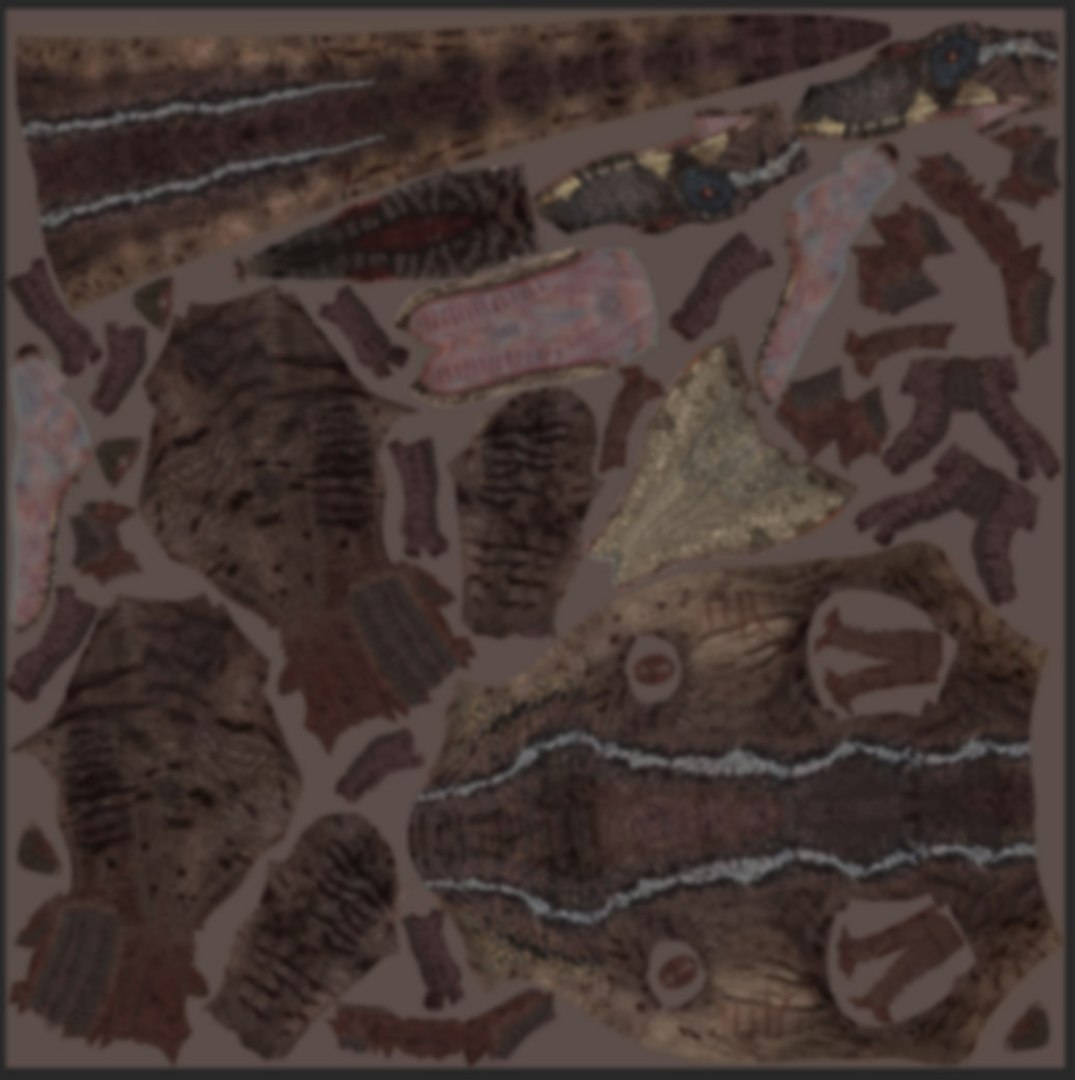
Large 8192 pixel diffuse, normal, displacement, bump and specular maps;
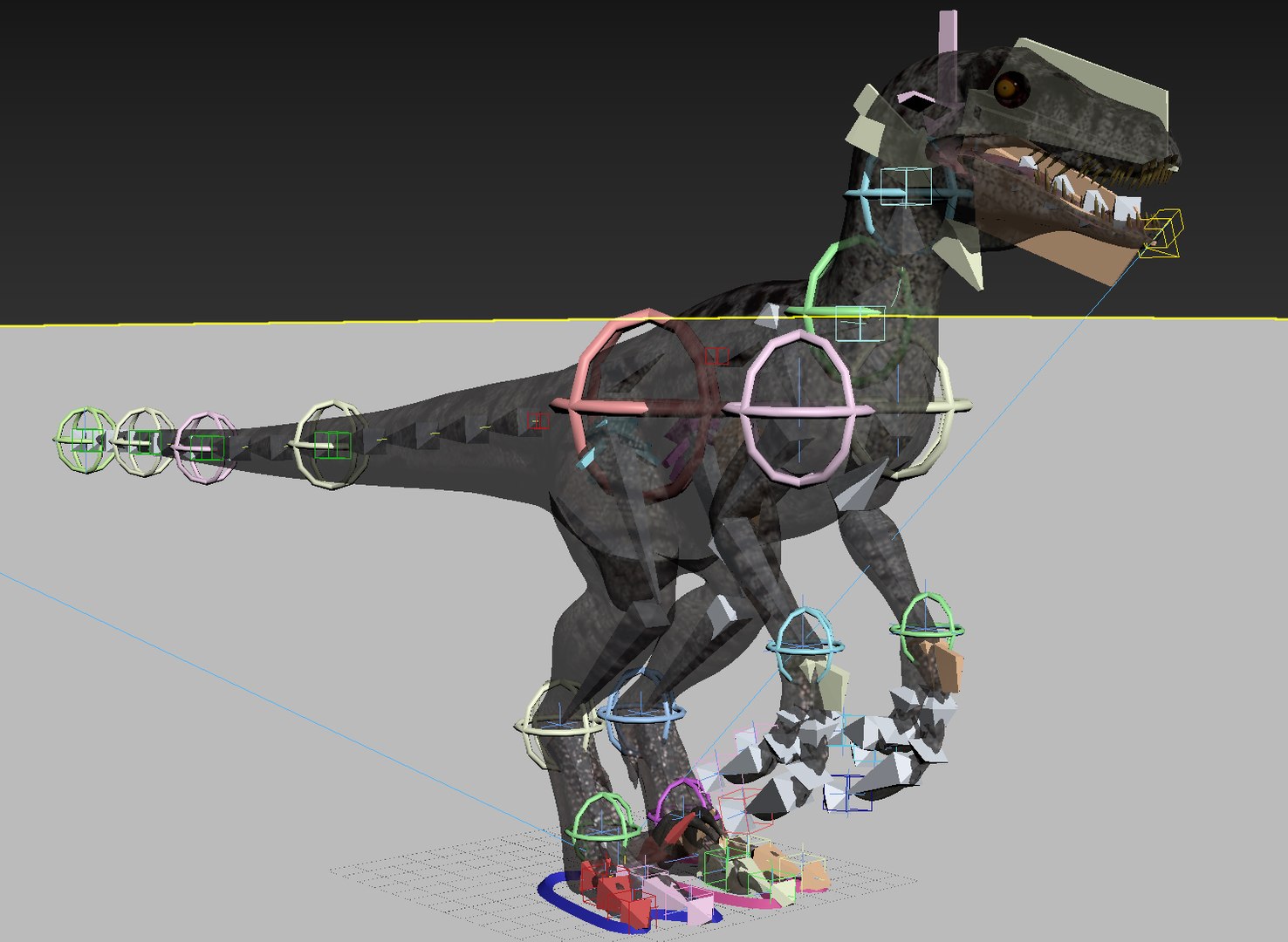
Complete Rig along with walking, running, attacking, slashing, iddle and dying animations.
(previews are shorter than original animations)
Long Forward and Spot on walking and running animations provided.
Eye-lids and tongue motion;
Naming convention;
Subdivision ready;
3ds max 2020 and 2017 native files;
Reference objects for better animation development;
FBX and OBJ formats provided.
You can download and watch entire attack animation.
""""""""""""""""""""""""""""""""""""""""
Body, eyes, teeth, tongue, eye-lids and nails have a total of
34567 faces and 32425 vertices without mesh subdivision.
""""""""""""""""""""""""""""""""""""""""""
FBX, OBJ, 3DS and ABC format NOTES:
The ABC format opens quite well in max and blender with entire animation. Maybe the only flaw is that the feet´s big claws are somewhat stretched,
but not out of place. (Can be corrected with some re-scaling. The claws are separate objects). You will need to zoom out in blender.
The OBJ format only has the meshes and mapping coordinates - maps will appear in place.
It has no functioning rig, or animation or deformation.
The FBX format opens well in 3ds max and has meshes and mapping coordinates and all animation, but every frame is keyed and the rig is very
limited - controllers lose their use, but bones can be rotated.
The 3ds format has meshes and mapping coordinates and a limited rig with the entire raptor animation, but the body mesh is not deformed. A skin
modifier needs to be applied. (it also includes the reference objects)
Maps for obj, 3ds, fbx and ABC are inside max folder.
"""""""""""""""""""""""""""""""""""""""""""""""""""""""""
FINAL NOTES:
Rendered and Mapped according to Default Scanline Renderer.
Map Values are set in place in 3ds max, but for other softwares it may be useful to know that, in max:
Body mesh subdivision should not be higher than 1 or 2.
Body Displacement map should not be set to about 10 value intensity; normal map 4 and additional bump map 5 value - all inside a 30 value bump map.
Body material, with daylight - material Specular Highlights - specular level - 10, Glosiness - 75, Maps Specular Level - 55.
Tongue normal map should be set to 2 value inside a 15 value bump map.
Tongue material, with daylight - material Specular Highlights - specular level - 12, Glosiness - 41.
Color diffuse map should have a 0.5 to 1.0 blur in your 3d software in my opinion.
All the important maps come along with this model.
Plus a few simple instructions when file is opened.
Support is always available should you have any question or complaint.

 Apple Quick Look
 Meta Spark
 Omniverse
 Snap Studio
 TikTok
 Unity
Unity
 Unreal
 3ds Max
 Blender
 Cinema 4D
 Maya
Maya