Side Table

$8

Standard License | Upgrade License
Formats (3)
Native | 3ds Max 2016 | Other MTB3
FBX
OBJ
Other Files
Side_Table_UE4.zip Display_Curve.FBX MTB3_Side_Table.tbscene
Specifications
Publish Date December 20, 2016
Product ID 1104572
Polygons 354
Vertices 384
Polygonal Quads Only
Textures
UV Mapped
Non-overlapping Unwrapped UVs
PBR
member avatar
MoDesigns
3 Products | Contributor Since 2015
Have questions? Chat with us now.

Description

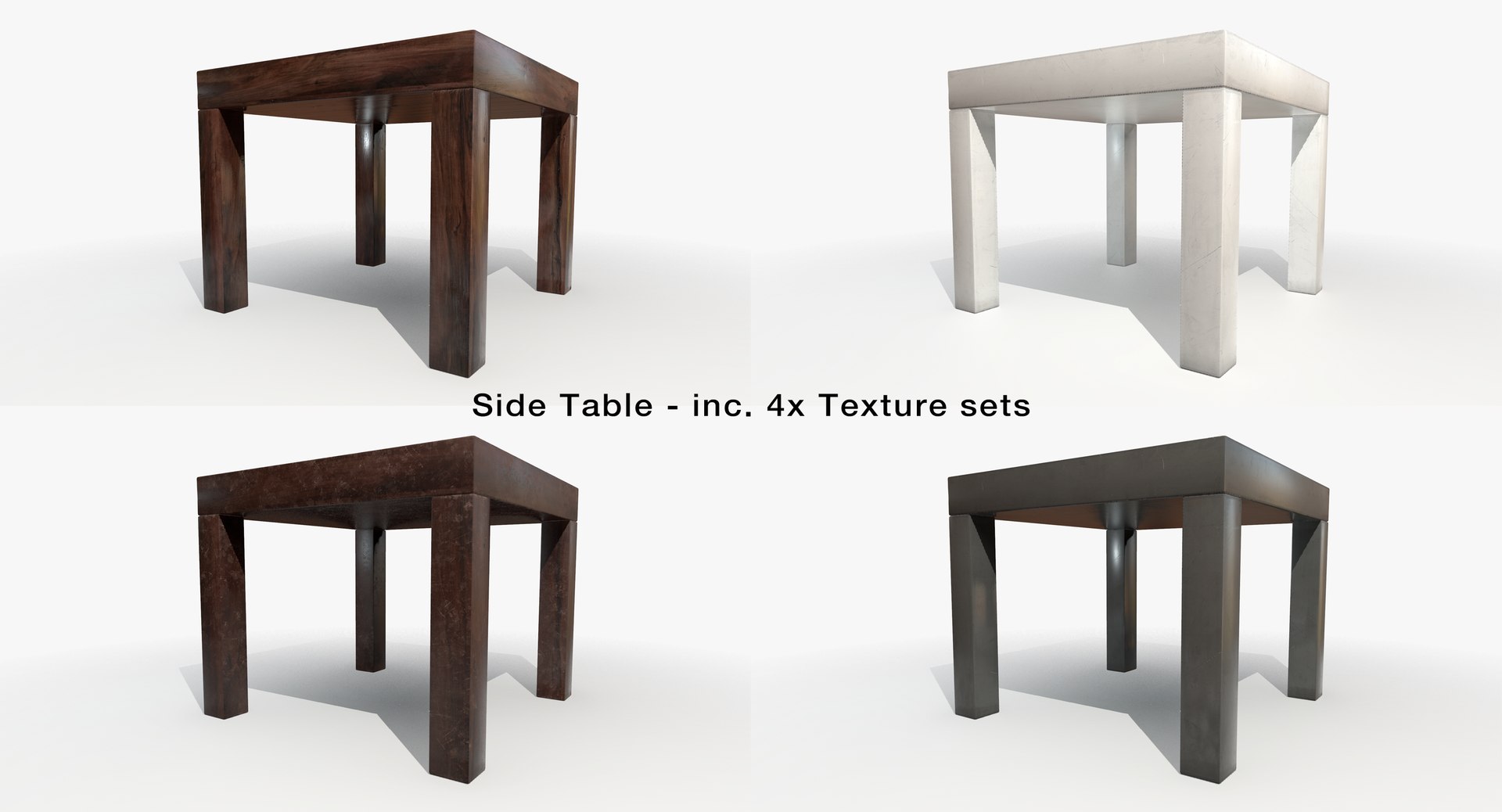
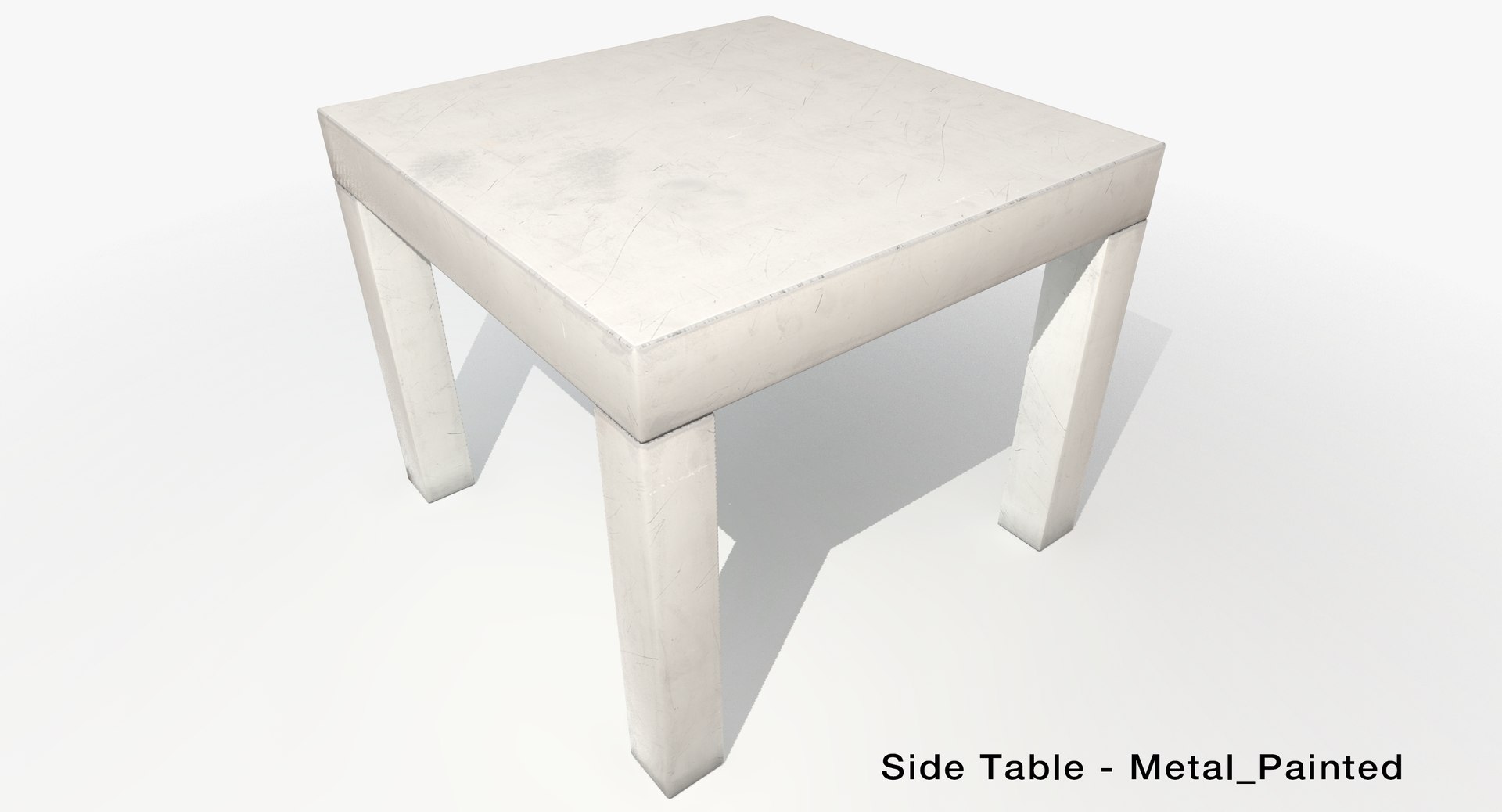
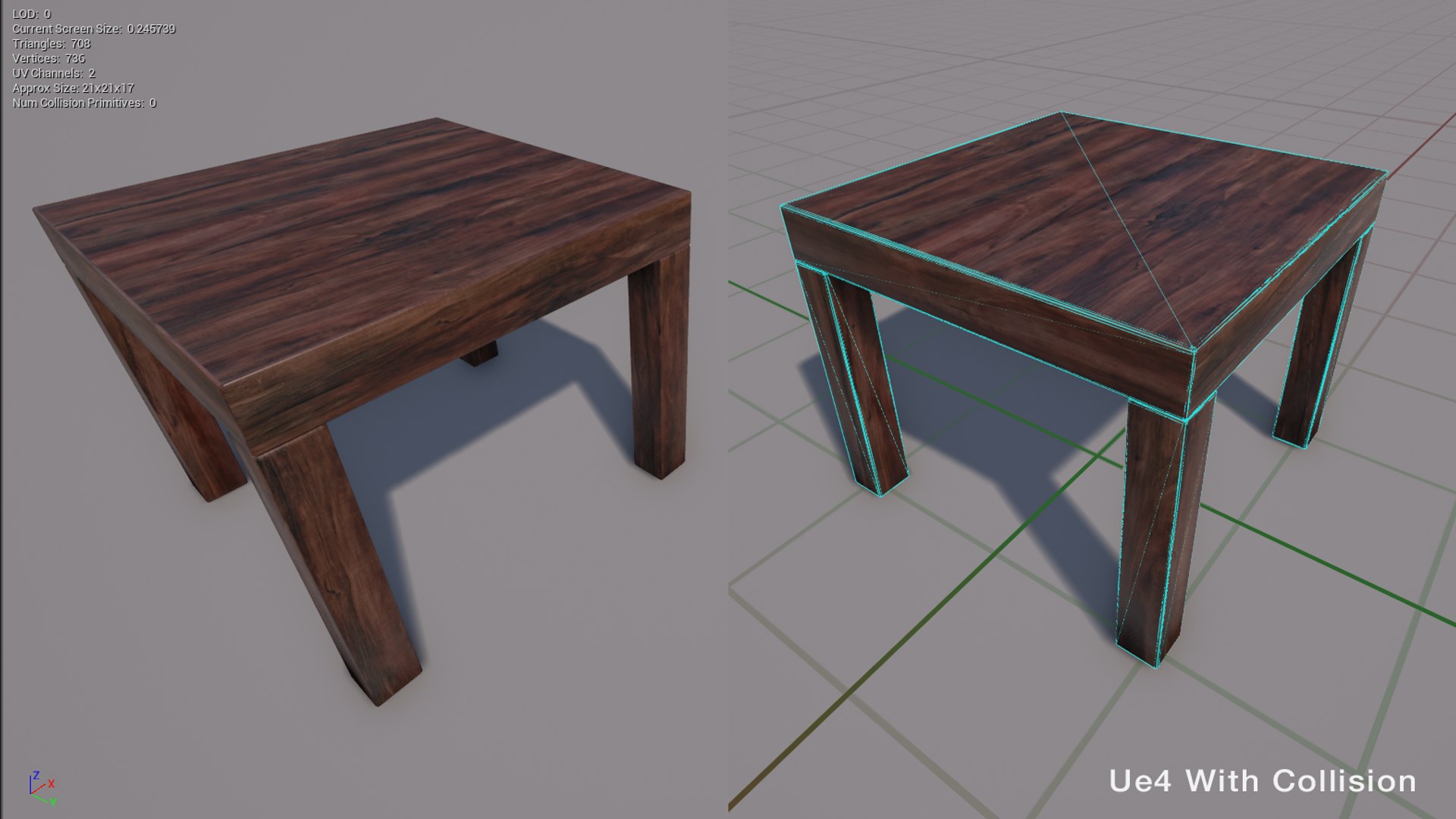
Low Poly Side table, including 4x texture sets -
Rendered in Marmoset Toolbag 3 - Game ready

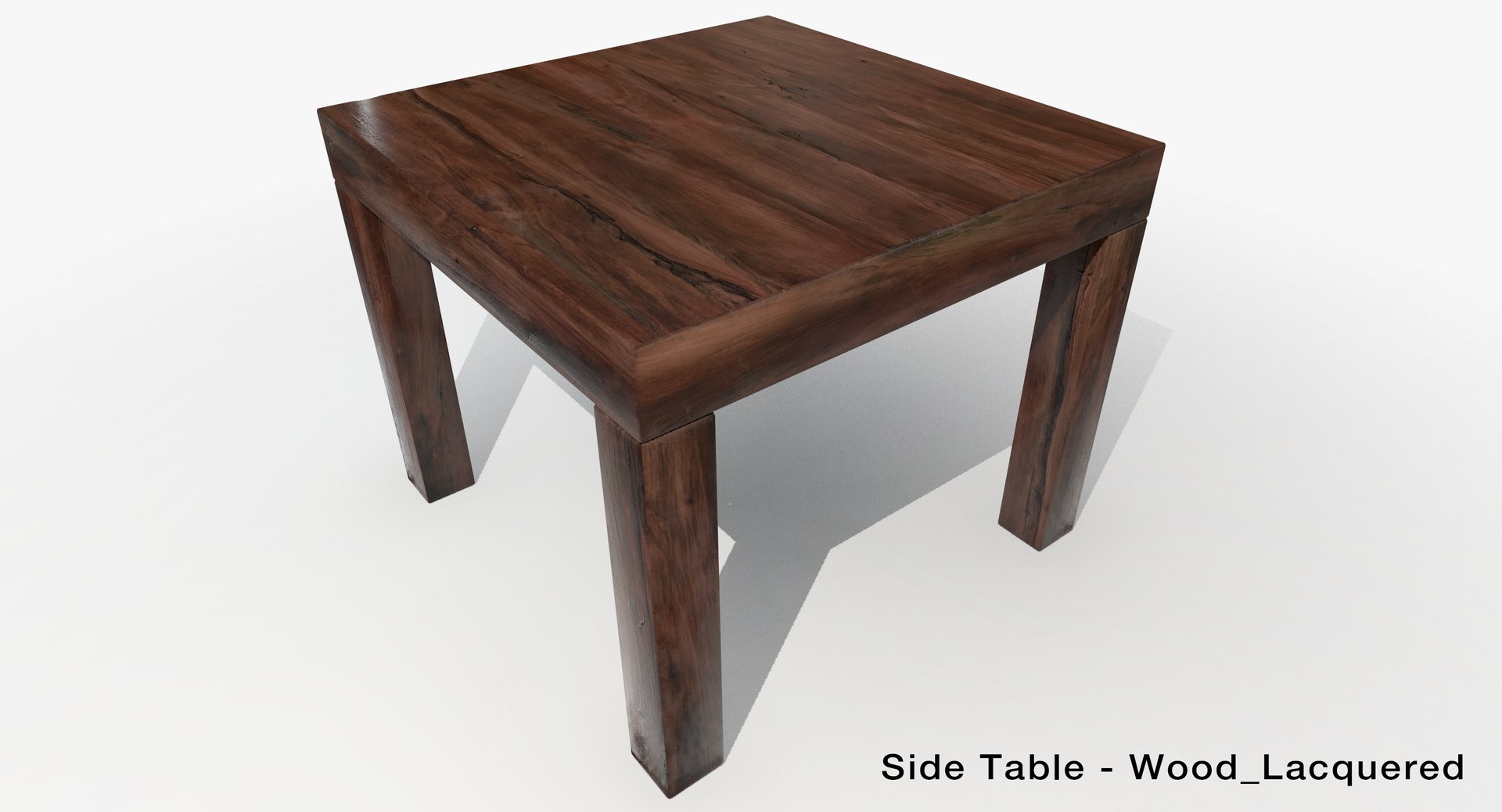
1x Lacquered Oak
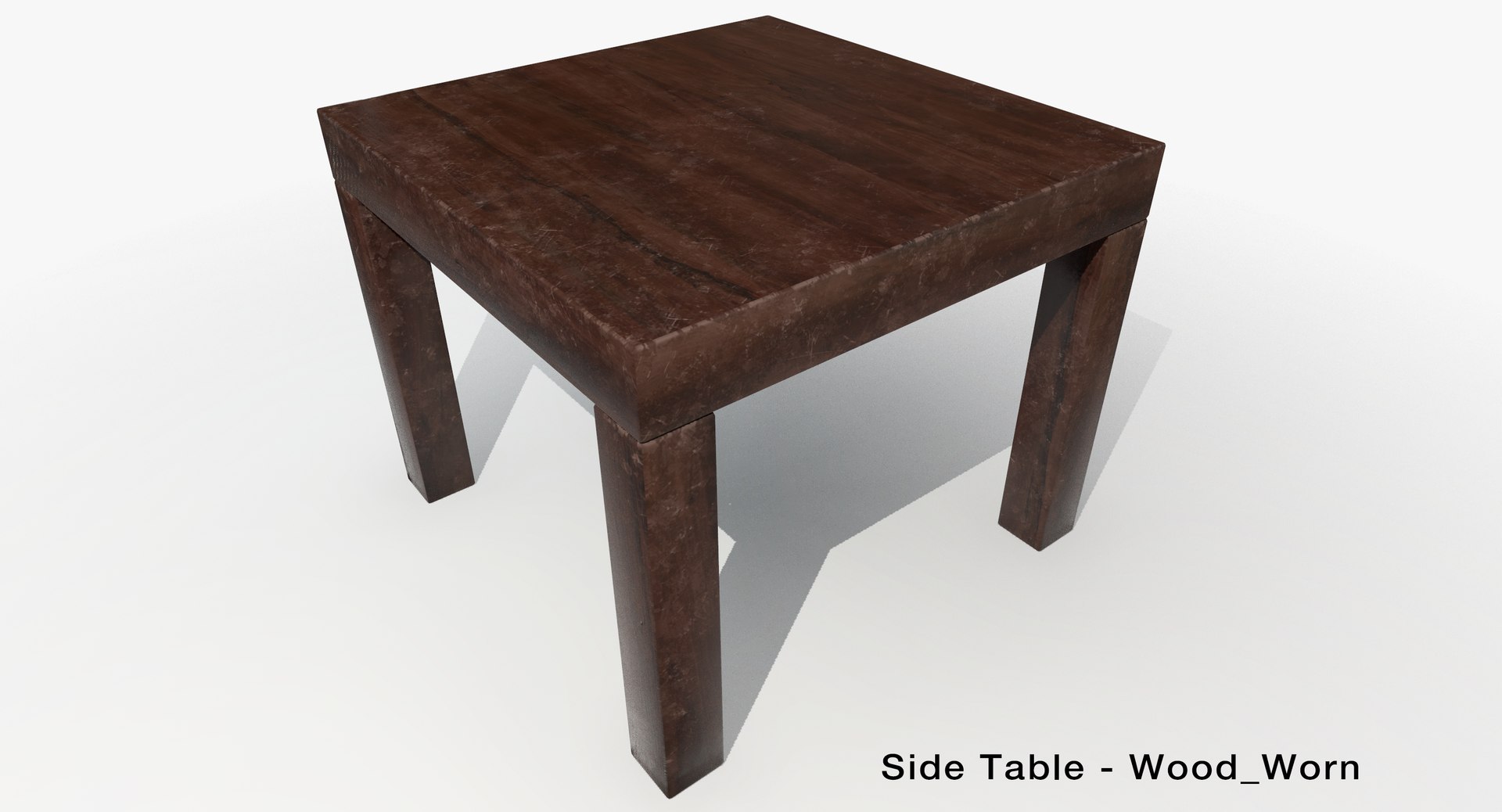
1x Worn Unpolished Oak
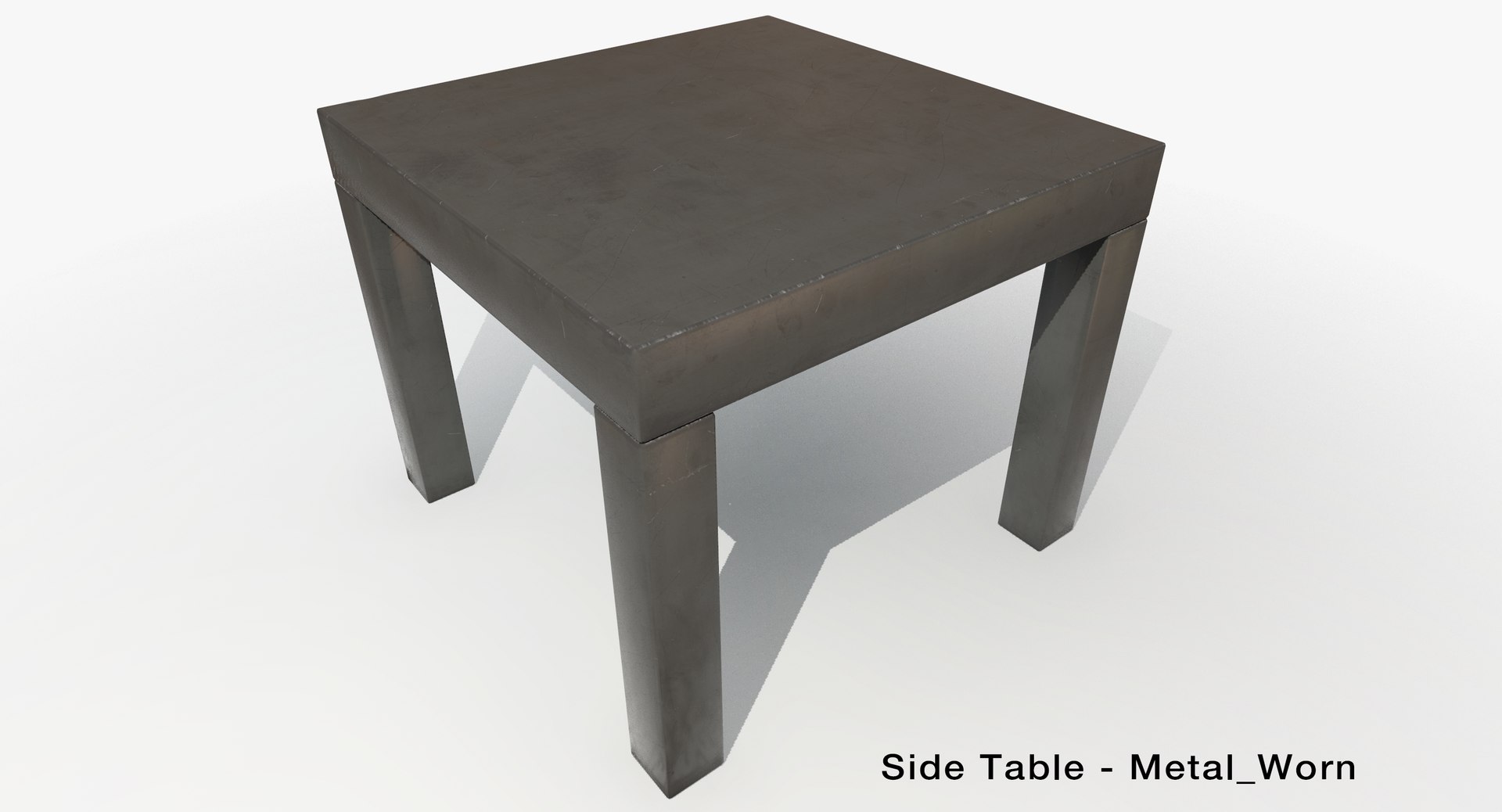
1x Scratched Dull Metal
1x Painted scratched Metal

An FBX file is included and can be simply imported into UE4 or other game, or programs such as Marmoset Toolbag. I used Marmoset Toolbag 3 to render the presentation images of the side table and have included that file as well. This can be used to easily import the mesh into Ue4 using the new Marmoset Toolbag Scene Importer plugin, or if you prefer by adding the Side_Table_Ue4 file I have uploaded into your project file(Version 4.14.1). If you choose to import the file into you project, you will just need to re-apply the textures in the material itself, before then re-adding the material onto the mesh. These are just extra options though, so feel free to import and setup however you like.

The mesh is scaled to a real world scale of 55 x 55 x 45cm


Textures included

2048 x 2048 TGA format
Albedo (Diffuse)
Roughness (Invert roughness in Marmoset Toolbag 3)
Metallic
Normal

Select Enhanced License

  • $10,000 in Legal Protection (Indemnification)
  • Uncapped Legal Protection (Indemnification)
  • Waiver from injunctive relief
  • Assignable model rights
  • $1,000,000 in Legal Protection (Indemnification)
  • Waiver from injunctive relief
  • Assignable model rights
  • $250,000 in Legal Protection (Indemnification)
  • Assignable model rights
Read more about enhanced license tiers, or contact us at enterprise@turbosquid.com. Already a Shutterstock Enterprise Customer? Contact your Shutterstock Sales Support Agent to talk about adding 3D.

About Conversion Requests

To submit a conversion request for a purchased asset, please complete our Conversion Request Form.

If you have not yet purchased a model, please review our Documentation about Conversions to learn about what limitations you may encounter with a conversion.

For any additional questions about a model’s suitability for conversion, please contact TurboSquid Support.

Loading...