
Wacom Intuos

$34

Standard License | Upgrade License
Editorial Uses Only
Formats (3)
Free file format Conversions available
Native | Blender 2.83 | Cycles Render
FBX
OBJ
Other Files
Textures.zip Wacom Intuos.mtl
Specifications
Publish Date June 23, 2020
Product ID 1580693
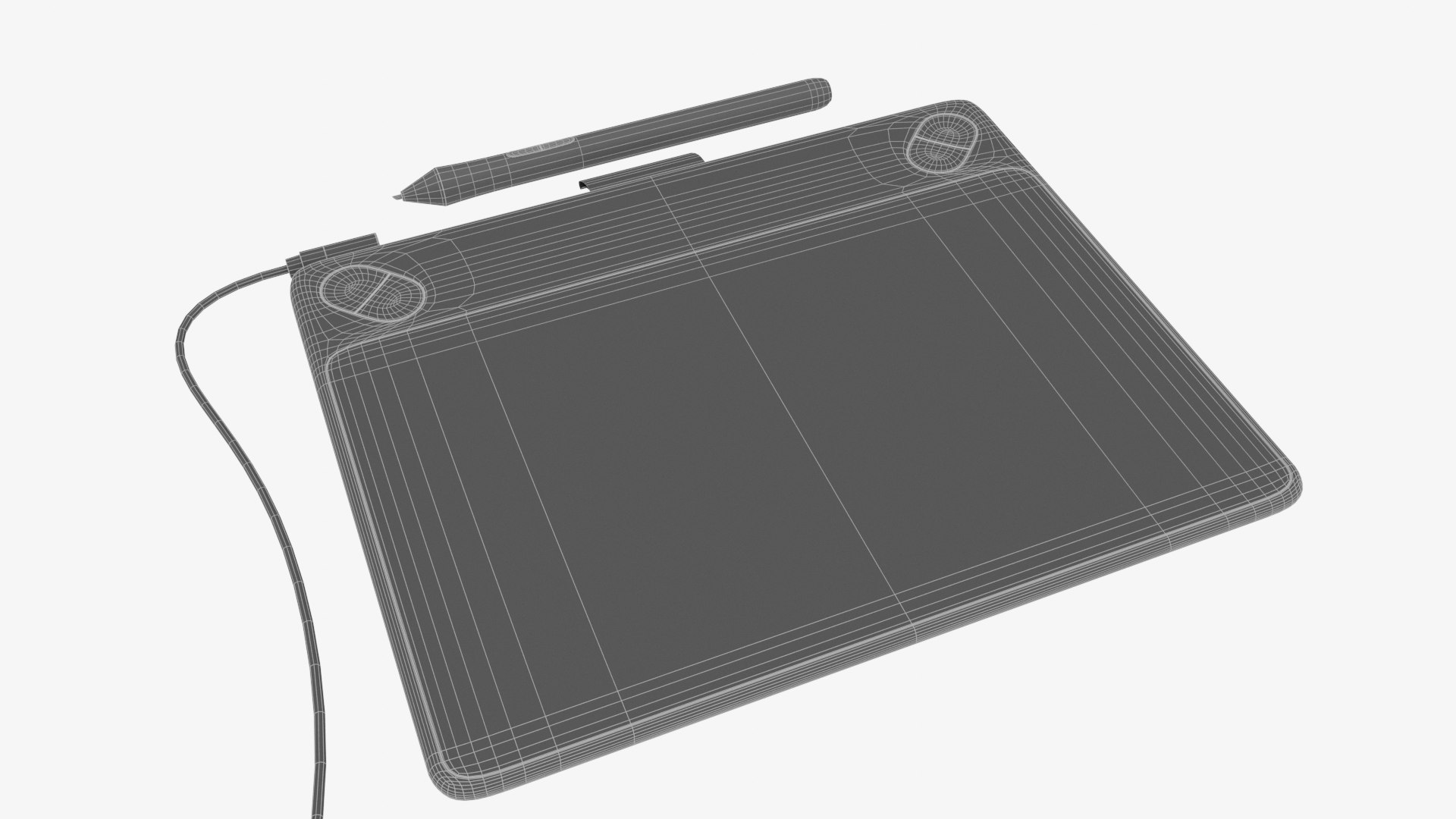
Polygons 6,227
Vertices 6,562
Polygonal Tris Only
Textures
Materials
UV Mapped
Non-overlapping Unwrapped UVs
PBR

member avatar
Bizla
104 Products | Contributor Since 2012
Have questions? Chat with us now.

Description

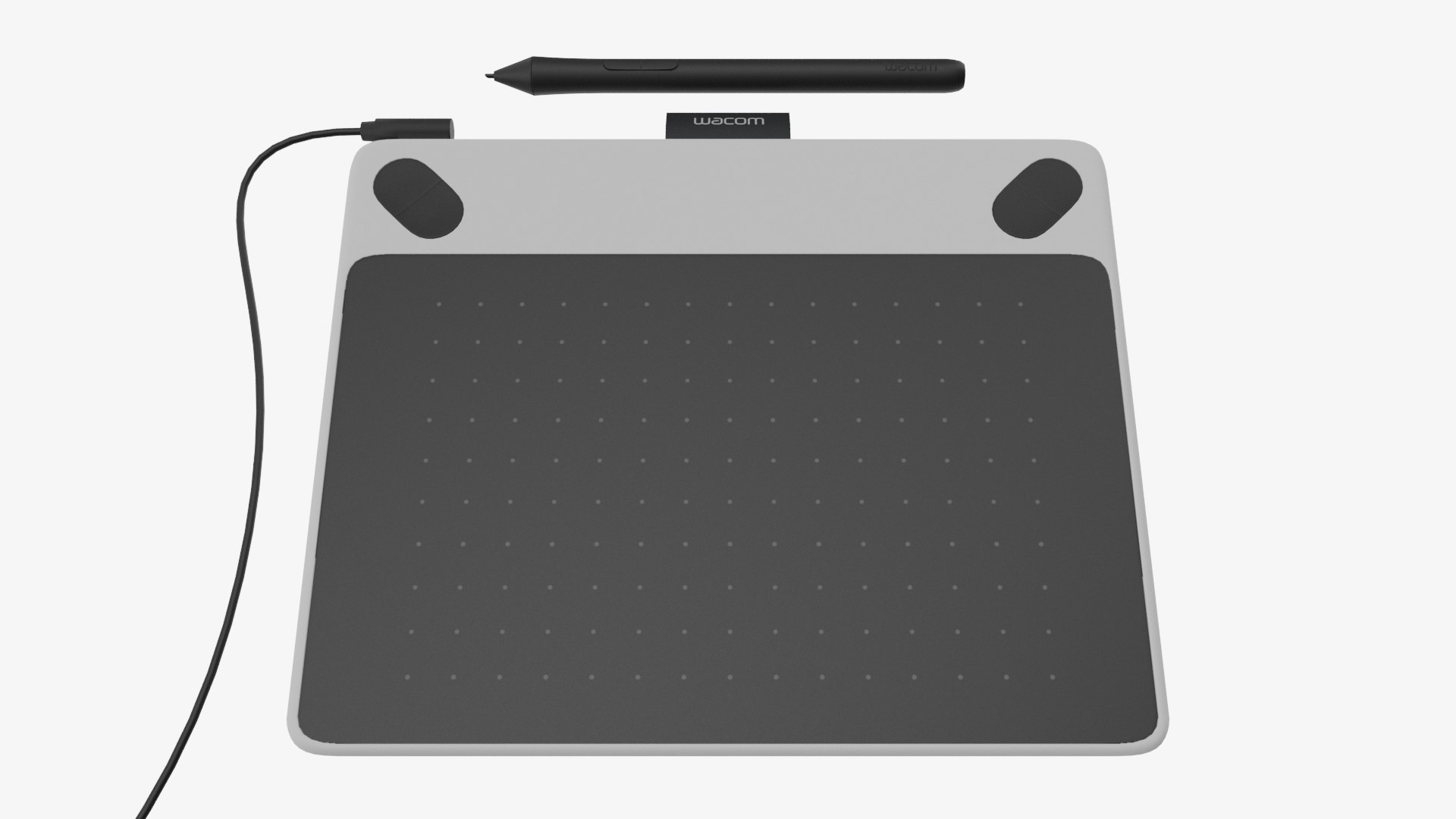
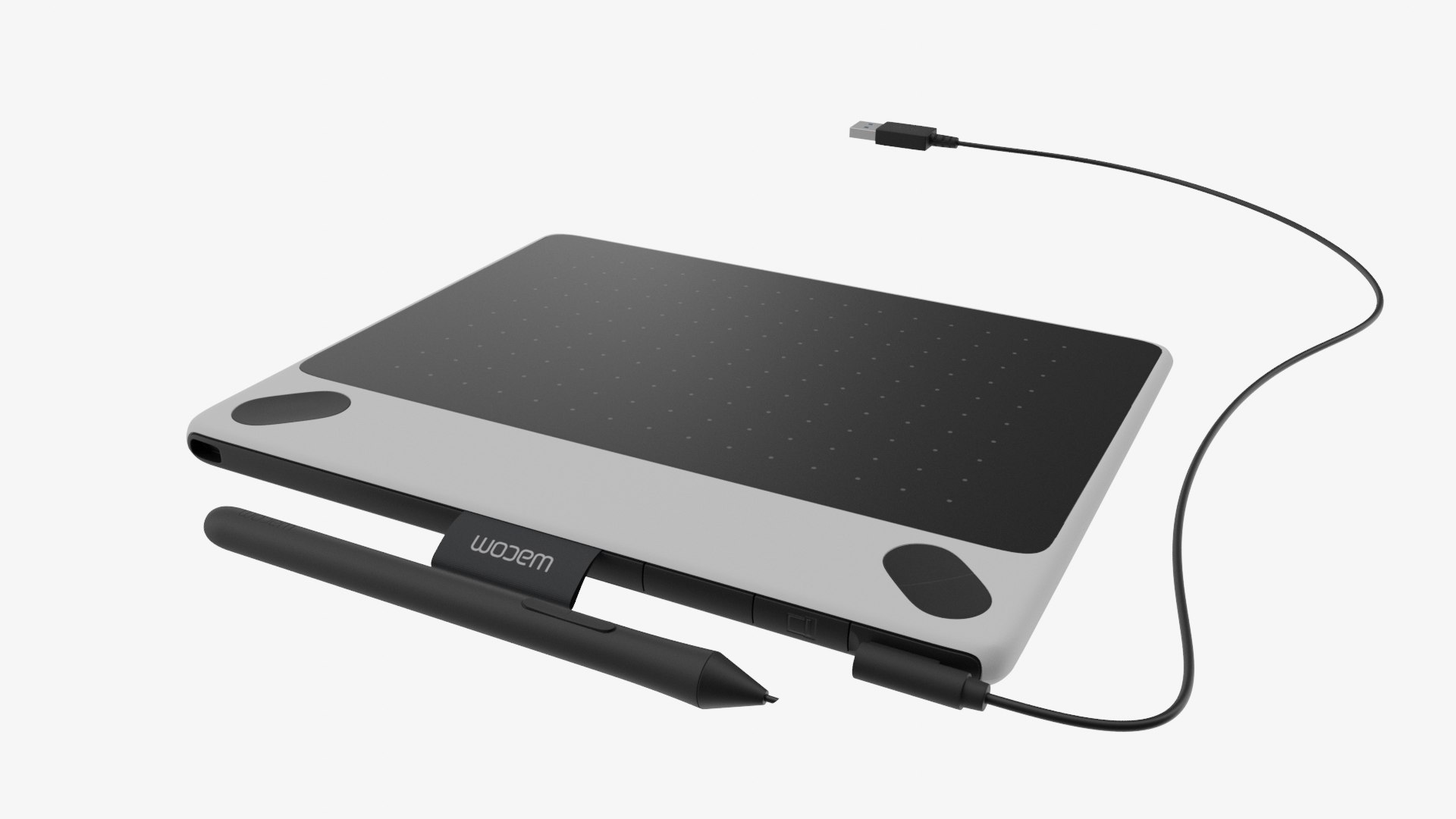
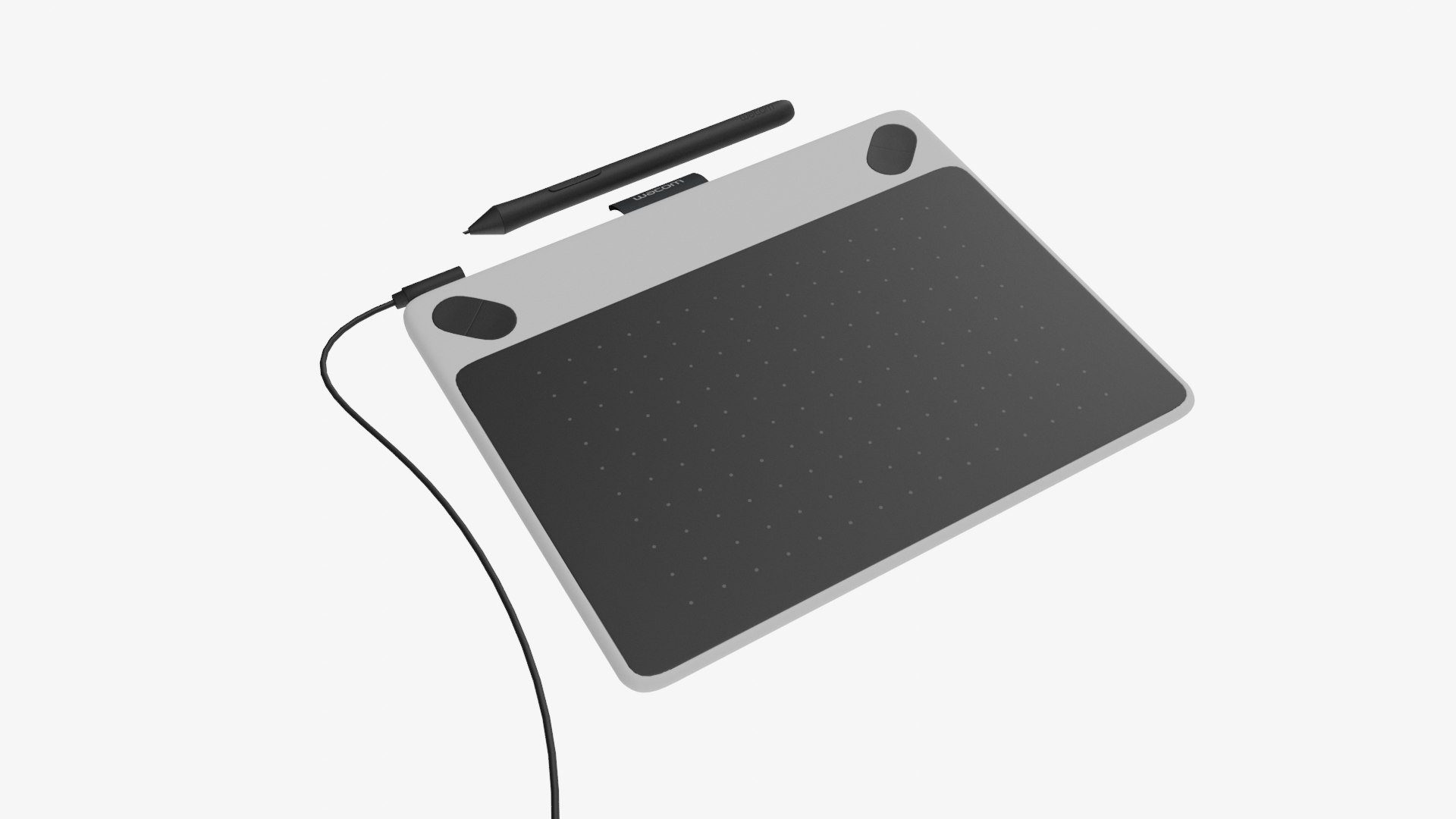
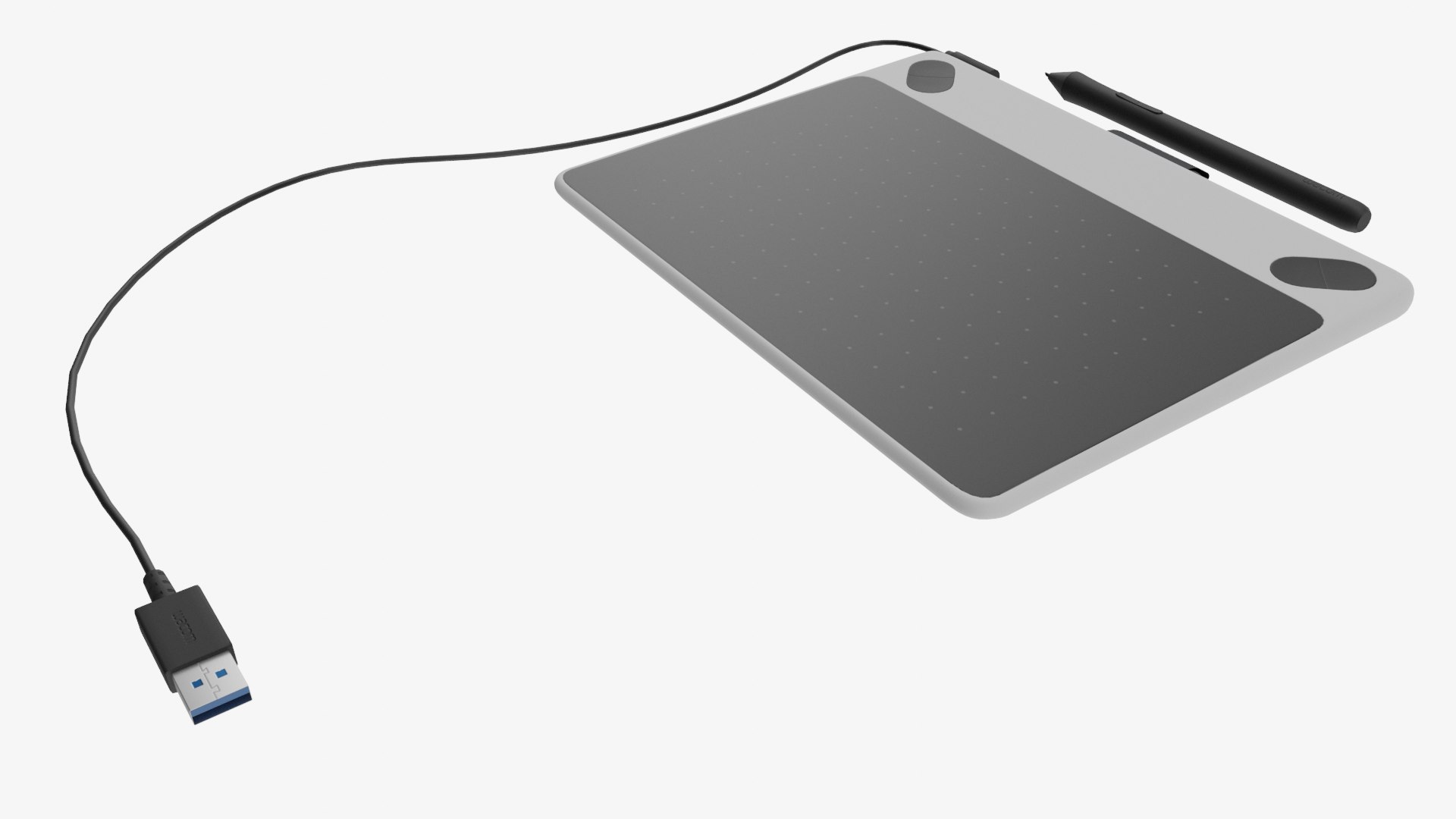
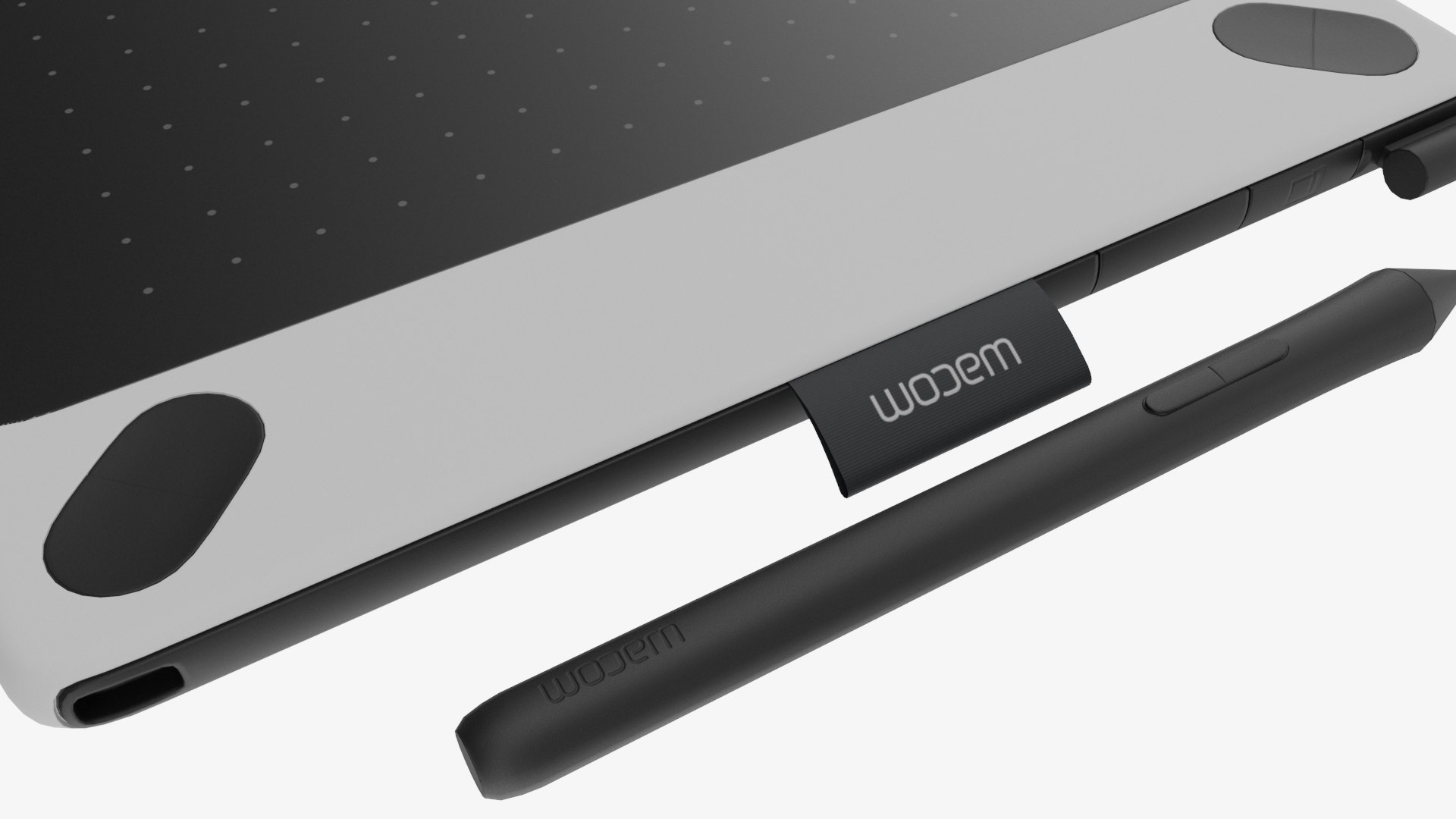
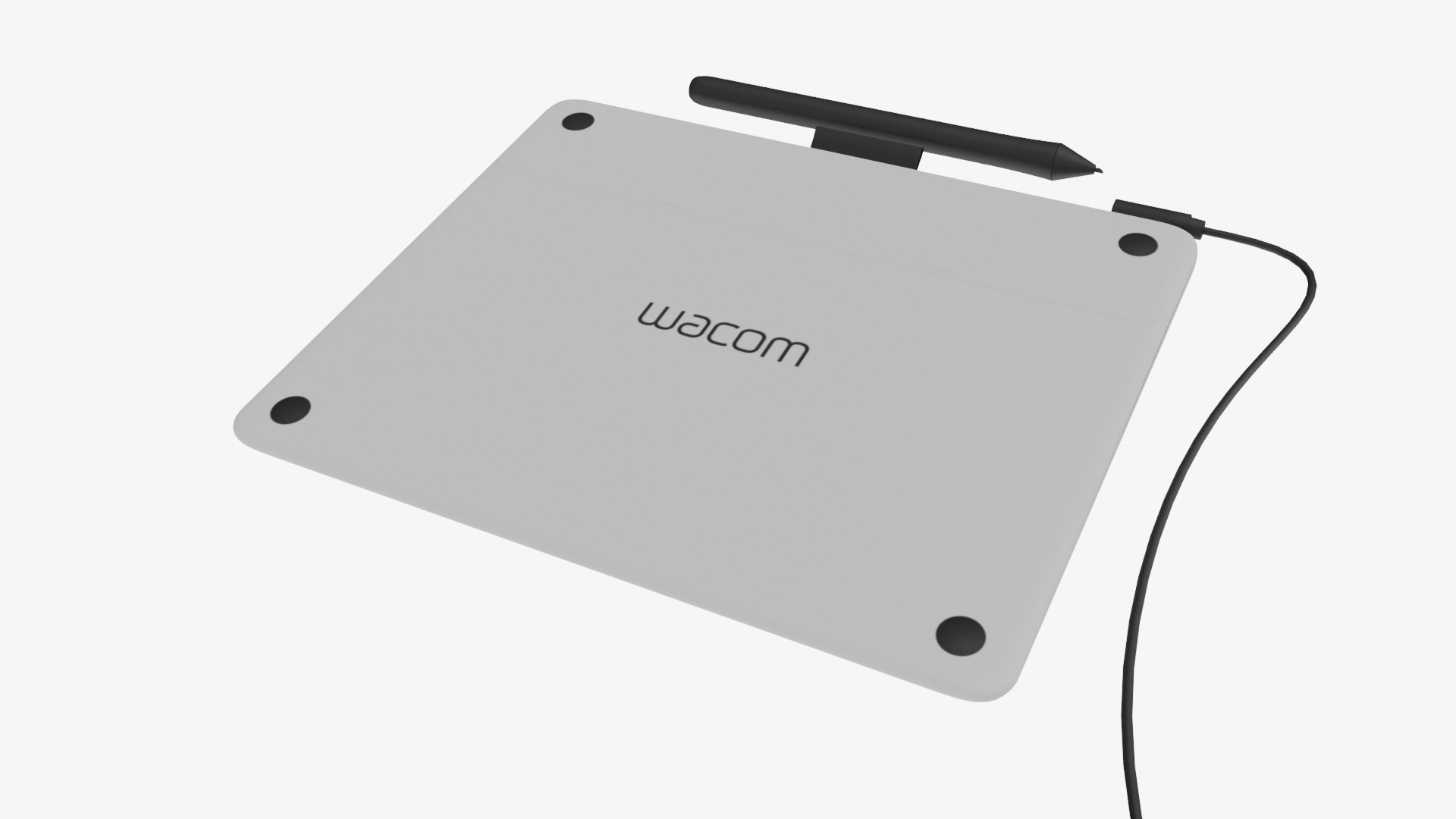
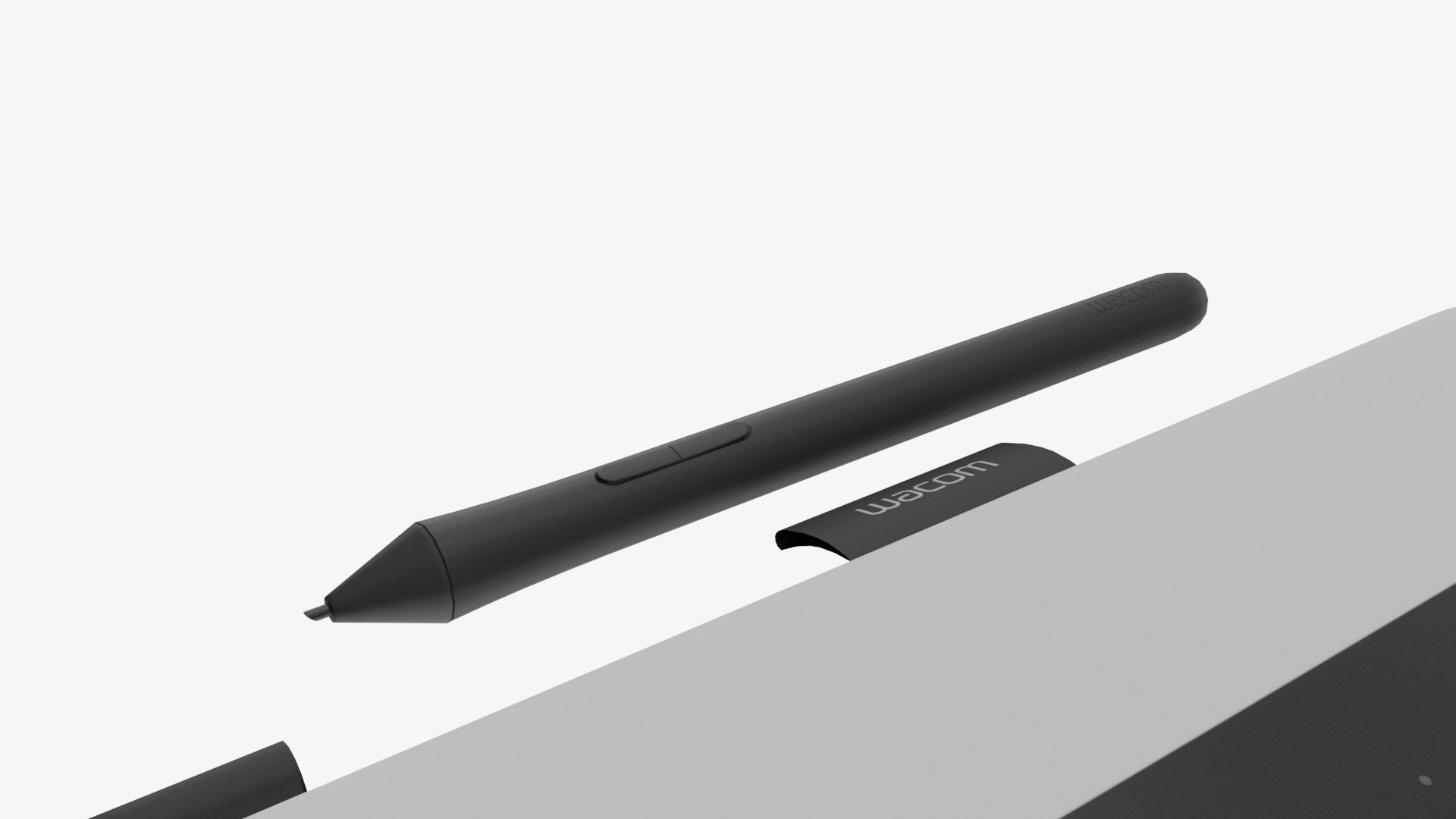
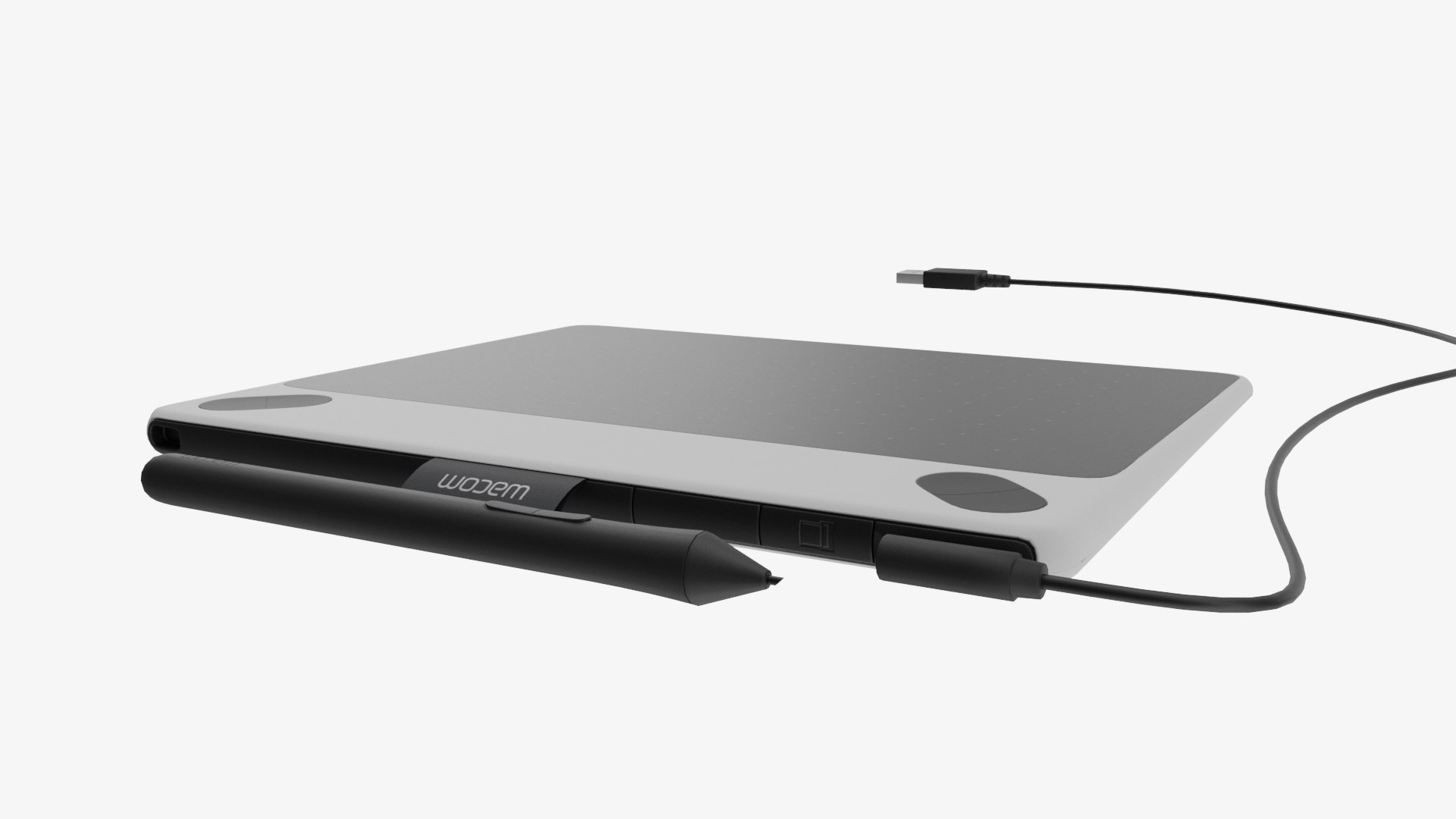
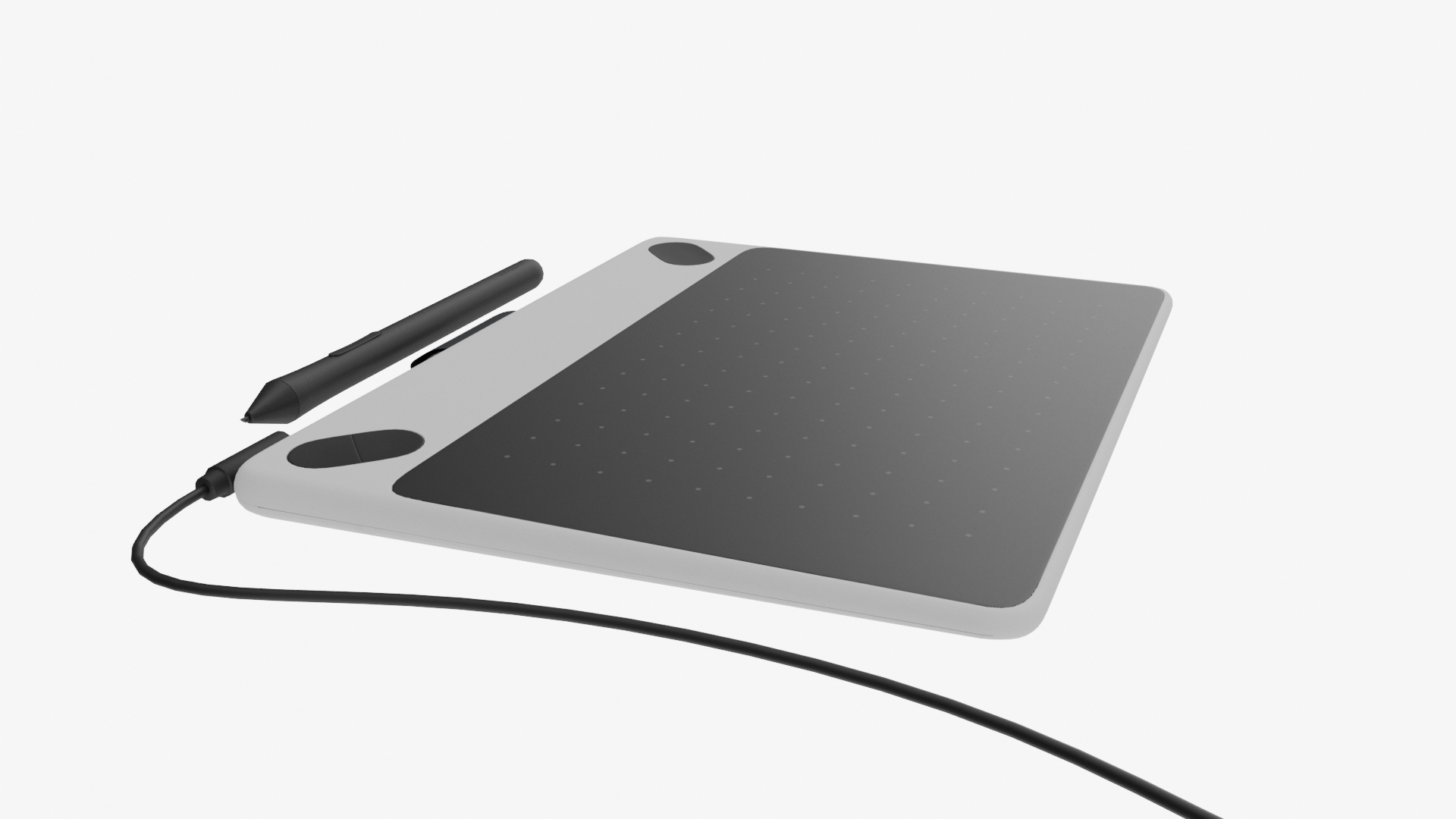
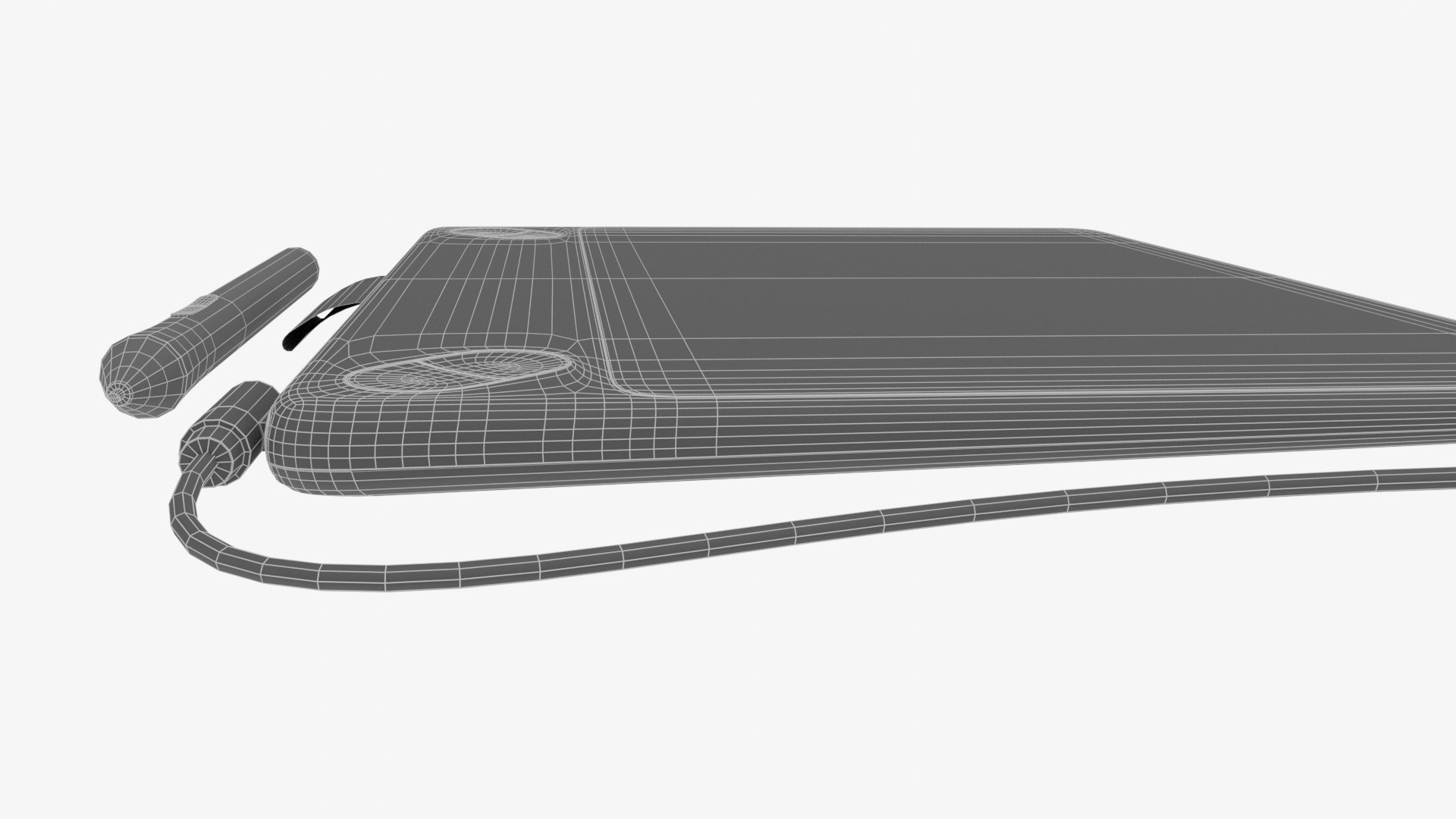
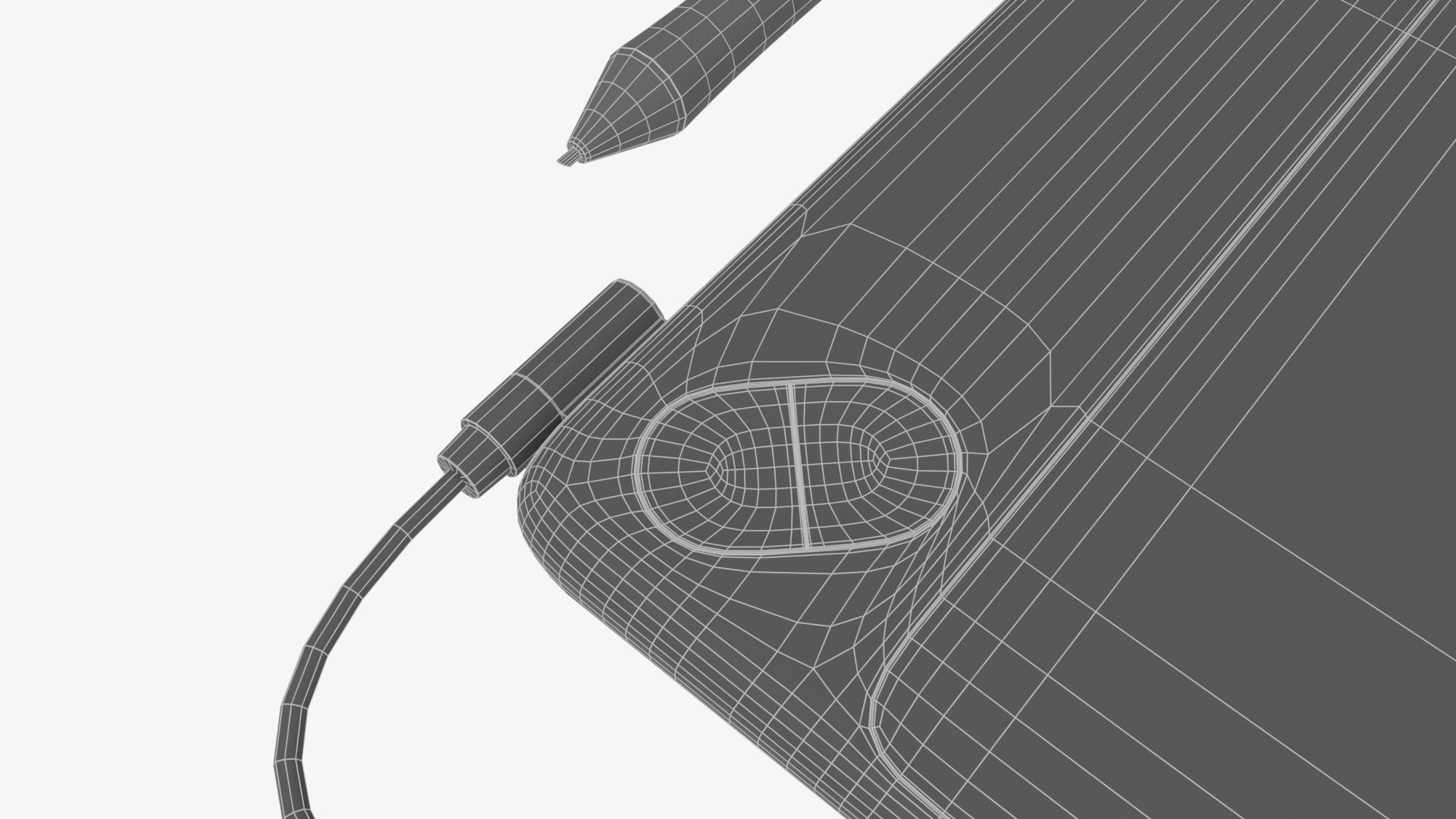
Wacom Intuos 2017

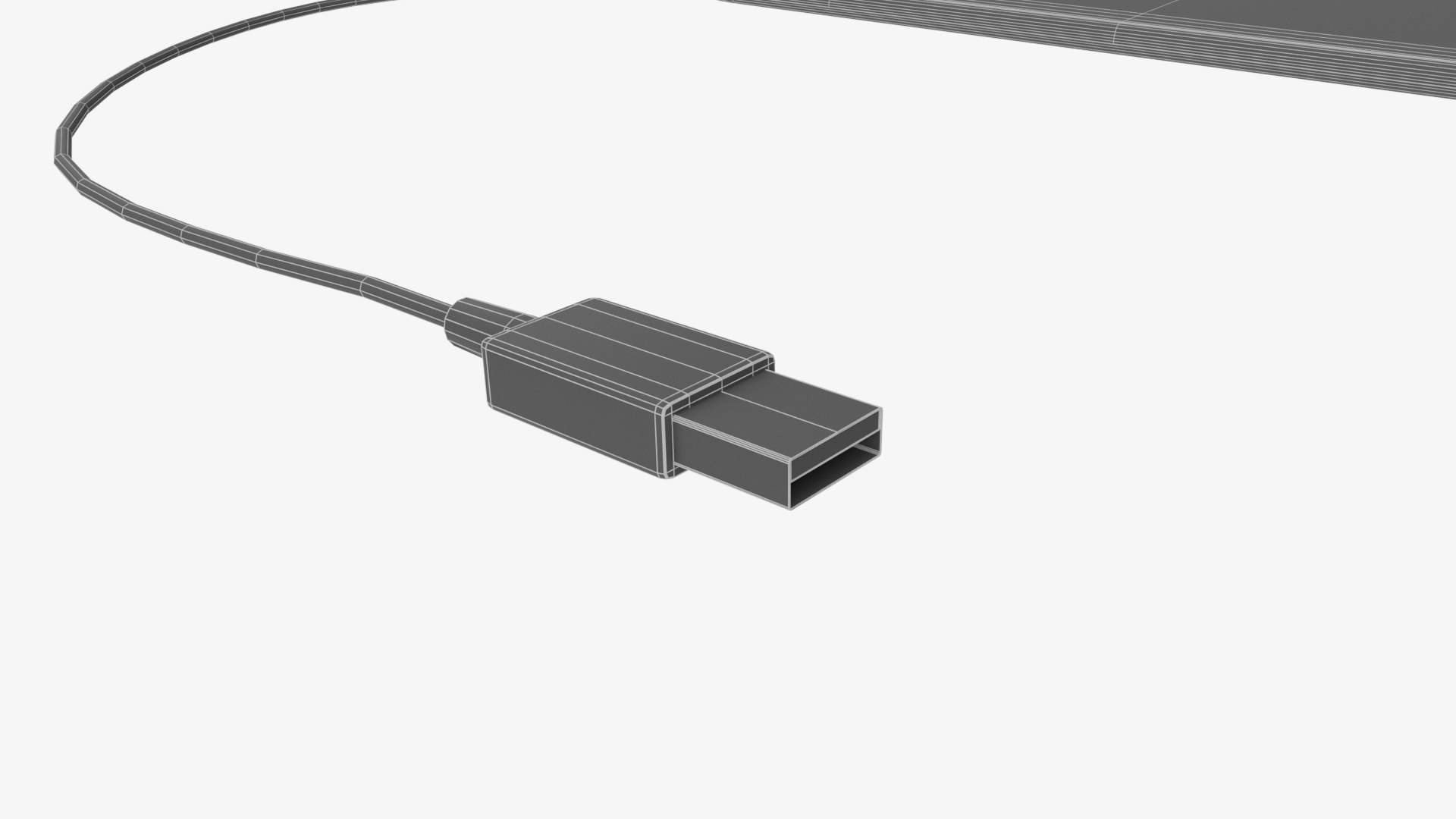
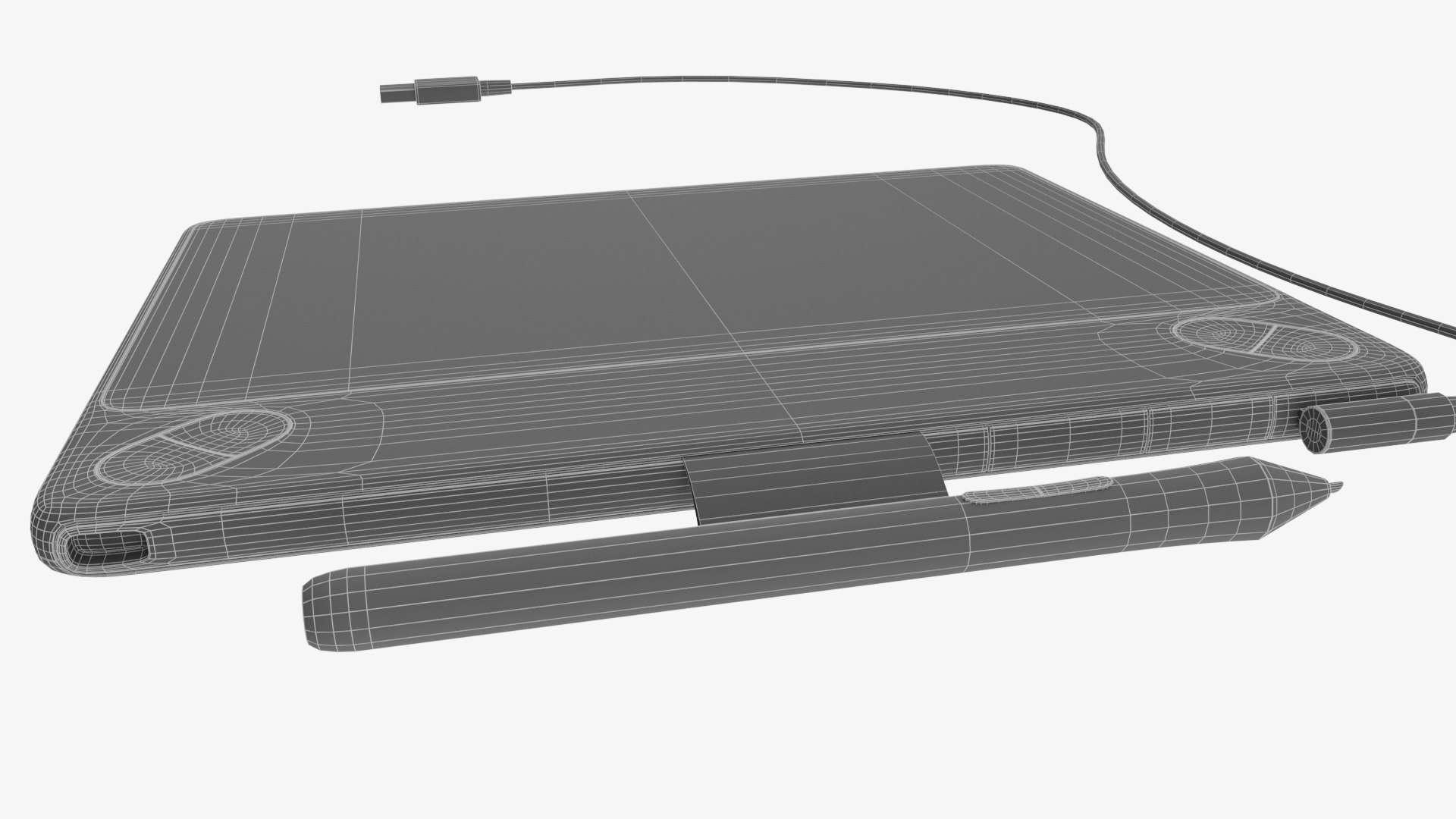
All quad design.

All Textures created in Substance Painter and exported in 2K PBR formats.

Game ready.

Logically named objects, materials and textures.

Modelled in Blender 2.83

Textured in Substance Painter 2020.1

Rendered in Cycles.

Subdivision ready.

modelled to real world scales, and measured with calipers from my own tablet.

- Wacom Intuos (Including cable position) - 10.8mm tall, 26cm wide, 35.3cm deep

- Wacom Pen - 11.4mm tall, 13.9cm wide, 11.4mm deep

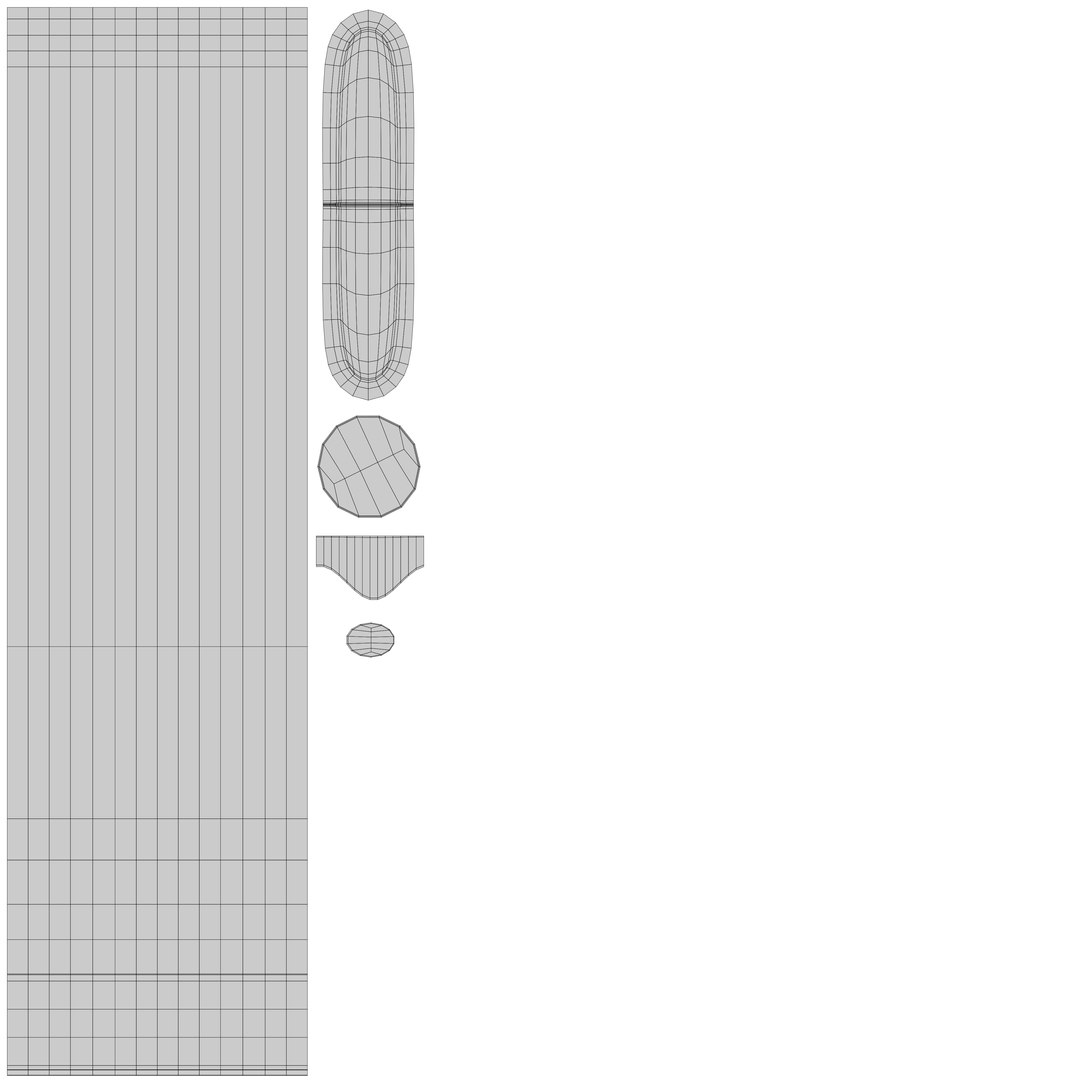
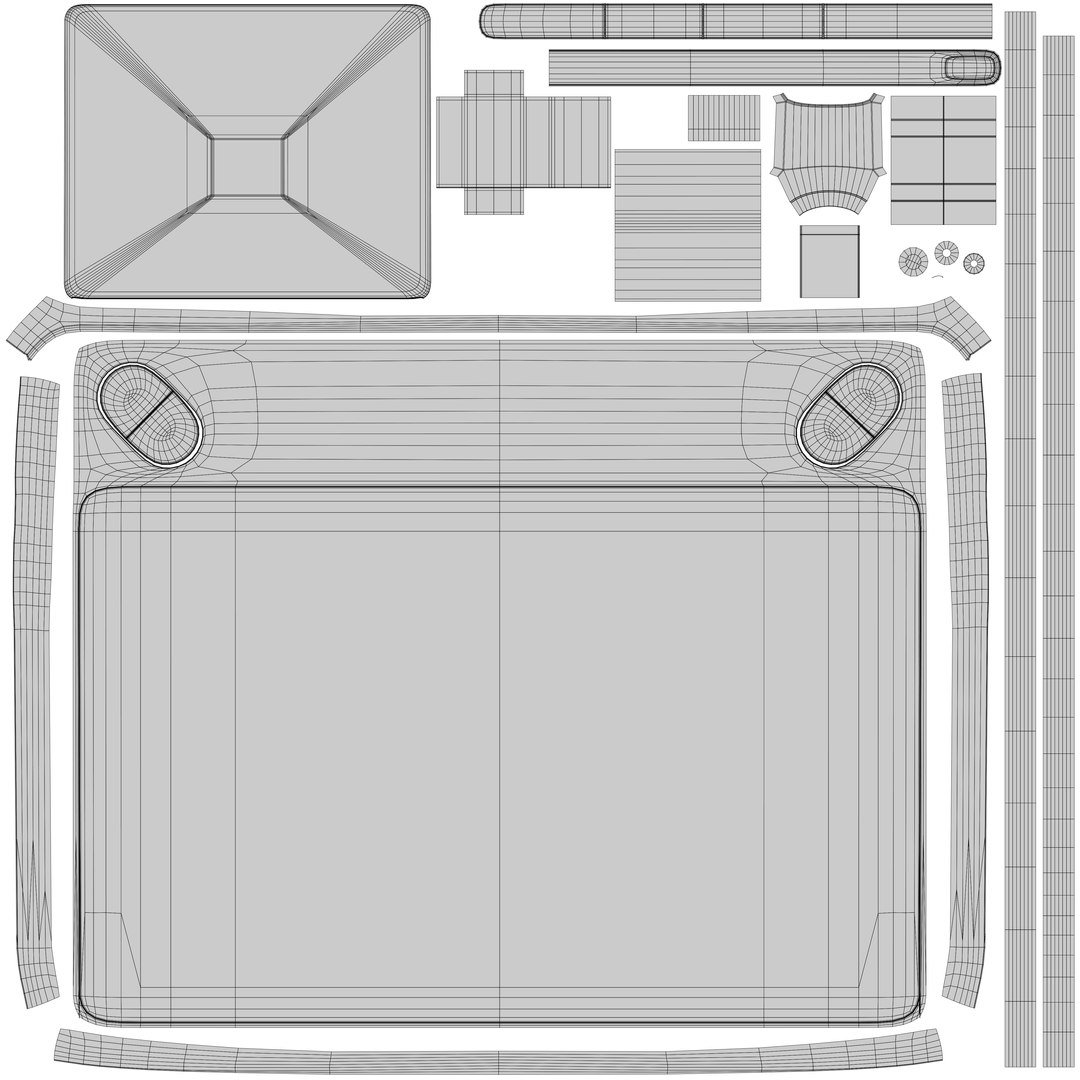
Fully and efficiently UV unwrapped.

-----------------

Formats included

.Blend - Native

.FBX

.OBJ

-----------------

Objects in each file format

Wacom Intuos
Wacom Pen
Camera (in .Blend only)

-----------------

Textures included in .png format.

Tablet - 2K -

Diffuse
Roughness
Normal - (OpenGL Unity standard, Invert green channel to convert to DirectX Unreal standard)
Metallic

Pen - 2K -

Diffuse
Roughness
Normal - (OpenGL Unity standard, Invert green channel to convert to DirectX Unreal standard)

-----------------

Poly Counts

Face count: 6,227
Vert count: 6,562
Triangulated count: 12,454

Select Enhanced License

  • $10,000 in Legal Protection (Indemnification)
  • Uncapped Legal Protection (Indemnification)
  • Waiver from injunctive relief
  • Assignable model rights
  • $1,000,000 in Legal Protection (Indemnification)
  • Waiver from injunctive relief
  • Assignable model rights
  • $250,000 in Legal Protection (Indemnification)
  • Assignable model rights
Read more about enhanced license tiers, or contact us at enterprise@turbosquid.com. Already a Shutterstock Enterprise Customer? Contact your Shutterstock Sales Support Agent to talk about adding 3D.

About Conversion Requests

To submit a conversion request for a purchased asset, please complete our Conversion Request Form.

If you have not yet purchased a model, please review our Documentation about Conversions to learn about what limitations you may encounter with a conversion.

For any additional questions about a model’s suitability for conversion, please contact TurboSquid Support.

Loading...