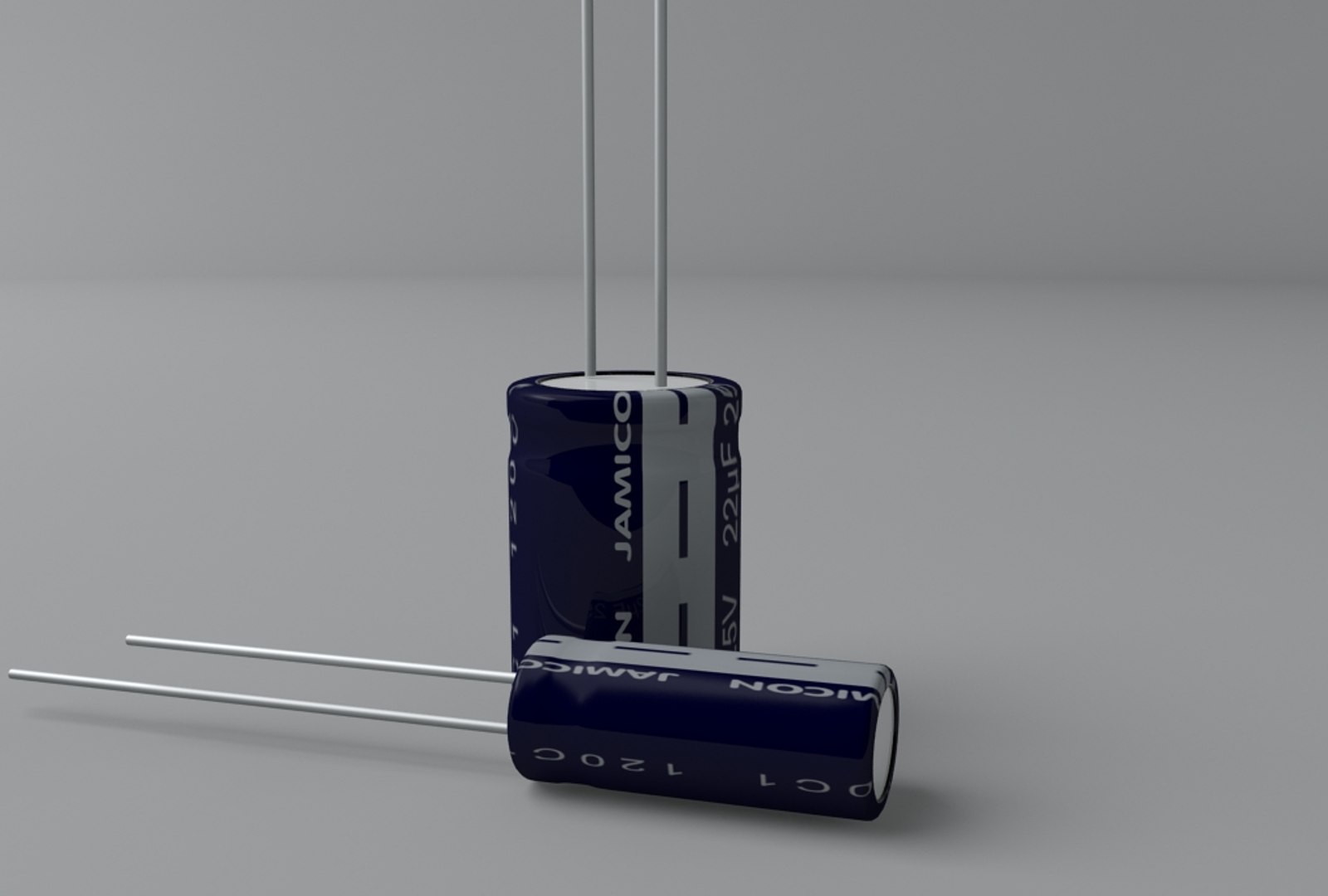
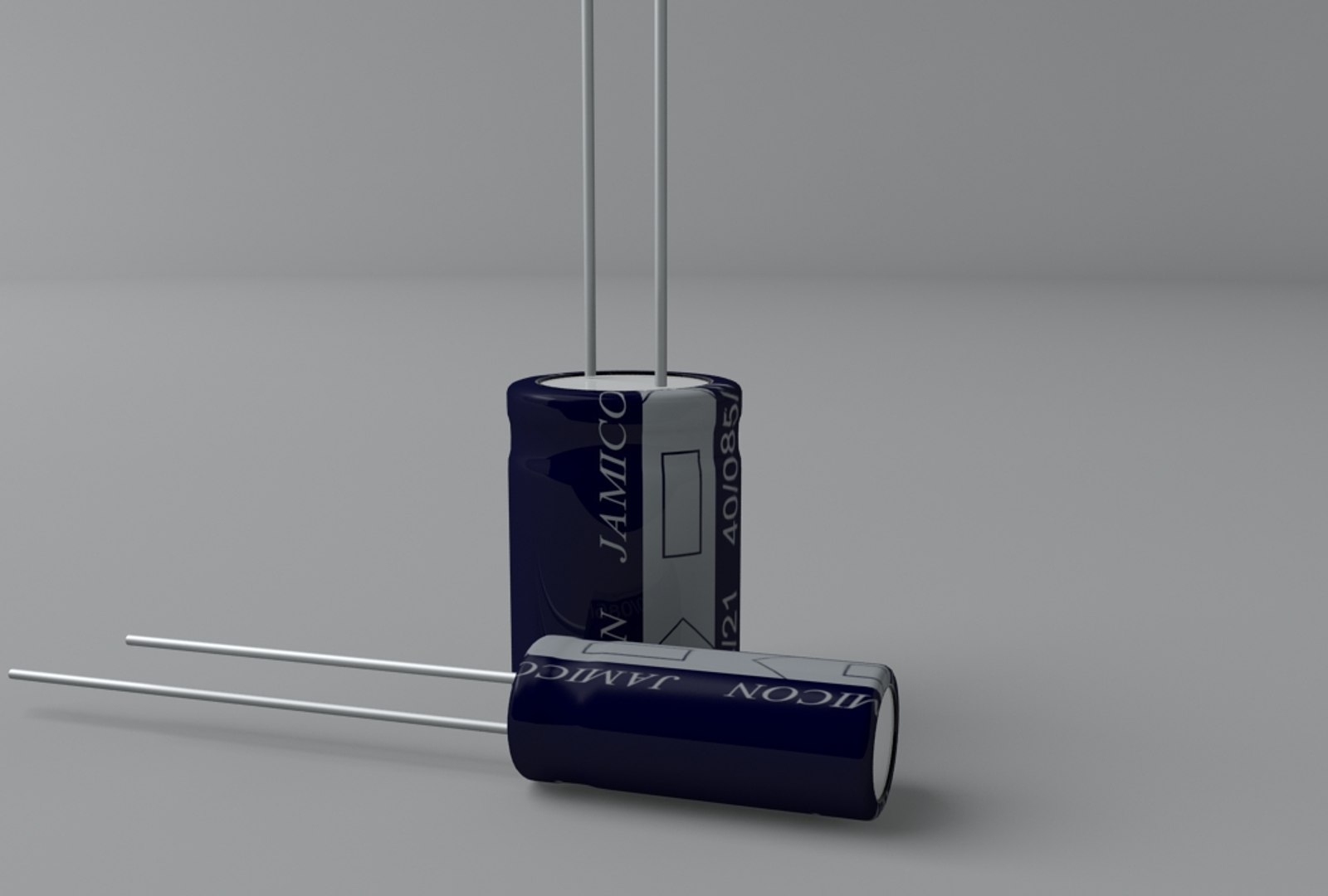
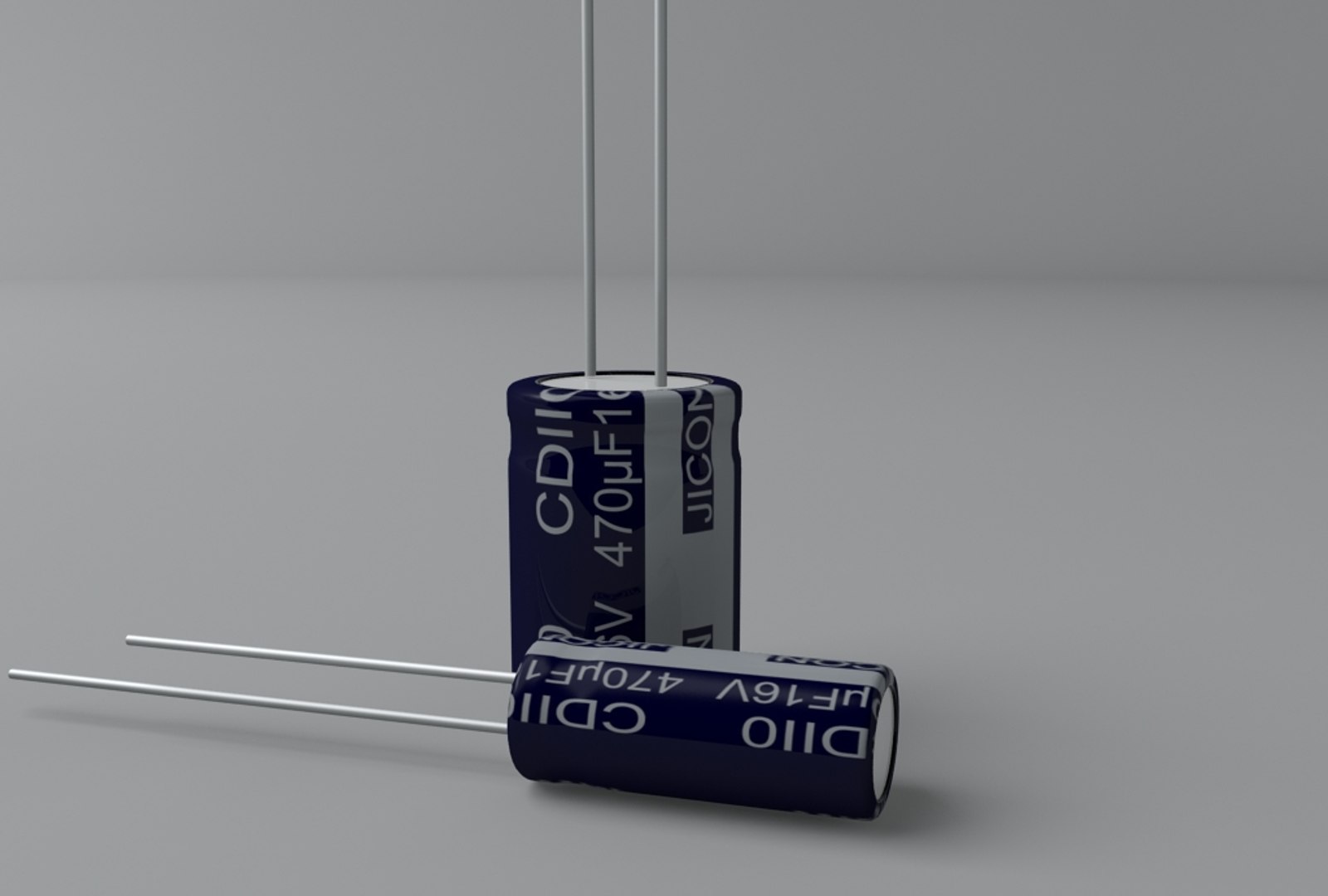
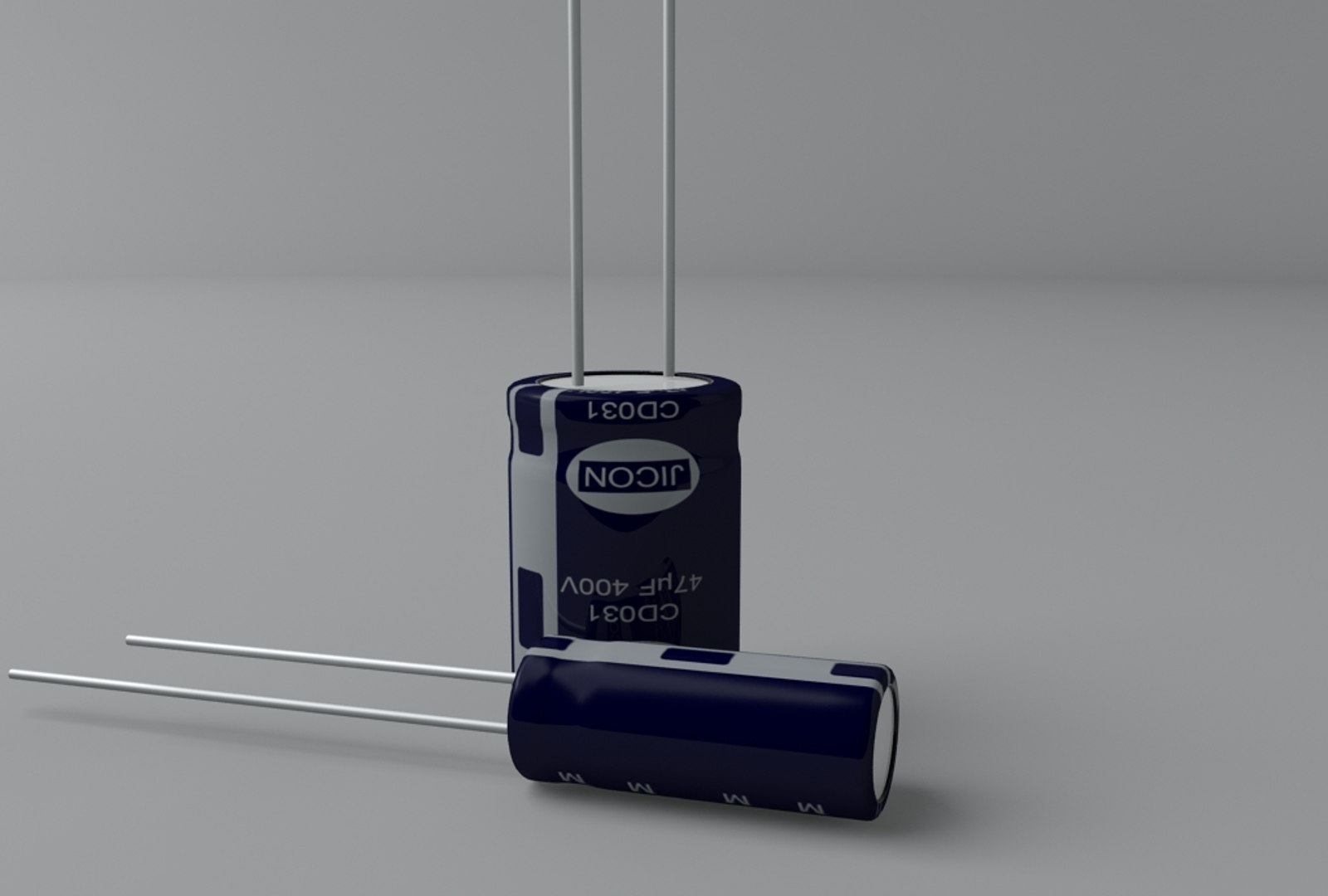
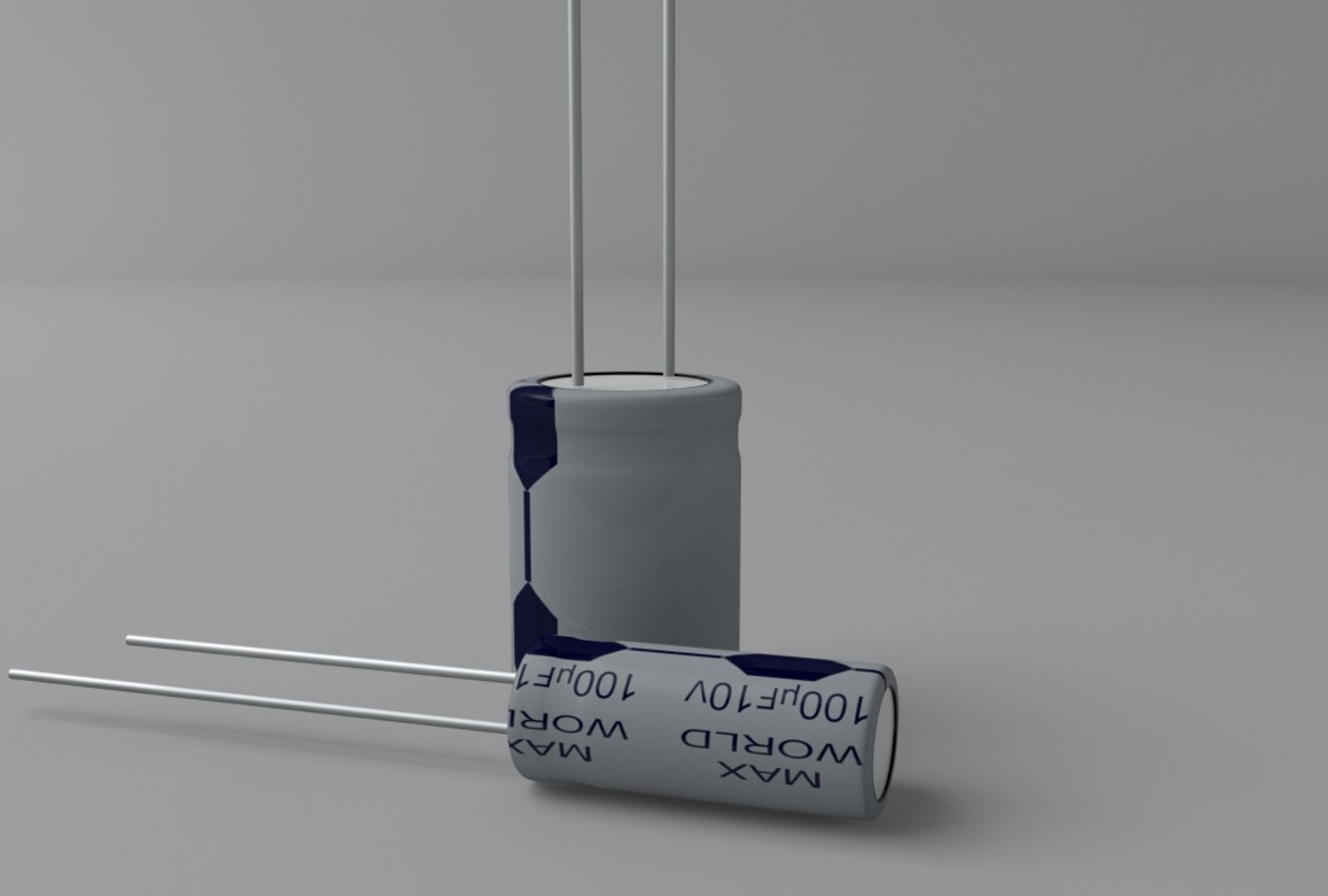
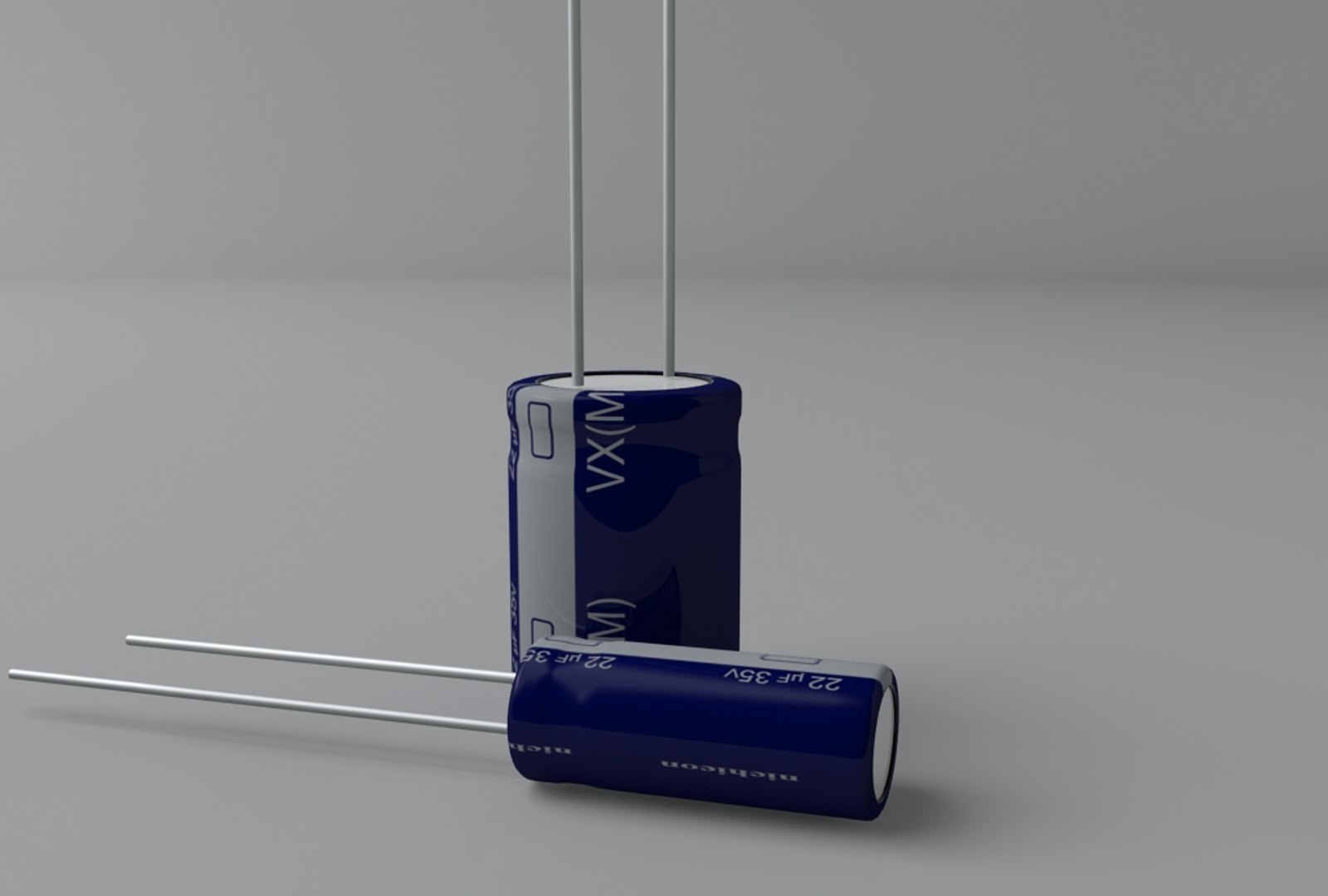
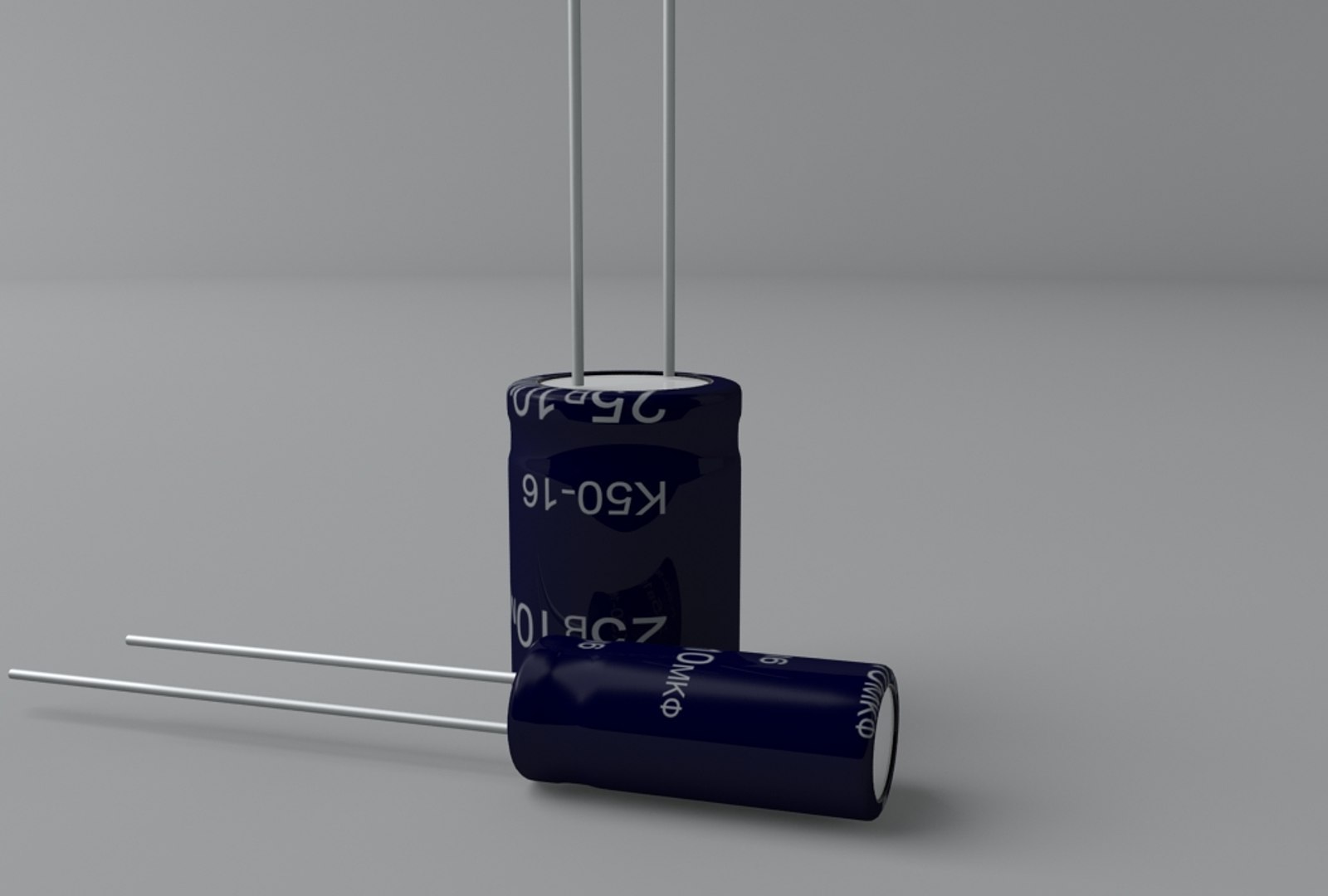
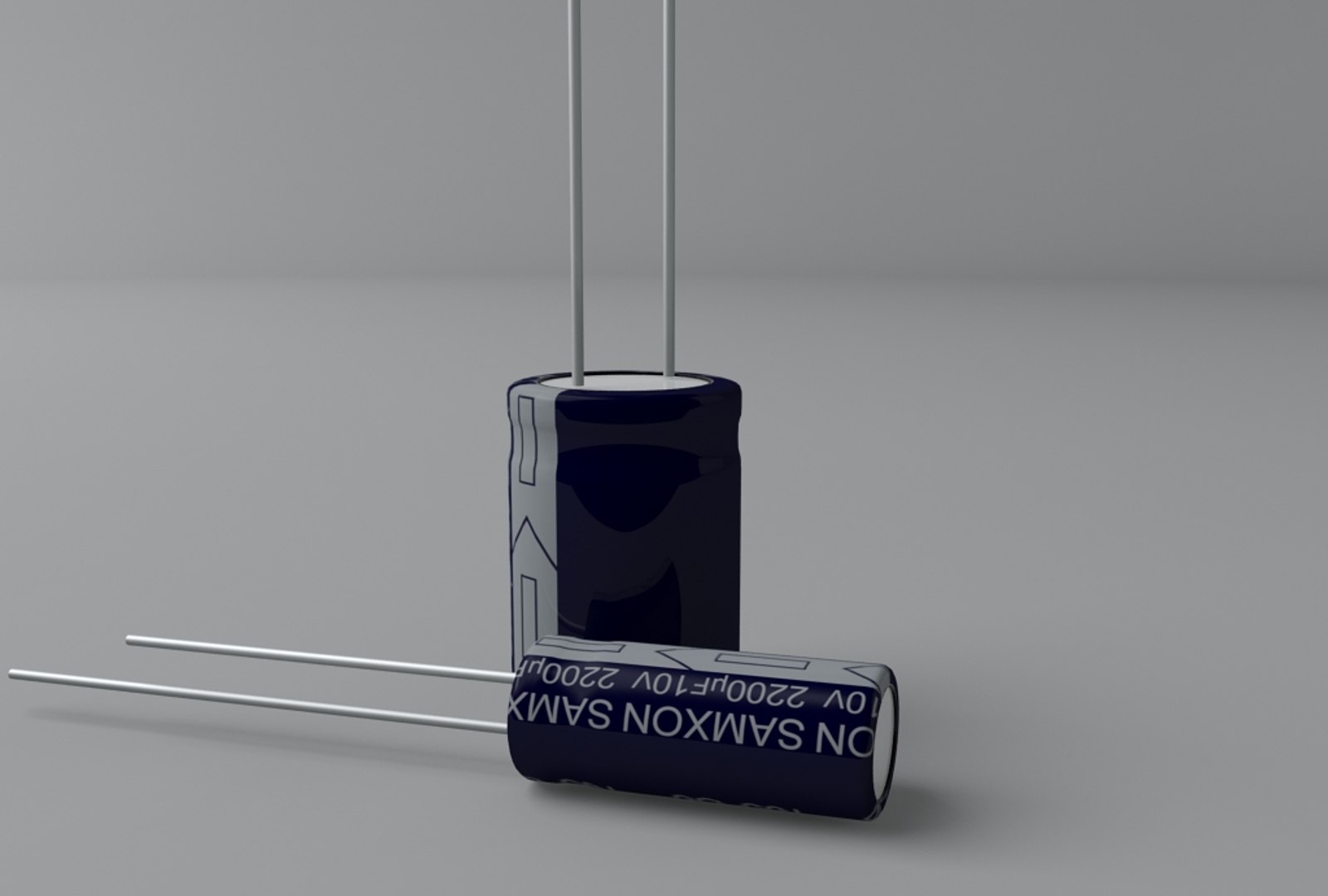
Electrolytic Capacitors Set
The set includes:
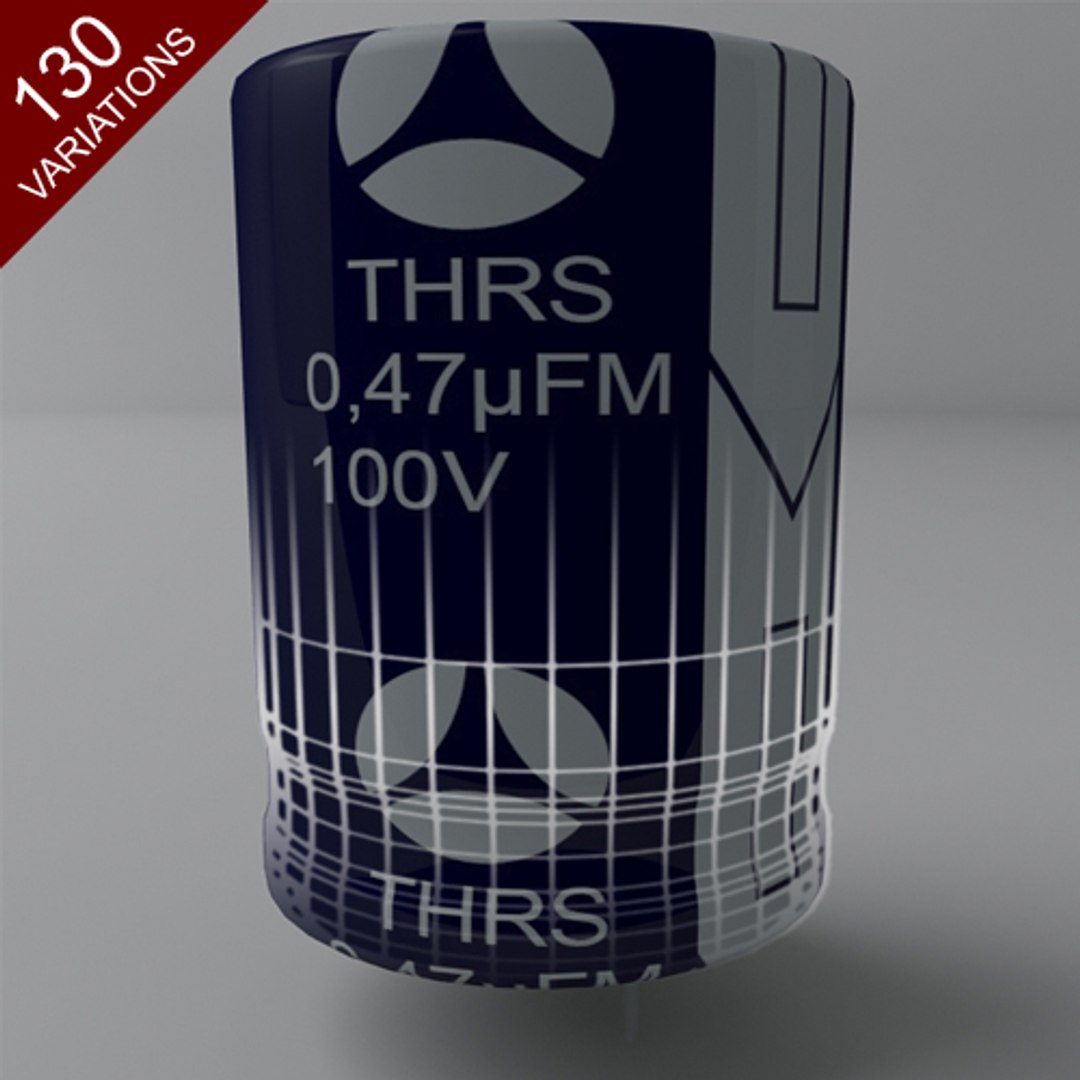
- 130 different capacitor models
- 13 different capacitor texture variations
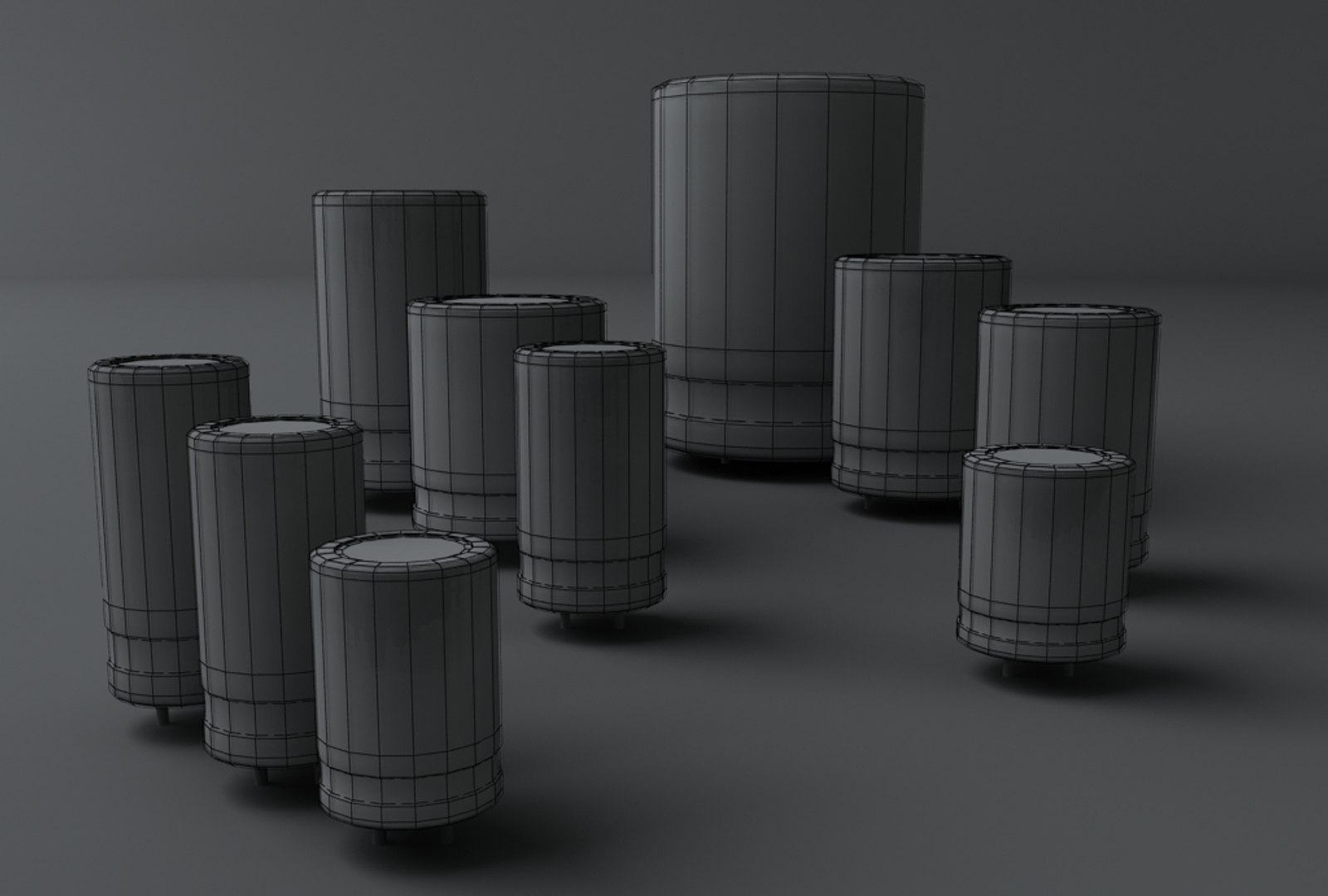
- 10 different capacitor sizes (making a total of 130 different capacitor variations)
- a PSD template for each texture for easy modification
- model hierarchy (starting from highest): body -> pin -> pin
- segmented pins for easy bending
Ready.zip contents:
Models:
-- [DIR] Acon
-- [DIR] CBJ
-- [DIR] Jamicon 1
-- [DIR] Jamicon 2
-- [DIR] JICON 1
-- [DIR] JICON 2
-- [DIR] MAXWORLD
-- [DIR] nichicon
-- [DIR] rus
-- [DIR] SAMXON Black
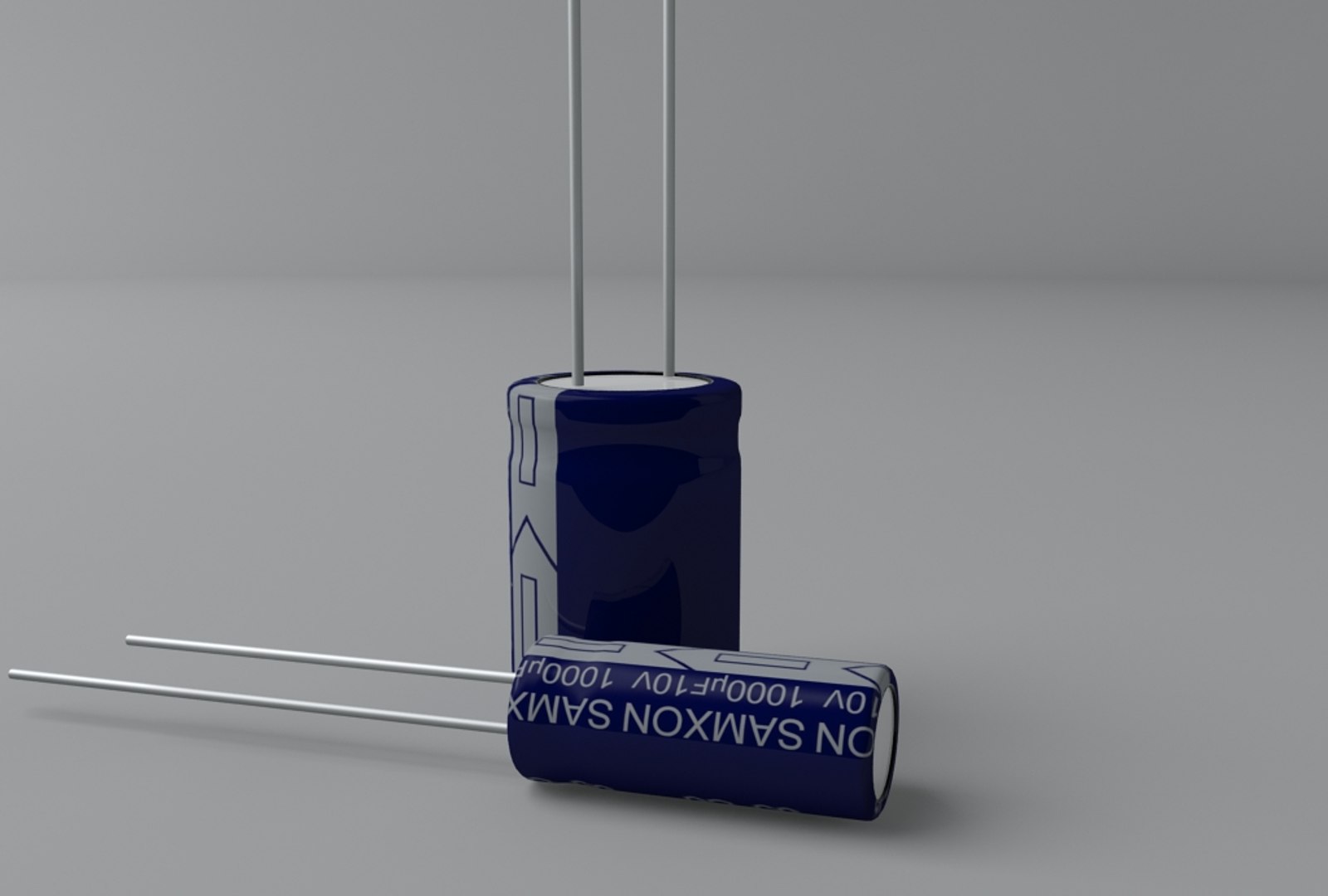
-- [DIR] SAMXON Blue
-- [DIR] Sheng
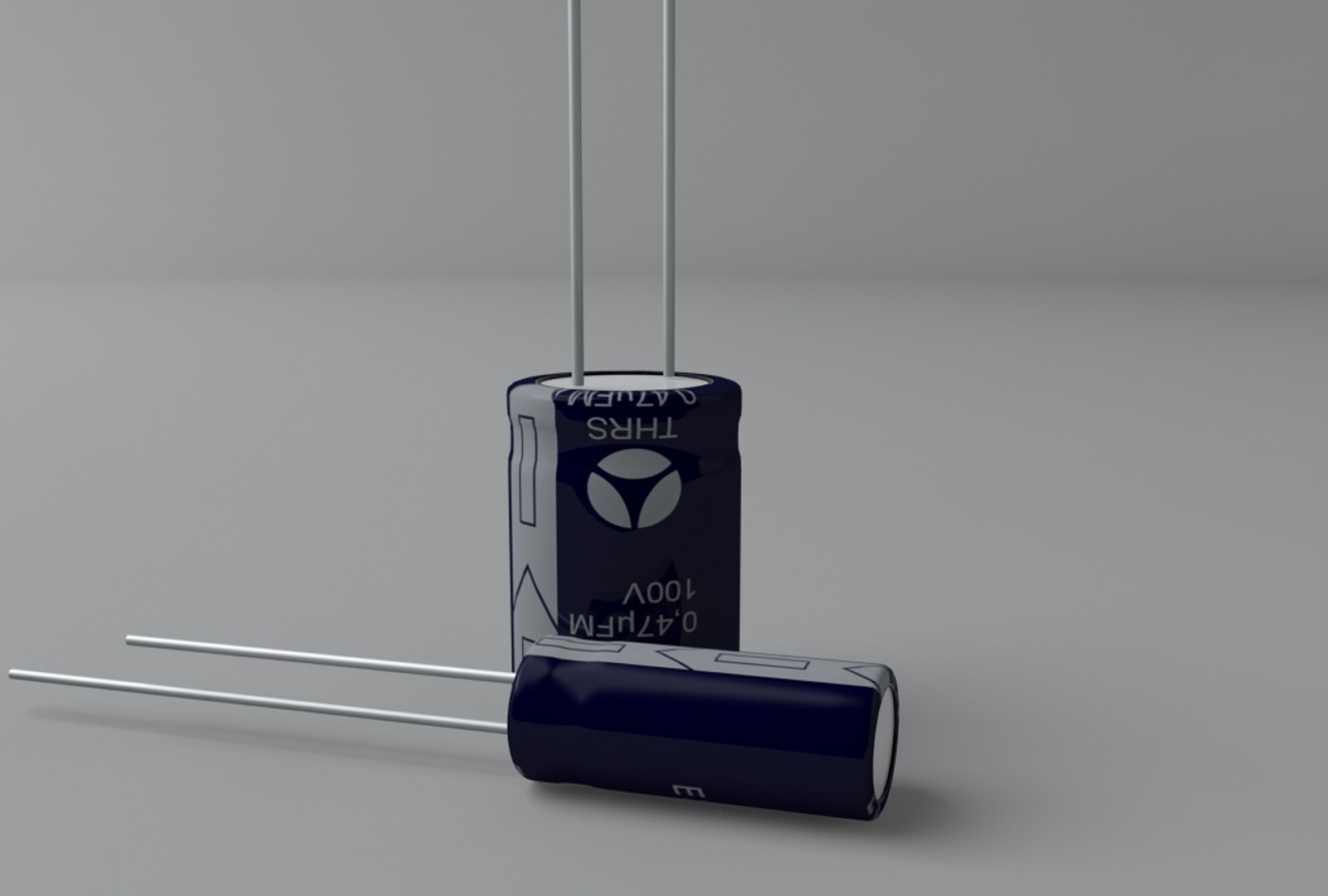
-- [DIR] THRS
Textures:
-- Radioelectronics (this folder should be copied/moved to the Max maps folder mentioned later on.)
The textures have been named systematically for easy manipulation: "capacitor_[MANUFACTURER]_[CAPACITY]_[VOLTAGE].jpg"
The texture templates have been named accordingly: "capacitor_[MANUFACTURER]_template.psd"
The textures should be placed in 3D Studio Max 2009 "maps" folder "Radioelectronics/Capacitors" sub-folder
(C:/Program Files/Autodesk/3ds Max 2009/maps/Radioelectronics/Capacitors), as that is the assigned address to textures.
The model files have been named as follows: capacitor_[DIAMETER]_[CAPACITY]_[VOlTAGE].max
The materials have been named "cap[INDEX]" and "pins[INDEX]", where INDEX is the variation of capacitor (Currently 0 - 129)
This enables using the Asset Browser for easy drag-and-drop addition of models without material conflicts
To add another variation simply modify the neccessary template, save texture, preferrably named using the given system, open the neccessary model size (no matter which texture variation), change the diffuse bitmap to the new one, change the INDEX to a new unique one, and save to a new file, preferrably named using the given system.
Current variations:
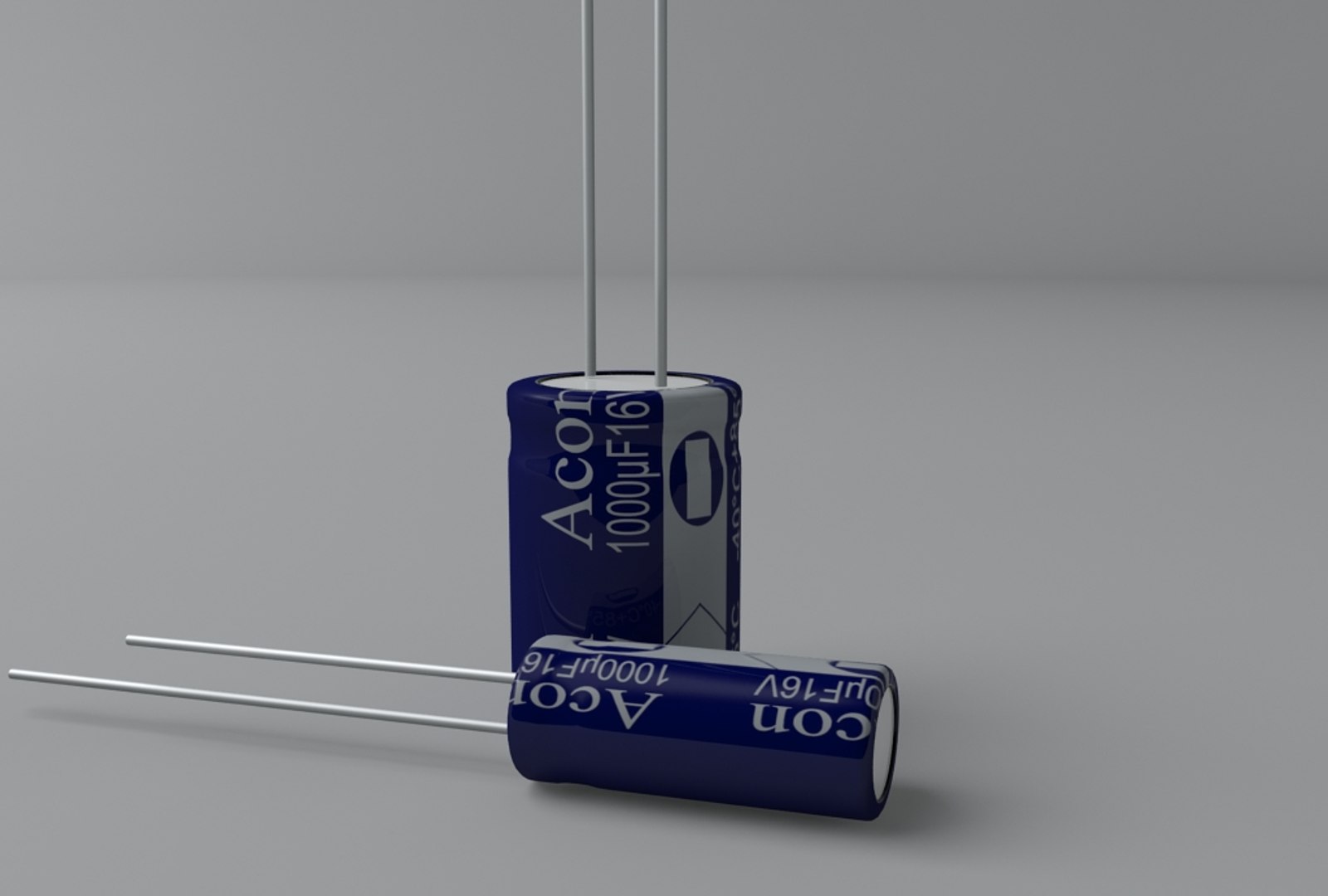
- Acon 1000uF 16V x10 model sizes
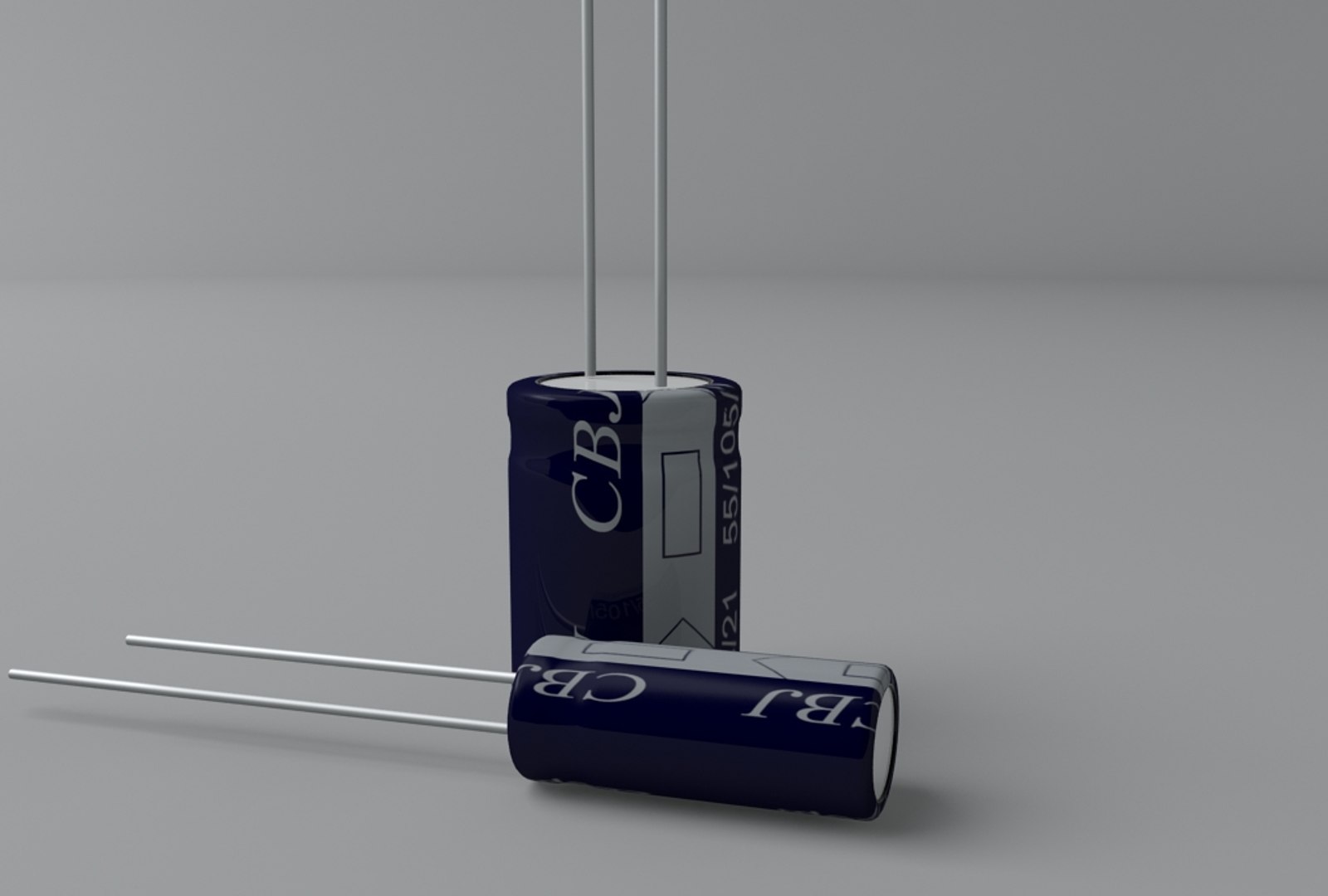
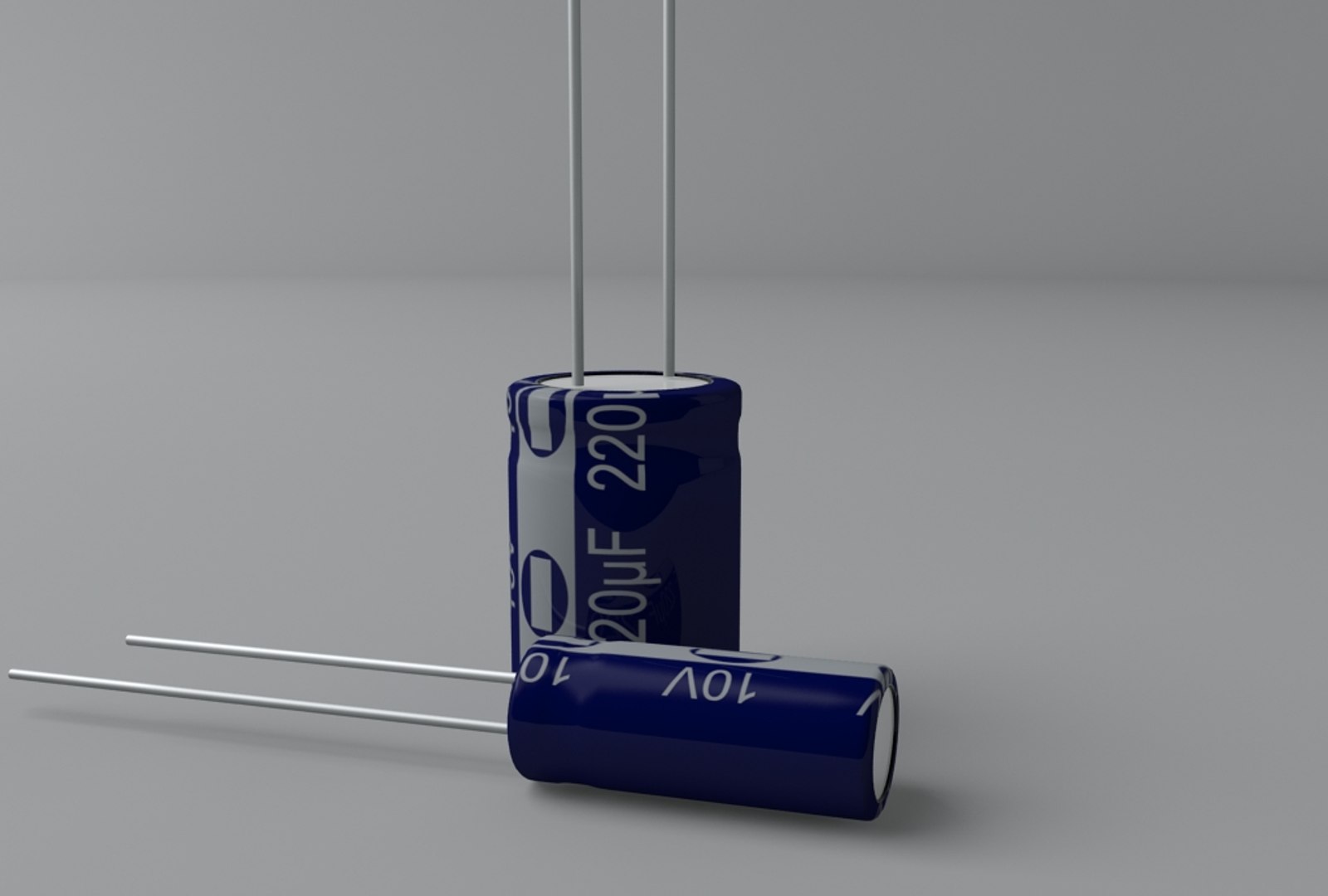
- CBJ 220uF 10V x10 model sizes
- jamicon[1] 22uF 25V x10 model sizes
- jamicon[2] 220uF 25V x10 model sizes
- JICON[1] 470uF 16V x10 model sizes
- JICON[2] 47uF 400V x10 model sizes
- MAXWORLD 100uF 10V x10 model sizes
- nichicon 22uF 35V x10 model sizes
- Russian(rus) 10uF 25V x10 model sizes
- SAMXON[black] 2200uF 10V x10 model sizes
- SAMXON[blue] 1000uF 10V x 10 model sizes
- Sheng 220uF 10V x10 model sizes
- THRS 0,47uF 100V x10 model sizes
Full list of all variations can be downloaded prior to purchase. It can then be altered even further for management of new variations.
MentalRay materials