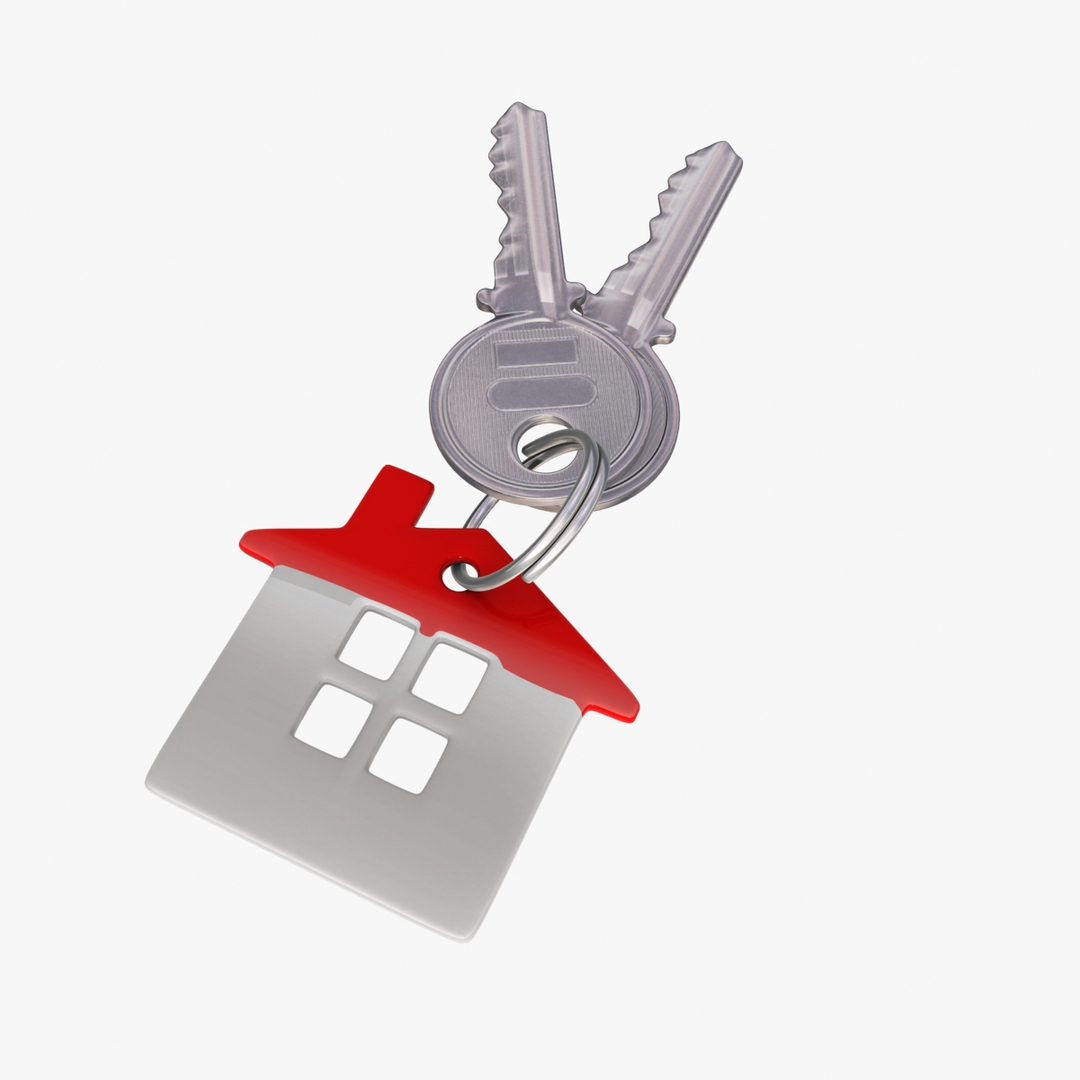
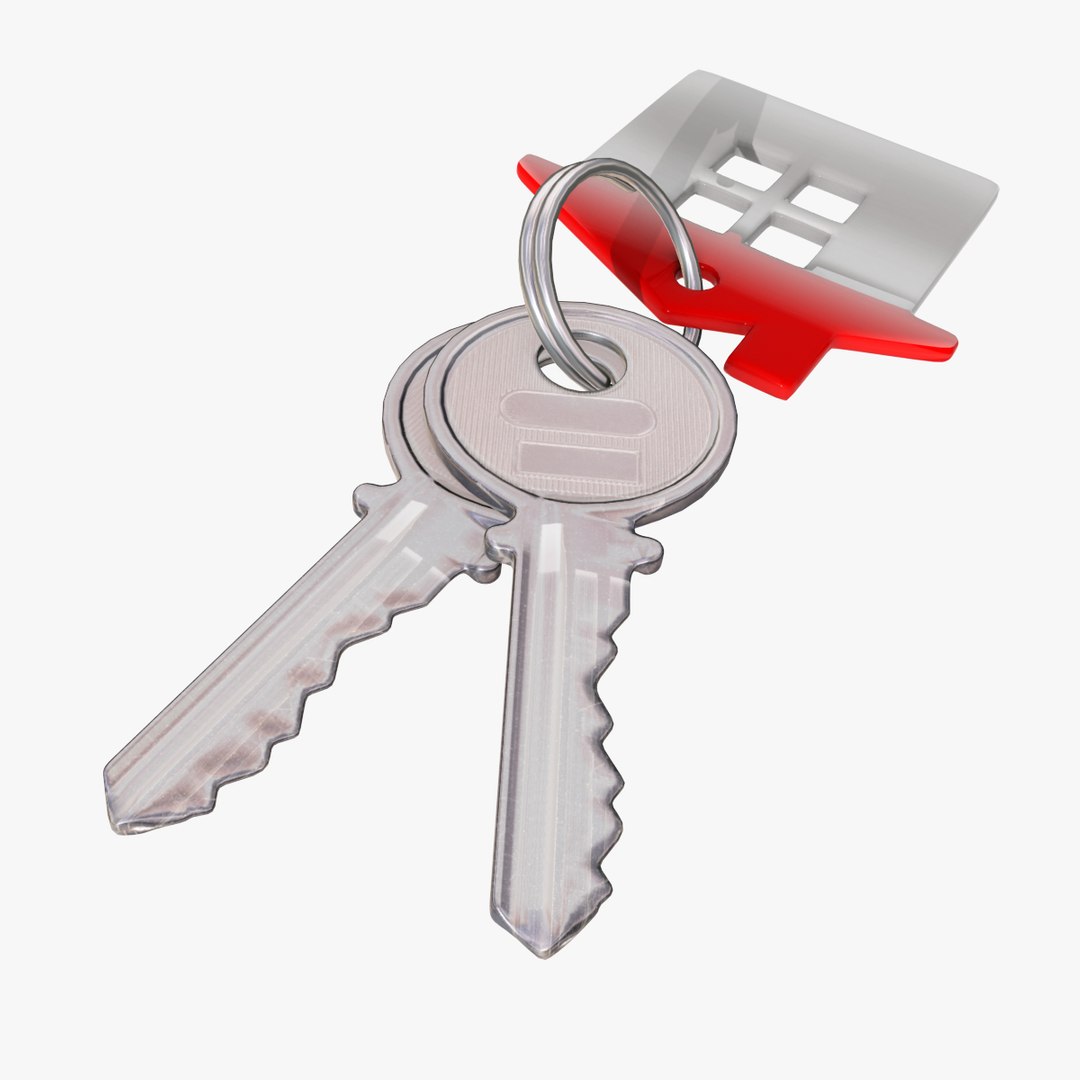
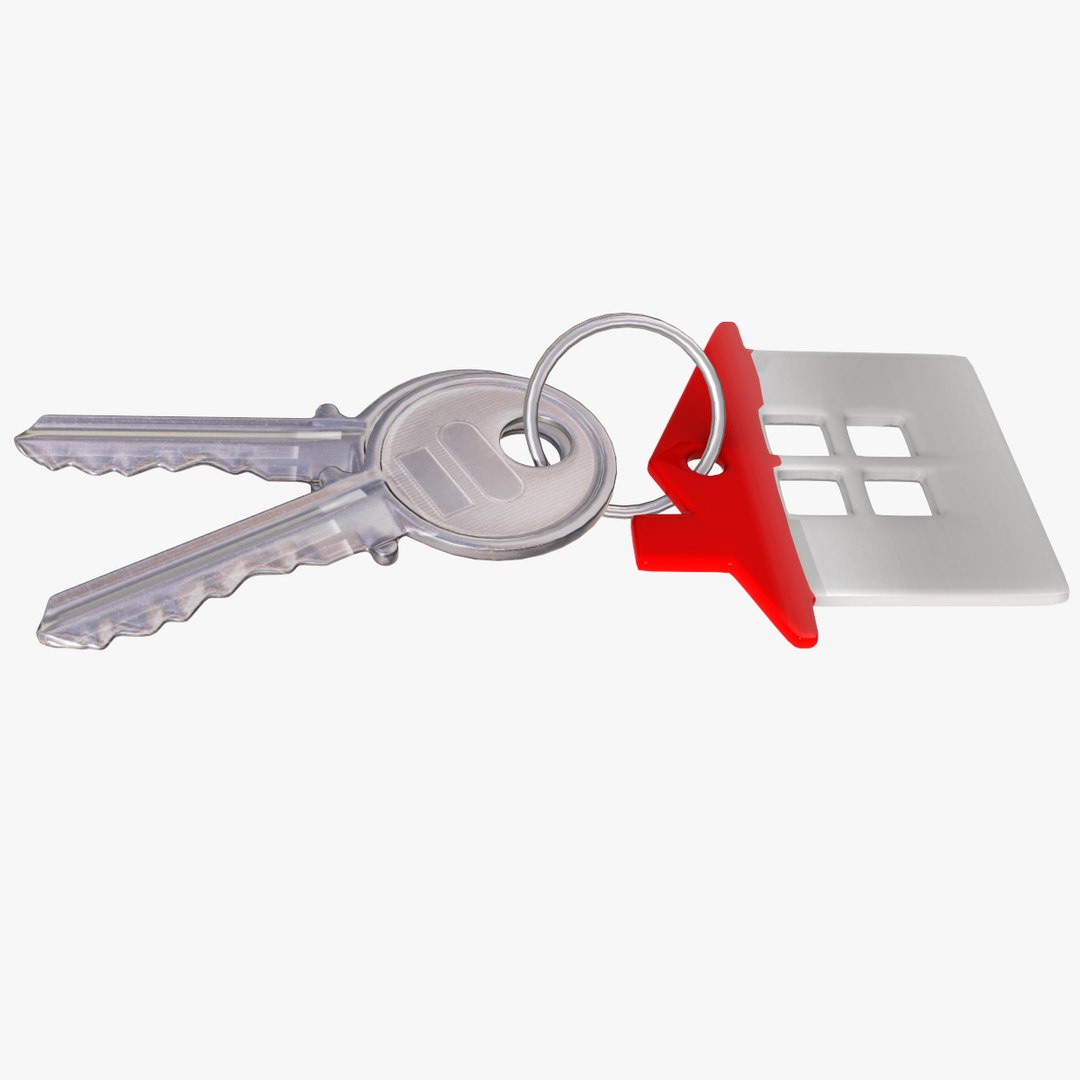
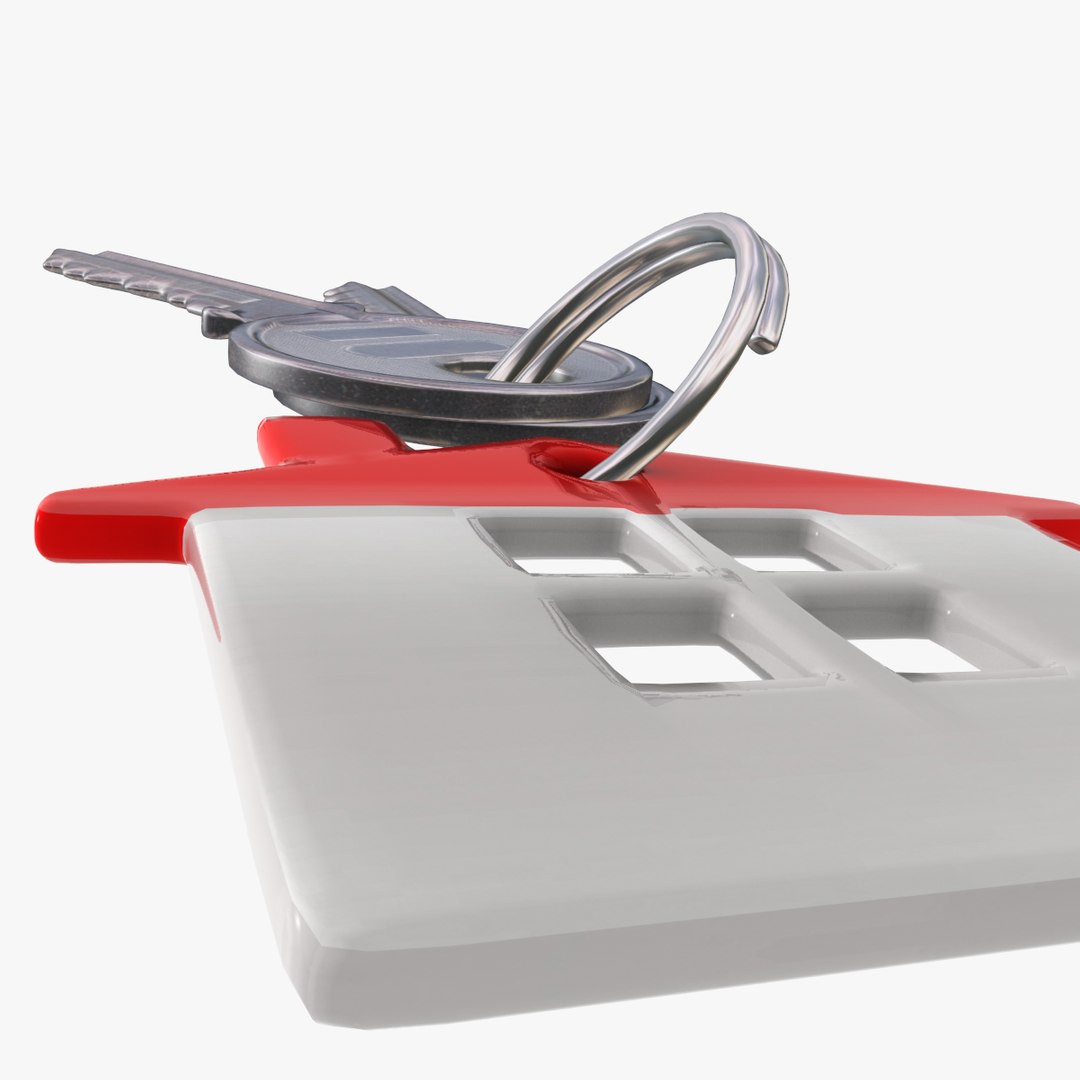
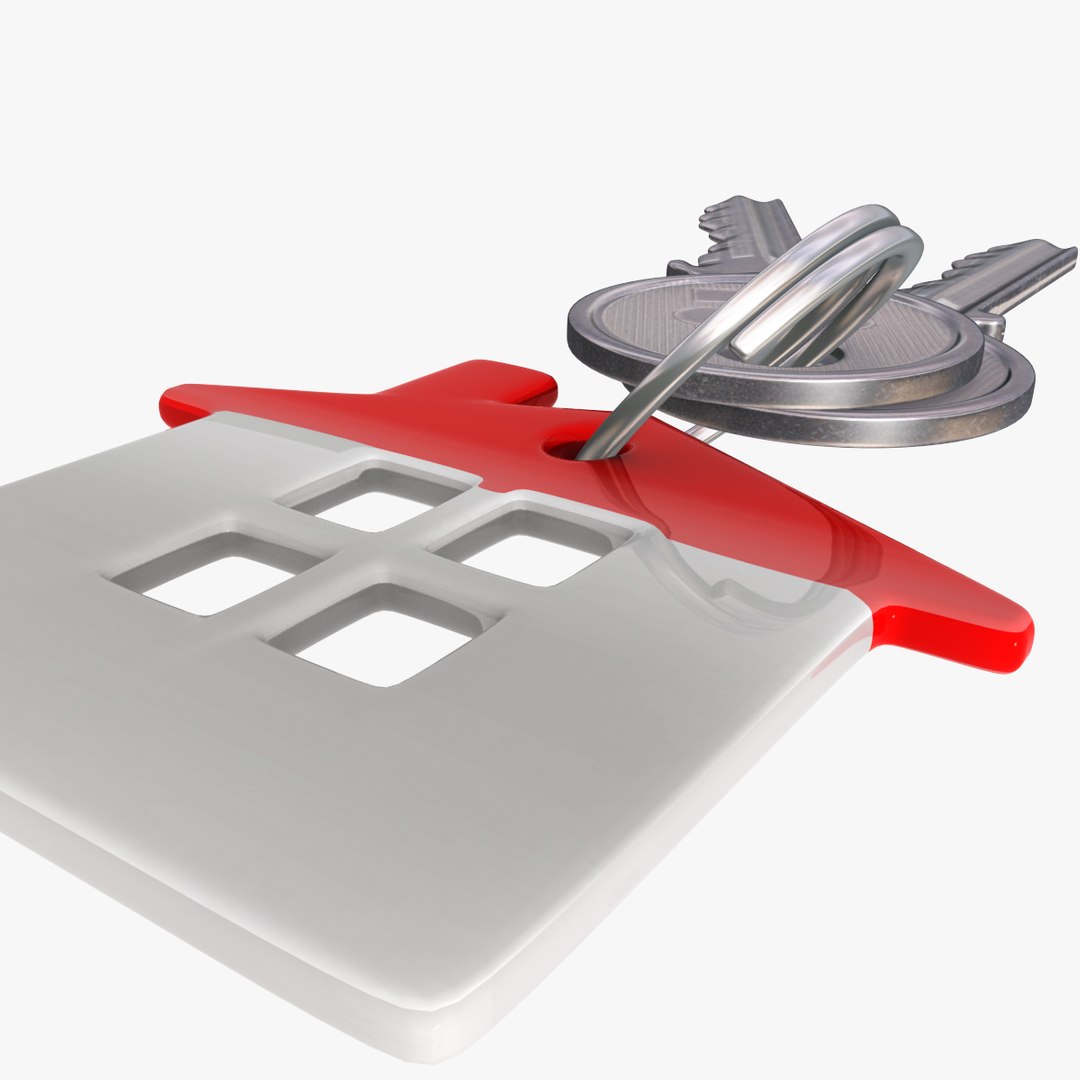
Key with Key-chain

$39

Standard License | Upgrade License
Formats (4)
Free file format Conversions available
Native | 3ds Max 9.0 | Default Scanline
OBJ
FBX
3D Studio
Specifications
Publish Date August 22, 2016
Product ID 1066015
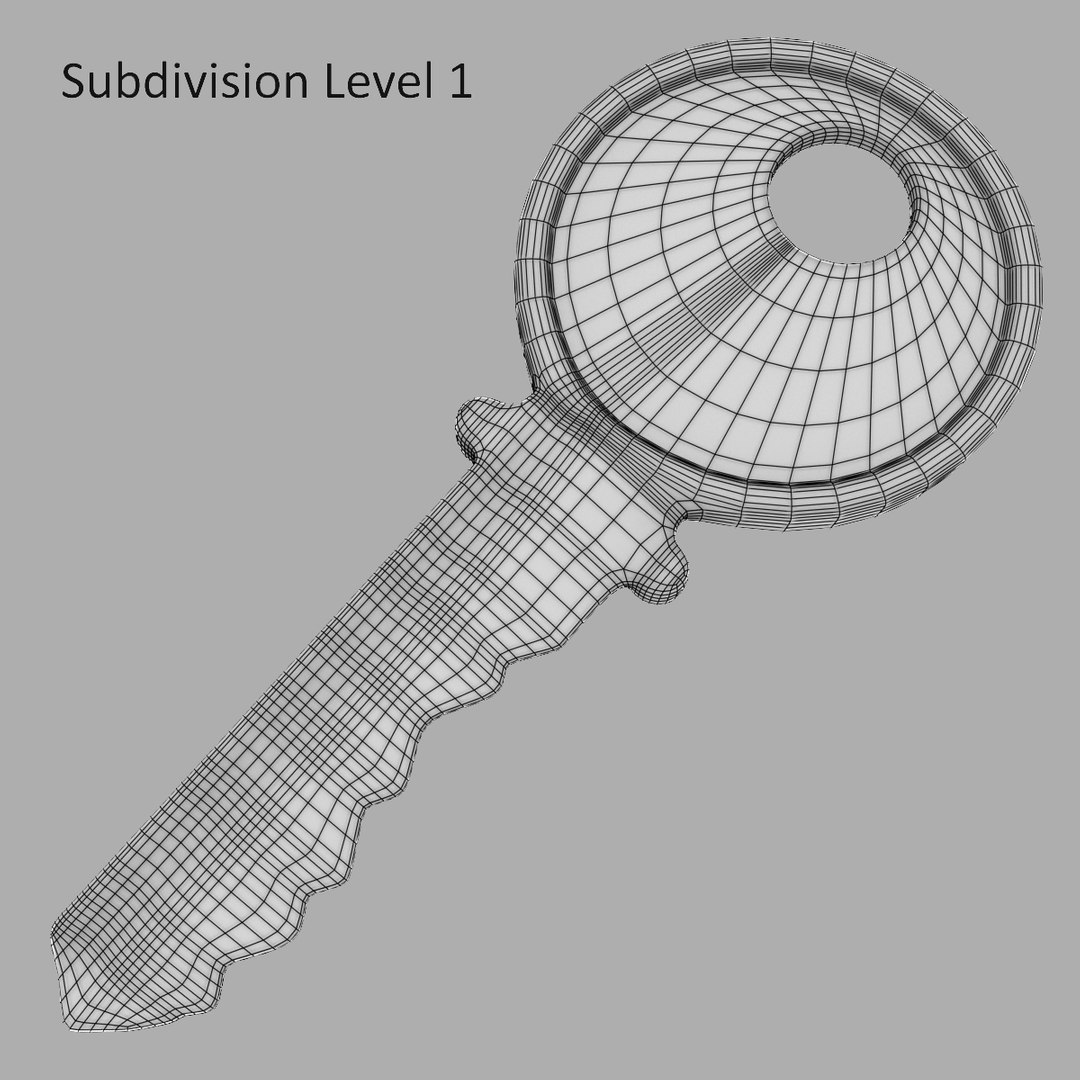
Polygons 3,478
Vertices 3,472
Polygonal Quads Only
Textures
Materials
UV Mapped
Mixed Unwrapped UVs
TurboSquid Exclusive

member avatar
mzubak
358 Products | Contributor Since 2003
Have questions? Chat with us now.

Description

General
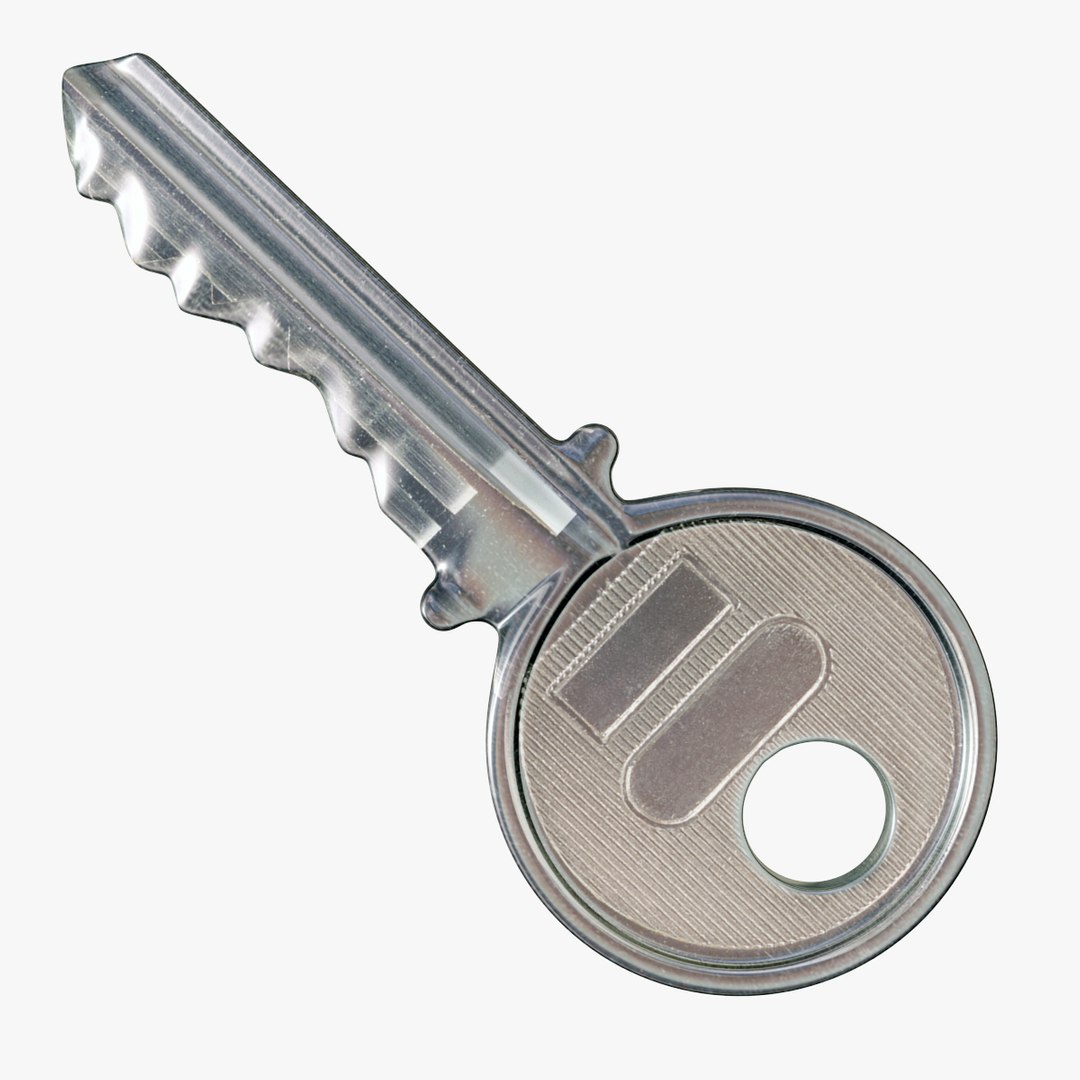
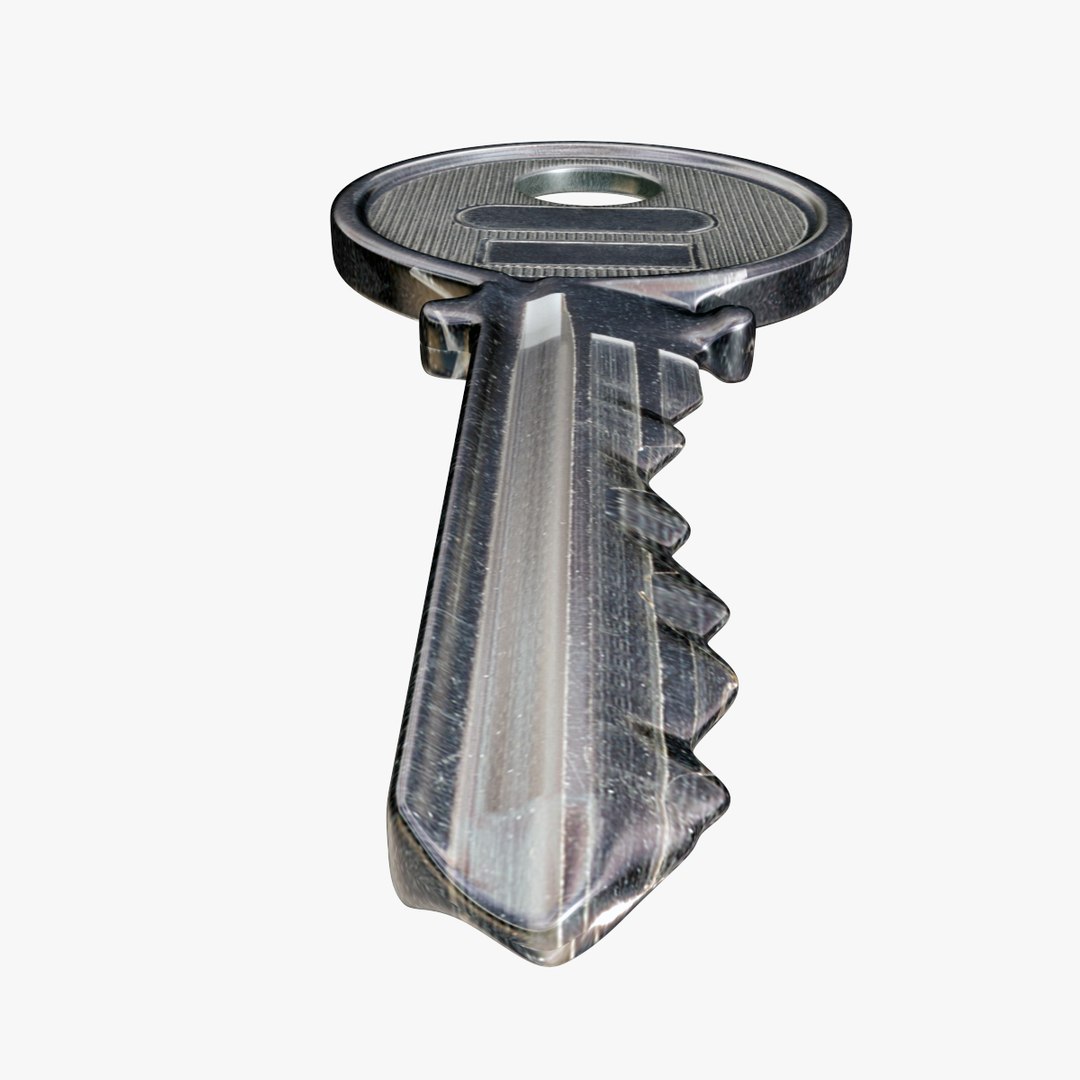
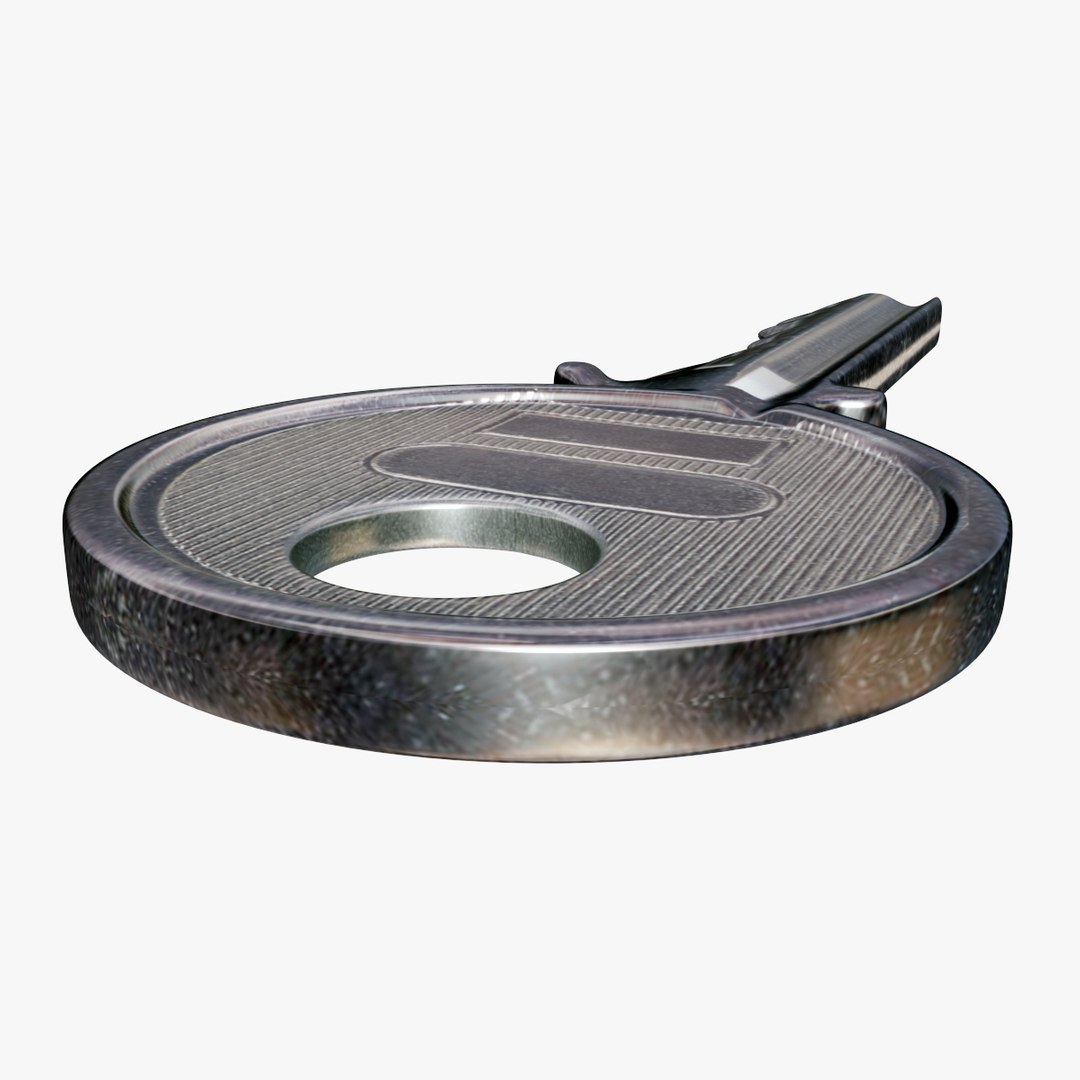
High quality model of the keys with key-chain.
Model is built with great attention to small details, high exact and realistic proportions with correct geometry. All objects are properly named, with named materials and textures. Native 3d model format is: 3ds Max 9.0.

Geometry
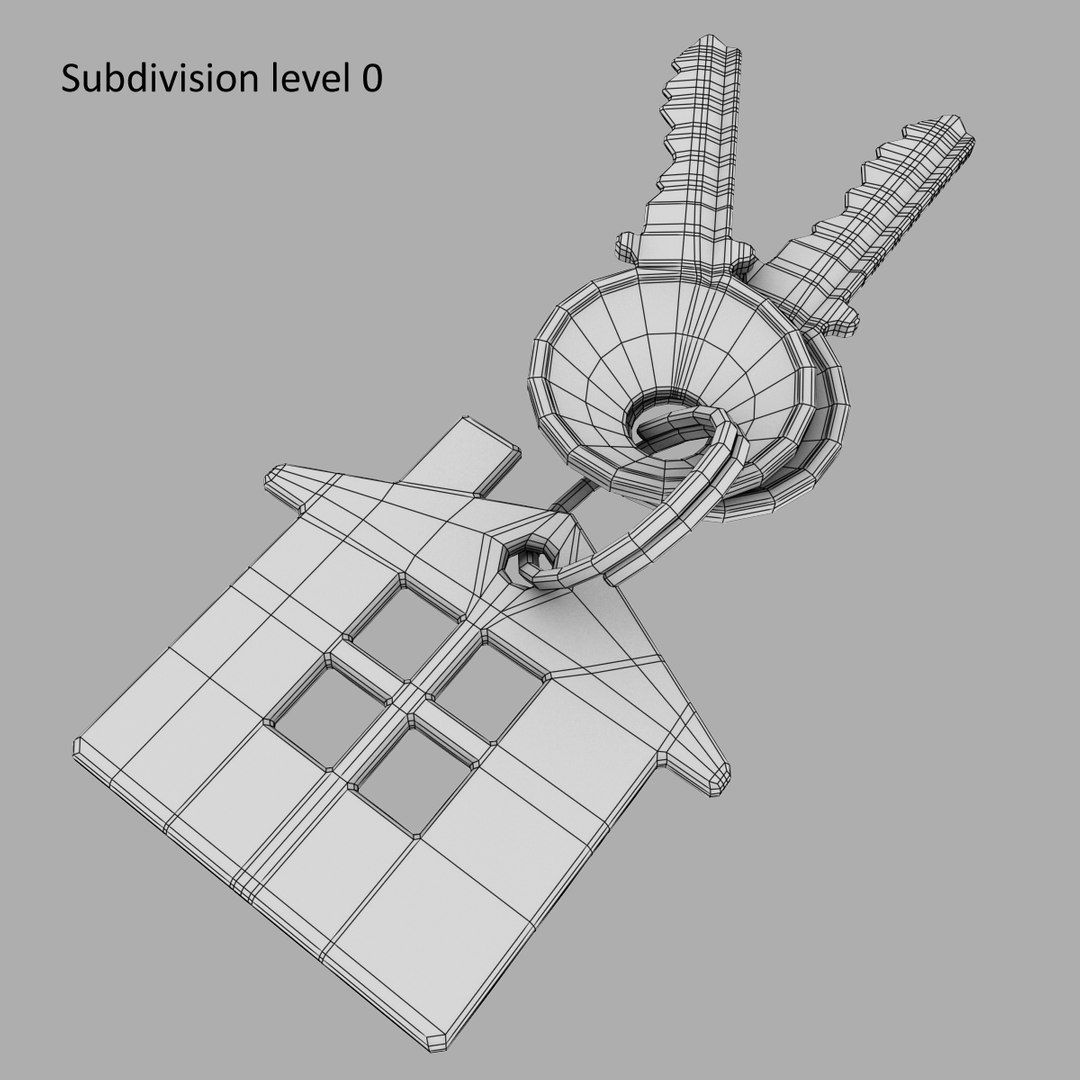
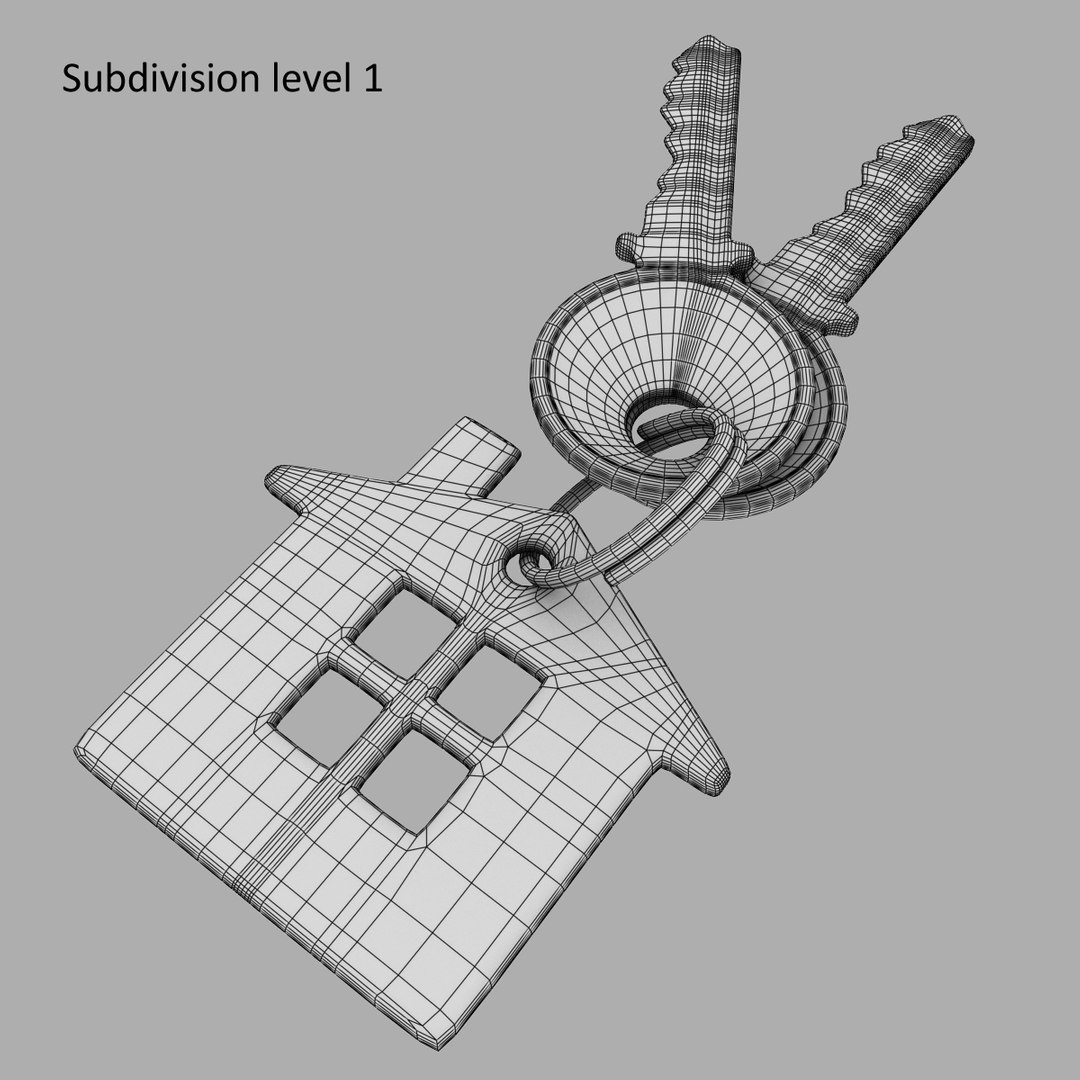
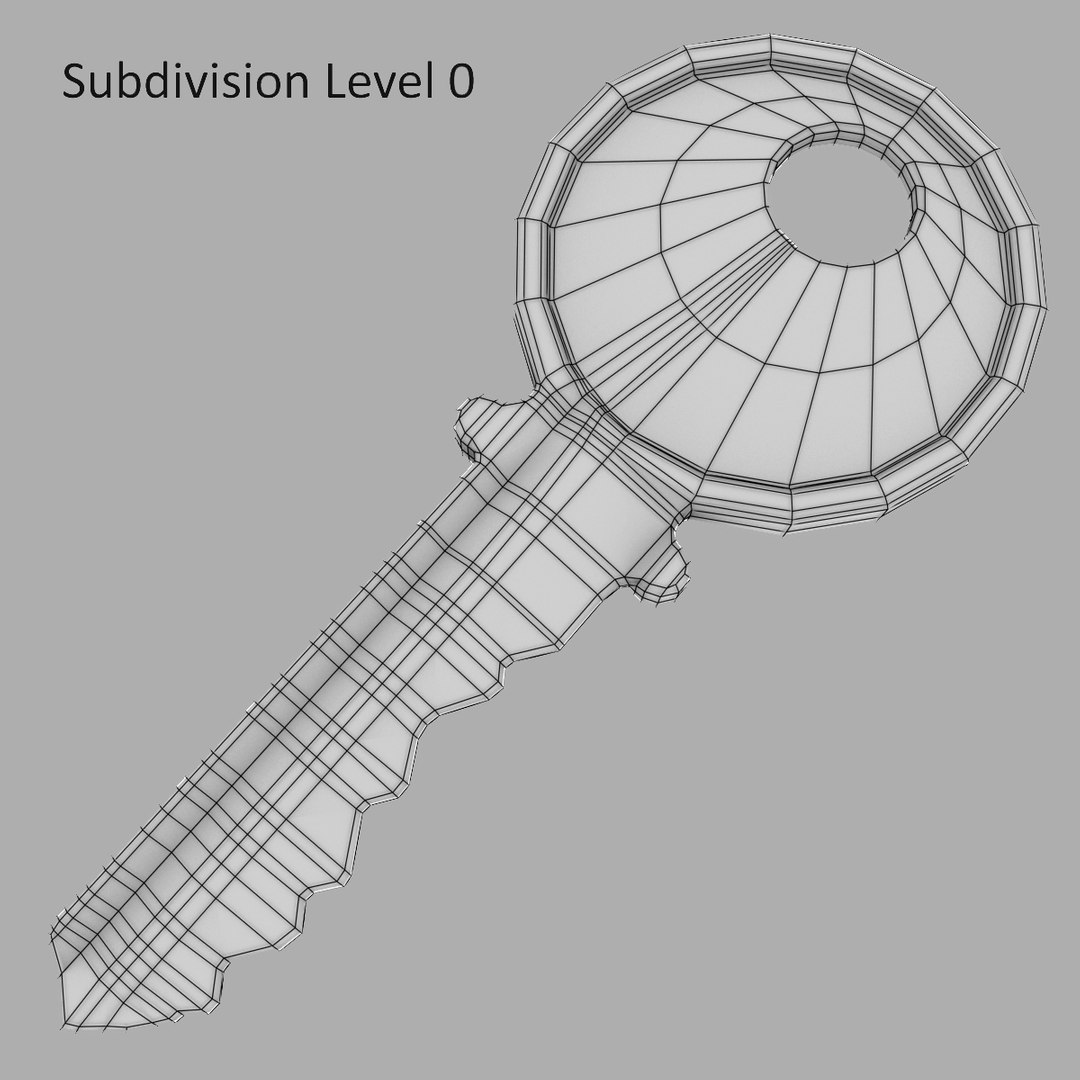
High level of detail with the best compromise of the number of polygons.
All details have been fully modeled out making the models ideal for close-ups and print work.
Geometry: Polygonal Quads only
Model Specifications: Polys: 3478; Verts: 3472
Polygons With 4 Sides 3478 (100%)

Material and Textures
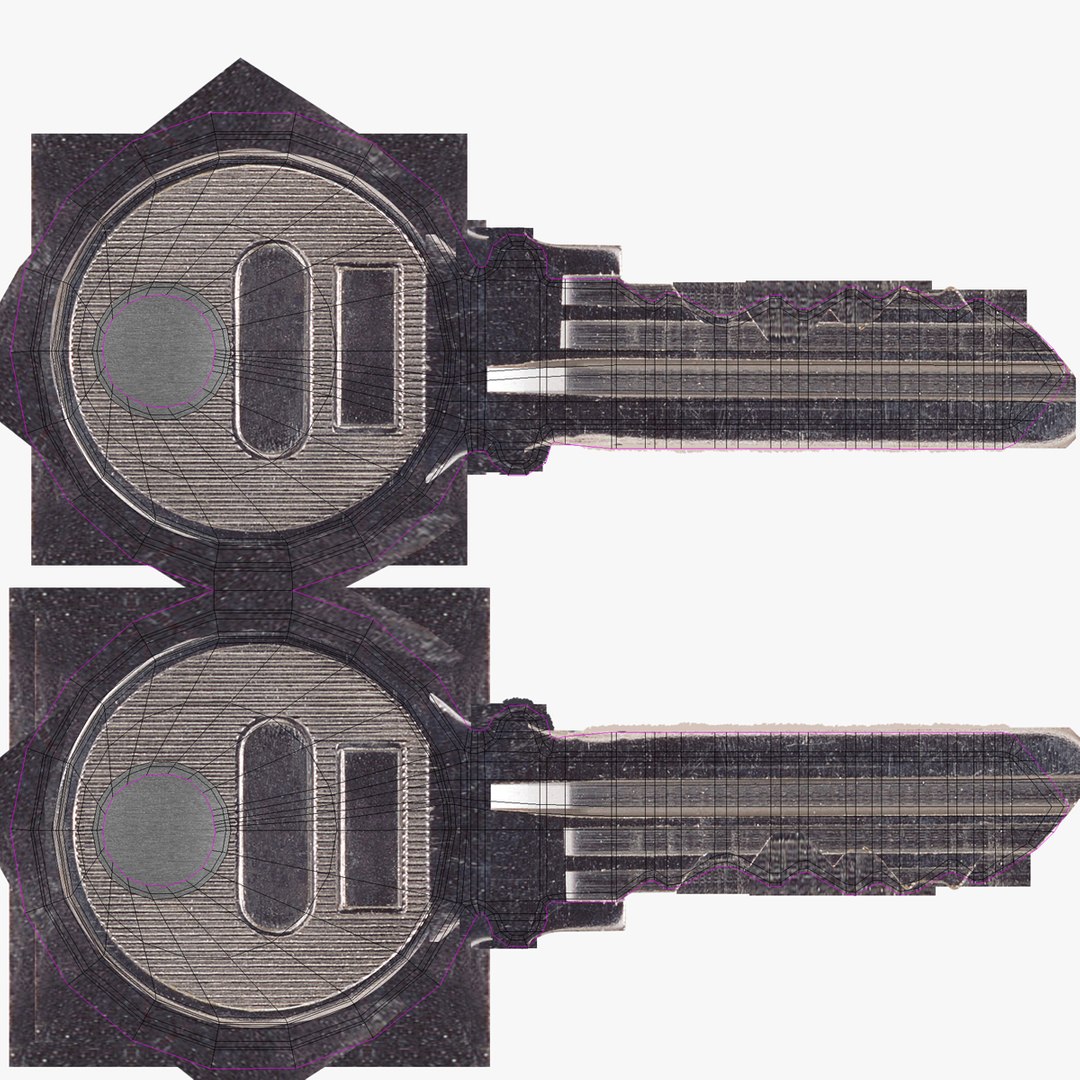
All objects have Unwrapped UVs with non-overlapping.
Model used 4*.png/jpg textures, named textures with resolution:
1. Metal_key.png 2048x2048
2. Red_Plastic.jpg 1200x1200
3. White_Plastic.jpg 1200x1200
4. Reflection.jpg 756x512

Rendering
Render is done with non-illuminated 3ds Max 9.0 version with standard materials.
Lighting and environment are included in 3ds Max version.
Render by default, no 3rd Party Plug-ins required to load files or render scene. Models look like the thumbnails.

Select Enhanced License

  • $10,000 in Legal Protection (Indemnification)
  • Uncapped Legal Protection (Indemnification)
  • Waiver from injunctive relief
  • Assignable model rights
  • $1,000,000 in Legal Protection (Indemnification)
  • Waiver from injunctive relief
  • Assignable model rights
  • $250,000 in Legal Protection (Indemnification)
  • Assignable model rights
Read more about enhanced license tiers, or contact us at enterprise@turbosquid.com. Already a Shutterstock Enterprise Customer? Contact your Shutterstock Sales Support Agent to talk about adding 3D.

About Conversion Requests

To submit a conversion request for a purchased asset, please complete our Conversion Request Form.

If you have not yet purchased a model, please review our Documentation about Conversions to learn about what limitations you may encounter with a conversion.

For any additional questions about a model’s suitability for conversion, please contact TurboSquid Support.

Loading...