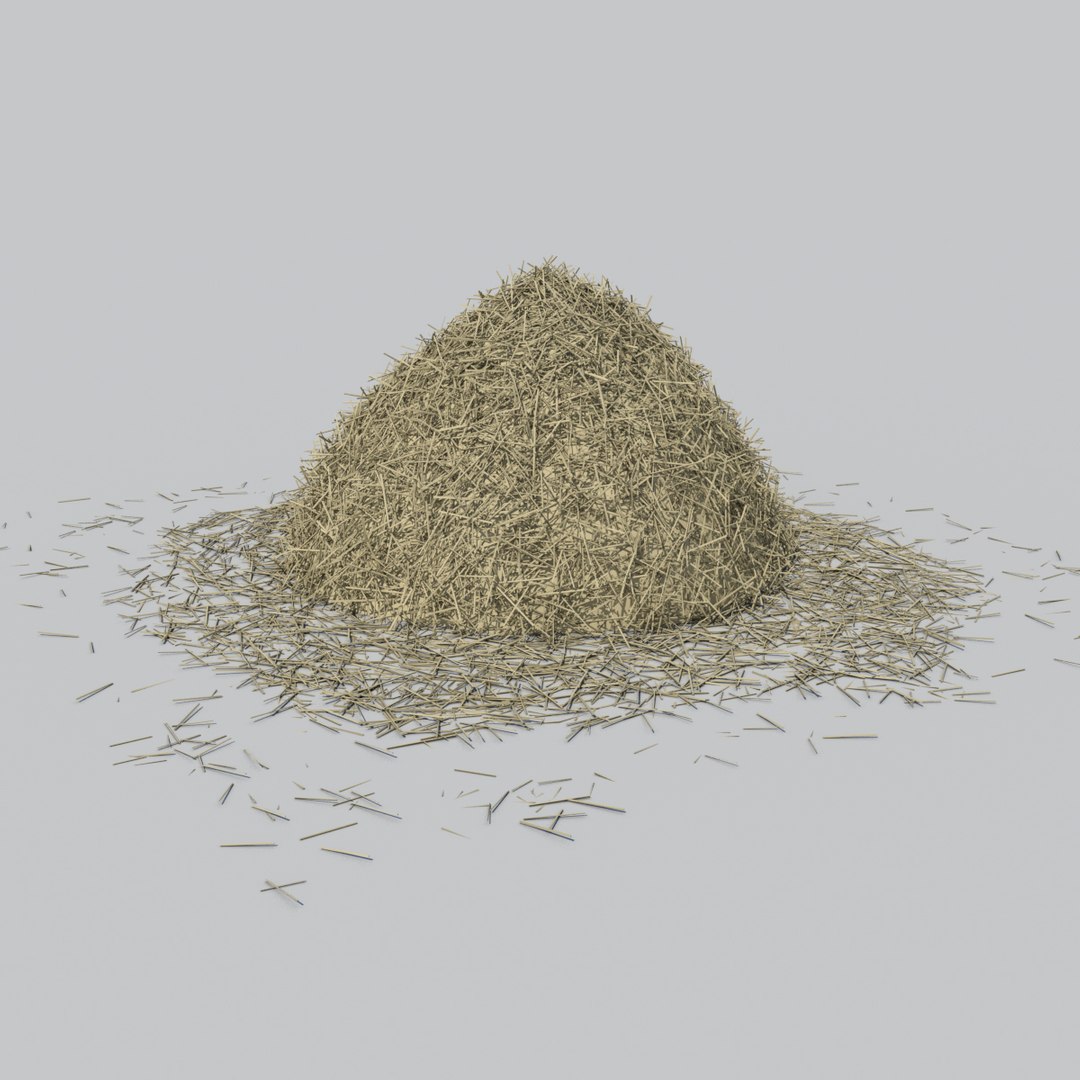
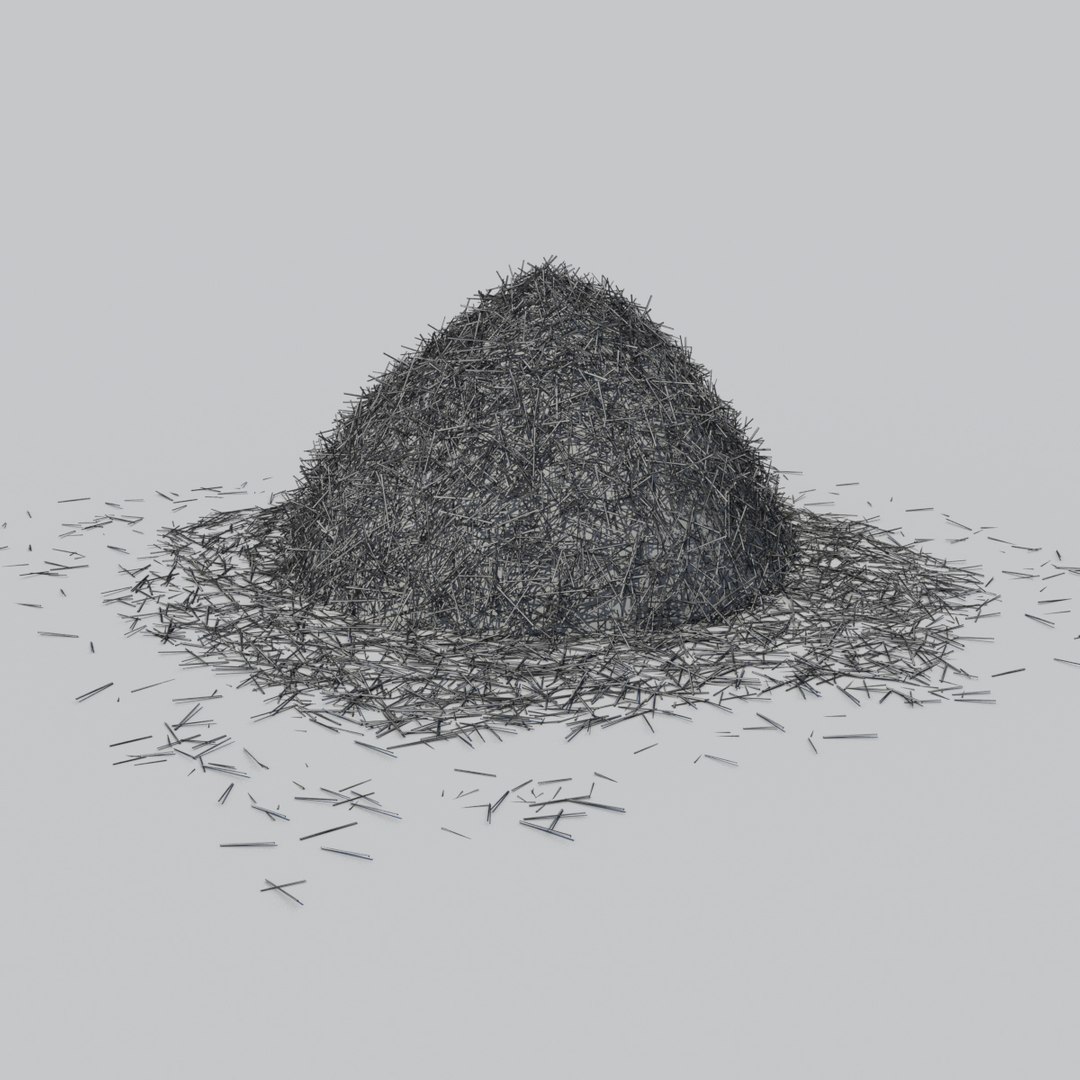
Haystack

$25

Standard License | Upgrade License
Formats (5)
Free file format Conversions available
Native | 3ds Max 2014 | mental ray
3ds Max 2011 | mental ray
OBJ
FBX
3D Studio
Specifications
Publish Date August 27, 2014
Product ID 845050
Polygons 93,624
Vertices 124,787
Polygonal Quads/Tris Geometry
Materials
TurboSquid Exclusive

member avatar
GemmaC
21 Products | Contributor Since 2014
Have questions? Chat with us now.

Description

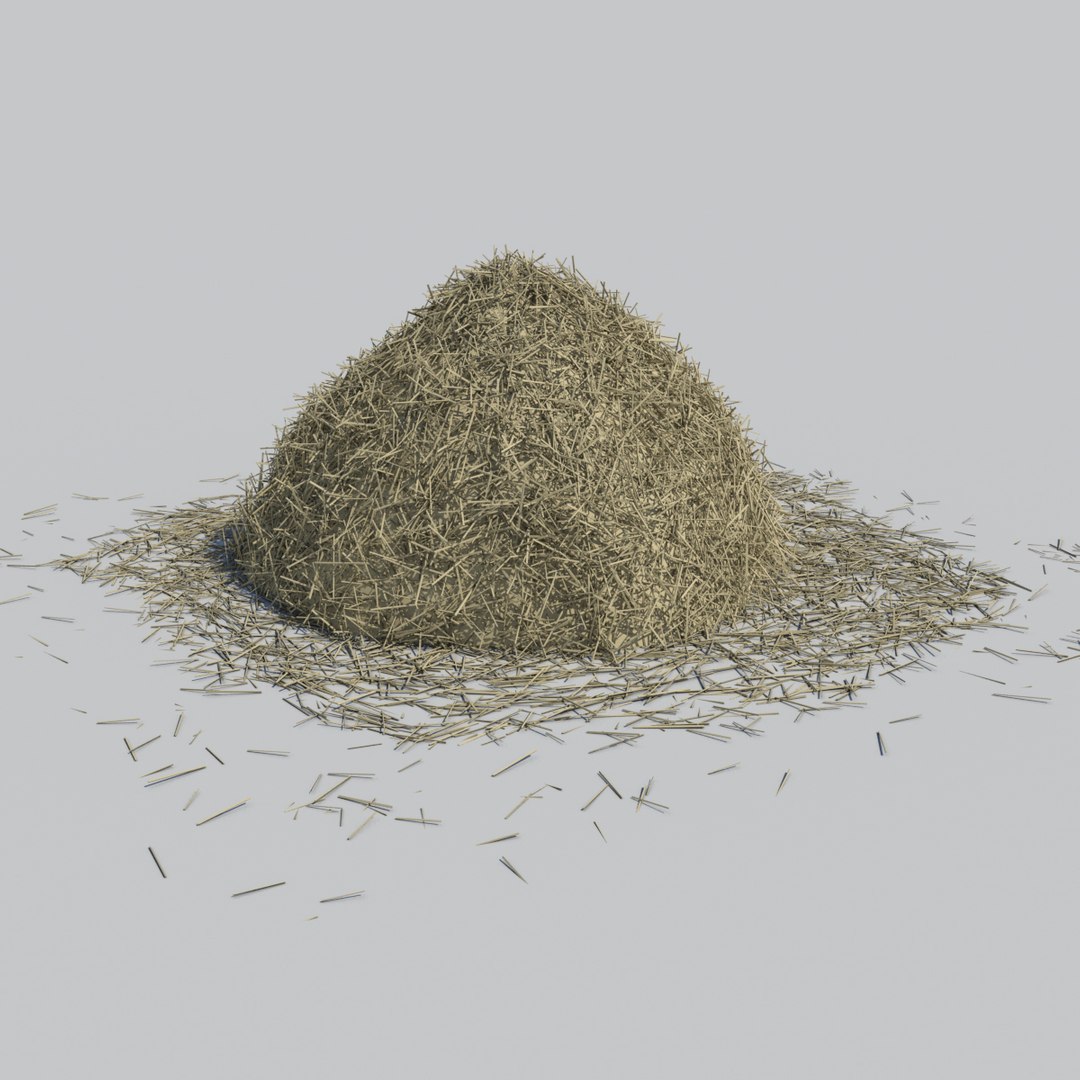
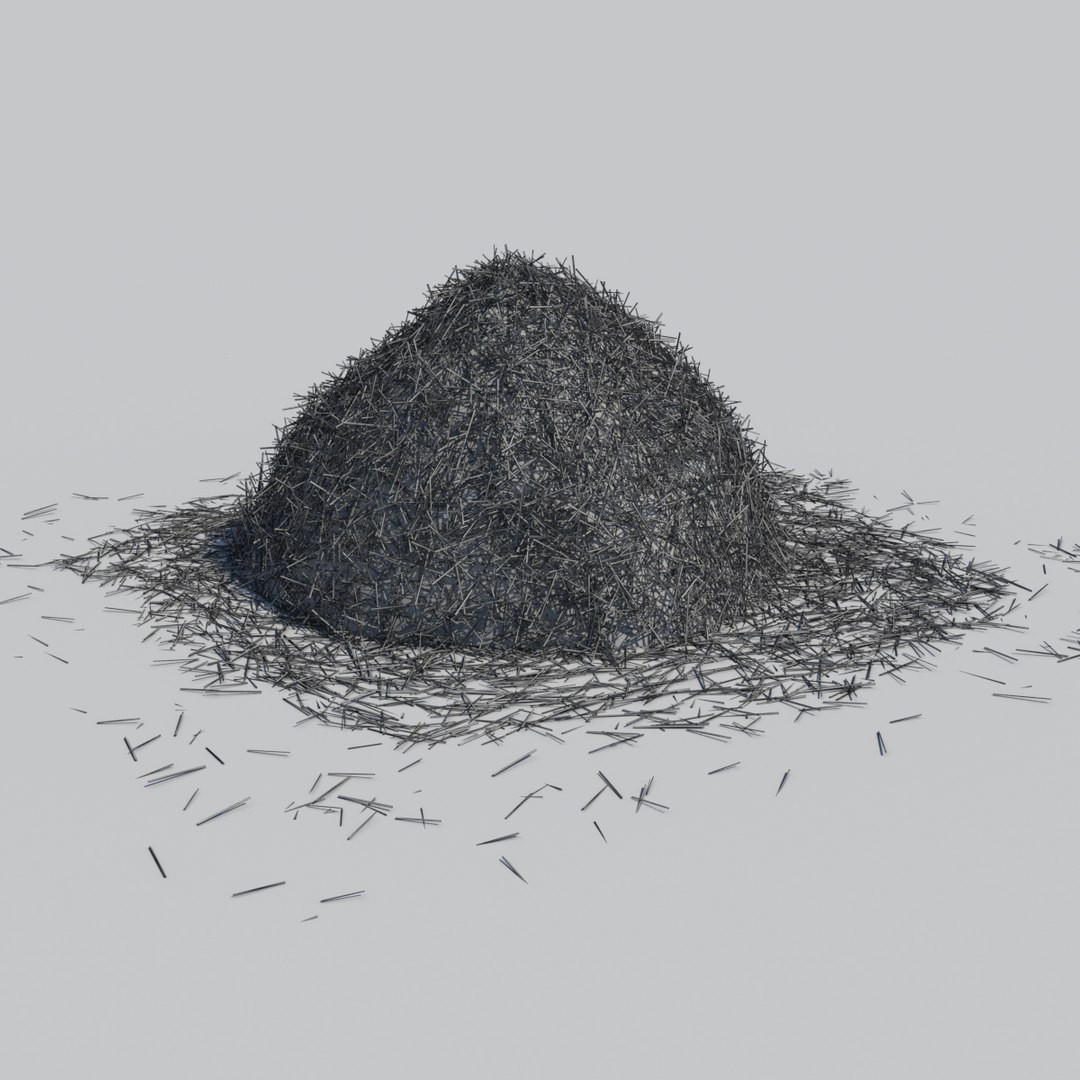
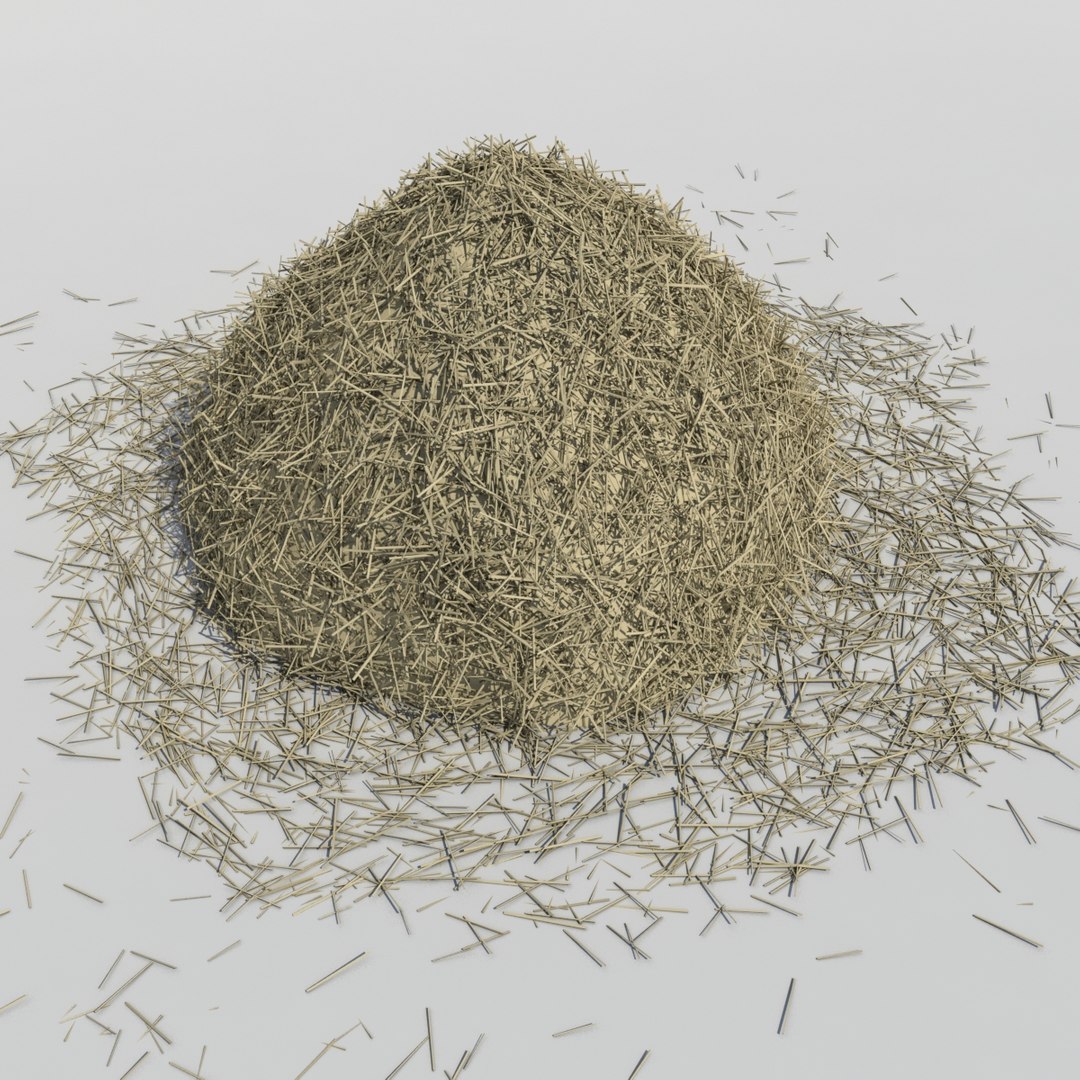
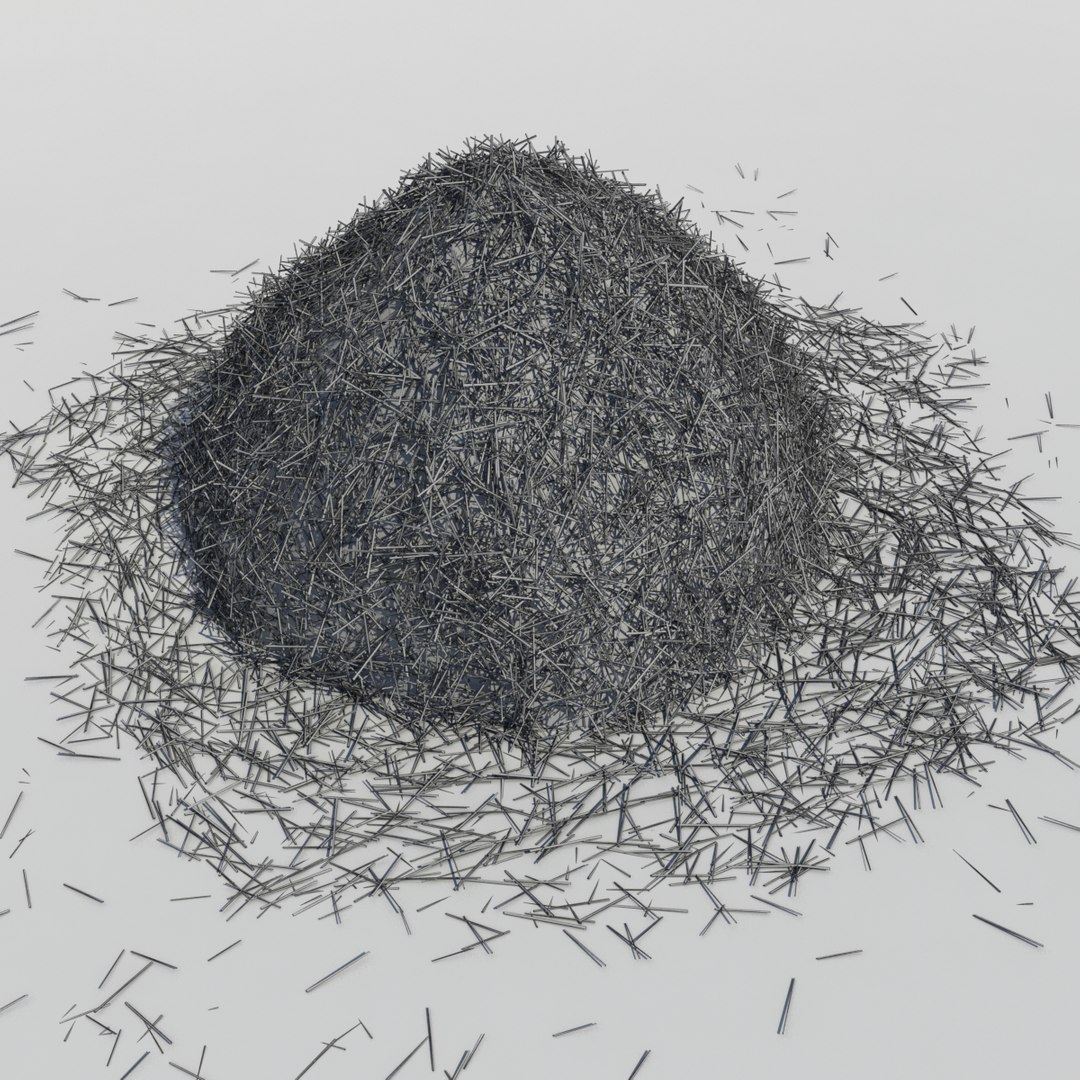
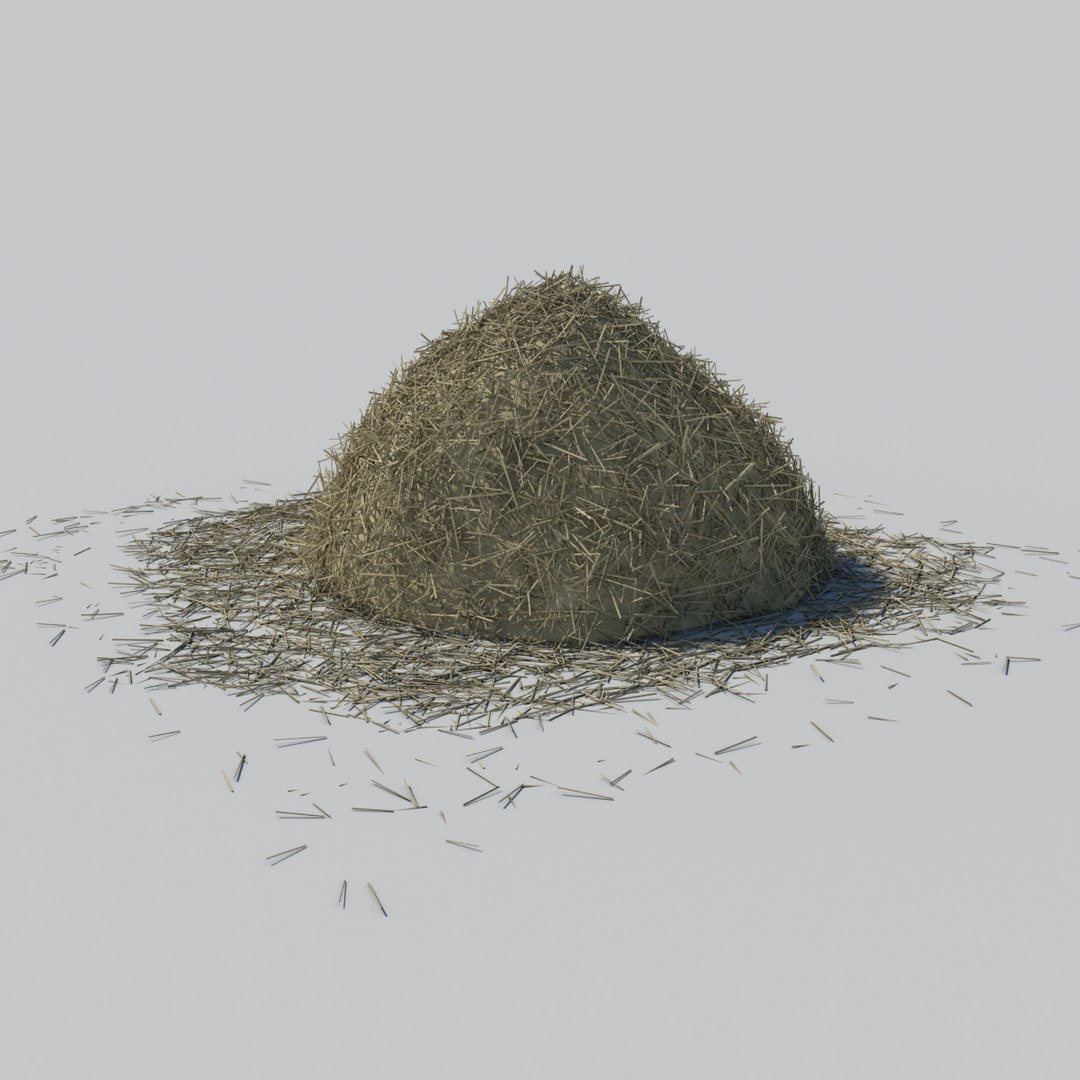
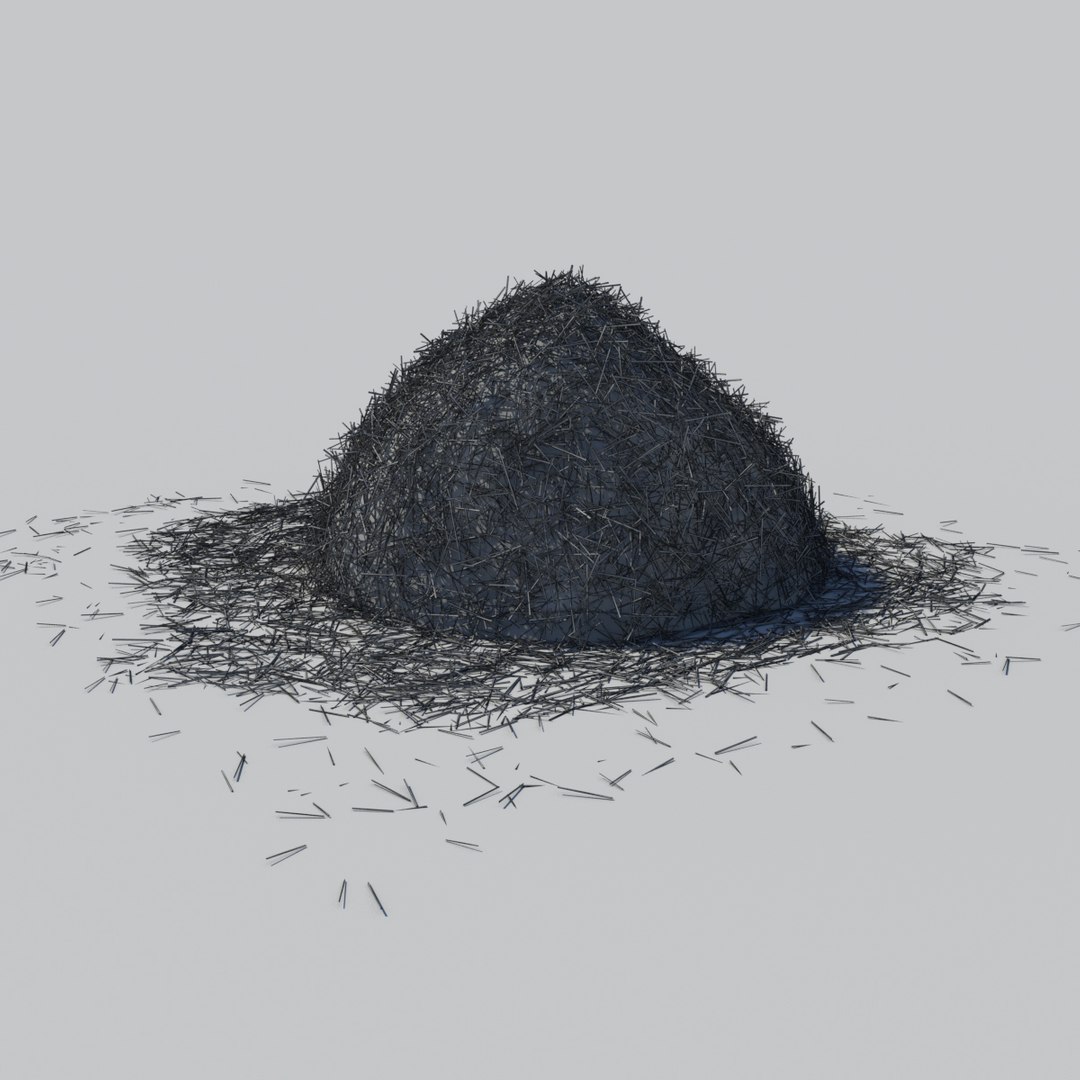
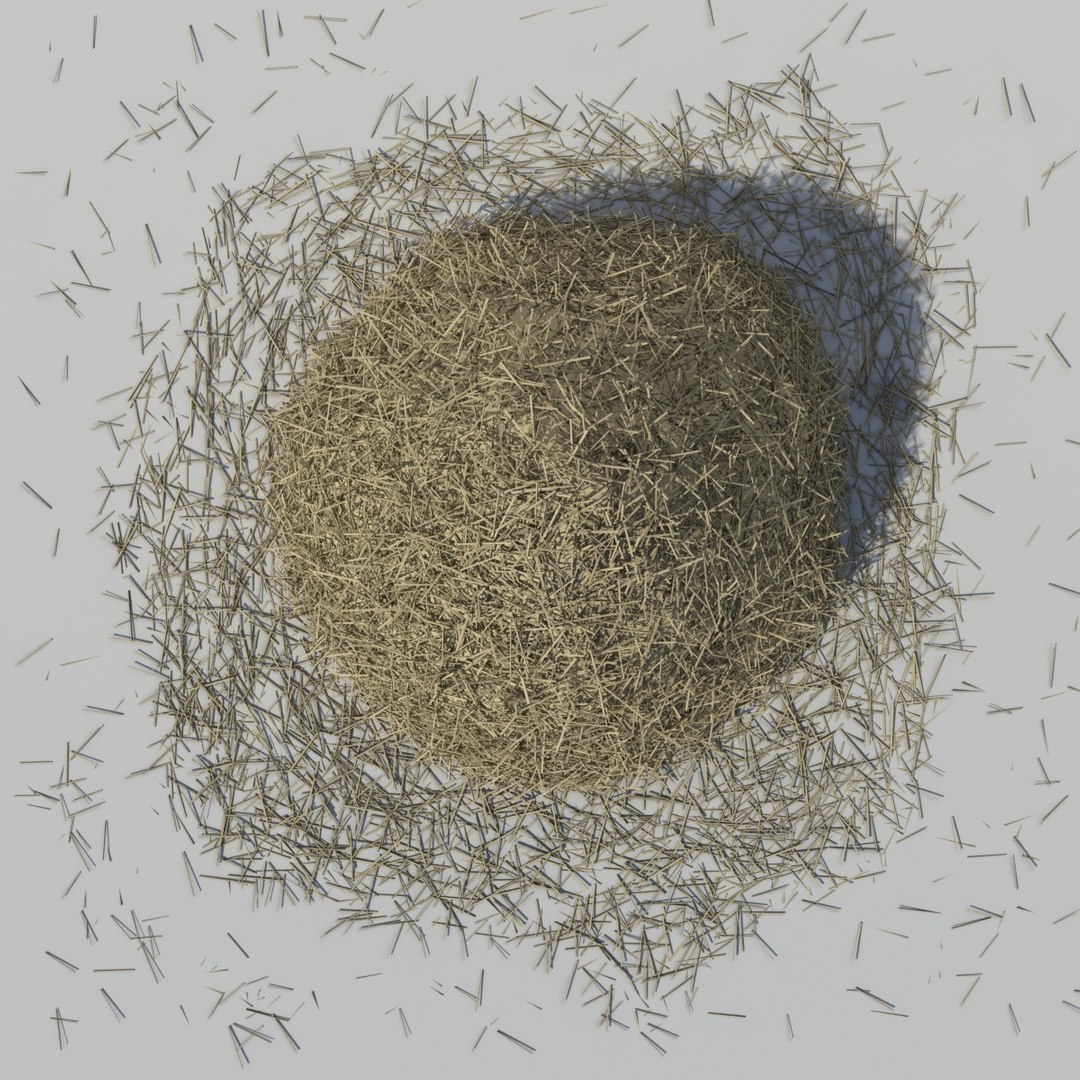
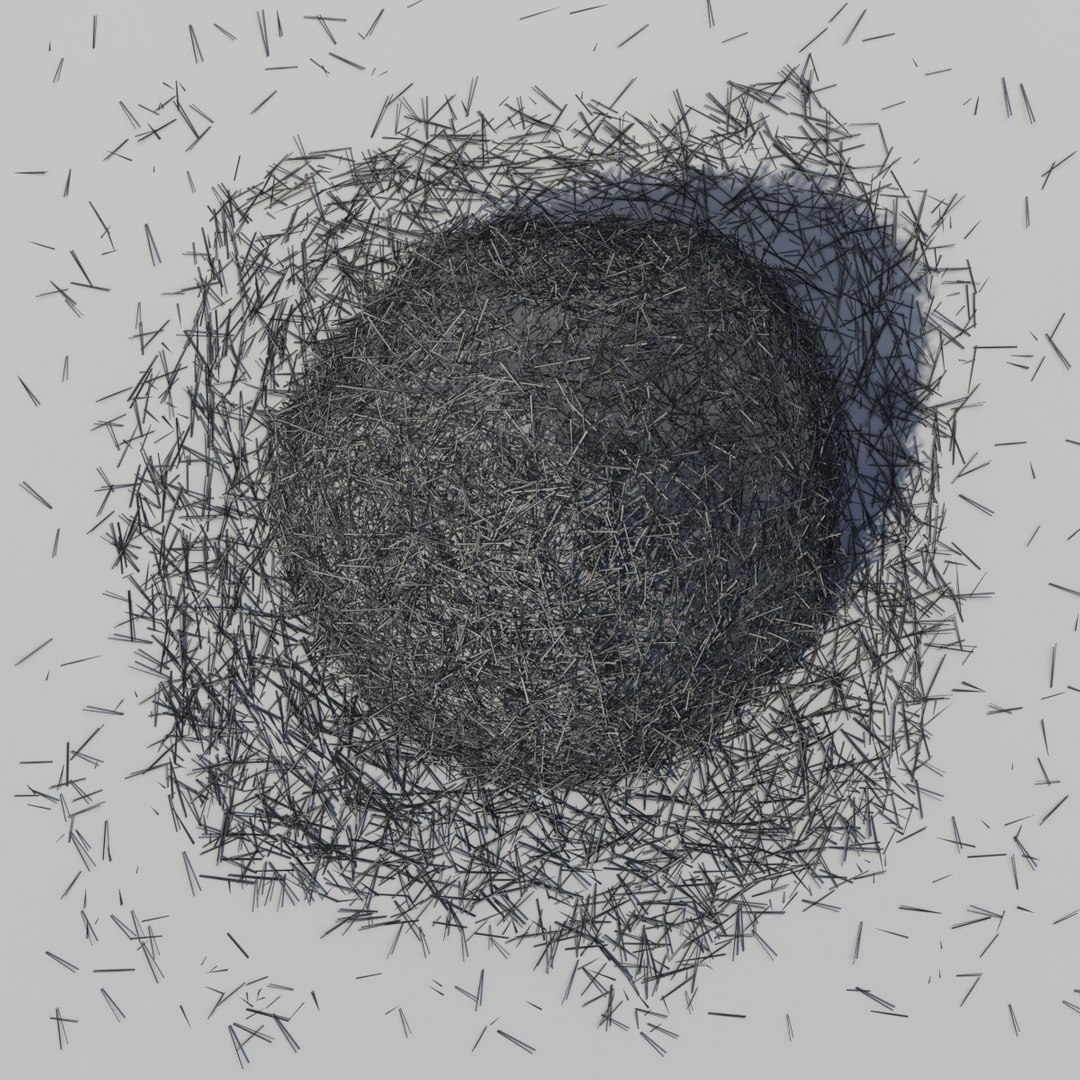
A high res model of a haystack with hay scattered around in a natural way.

The hay on the floor is on a separate layer to the haystack so it can be easily moved/deleted if required.

If multiple instances of this model are needed in a scene we recommend using proxy versions of this model.

Created in 3ds Max 2014 natively.

All materials are provided and mapped. No lighting provided so can be easily imported and used in your scene as you need.

--------------------------------------------------------------------

Features:
Correctly scaled for an accurate representation.
Model is fully textured with all materials provided and applied.
3ds Max model is grouped for easy selection.
No cleaning up necessary—just drop your models into the scene and start rendering.
No special plugin needed to open scene.
Model does not include any backgrounds or lighting used in preview images.

--------------------------------------------------------------------

Note: Formats OBJ, FBX and 3DS are exports and may not render as shown in thumbnails. Due to the nature of these formats, there may be some textures that have to be loaded by hand.

Select Enhanced License

  • $10,000 in Legal Protection (Indemnification)
  • Uncapped Legal Protection (Indemnification)
  • Waiver from injunctive relief
  • Assignable model rights
  • $1,000,000 in Legal Protection (Indemnification)
  • Waiver from injunctive relief
  • Assignable model rights
  • $250,000 in Legal Protection (Indemnification)
  • Assignable model rights
Read more about enhanced license tiers, or contact us at enterprise@turbosquid.com. Already a Shutterstock Enterprise Customer? Contact your Shutterstock Sales Support Agent to talk about adding 3D.

About Conversion Requests

To submit a conversion request for a purchased asset, please complete our Conversion Request Form.

If you have not yet purchased a model, please review our Documentation about Conversions to learn about what limitations you may encounter with a conversion.

For any additional questions about a model’s suitability for conversion, please contact TurboSquid Support.

Loading...