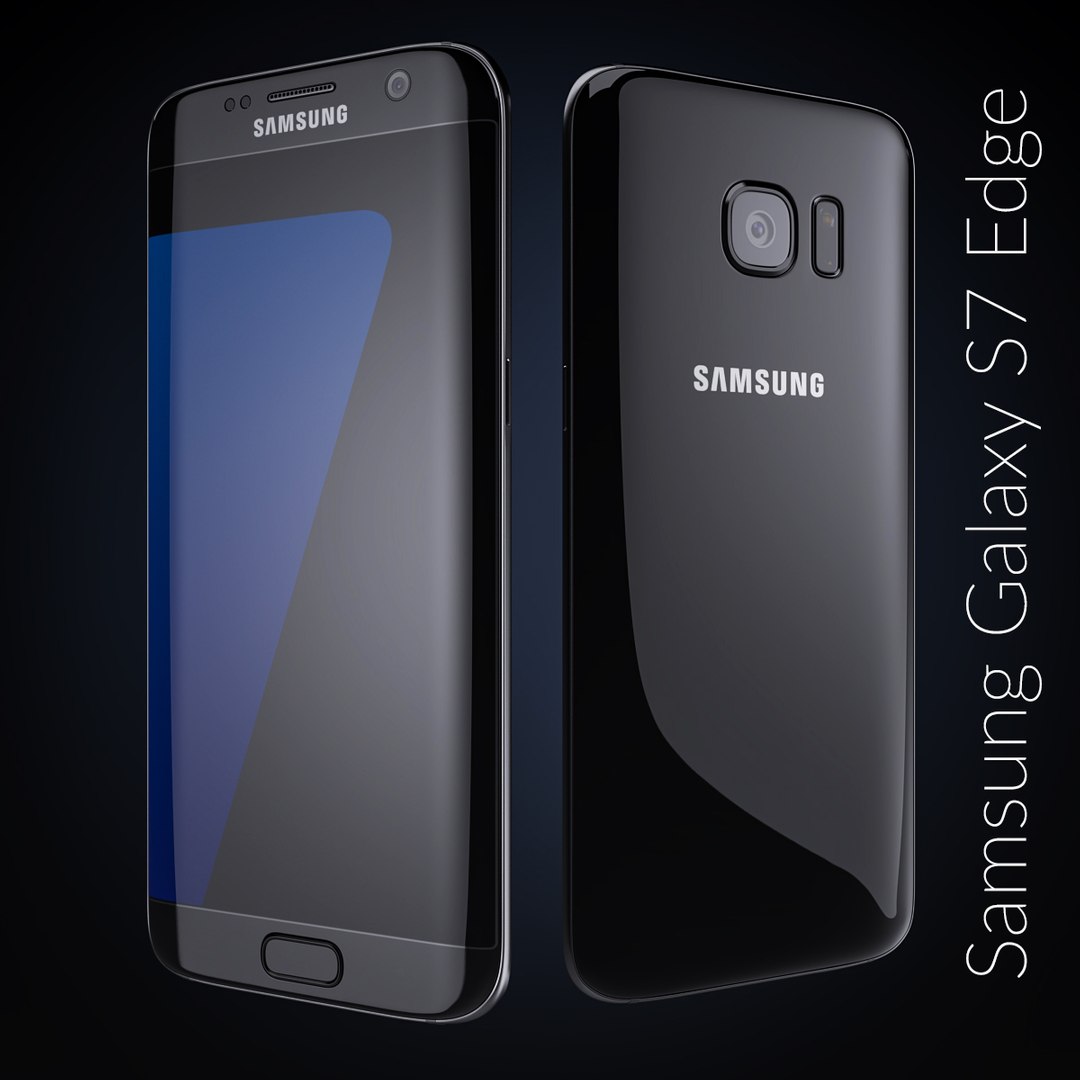
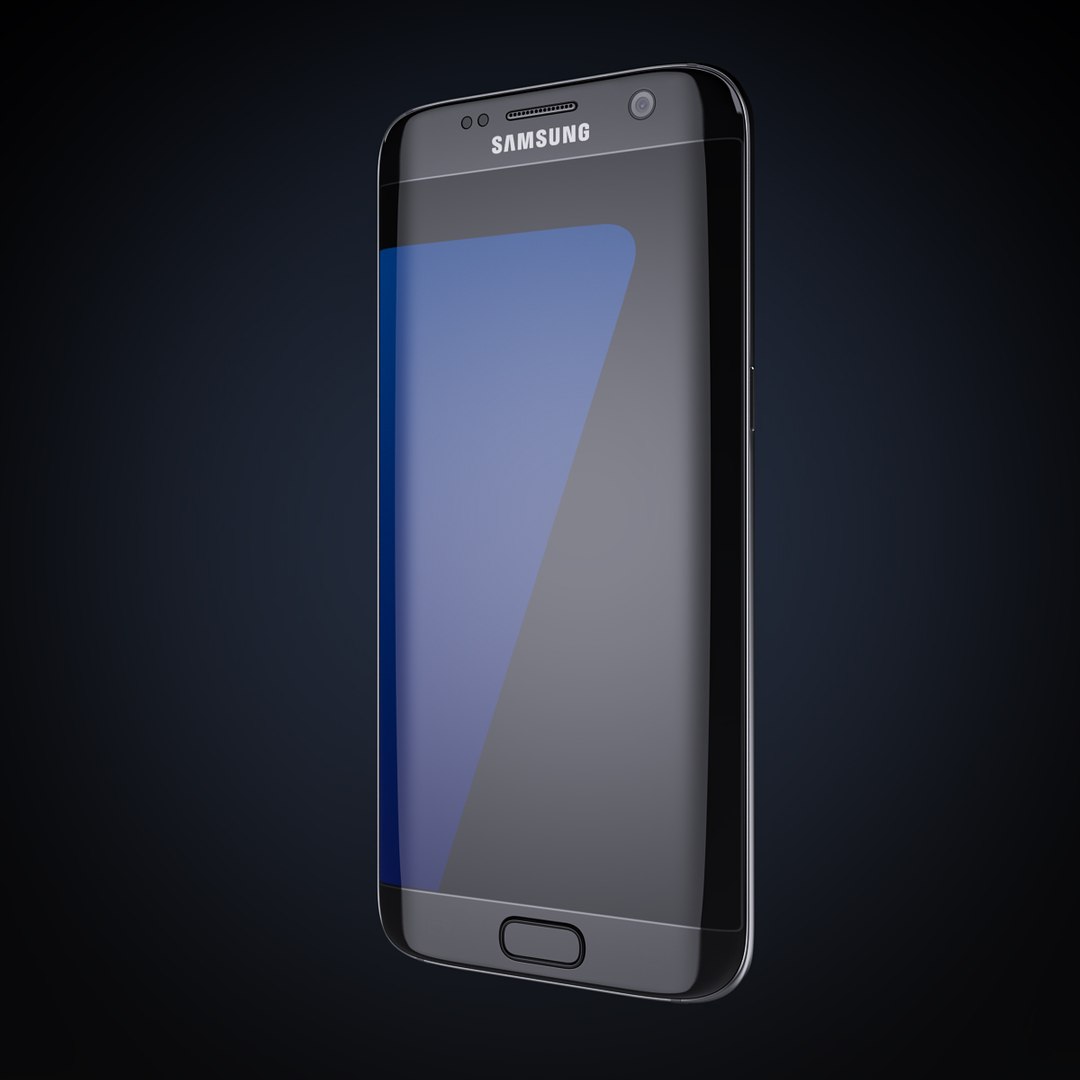
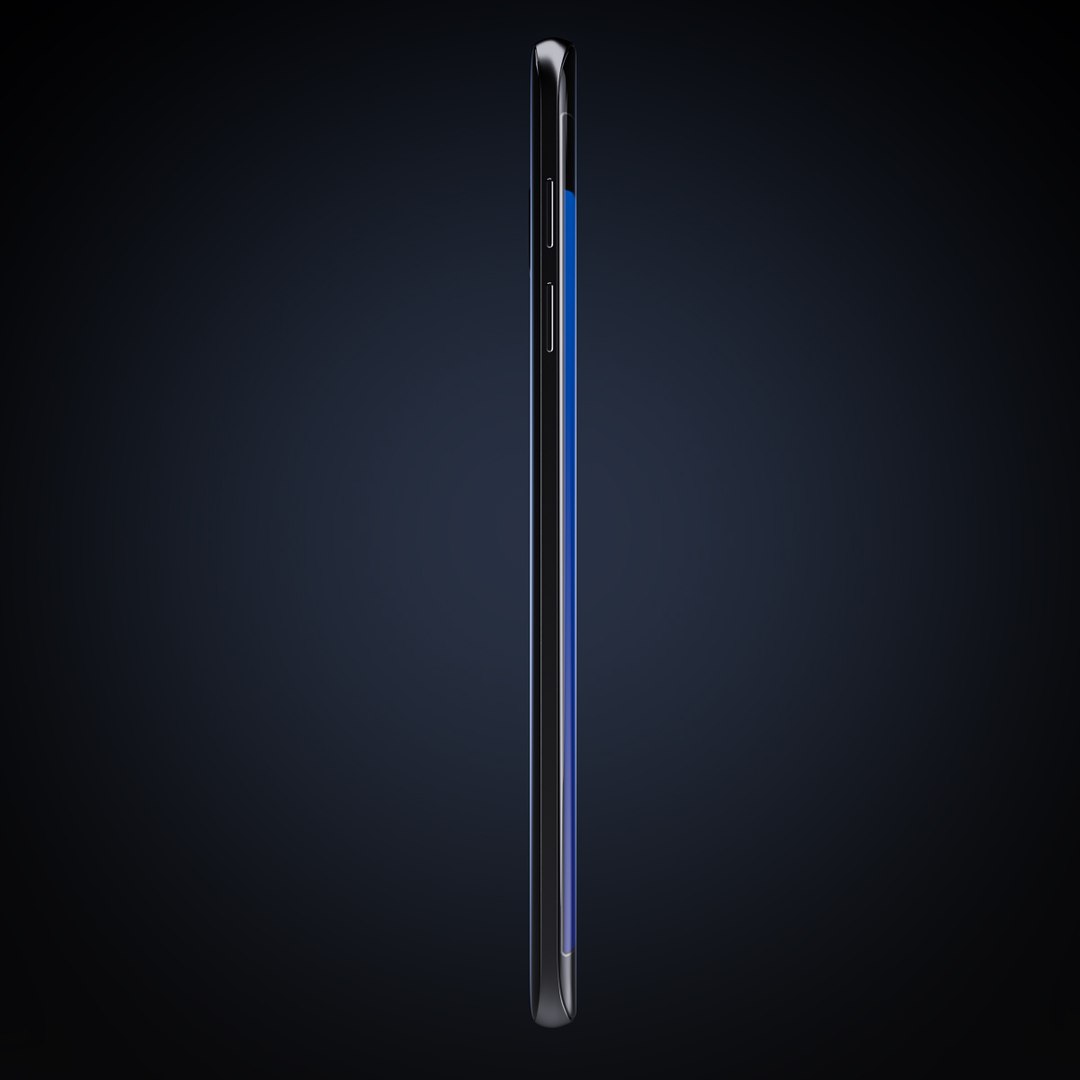
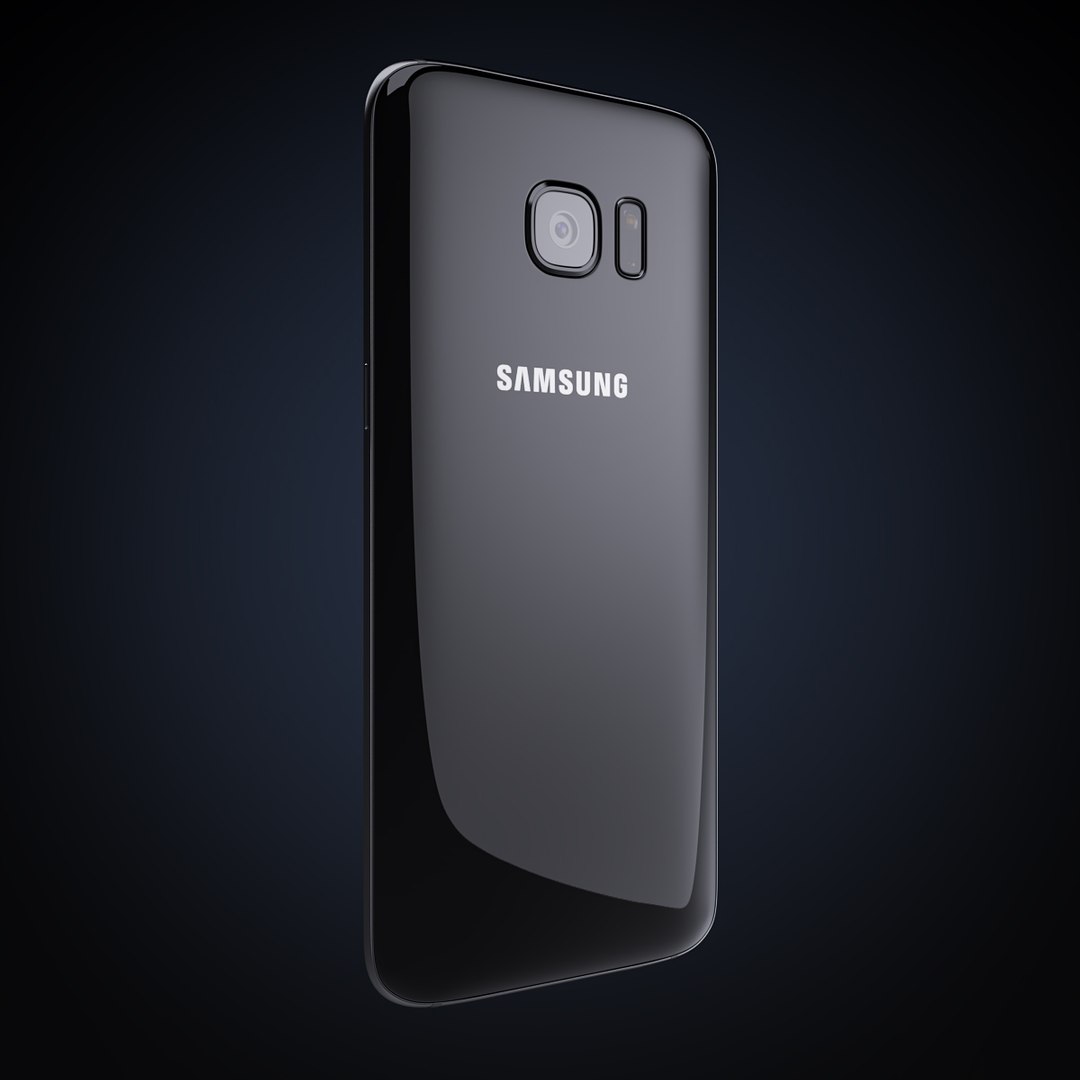
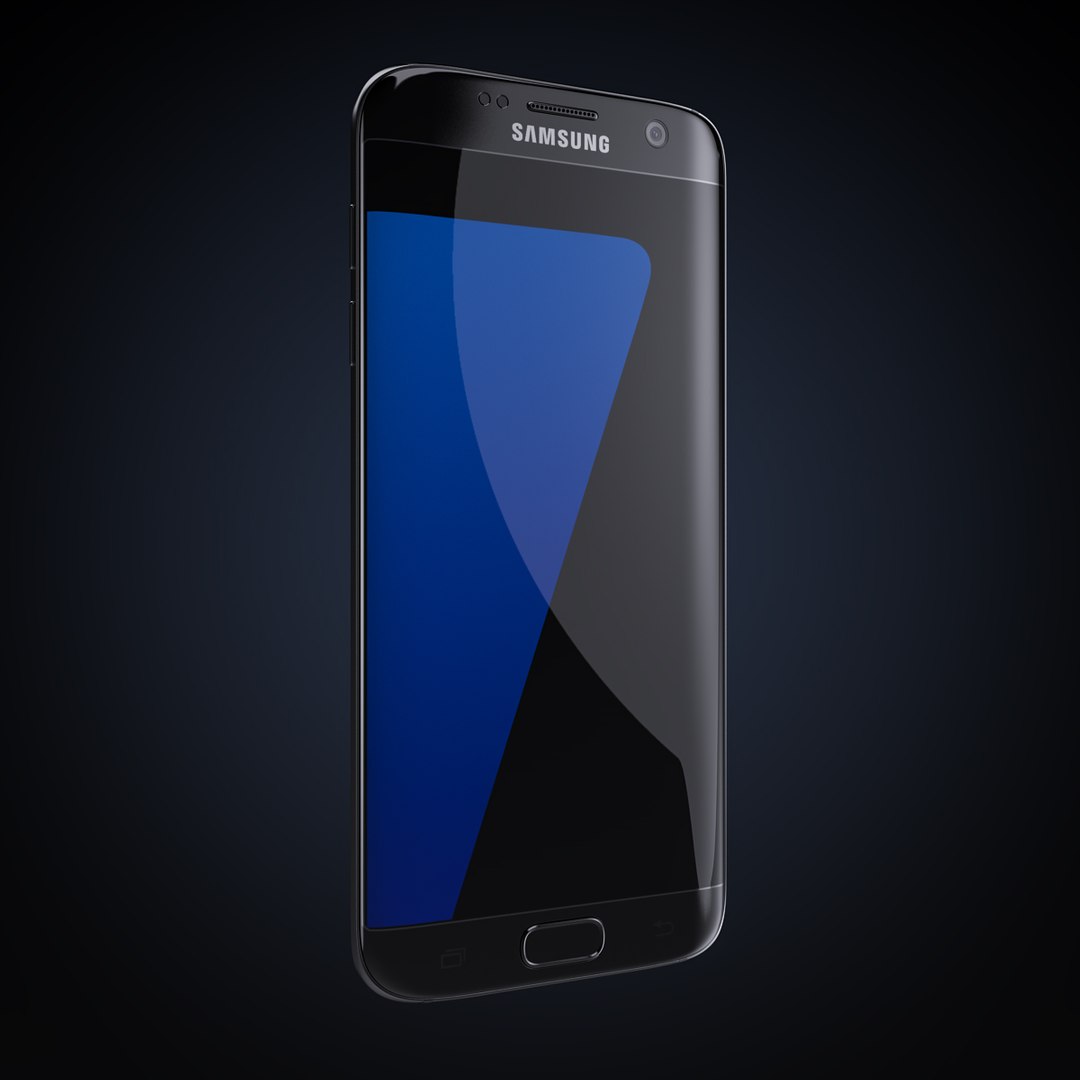
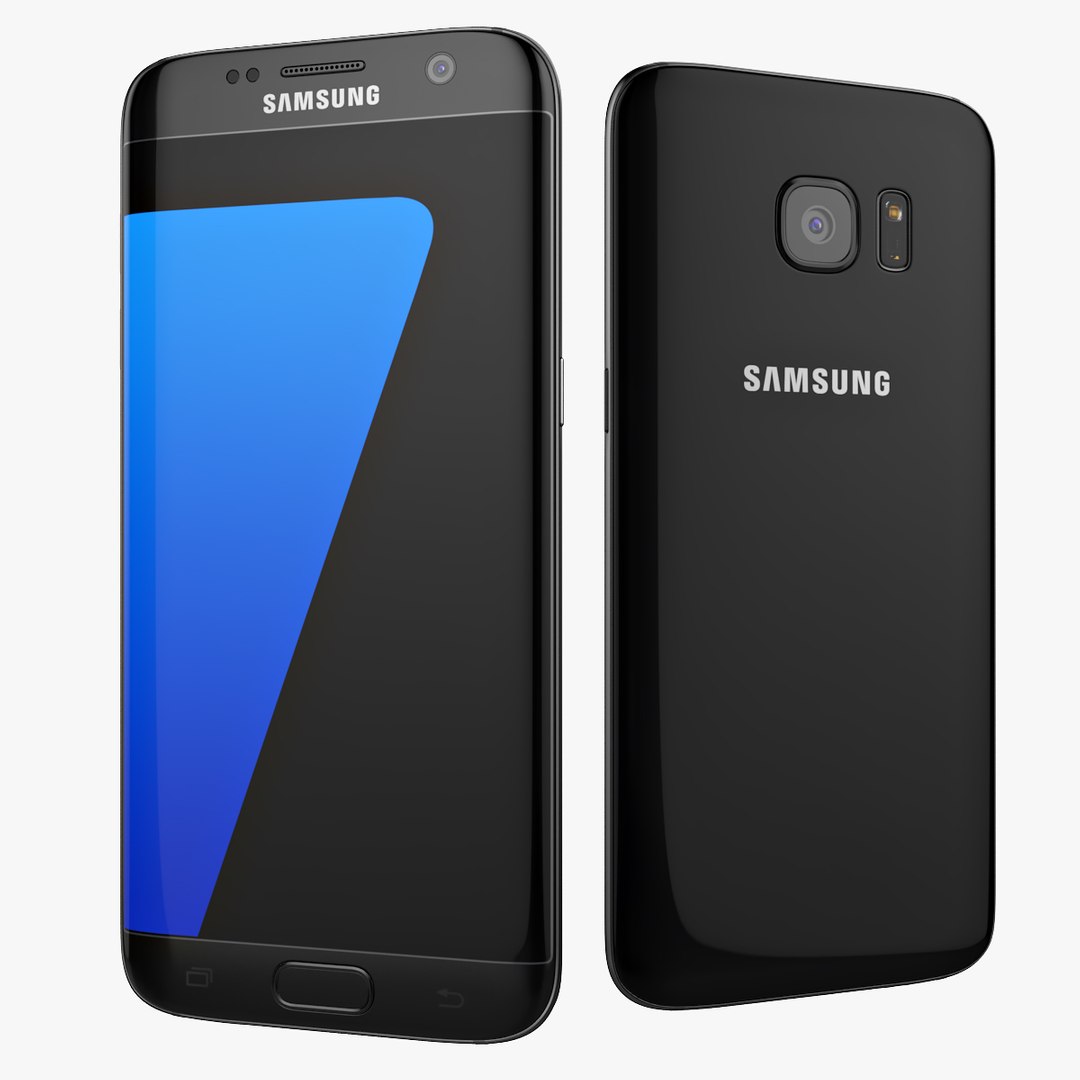
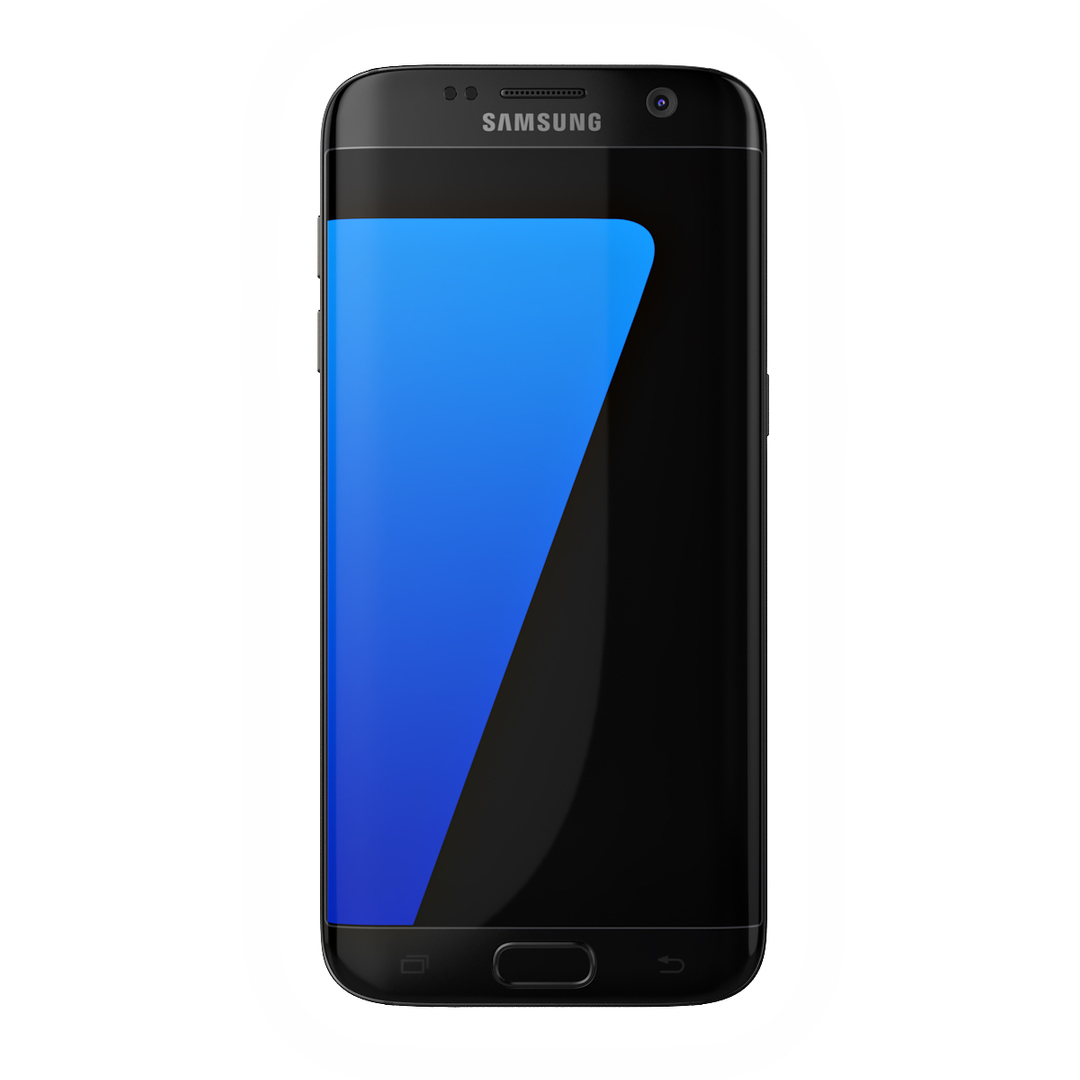
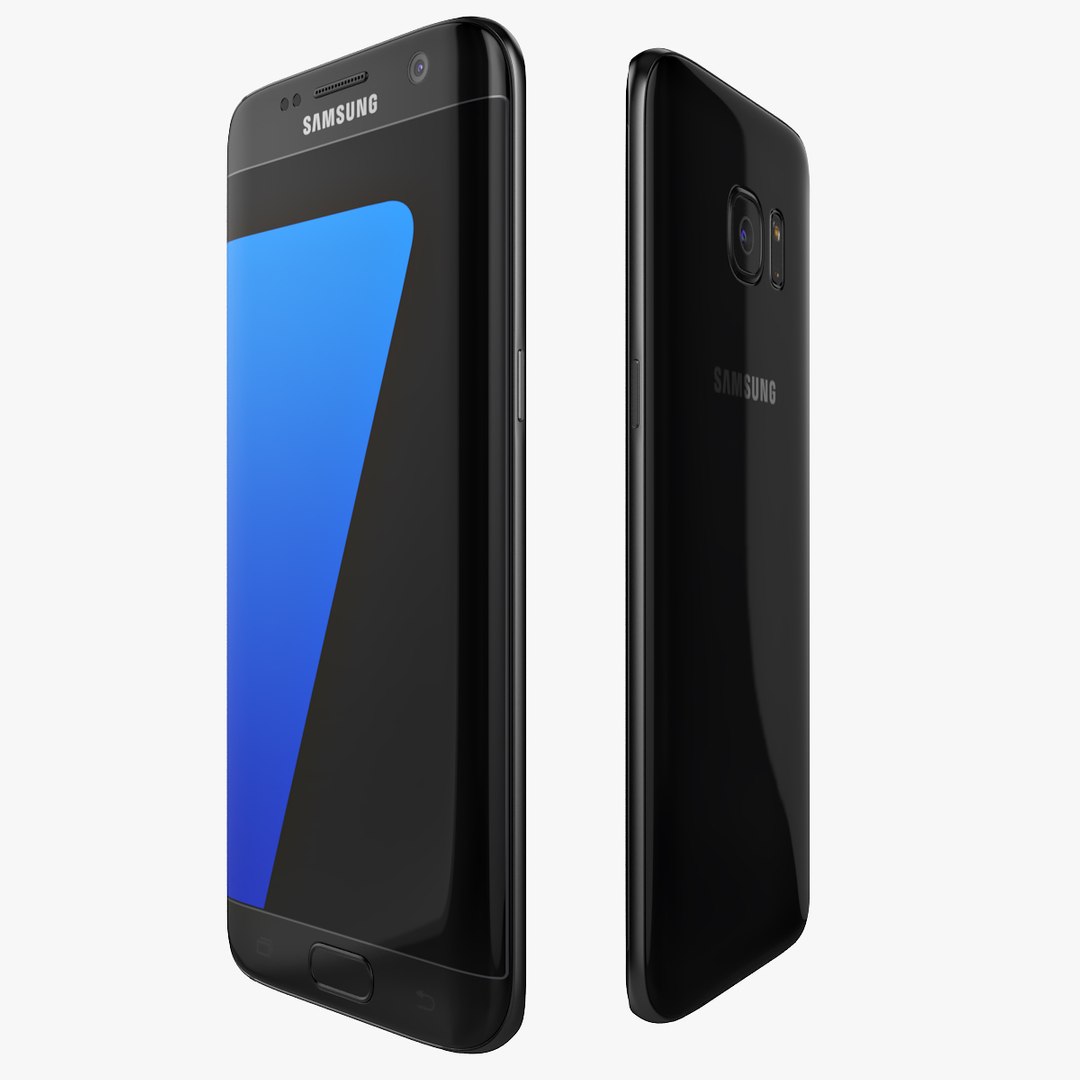
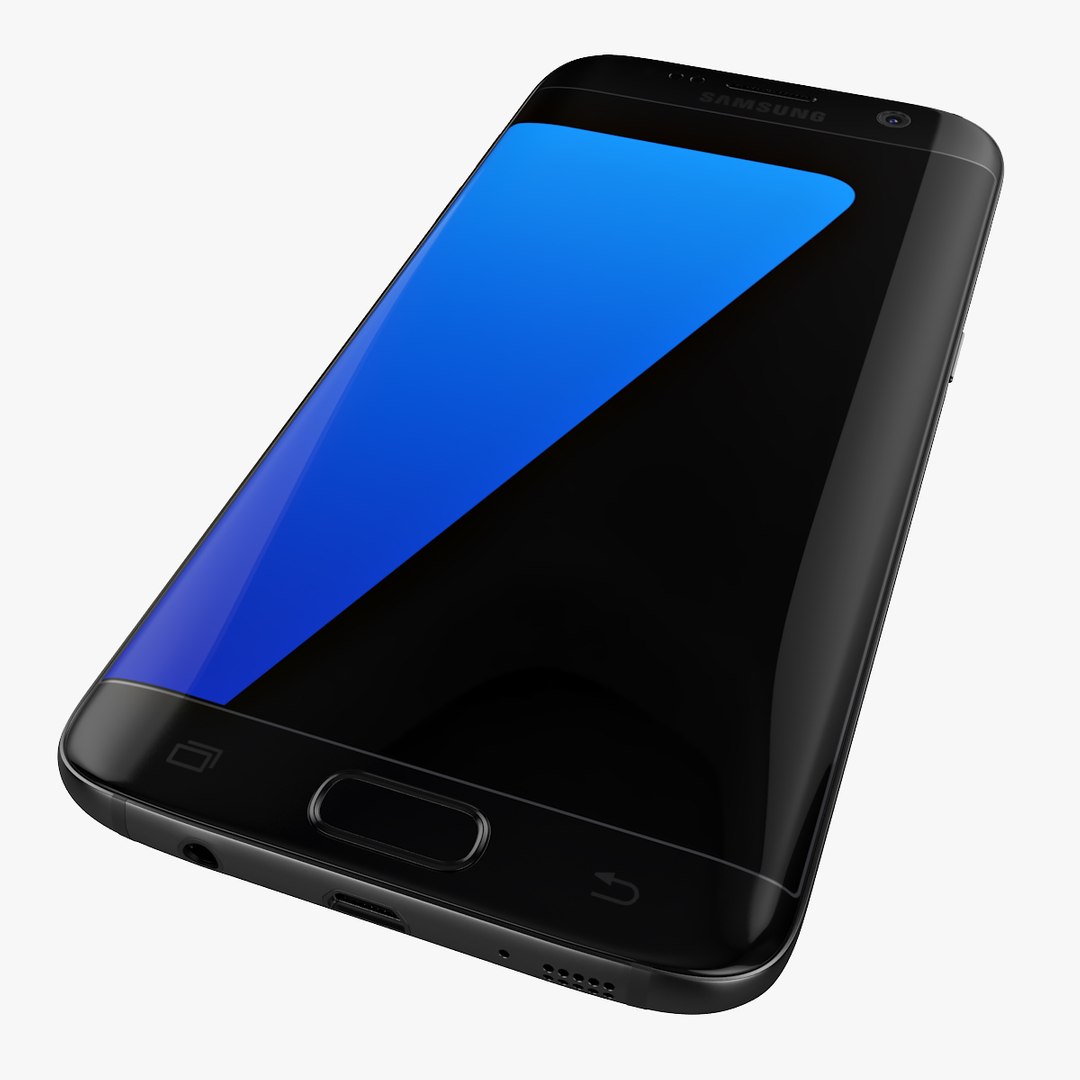
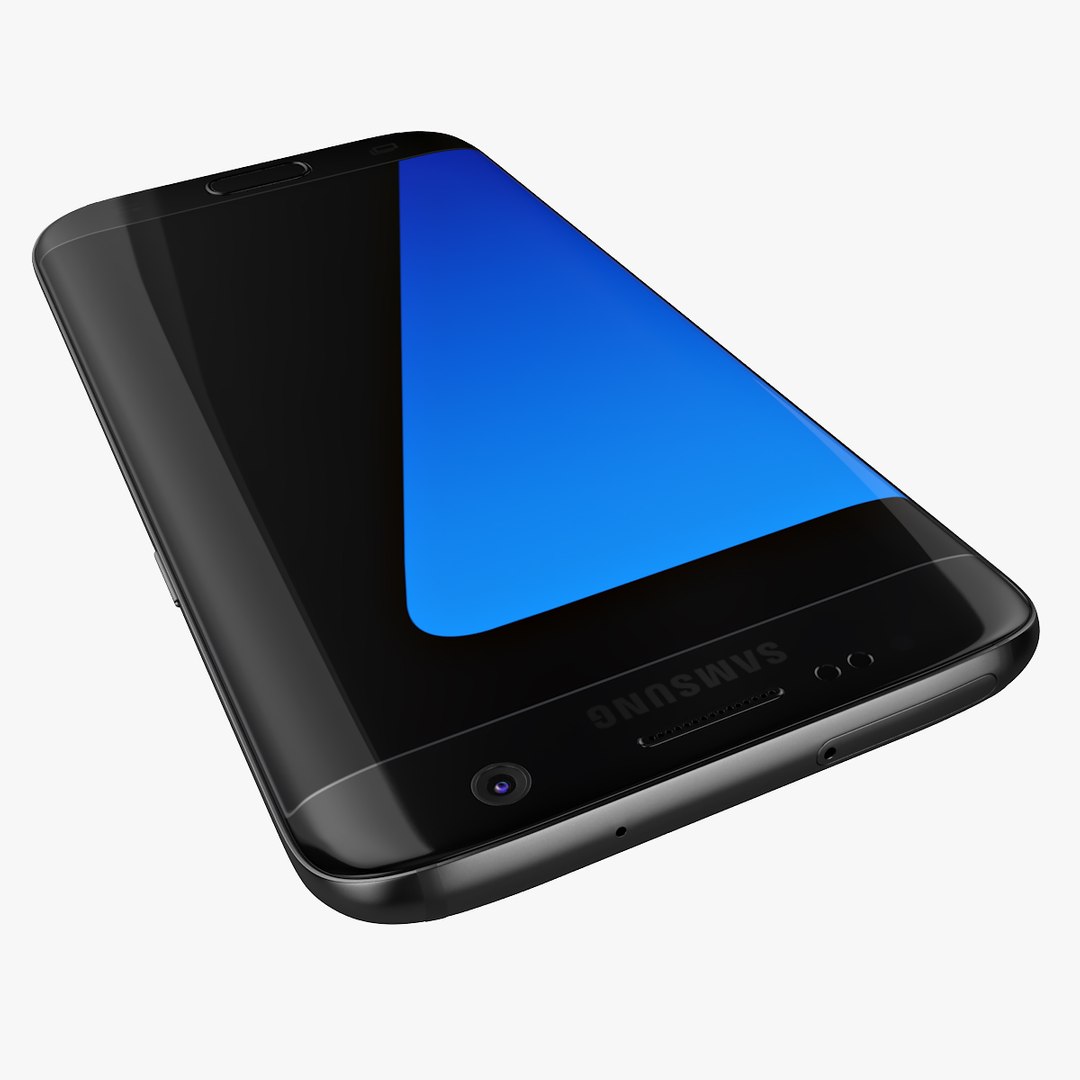
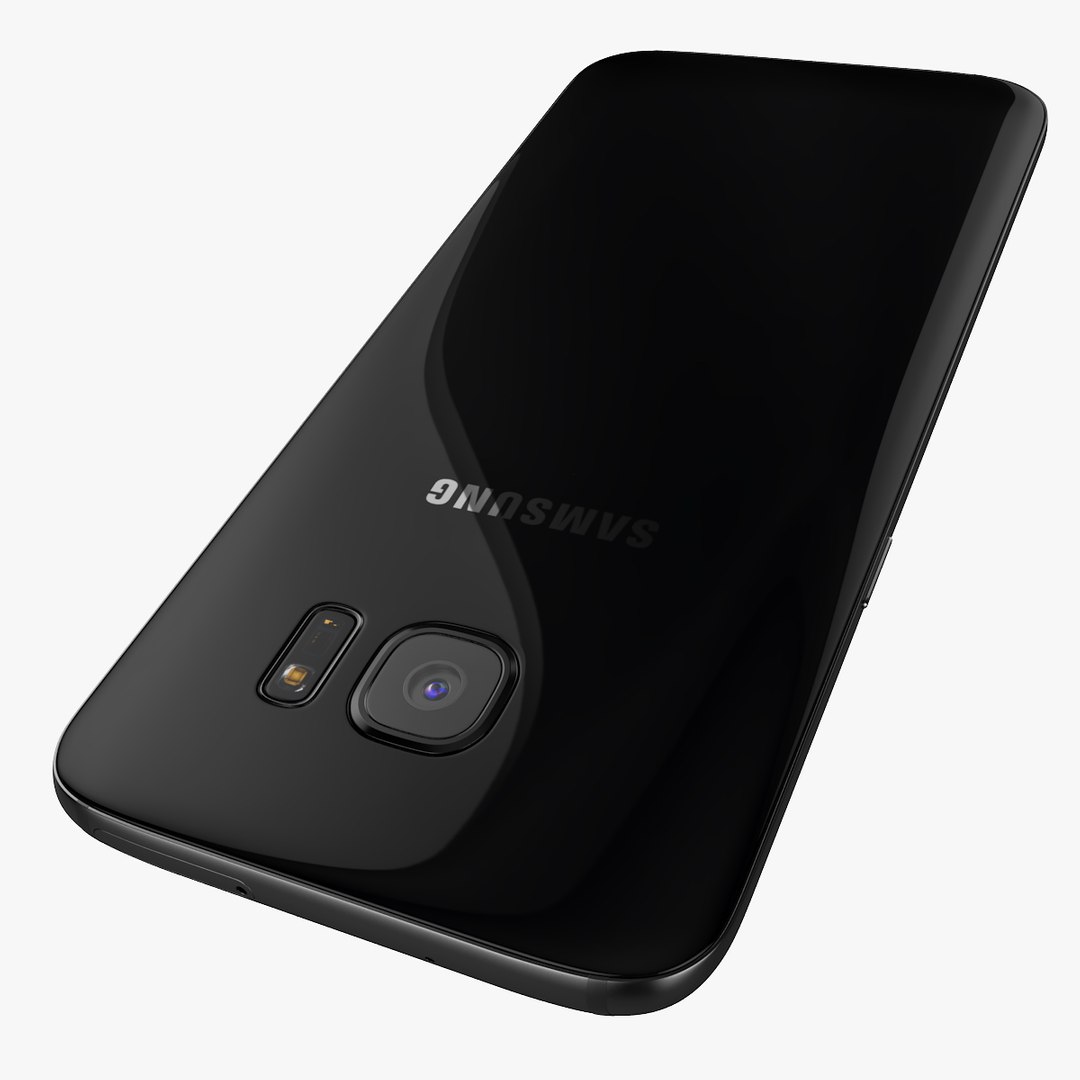
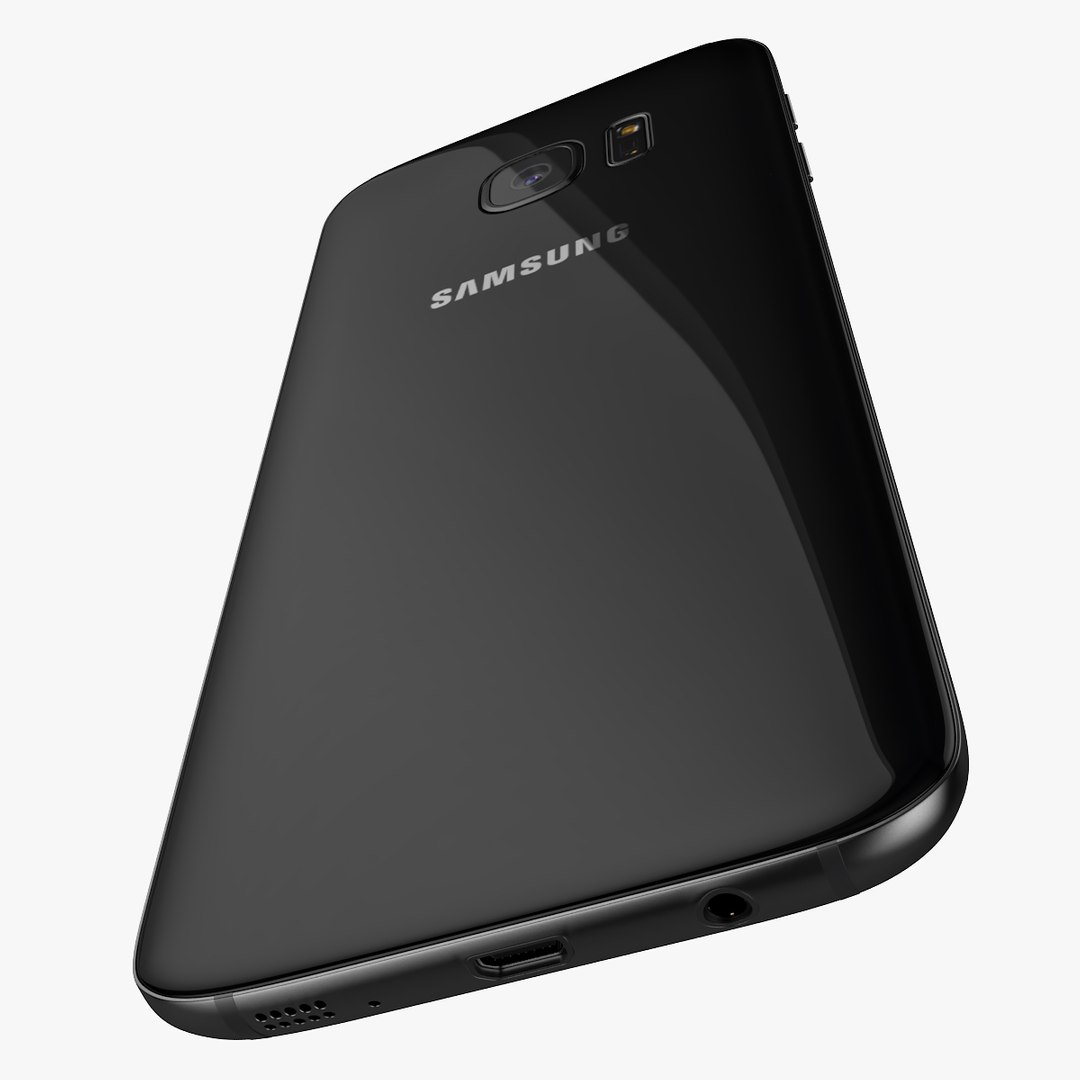
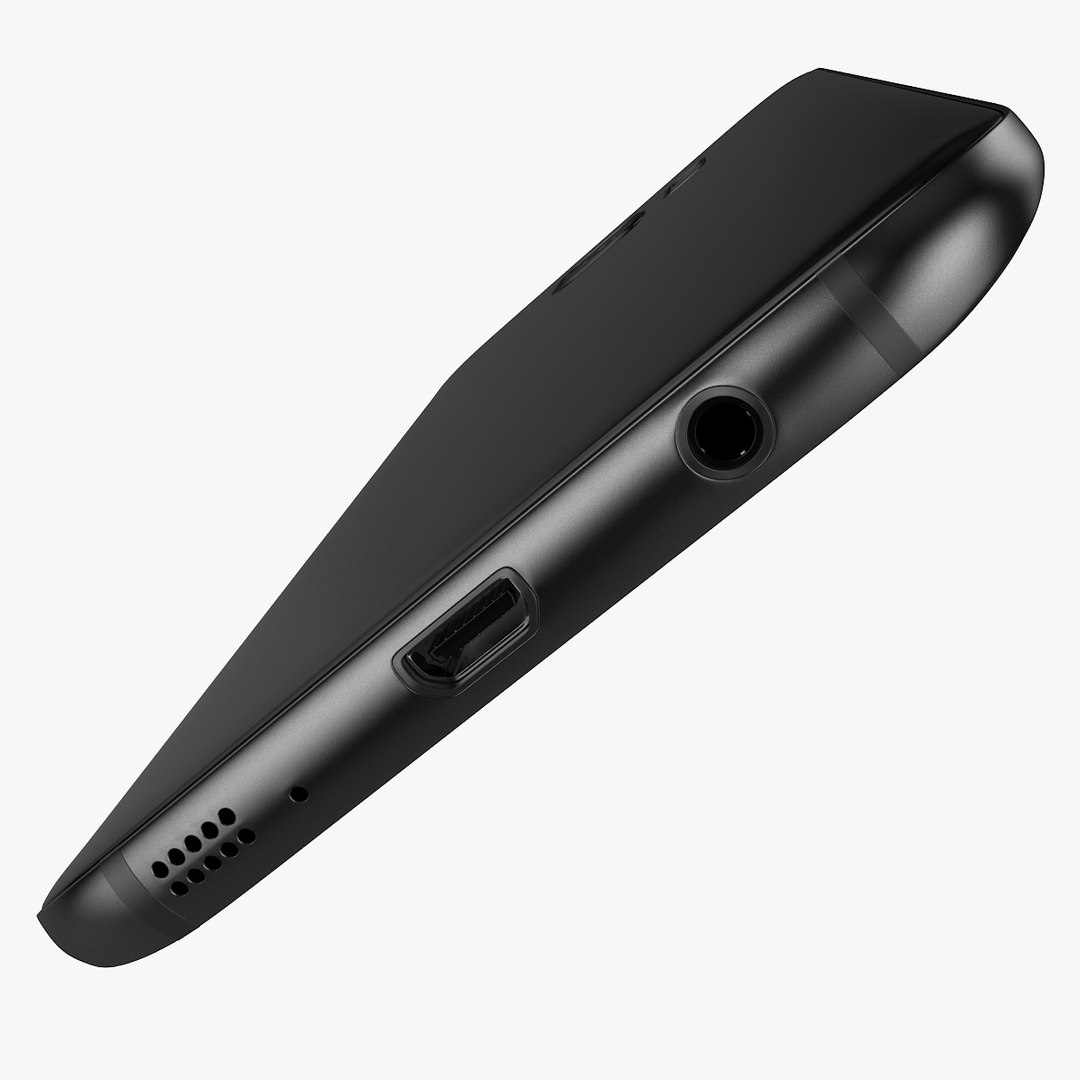
Samsung Galaxy S7 Edge Black 2016

$39

Standard License | Upgrade License
Editorial Uses Only
Formats (8)
Free file format Conversions available
Native | 3ds Max 2015 | V-Ray 3.20.03
3ds Max 2012 | V-Ray 3.20.03
3ds Max 2015 | Default Scanline
3D Studio
FBX
OBJ
Other Textures
Specifications
Publish Date February 23, 2016
Product ID 1009095
Polygons 20,582
Vertices 21,646
Polygonal Quads/Tris Geometry
Textures
Materials
UV Mapped
Overlapping Unwrapped UVs
TurboSquid Exclusive
member avatar
3DFuture_net
404 Products | Contributor Since 2006
Have questions? Chat with us now.

Description

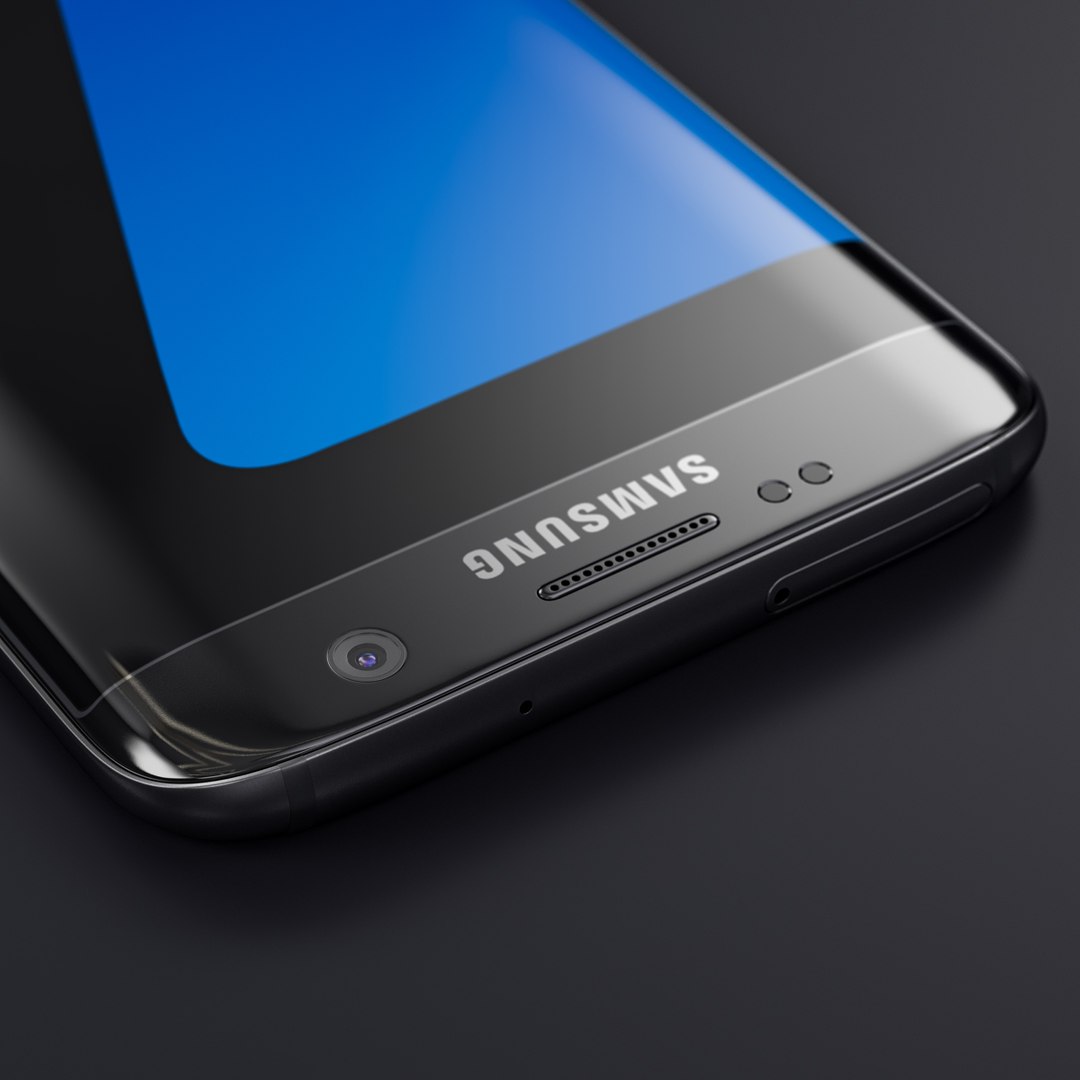
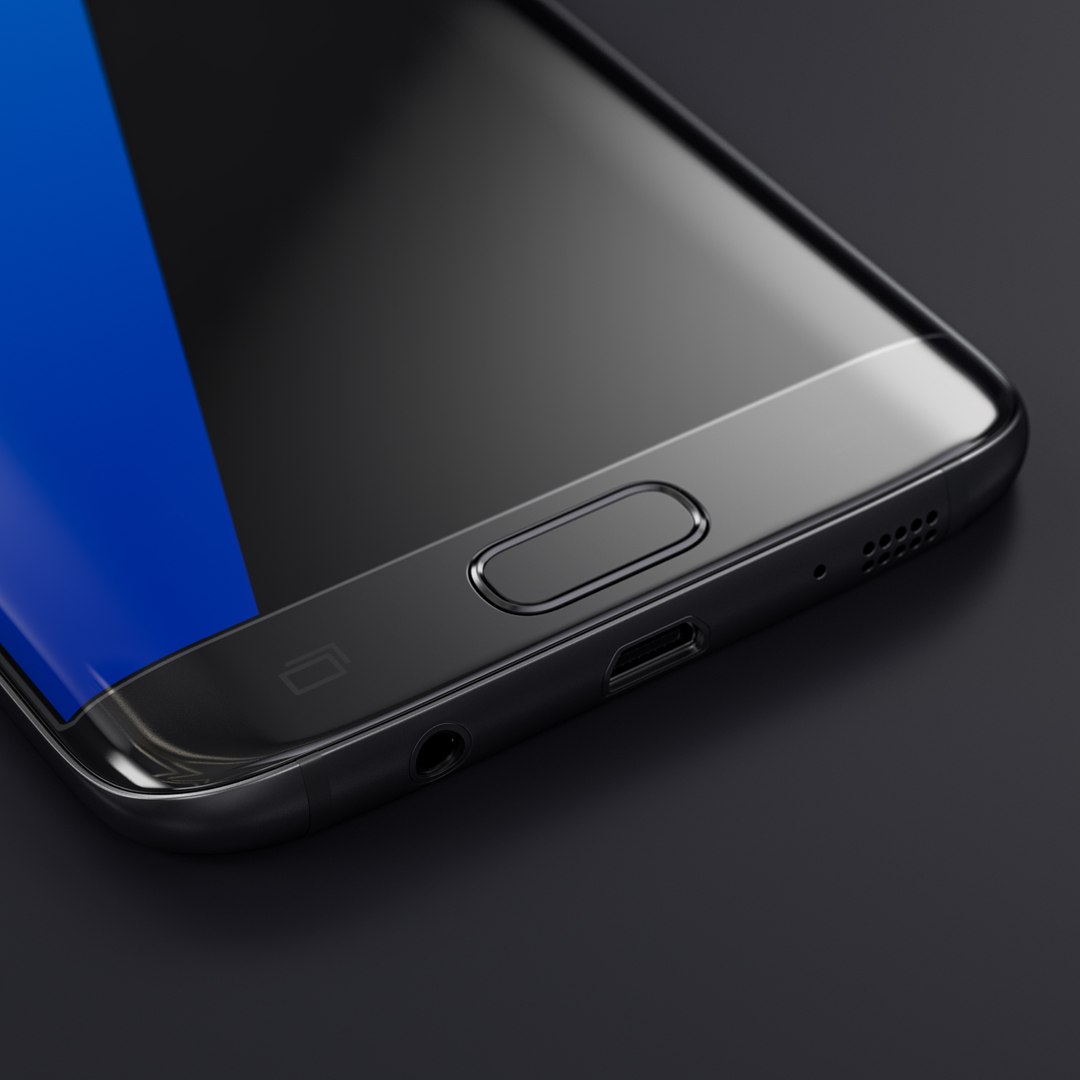
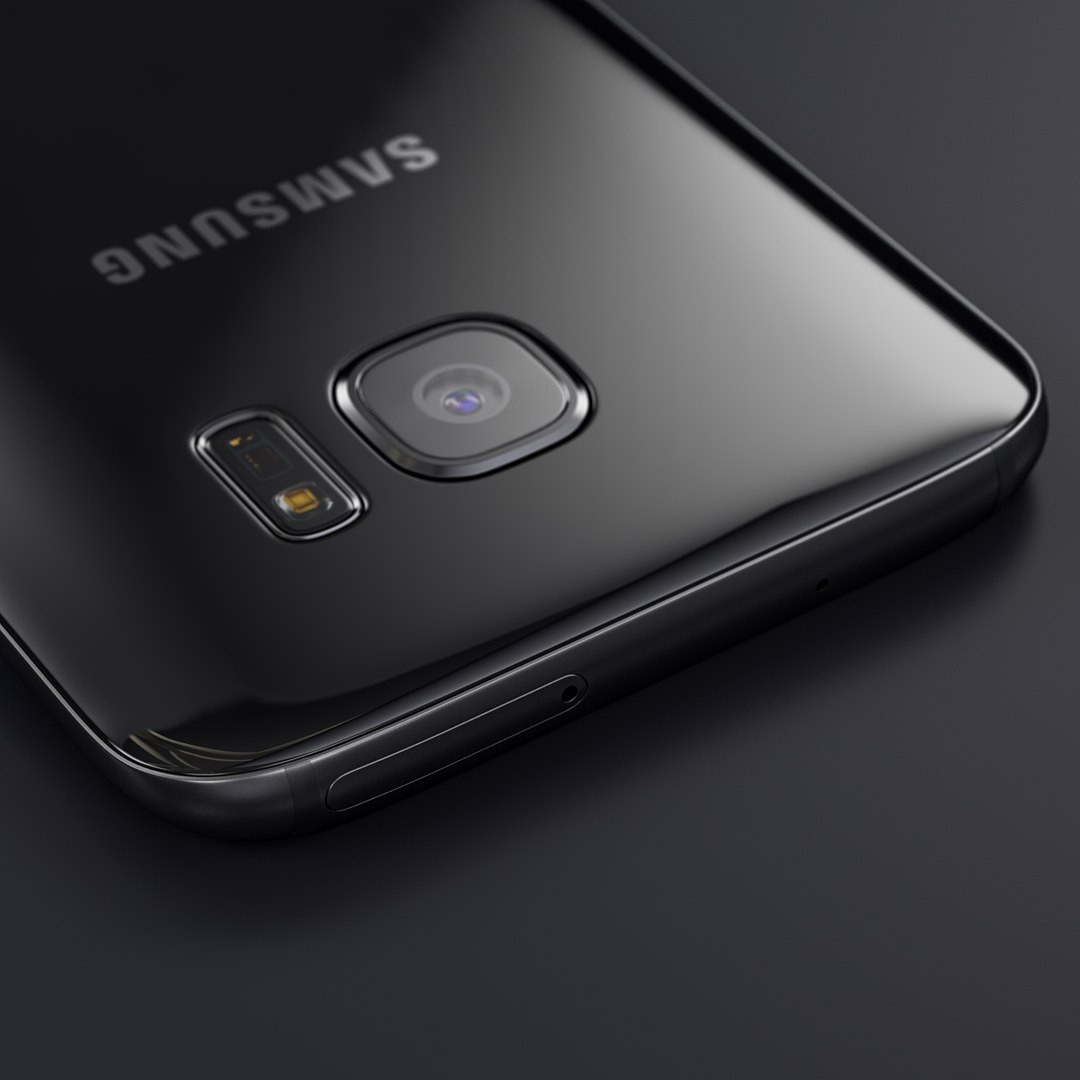
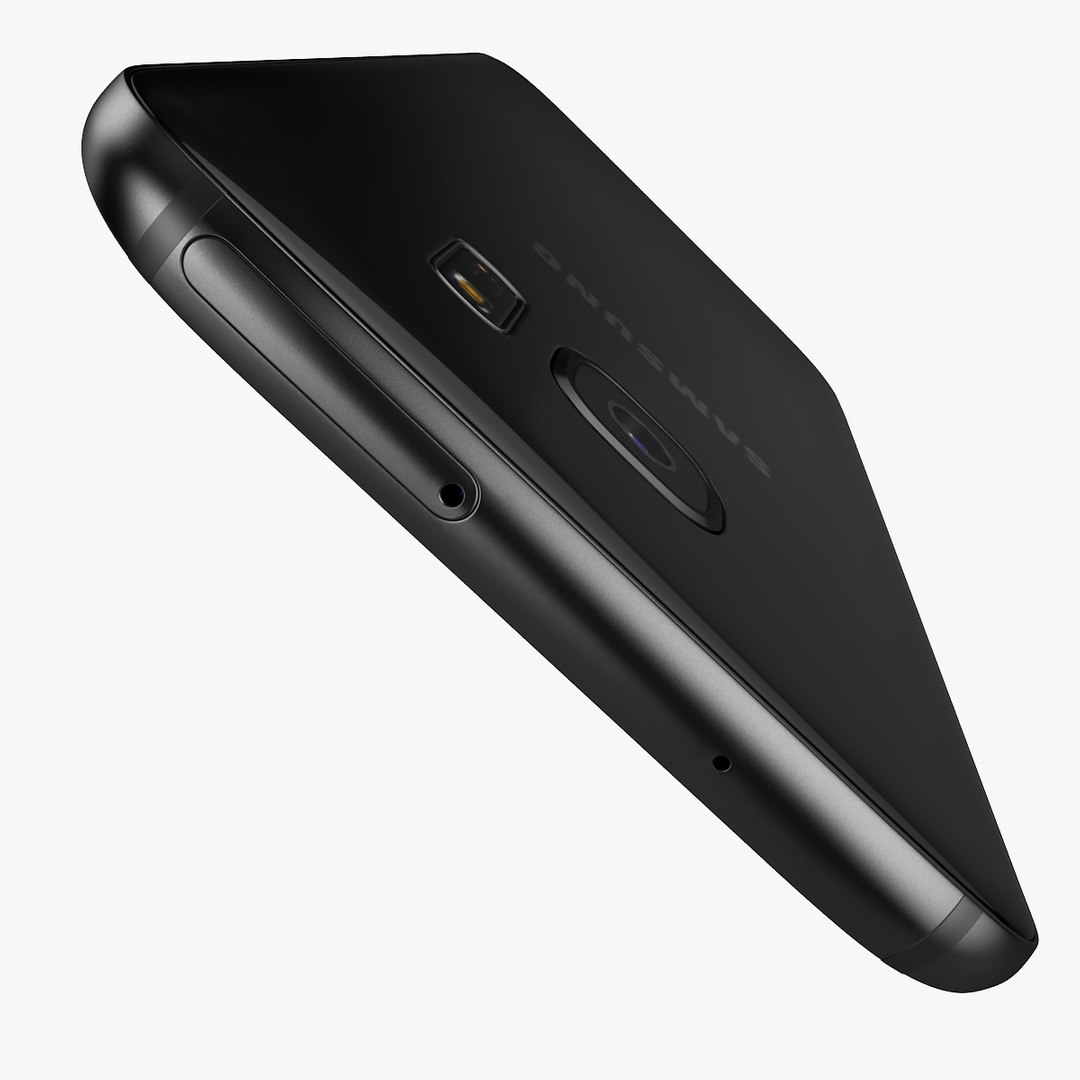
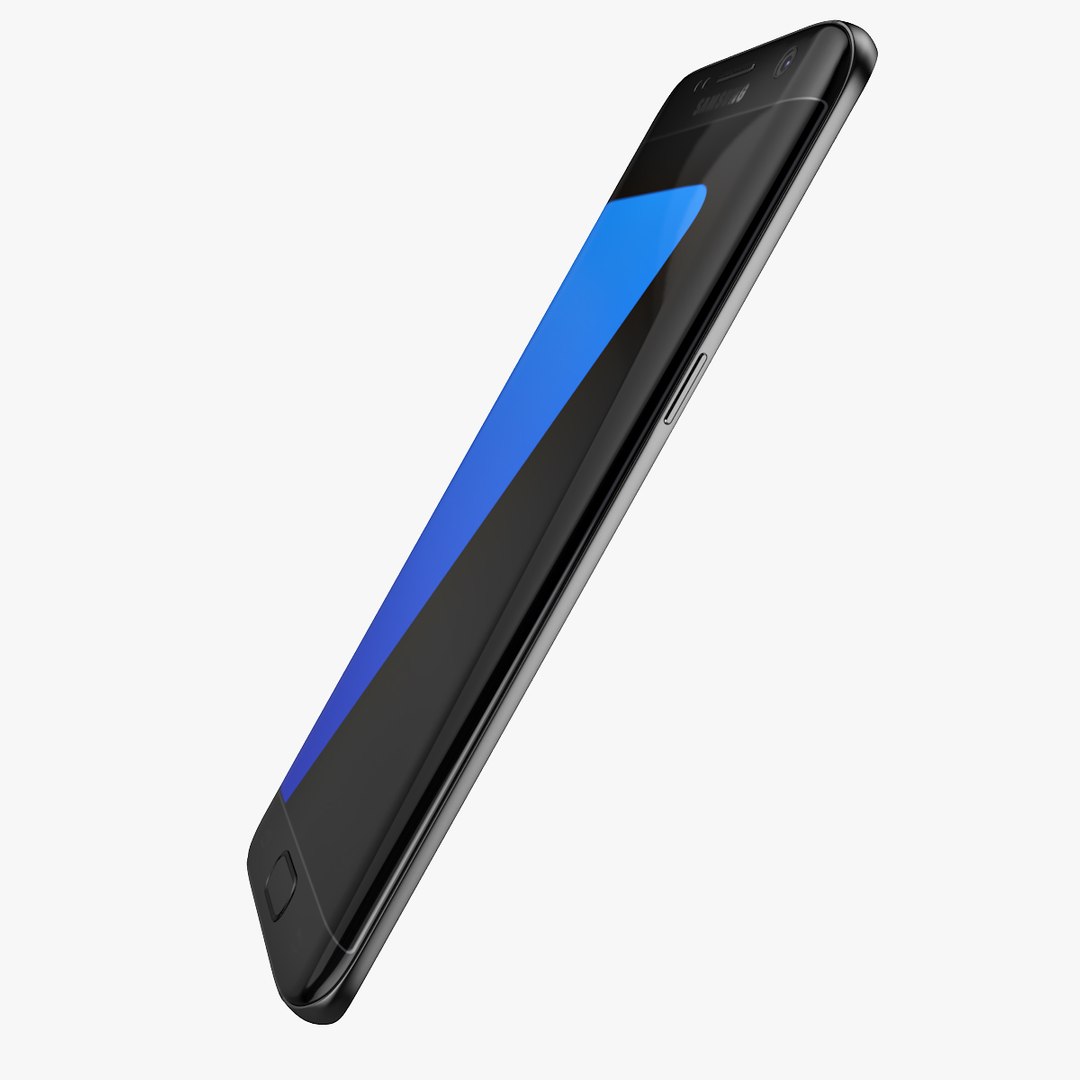
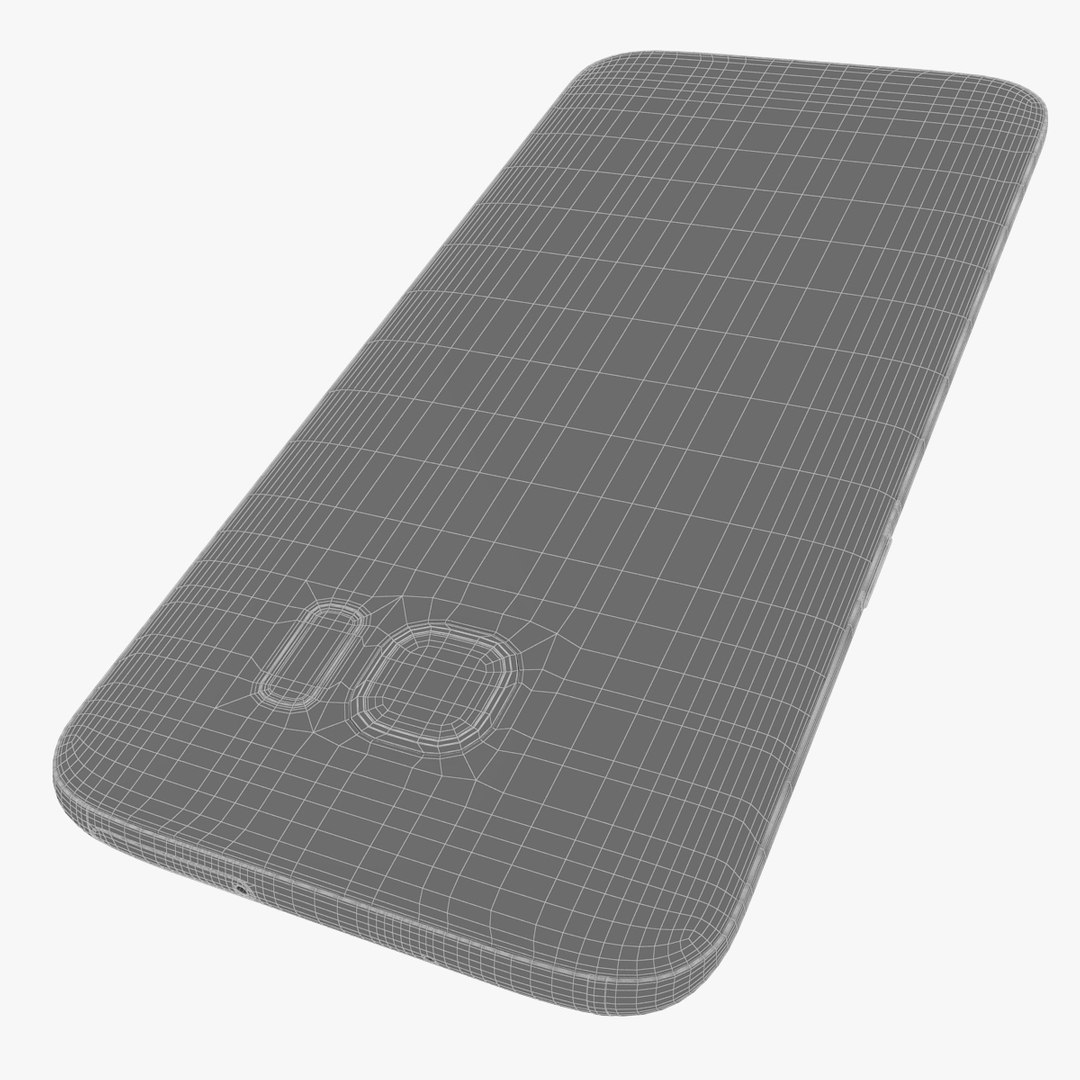
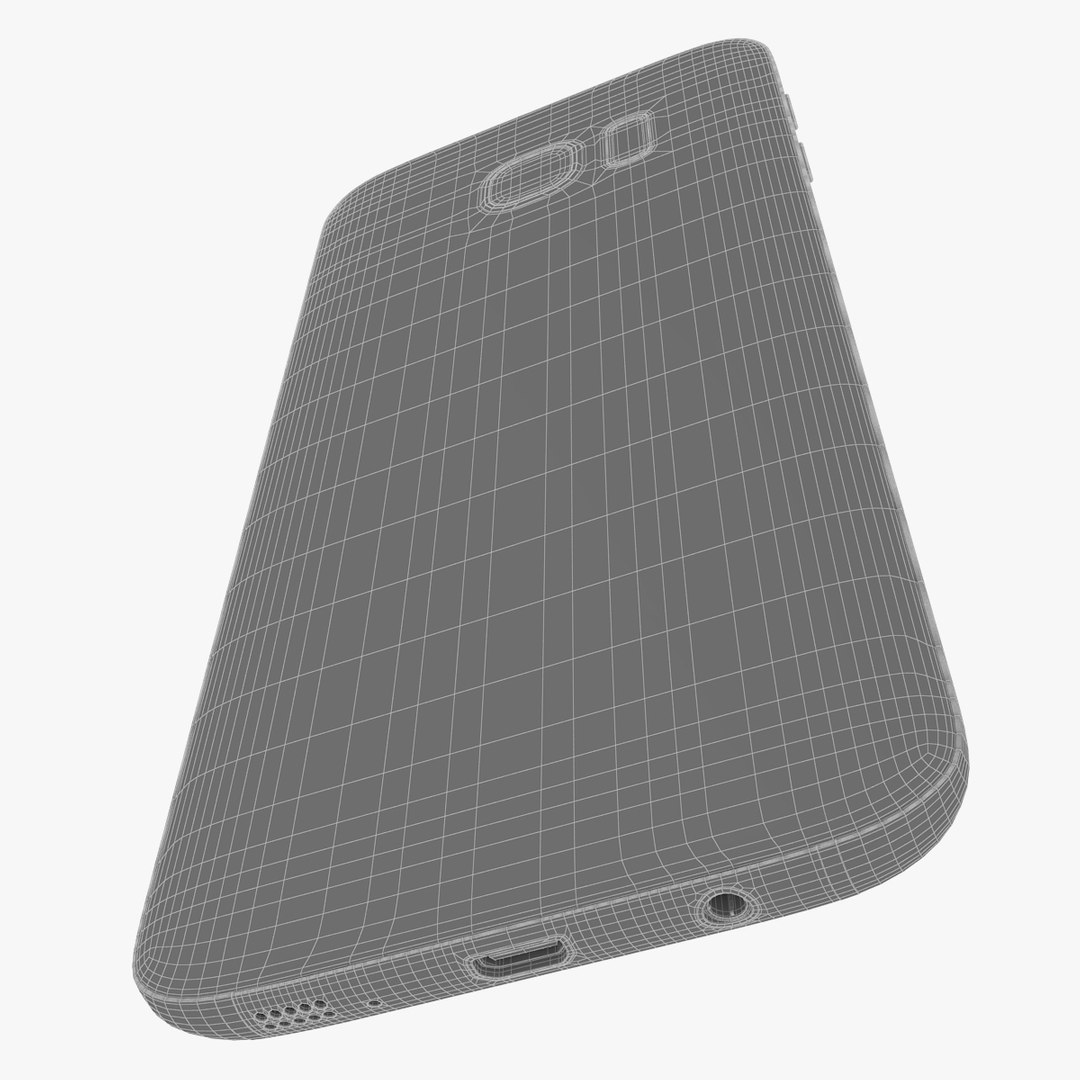
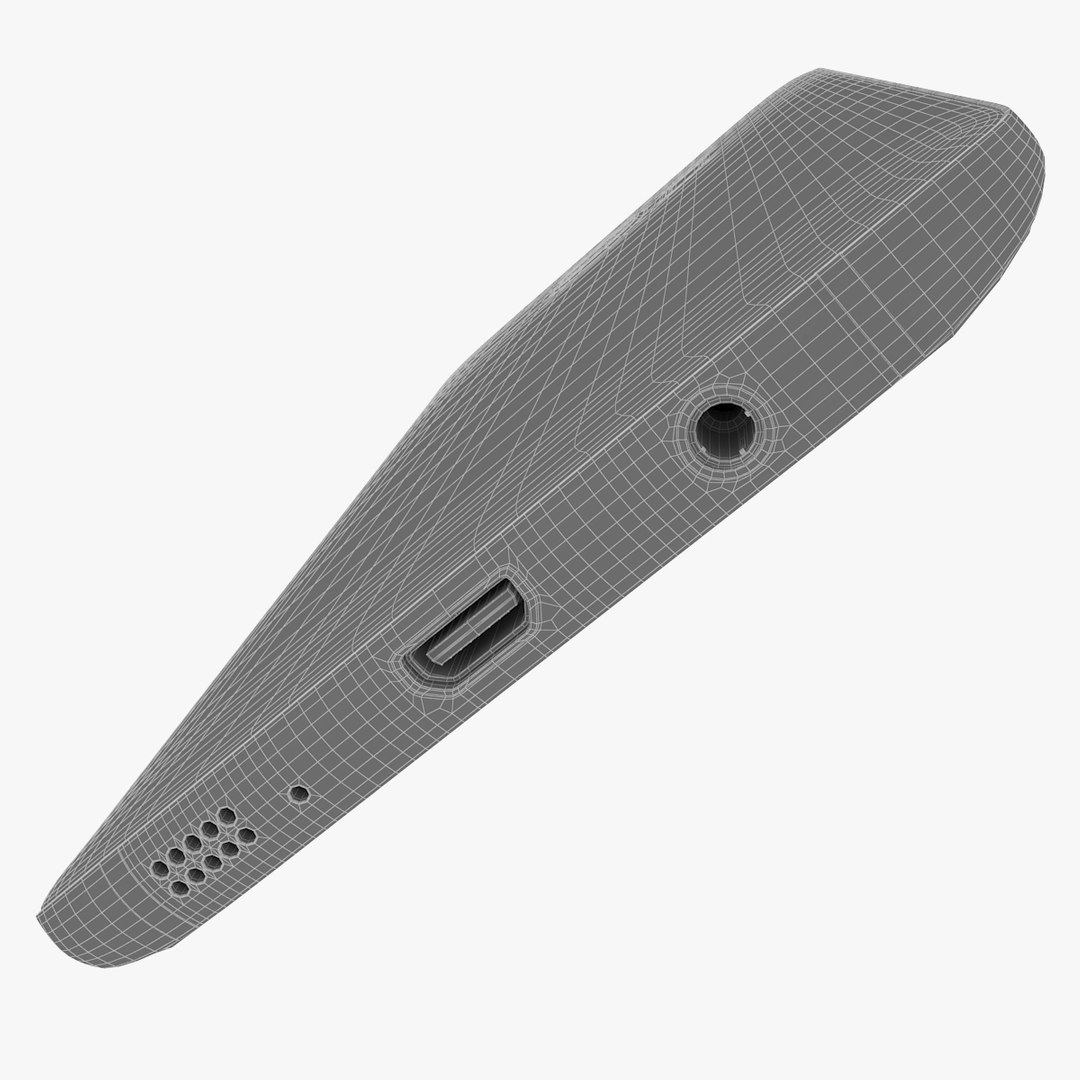
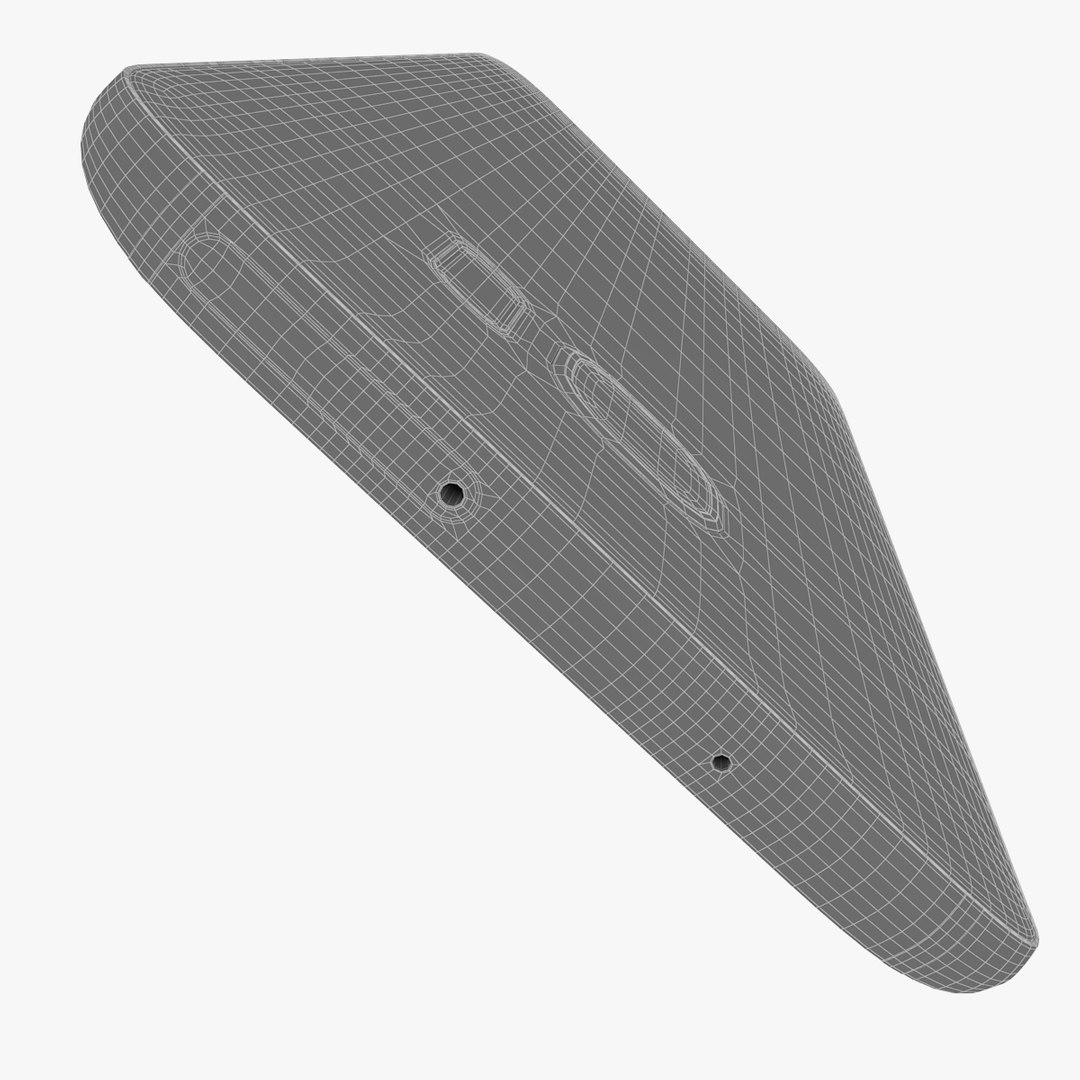
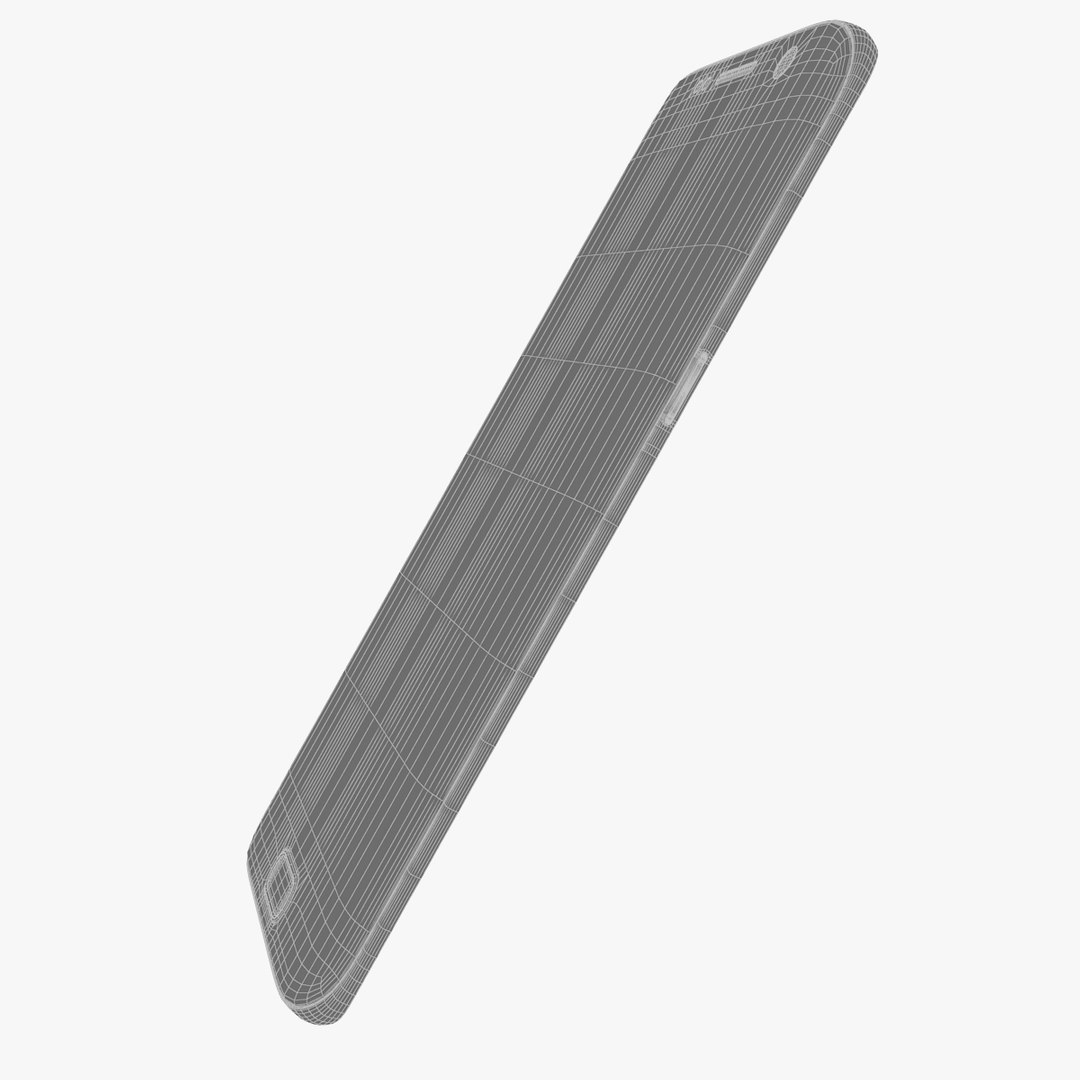
This is a model of the new Flagship smartphone Samsung Galaxy S7 Edge 2016 in Black color.

Very high detailed model ready for close up renders and any product visualizations.

Linear workflow studio setup. With this studio you can render same quality pictures as you see with preview images on white.

Photoshop file included.

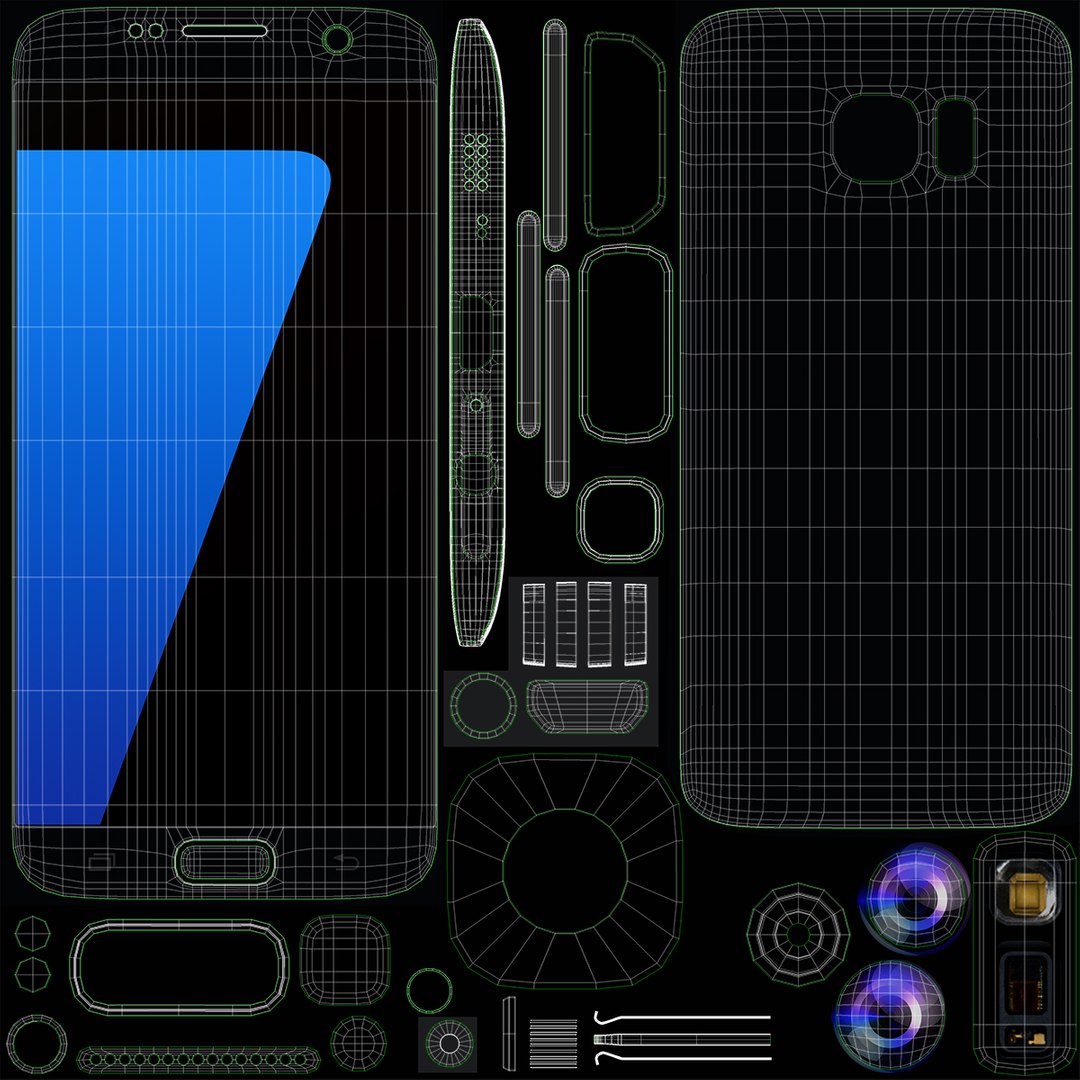
Unwrapped model ready to change colors, screen backgrounds.

Model created in 3ds Max 2015.

Model exported to *.fbx, *.3ds, *.obj with default renderer

For thumbnails renders used V-Ray 3.20.01 renderer.

All textures at 4096x4096 or above.
UNWRAP UVW
V-Ray materials used as a primary textures.
Standard materials version included, but for good results you have to adjust reflection and glossiness shaders.

Real dimensions of product.
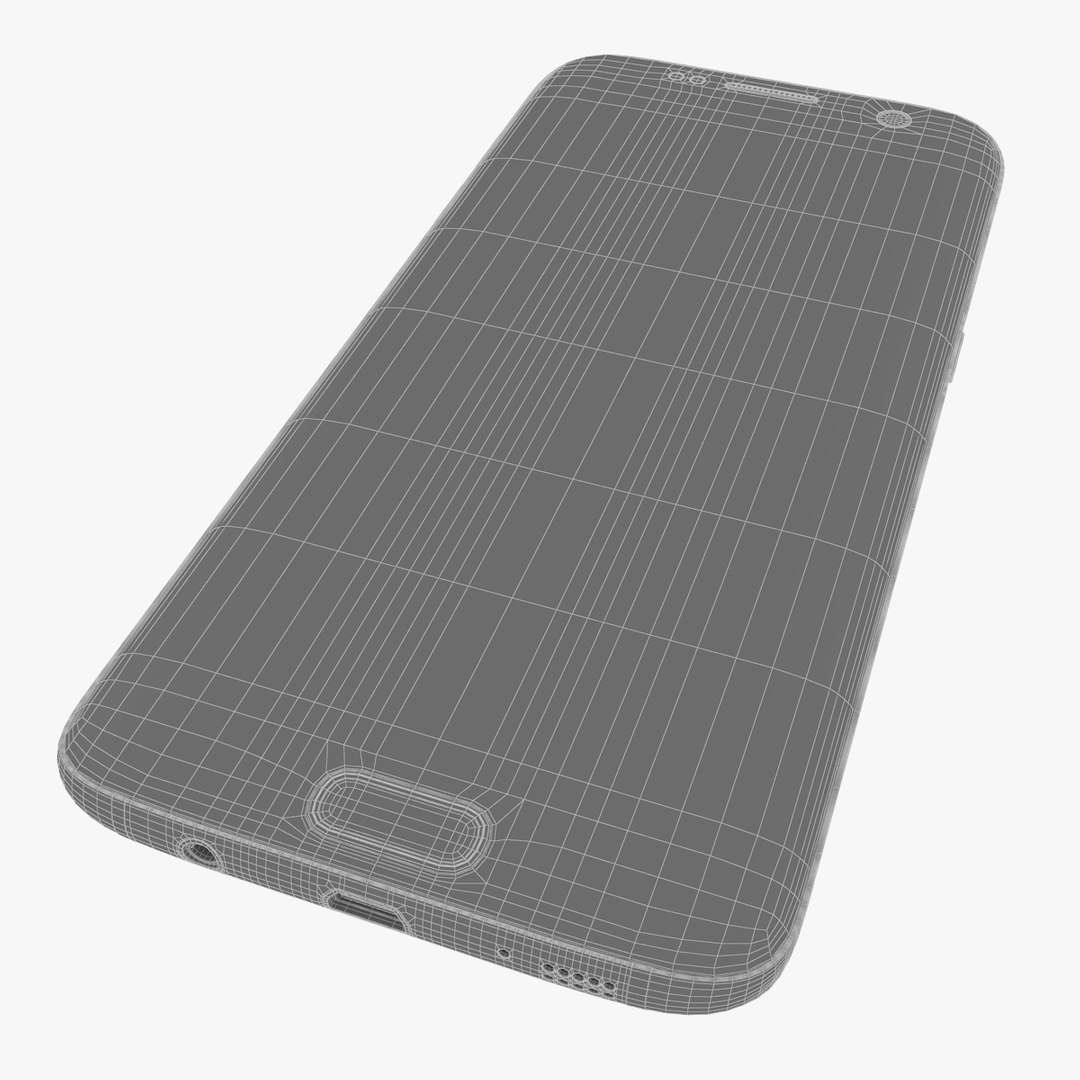
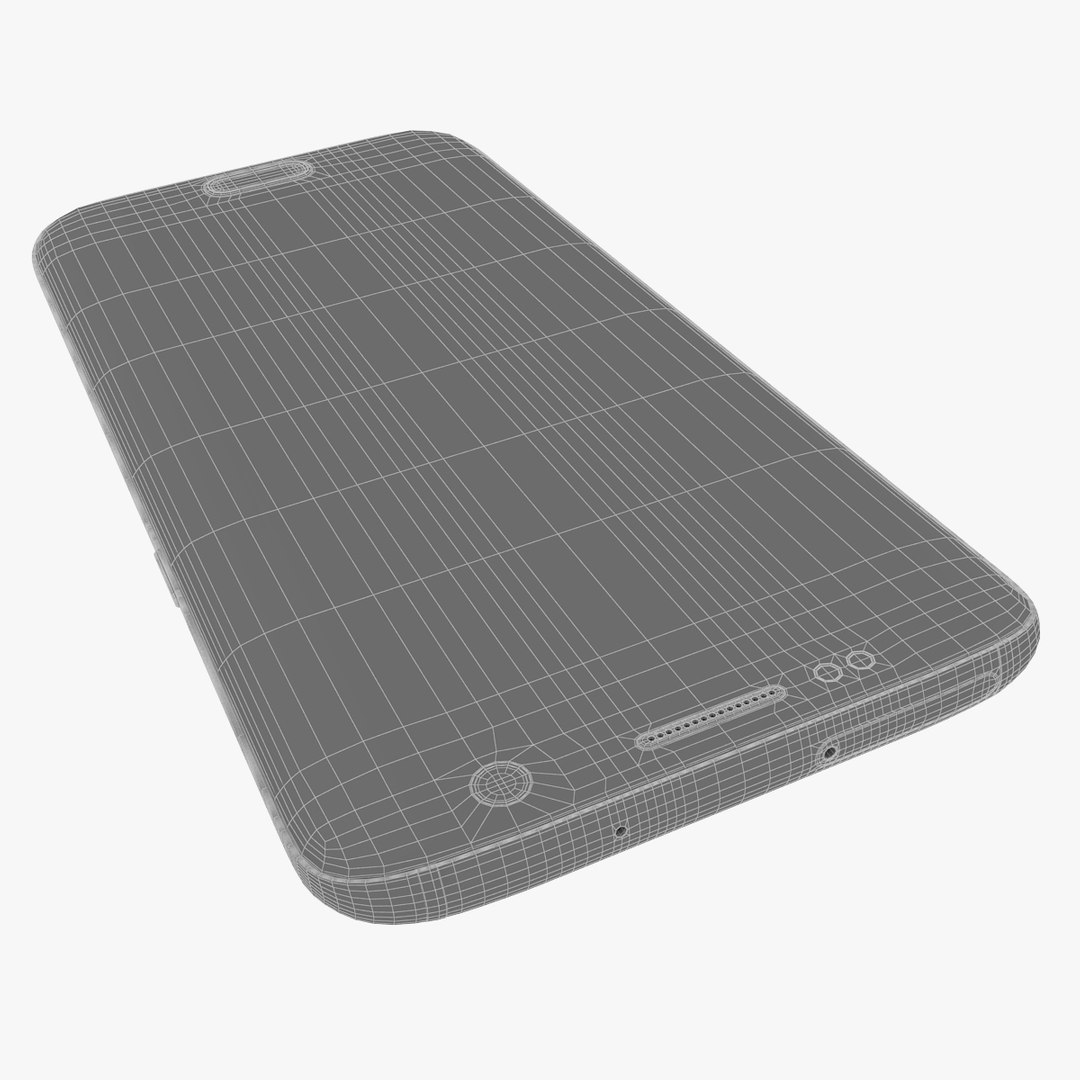
No Ngons - just tris and quads.
Proper description for all parts of model.
Proper description for textures.
Model centered on 0,0,0.
Clean mesh and topology.

...

Do not forget to check the other Samsung Galaxy S7.

Select Enhanced License

  • $10,000 in Legal Protection (Indemnification)
  • Uncapped Legal Protection (Indemnification)
  • Waiver from injunctive relief
  • Assignable model rights
  • $1,000,000 in Legal Protection (Indemnification)
  • Waiver from injunctive relief
  • Assignable model rights
  • $250,000 in Legal Protection (Indemnification)
  • Assignable model rights
Read more about enhanced license tiers, or contact us at enterprise@turbosquid.com. Already a Shutterstock Enterprise Customer? Contact your Shutterstock Sales Support Agent to talk about adding 3D.

About Conversion Requests

To submit a conversion request for a purchased asset, please complete our Conversion Request Form.

If you have not yet purchased a model, please review our Documentation about Conversions to learn about what limitations you may encounter with a conversion.

For any additional questions about a model’s suitability for conversion, please contact TurboSquid Support.

Loading...