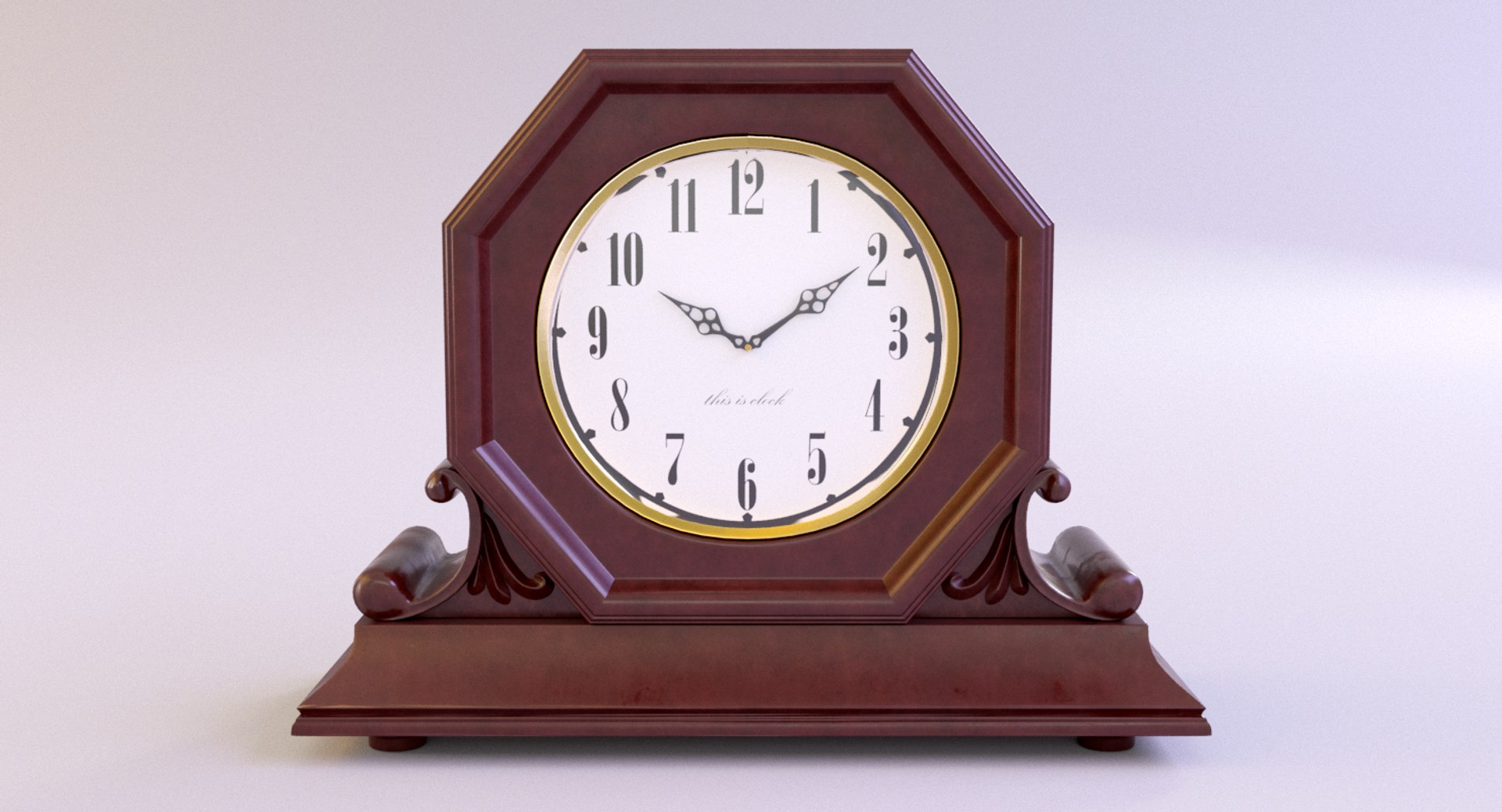
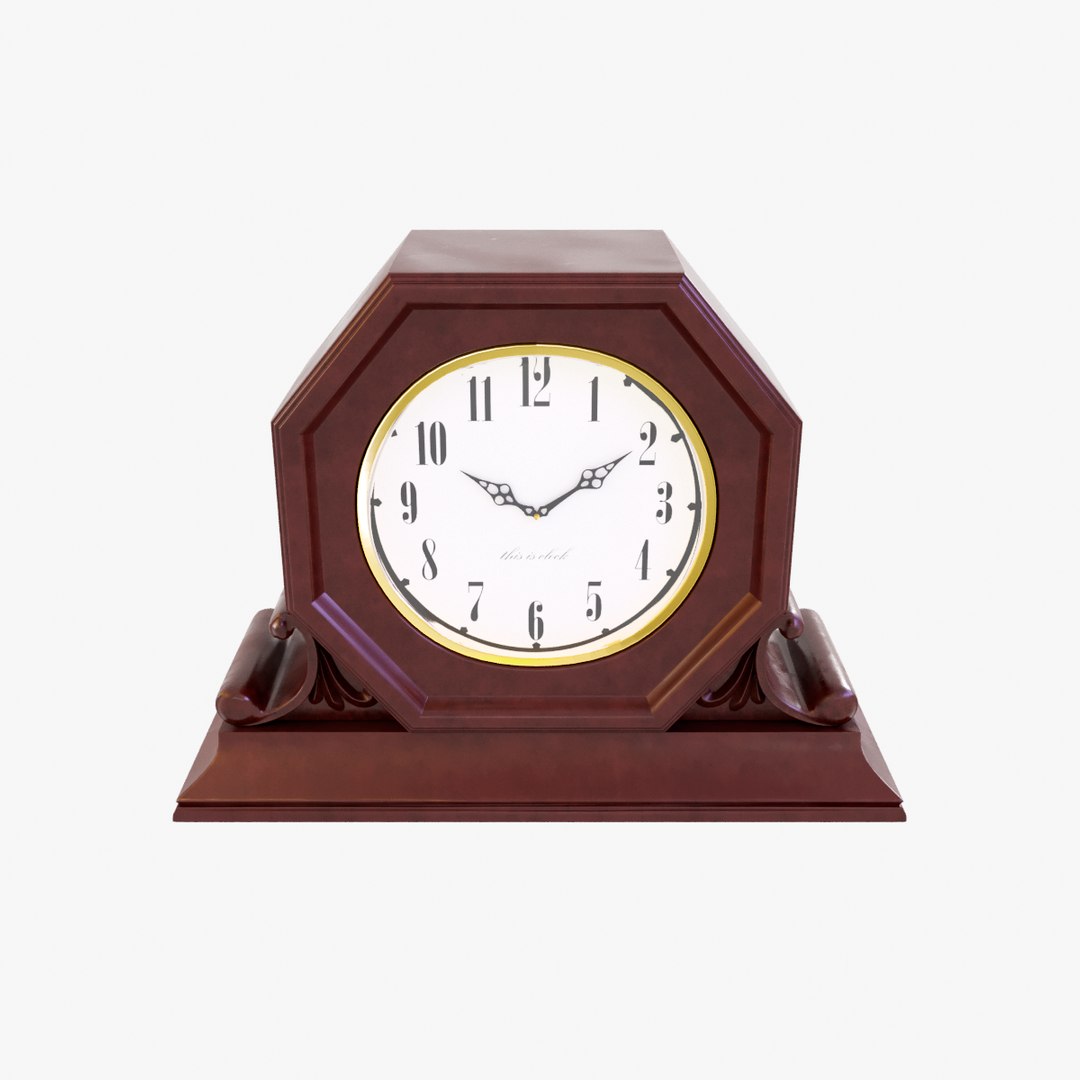
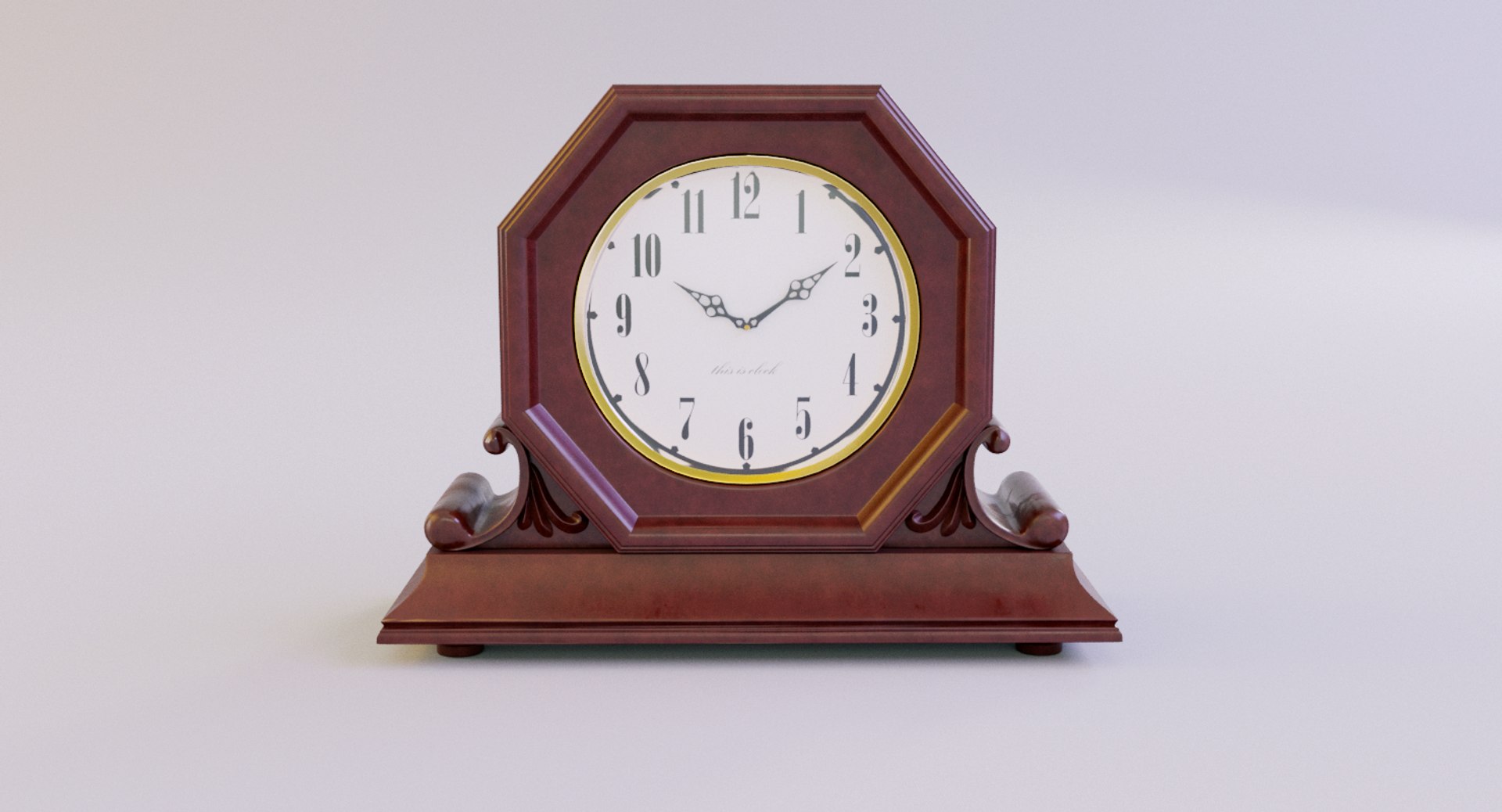
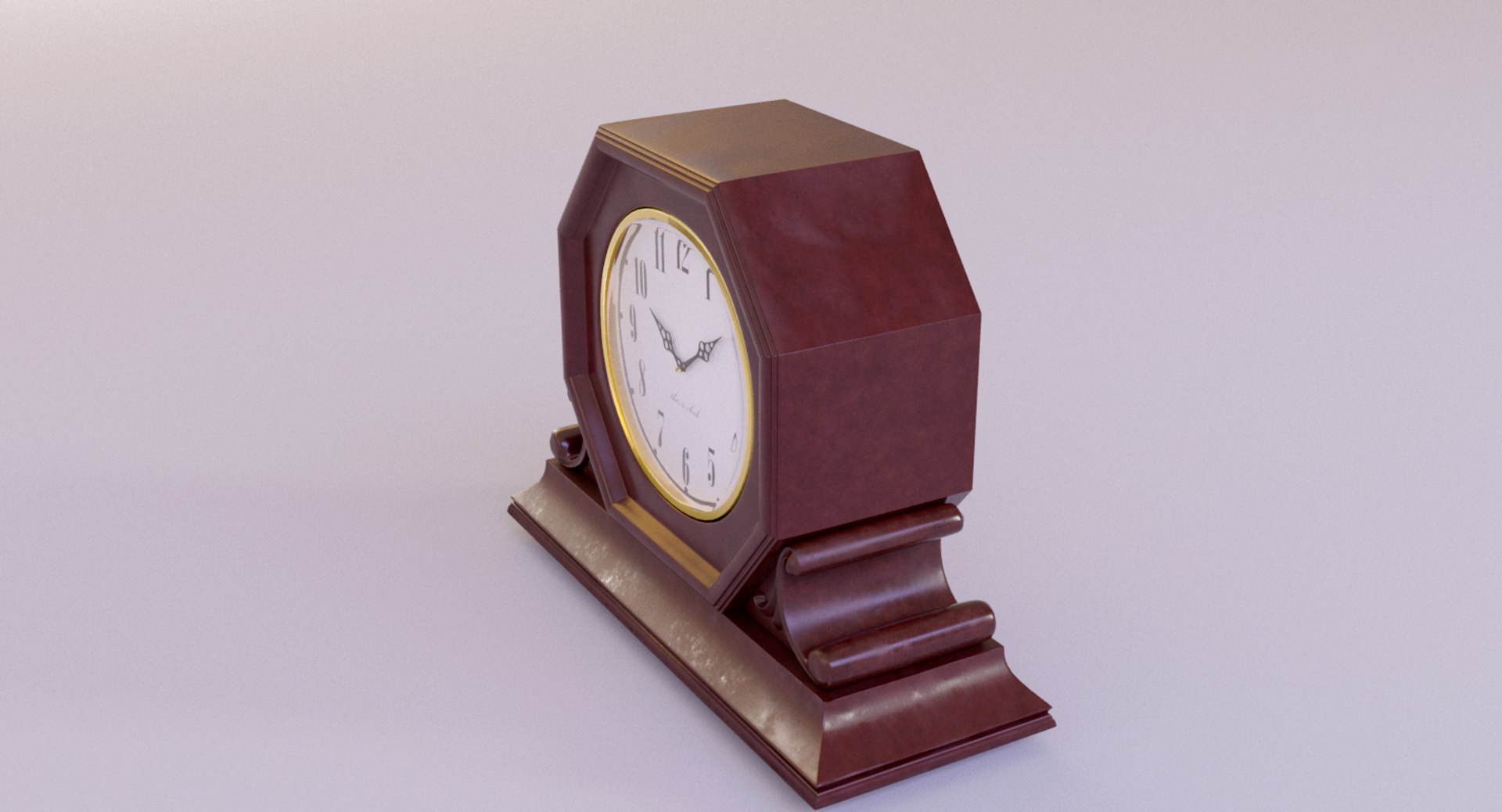
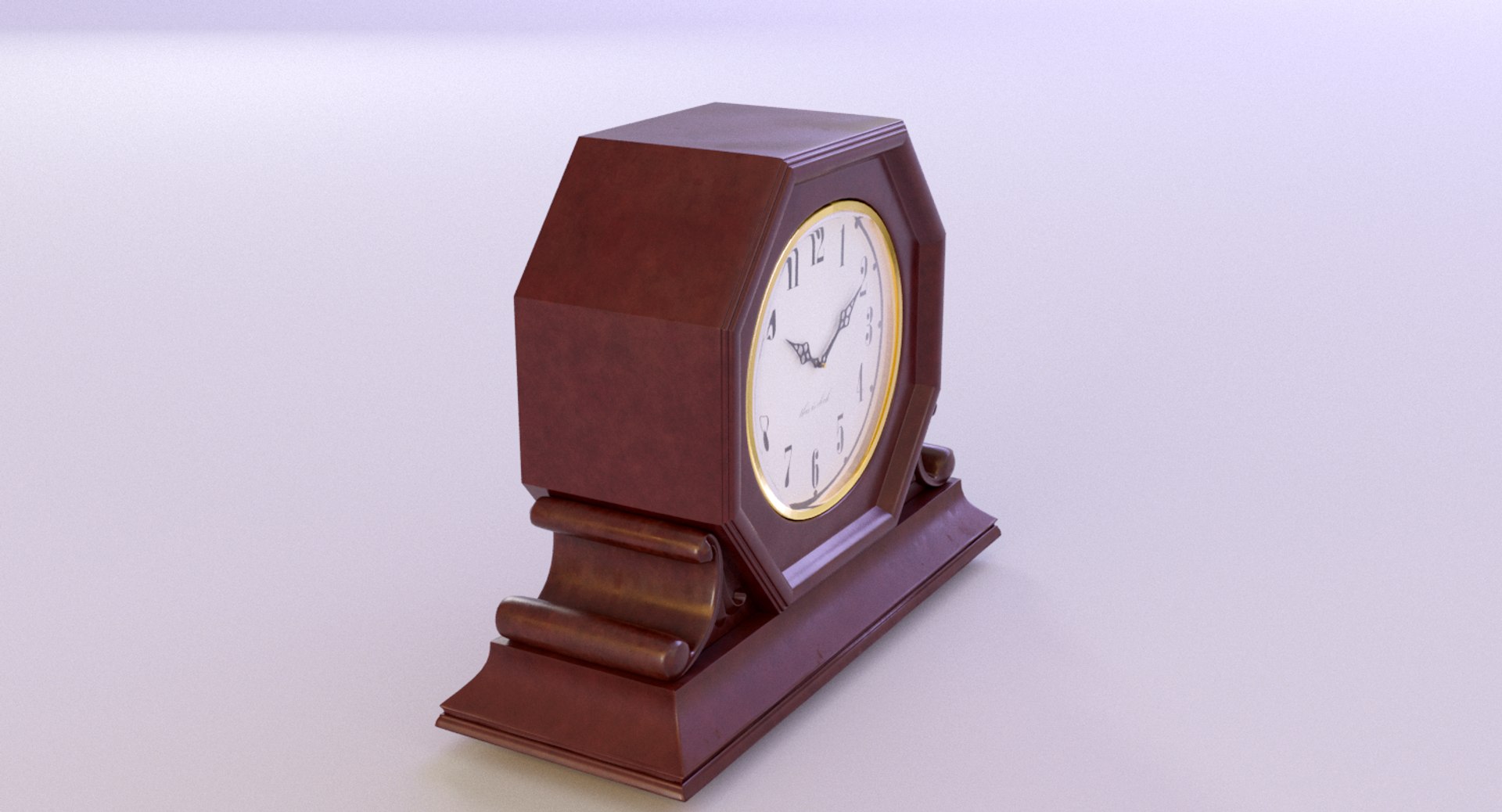
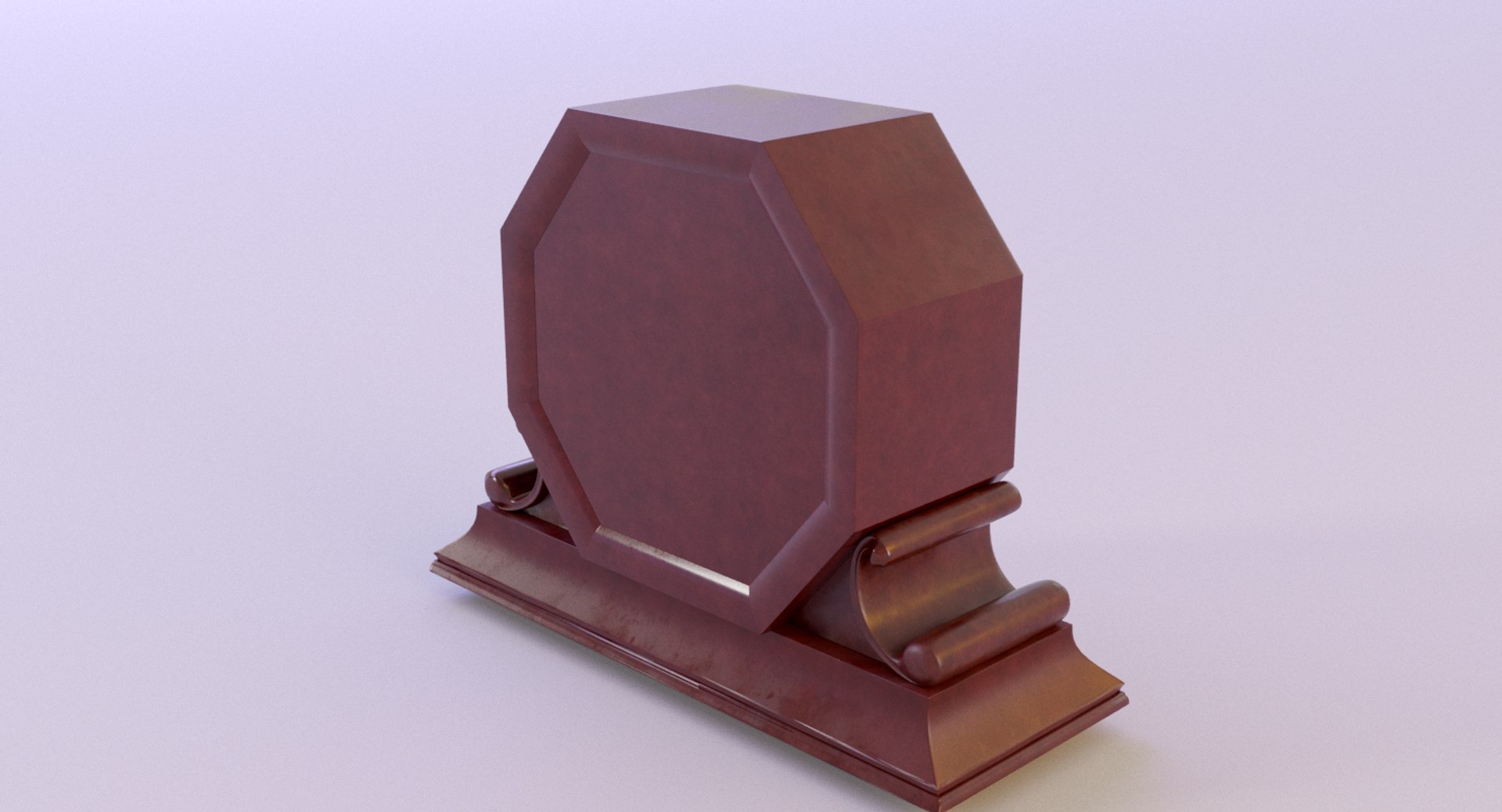
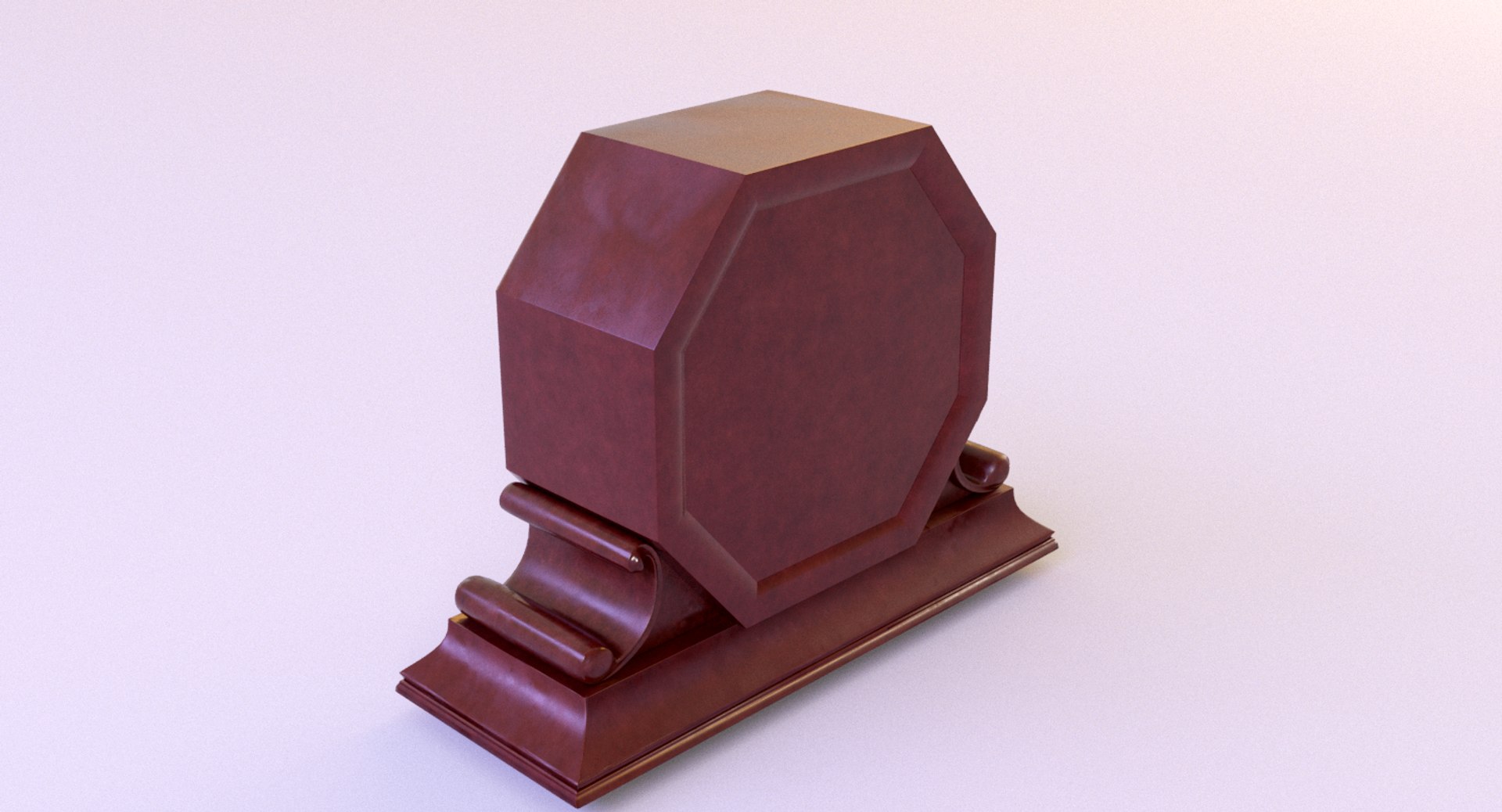
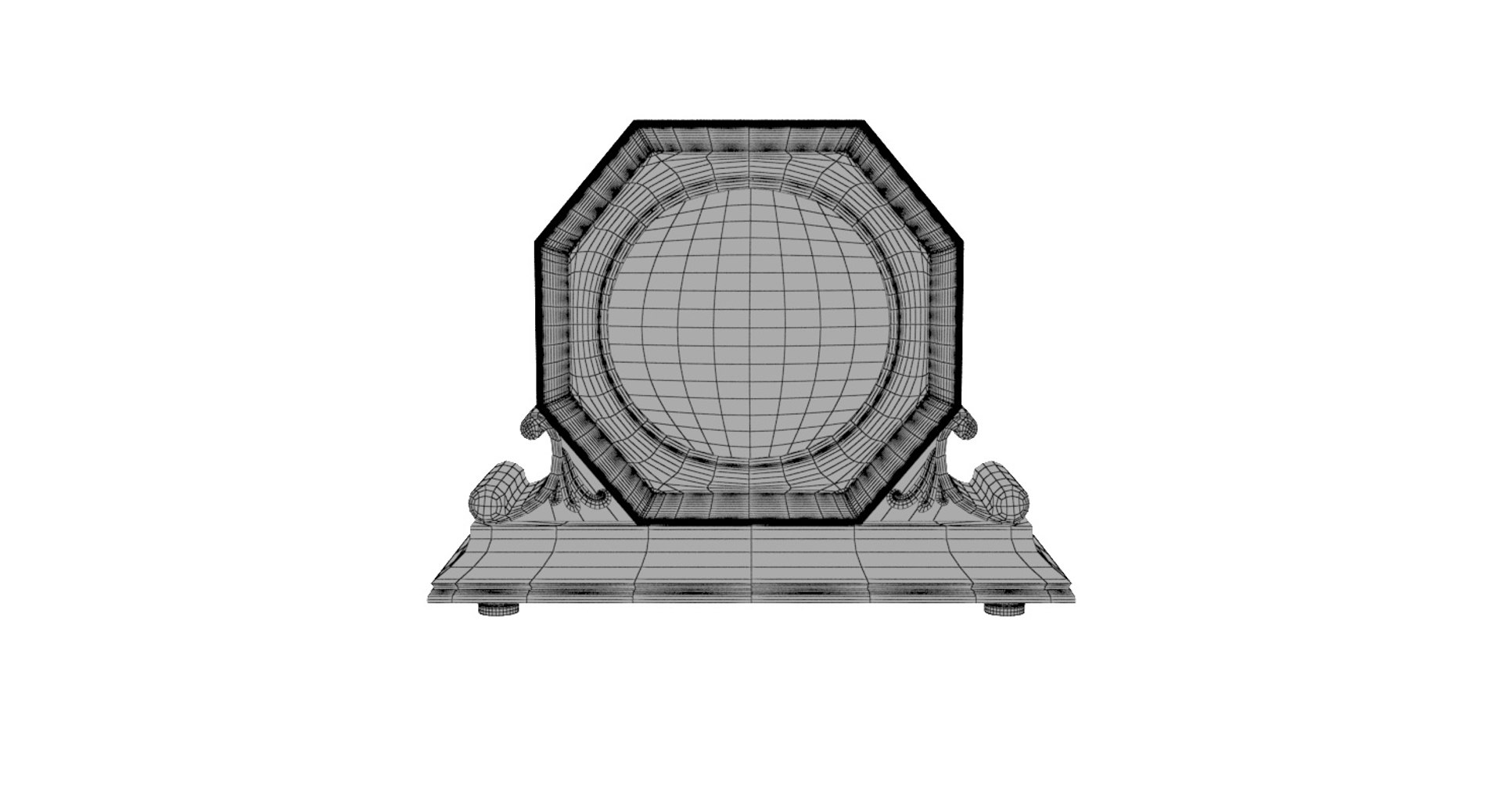
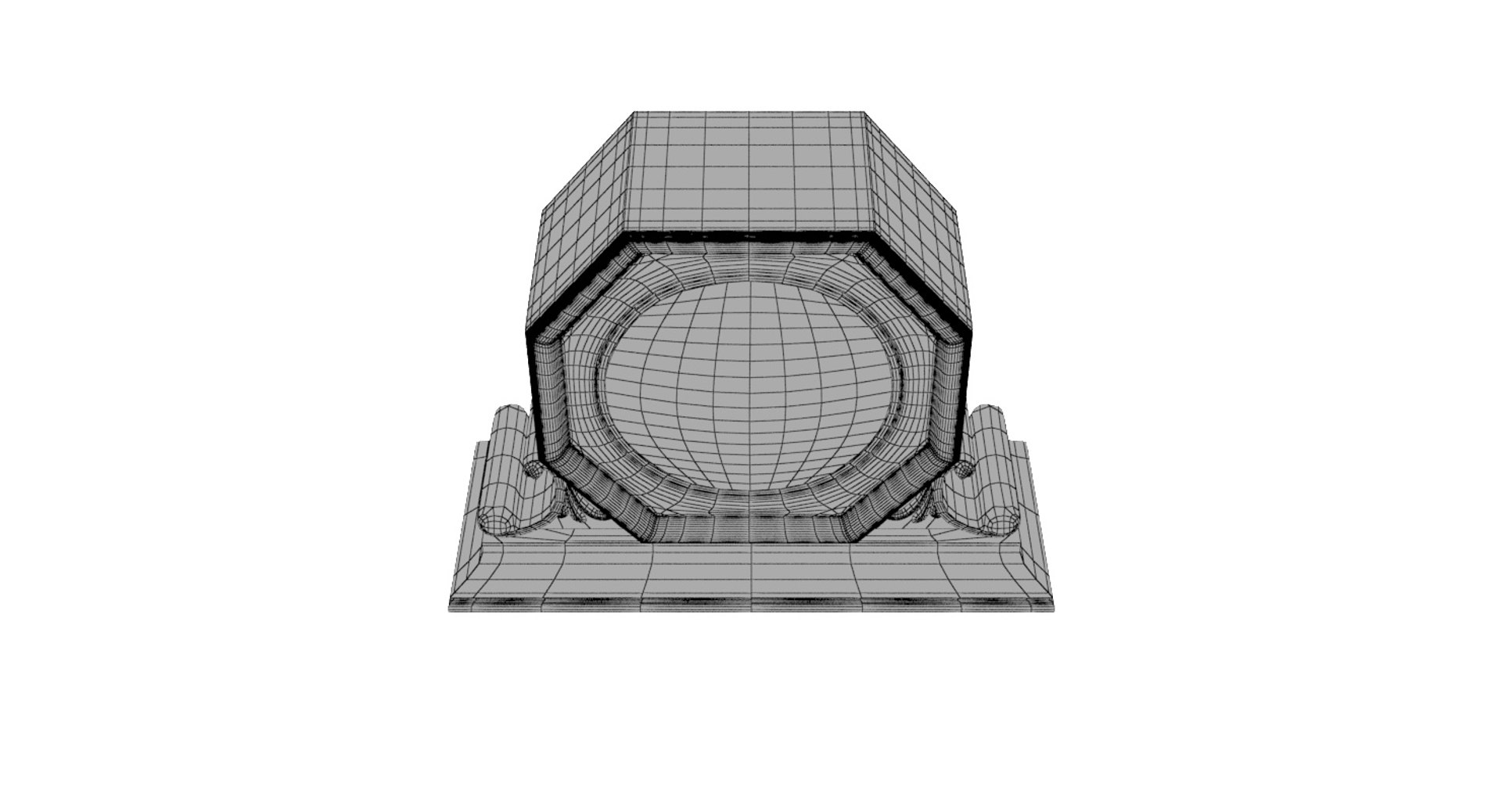
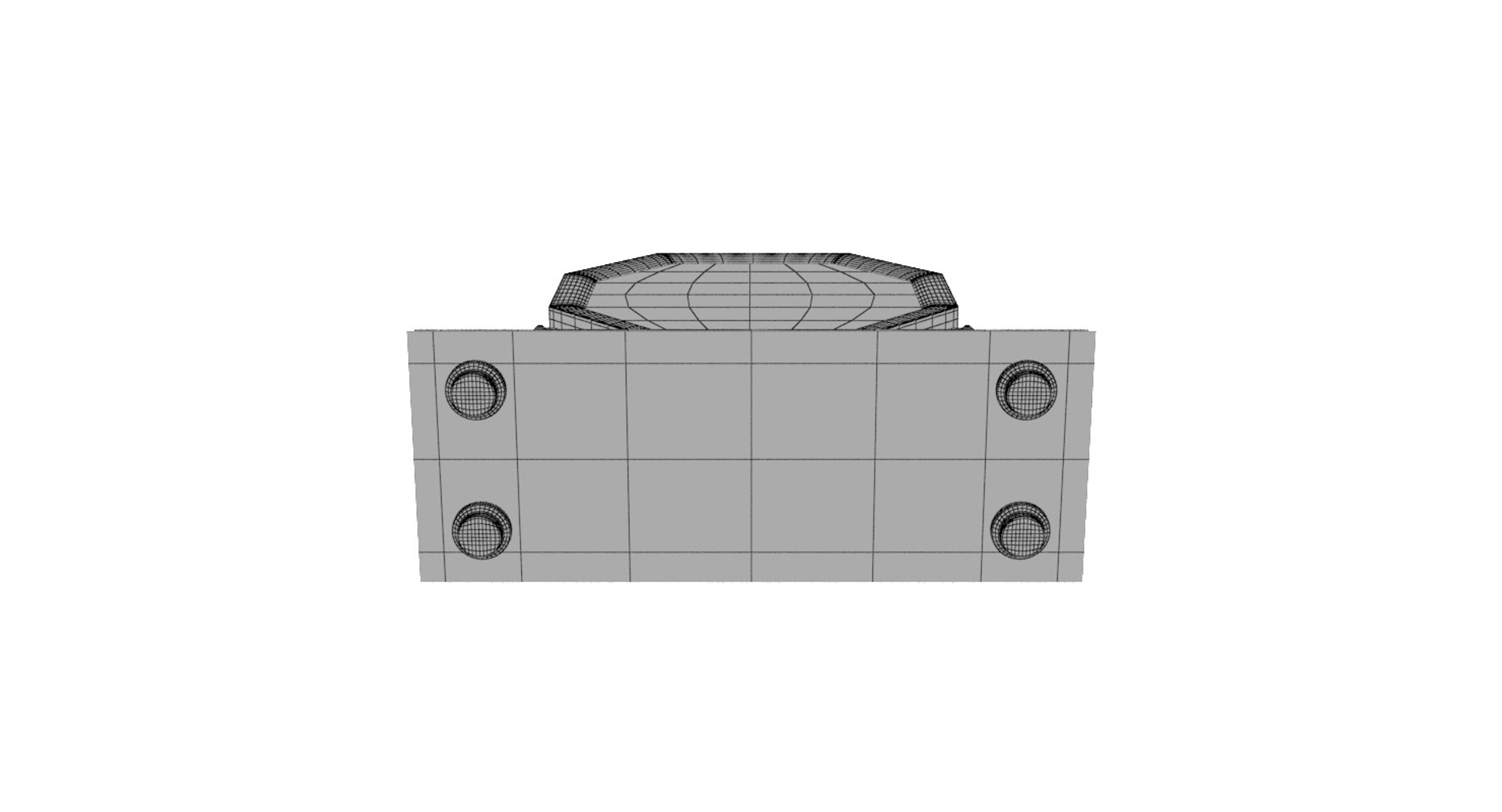
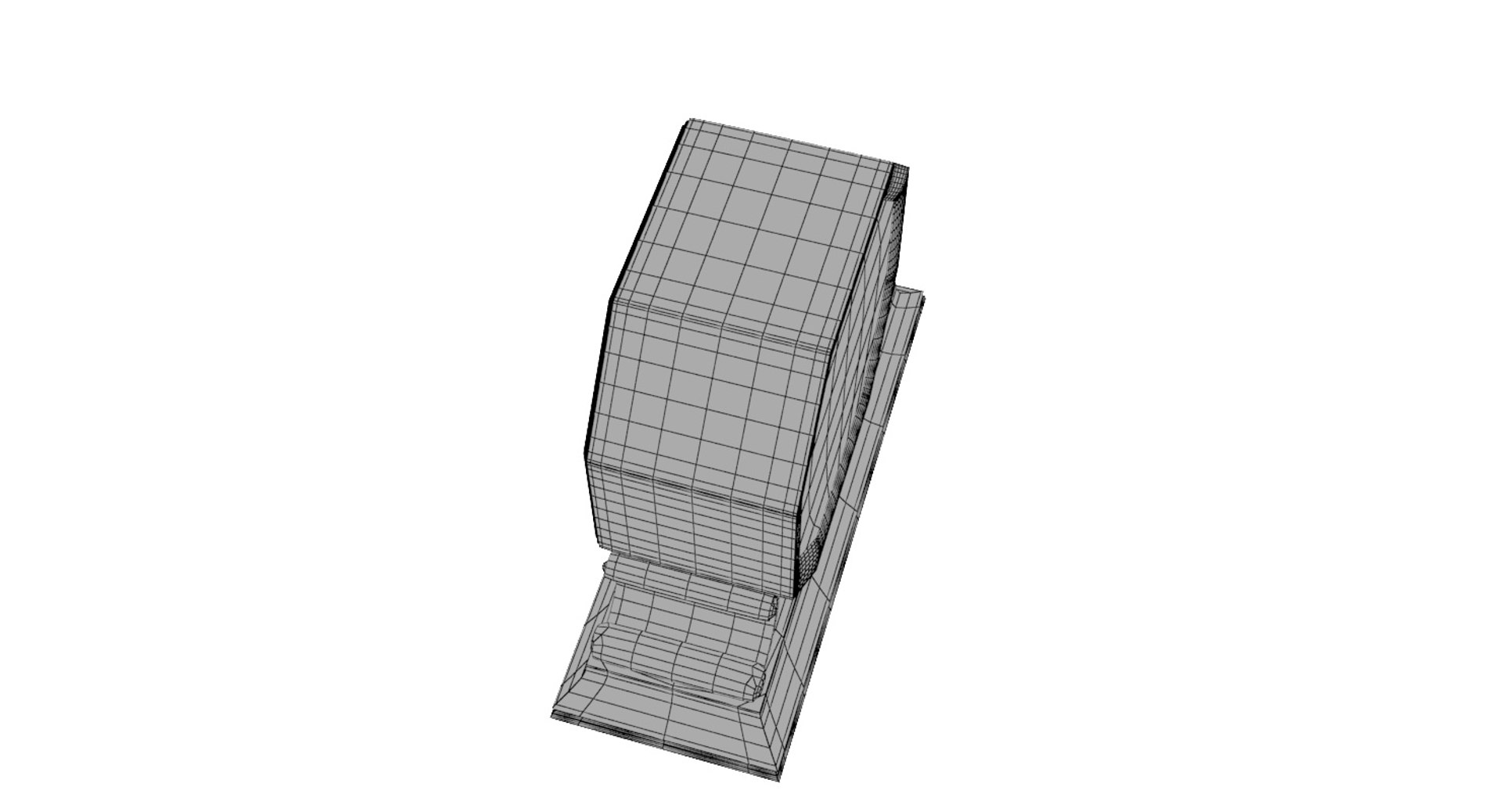
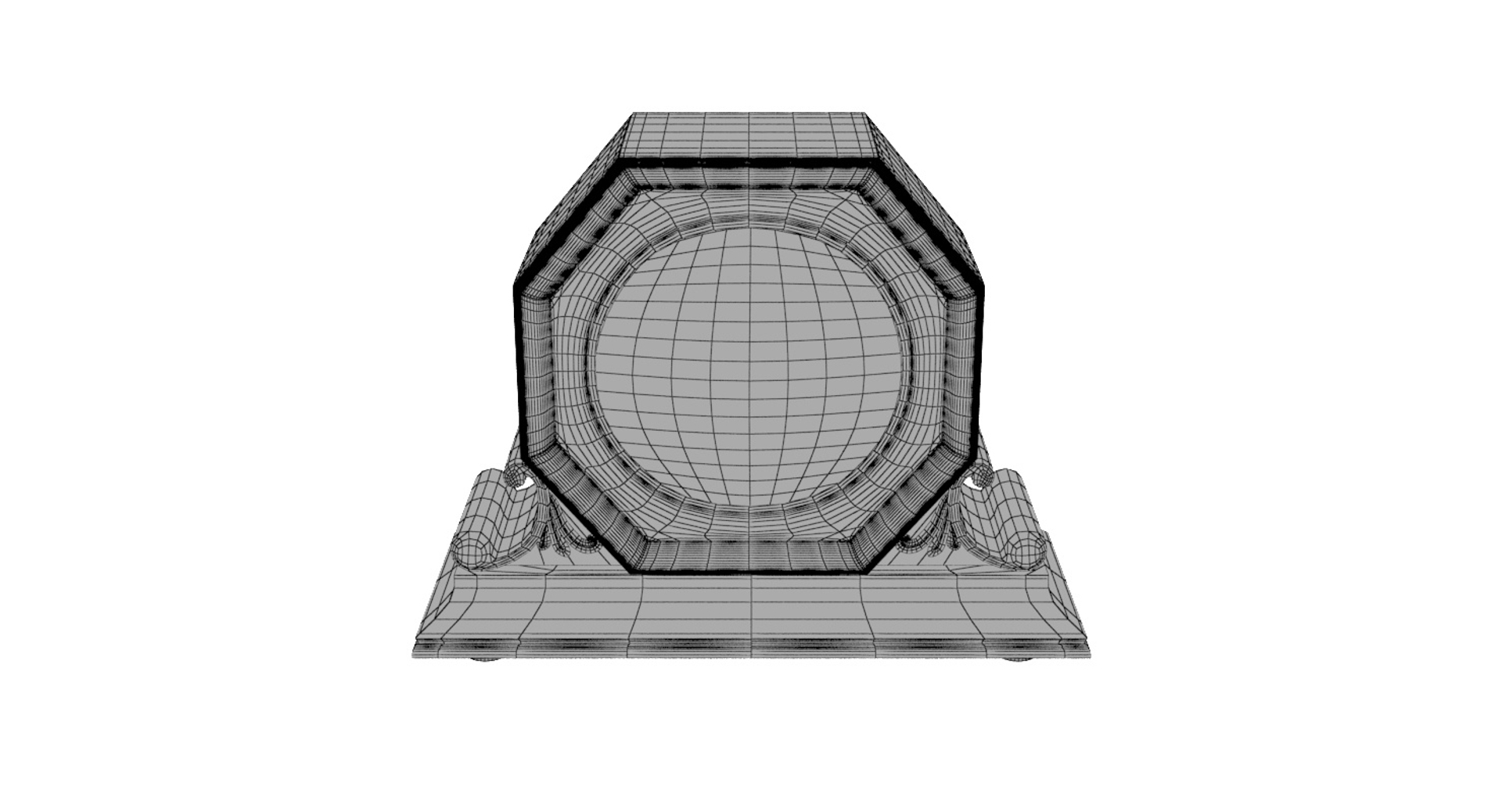

Fireplace Table Clock

$9

Standard License | Upgrade License
Formats (4)
Native | 3ds Max 2013 | Corona 1.6HotFix3
3ds Max 2013 | V-Ray 3.60.03
FBX
OBJ
Previews

Download a preview

Sign in or create a TurboSquid account to download preview files.

Selected file:

Specifications
Publish Date March 23, 2018
Product ID 1269363
Polygons 14,588
Vertices 14,925
Polygonal Quads/Tris Geometry
Textures
Materials
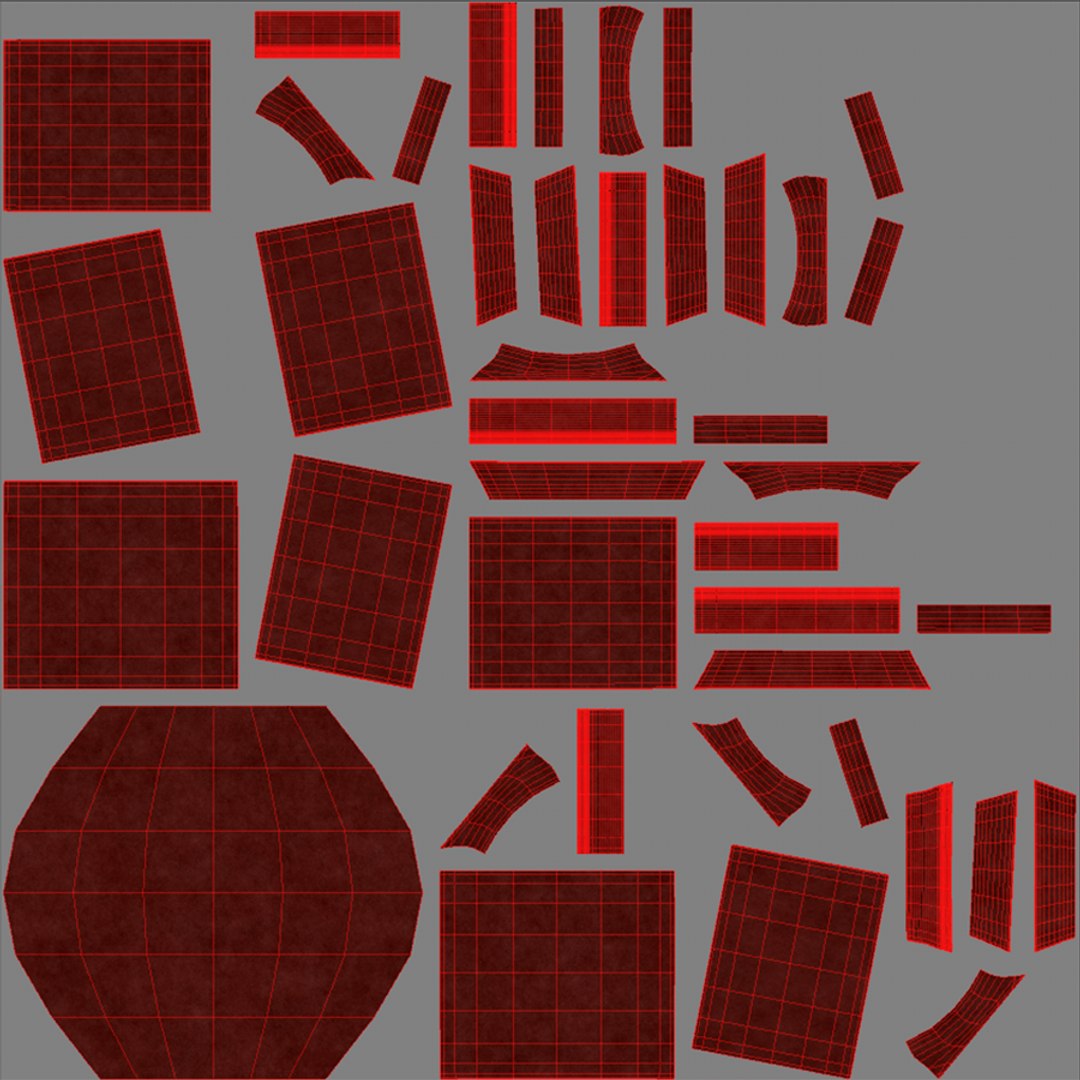
UV Mapped
Non-overlapping Unwrapped UVs
PBR
Real-Time
member avatar
ulenspy
412 Products | Contributor Since 2010
Have questions? Chat with us now.

Description

This Fireplace Table Clock is a high quality, photo real model that will enhance detail and realism to any of your projects. Located in the center of coordinates.
The model consists of:
- Wooden Base
-Vintage Dial.
The model can be used for interior design in different premises like living groups, also in Vintage and minimalistic style.
The file is neatly modeled, grouped together.

-No any third party plug-in used
-No extra elements included with model
-Lights and cameras are not included with model
-HDRI map doesn't included with model

Max Corona scene includes:
- 6 Object(s)
- 30 PNG textures at 4096x4096. All textures are PBR.

Max Vray scene:
- 6 Object(s)
- 30 PNG textures at 4096x4096. All textures are PBR.


Matlib archive includes:
-2 sets of textures,2048x2048 PNG,512x512 PNG - for each scene. All textures are PBR.

All objects are real-world scale.All scenes in "cm".


All priview images are rendered with Corona Renderer.

Select Enhanced License

  • $10,000 in Legal Protection (Indemnification)
  • Uncapped Legal Protection (Indemnification)
  • Waiver from injunctive relief
  • Assignable model rights
  • $1,000,000 in Legal Protection (Indemnification)
  • Waiver from injunctive relief
  • Assignable model rights
  • $250,000 in Legal Protection (Indemnification)
  • Assignable model rights
Read more about enhanced license tiers, or contact us at enterprise@turbosquid.com. Already a Shutterstock Enterprise Customer? Contact your Shutterstock Sales Support Agent to talk about adding 3D.

About Conversion Requests

To submit a conversion request for a purchased asset, please complete our Conversion Request Form.

If you have not yet purchased a model, please review our Documentation about Conversions to learn about what limitations you may encounter with a conversion.

For any additional questions about a model’s suitability for conversion, please contact TurboSquid Support.

Loading...