


Dynamic Steele Bar Stool

$22.50

Standard License | Upgrade License
Formats (10)
Free file format Conversions available
Lightwave LWO | Default Scanline +C4D
Cinema 4D 6 To 12 | Default Scanline C4D+VUE
Other Textures
DXF
OBJ
trueSpace
3D Studio
Poser
Other Files
TEXTURES.zip
Specifications
Publish Date May 08, 2008
Product ID 403085
Polygons 48,972
Vertices 30,438
Polygonal Quads/Tris Geometry
Textures
Materials
UV Mapped

member avatar
SmartCGArt
333 Products | Contributor Since 2008
Have questions? Chat with us now.

Description

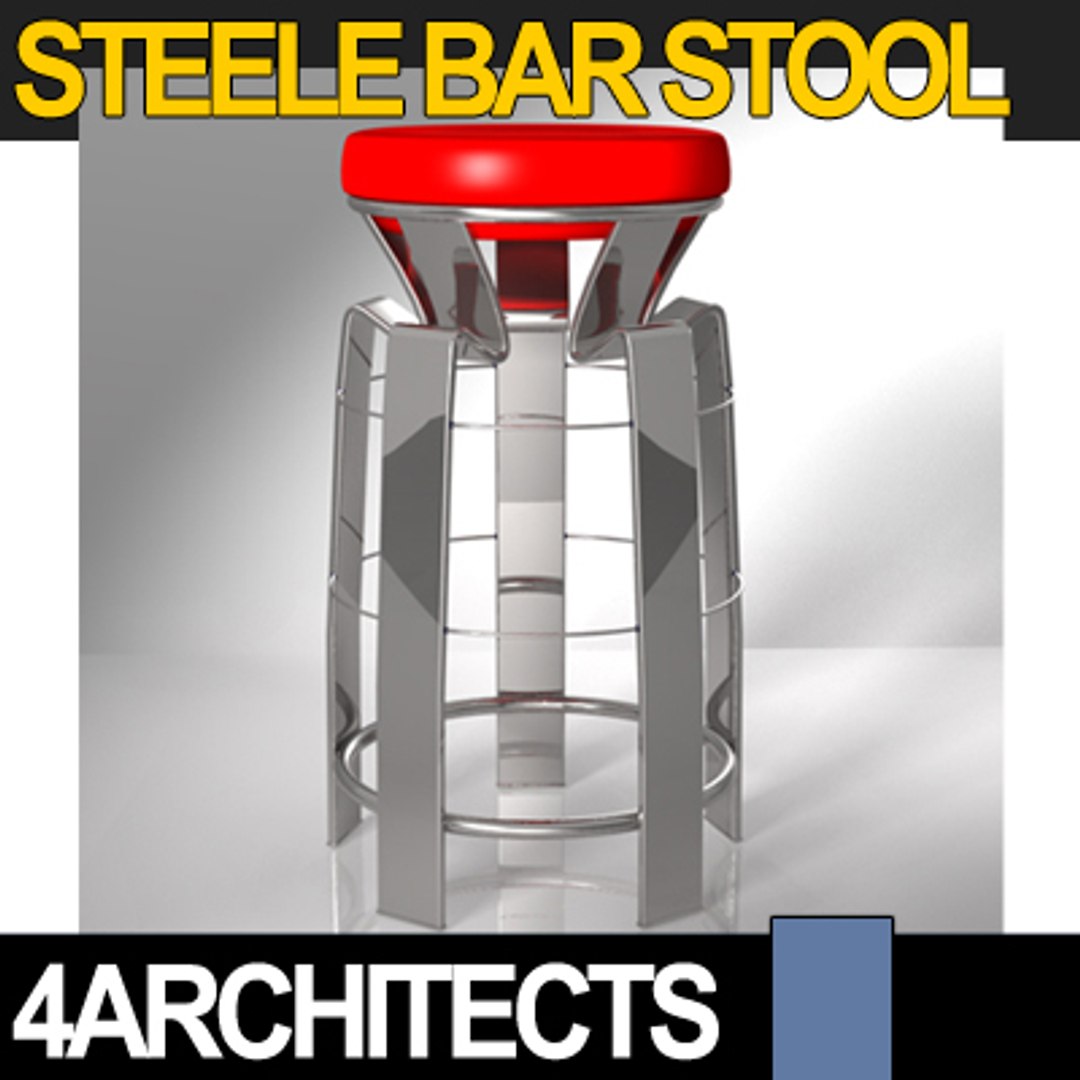
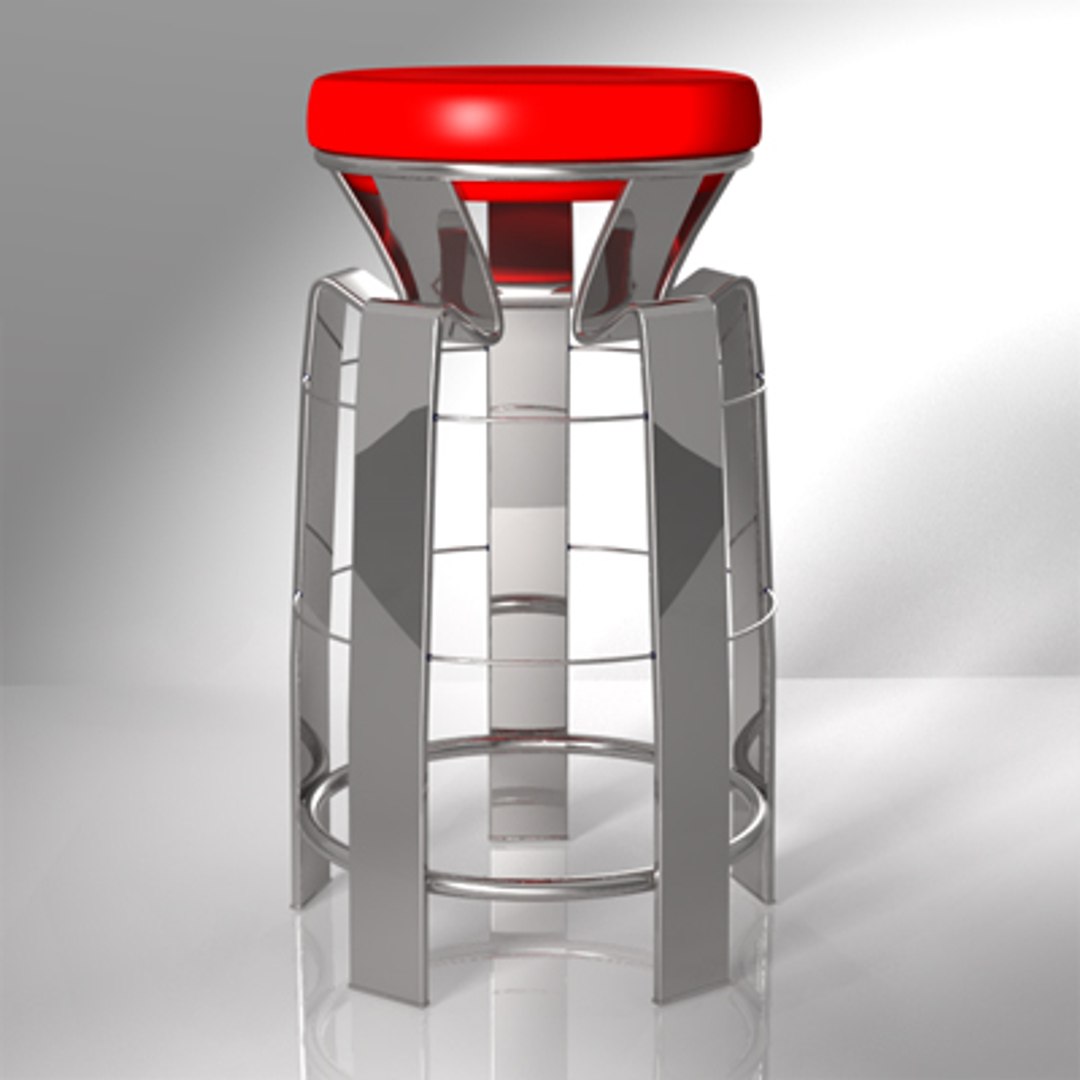
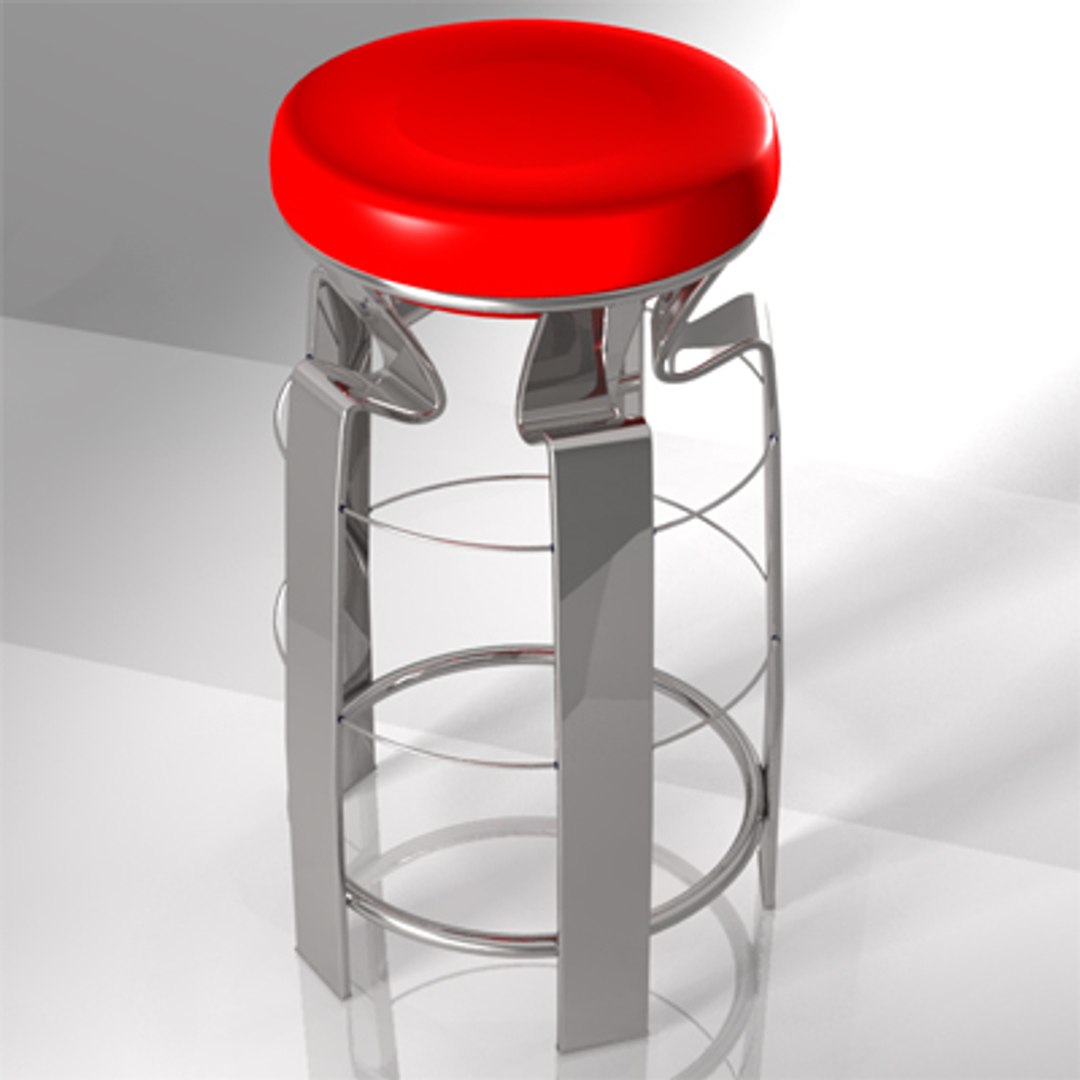
Dynamic Steele Bar Stool

ORIGINAL DESIGN

"Dynamic Steele Bar Stool" is an appealing modern design bar stool.
The original steel structure sustains the padded seat.

It"s a perfect piece of furniture with well-finished details, ideal complement for a great number of sceneries.

Polygons: 48972.
Vertices: 30438.

The Content:

With MATERIALS
.c4d from Cinema 4D 6 CE up
.shd Shade SHD for Shade 7 (in .zip only)
.pz3 Poser PZ3 for Poser 6 and Poser 7
.pp2 Poser PP2 prop for Poser 6 and Poser 7
.vob for Vue 6

Without MATERIALS
.3ds 3D Studio 3DS
.obj Wavefront OBJ
.dxf Autocad DXF
.cob TrueSpace COB
.lwo LightWave LWO
.shd Shade SHD for Vue 6 (in .zip only)

ORIGINAL TEXTURES (in Textures.zip)
LeatherBlack.jpg
LeatherBump.jpg
LeatherRed.jpg

You can download the multiple file formats separately or you can download all files one time by downloading the 13MB "DynamicSteeleBarStool.zip", a compressed folder with all the file formats and all the textures.

Select Enhanced License

  • $10,000 in Legal Protection (Indemnification)
  • Uncapped Legal Protection (Indemnification)
  • Waiver from injunctive relief
  • Assignable model rights
  • $1,000,000 in Legal Protection (Indemnification)
  • Waiver from injunctive relief
  • Assignable model rights
  • $250,000 in Legal Protection (Indemnification)
  • Assignable model rights
Read more about enhanced license tiers, or contact us at enterprise@turbosquid.com. Already a Shutterstock Enterprise Customer? Contact your Shutterstock Sales Support Agent to talk about adding 3D.

About Conversion Requests

To submit a conversion request for a purchased asset, please complete our Conversion Request Form.

If you have not yet purchased a model, please review our Documentation about Conversions to learn about what limitations you may encounter with a conversion.

For any additional questions about a model’s suitability for conversion, please contact TurboSquid Support.

Loading...