

Broadcast Equipment 4

$249

Standard License | Upgrade License
Editorial Uses Only
Formats (36)
3ds Max 2013 | V-Ray 3,2
OBJ
FBX
3D Studio
Specifications
Publish Date January 16, 2022
Product ID 1841088
Polygons 1
Vertices 1
Polygonal Quads/Tris Geometry
Textures
Materials
UV Mapped
TurboSquid Exclusive

member avatar
onurozgen
3068 Products | Contributor Since 2015
Have questions? Chat with us now.

Description

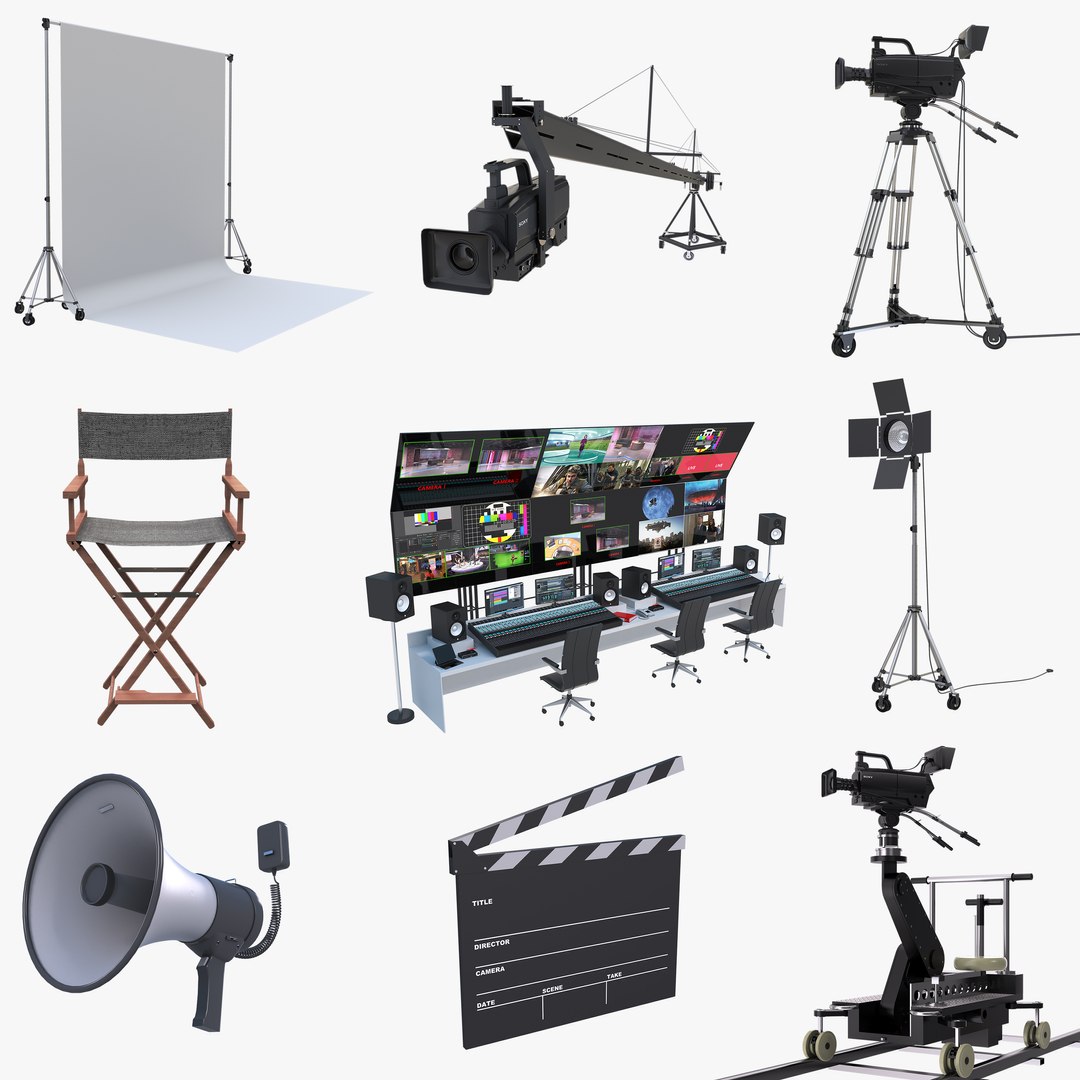
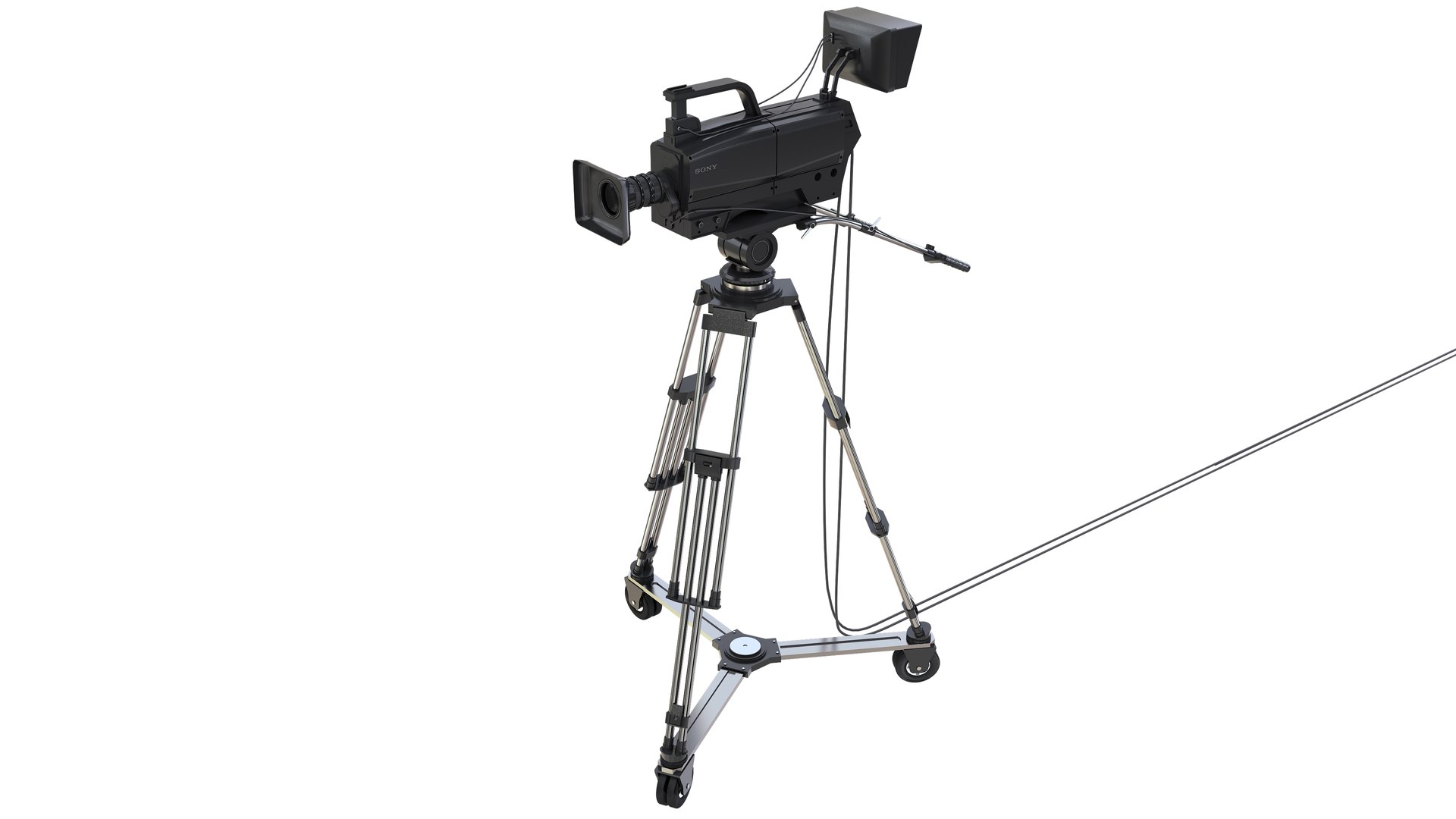
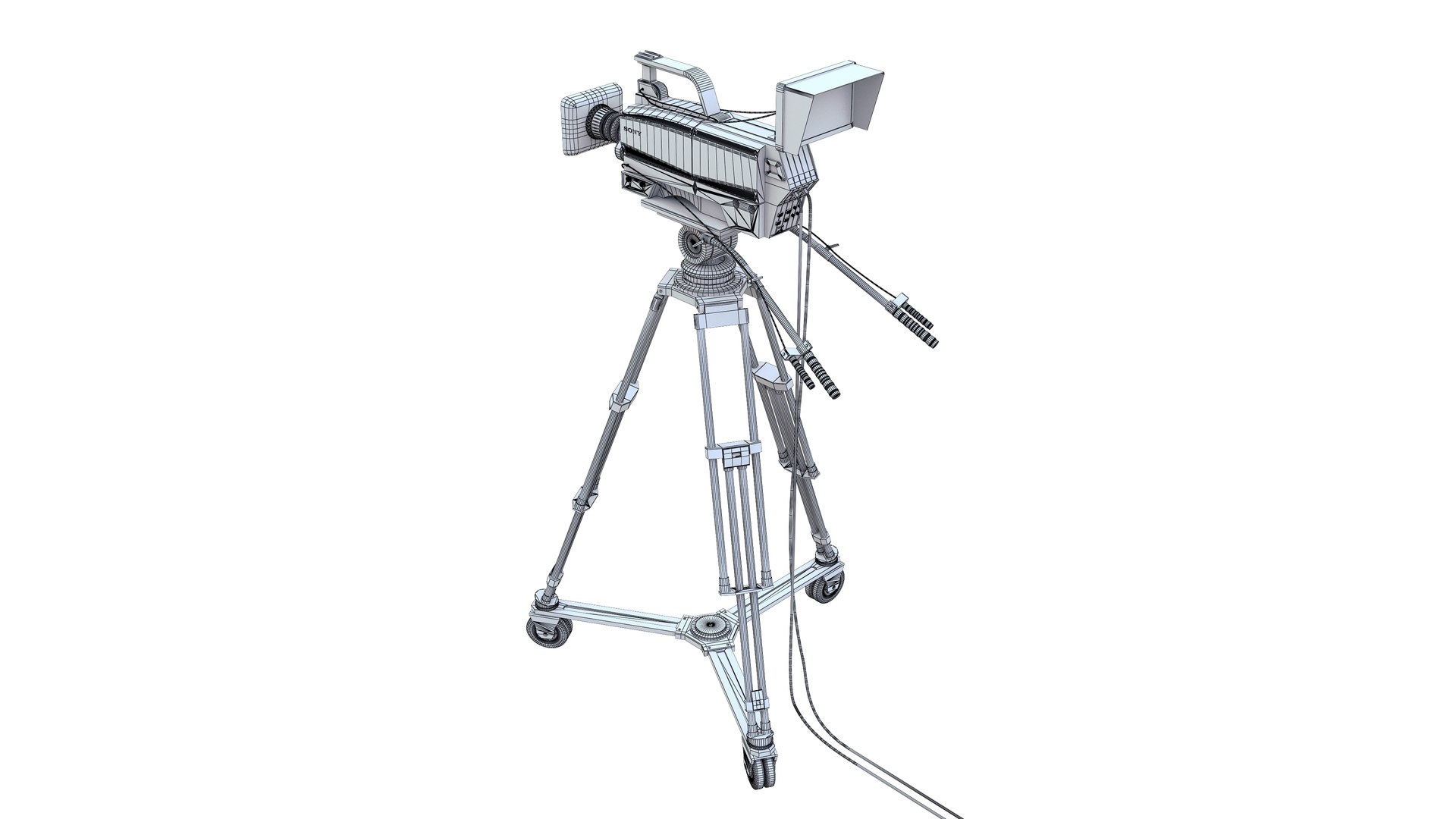
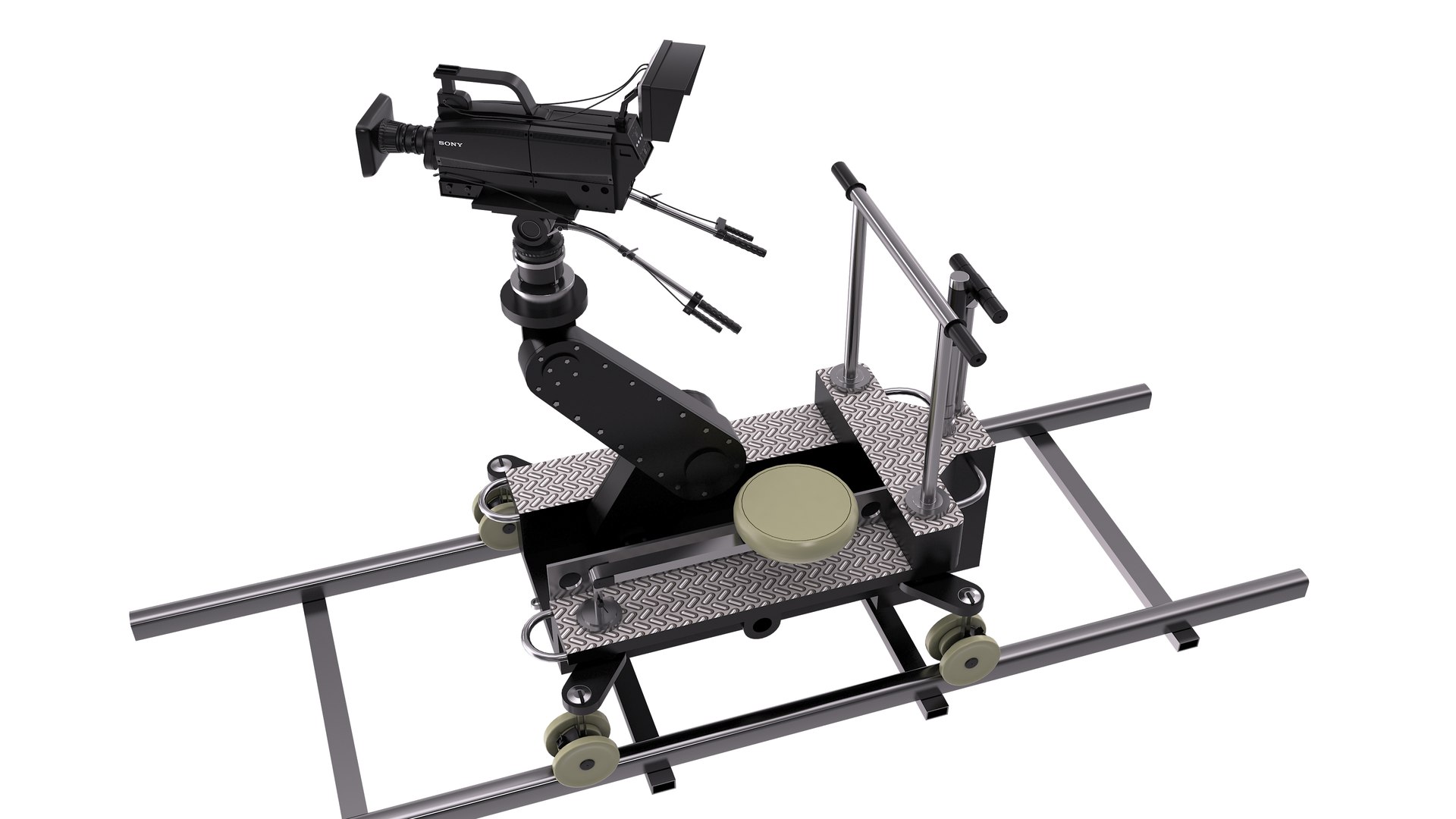
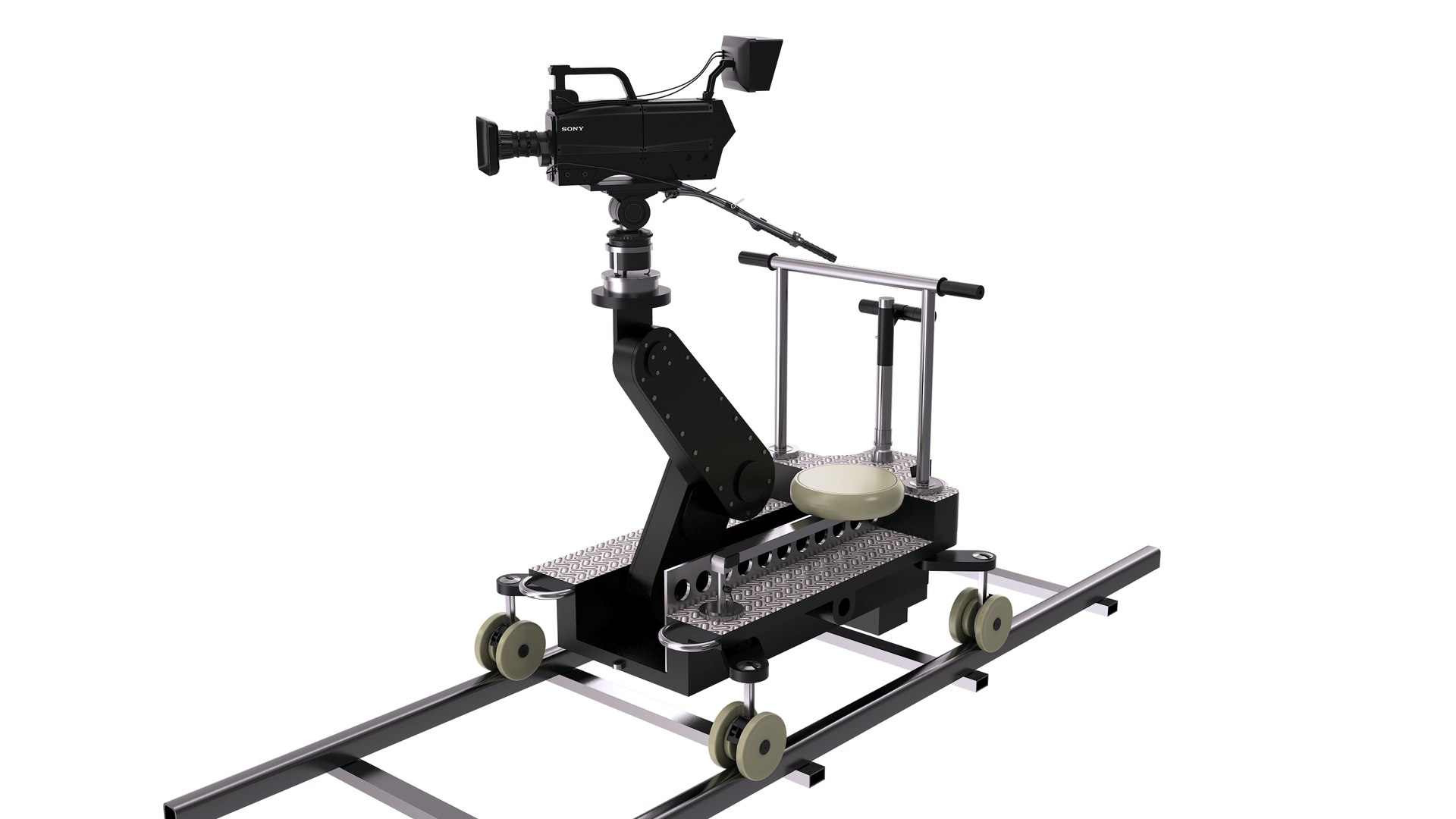
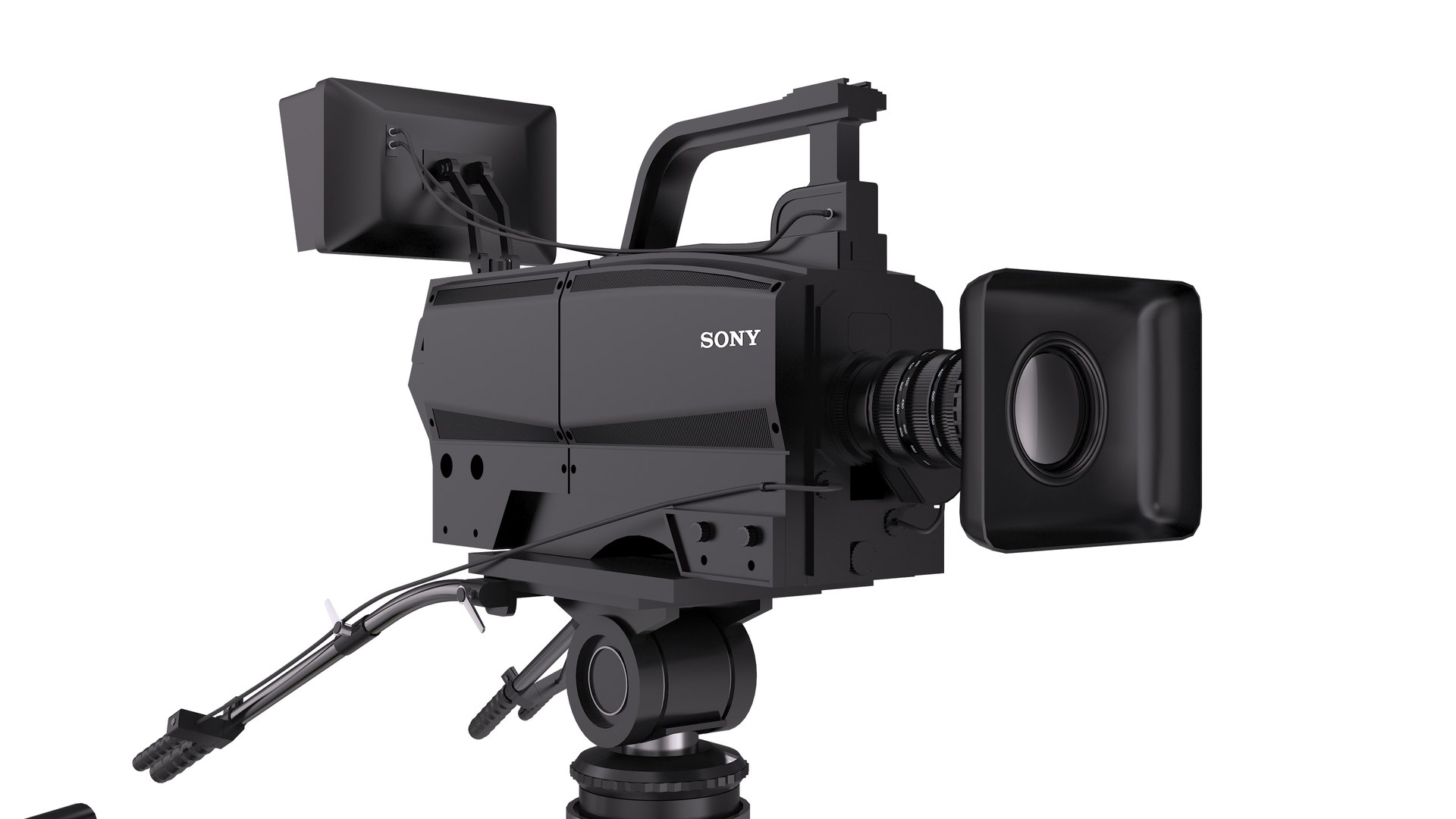
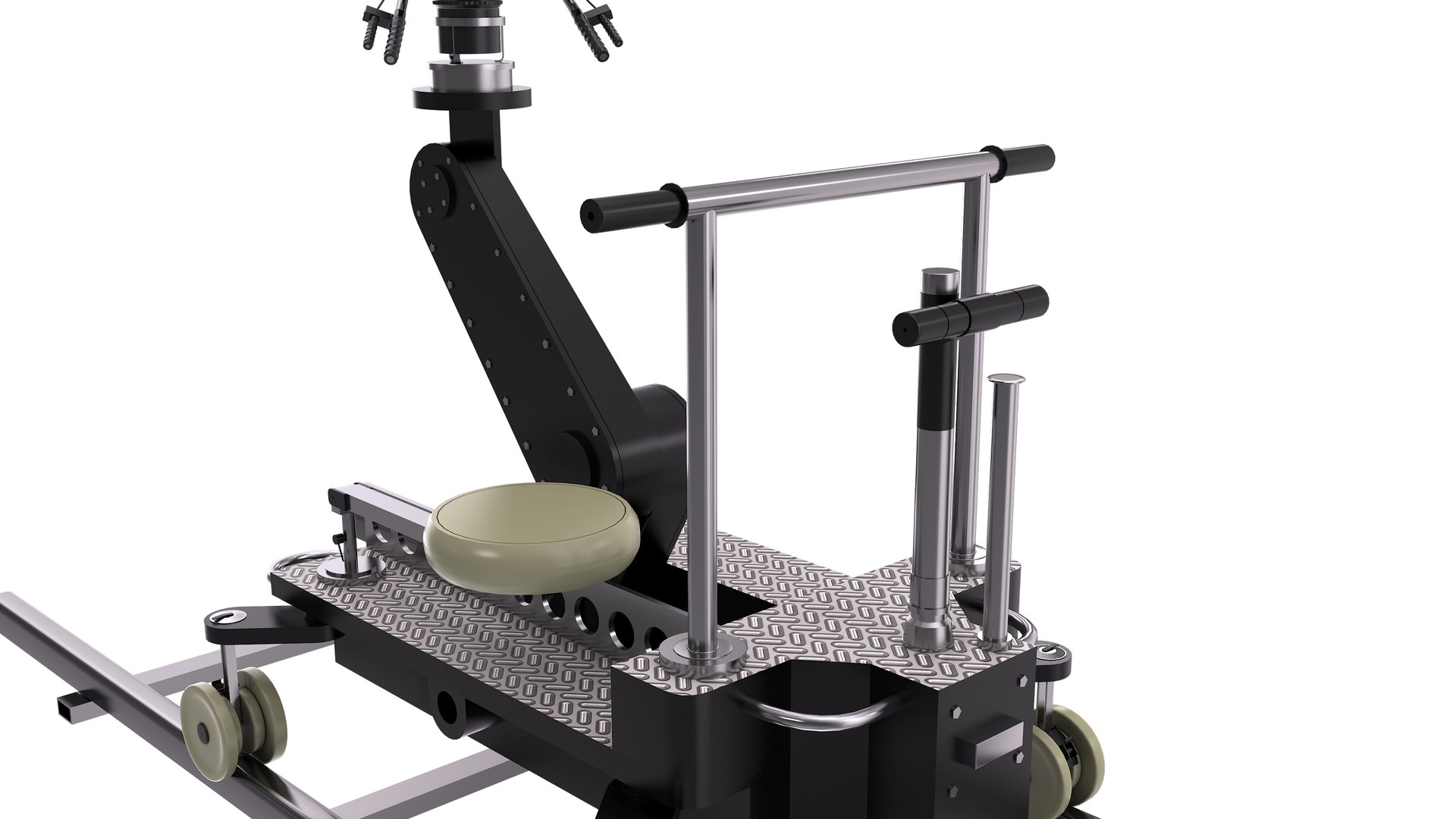
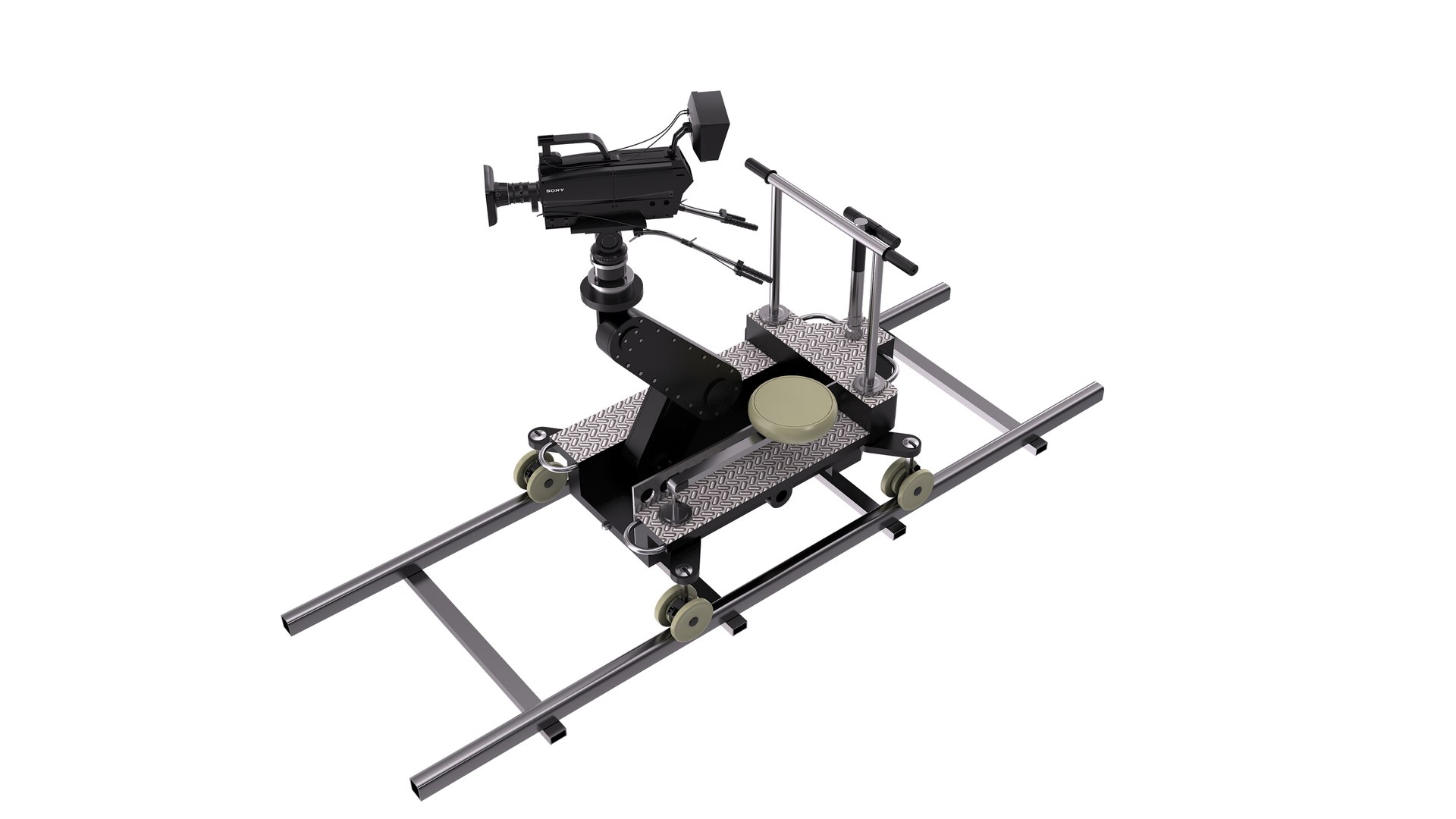
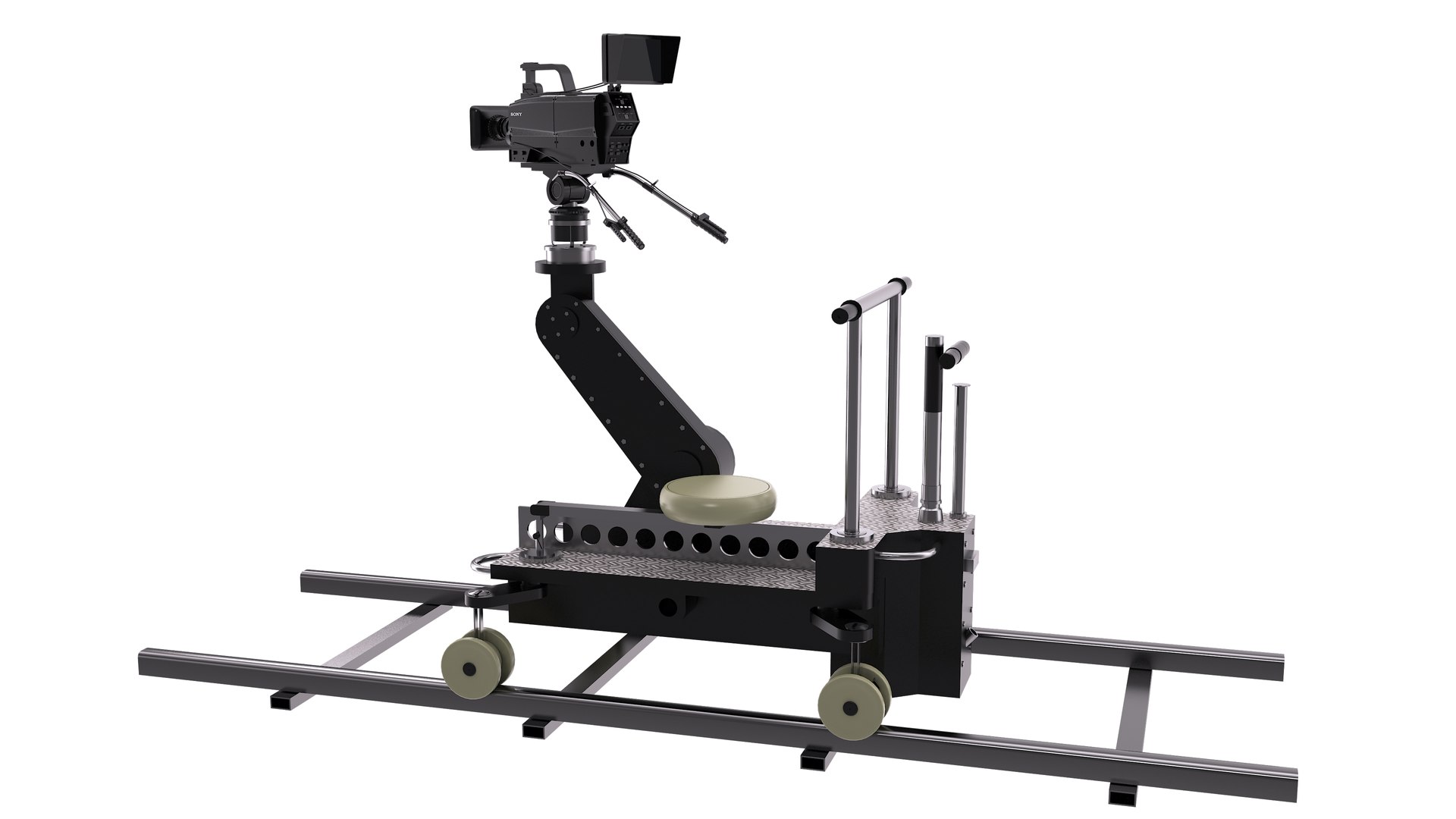
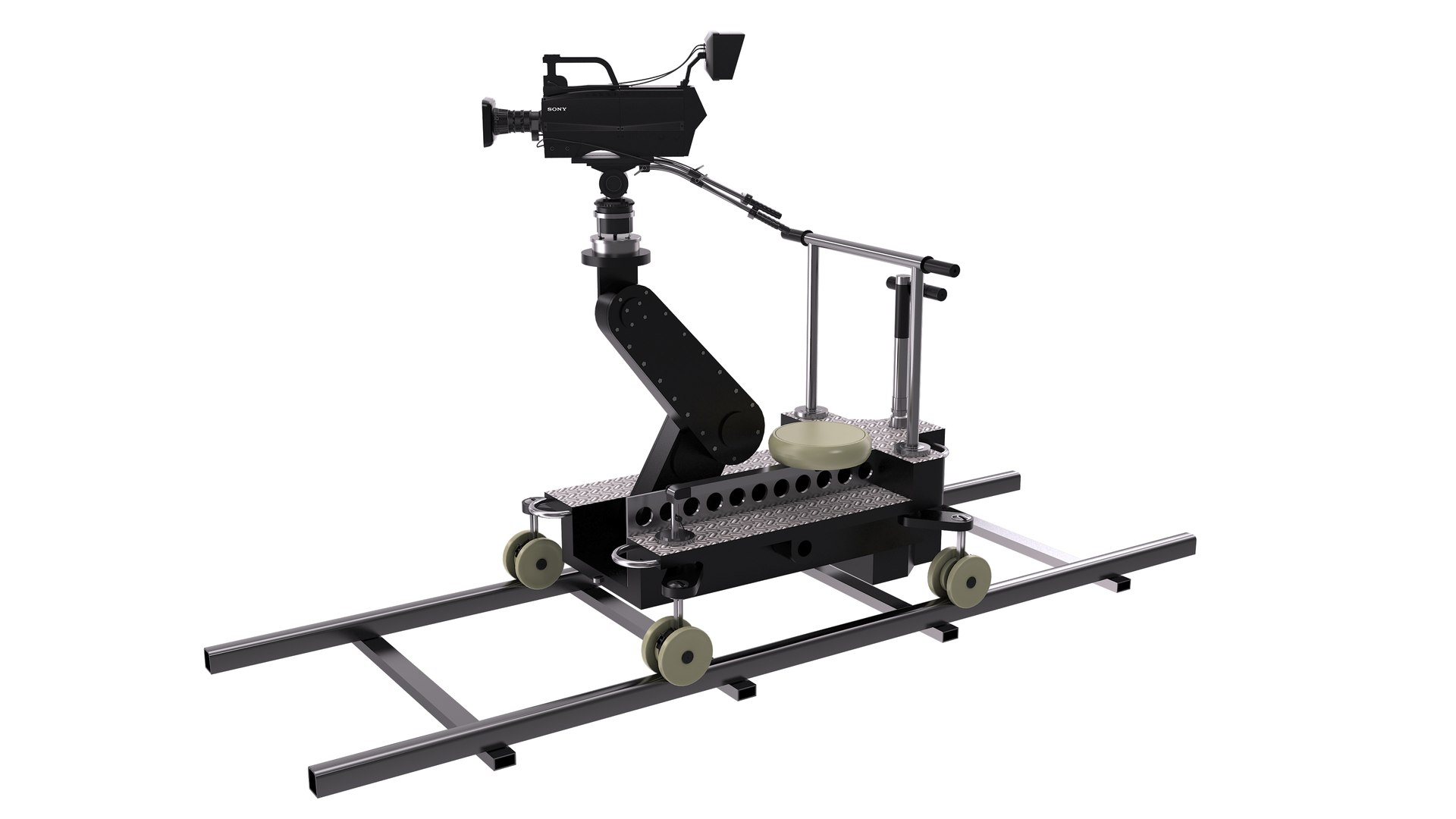
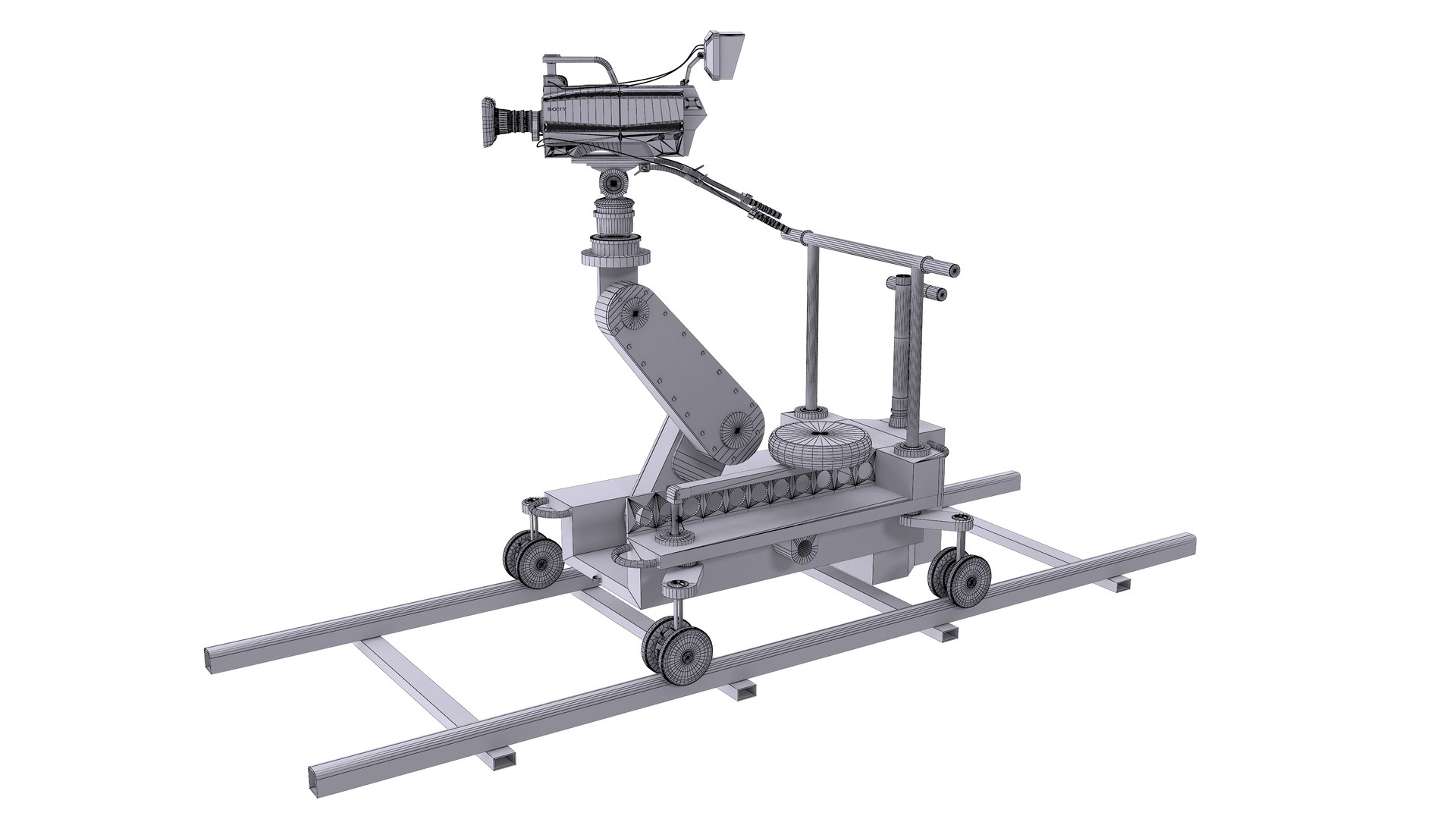
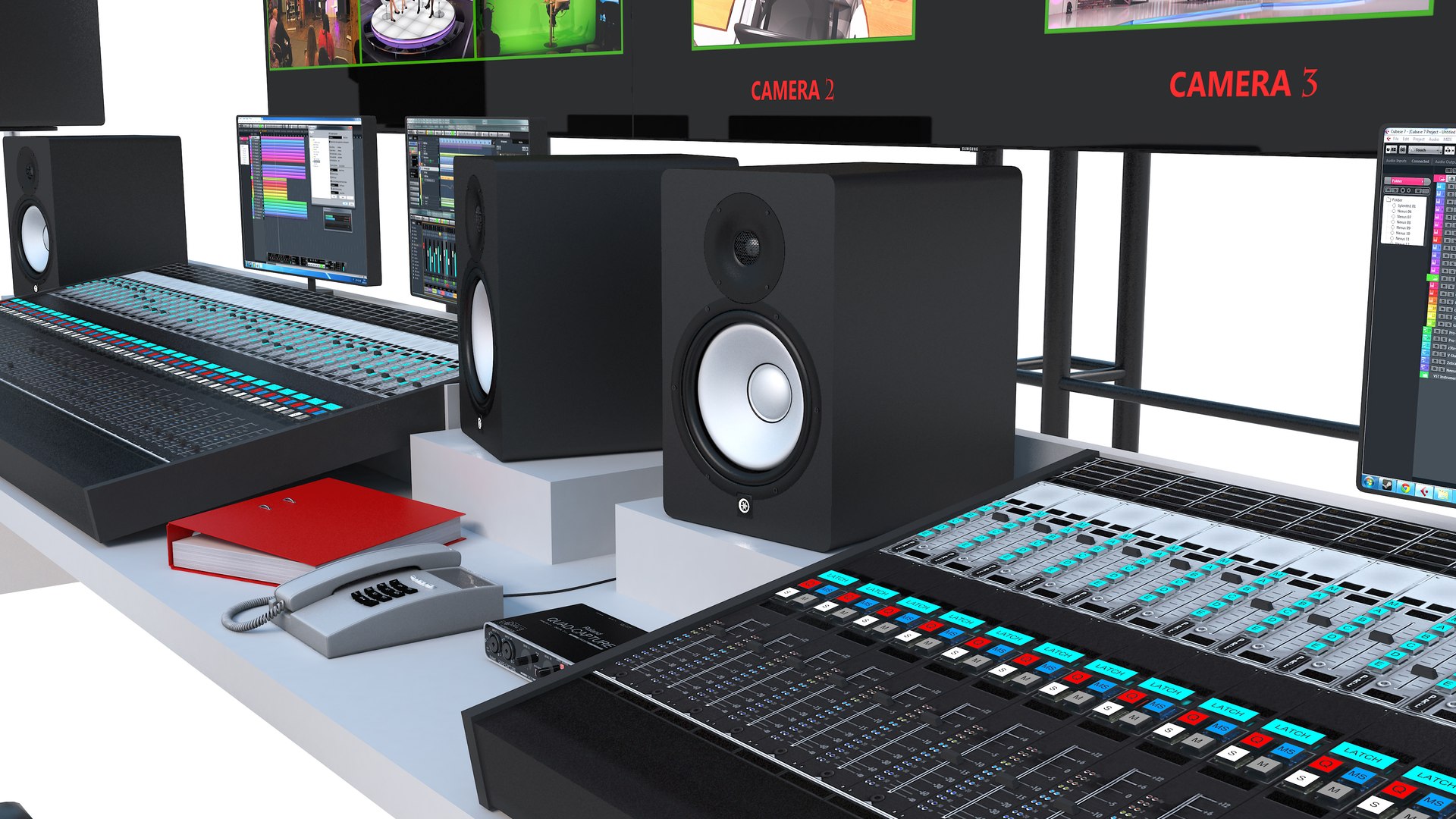
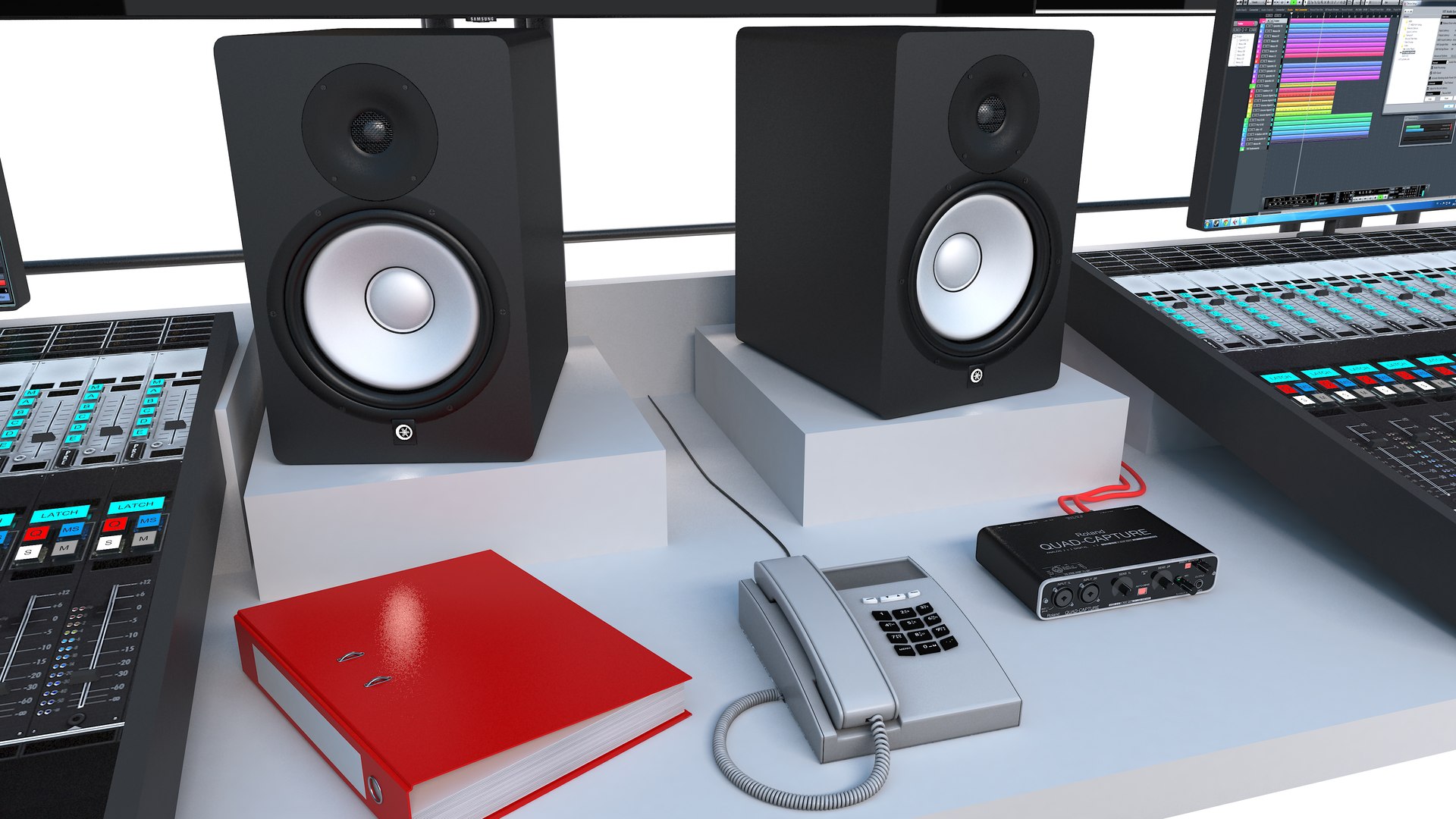
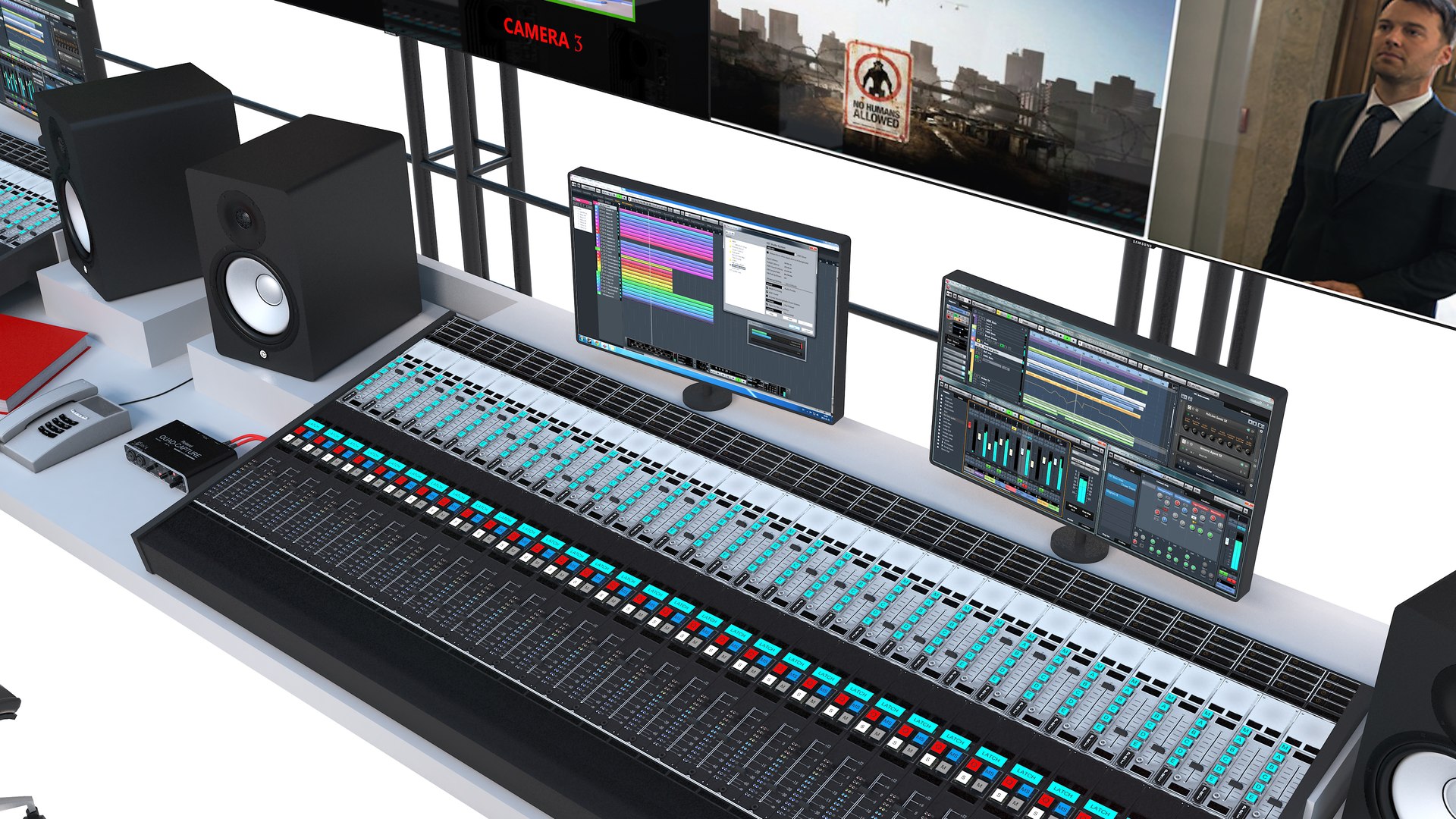
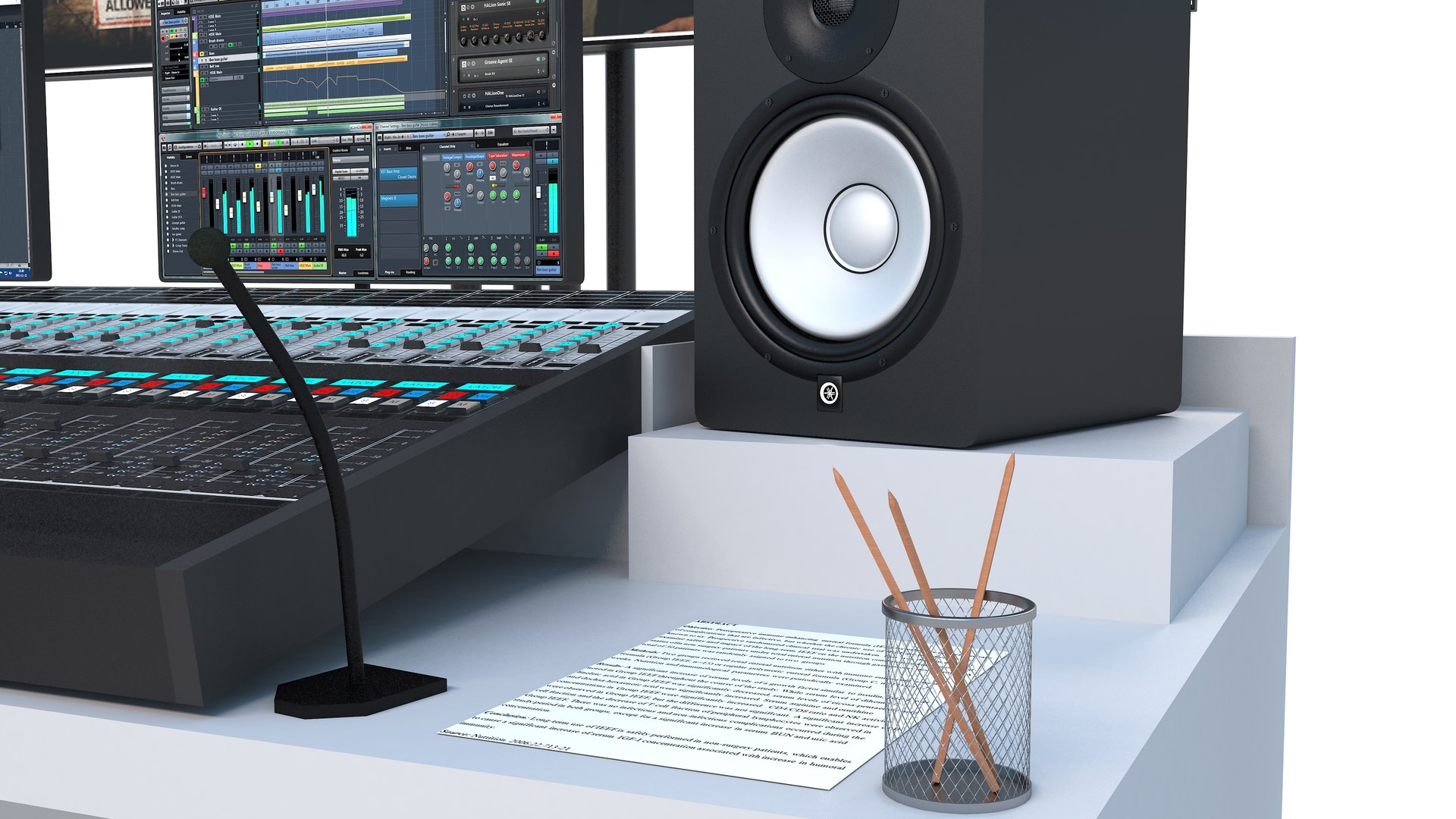
Broadcast Equipment Collection is a versatile set of 9 high quality models to add more details and realism to your rendering projects.
Fully detailed, textured models. Detailed enough for close-up renders. Comes with detailed textures.

If purchased individually: $411
Collection price: $249
You save: $162

Models:
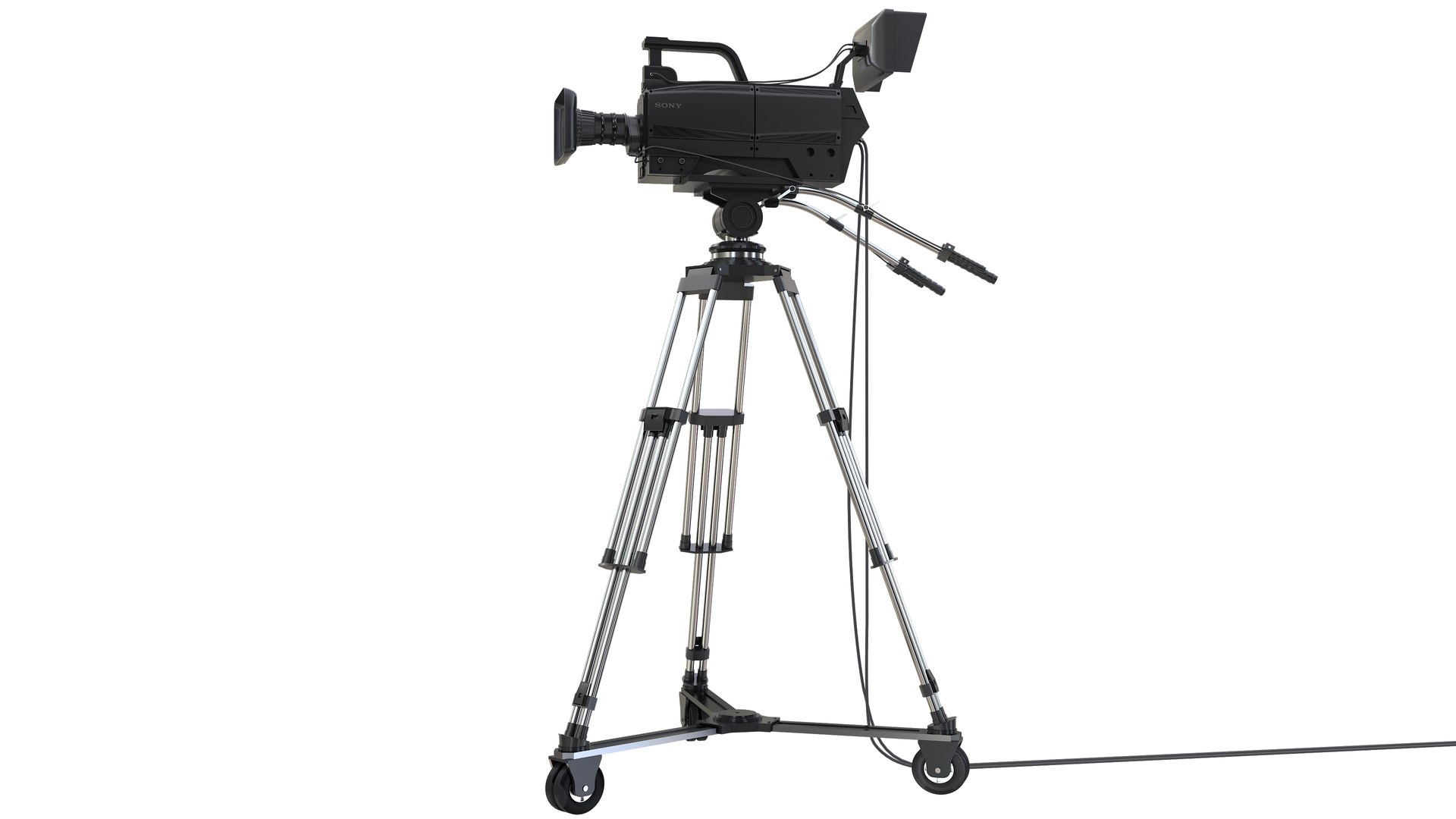
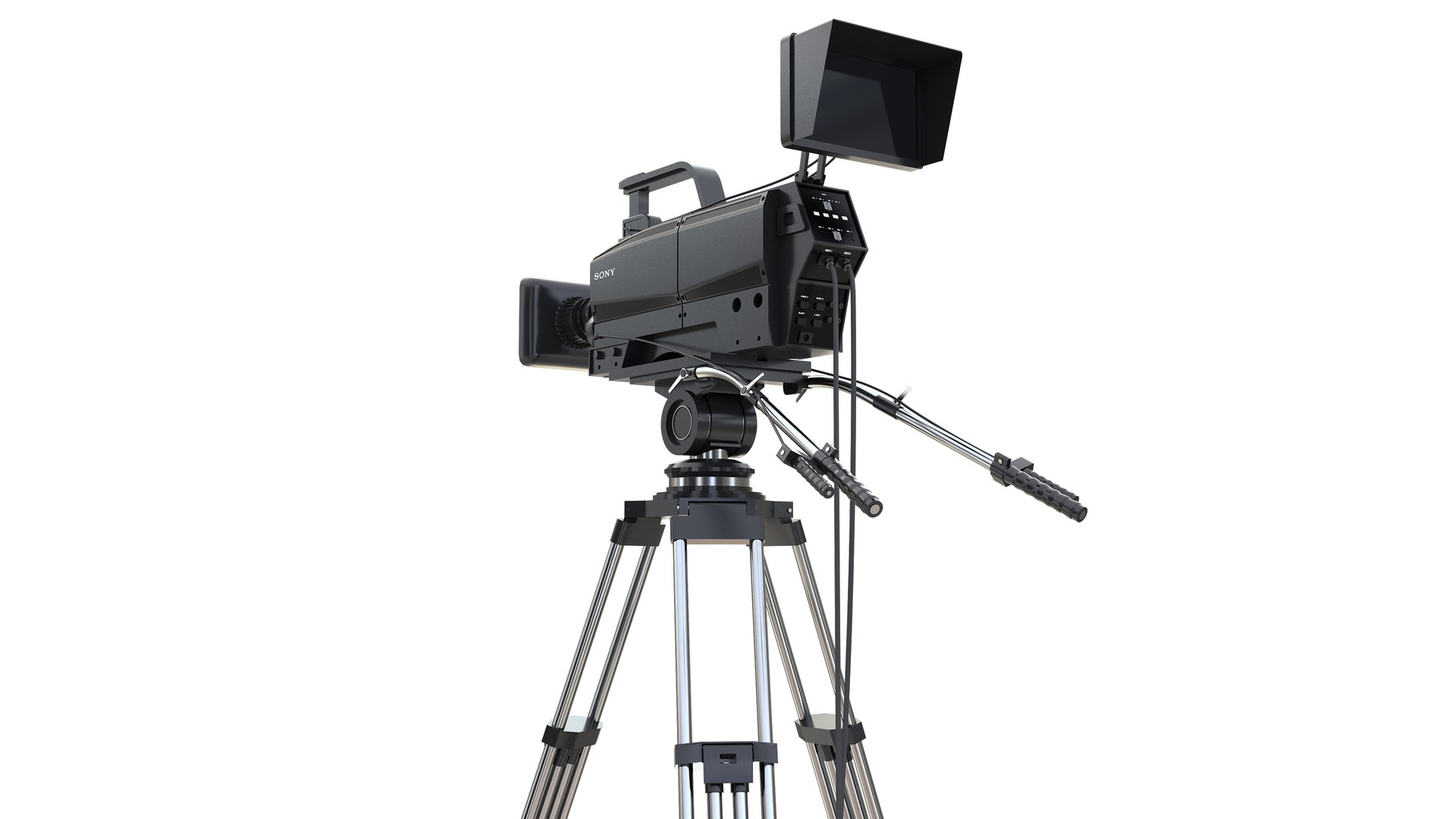
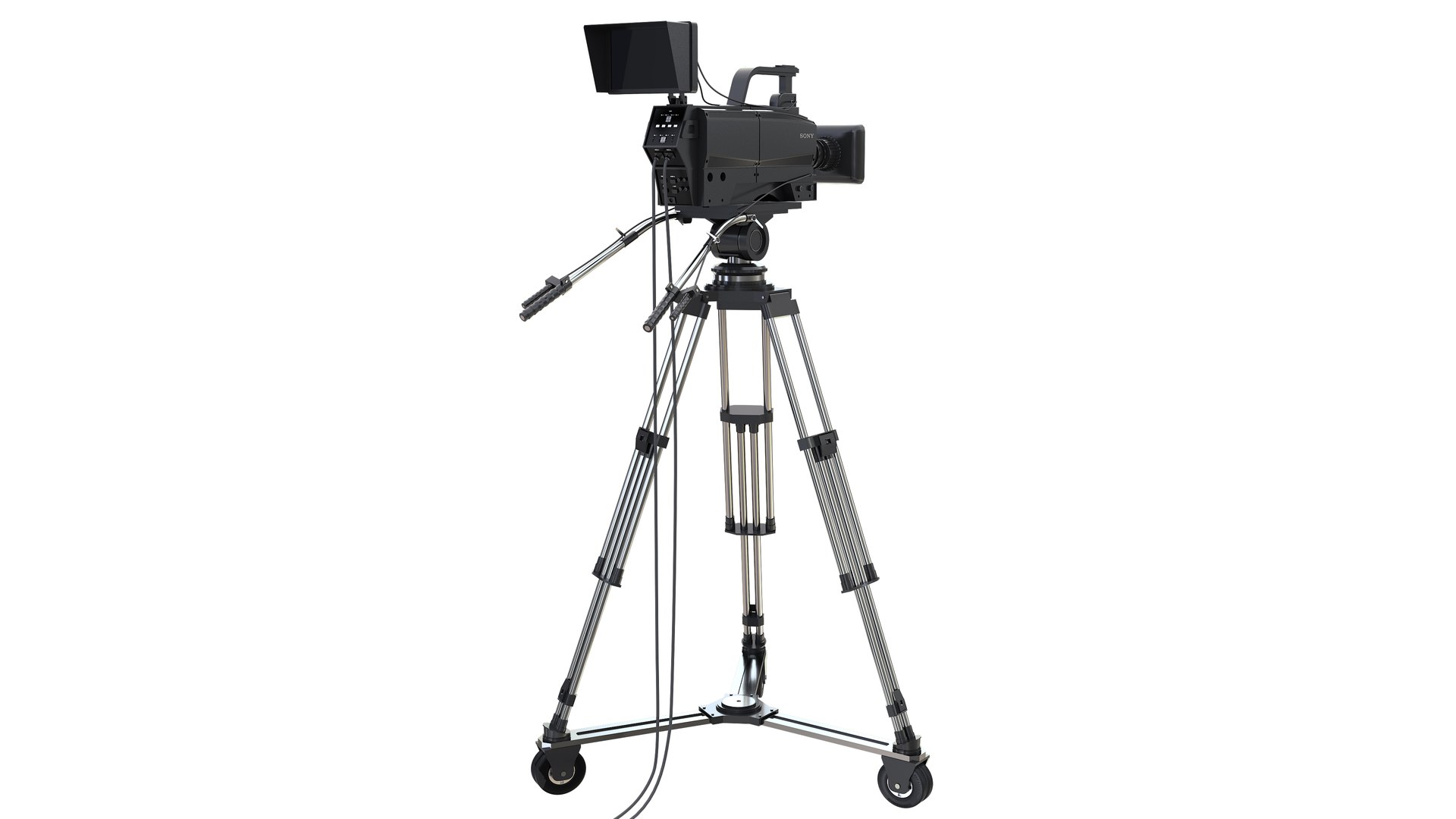
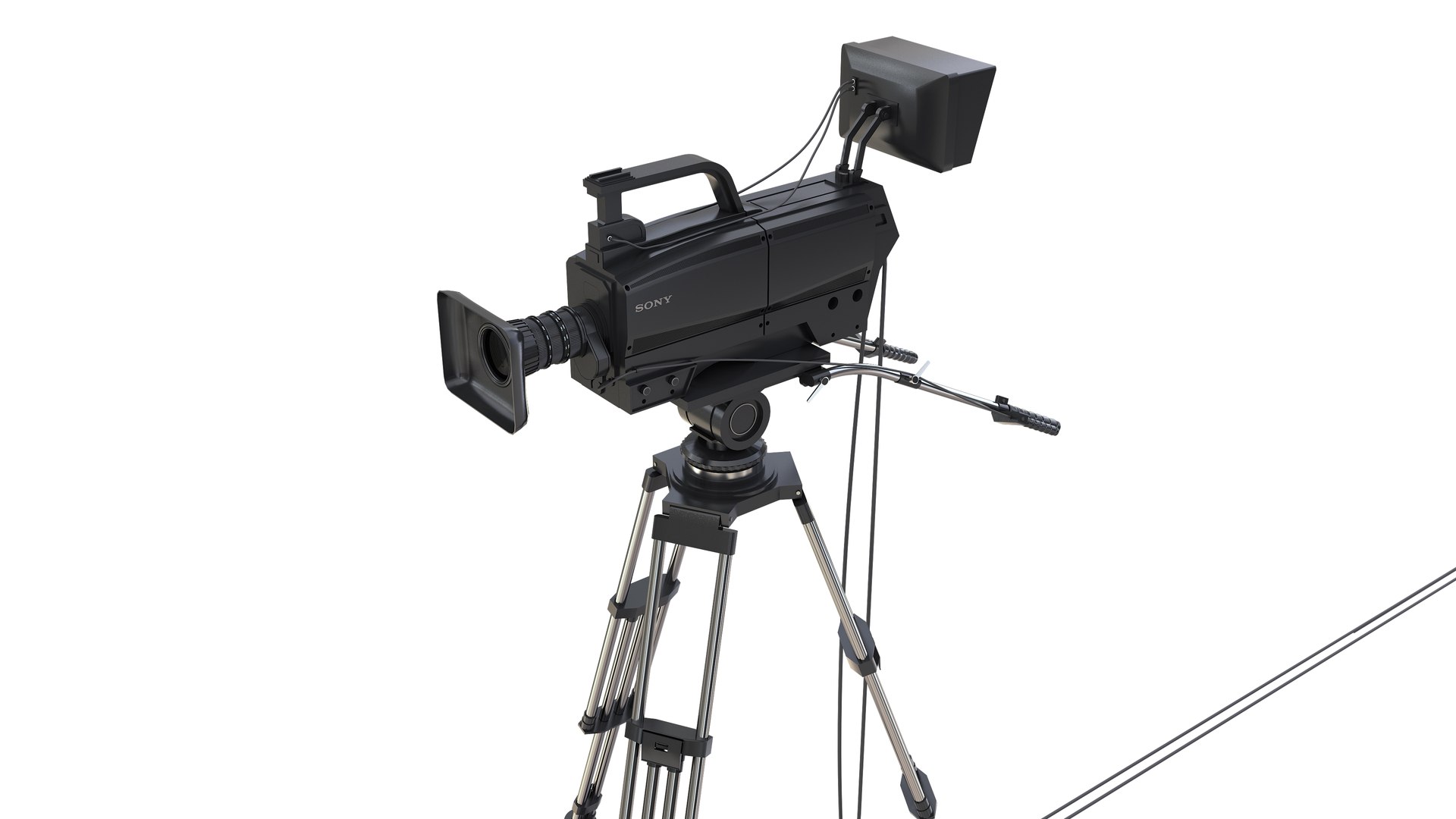
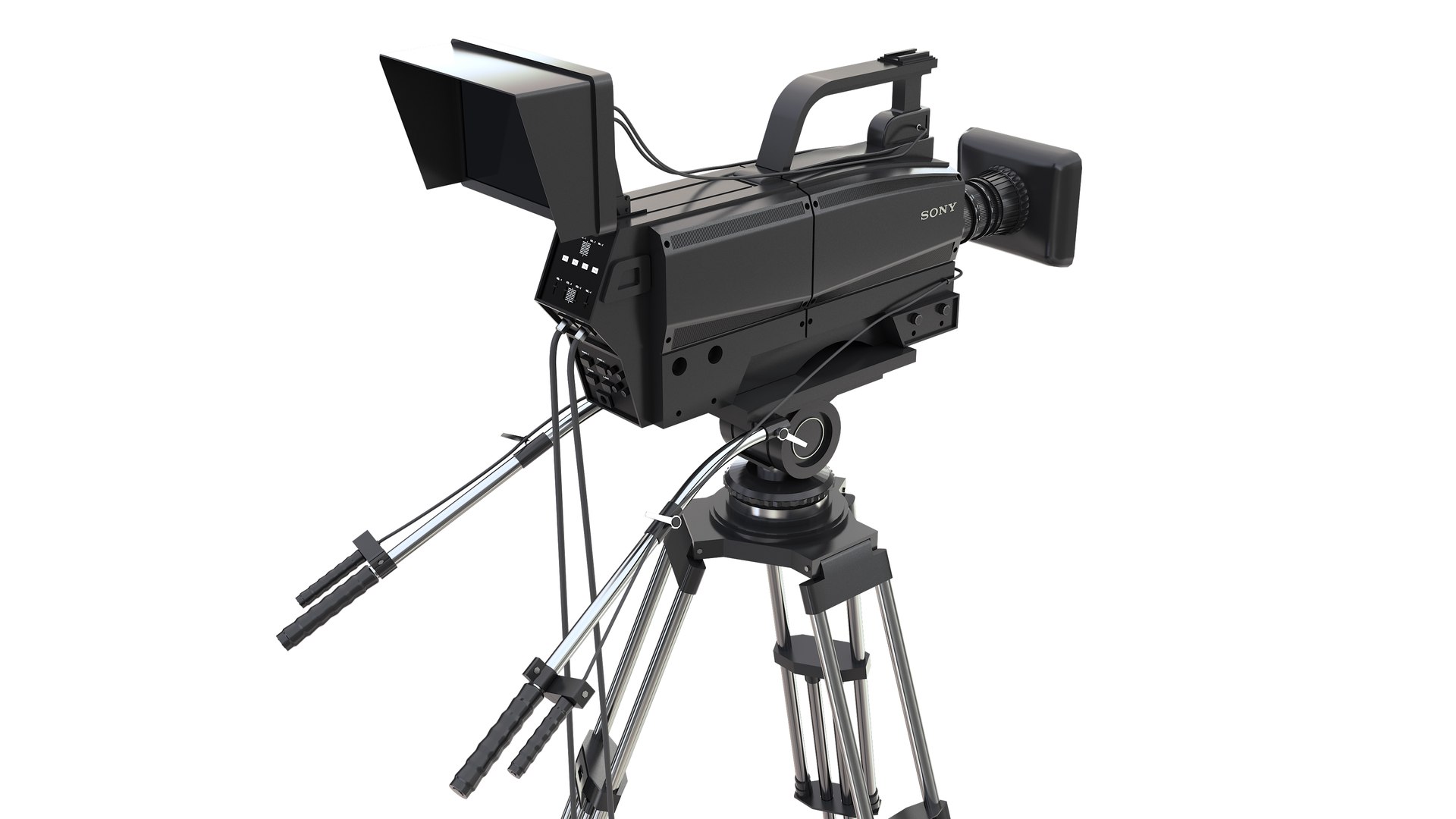
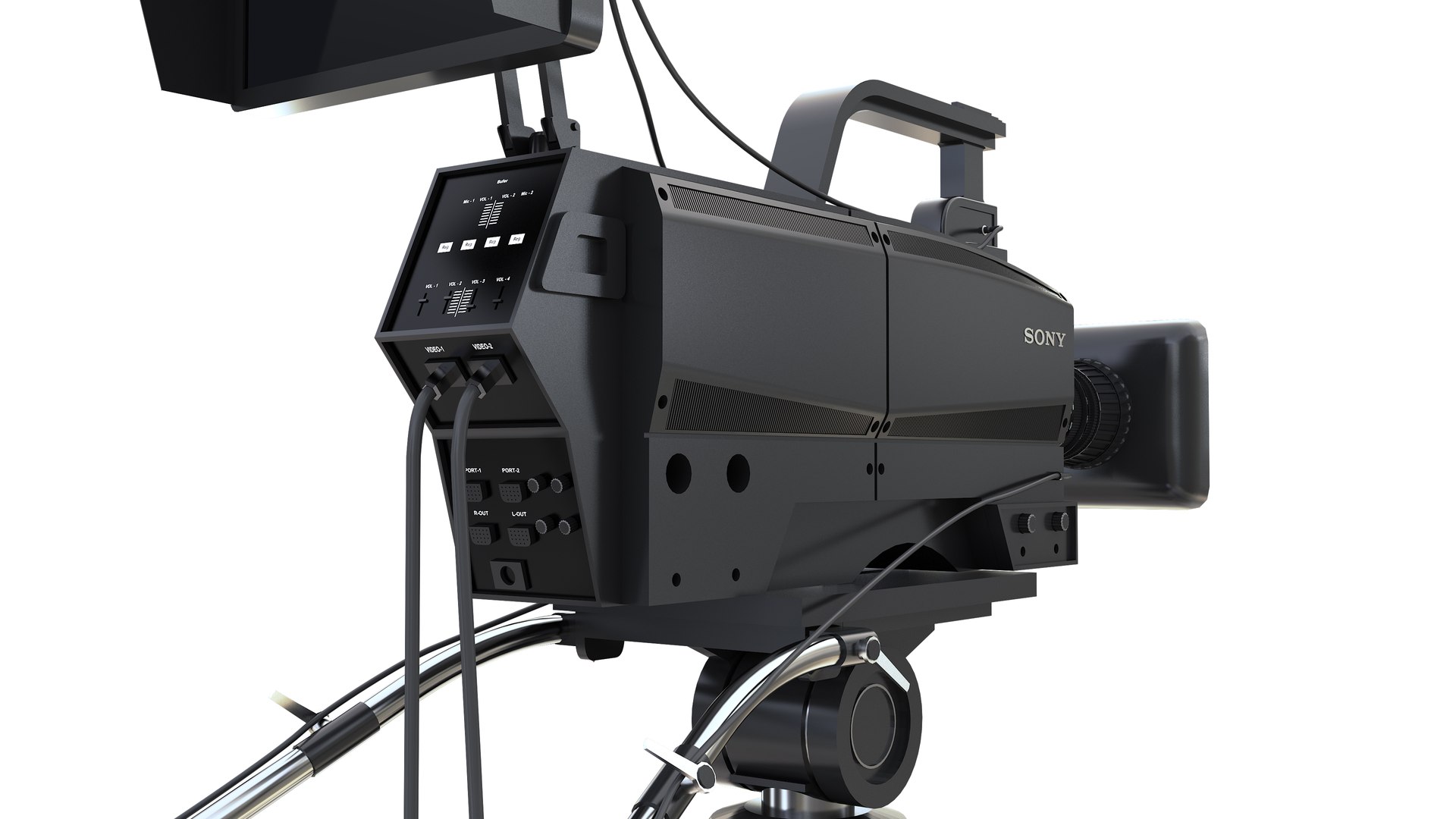
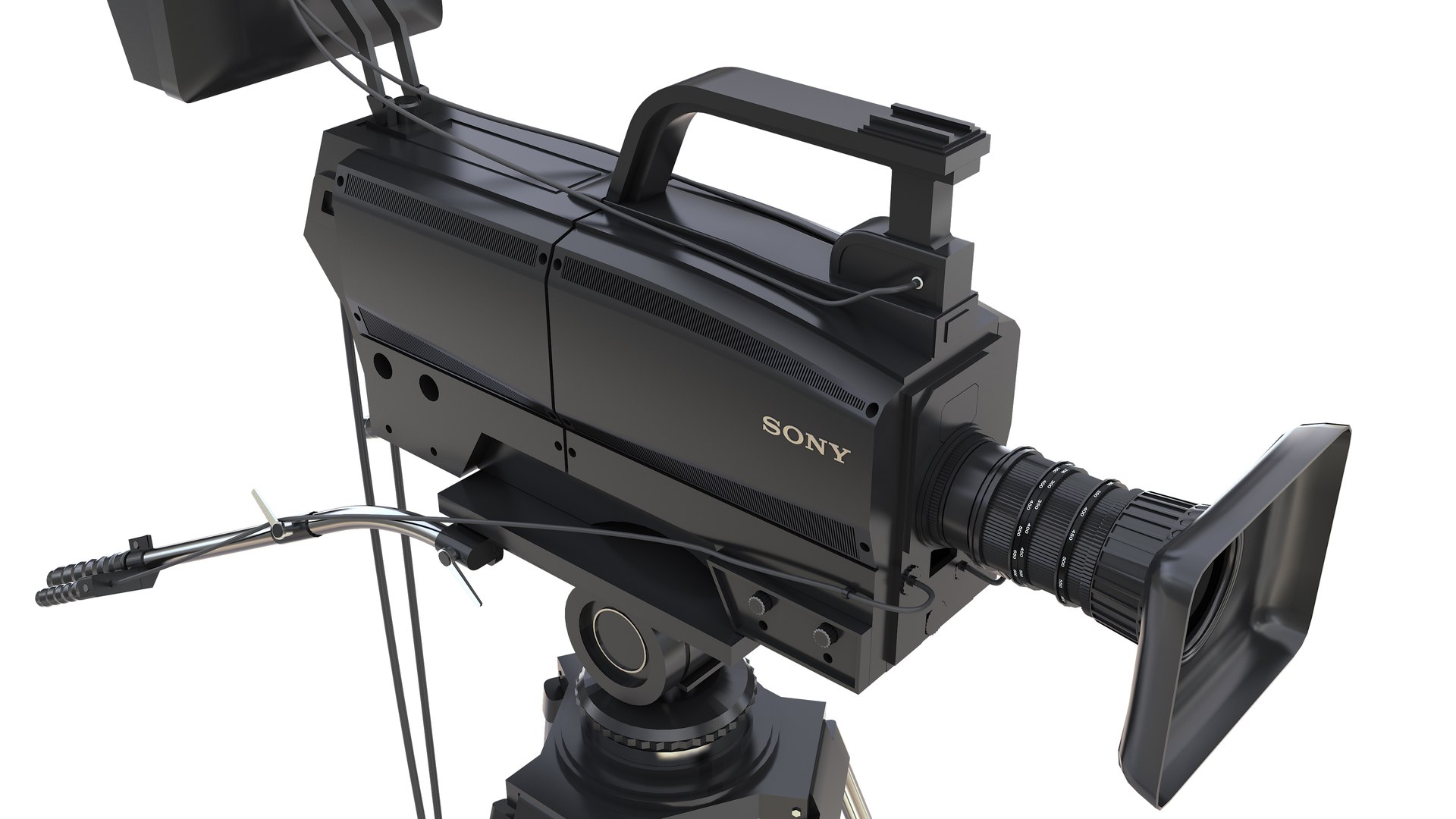
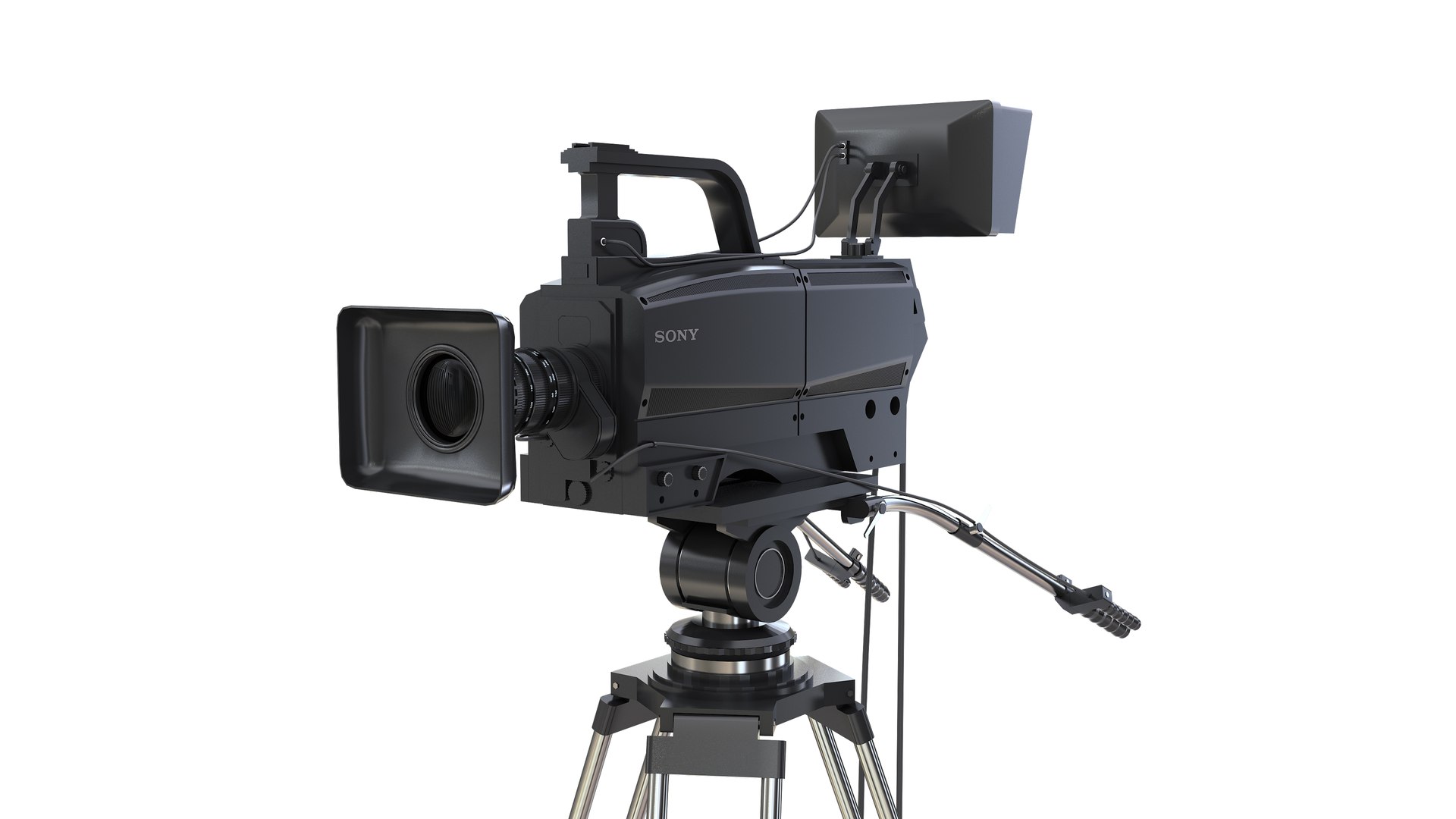
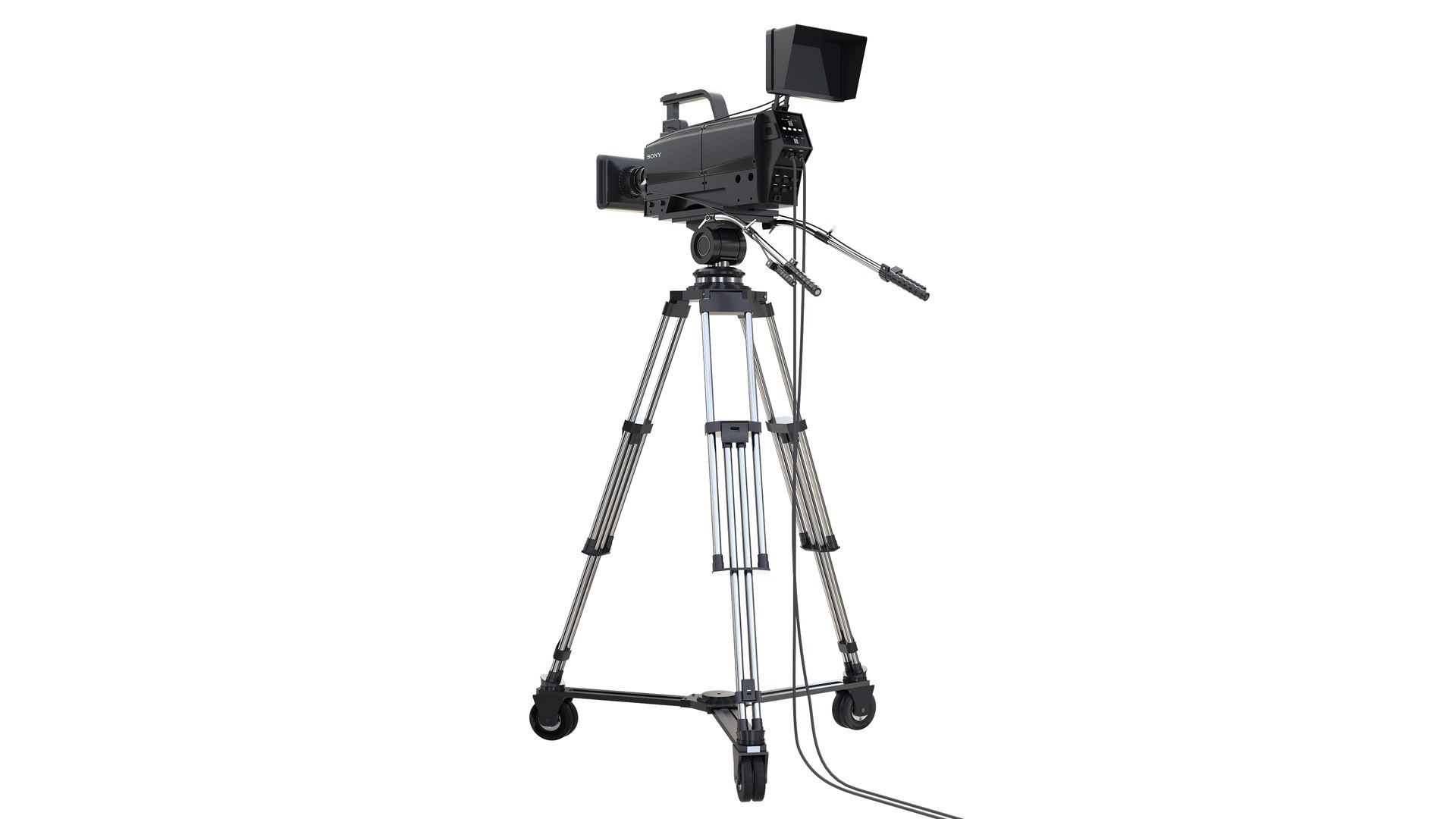
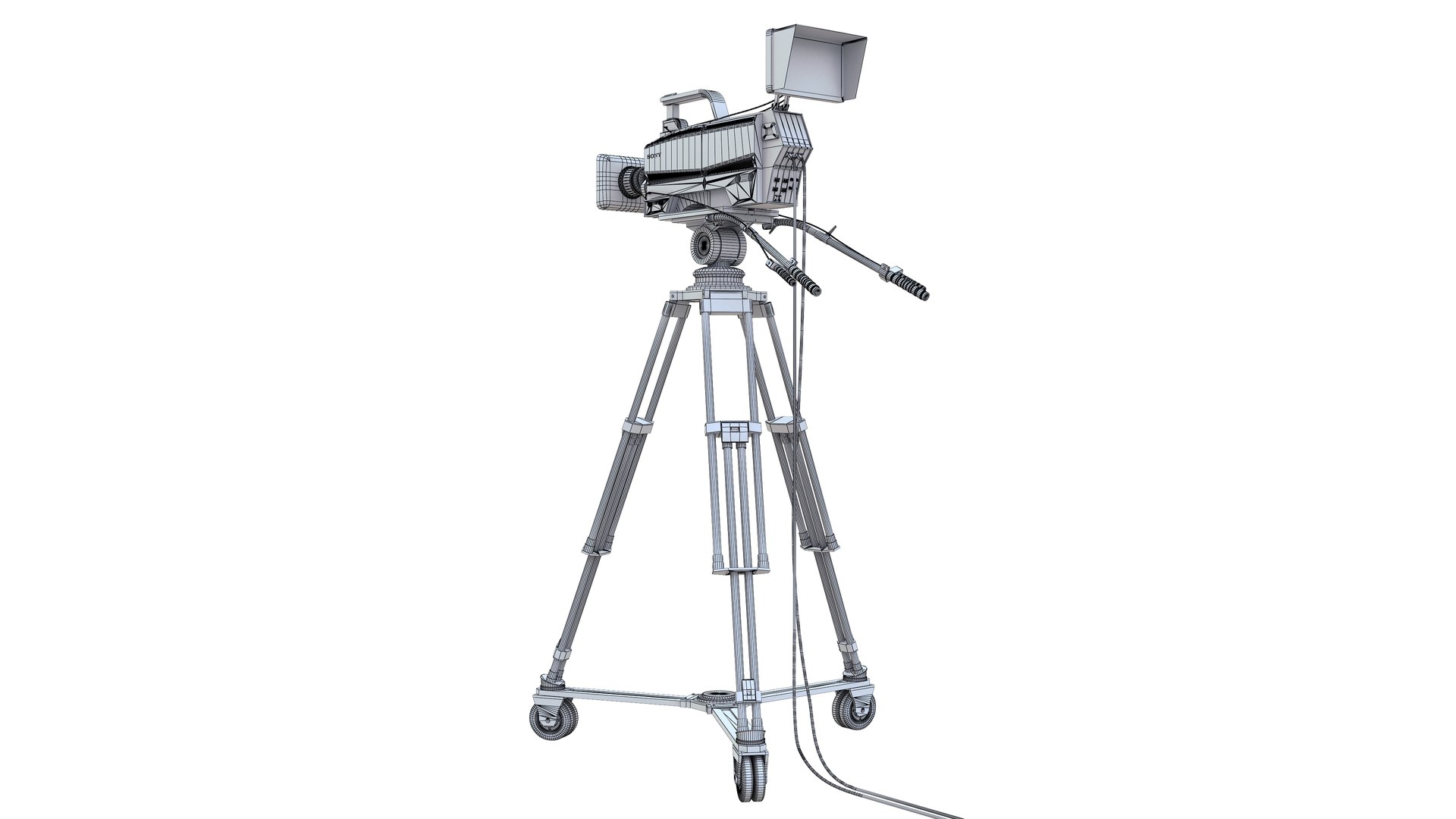
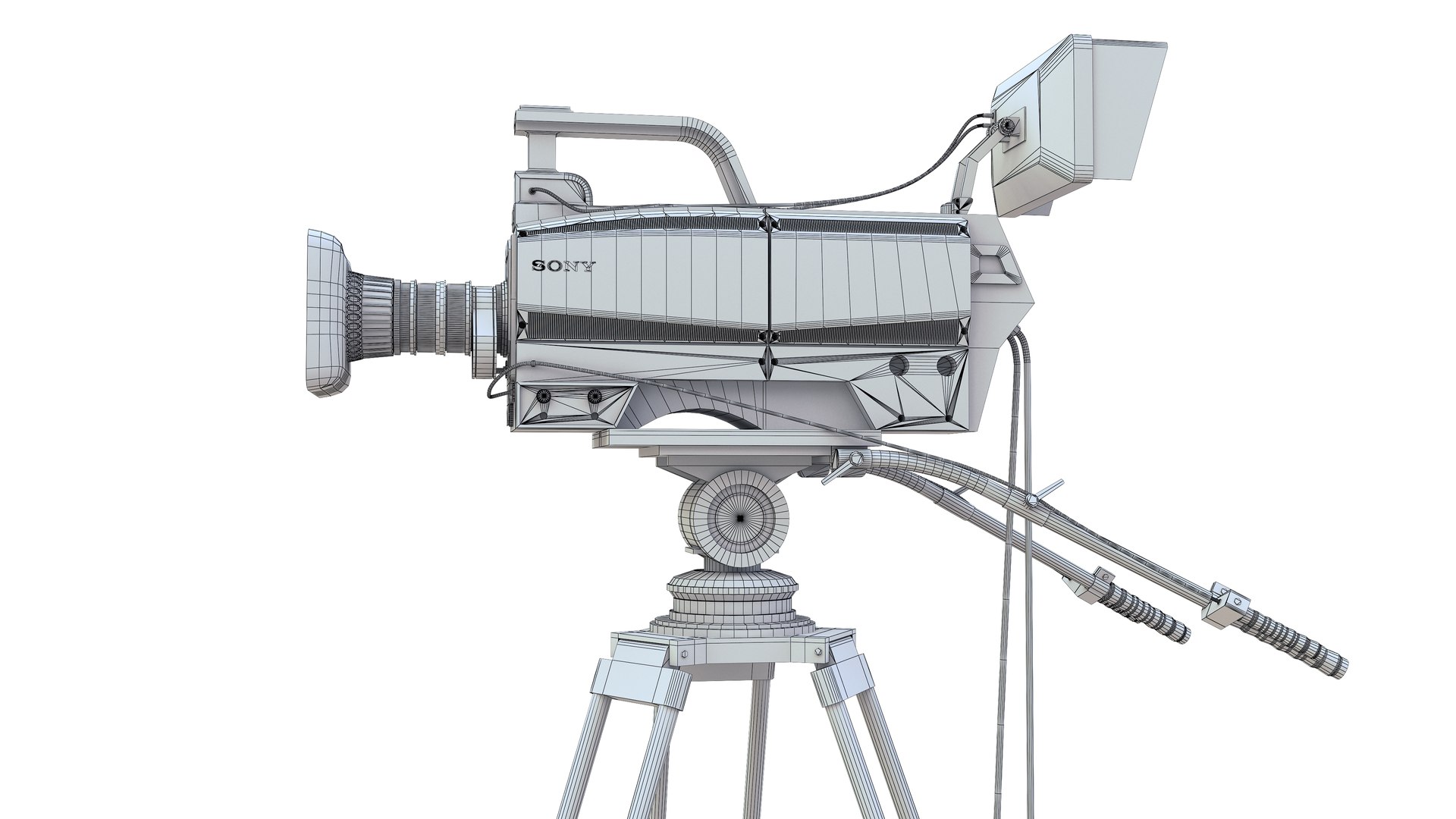
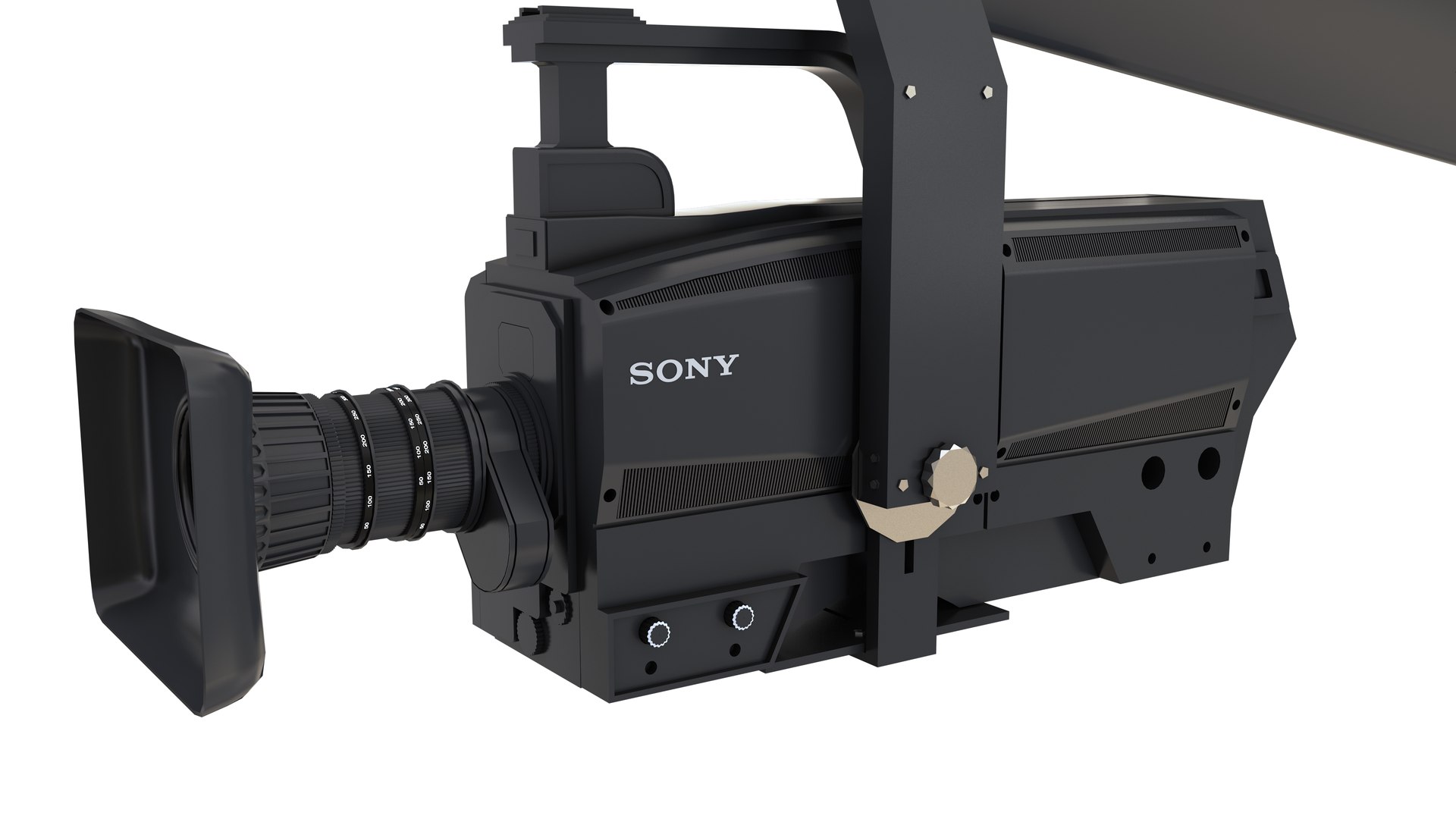
1- TV Studio Camera Sony
Polygons: 61,151
Vertex: 61,220

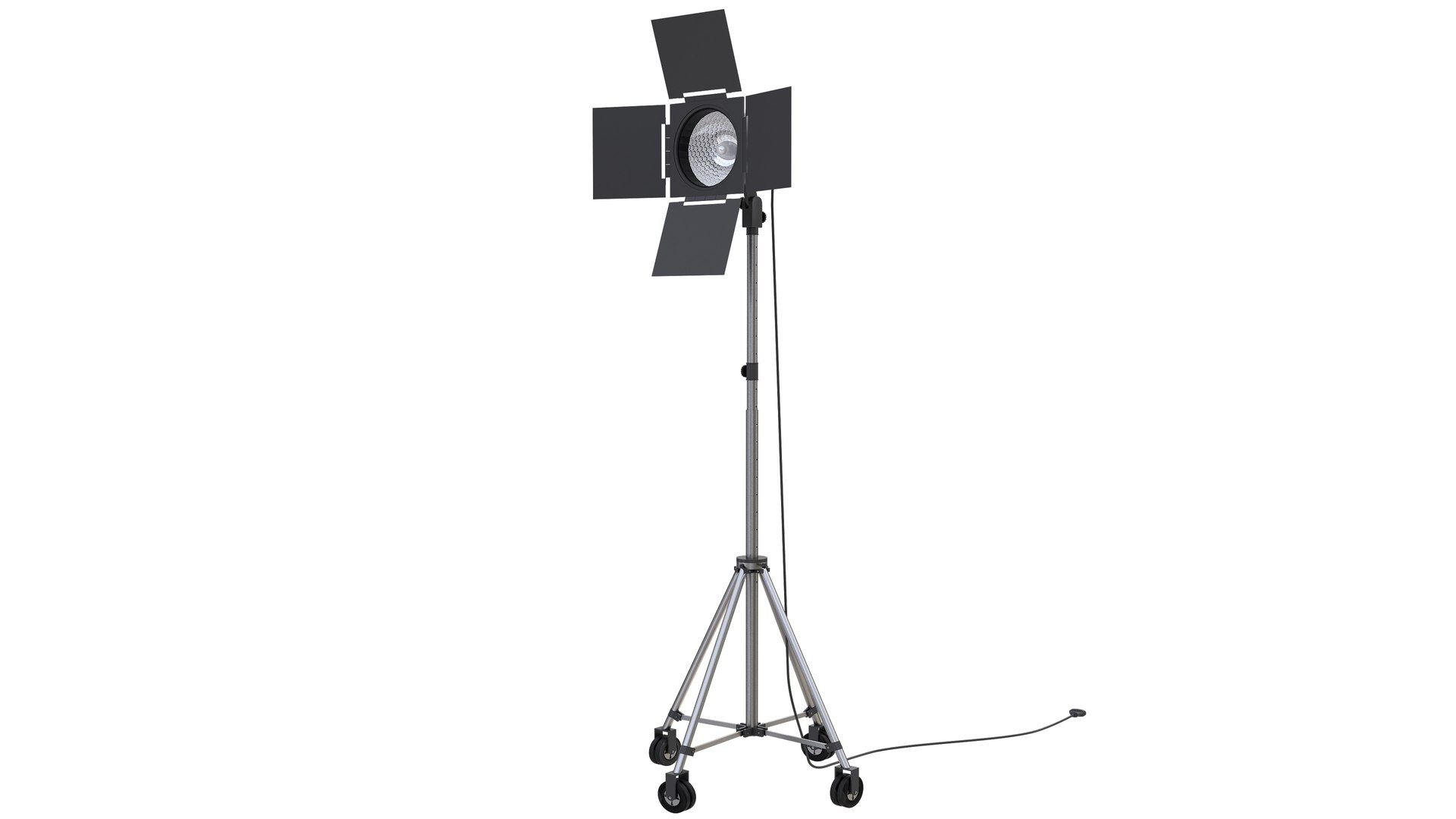
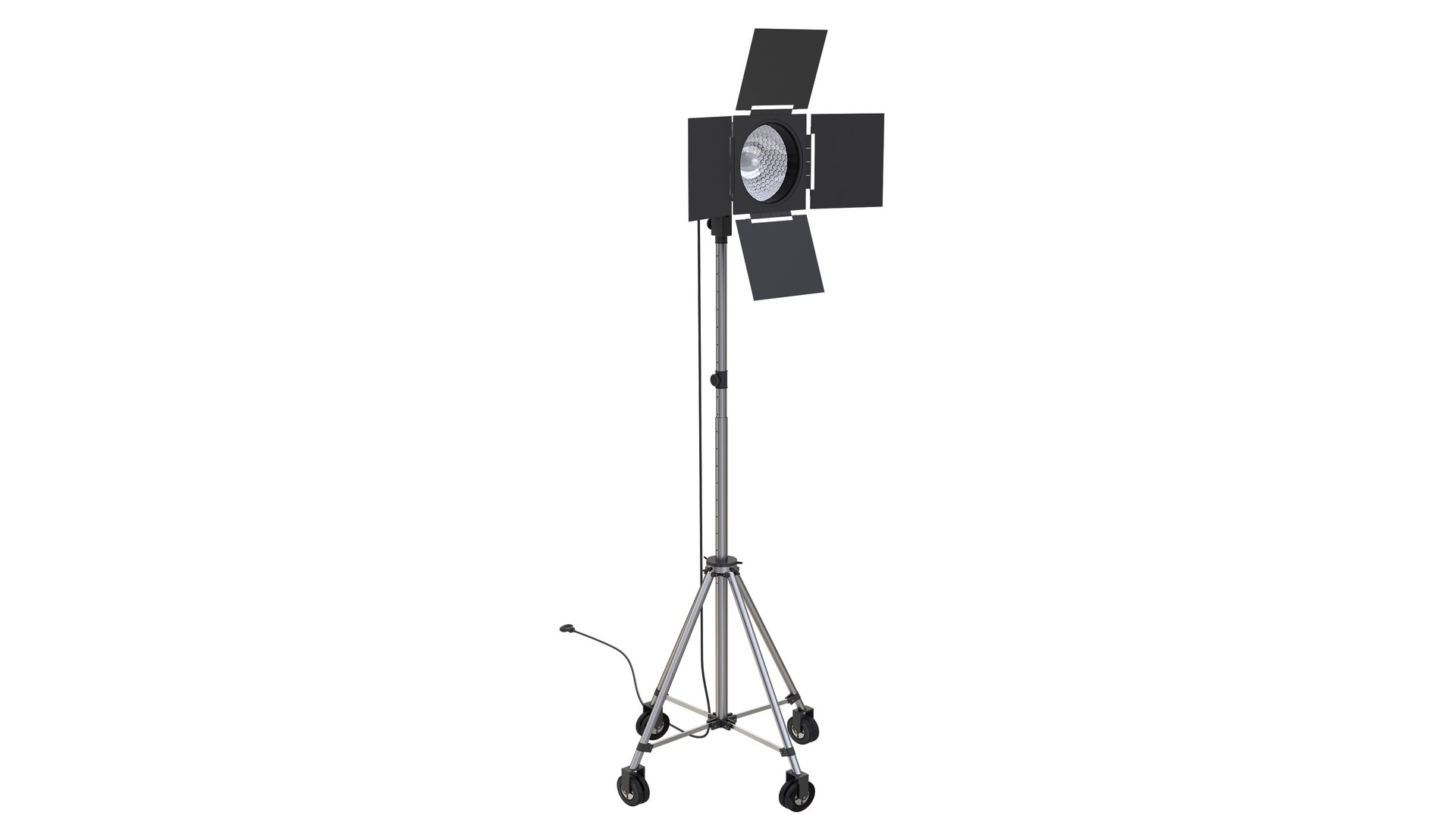
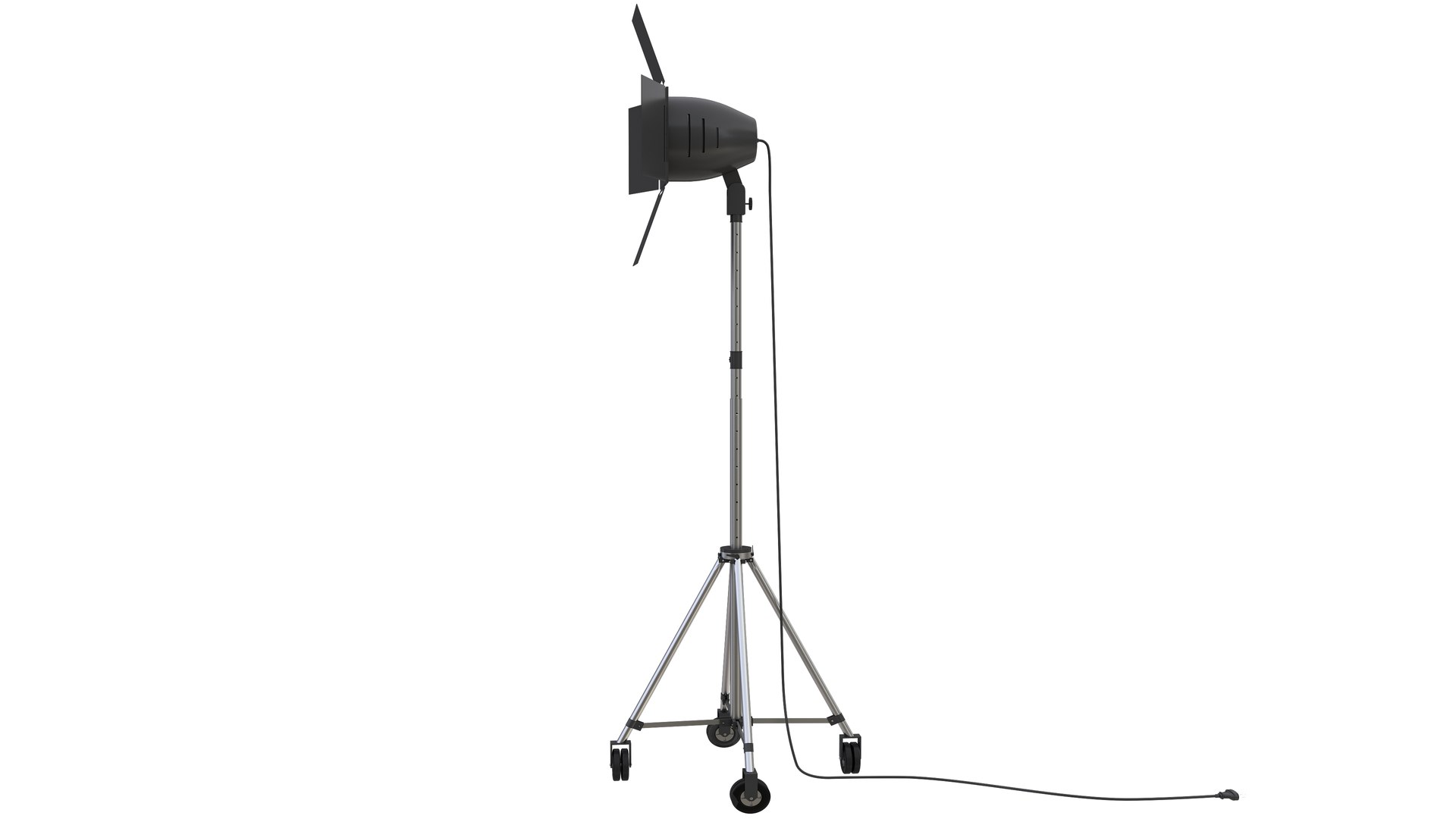
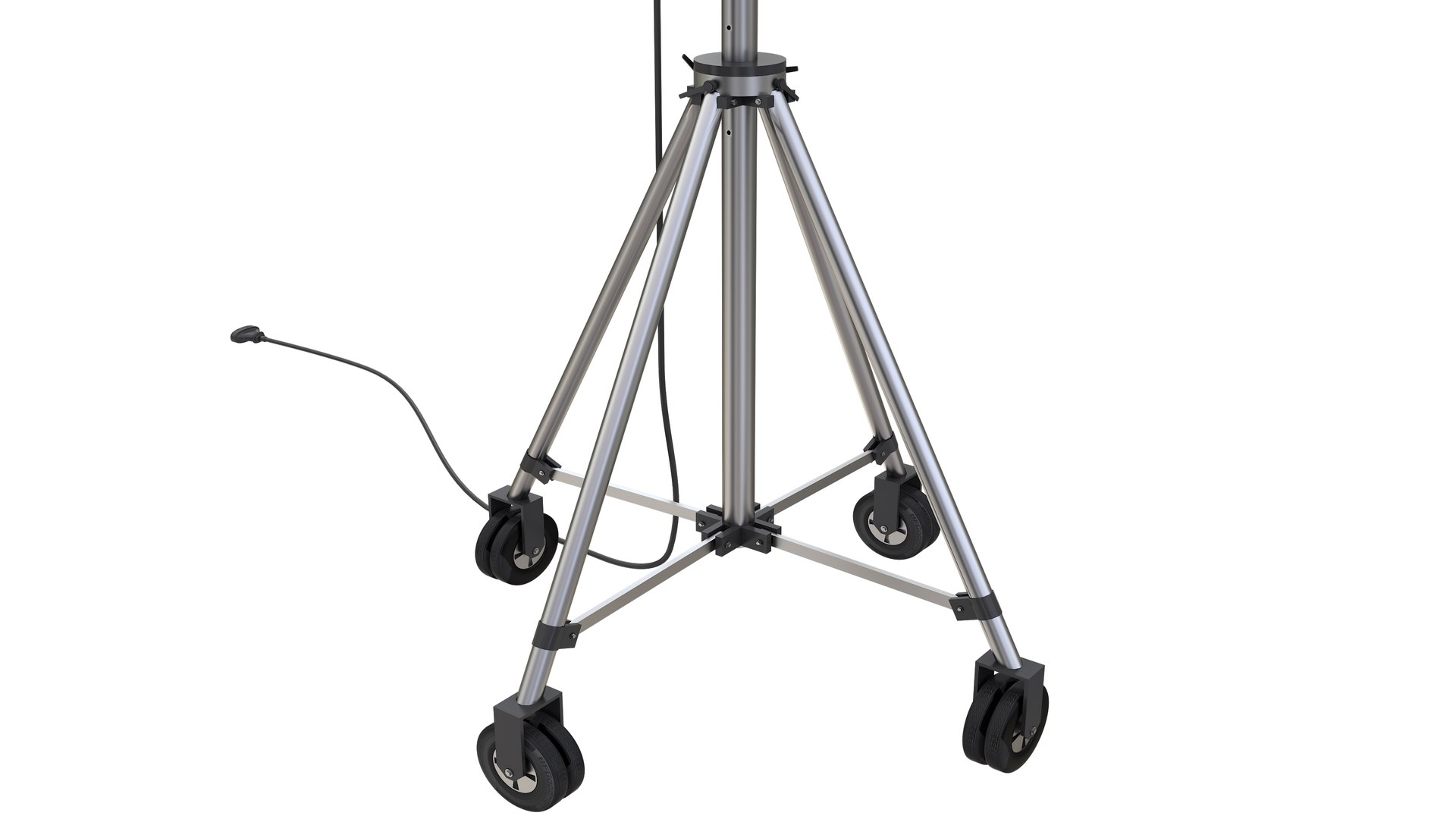
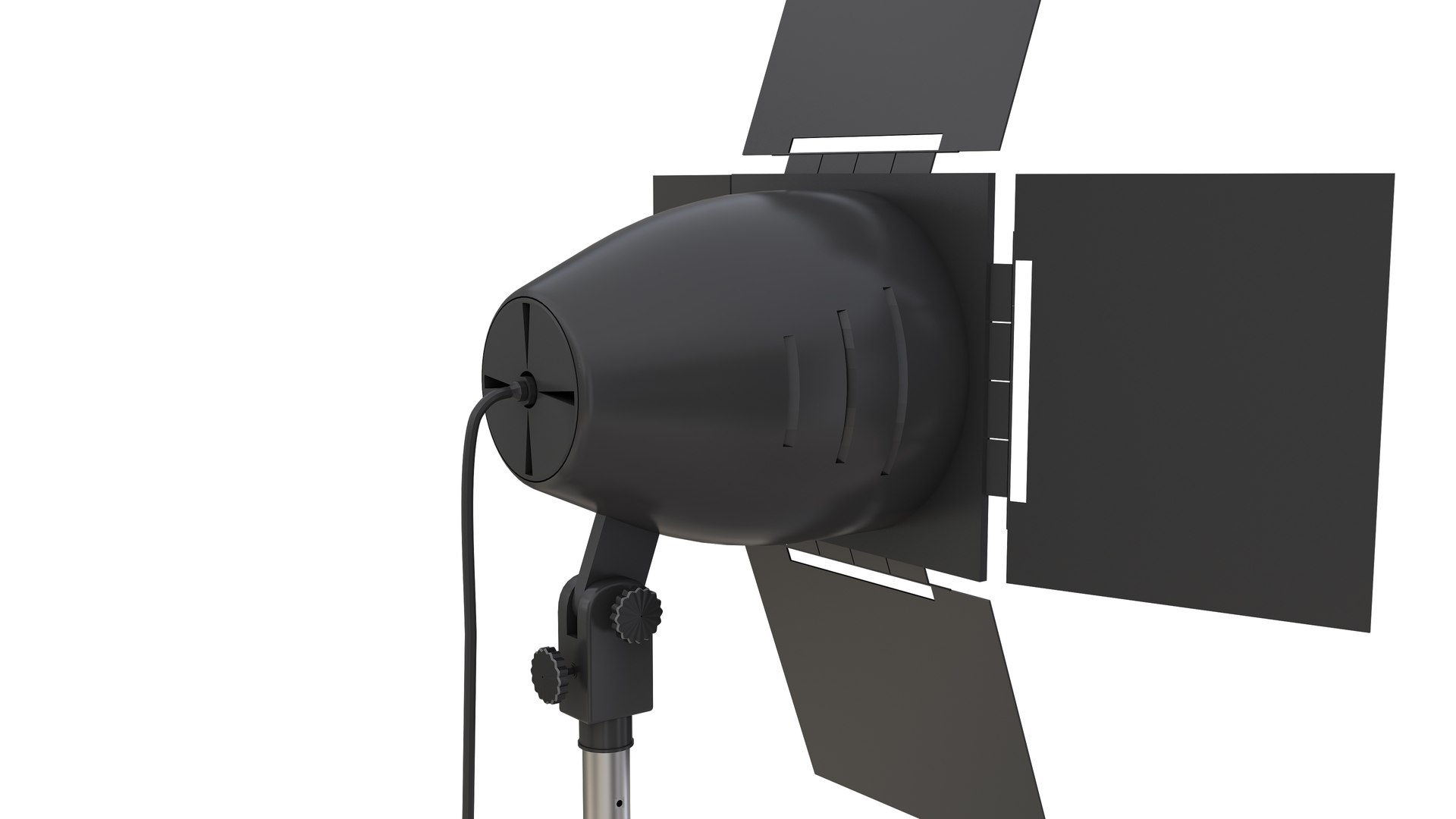
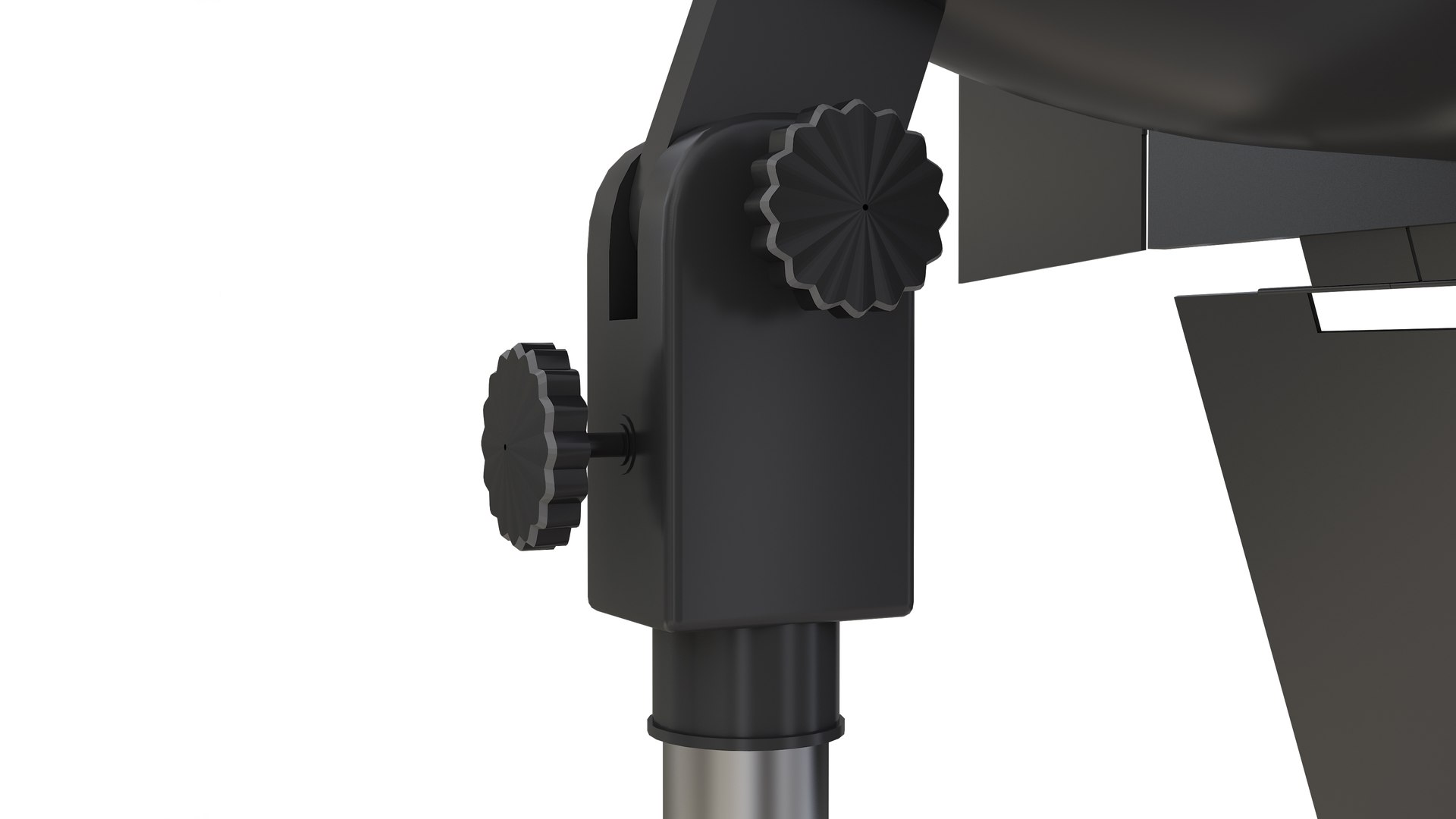
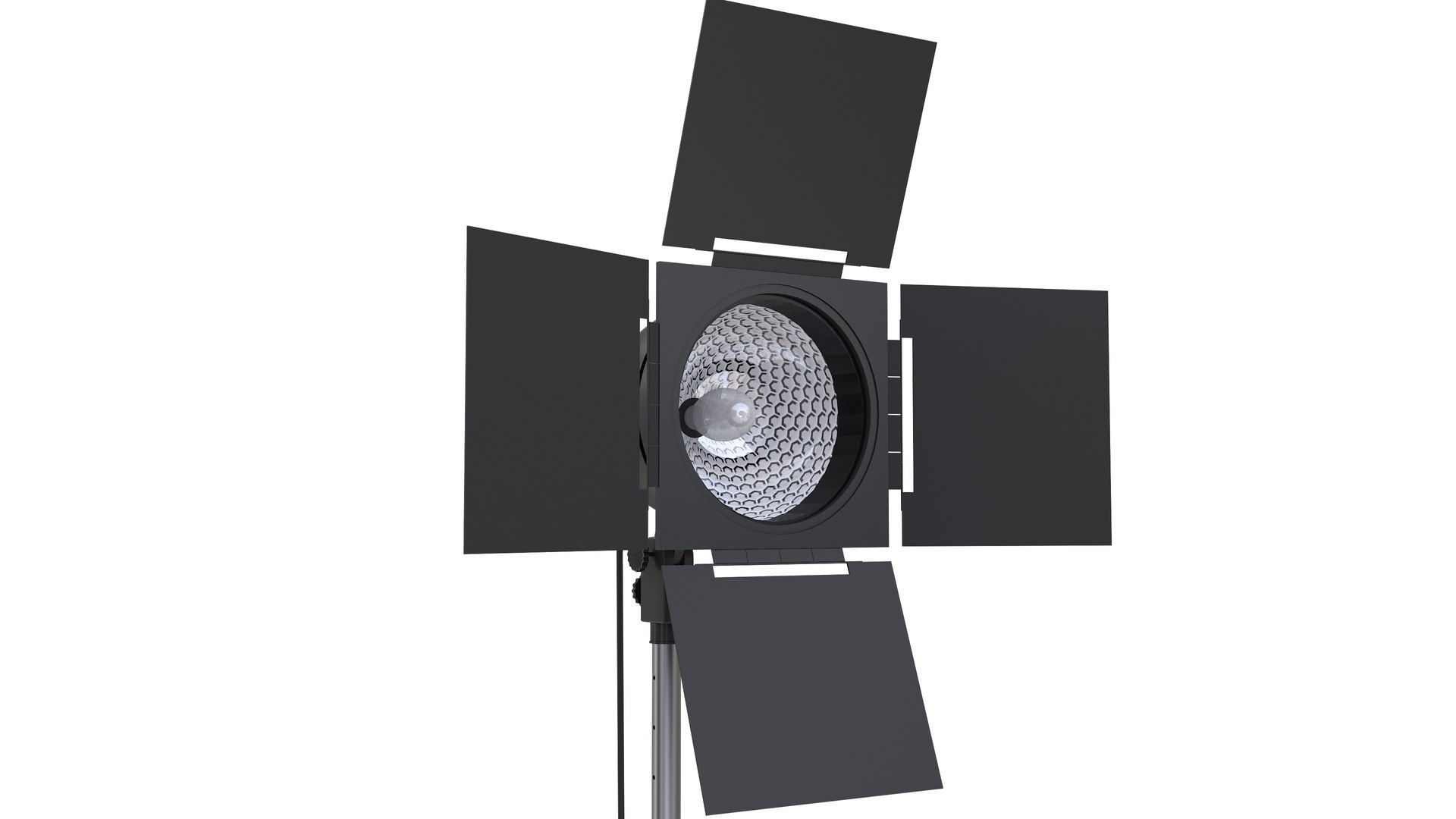
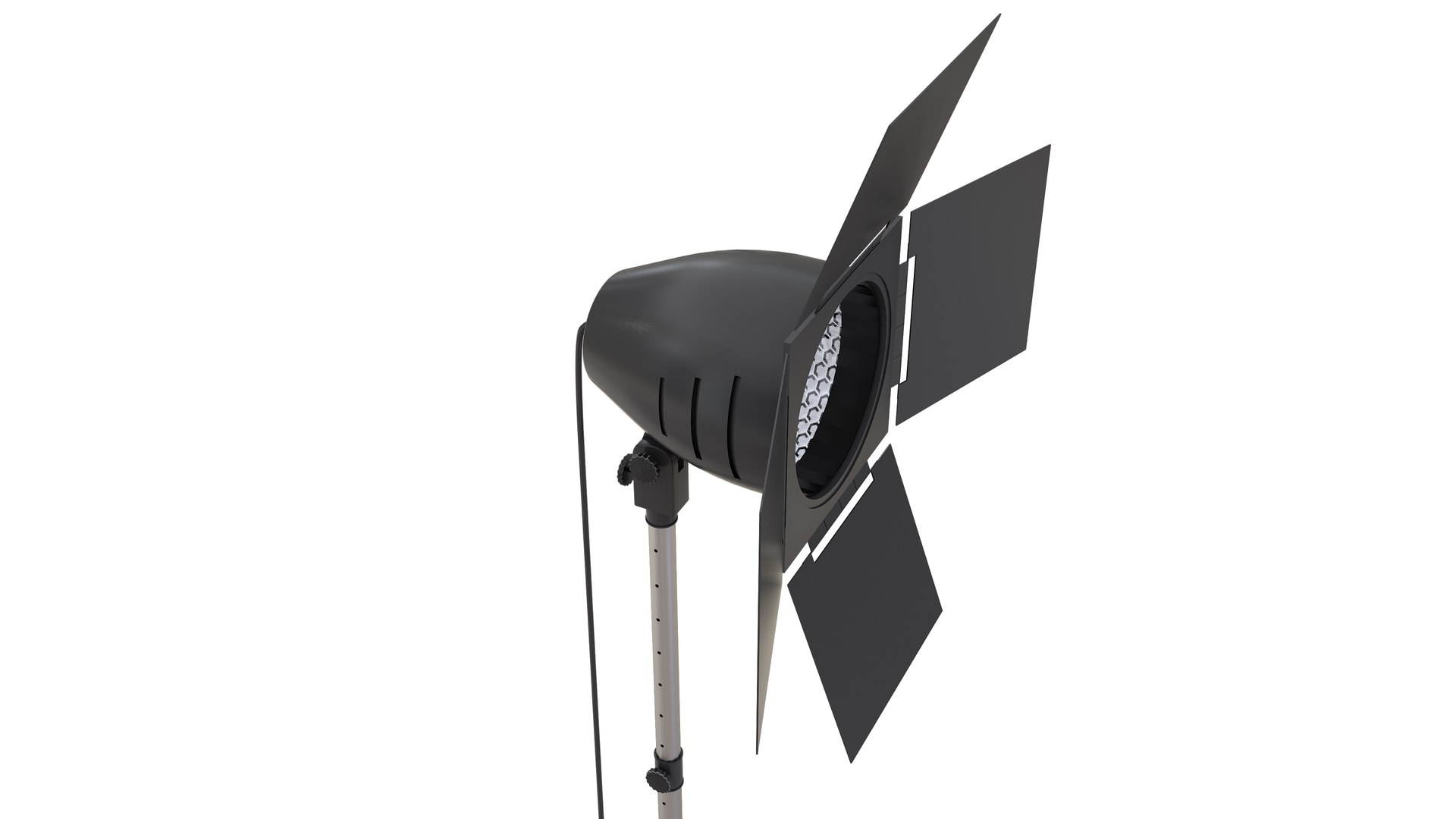
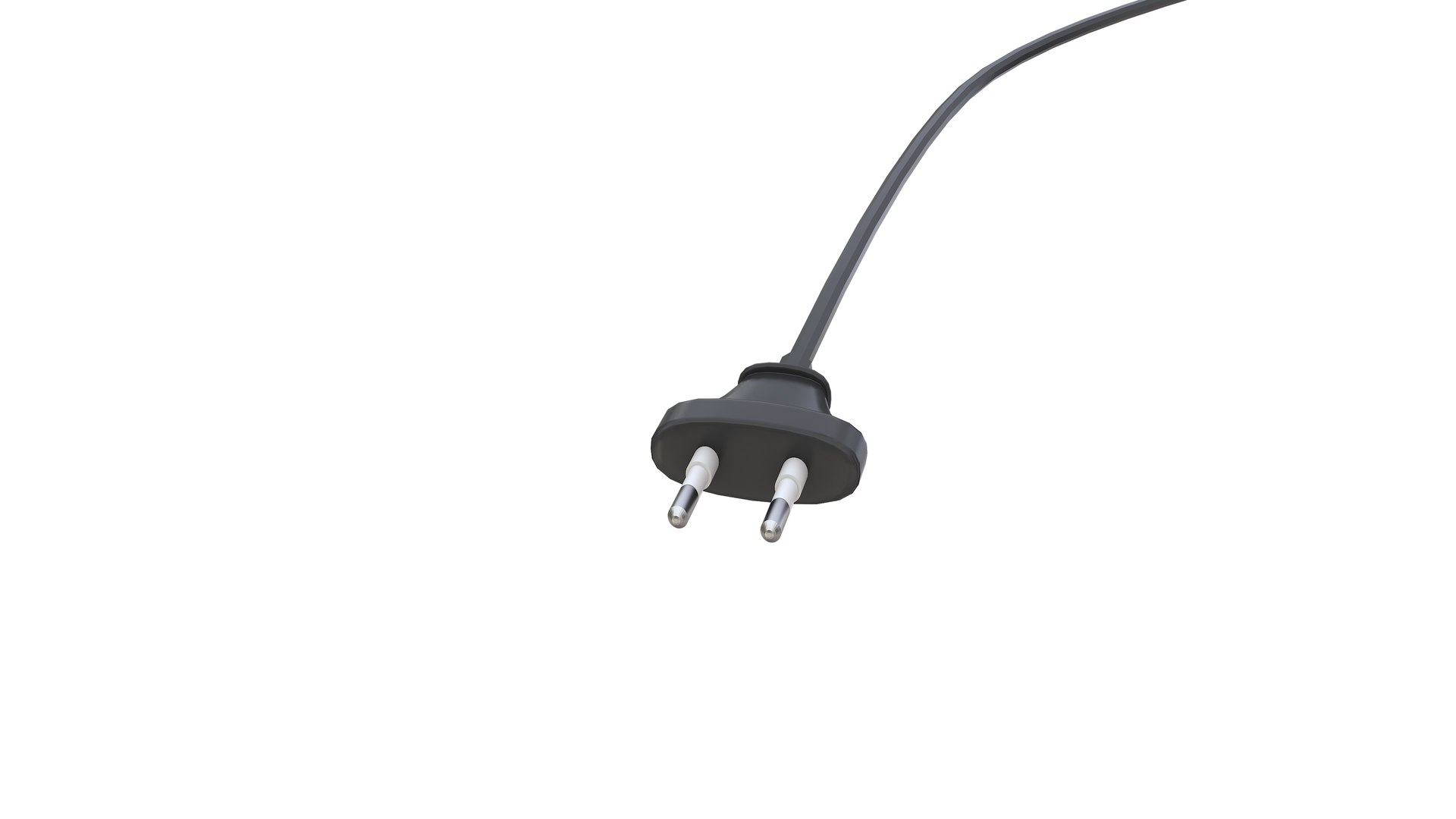
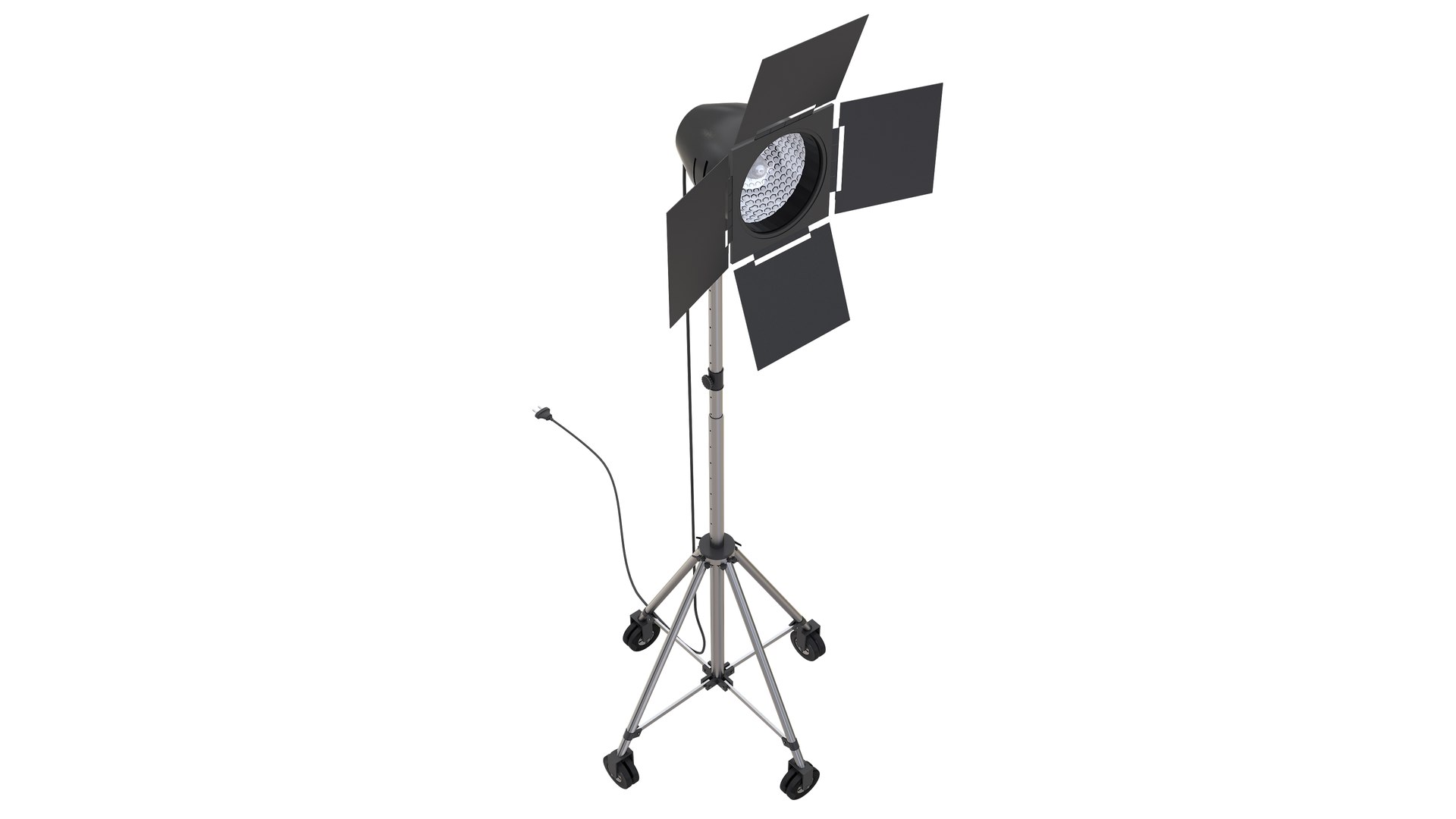
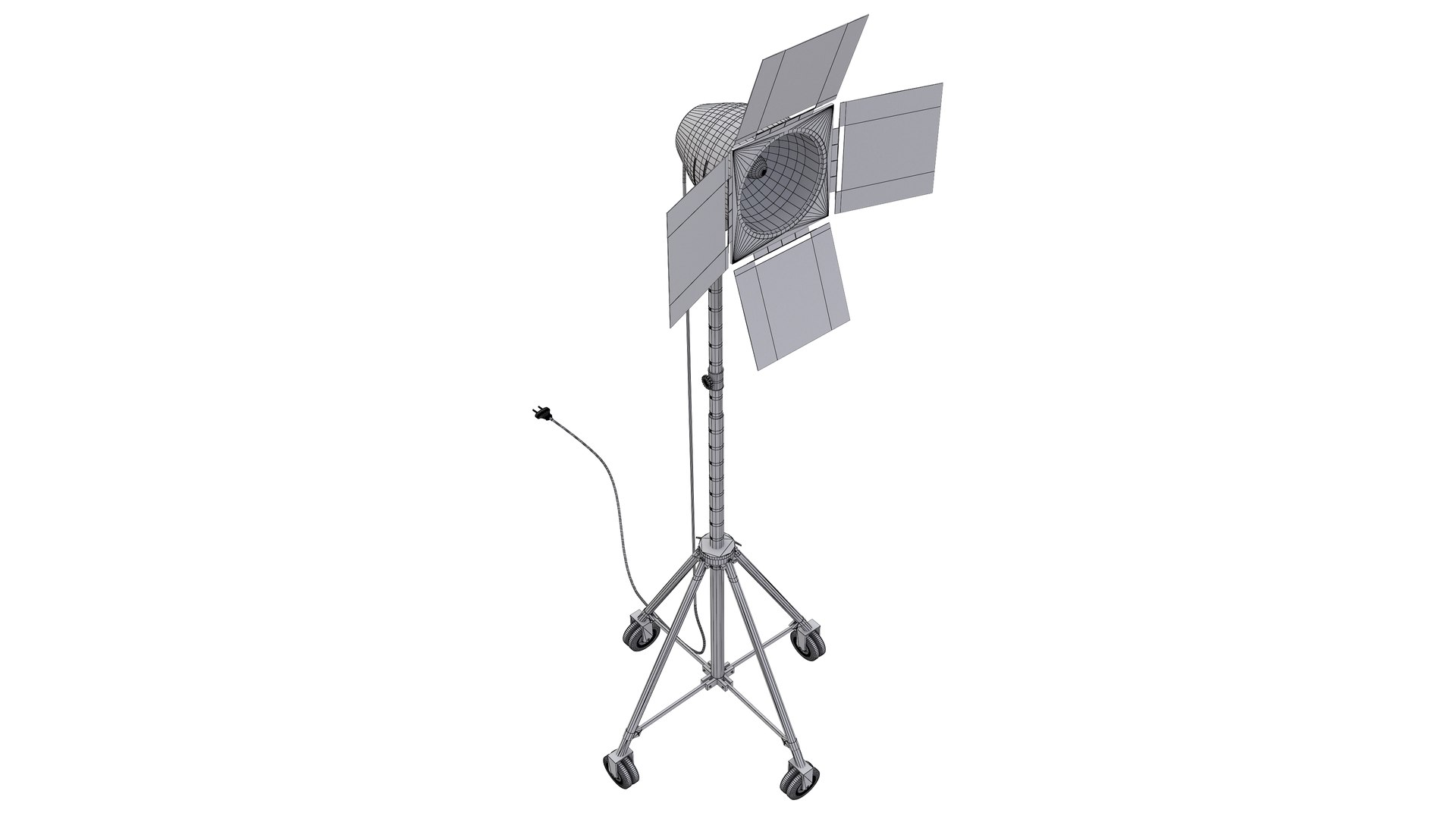
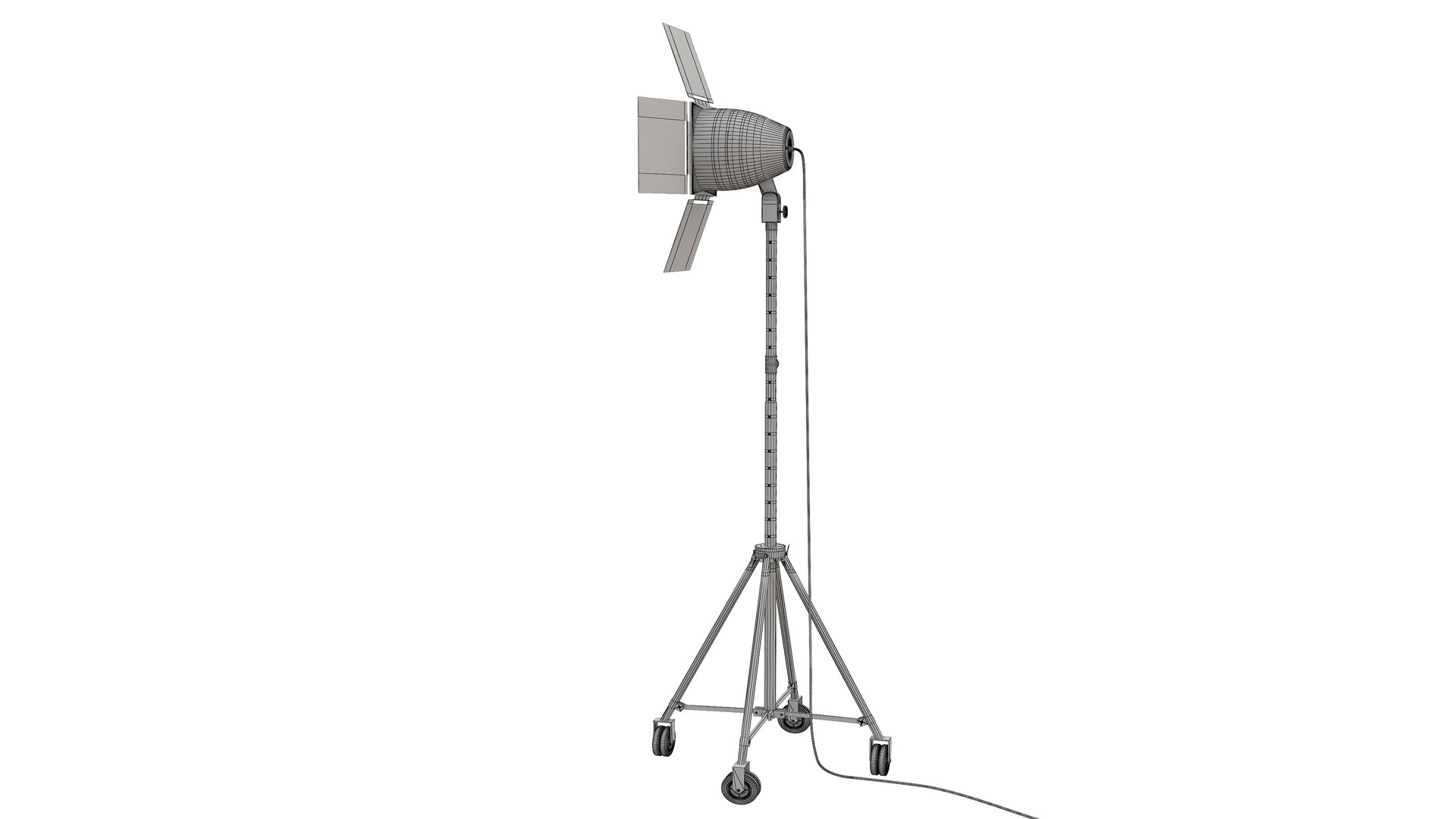
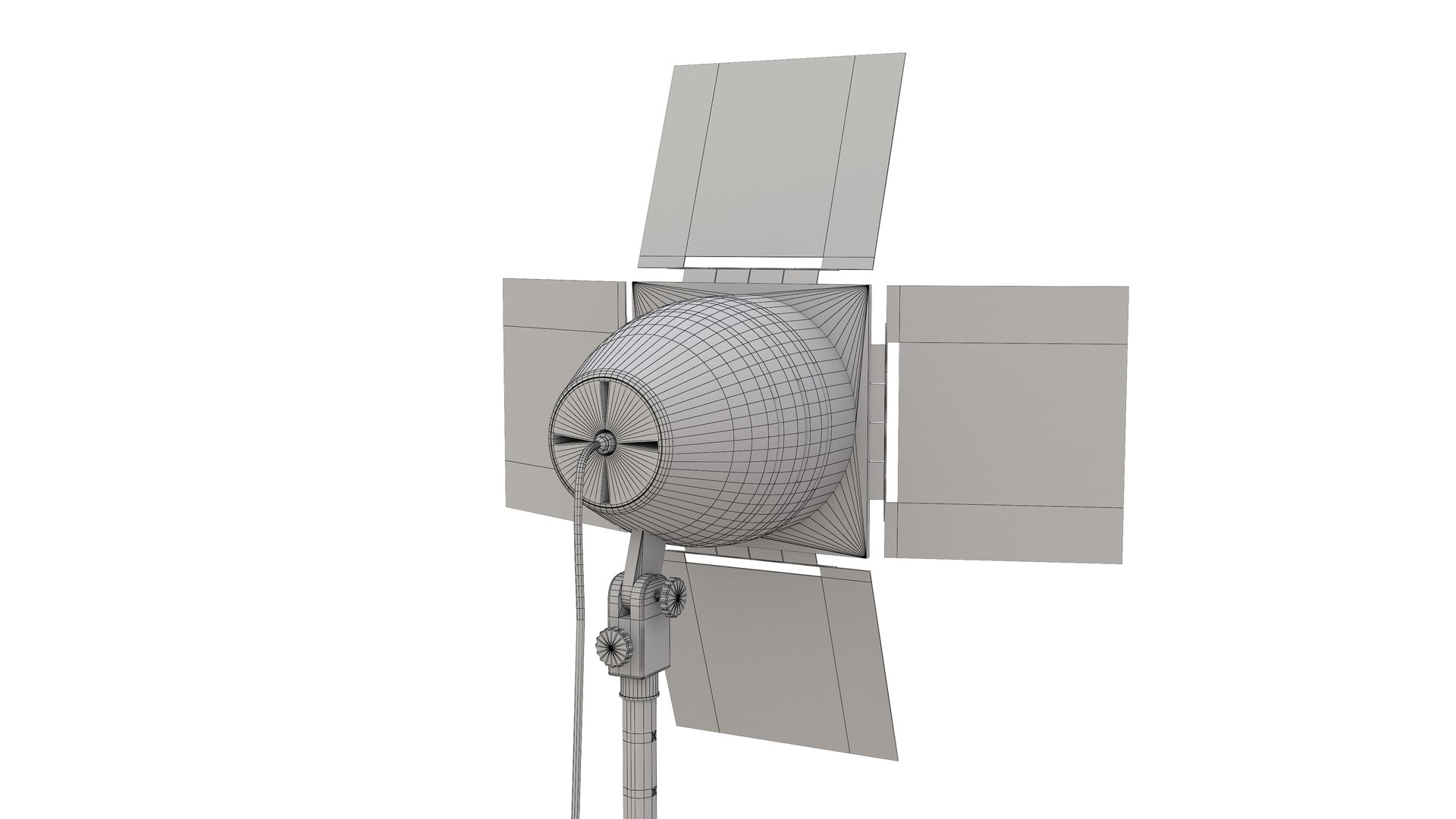
2- Studio Light
Polygons: 28,402
Vertex: 28,034

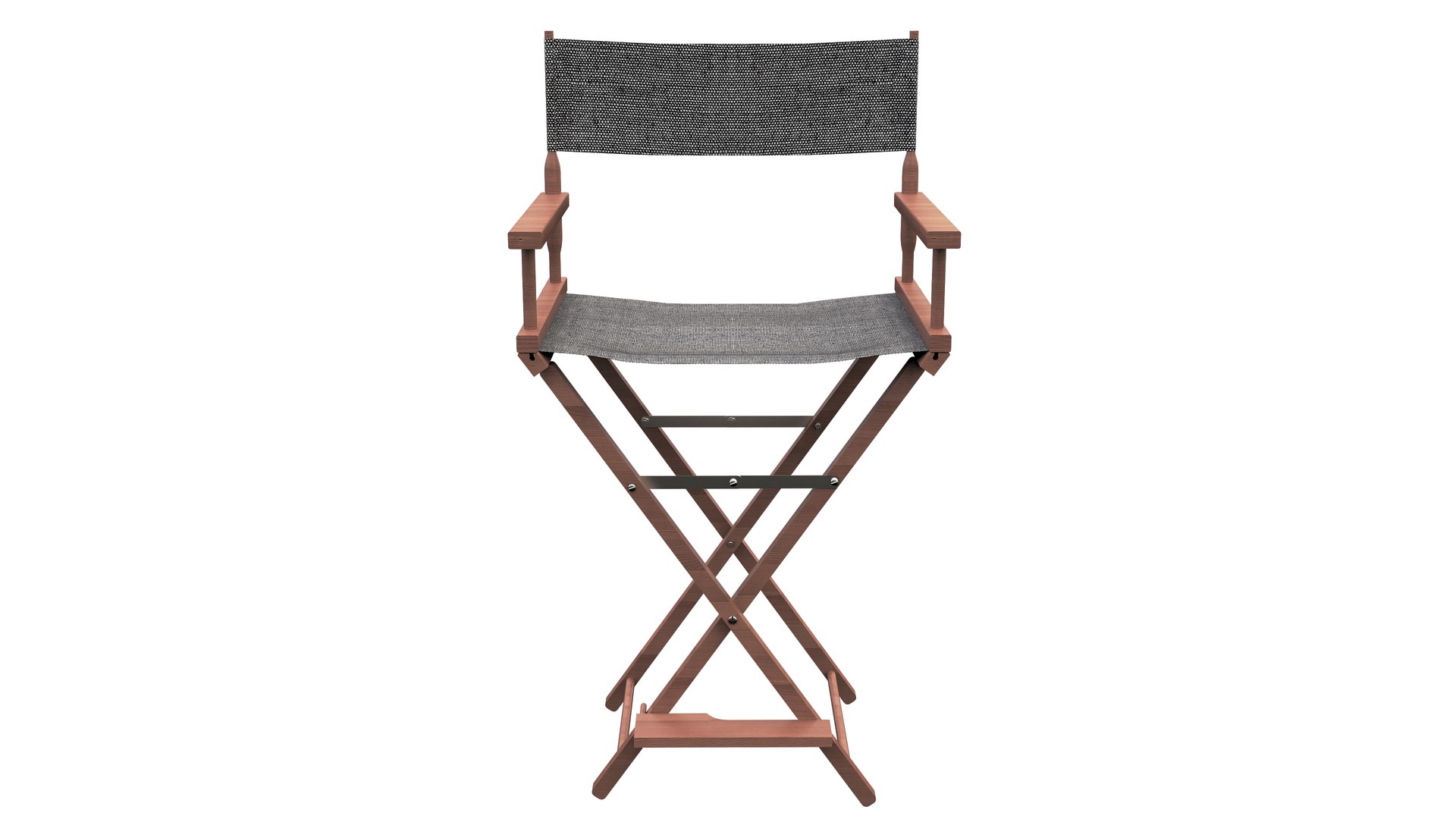
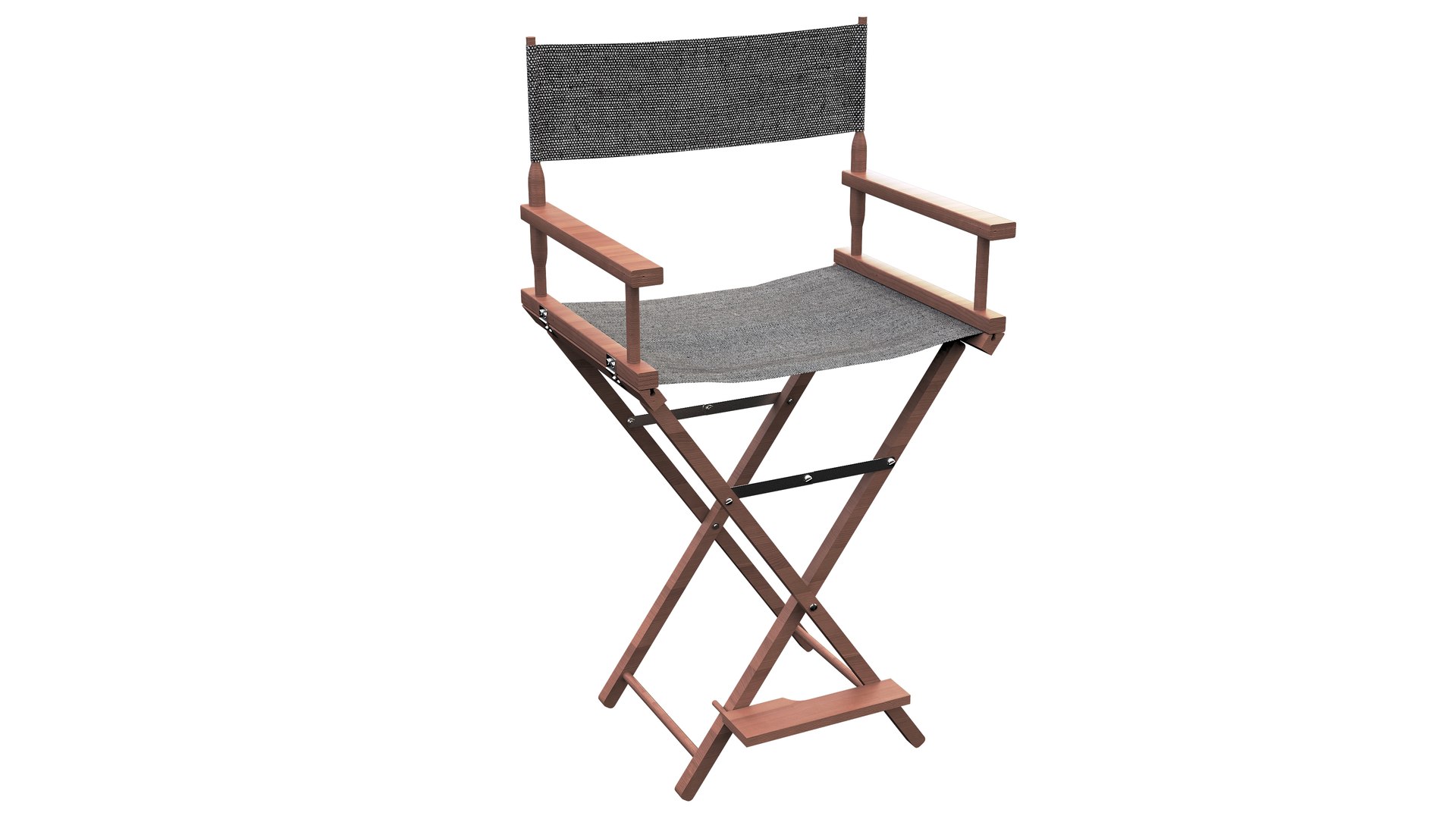
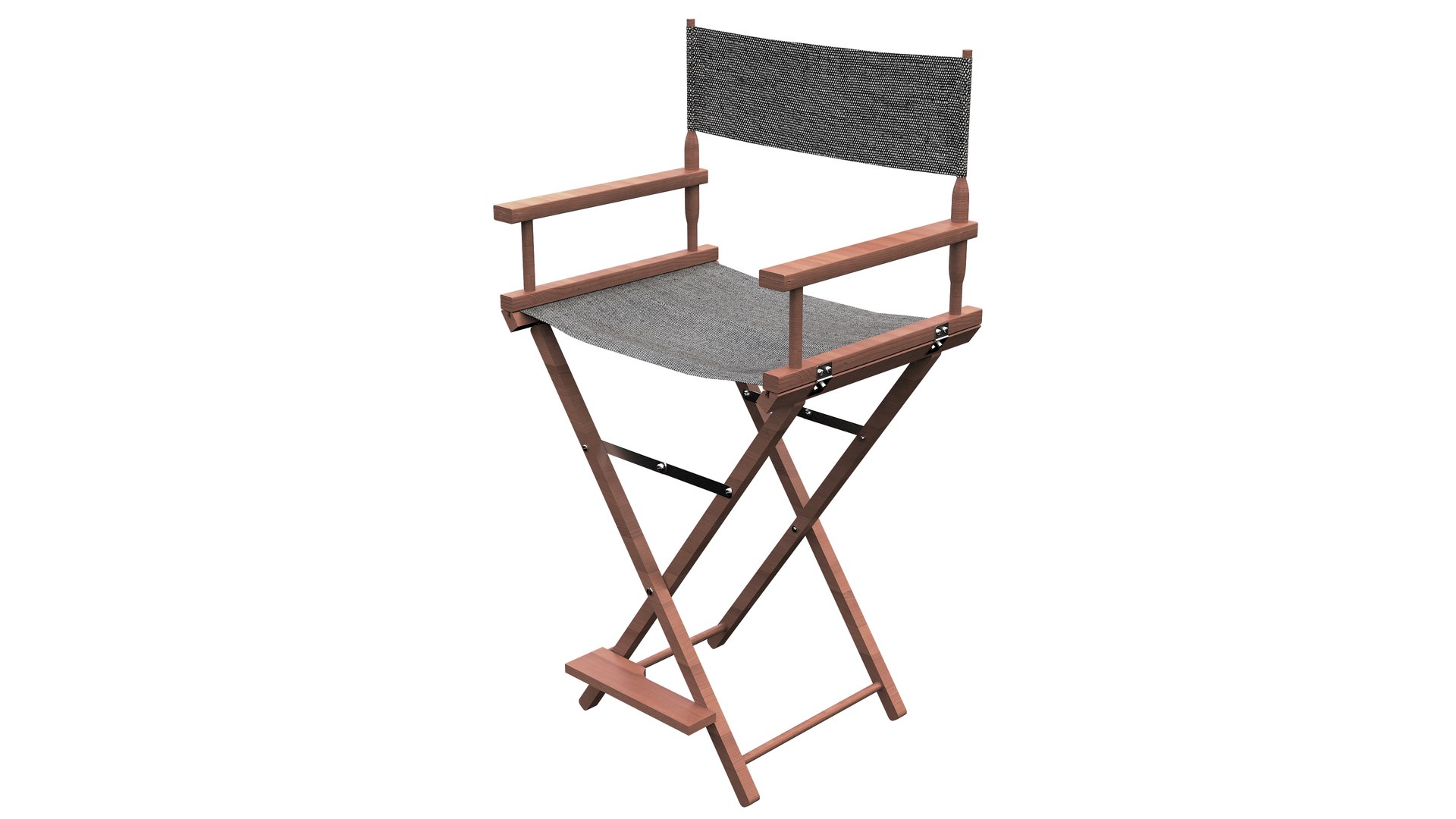
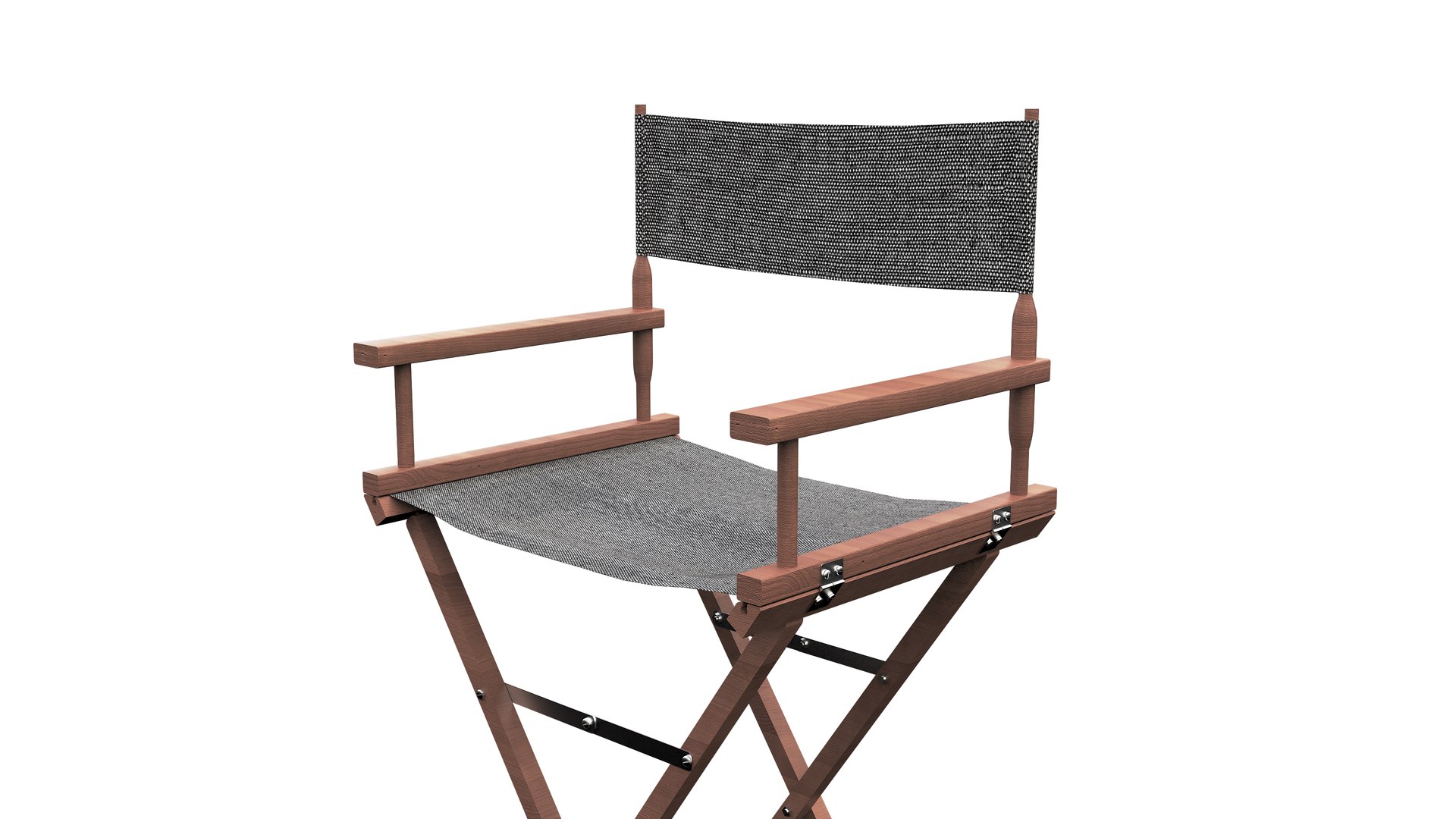
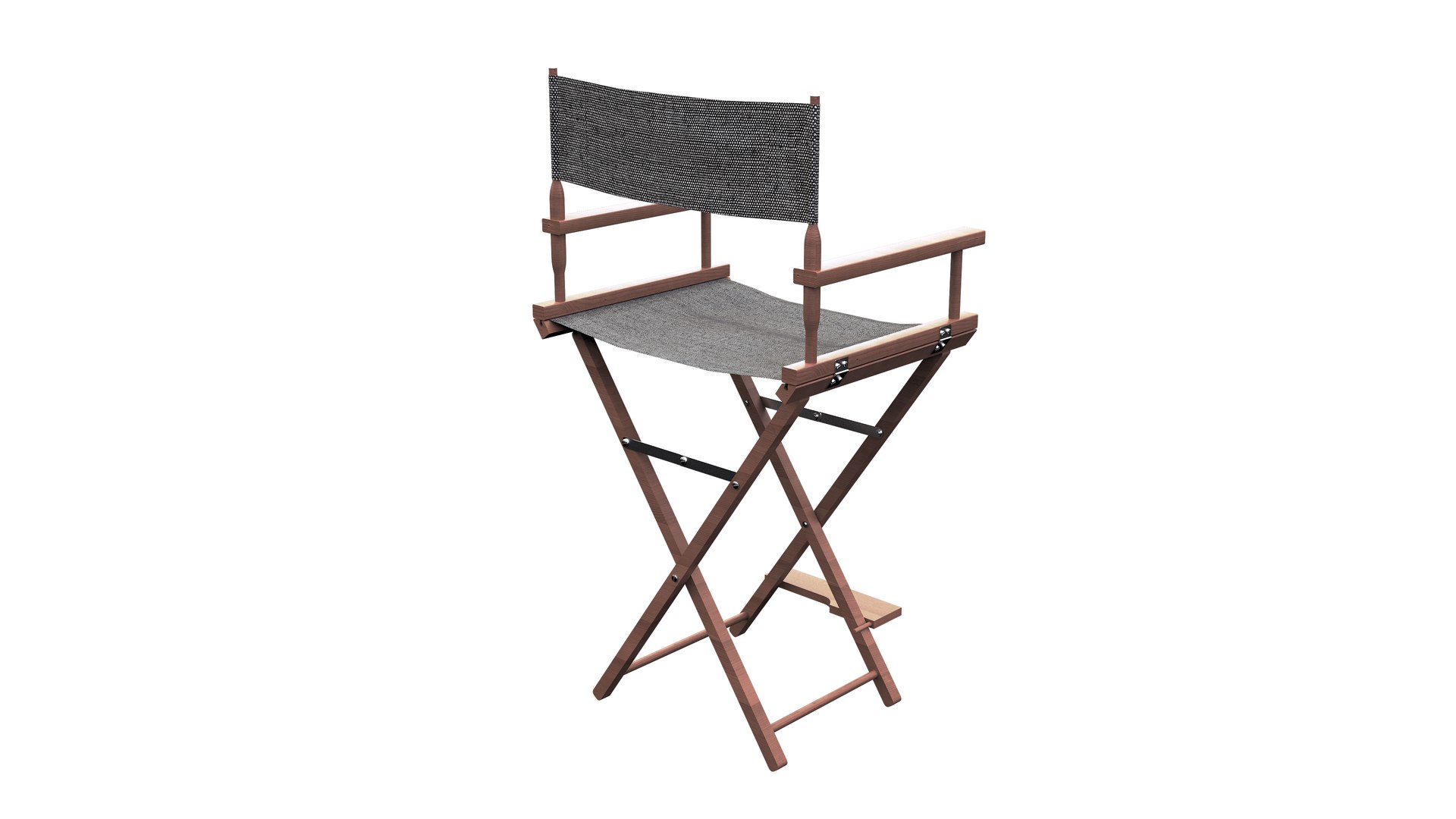
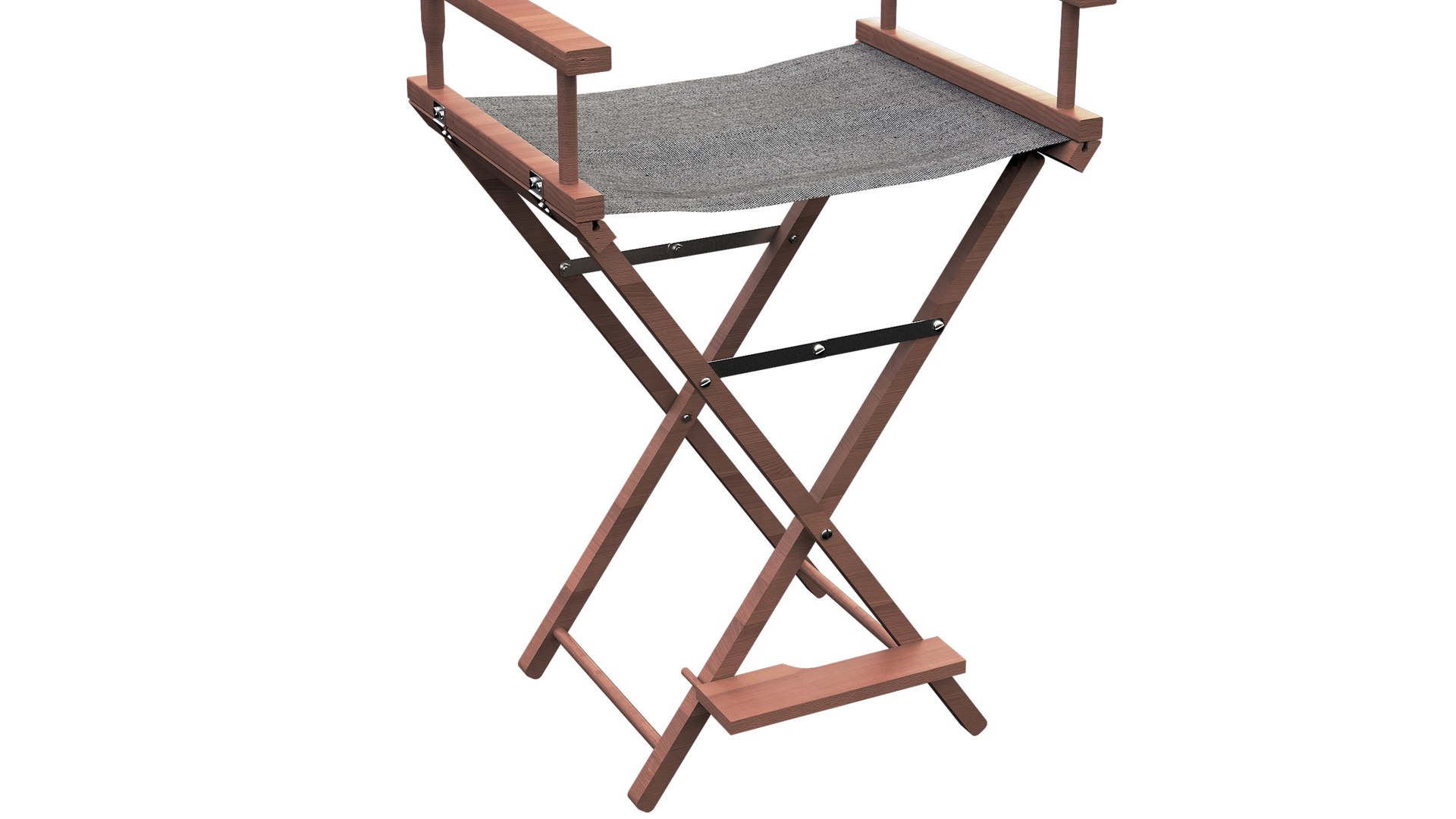
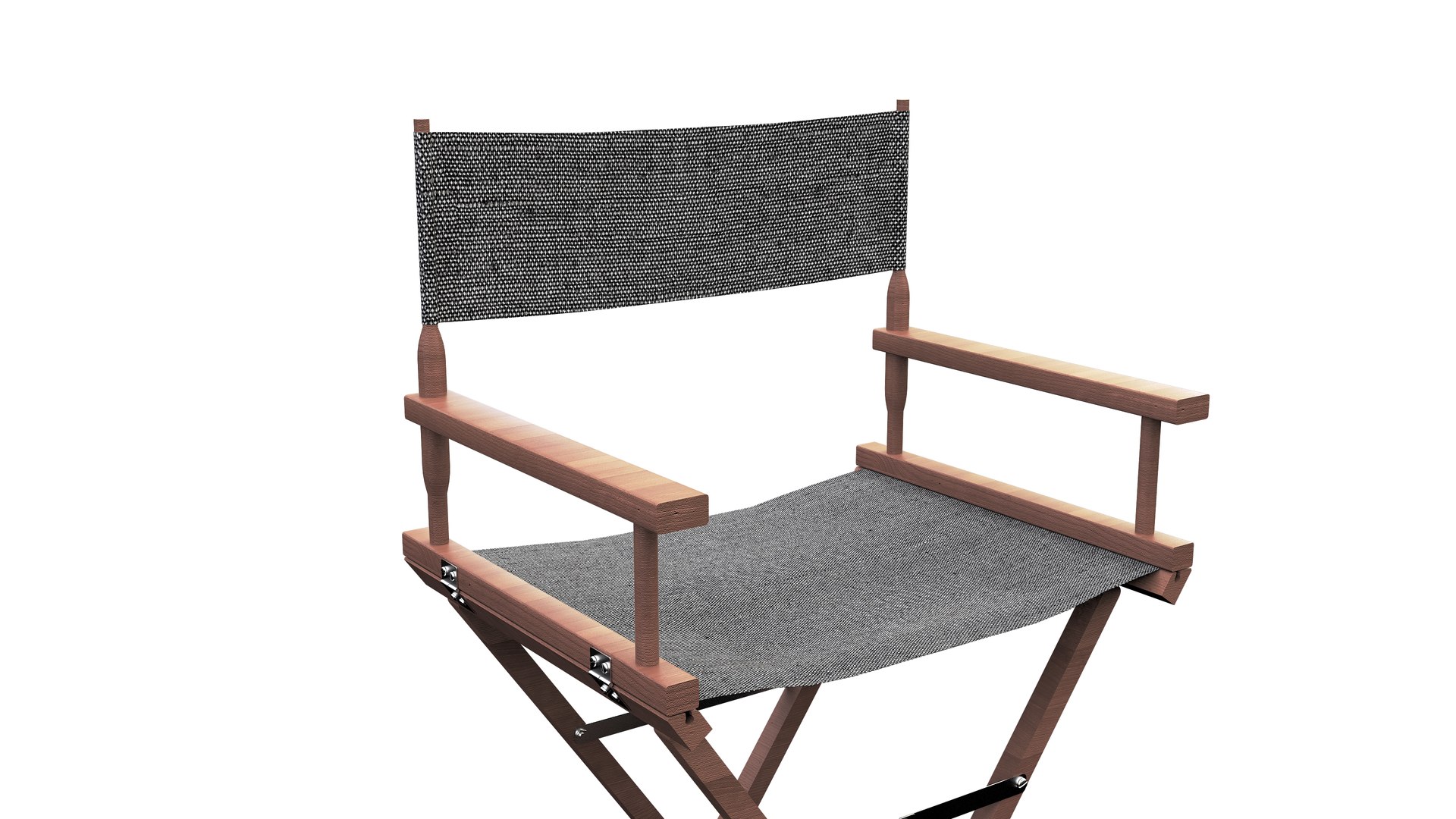
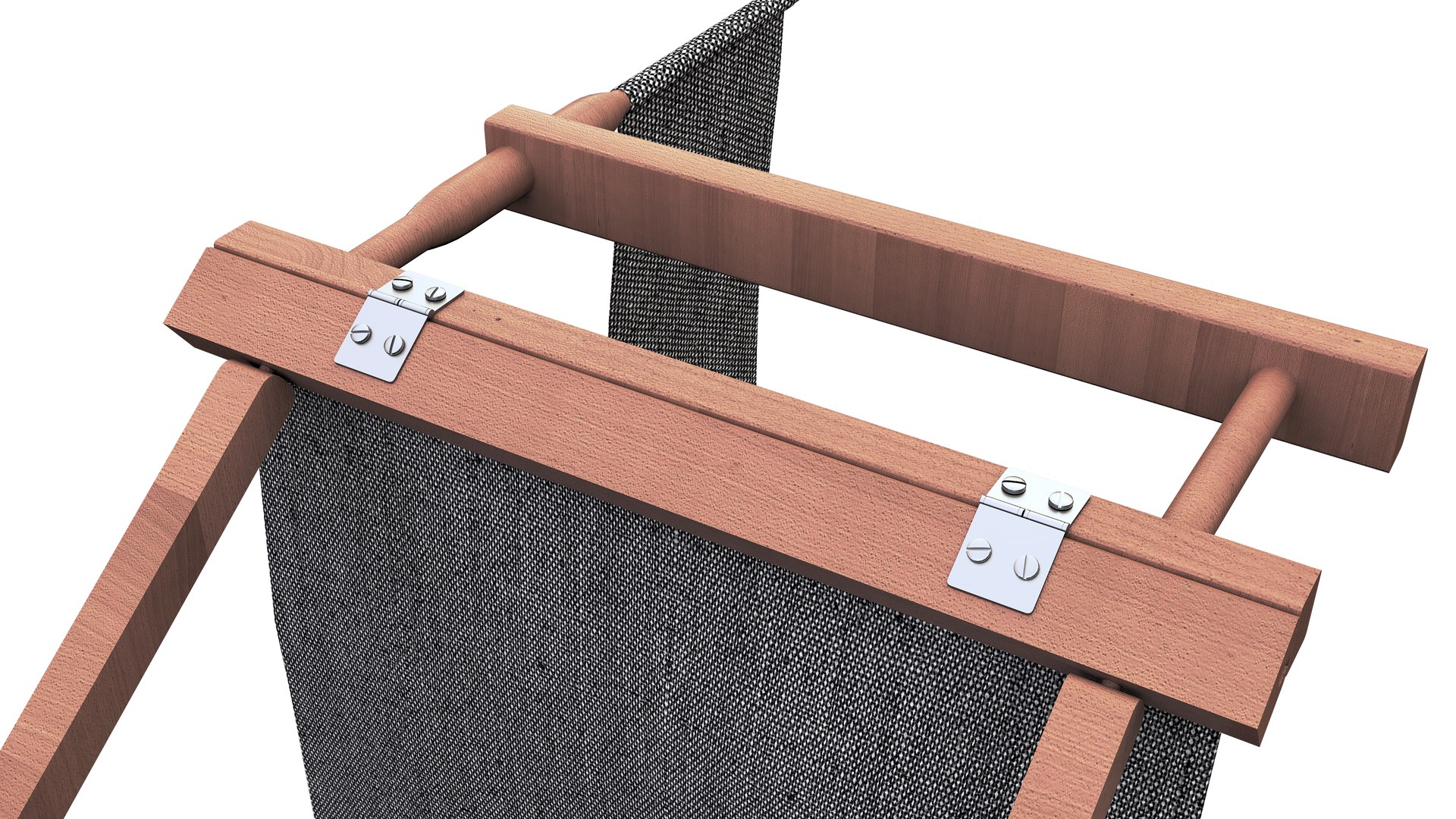
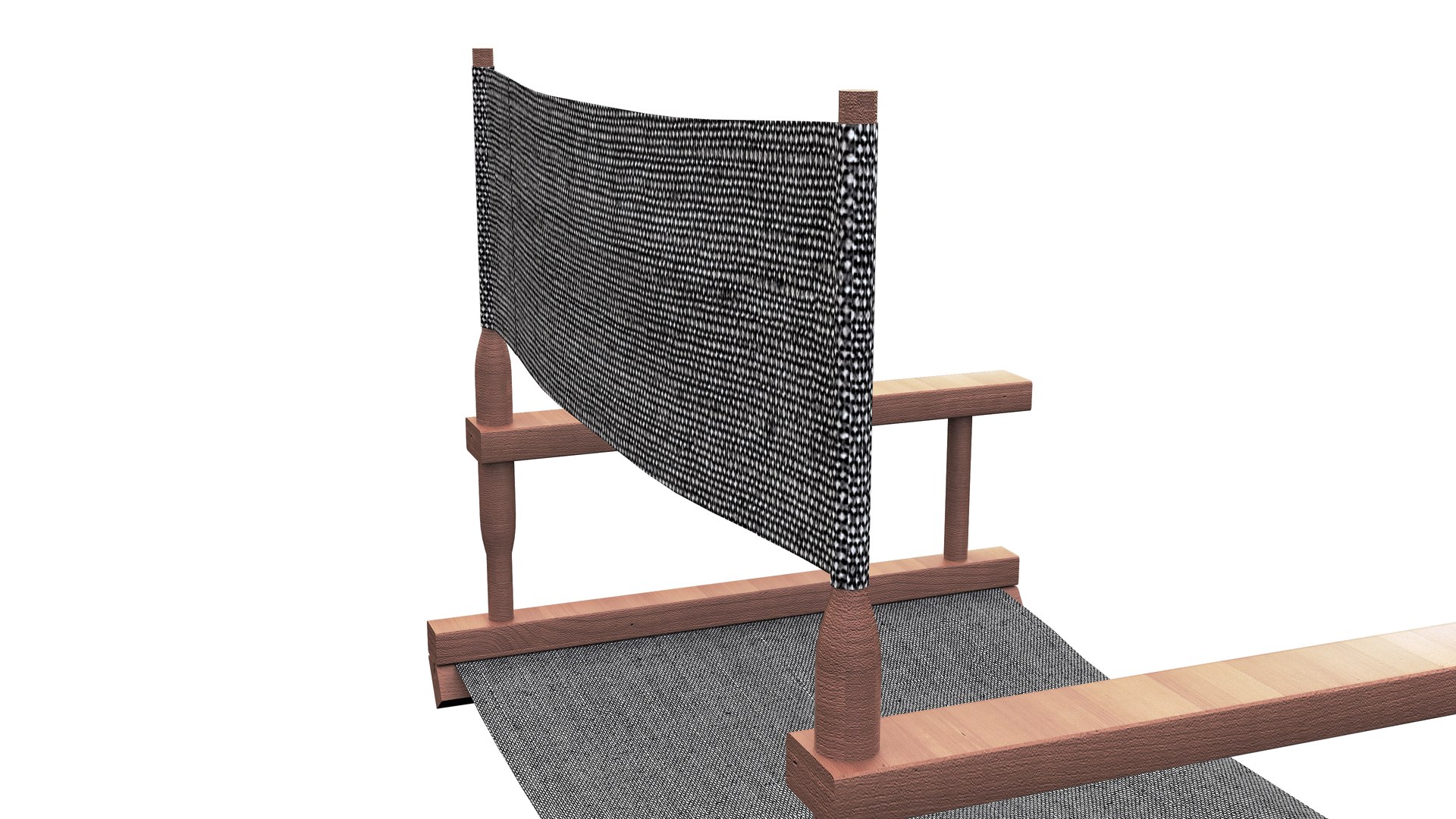
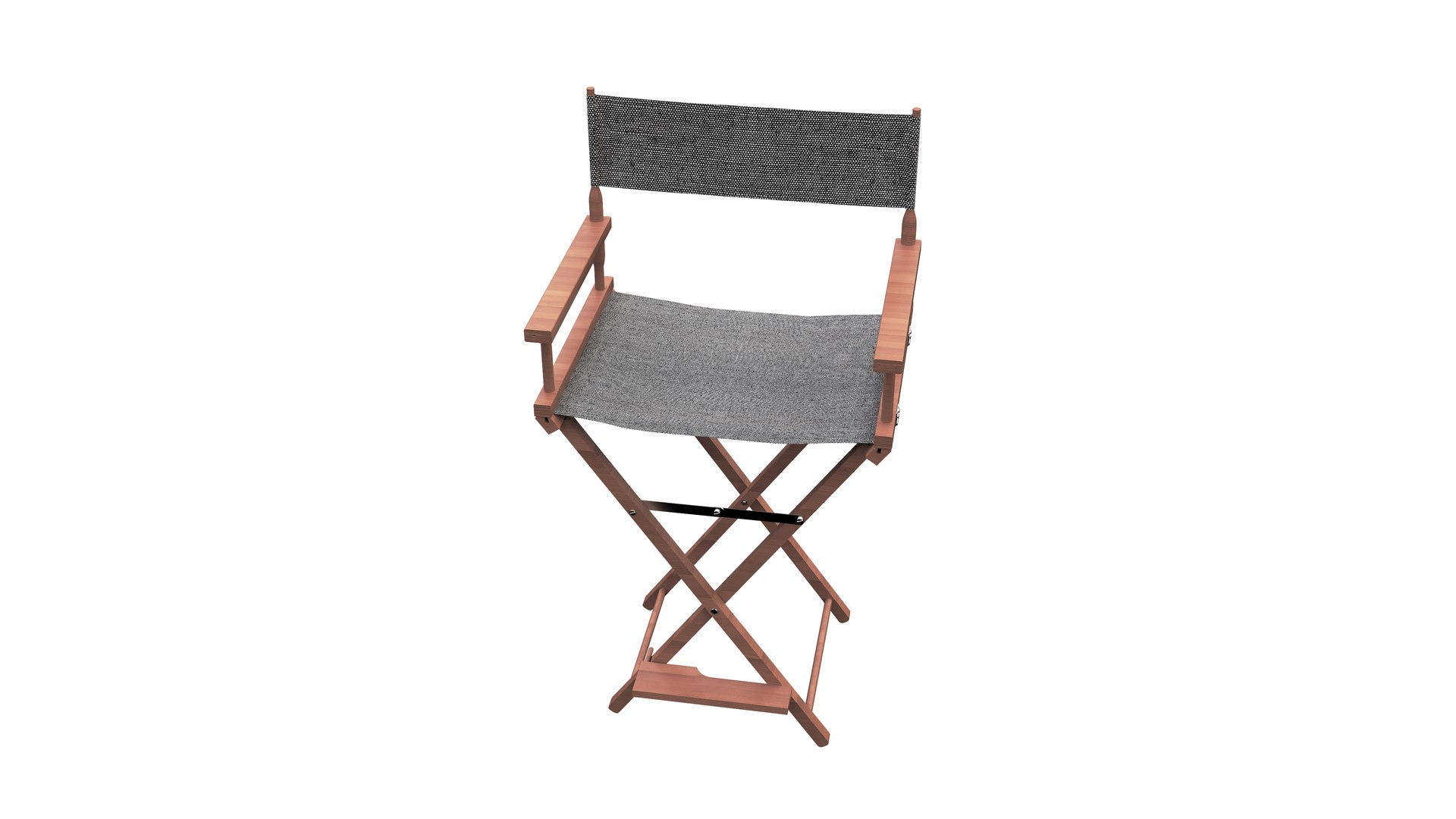
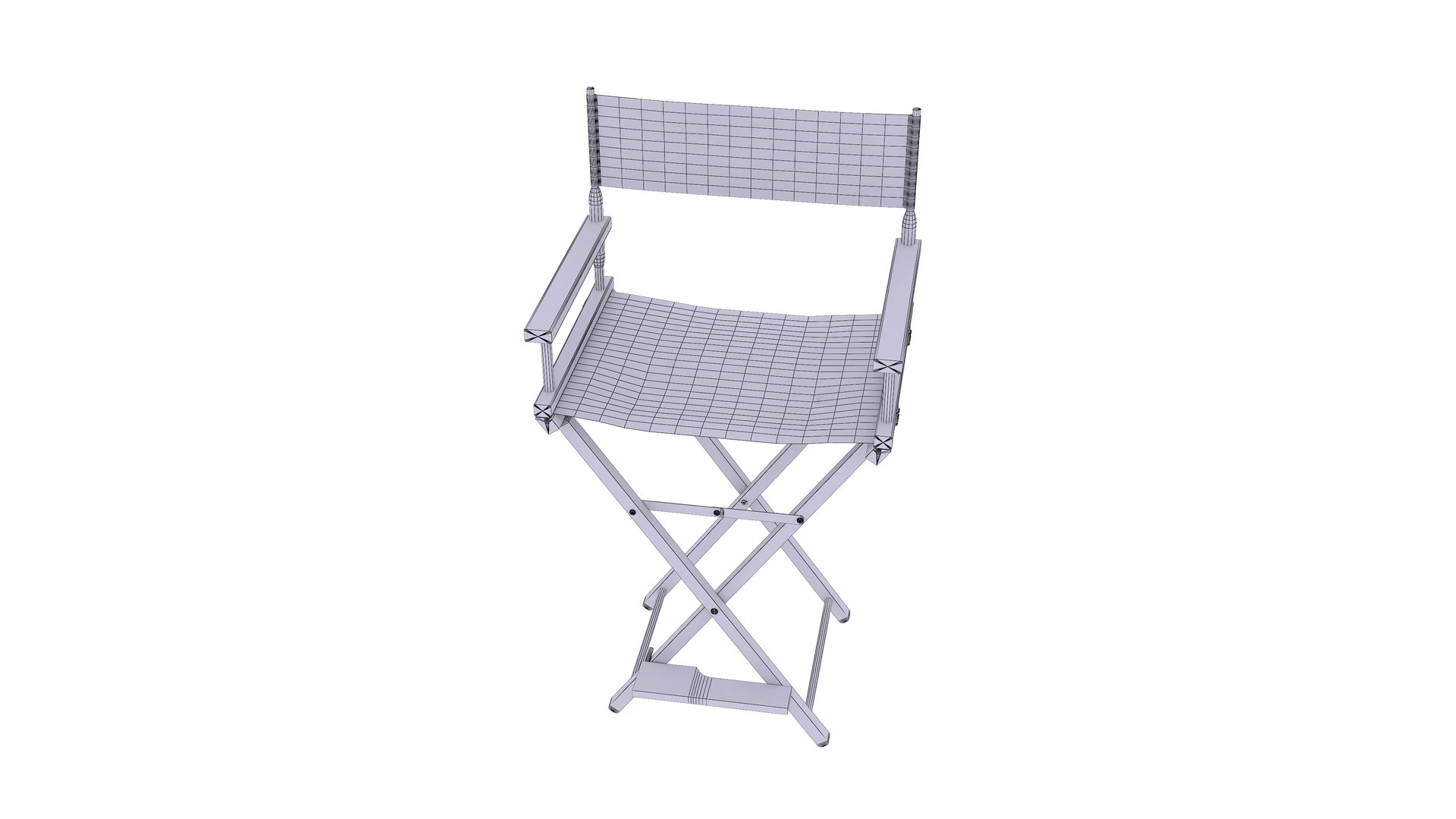
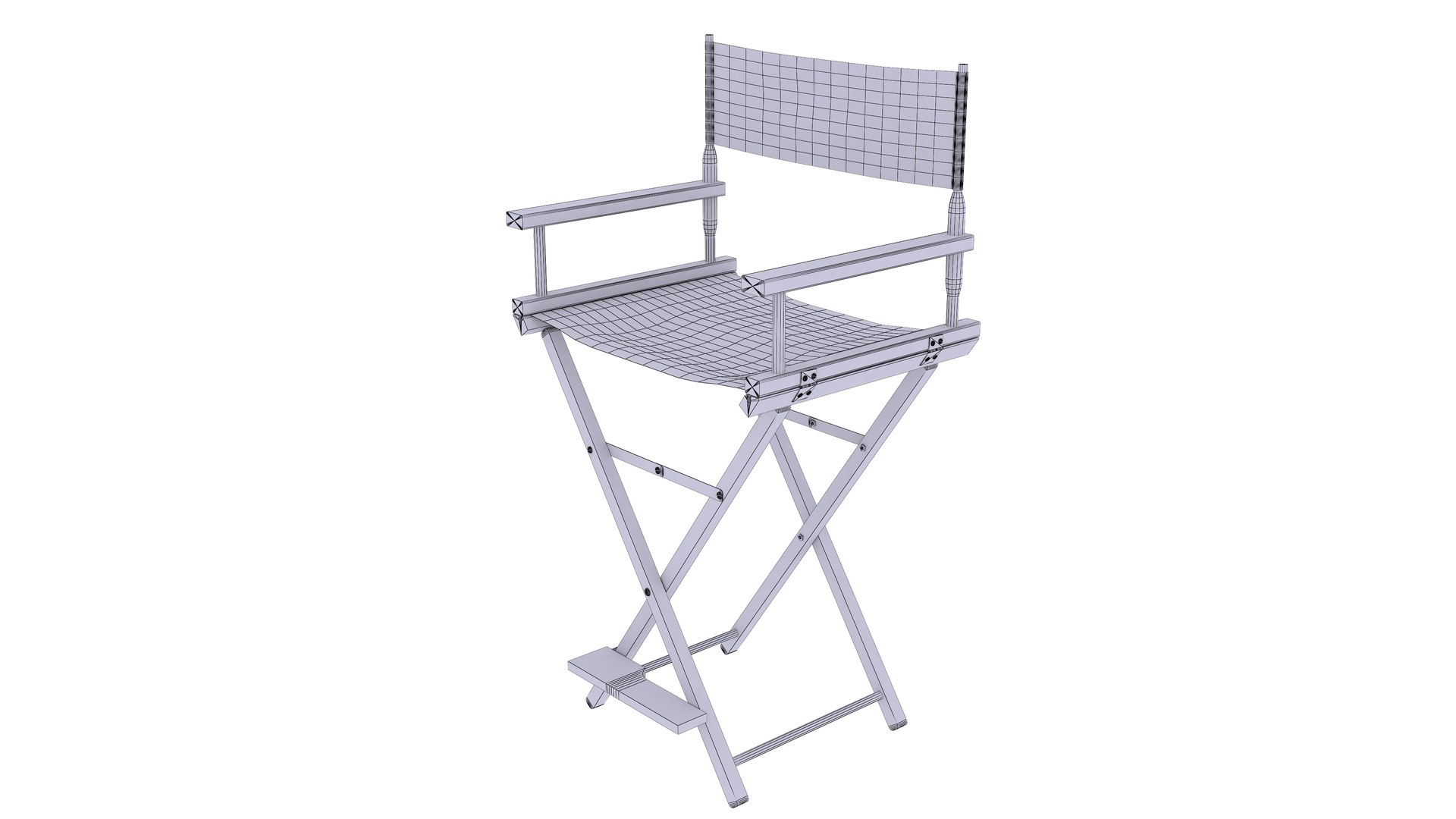
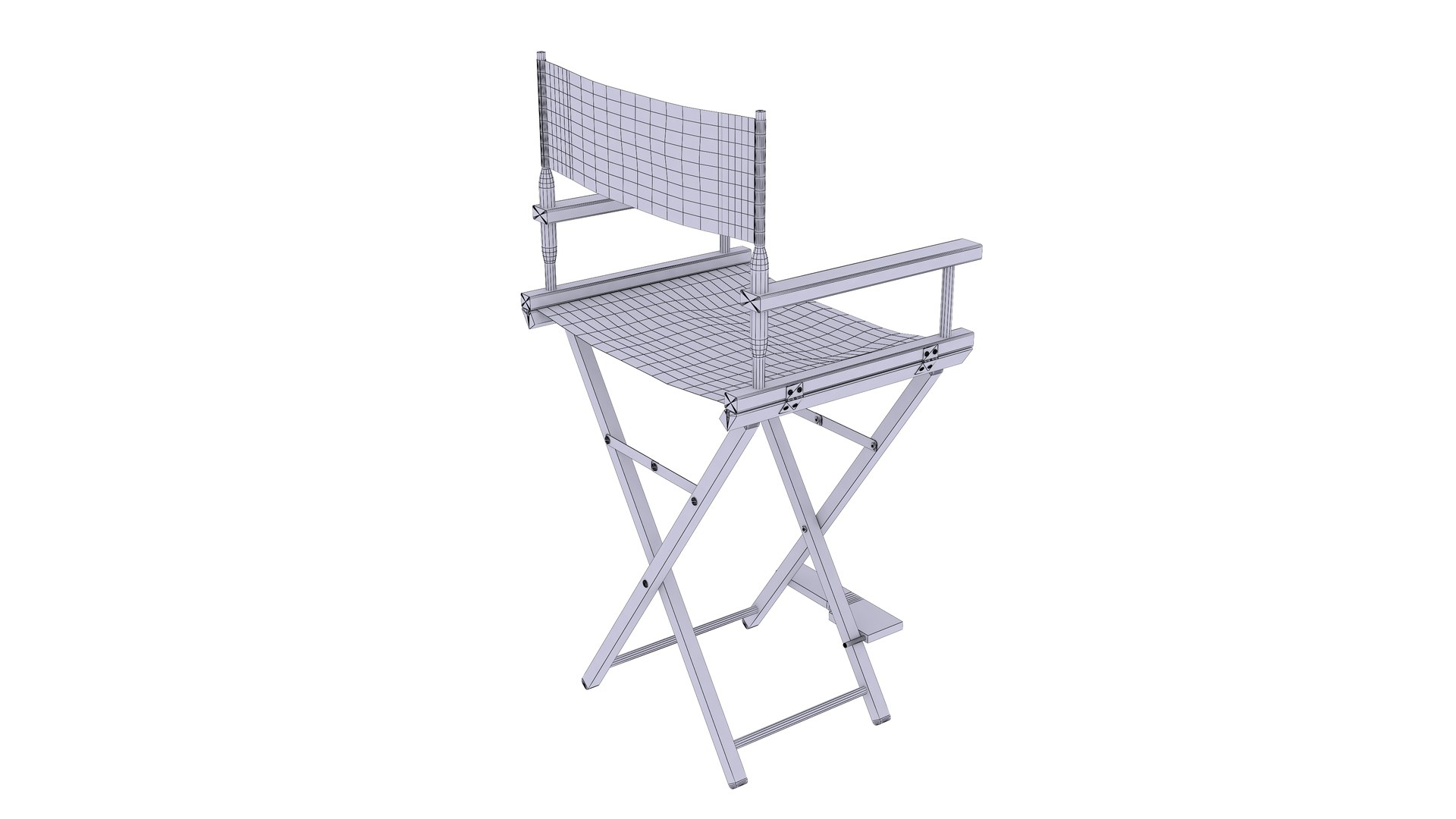
3- Director Chair
Polygons: 11,350
Vertex: 11,251

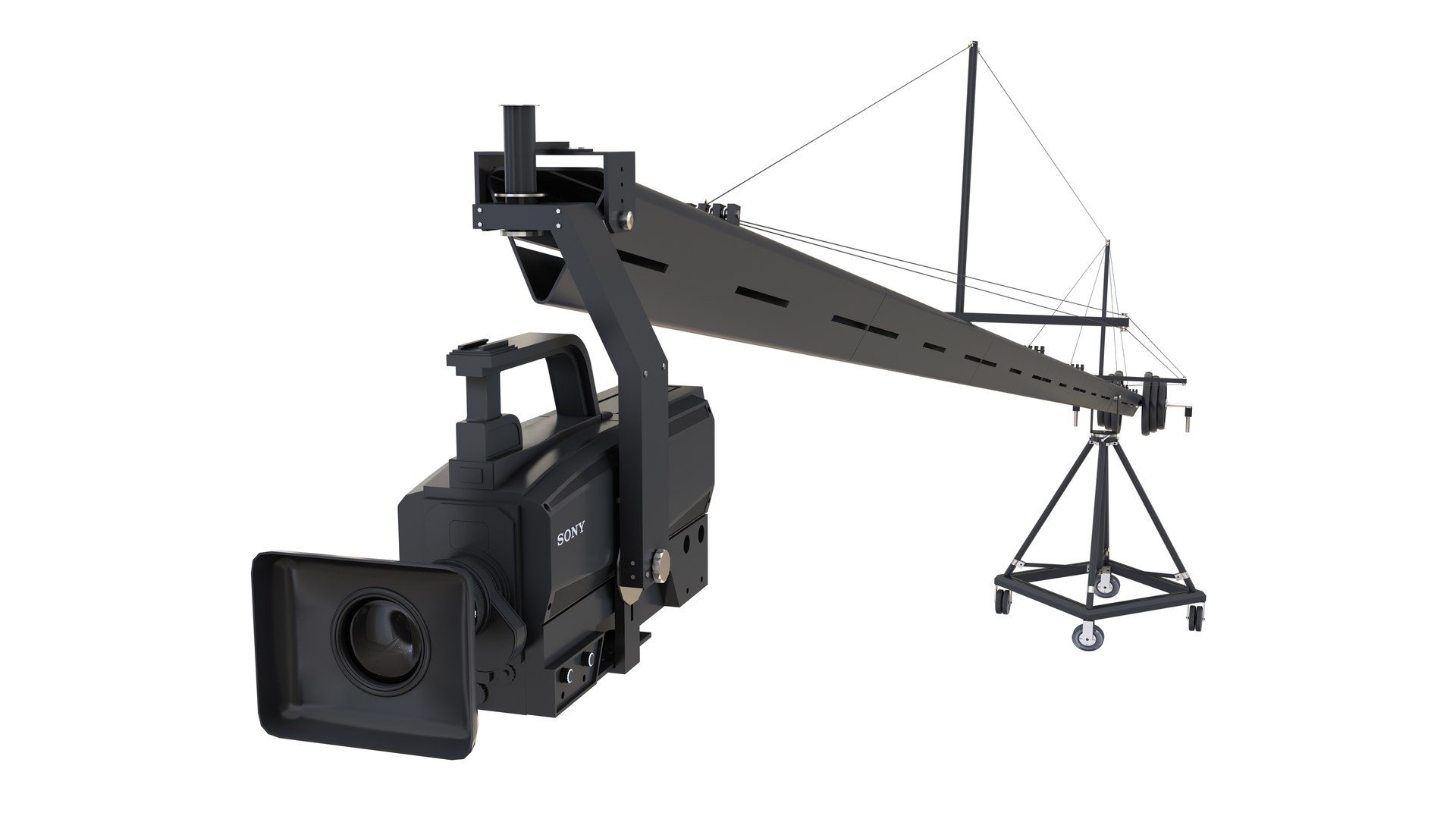
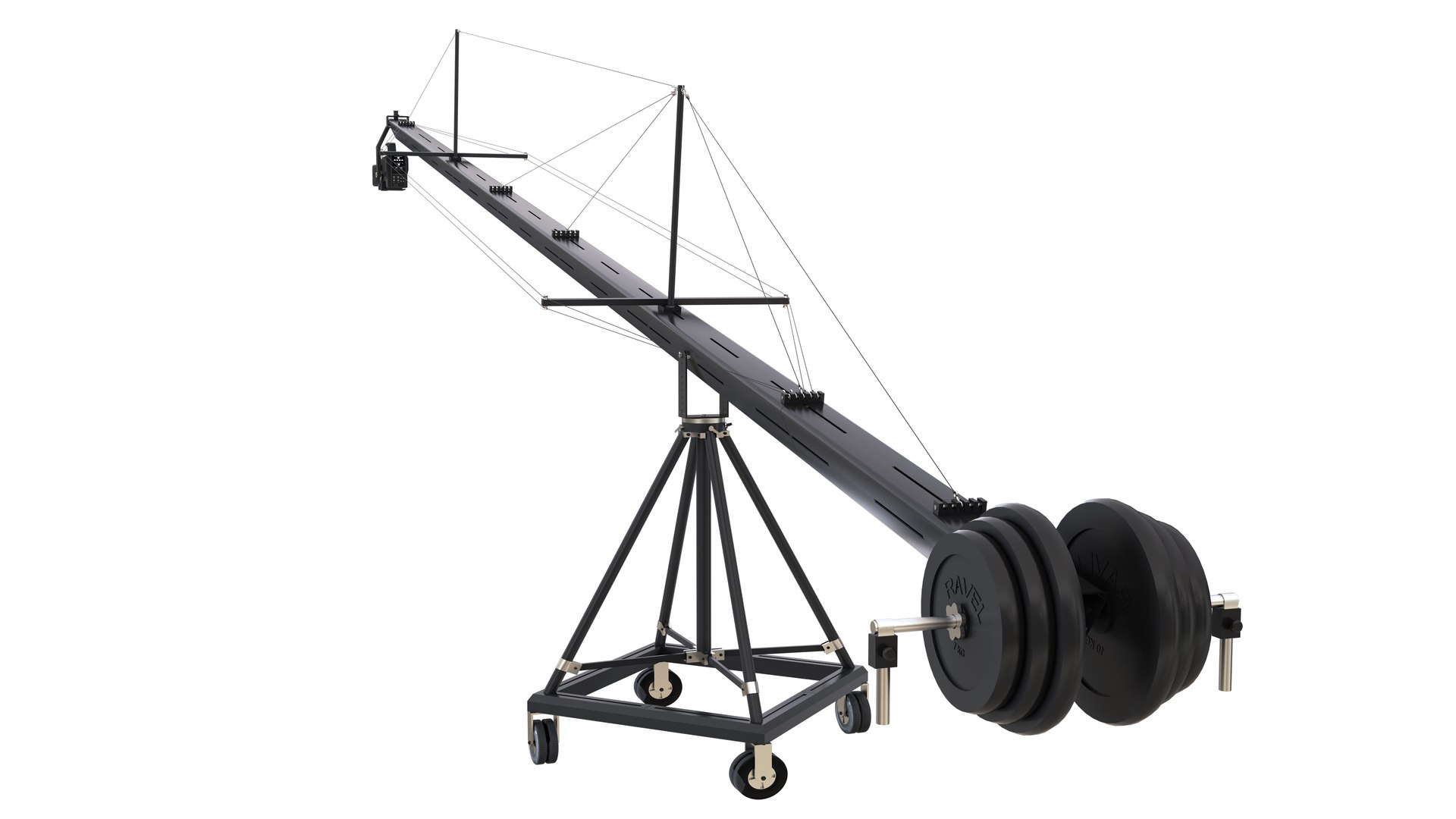
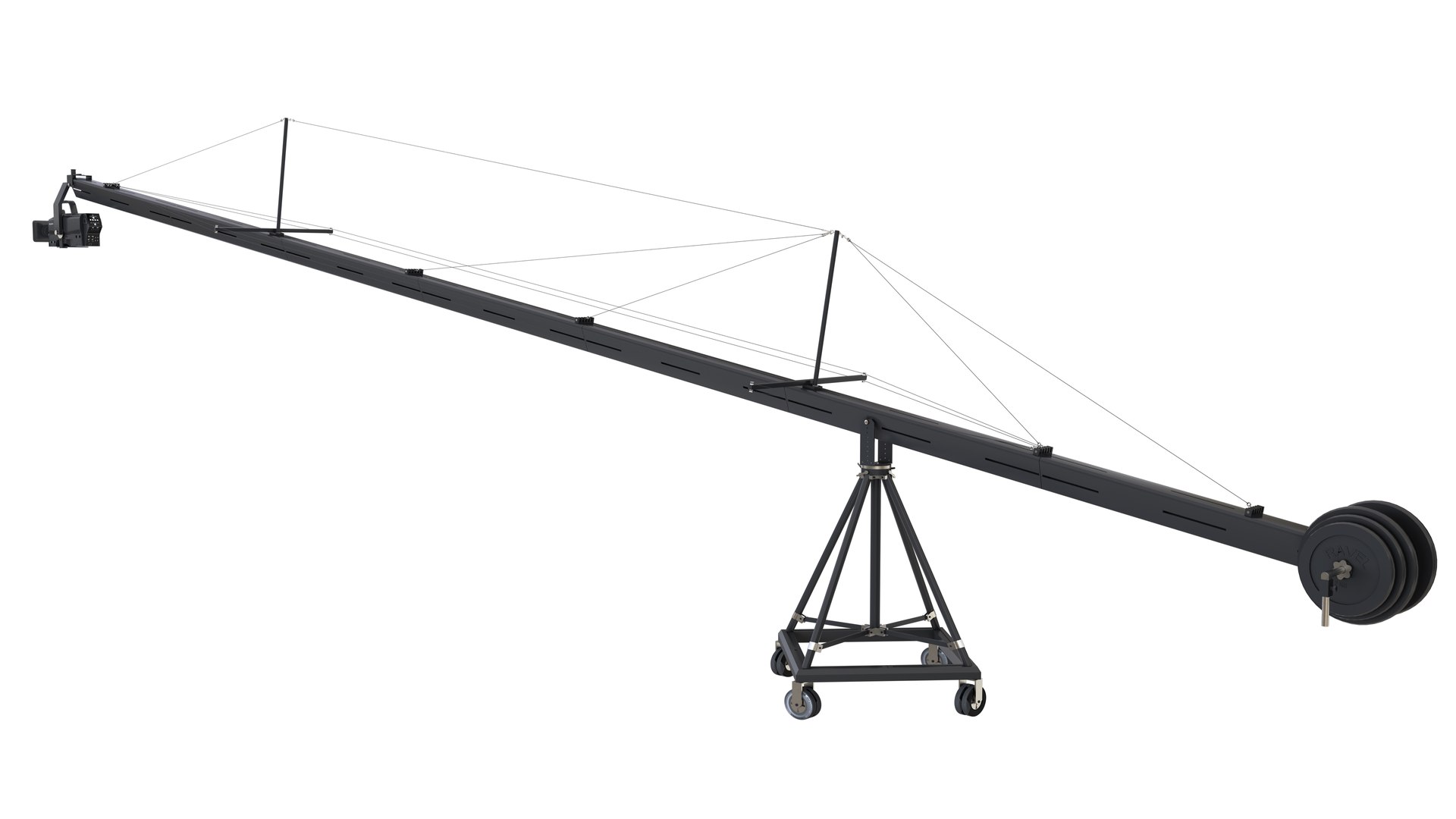
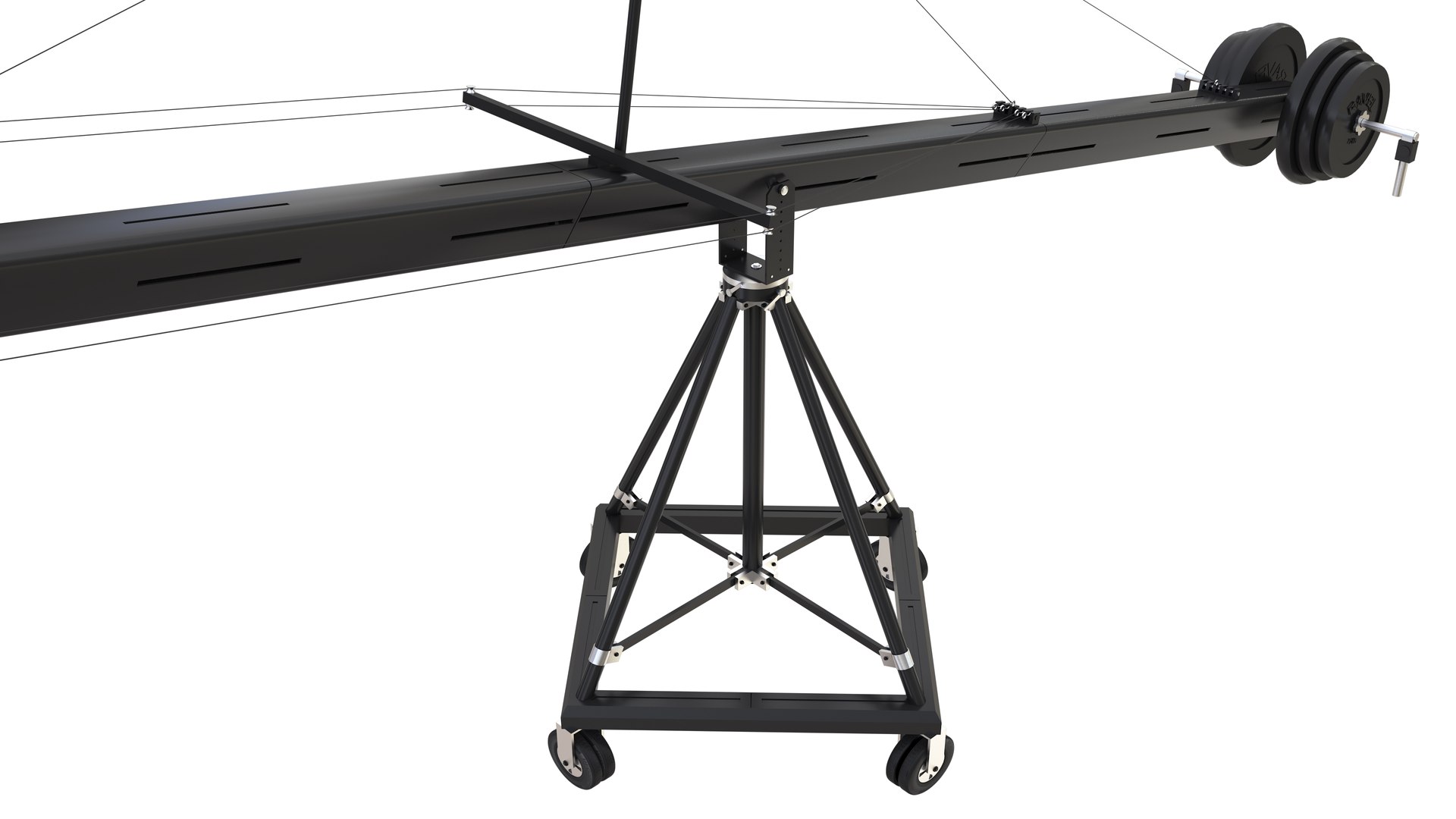
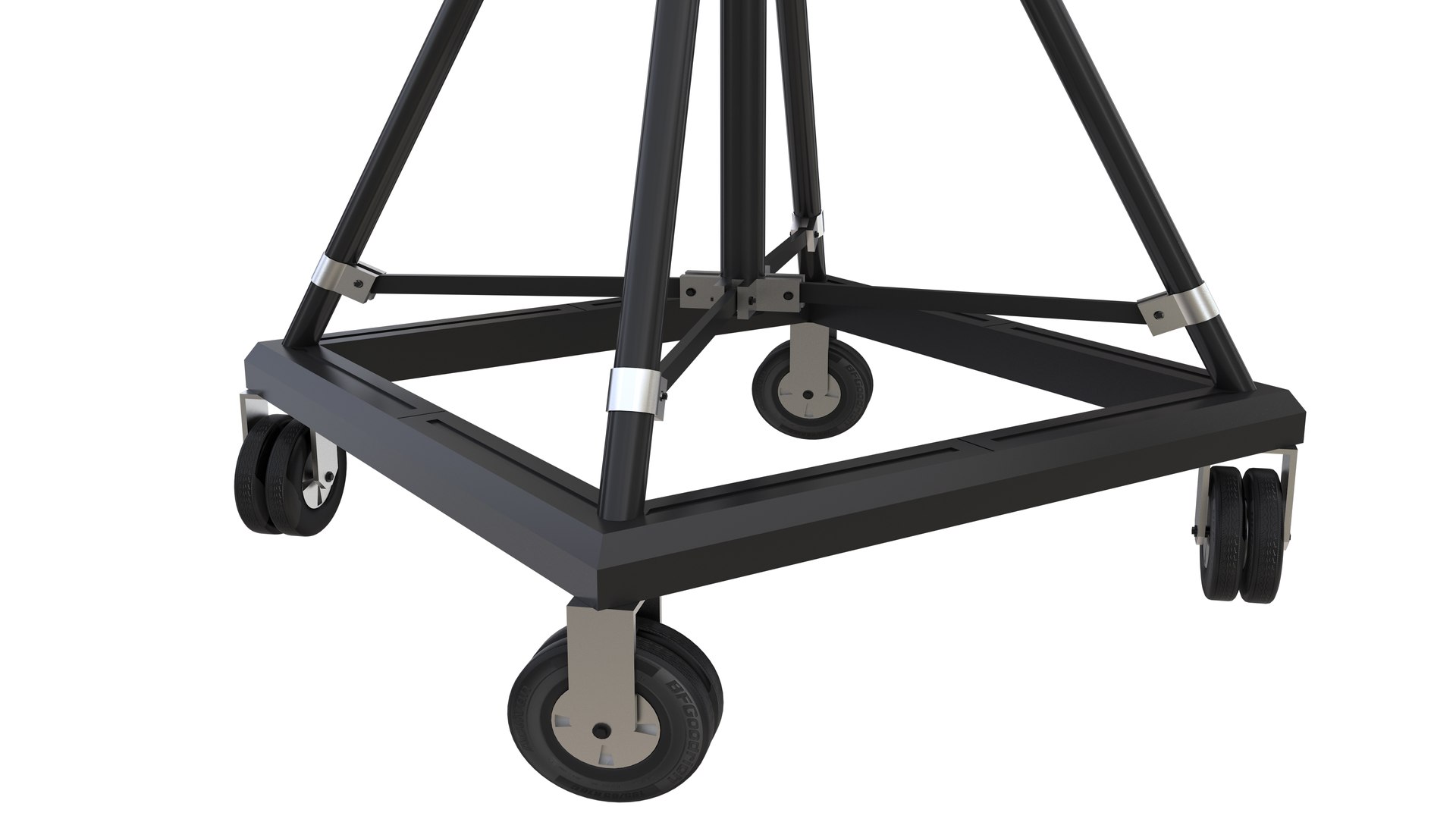
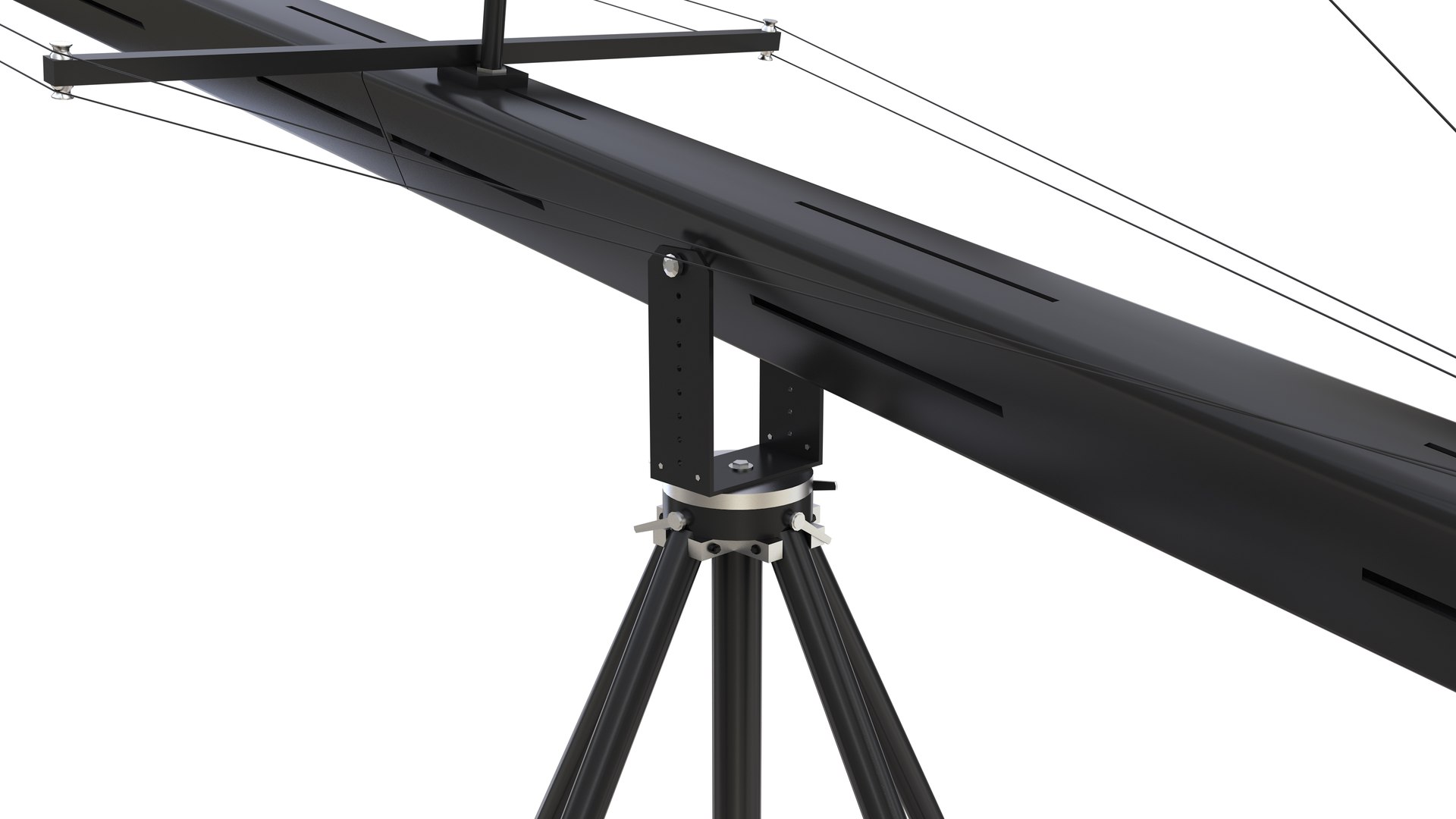
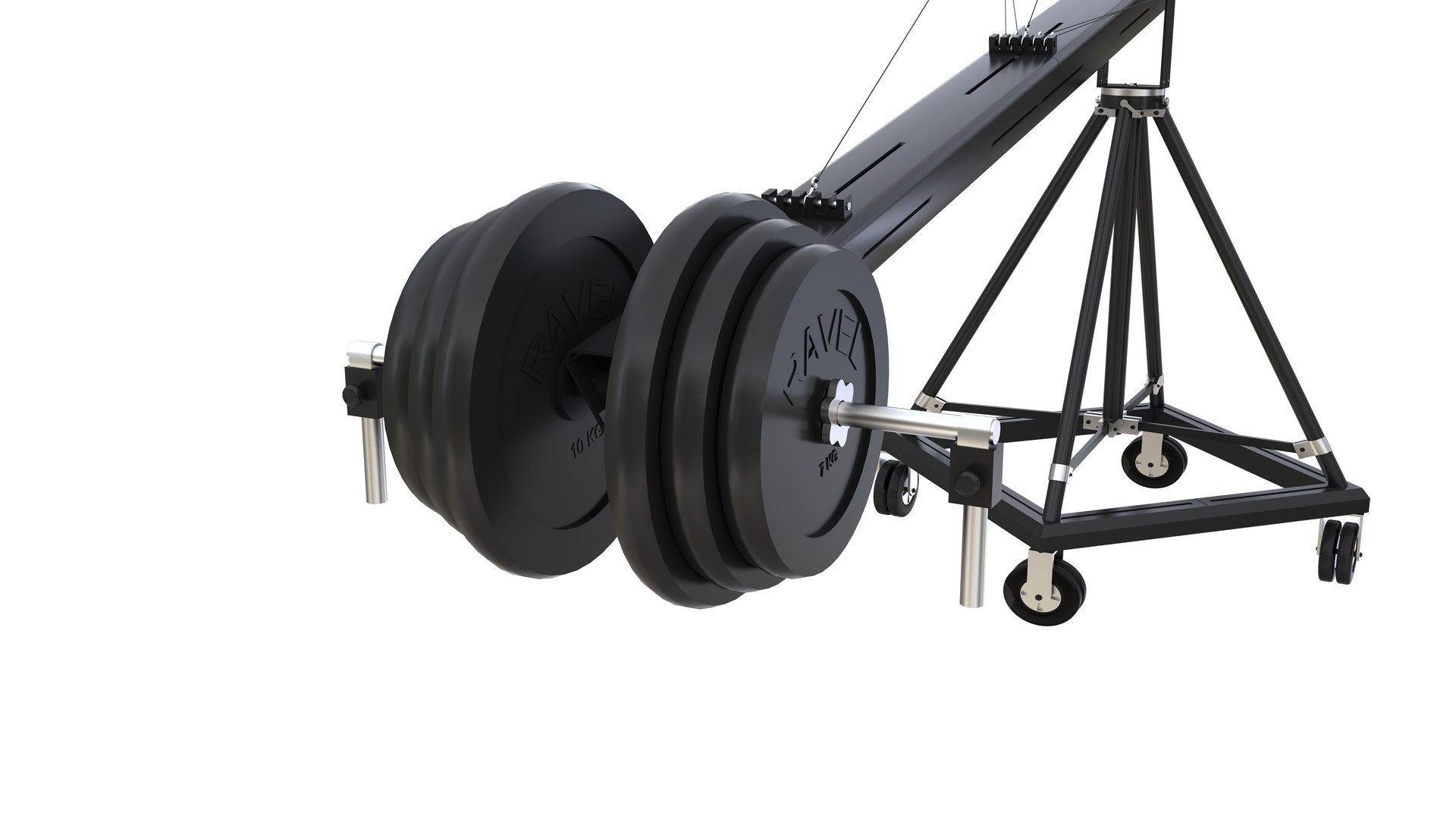
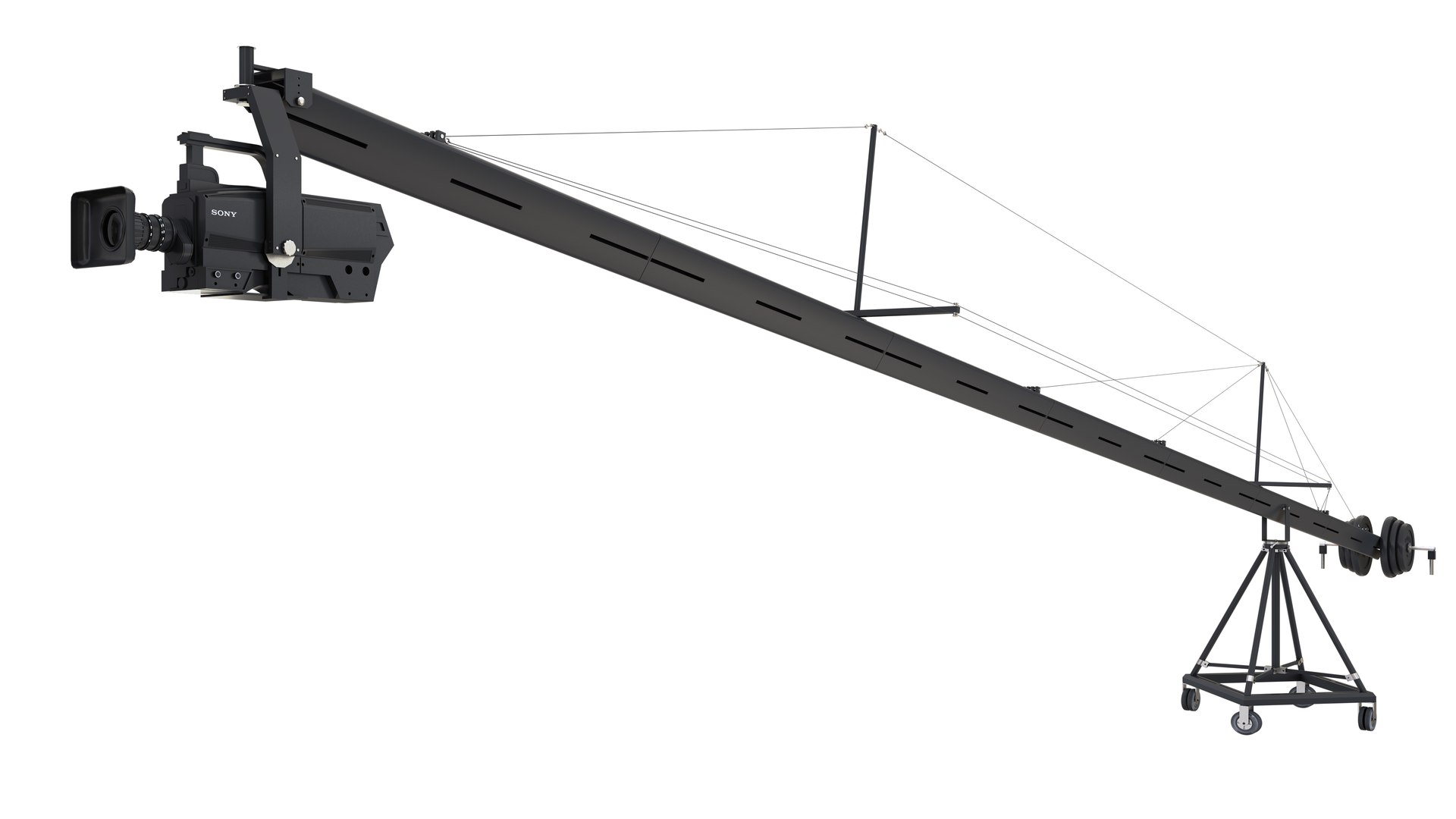
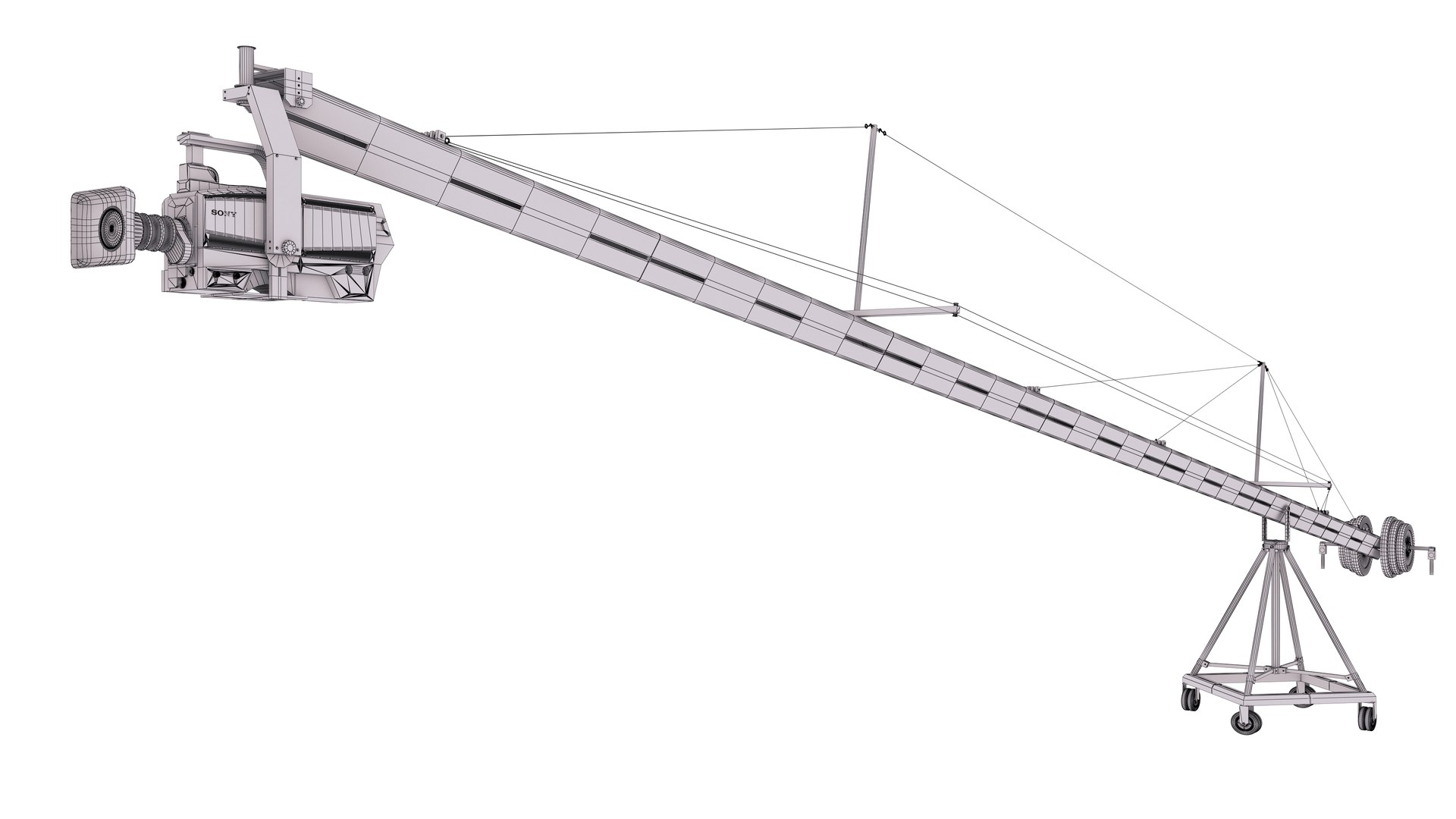
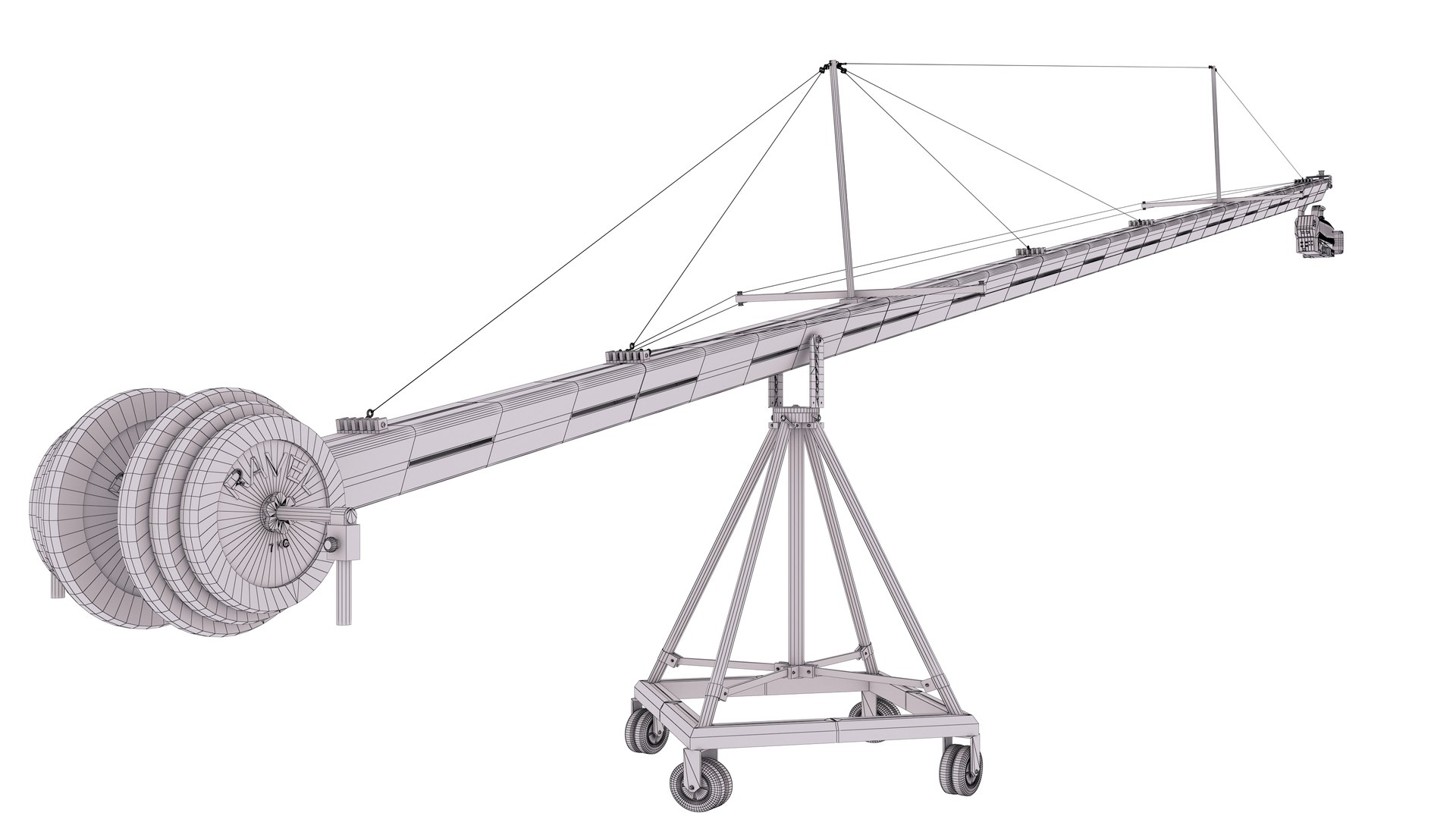
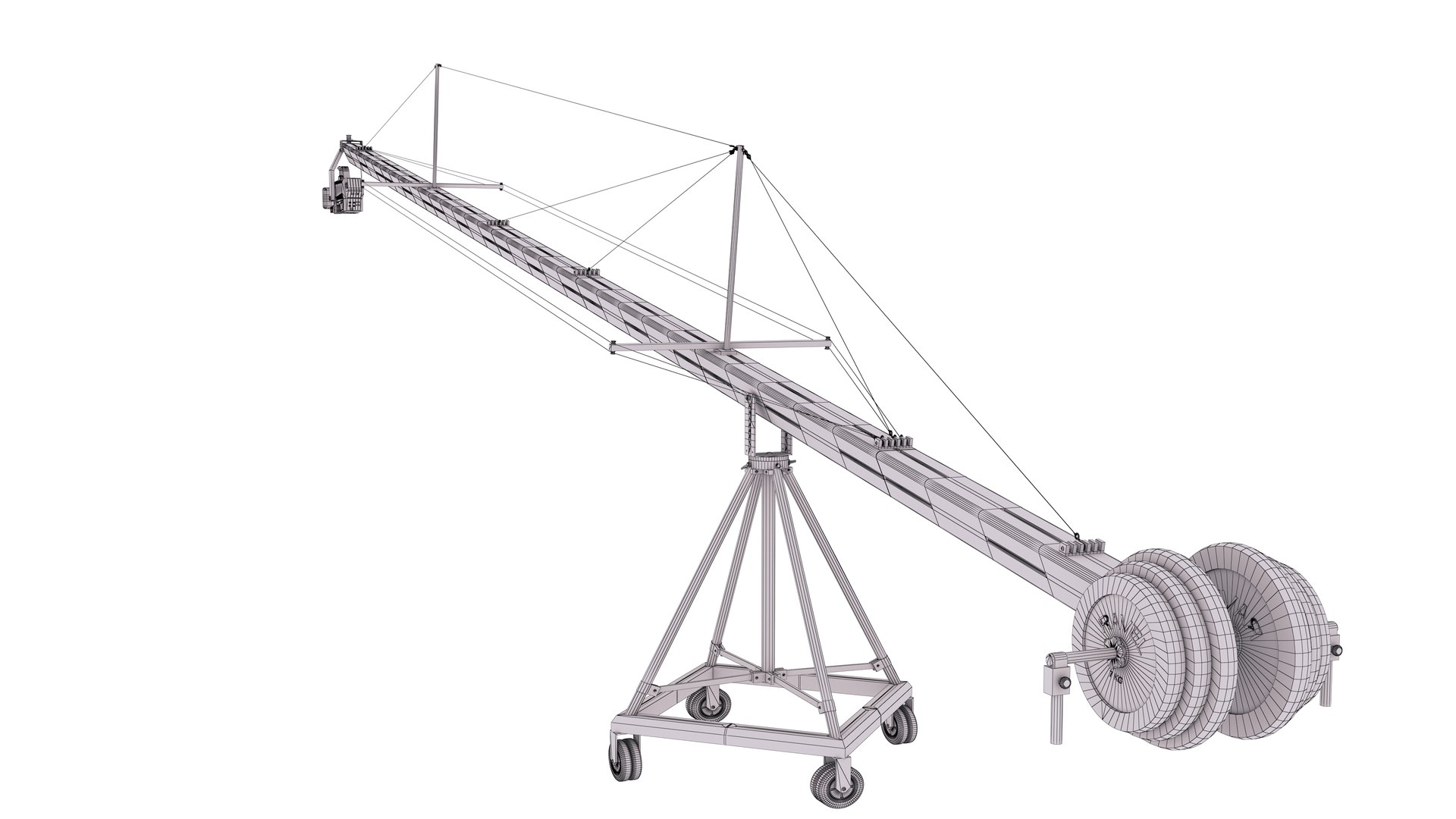
4-Camera Crane with Full HD Camcorder Sony
Polygons: 75,726
Vertex: 75,693

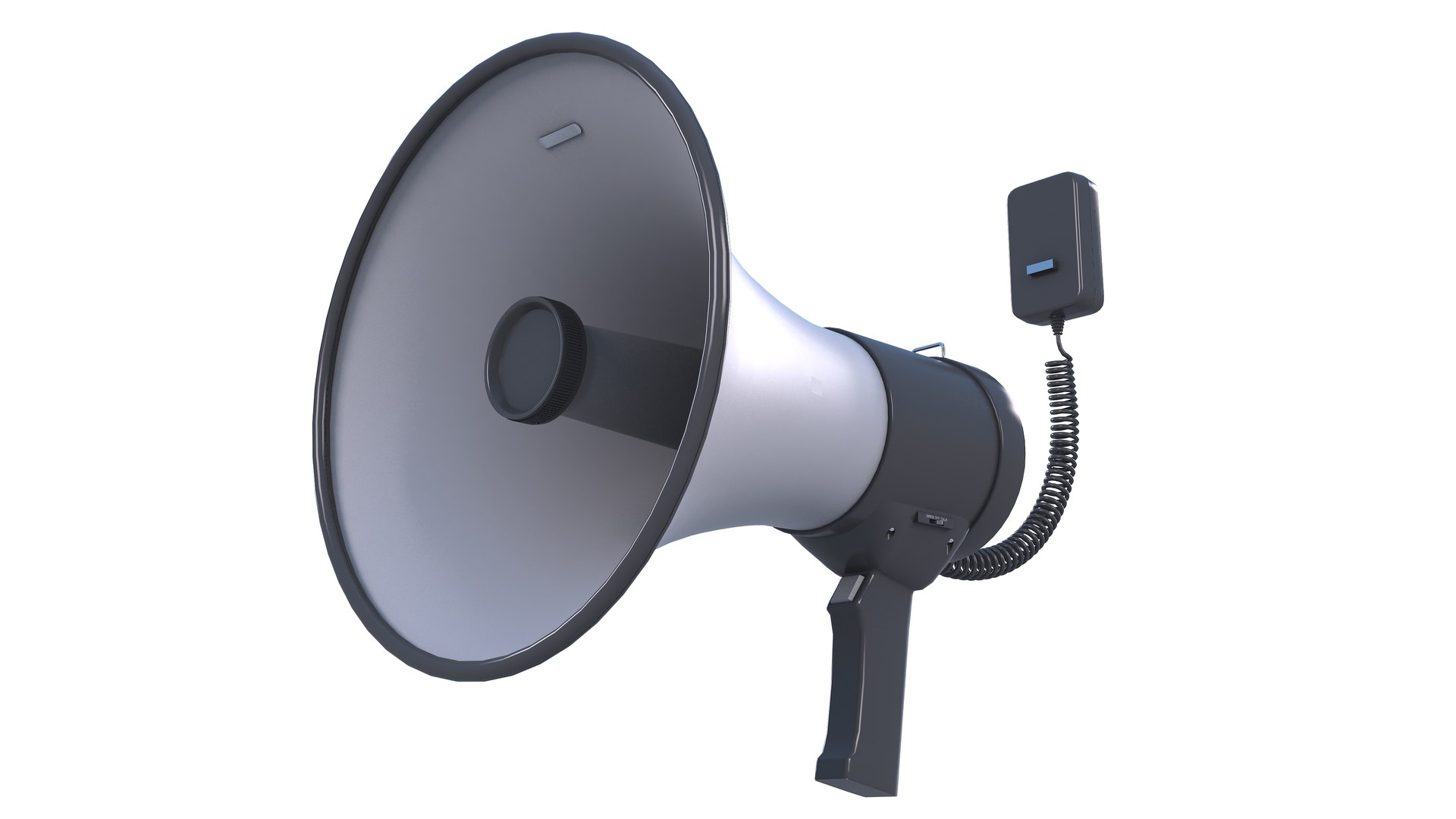
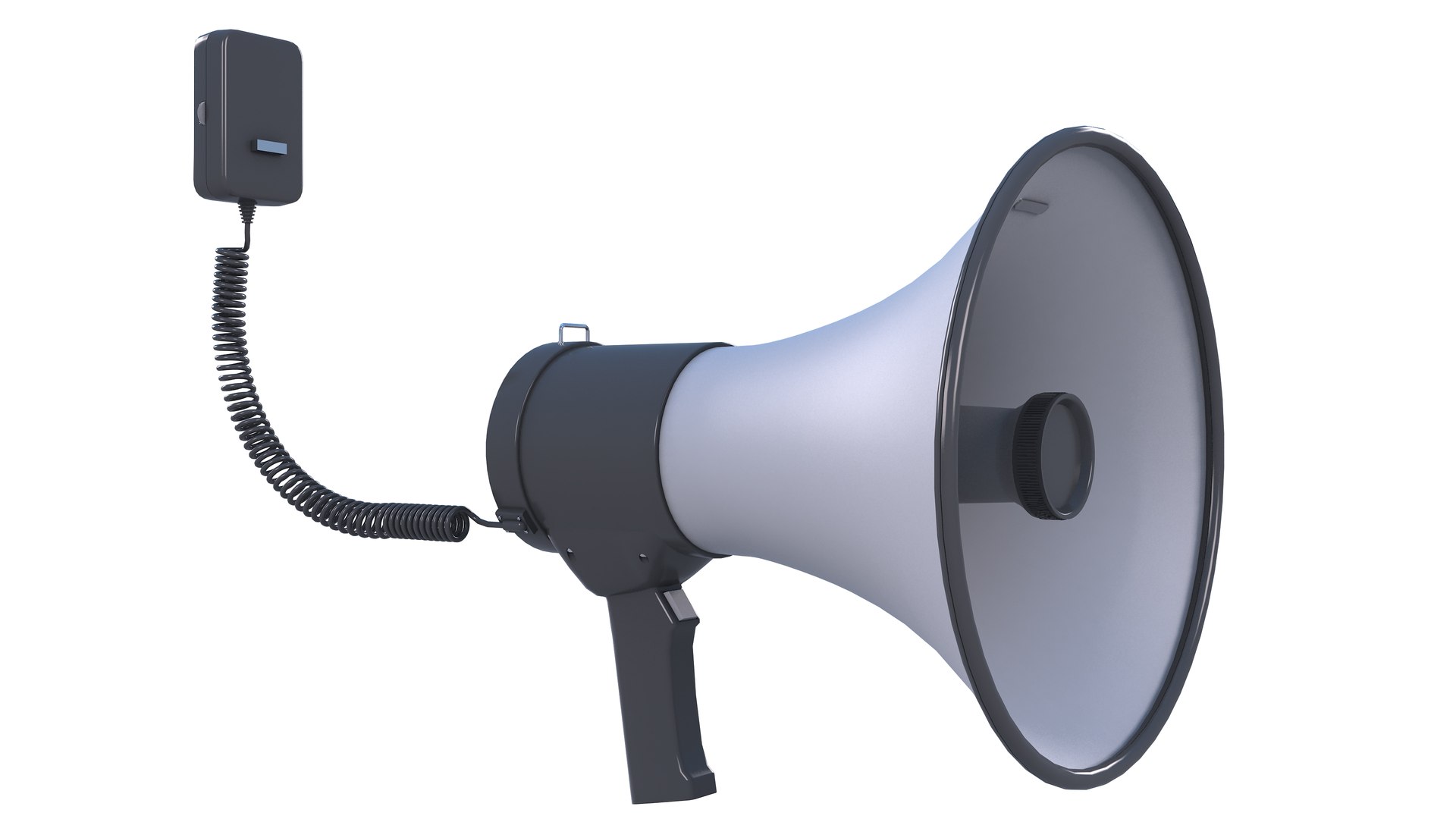
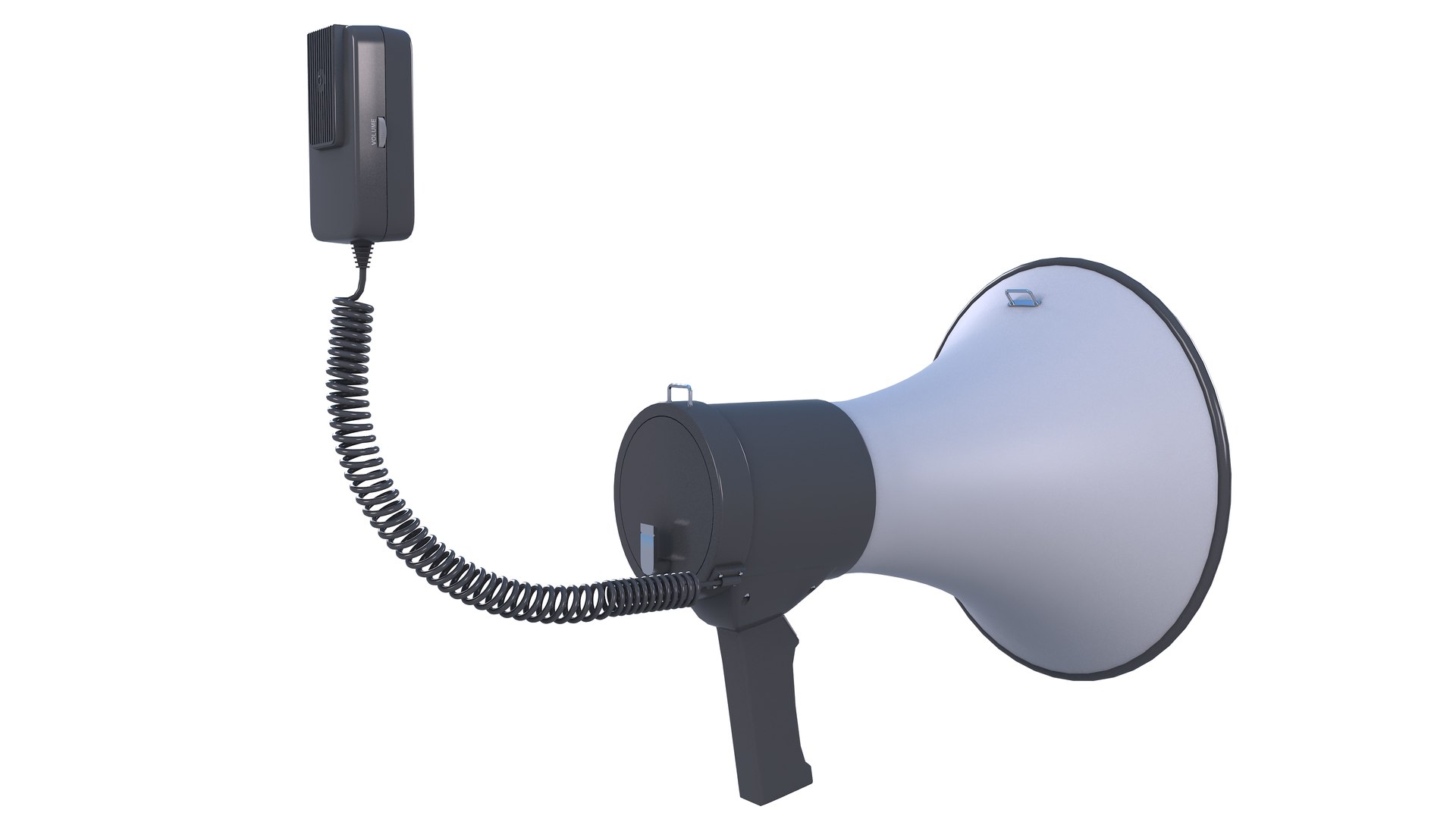
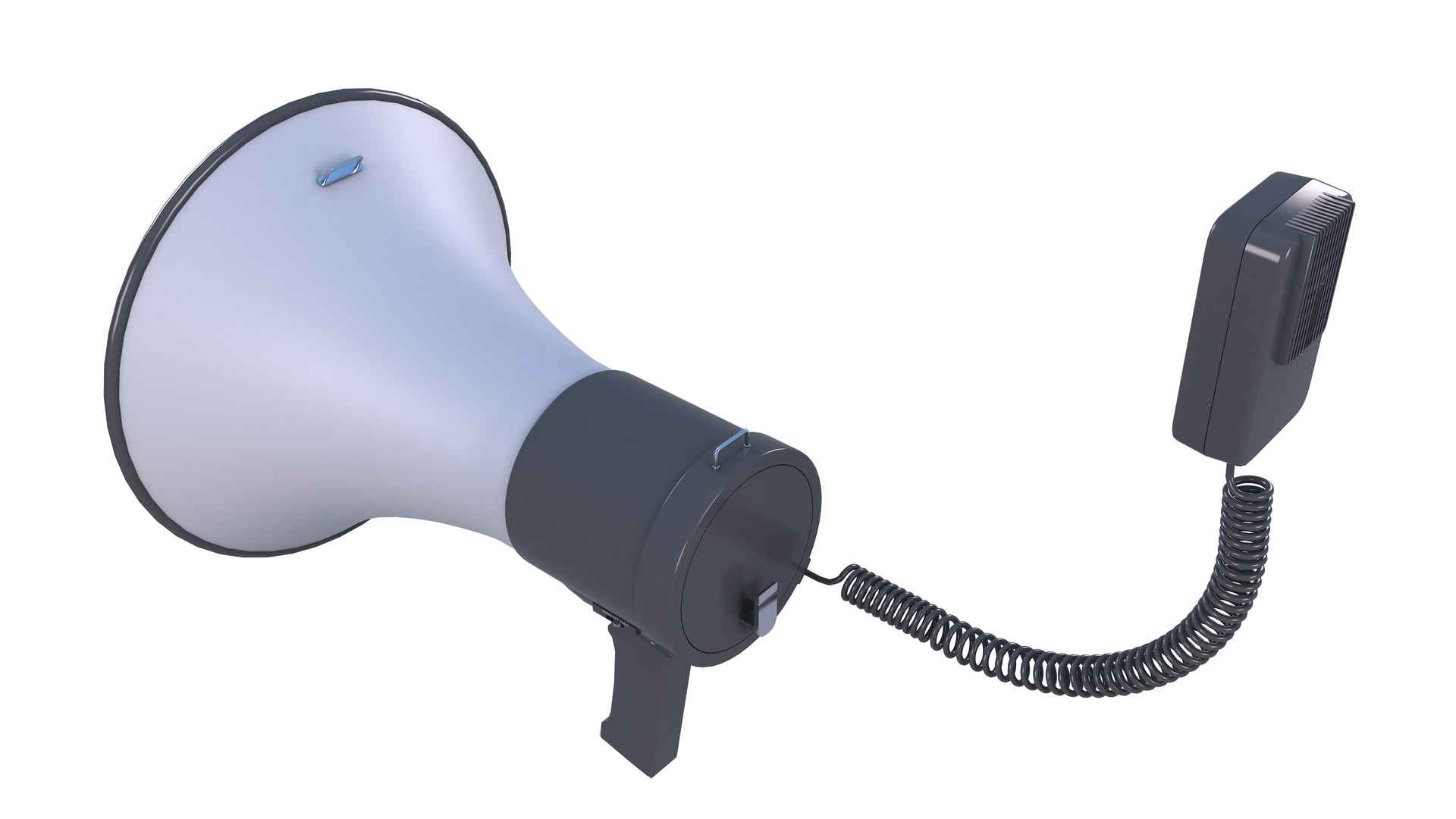
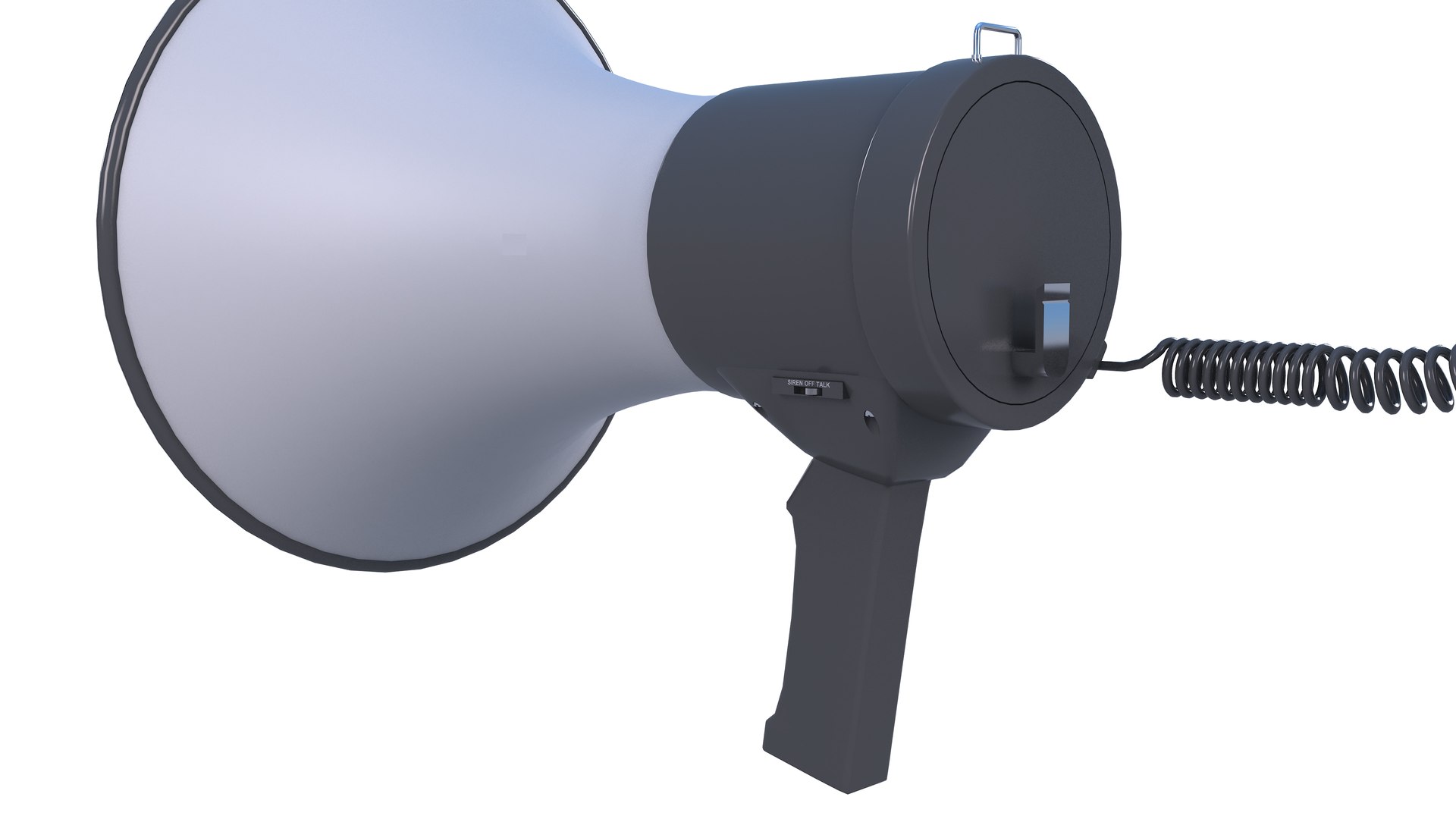
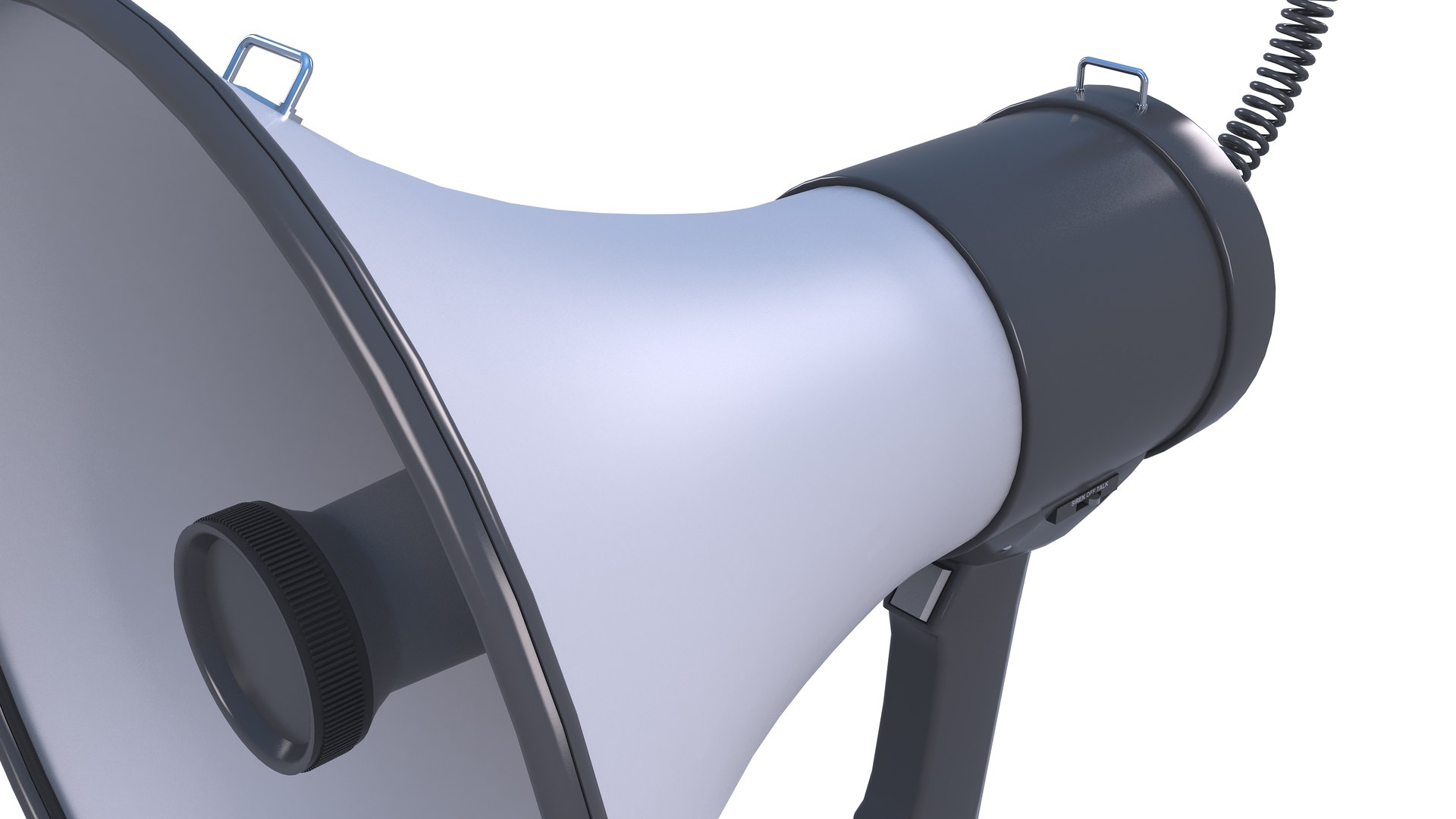
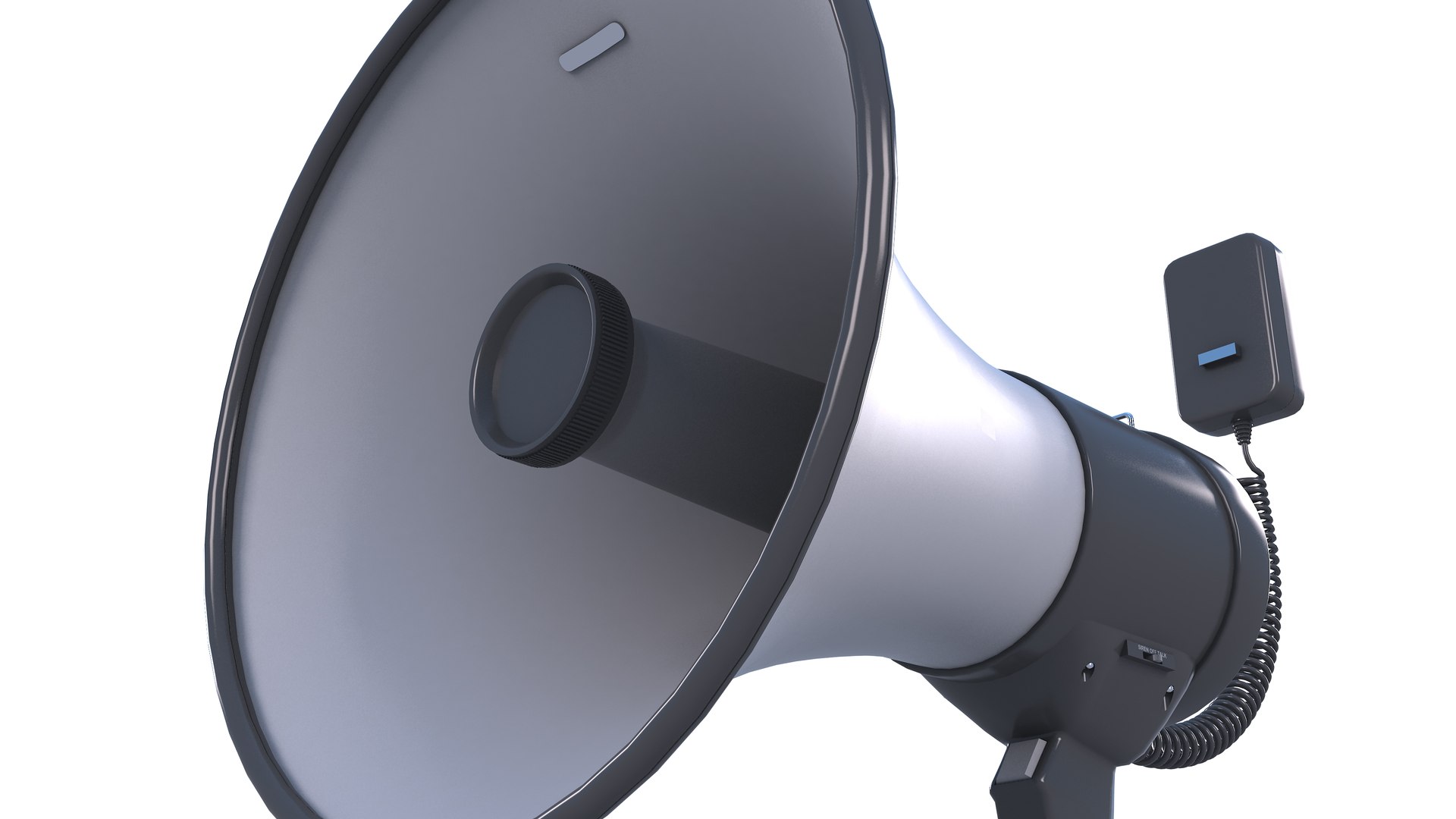
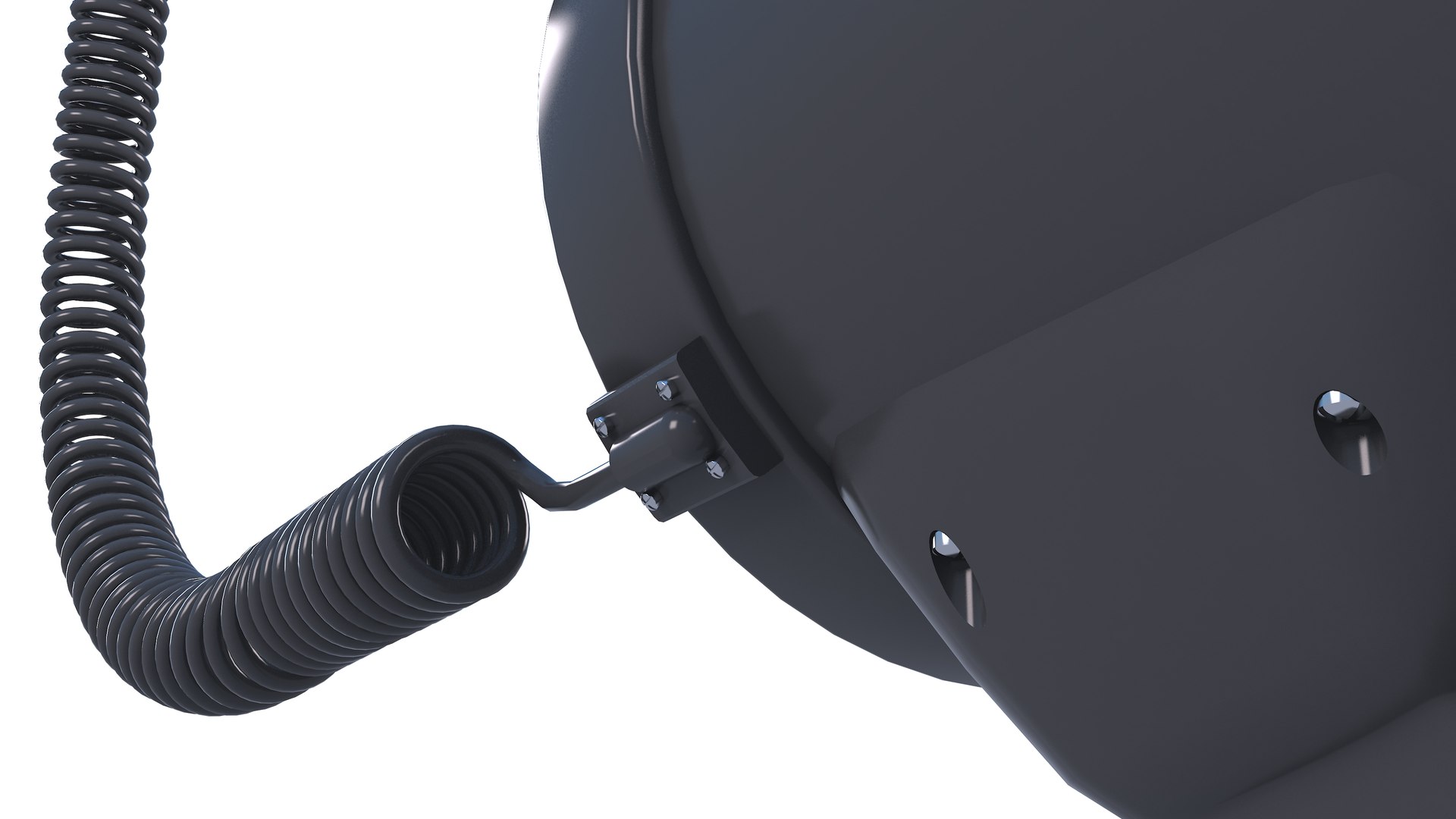
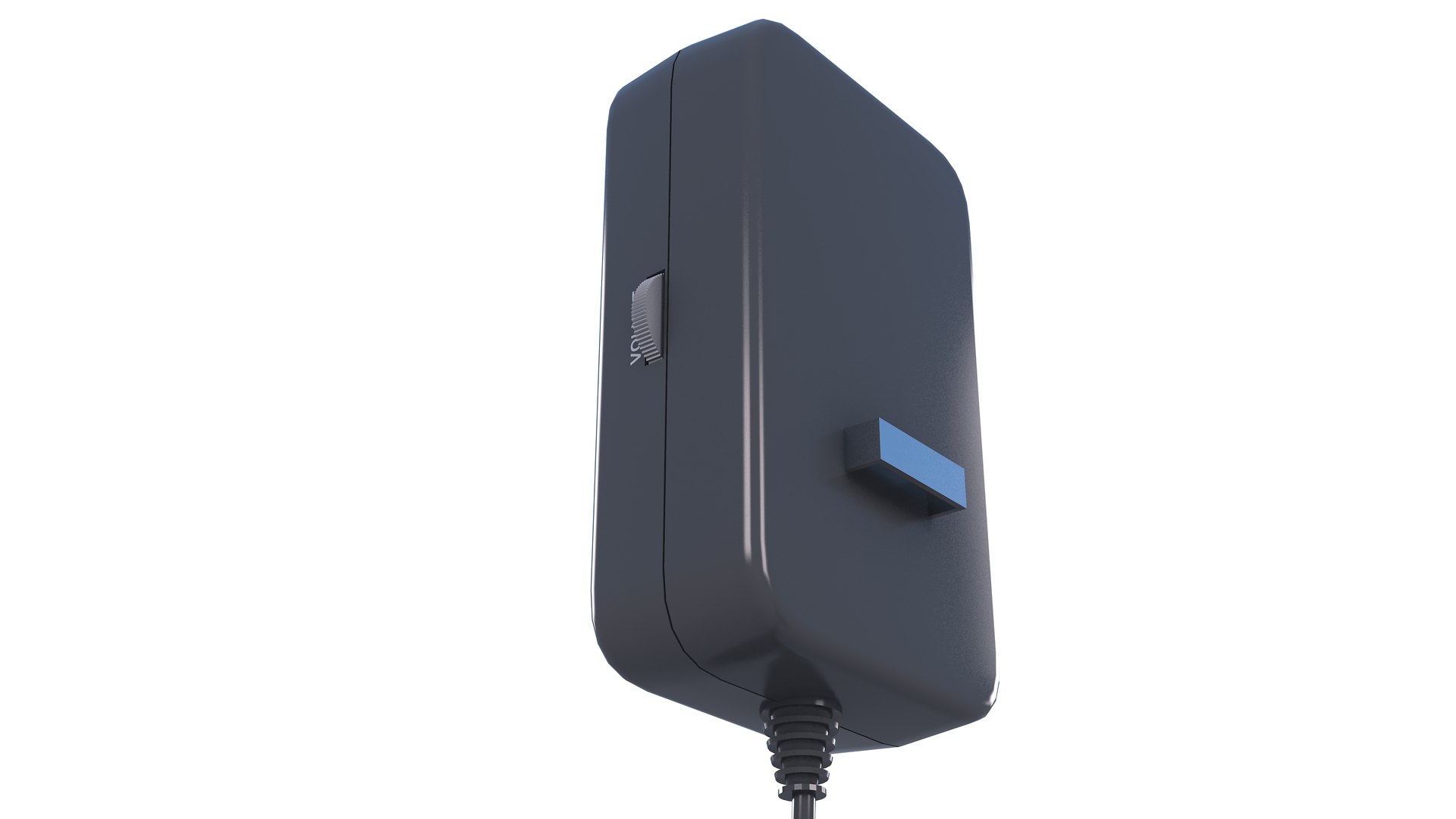
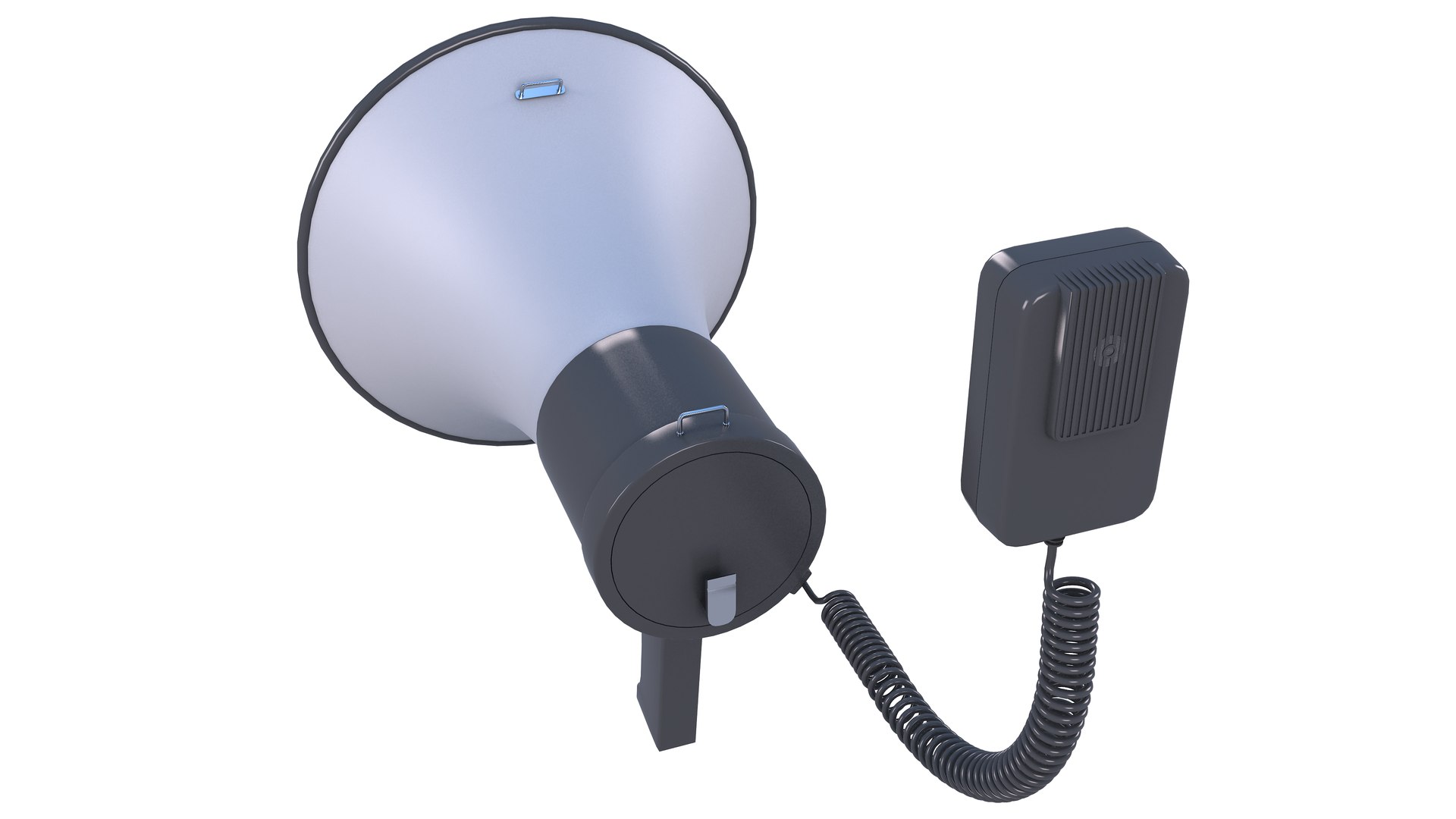
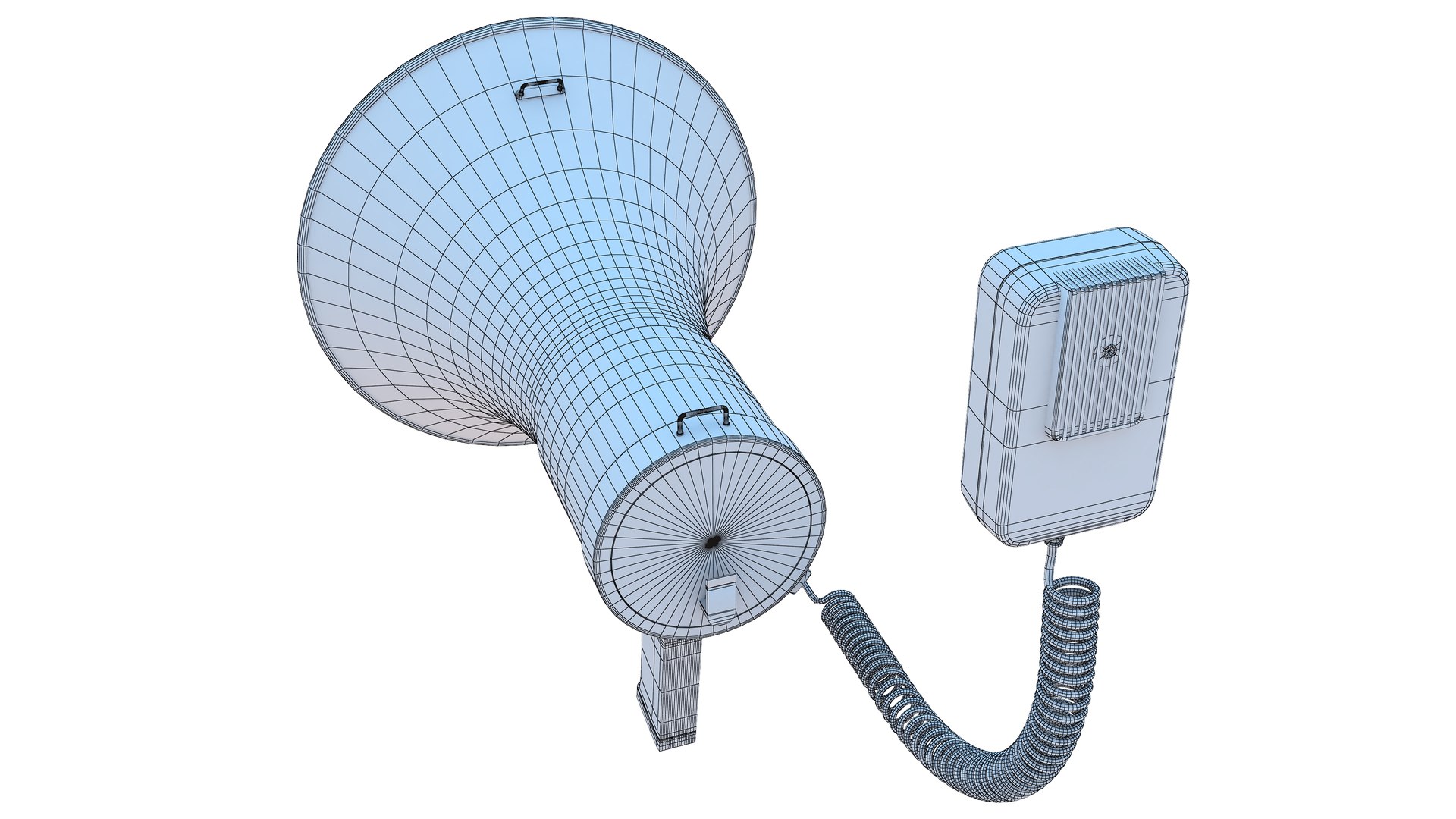
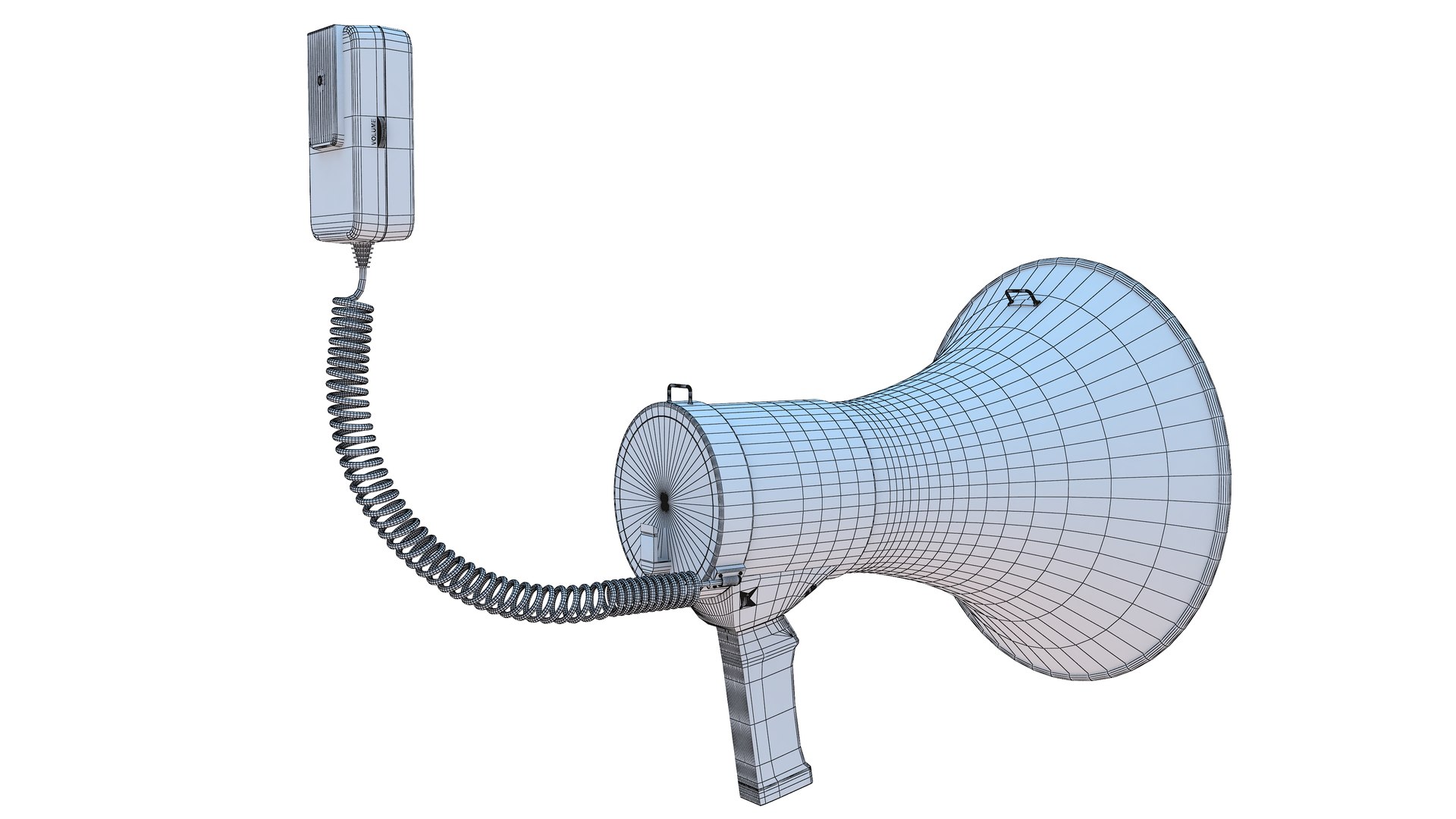
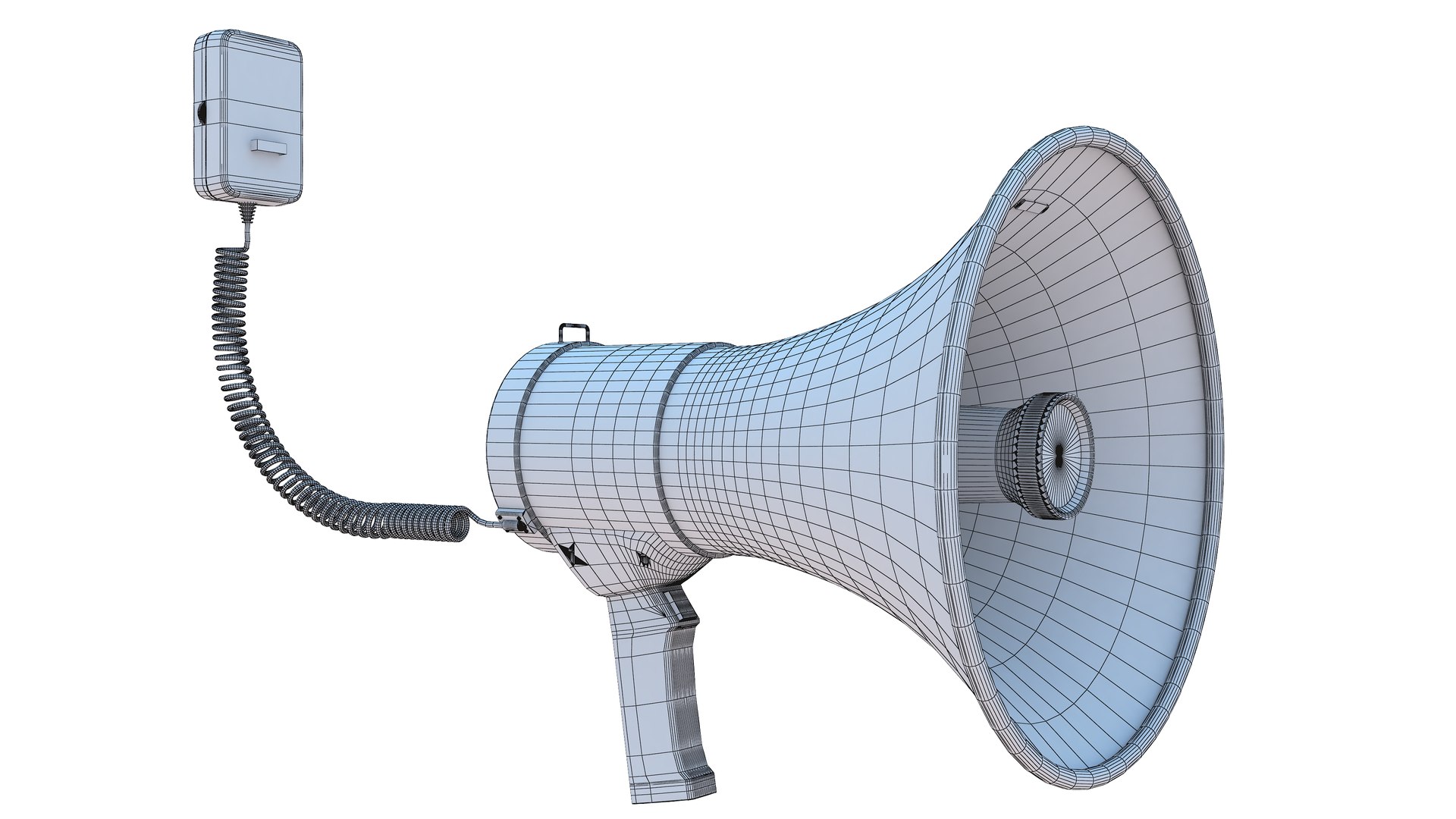
5-Megaphone
Polygons: 36,289
Vertex: 35,439

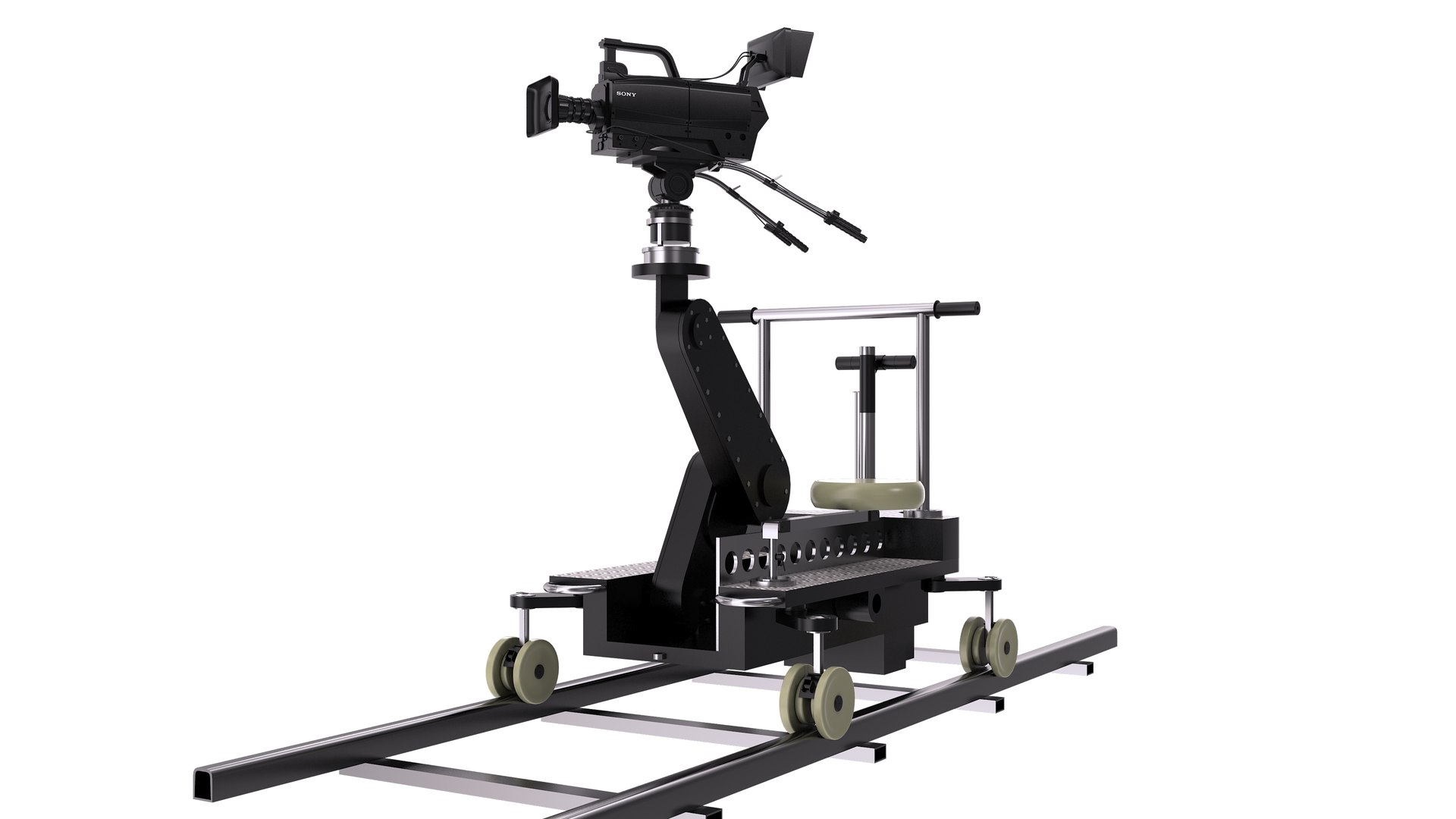
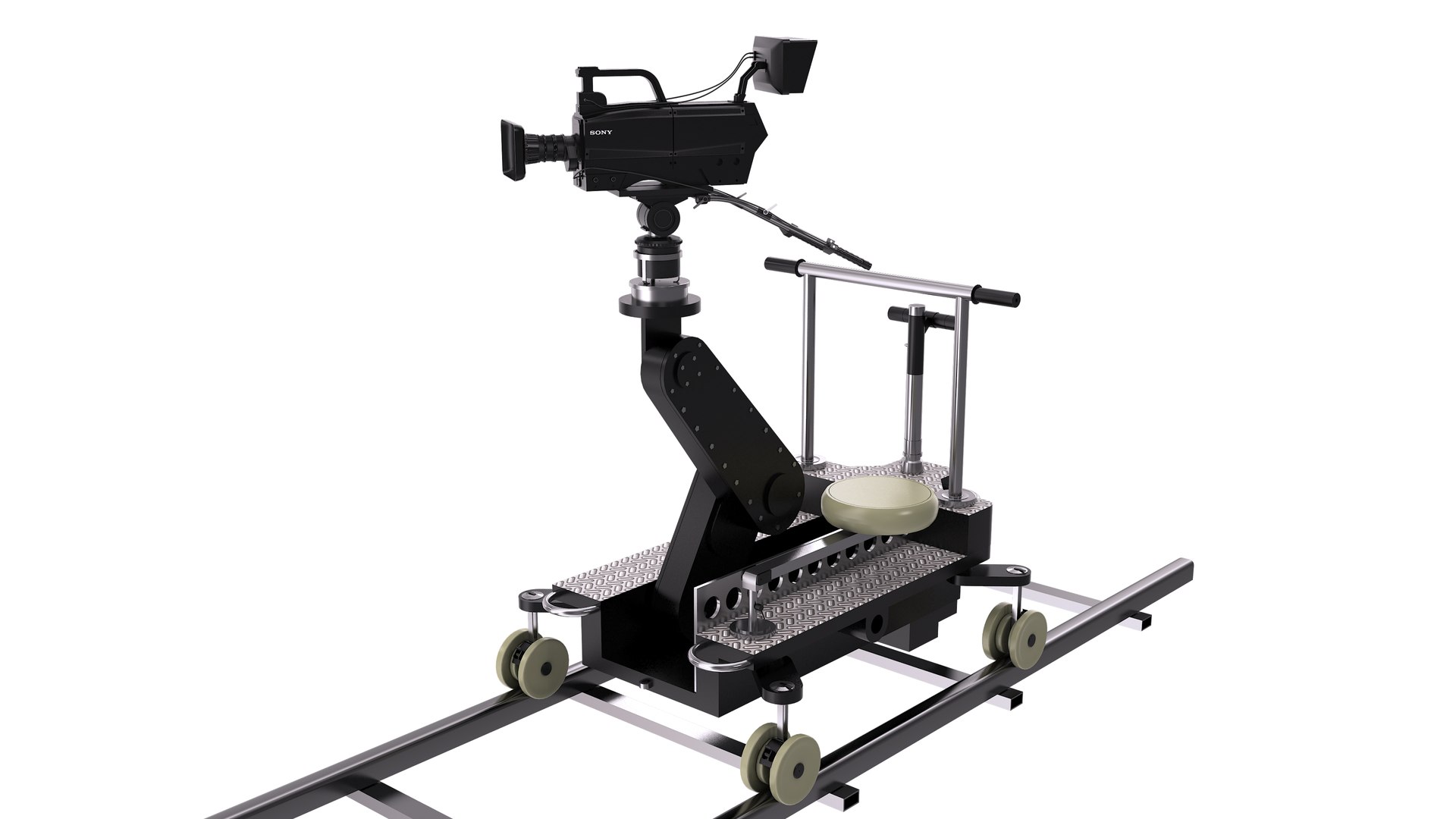
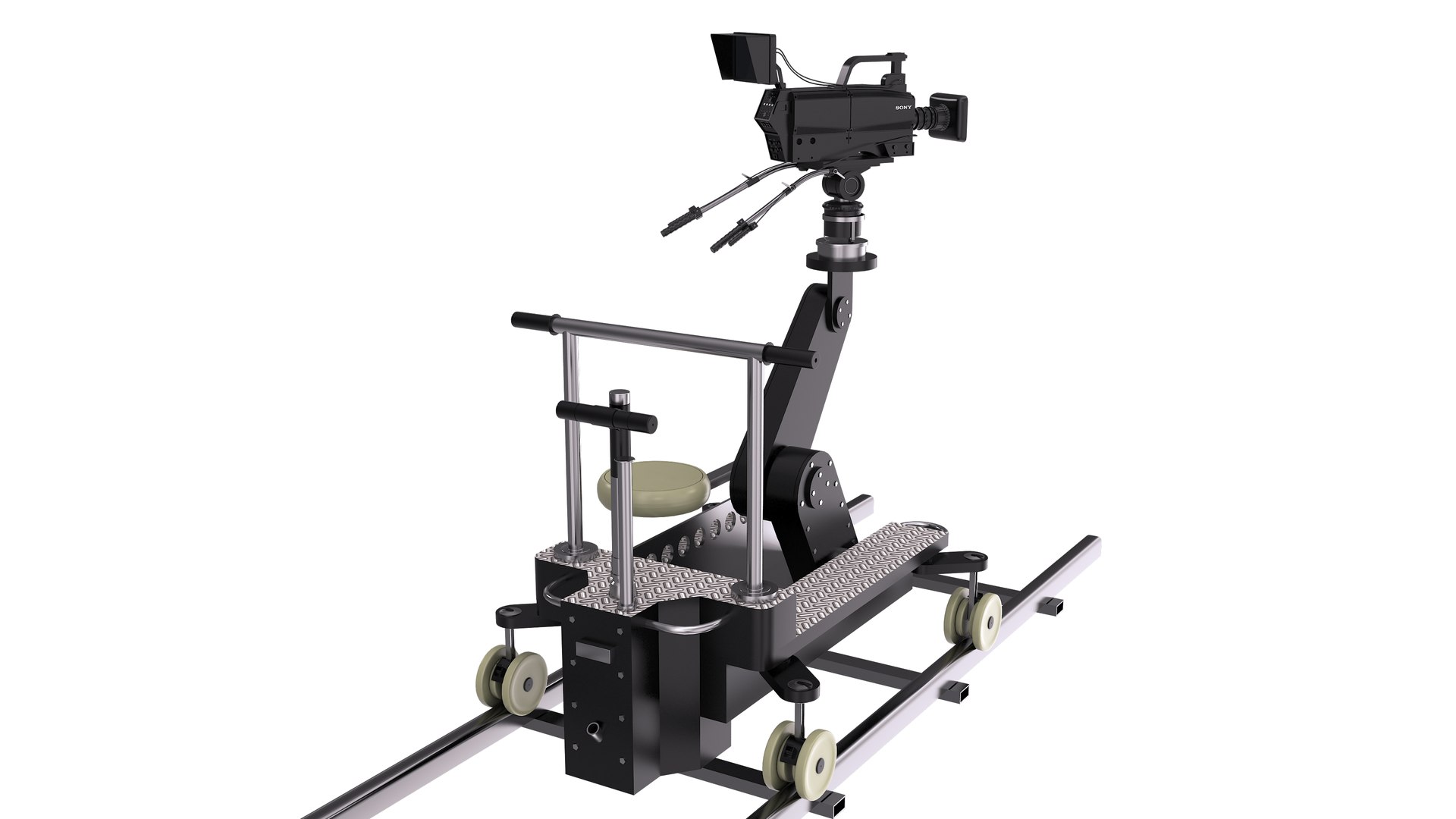
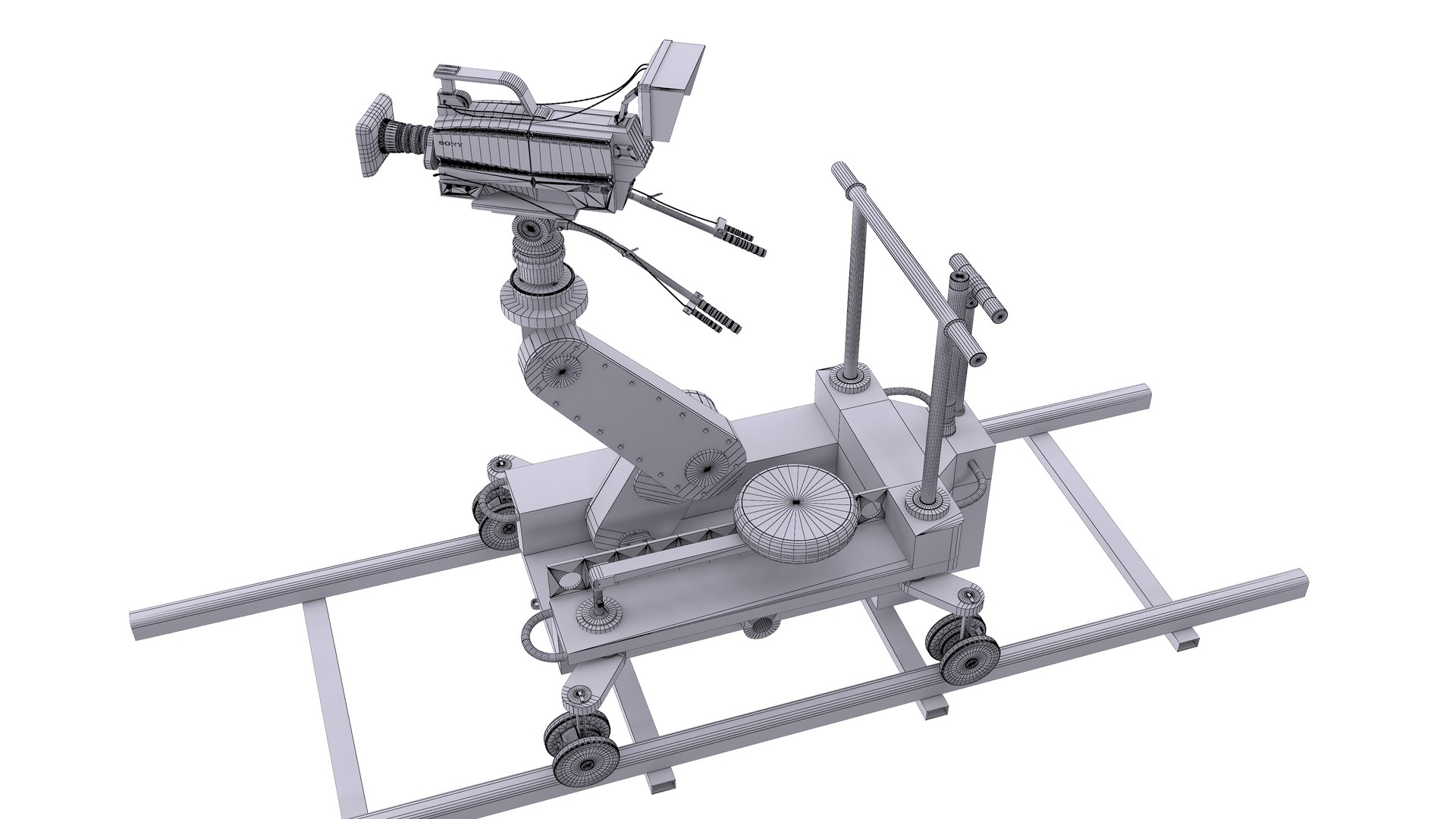
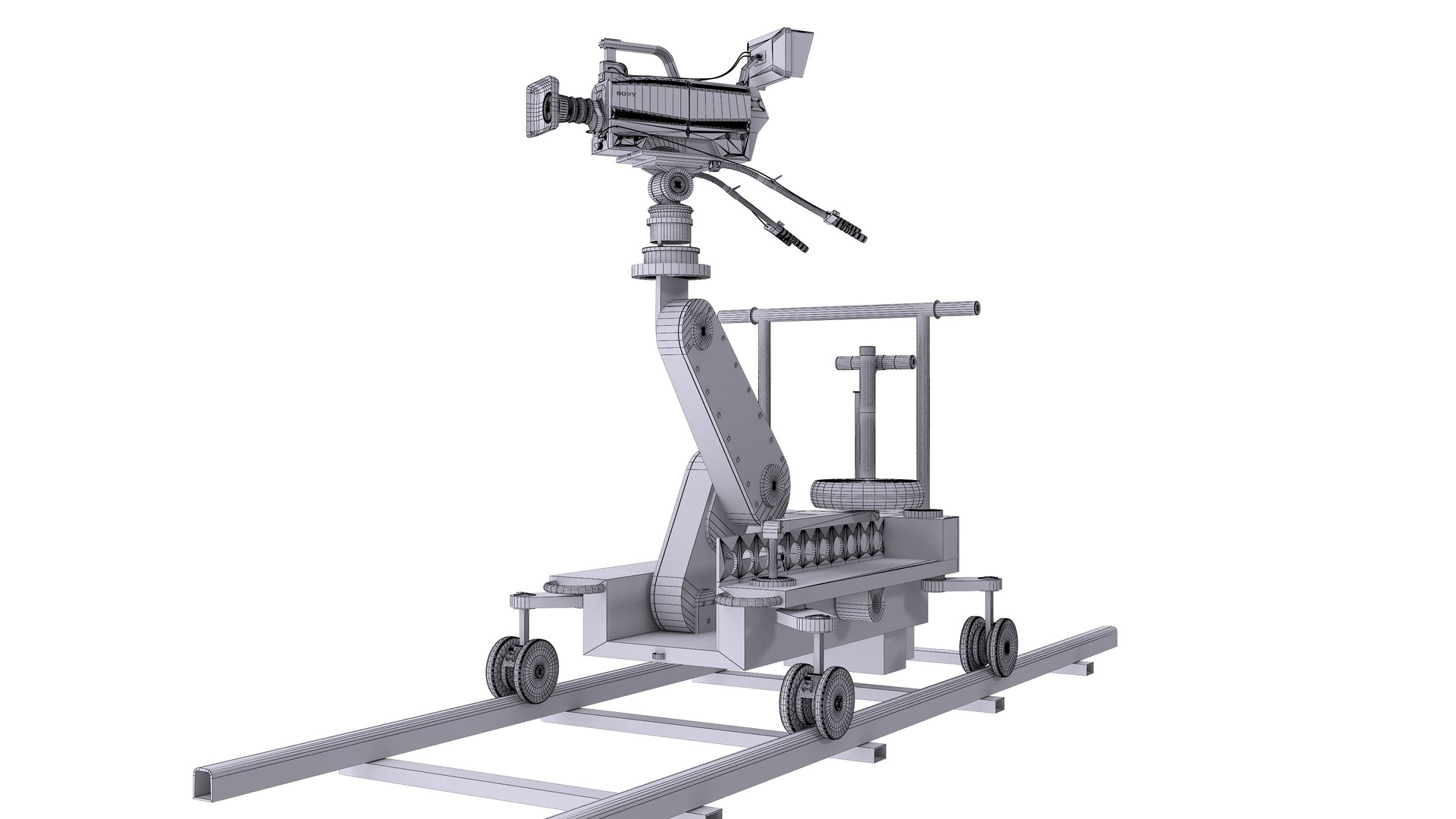
6-Movie Camera Dolly
Polygons: 72,961
Vertex: 72,265

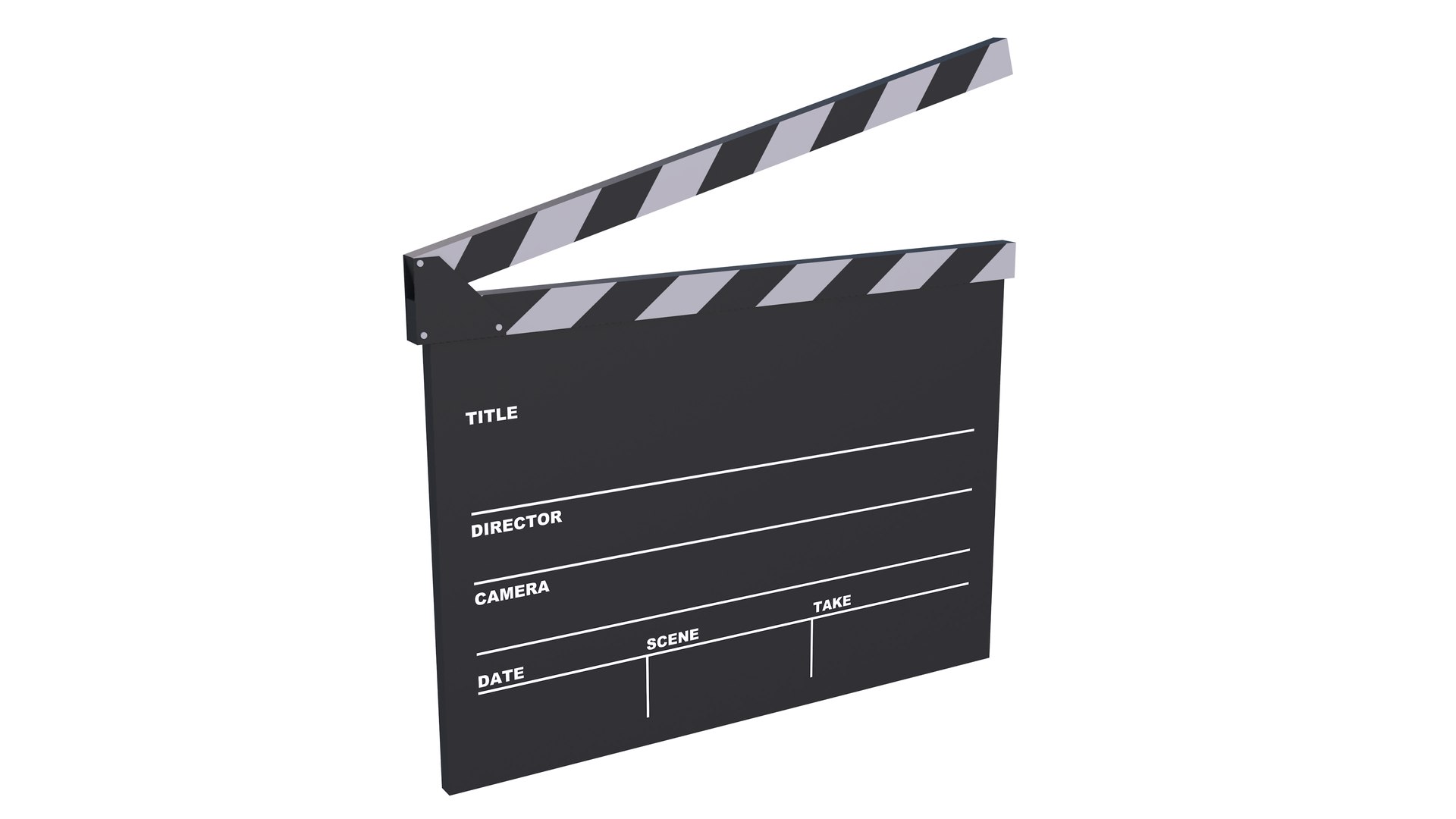
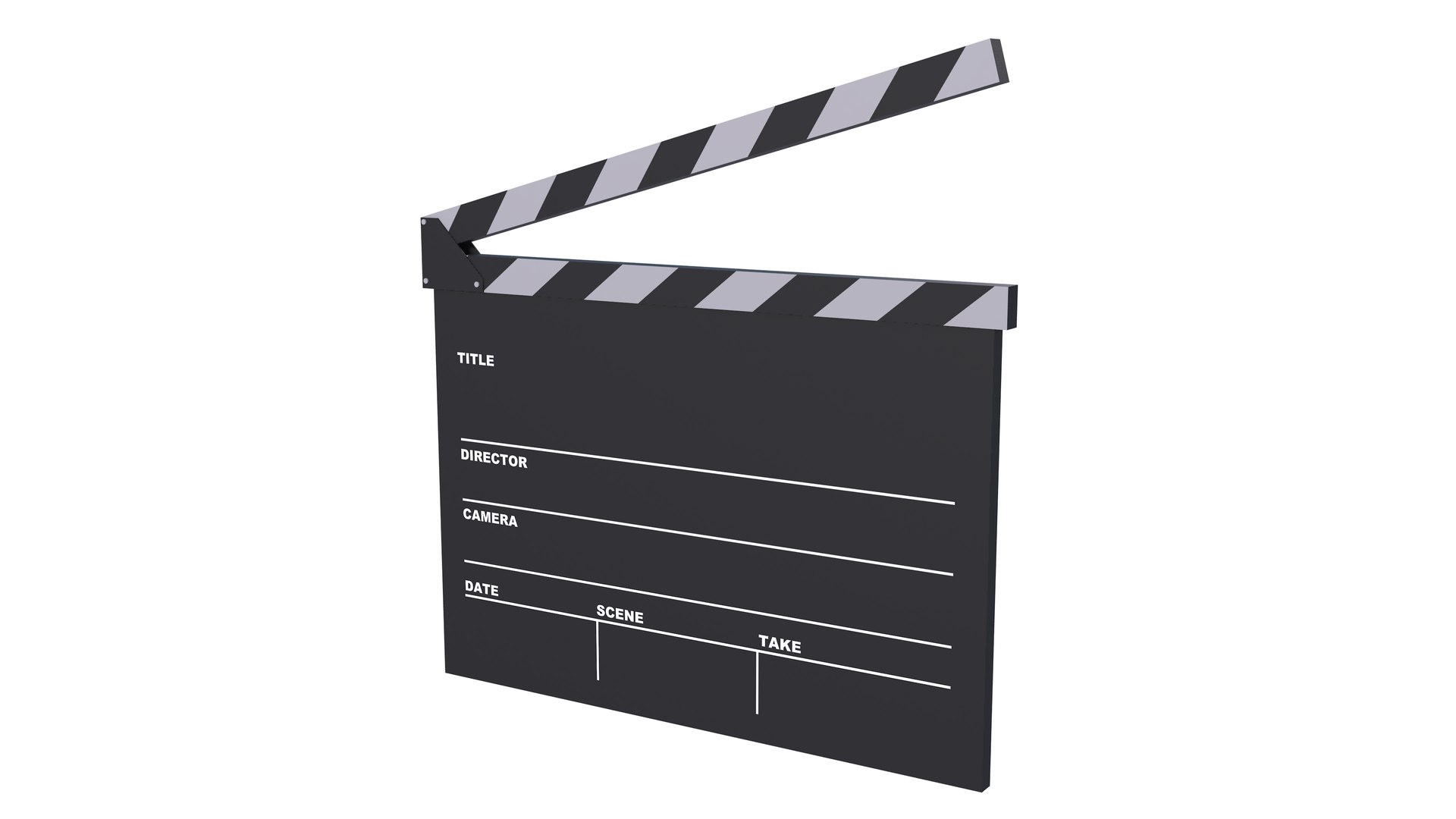
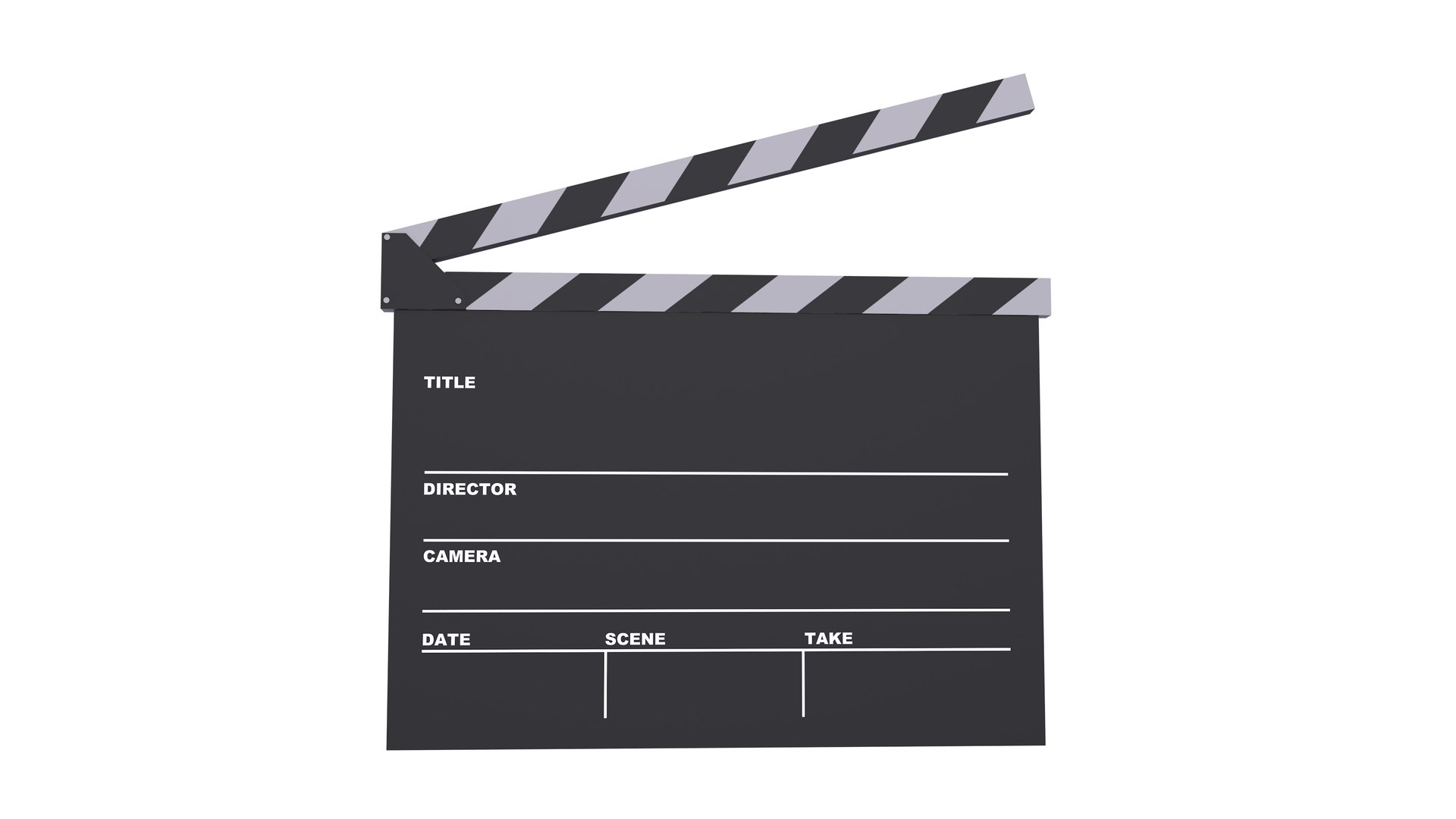
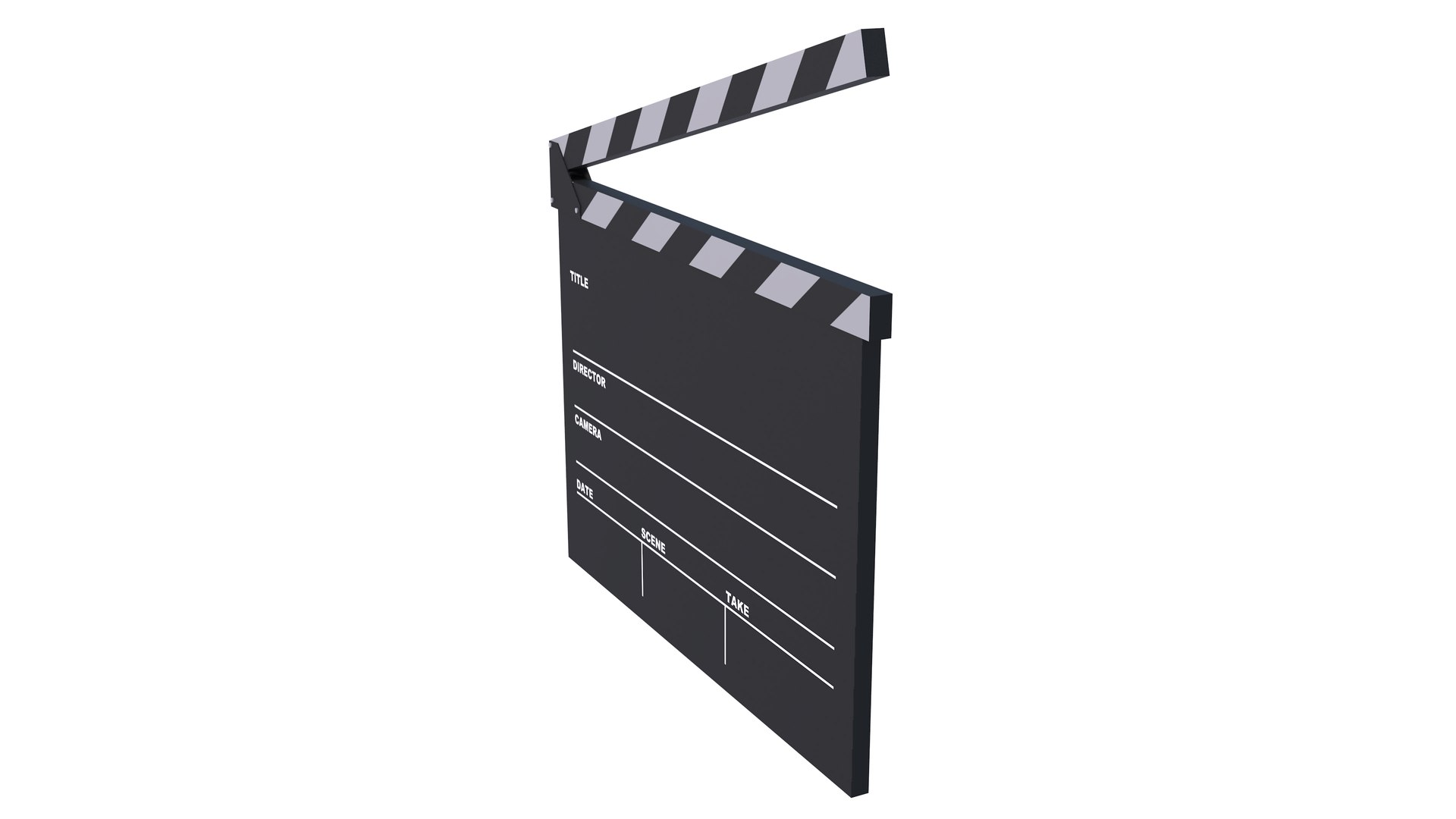
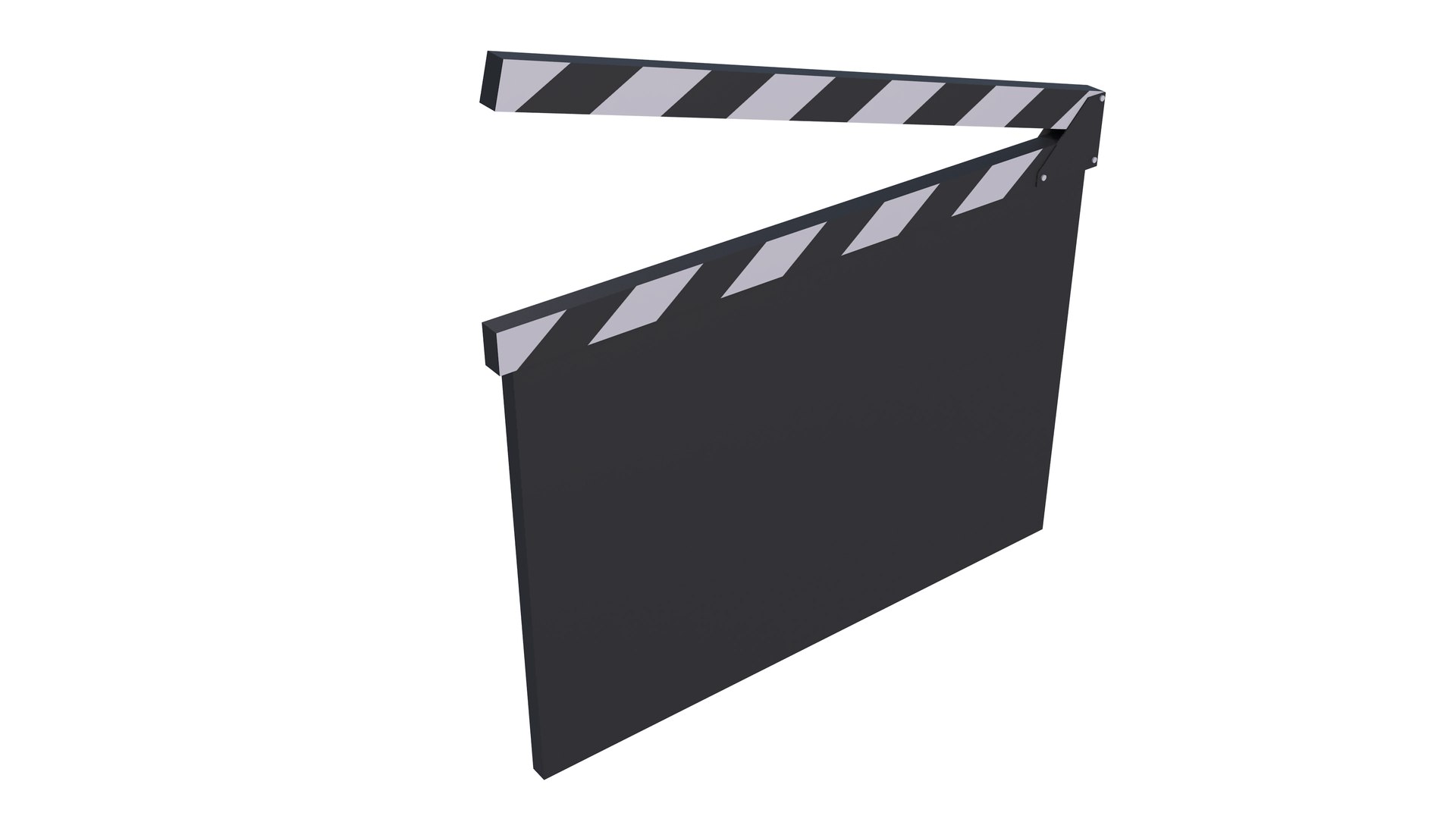
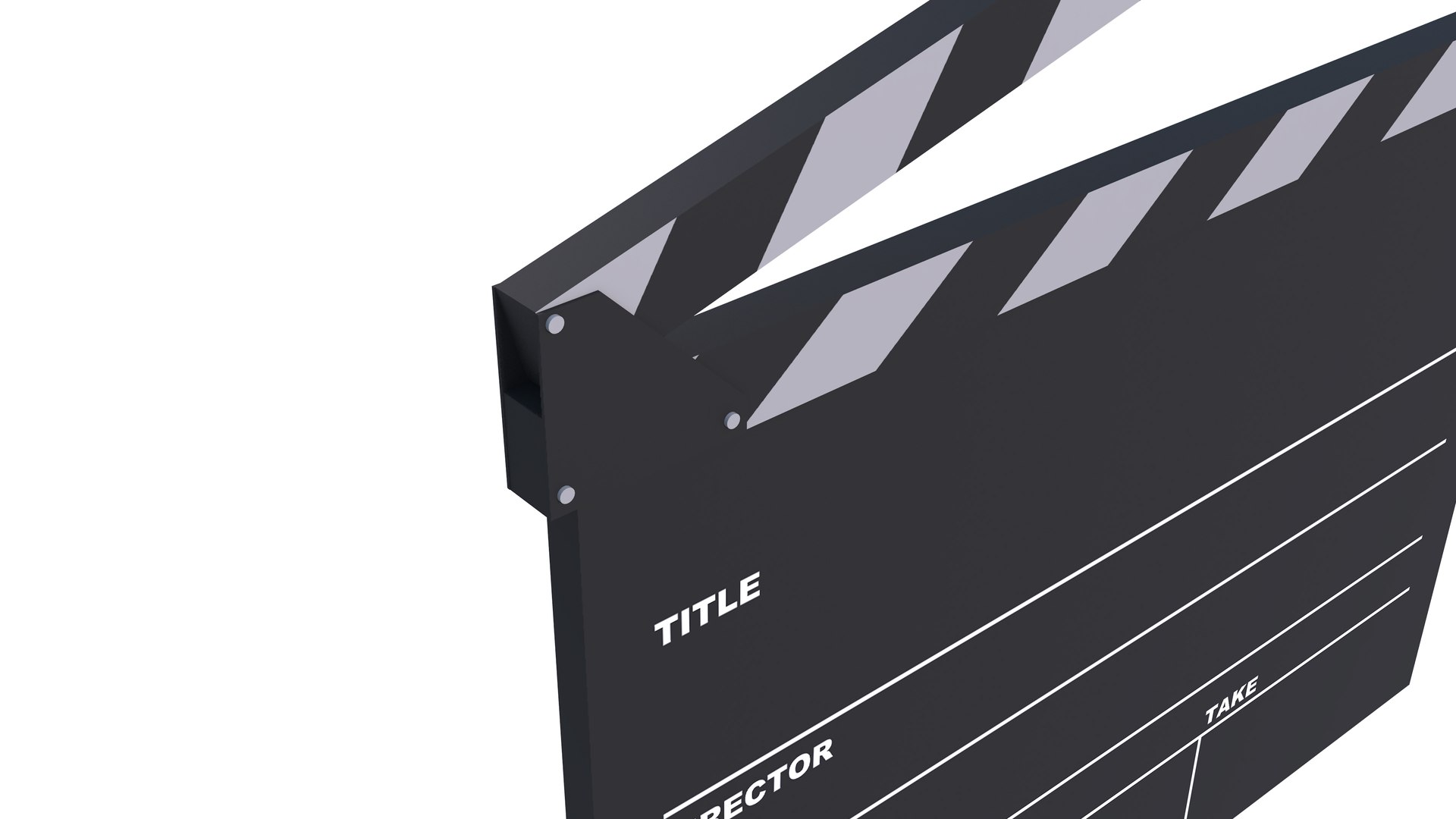
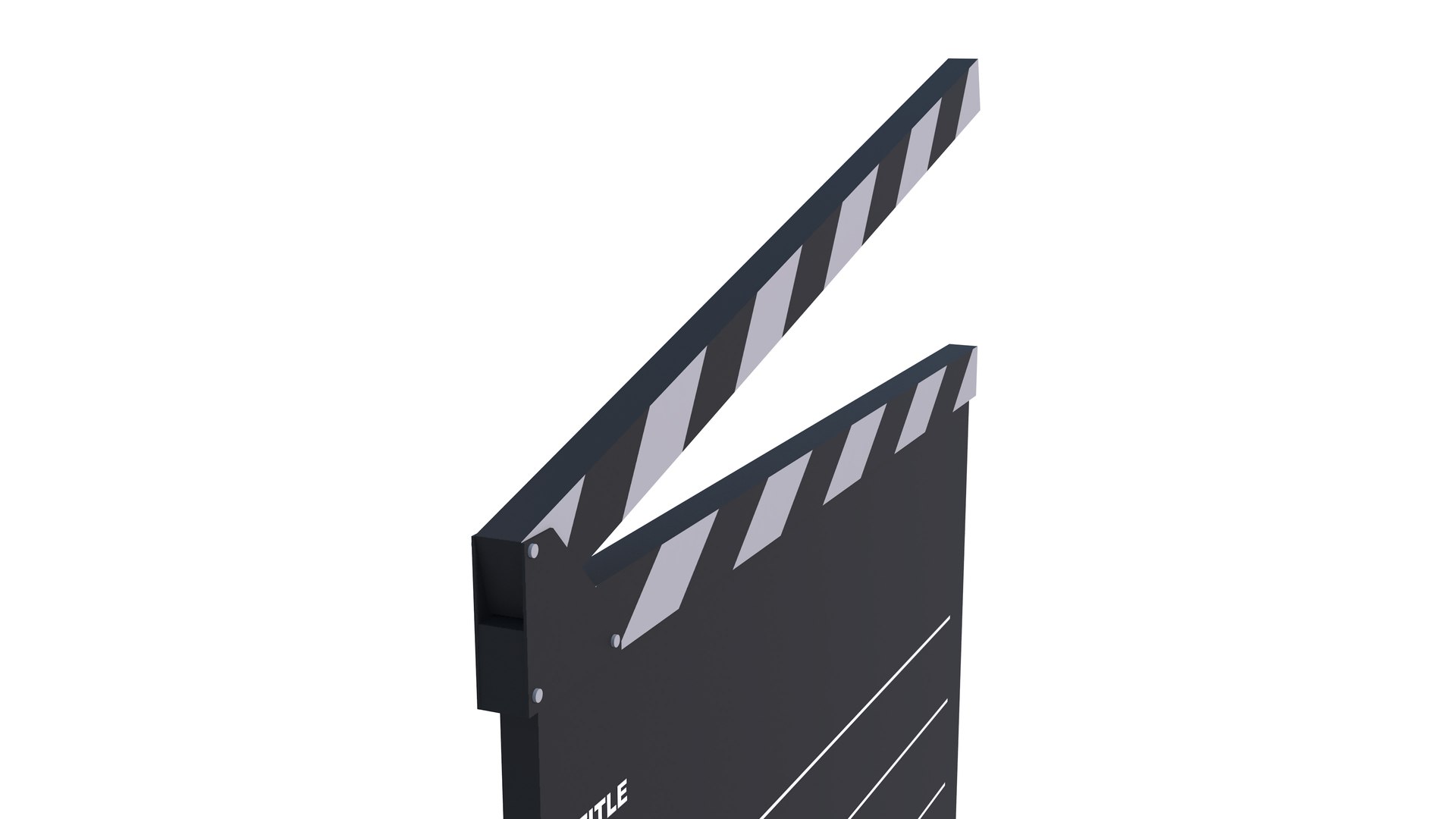
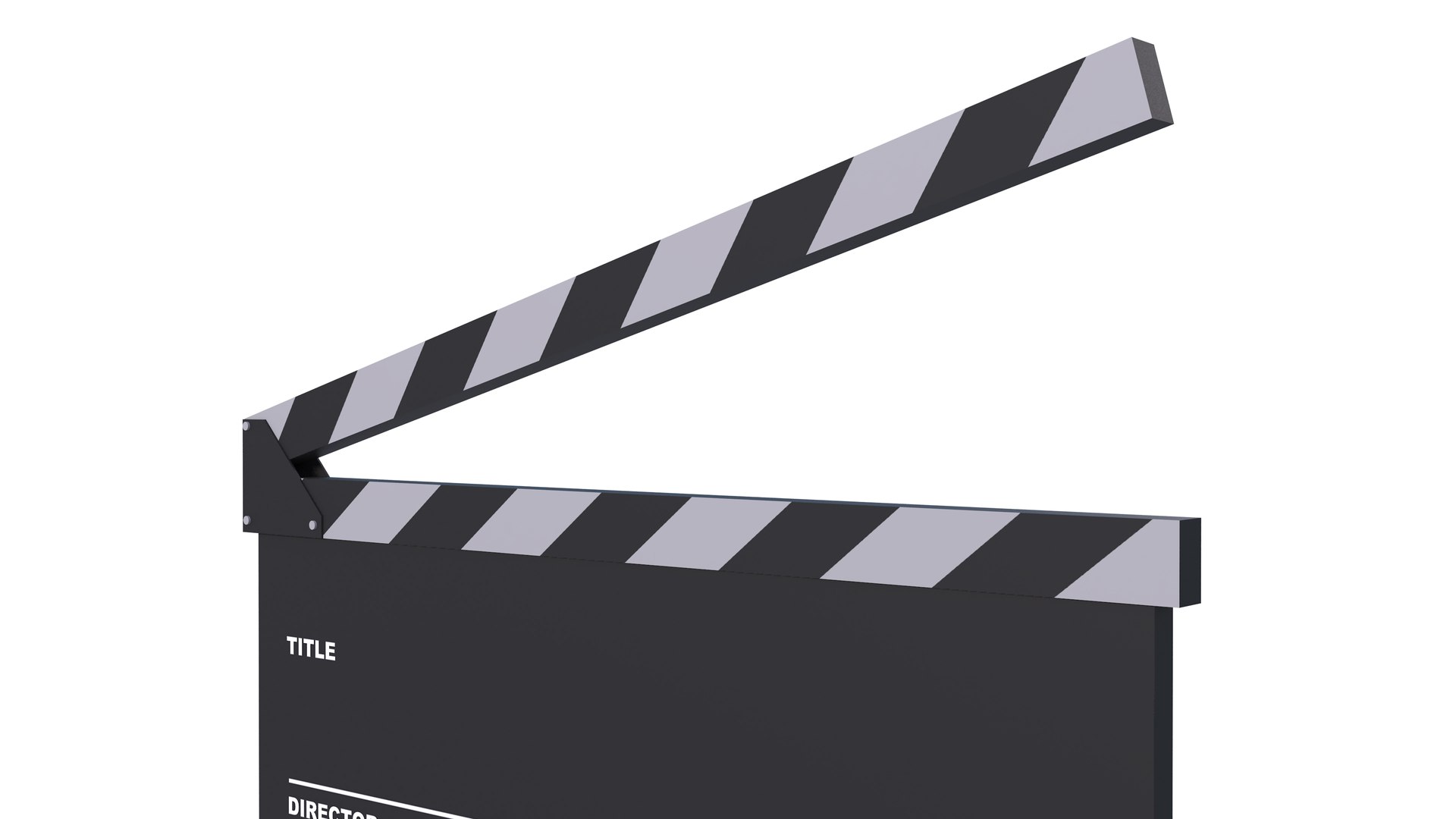
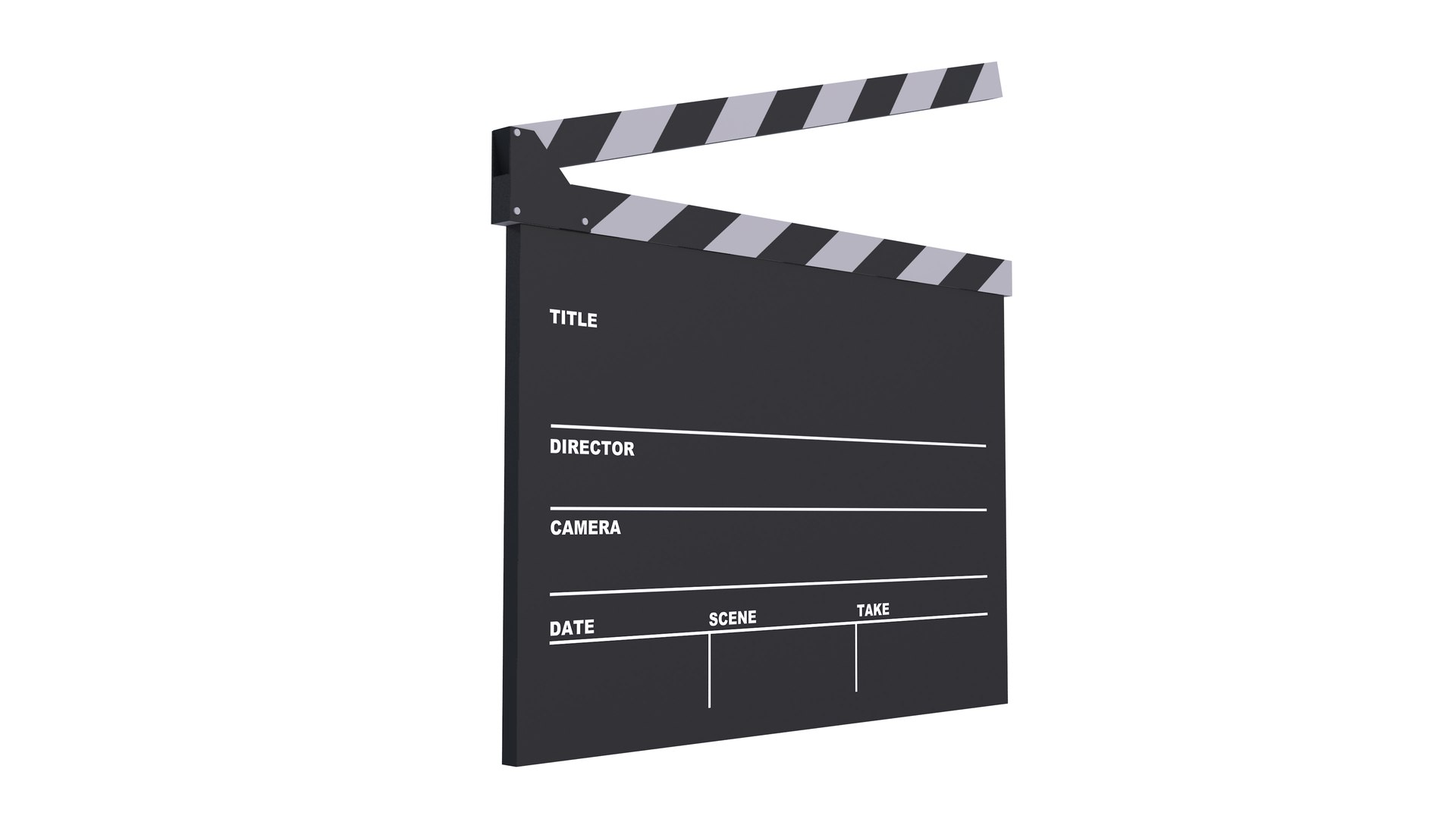
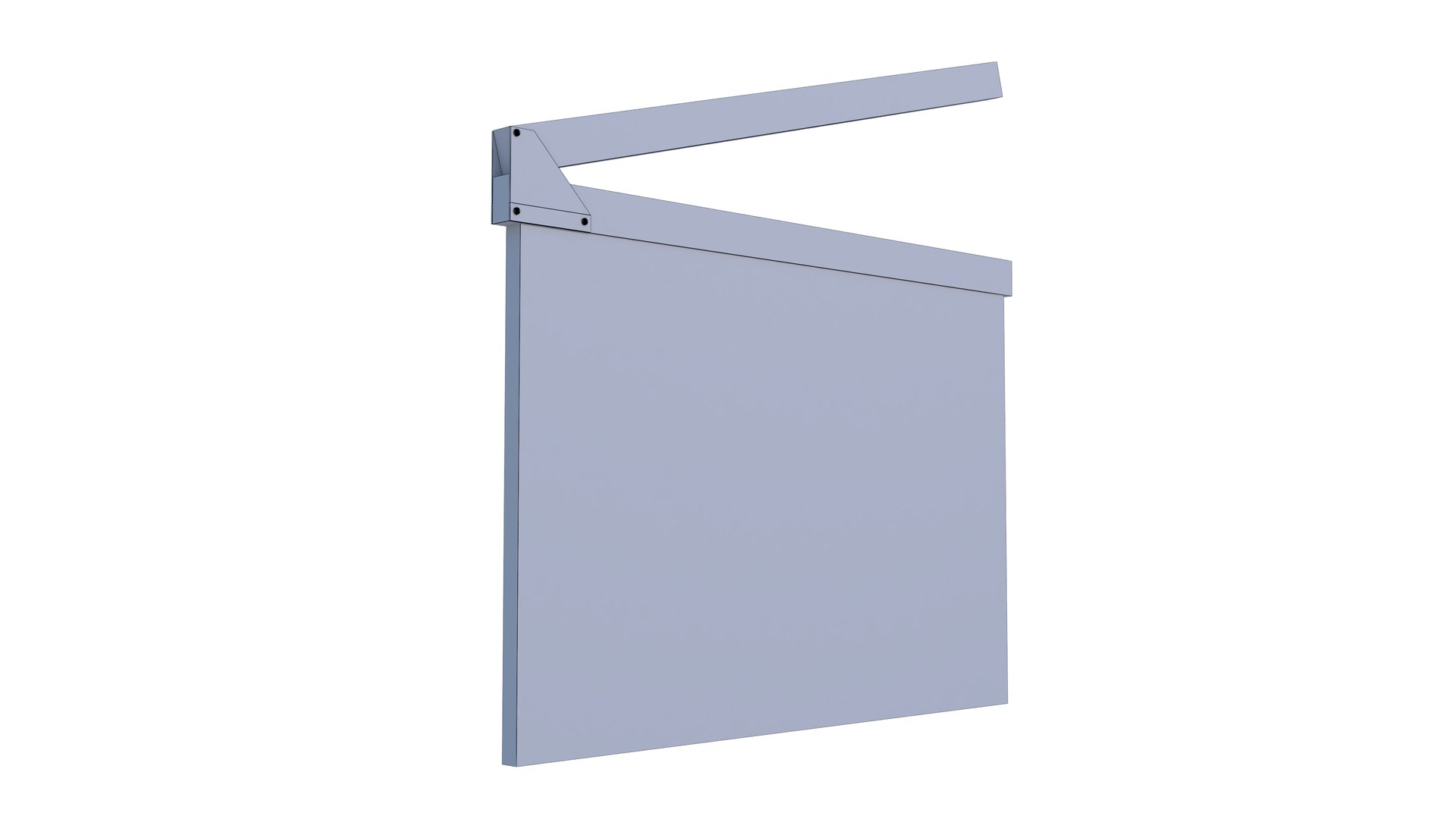
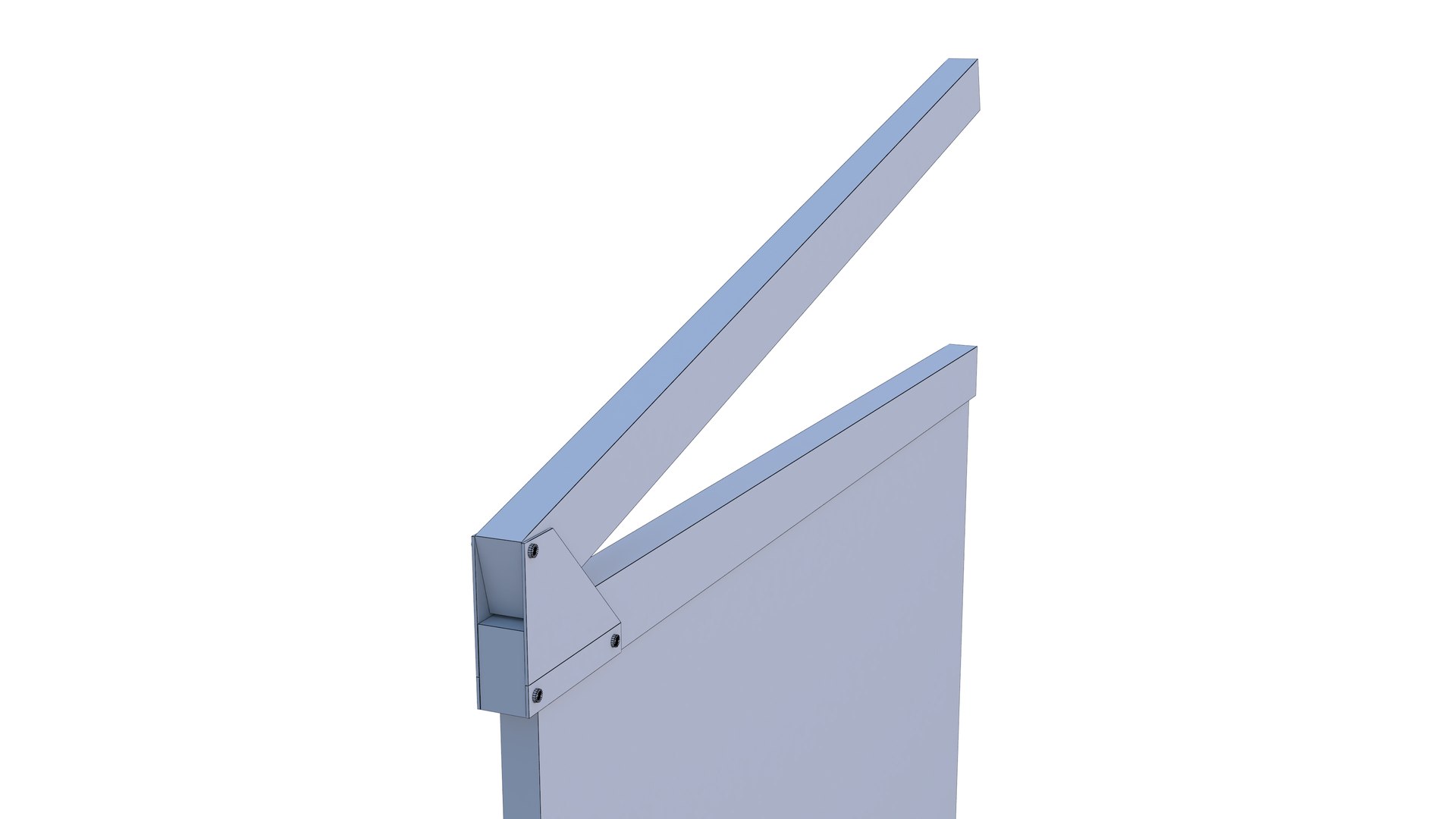
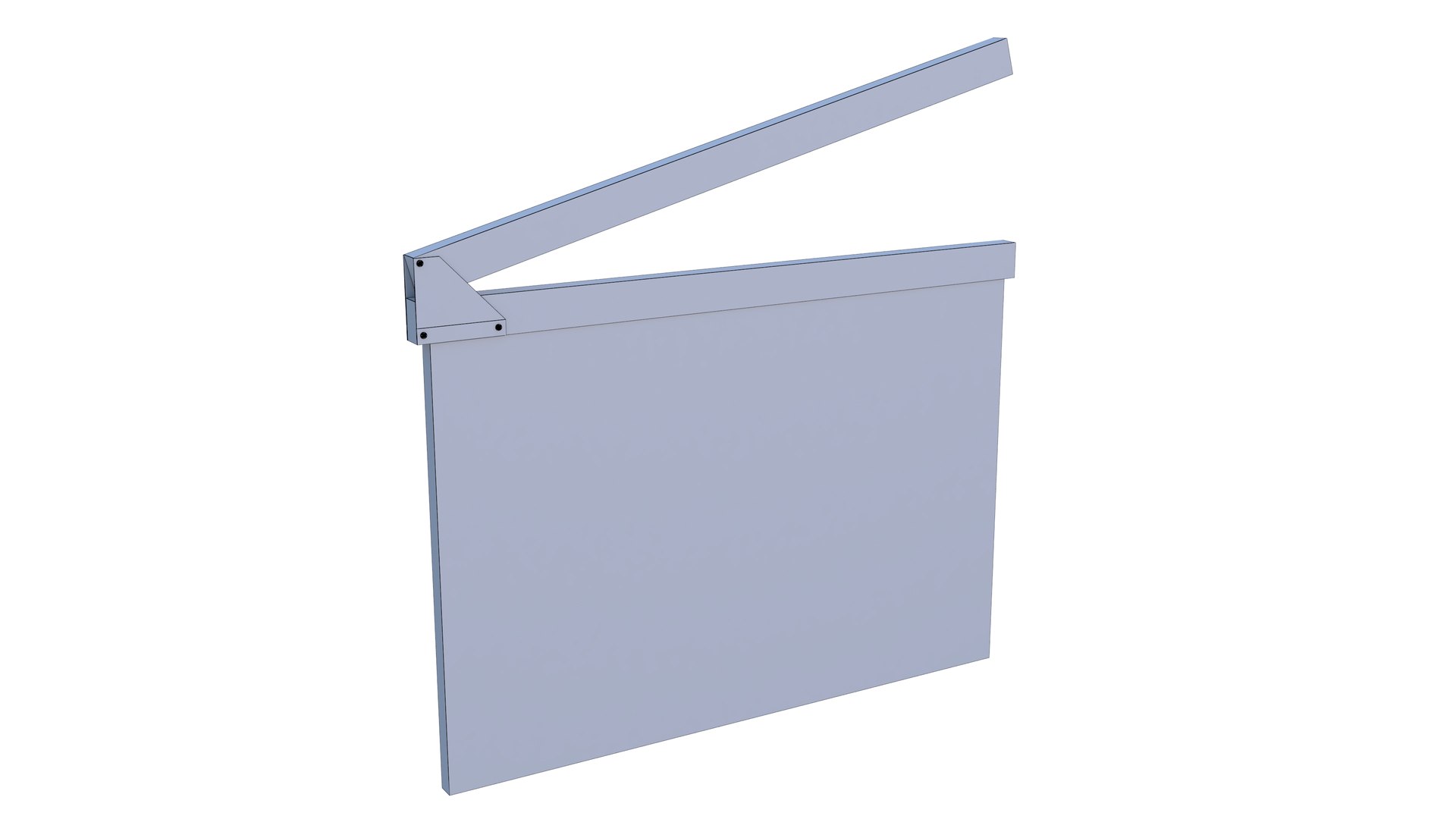
7-Clapperboard
Polygons: 317
Vertex:318

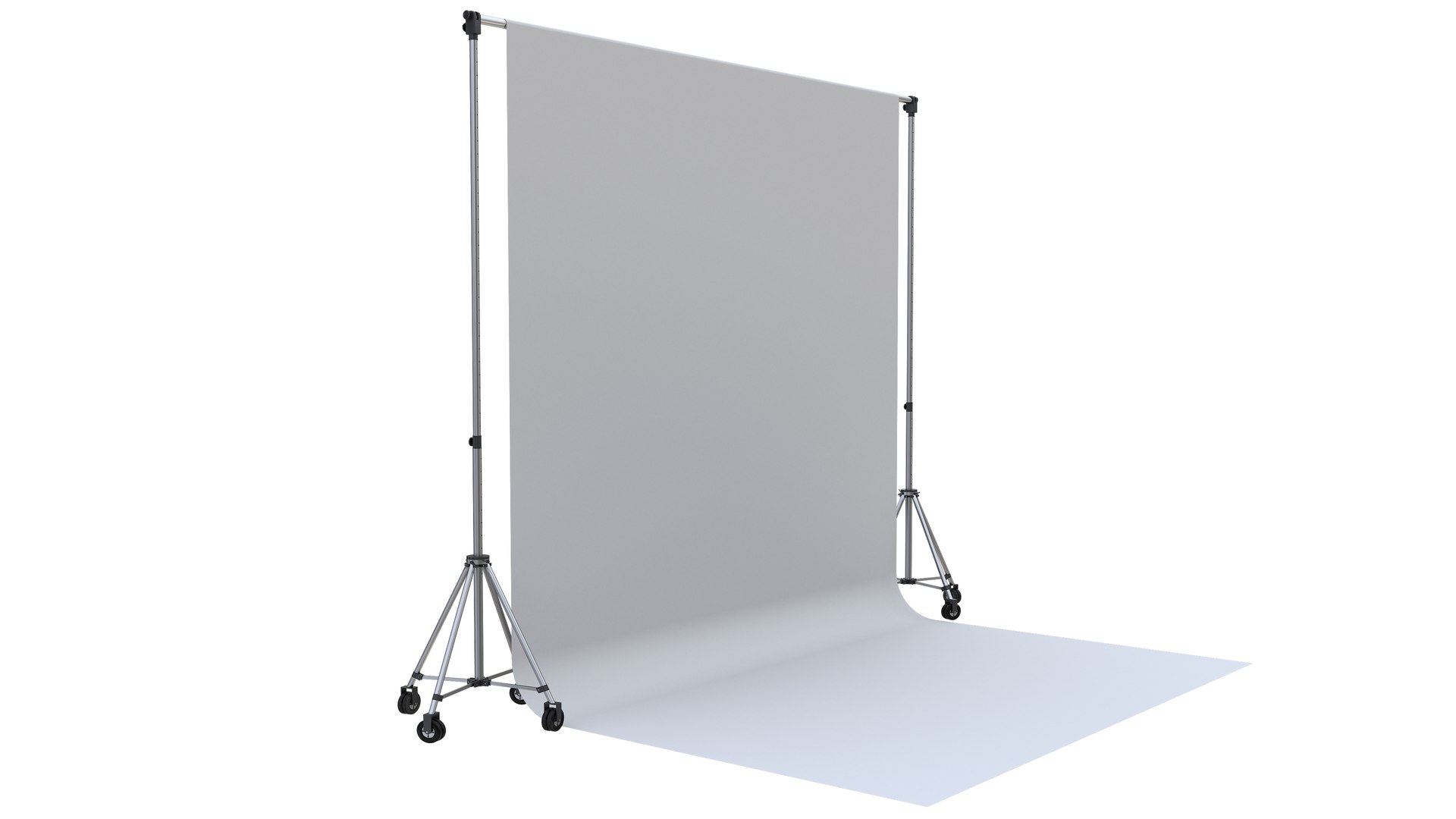
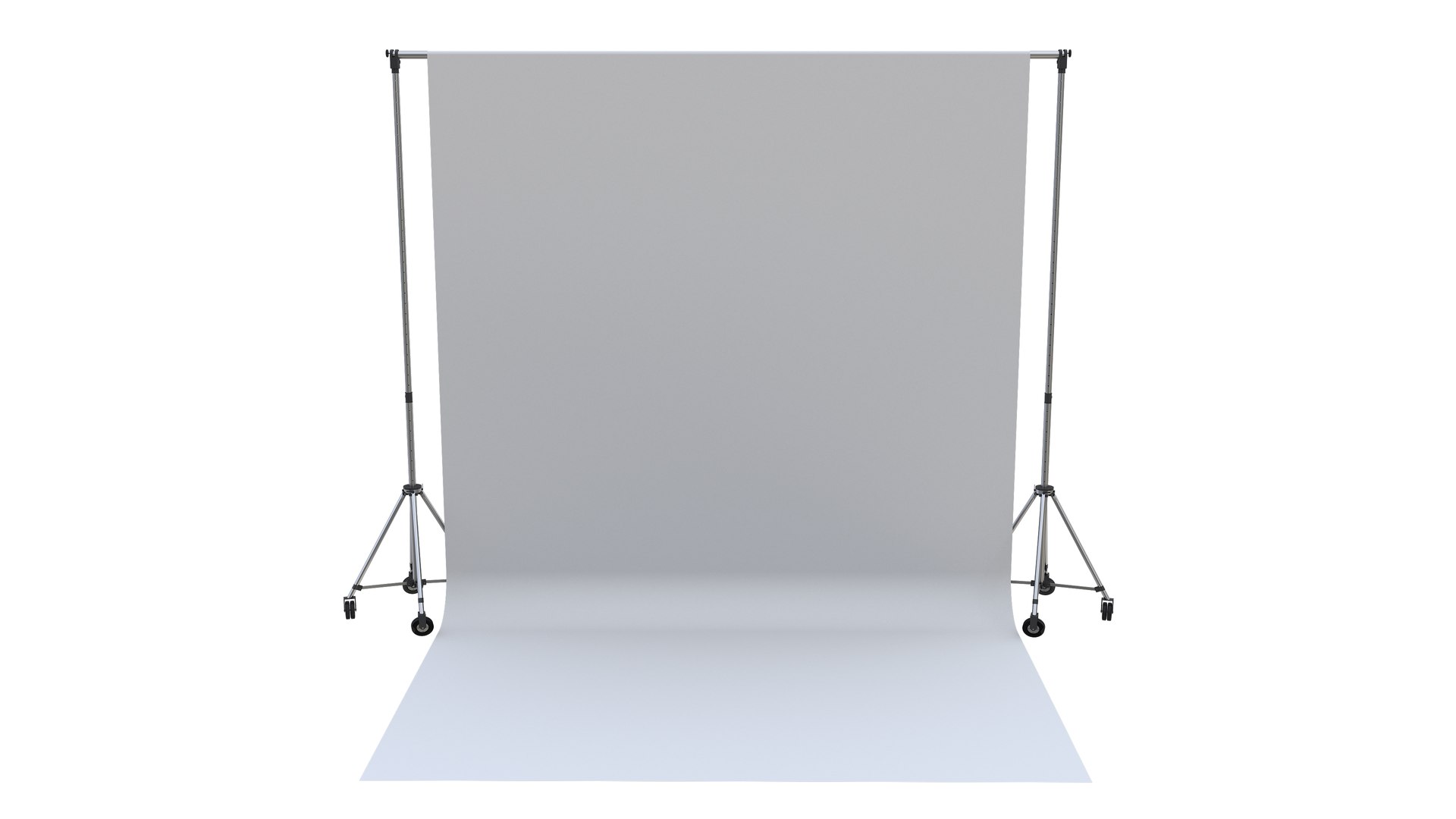
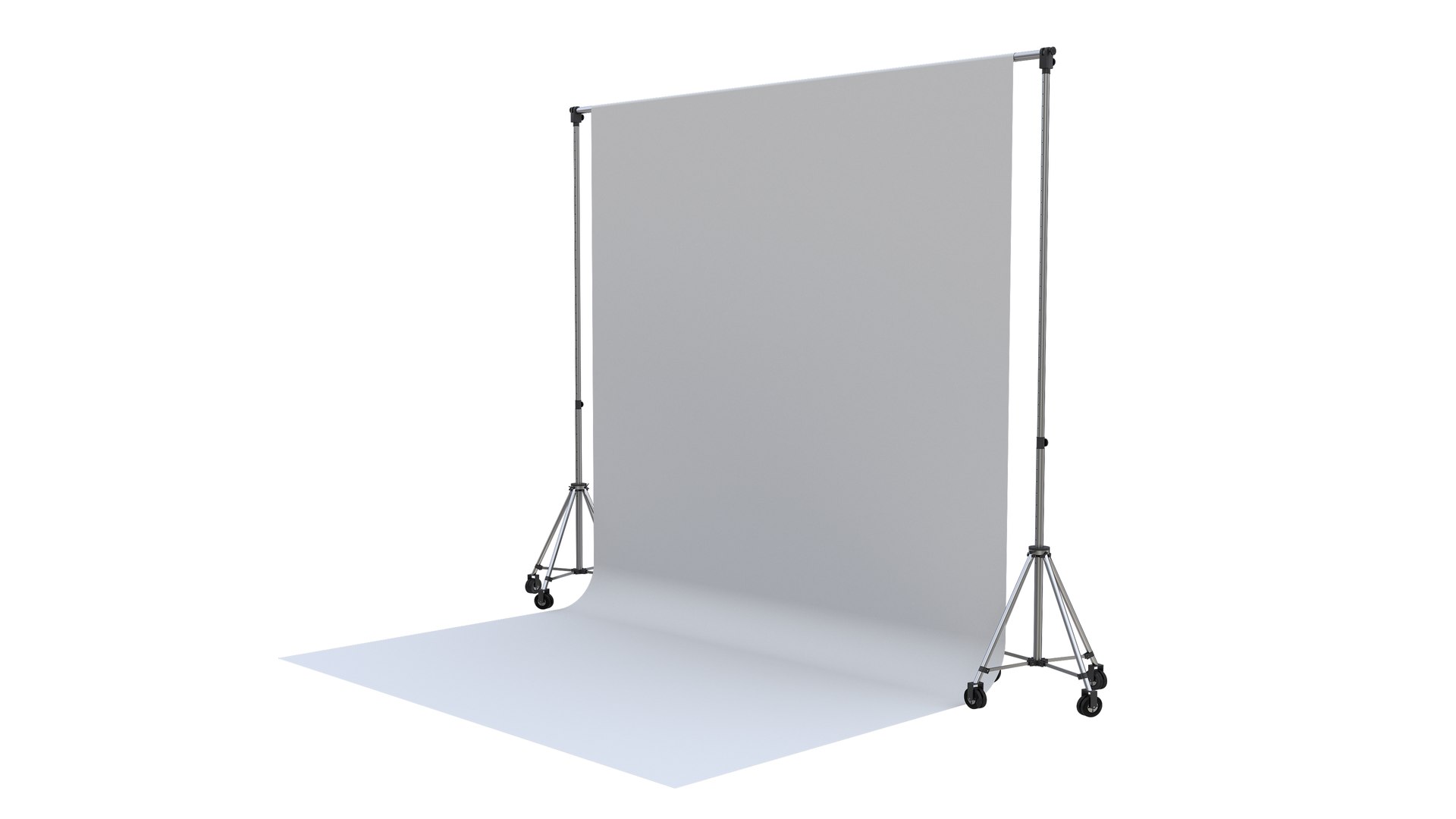
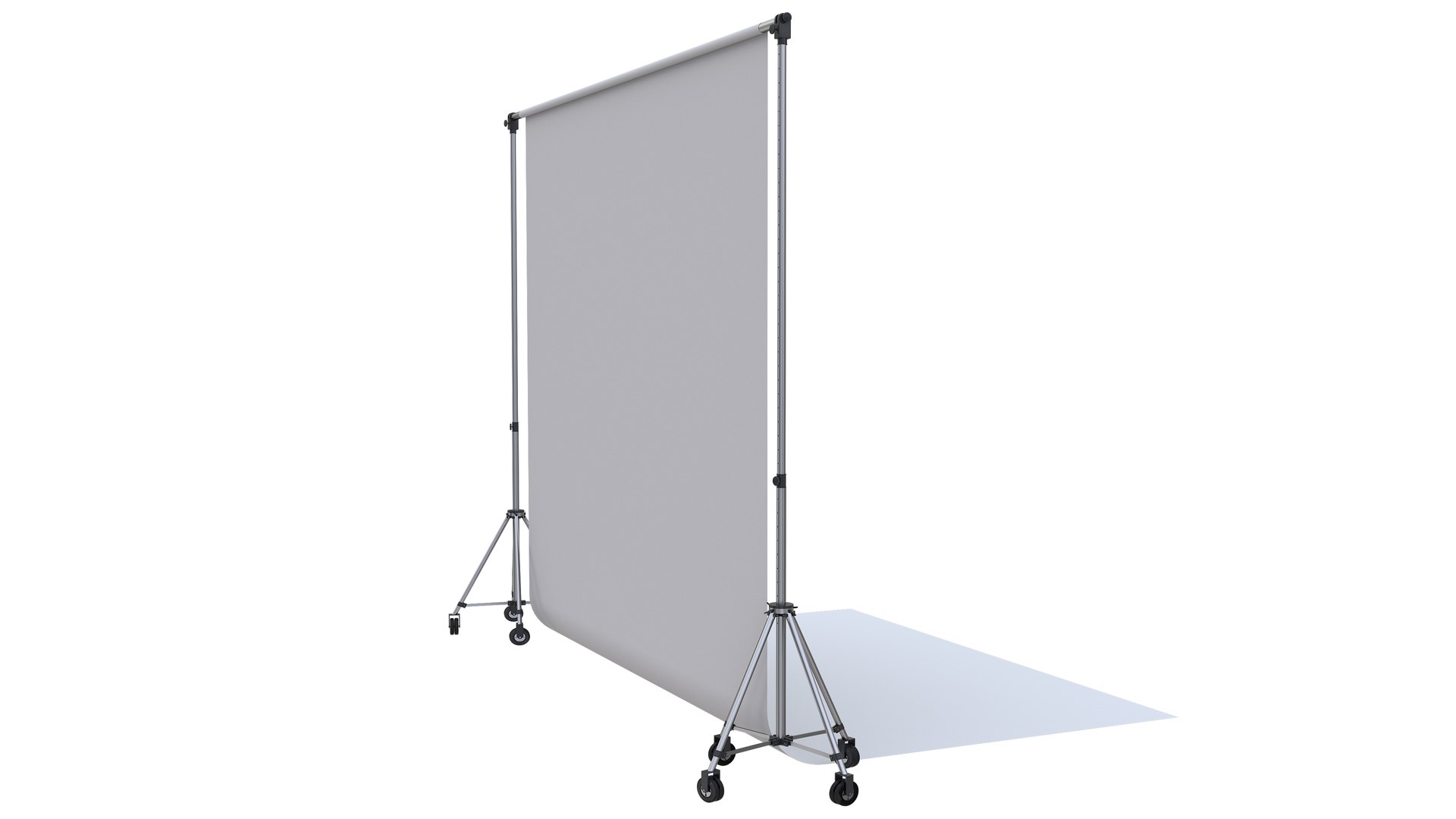
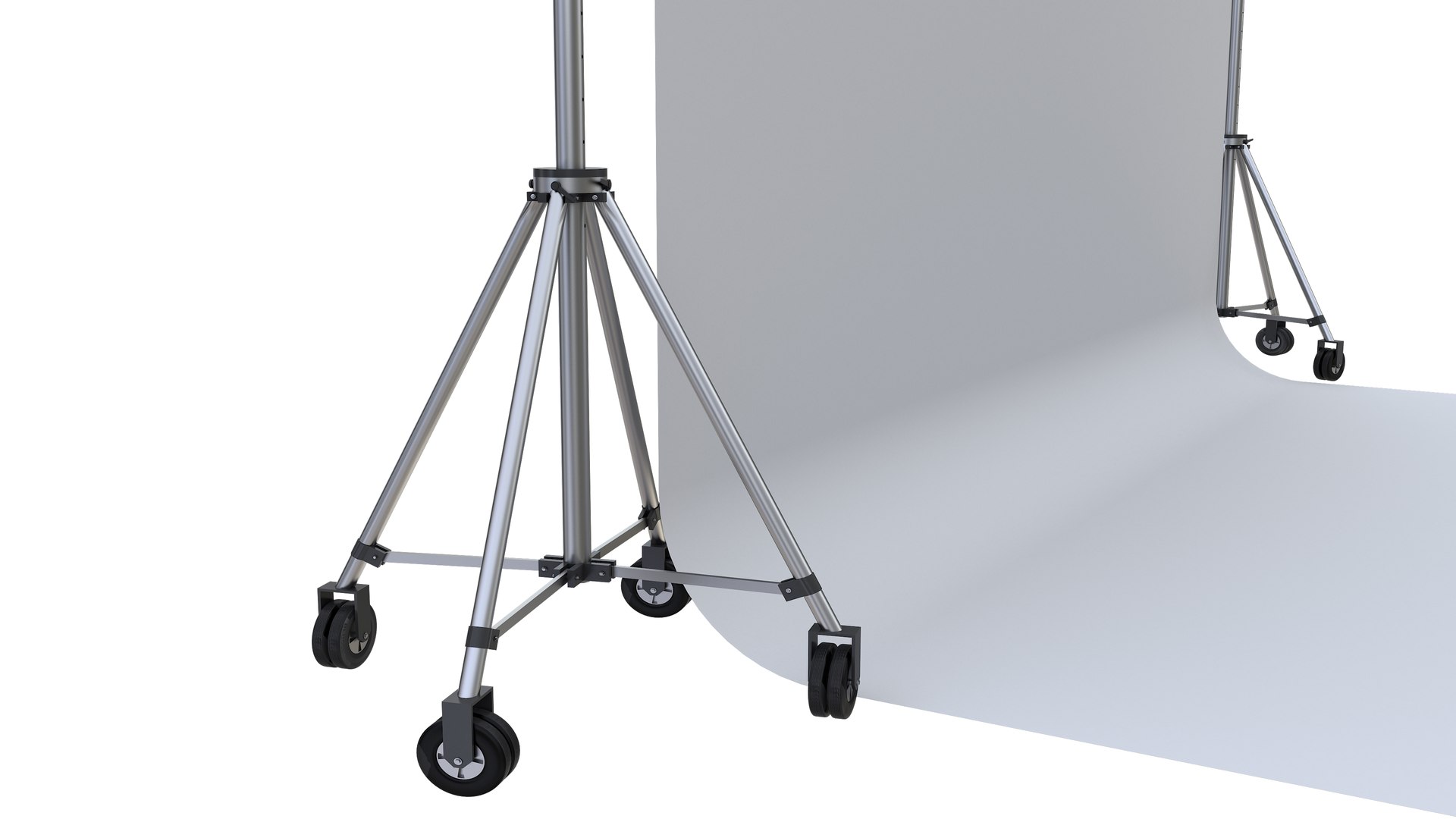
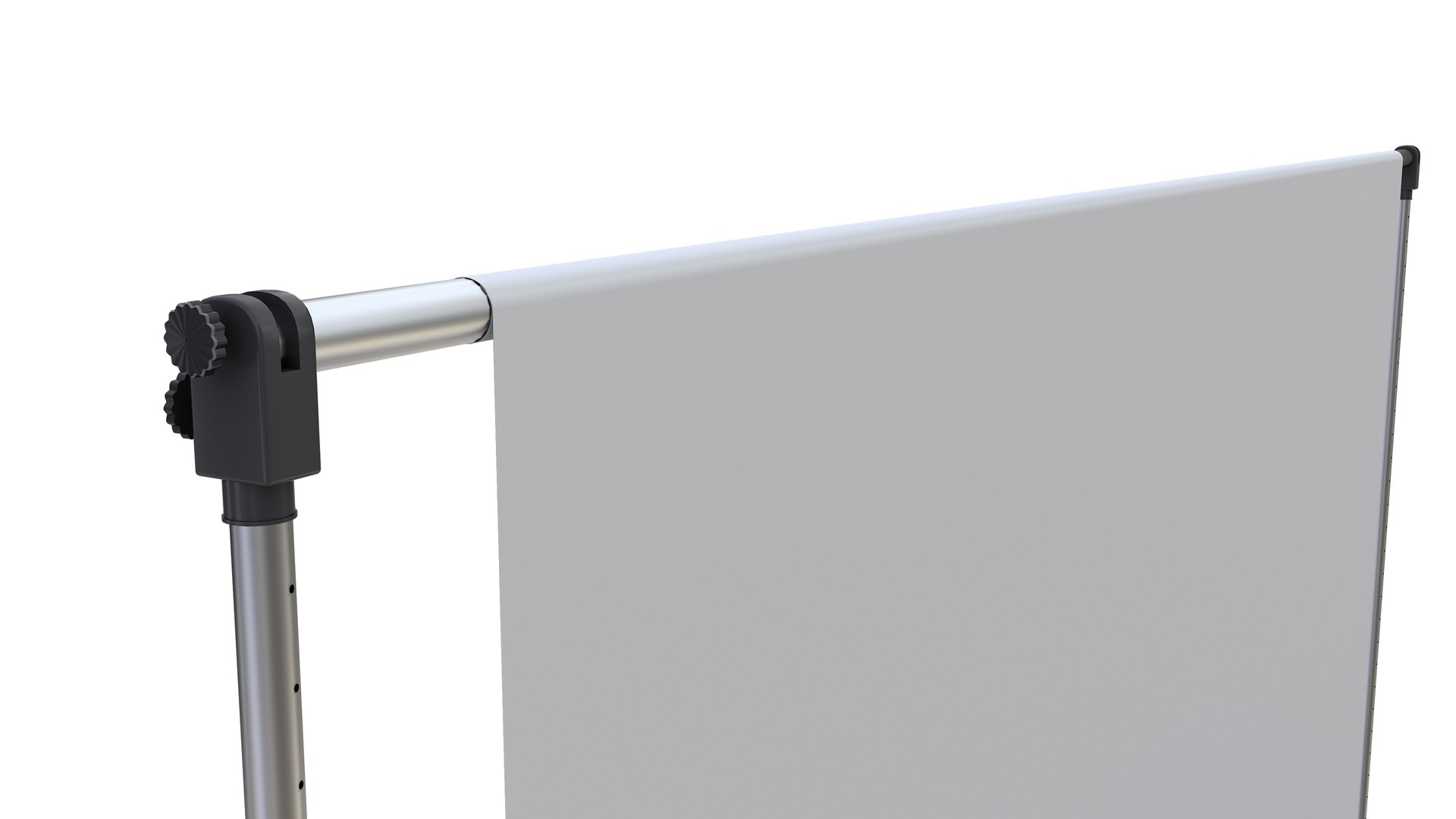
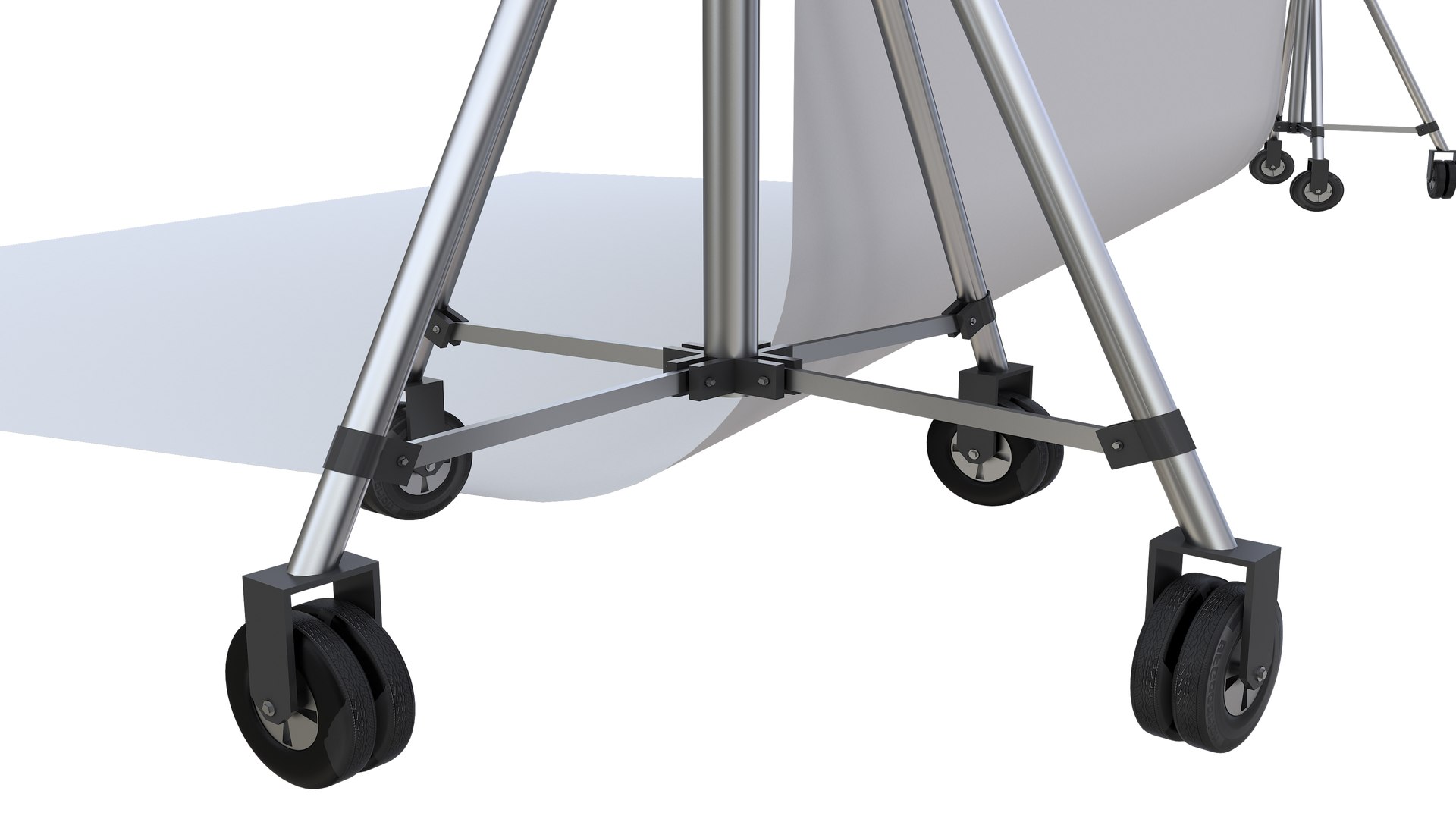
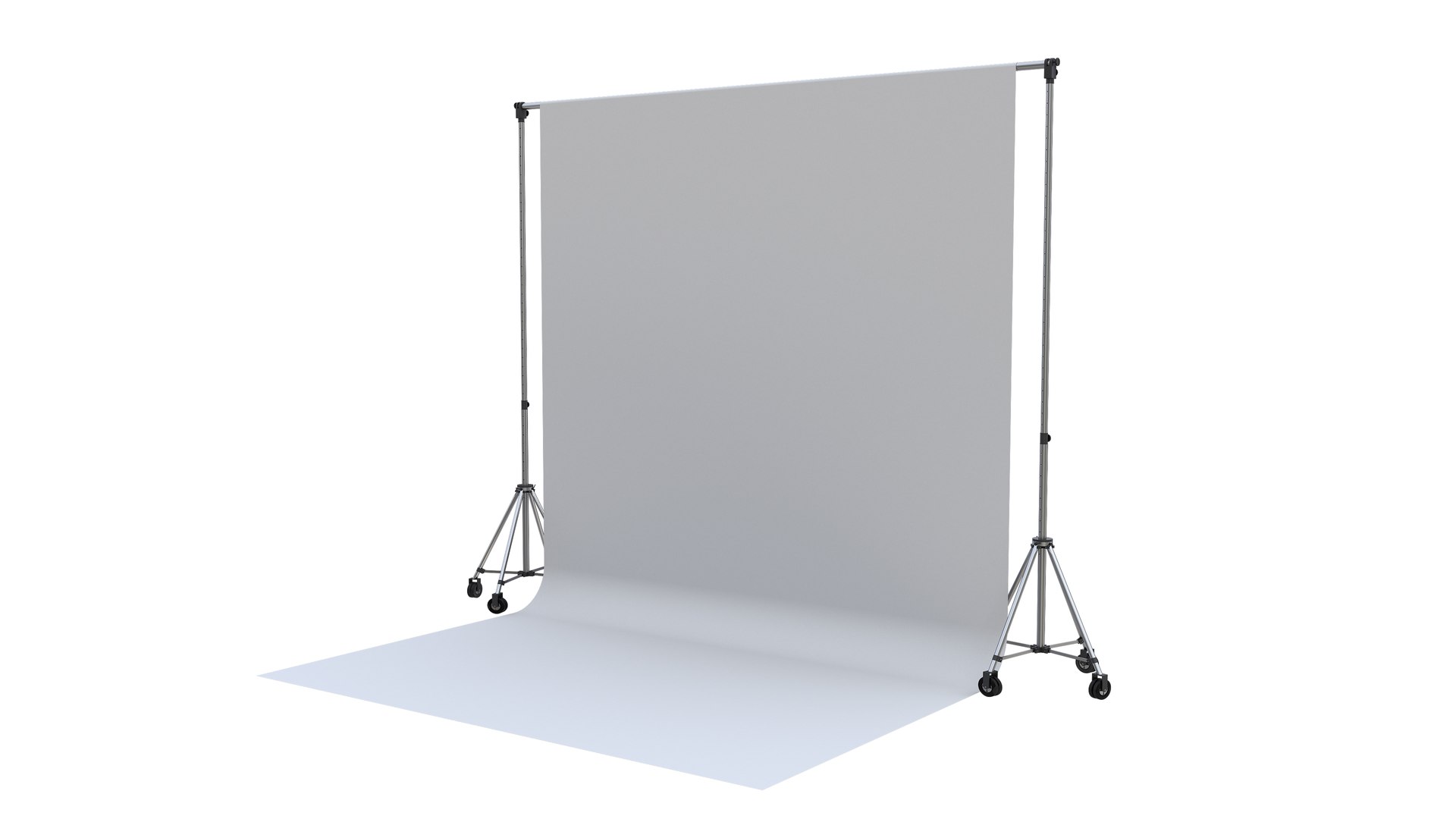
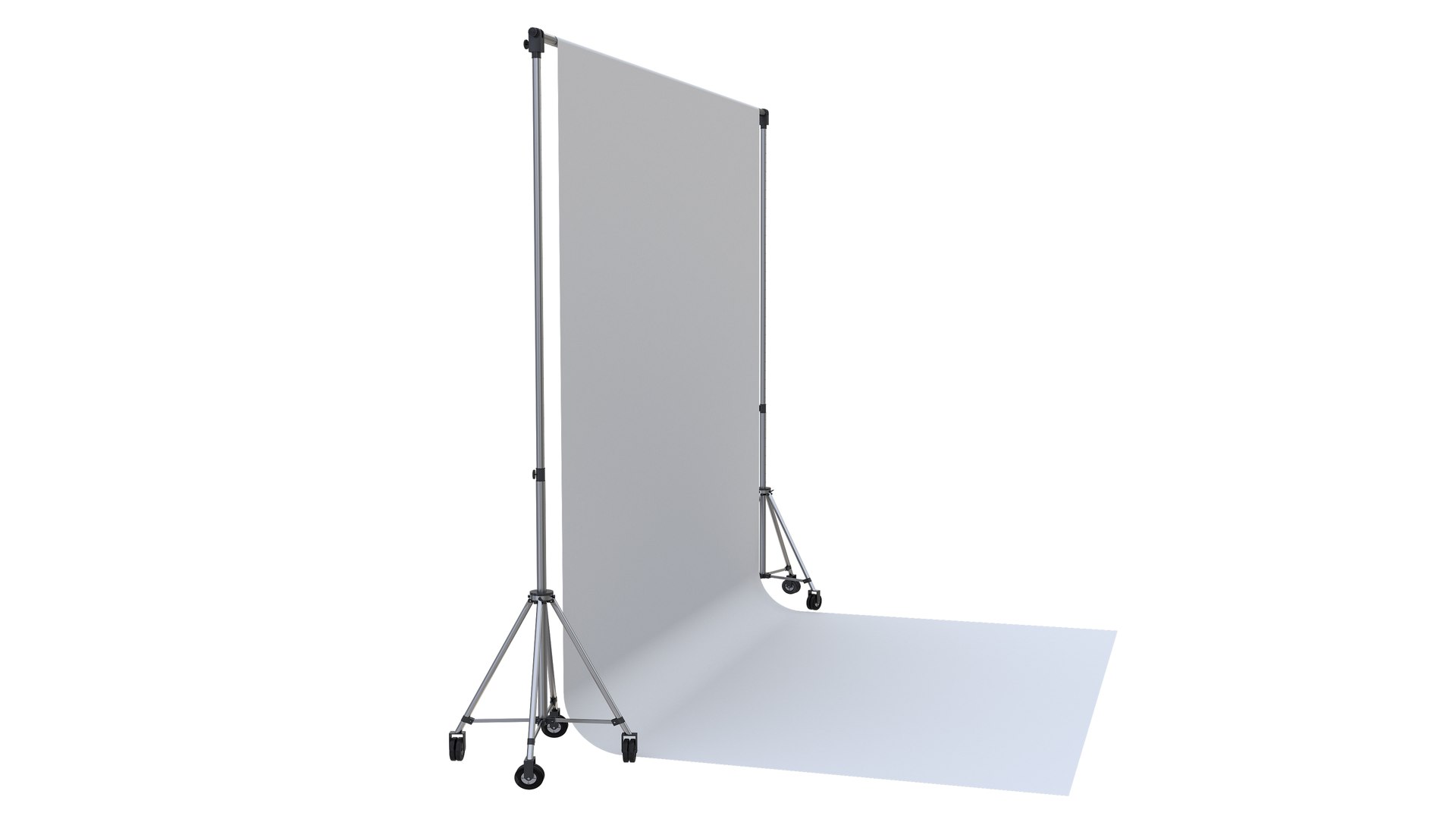
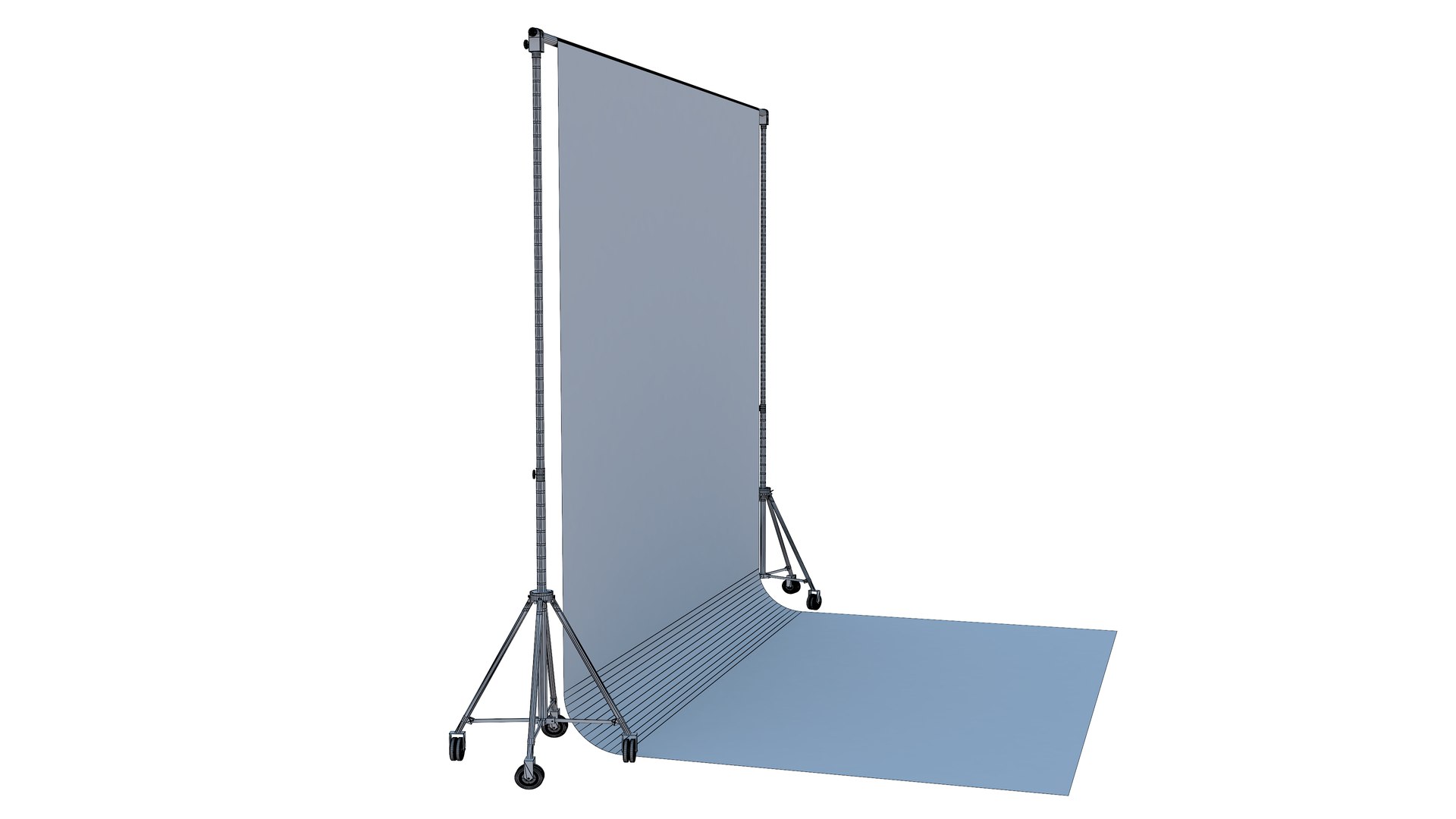
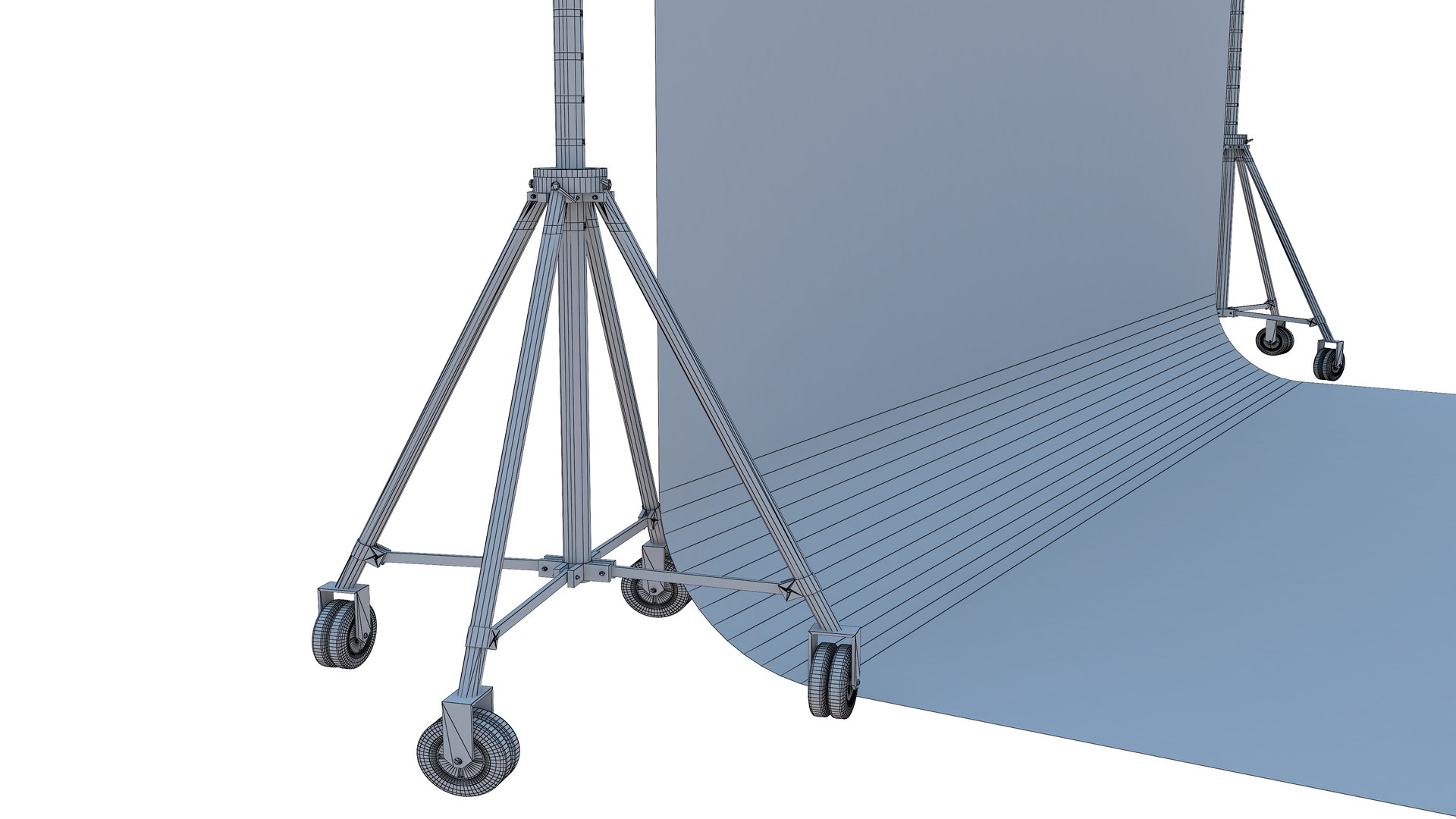
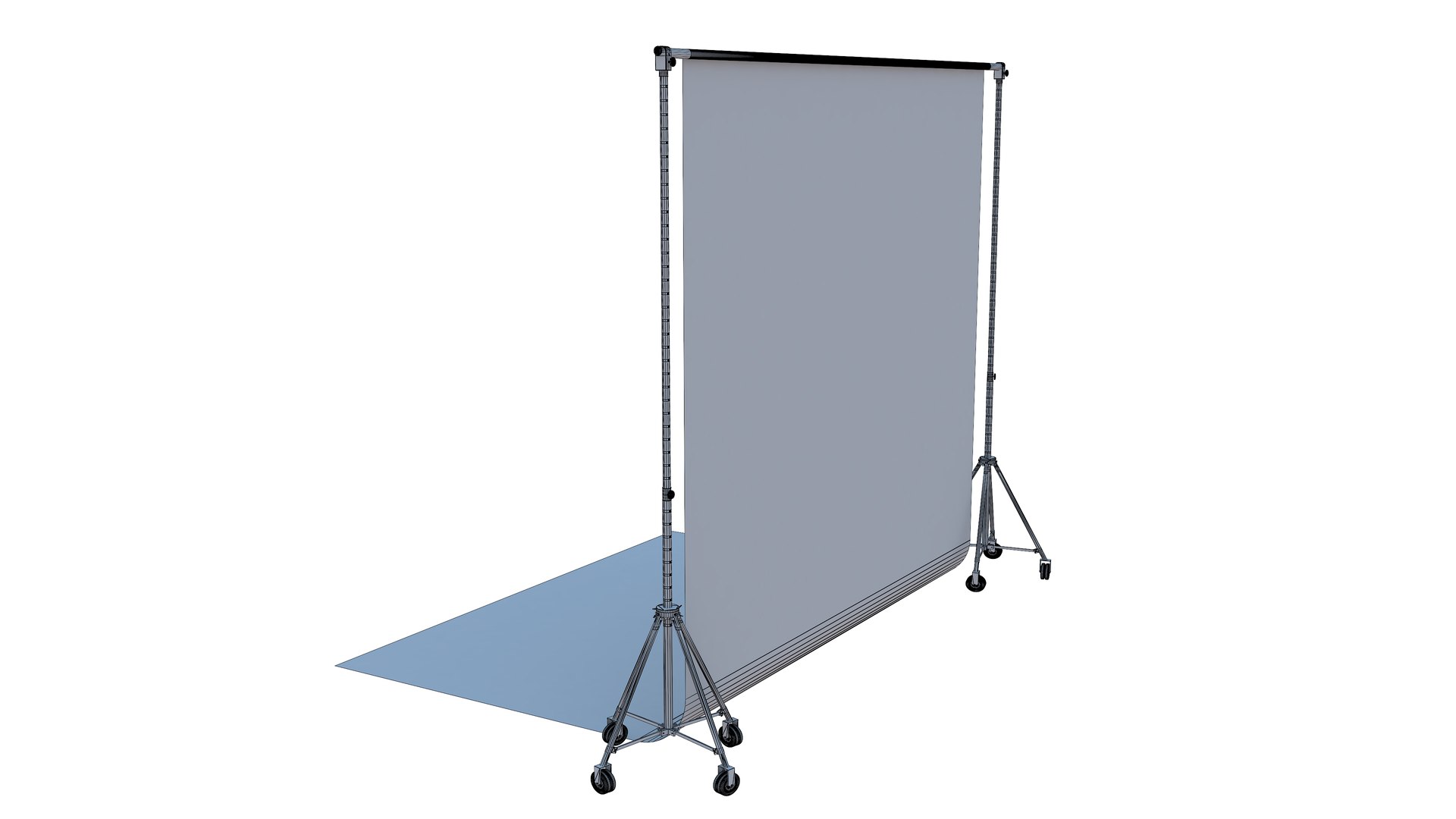
8-Photography Backdrop Support
Polygons: 46,624
Vertex: 46,132

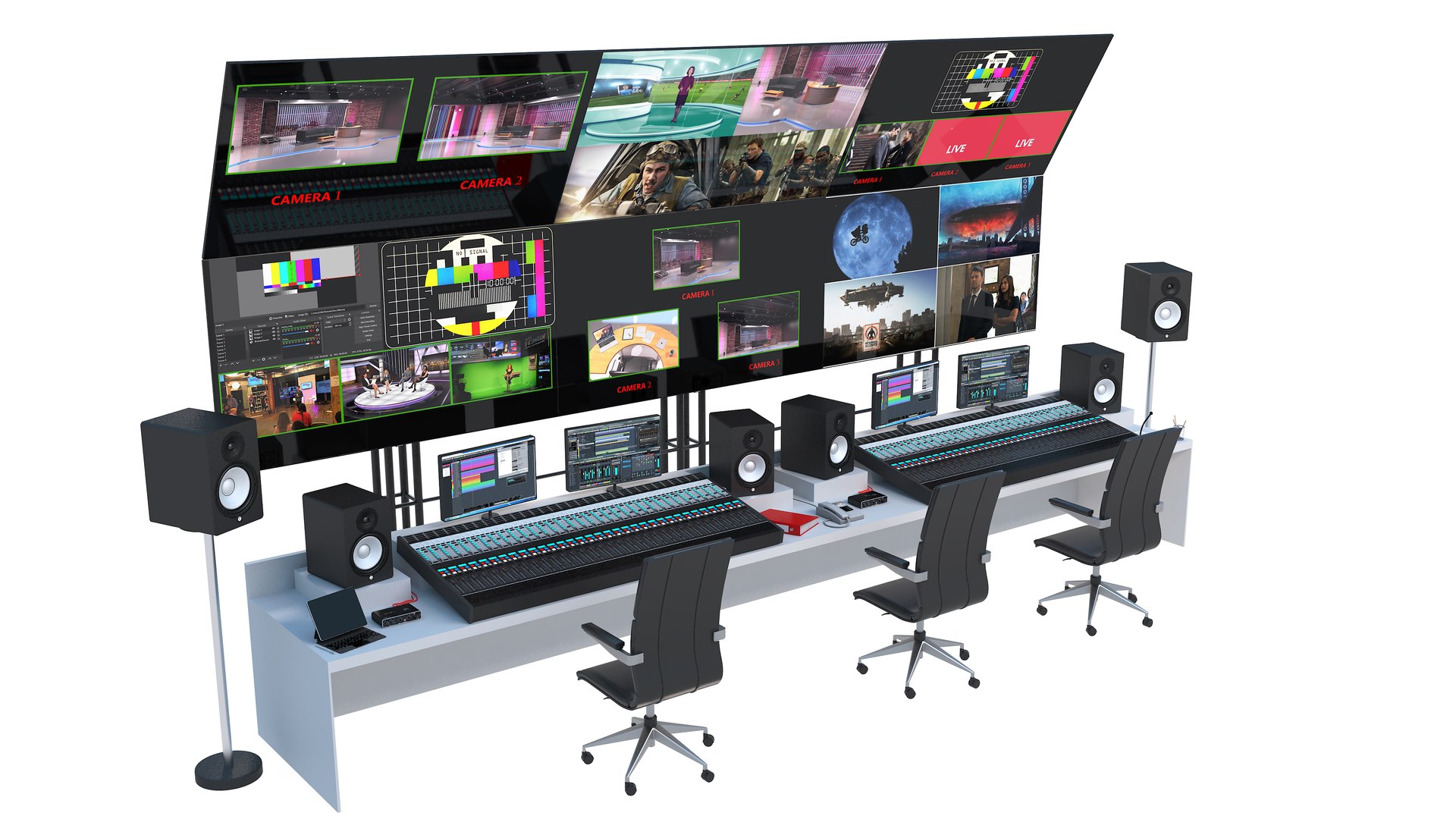
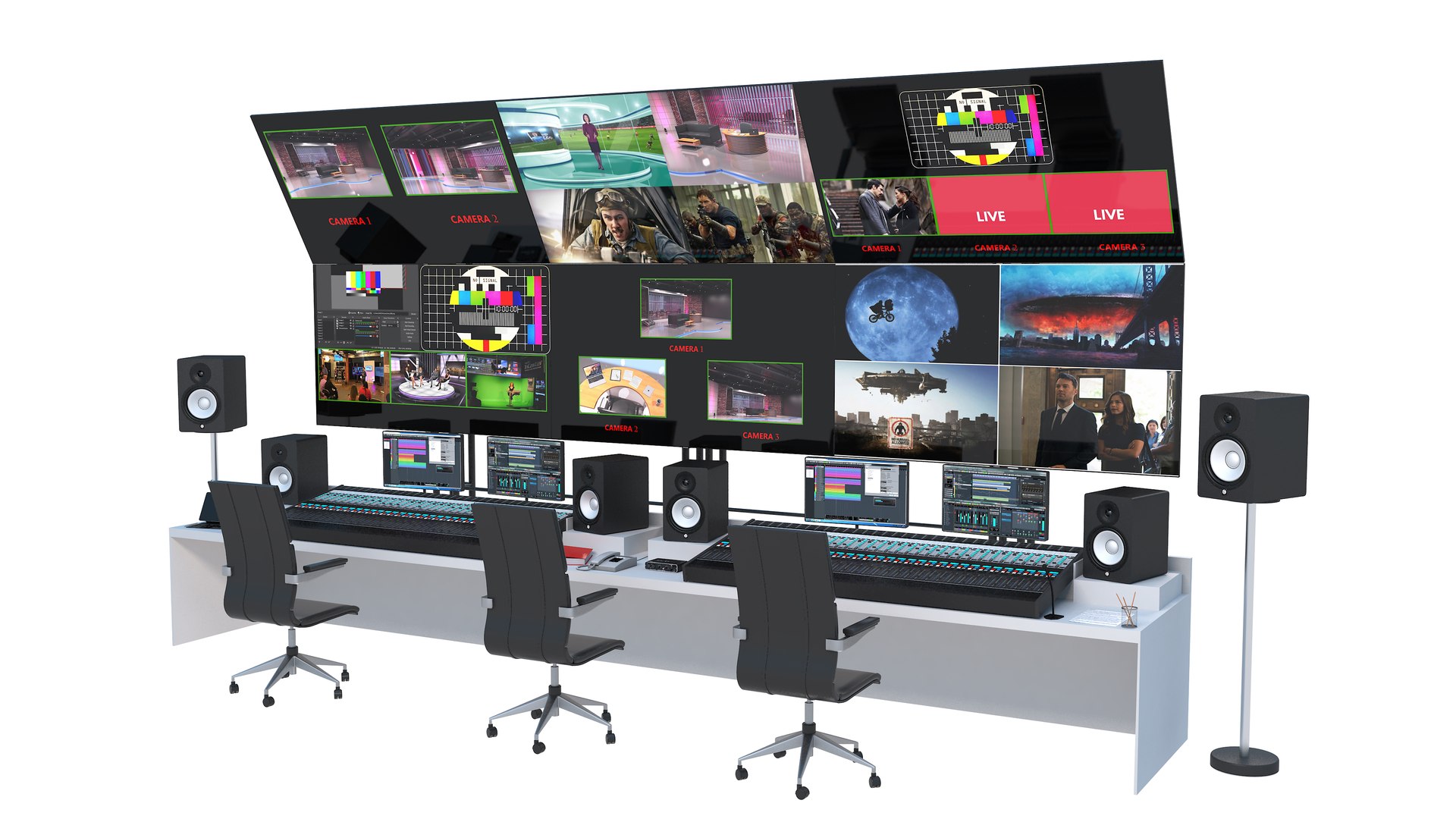
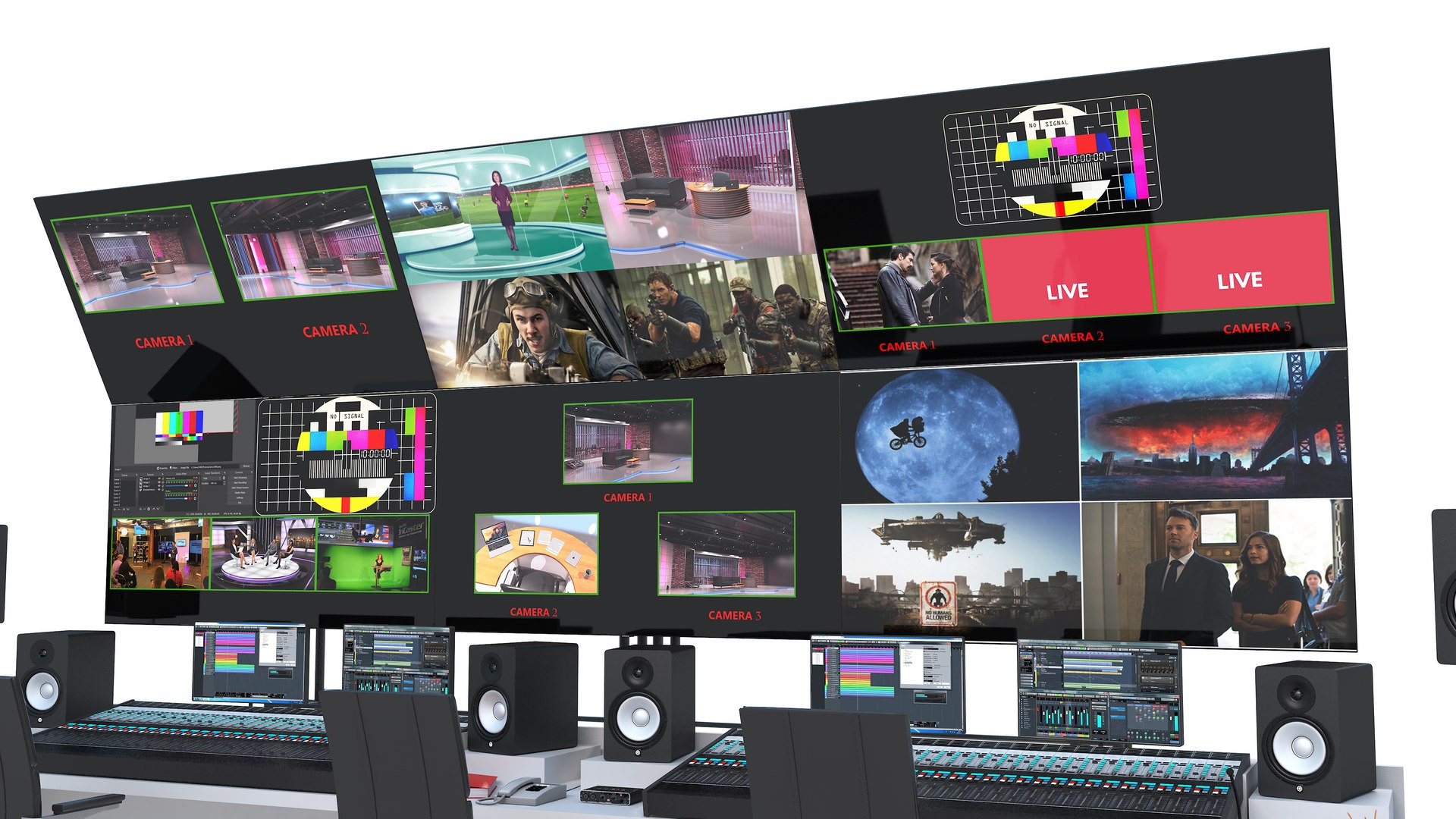
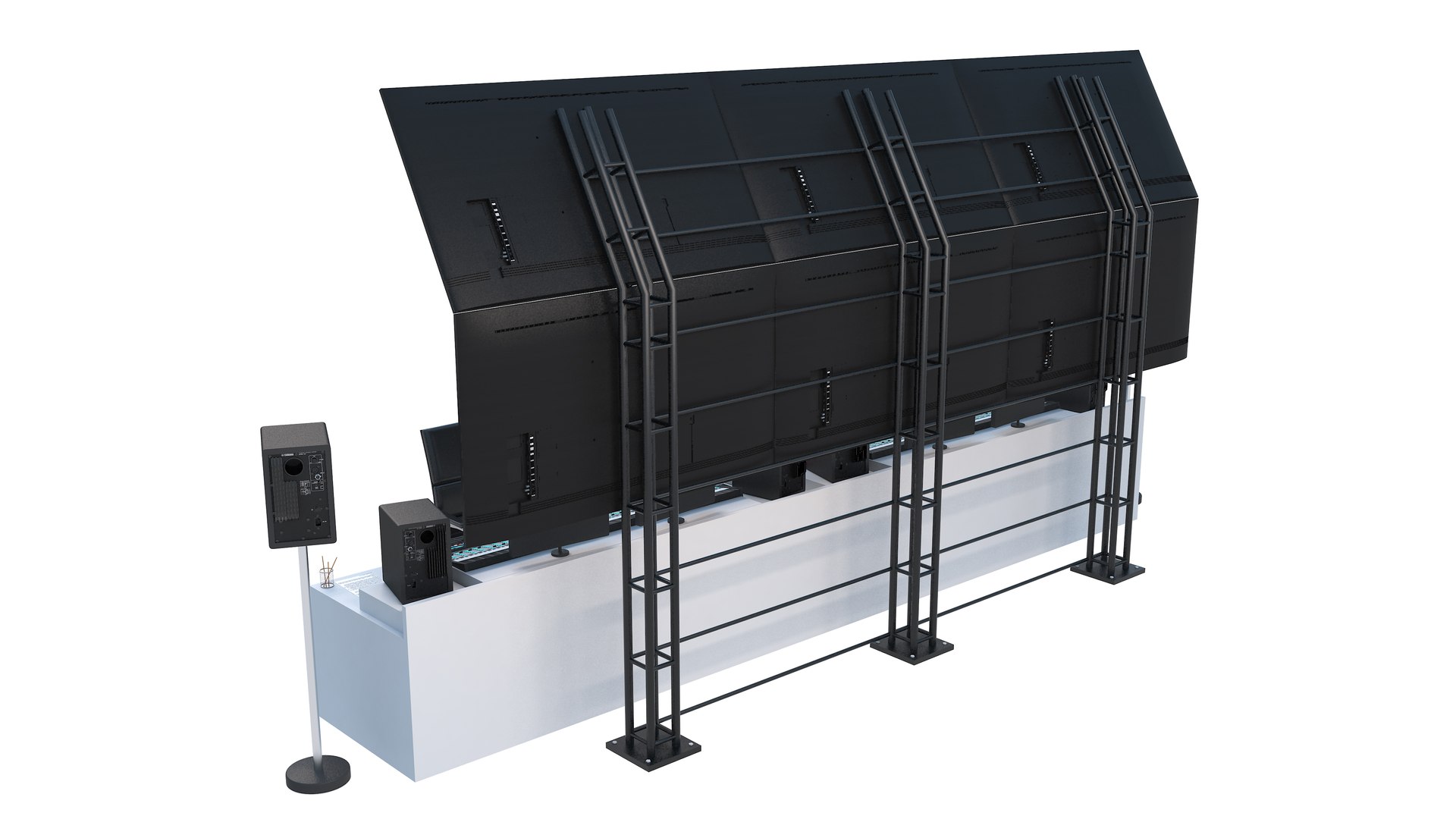
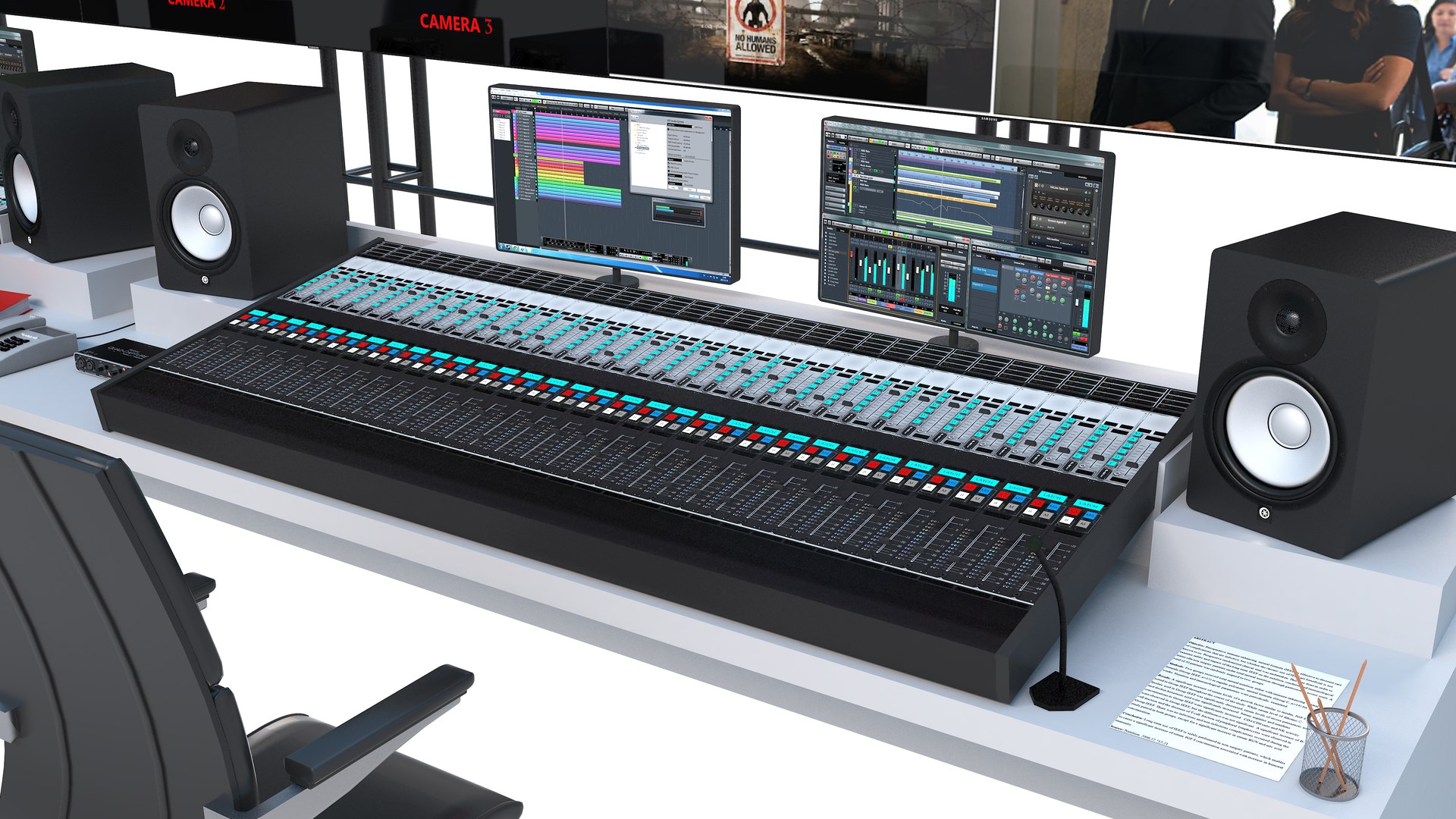
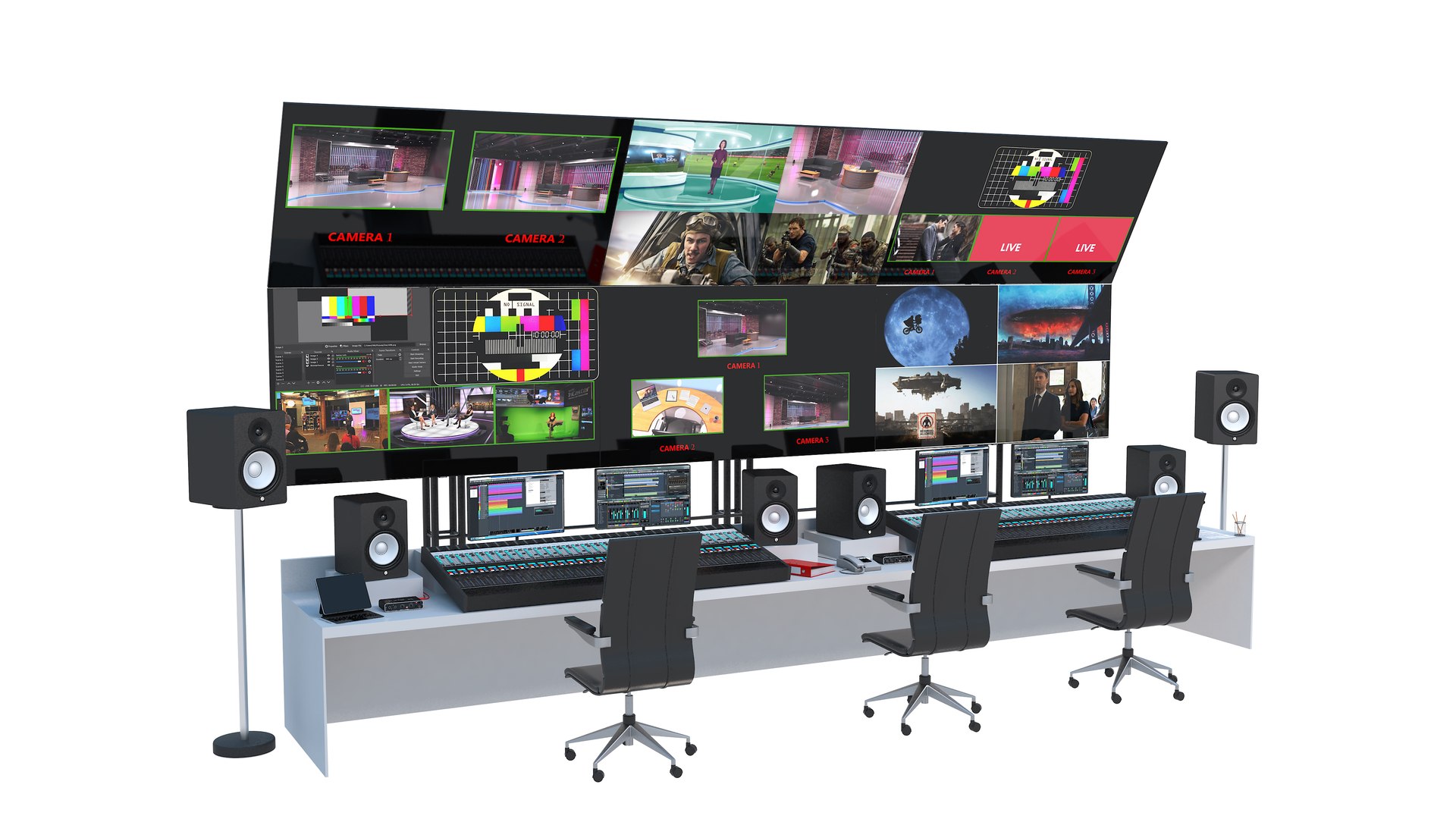
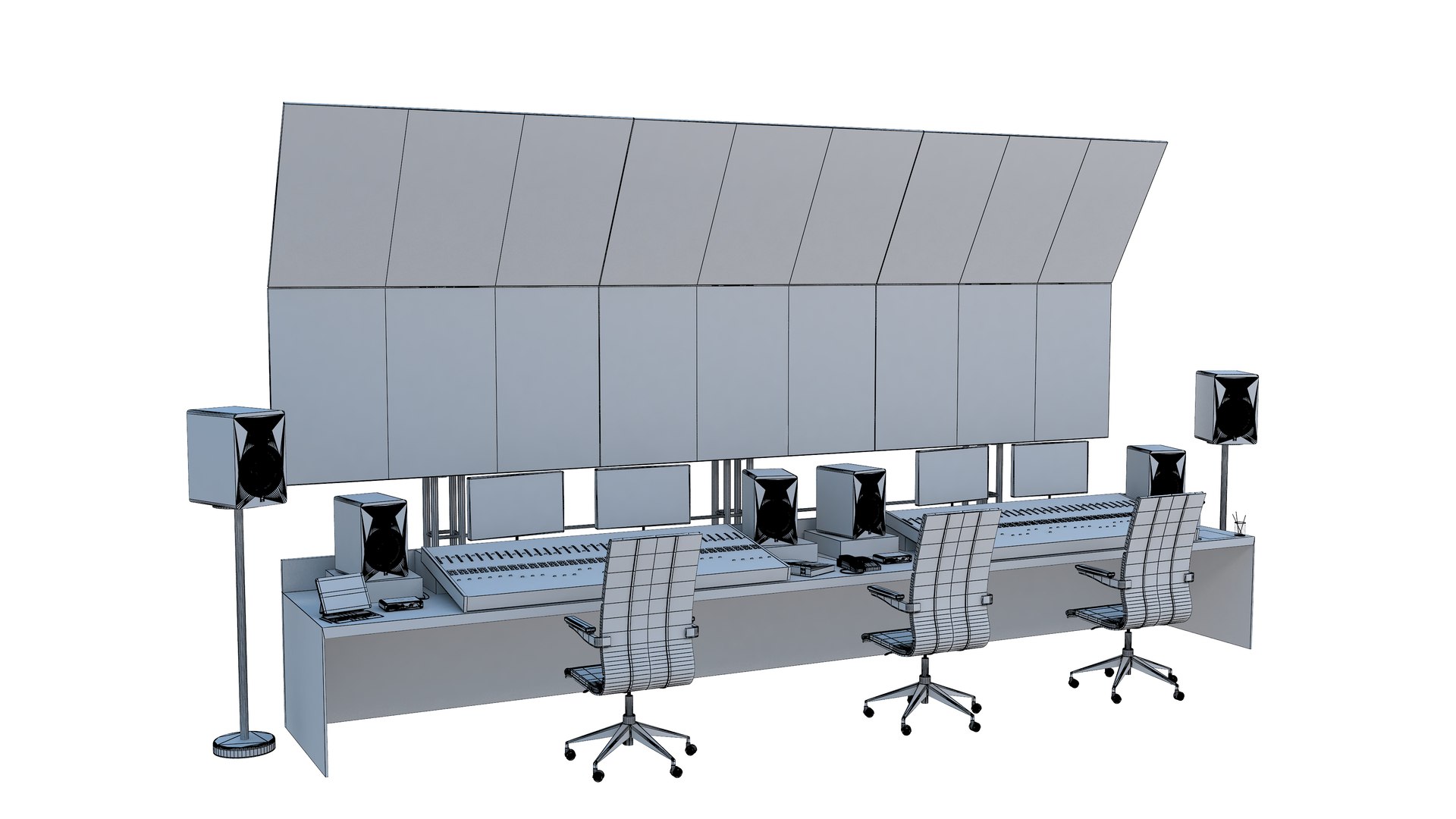
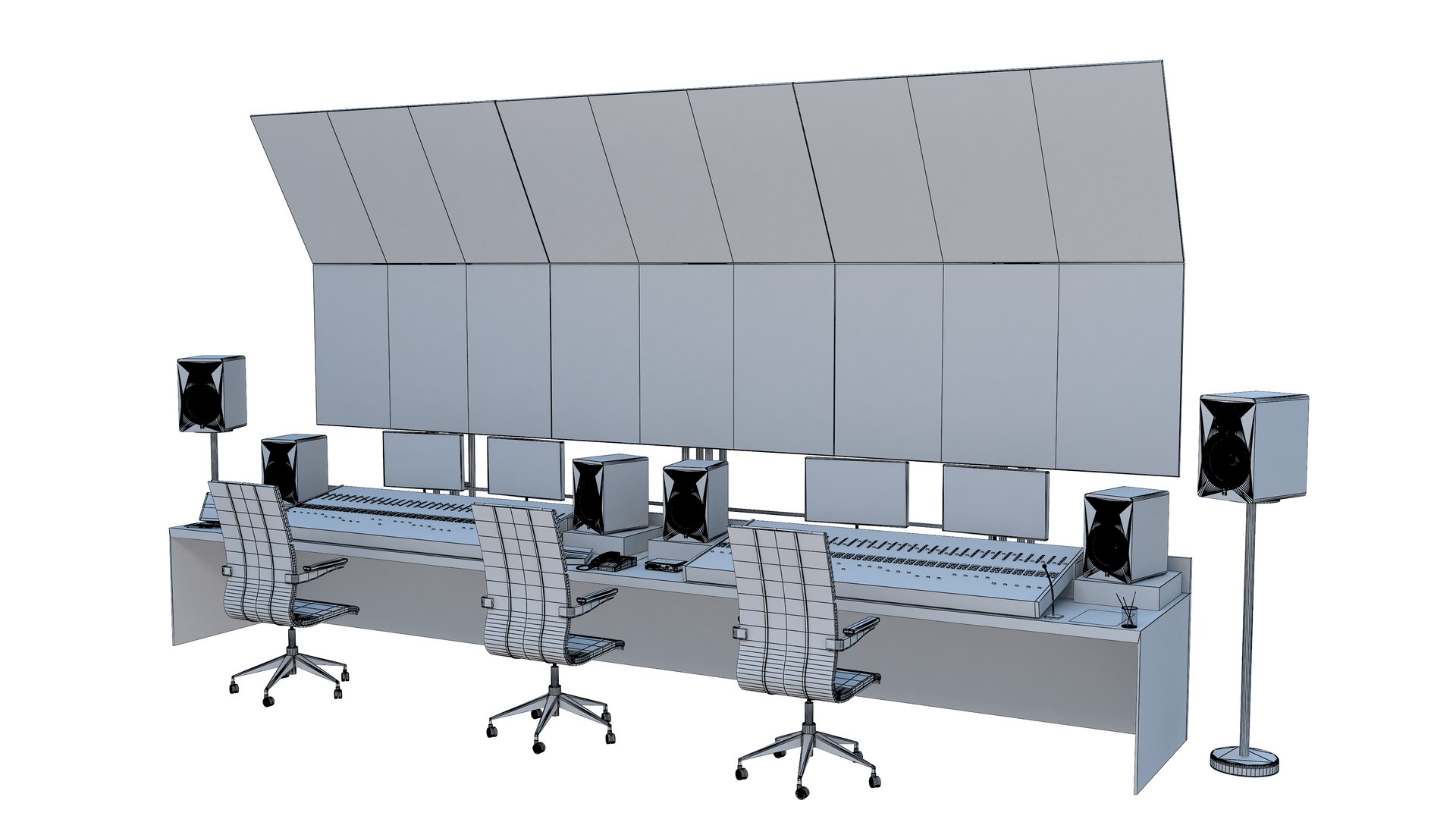
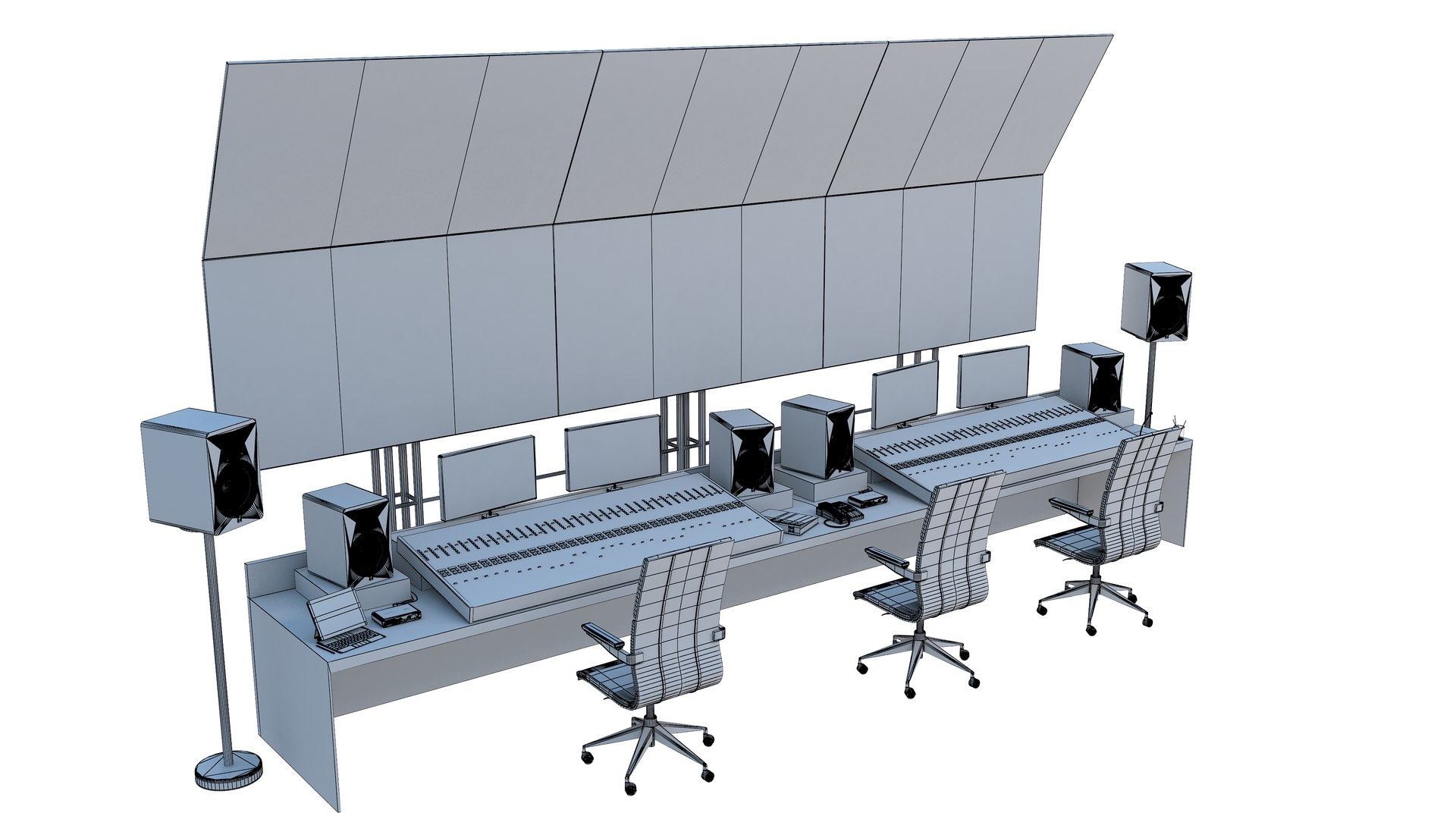
9-Television Broadcast Control Panel
Polygons: 1,601,224
Vertex: 1,568,525

Features:
-Clean models
-All textures and materials are included
-High quality
-Realistic and detailed
-Render setup and lights are ready for render
-You can use with subdivision levels
-V-ray
-hdr

File formats:
3Ds Max
OBJ
FBX
3DS

Regards!

Select Enhanced License

  • $10,000 in Legal Protection (Indemnification)
  • Uncapped Legal Protection (Indemnification)
  • Waiver from injunctive relief
  • Assignable model rights
  • $1,000,000 in Legal Protection (Indemnification)
  • Waiver from injunctive relief
  • Assignable model rights
  • $250,000 in Legal Protection (Indemnification)
  • Assignable model rights
Read more about enhanced license tiers, or contact us at enterprise@turbosquid.com. Already a Shutterstock Enterprise Customer? Contact your Shutterstock Sales Support Agent to talk about adding 3D.

About Conversion Requests

To submit a conversion request for a purchased asset, please complete our Conversion Request Form.

If you have not yet purchased a model, please review our Documentation about Conversions to learn about what limitations you may encounter with a conversion.

For any additional questions about a model’s suitability for conversion, please contact TurboSquid Support.

Loading...