
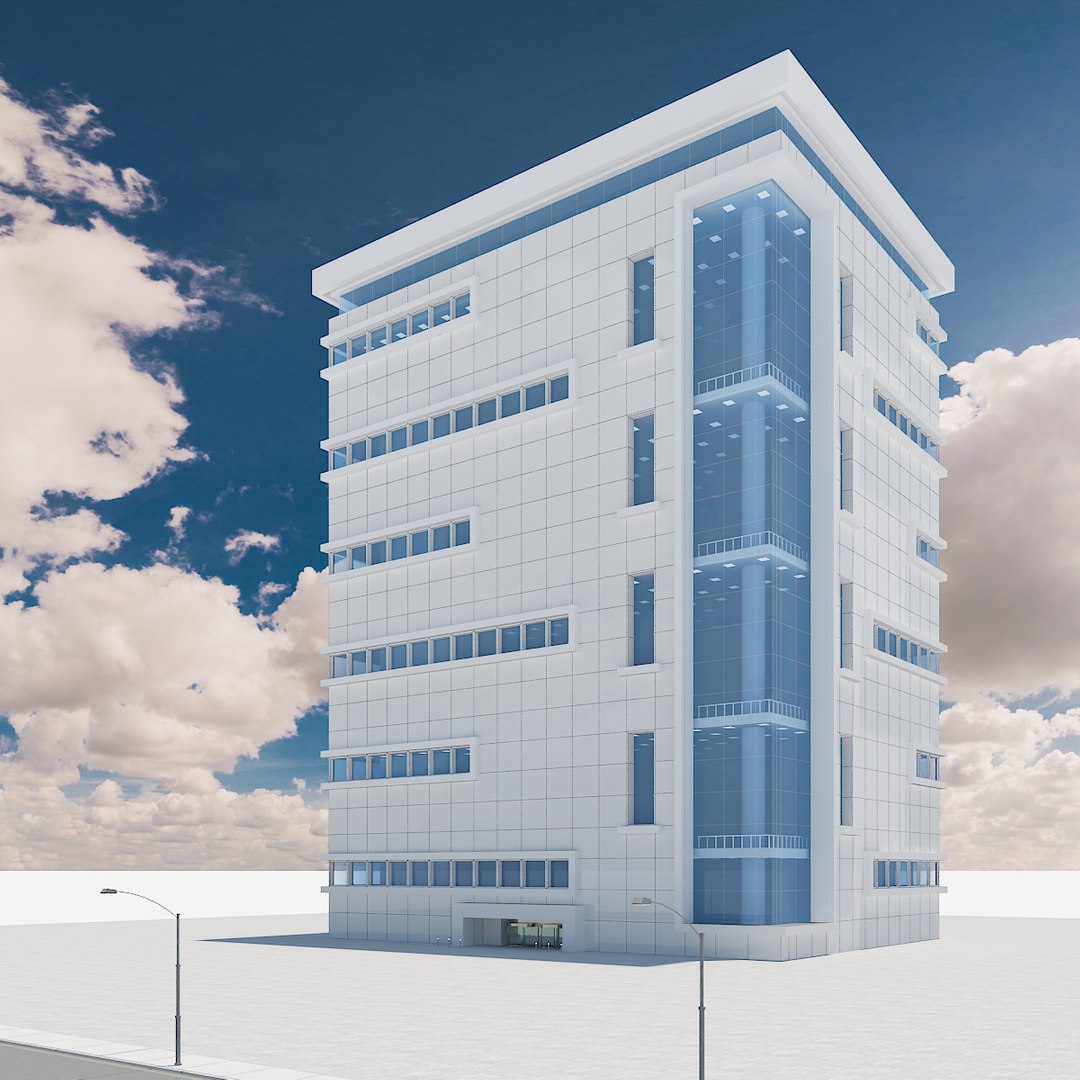
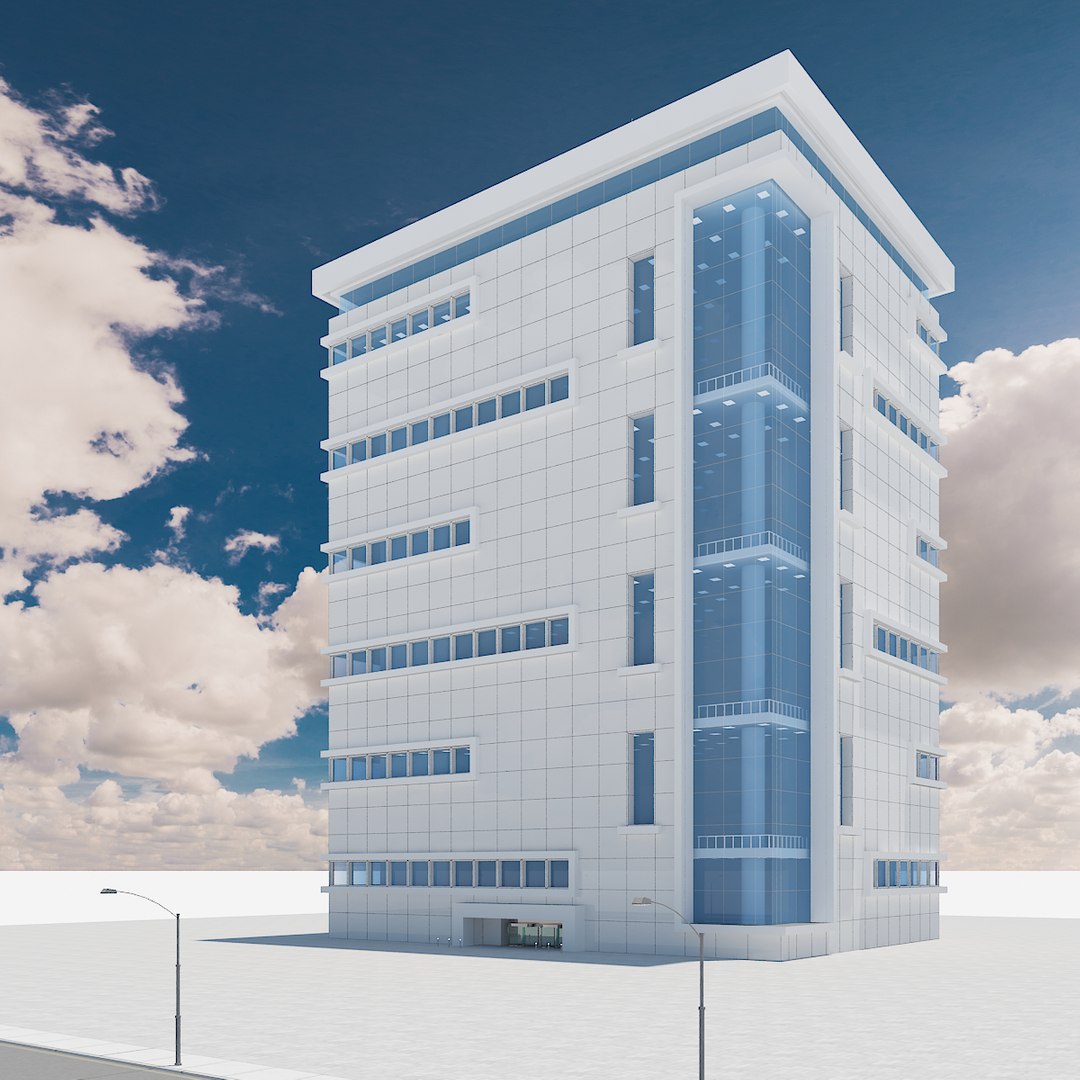
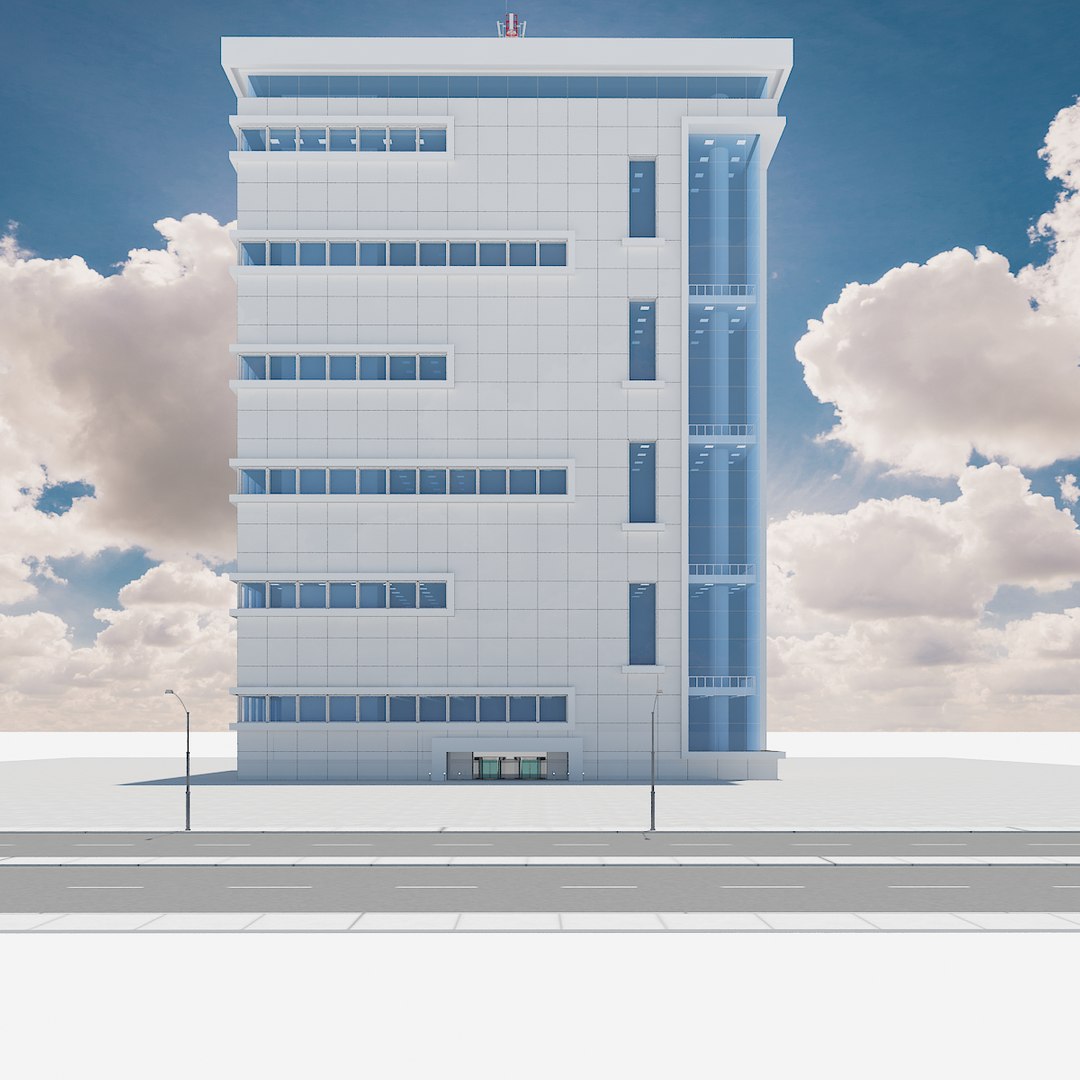
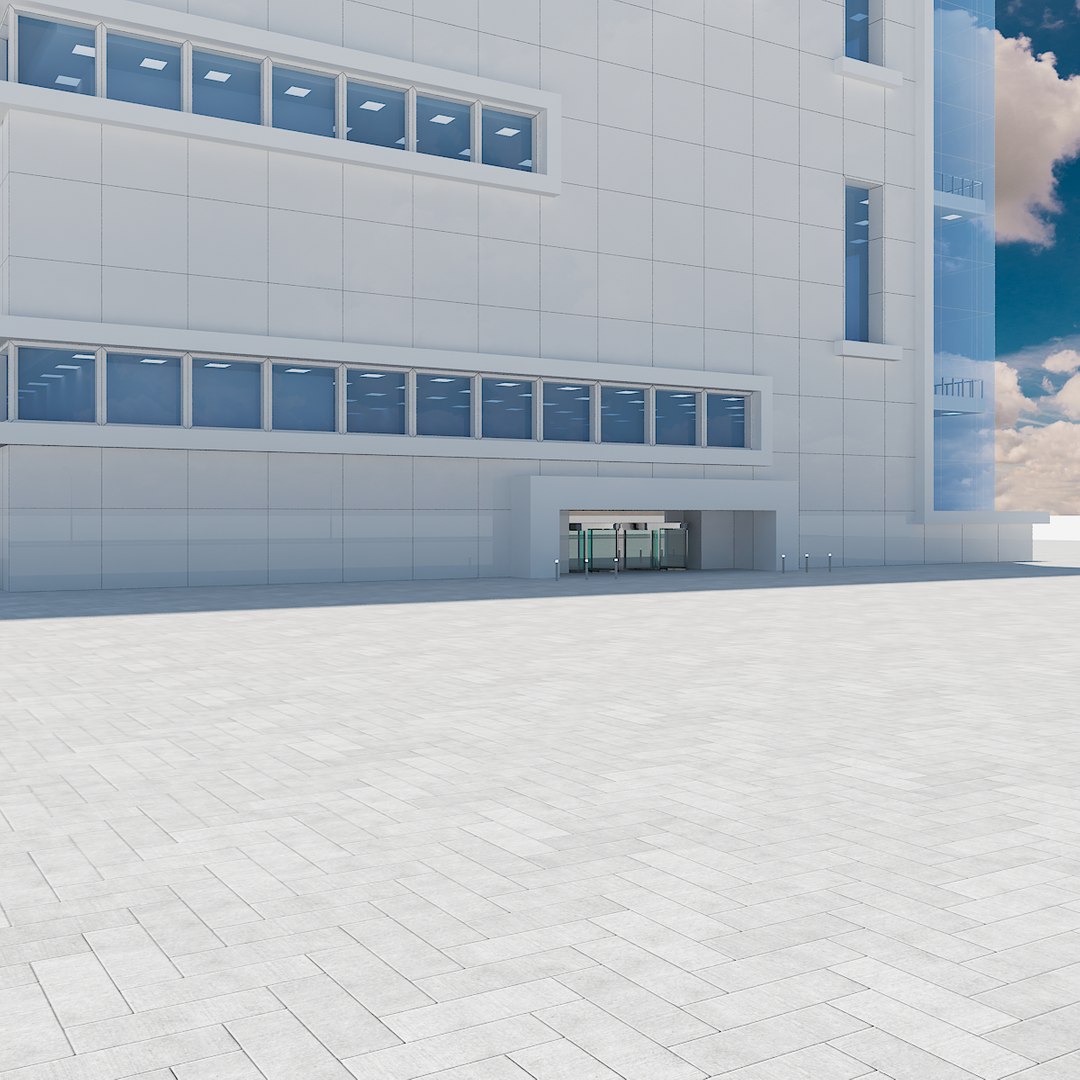
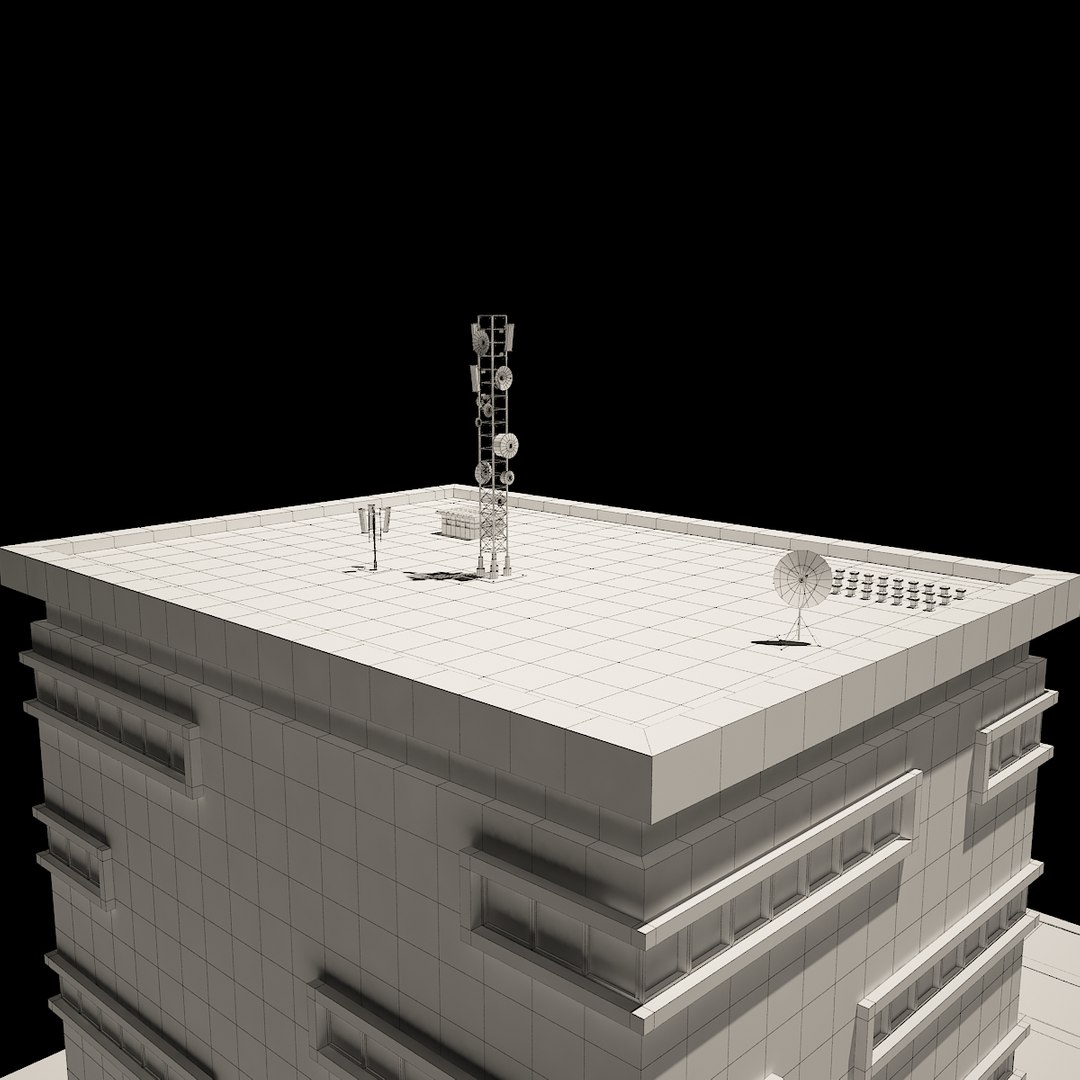
Skyscraper 01

$59

Standard License | Upgrade License
Formats (7)
Free file format Conversions available
Native | 3ds Max 2012 | V-Ray 2.30
3ds Max 2010 | V-Ray 2.30
3ds Max 2011 | V-Ray 2.30
3D Studio
AutoCAD drawing
FBX
OBJ
Specifications
Publish Date June 29, 2014
Product ID 831749
Polygons 48,349
Vertices 47,950
Polygonal Quads/Tris Geometry
Textures
Materials
UV Mapped
Non-overlapping Unwrapped UVs
TurboSquid Exclusive
member avatar
gil.3D
175 Products | Contributor Since 2006
Have questions? Chat with us now.

Description

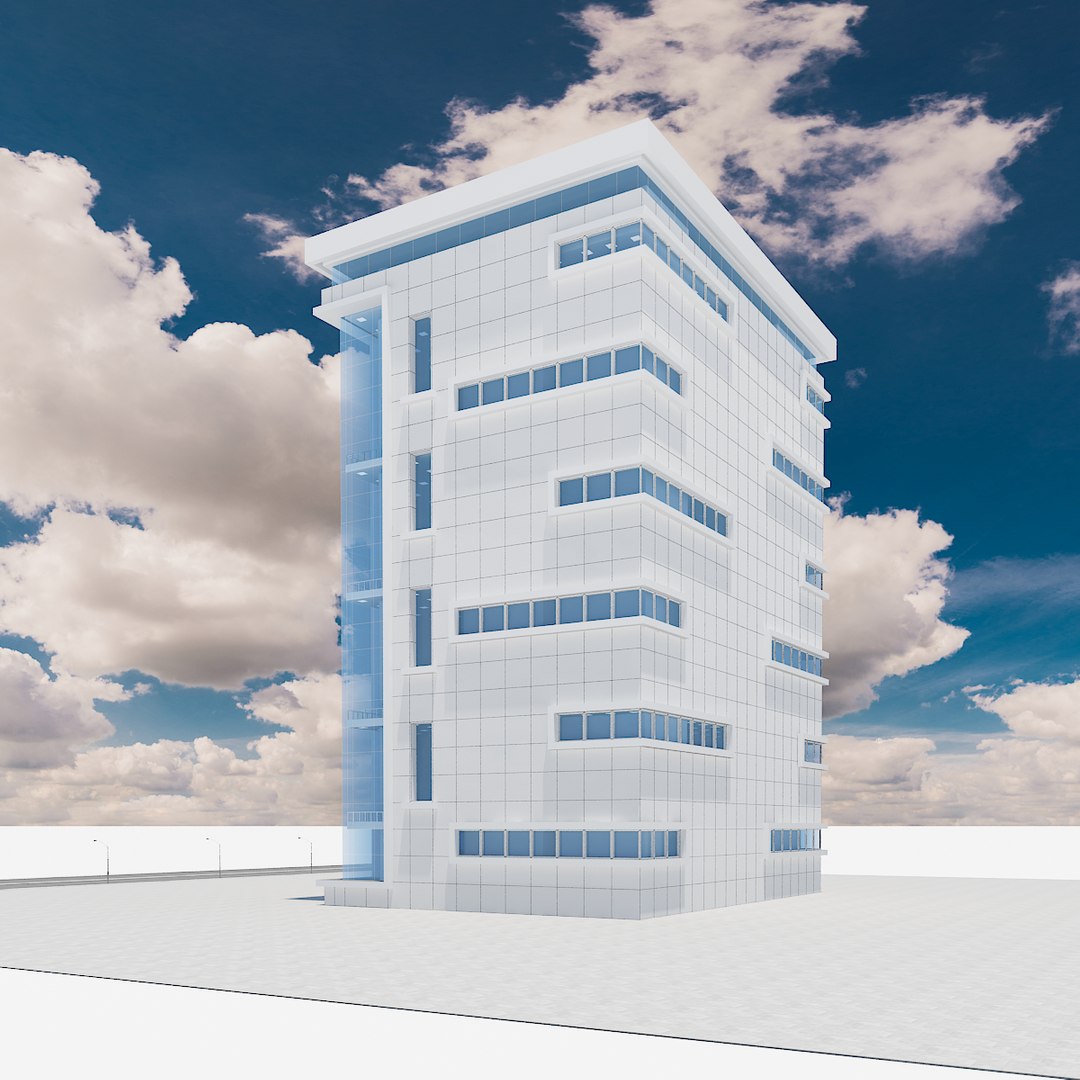
High Detailed Skyscraper modelled in 3ds Max 2012 and previews rendered with V-Ray.
* * *
All preview and thumbnail images are direct renders from 3ds Max using V-Ray. No post-production or Photoshop was used.
* * *
Objects are grouped for easy selection and logically named for ease of scene management. All relevant objects are separated.
Scene is layered properly.
* * *
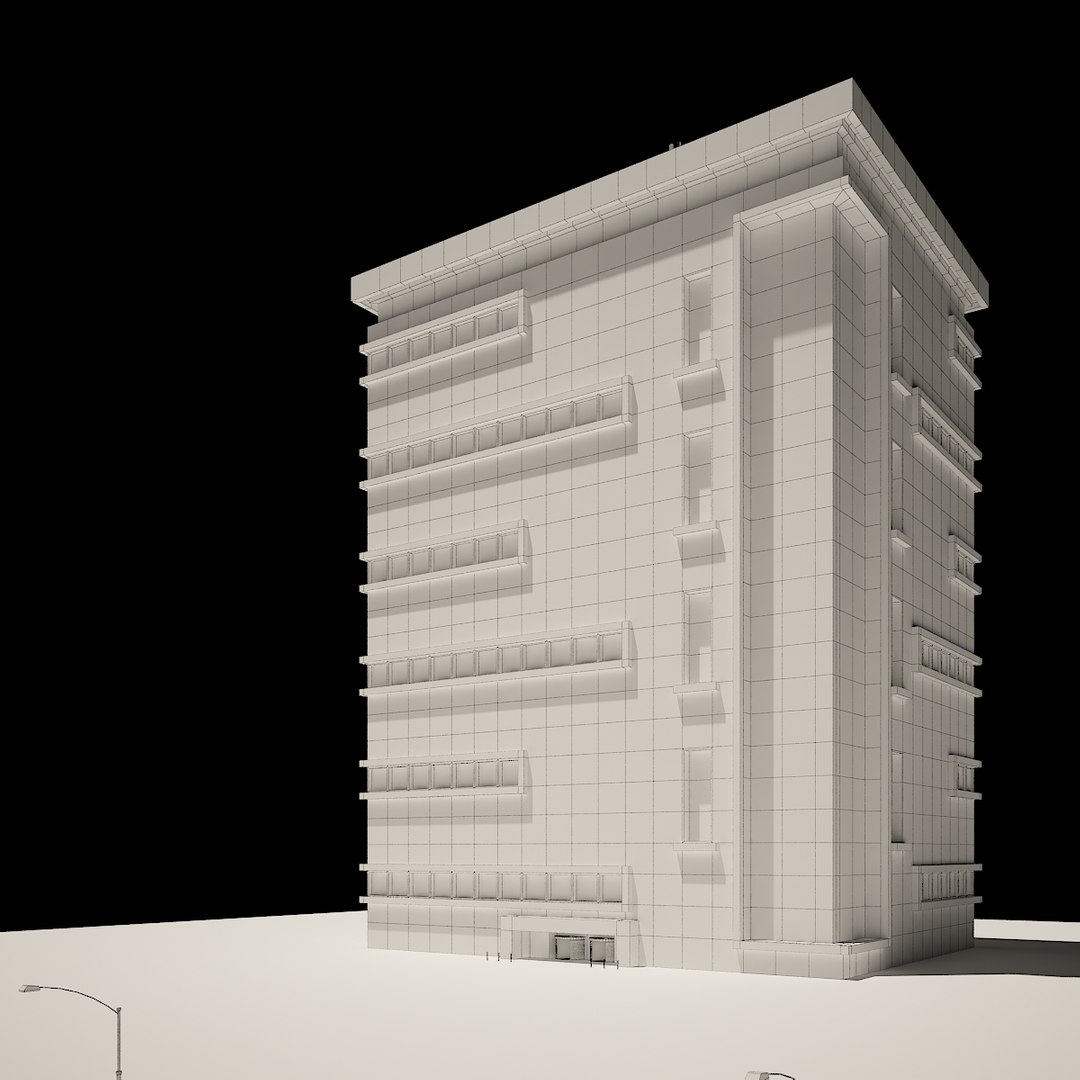
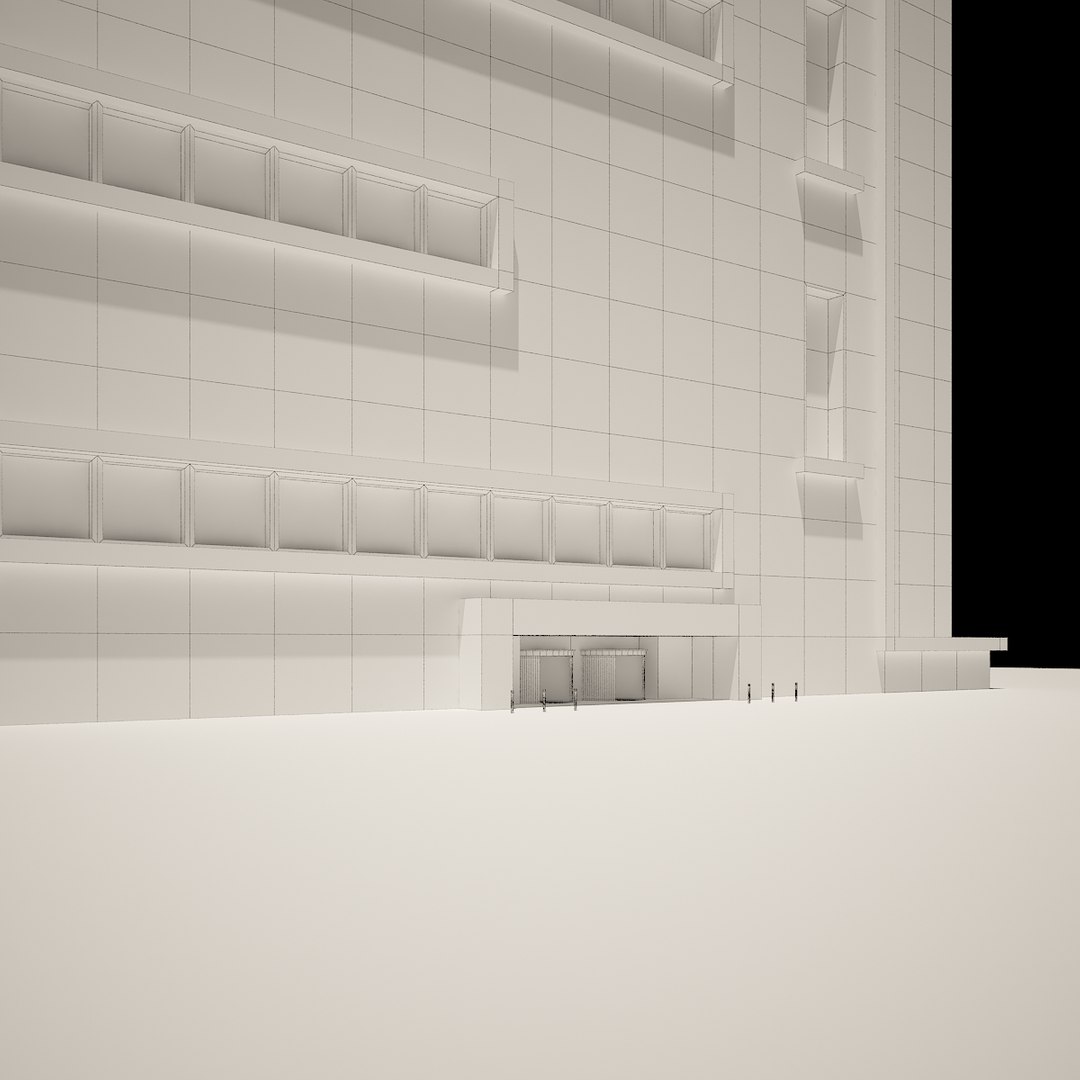
The geometry is made mostly on quads. No N-gons are used.
There are no isolated vertices, no overlapping vertices, no overlapping faces, and no overlapping UV faces.
* * *
Model is scaled to real world scale in metric units, and is placed just above the ground plane. Coordinates of the location of the model in space (x0, y0, z0).
Ideal for close ups.
* * *
The scene is included.
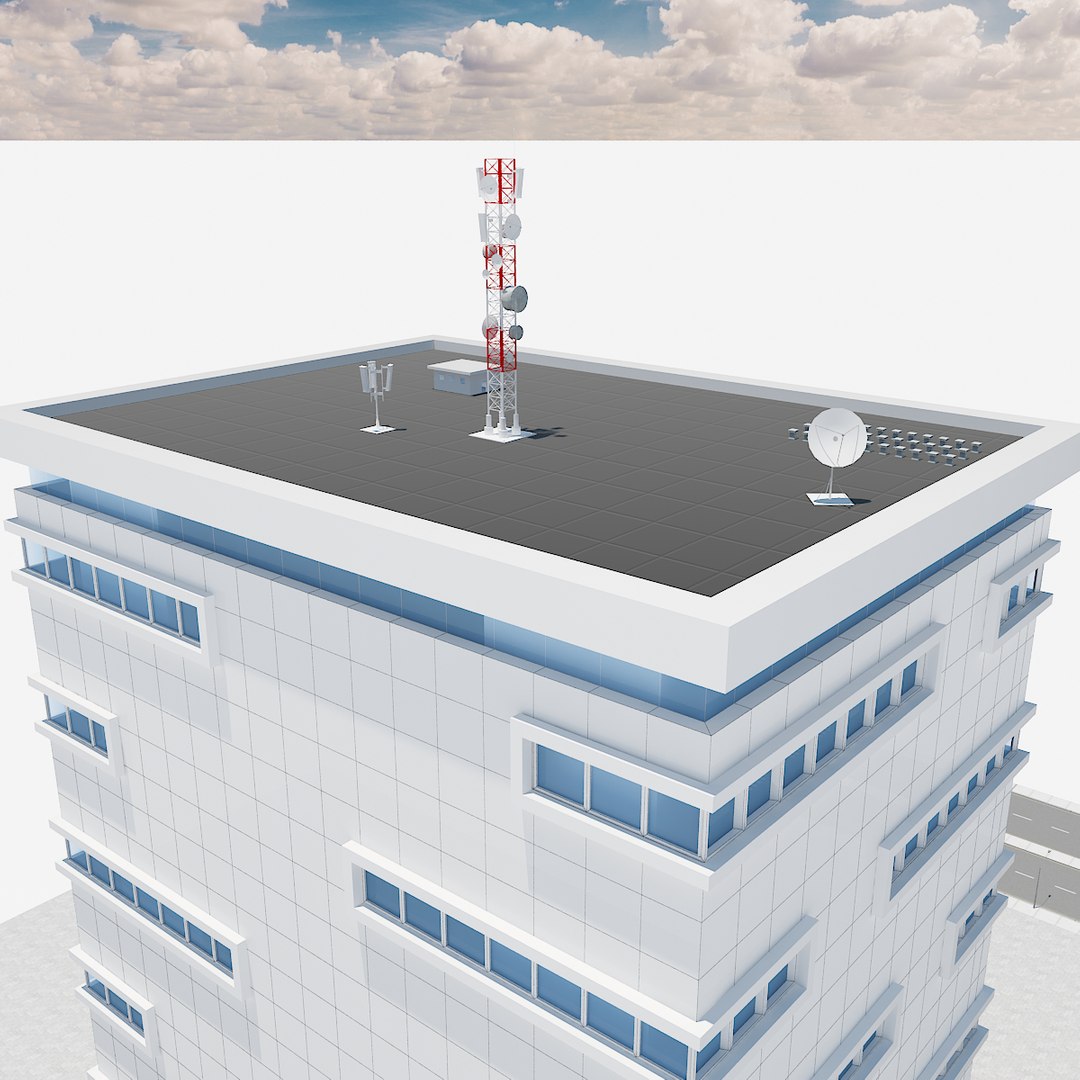
The scene contains the following: streetlights, street, paving, and rooftop equipment.
* * *
Formats:
.max
.3ds
.fbx
.dwg
.obj
* * *
No missing textures All bitmap paths are stripped.

Select Enhanced License

  • $10,000 in Legal Protection (Indemnification)
  • Uncapped Legal Protection (Indemnification)
  • Waiver from injunctive relief
  • Assignable model rights
  • $1,000,000 in Legal Protection (Indemnification)
  • Waiver from injunctive relief
  • Assignable model rights
  • $250,000 in Legal Protection (Indemnification)
  • Assignable model rights
Read more about enhanced license tiers, or contact us at enterprise@turbosquid.com. Already a Shutterstock Enterprise Customer? Contact your Shutterstock Sales Support Agent to talk about adding 3D.

About Conversion Requests

To submit a conversion request for a purchased asset, please complete our Conversion Request Form.

If you have not yet purchased a model, please review our Documentation about Conversions to learn about what limitations you may encounter with a conversion.

For any additional questions about a model’s suitability for conversion, please contact TurboSquid Support.

Loading...