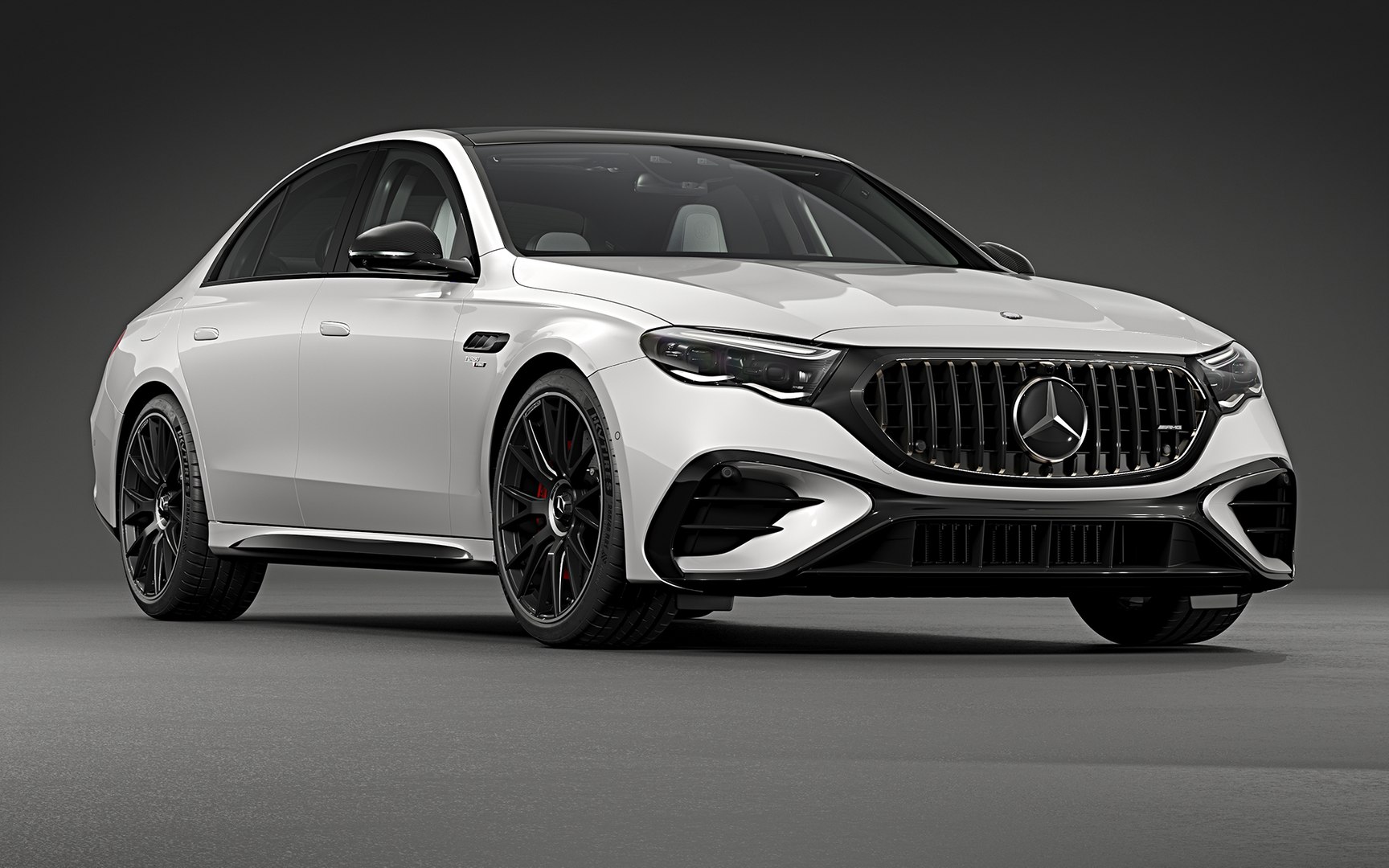
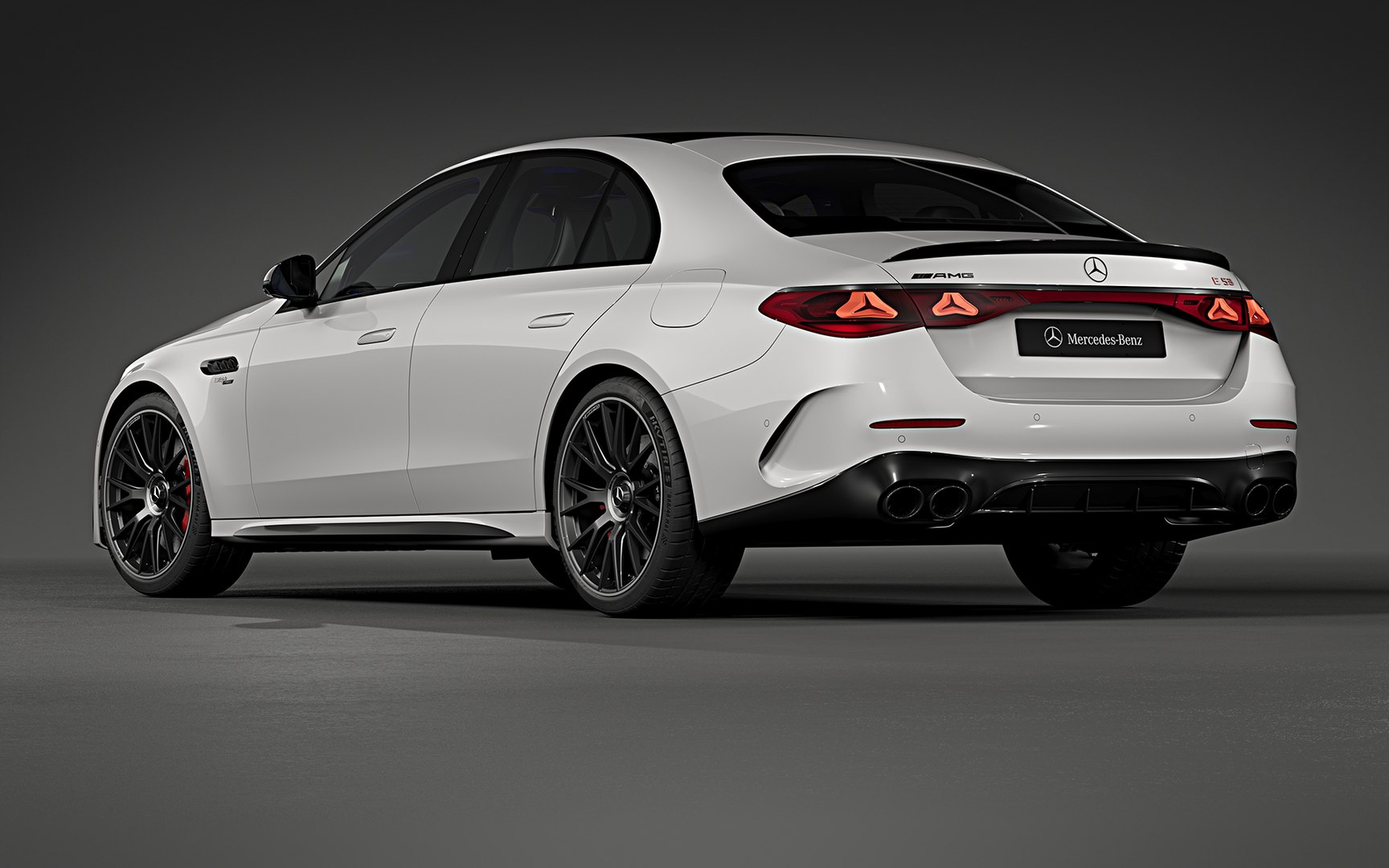
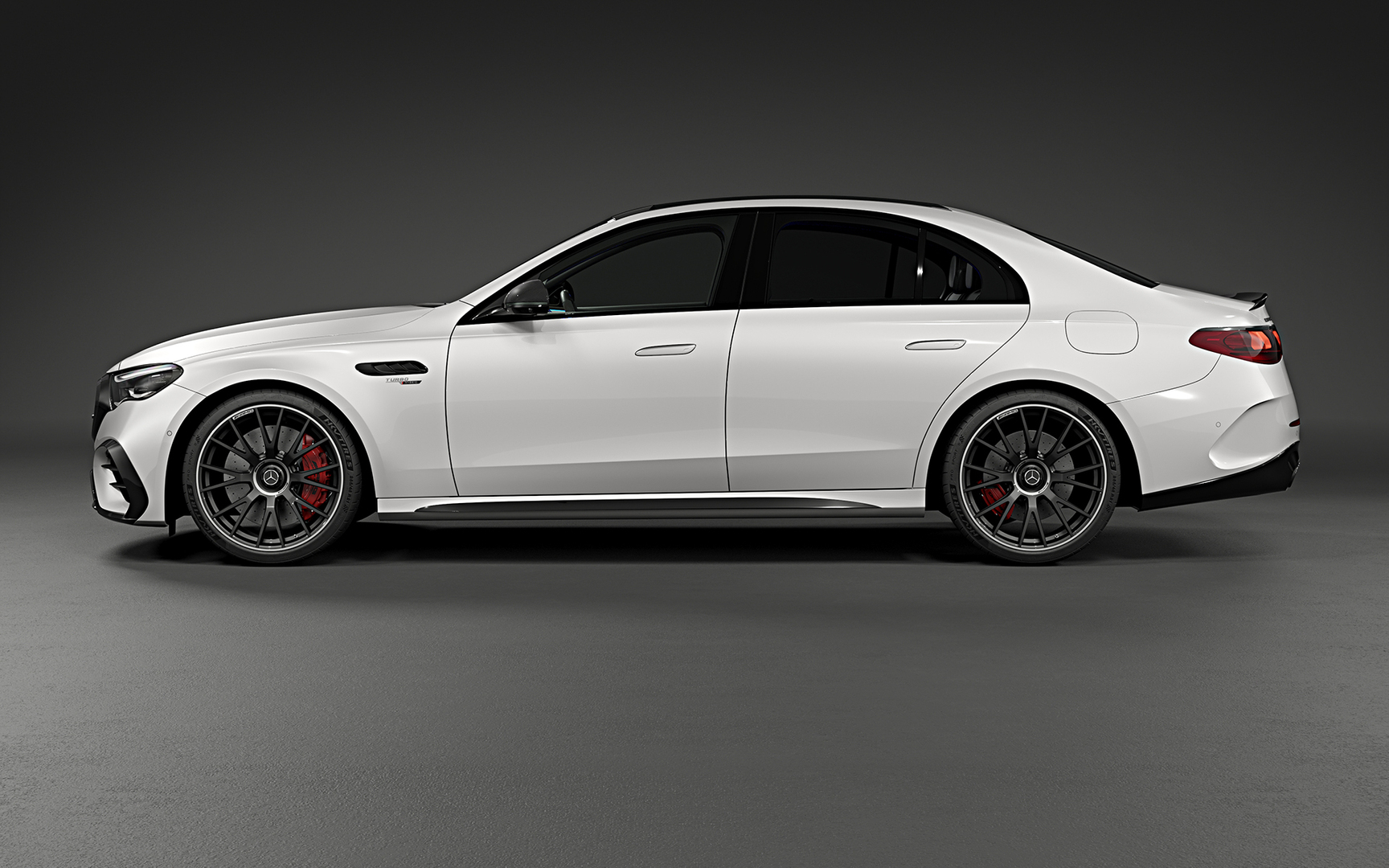
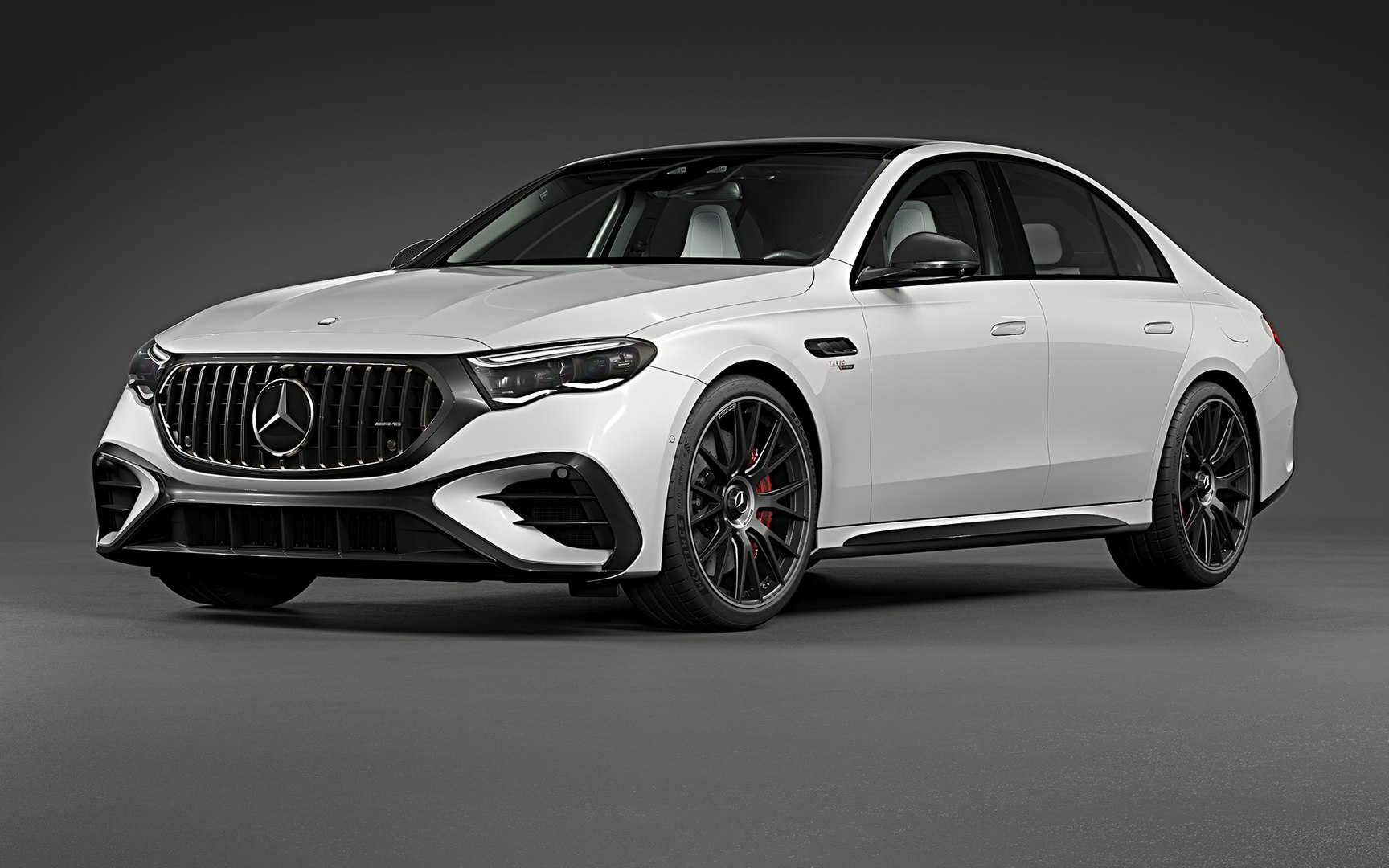
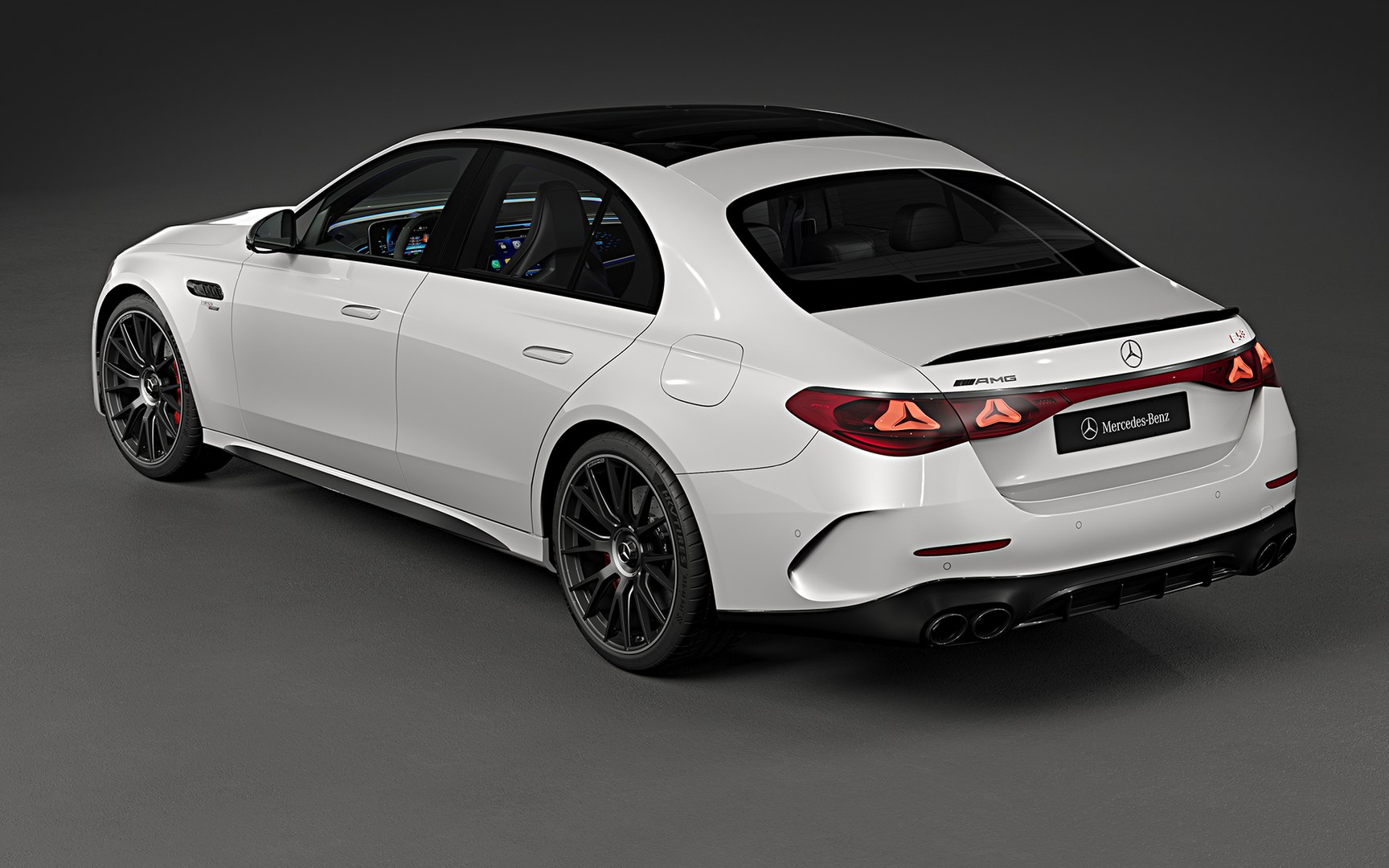
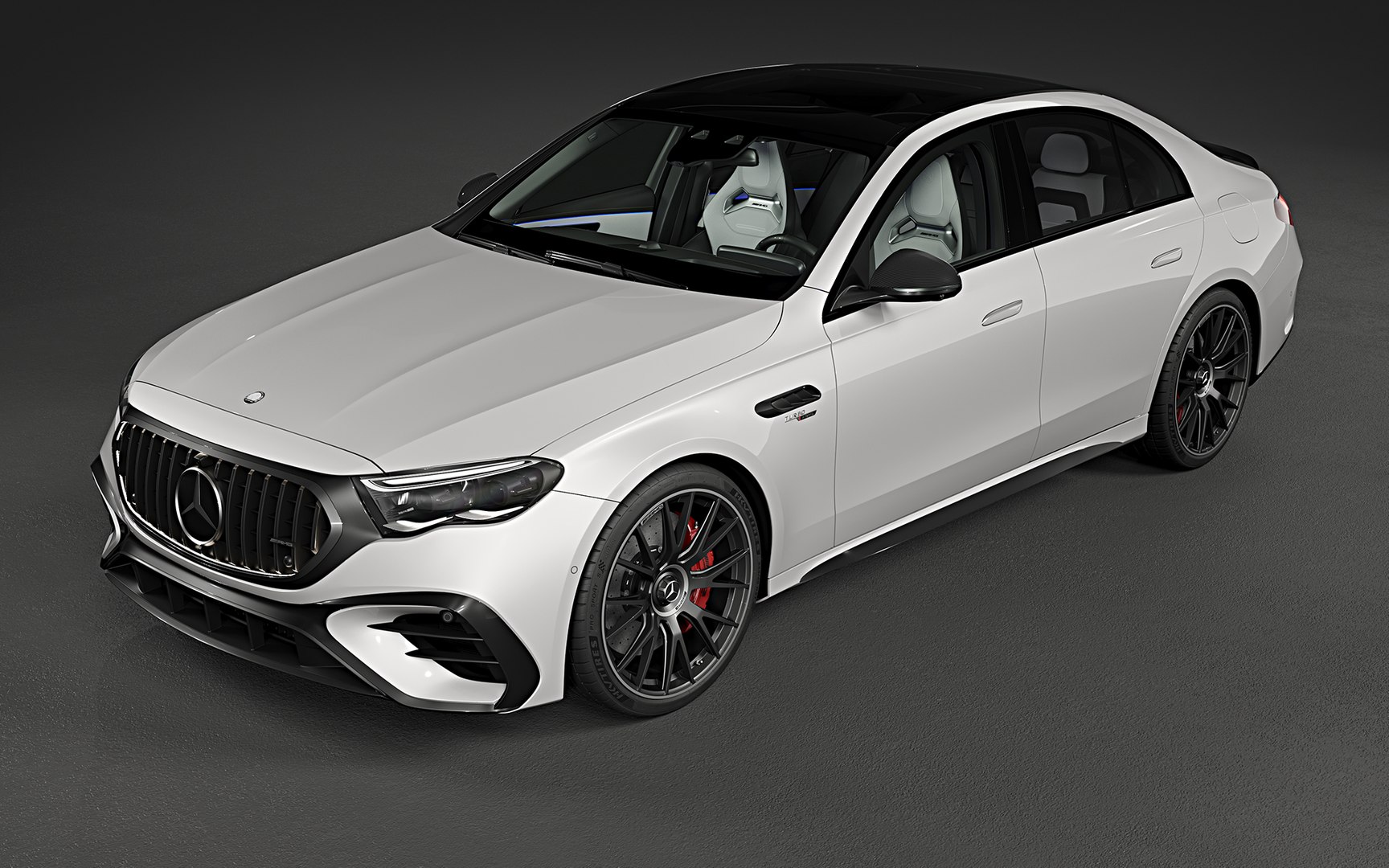
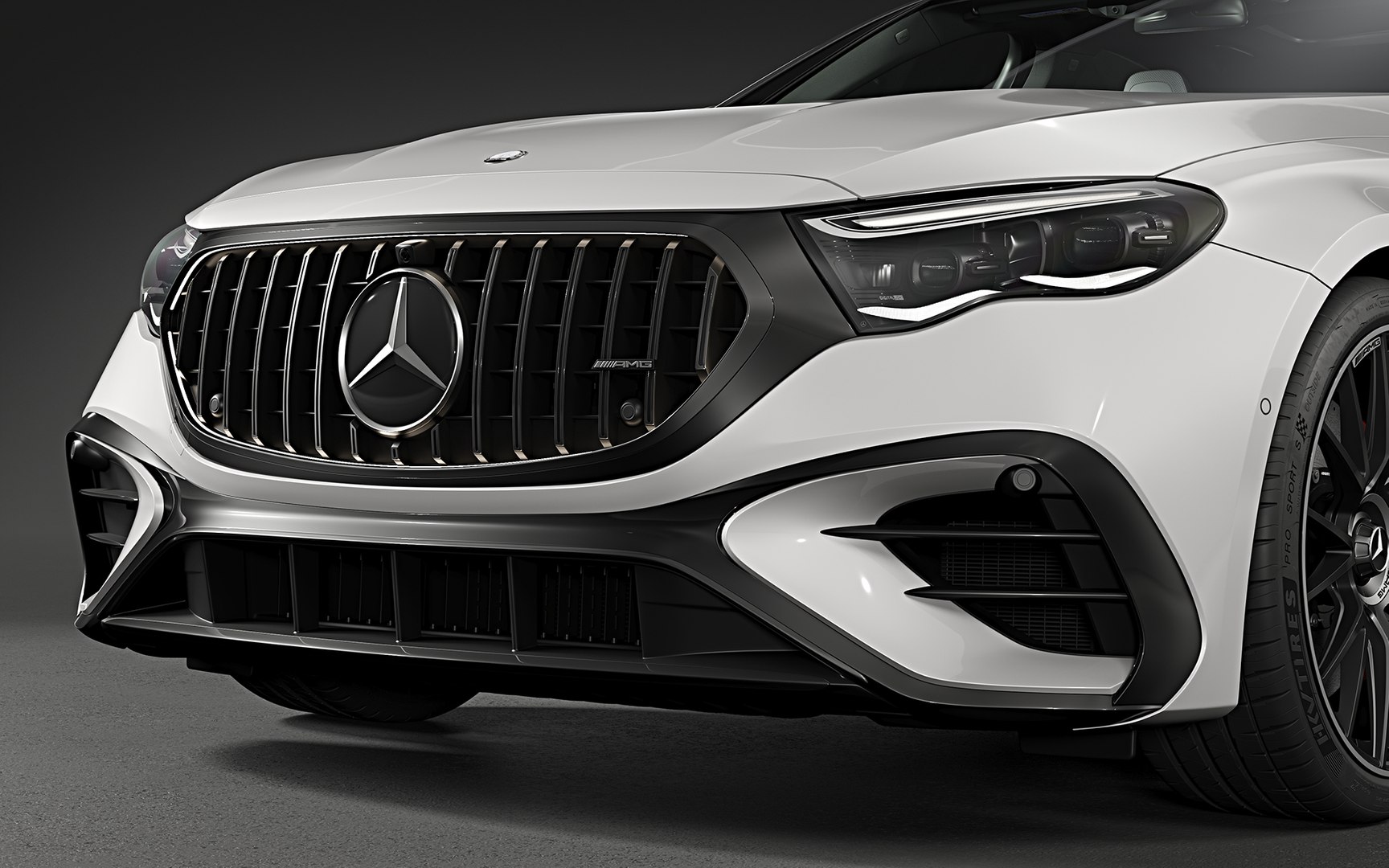
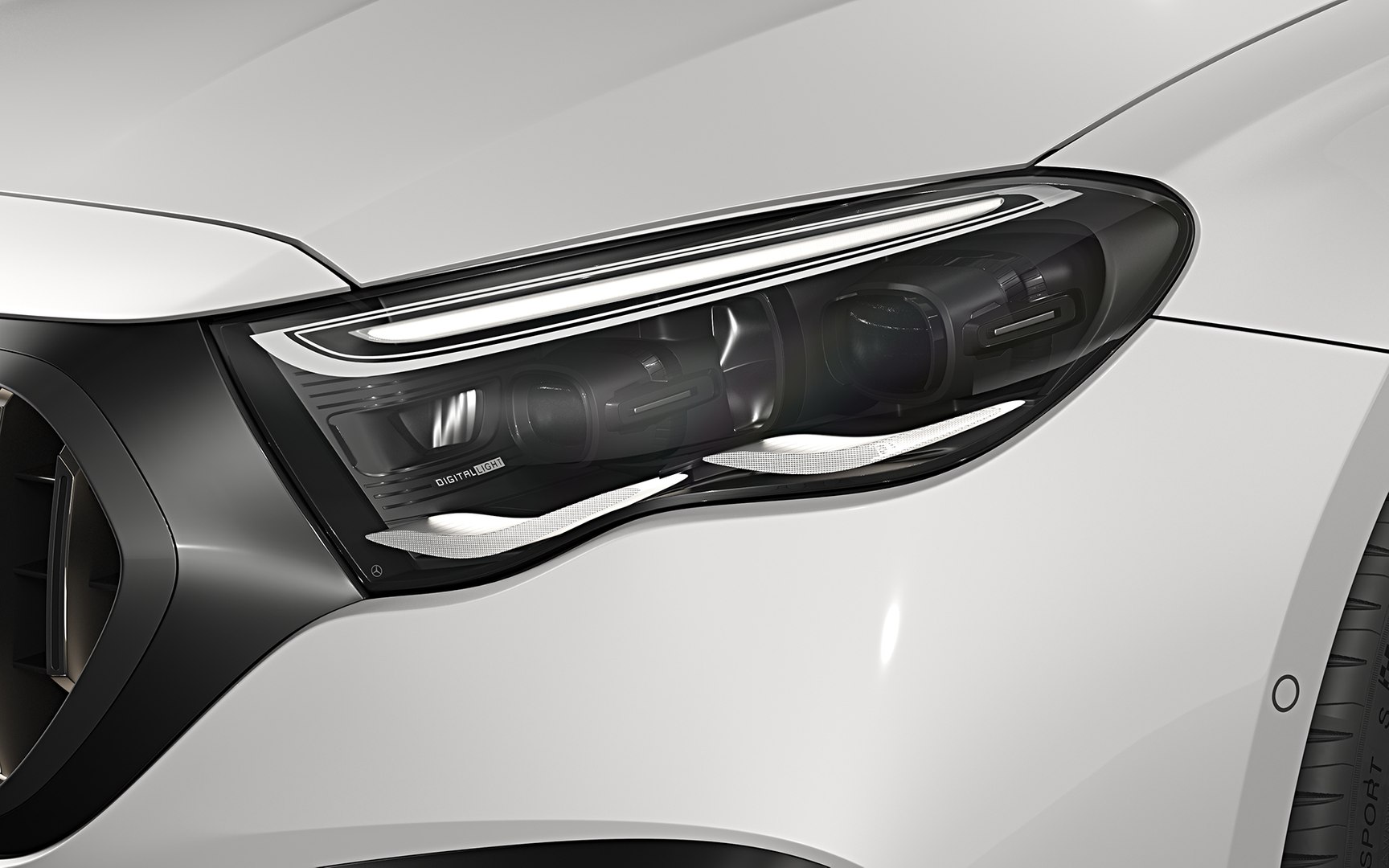
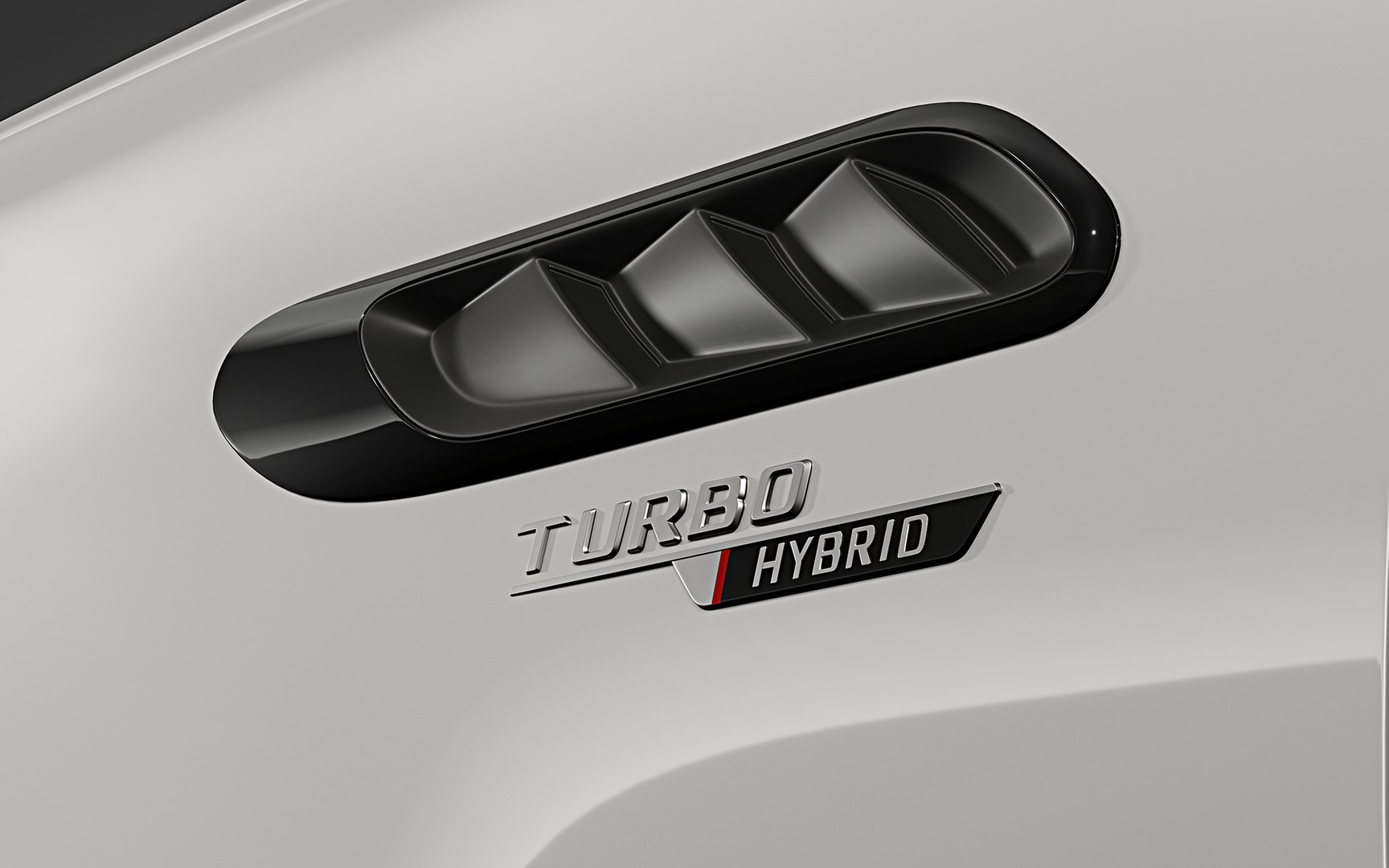
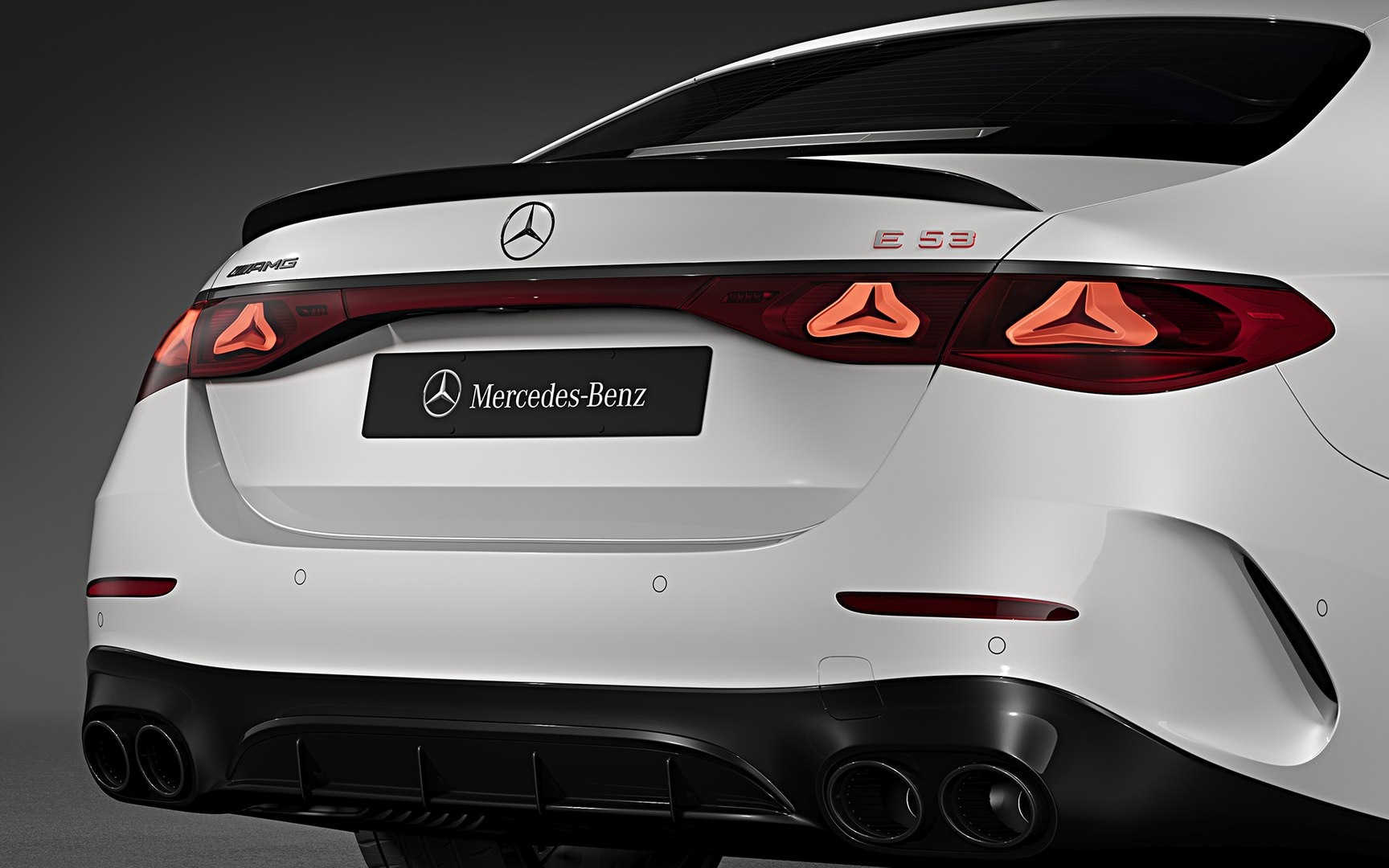
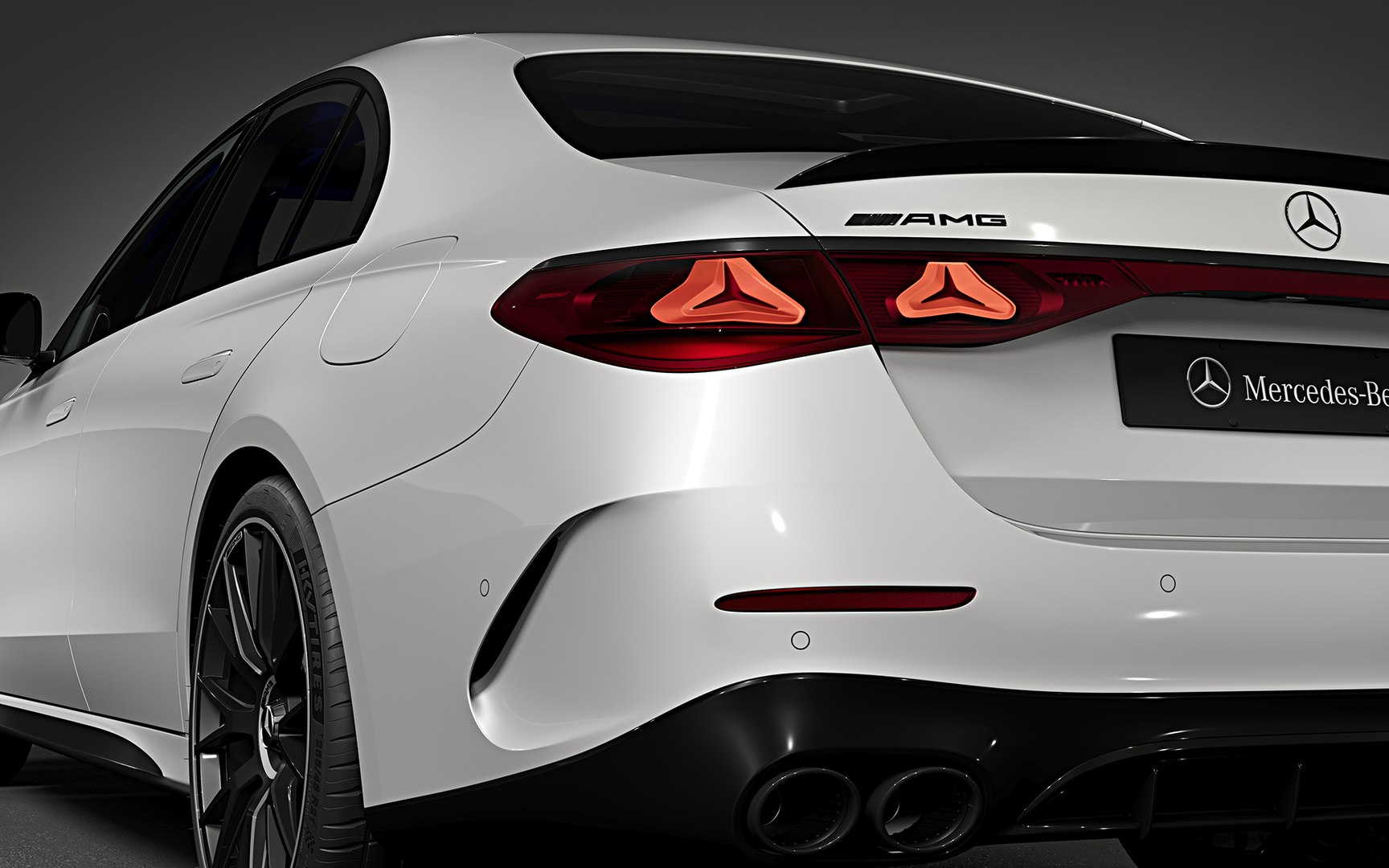
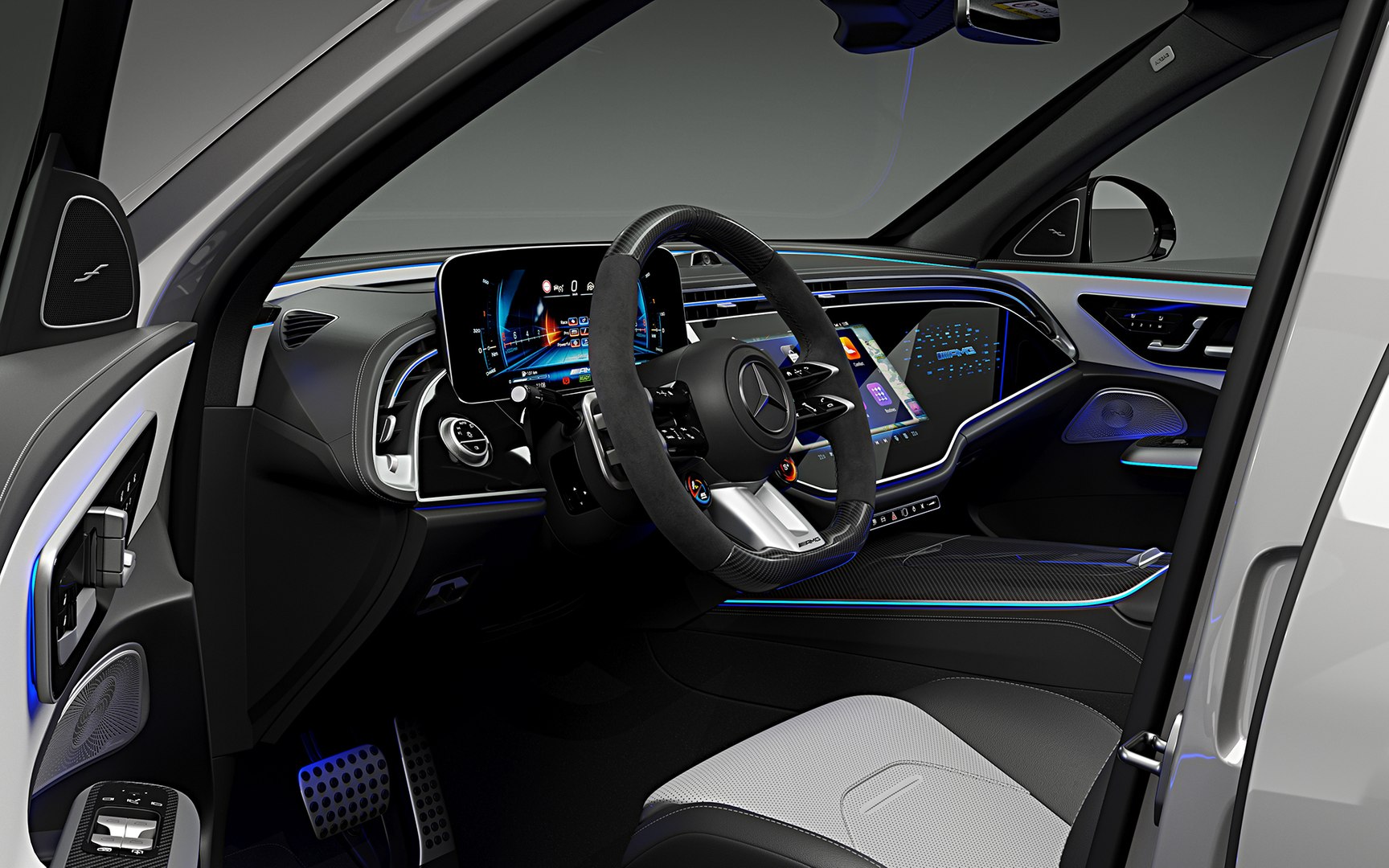
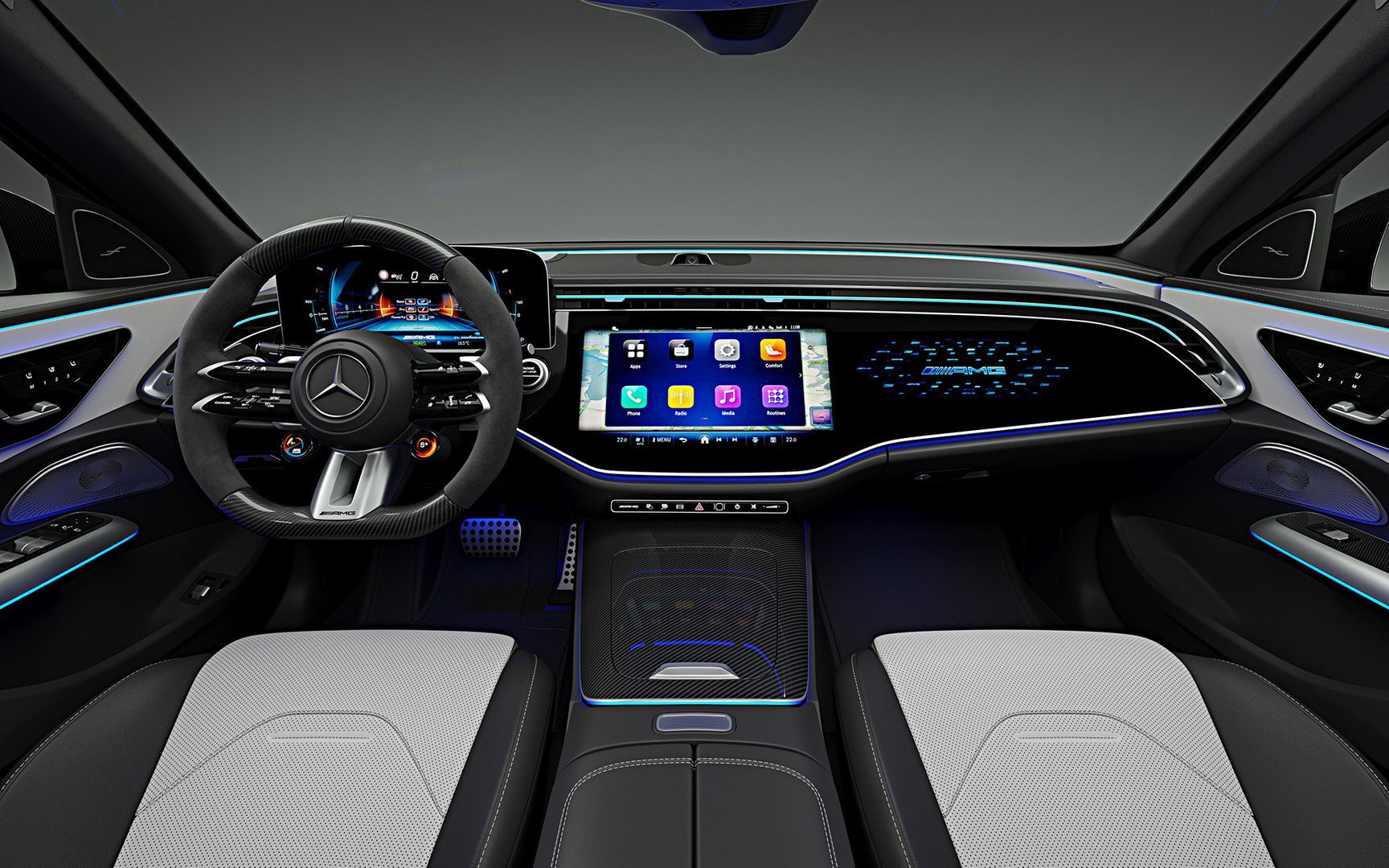
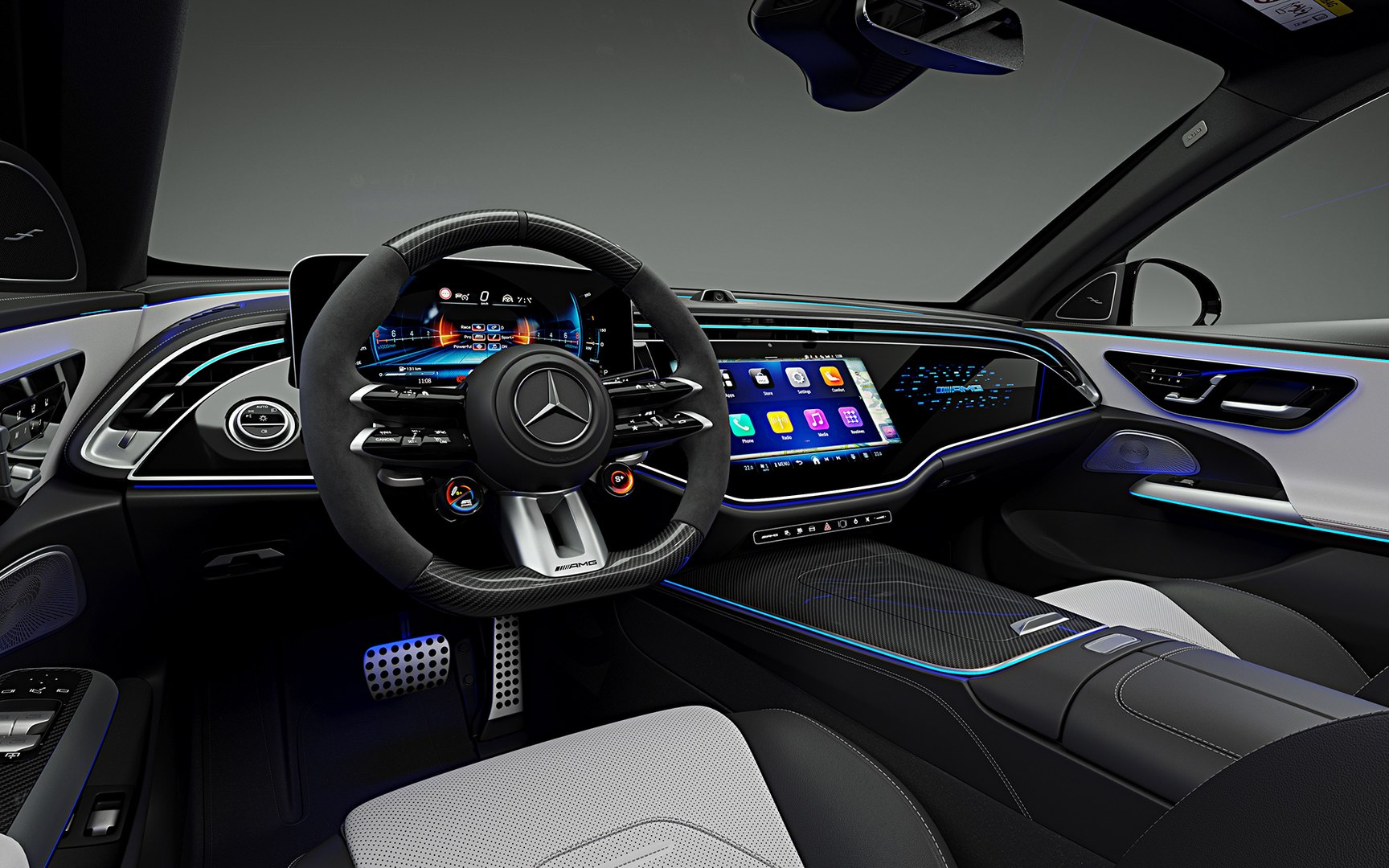
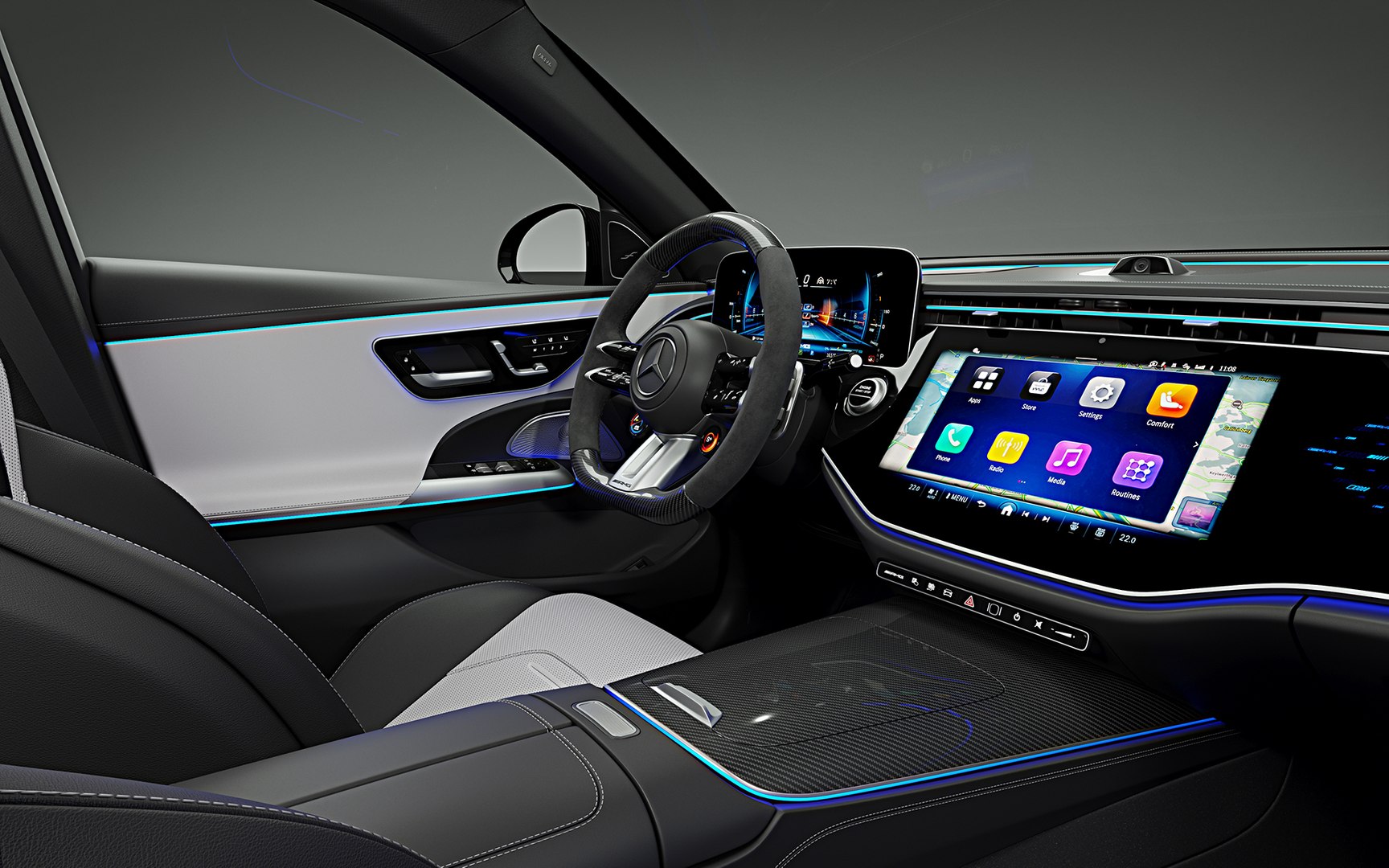
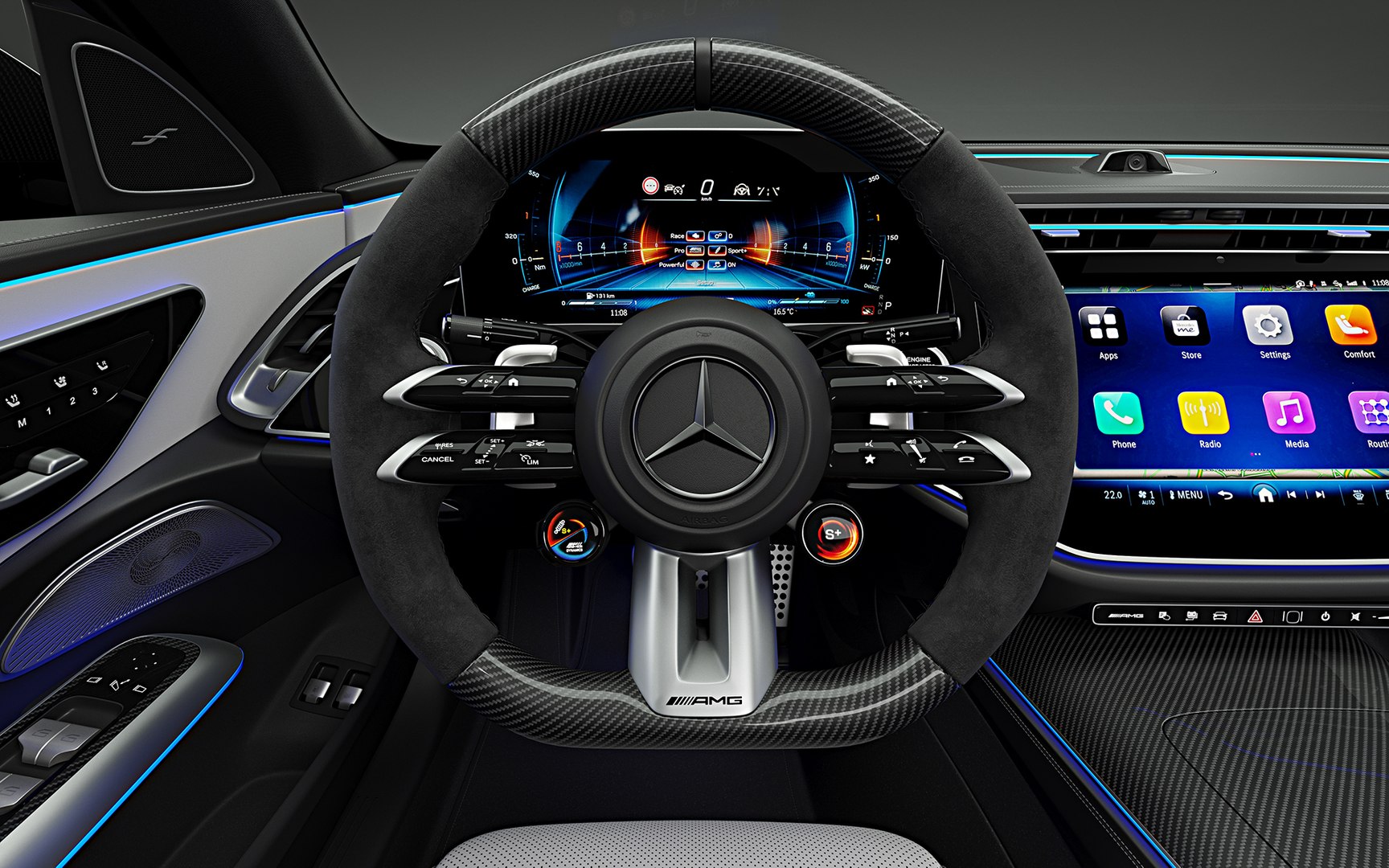
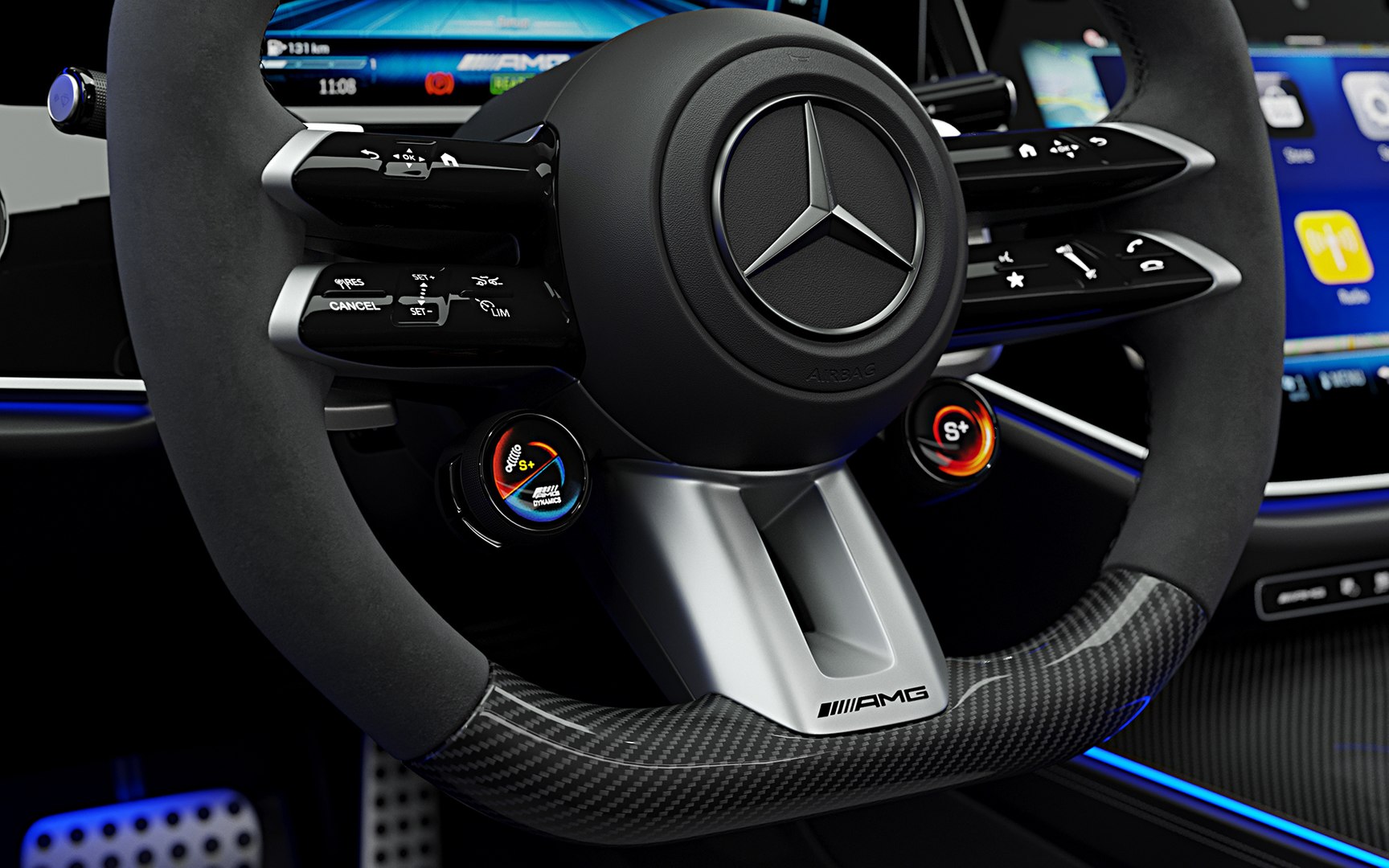
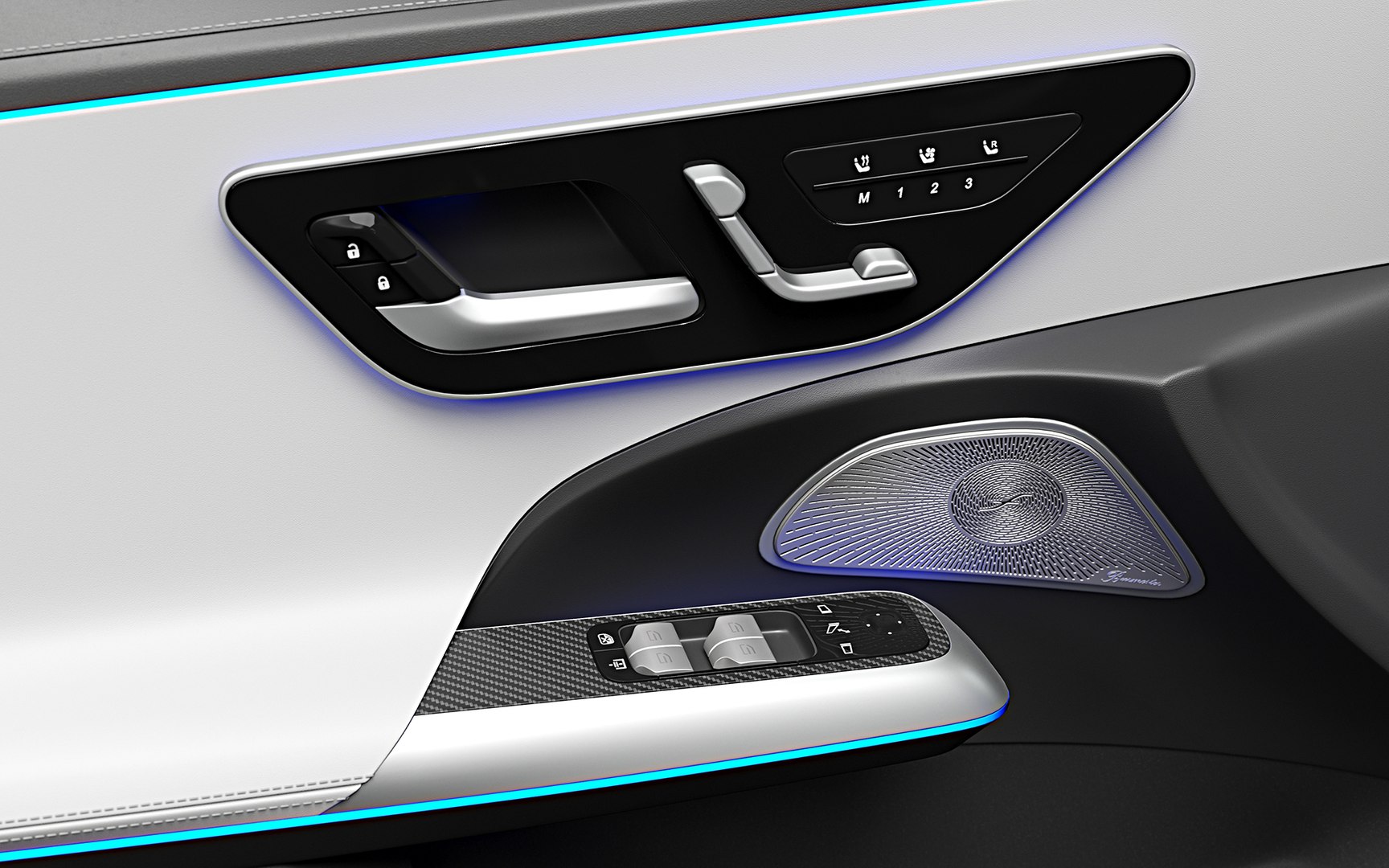
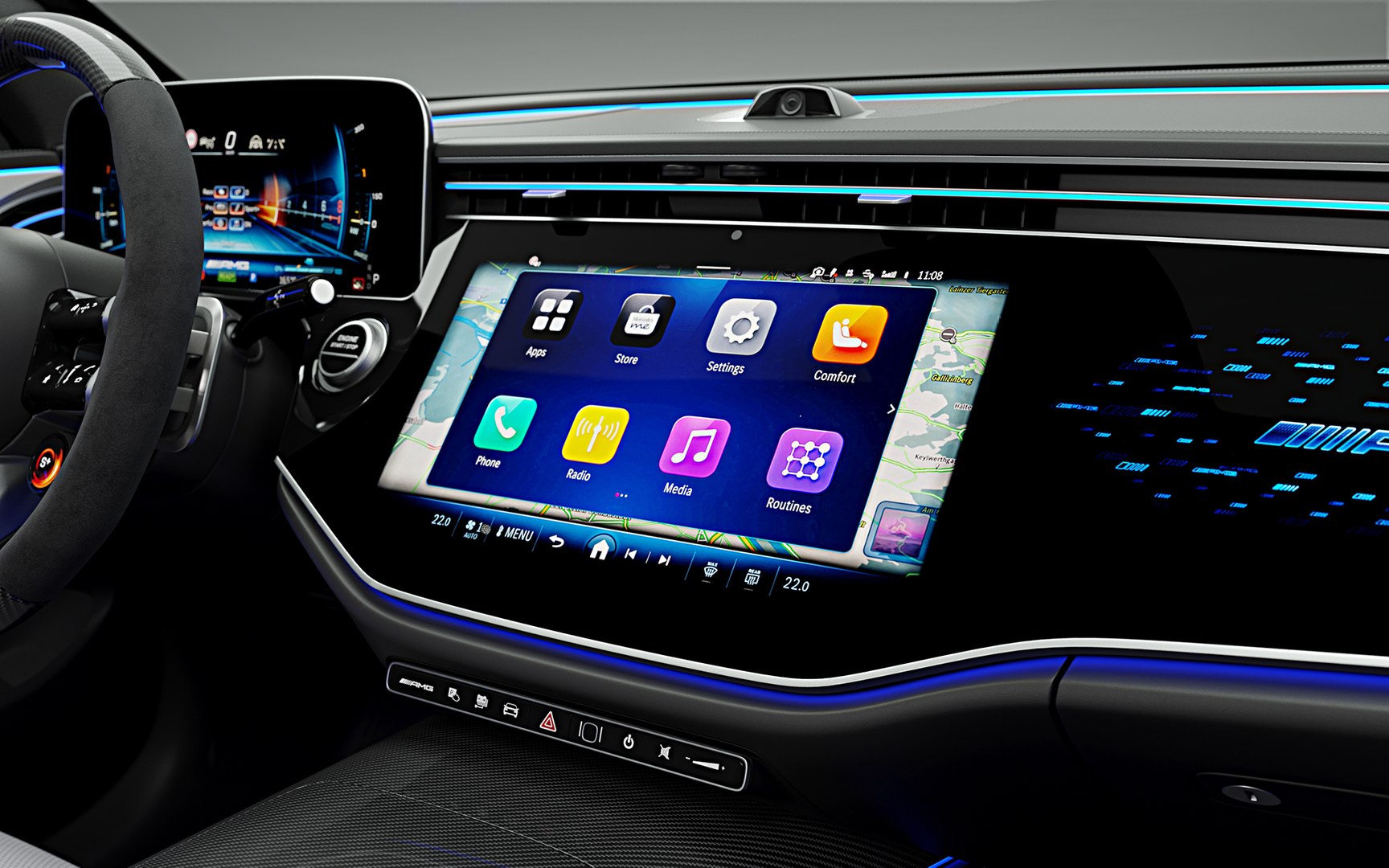
2025 Mercedes-Benz E53 AMG Hybrid

$169

Standard License | Upgrade License
Editorial Uses Only
Formats (8)
Free file format Conversions available
Native | 3ds Max 2018 | Corona 9.0
Cinema 4D R21 | Default Scanline
3ds Max 2018 | Default Scanline
Maya 2018 | Maya Hardware 2.0
3ds Max 2020 | V-Ray 7
3D Studio
FBX
OBJ
Specifications
Publish Date June 12, 2024
Product ID 2241316
Polygons 600,020
Vertices 658,202
Polygonal Quads/Tris Geometry
Textures
Materials
UV Mapped
Mixed Unwrapped UVs
member avatar
HKV Studios
684 Products | Contributor Since 2005
Have questions? Chat with us now.

Description

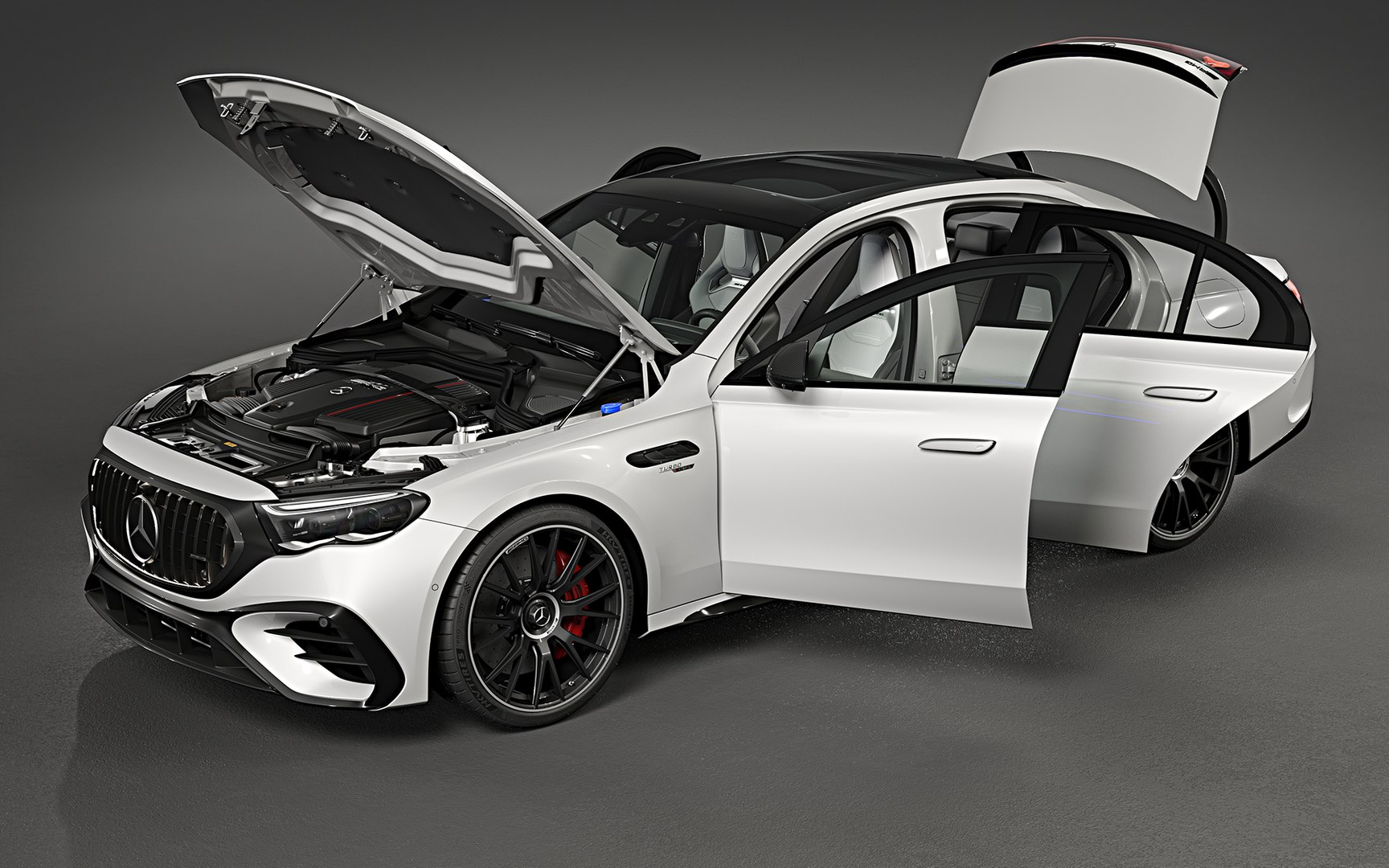
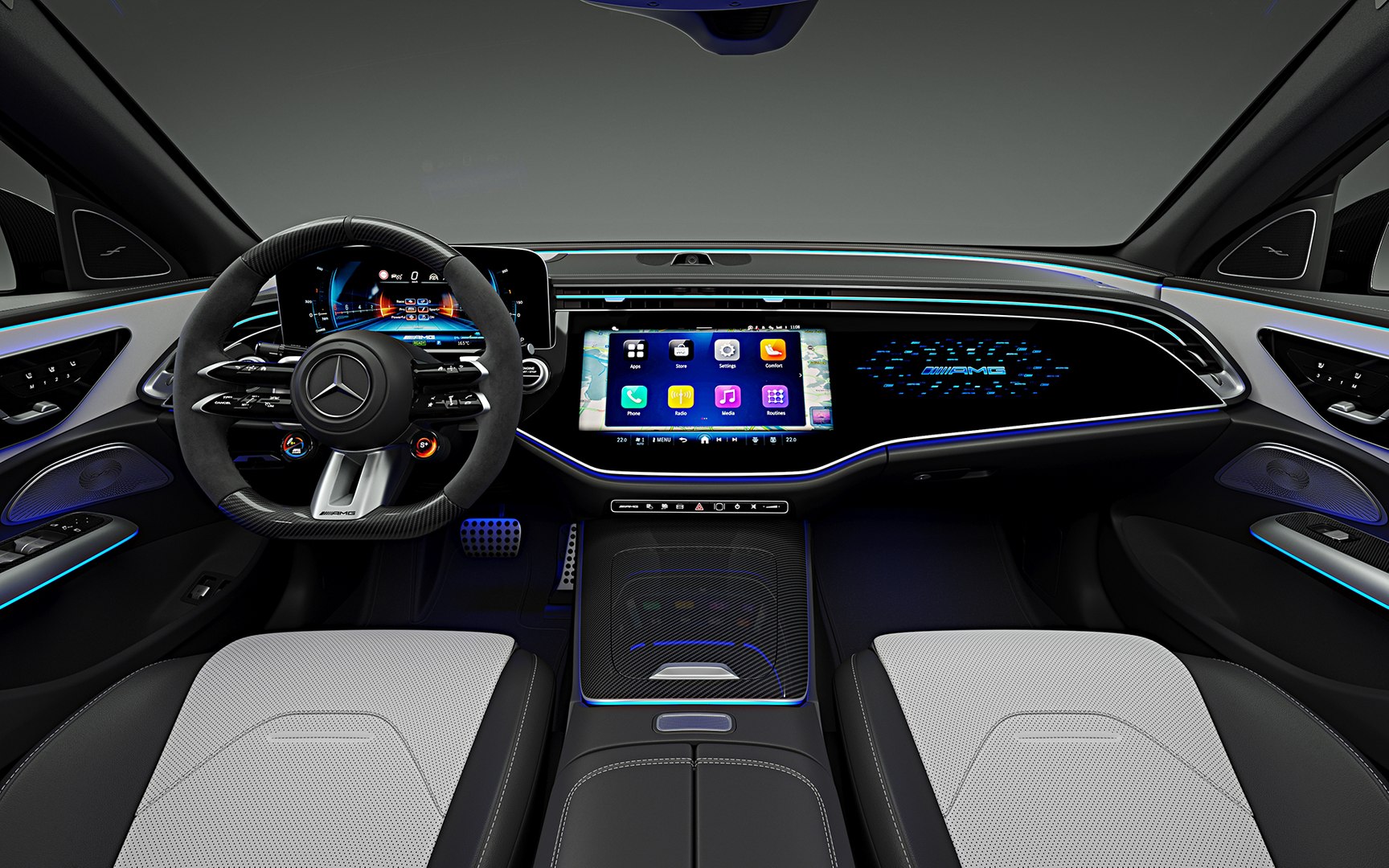
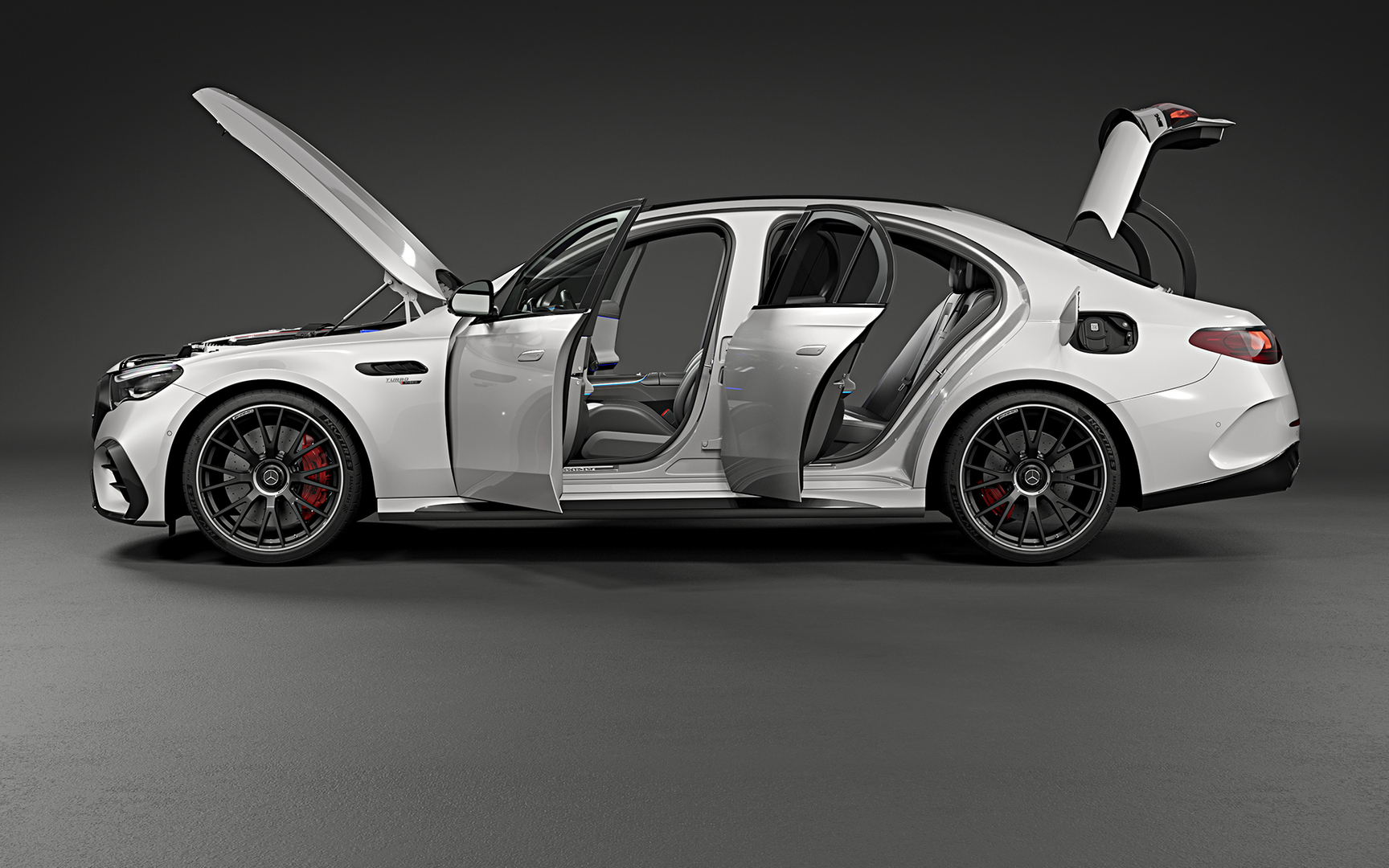
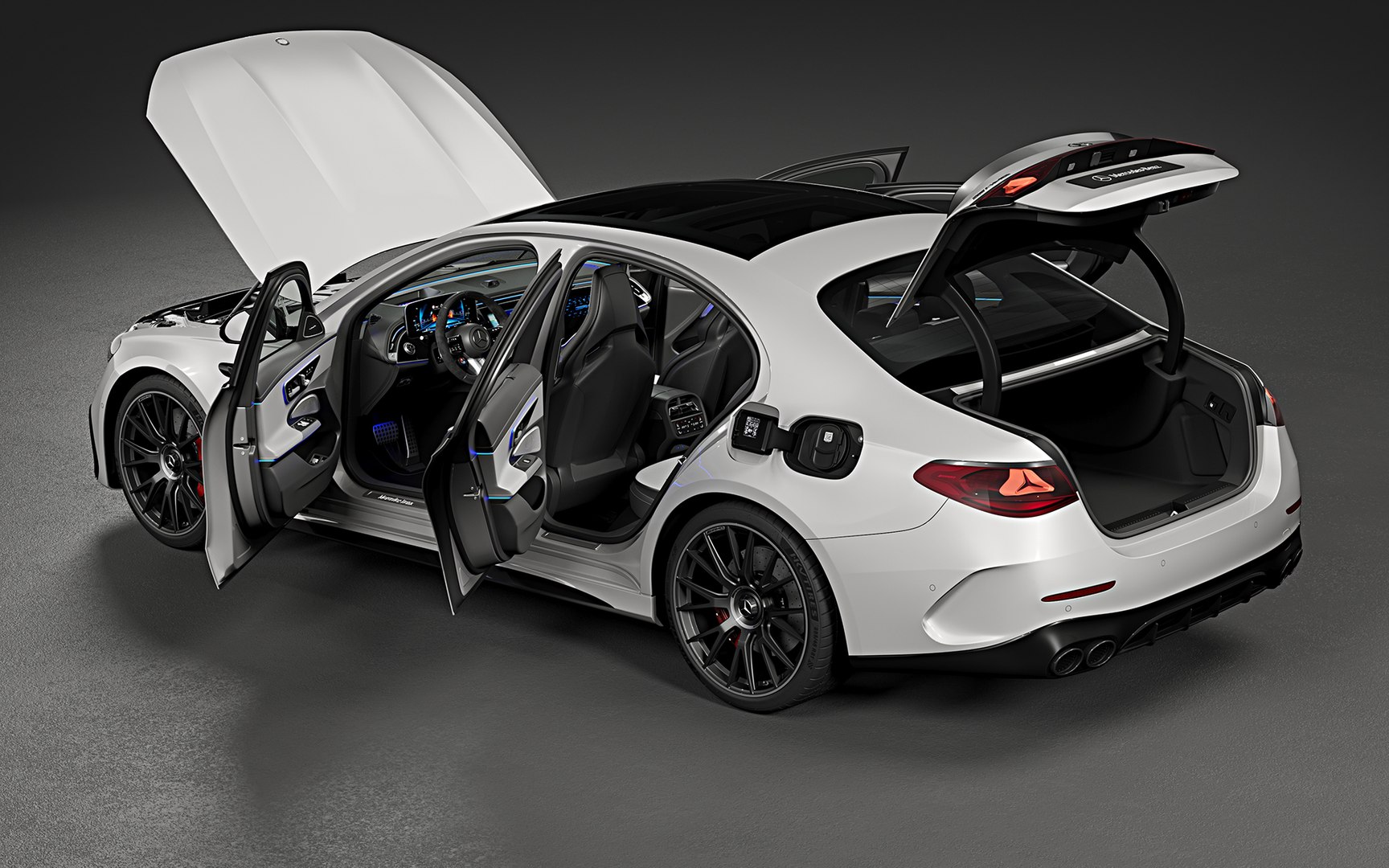
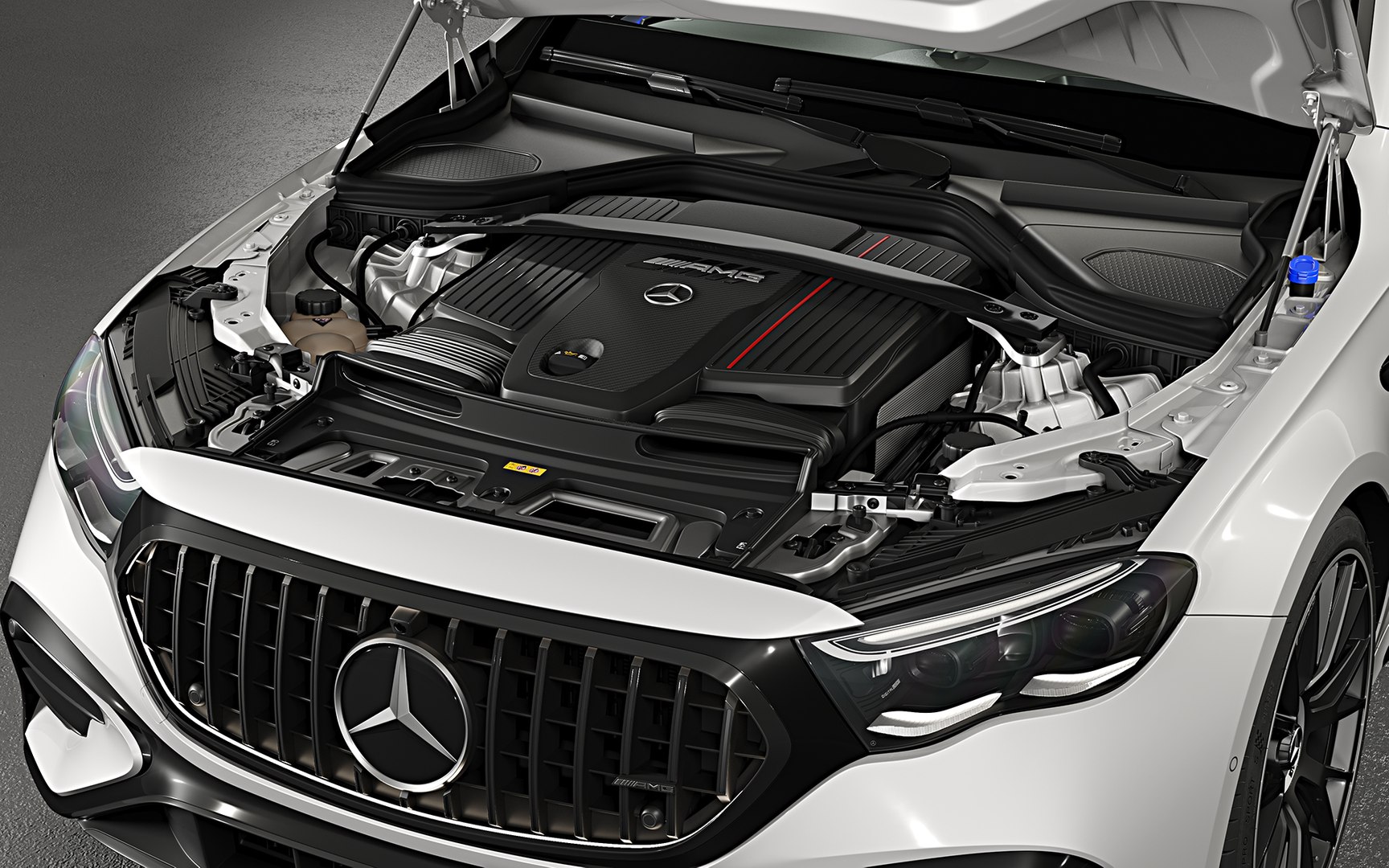
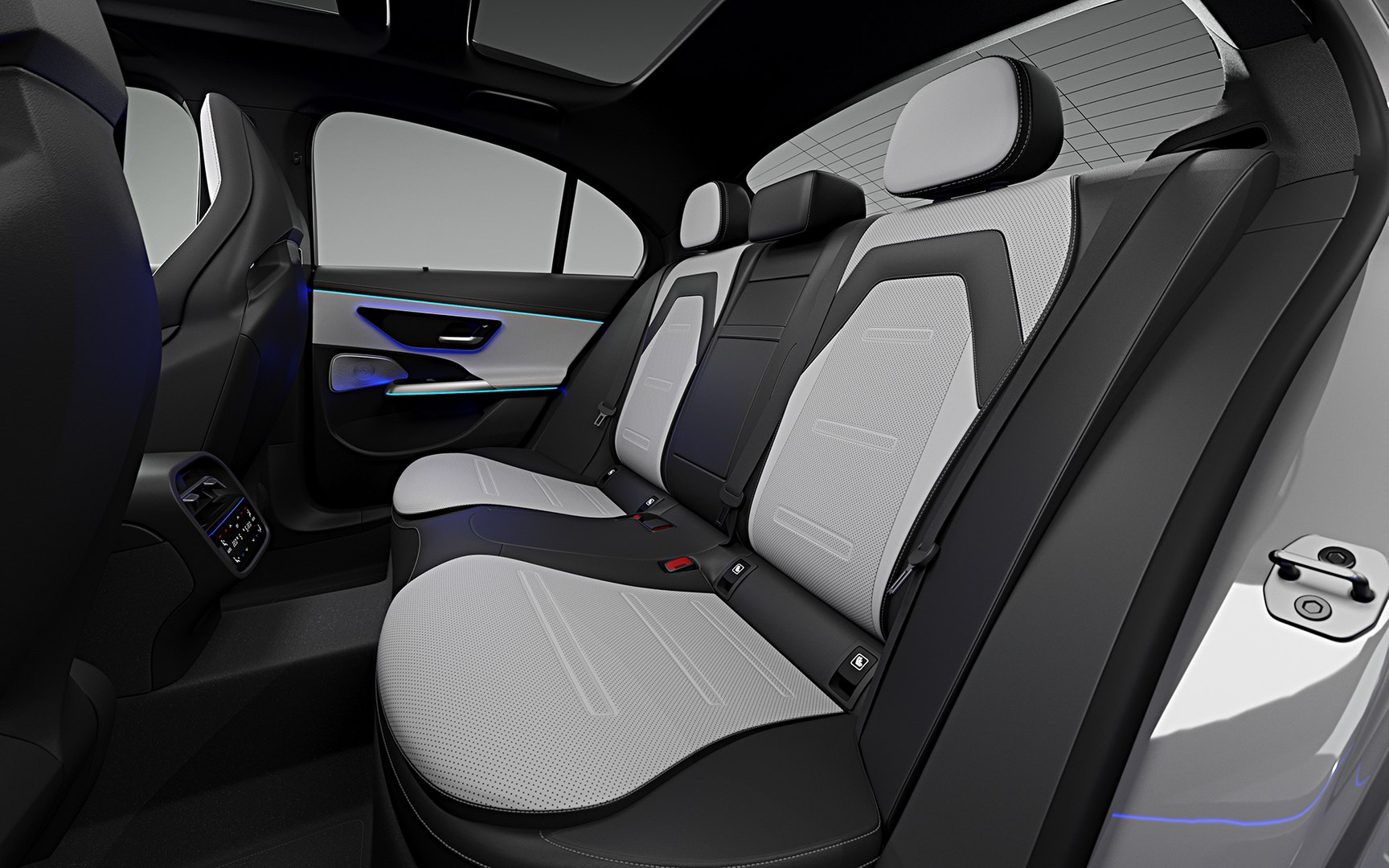
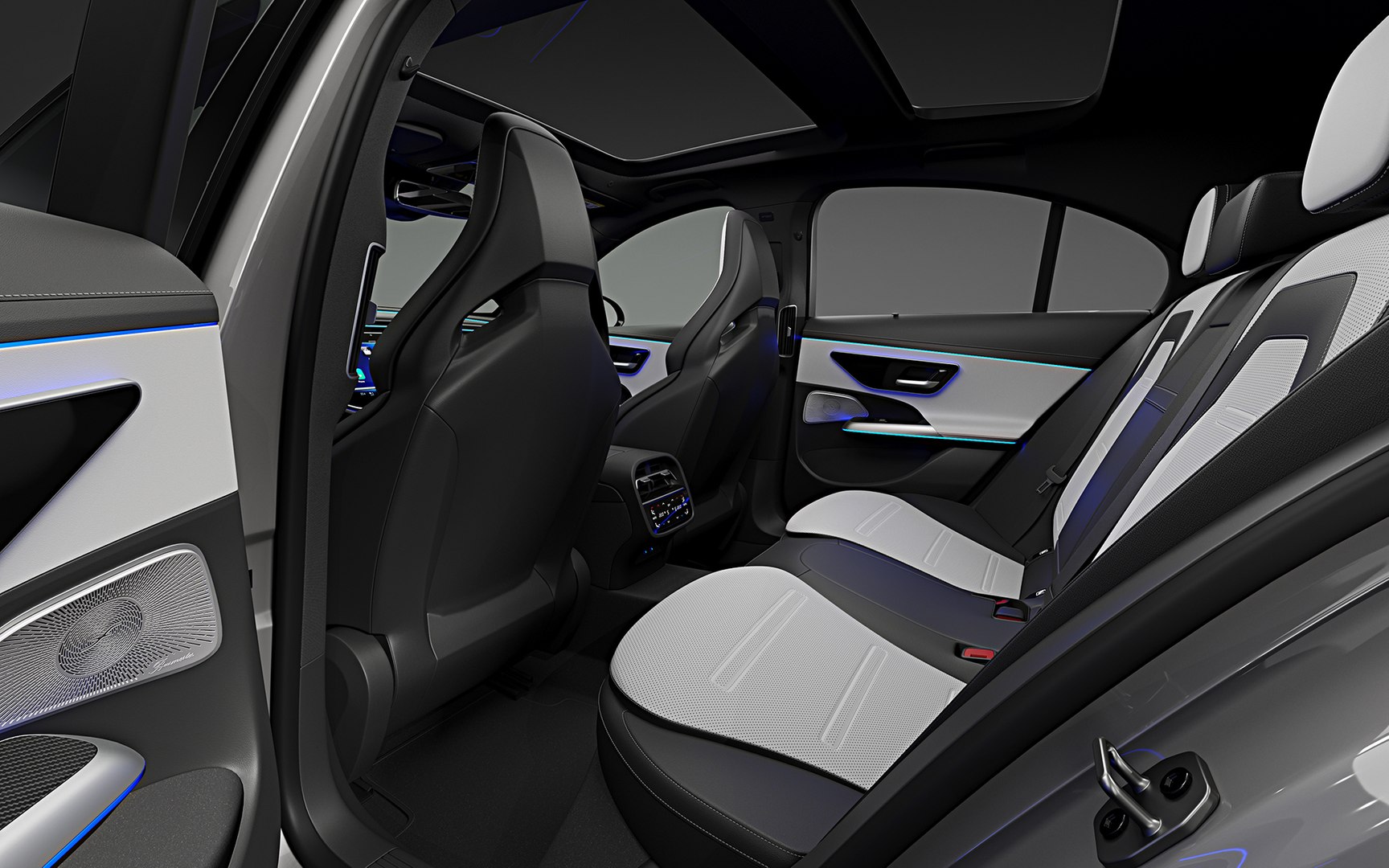
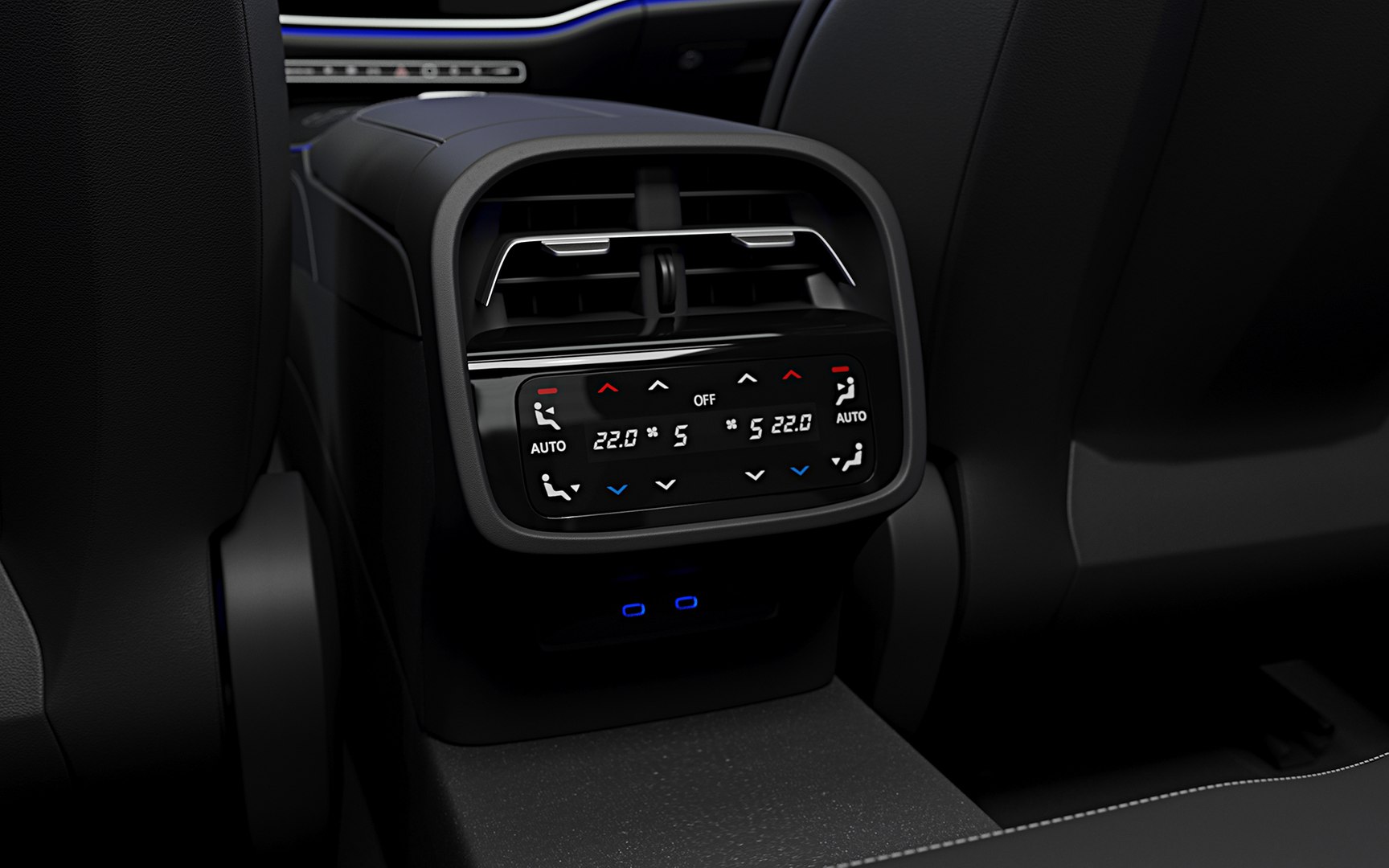
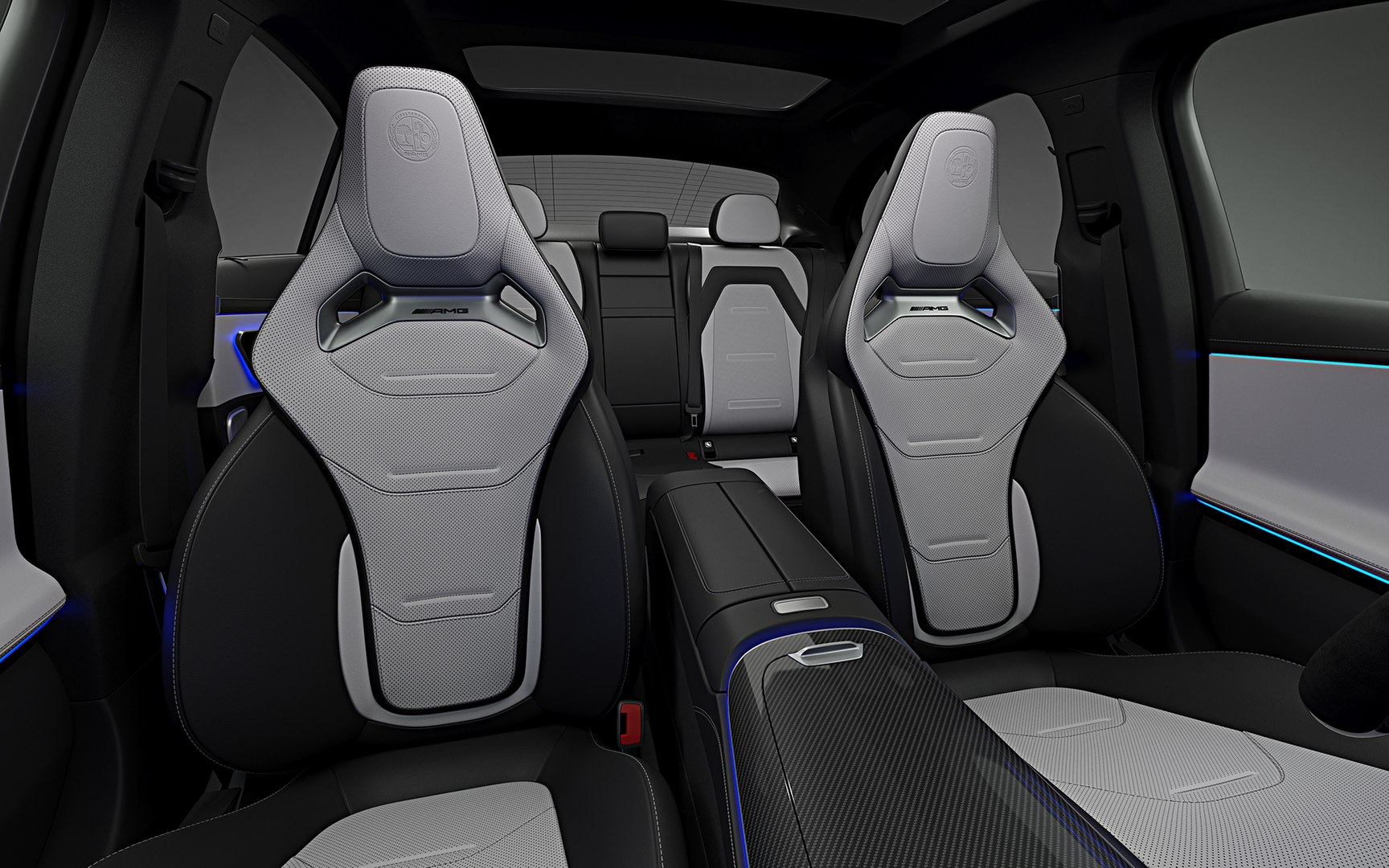
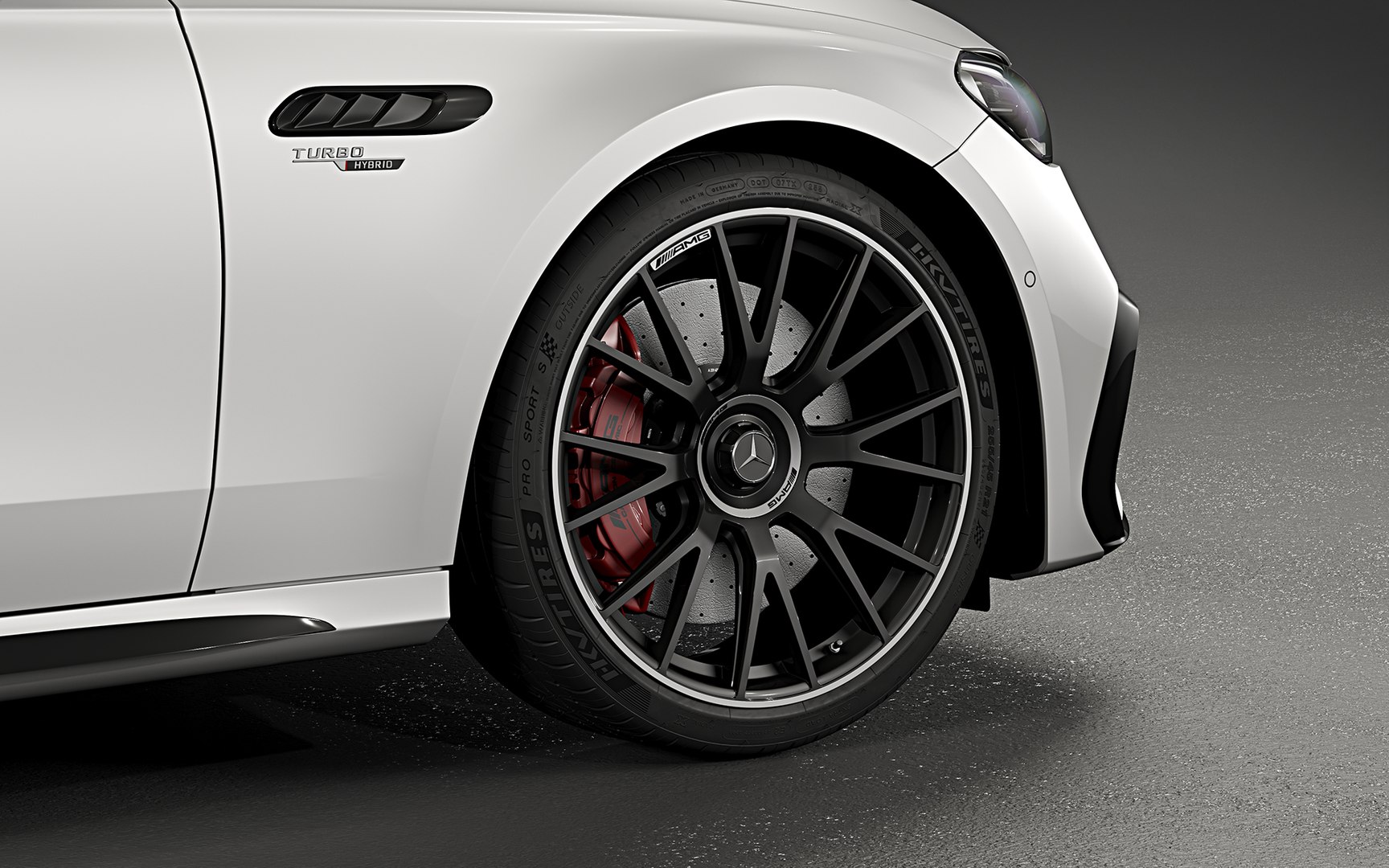
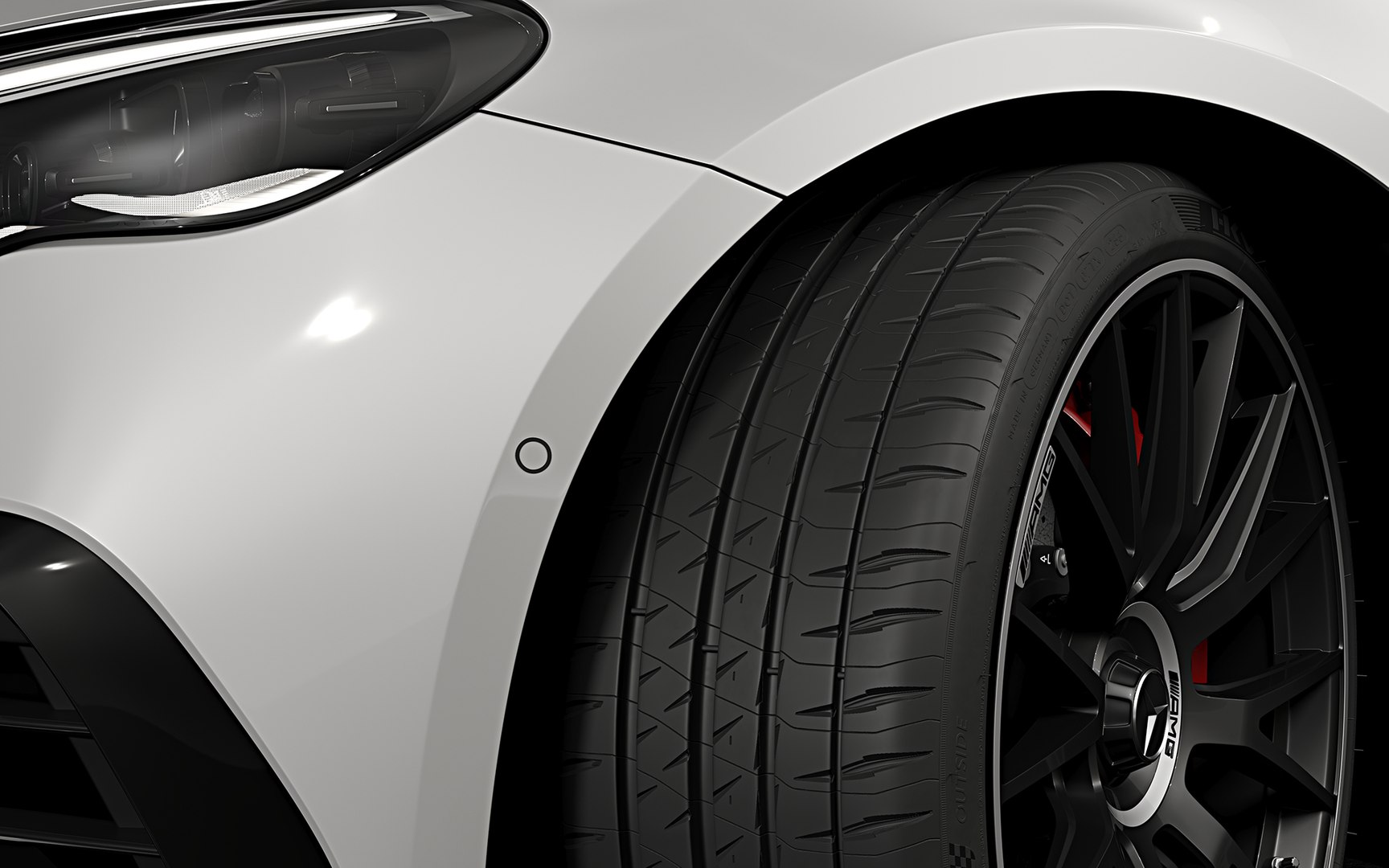
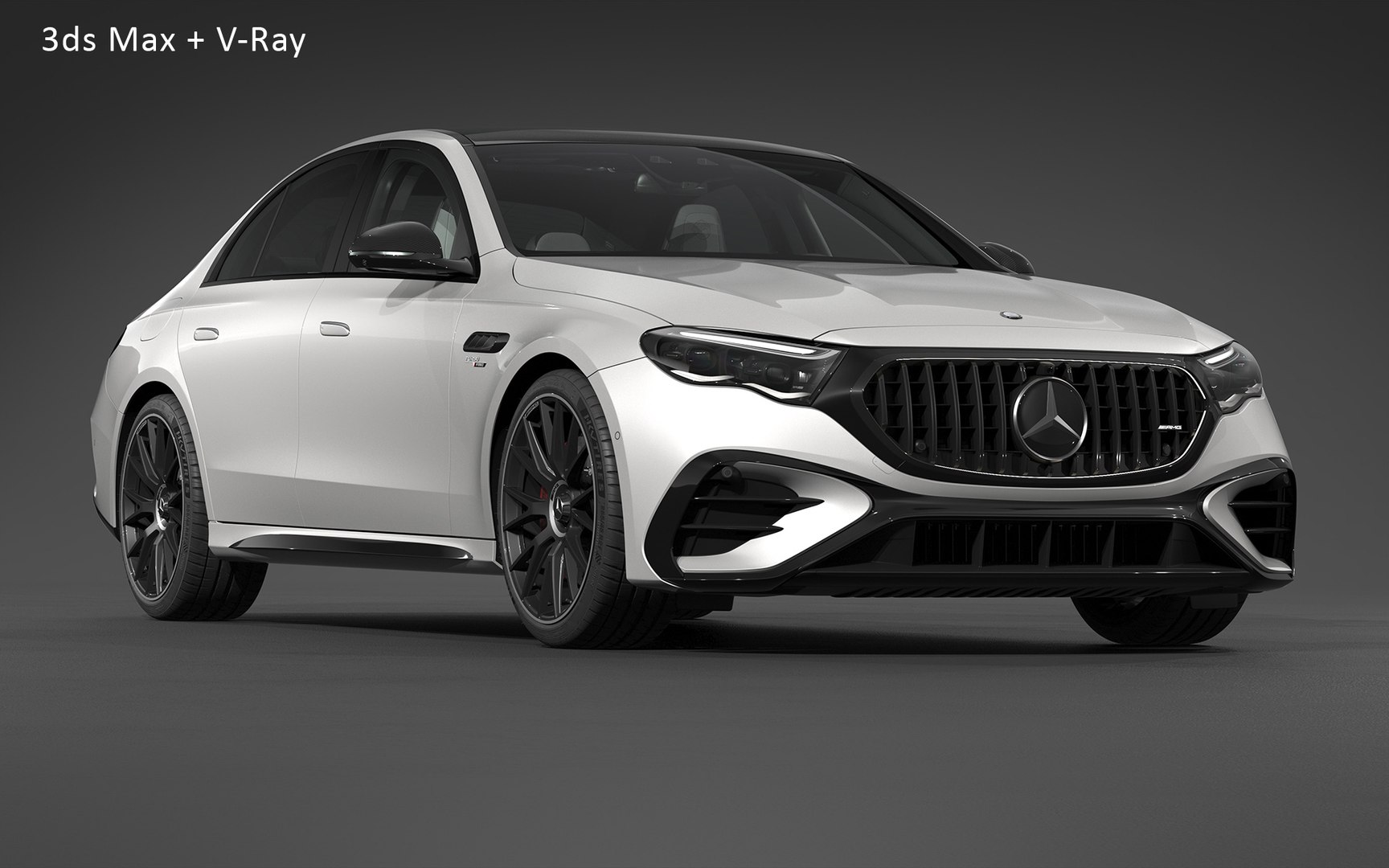
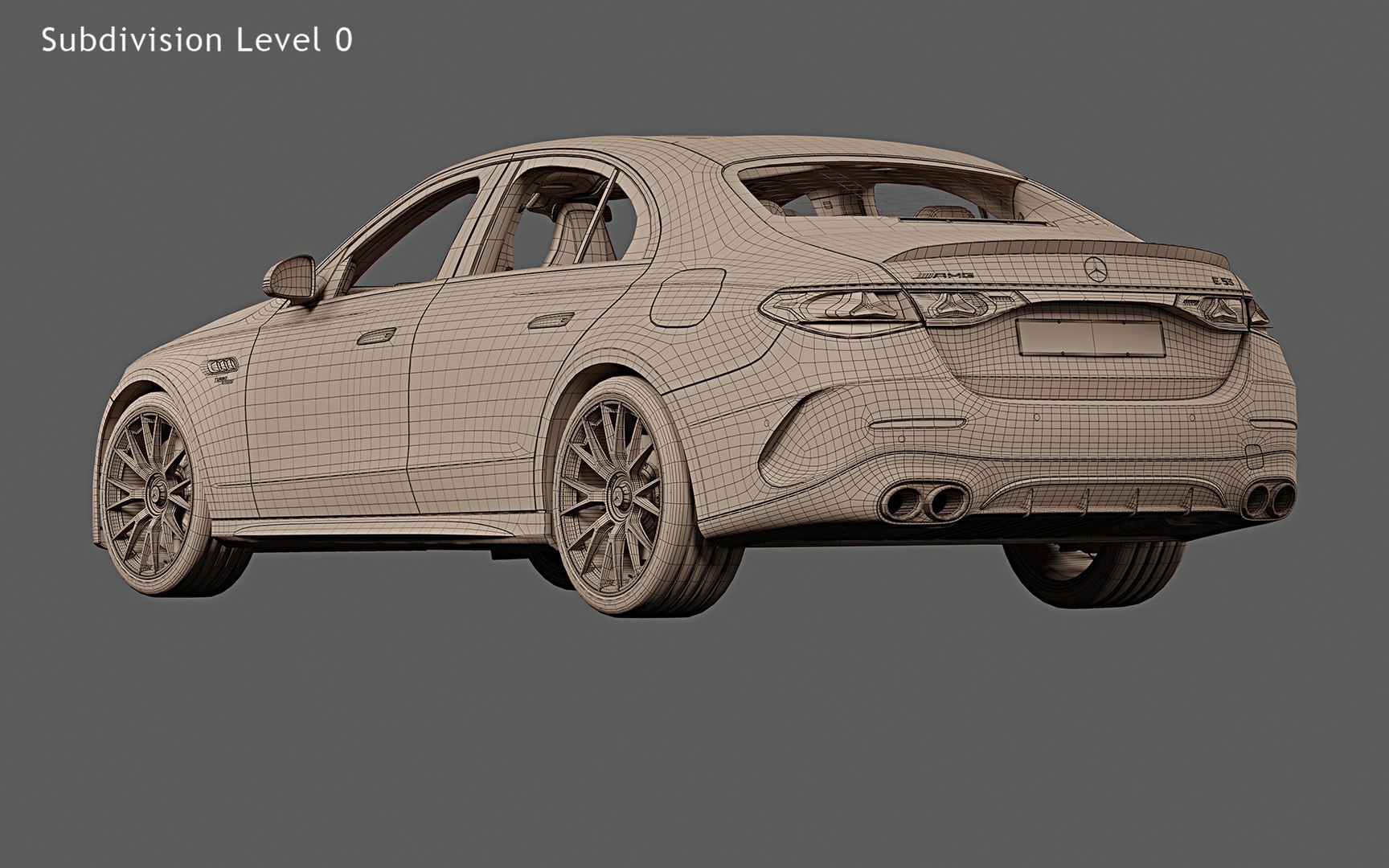
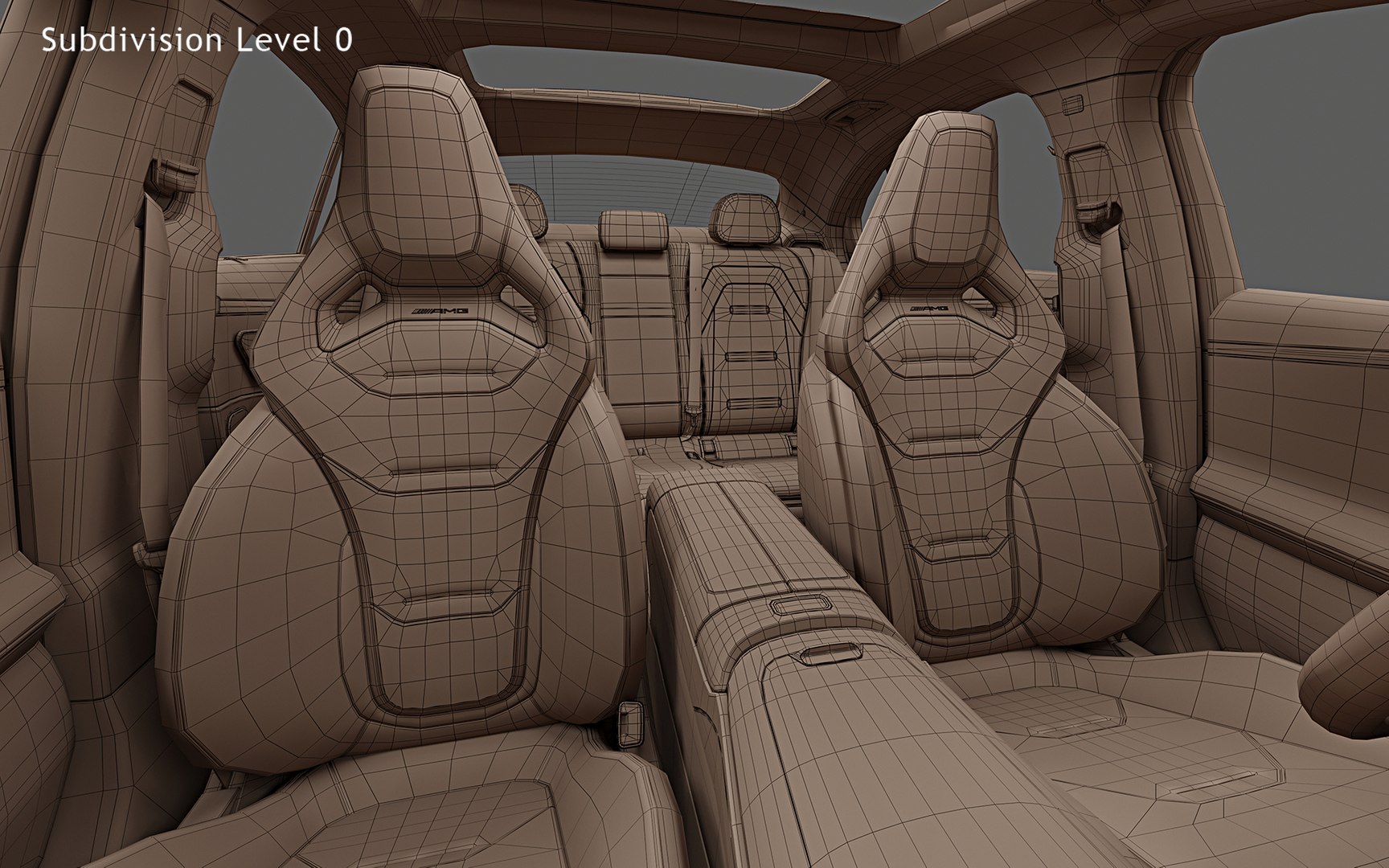
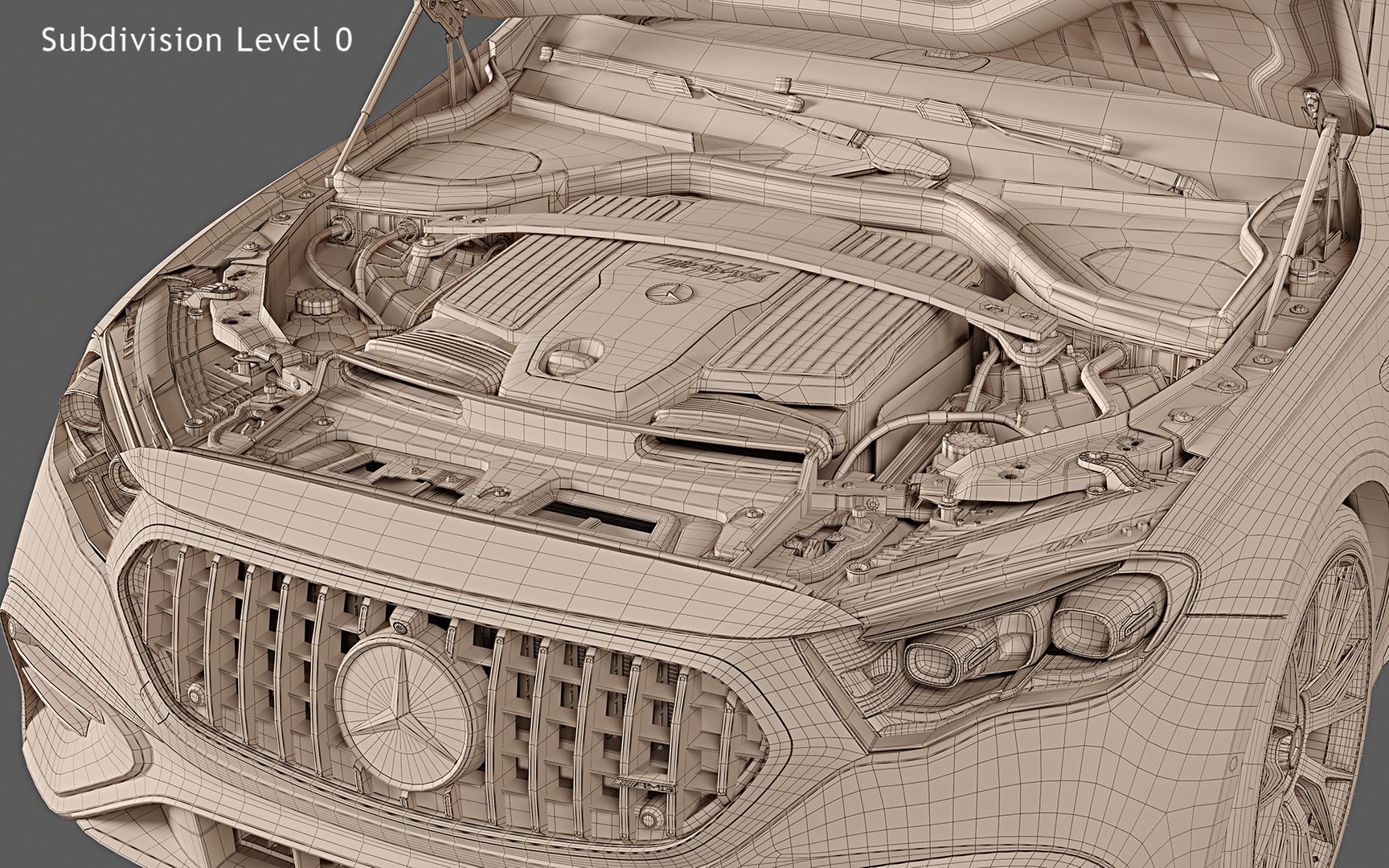
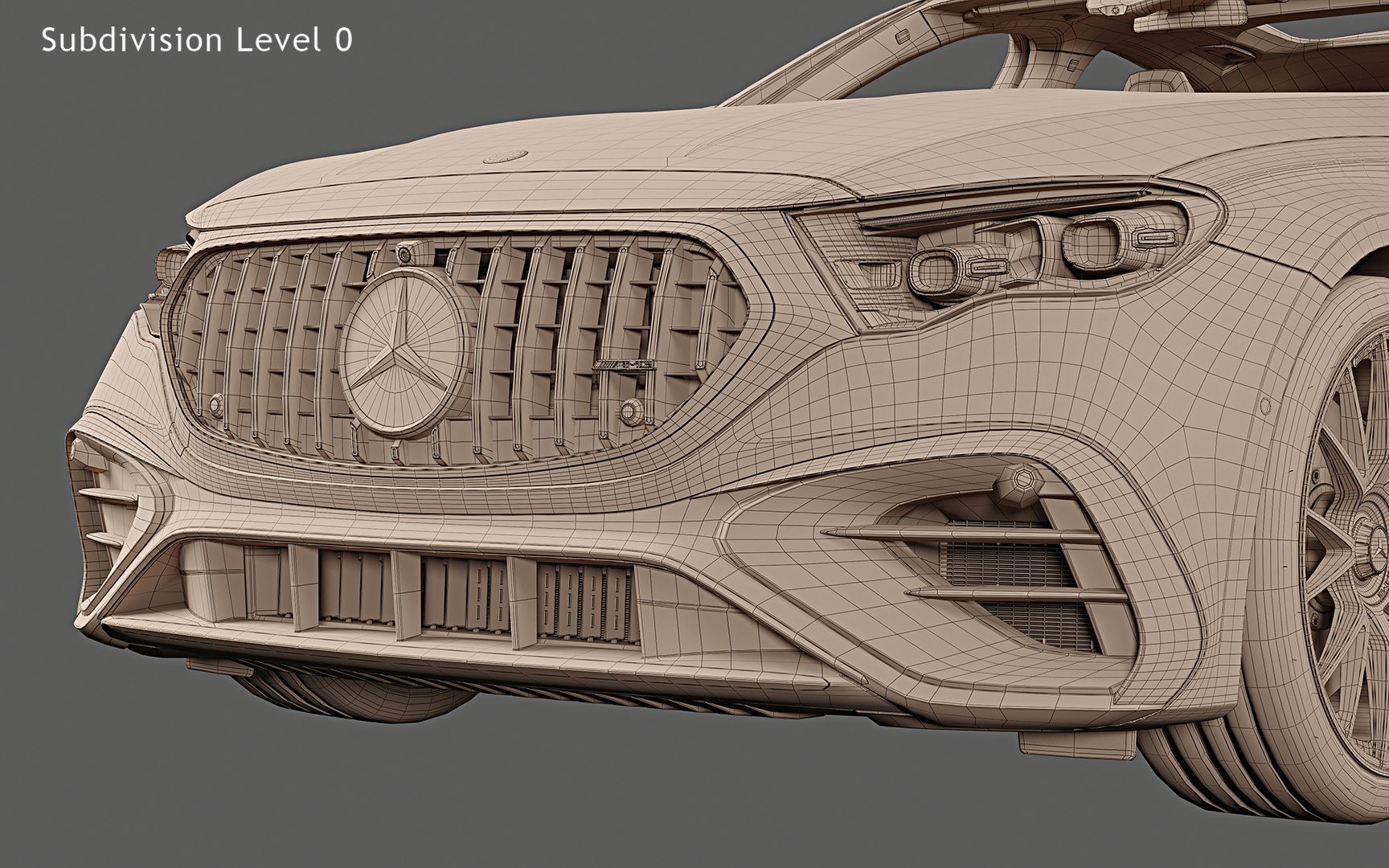
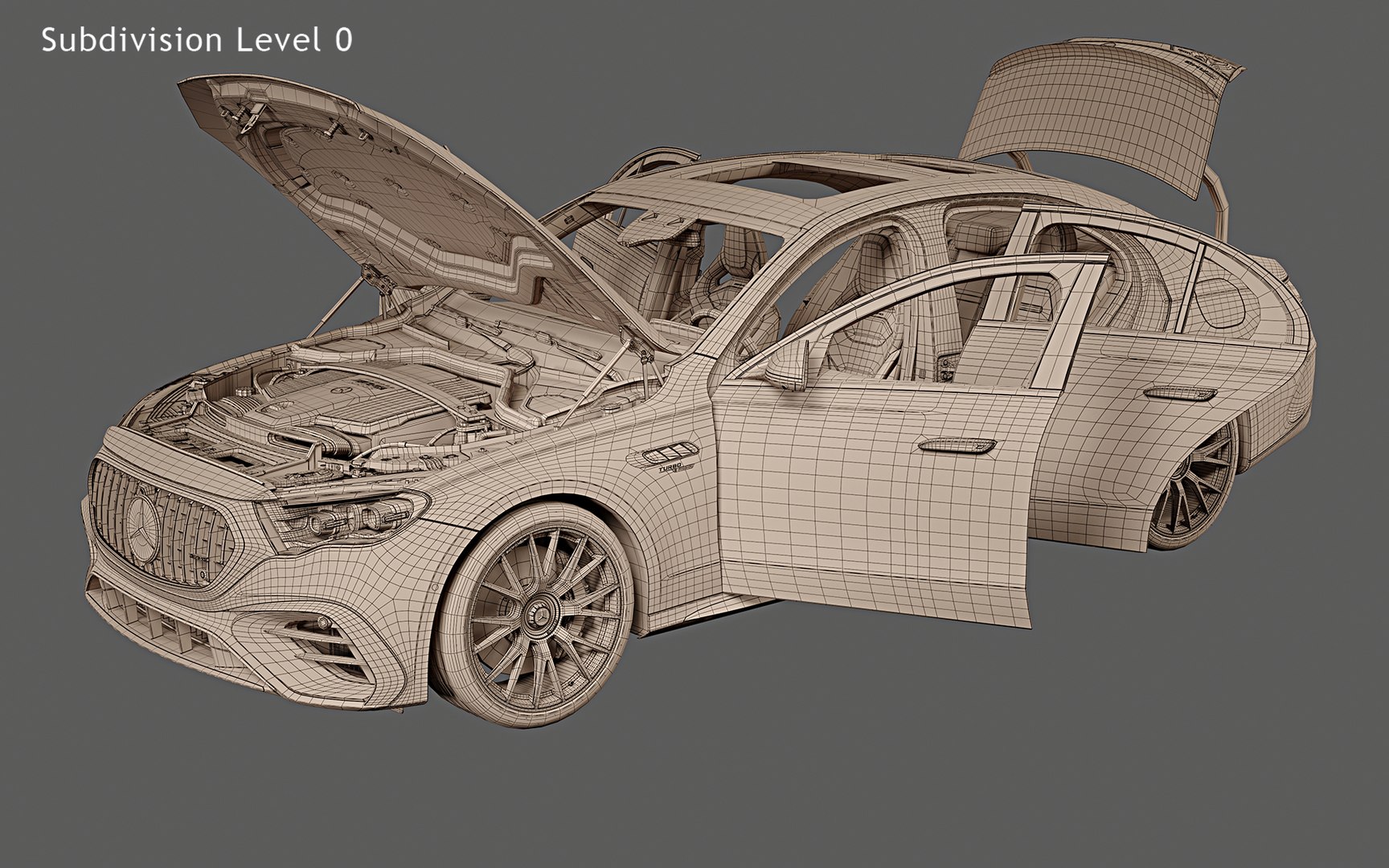
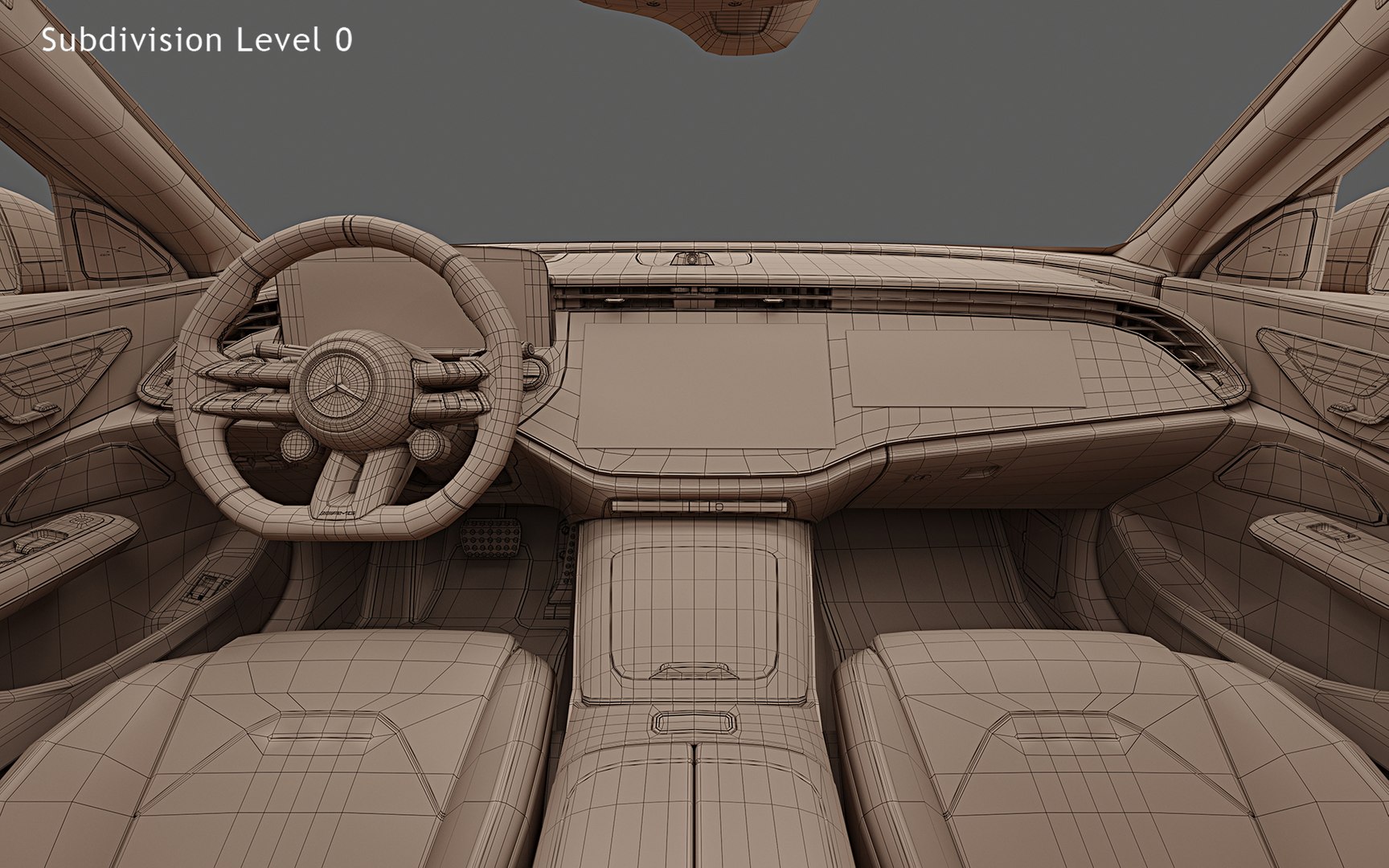
Photorealistic, high-quality and accurate 3D model of 2025 Mercedes-Benz E53 AMG Hybrid with high detailed interior, openable hood and trunk.
The model is suitable for Ultra HD rendering and further use in broadcast, high-res film close-up, advertising, etc.
The model can be also used in real-time applications (Unreal Engine, Unity and etc.) after a number of mesh optimizations, texture baking and other procedures executed on the customer's side.
The studio rendering quality shown on product previews is reachable "out-of-box" with no need of any additional manipulations, if you use 3ds max + Corona native file format.
Just download, open the file and hit "Render"!

Main features:
- Originally created with 3ds Max 2018
- Three MAX files with Corona, V-Ray and Standard 3ds Max materials. V-Ray scene, lighting and materials are similar to native Corona file
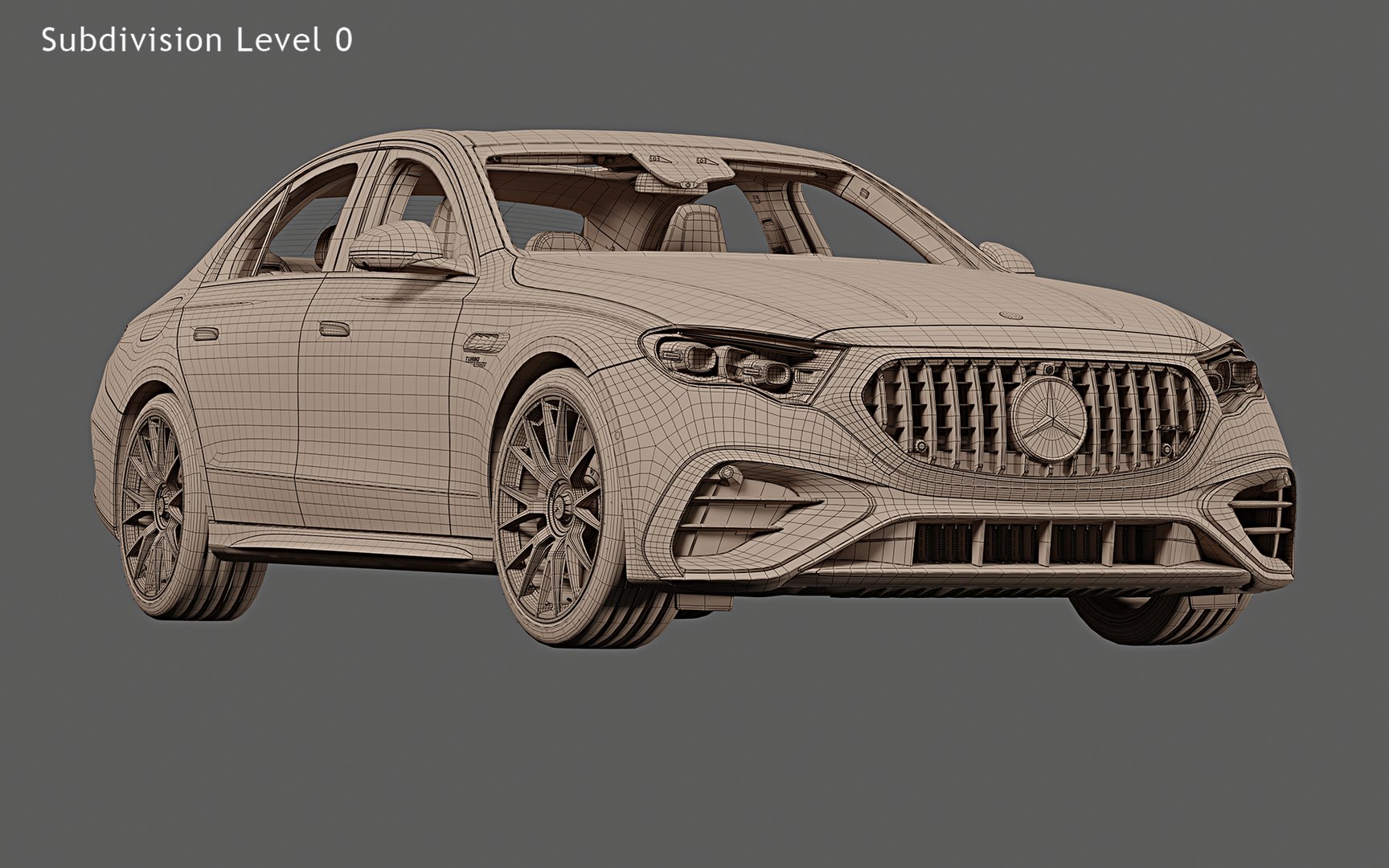
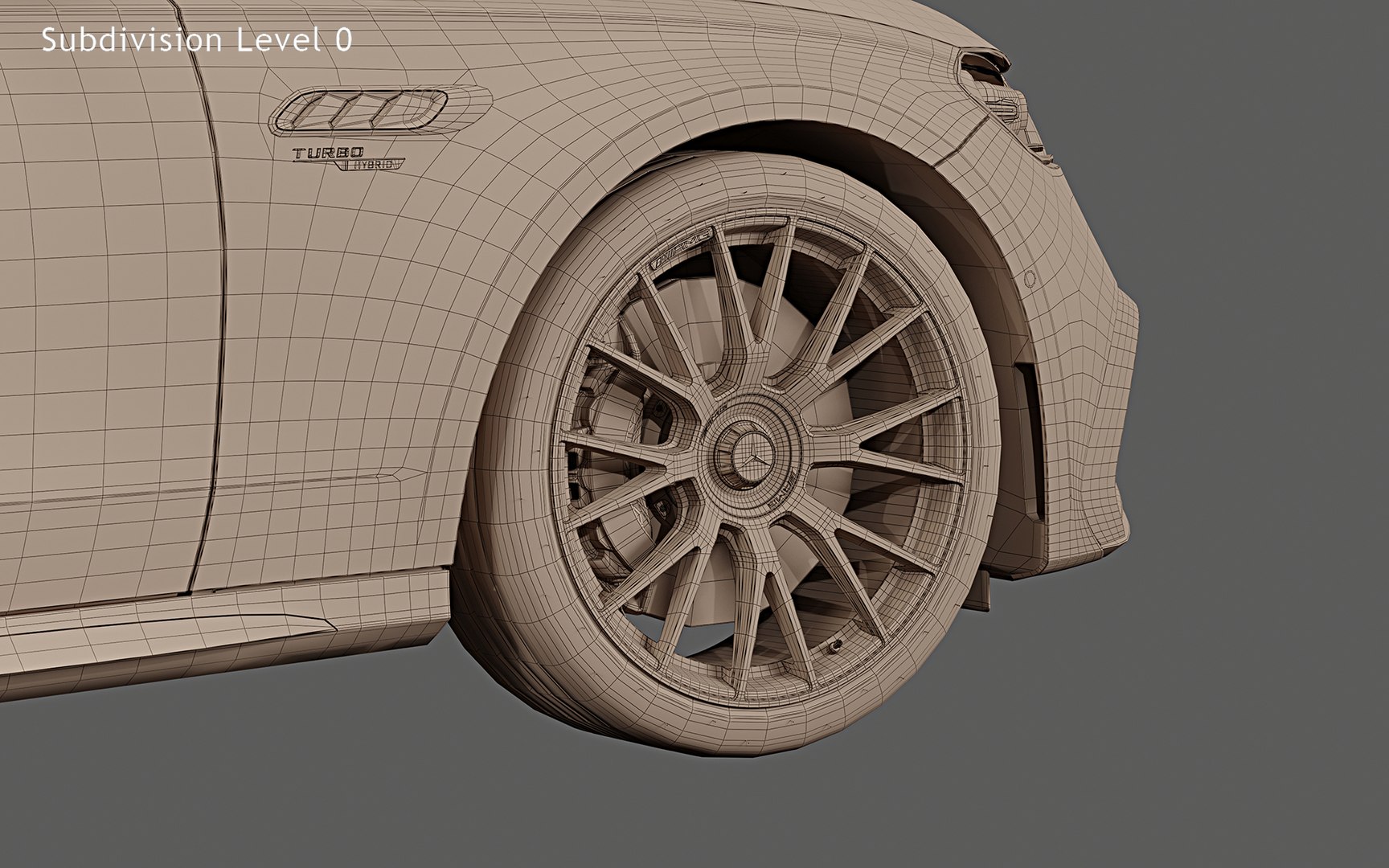
- Subdivision modifier is available in the history for MAX, MB and C4D file formats. You can get access to original non-smoothed mesh by deactivating the Subdiv modifier
- Separate objects like body, wheels and doors. Total number of objects is 30
- Doors, trunk, hood and fuel and charging caps can be opened
- Unit system is set to metric (millimeters). Real-world scale
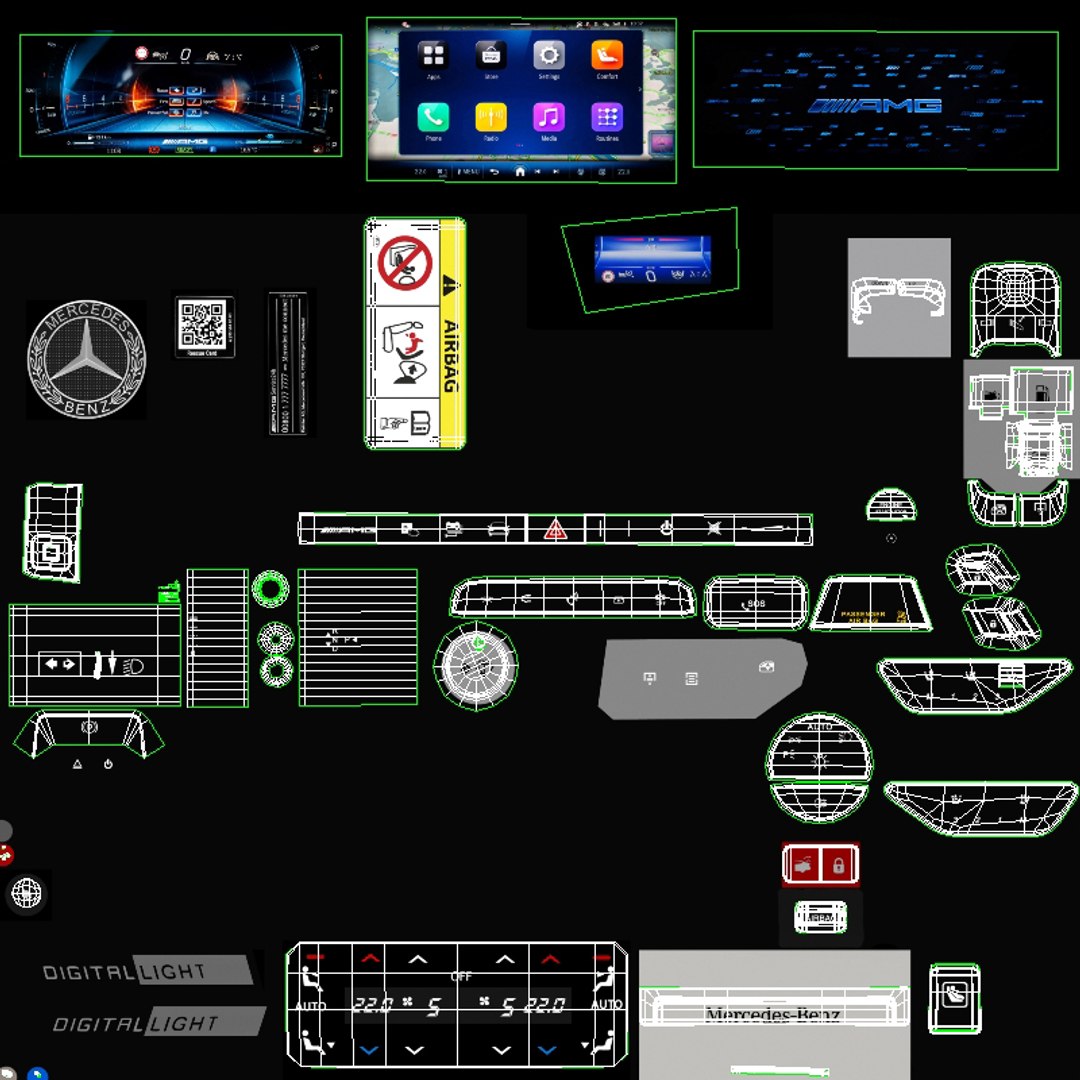
- All textures and materials are included and assigned
- 25 textures, which vary in resolution from 64x64px to 8192x8192px
- Previews rendered in 3ds Max 2018 with Corona 9.0

Special notes:
- FBX and OBJ formats are recommended for import in other 3D software. If your software doesn't support FBX or OBJ format, please use 3DS format; FBX and OBJ formats were exported from 3ds Max. The geometry for FBX and OBJ formats is set to quads
- FBX format is recommended for importing in real-time engines like Unreal Engine, Unity and etc.
- MAX files can be loaded in Autodesk 3ds Max 2018 or higher. In order to use Corona rendering setups and materials, Corona 8.0 or higher is needed
- C4D file can be loaded in MAXON Cinema4D R21 or higher. Only standard Cinema4D materials and standard renderer used
- MB file can be loaded in Autodesk Maya 2018 or higher. Only standard Maya materials and standard Hardware 2.0 renderer used
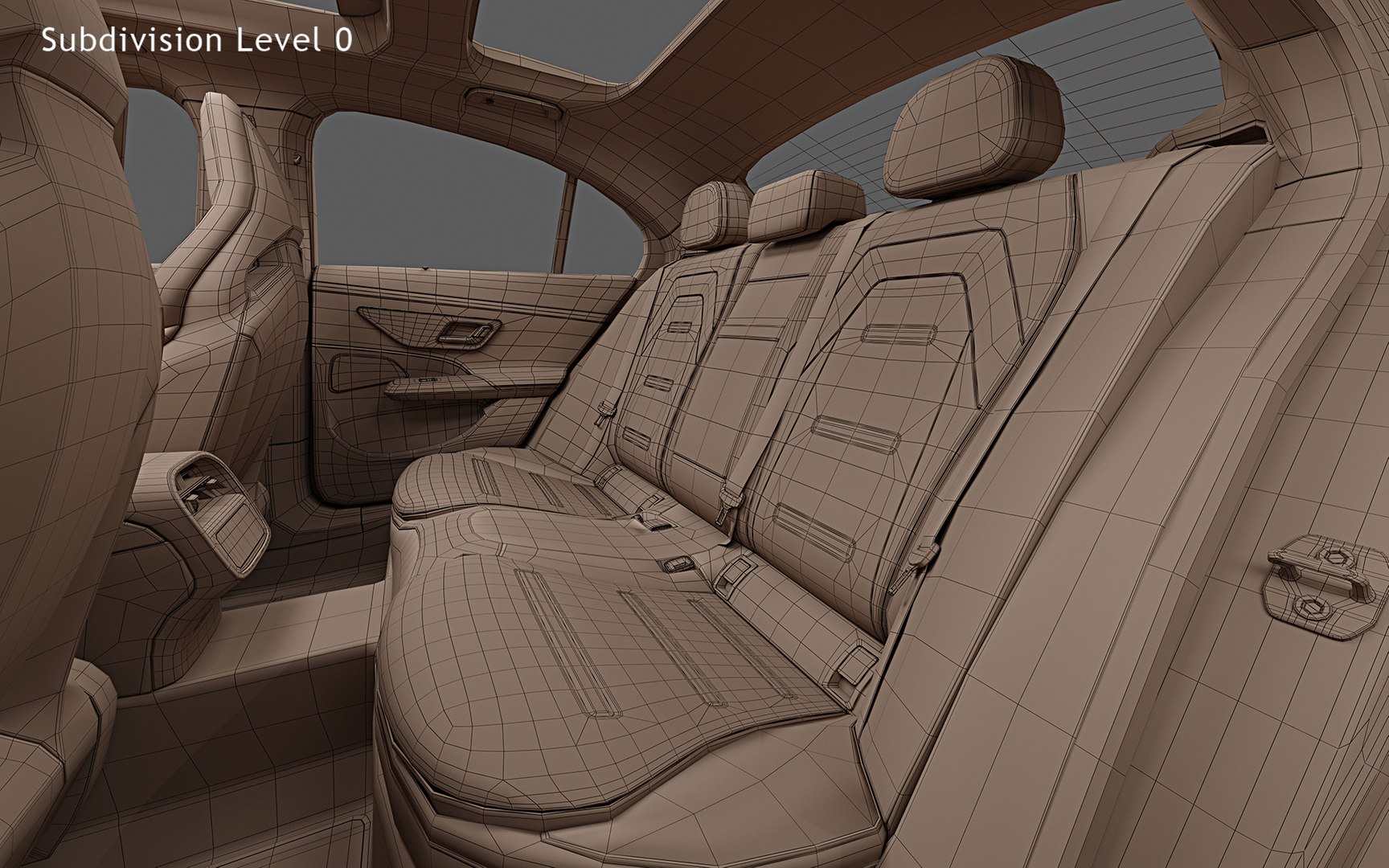
Polycounts:
MAX format (one file included with TurboSmooth iteration 1 applied to all objects):
no TurboSmooth: 600,020 faces and 658,202 vertices
TurboSmooth iteration 1: 2,397,451 faces and 2,512,737 vertices
TurboSmooth iteration 2: 9,589,804 faces and 9,816,669 vertices

MB and C4D formats (only one file for each format included with Subdivision iteration 1 applied to all objects):
no Subdiv: 600,020 faces and 658,202 vertices
Subdiv iteration 1: 2,397,451 faces and 2,512,737 vertices
Subdiv iteration 2: 9,589,804 faces and 9,816,669 vertices

FBX and OBJ formats (3 files included for each format):
low: 600,020 faces and 658,202 vertices
medium: 2,397,451 faces and 2,512,737 vertices
high: 9,589,804 faces and 9,816,669 vertices

3DS format (3 files included):
low: 1,197,411 faces and 720,397 vertices
medium: 4,794,902 faces and 2,675,791 vertices
high: 19,179,608 faces and 10,348,076 vertices

Select Enhanced License

  • $10,000 in Legal Protection (Indemnification)
  • Uncapped Legal Protection (Indemnification)
  • Waiver from injunctive relief
  • Assignable model rights
  • $1,000,000 in Legal Protection (Indemnification)
  • Waiver from injunctive relief
  • Assignable model rights
  • $250,000 in Legal Protection (Indemnification)
  • Assignable model rights
Read more about enhanced license tiers, or contact us at enterprise@turbosquid.com. Already a Shutterstock Enterprise Customer? Contact your Shutterstock Sales Support Agent to talk about adding 3D.
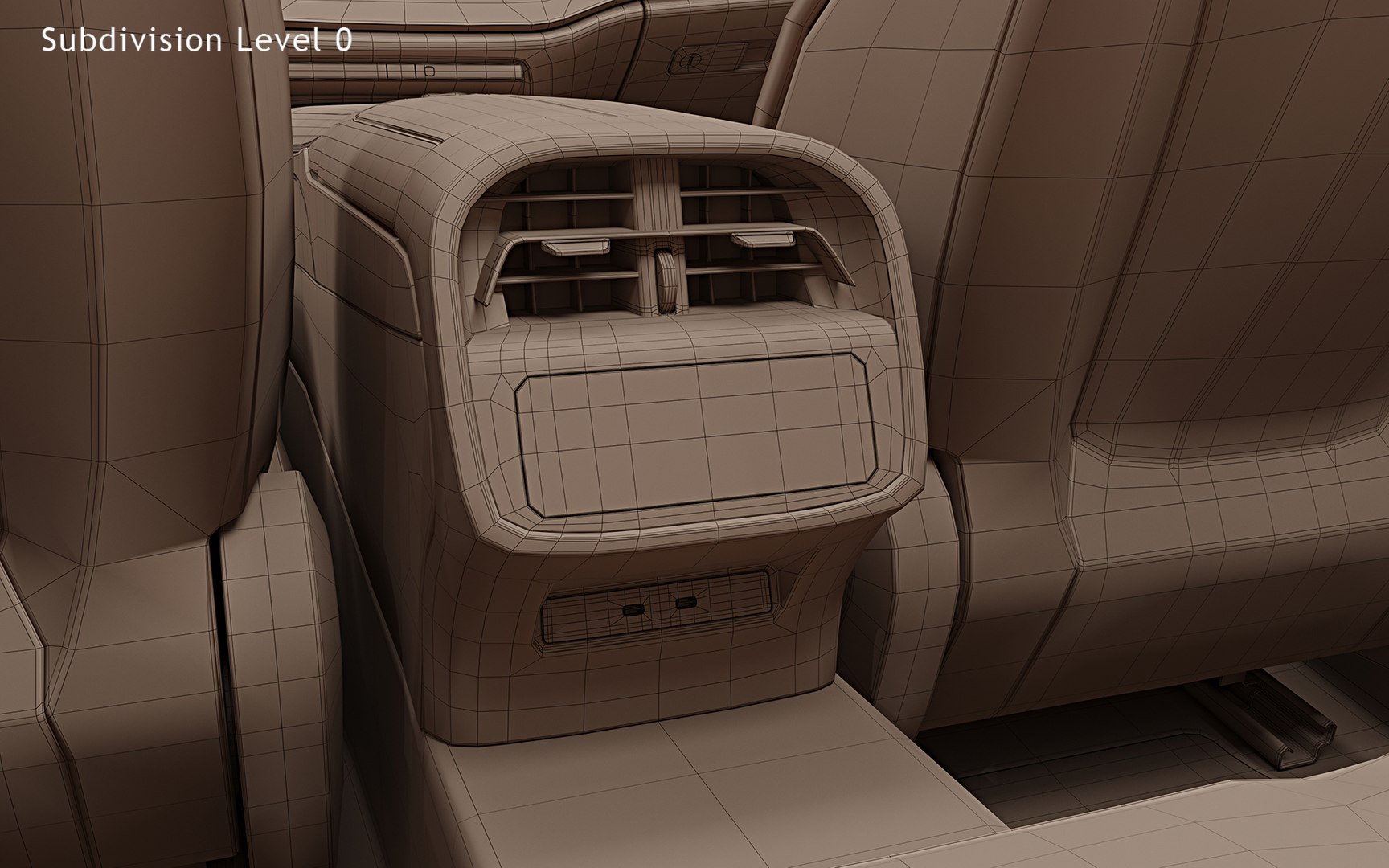
About Conversion Requests

To submit a conversion request for a purchased asset, please complete our Conversion Request Form.

If you have not yet purchased a model, please review our Documentation about Conversions to learn about what limitations you may encounter with a conversion.

For any additional questions about a model’s suitability for conversion, please contact TurboSquid Support.

Loading...