
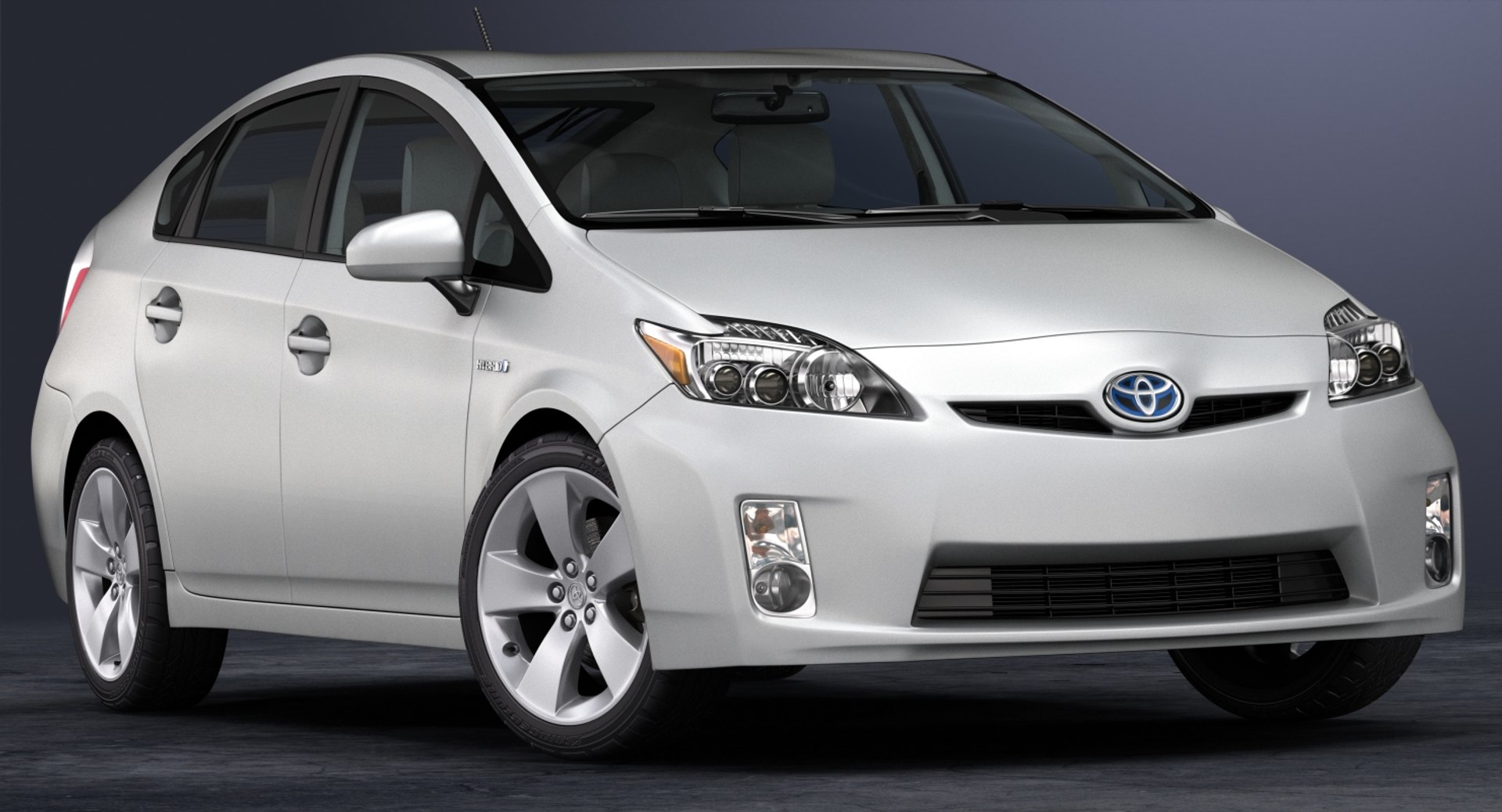
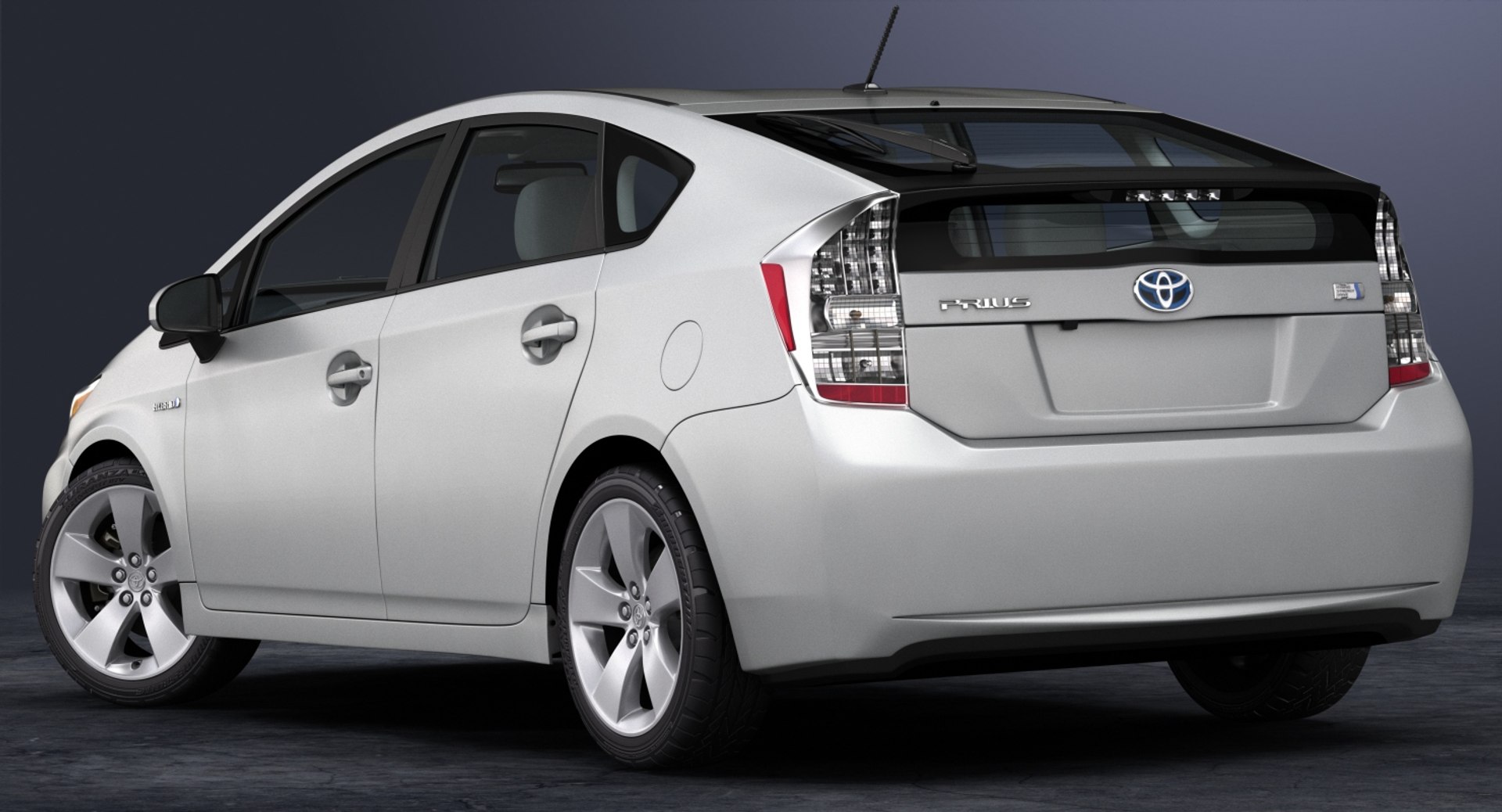
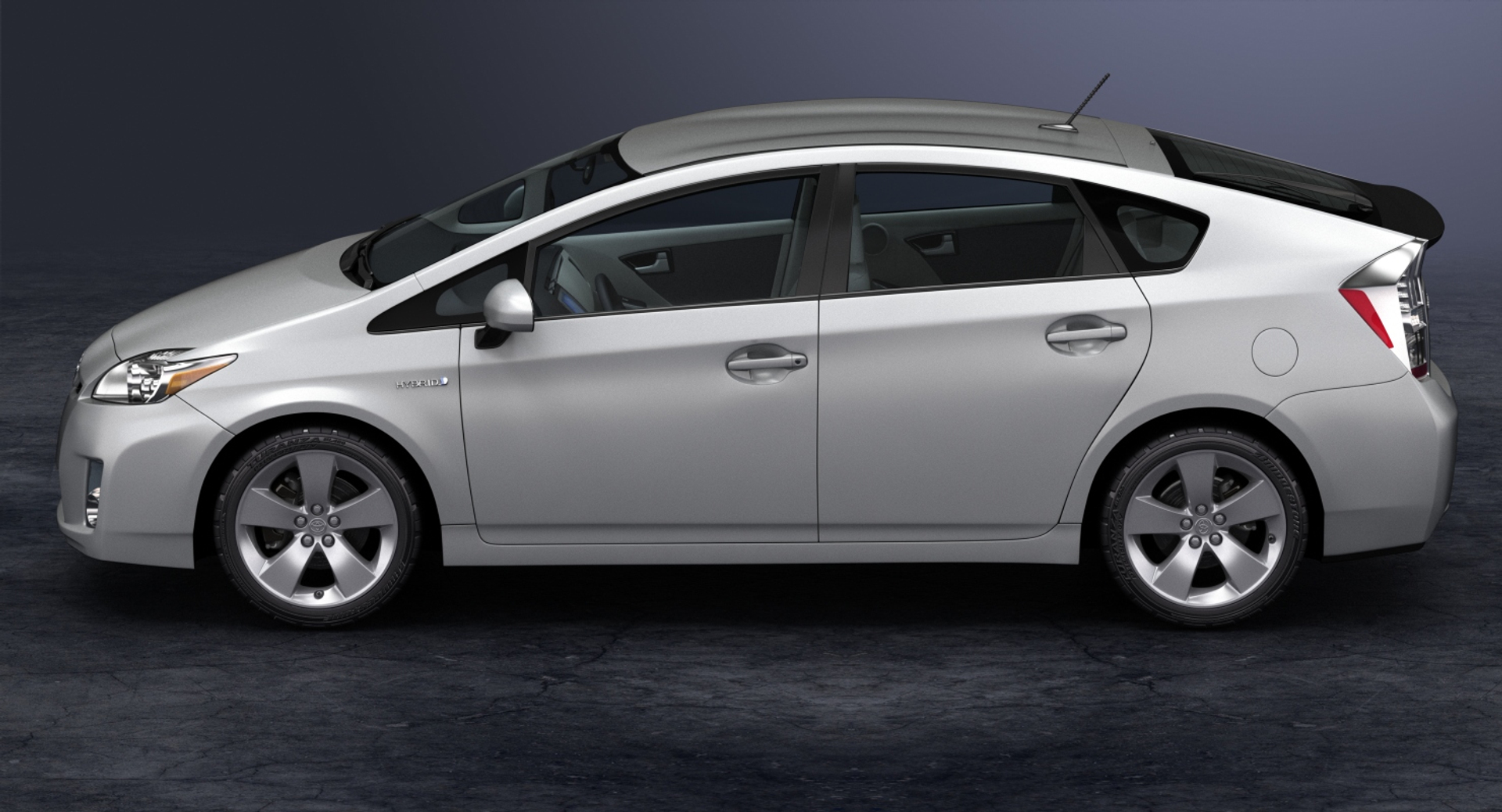
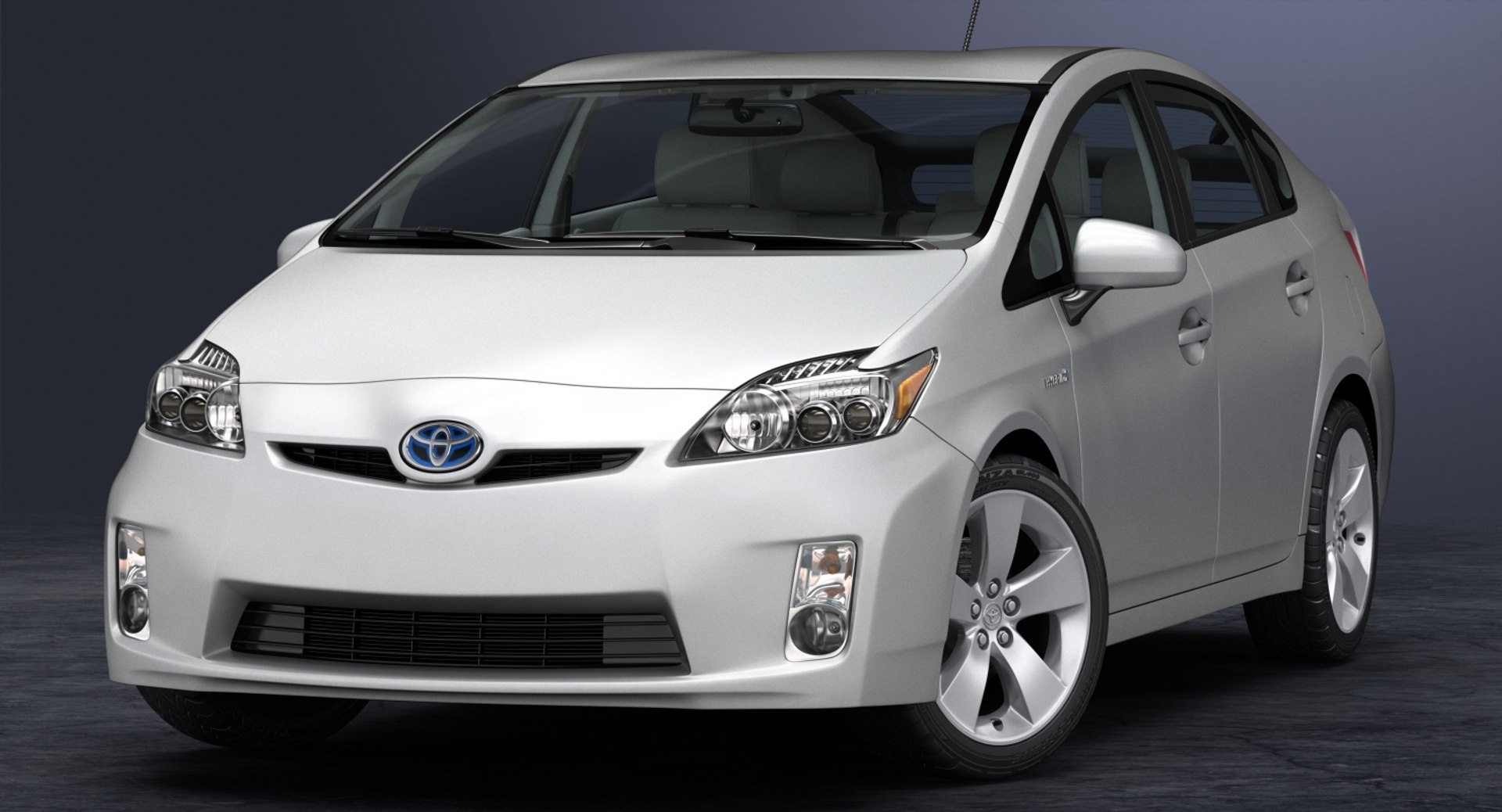
2010 Toyota Prius

$99

Standard License | Upgrade License
Editorial Uses Only
Formats (8)
Free file format Conversions available
Native | 3ds Max 2015 | V-Ray 3.50.04
3ds Max 2015 | Default Scanline
Maya 2015 | Maya Software
Maya 2015 | V-Ray 3.10.01
Cinema 4D R17 | Default Scanline
OBJ
FBX
3D Studio
Specifications
Publish Date February 01, 2009
Product ID 554587
Polygons 63,061
Vertices 77,697
Polygonal Quads/Tris Geometry
Textures
Materials
UV Mapped
Mixed Unwrapped UVs

member avatar
HKV Studios
683 Products | Contributor Since 2005
Have questions? Chat with us now.

Description

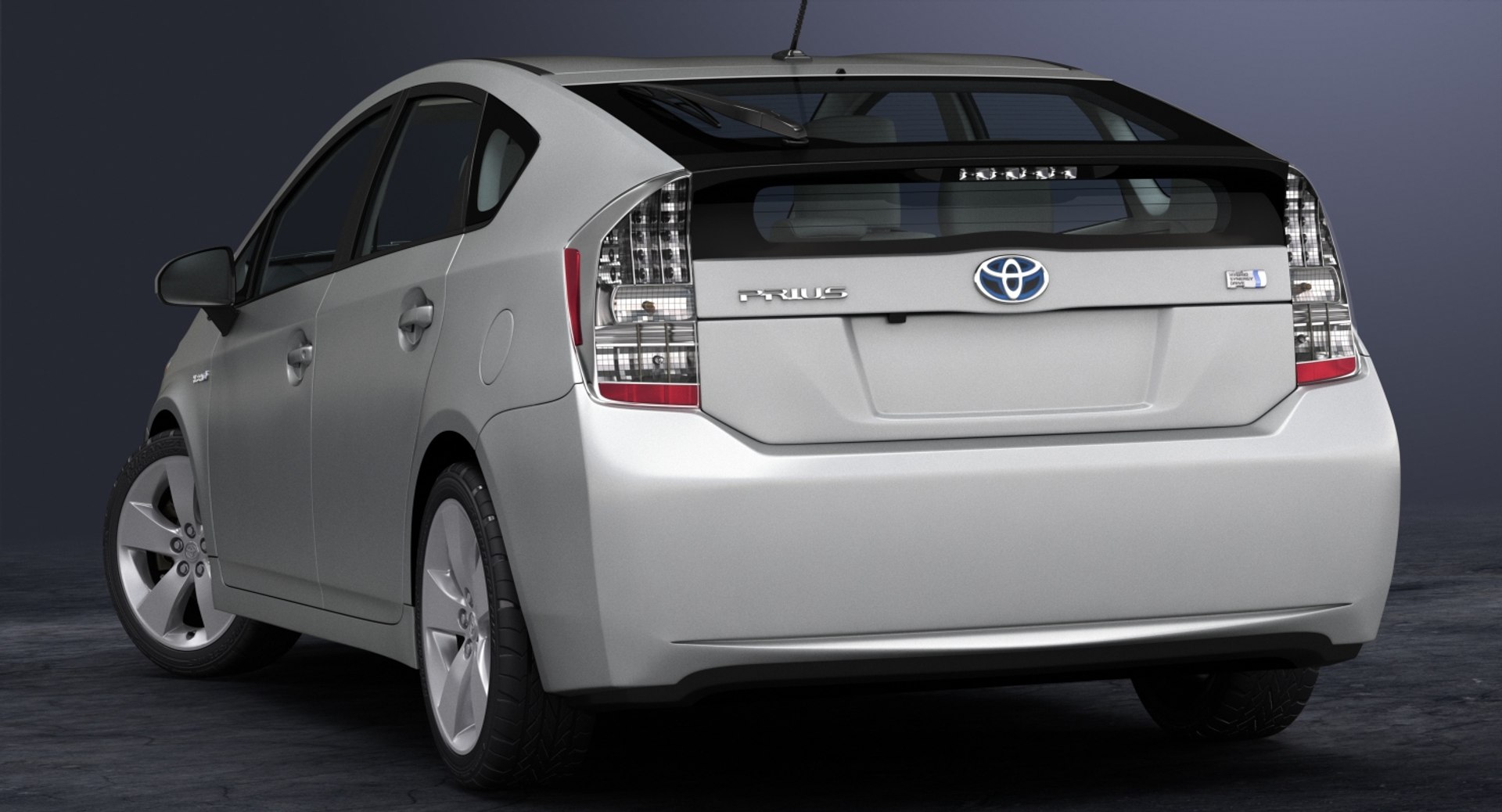
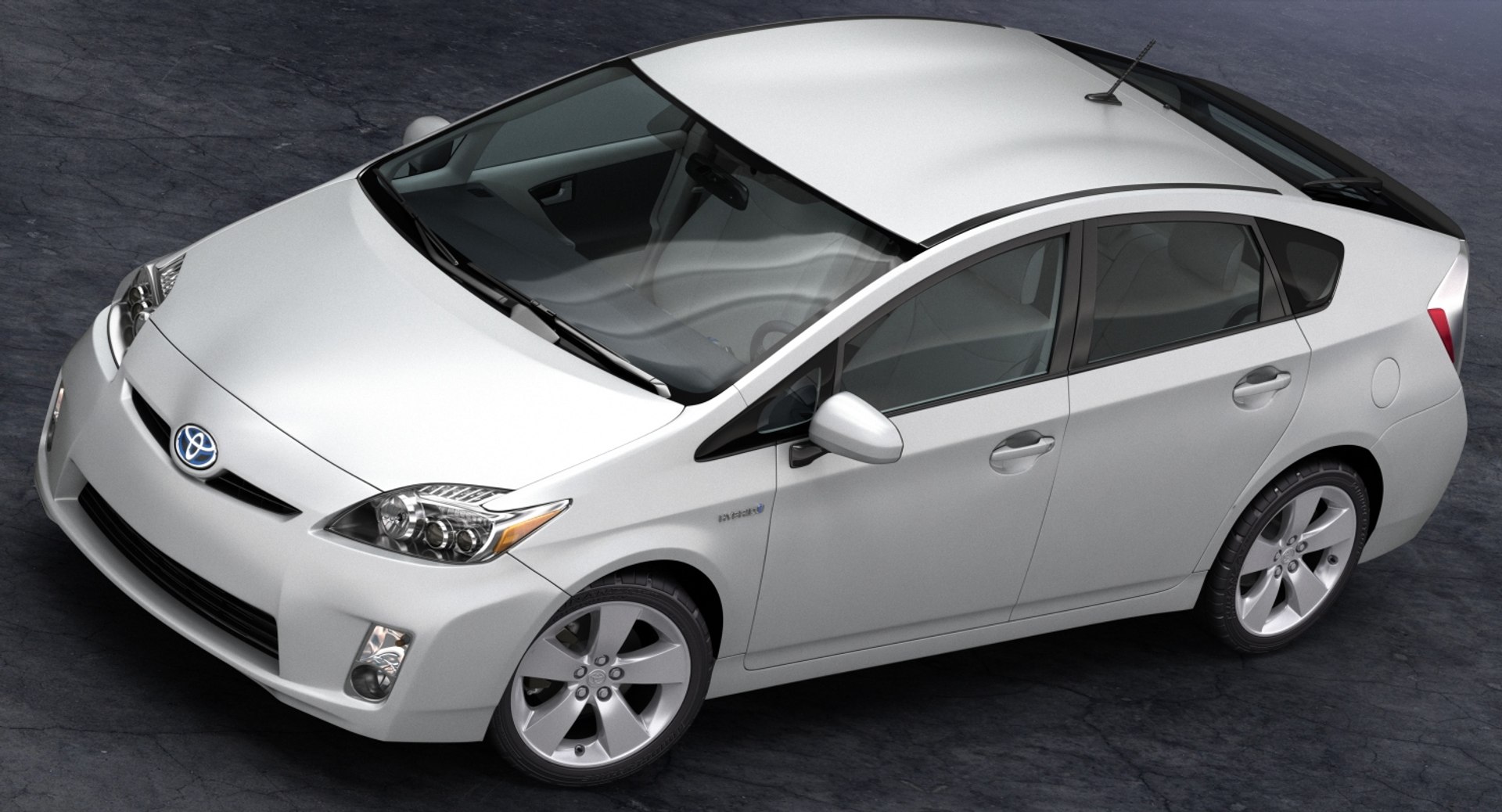
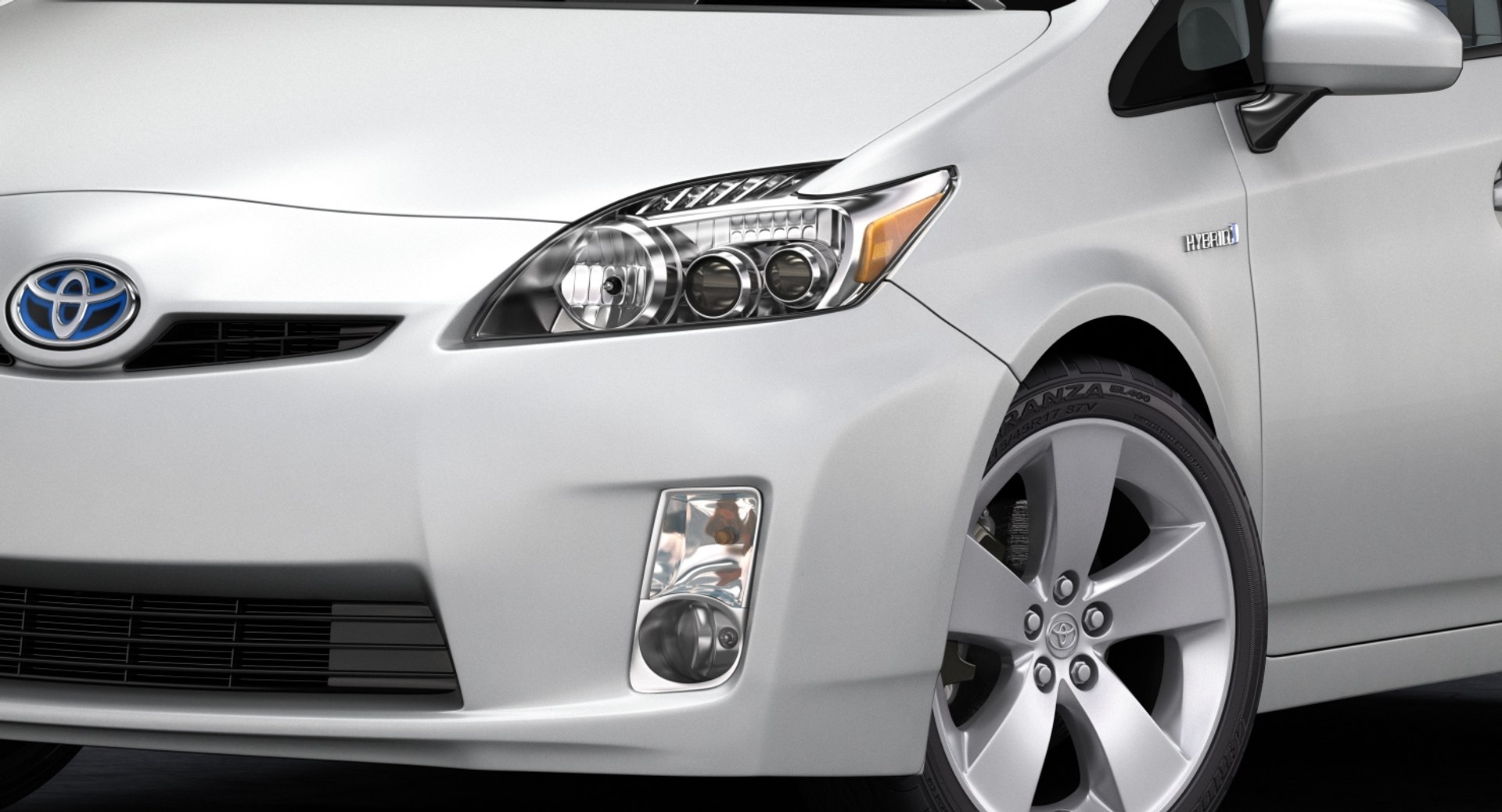
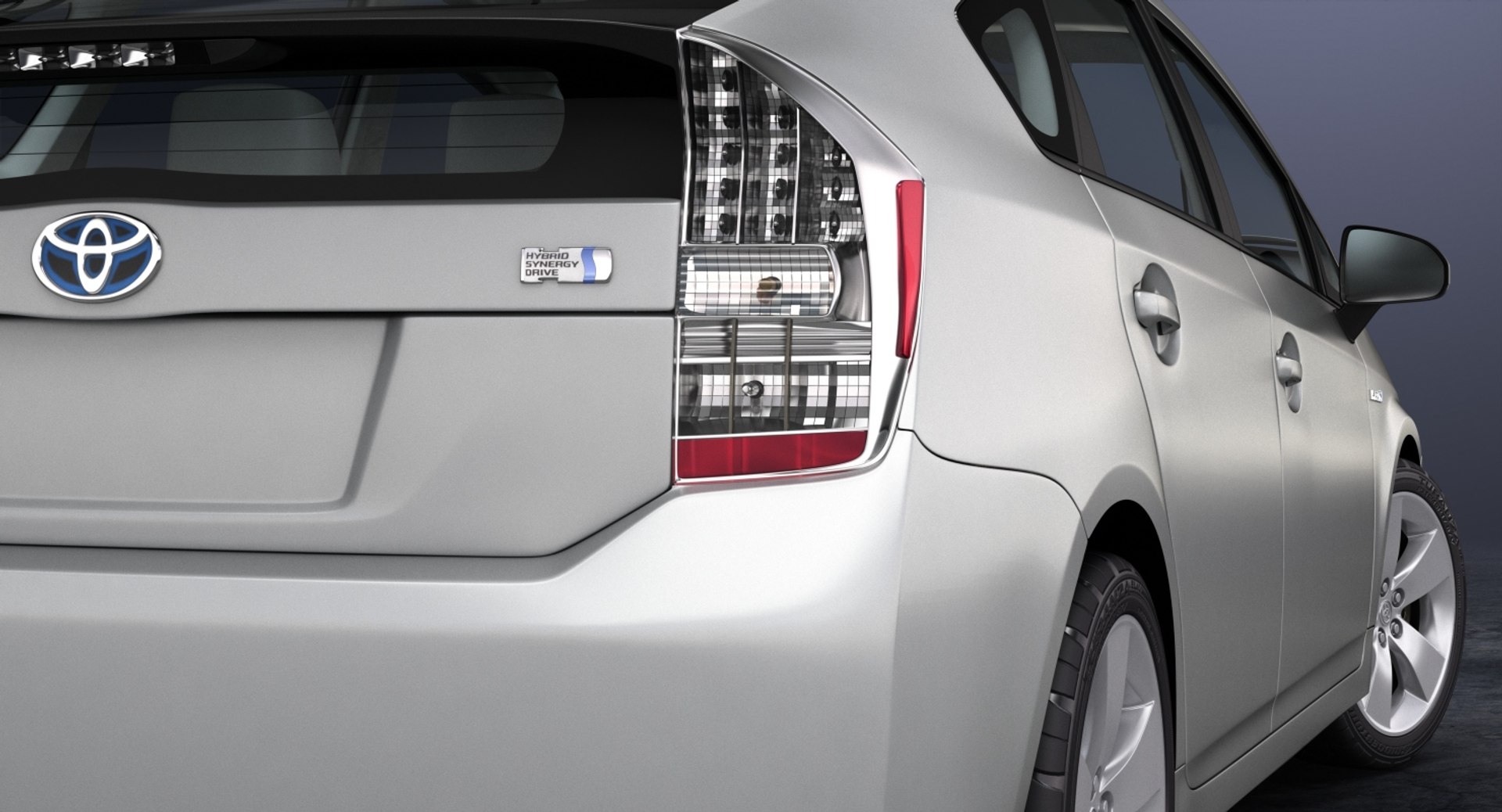
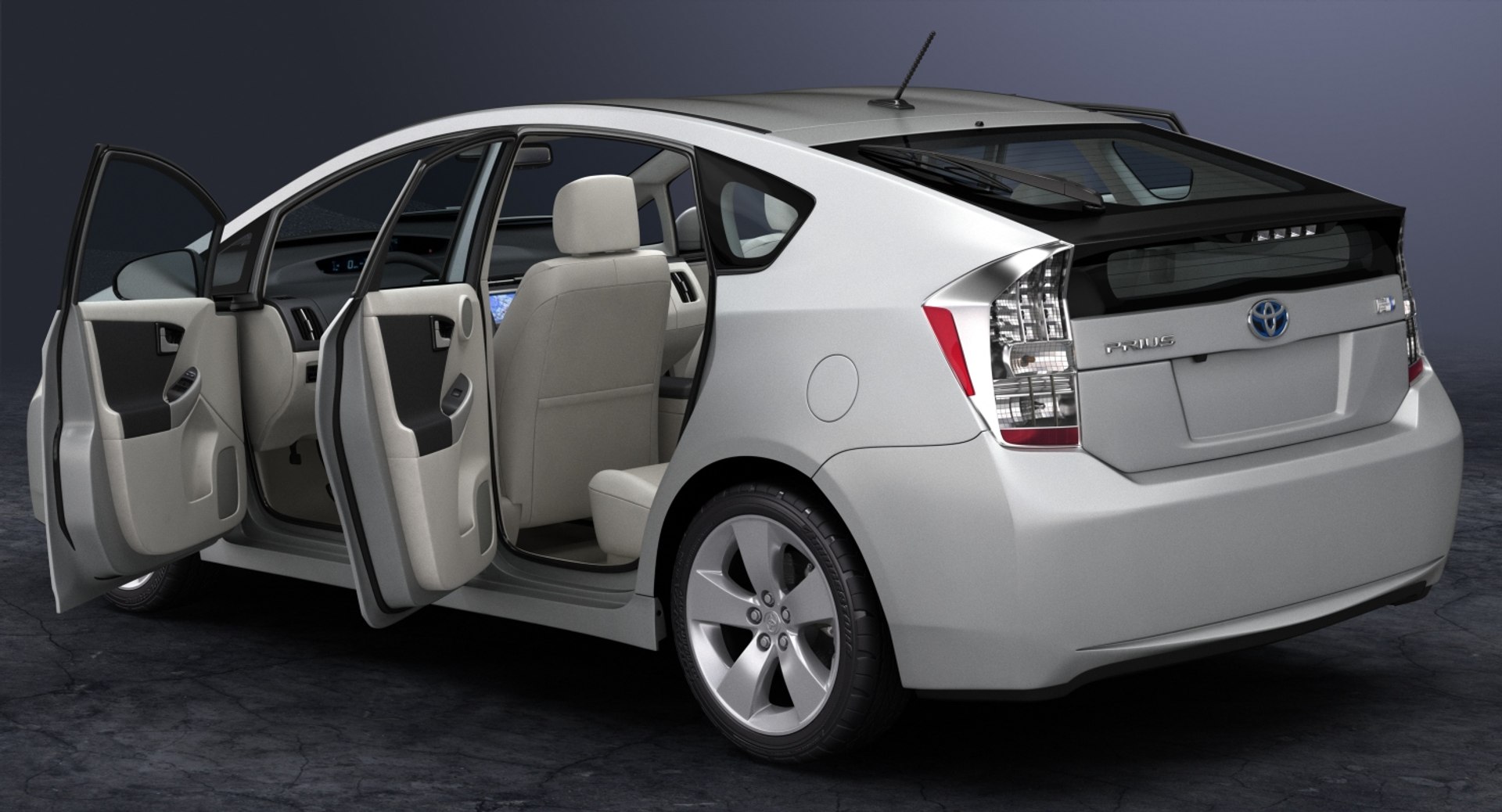
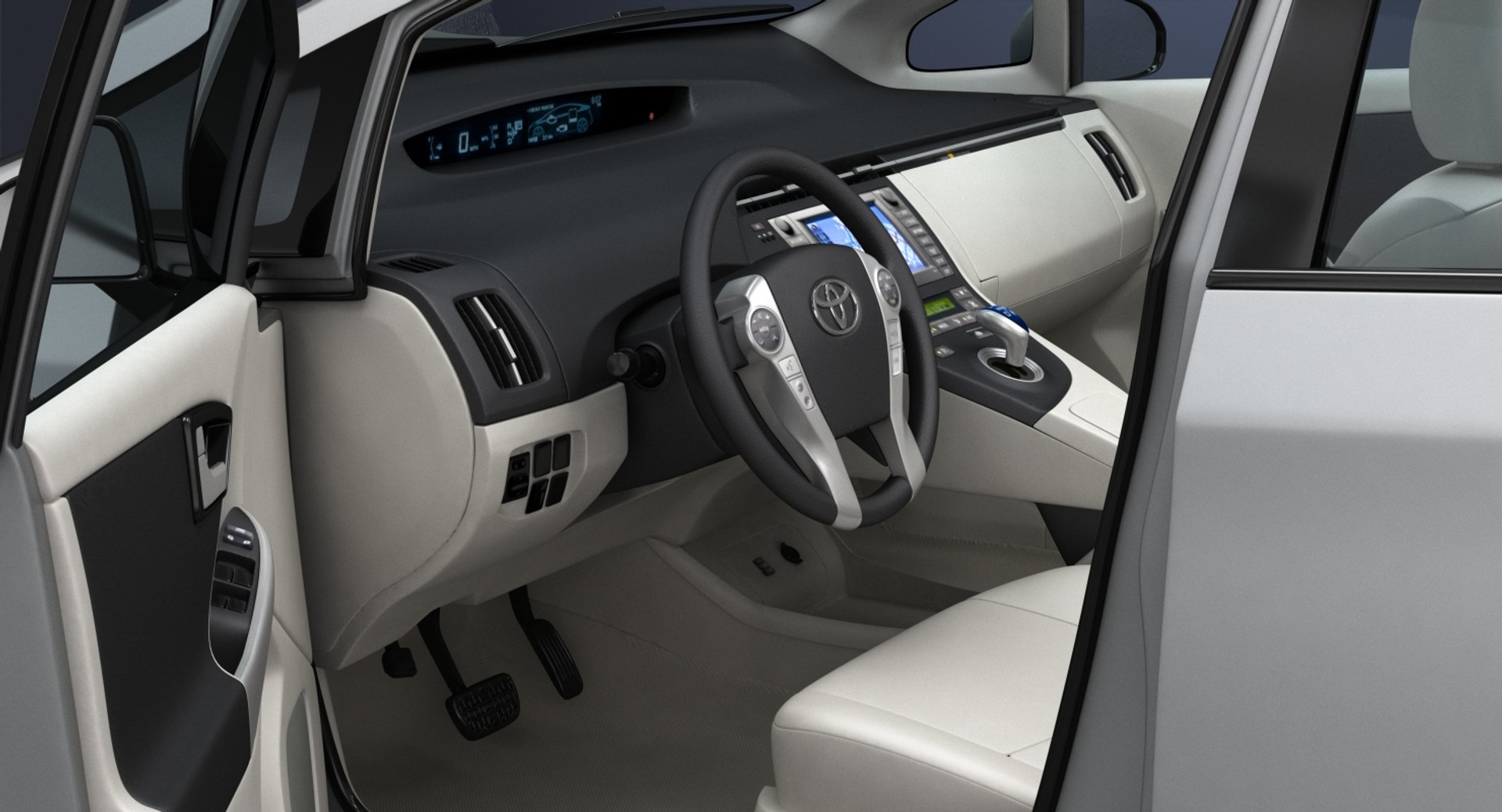
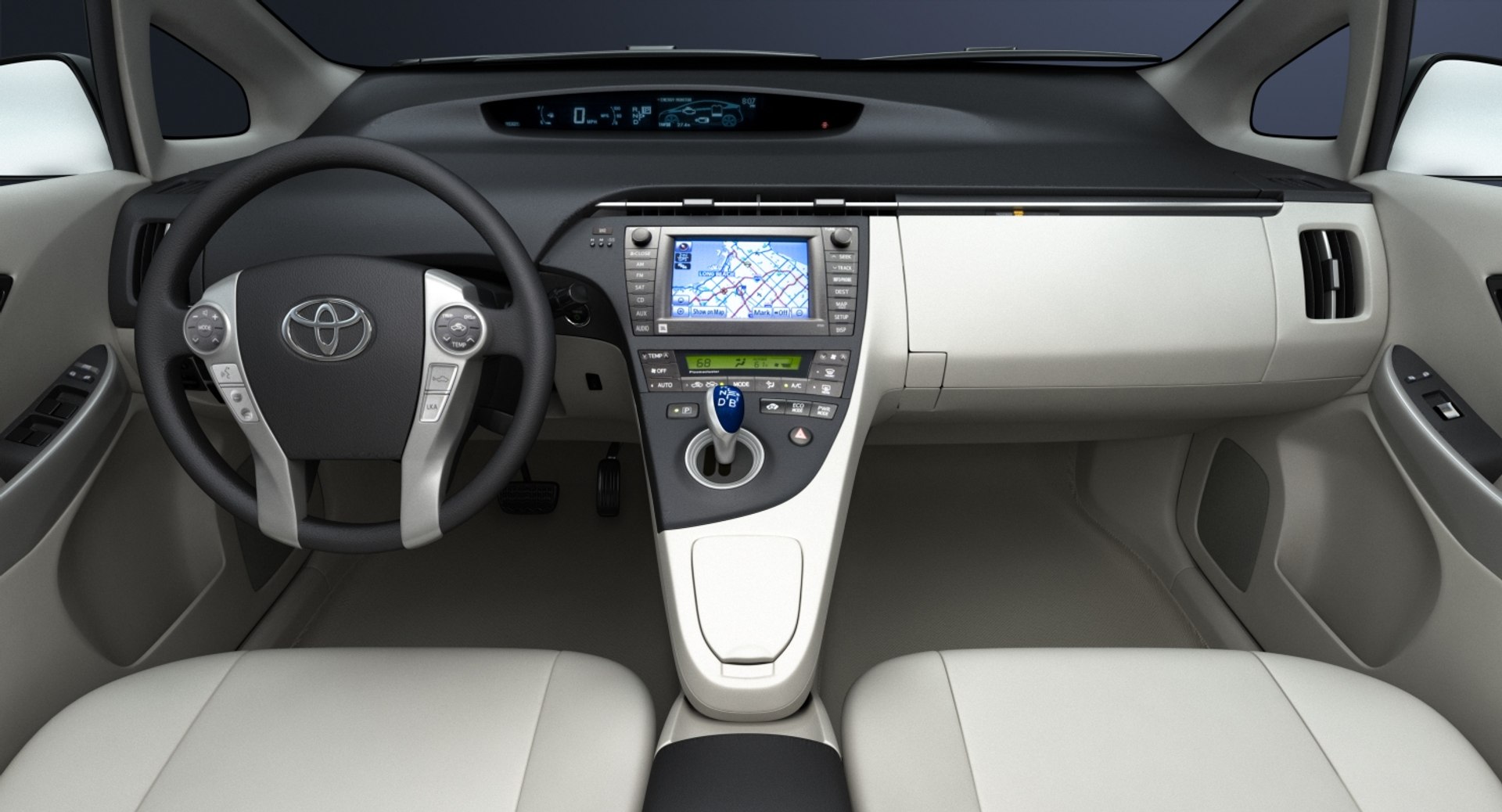
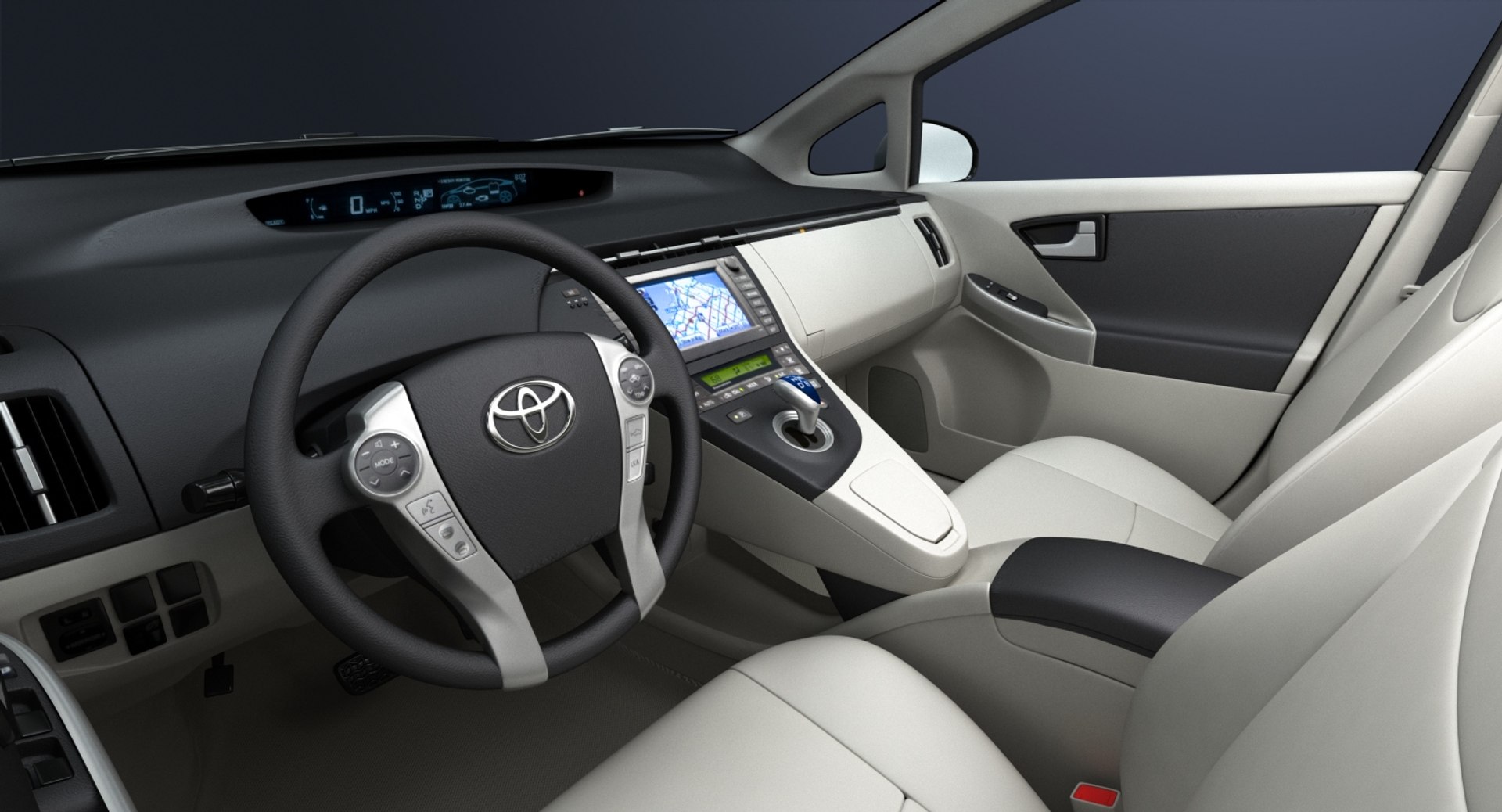
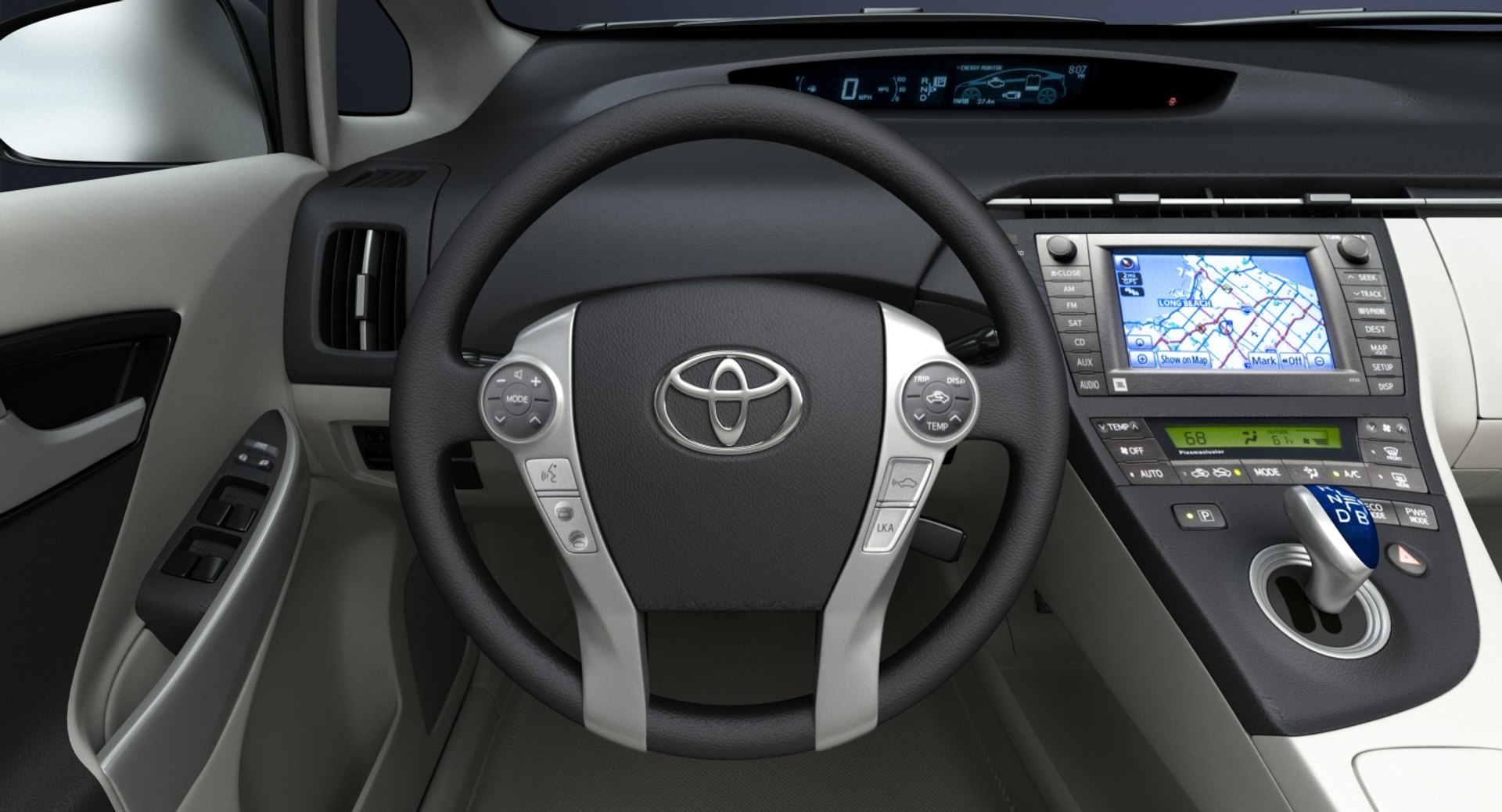
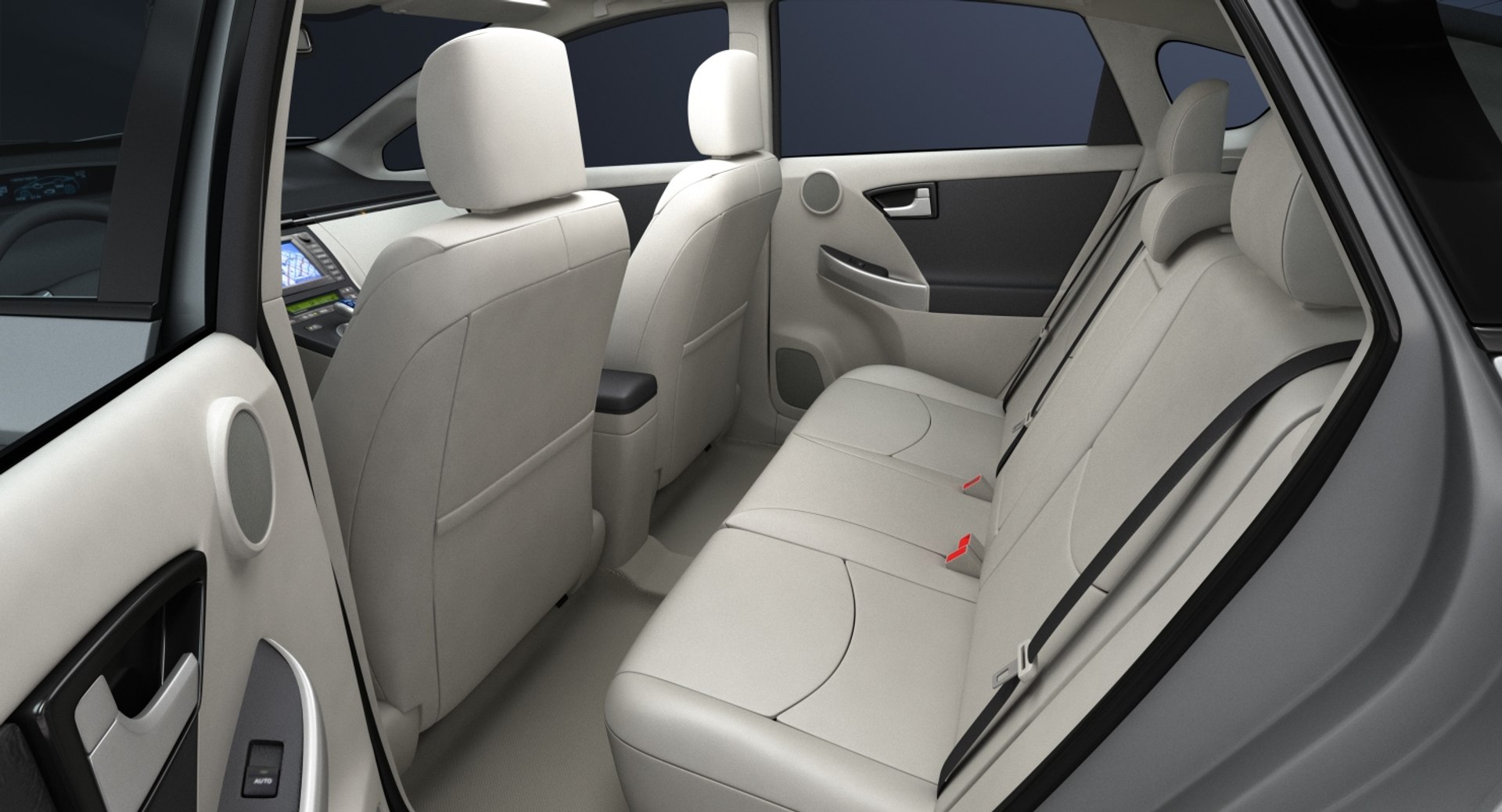
High detailed 3D model of 2010 Toyota Prius with interior.

Main features:
- Originally created with 3ds Max 2015
- Two .MAX files with V-Ray and Standard 3ds Max materials
- Two .MB files with V-Ray and Standard Maya materials
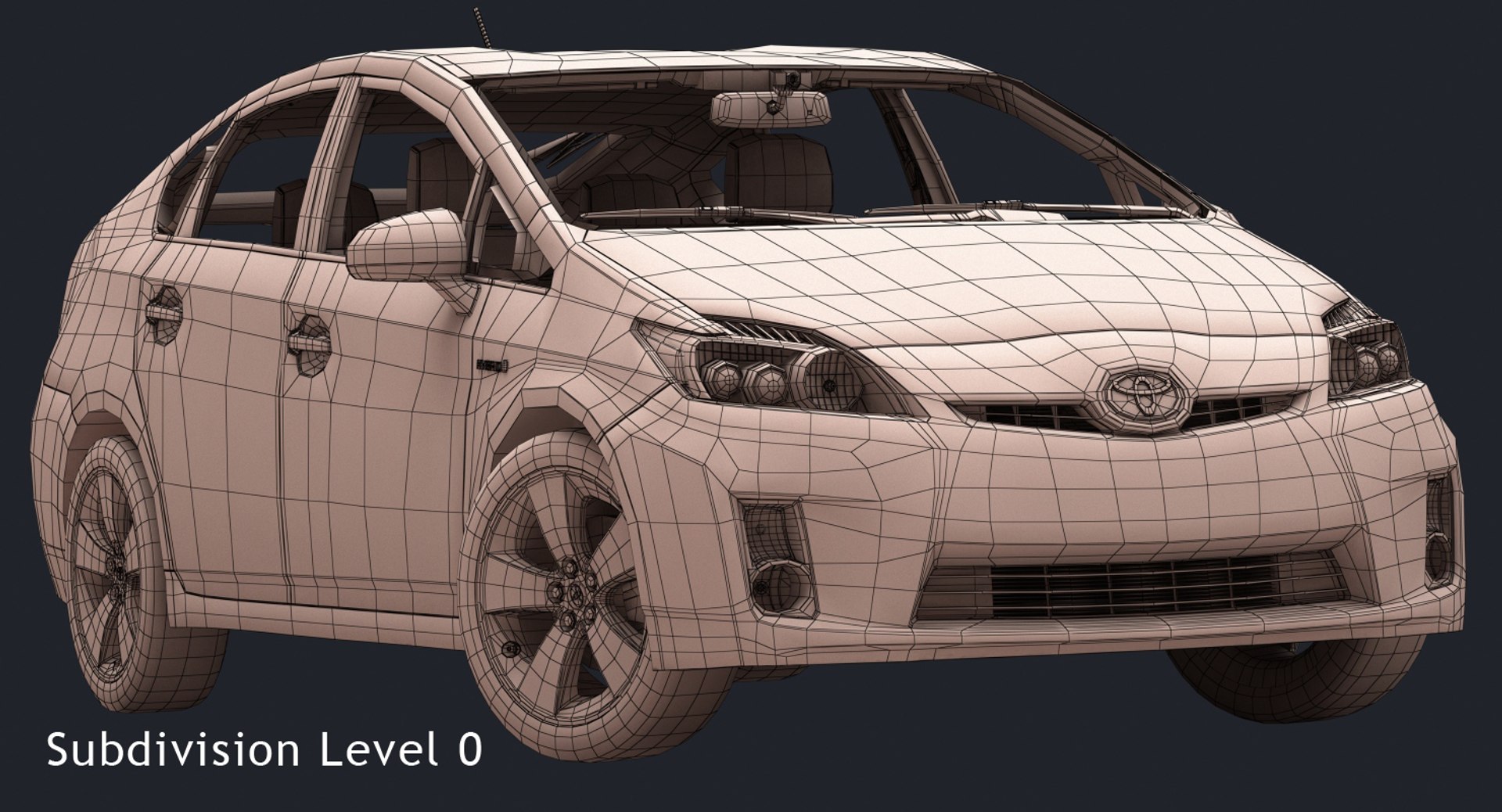
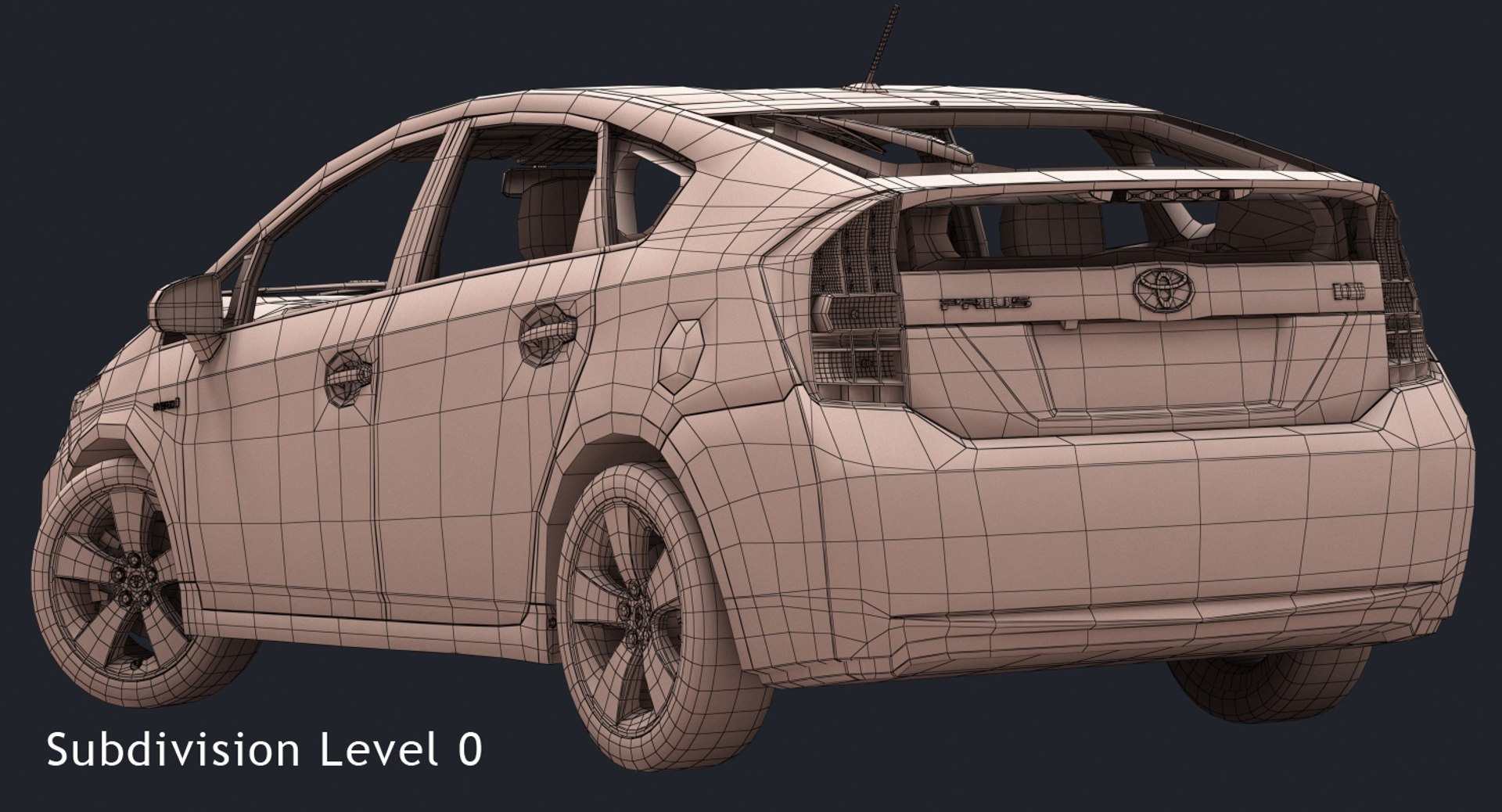
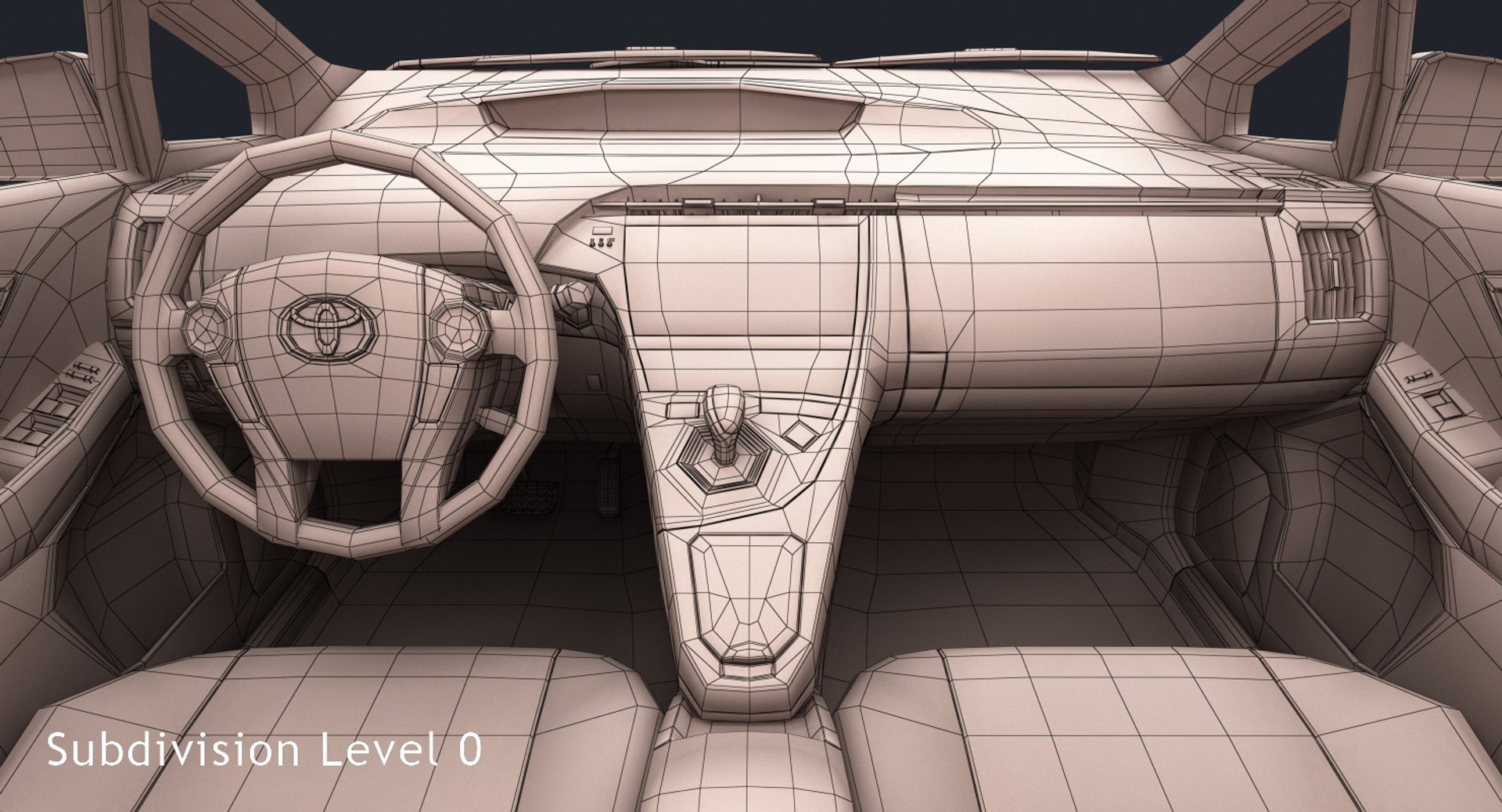
- Subdivision modifier is available in the history for .MAX, .MB and .C4D file formats (subdivision iteration 1 is set for all objects). So you can get access to original non-smoothed mesh by deactivating the Subdivision modifier
- Separate objects like body, wheels and doors. Total number of objects is 62. All objects are intelligently named
- Doors can be opened
- Unit system is set to metric (millimeters). Real-world scale
- All textures and materials are included and assigned
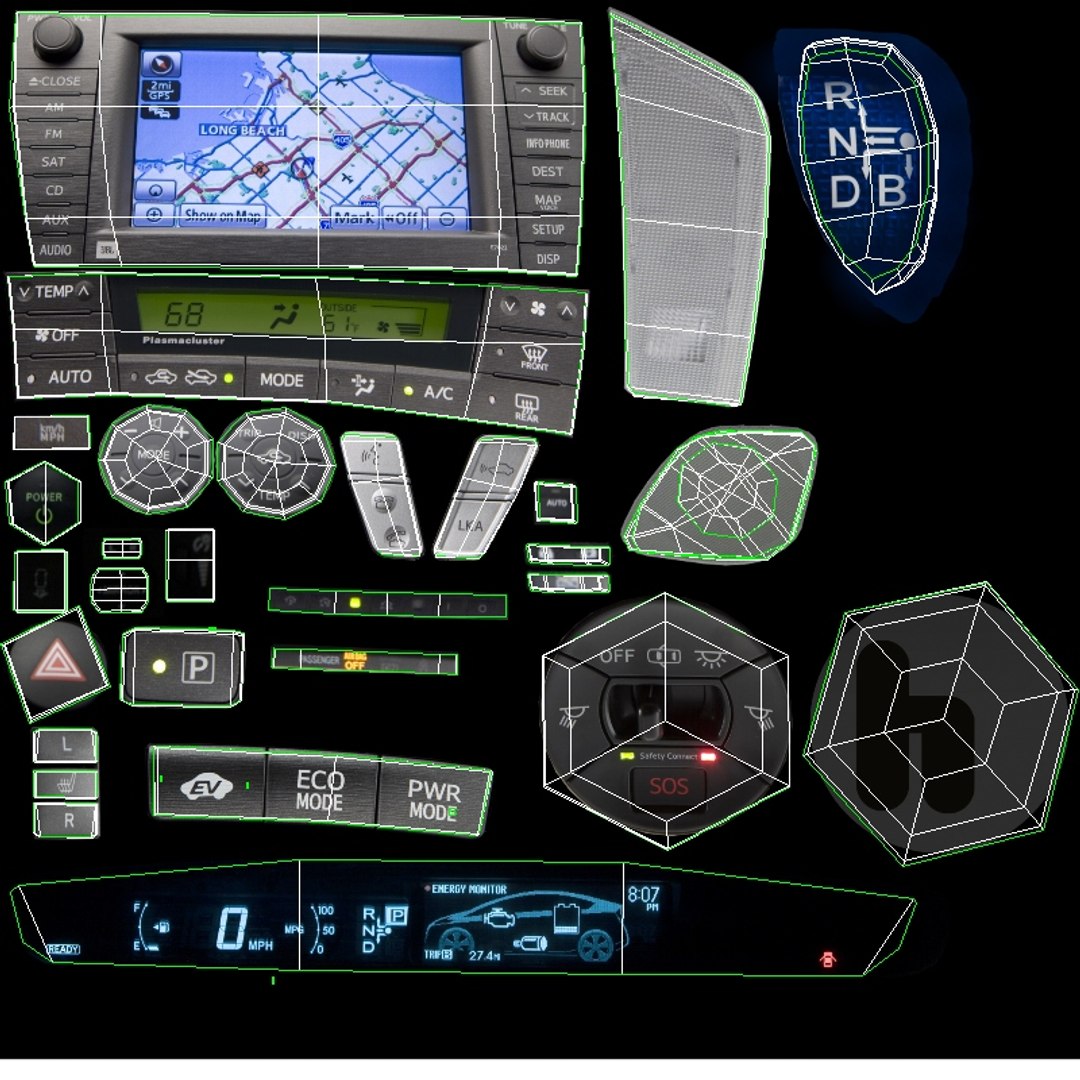
- 6 textures, which vary in resolution from 500x500px to 2960x1600px
- Previews rendered in 3ds Max 2015 with V-Ray 3.50.04

Special notes:
- .OBJ format is recommended for import in other 3d software. If your software doesn't support .OBJ format, please use .3ds format; .OBJ format was exported from 3ds Max. The geometry for .OBJ format is set to quads
- .MAX files can be loaded in 3ds Max 2015 or higher. In order to use V-Ray rendering setups and materials, V-Ray 3.50.04 or higher is needed. V-Ray shaders and render setups are backwards compatible, so you can use V-Ray 2.0 or higher
- .MB files can be loaded in Autodesk Maya 2015 or higher. In order to use V-Ray rendering setups and materials in Maya, V-Ray 3.10.01 or higher is needed. Maya V-Ray renders are similar to 3ds Max V-Ray rendered previews, but not identical
- .C4D file can be loaded in MAXON Cinema4D R17 or higher. Only standard Cinema4D materials and Standard renderer used. Material reflections are set up using the new Reflectance channel introduced in R16

Polycounts:
- .MAX format (only one file included with MeshSmooth iteration 1 applied to all objects):
no MeshSmooth: 63,061 faces and 77,697 vertices
MeshSmooth iteration 1: 250,453 faces and 279,350 vertices
MeshSmooth iteration 2: 1,001,812 faces and 1,057,440 vertices

- .MB format (only one file included with Subdivision iteration 1 applied to all objects):
no Subdivision: 63,061 faces and 77,697 vertices
Subdivision iteration 1: 250,453 faces and 279,350 vertices
Subdivision iteration 2: 1,001,812 faces and 1,057,440 vertices

- .C4D format (only one file included with Subdivision iteration 1 applied to all objects):
no Subdivision: 63,061 faces and 77,697 vertices
Subdivision iteration 1: 250,453 faces and 279,350 vertices
Subdivision iteration 2: 1,001,812 faces and 1,057,440 vertices

- .FBX and .OBJ formats (3 files included for each format):
low: 63,061 faces and 77,697 vertices
medium: 250,453 faces and 279,350 vertices
high: 1,001,812 faces and 1,057,440 vertices

- .3DS format (3 files included):
low: 124,331 faces and 118,463 vertices
medium: 500,906 faces and 354,227 vertices
high: 2,003,624 faces and 1,209,653 vertices

Select Enhanced License

  • $10,000 in Legal Protection (Indemnification)
  • Uncapped Legal Protection (Indemnification)
  • Waiver from injunctive relief
  • Assignable model rights
  • $1,000,000 in Legal Protection (Indemnification)
  • Waiver from injunctive relief
  • Assignable model rights
  • $250,000 in Legal Protection (Indemnification)
  • Assignable model rights
Read more about enhanced license tiers, or contact us at enterprise@turbosquid.com. Already a Shutterstock Enterprise Customer? Contact your Shutterstock Sales Support Agent to talk about adding 3D.

About Conversion Requests

To submit a conversion request for a purchased asset, please complete our Conversion Request Form.

If you have not yet purchased a model, please review our Documentation about Conversions to learn about what limitations you may encounter with a conversion.

For any additional questions about a model’s suitability for conversion, please contact TurboSquid Support.

Loading...