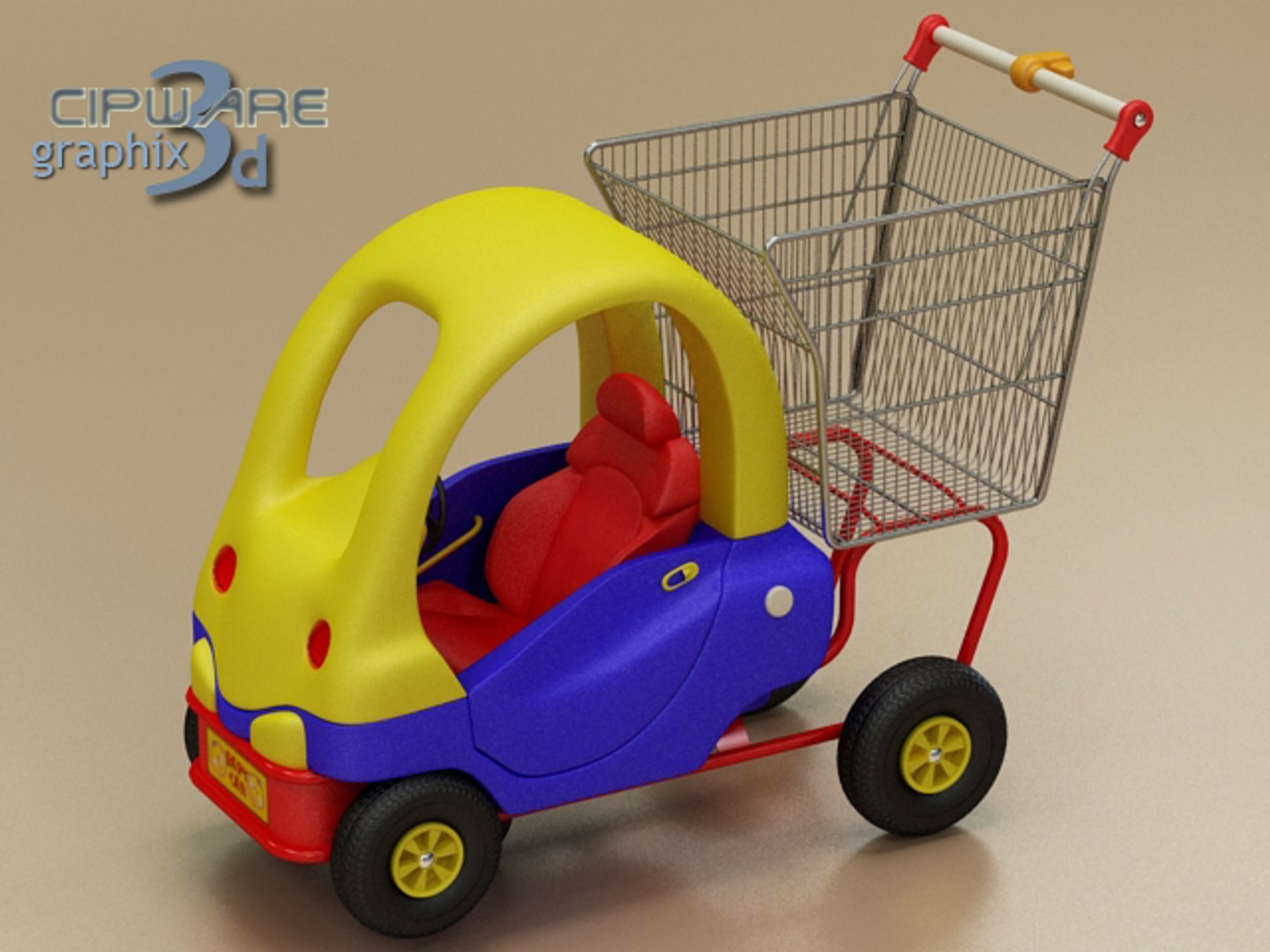
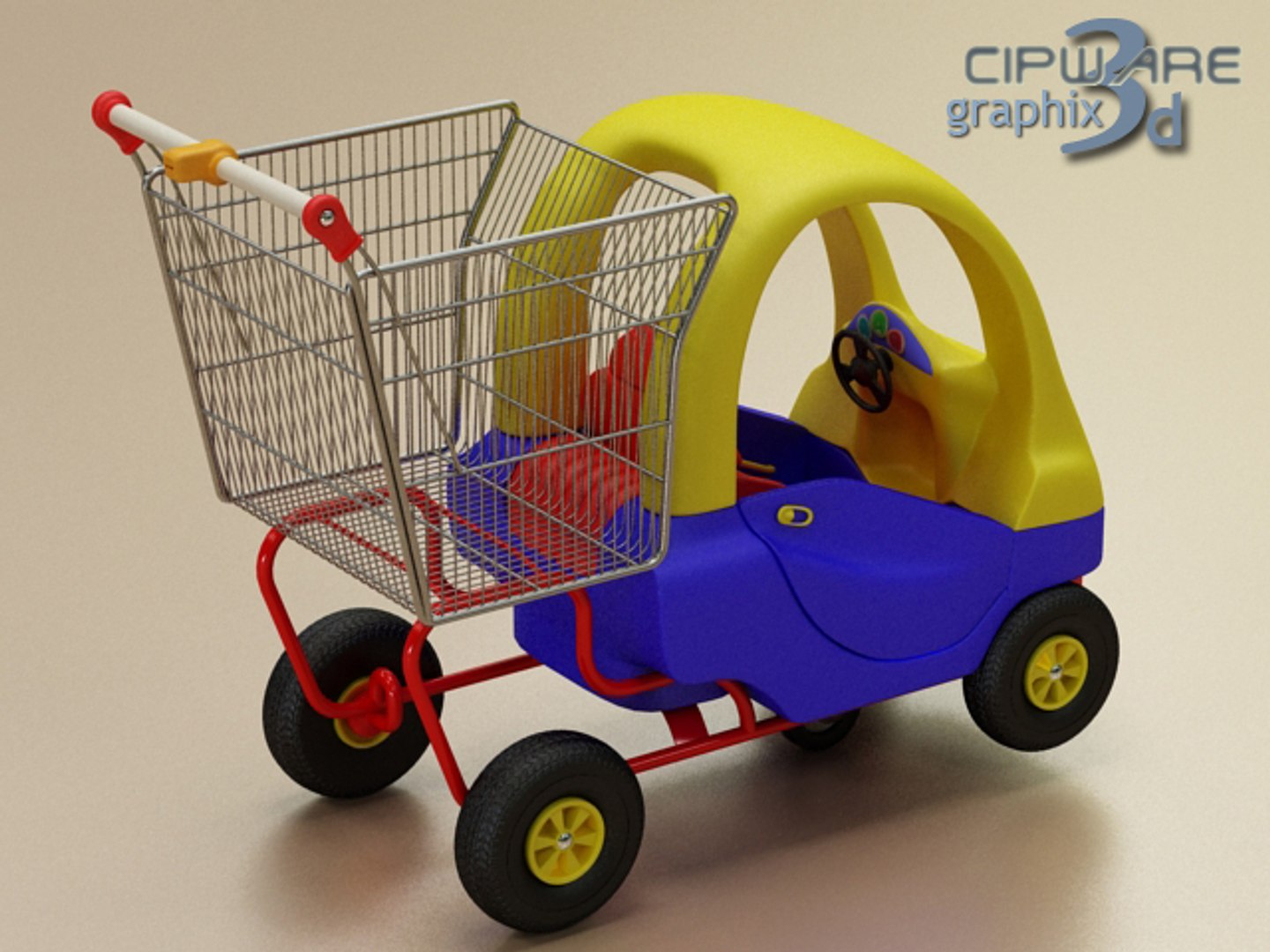
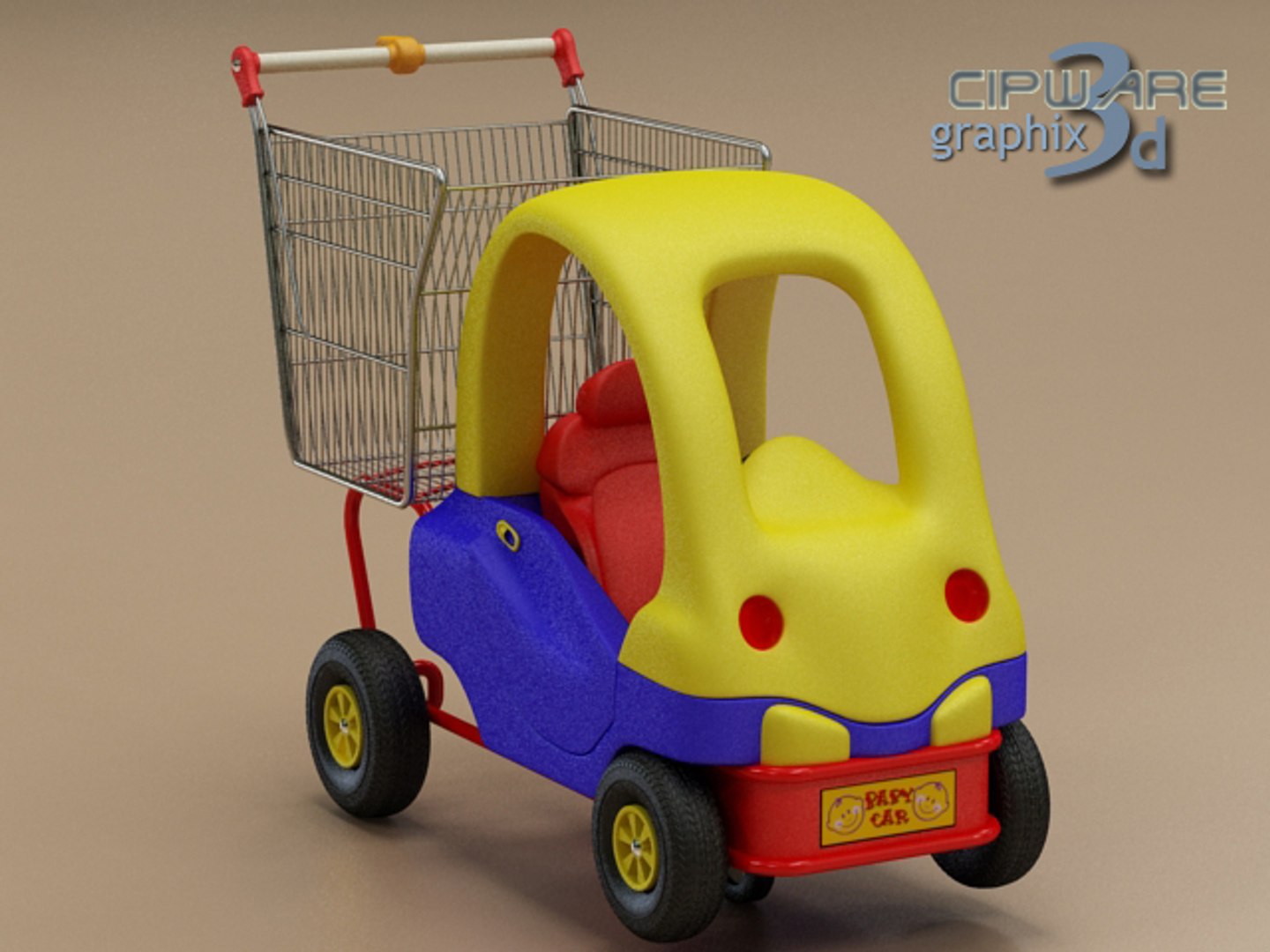
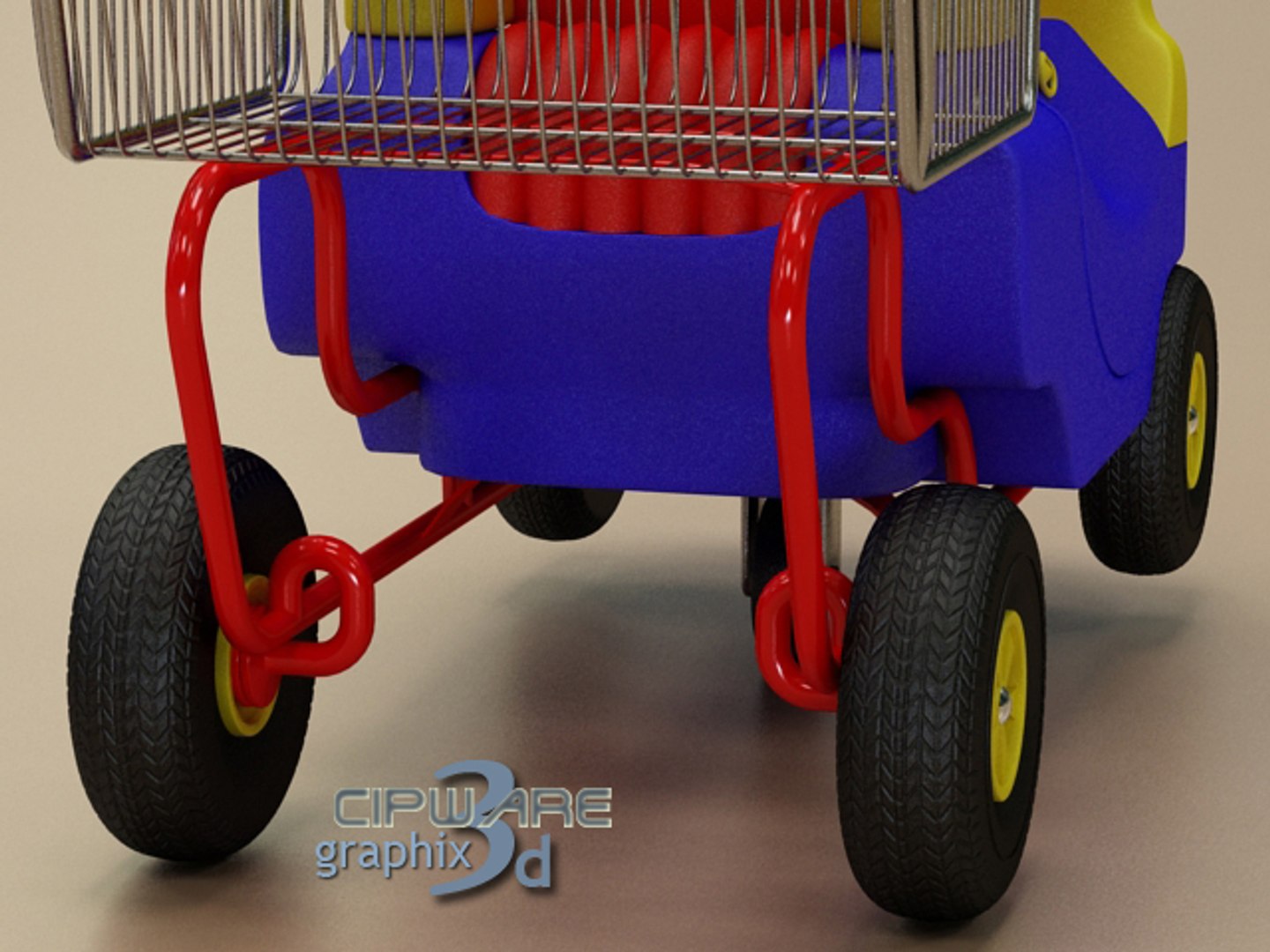
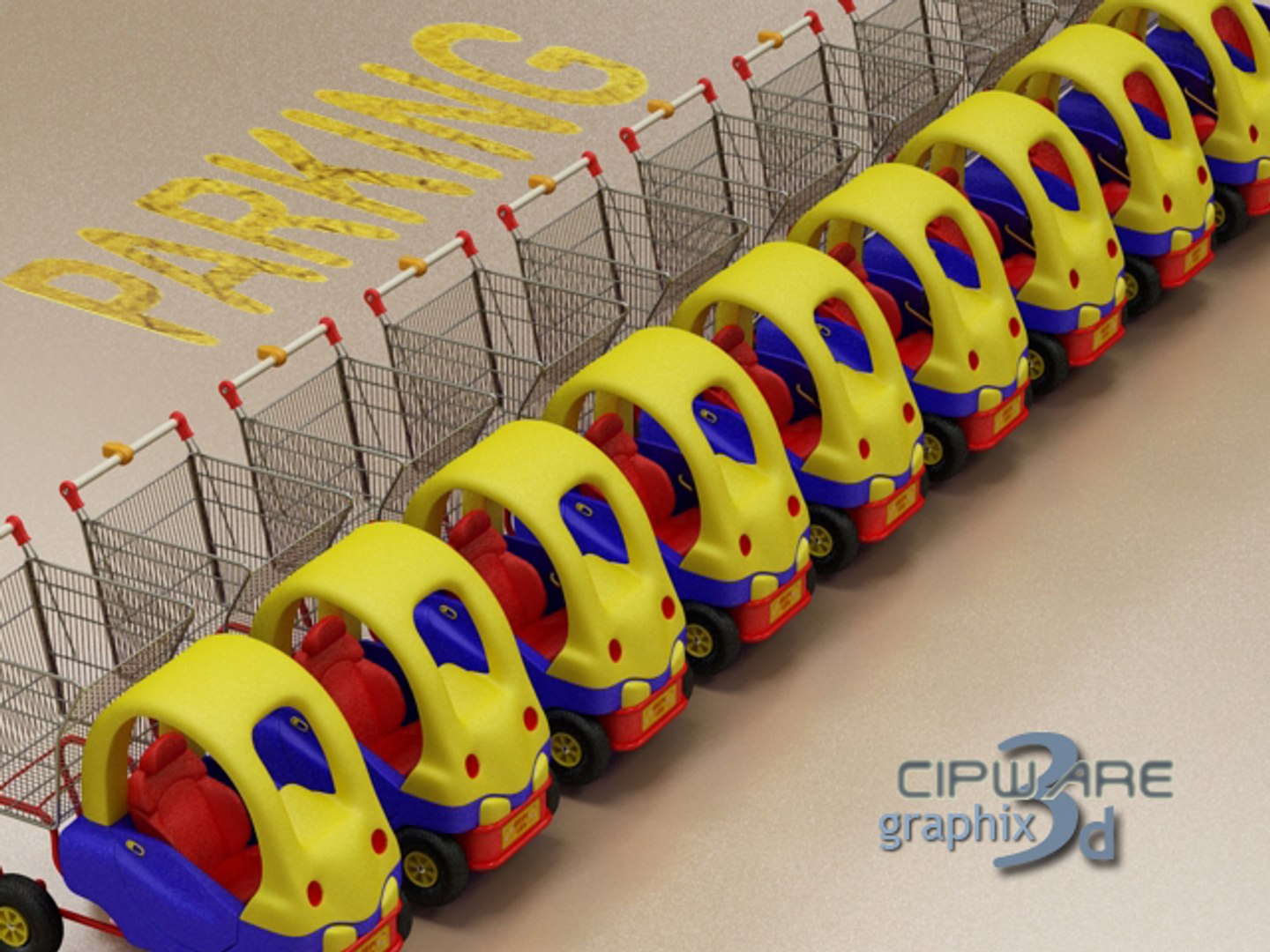
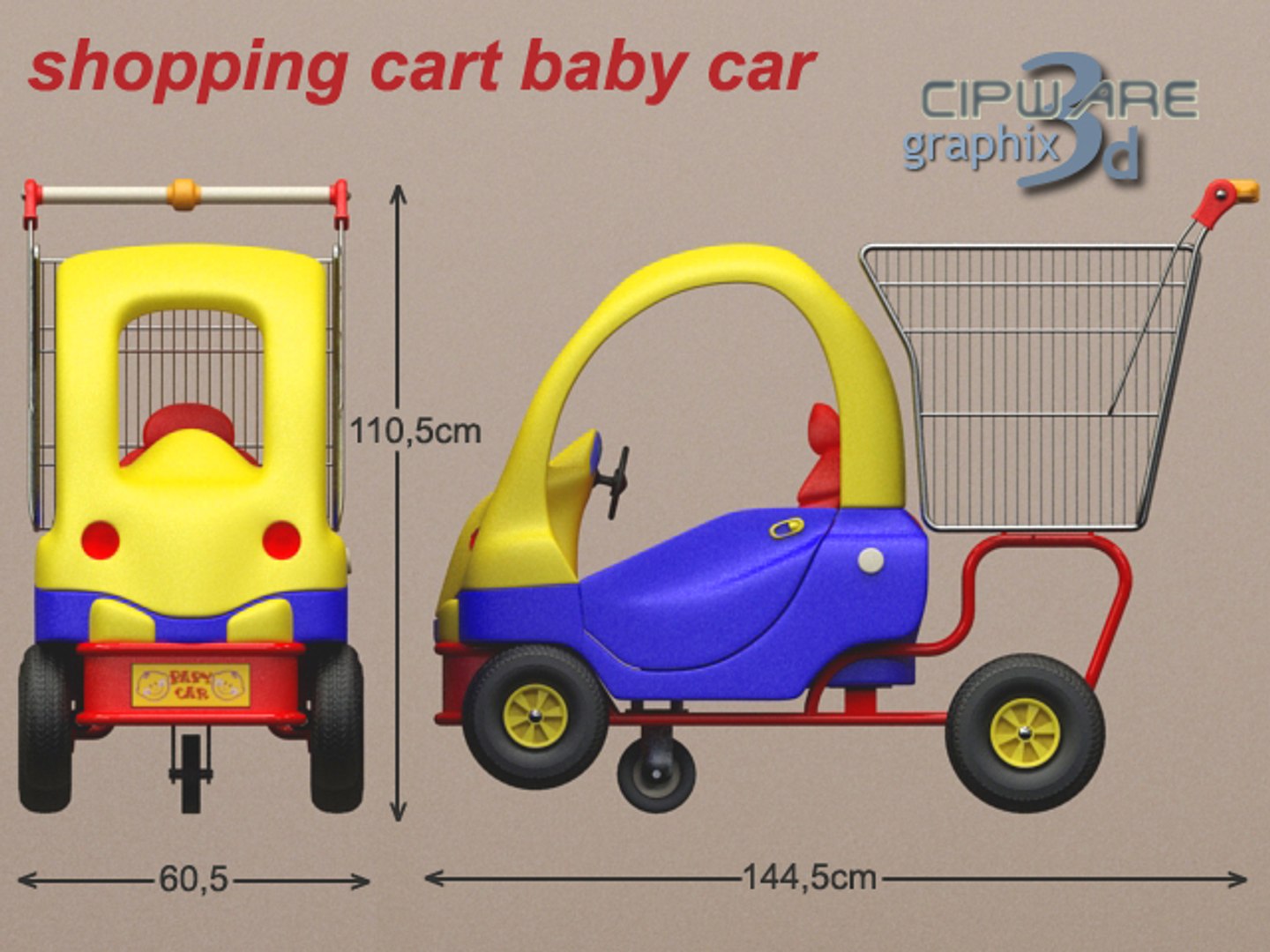
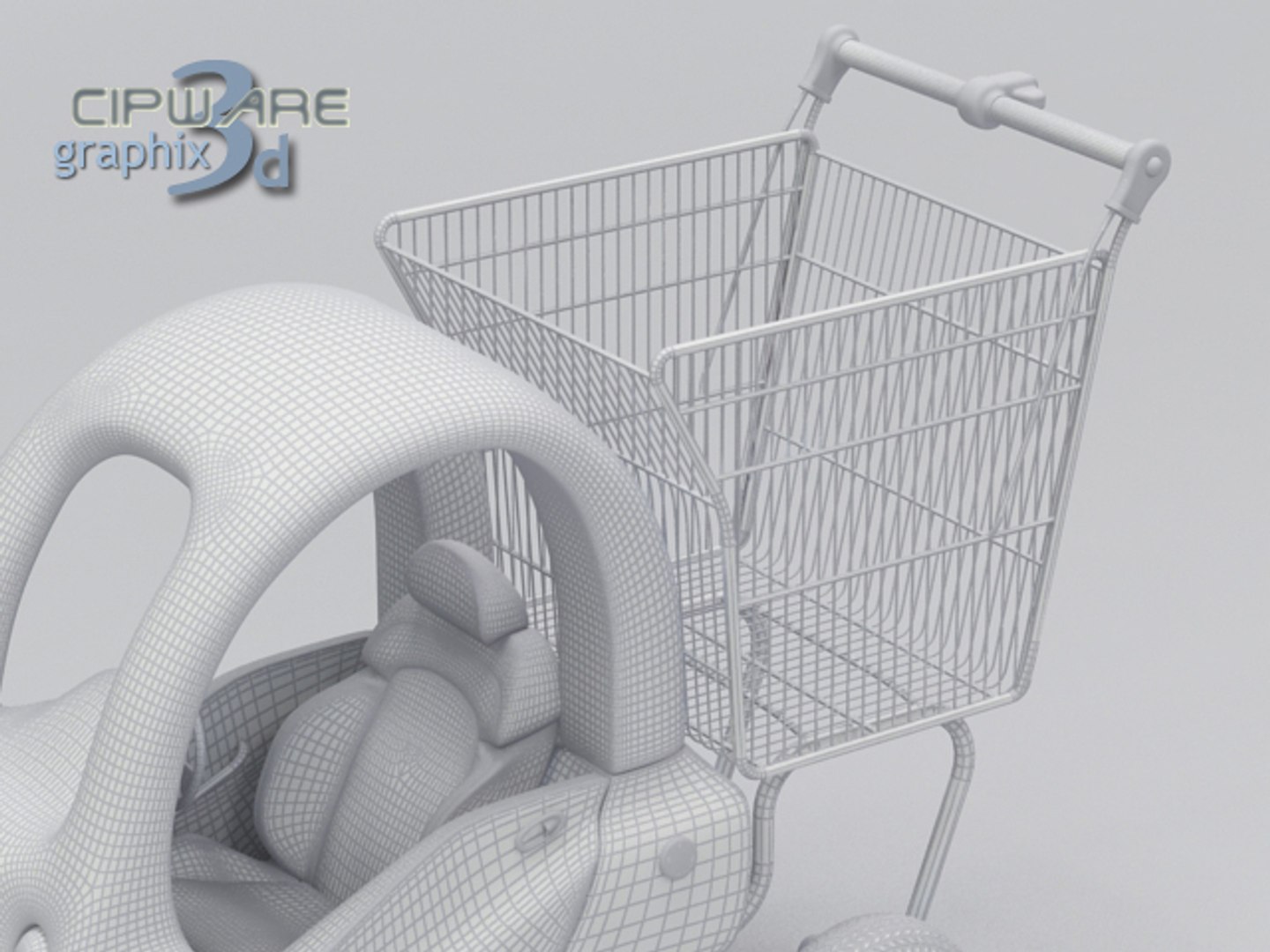
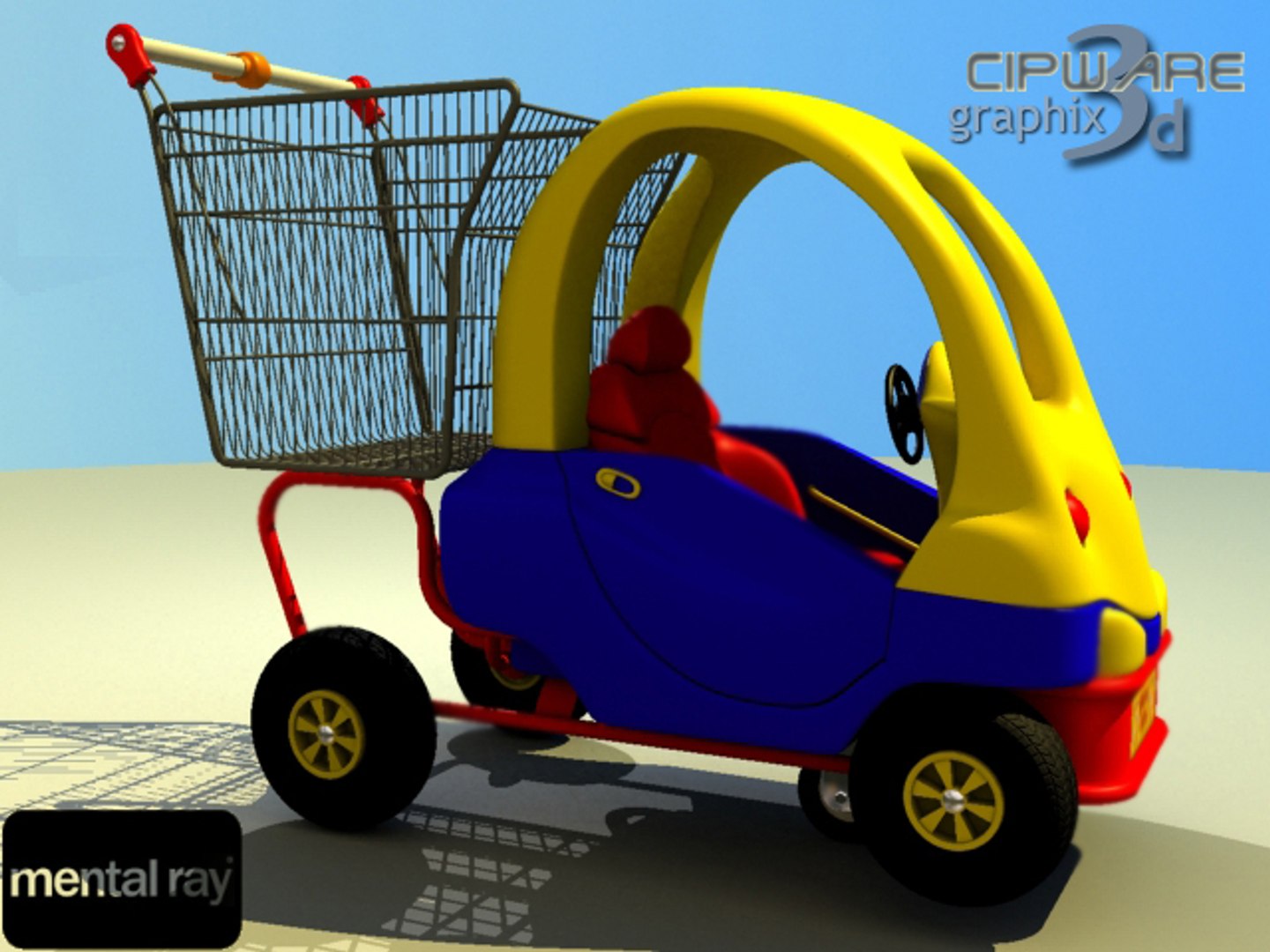
Shopping Cart Car

$79

Standard License | Upgrade License
Formats (7)
Free file format Conversions available
3ds Max
Other Textures
OBJ
DXF
3D Studio
Specifications
Publish Date March 07, 2010
Product ID 519924
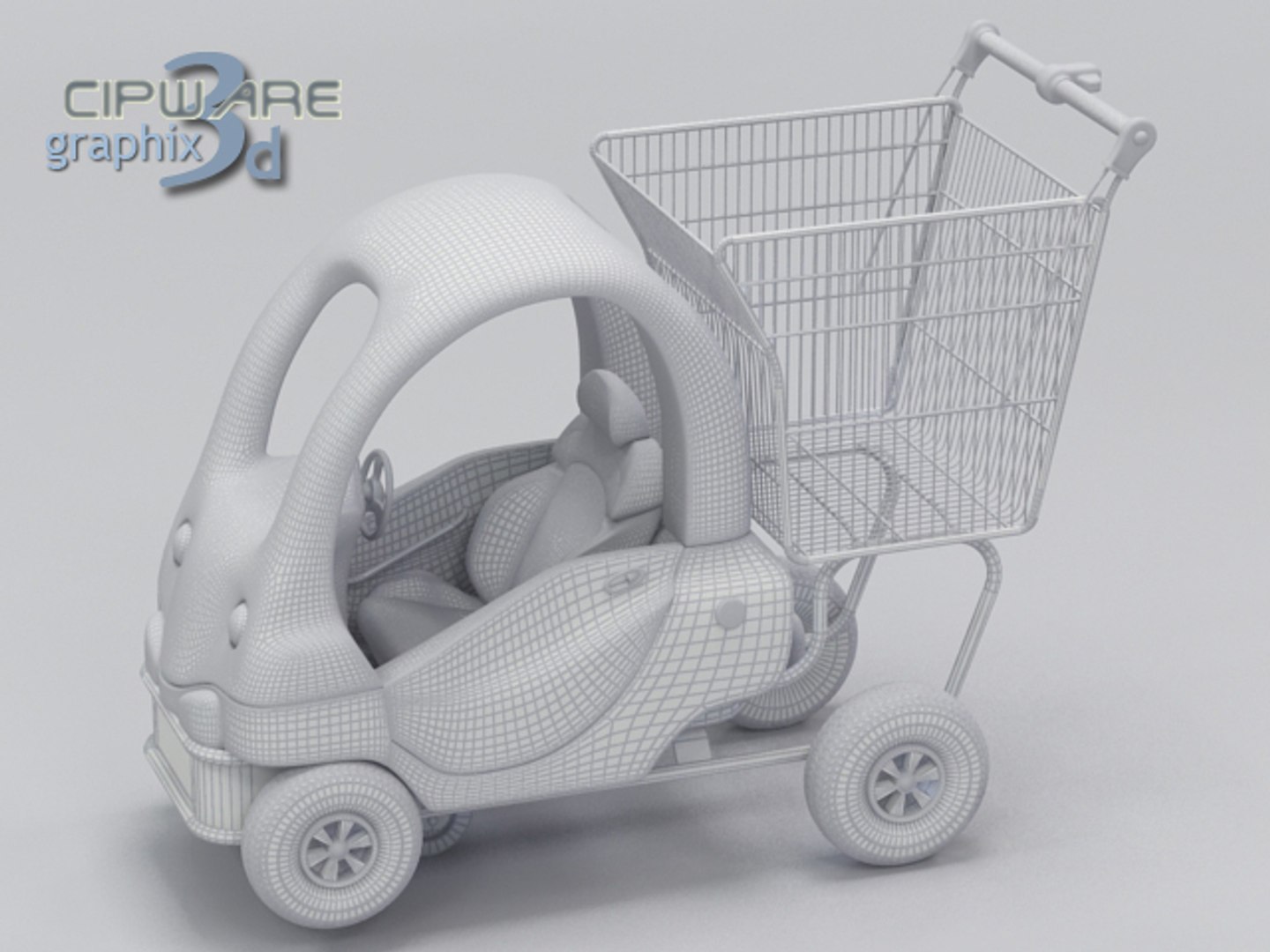
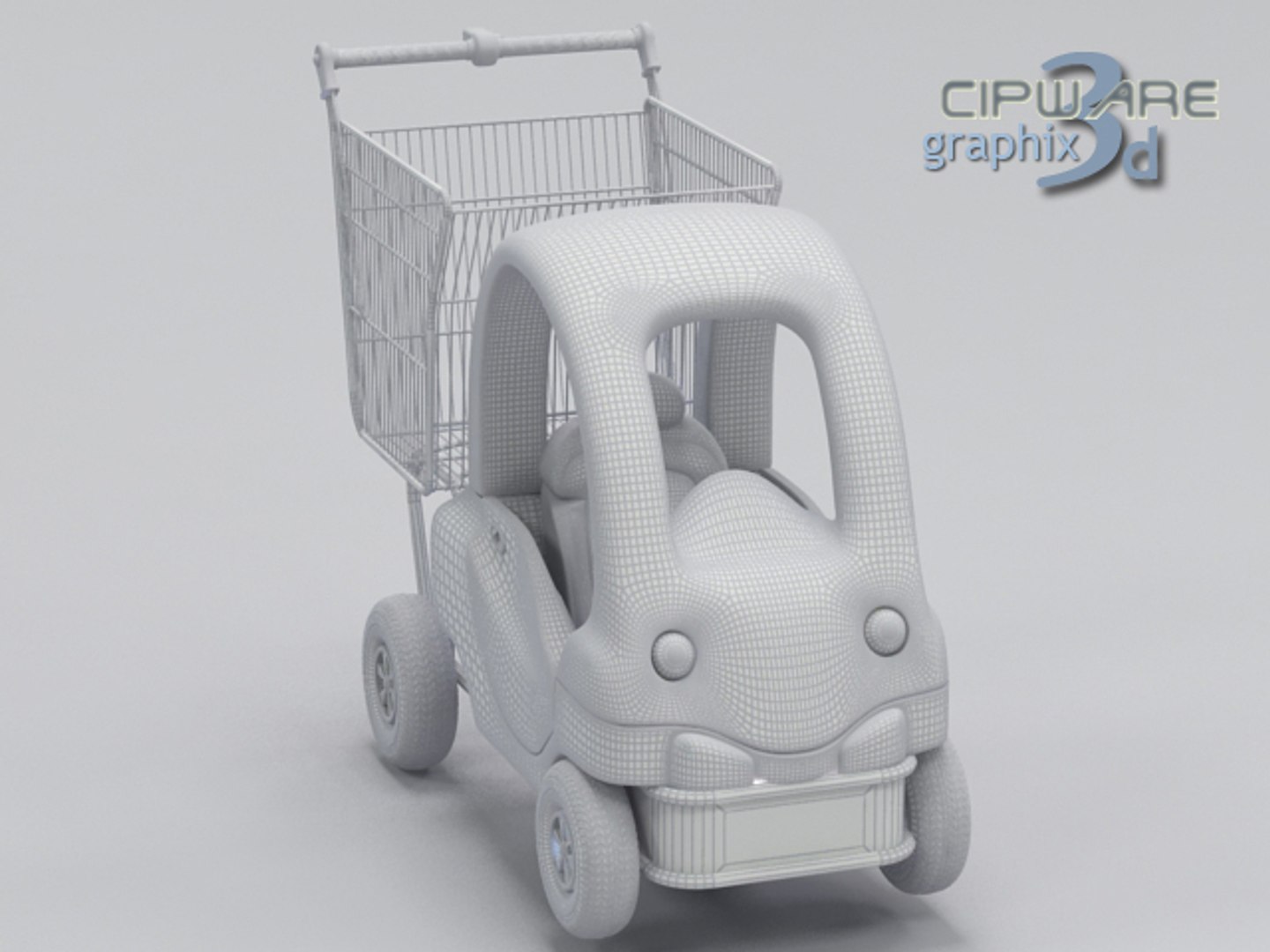
Polygons 105,302
Vertices 0
Polygonal
Textures
Materials
Unknown Unwrapped UVs
TurboSquid Exclusive
member avatar
cipware
62 Products | Contributor Since 2006
Have questions? Chat with us now.

Description

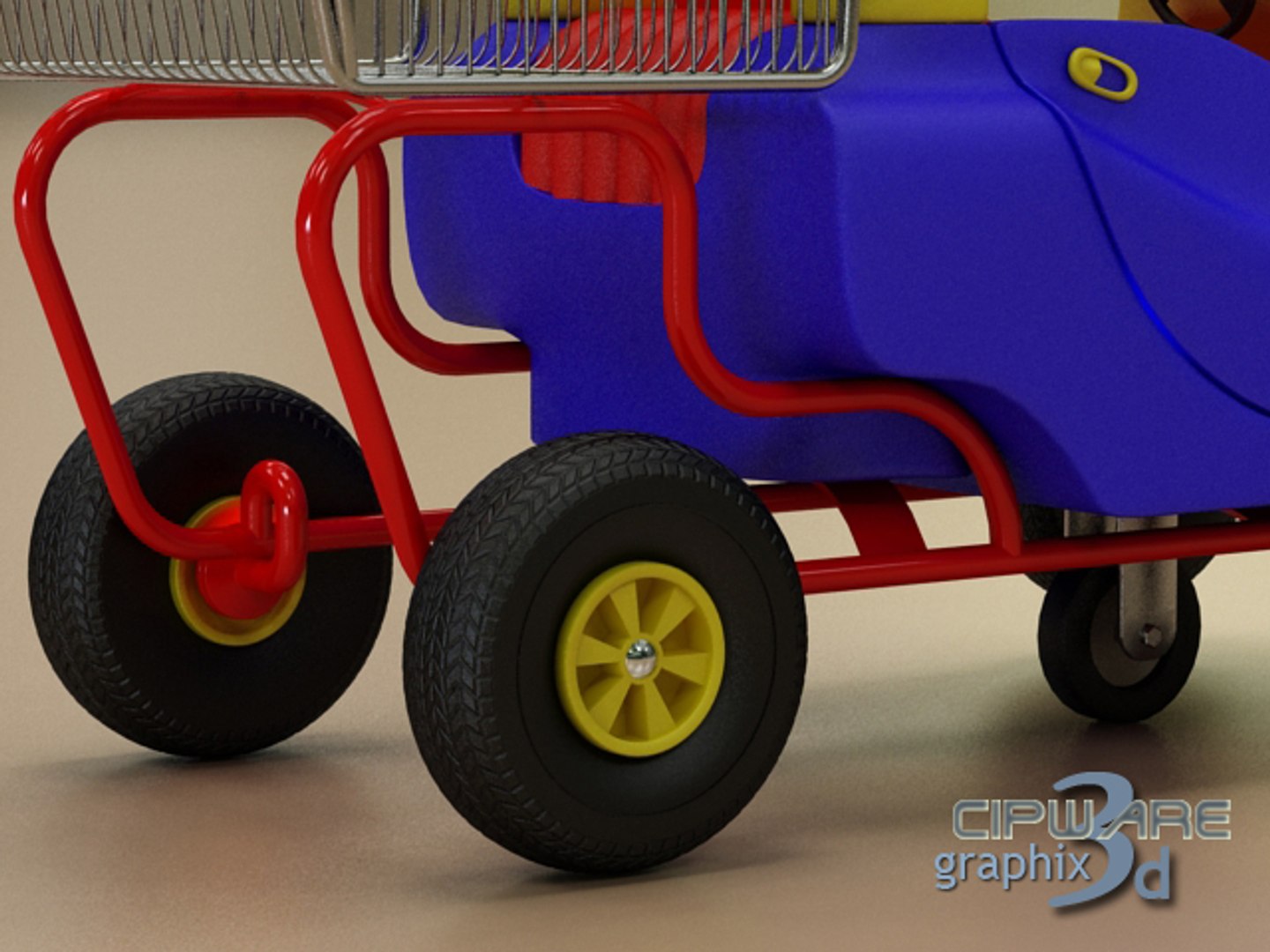
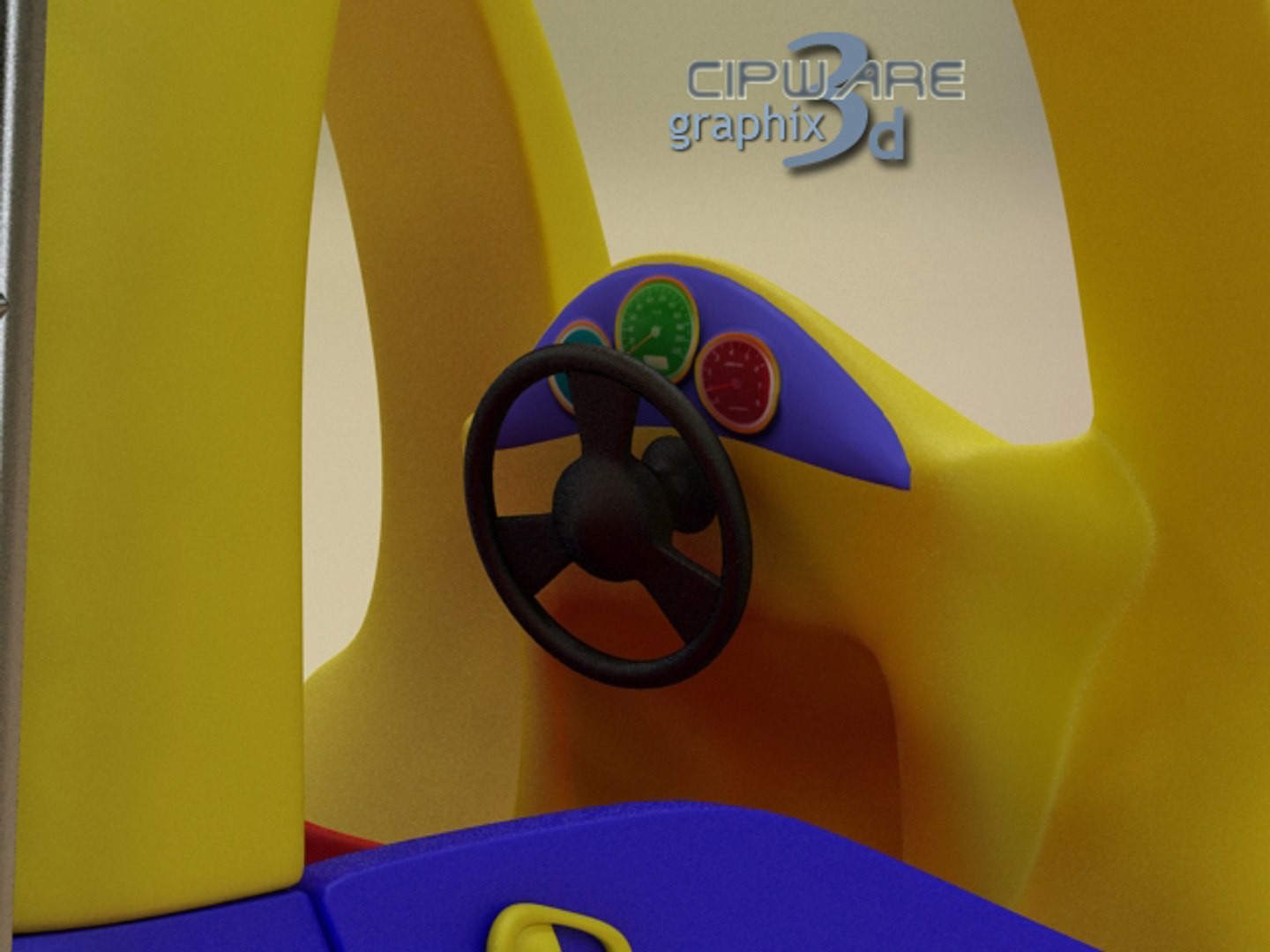
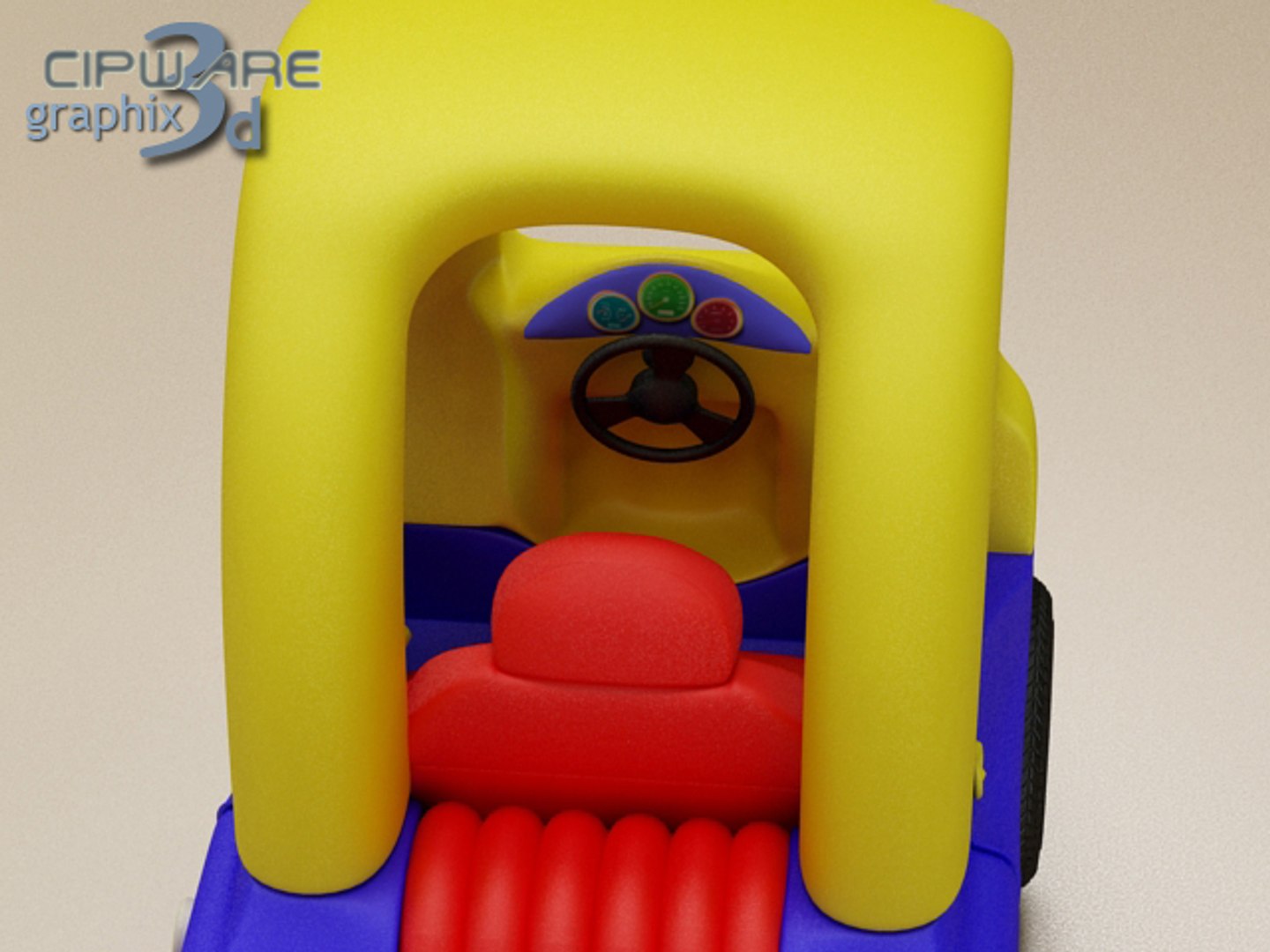
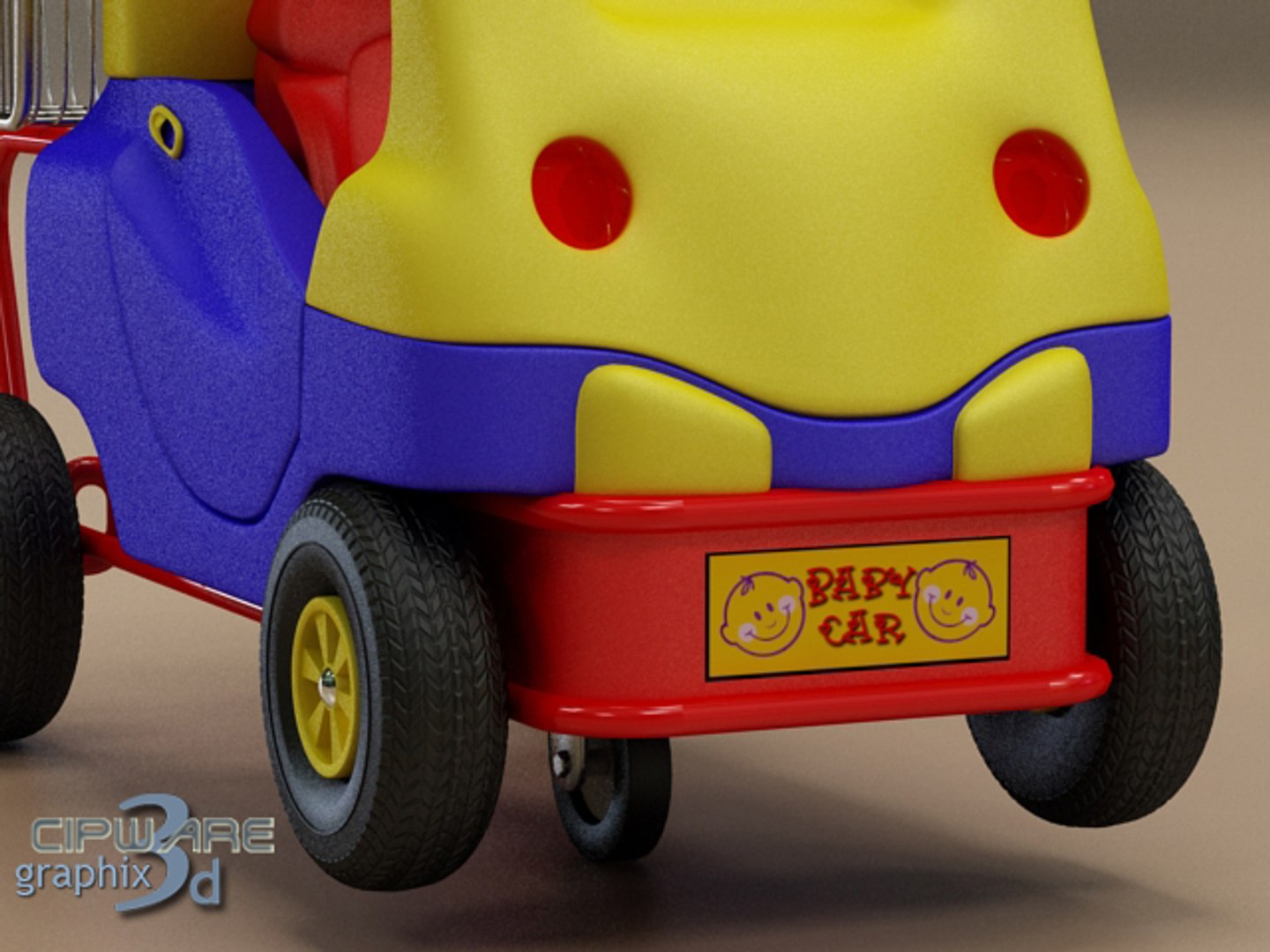
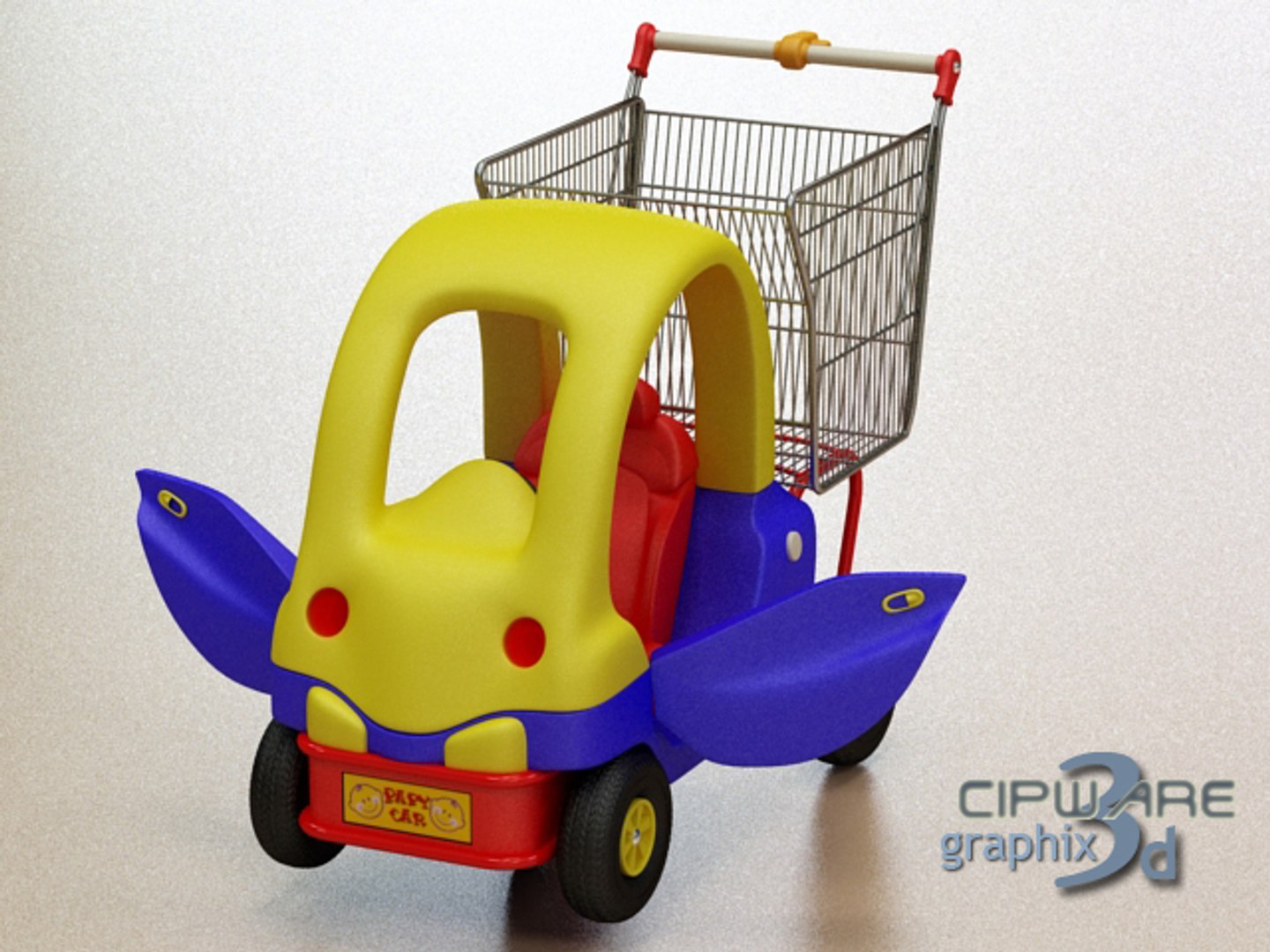
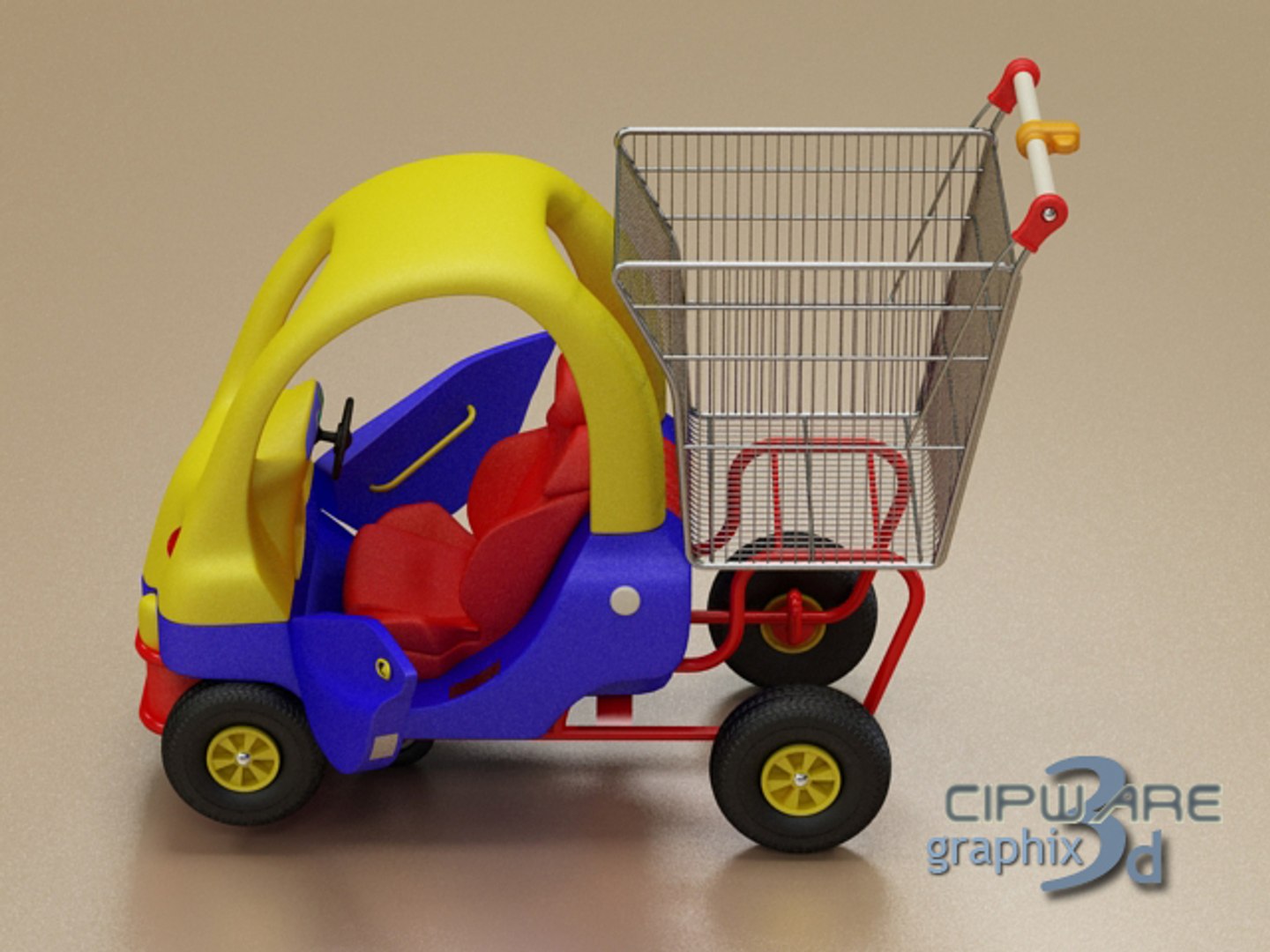
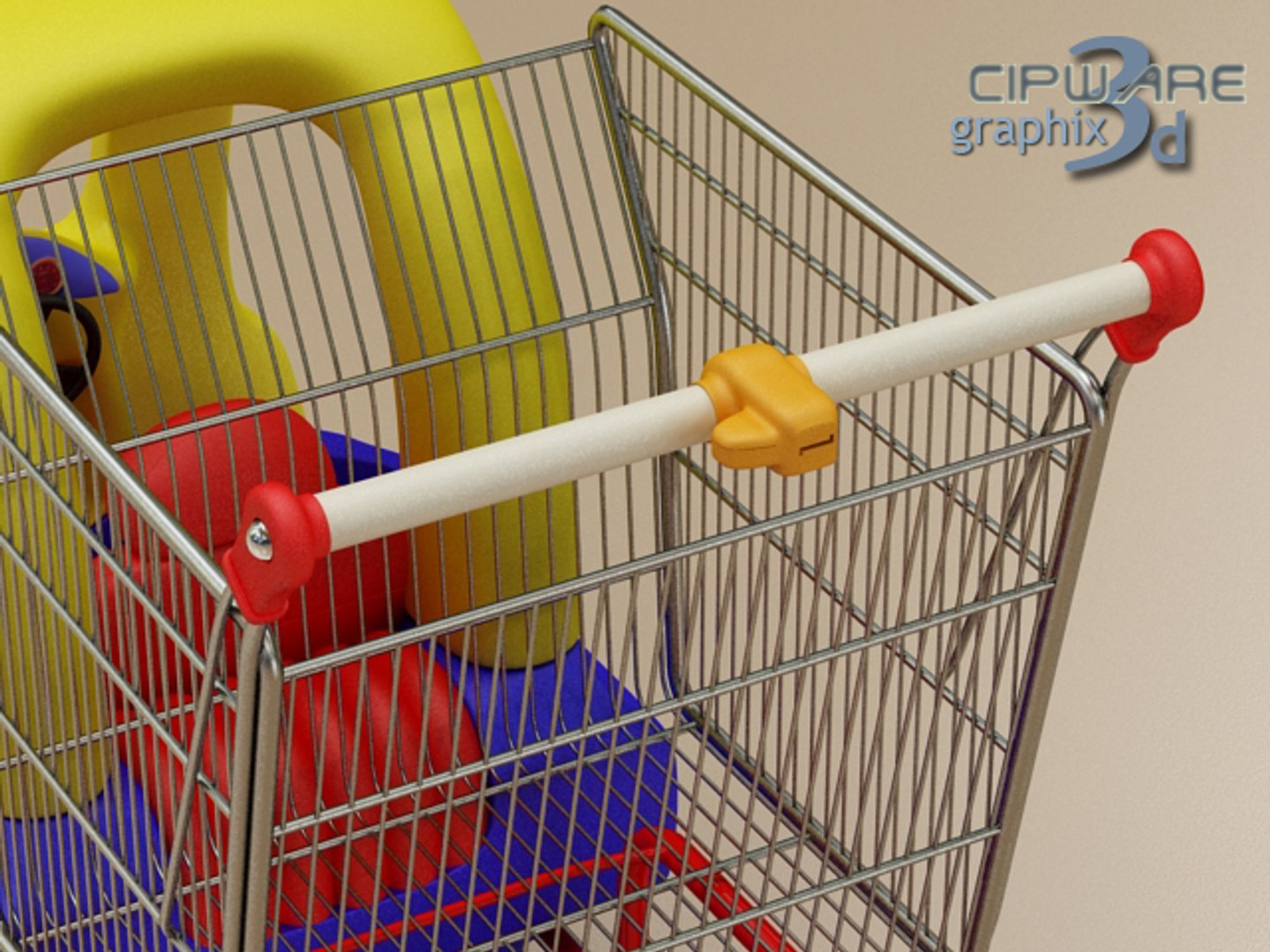
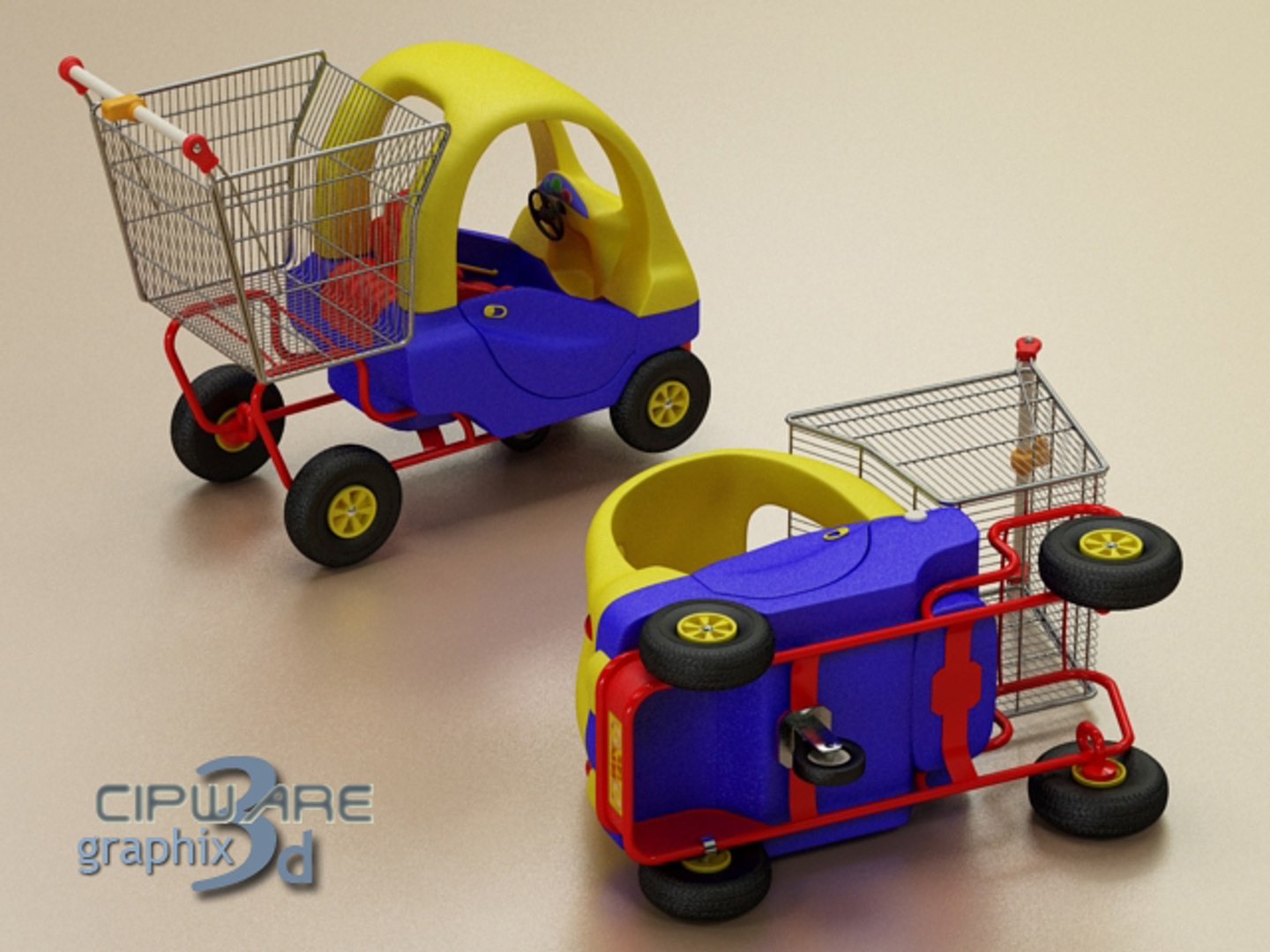
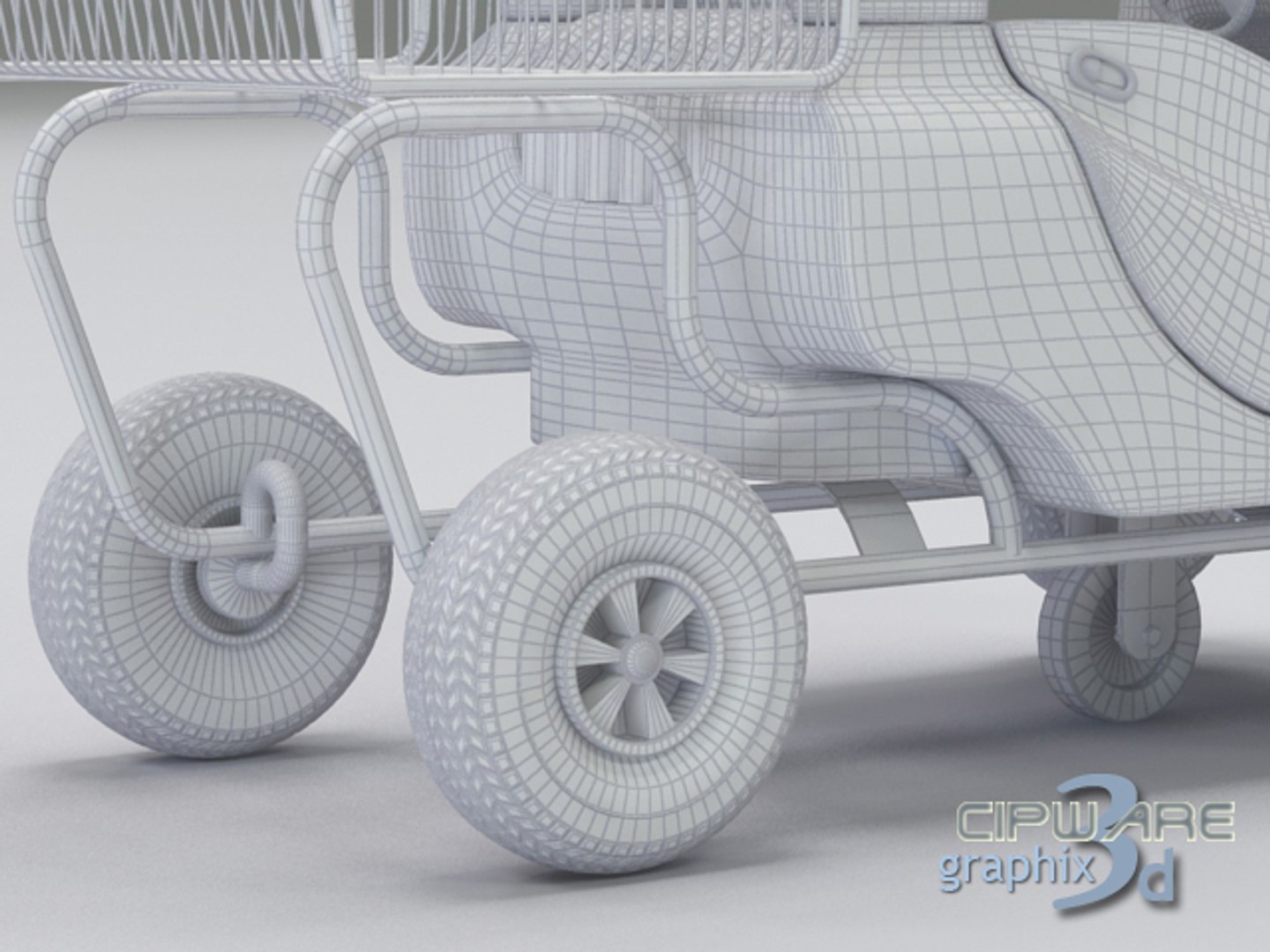
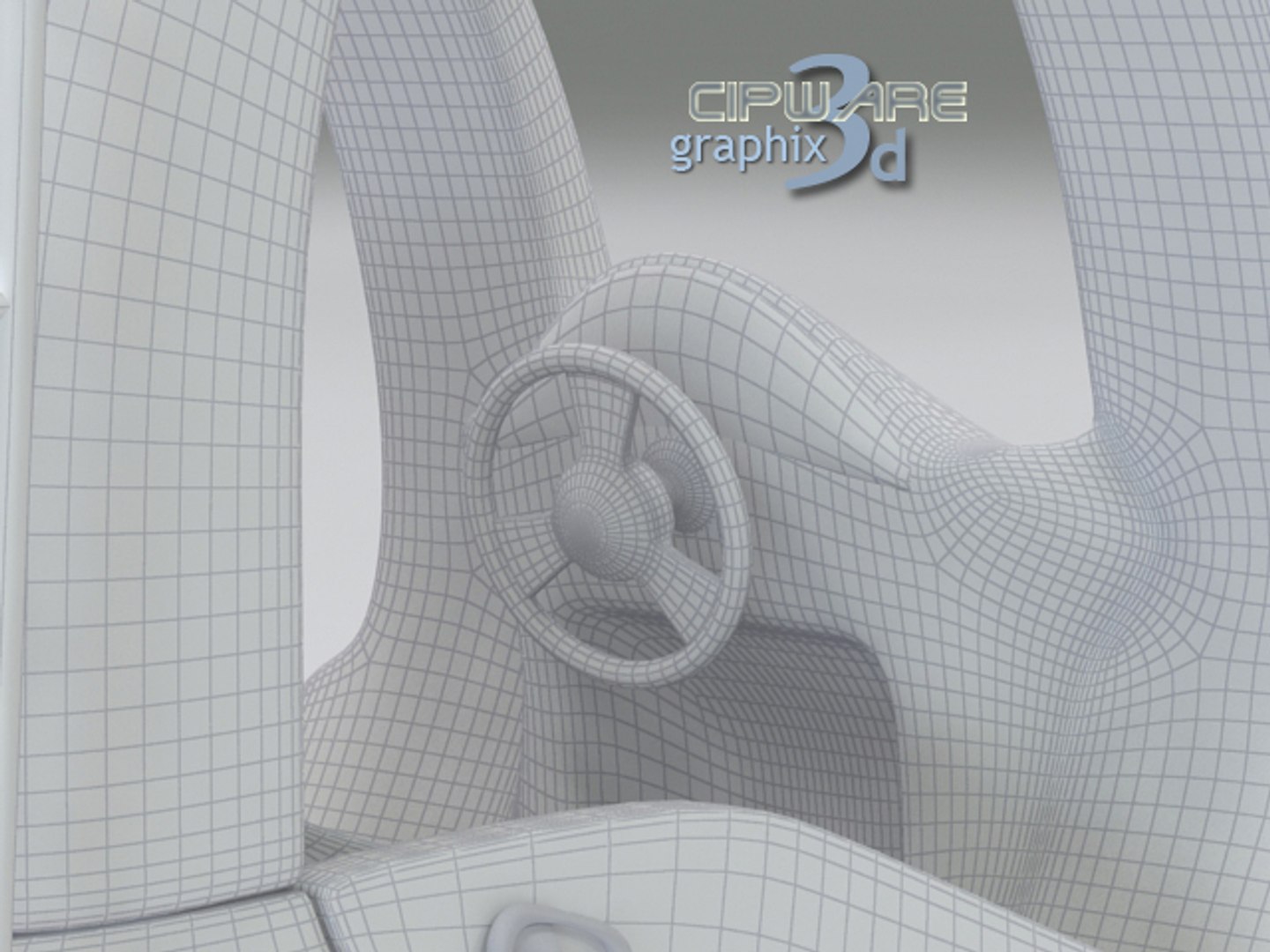
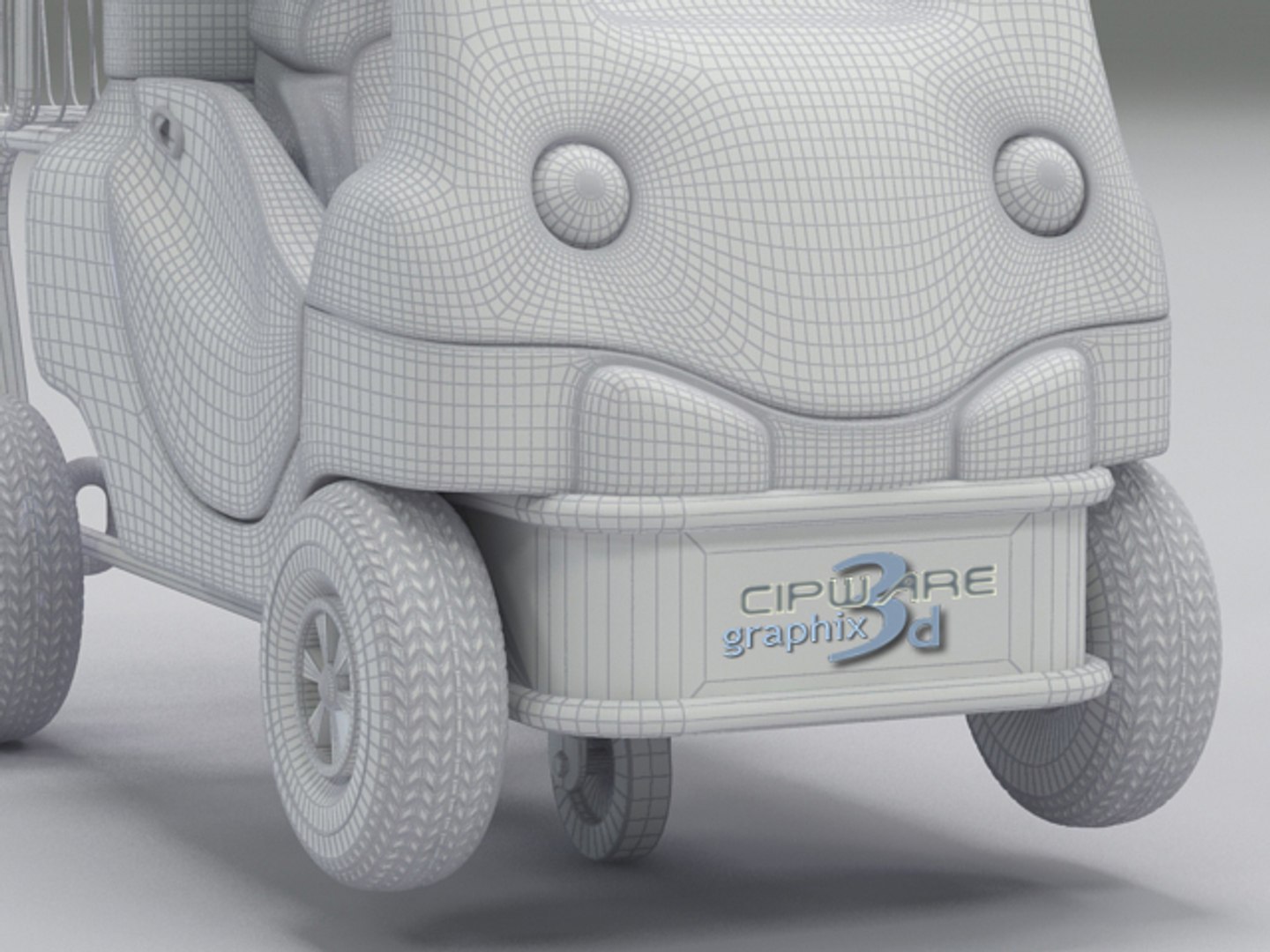
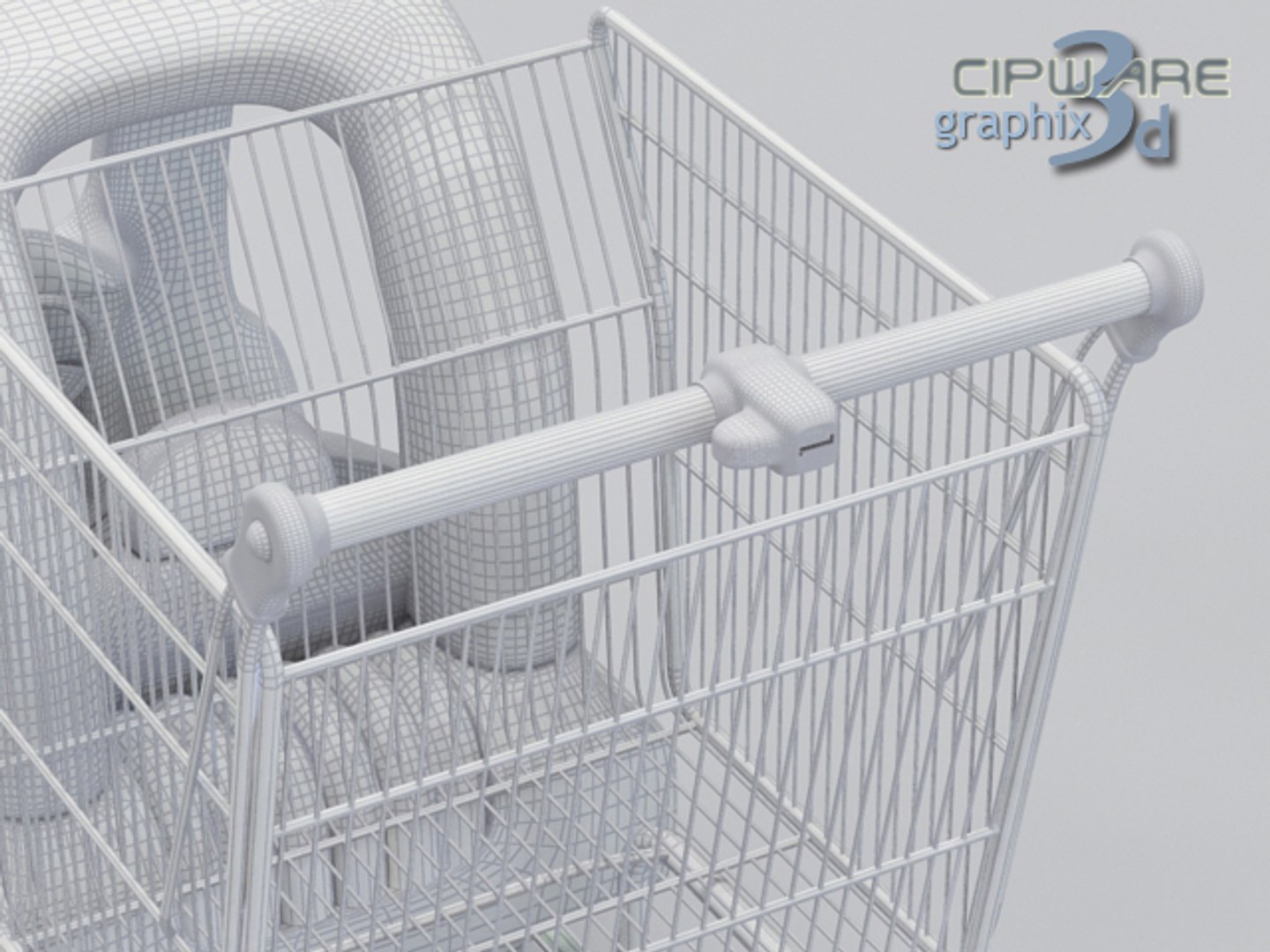
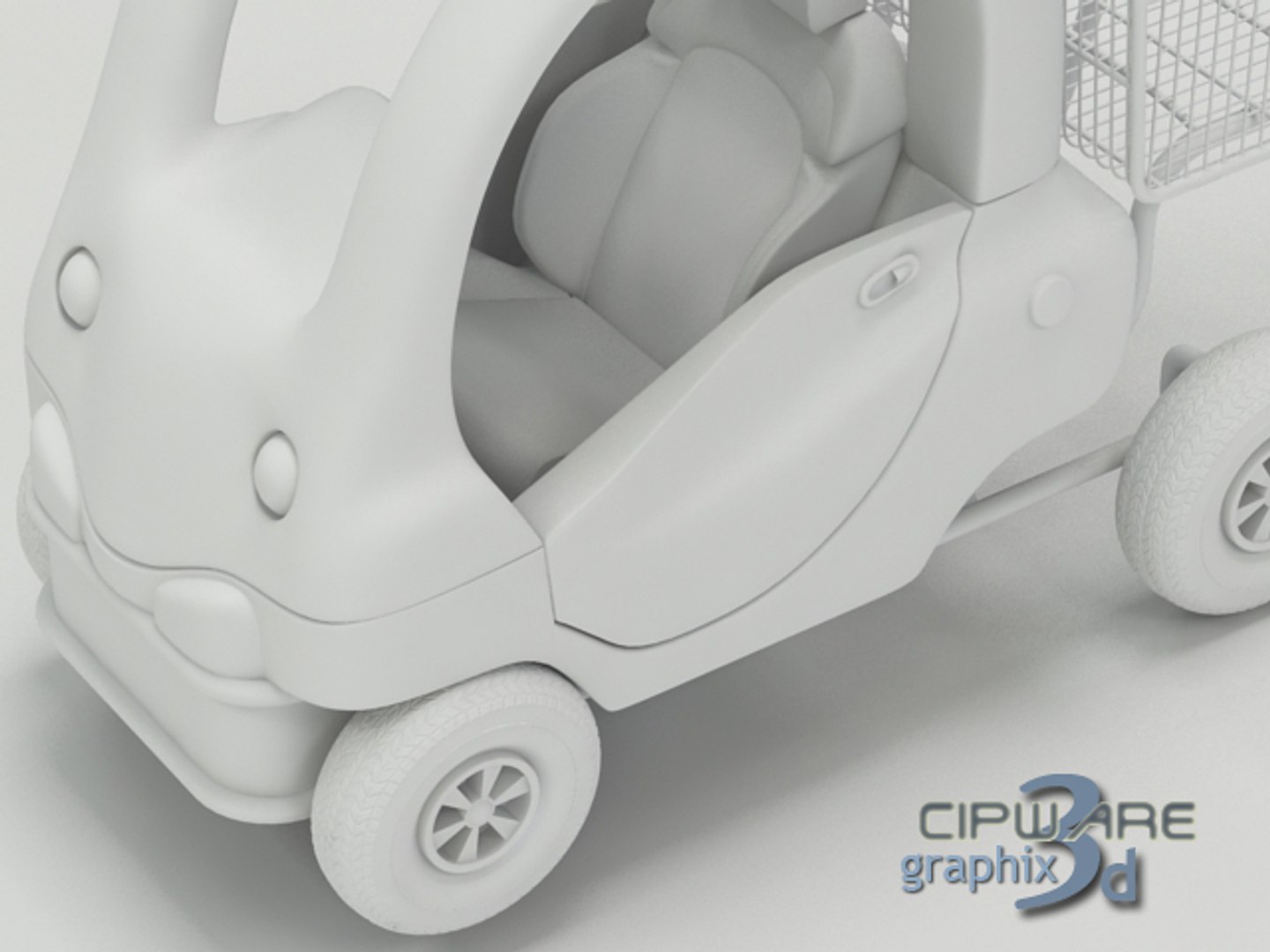
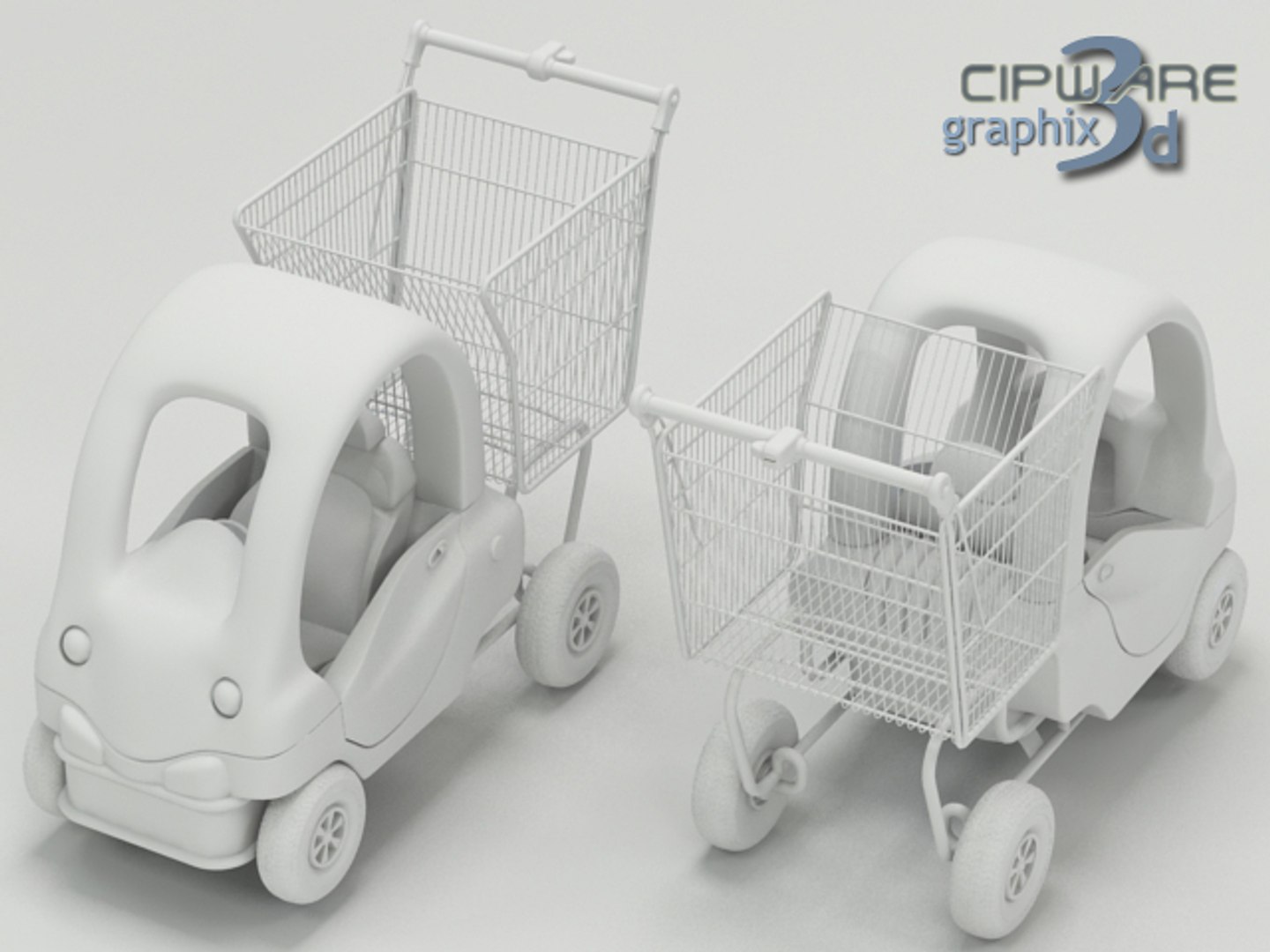
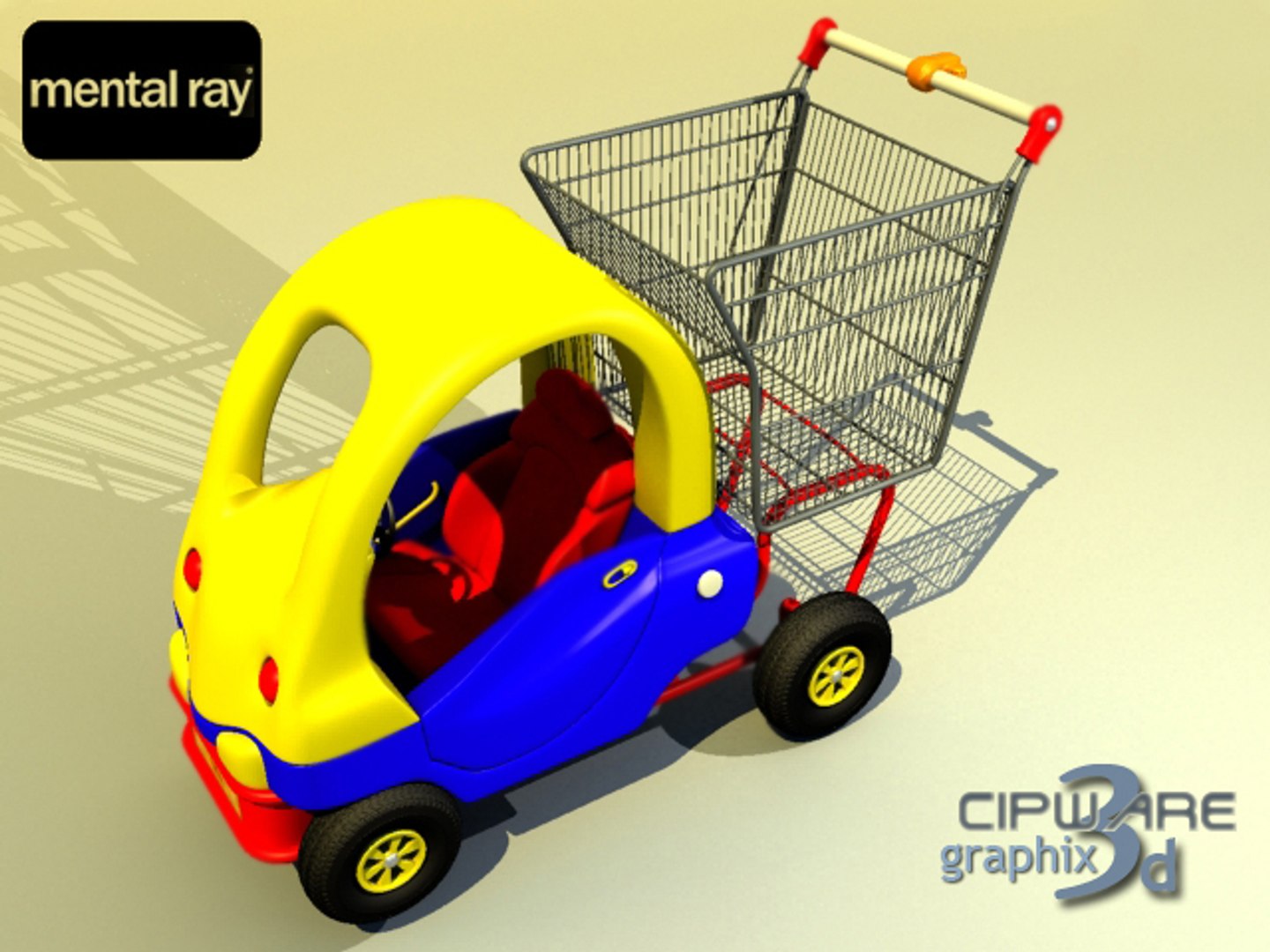
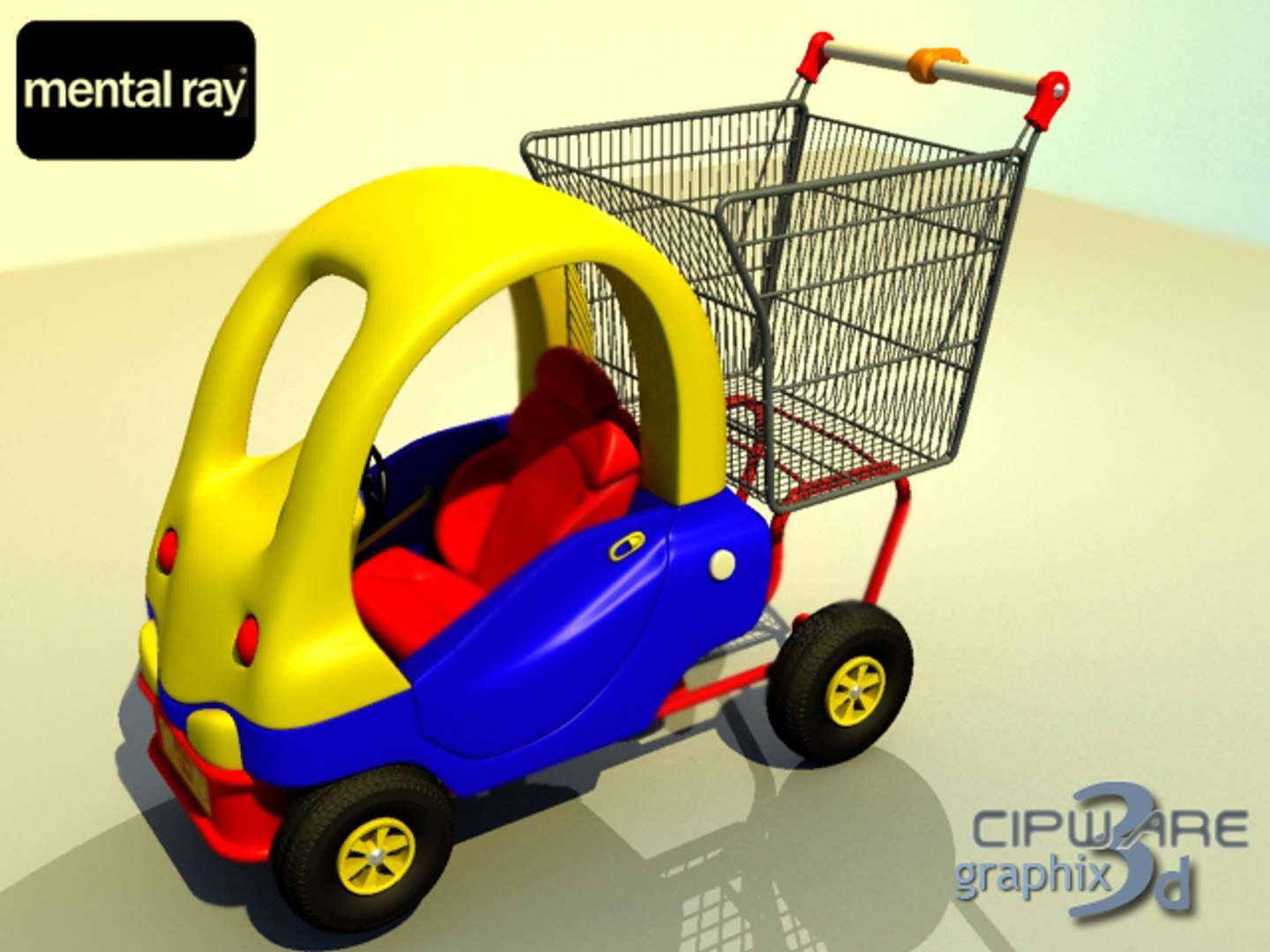
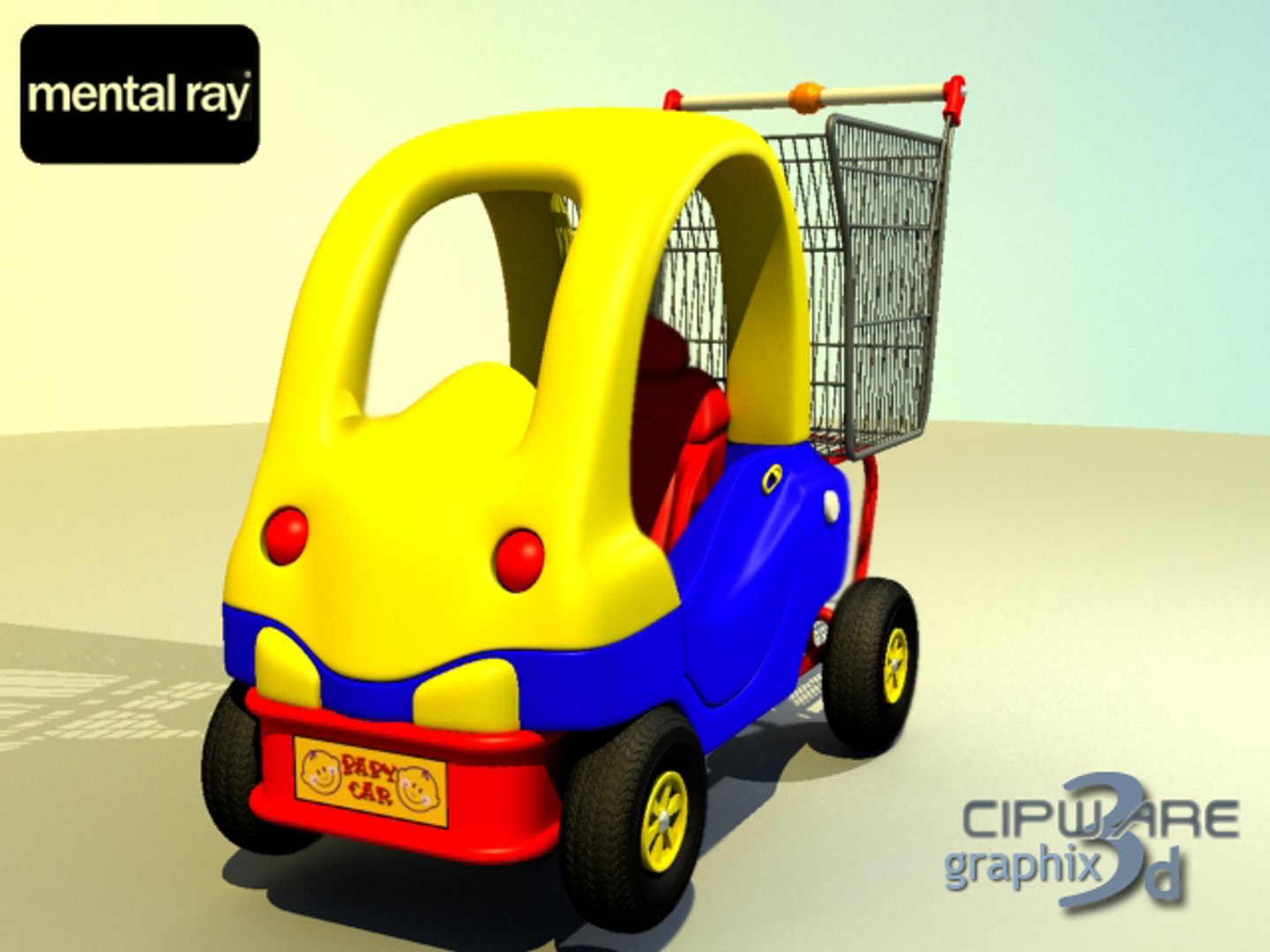
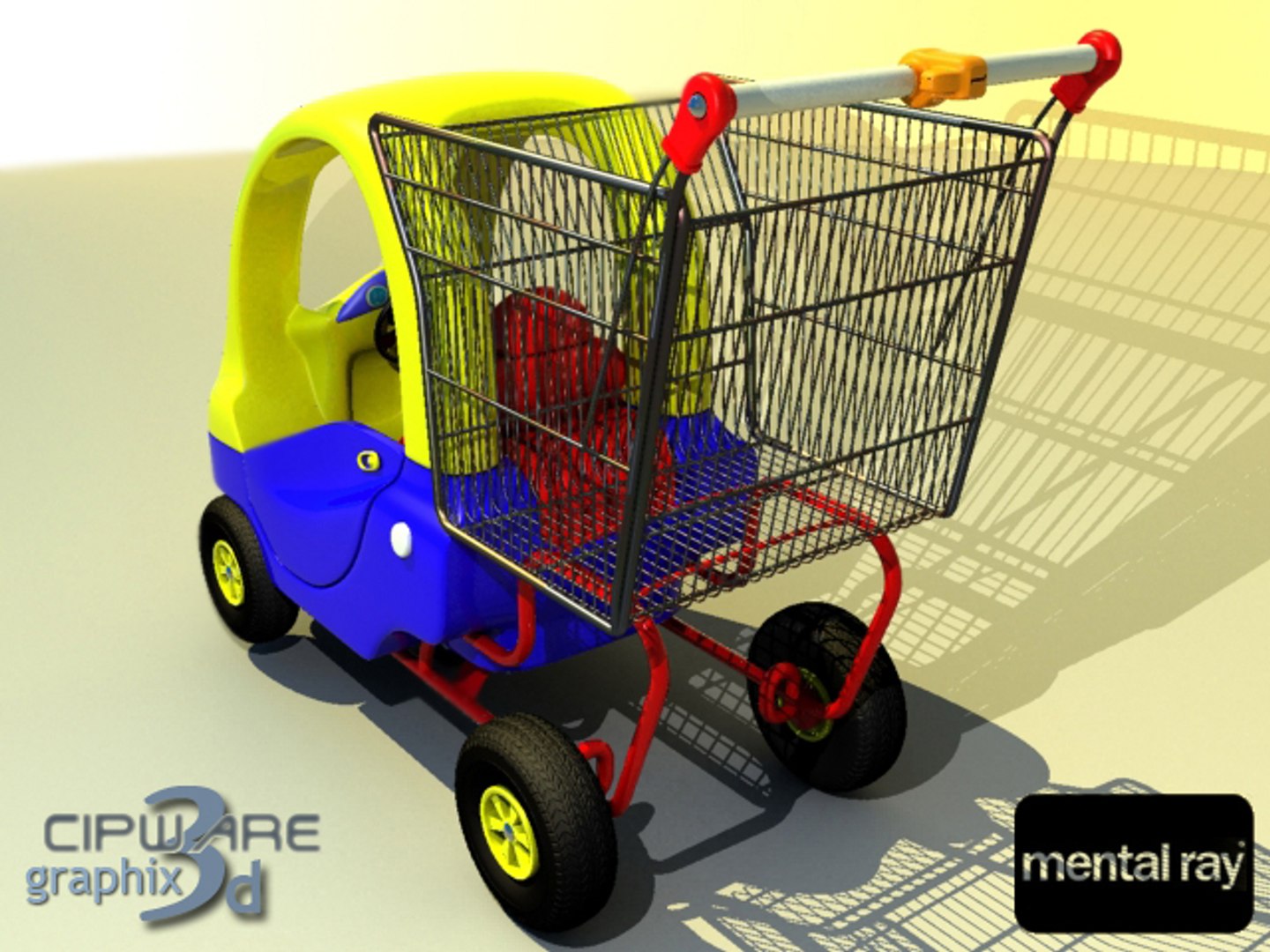
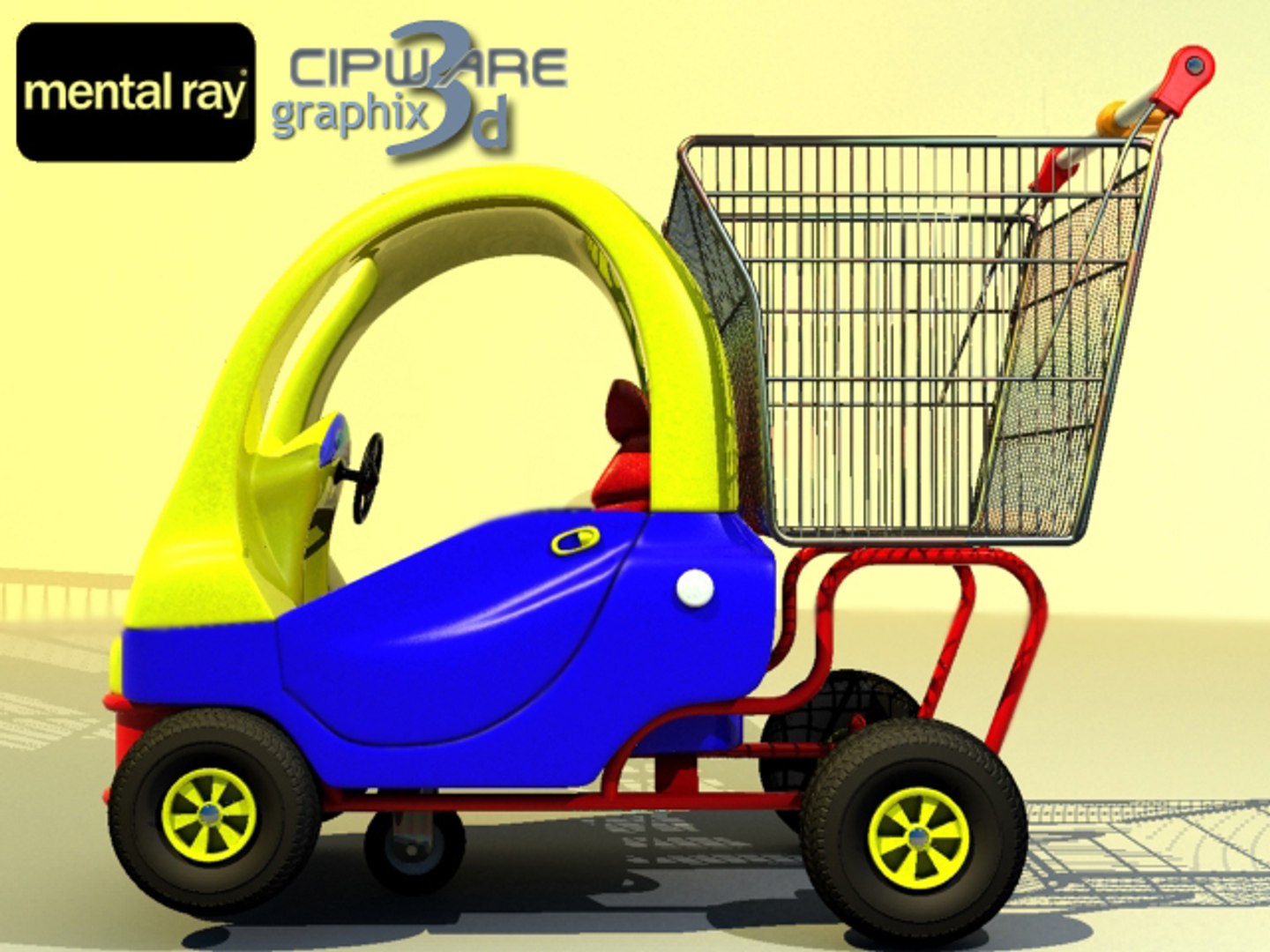
Modeled in 3D Studio Max 7 and rendered with VRay 1.47 (need the VRay 1.47 or higher plugin) and MentalRay (included in all 3ds max version 7 or higher - no external plugin needed) by using real-world model references, it is a
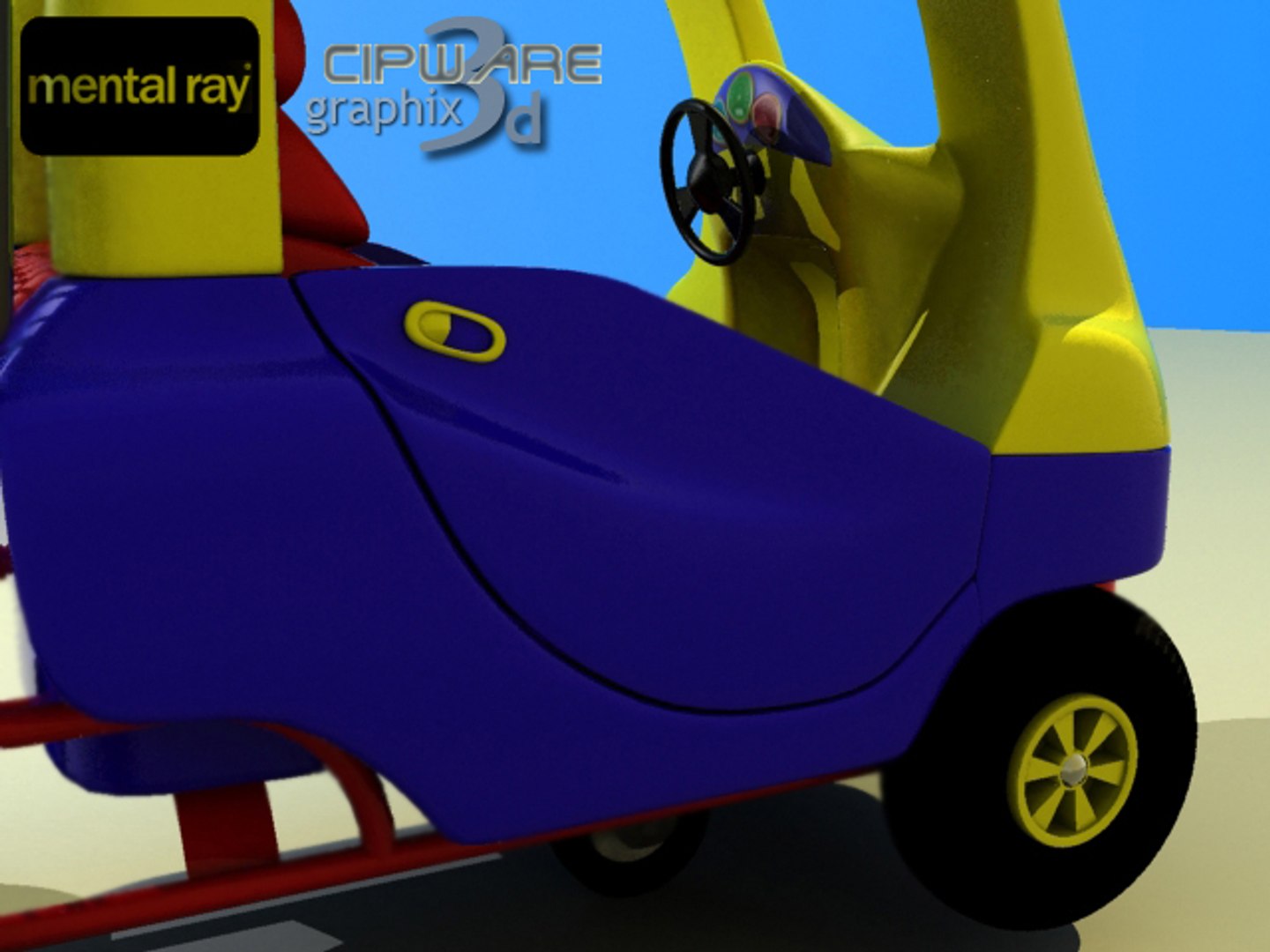
full geometrical detail, ultra-realistic shopping cart baby car perfect for close-ups. Any door can be open by using the
associated slider (moving parts have correct pivot points).
The scenes comes well organized by model parts names, groups and associated materials for easy management.
Polygons: 105302
All materials are included - 3DSudio Max standard materials - Rendering Engine: Default Max Scanline Renderer
- VRay Materials & VRay 1.47 Render Engine (need VRay 1.47 or higher to render the scene)
- MentalRay Materials, light and rendering setups
The Max-VRay and Max-MentalRay scenes comes with all settings & HDRI Environement for a high quality rendering (all the previews rendered with MentalRay was marked with the MentalRay Logo).
Package contents:
- Shopping Cart Car VRay.zip
- Shopping Cart Car_MentalRay.zip
- Shopping Cart Car_max.zip
- Shopping Cart Car_3ds.zip
- Shopping Cart Car_dxf.zip
- Shopping Cart Car_obj.zip
- Textures.zip
- Previews.zip
ENJOY AND RATE TO GET BETTER!

Select Enhanced License

  • $10,000 in Legal Protection (Indemnification)
  • Uncapped Legal Protection (Indemnification)
  • Waiver from injunctive relief
  • Assignable model rights
  • $1,000,000 in Legal Protection (Indemnification)
  • Waiver from injunctive relief
  • Assignable model rights
  • $250,000 in Legal Protection (Indemnification)
  • Assignable model rights
Read more about enhanced license tiers, or contact us at enterprise@turbosquid.com. Already a Shutterstock Enterprise Customer? Contact your Shutterstock Sales Support Agent to talk about adding 3D.

About Conversion Requests

To submit a conversion request for a purchased asset, please complete our Conversion Request Form.

If you have not yet purchased a model, please review our Documentation about Conversions to learn about what limitations you may encounter with a conversion.

For any additional questions about a model’s suitability for conversion, please contact TurboSquid Support.

Loading...