





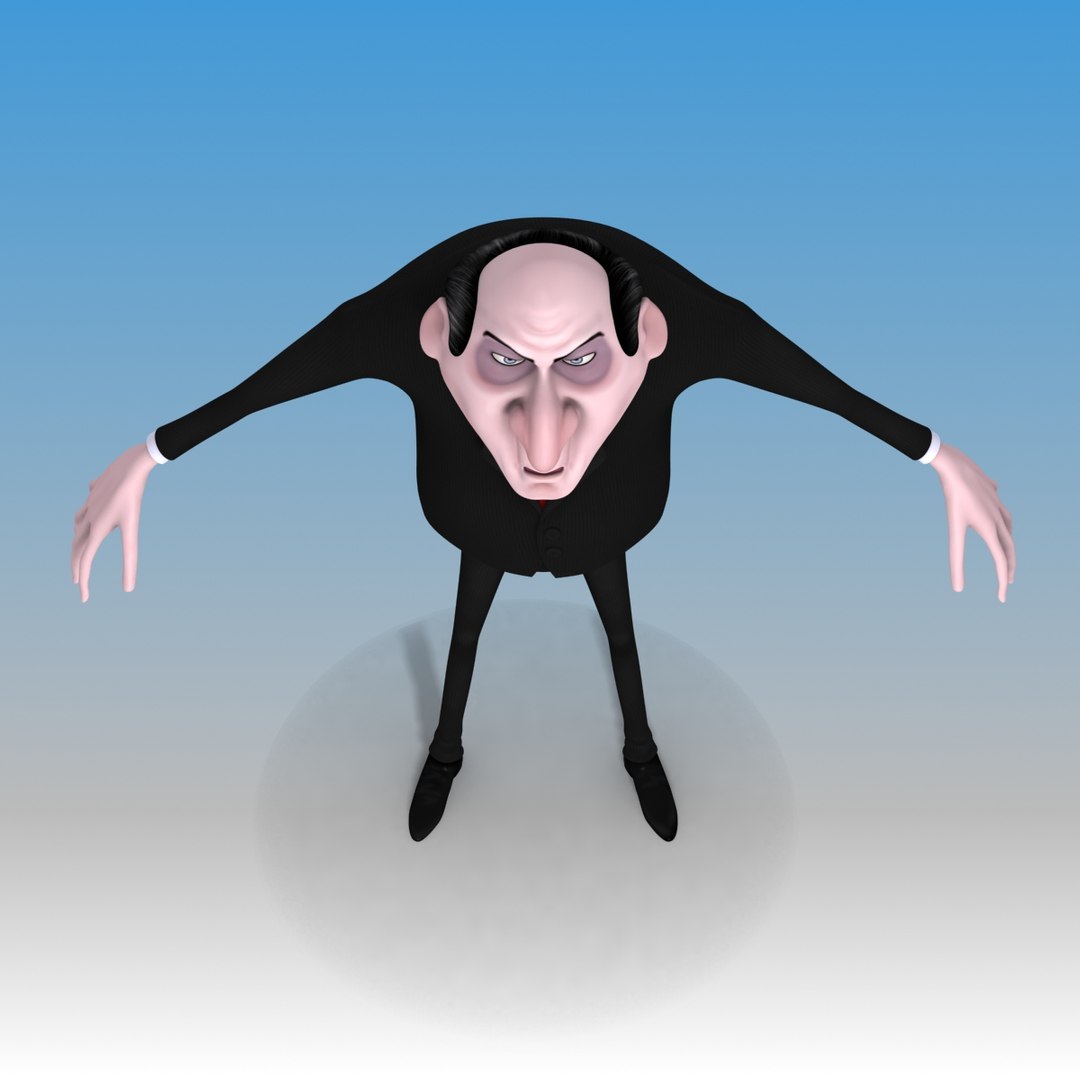

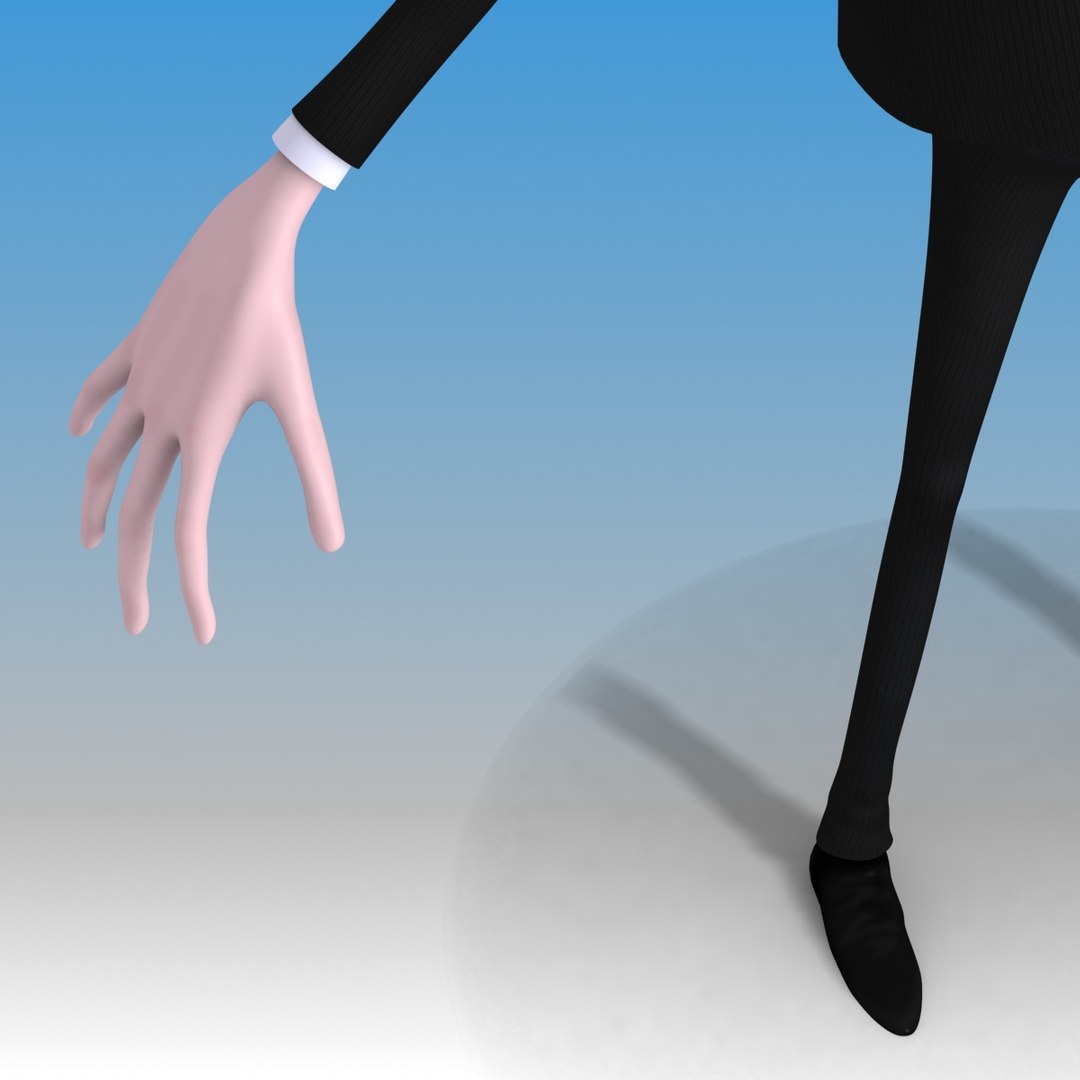
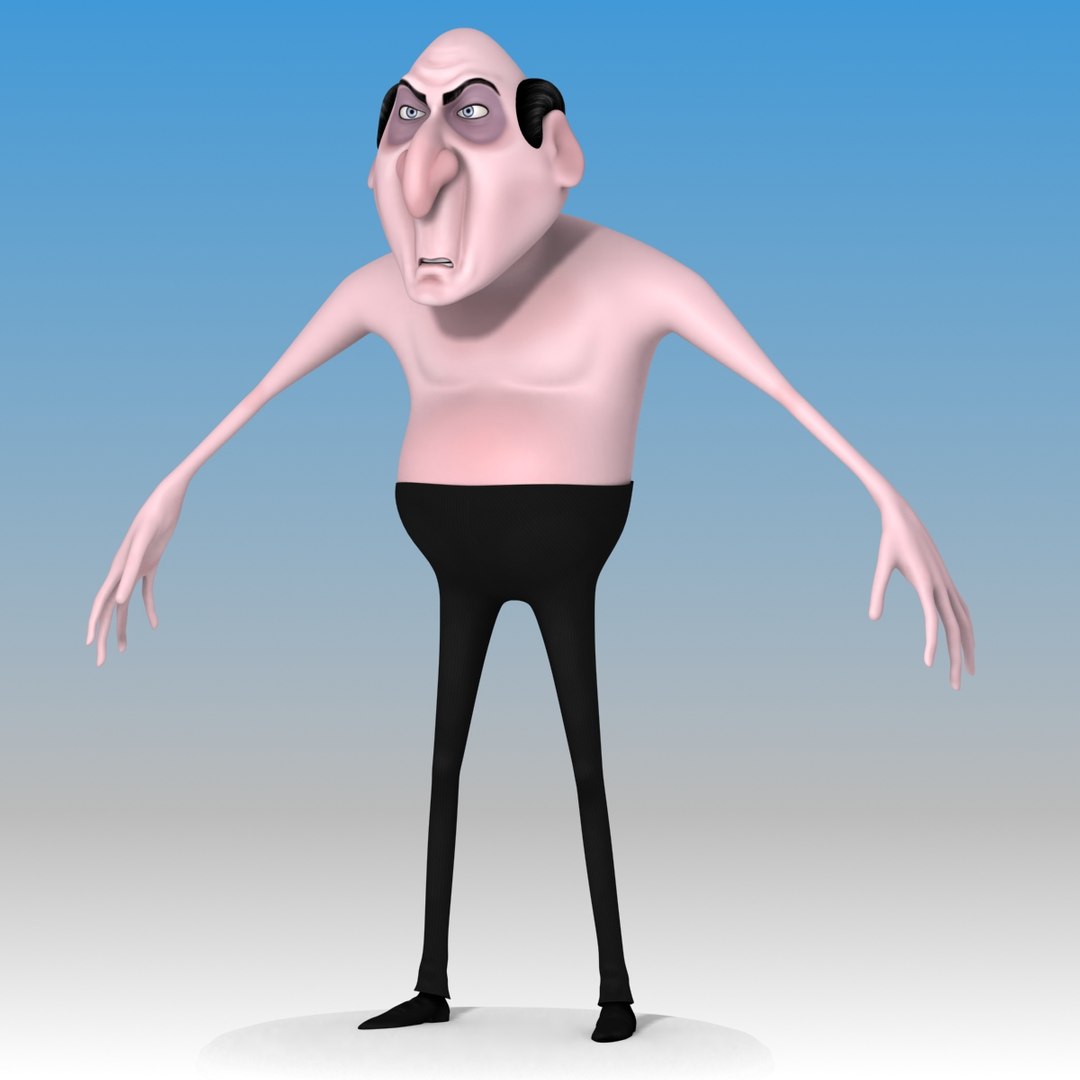
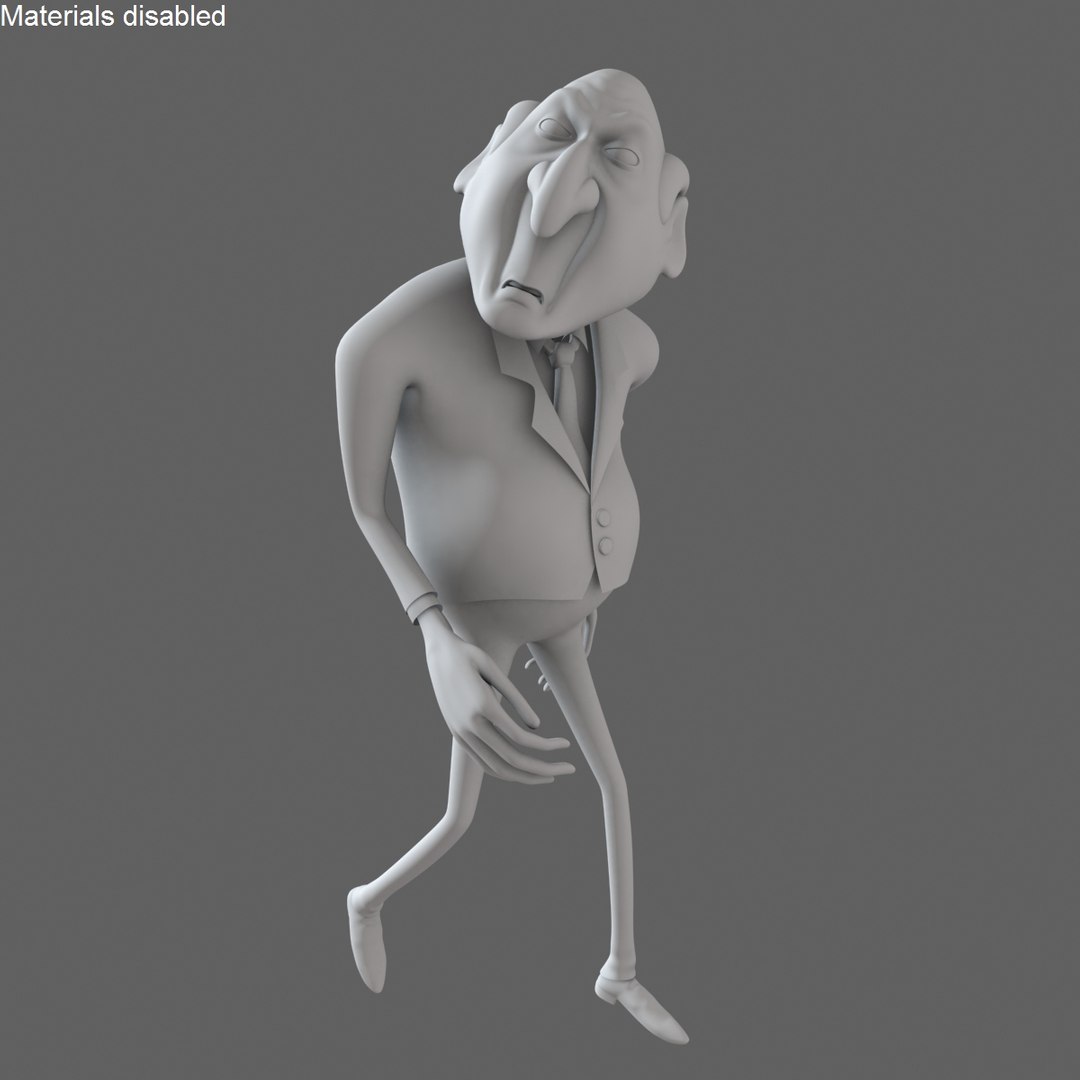
Rigged Cartoon Evil Businessman Boss

$29

Formats (3)
Free file format Conversions available
Native | 3ds Max 2012 | Default Scanline
Maya 2012 | Default Scanline
3ds Max 2010 | Default Scanline
Other Files
evil_psd.zip evil_TIFF.zip
Specifications
Publish Date August 09, 2014
Product ID 841170
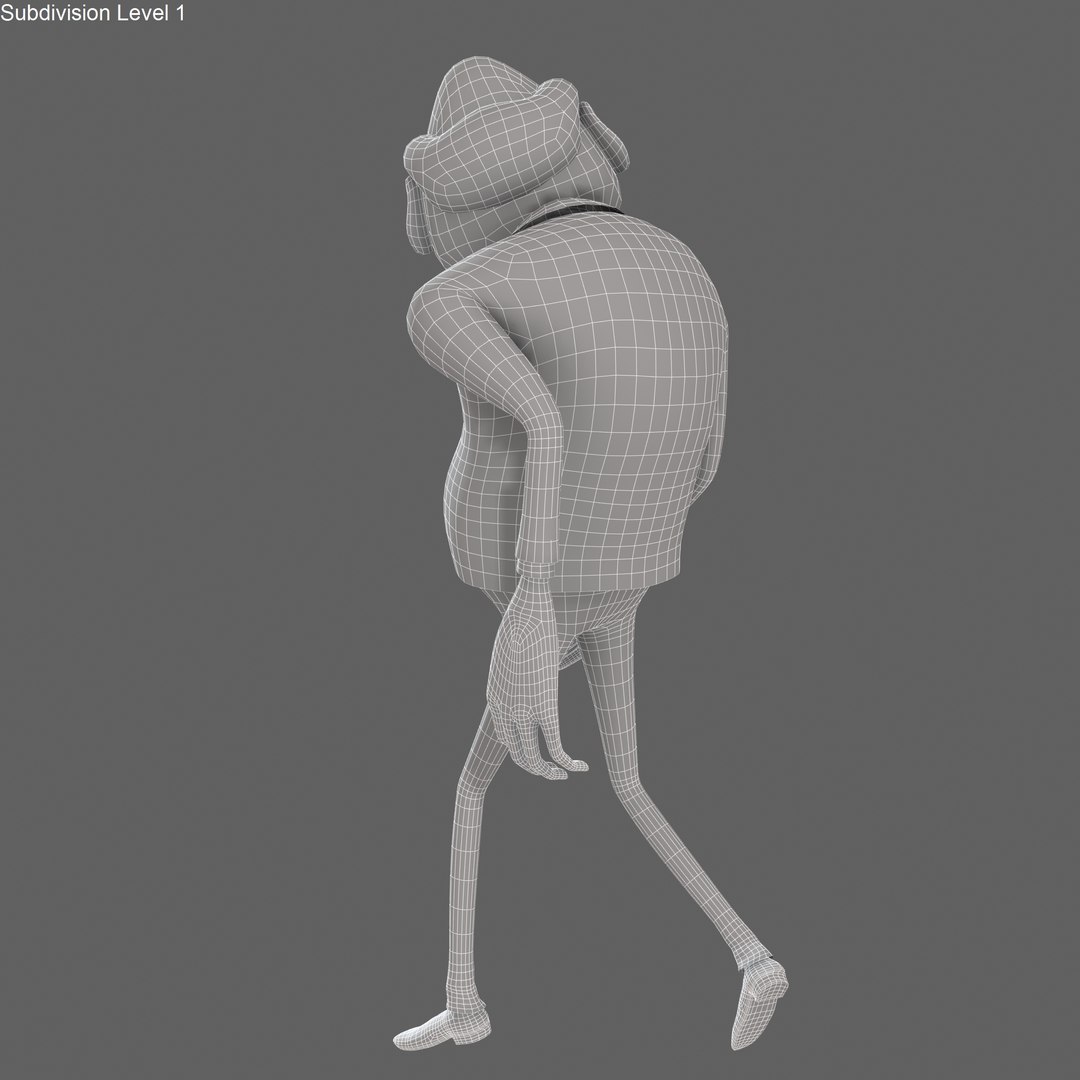
Polygons 4,650
Vertices 4,814
Polygonal Quads Only
Textures
Materials
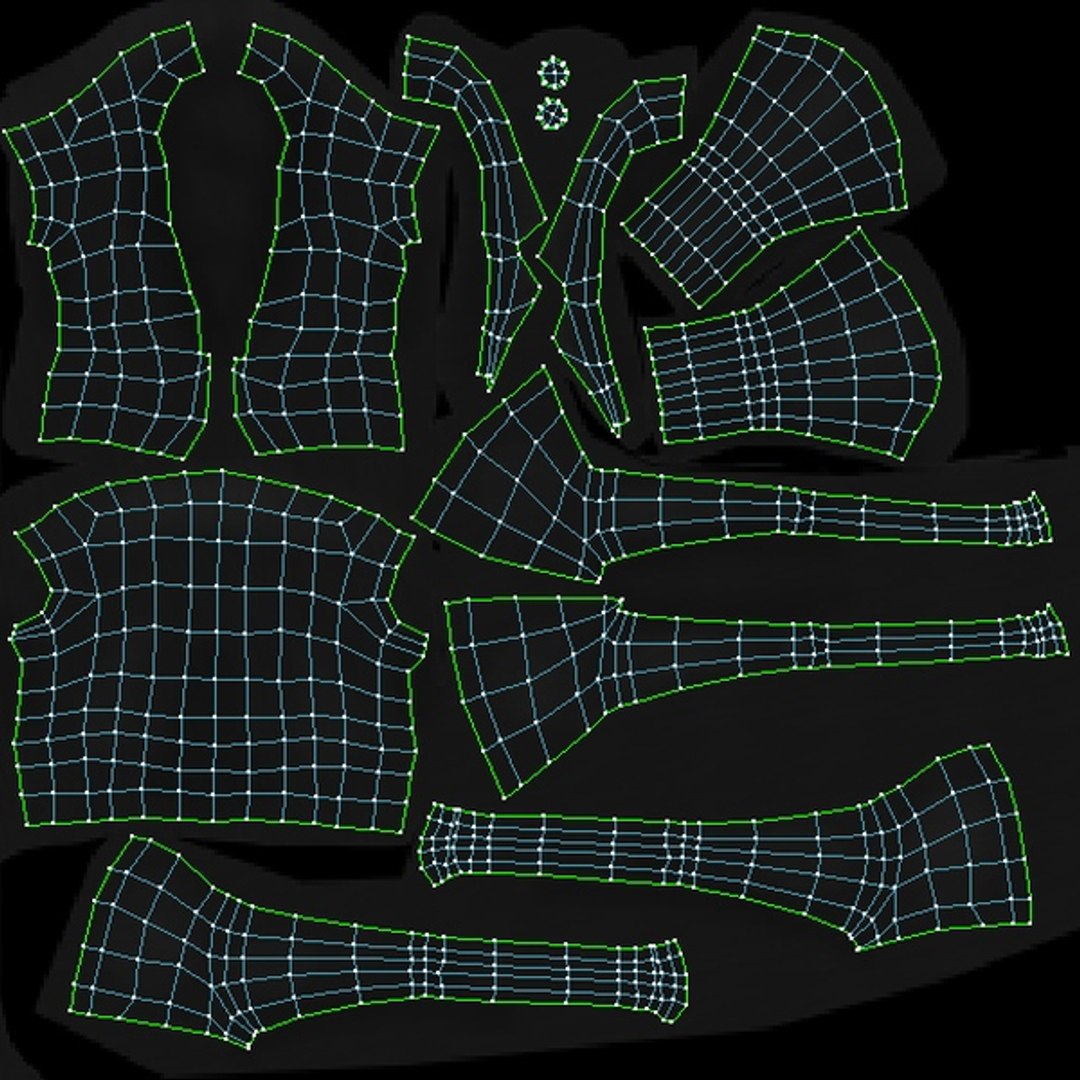
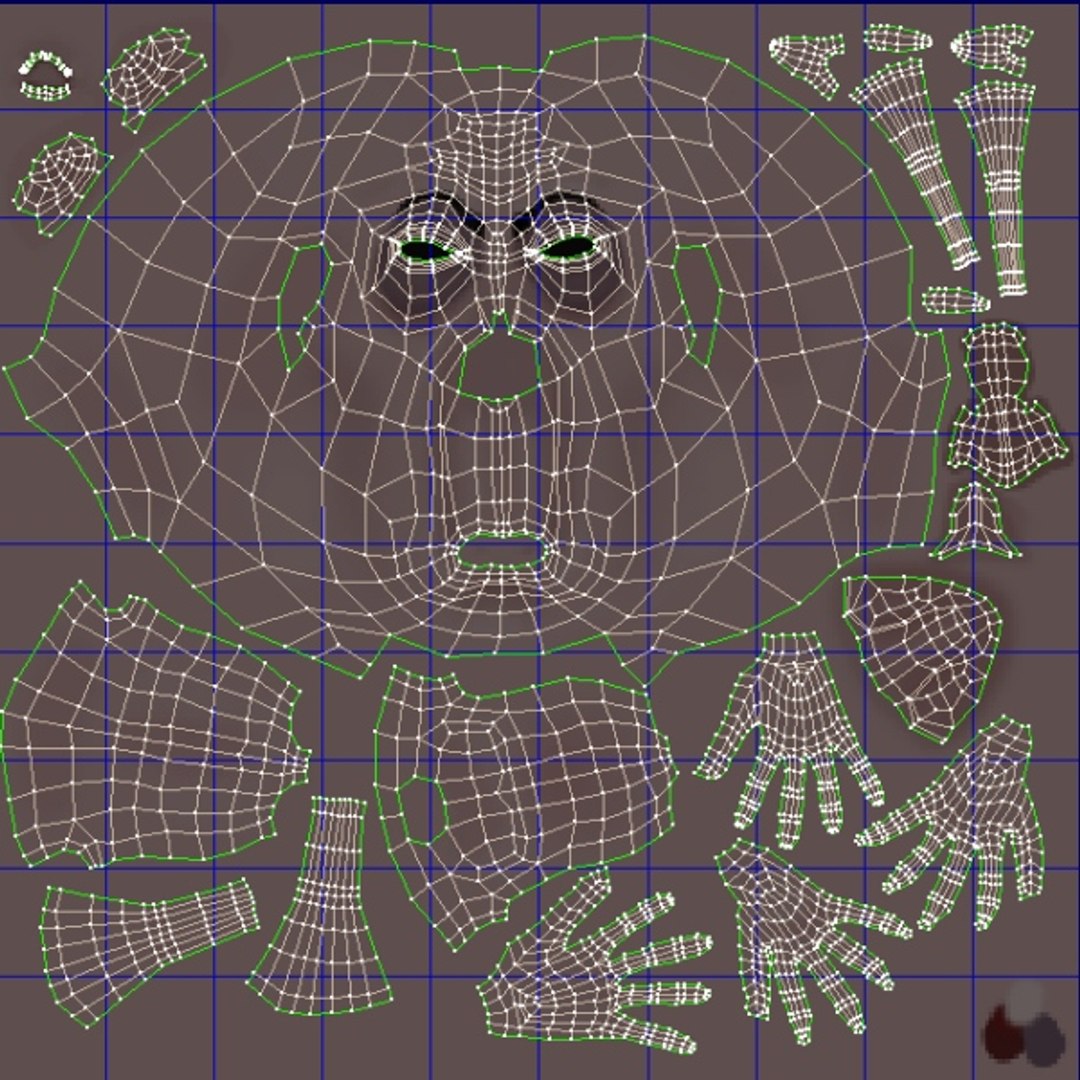
UV Mapped
Non-overlapping Unwrapped UVs
Rigged

member avatar
Denys Almaral
49 Products | Contributor Since 2005
Have questions? Chat with us now.

Description

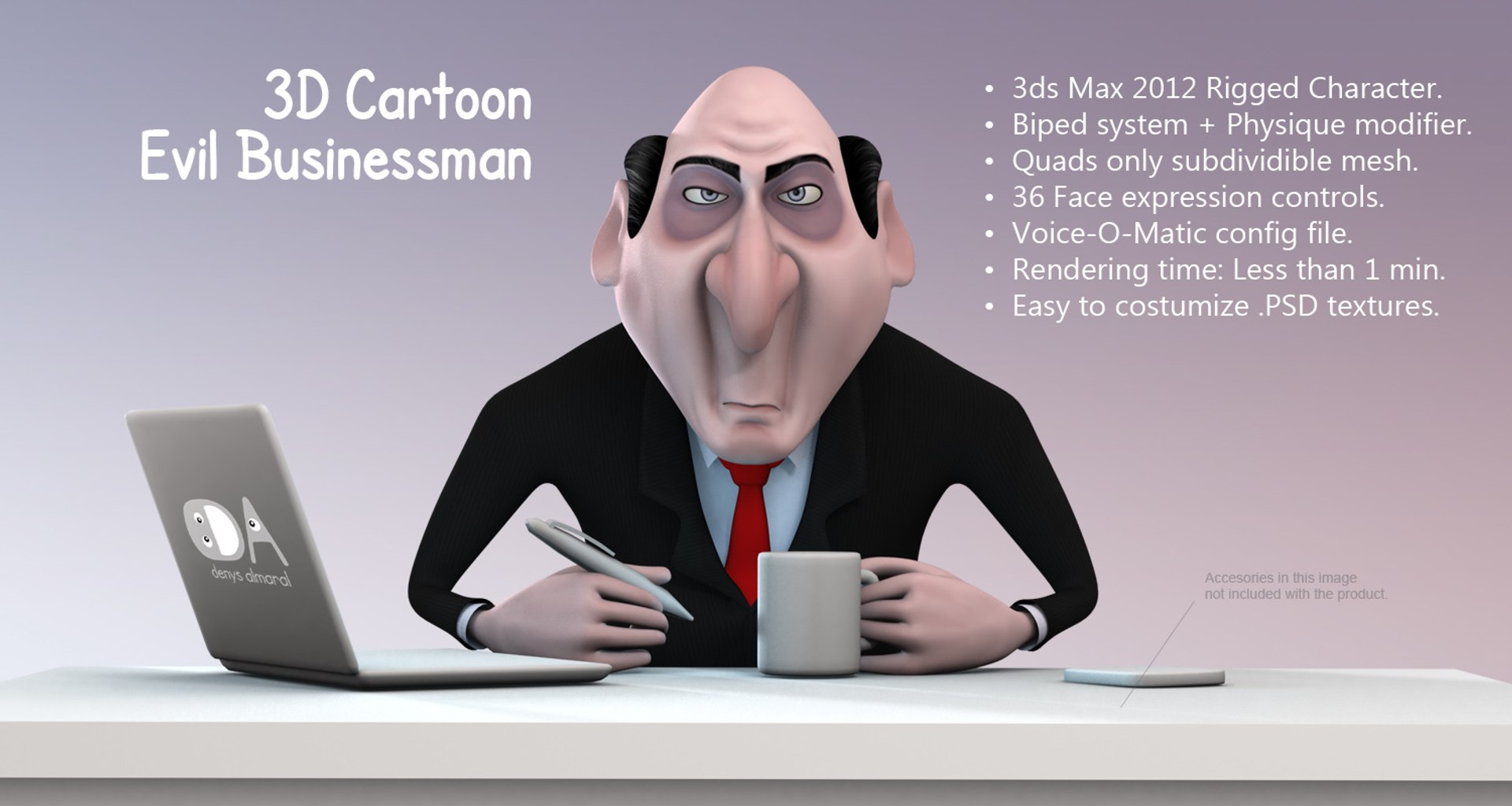
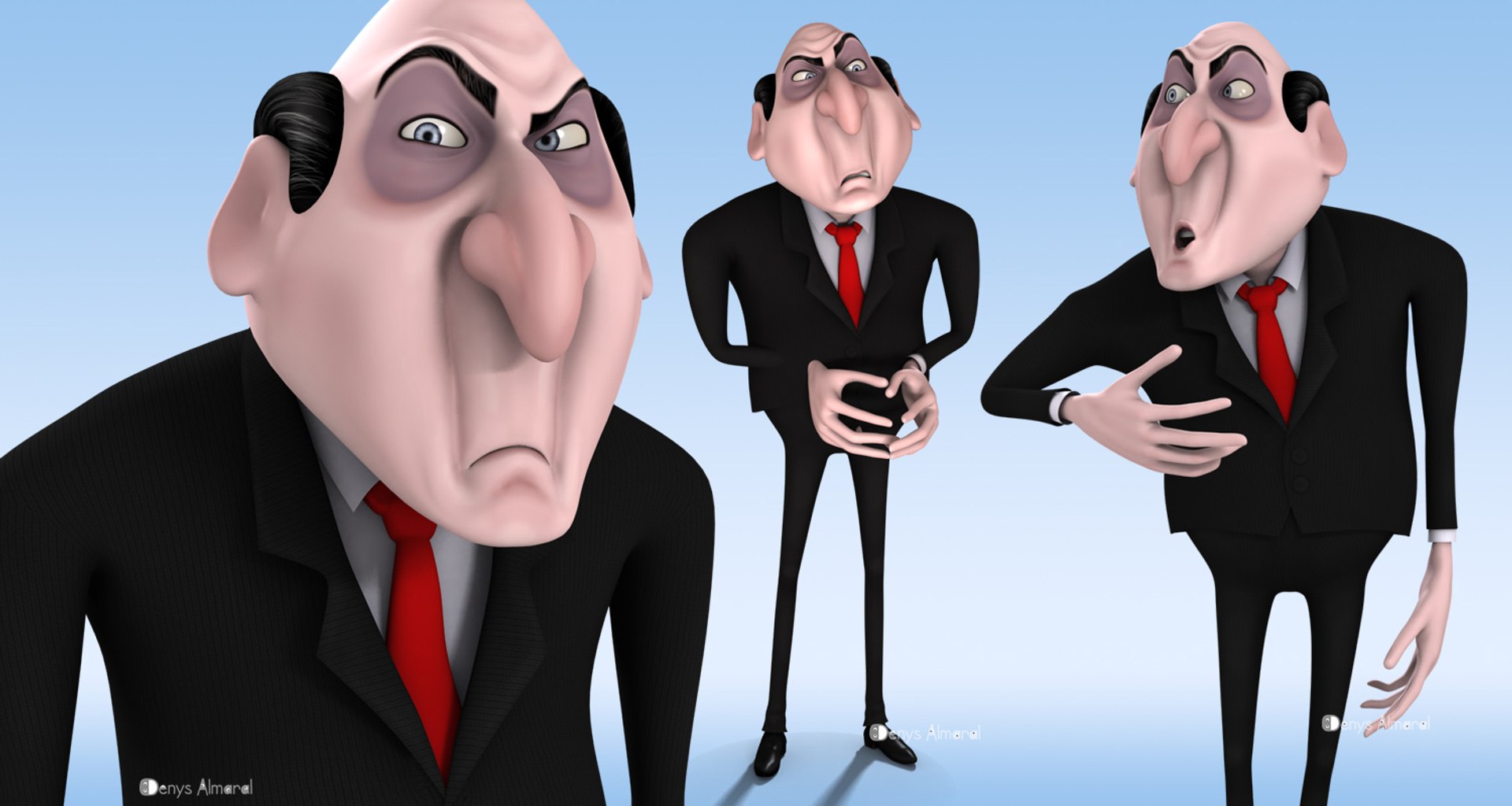
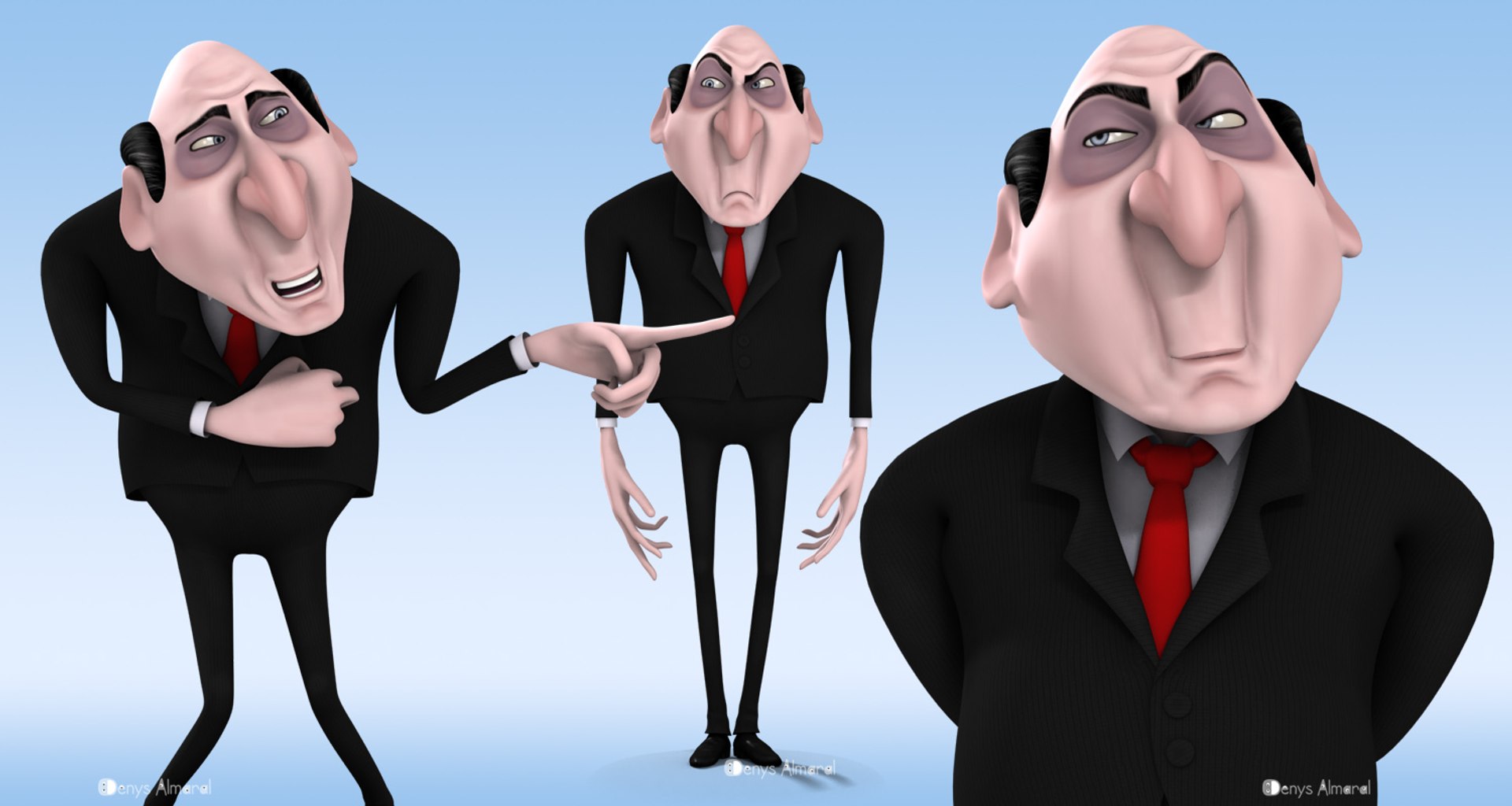
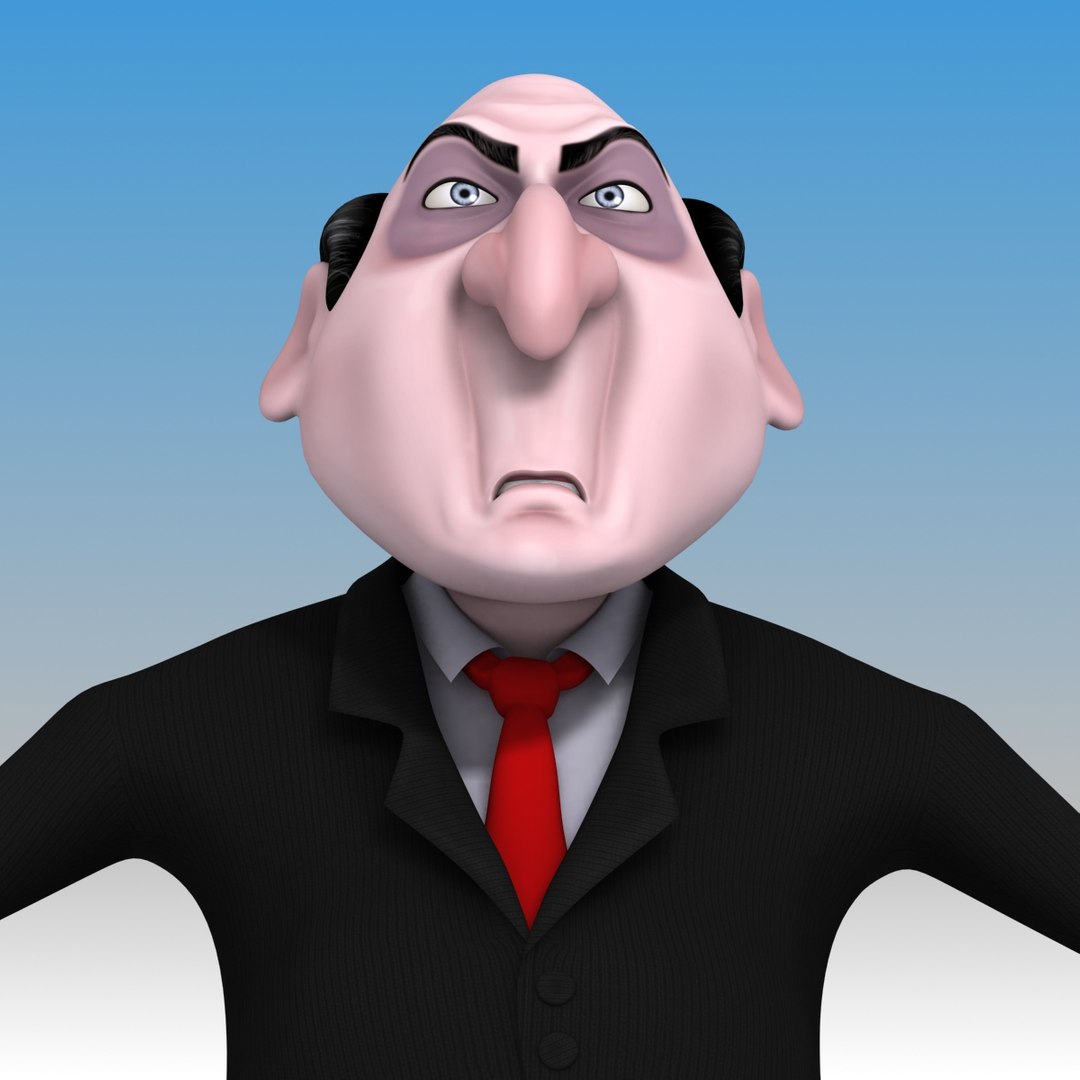
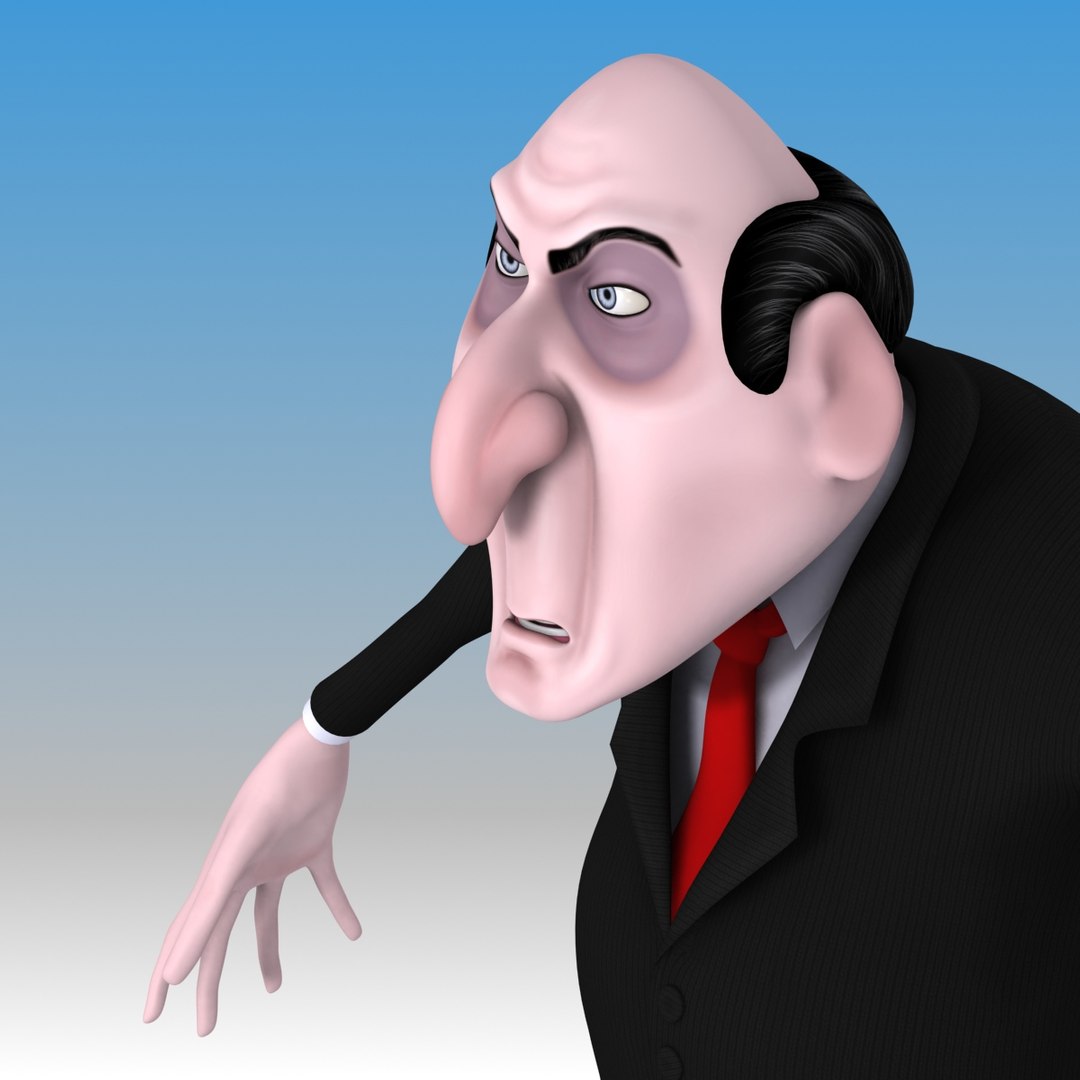
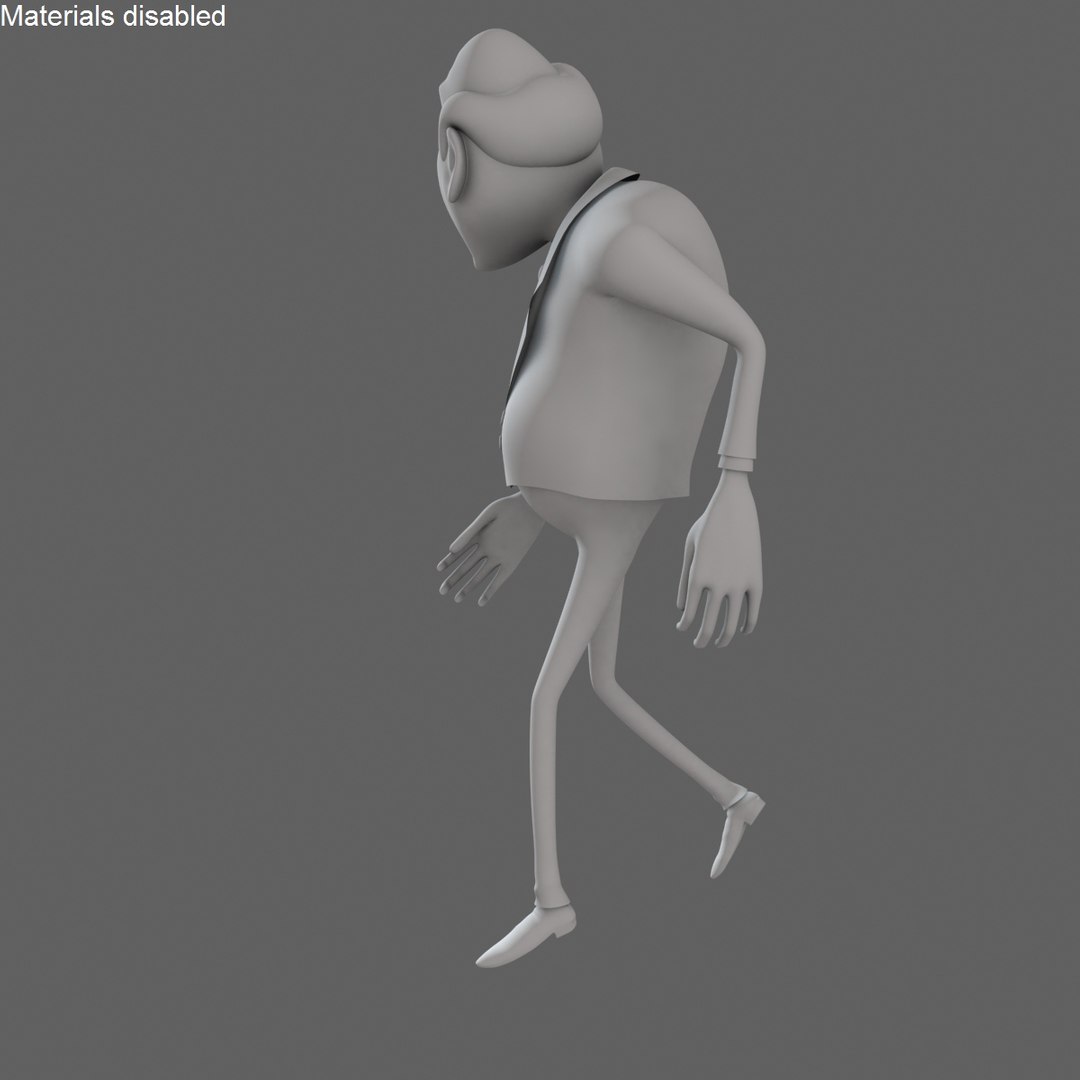
Rigged 3D Cartoon Evil Businessman character with black suit. Suitable for use in broadcast, animation shorts, advertising and HD renders. ( Originally created with 3ds Max 2009, then rigged with 3ds Max 2012 )

|| CONCEPT & DESIGN ||

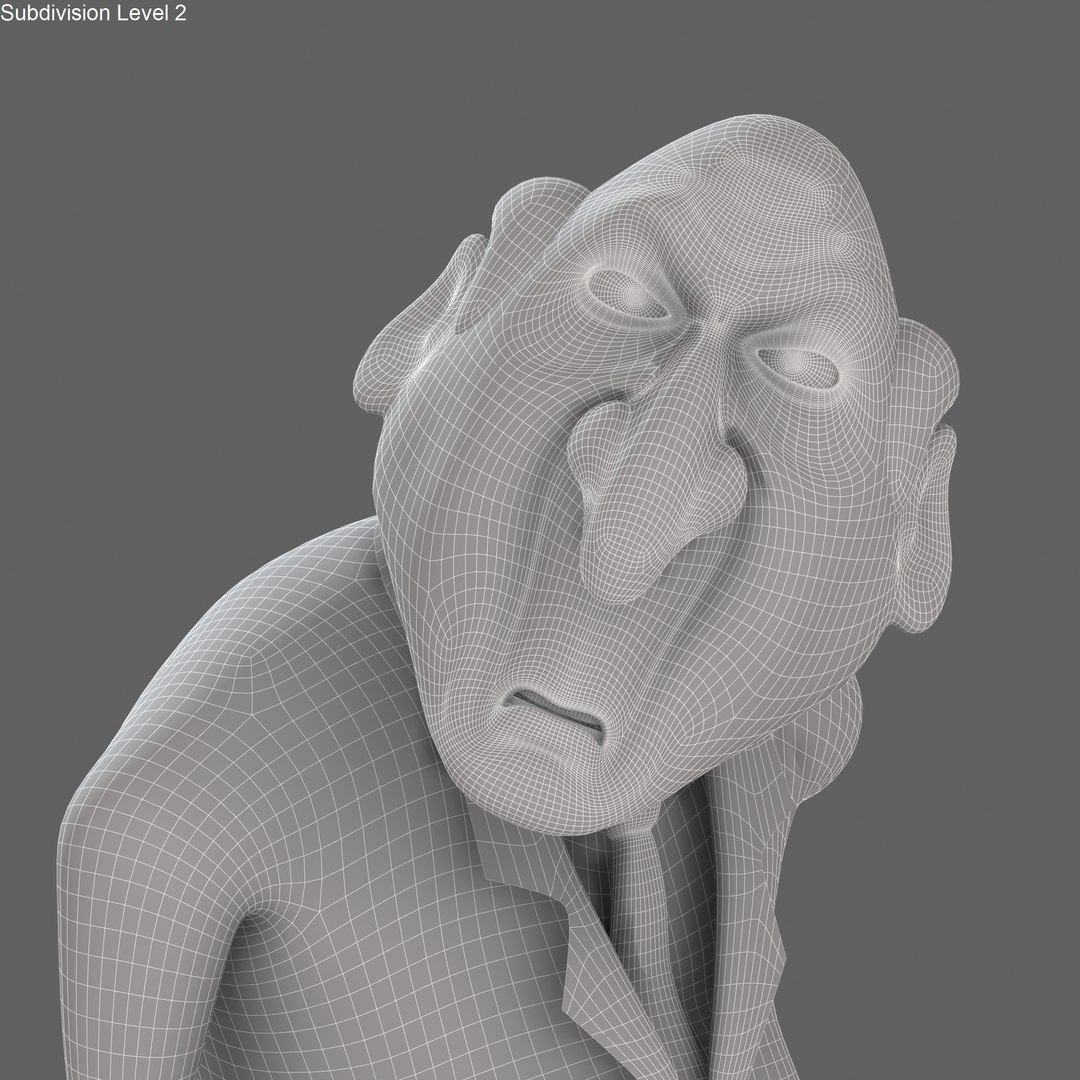
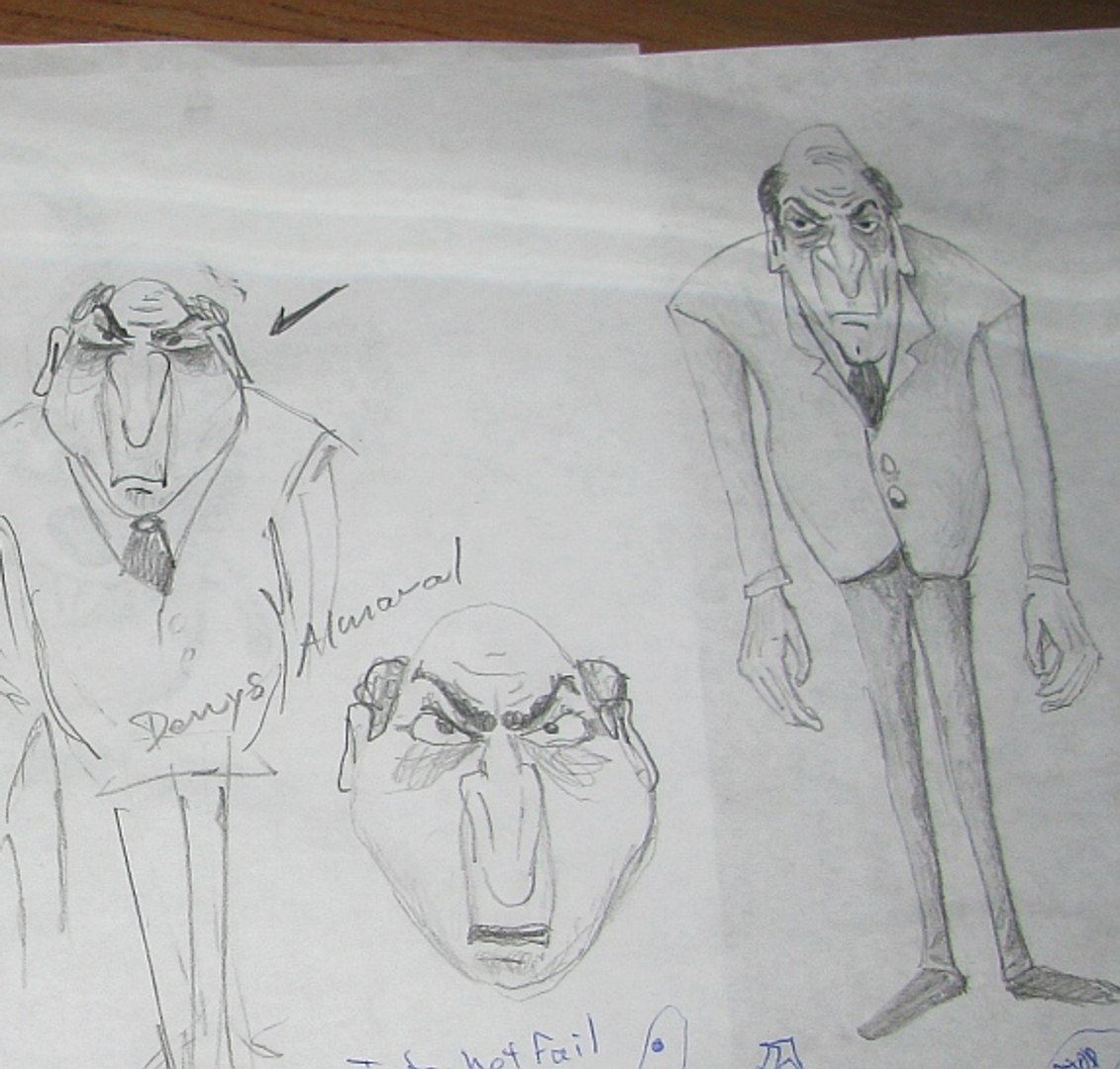
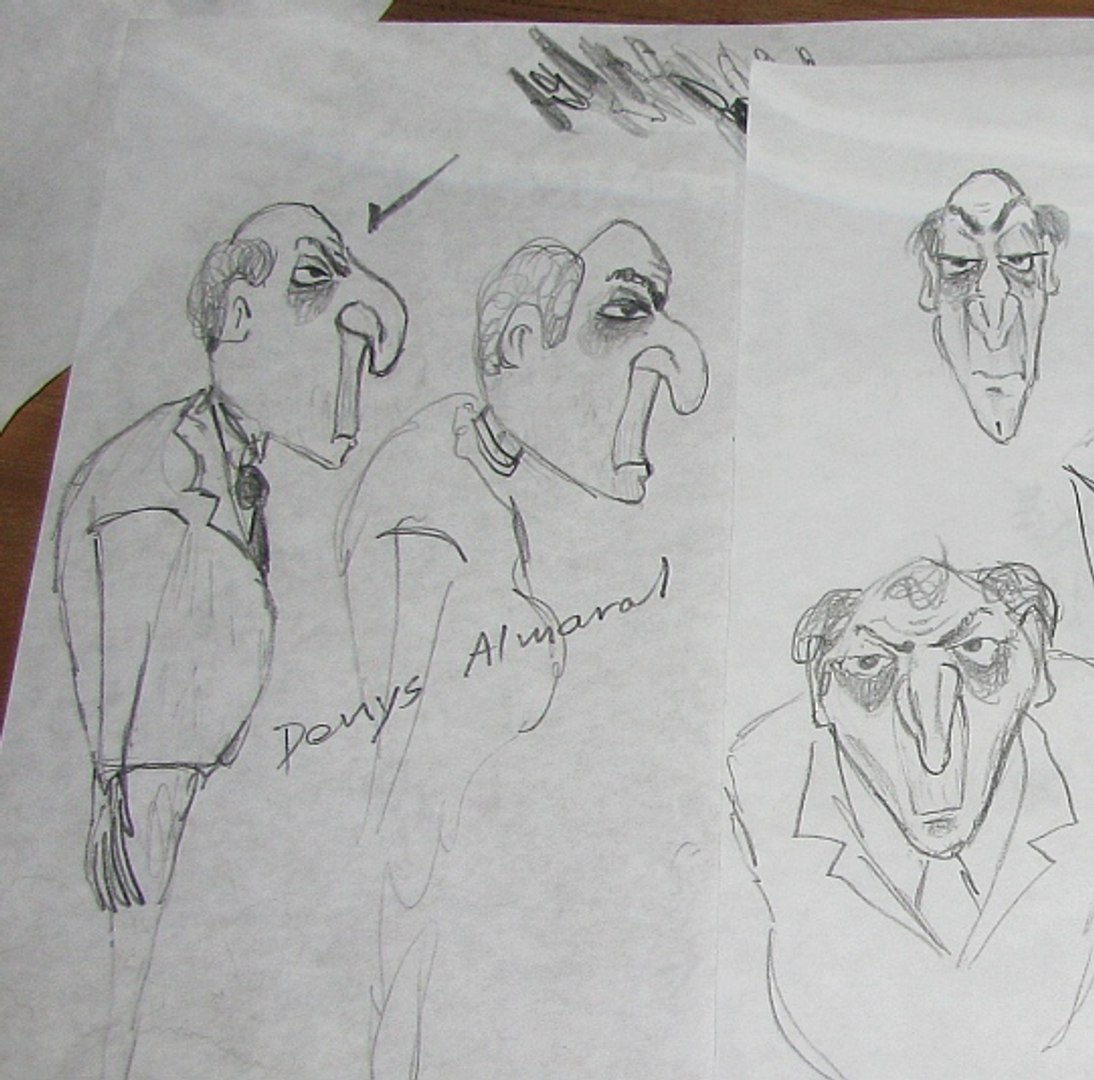
Designed to express an evil character with bad mood, angry attitude, age about 50. Someone who doesn't sleep well, obsessive with work, business or enemies. With curved back, body shape denote no exercises, unfriendly with nature and fresh air . Face shows contempt, nuisance, prepotency, arrogance.

This character is an original creation from the author based on its own knowledge and research. Any similarity with existing characters, or real persons, living or dead, is purely coincidental. (See last thumbnail image for sketches)

|| SPECS ||

This model contains 16 separate objects,
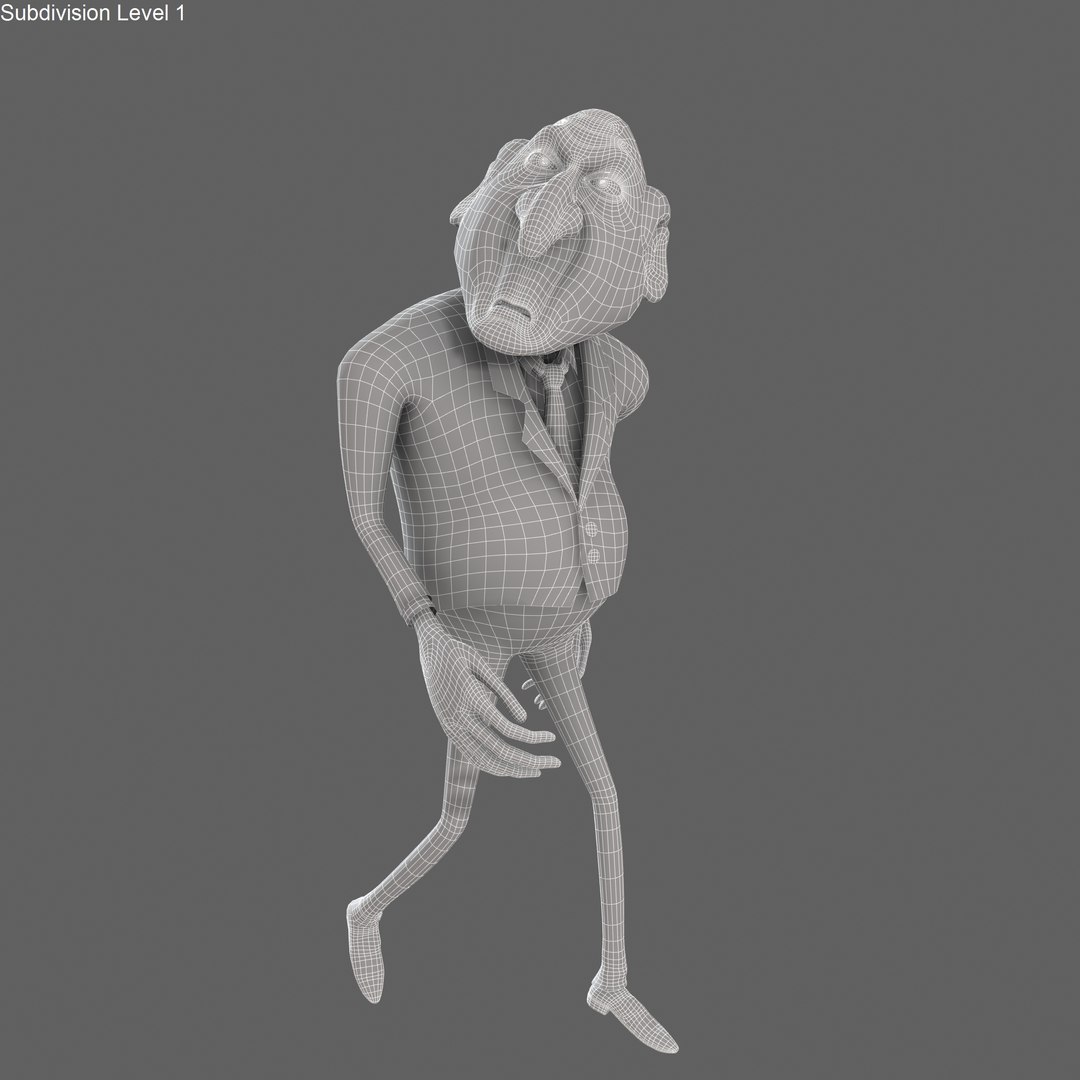
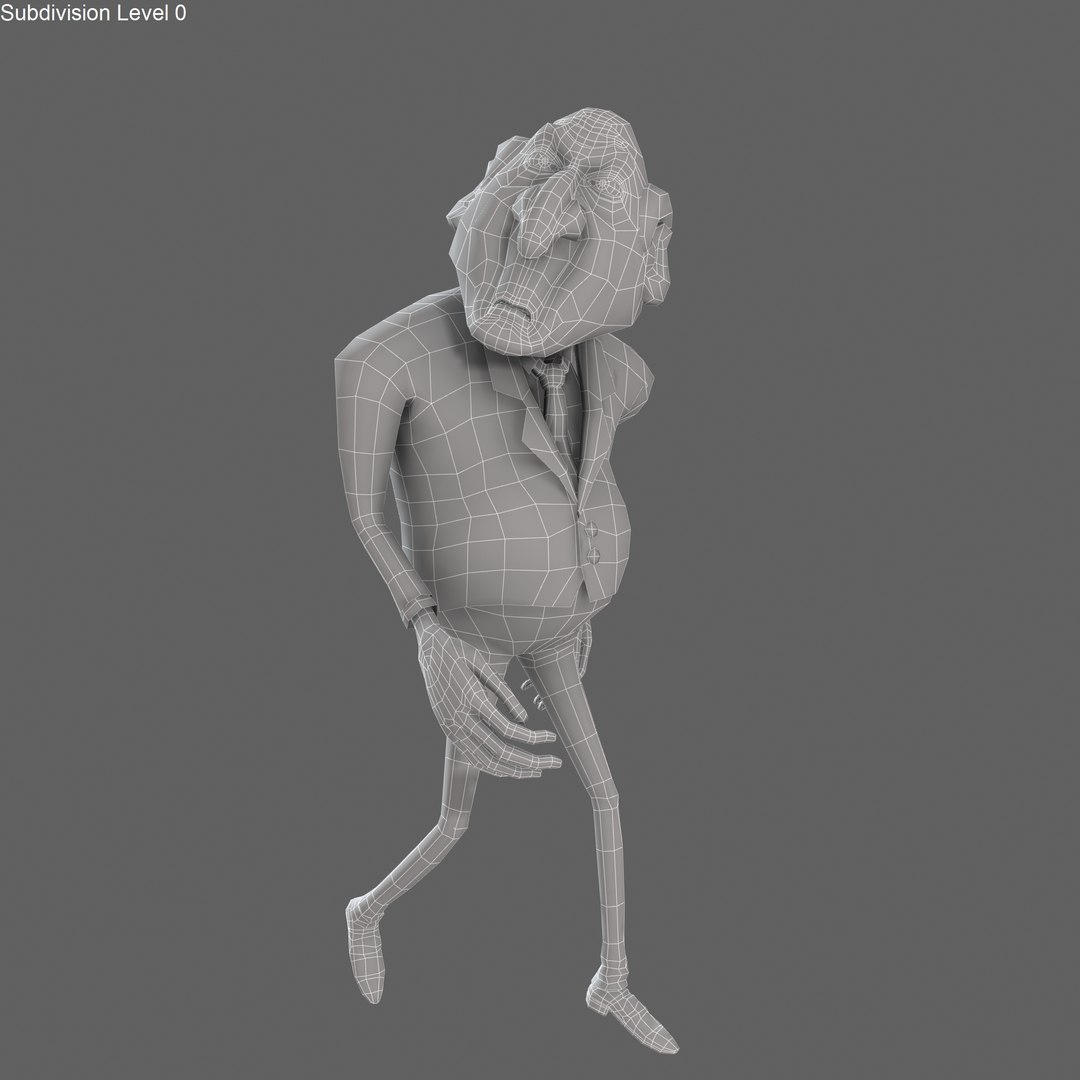
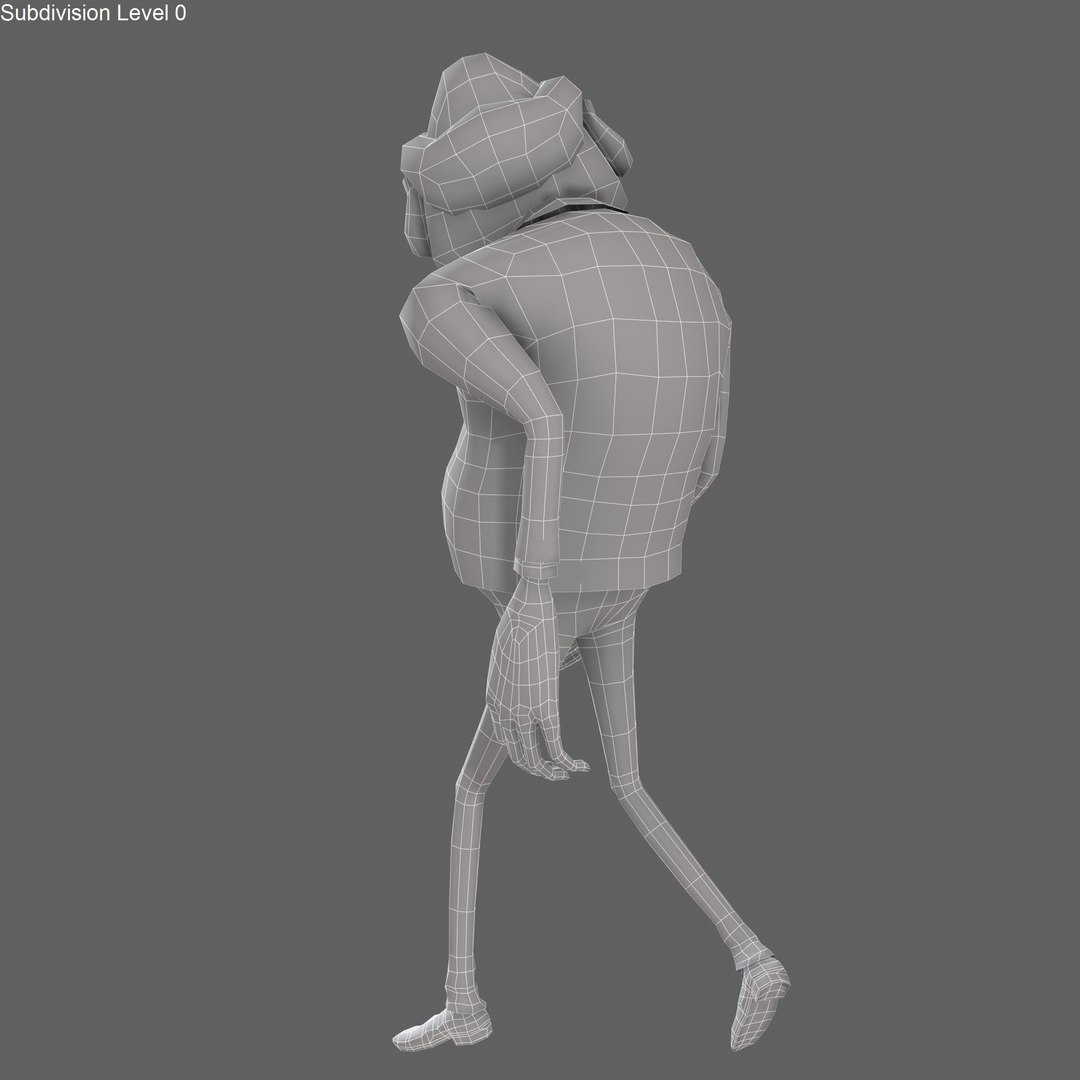
4,650 polygons with TurboSmooth OFF
37,200 polygons with TurboSmooth ON (set to 1 iterations. TurboSmooth count polygons by triangles)
Standard materials only.
Rendered images with Default Scanline Renderer with Light Tracer active.

|| TEXTURES ||

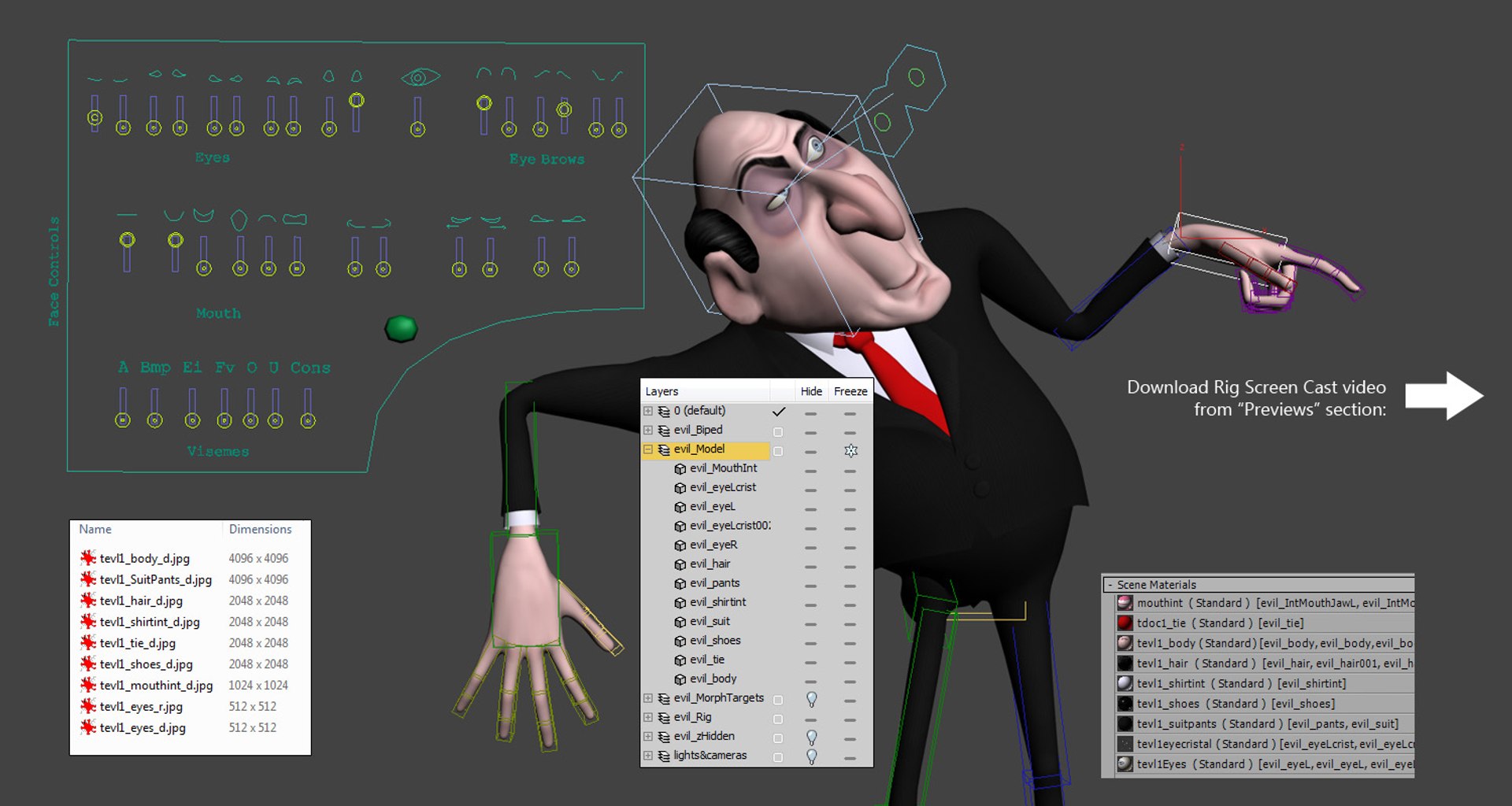
4096x4096 JPG (2) - body, SuitPants
2048x2048 JPG (4) - hair, shirtInt, tie, shoes
1024 x 1024.JPG (1) - MouthInt
512x512 JPG (2) - eyes, eyes_r
Handmade Editable Texture files (.PSD) are included)
Layered TIFF format also included.

|| GENERAL ||

Units used: Centimeters. Model is 182cm tall.
Scene objects are organized by layers.
No third-party renderer or plug-ins needed
File formats other than 3ds Max exported as base mesh (not smoothed)

|| SETUP ||

- Character Rigged with Biped system and Physique modifier.
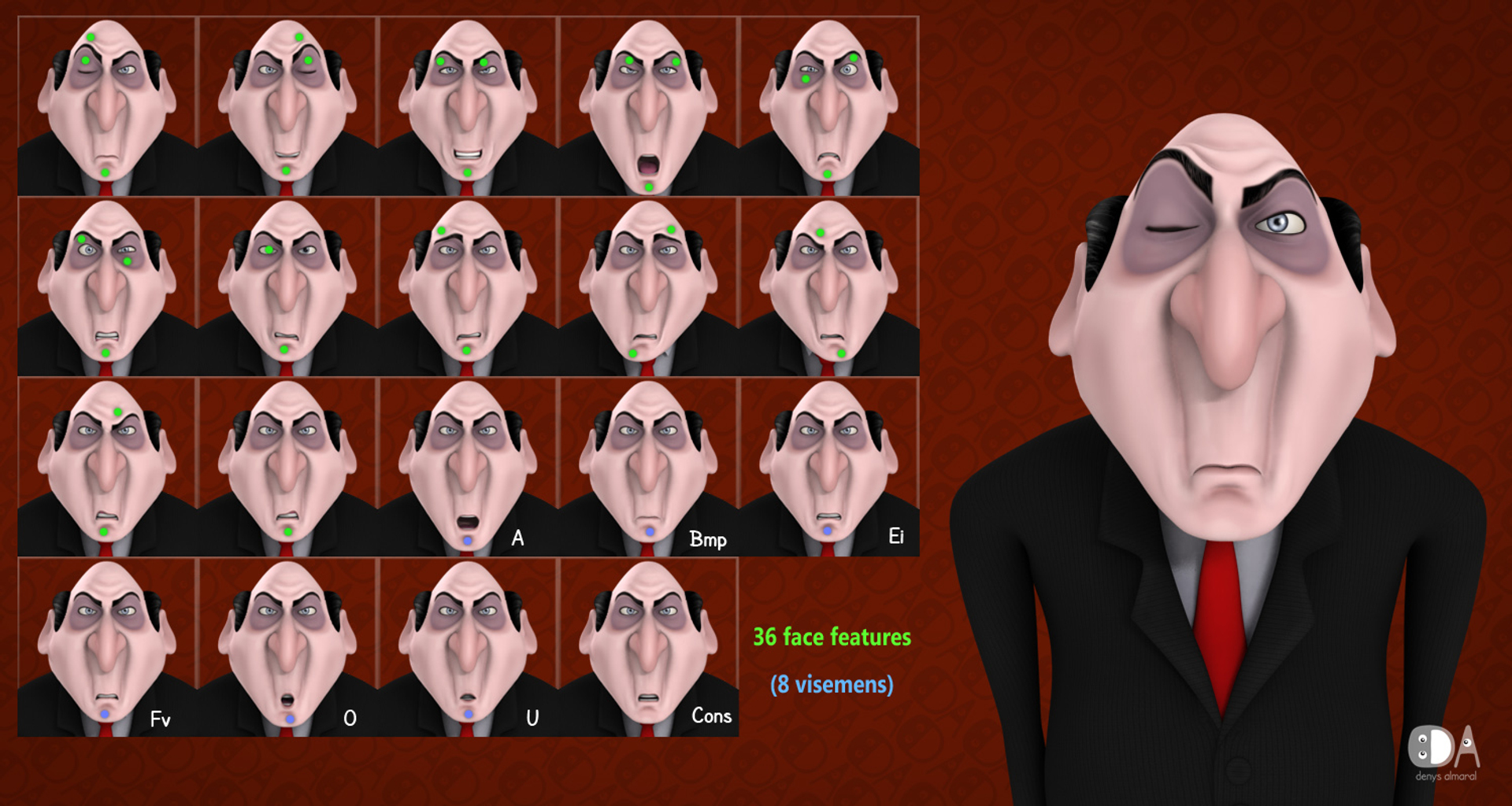
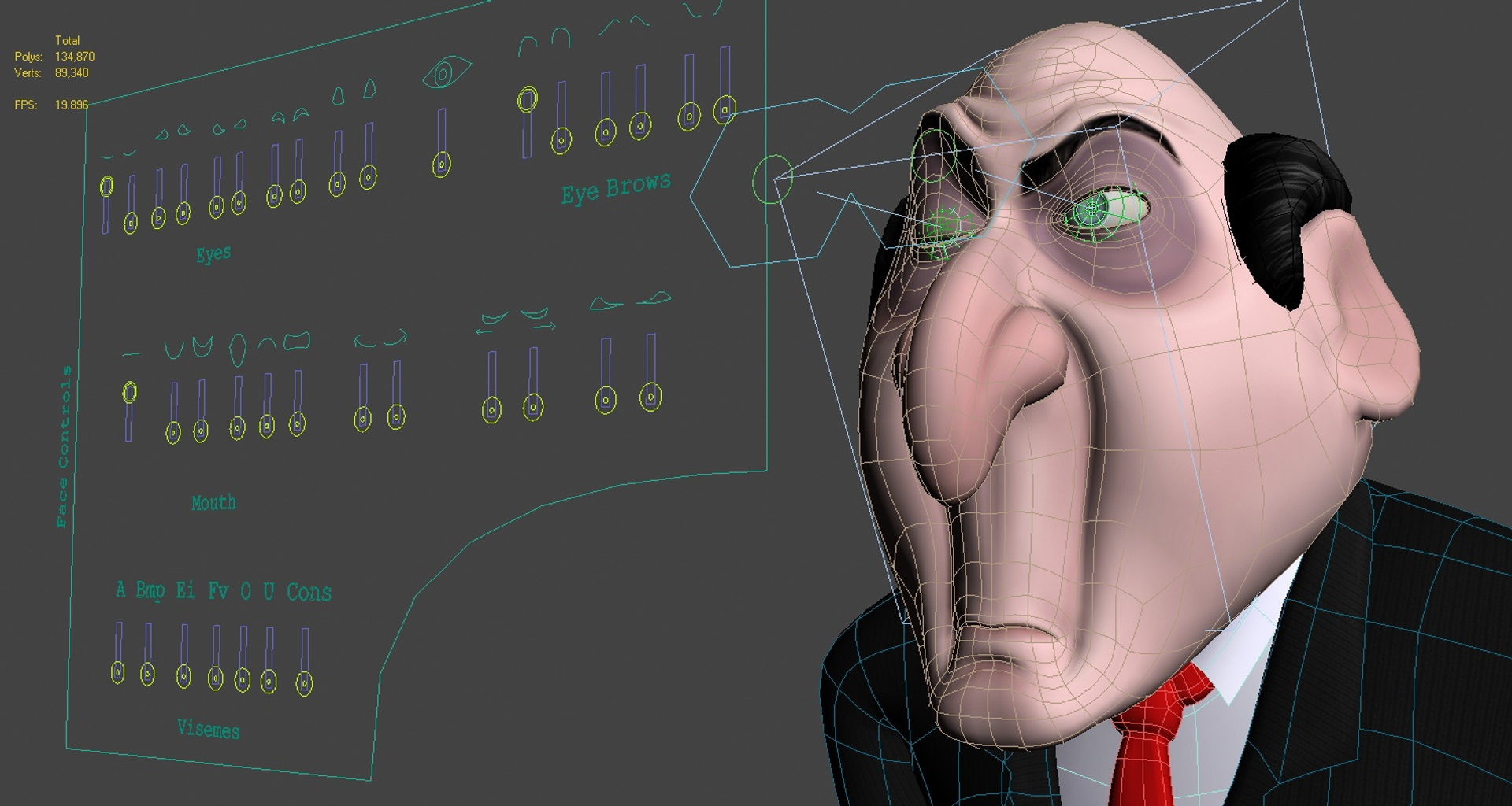
- 36 Face expression controls.
- Face morphing with Skin Warp technique to keep head joined with body.
- Don't for get to download Rig Screen Cast preview video from "Previews" section.

VOICE-O-MATIC Friendly:

If need a quick solution for automated voice synchronization given a WAV sound file, as an optional additional feature, the main product file includes a config file .VOM for Voice-o-Matic Plugin.

Make the character talk with this simple steps:
- Open Voice-o-Matic Utility Plugin
- Open a .WAV file and Click Set Active.
- Open .VOM Visemmes Mapping file provided.
- IMPORTANT: Set Values Range from 0.0 - 2.0
- Click Create Keys! DONE!

The cool thing is this setup makes the plugin work with the Shape Slider controls that this character already have, so you can easly fix and fine tune the output animation.

Notice that: The .MAX files has NOT any dependence with Voice-o-Matic pluginn. You can always make manual animation for voice sync without any plugin.

UPDATE:
Rigged Maya version added with similar features than the 3ds Max version.

Select Enhanced License

  • $10,000 in Legal Protection (Indemnification)
  • Uncapped Legal Protection (Indemnification)
  • Waiver from injunctive relief
  • Assignable model rights
  • $1,000,000 in Legal Protection (Indemnification)
  • Waiver from injunctive relief
  • Assignable model rights
  • $250,000 in Legal Protection (Indemnification)
  • Assignable model rights
Read more about enhanced license tiers, or contact us at enterprise@turbosquid.com. Already a Shutterstock Enterprise Customer? Contact your Shutterstock Sales Support Agent to talk about adding 3D.

About Conversion Requests

To submit a conversion request for a purchased asset, please complete our Conversion Request Form.

If you have not yet purchased a model, please review our Documentation about Conversions to learn about what limitations you may encounter with a conversion.

For any additional questions about a model’s suitability for conversion, please contact TurboSquid Support.

Loading...