Log Fence SET1

$50

Standard License | Upgrade License
Formats (3)
Free file format Conversions available
Native | 3ds Max 2013
FBX
OBJ
Specifications
Publish Date March 06, 2013
Product ID 728386
Polygons 53,048
Vertices 51,628
Subdivision
Unknown Unwrapped UVs
Rigged
member avatar
3Dconceptualdesigner
46 Products | Contributor Since 2009
Have questions? Chat with us now.

Description

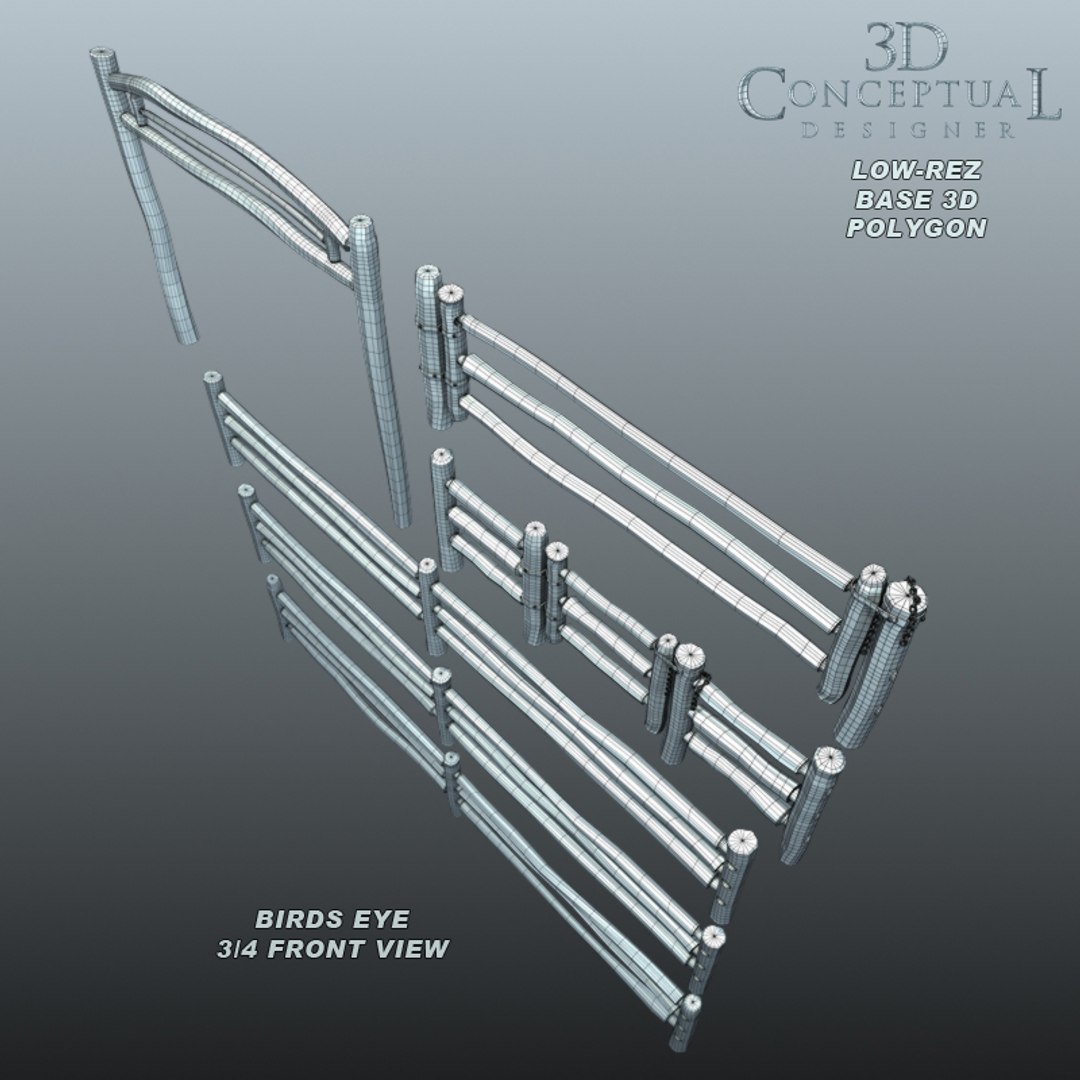
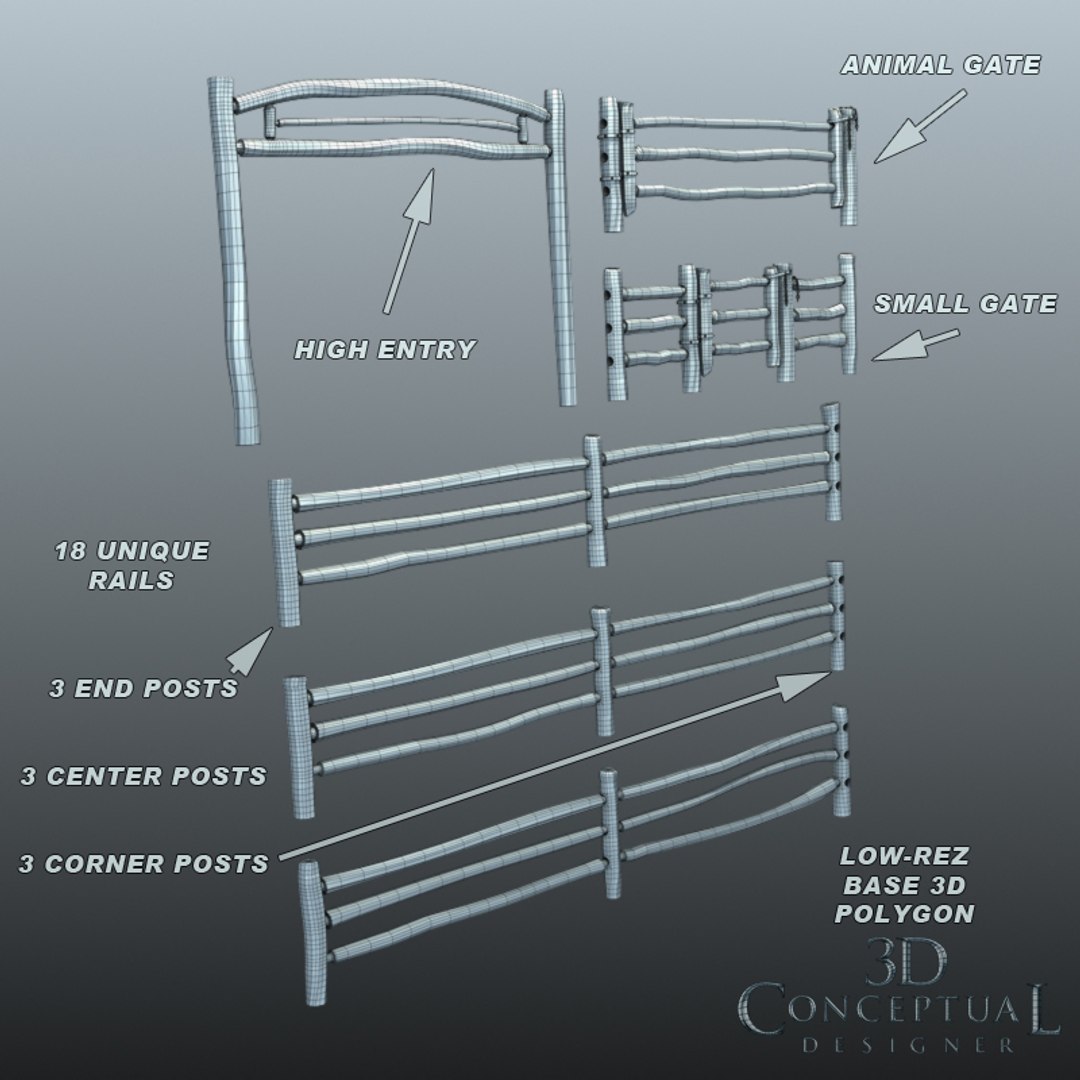
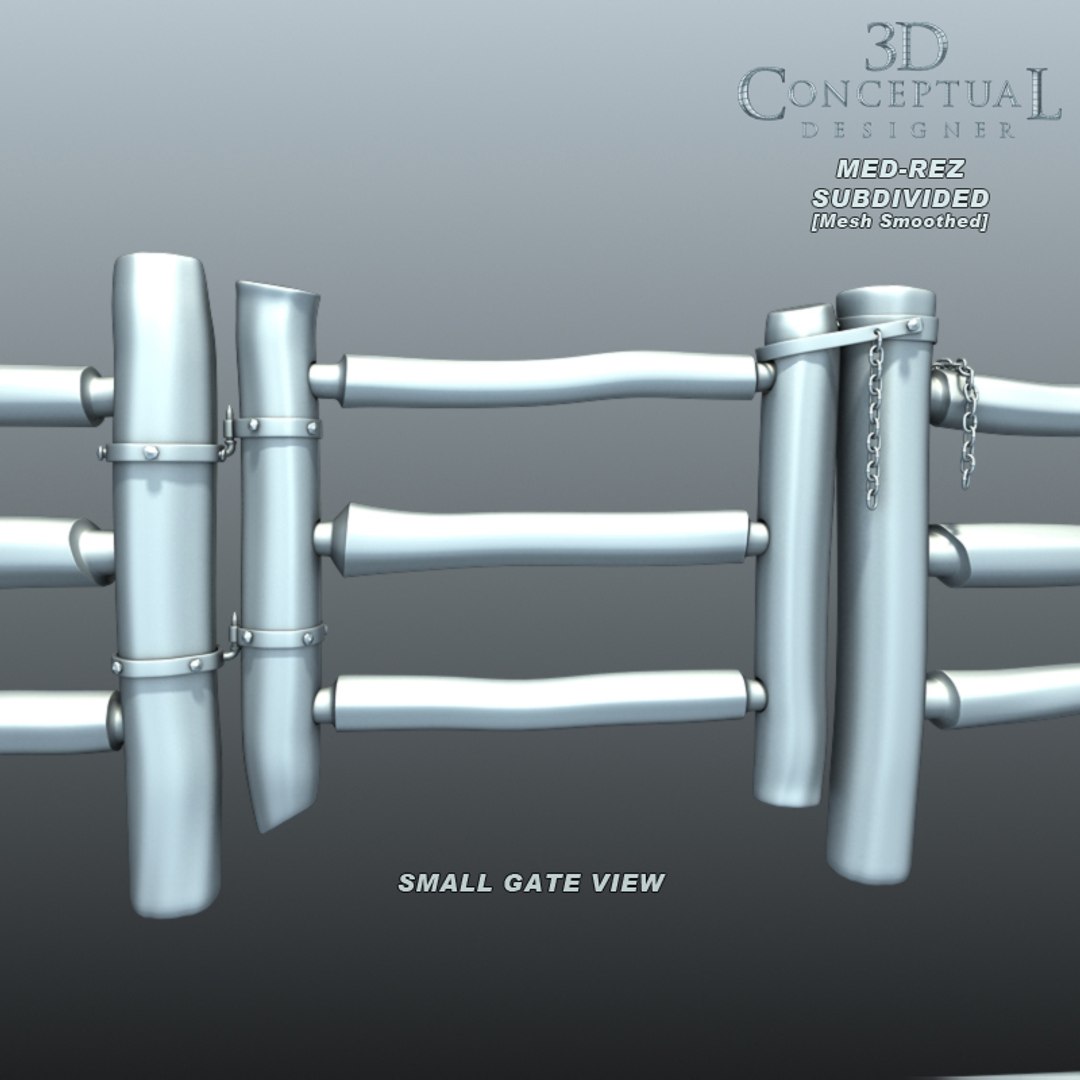
A full sub-division model set of a Log Fencing system to create corrals and areas in your 3D illustrations and Architectural renderings.

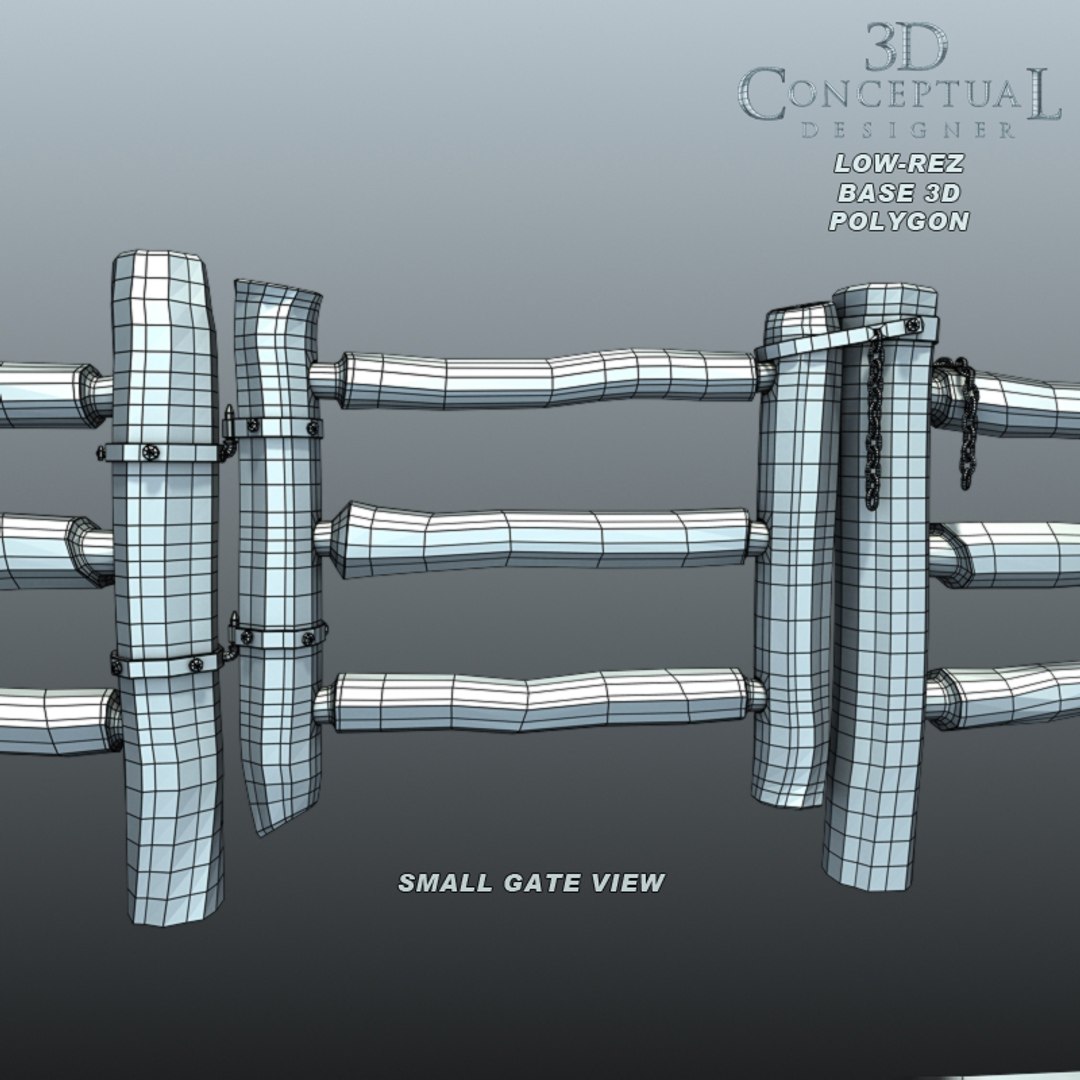
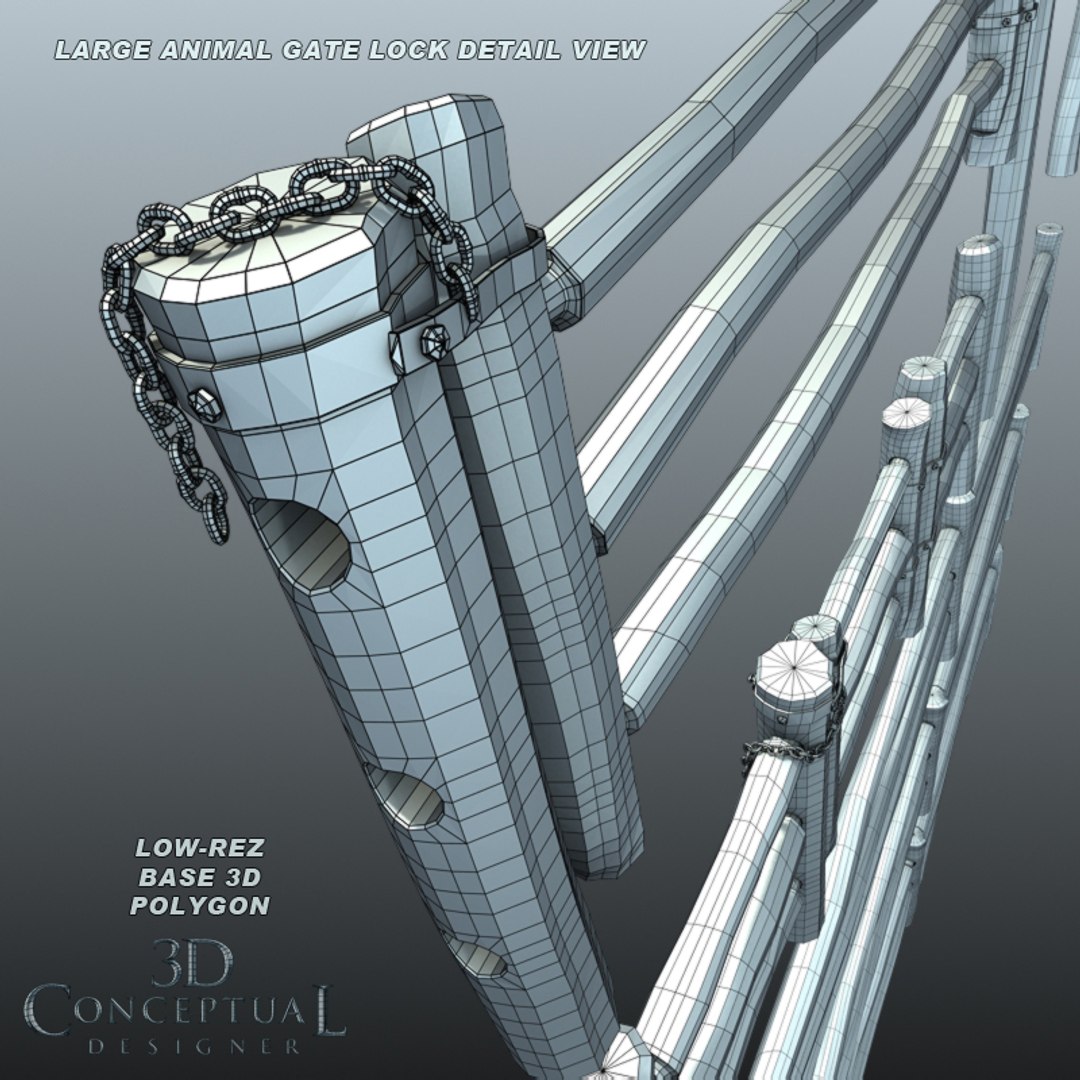
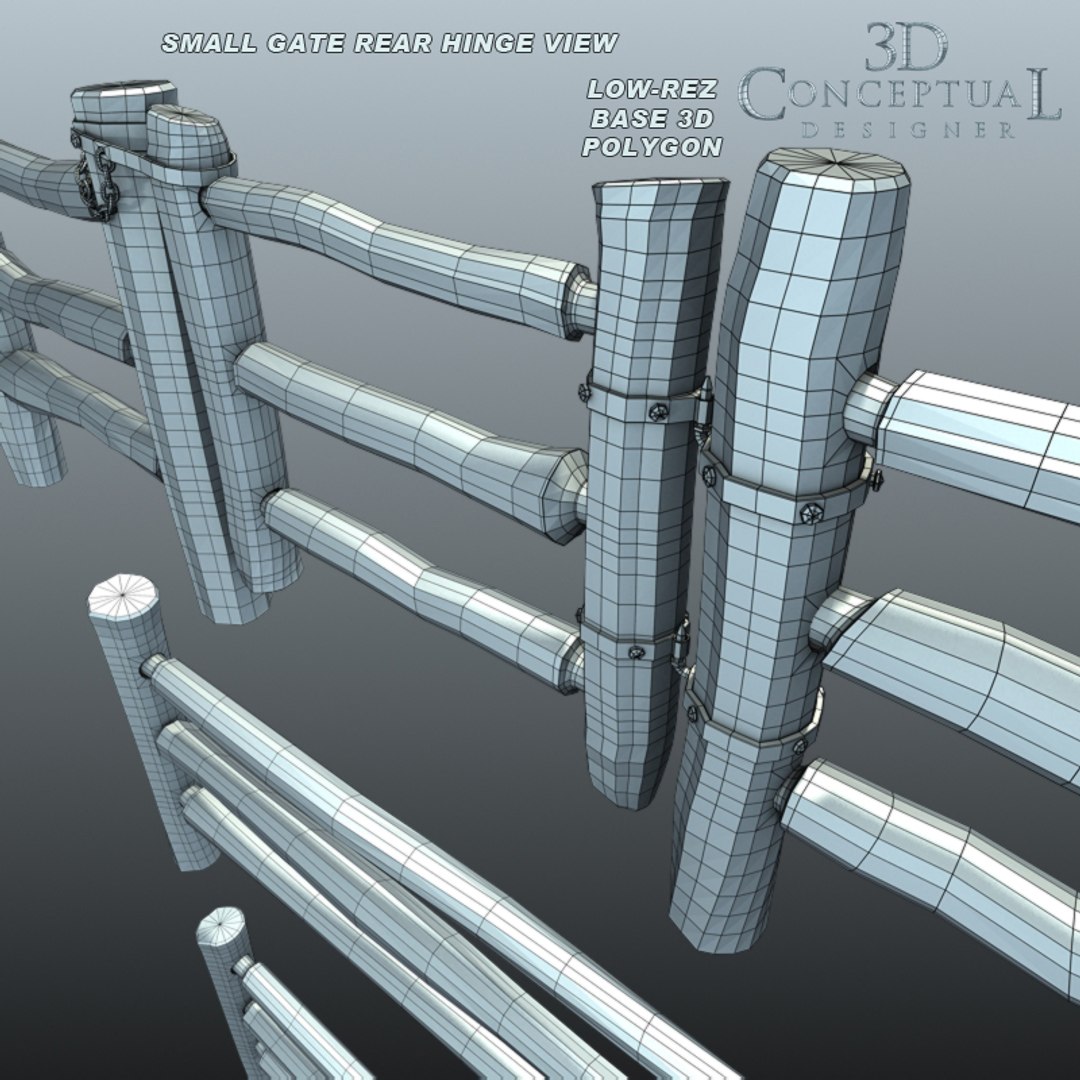
The two gates, an animal sized one and a typical ranch hand gate are both grouped with a pivot at the hinge points, and all rails and posts are unique giving enough parts to mix and match up with the natural characteristics of of a Log Fence System.

There are 18 unique rails and three each of the main posts with ends, centers, and corners, all named and color coded to ID as well in your fence building. All joints are mortise and tenon, cut into the posts so you can have the fence broken up a bit from the horses.

All parts are named and the gates are grouped as well to quickly set up a fenced area.


This very detailed model has over 180 individual parts all named and grouped in sets to easily ID and adjust.

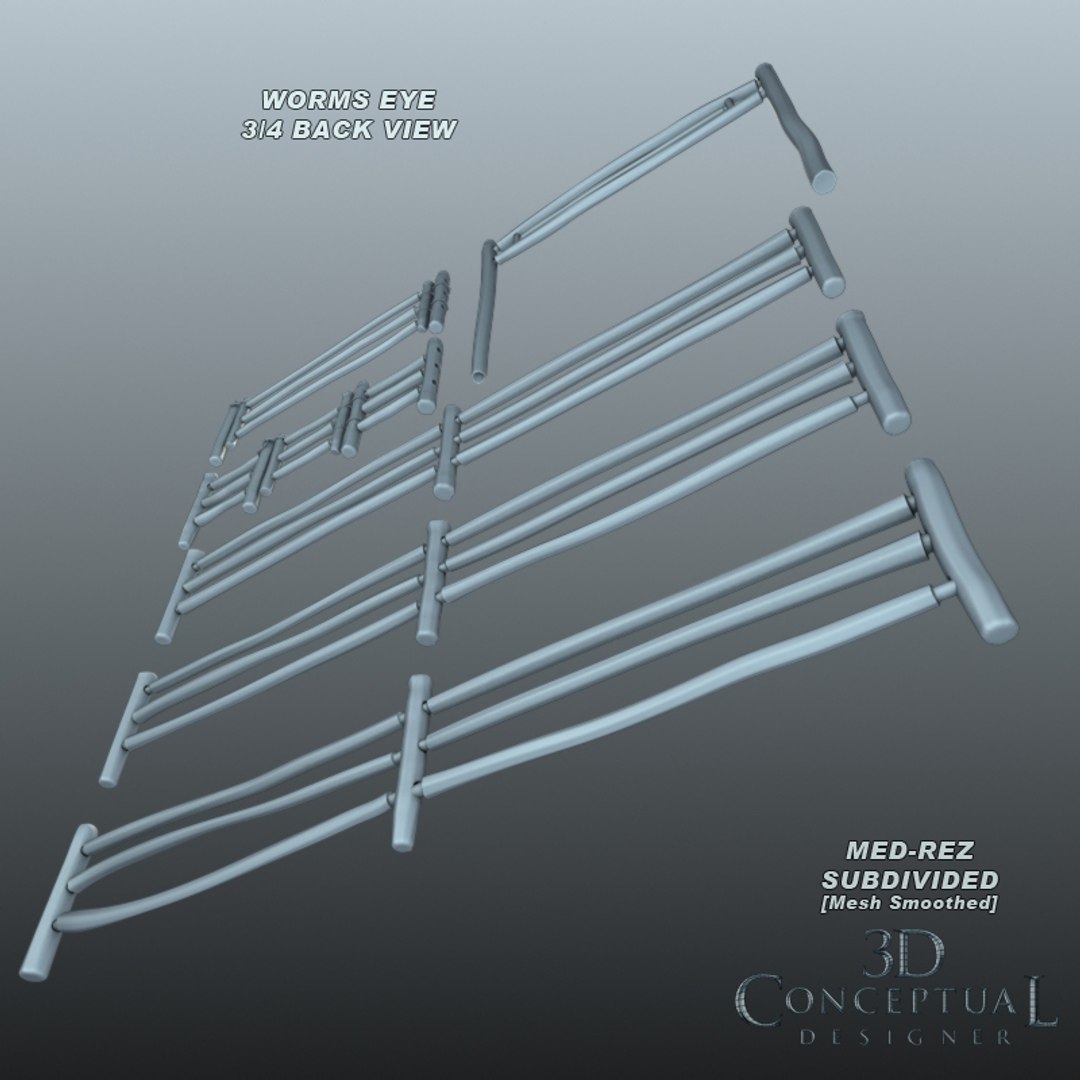
All parts are subdivision with the 3DSmax turbo-smooth off in the Modifier Stack, but ready when you are.

NOTE:
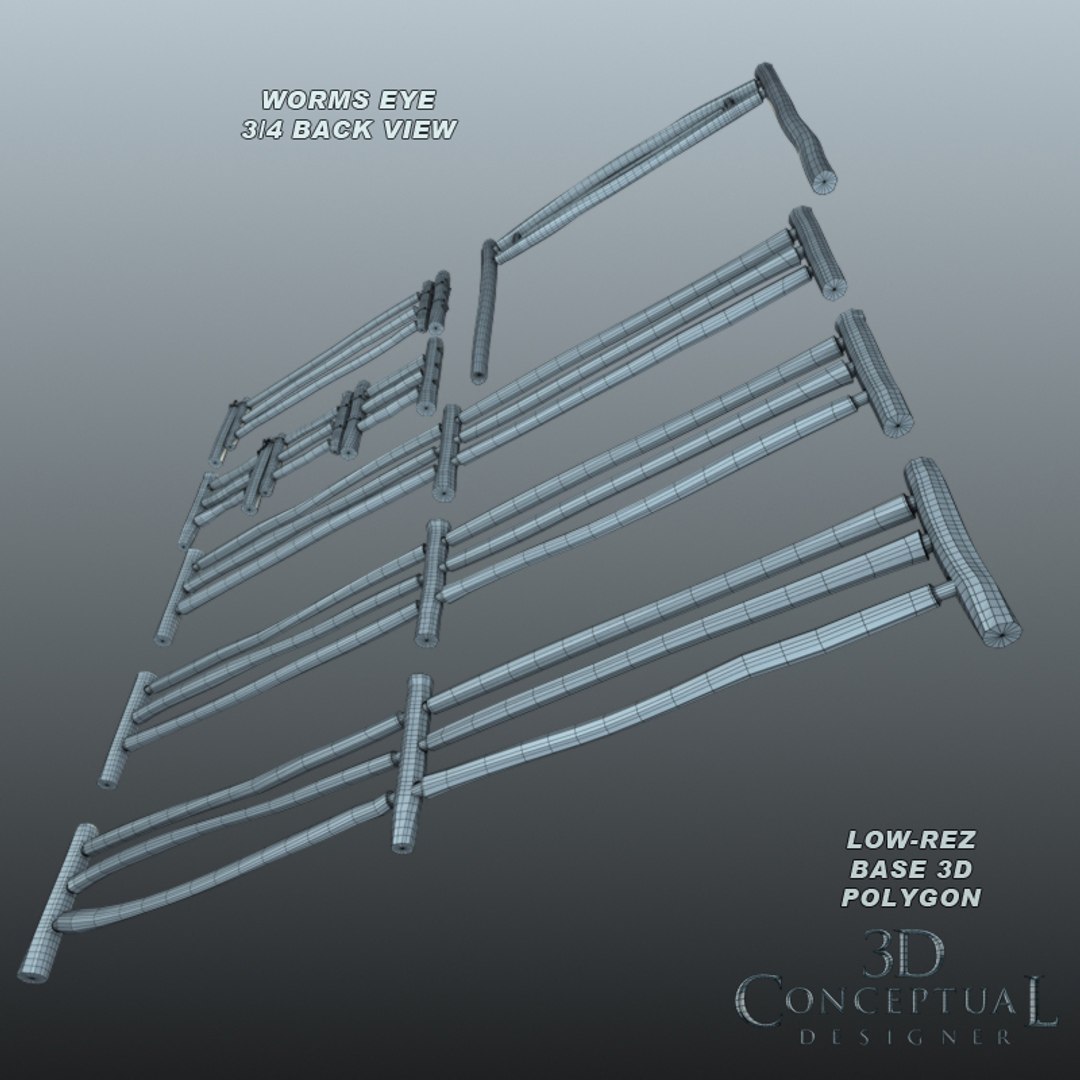
The FBX,and OBJ formats are ONLY saved as the base mesh [LOW-REZ], so you can add your own subdivision from the program you import the file into.

Select Enhanced License

  • $10,000 in Legal Protection (Indemnification)
  • Uncapped Legal Protection (Indemnification)
  • Waiver from injunctive relief
  • Assignable model rights
  • $1,000,000 in Legal Protection (Indemnification)
  • Waiver from injunctive relief
  • Assignable model rights
  • $250,000 in Legal Protection (Indemnification)
  • Assignable model rights
Read more about enhanced license tiers, or contact us at enterprise@turbosquid.com. Already a Shutterstock Enterprise Customer? Contact your Shutterstock Sales Support Agent to talk about adding 3D.

About Conversion Requests

To submit a conversion request for a purchased asset, please complete our Conversion Request Form.

If you have not yet purchased a model, please review our Documentation about Conversions to learn about what limitations you may encounter with a conversion.

For any additional questions about a model’s suitability for conversion, please contact TurboSquid Support.

Loading...