
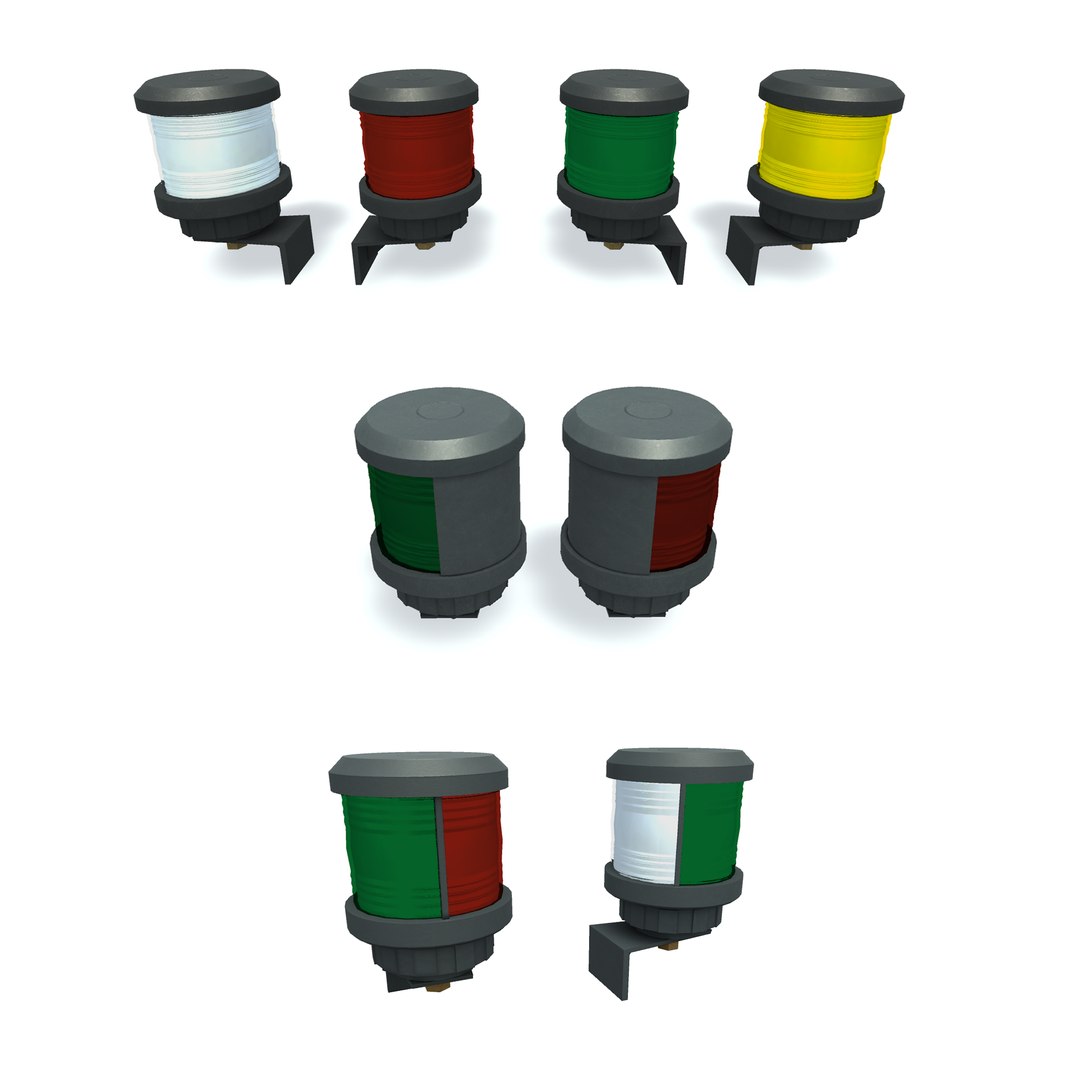
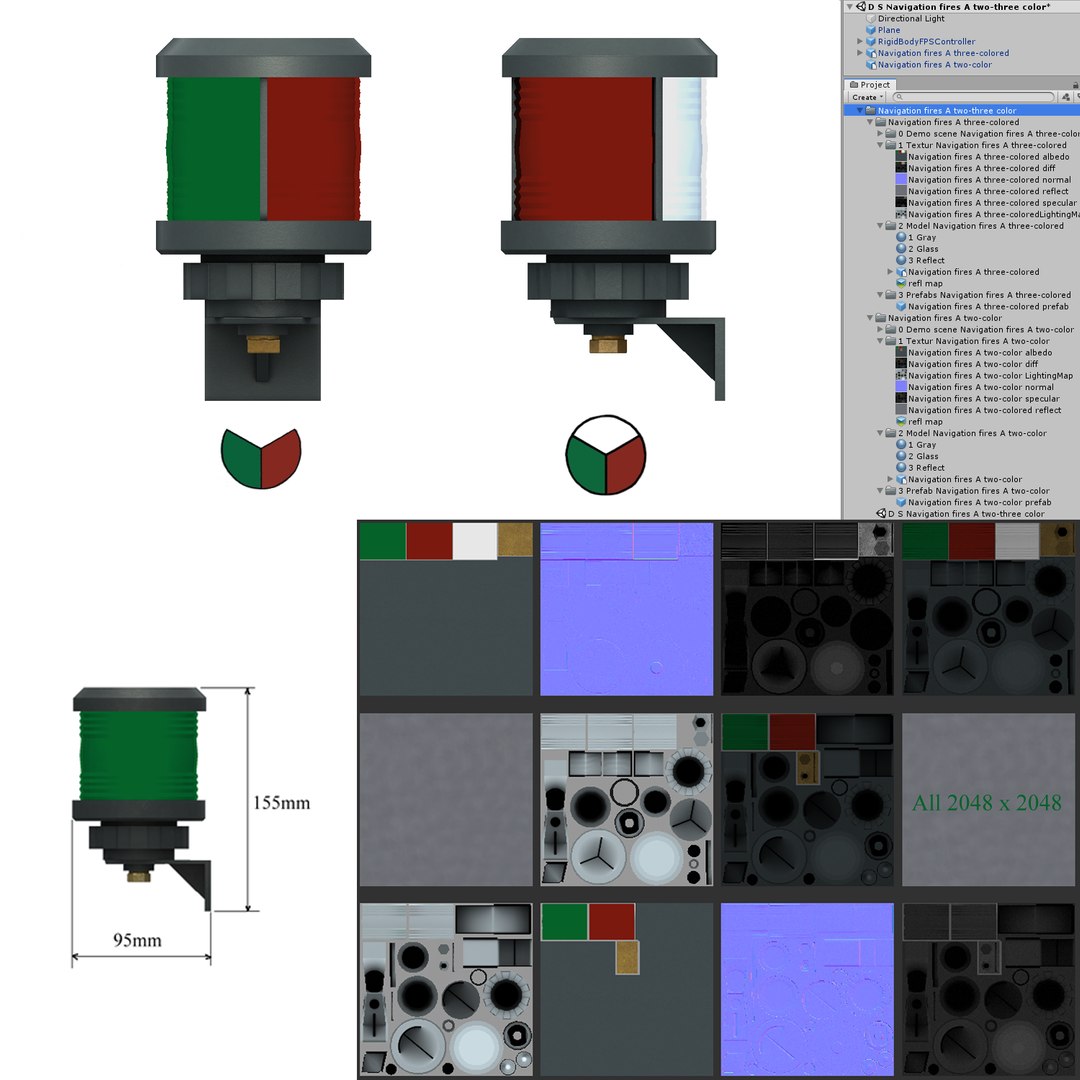
Navigation fires A circular right left two-three color

$26

Standard License | Upgrade License
Formats (3)
Free file format Conversions available
FBX
Specifications
Publish Date August 22, 2019
Product ID 1439308
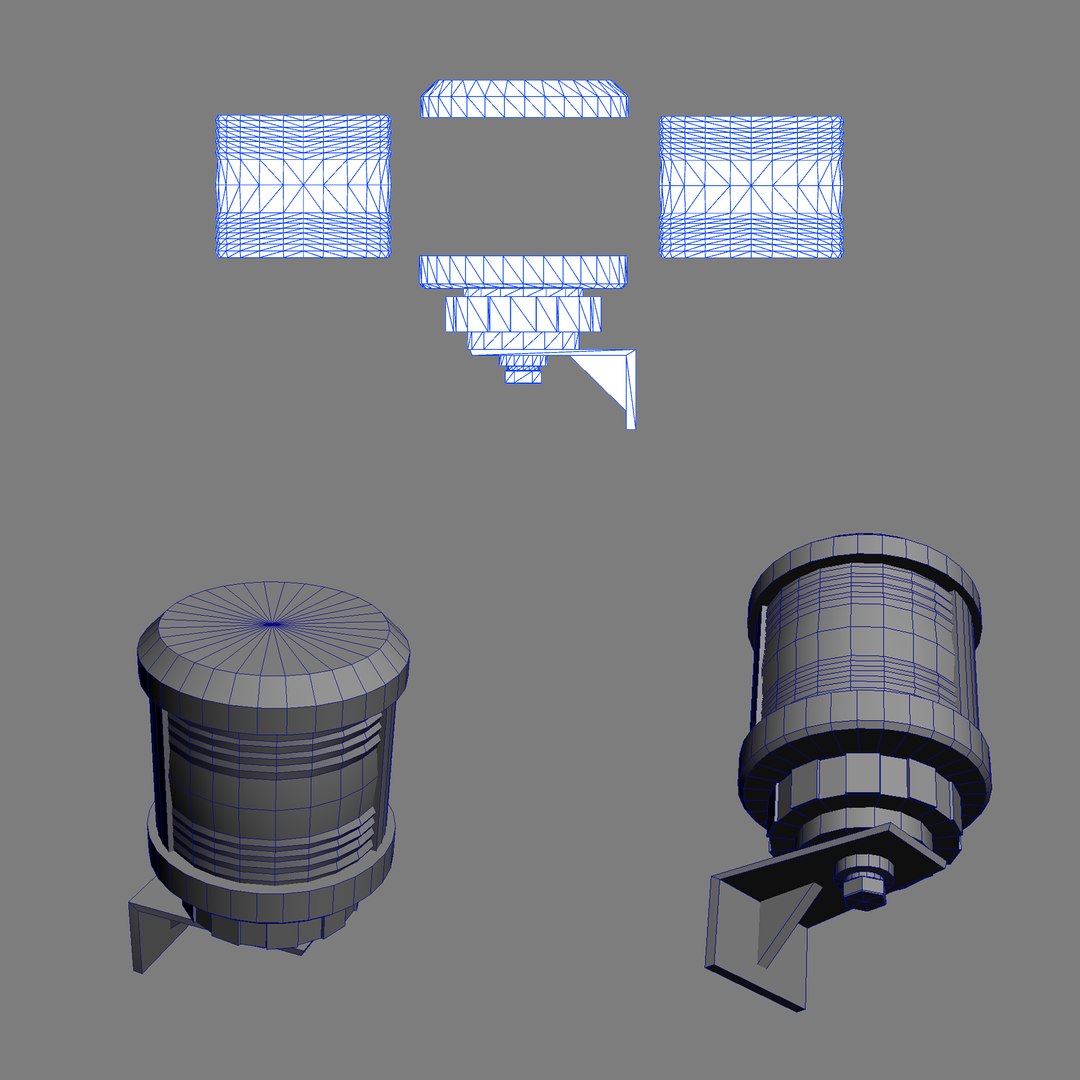
Polygons 1
Vertices 1
Polygonal
Textures
Materials
UV Mapped
Non-overlapping Unwrapped UVs
TurboSquid Exclusive
member avatar
Andrey VK
269 Products | Contributor Since 2012
Have questions? Chat with us now.

Description

Look at the 3D model - Additional information.

3D model of a Navigation fires.

Model - "Navigation fires A circular right left two-three color". In the fbx format.

Unwrap UVW - is made.

In a set there are UVW files.

Map Channel 32

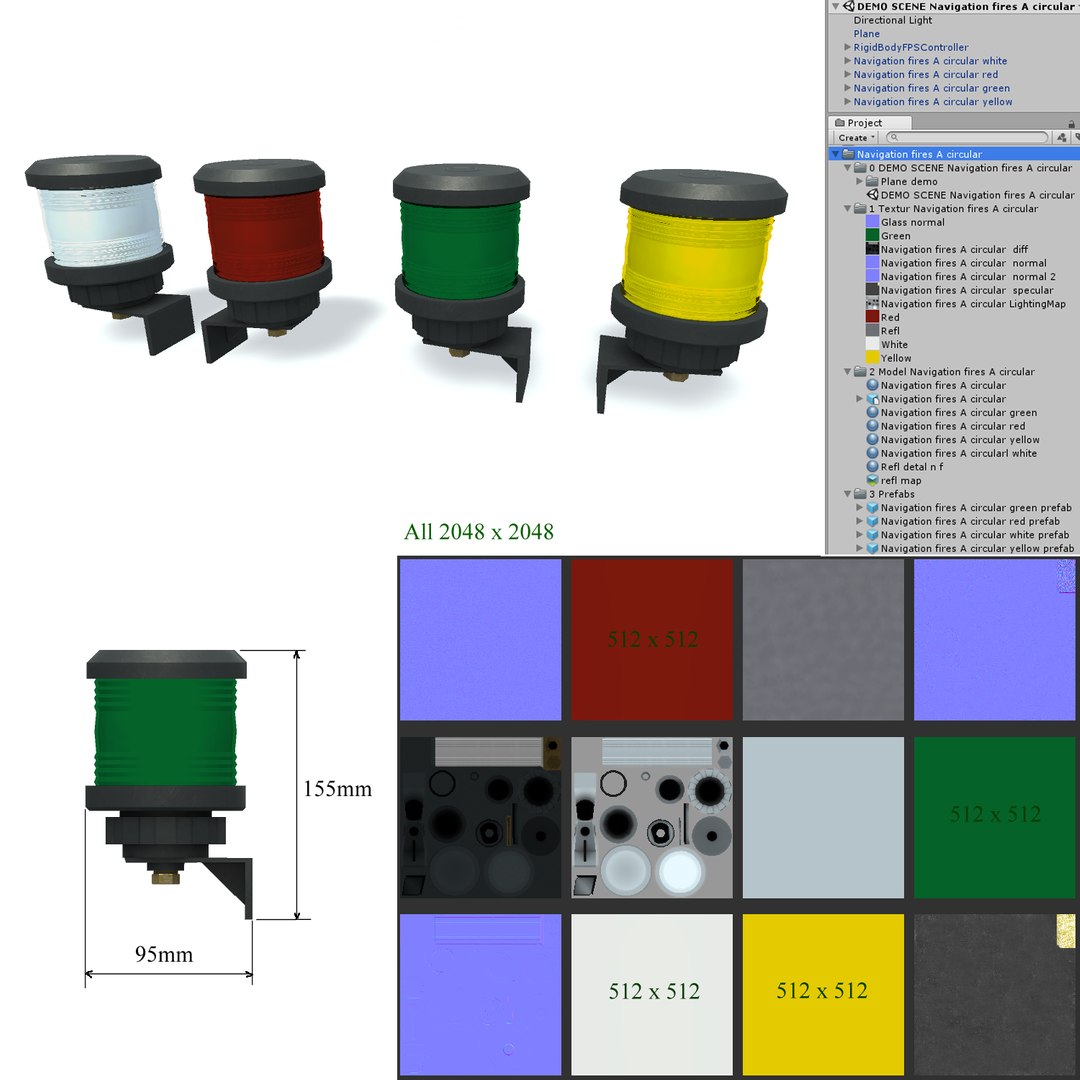
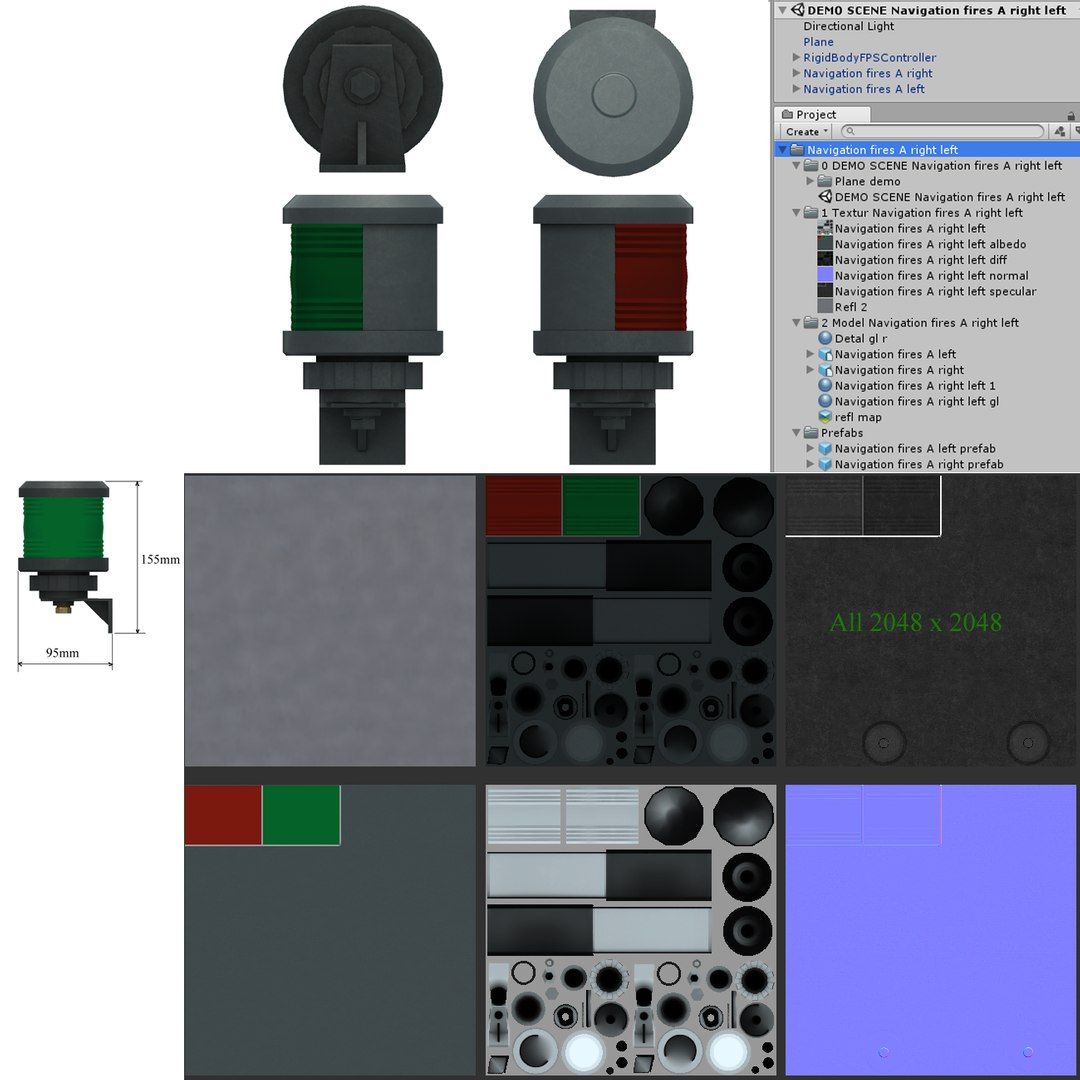
Textures: LightingMap, Normal, Diffuse, Specular. Png format.

The model - "Navigation fires A circular right left two-three color" without problems can be converted

in Unity game engine. Unity 2018

You watch the last screenshot. On a screenshot the maintenance of a set.

Great number of 3D editors understand the fbx format. It is converted without problems.


Navigation fires A circular:

Vertices: 1392

Faces: 2600
----------------------------------------------------------------------------------------------------
Navigation fires A right left:

Vertices: 954

Faces: 1708
----------------------------------------------------------------------------------------------------

Navigation fires A two-three color:

Navigation fires A two-color

Vertices: 1272

Faces: 2232


Navigation fires A three-colored

Vertices: 1530

Faces: 2636

Select Enhanced License

  • $10,000 in Legal Protection (Indemnification)
  • Uncapped Legal Protection (Indemnification)
  • Waiver from injunctive relief
  • Assignable model rights
  • $1,000,000 in Legal Protection (Indemnification)
  • Waiver from injunctive relief
  • Assignable model rights
  • $250,000 in Legal Protection (Indemnification)
  • Assignable model rights
Read more about enhanced license tiers, or contact us at enterprise@turbosquid.com. Already a Shutterstock Enterprise Customer? Contact your Shutterstock Sales Support Agent to talk about adding 3D.

About Conversion Requests

To submit a conversion request for a purchased asset, please complete our Conversion Request Form.

If you have not yet purchased a model, please review our Documentation about Conversions to learn about what limitations you may encounter with a conversion.

For any additional questions about a model’s suitability for conversion, please contact TurboSquid Support.

Loading...